
Sunset Skater in Baggy Jeans
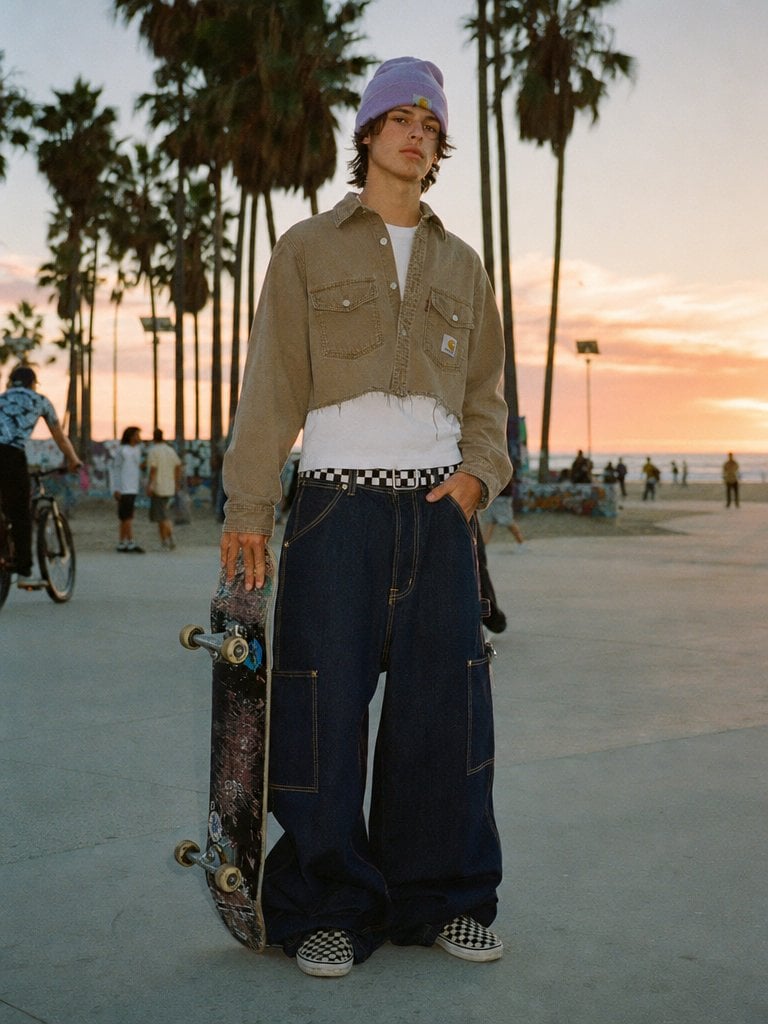
A realistic fashion-editorial skate photo featuring oversized baggy jeans, useful for streetwear, denim, and lifestyle image generation.
- Prompt included
- Model and format preset
- Free template
The prompt behind this image
Copy the exact prompt behind Sunset Skater in Baggy Jeans, or open it in the studio and make it yours.
A full-body street fashion photo of a young skater standing on a concrete beachside boardwalk at sunset, with tall palm trees silhouetted in the background and a warm pastel sky fading from peach to pale gold. The subject faces the camera in a relaxed editorial pose, one hand in a pocket and the other holding a worn skateboard vertically by the trucks. He wears a {argument name="beanie color" default="lavender"} knit beanie over shaggy medium-length dark hair, an oversized cropped faded tan workwear overshirt with two chest flap pockets and a small square logo patch, a plain white T-shirt visible underneath, a black-and-white checkerboard belt, extremely oversized dark indigo baggy jeans with contrast stitching and large utility-style patch pockets, and checkerboard slip-on skate shoes. The jeans should be the hero piece: extra wide leg, pooled and draping heavily over the shoes, exaggerated volume but believable denim structure. Natural candid photography, slightly soft filmic focus, muted tones, subtle grain, realistic lighting, fashion editorial meets skate culture, shot at eye level with a 35mm lens, shallow depth of field, Venice Beach atmosphere, background figures including a few pedestrians and 1 cyclist kept small and out of focus.
How to use Sunset Skater in Baggy Jeans in 3 steps
- 1Upload ImagePNG, JPG or paste
Add your photo
Upload the photo the template builds on. The prompt, model and format are already set.
- 2…a portrait of your subject in softgolden-hour light, 85mm…
Personalize
Edit the subject and creative details for your destination.
- 3Generate
Generate
Press Generate — your image is created in PicX Studio, so you can compare it with the original and refine one variable at a time.
More like this
Templates with the same subject, style or setup. Open one to see its prompt.

Mountain Lake Sunset Landscape

Artistic Arborpunk Garden Observatory Complex
Editorial Portrait in Extreme Baggy Jeans

Indian Village Cattle Herding — Nano Banana
Oakley Skater Sunglasses Ad
Outdoor Baggy Fashion Portrait
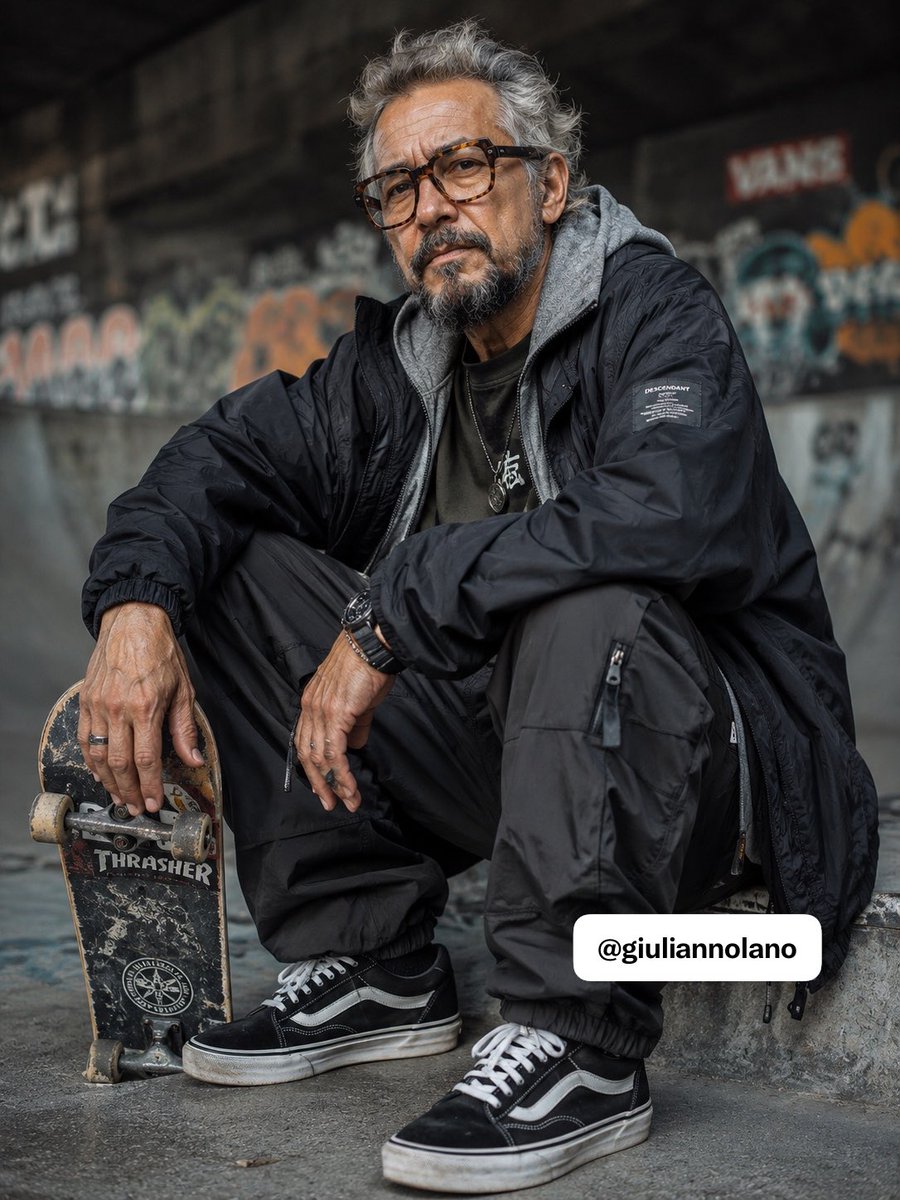
Elderly Skater Street Portrait
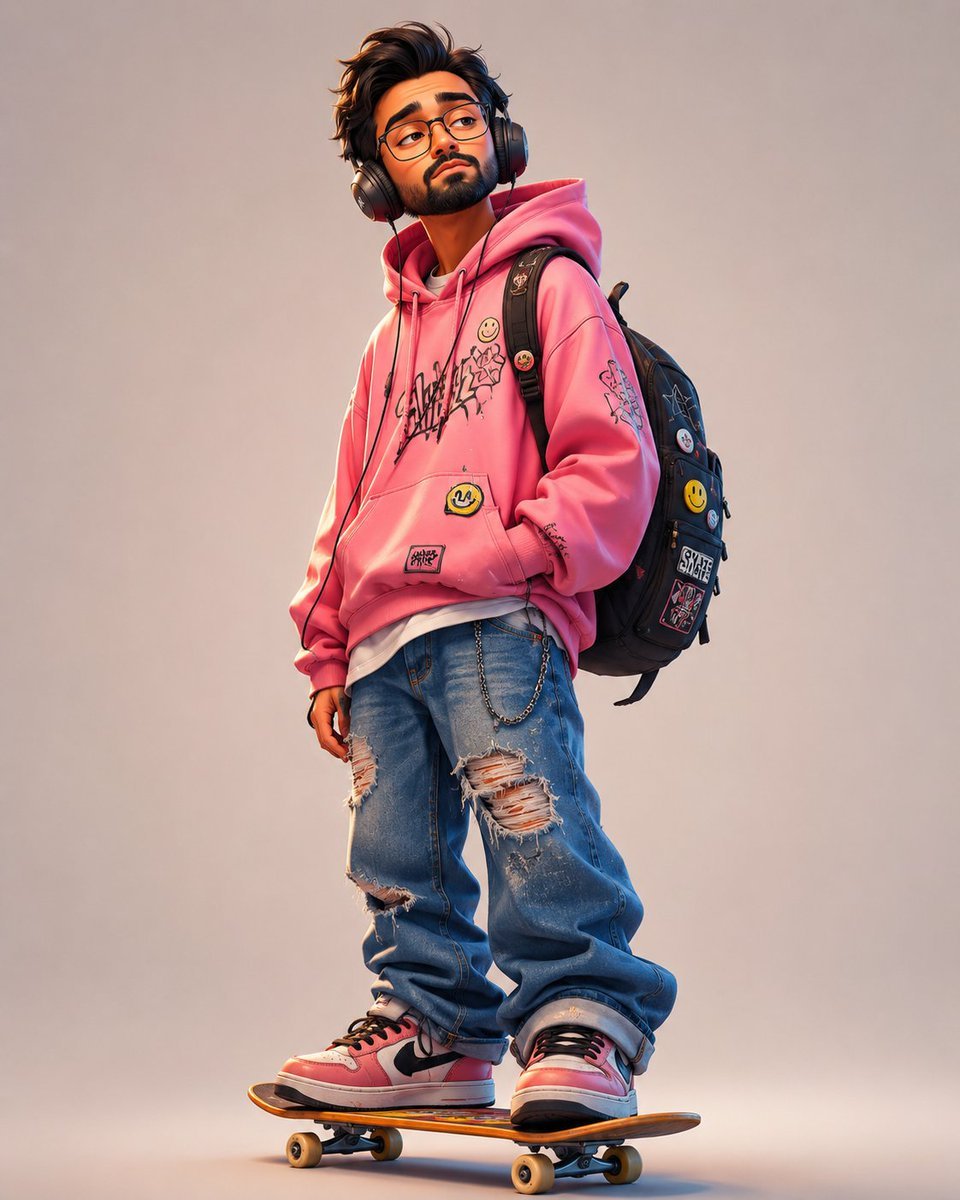
Anonymous Pink Hoodie Skater
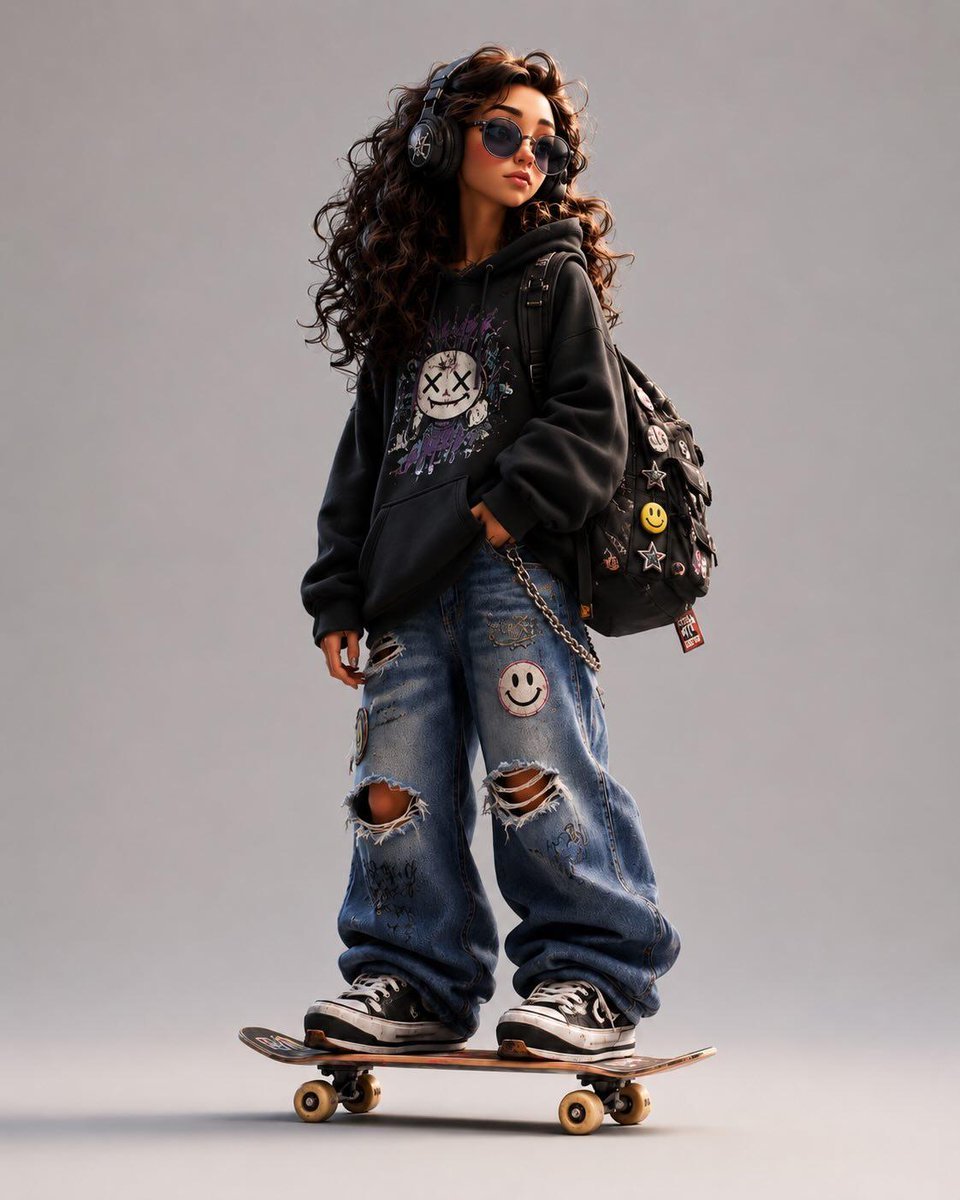
3D Stylized Cartoon Skater
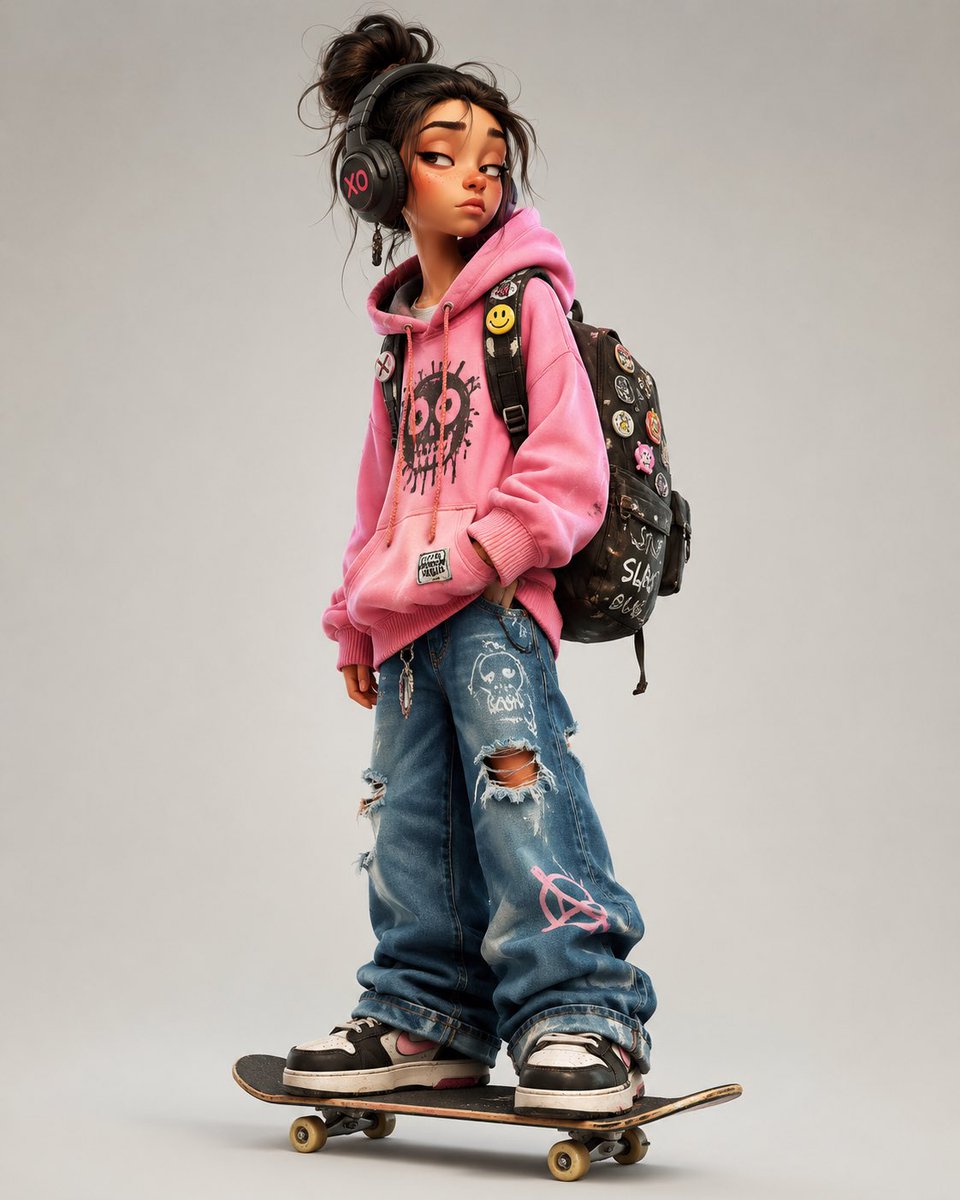
3D Urban Skater Character
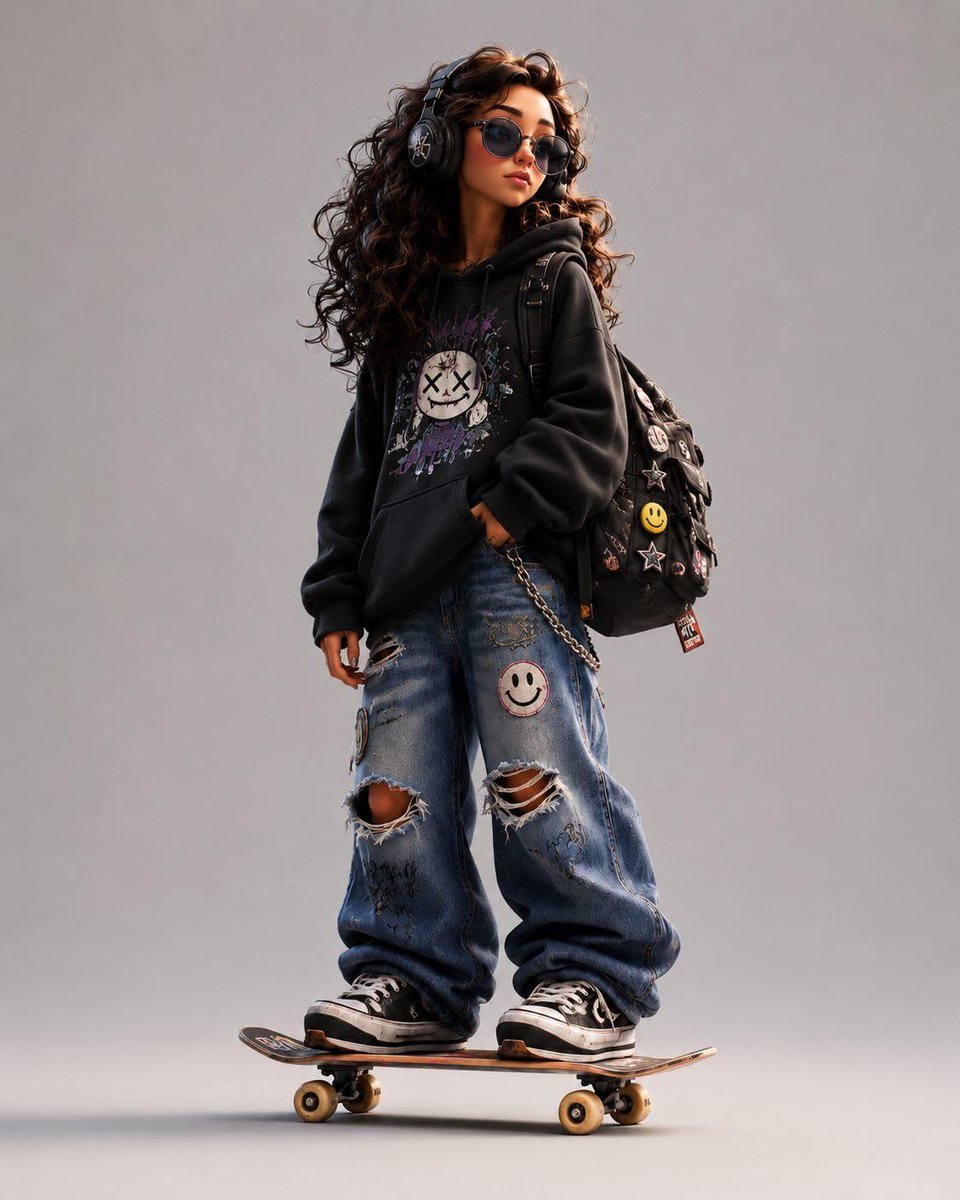
Stylized Urban 3D Skater Character
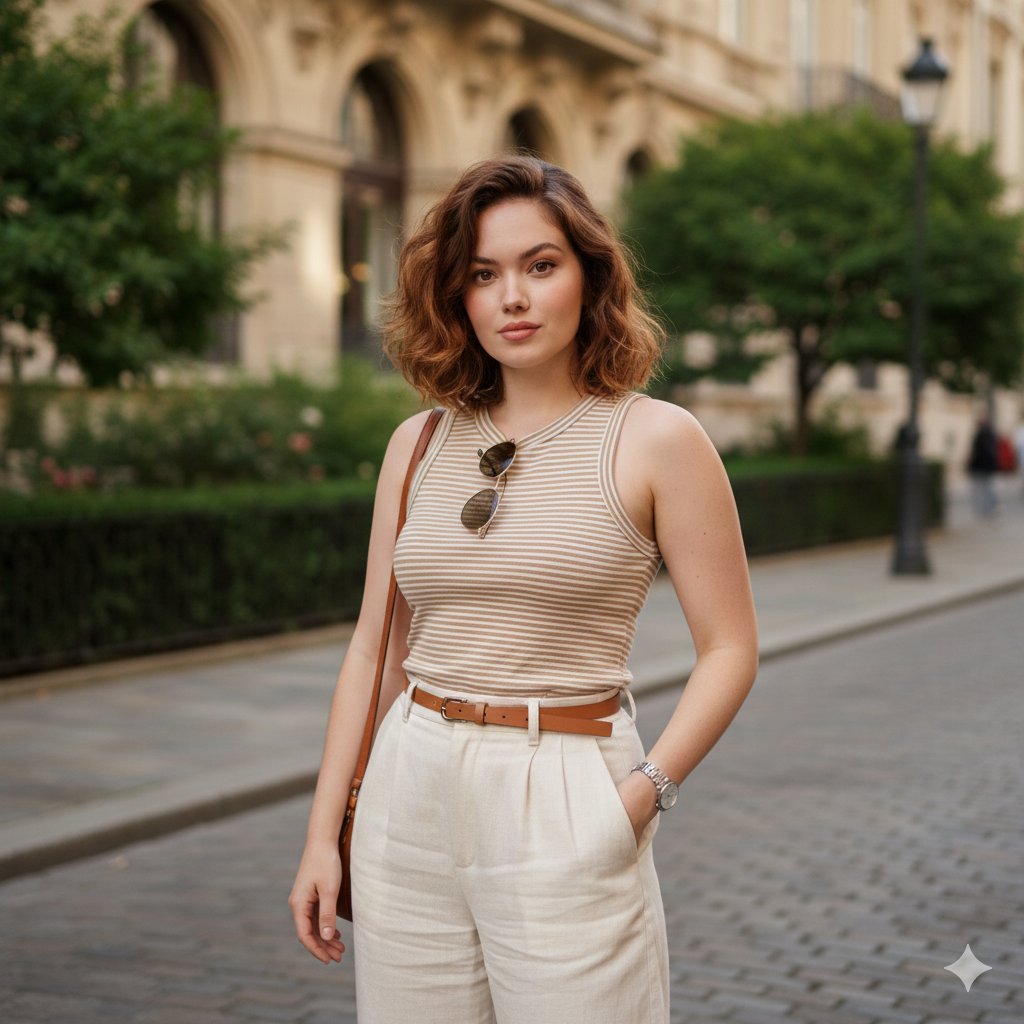
Urban Street Portrait with Baggy Pants Prompt
Make it yours
Sunset Skater in Baggy Jeans works as-is. These are the safest ways to change it without losing the look.
Change one field
Copy a single group, rewrite it, and generate again so you can see what that field is doing.
Keep the frame, change the subject
Hold the composition and light of Sunset Skater in Baggy Jeans, then swap wardrobe, props or the person for a new take.
| If the result… | Why | Fix |
|---|---|---|
| The result drifts from the preview | Too many fields changed at once. | Reuse Sunset Skater in Baggy Jeans as-is first, then change one group — subject, light, or setting. |
| The model over-stylizes the scene | The prose prompt leaves finish and camera underspecified. | Add one camera or lighting sentence and stay on GPT Image 2. |
More GPT Image 2 templates
Other prompts made for GPT Image 2.

Six VTuber Japanese Logo Sheet

Realistic Portrait of Woman and Deer

The Vista Modular Condo Poster

AI Model Routing Comparison Infographic

2.5D Anime Art Board

Isometric Productivity Desk Scene

New York Double Exposure Poster

Four-Panel AI Landscape Comparison

Japanese Tatami Lifestyle Magazine Cover

NESCAFÉ Coffee Map Poster
More image prompts
Fresh picks from across the catalog.
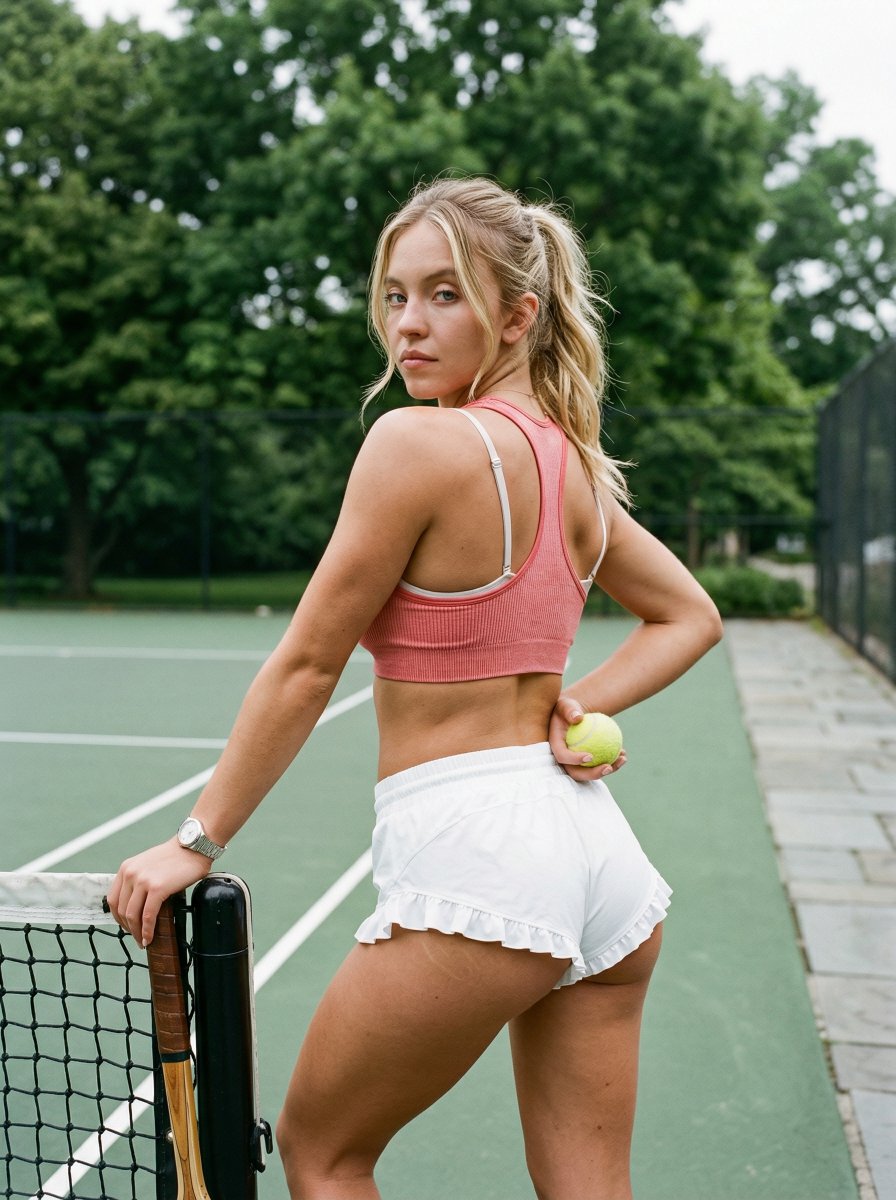
Curvy Woman Tennis Court Portrait
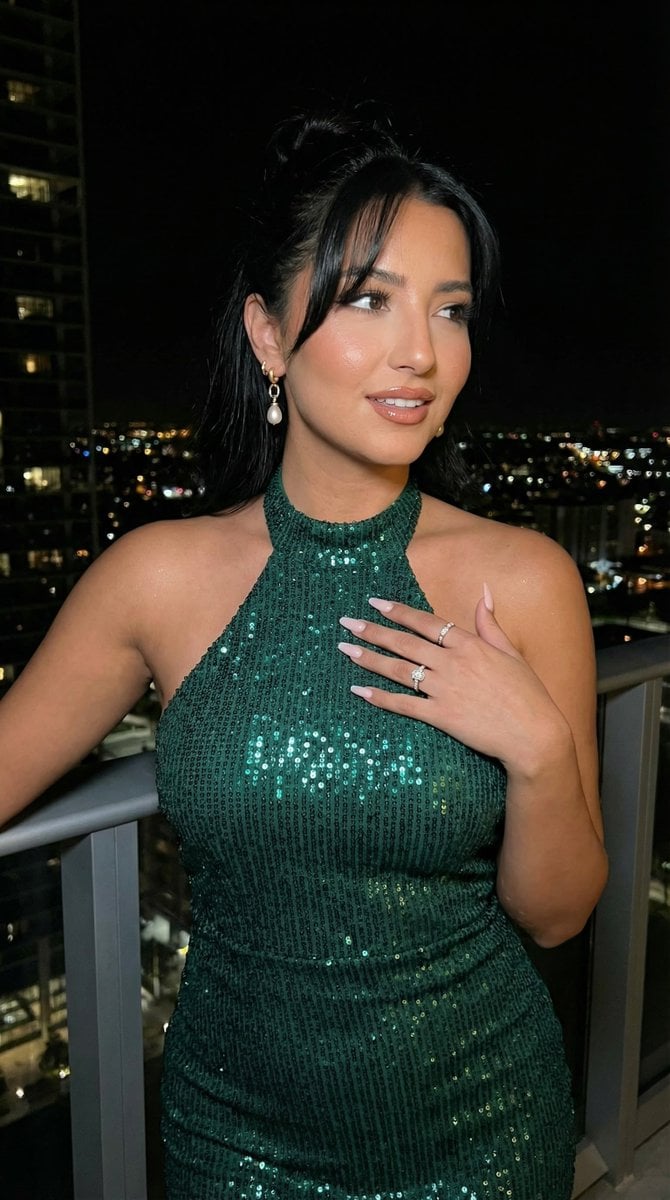
High-Fashion Editorial Scene Relocation Prompt
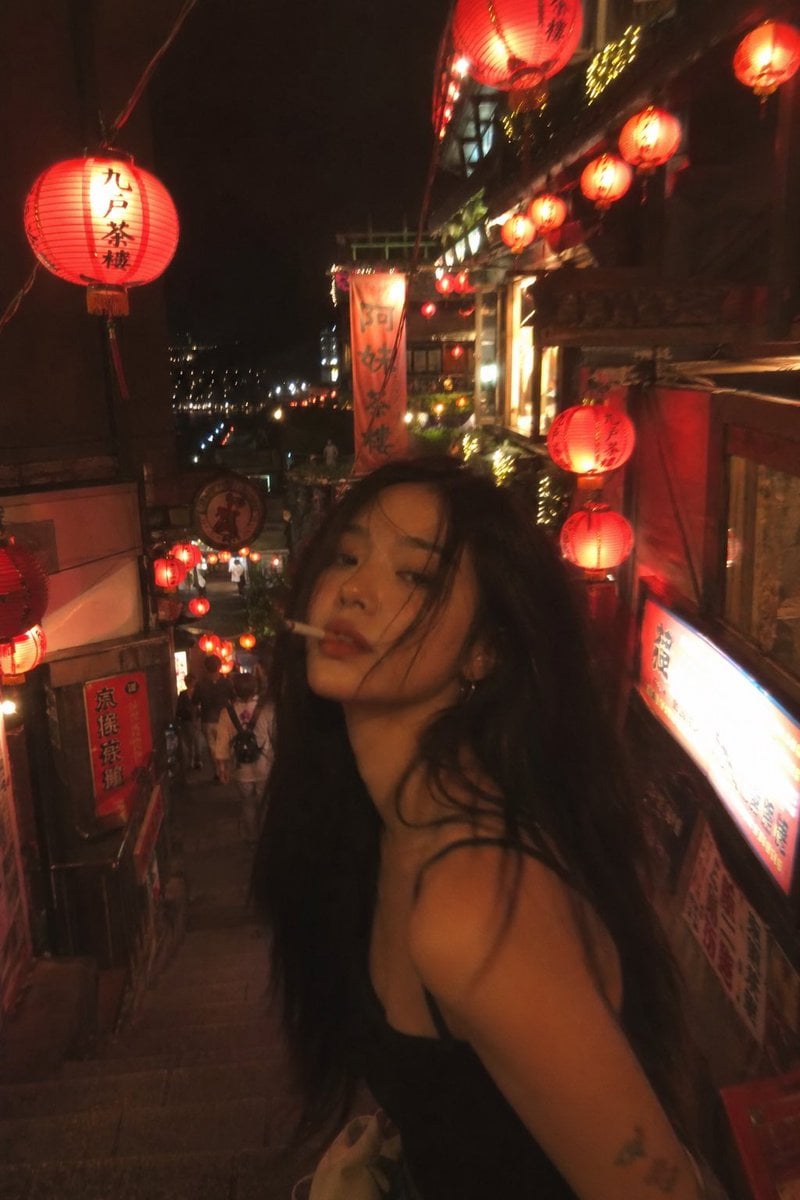
Asian Fashion Model in Taipei Night Scene
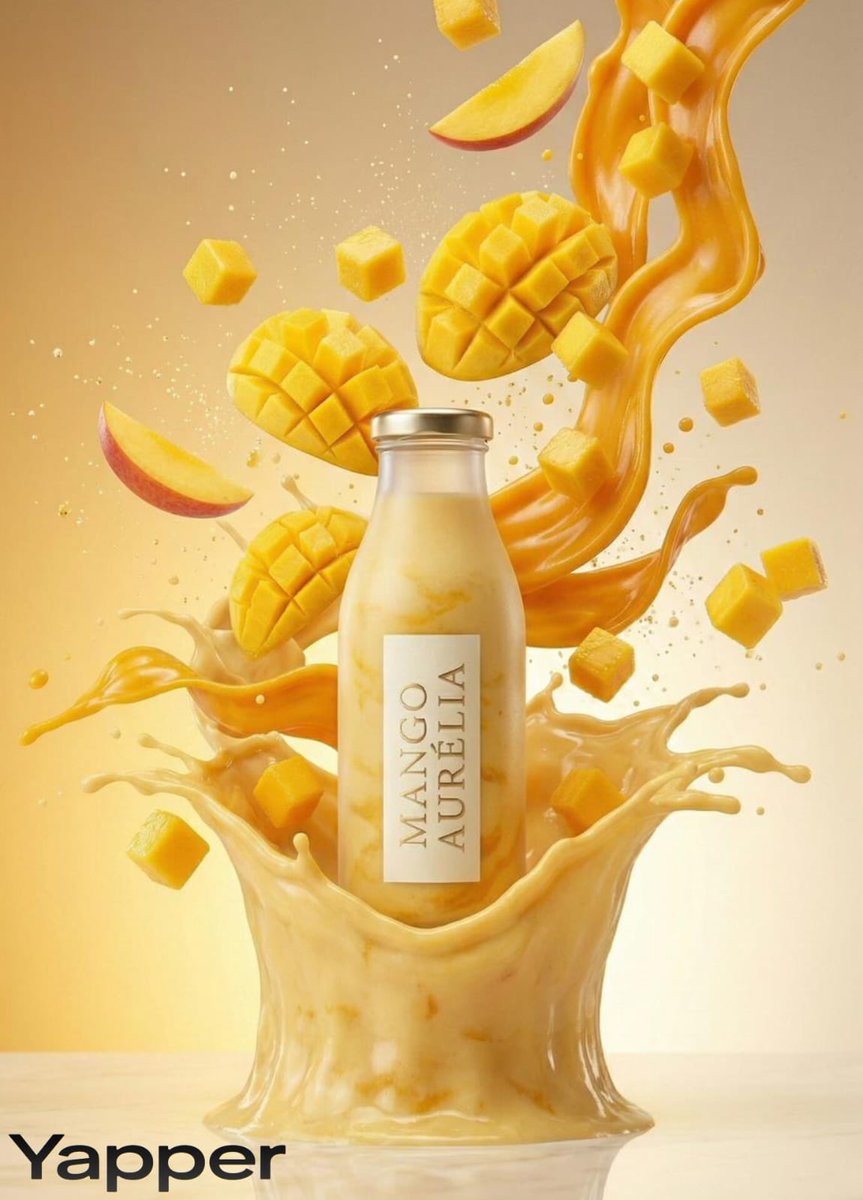
Luxury Mango Shake Splash Photography Prompt
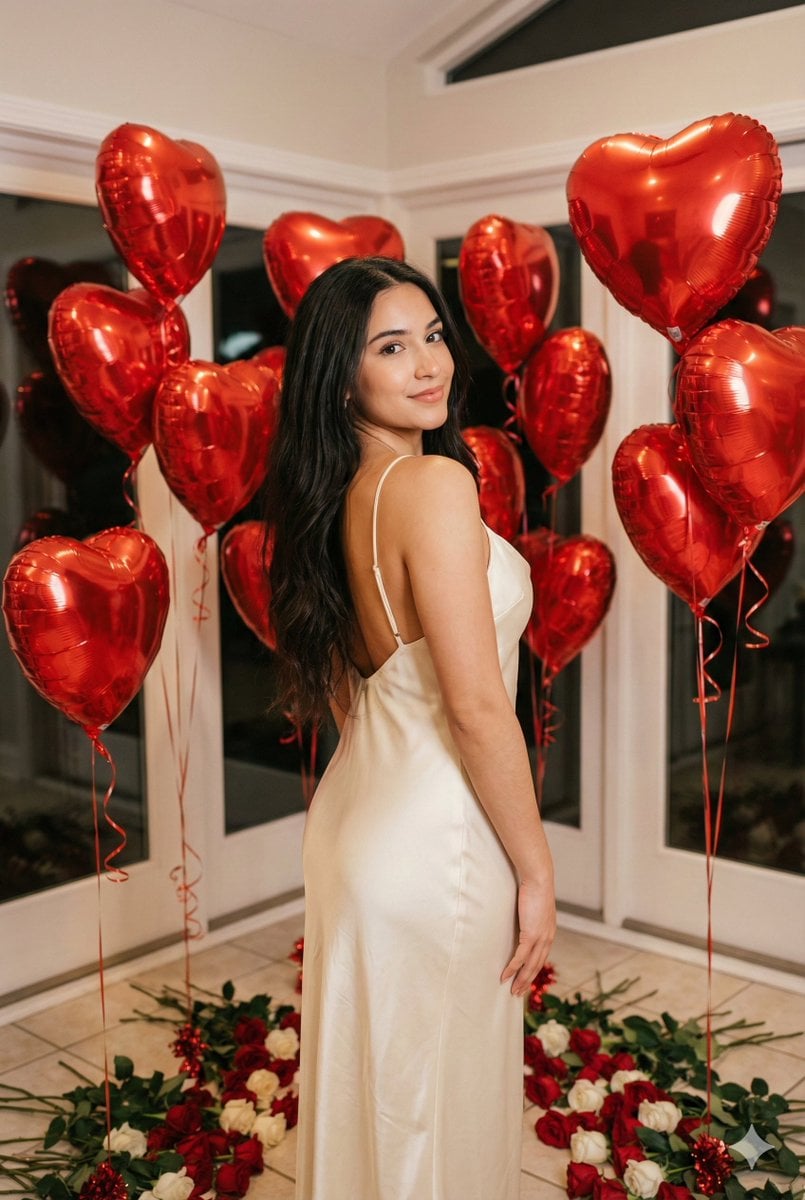
Romantic Valentine's Day Influencer Portrait
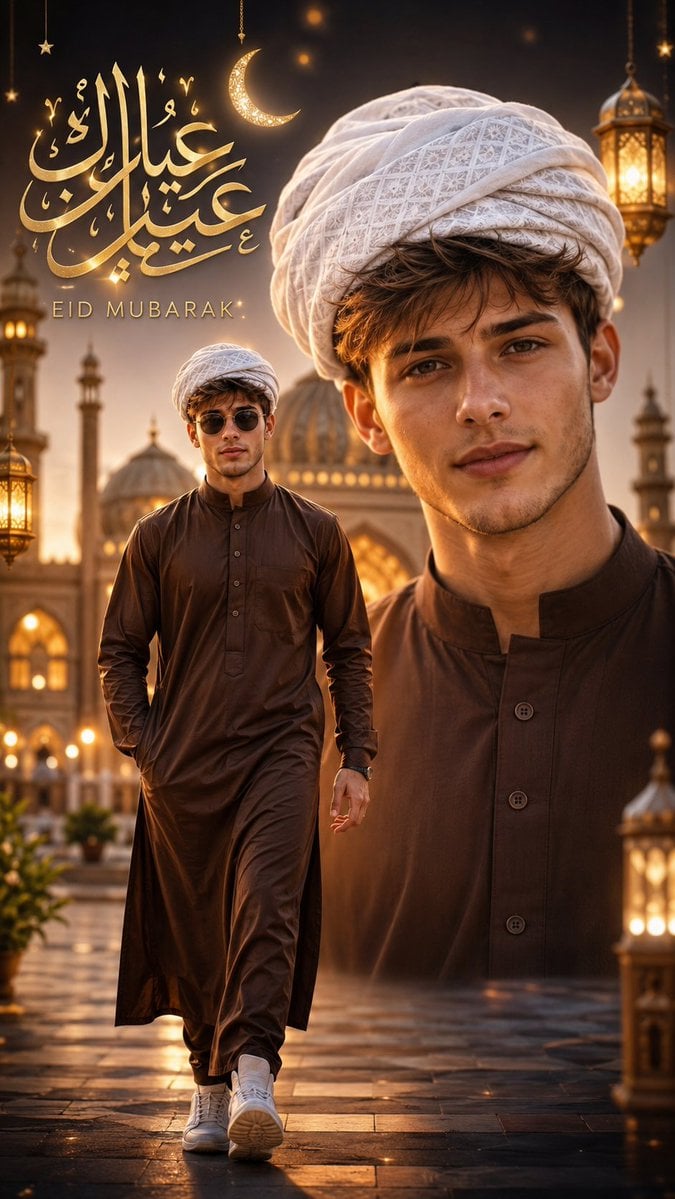
Eid Mubarak Stylized Composition

Red Carpet Premiere Gala Prompt (Multilingual)
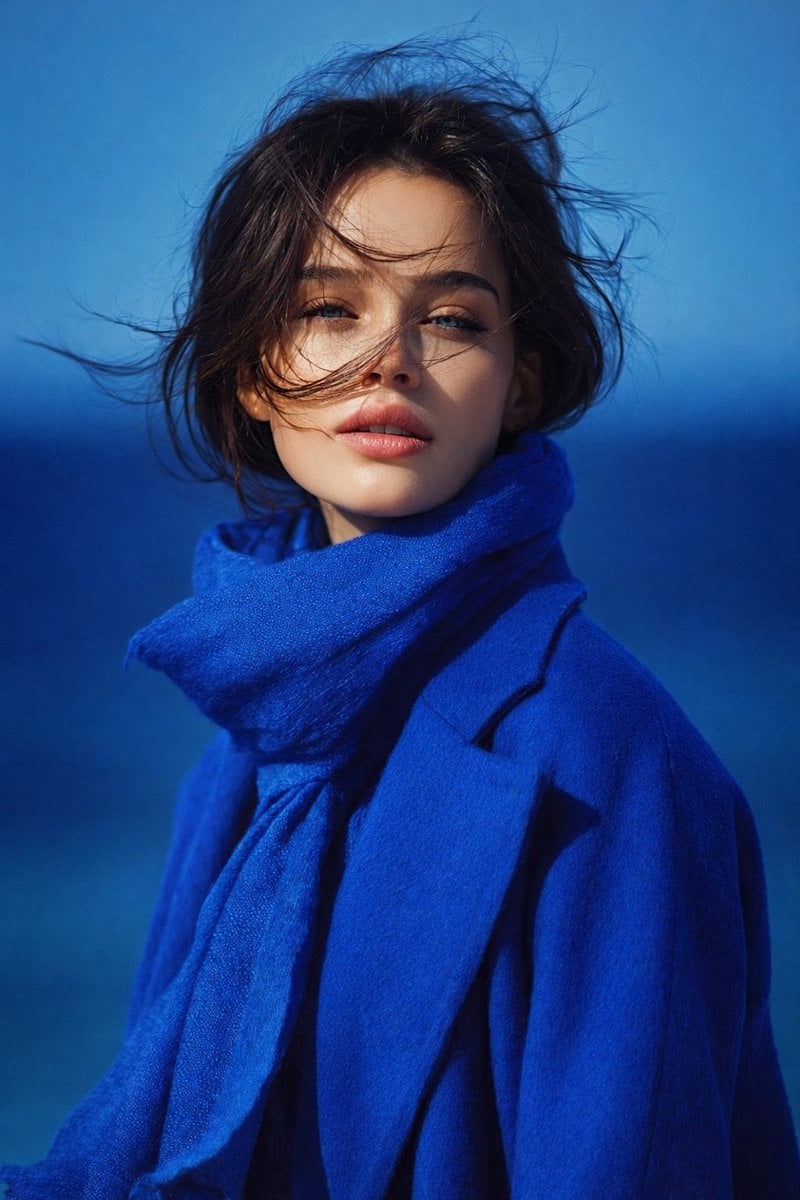
8K Portrait Photography with Cool Tones and Shallow Depth
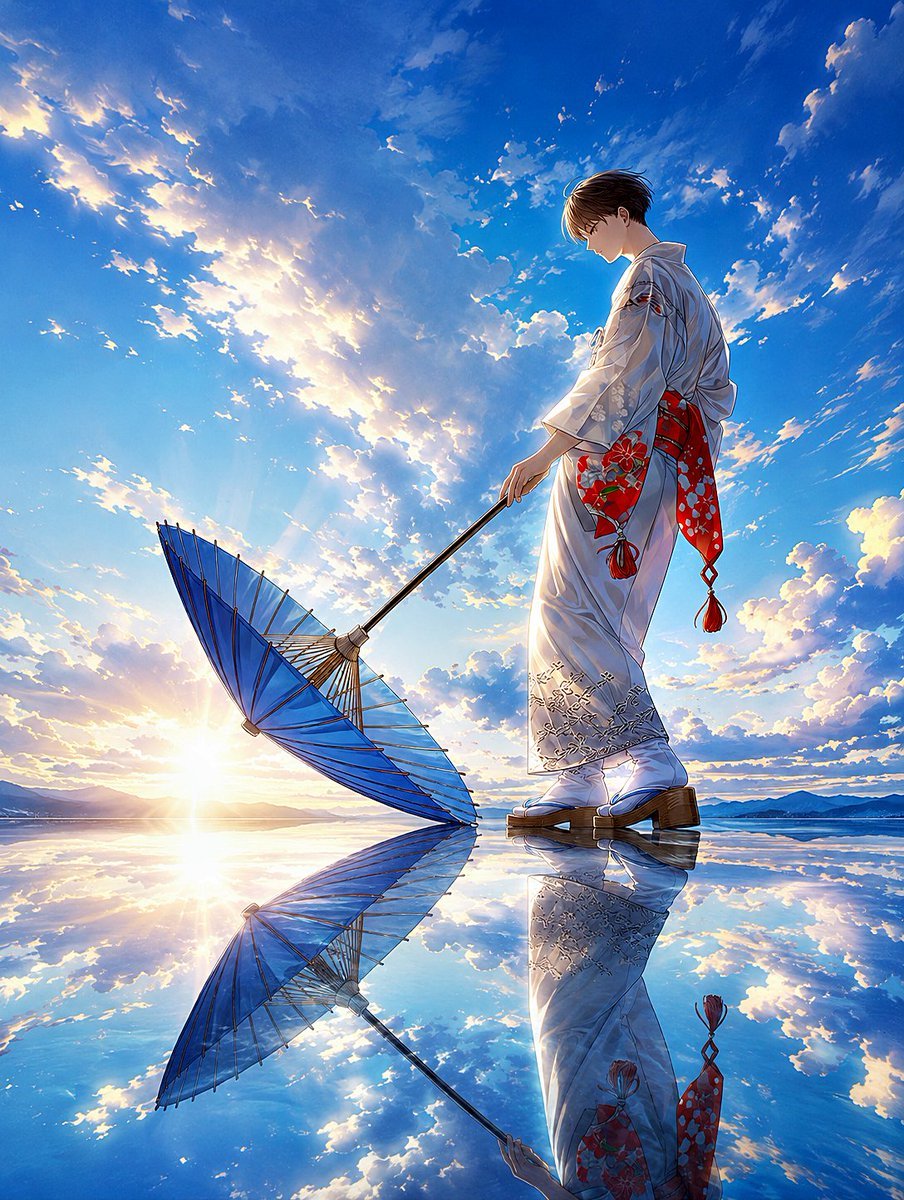
Kimono Figure with Blue Umbrella
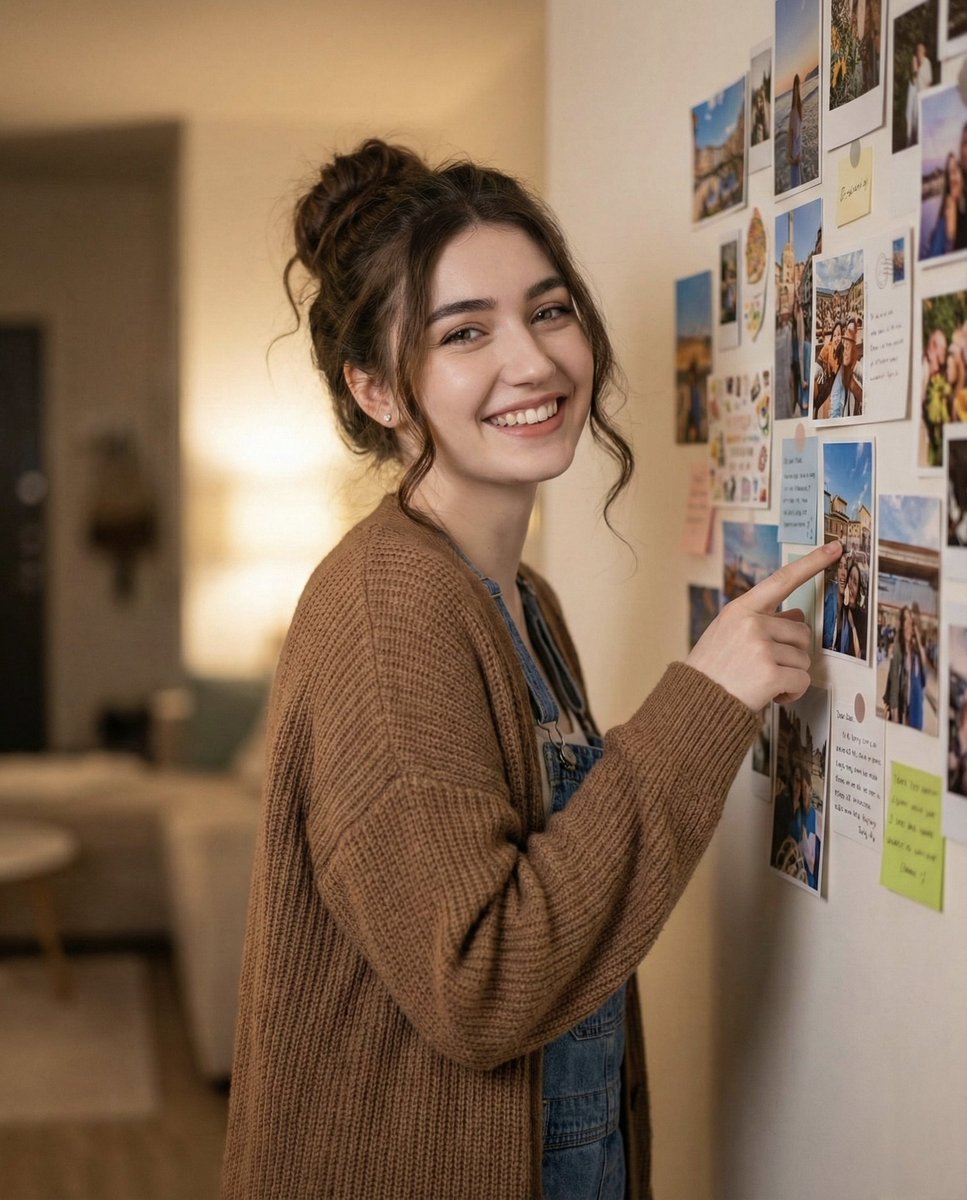
Candid Warm Indoor Portrait
Browse template categories
Sunset Skater in Baggy Jeans questions
How do I use the Sunset Skater in Baggy Jeans template?
Add your photo if the template asks for one, edit the prompt if you like — the template's model and format are already selected — and press Generate. Your version opens in PicX Studio.
Can I customize the Sunset Skater in Baggy Jeans template?
Yes. You can change the subject, setting, lighting, mood, format, and available model controls before creating your image.
Is the Sunset Skater in Baggy Jeans template free?
Opening and editing this template is free. Generating uses credits, shown on the Generate button when you are signed in.
Which AI model should I use?
Start with GPT Image 2, which is the model associated with this template. You can compare another compatible model for a different finish.
Looking for something else? Browse all templates.

Your photo, any look
Thousands of ready templates for every top image and video model, from one credit balance.