
Stylized Urban 3D Skater Character
A comprehensive prompt for generating a stylized 3D character in a modern urban streetwear aesthetic, perfect for animation-style concept art.
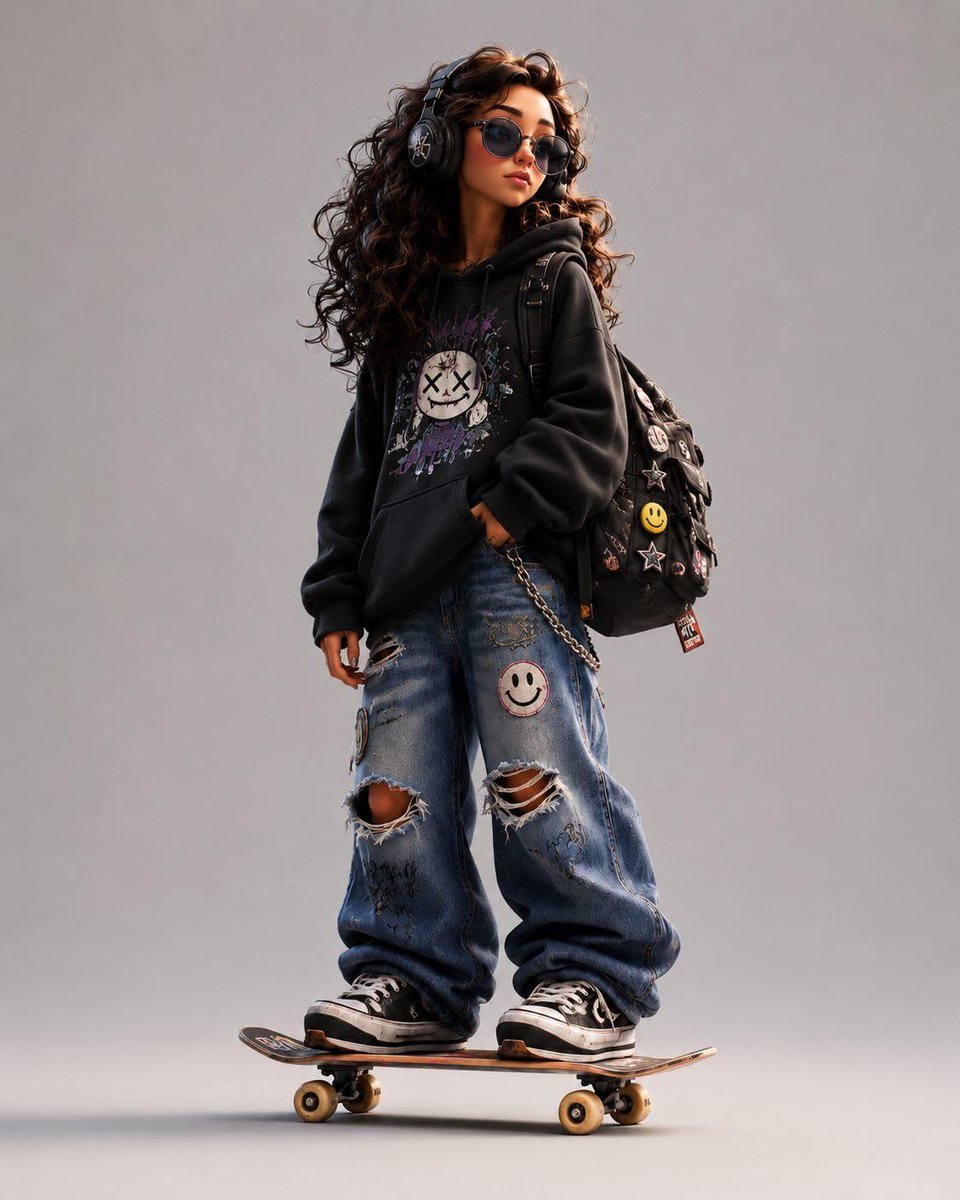
- Prompt included
- Model and format preset
- Free template
The prompt behind this image
Copy the exact prompt behind Stylized Urban 3D Skater Character, or open it in the studio and make it yours.
Stylized 3D cartoon character in a modern animated movie style, inspired by Pixar, Spider-Verse and indie street-art aesthetics. The character has: * exaggerated proportions * long skinny limbs * oversized hoodie * baggy ripped jeans * chunky sneakers * expressive face with tired/confident attitude * messy stylized hair * large headphones * backpack with pins and patches * standing naturally on a skateboard Style: clean cinematic 3D render, soft global illumination, subtle chromatic aberration, ultra-detailed textures, smooth shading, playful but realistic anatomy, high-end character design, stylized streetwear fashion, urban youth energy. Pose: slightly slouched posture, one hand relaxed, cool bored expression, looking sideways. Outfit colors: customizable {argument name="clothing color" default="hoodie pink"}, denim jeans, streetwear accessories, skater aesthetic. Background: minimal clean studio background, soft shadows, centered composition. Extra details: stickers, embroidered patches, smiley pins, doodles, skate culture vibe, early 2000s urban energy, cinematic render quality, highly polished animation studio look. Aspect ratio: 4:5 vertical.
How to use Stylized Urban 3D Skater Character in 3 steps
- 1
Open
The prompt is already in the box next to the preview, with the template's model and format selected.
- 2…a portrait of your subject in softgolden-hour light, 85mm…
Personalize
Edit the subject and creative details for your destination.
- 3Generate
Generate
Press Generate — your image is created in PicX Studio, so you can compare it with the original and refine one variable at a time.
More like this
Templates with the same subject, style or setup. Open one to see its prompt.

Pixel Limited Finale Fireworks

Pixel Limited Garden Maze

Pixel Limited Rooftop Concert

Pixel Limited Bicycle Coast

Pixel Limited Castle Gate

Pixel Limited Kitchen Chaos

Pixel Limited Carnival Ride

Pixel Limited Rainy Bus Stop

Pixel Limited Space Dock

Pixel Limited Cafe Morning

Pixel Limited Mountain Summit

Pixel Limited Underwater Reef
Make it yours
Stylized Urban 3D Skater Character works as-is. These are the safest ways to change it without losing the look.
Change one field
Copy a single group, rewrite it, and generate again so you can see what that field is doing.
Keep the frame, change the subject
Hold the composition and light of Stylized Urban 3D Skater Character, then swap wardrobe, props or the person for a new take.
| If the result… | Why | Fix |
|---|---|---|
| The result drifts from the preview | Too many fields changed at once. | Reuse Stylized Urban 3D Skater Character as-is first, then change one group — subject, light, or setting. |
| The model over-stylizes the scene | The prose prompt leaves finish and camera underspecified. | Add one camera or lighting sentence and stay on GPT Image 2. |
More GPT Image 2 templates
Other prompts made for GPT Image 2.

Six VTuber Japanese Logo Sheet

Realistic Portrait of Woman and Deer

The Vista Modular Condo Poster

AI Model Routing Comparison Infographic

2.5D Anime Art Board

Isometric Productivity Desk Scene

New York Double Exposure Poster

Four-Panel AI Landscape Comparison

Japanese Tatami Lifestyle Magazine Cover

NESCAFÉ Coffee Map Poster
More image prompts
Fresh picks from across the catalog.
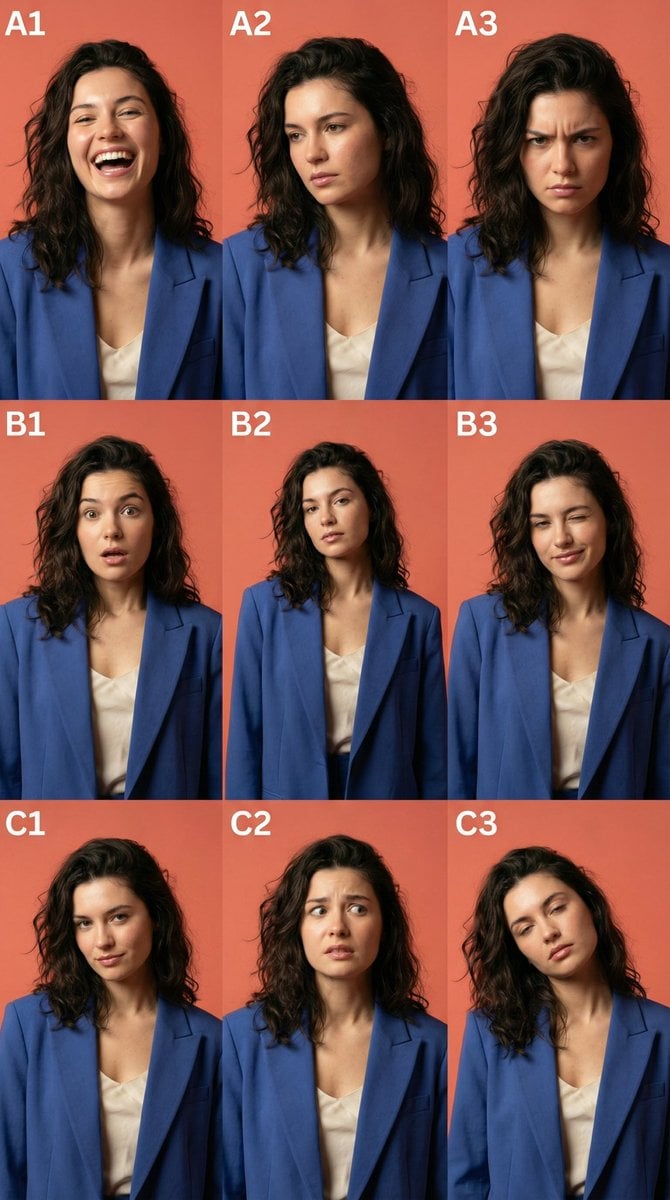
3x3 Character Emotional Expression Grid Prompt
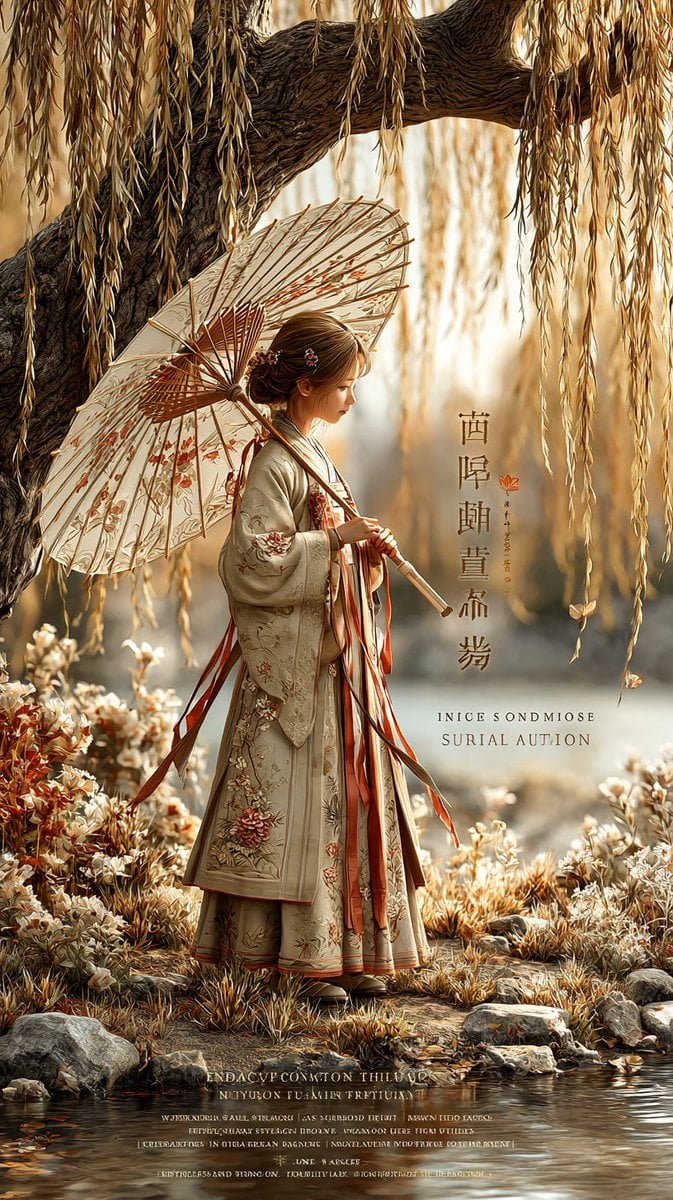
Autumn Willow Hanfu Poster
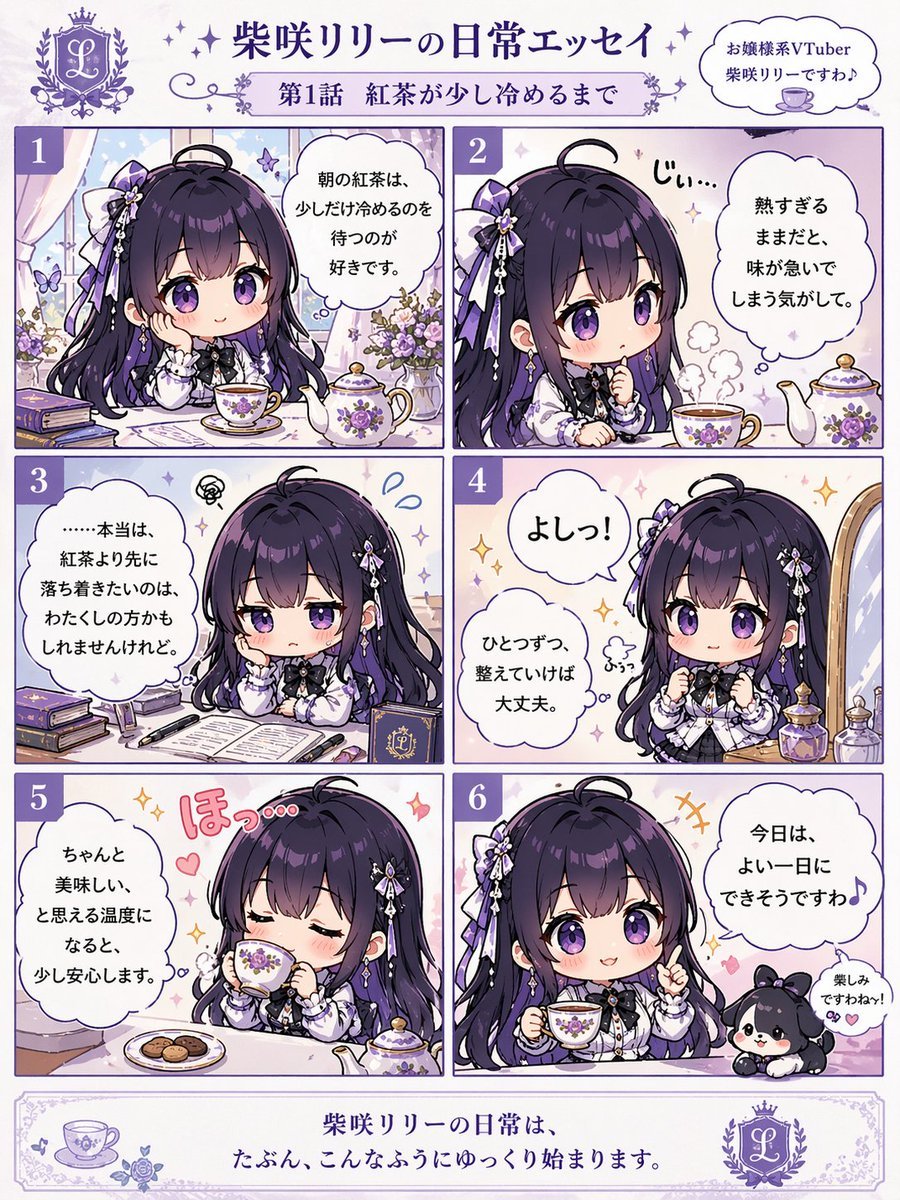
Panel Chibi VTuber Comic Strip
Hyper-Realistic iPhone 17 Pro Selfie Simulation Prompt
Moody Portrait with Diagonal Light Beam
Instagram-Style Casual Portrait Prompt with Identity Lock
Dramatic Red Rim Lighting Portrait
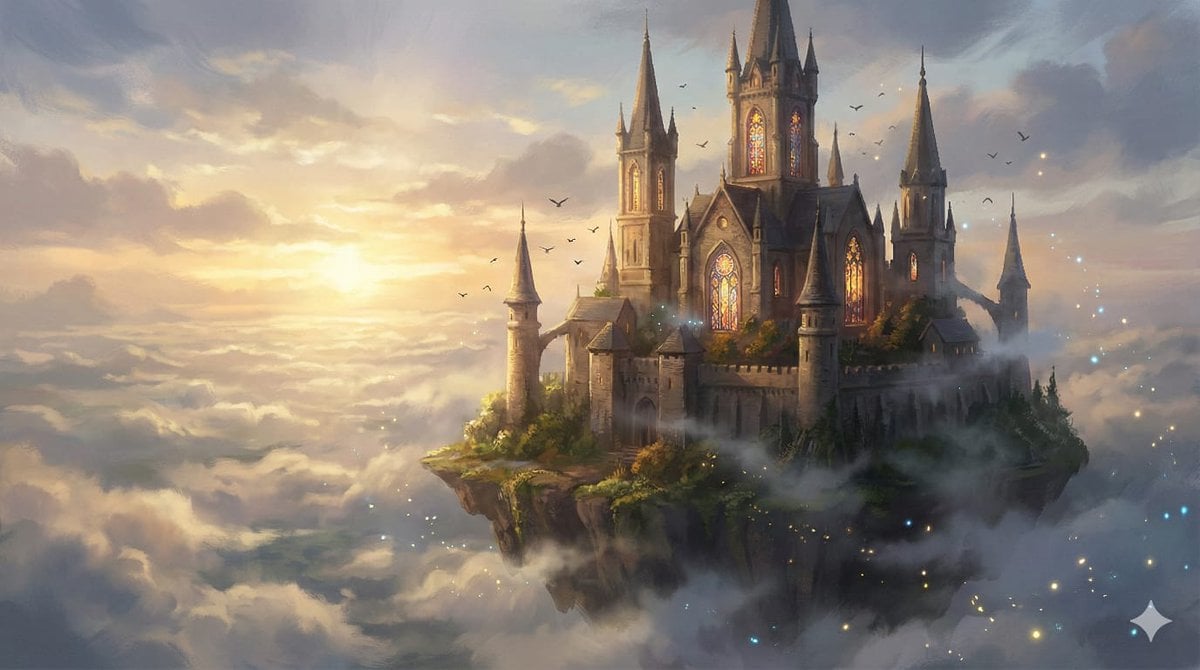
8K Fantasy Illustration of Floating Castle
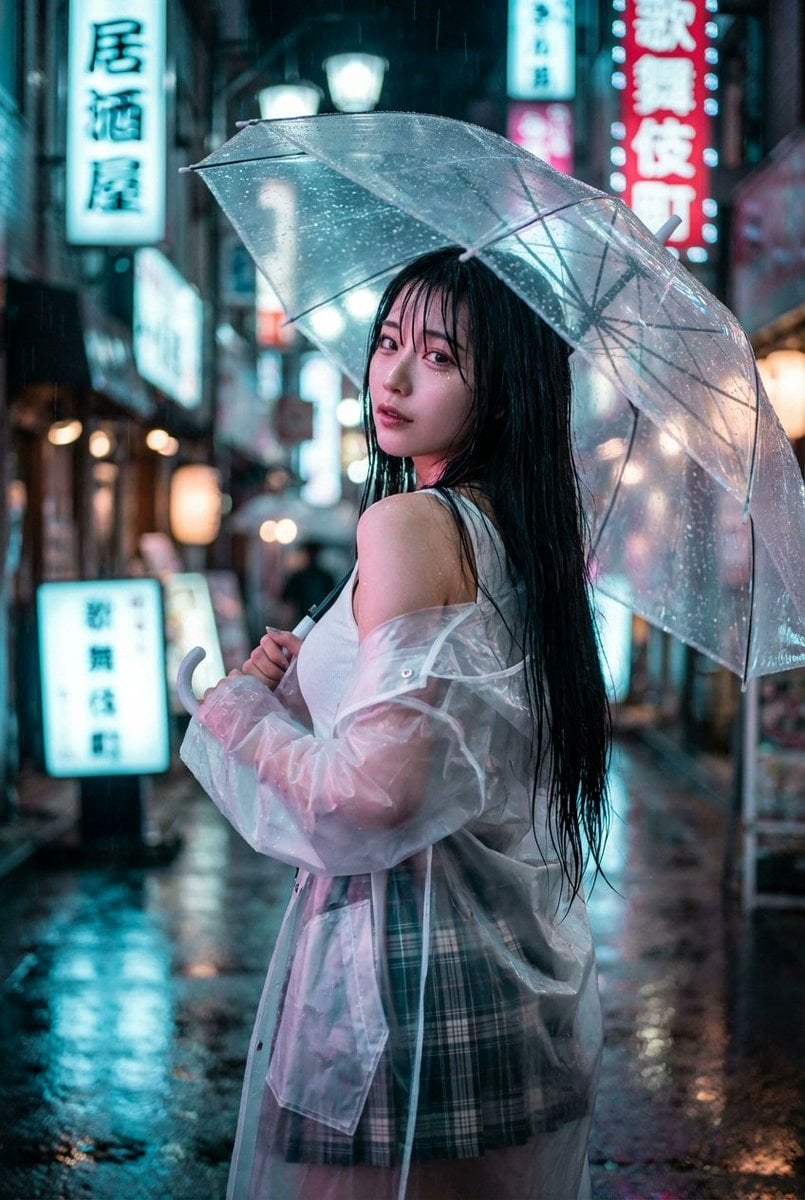
Cyberpunk J-Pop Neon-Noir Street Portrait
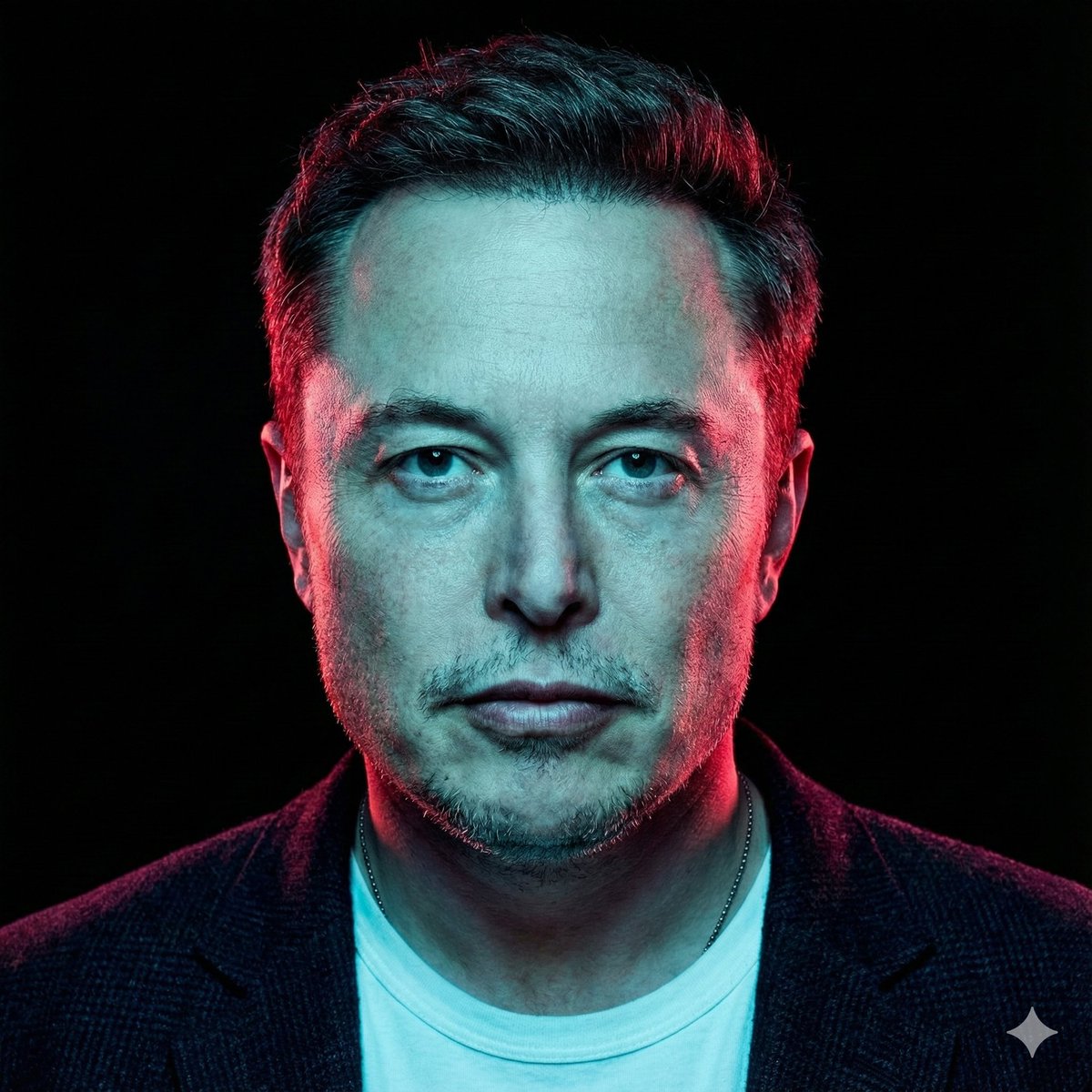
High-Contrast Cinematic Neon Portrait
Browse template categories
Stylized Urban 3D Skater Character questions
How do I use the Stylized Urban 3D Skater Character template?
Add your photo if the template asks for one, edit the prompt if you like — the template's model and format are already selected — and press Generate. Your version opens in PicX Studio.
Can I customize the Stylized Urban 3D Skater Character template?
Yes. You can change the subject, setting, lighting, mood, format, and available model controls before creating your image.
Is the Stylized Urban 3D Skater Character template free?
Opening and editing this template is free. Generating uses credits, shown on the Generate button when you are signed in.
Which AI model should I use?
Start with GPT Image 2, which is the model associated with this template. You can compare another compatible model for a different finish.
Looking for something else? Browse all templates.

Your photo, any look
Thousands of ready templates for every top image and video model, from one credit balance.