
Cyberpunk J-Pop Neon-Noir Street Portrait
A complex, hyper-realistic cinematic street photography prompt for Nano Banana Pro, designed to create a moody neon-noir aesthetic featuring a J-pop idol in a rainy Shibuya alley, emphasizing wet textures, dramatic…
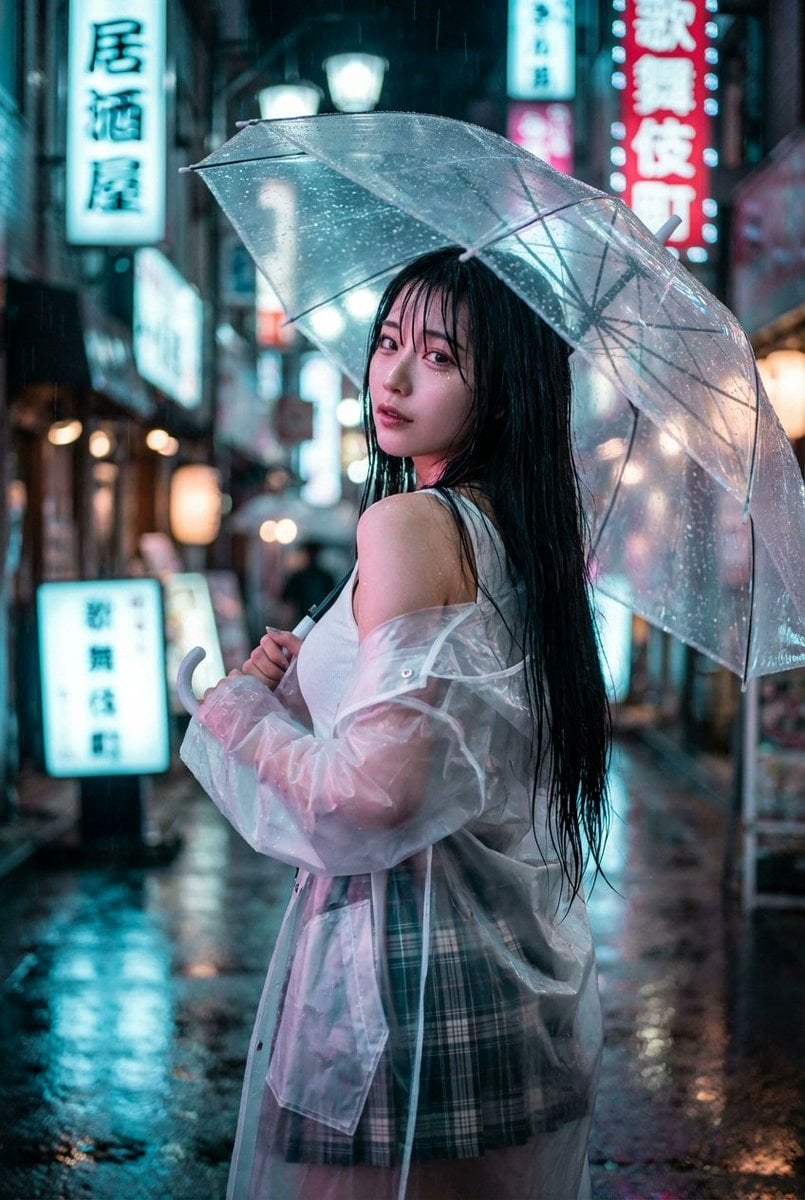
- Prompt included
- Model and format preset
- Free template
The prompt behind this image
Copy the exact prompt behind Cyberpunk J-Pop Neon-Noir Street Portrait, or open it in the studio and make it yours.
{ "prompt_configuration": { "art_style": "Hyper-realistic cinematic street photography, moody neon-noir aesthetic, modern J-pop visual style, high-fidelity portraiture", "aspect_ratio": "--ar 2:3", "stylization": "--stylize 250", "model_reference": "Top-tier Japanese gravure idol, ethereal beauty with a mix of kawaii and sultriness" }, "visual_elements": { "subject_description": { "appearance": "Youthful and alluring Japanese female model, extremely slender and petite frame, hourglass figure, delicate porcelain skin glistening with moisture, large captivating doe eyes with long wet lashes, rosy flushed cheeks, glossy bitten lips", "hair": "Jet black waist-length hair, wet and slightly messy texture, strands sticking to cheeks and neck, catching the neon reflections" }, "apparel_and_accessories": { "outfit": "Oversized translucent PVC raincoat revealing glimpses of skin, fitted ribbed white tank top emphasizing slender waist, short pleated plaid skirt, sheer thigh-high stockings, platform Mary Jane shoes", "accessories": "Holding a clear vinyl umbrella with raindrops sliding down, delicate silver choker, raindrops clinging to eyelashes" }, "pose_and_composition": { "pose": "Dynamic 'mikaeri bijin' pose (looking back beauty), walking away but turning head 120 degrees to look directly at viewer, chin slightly tucked, shoulder raised coquettishly", "framing": "Upper-body portrait to medium shot, subject centered but slightly offset to show street depth" }, "environment_context": { "location": "Vibrant Kabukicho or Shibuya district alleyway, wet pavement reflecting city lights", "atmosphere": "Heavy atmospheric rain, steam rising from street vents, chaotic and colorful blurred neon signage ({argument name="neon sign type" default="Izakaya lanterns, LED billboards"}), cyberpunk undertones, cool rainy mist" } }, "technical_details": { "lighting_setup": "Complex mixed lighting scenario, dramatic rim light from cyan and magenta neon signs, soft diffused fill light on face to preserve skin texture, specular highlights on wet surfaces", "camera_settings": "Shot on Canon EOS R5, 85mm f/1.2 portrait lens, incredible shallow depth of field, creamy bokeh balls in background", "image_quality": "8k ultra-high resolution, RAW format, photorealistic, sharp focus on iris, micro-details of rain droplets, grain-free, cinematic color grading, masterfully composed" } }
How to use Cyberpunk J-Pop Neon-Noir Street Portrait in 3 steps
- 1
Open
The prompt is already in the box next to the preview, with the template's model and format selected.
- 2…a portrait of your subject in softgolden-hour light, 85mm…
Personalize
Edit the subject and creative details for your destination.
- 3Generate
Generate
Press Generate — your image is created in PicX Studio, so you can compare it with the original and refine one variable at a time.
More like this
Templates with the same subject, style or setup. Open one to see its prompt.

Spider-Man 2099 Cyberpunk Neon Future City

Noir Punk Street Portrait
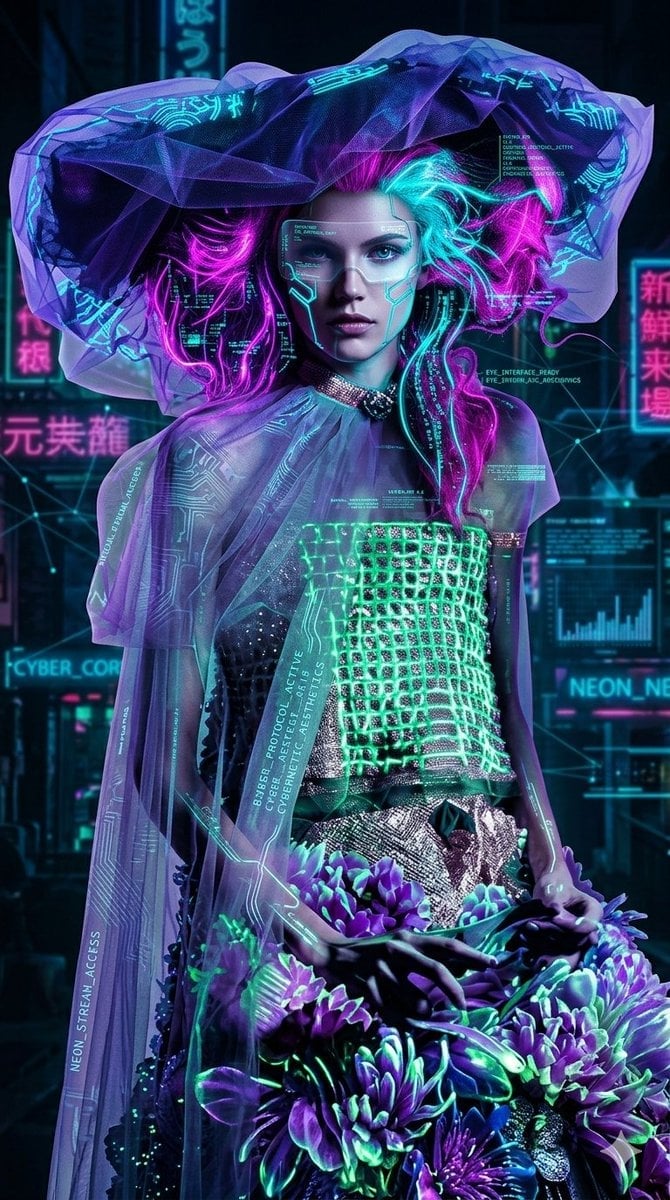
Cyberpunk Neon Floral Portrait
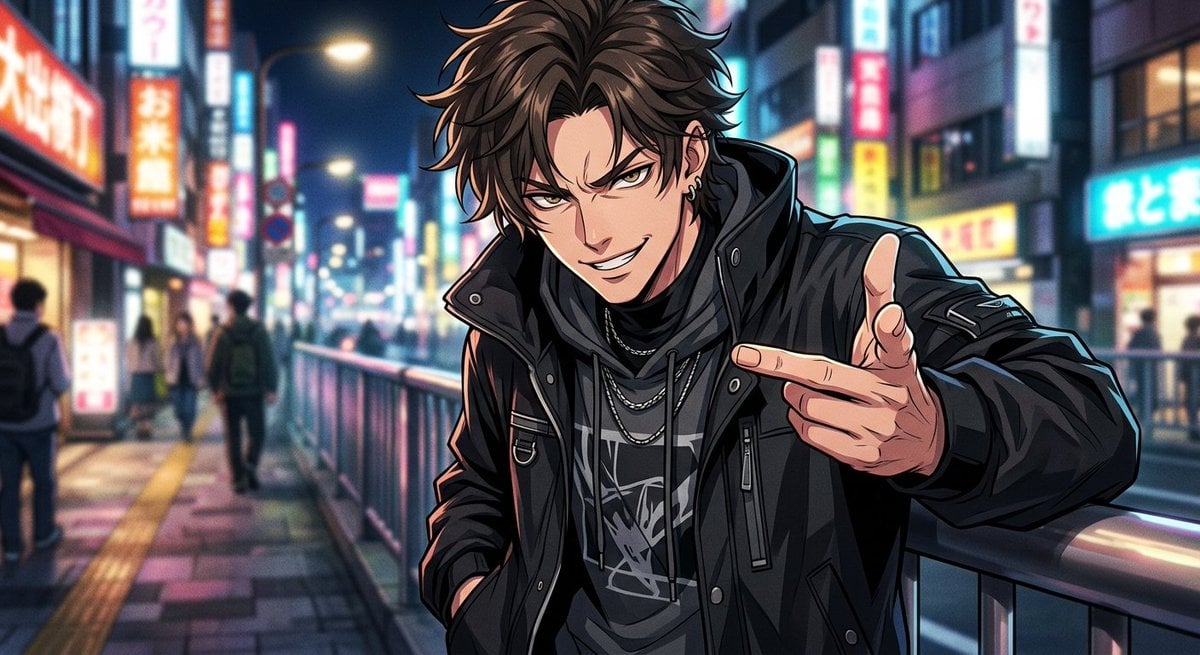
Neon Anime Streetwear Portrait

Cinema Date Popcorn Realistic By Nano Ba

Two Tickets, One Night

Found Photograph: Us, 1970

Meet Me When It Rains

Two Hearts. One Scooter.

80s Couple Studio Portrait

80s Neon Disco Night

80s Bollywood Star
Make it yours
Cyberpunk J-Pop Neon-Noir Street Portrait works as-is. These are the safest ways to change it without losing the look.
Change one field
Copy a single group, rewrite it, and generate again so you can see what that field is doing.
Keep the frame, change the subject
Hold the composition and light of Cyberpunk J-Pop Neon-Noir Street Portrait, then swap wardrobe, props or the person for a new take.
| If the result… | Why | Fix |
|---|---|---|
| The result drifts from the preview | Too many fields changed at once. | Reuse Cyberpunk J-Pop Neon-Noir Street Portrait as-is first, then change one group — subject, light, or setting. |
| The model over-stylizes the scene | The prose prompt leaves finish and camera underspecified. | Add one camera or lighting sentence and stay on Nano Banana 2. |
More Nano Banana 2 templates
Other prompts made for Nano Banana 2.

Photorealistic Leaf Shaped Like a Dragon

K-Pop Idol Portrait Grid for Rapid Selection

Poetic Rain Forest Portrait During Golden Hour

Urban Street Portrait with Cartoon Inner Self Duo

Candid Nighttime Photo with Cat Prompt

High-Concept 3D Diorama Generation Prompt

Cinematic Futuristic Studio Portrait Template

Skincare Editorial Photography Collage Prompt

Hyper-Realistic Commercial Product Photography (Splash Effect)

Hyper-Realistic Nightclub Portrait Prompt
More image prompts
Fresh picks from across the catalog.
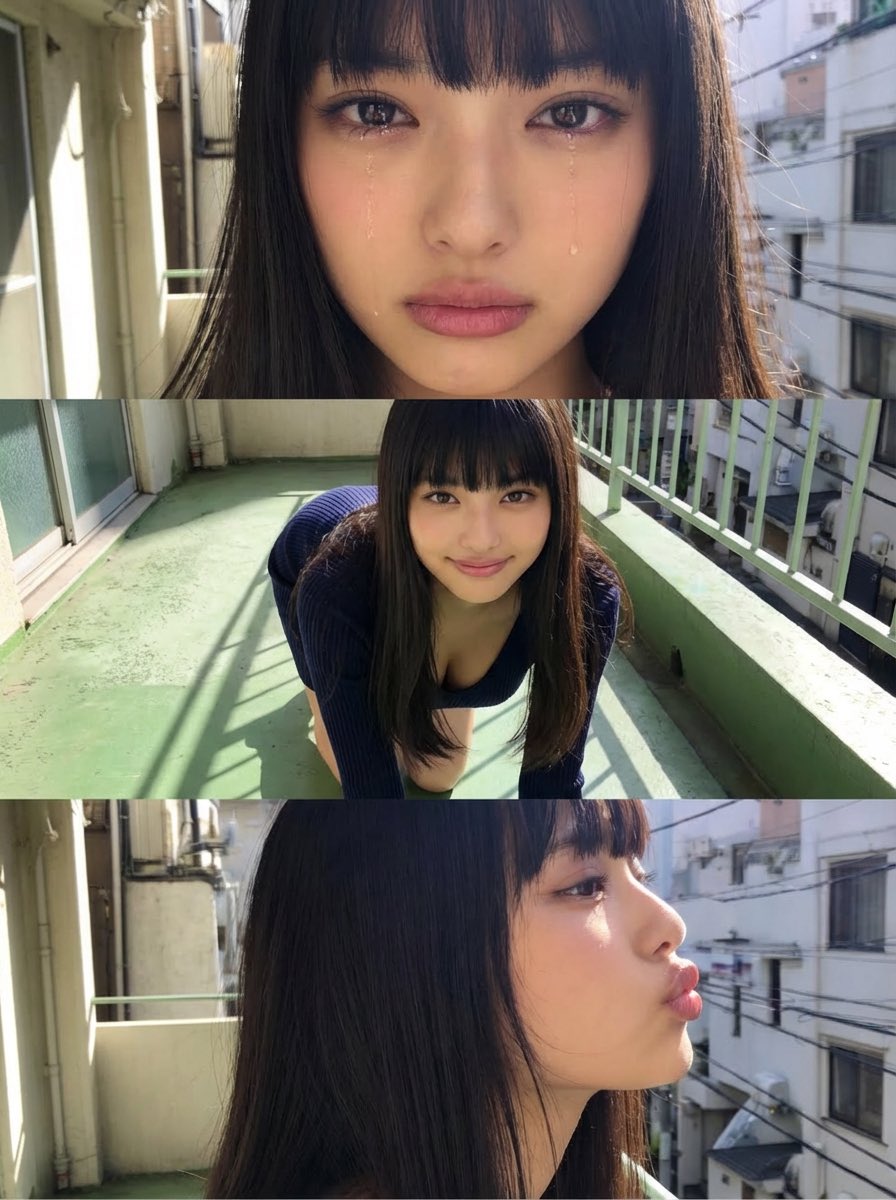
Horizontal three-panel emotional portrait from one image
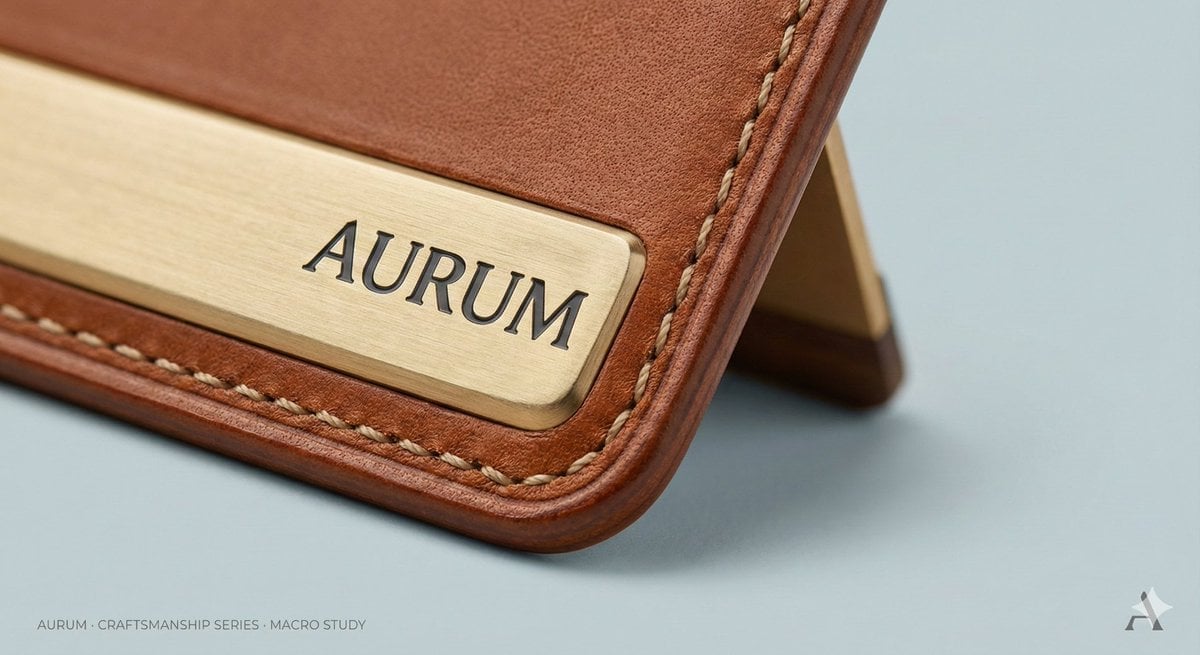
High-End Concept Art Magazine Editorial Photograph Prompt
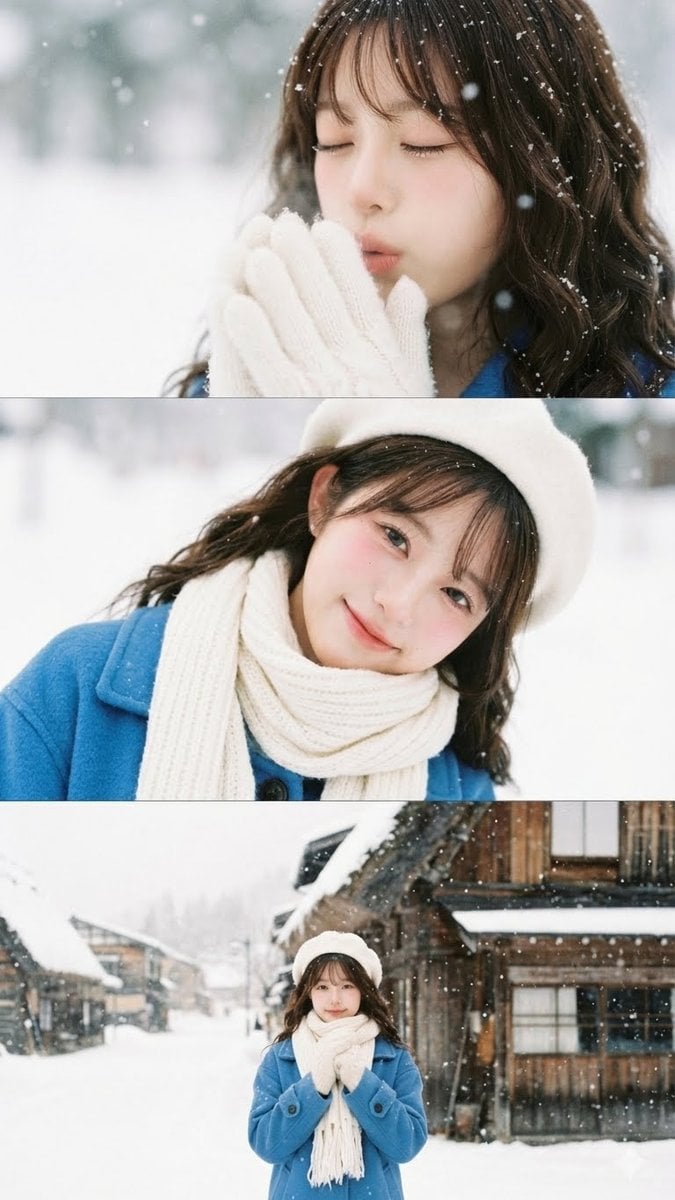
Vertical film strip collage of an Asian woman in a snowy Hokkaido setting

MacBook Mockup with User from Behind
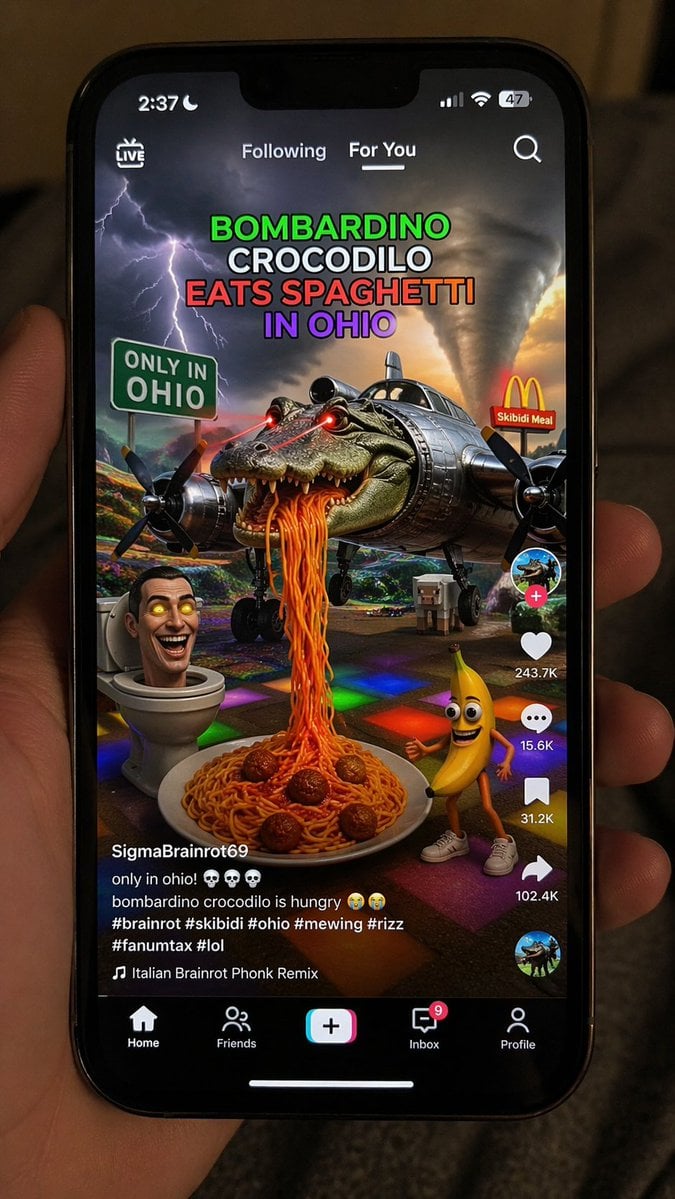
Smartphone Screen Mockup
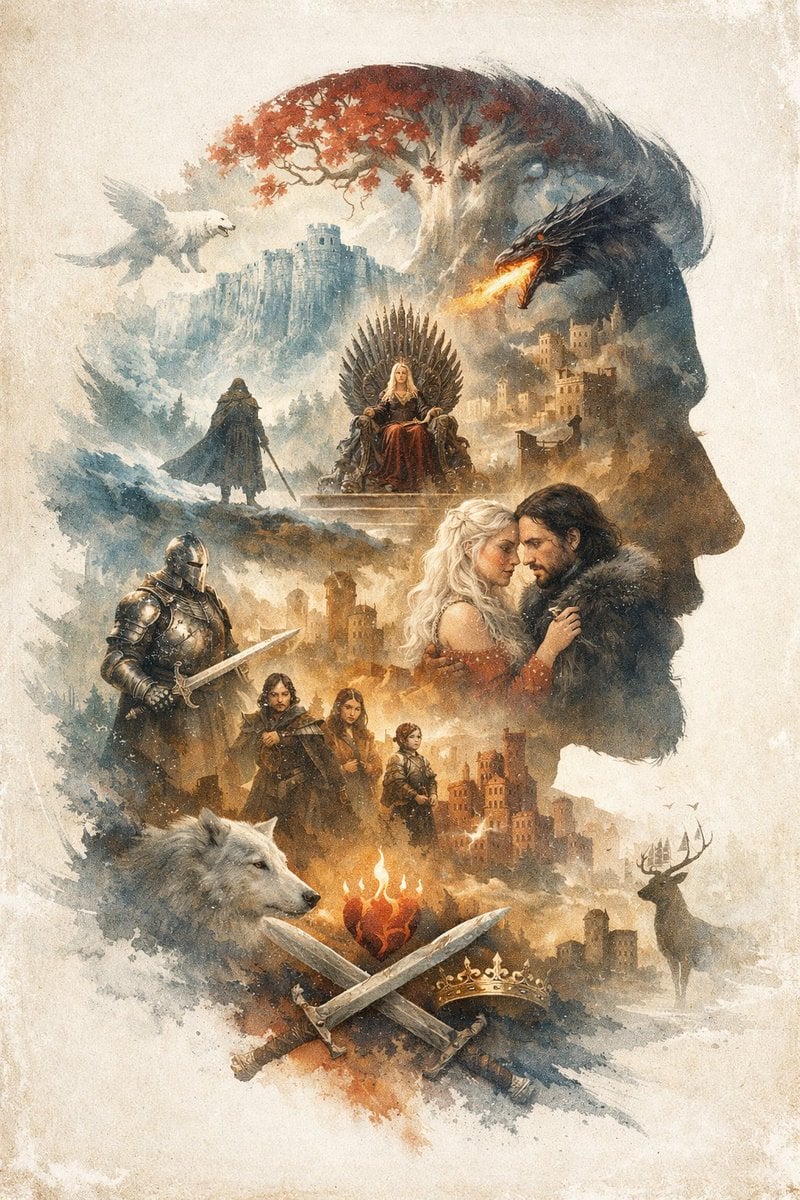
Epic Fantasy Double Exposure Silhouette
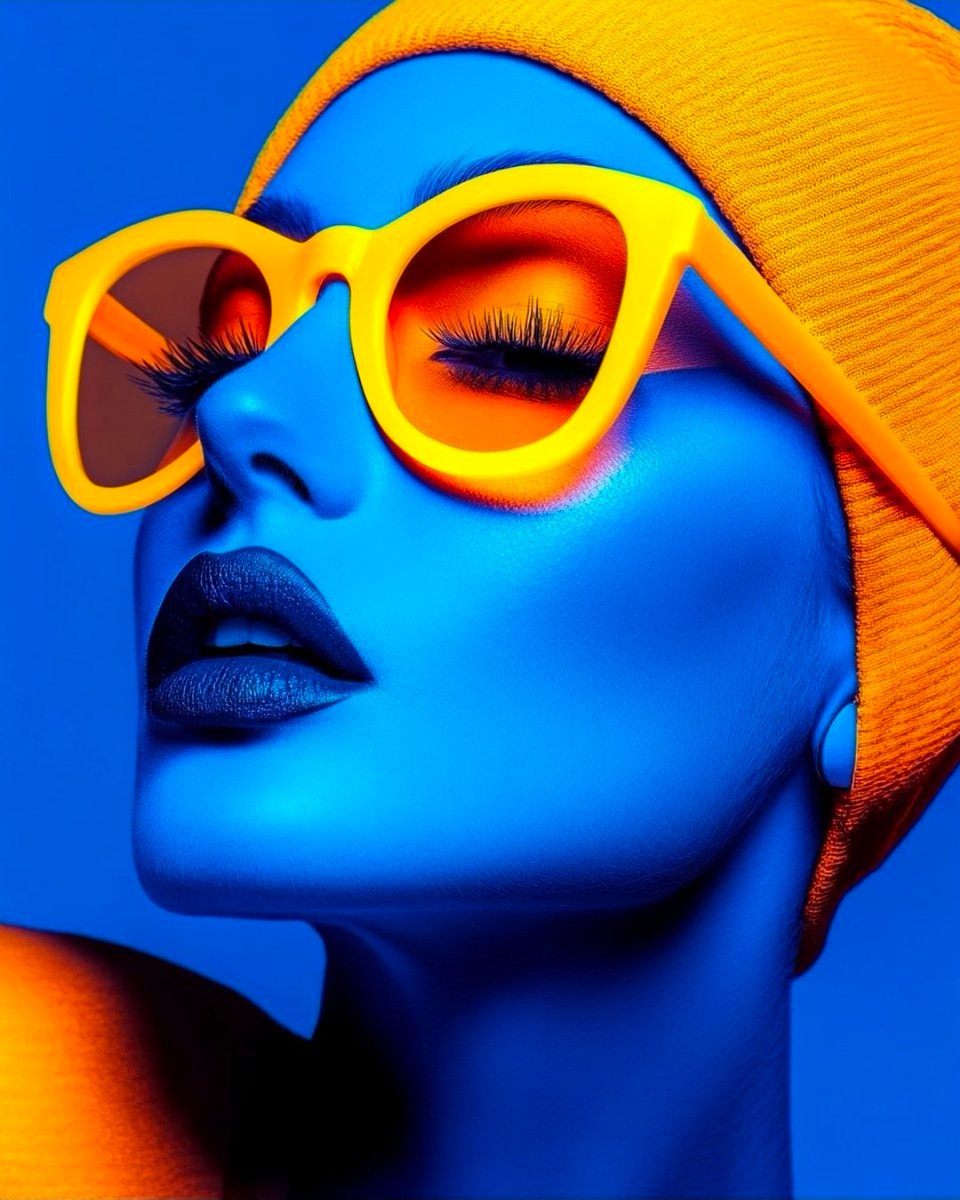
Cyberpunk Fashion Portrait with Electric Blue Skin
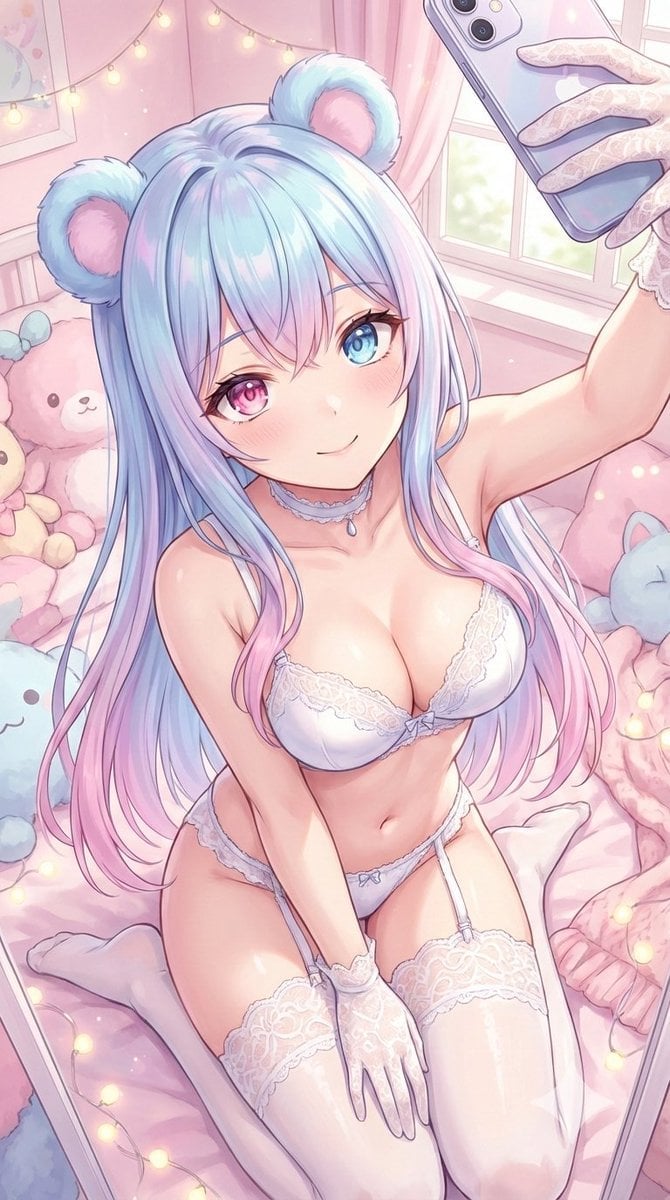
Sweet dreams image prompt for Nano Banana Pro
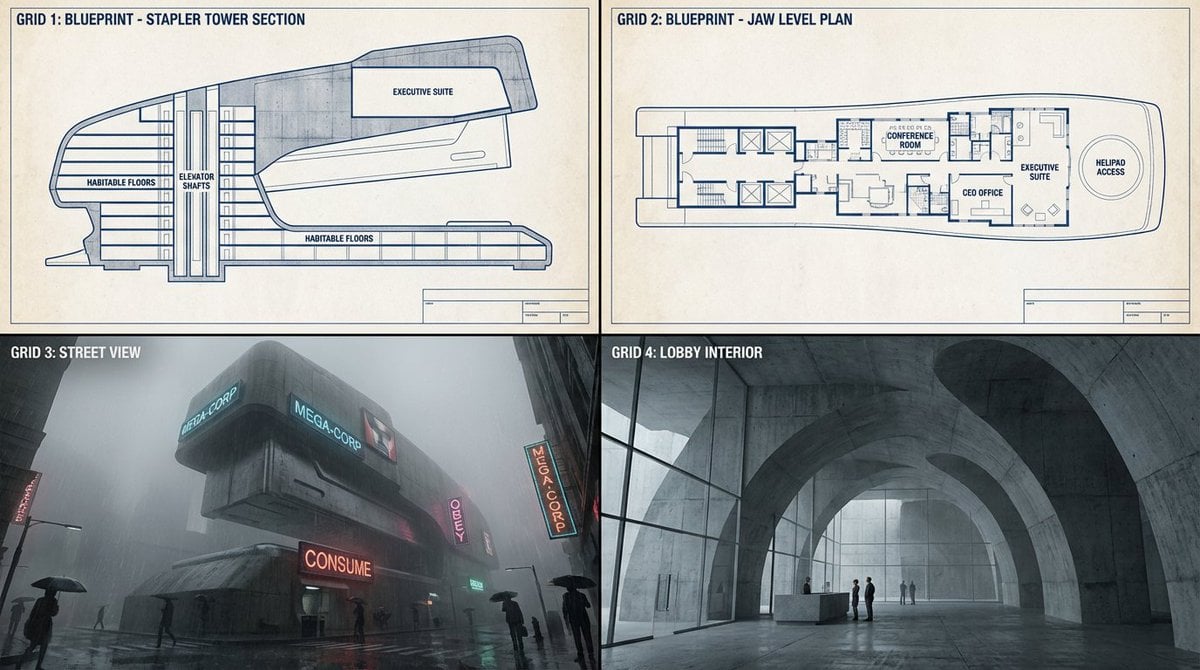
Object-to-Dystopian Building Transformation
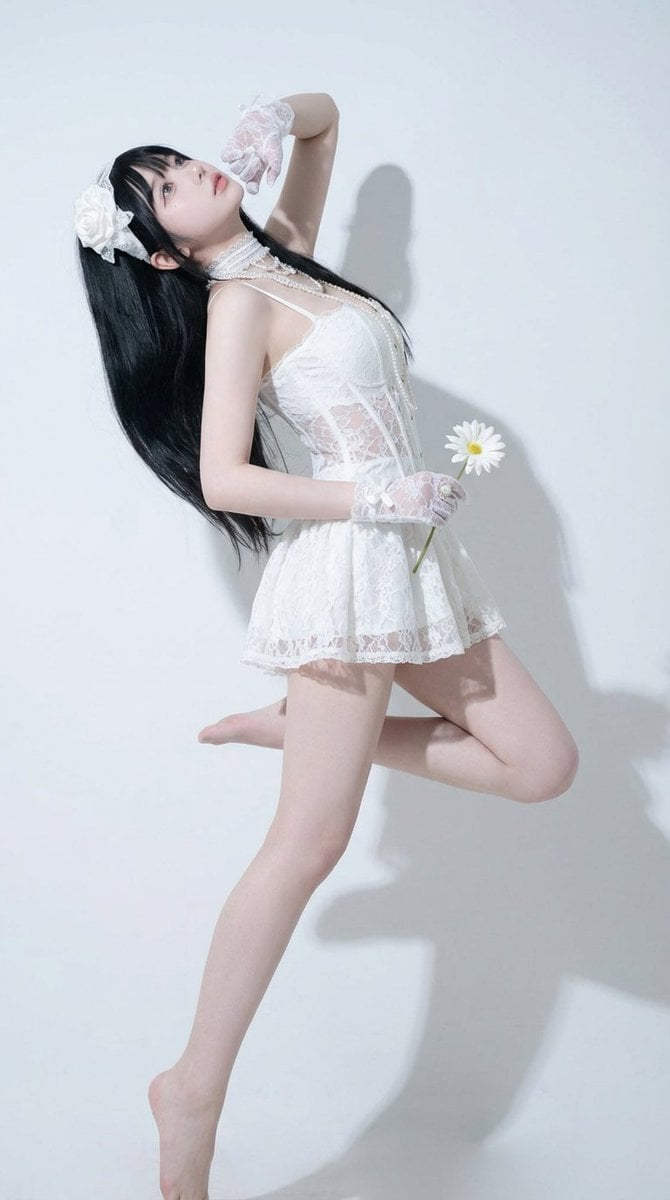
Precise Pose and Composition Replication Prompt
Browse template categories
Cyberpunk J-Pop Neon-Noir Street Portrait questions
How do I use the Cyberpunk J-Pop Neon-Noir Street Portrait template?
Add your photo if the template asks for one, edit the prompt if you like — the template's model and format are already selected — and press Generate. Your version opens in PicX Studio.
Can I customize the Cyberpunk J-Pop Neon-Noir Street Portrait template?
Yes. You can change the subject, setting, lighting, mood, format, and available model controls before creating your image.
Is the Cyberpunk J-Pop Neon-Noir Street Portrait template free?
Opening and editing this template is free. Generating uses credits, shown on the Generate button when you are signed in.
Which AI model should I use?
Start with Nano Banana 2, which is the model associated with this template. You can compare another compatible model for a different finish.
Looking for something else? Browse all templates.

Your photo, any look
Thousands of ready templates for every top image and video model, from one credit balance.