
Precise Pose and Composition Replication Prompt
A highly technical Chinese prompt designed for image-to-image generation (Nano Banana Pro) that strictly enforces the replication of a reference image's pose, camera angle, composition, and framing onto a subject from a…
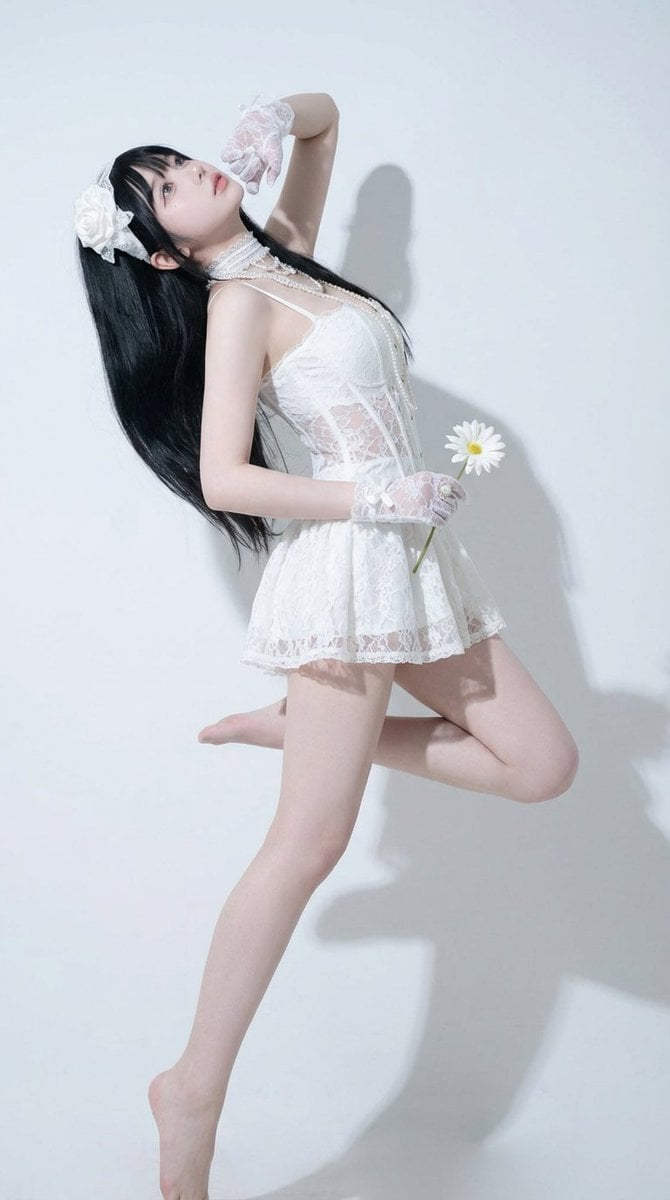
- Prompt included
- Model and format preset
- Free template
The prompt behind this image
Copy the exact prompt behind Precise Pose and Composition Replication Prompt, or open it in the studio and make it yours.
1. Core Objectives and Strong Constraints 1 Precise pose replication: Using Image 2 as the sole pose reference, replicate the full-body pose of the person in Image 1 with "point-by-point alignment" (the orientation and degree of bend of the head, neck, shoulders, chest, hips, knees, ankles, arms, wrists, and fingers must match). 2 Consistent viewpoint and lens: The camera position, shooting angle, lens height, tilt angle, left-right yaw angle, perspective relationship, and depth-of-field effect must match Image 2. 3 Consistent composition: The person's position in the frame, proportion, margin ratio, and cropping method (whether feet/top of head/hands are cut off) must match Image 2. 4 Consistent head and gaze: The head tilt angle, degree of chin raise/tuck, and gaze direction must match Image 2. 5 Appearance changes forbidden: Strictly preserve the identity features and style of the person in Image 1 (facial shape and features, hairstyle and hair color, skin tone, clothing style and color, material, accessories, texture, body proportions, age/temperament, art style/render style); only change the pose and camera composition to match Image 2. 2. Execution Method and Calibration Requirements 1 Alignment method: Treat the skeleton of the person in Image 2 as the "target skeleton," and "retarget" the skeleton of the person in Image 1 onto it; the limb angles, center-of-gravity position, and torso twist amount must all match. 2 Key-point priority: First match the center of gravity and pelvis orientation, then match torso rotation and shoulder line, then match the limb extremities (hands, feet), and finally fine-tune the fingers and facial-expression details. 3 Allowed range of variation: The error in pose and camera should be as close to 0 as possible; if unavoidable, the error must be extremely small and not visibly noticeable. 4 Prohibited actions: Do not add or remove objects; do not change the clothing design or details; do not change the character's style; do not change the background style in a way that alters the composition; do not transfer the appearance features of the person in Image 2 onto the person in Image 1.
How to use Precise Pose and Composition Replication Prompt in 3 steps
- 1Upload ImagePNG, JPG or paste
Add your photo
Upload the photo the template builds on. The prompt, model and format are already set.
- 2…a portrait of your subject in softgolden-hour light, 85mm…
Personalize
Edit the subject and creative details for your destination.
- 3Generate
Generate
Press Generate — your image is created in PicX Studio, so you can compare it with the original and refine one variable at a time.
More like this
Templates with the same subject, style or setup. Open one to see its prompt.
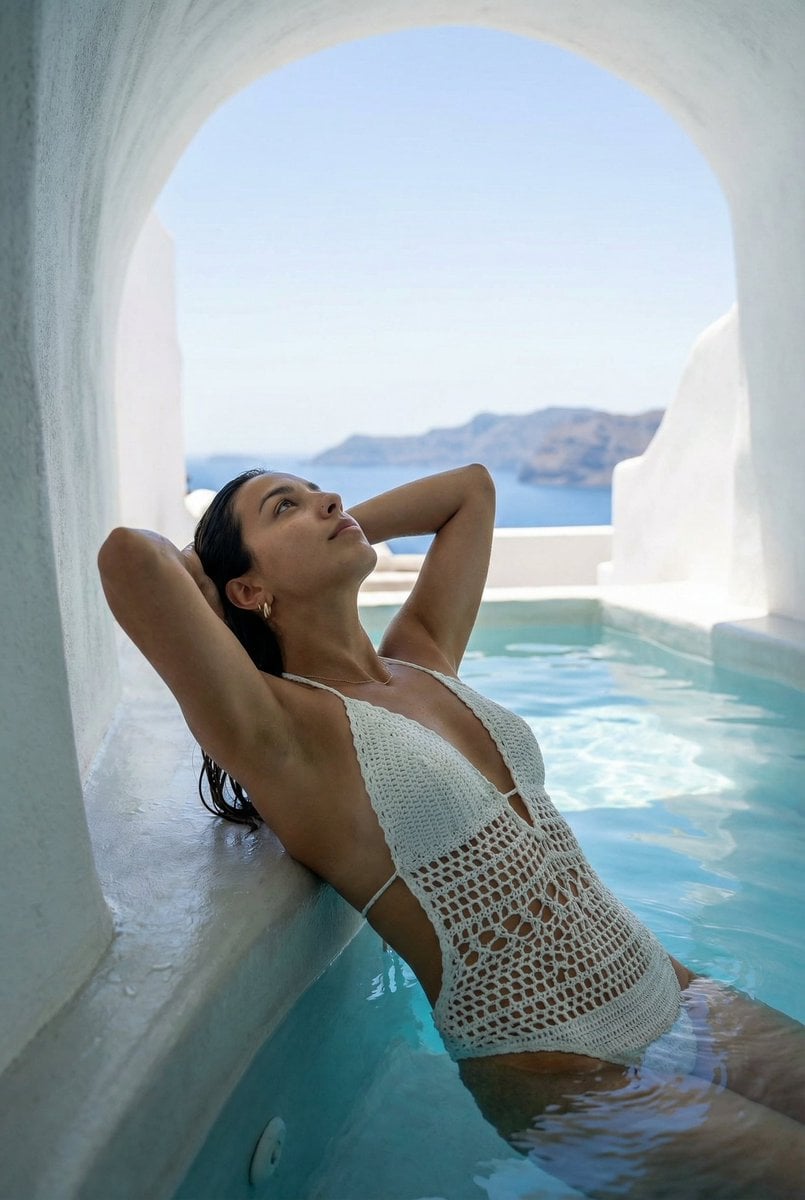
Santorini Monokini Pose Replication Prompt
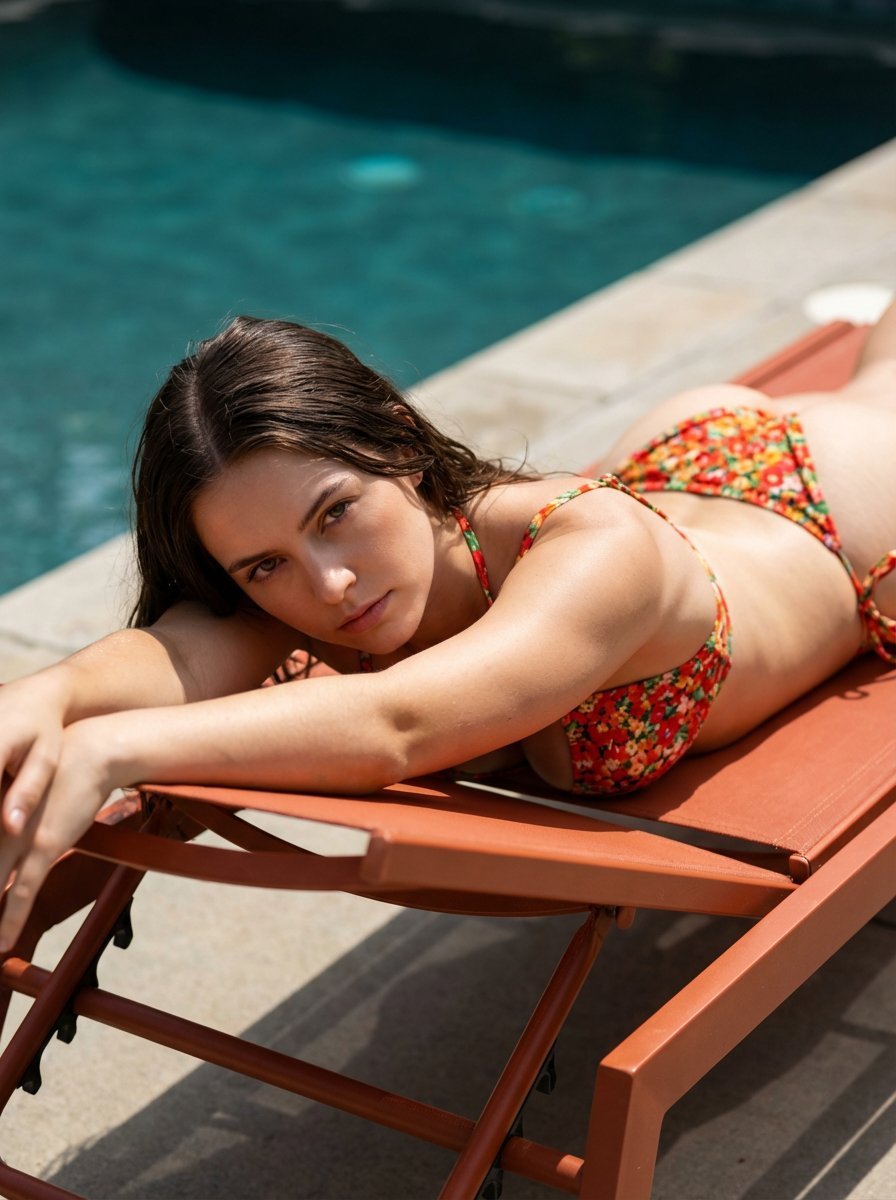
Ultra-Hardlock Prone Lounge Pose Replication
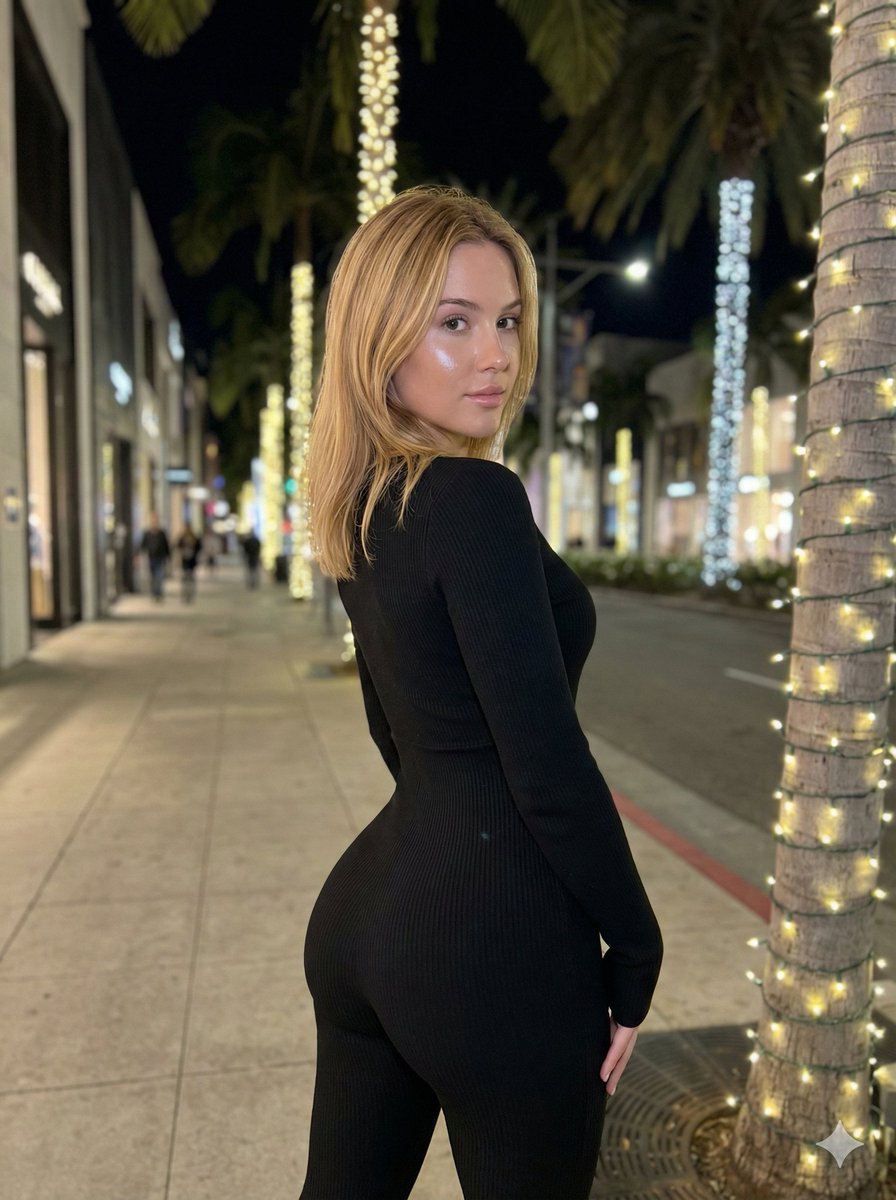
Hyper-Realistic Rear-Oblique Pose Replication Prompt
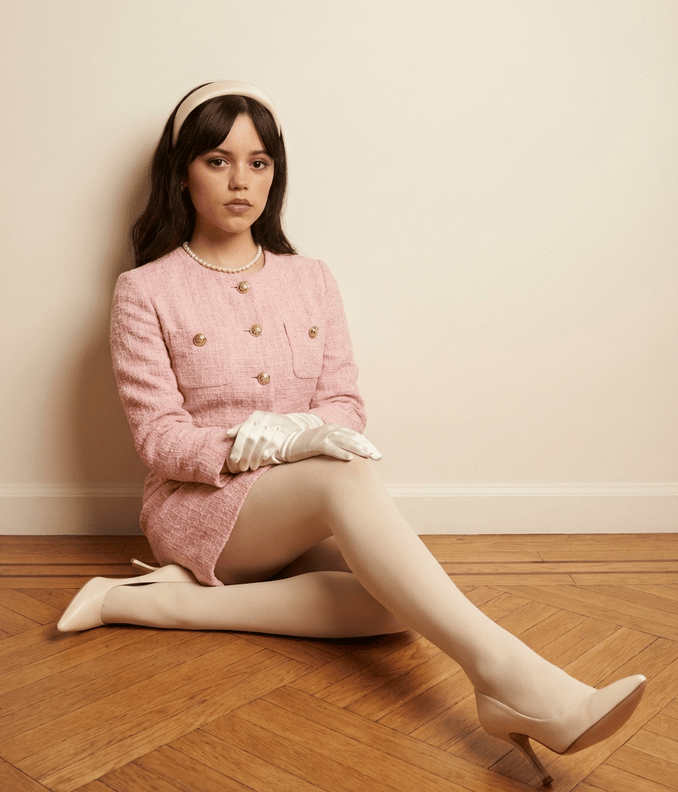
Structured Fashion Portrait with Precise Pose and Outfit Details
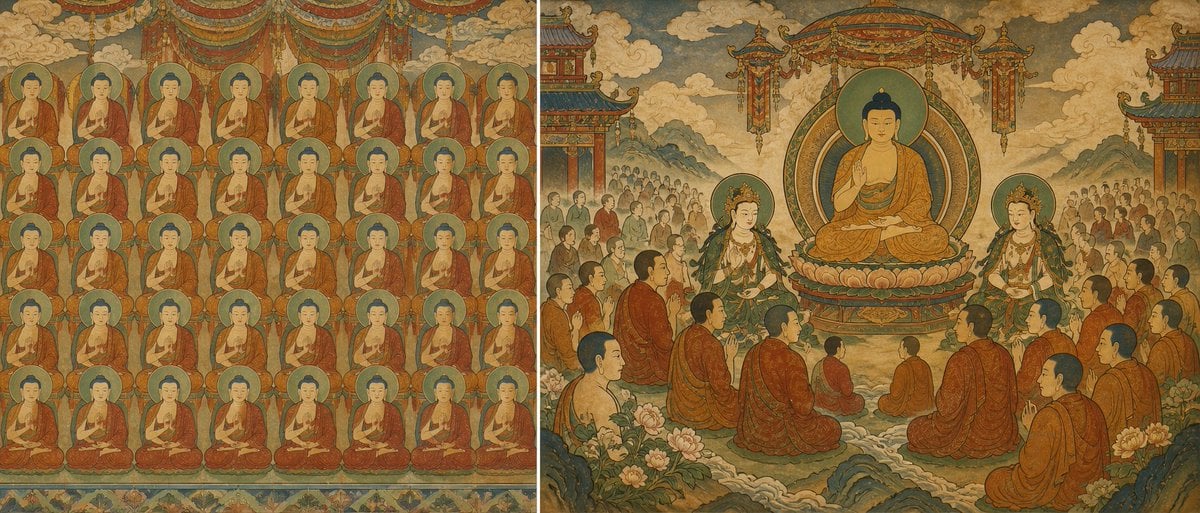
Buddhist Mural Composition Diptych
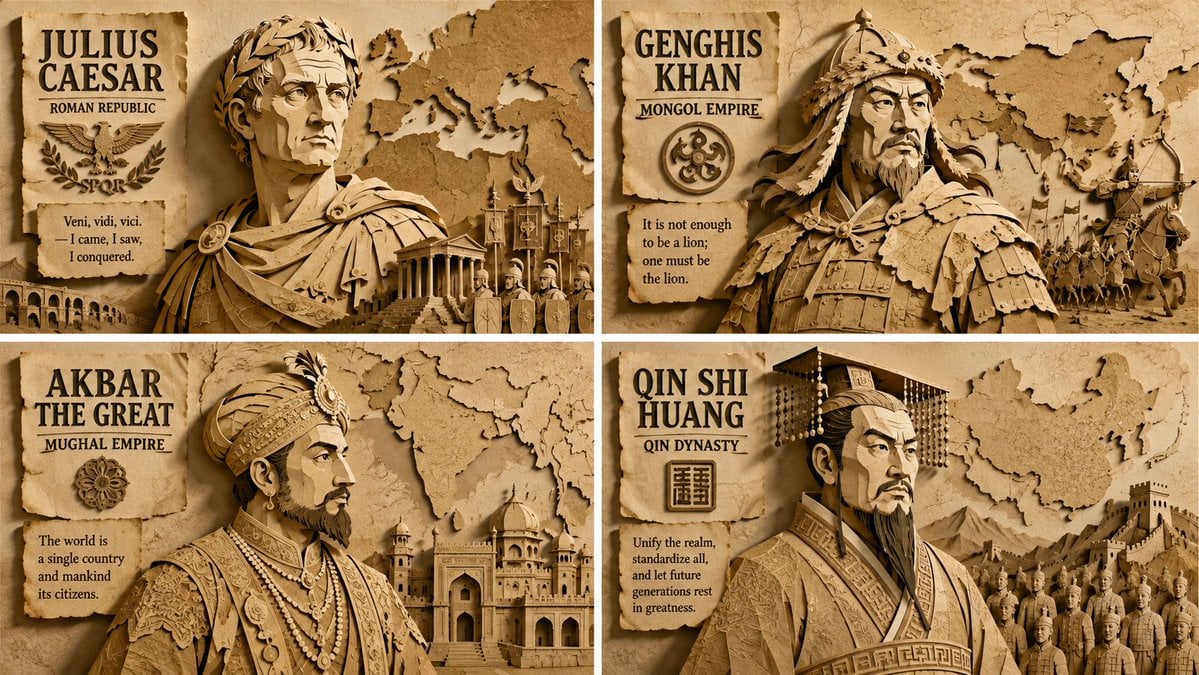
Paper Relief Hierarchical Composition
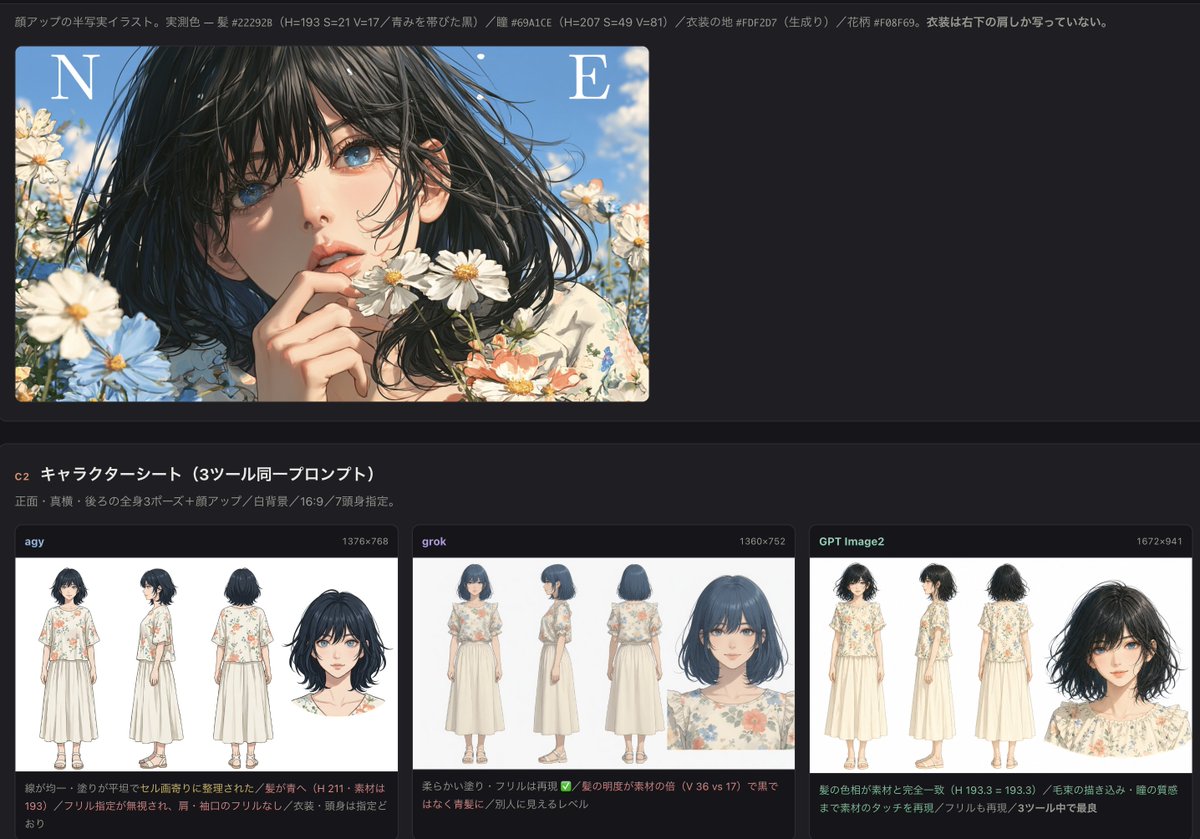
Precise Anime Character Concept Reference Sheet
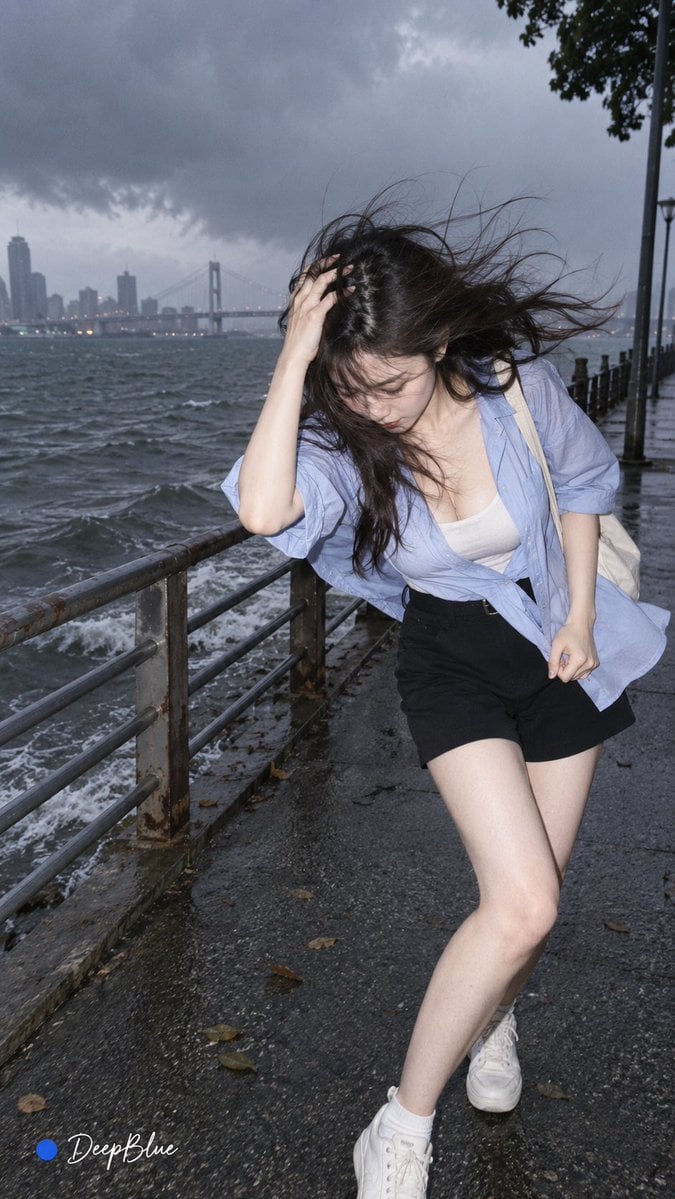
Random Photo Pose Generator

Mushroom Still Life Composition

Nano Banana Pro Identity Lock — Composition + Face Reference
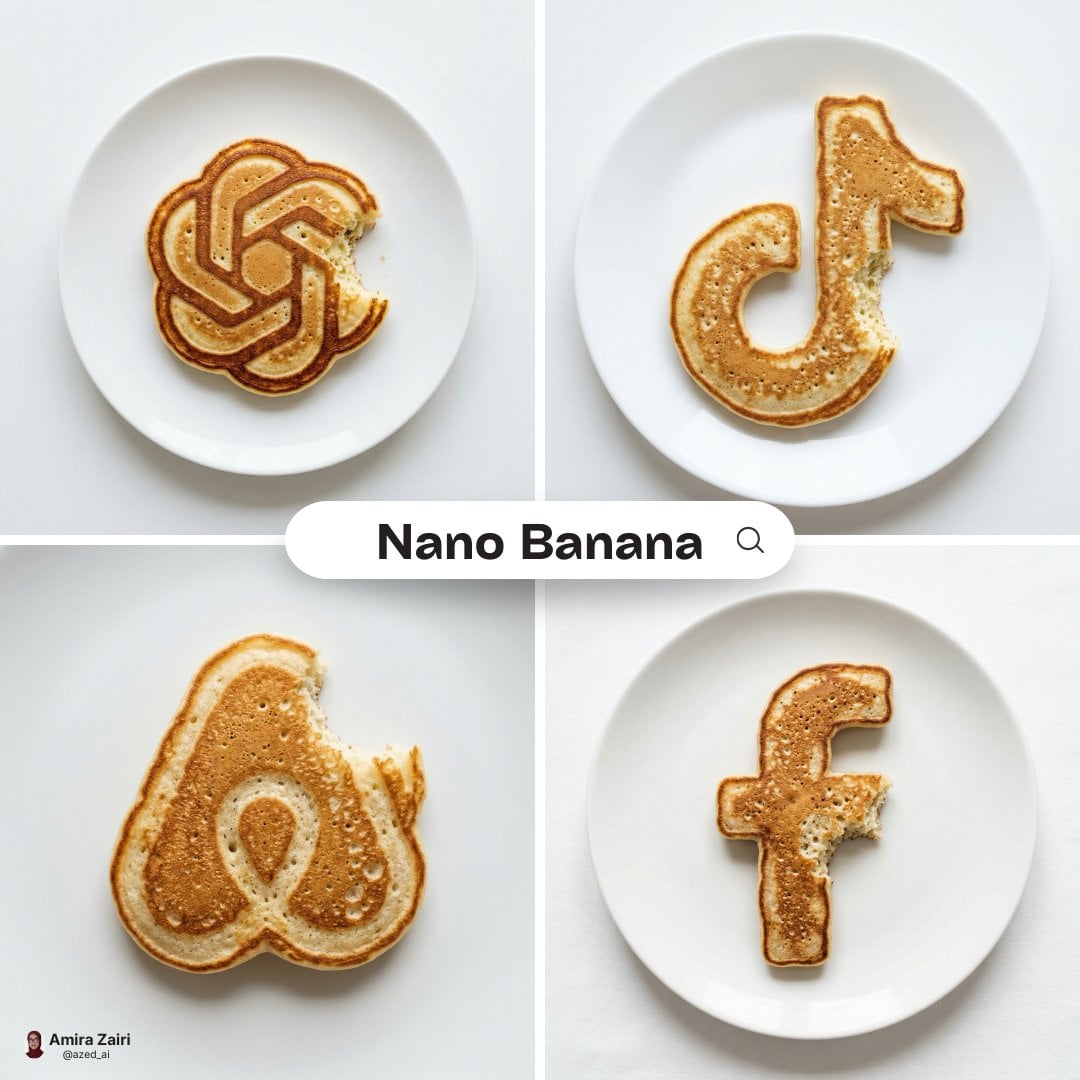
Hyper-realistic food photography of a pancake shaped precisely like
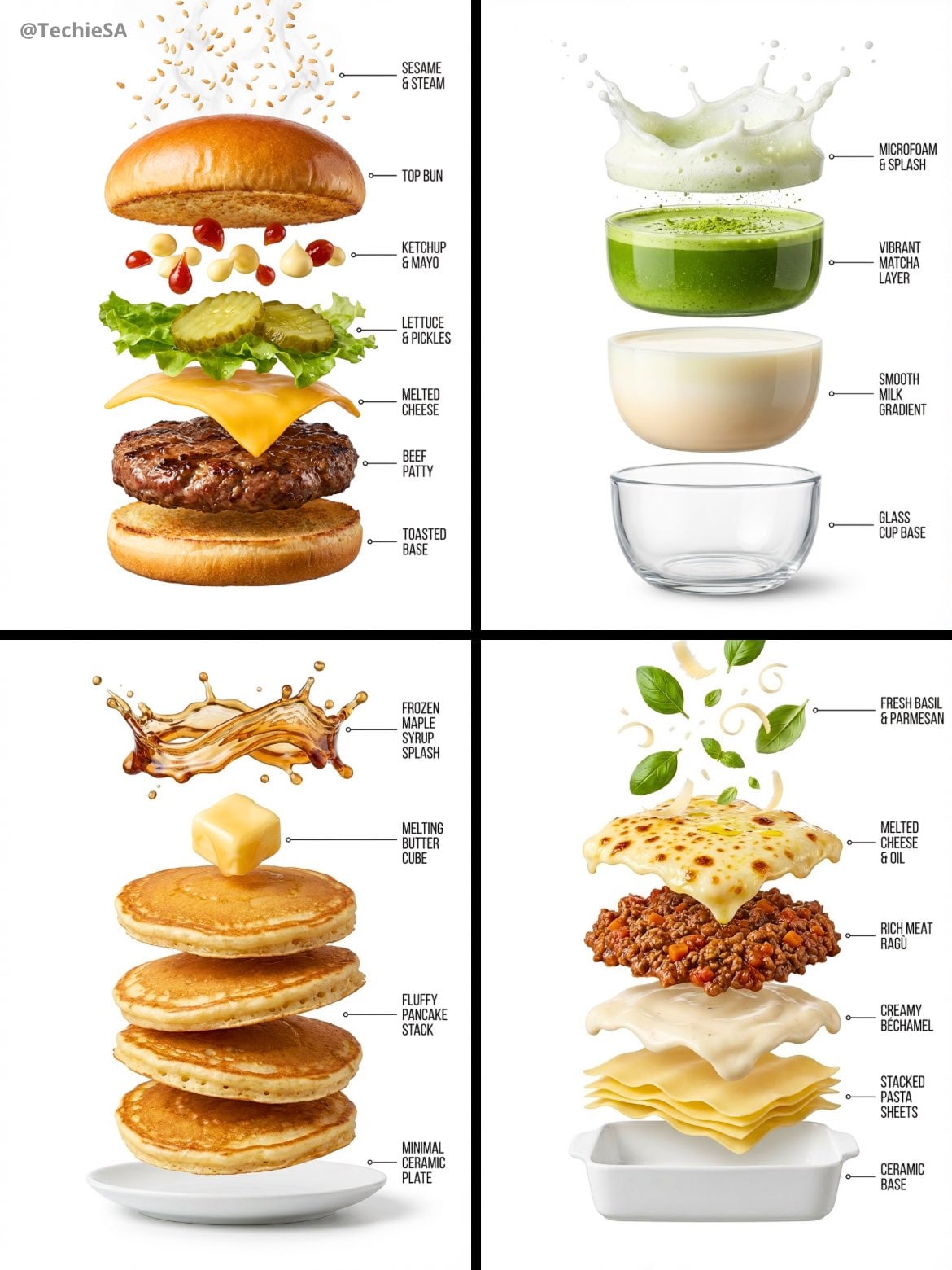
Hyper-realistic exploded vertical infographic composition
Make it yours
Precise Pose and Composition Replication Prompt works as-is. These are the safest ways to change it without losing the look.
Change one field
Copy a single group, rewrite it, and generate again so you can see what that field is doing.
Keep the frame, change the subject
Hold the composition and light of Precise Pose and Composition Replication Prompt, then swap wardrobe, props or the person for a new take.
| If the result… | Why | Fix |
|---|---|---|
| The result drifts from the preview | Too many fields changed at once. | Reuse Precise Pose and Composition Replication Prompt as-is first, then change one group — subject, light, or setting. |
| The model over-stylizes the scene | The prose prompt leaves finish and camera underspecified. | Add one camera or lighting sentence and stay on Nano Banana 2. |
More Nano Banana 2 templates
Other prompts made for Nano Banana 2.

Photorealistic Leaf Shaped Like a Dragon

K-Pop Idol Portrait Grid for Rapid Selection

Poetic Rain Forest Portrait During Golden Hour

Urban Street Portrait with Cartoon Inner Self Duo

Candid Nighttime Photo with Cat Prompt

High-Concept 3D Diorama Generation Prompt

Cinematic Futuristic Studio Portrait Template

Skincare Editorial Photography Collage Prompt

Hyper-Realistic Commercial Product Photography (Splash Effect)

Hyper-Realistic Nightclub Portrait Prompt
More image prompts
Fresh picks from across the catalog.
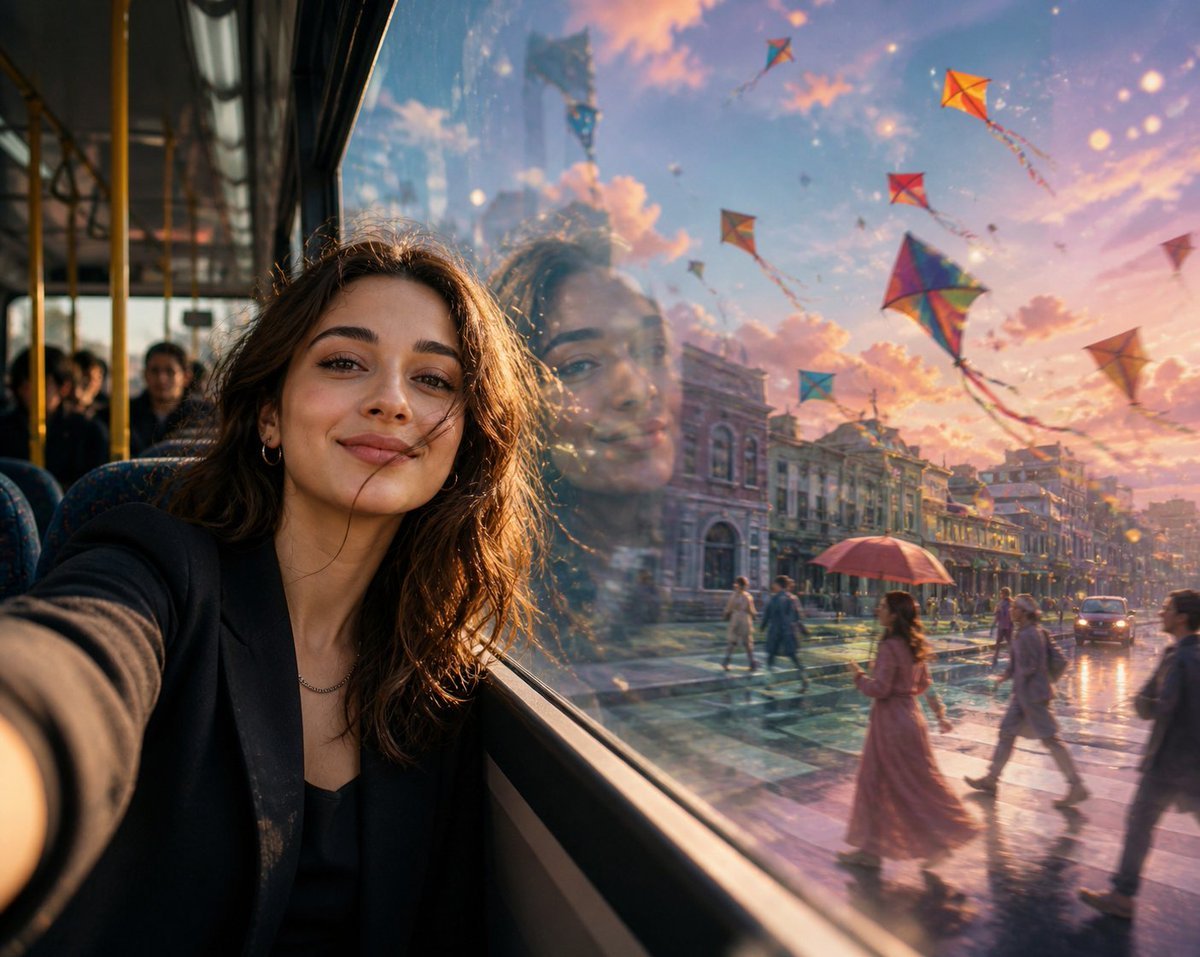
Surreal Bus Window Selfie
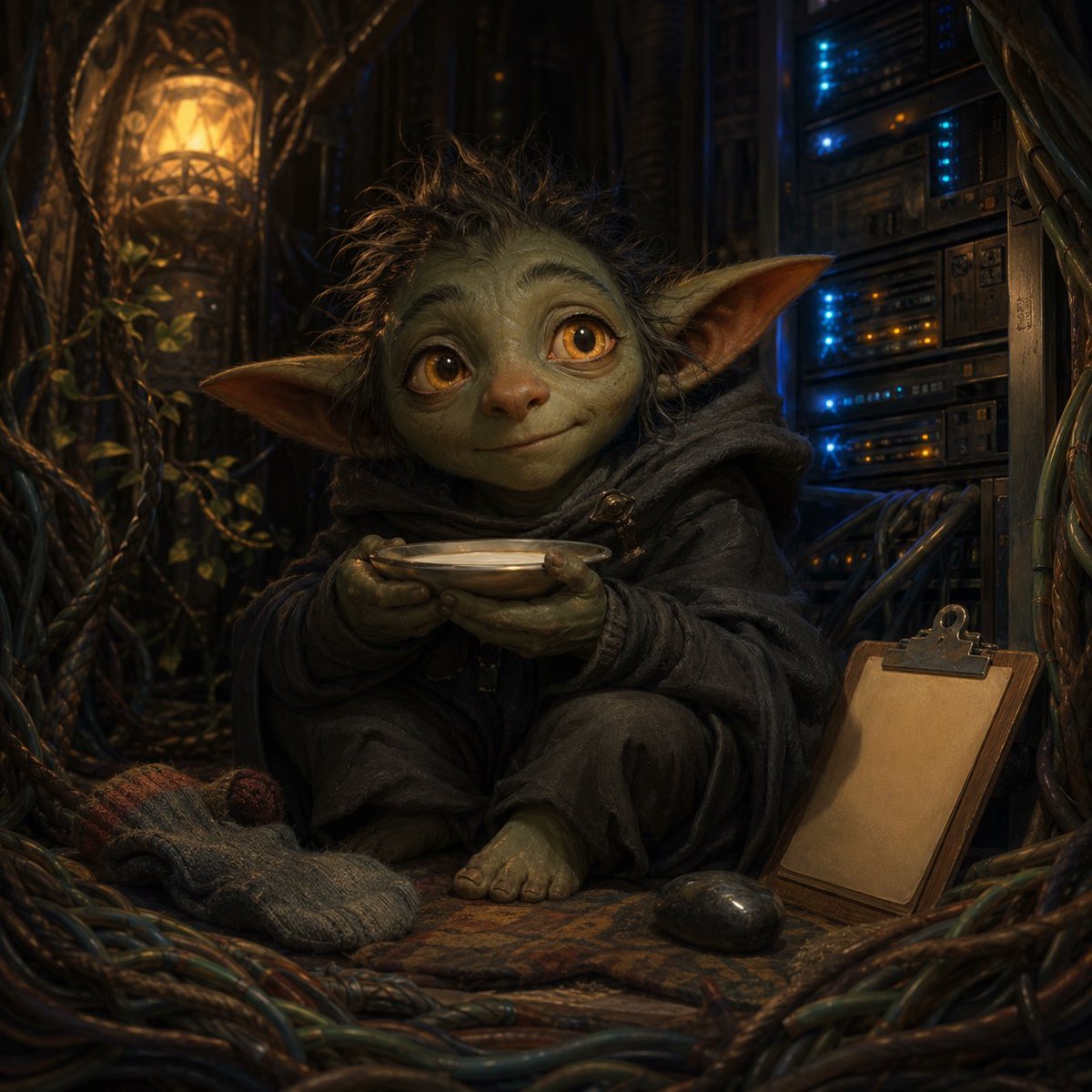
Fantasy Creature With Milk in Server Room
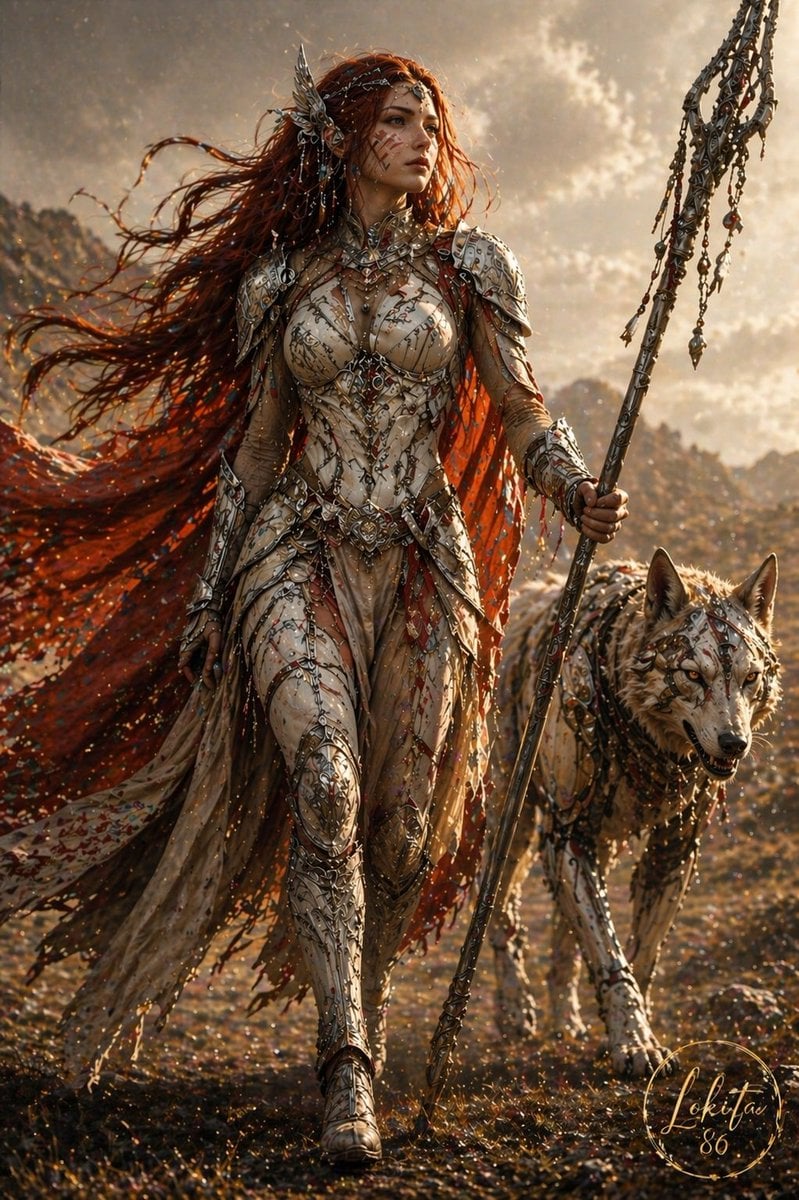
Epic Fantasy Warrior and Wolf

AI Illustration of a Wizard Making Valentine's Day Chocolate
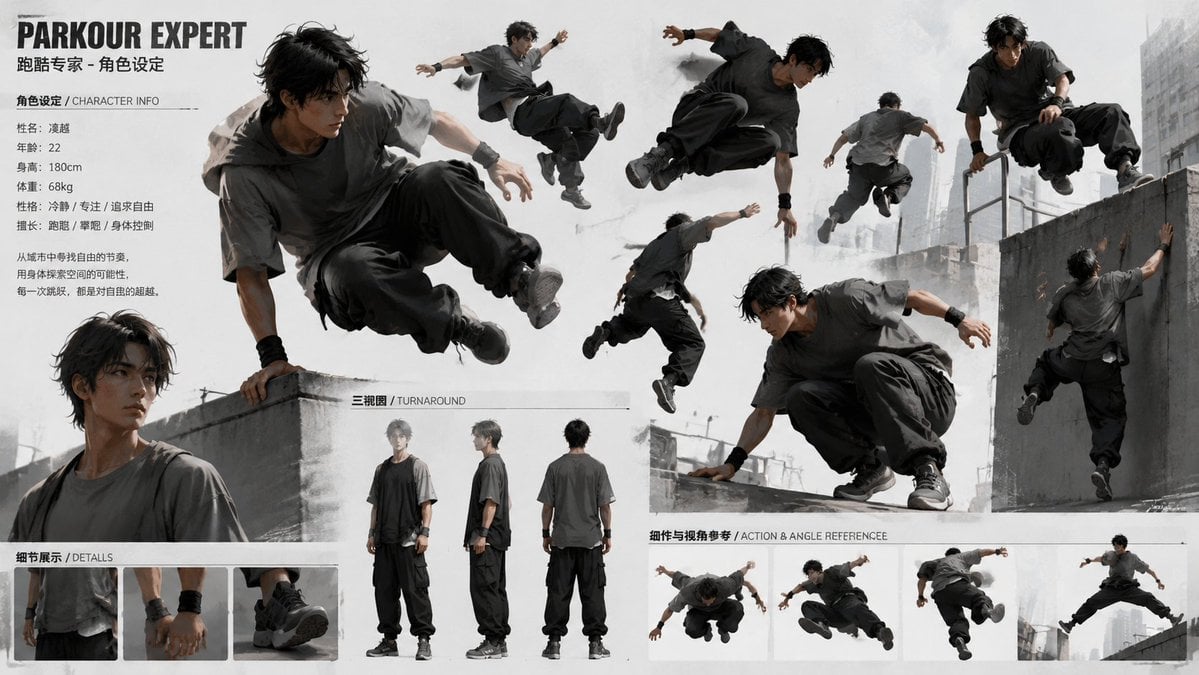
Parkour Character Montage Page
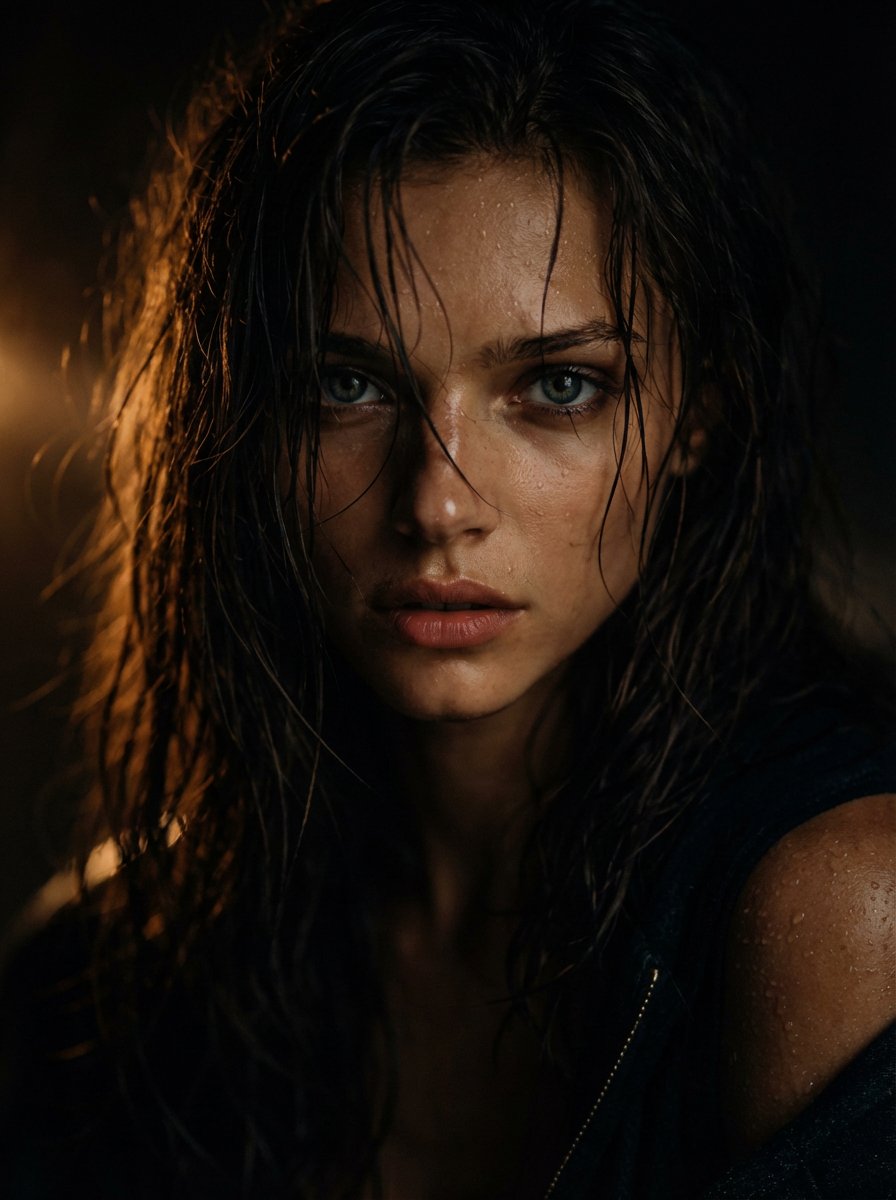
Cinematic Wet Hair Portrait Prompt
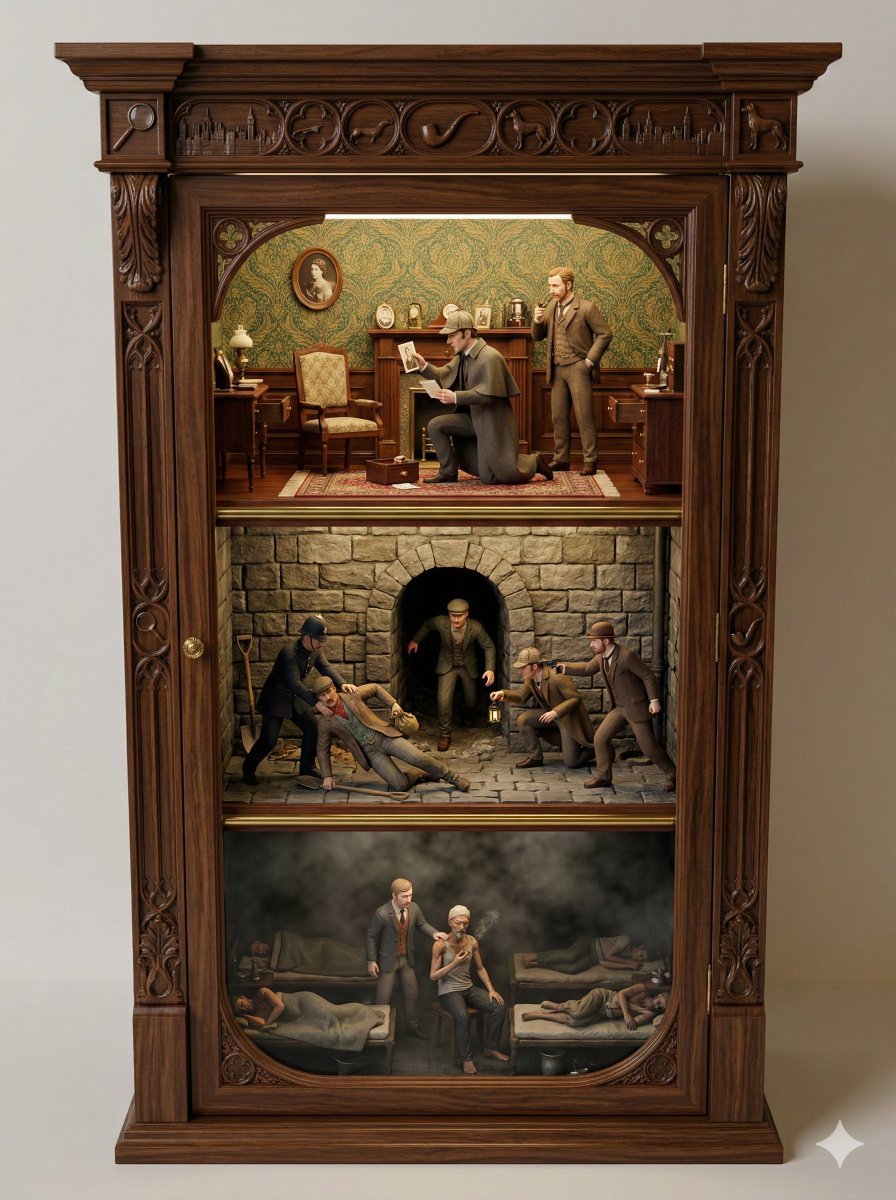
Sherlock Holmes Ornate Cupboard Diorama Prompt
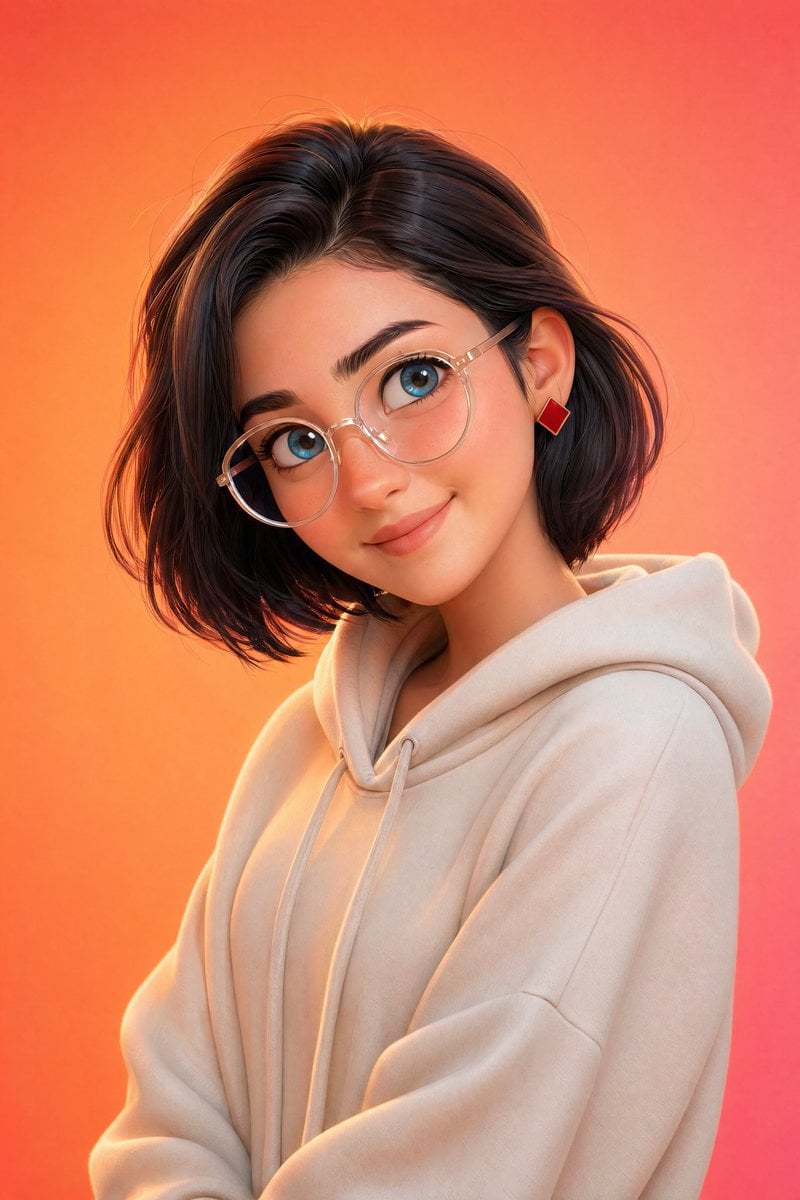
Pixar-Style 3D Character Portrait
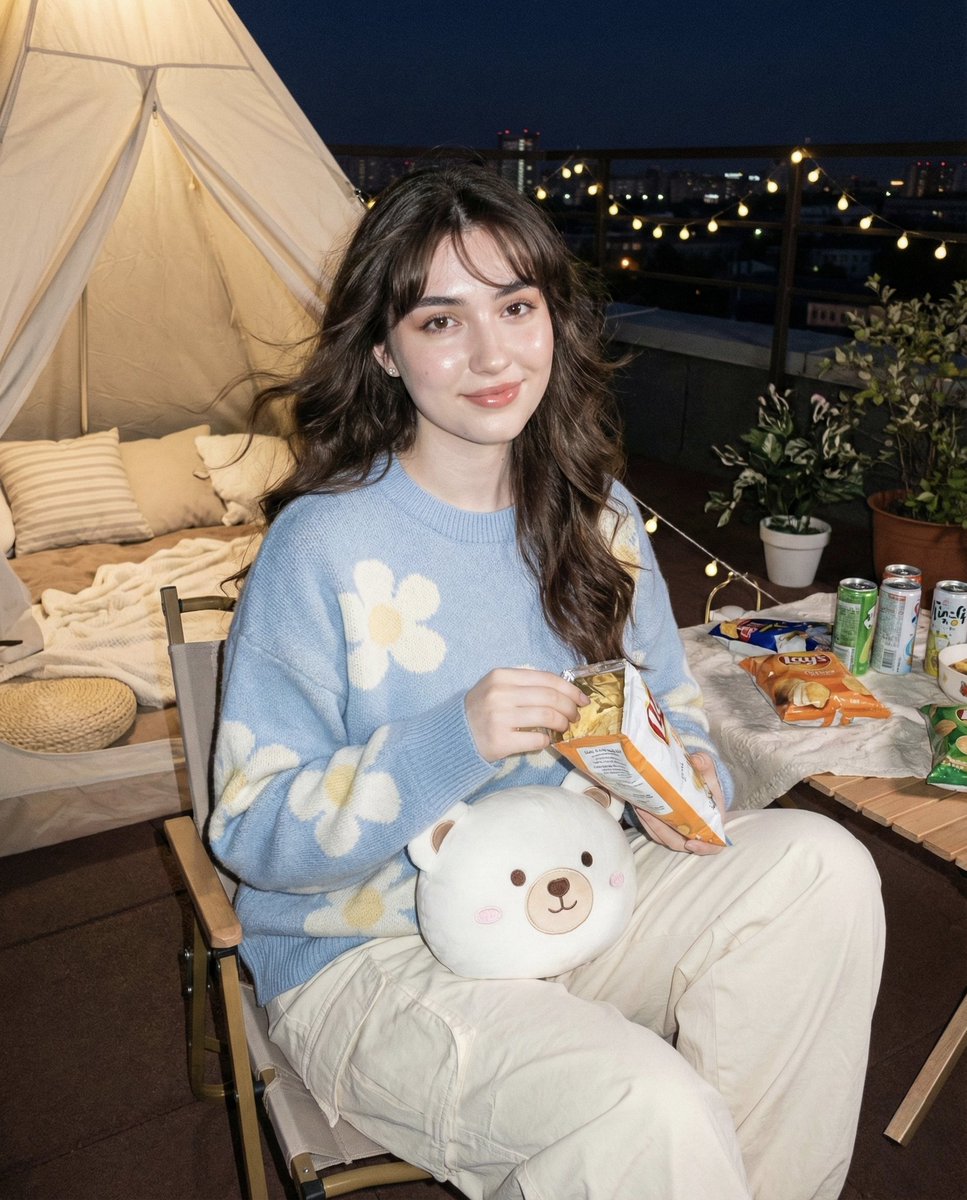
Hyper-realistic Nighttime Rooftop Portrait with Digital Camera Flash Effect
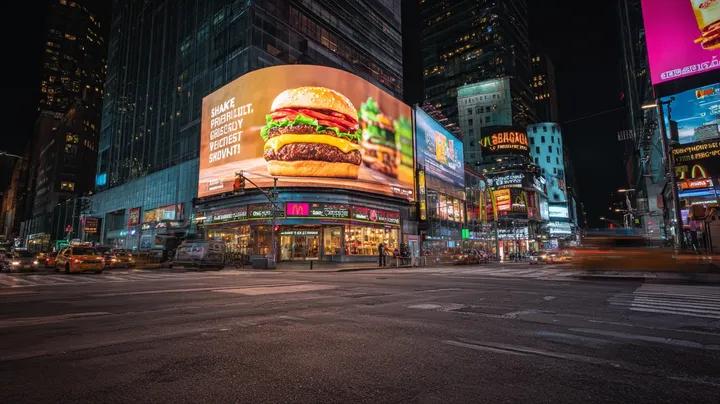
Cyber-Urban Night Cityscape with Hyper-Realistic Billboard Ad
Browse template categories
Precise Pose and Composition Replication Prompt questions
How do I use the Precise Pose and Composition Replication Prompt template?
Add your photo if the template asks for one, edit the prompt if you like — the template's model and format are already selected — and press Generate. Your version opens in PicX Studio.
Can I customize the Precise Pose and Composition Replication Prompt template?
Yes. You can change the subject, setting, lighting, mood, format, and available model controls before creating your image.
Is the Precise Pose and Composition Replication Prompt template free?
Opening and editing this template is free. Generating uses credits, shown on the Generate button when you are signed in.
Which AI model should I use?
Start with Nano Banana 2, which is the model associated with this template. You can compare another compatible model for a different finish.
Looking for something else? Browse all templates.

Your photo, any look
Thousands of ready templates for every top image and video model, from one credit balance.