
Precise Anime Character Concept Reference Sheet
A technical character design prompt for generating consistent three-view reference sheets, including specific hex codes for color palettes and detailed anatomical constraints.
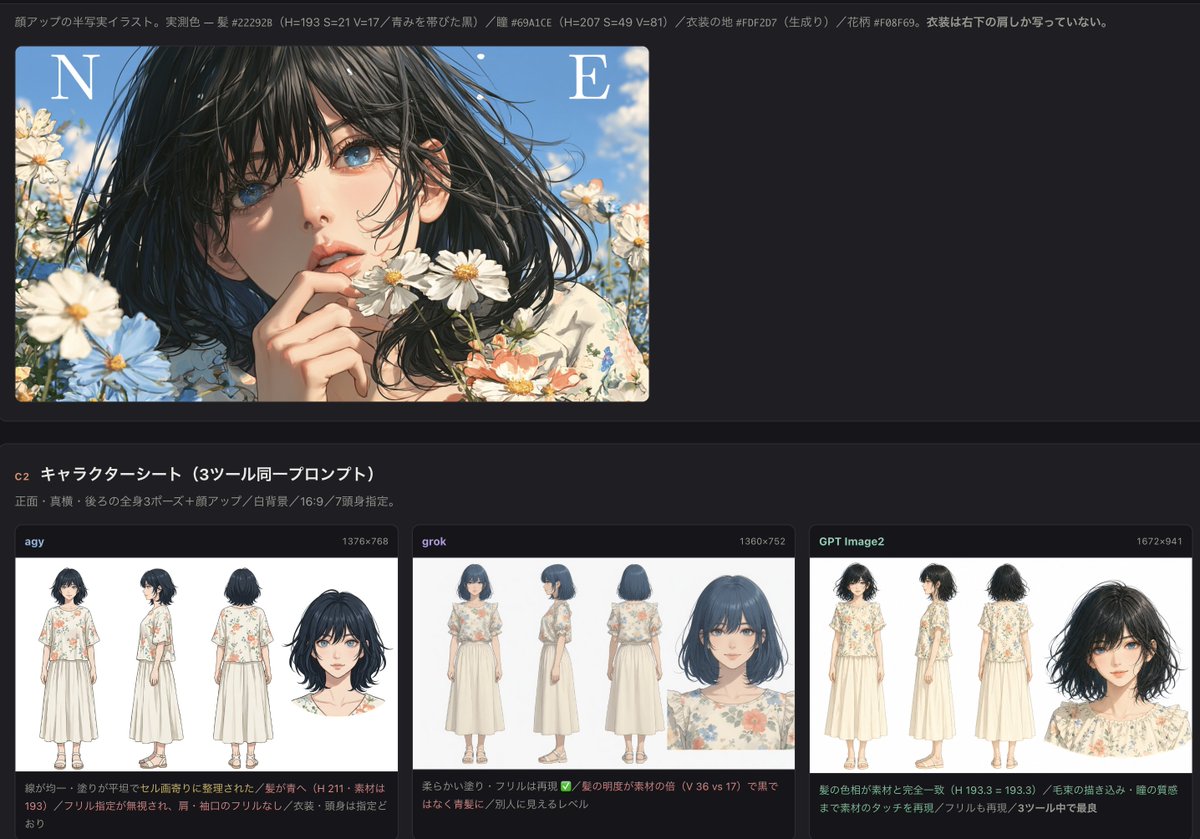
- Prompt included
- Model and format preset
- Free template
The prompt behind this image
Copy the exact prompt behind Precise Anime Character Concept Reference Sheet, or open it in the studio and make it yours.
キャラクターシート(設定資料の三面図)を1枚生成してください。アスペクト比 16:9。 【画風(最重要)】 参照画像の絵のスタイルをそのまま維持すること。 線の描き方、塗り方、質感、光の当て方、髪の描き込み、目の描き方まで、参照画像と同じ描き方で描くこと。 参照画像の画風から離れてはならない。別のアニメ調・3DCG・写真調・厚塗り油彩にしてはならない。 【配色】 参照画像の配色をそのまま使う。色相・彩度・明度を変更してはならない。 - {argument name="髪色" default="髪: 影が #1D1F1D、基調が #1C2325、明部が #1F2B37。青みを帯びた黒(ブルーブラック)である。真っ黒のべた塗りにしても、茶色や紫にしてもならない。"} - {argument name="瞳色" default="瞳: 影が #52788B、基調が #7094A7、明部が #6BA6C3。くすんだ空色。鮮やかな原色の青や、緑・紫にしてはならない。"} - 肌: #FDD3B6 前後の明るい肌色。 - {argument name="衣装" default="衣装の地: #FDF2D7 の生成り(わずかに黄みのあるオフホワイト)。純白にしてはならない。衣装の花柄: コーラル #F08F69 の花、くすんだ青の小花、くすんだ緑の葉。"} 【構成】 参照画像の人物1体だけの設定資料シート。 正面向き・真横向き・後ろ向きの全身3ポーズを左から等間隔に並べ、右端に顔のアップを1点添える。 全身は正確に3体、顔アップは正確に1点。他の人物を描いてはならない。 3体は同じ身長・同じ足元ラインに揃える。髪先・指先・つま先まで画面内に完全に収める。 【プロポーション】 一般的なアニメイラストの7頭身程度。頭が大きいデフォルメのちび体型にしてはならない。 極端な9頭身のファッション画にしてもならない。 【背景】 真っ白な無地。床・地面・地平線・接地線・影・グラデーション・枠線・文字を一切描かない。 足元に横線を引いてはならない。 参照画像に写っている花畑、青空、雲、画面上部のアルファベットは描いてはならない。人物1体のみを描く。 【形(衣装は下記のとおりに統一すること)】 - 髪は黒に近いブルーブラック。あごの少し下までの無造作なミディアムボブ。 毛束が細かく分かれて外側にはねる。前髪は長めで目にかかる。 - 目は切れ長でまつげが長い。眉は細く自然。 - 上半身は生成り地に水彩調の花柄プリントが入った、ゆったりした半袖ブラウス。 襟ぐりは丸く、肩と袖口に細かいフリルが付く。裾は腰が隠れる長さ。 - 下半身は生成り無地のロングスカート。くるぶしが見えるミモレ丈。ギャザーが寄っている。 - 足元は生成りのストラップサンダル。素足。 - アクセサリー・帽子・鞄は付けない。手ぶらにすること。 - 服装は全ポーズで正しく着用され、体を完全に覆っていること。肌の露出は顔・首・腕・足首から下のみ。 - 表情は落ち着いた自然な微笑み。
How to use Precise Anime Character Concept Reference Sheet in 3 steps
- 1Upload ImagePNG, JPG or paste
Add your photo
Upload the photo the template builds on. The prompt, model and format are already set.
- 2…a portrait of your subject in softgolden-hour light, 85mm…
Personalize
Edit the subject and creative details for your destination.
- 3Generate
Generate
Press Generate — your image is created in PicX Studio, so you can compare it with the original and refine one variable at a time.
More like this
Templates with the same subject, style or setup. Open one to see its prompt.

Dancer Character - Four View Reference Sheet

Futuristic Anime Tactical Concept Sheet

Anime Character Sheet Reference Prompt

Anime Character Charm Analysis Sheet
Elegant Anime Fashion Reference Sheet
High-Fashion Character Concept Art Sheet

Gray Studio Character Reference Sheet

Retro Manga StackChan Concept Sheet

Anime Lantern Girl Character Sheet
Photoreal Character Reference Sheet
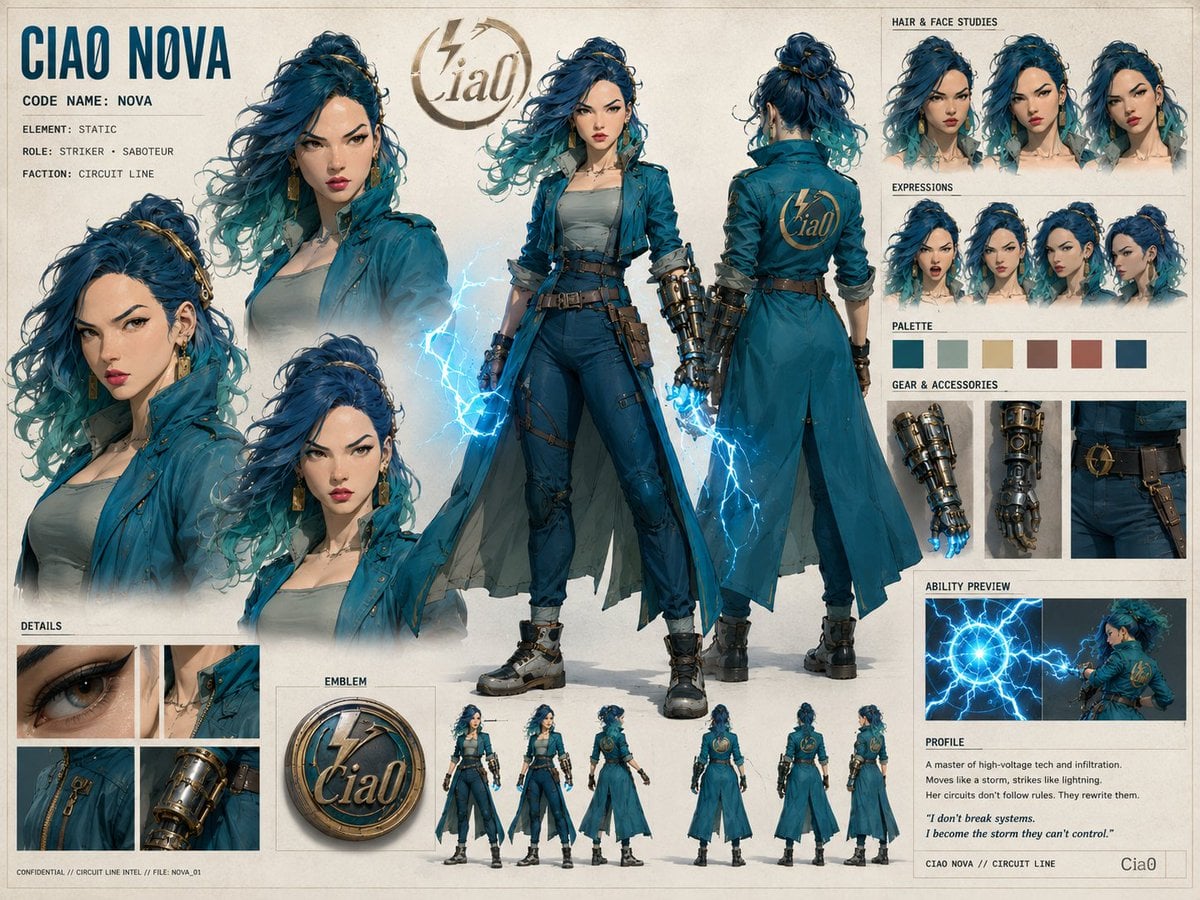
Ciao Nova Character Reference Sheet

Cel 2D Finale Fireworks
Make it yours
Precise Anime Character Concept Reference Sheet works as-is. These are the safest ways to change it without losing the look.
Change one field
Copy a single group, rewrite it, and generate again so you can see what that field is doing.
Keep the frame, change the subject
Hold the composition and light of Precise Anime Character Concept Reference Sheet, then swap wardrobe, props or the person for a new take.
| If the result… | Why | Fix |
|---|---|---|
| The result drifts from the preview | Too many fields changed at once. | Reuse Precise Anime Character Concept Reference Sheet as-is first, then change one group — subject, light, or setting. |
| The model over-stylizes the scene | The prose prompt leaves finish and camera underspecified. | Add one camera or lighting sentence and stay on GPT Image 2. |
More GPT Image 2 templates
Other prompts made for GPT Image 2.

Six VTuber Japanese Logo Sheet

Realistic Portrait of Woman and Deer

The Vista Modular Condo Poster

AI Model Routing Comparison Infographic

2.5D Anime Art Board

Isometric Productivity Desk Scene

New York Double Exposure Poster

Four-Panel AI Landscape Comparison

Japanese Tatami Lifestyle Magazine Cover

NESCAFÉ Coffee Map Poster
More image prompts
Fresh picks from across the catalog.
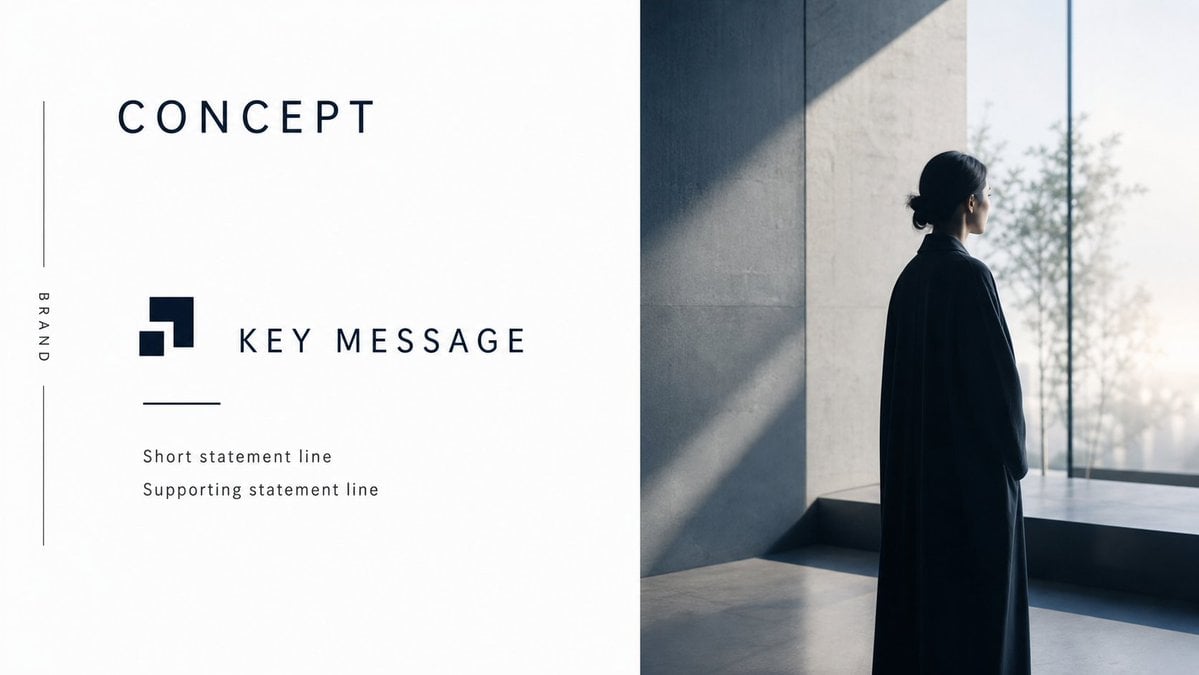
Minimal Luxury Brand Concept Slide
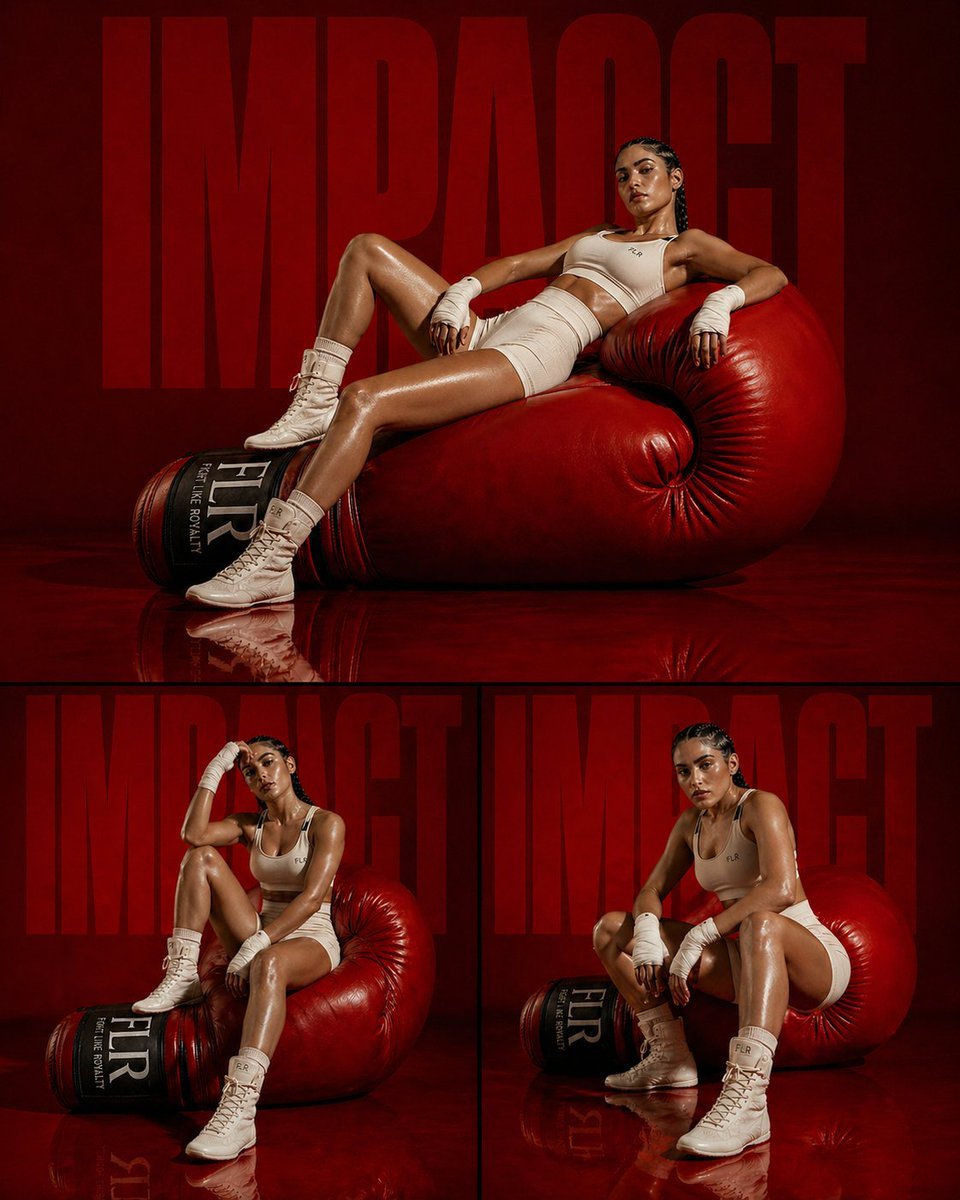
Fashion Editorial Athletic Triptych
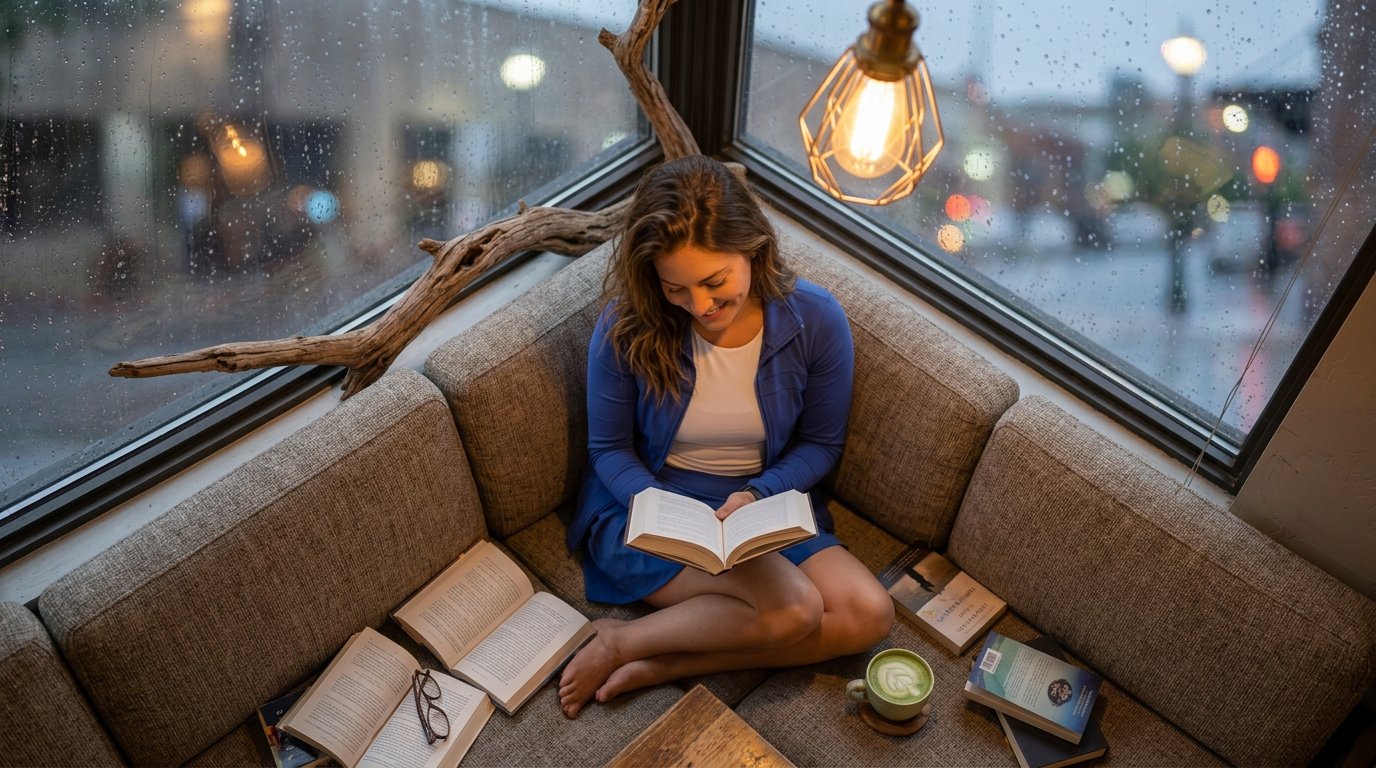
reading
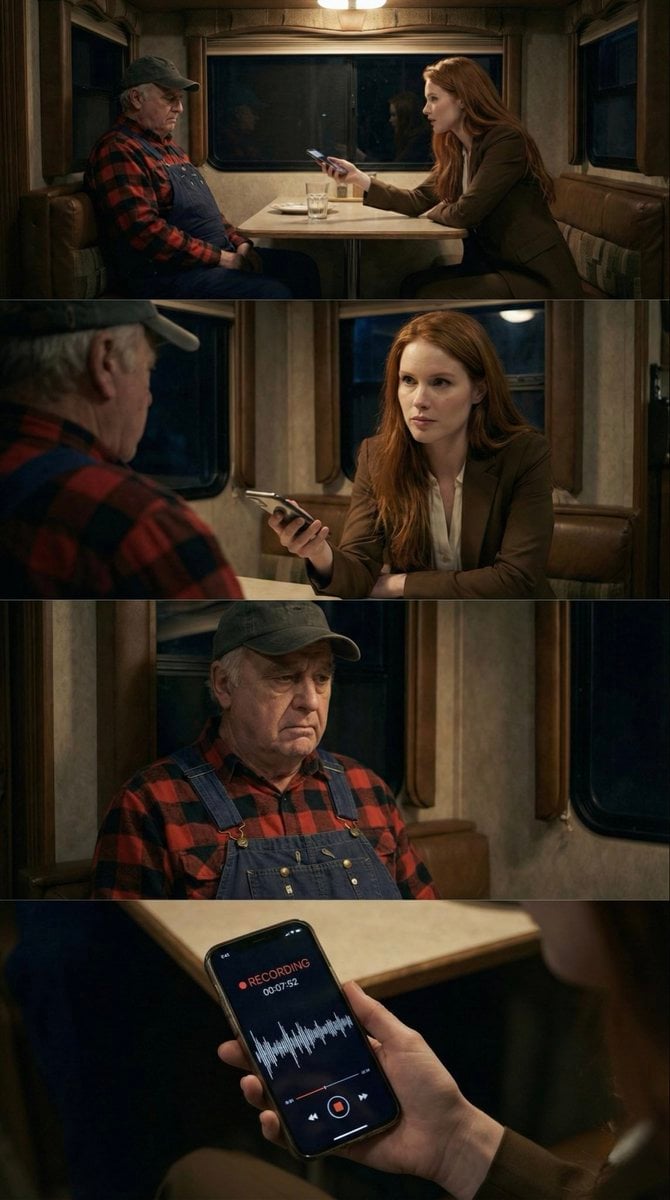
16:9 Contact Sheet Generation from Reference Image
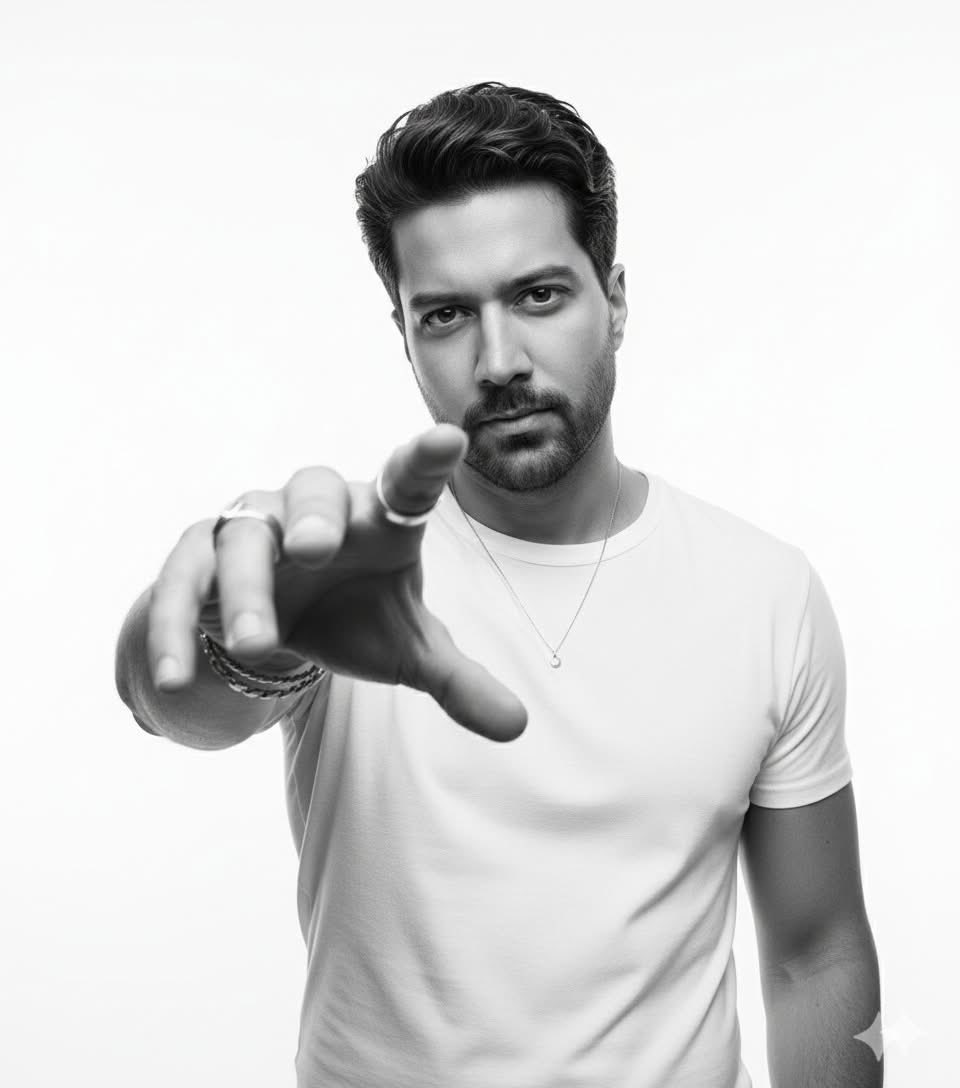
High-Key B&W Cinematic Portrait
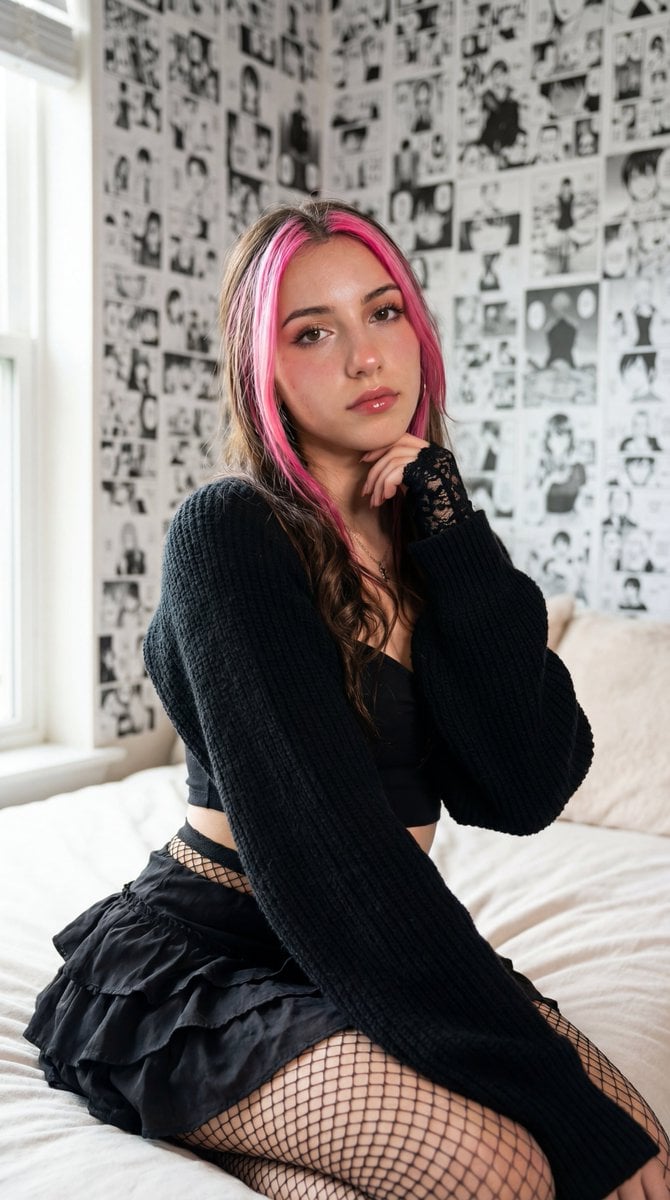
Photorealistic manga-themed bedroom portrait
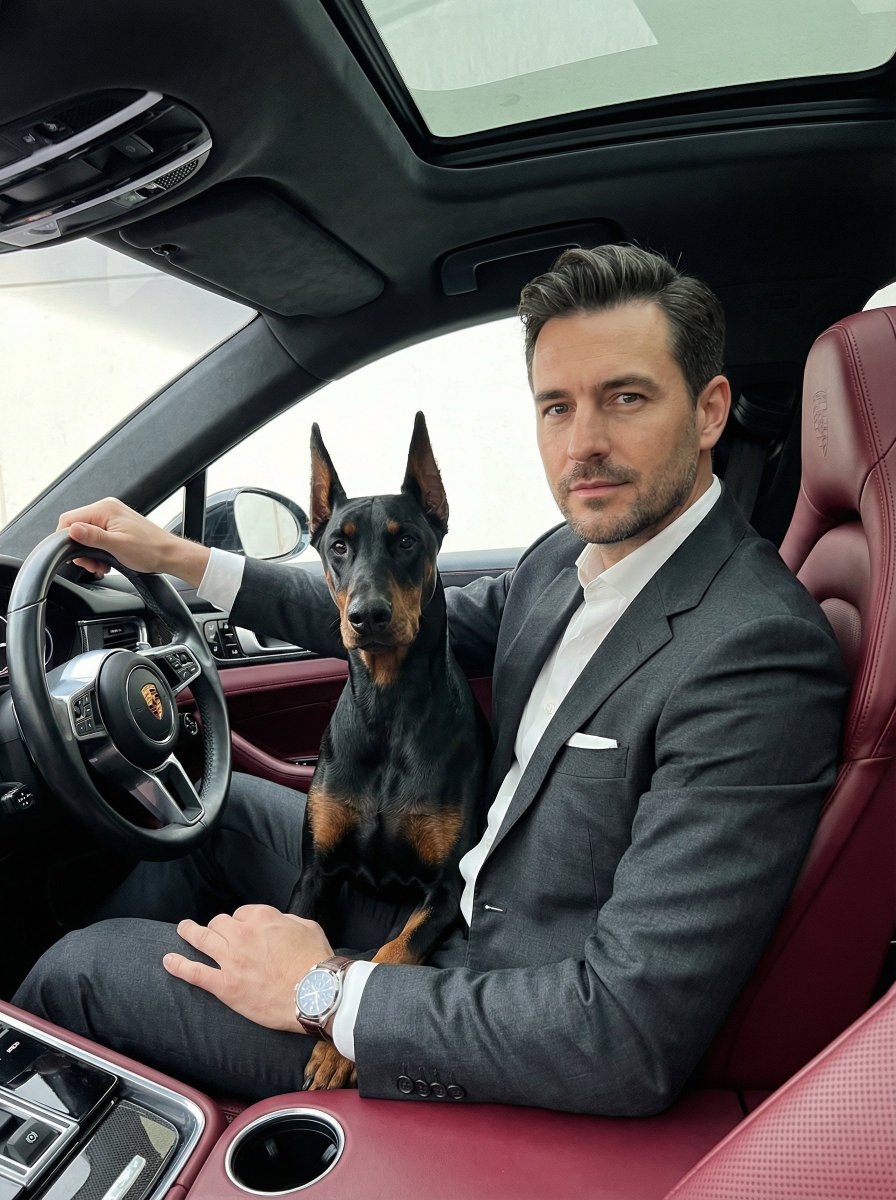
Luxury Car Portrait with Doberman
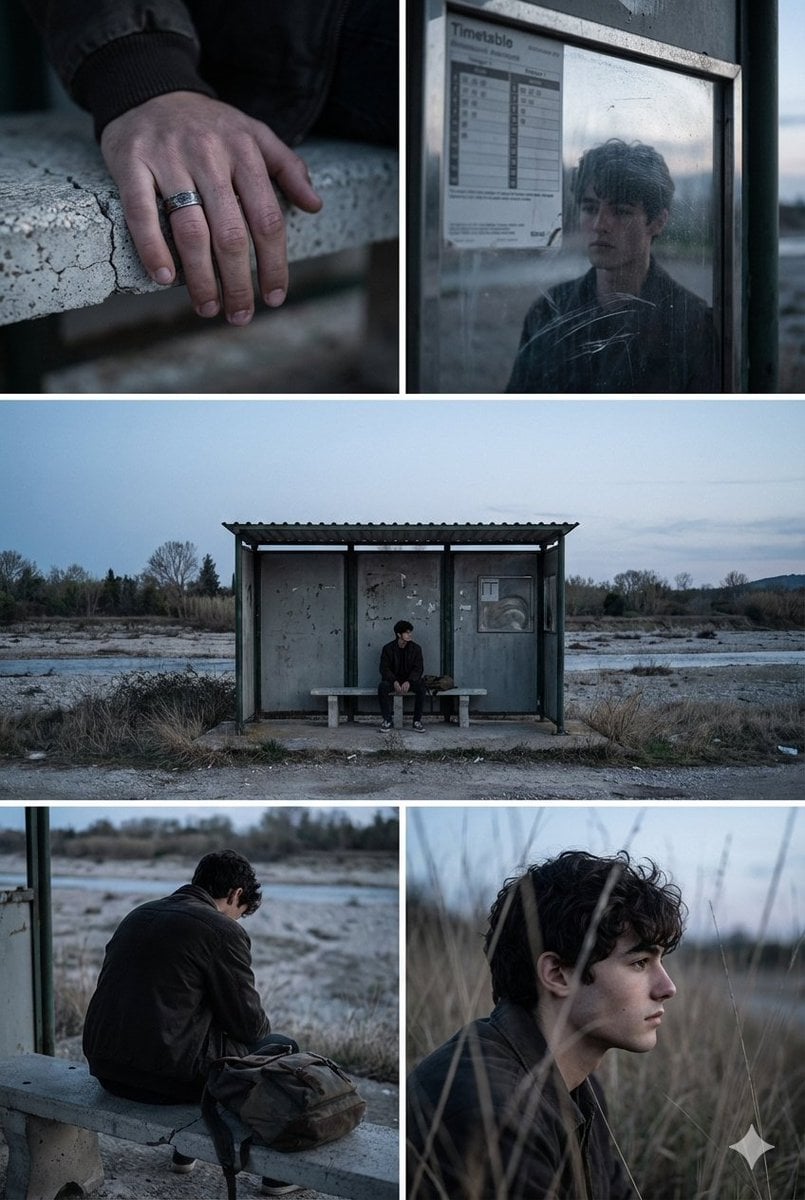
Indie Film Aesthetic Narrative Grid Prompt

Gpt2 Infographic Edu Visual Vintage Claude Shannon Infographic Poster
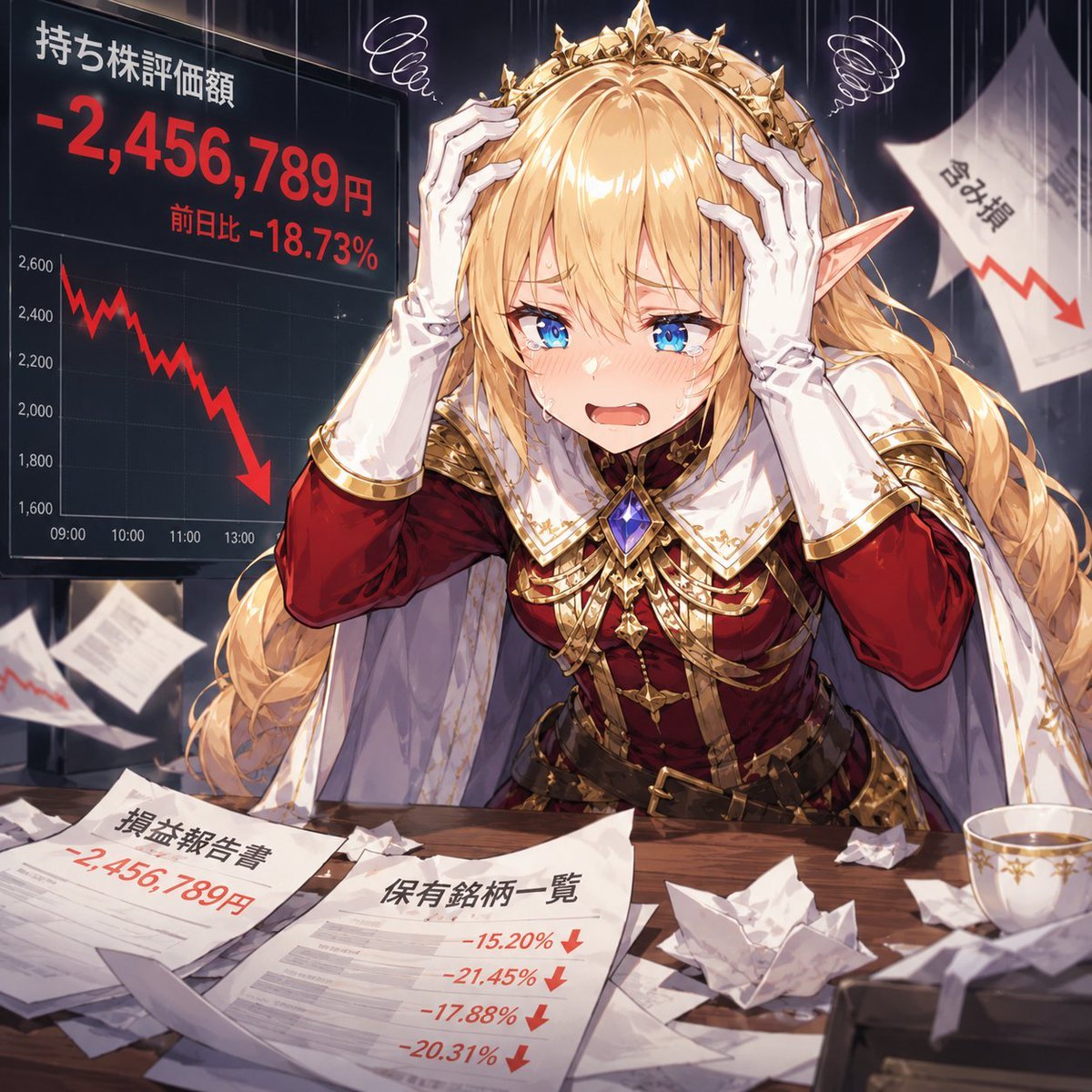
Elf Queen Stock Market Loss Panic
Browse template categories
Precise Anime Character Concept Reference Sheet questions
How do I use the Precise Anime Character Concept Reference Sheet template?
Add your photo if the template asks for one, edit the prompt if you like — the template's model and format are already selected — and press Generate. Your version opens in PicX Studio.
Can I customize the Precise Anime Character Concept Reference Sheet template?
Yes. You can change the subject, setting, lighting, mood, format, and available model controls before creating your image.
Is the Precise Anime Character Concept Reference Sheet template free?
Opening and editing this template is free. Generating uses credits, shown on the Generate button when you are signed in.
Which AI model should I use?
Start with GPT Image 2, which is the model associated with this template. You can compare another compatible model for a different finish.
Looking for something else? Browse all templates.

Your photo, any look
Thousands of ready templates for every top image and video model, from one credit balance.