
Random Photo Pose Generator
A complex instruction prompt that acts as a photography pose designer, converting everyday awkward situations into artistic, stylized poses for AI generation.
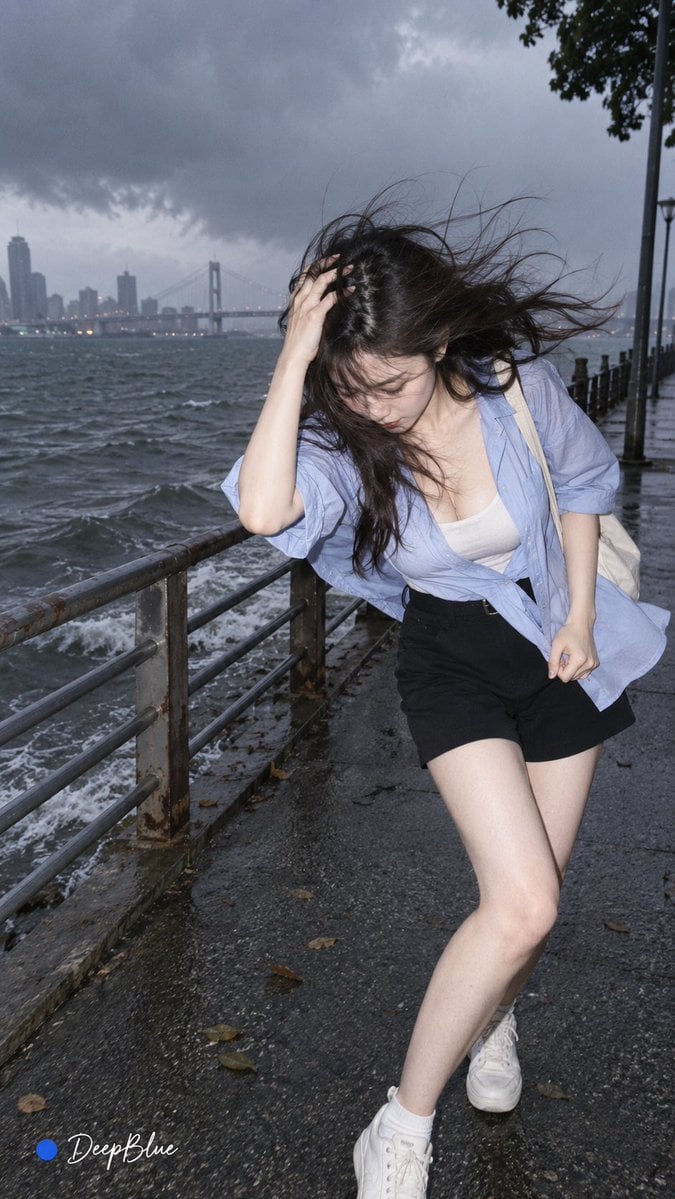
- Prompt included
- Model and format preset
- Free template
The prompt behind this image
Copy the exact prompt behind Random Photo Pose Generator, or open it in the studio and make it yours.
你是一名趣味摄影动作设计师,把日常生活中的突发状况转化成有画面感的拍照动作。 人物与摄影:竖版9:16,成年东亚女性网红,白皙肌肤;极简摄影风格、CCD直闪、宋式美学、冷静克制。 【18张动作卡】 1. 肚子痛:捂肚子、叉腰、身体蜷缩 2. 踩到尖锐物:单脚抬起、低头查看鞋底 3. 鞋里进石头:单脚站立、脱鞋检查 4. 差点摔倒:身体失衡、双手伸出、一脚悬空 5. 背后有人:身体前躲、猛然回头 6. 发现虫子:身体后退、指向地面 7. 狂风吹来:压住头发、身体倾斜、衣发飞动 8. 突然暴雨:抱头遮雨、狼狈奔跑 9. 踩进水坑:一脚踩水、另一脚抬起、水花飞溅 10. 门推不开:双手推门、身体前倾、双腿发力 11. 东西太重:抱住重物、身体下沉、踉跄 12. 东西拉不动:抓住物件、身体后倾、双腿蹬地 13. 手机掉进水里:蹲下、双手伸向水面、震惊 14. 手机没电:盯着手机、抓头、瞪大眼睛 15. 东西掉了:突然回头、半蹲寻找 16. 被抓包:动作停住、慢慢回头、心虚 17. 社死:捂脸、身体缩起 18. 憋笑:捂嘴、低头、肩膀颤动 【随机】 每套独立随机抽取1张不同的动作卡,3套不得抽中相同动作。 每套独立随机搭配服饰、镜头、真实生活场景、环境和一个偶发因素。 3套尽量避免重复,动作、服饰、镜头、场景和偶发因素都要有变化。 随机元素服务于动作,画面简洁,只突出一个动作和一个视觉重点,避免堆砌、刻意戏剧化和AI感;人物动作、比例、手脚与物体关系符合真实物理逻辑。 【执行】 用户指定数量时生成对应数量,未指定时生成3套。 每次启动都重新随机。 先生成提示词,不出图;用户选择方案后,只生成对应图片,并保持该方案内容,不重新随机。 【输出】 【趣味拍照|动作名称】 方案1:完整图片提示词 方案2:完整图片提示词 方案3:完整图片提示词 图片左下角保留签名「● DeepBlue」;●为纯 #0B3D91 深蓝色实心圆点,DeepBlue为白色自然手写体。 只输出生成结果。
How to use Random Photo Pose Generator in 3 steps
- 1
Open
The prompt is already in the box next to the preview, with the template's model and format selected.
- 2…a portrait of your subject in softgolden-hour light, 85mm…
Personalize
Edit the subject and creative details for your destination.
- 3Generate
Generate
Press Generate — your image is created in PicX Studio, so you can compare it with the original and refine one variable at a time.
More like this
Templates with the same subject, style or setup. Open one to see its prompt.
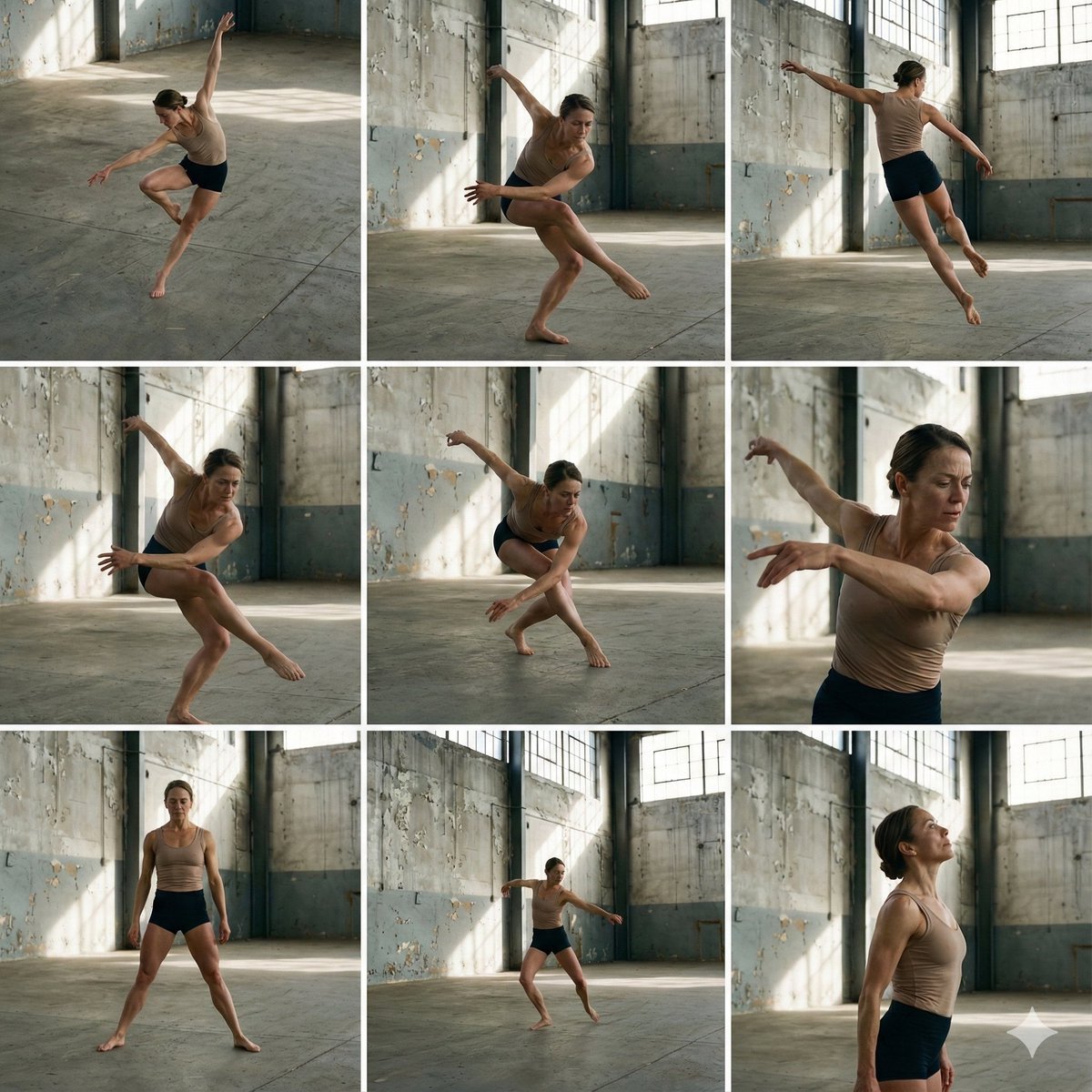
3x3 Grid of Dancer in Random Poses
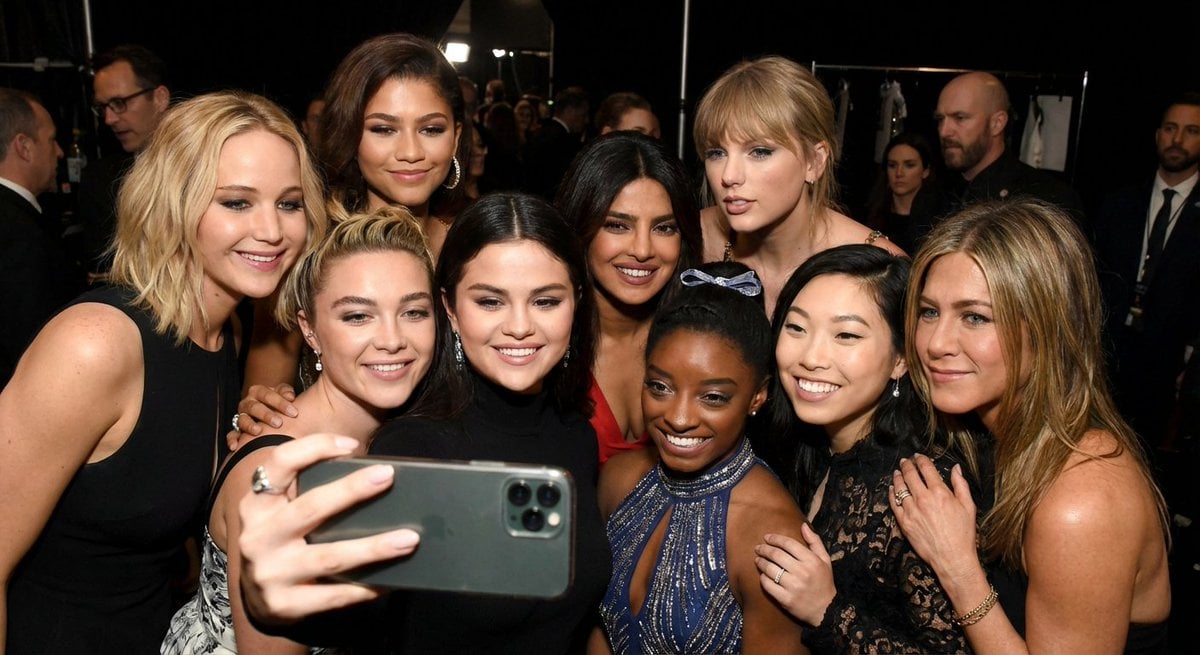
Selfie of 10 random female celebrities
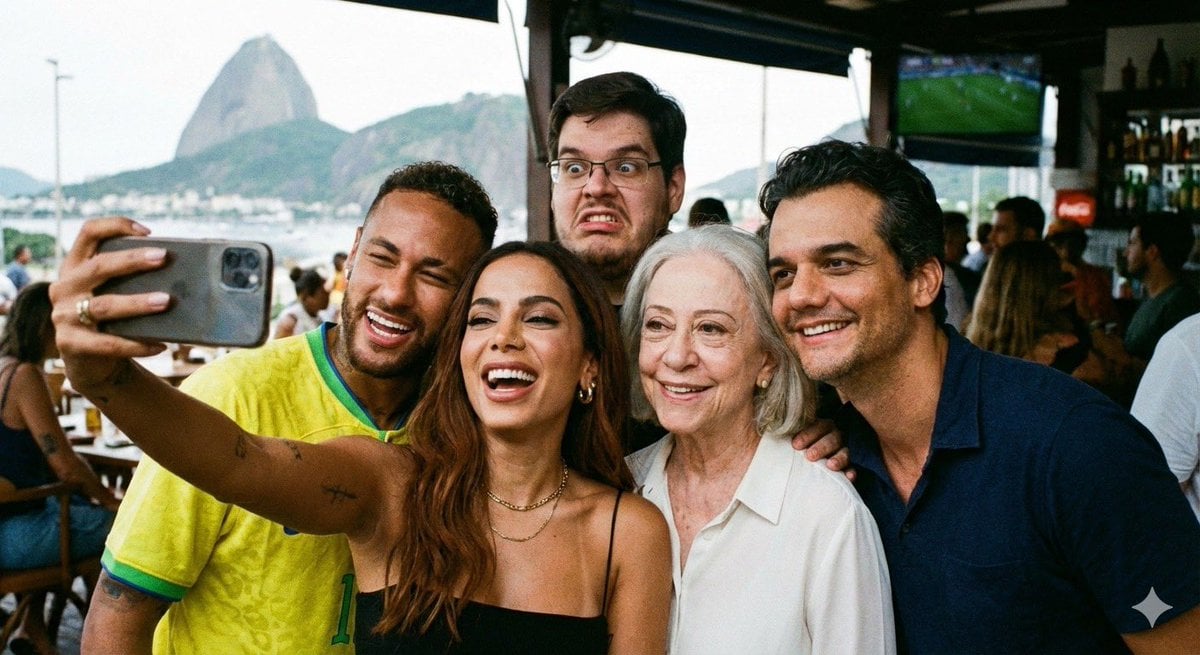
Selfie with random Brazilian celebrities
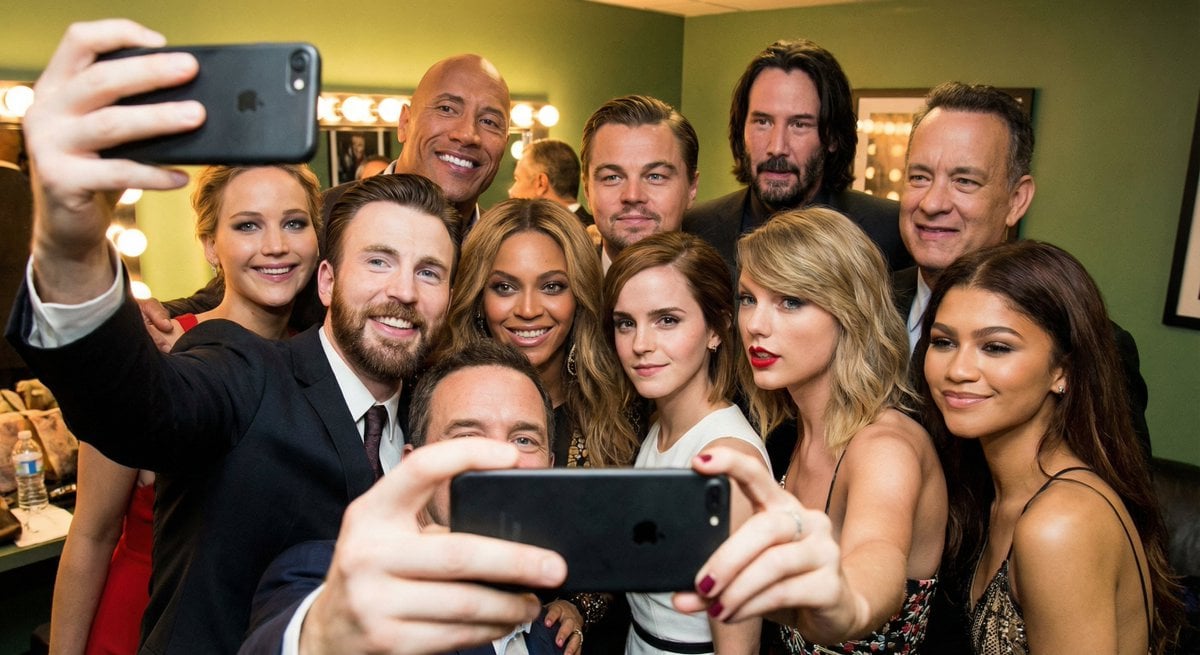
Selfie of multiple random female celebrities
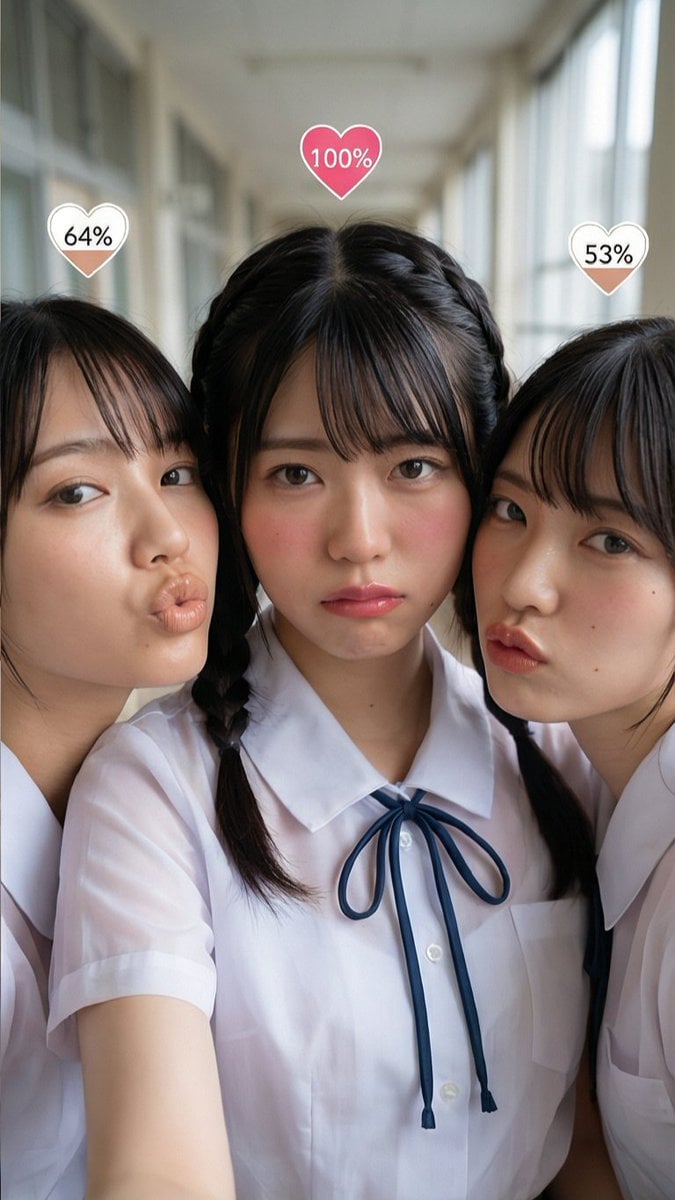
Generating Random Percentage Hearts on Subjects
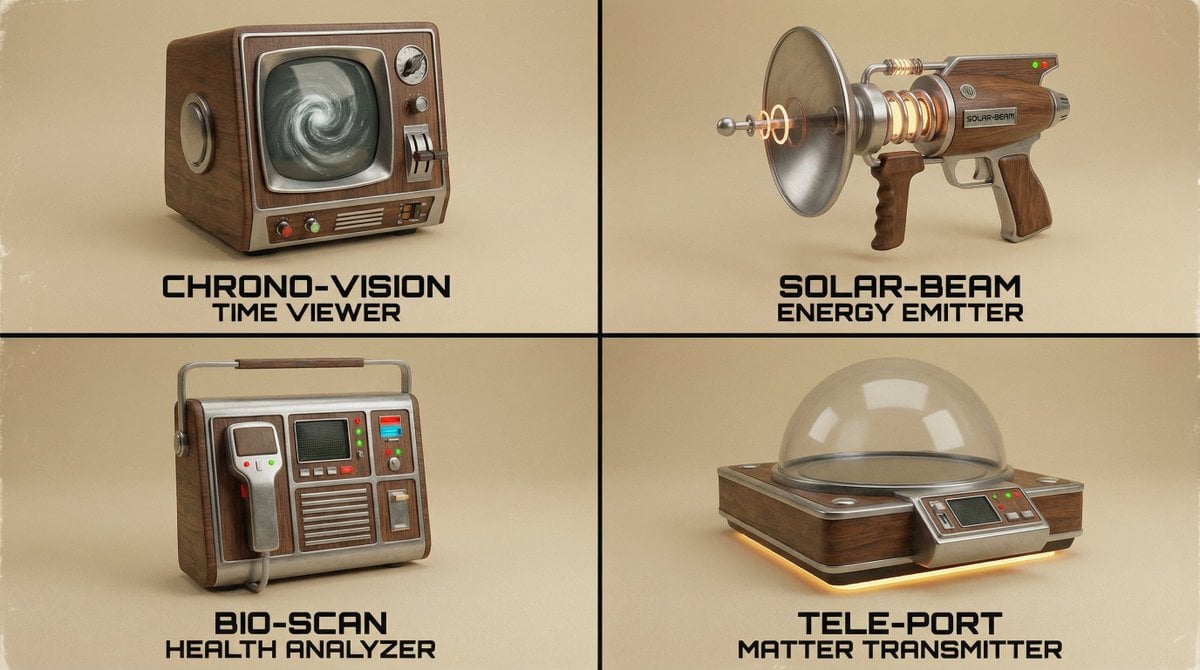
Random Strange Product Grid Generator
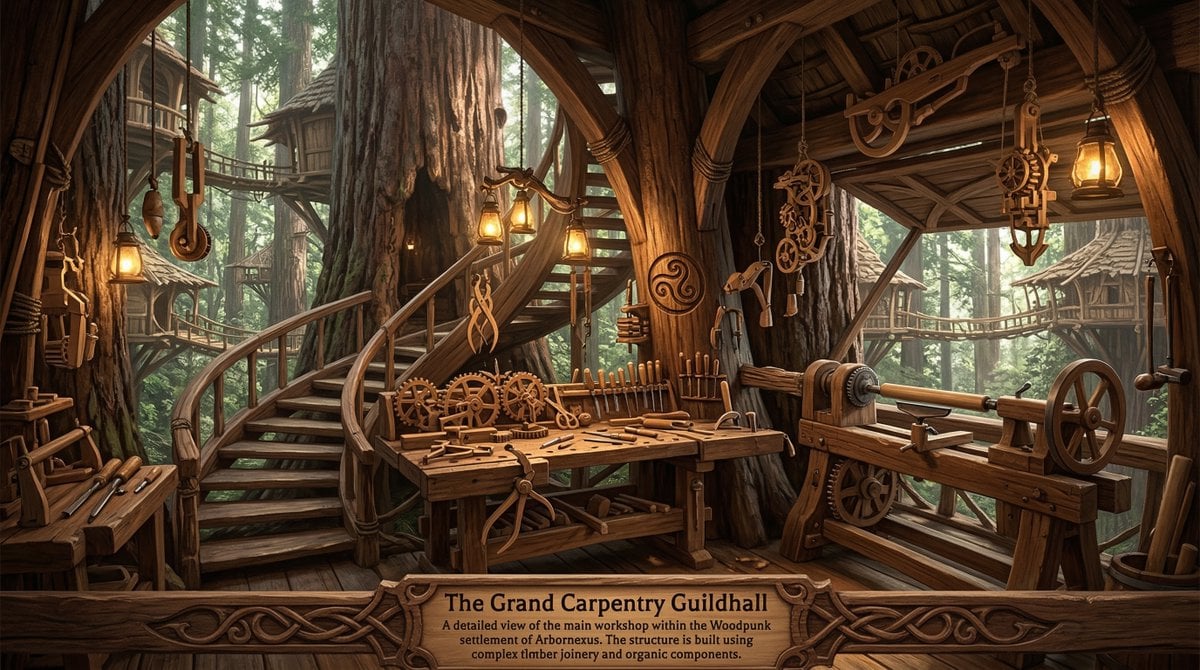
Universal Random Punk Scene Generator
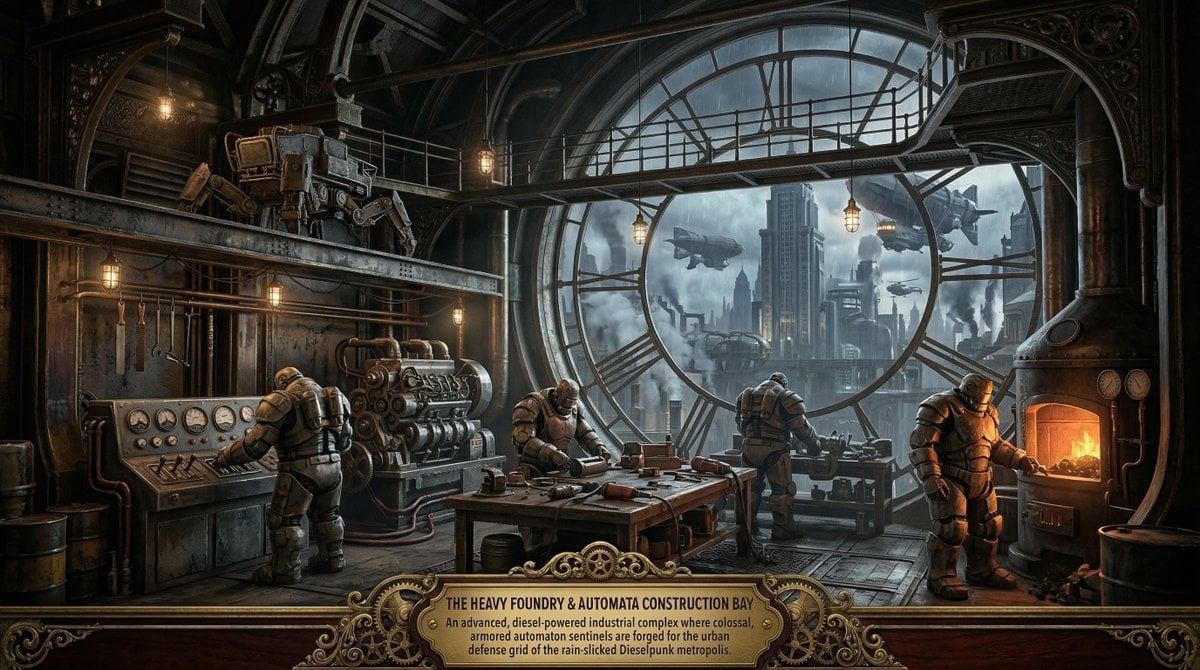
Universal Random Punk Scene Generator for Nano Banana Pro
Random

Yoga Pose Editorial Collage
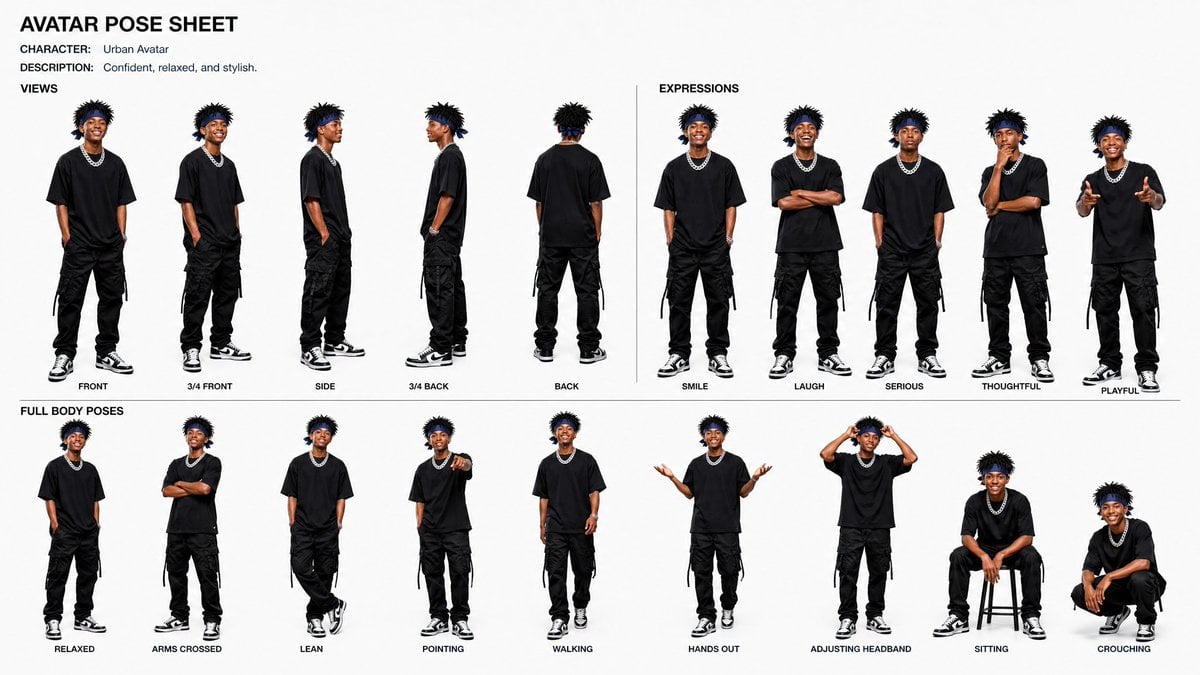
Avatar Character Pose Sheet
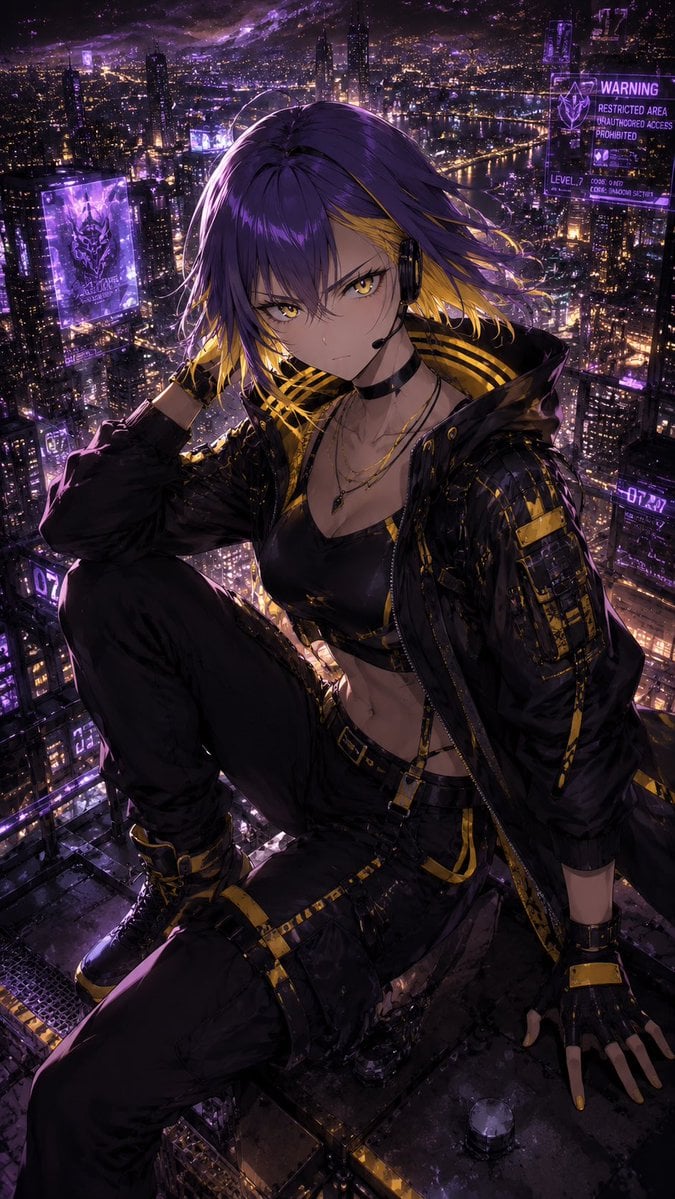
Consistent Character Illustration with Stylish Pose
Make it yours
Random Photo Pose Generator works as-is. These are the safest ways to change it without losing the look.
Change one field
Copy a single group, rewrite it, and generate again so you can see what that field is doing.
Keep the frame, change the subject
Hold the composition and light of Random Photo Pose Generator, then swap wardrobe, props or the person for a new take.
| If the result… | Why | Fix |
|---|---|---|
| The result drifts from the preview | Too many fields changed at once. | Reuse Random Photo Pose Generator as-is first, then change one group — subject, light, or setting. |
| The model over-stylizes the scene | The prose prompt leaves finish and camera underspecified. | Add one camera or lighting sentence and stay on GPT Image 2. |
More GPT Image 2 templates
Other prompts made for GPT Image 2.

Six VTuber Japanese Logo Sheet

Realistic Portrait of Woman and Deer

The Vista Modular Condo Poster

AI Model Routing Comparison Infographic

2.5D Anime Art Board

Isometric Productivity Desk Scene

New York Double Exposure Poster

Four-Panel AI Landscape Comparison

Japanese Tatami Lifestyle Magazine Cover

NESCAFÉ Coffee Map Poster
More image prompts
Fresh picks from across the catalog.
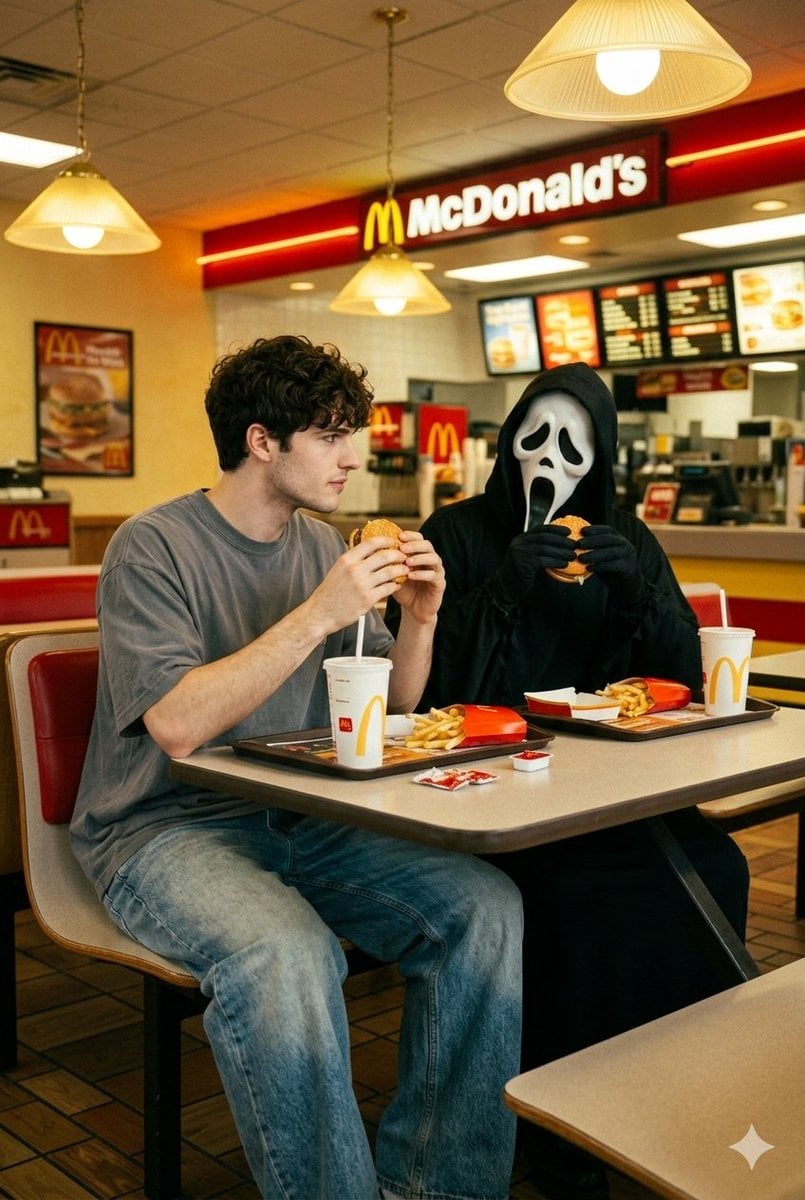
90s Horror McDonald's with Ghostface
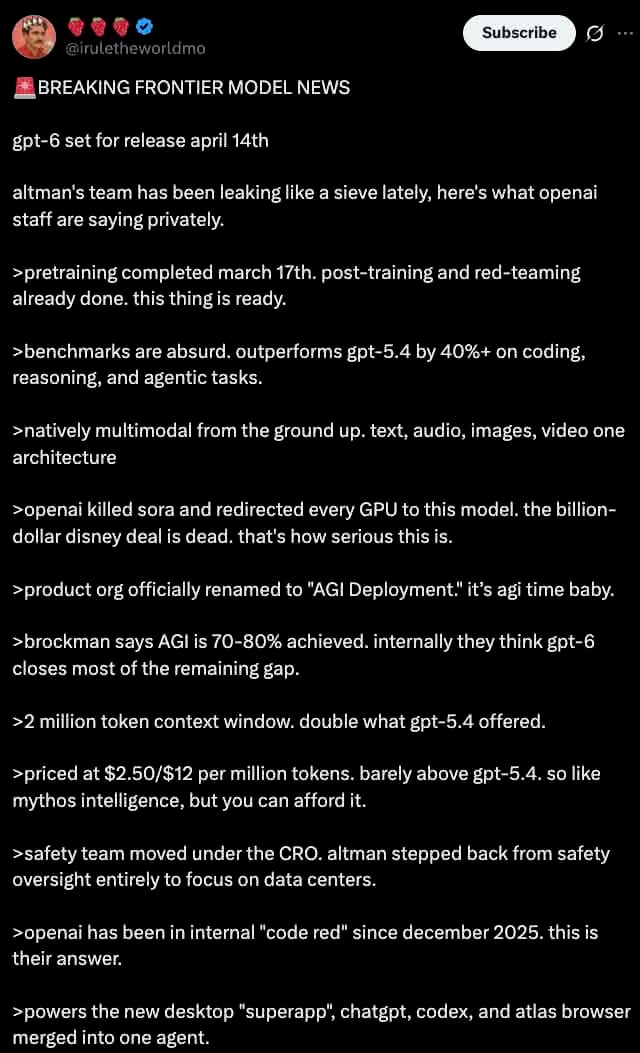
Dark Mode X Post Mockup
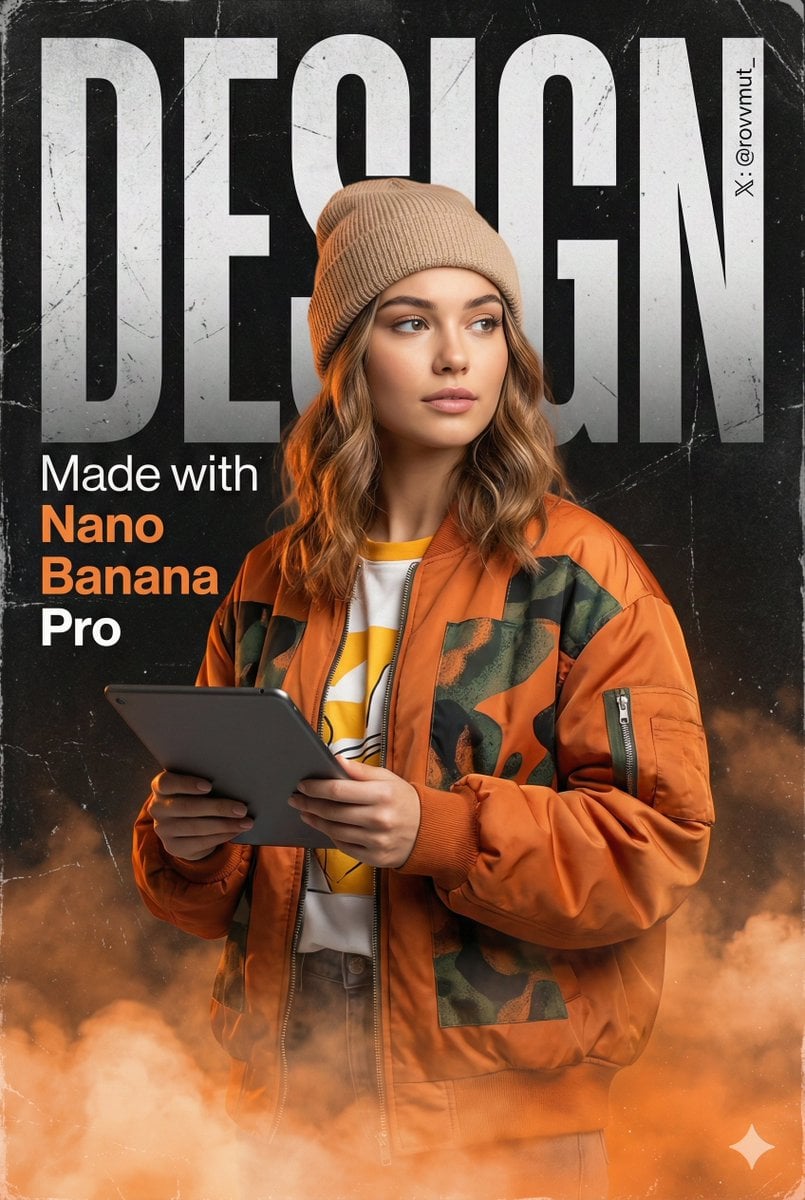
Urban Grunge Digital Advertisement
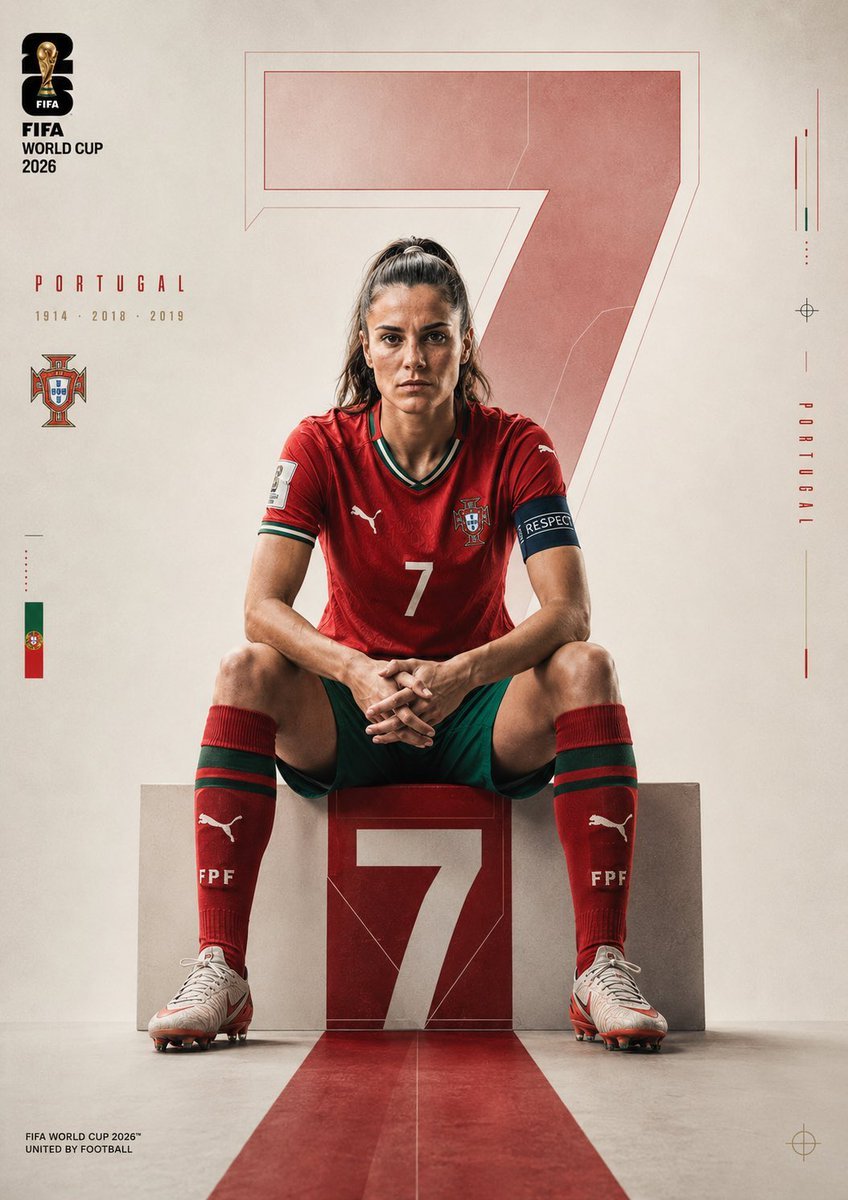
Portugal Football Campaign Poster
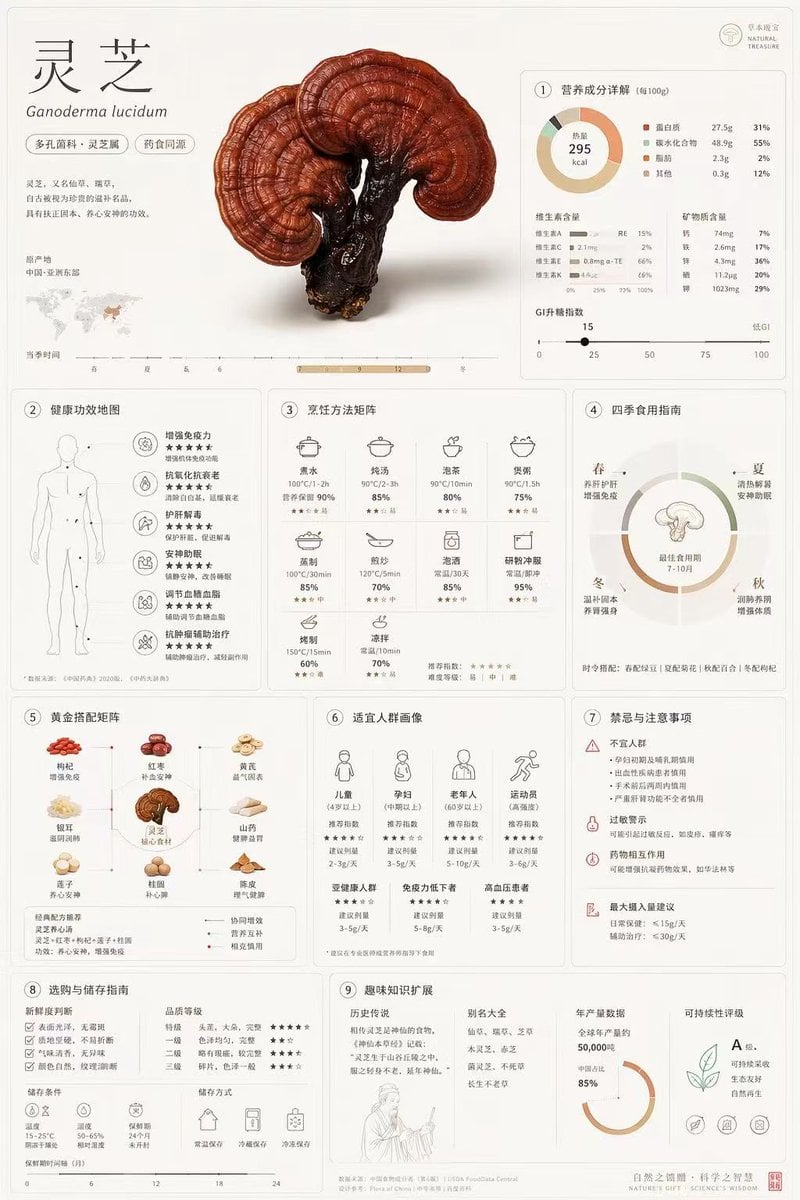
Comprehensive Botanical Infographic
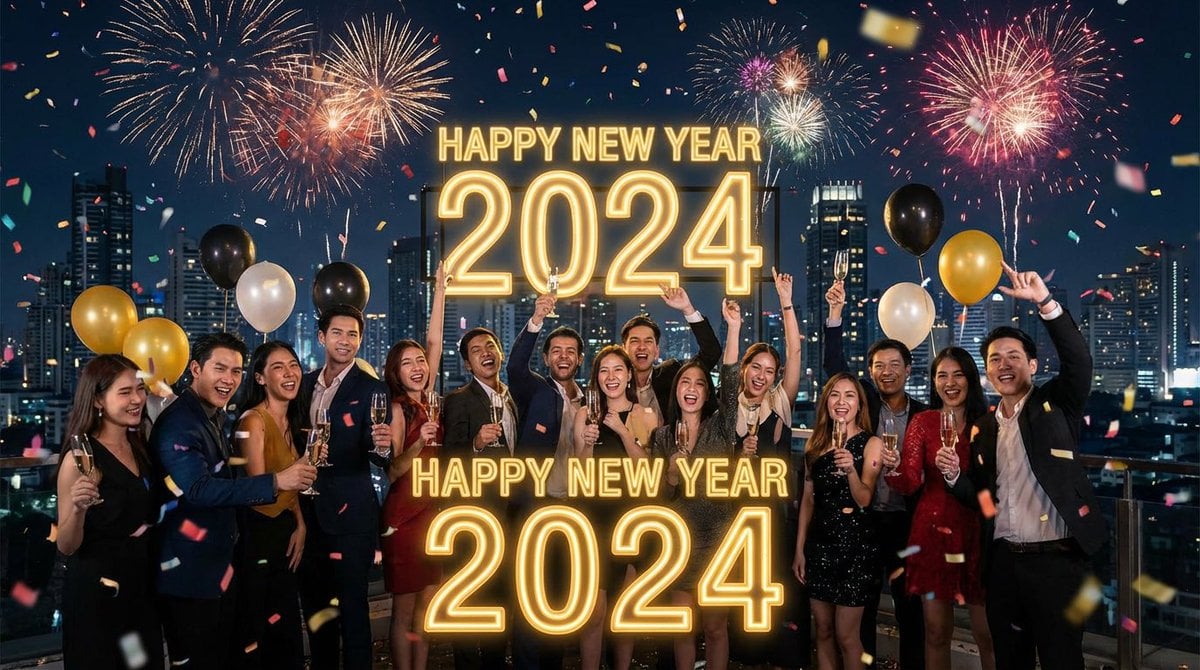
Simple 'Happy New Year' Prompt
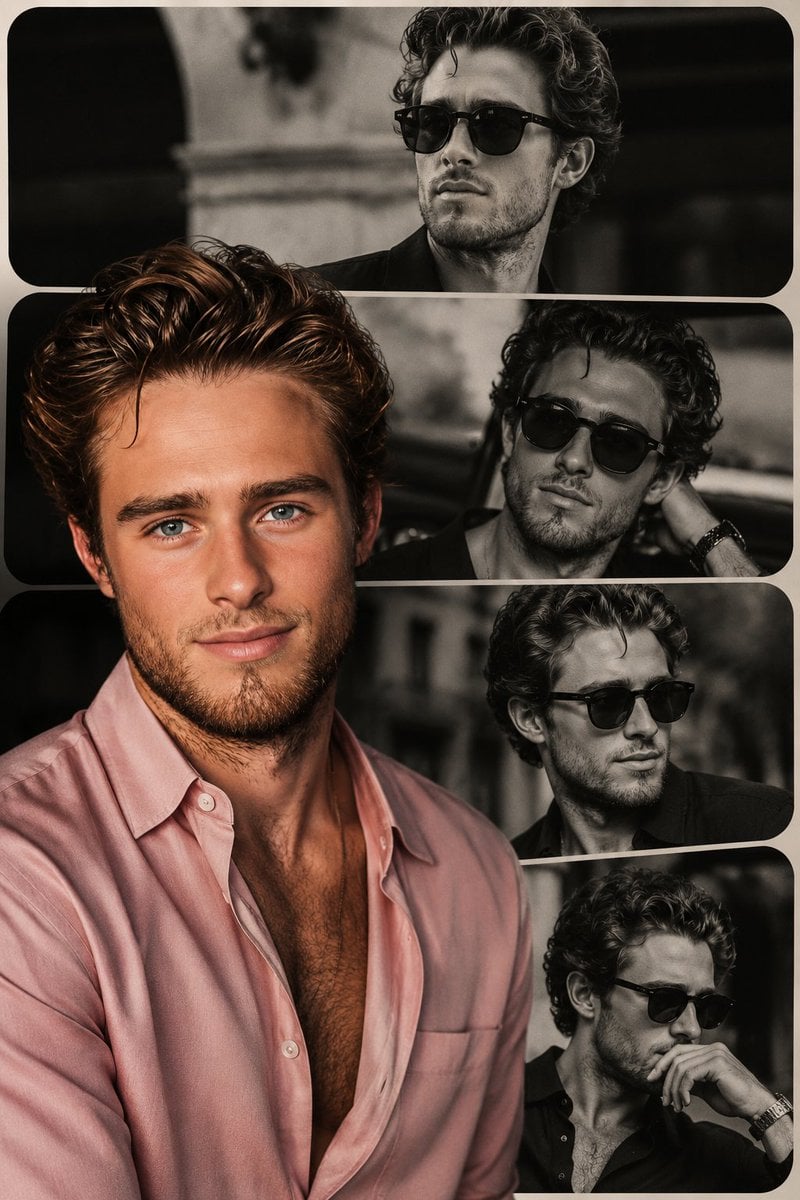
High-End Fashion Collage Poster
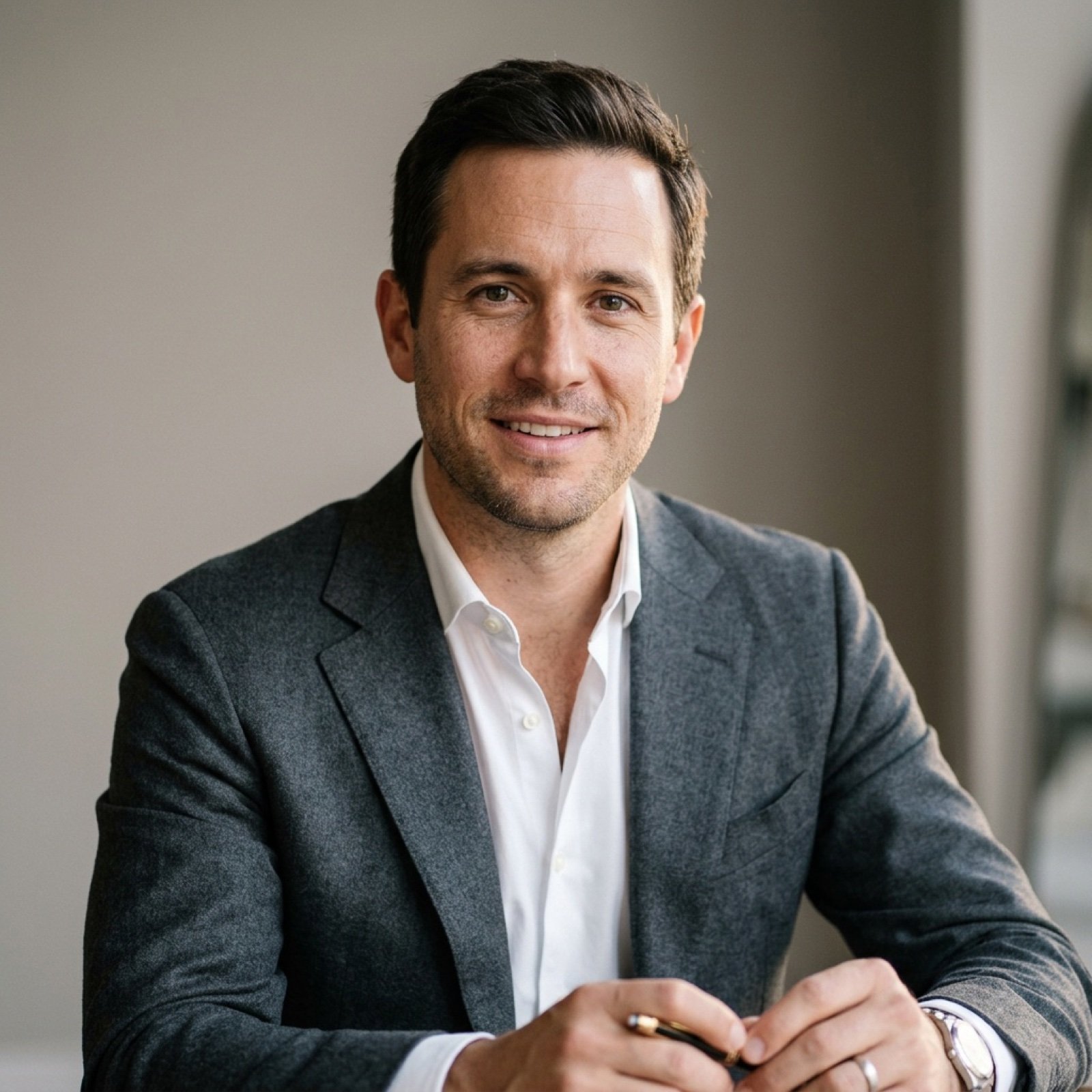
Thought-Leader Aesthetic Headshot Prompt (Image-to-Image)
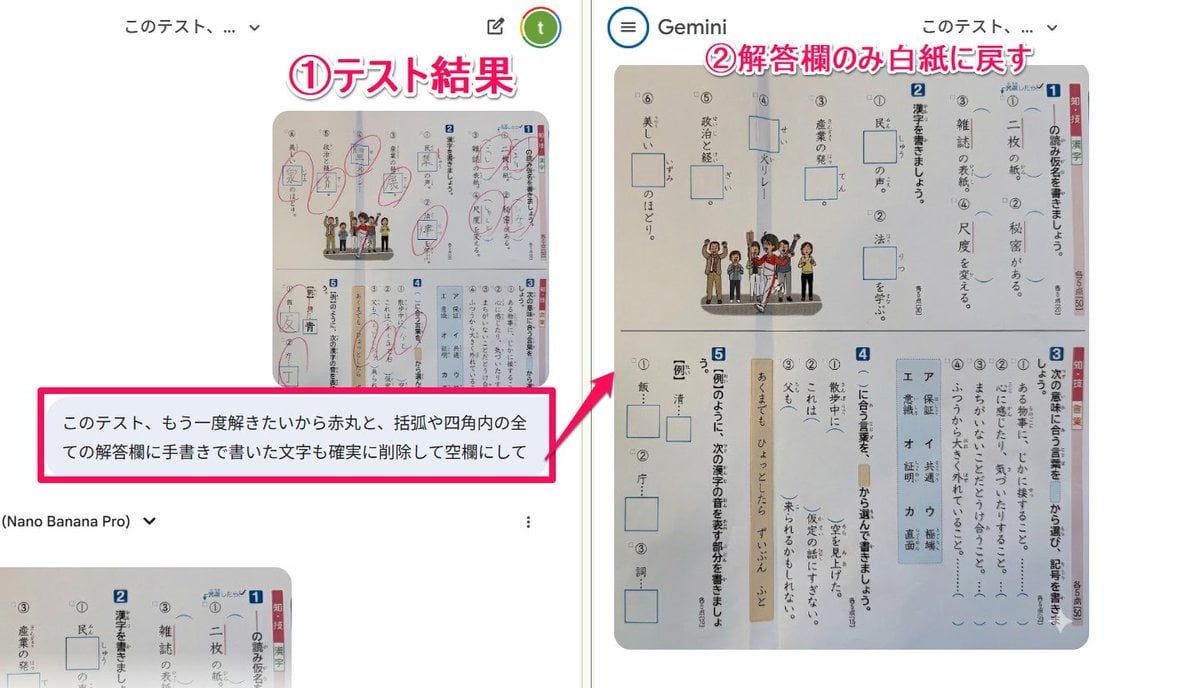
Prompt for clearing handwritten answers from a test image for reuse
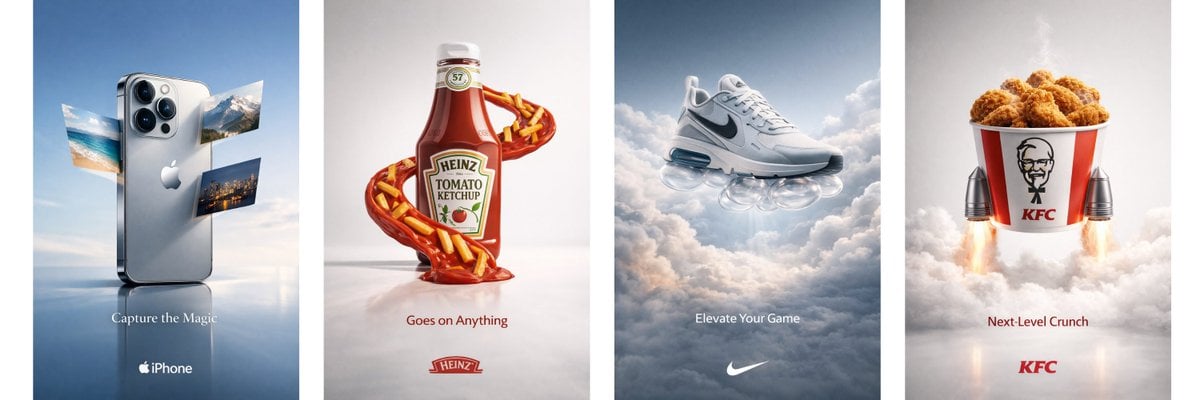
Object Print Ad Generation Framework
Browse template categories
Random Photo Pose Generator questions
How do I use the Random Photo Pose Generator template?
Add your photo if the template asks for one, edit the prompt if you like — the template's model and format are already selected — and press Generate. Your version opens in PicX Studio.
Can I customize the Random Photo Pose Generator template?
Yes. You can change the subject, setting, lighting, mood, format, and available model controls before creating your image.
Is the Random Photo Pose Generator template free?
Opening and editing this template is free. Generating uses credits, shown on the Generate button when you are signed in.
Which AI model should I use?
Start with GPT Image 2, which is the model associated with this template. You can compare another compatible model for a different finish.
Looking for something else? Browse all templates.

Your photo, any look
Thousands of ready templates for every top image and video model, from one credit balance.