
Dark Mode X Post Mockup
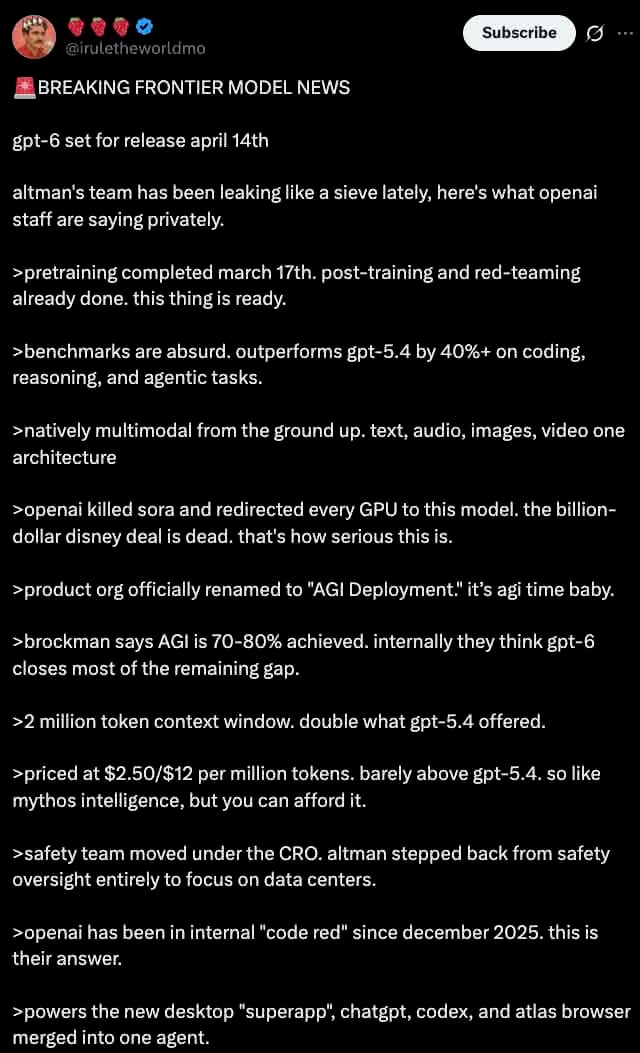
Generates a realistic dark mode Twitter/X post screenshot featuring a long list of greentext-style bullet points.
- Prompt included
- Model and format preset
- Free template
The prompt behind this image
Copy the exact prompt behind Dark Mode X Post Mockup, or open it in the studio and make it yours.
A dark mode screenshot of an X post. The profile features a man with a mustache in a red shirt and crown, username {argument name="username" default="@iruletheworldmo"} with three strawberry emojis and a blue checkmark. Top right has a "Subscribe" button. The tweet text begins with {argument name="headline" default="🚨 BREAKING FRONTIER MODEL NEWS"} followed by {argument name="subheadline" default="gpt-6 set for release april 14th"} and a short intro about OpenAI leaks. Below are exactly 11 bullet points, each starting with a `>` symbol, detailing {argument name="bullet point topic" default="fictional AI model specs"} such as pretraining dates, outperforming gpt-5.4, native multimodality, killing Sora, renaming to "AGI Deployment", 2 million token context, pricing, safety team changes, a 2025 code red, and a new desktop superapp. The text is white on a black background in a standard sans-serif UI font.
Reference images included
Dark Mode X Post Mockup needs input media to work. They load alongside the prompt when you open it in the studio.
How to use Dark Mode X Post Mockup in 3 steps
- 1Upload ImagePNG, JPG or paste
Add your photo
Upload the photo the template builds on. The prompt, model and format are already set.
- 2…a portrait of your subject in softgolden-hour light, 85mm…
Personalize
Edit the subject and creative details for your destination.
- 3Generate
Generate
Press Generate — your image is created in PicX Studio, so you can compare it with the original and refine one variable at a time.
More like this
Templates with the same subject, style or setup. Open one to see its prompt.

Selective Color Monochrome Football Poster
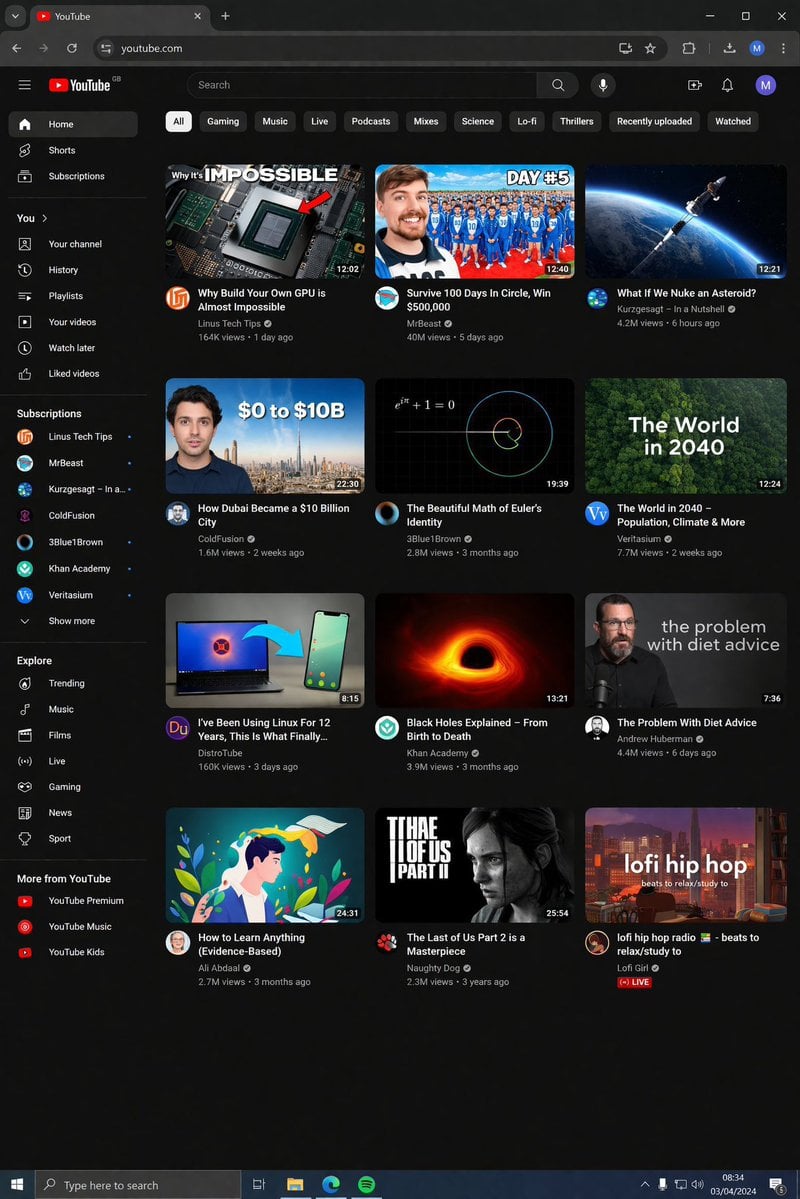
YouTube Dark Mode Desktop UI Mockup
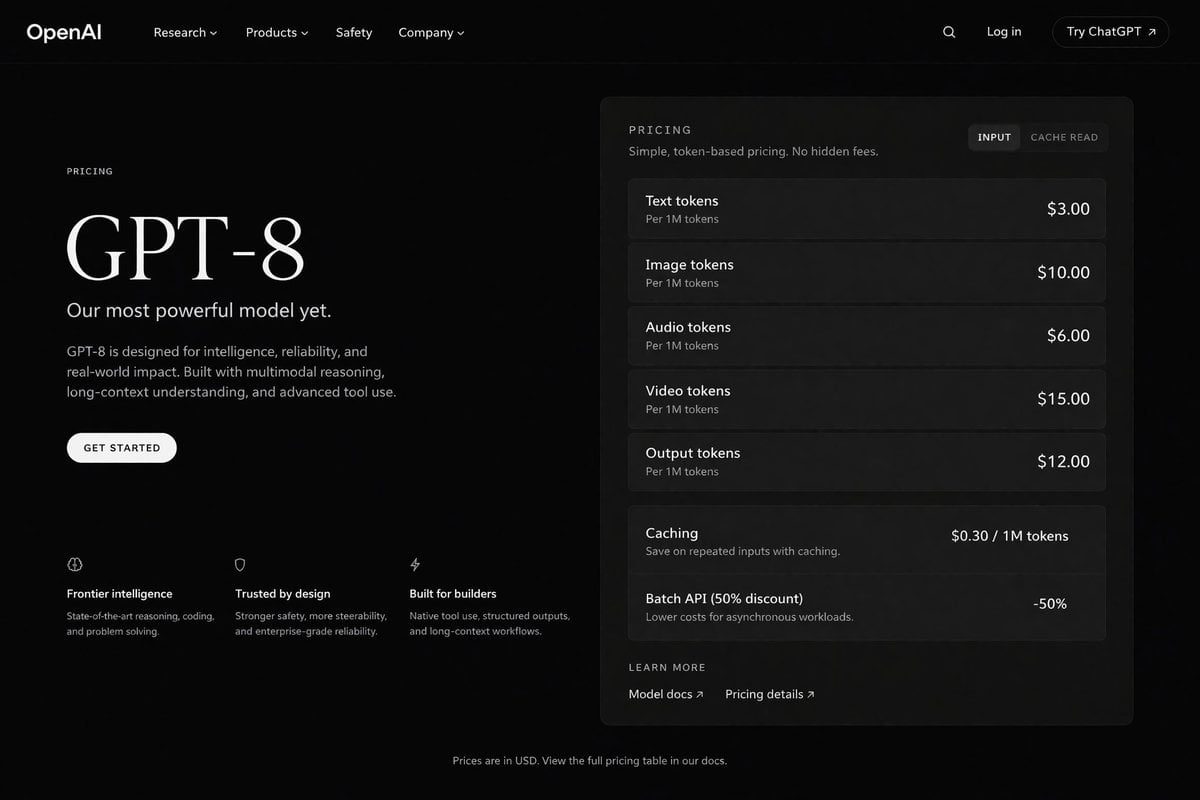
Dark Mode AI API Pricing Page Mockup
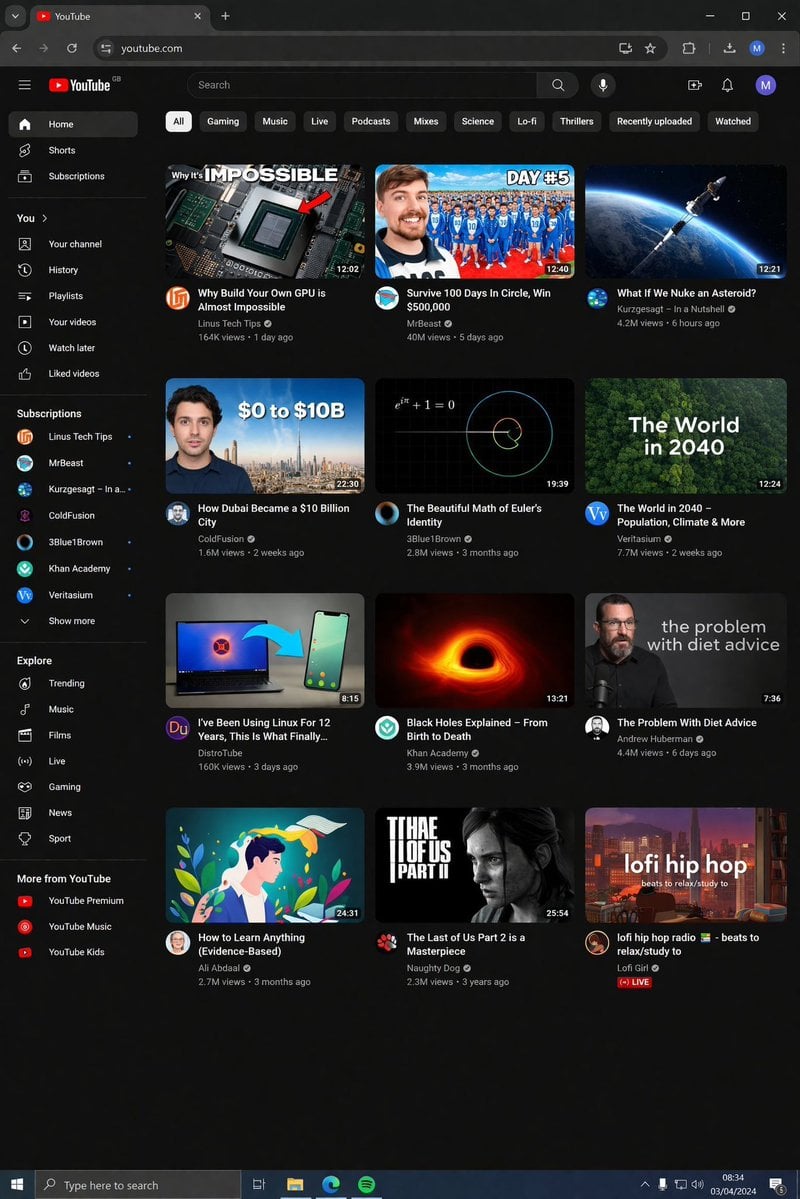
YouTube Dark Mode Desktop UI Mockup
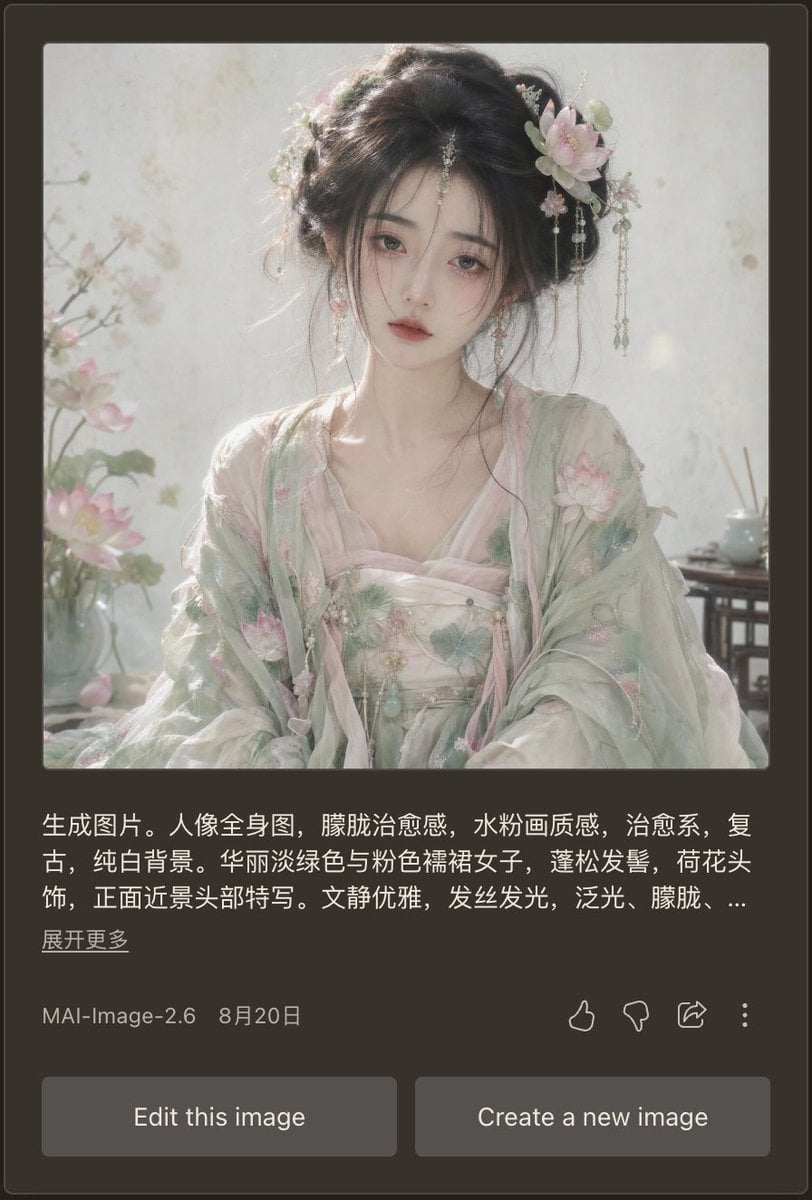
Dark Mode AI Portrait Result Card

Cinematic Anime Shinobi Poster Mockup
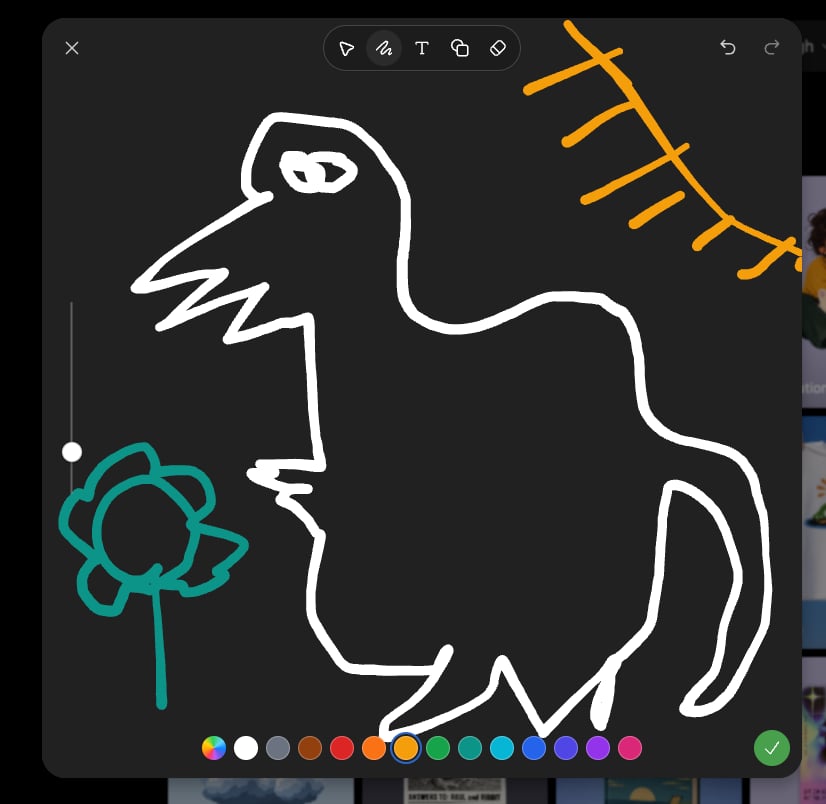
Dark Sketch Mode Monster Doodle
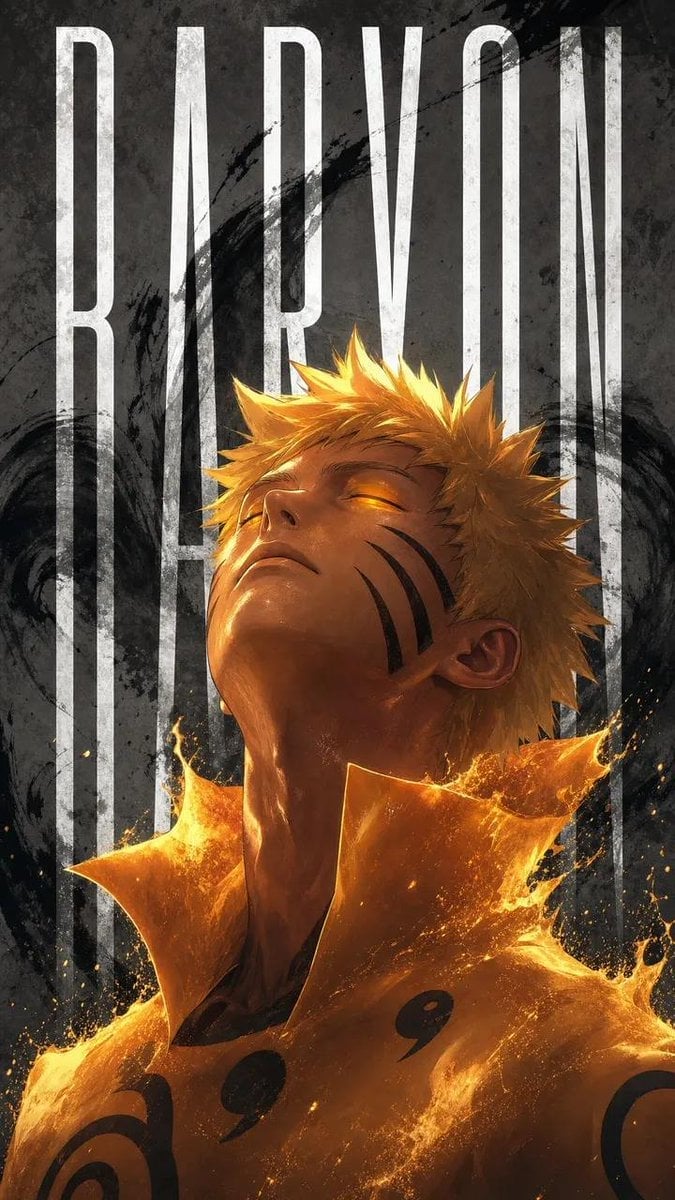
Naruto Uzumaki Baryon Mode Poster
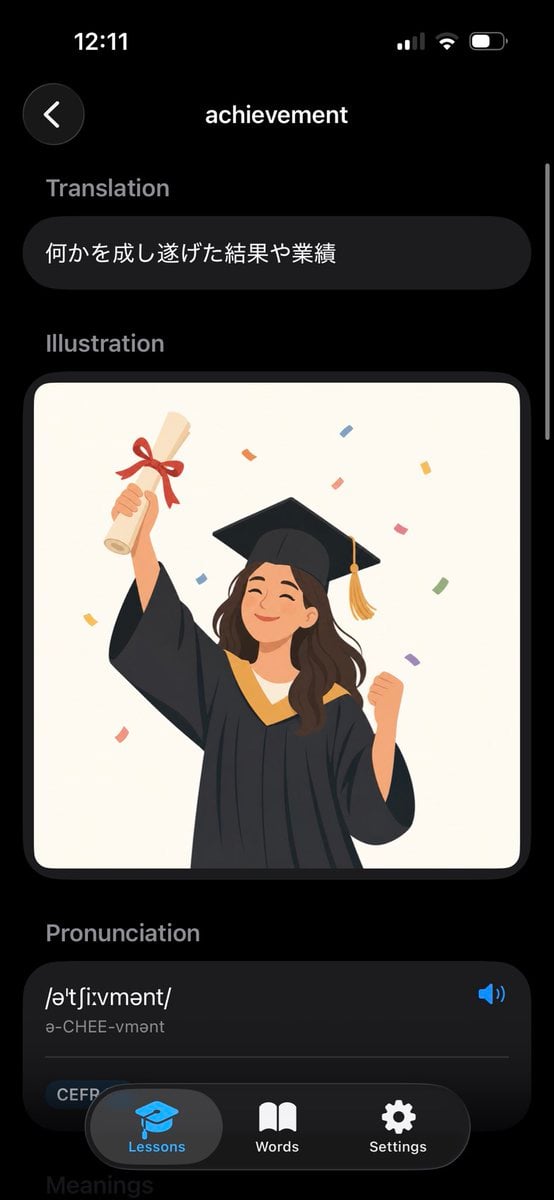
Dark Mode Dictionary Entry App
Dark Anime Demon Slayer Poster
Anhua Dark Tea Mountain Poster
Dark Anime Villains Crossover Poster
Make it yours
Dark Mode X Post Mockup works as-is. These are the safest ways to change it without losing the look.
Change one field
Copy a single group, rewrite it, and generate again so you can see what that field is doing.
Keep the frame, change the subject
Hold the composition and light of Dark Mode X Post Mockup, then swap wardrobe, props or the person for a new take.
| If the result… | Why | Fix |
|---|---|---|
| The result drifts from the preview | Too many fields changed at once. | Reuse Dark Mode X Post Mockup as-is first, then change one group — subject, light, or setting. |
| The model over-stylizes the scene | The prose prompt leaves finish and camera underspecified. | Add one camera or lighting sentence and stay on GPT Image 2. |
More GPT Image 2 templates
Other prompts made for GPT Image 2.

Six VTuber Japanese Logo Sheet

Realistic Portrait of Woman and Deer

The Vista Modular Condo Poster

AI Model Routing Comparison Infographic

2.5D Anime Art Board

Isometric Productivity Desk Scene

New York Double Exposure Poster

Four-Panel AI Landscape Comparison

Japanese Tatami Lifestyle Magazine Cover

NESCAFÉ Coffee Map Poster
More image prompts
Fresh picks from across the catalog.
3x3 Grid Female Pose Collage Highlighting Dynamic Fashion and Light Effects
Cinematic Lifestyle Portrait Prompt for Stylish Restaurant Scene
Noir Detective Film Masterpiece
Fantasy Coastal City Landscape
Editorial Portrait Collage
Chinese Conceptual Poster Generator
Cinematic Realism of Morning Breakfast on a Balcony
Cyberpunk Futuristic Portrait Prompt
Neon Anime Idol Fan Poster
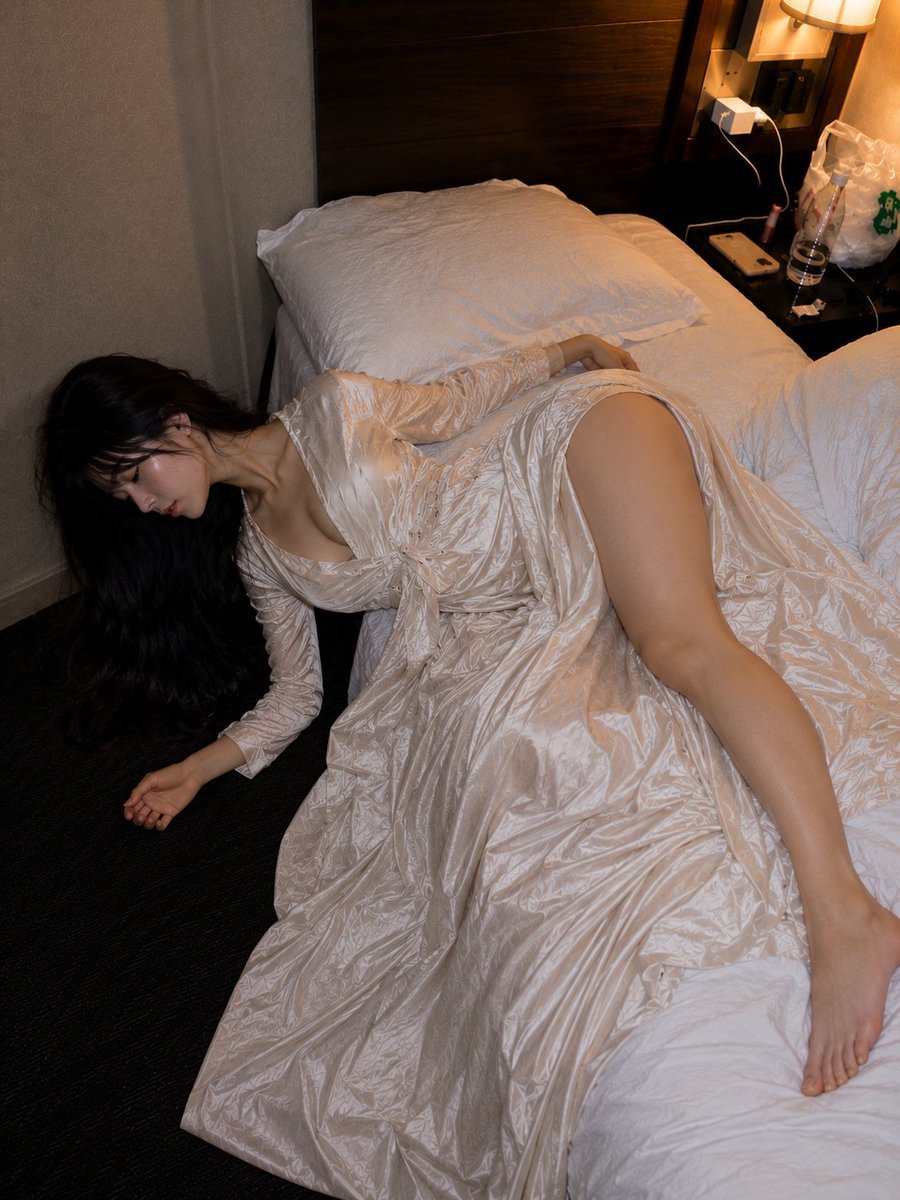
Authentic Hotel Sleep Snapshot
Browse template categories
Dark Mode X Post Mockup questions
How do I use the Dark Mode X Post Mockup template?
Add your photo if the template asks for one, edit the prompt if you like — the template's model and format are already selected — and press Generate. Your version opens in PicX Studio.
Can I customize the Dark Mode X Post Mockup template?
Yes. You can change the subject, setting, lighting, mood, format, and available model controls before creating your image.
Is the Dark Mode X Post Mockup template free?
Opening and editing this template is free. Generating uses credits, shown on the Generate button when you are signed in.
Which AI model should I use?
Start with GPT Image 2, which is the model associated with this template. You can compare another compatible model for a different finish.
Looking for something else? Browse all templates.

Your photo, any look
Thousands of ready templates for every top image and video model, from one credit balance.