
Anhua Dark Tea Mountain Poster
A premium cinematic tea-region publicity poster featuring misty terraced mountains, tea harvesters, and elegant Chinese product information typography.
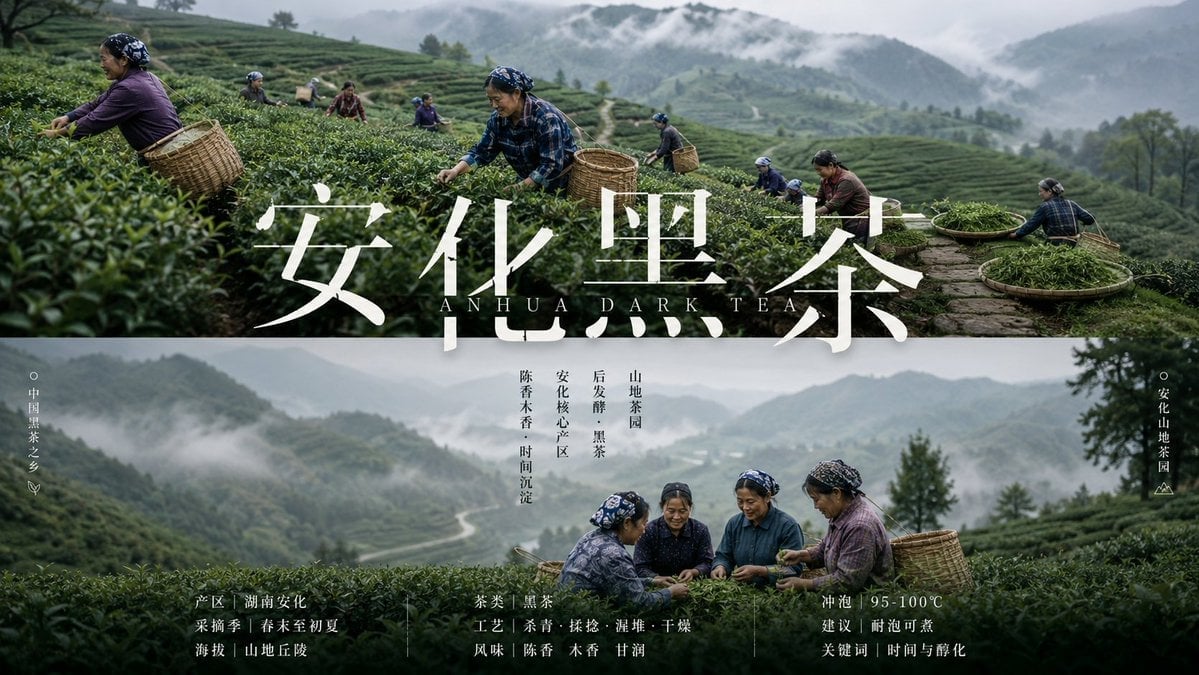
- Prompt included
- Model and format preset
- Premium template
The prompt behind this image
Copy the exact prompt behind Anhua Dark Tea Mountain Poster, or open it in the studio and make it yours.
Goal: Create a cinematic horizontal promotional poster for a mountain tea-growing region, blending documentary photography and premium agricultural branding for {argument name="product name" default="安化黑茶"}. Canvas: Wide 16:9 landscape poster, approximately 1200×675 px. Use a split panoramic layout with a strong horizontal divider: the upper half is an active tea harvest scene, the lower half is a misty tea mountain brand-information panel. Visual style: Hyper-realistic editorial photography, moody overcast light, cool green and blue-gray color grading, low mountain fog, deep contrast, premium government/enterprise agricultural publicity aesthetic. Use terraced tea fields across rolling hills, soft mist drifting between mountains, distant winding paths, and wet dark-green tea leaves. Typography should be elegant, high-end, and minimal, with large white Chinese calligraphy-style serif characters and small refined Latin letters. Upper scene: Show exactly 8 tea workers harvesting on terraced tea bushes. List them clearly in the composition: 1 large foreground woman at far left wearing a purple top, dark patterned headscarf, and a large woven bamboo basket on her back; 2 small worker near upper left-center with blue head covering and basket; 3 small worker in red clothing farther back; 4 small worker in purple farther back; 5 central foreground woman in blue plaid shirt and patterned headscarf picking tea with a bamboo basket at her side; 6 small worker right of center with headscarf and basket; 7 woman in maroon top picking tea on the right slope; 8 far-right worker near two large round bamboo trays filled with fresh tea leaves. Keep all workers natural and documentary-like, not posed. Main title area: Across the center, overlay the huge white Chinese headline {argument name="main Chinese title" default="安化黑茶"}. Beneath it, centered in spaced small caps, add the English subtitle {argument name="English subtitle" default="ANHUA DARK TEA"}. The title should partially cover the tea fields and slightly overlap the horizontal split, with subtle shadow for readability. Lower scene: A panoramic misty valley and tea terraces continue in the background. In the lower middle-right foreground, show exactly 4 older female tea farmers sitting or crouching together among tea bushes, wearing dark blue and purple rural clothing and patterned headscarves, sorting or examining fresh tea leaves; place a large woven basket behind them on the right. The mood should be warm, authentic, and communal. Side labels and icons: On the far left vertical margin, add a small hollow circle, vertical Chinese text {argument name="left vertical label" default="中国黑茶之乡"}, and a tiny leaf icon below it. On the far right vertical margin, add a small hollow circle, vertical Chinese text {argument name="right vertical label" default="安化山地茶园"}, and a tiny mountain-line icon below it. Central vertical microtext: Under the English subtitle near the middle, add four slim vertical Chinese text columns reading: “陈香木香 · 时间沉淀”, “安化核心产区”, “后发酵 · 黑茶”, and “山地茶园”. Keep these small, black or dark gray, and refined. Bottom information band: Along the bottom, add three compact blocks of white Chinese product information separated by thin vertical divider lines. Left block: “产区|湖南安化”, “采摘季|春末至初夏”, “海拔|山地丘陵”. Middle block: “茶类|黑茶”, “工艺|杀青 · 揉捻 · 渥堆 · 干燥”, “风味|陈香 木香 甘润”. Right block: “冲泡|95-100℃”, “建议|耐泡可煮”, “关键词|时间与醇化”. Use small Song/Ming-style Chinese type, generous letter spacing, and balanced alignment. Constraints: Use exactly 12 visible people total: 8 in the upper harvest panorama and 4 in the lower group scene. Use exactly 3 bottom information blocks, exactly 2 vertical side labels, and exactly 4 central vertical microtext columns. Do not add logos, QR codes, price tags, packaging mockups, or extra text. Keep the poster realistic, misty, premium, and rooted in Chinese tea mountain culture.
How to use Anhua Dark Tea Mountain Poster in 3 steps
- 1Upload ImagePNG, JPG or paste
Add your photo
Upload the photo the template builds on. The prompt, model and format are already set.
- 2…a portrait of your subject in softgolden-hour light, 85mm…
Personalize
Edit the subject and creative details for your destination.
- 3Generate
Generate
Press Generate — your image is created in PicX Studio, so you can compare it with the original and refine one variable at a time.
More like this
Templates with the same subject, style or setup. Open one to see its prompt.

Selective Color Monochrome Football Poster

Premium Vintage Travel Poster Landscape

Japan Travel Brochure Poster

Teen Girl Alpine Lake Mountain View

Luxury Golden Tea Cup Mountain Stream

Cartoon TV Show Poster Pack

Trendy Cafe Drink Promo Poster

Urban Fashion Editorial Collage Streetwear Poster

Premium Fashion Editorial Cover Layout System

Polo Ralph Lauren Luxury American Heritage Fashion Campaign

Monochrome Halftone Editorial Fashion Poster

Retro Mirror Luxury Fashion Campaign Poster
Make it yours
Anhua Dark Tea Mountain Poster works as-is. These are the safest ways to change it without losing the look.
Change one field
Copy a single group, rewrite it, and generate again so you can see what that field is doing.
Keep the frame, change the subject
Hold the composition and light of Anhua Dark Tea Mountain Poster, then swap wardrobe, props or the person for a new take.
| If the result… | Why | Fix |
|---|---|---|
| The result drifts from the preview | Too many fields changed at once. | Reuse Anhua Dark Tea Mountain Poster as-is first, then change one group — subject, light, or setting. |
| The model over-stylizes the scene | The prose prompt leaves finish and camera underspecified. | Add one camera or lighting sentence and stay on GPT Image 2. |
More GPT Image 2 templates
Other prompts made for GPT Image 2.

Six VTuber Japanese Logo Sheet

Realistic Portrait of Woman and Deer

The Vista Modular Condo Poster

AI Model Routing Comparison Infographic

2.5D Anime Art Board

Isometric Productivity Desk Scene

New York Double Exposure Poster

Four-Panel AI Landscape Comparison

Japanese Tatami Lifestyle Magazine Cover

NESCAFÉ Coffee Map Poster
More image prompts
Fresh picks from across the catalog.

untitled

Luxury Jamaican Festival Bread Poster

Glass Skin Beauty Portrait — Soft Pastel Nano Banana
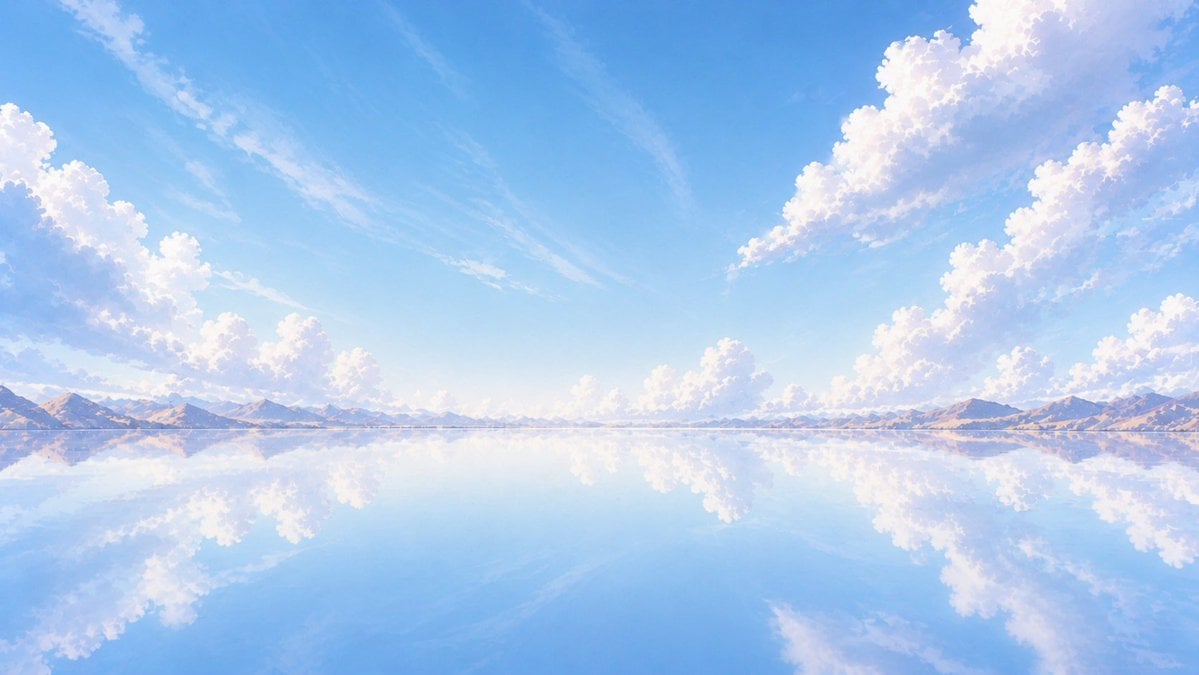
Anime Mirror Lake Sky Background
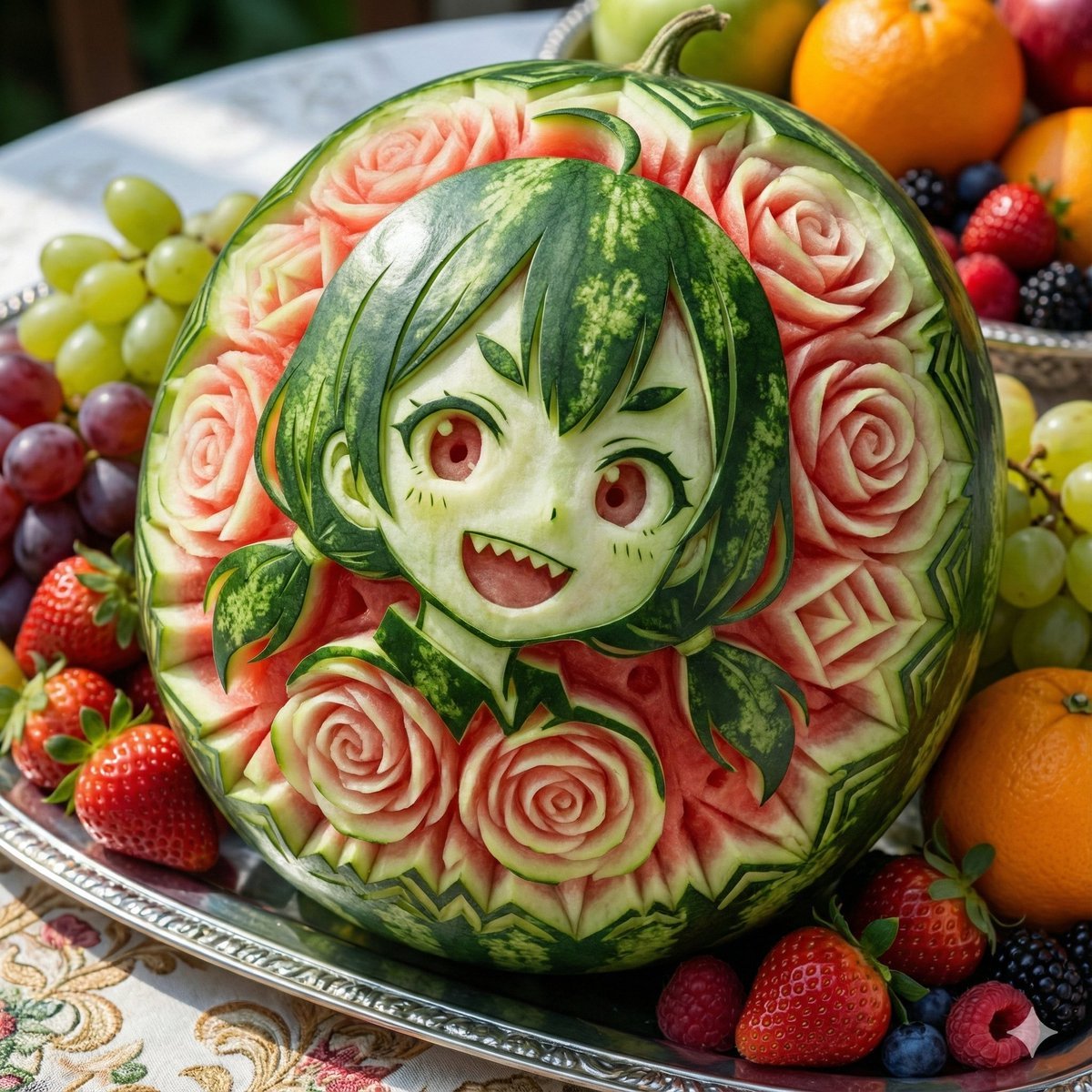
Photorealistic Watermelon Fruit Carving Prompt
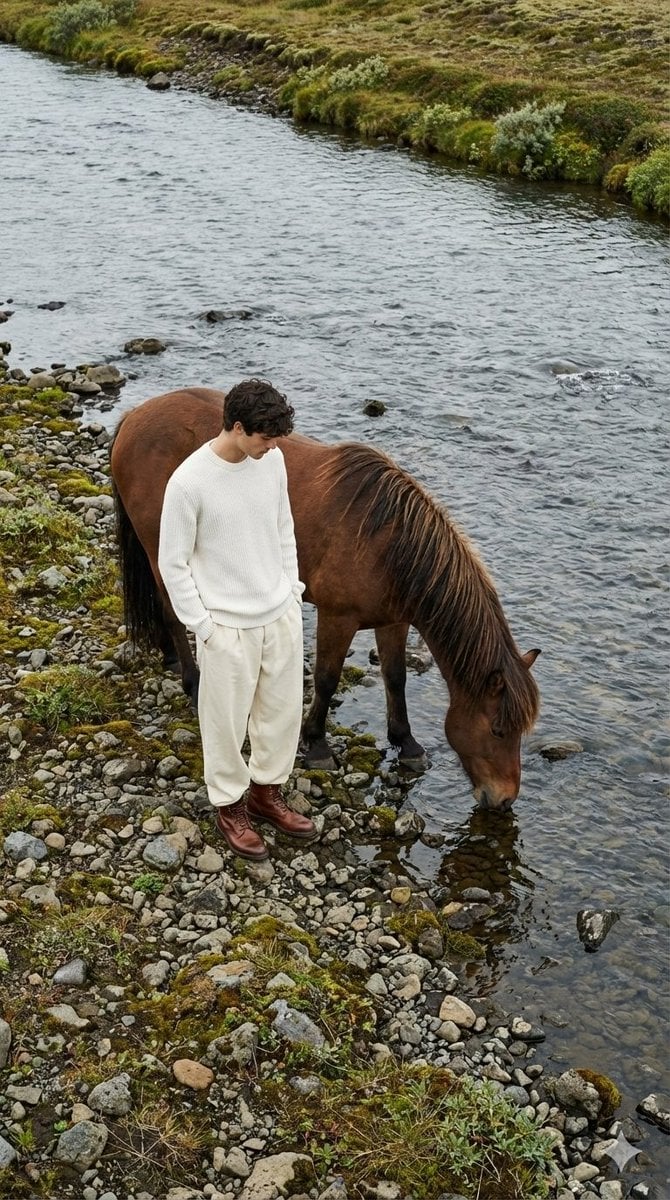
Jil Sander Aesthetic Fashion Editorial: Man and Horse
Ethereal Stand Profile Poster

Elegant Office Lady at Beauty Counter

Life Journey on Google Gemini Nano Banan
Masquerade Palace Wallpaper
Browse template categories
Anhua Dark Tea Mountain Poster questions
How do I use the Anhua Dark Tea Mountain Poster template?
Add your photo if the template asks for one, edit the prompt if you like — the template's model and format are already selected — and press Generate. Your version opens in PicX Studio.
Can I customize the Anhua Dark Tea Mountain Poster template?
Yes. You can change the subject, setting, lighting, mood, format, and available model controls before creating your image.
Is the Anhua Dark Tea Mountain Poster template free?
Opening and editing this template is free. Generating uses credits, shown on the Generate button when you are signed in.
Which AI model should I use?
Start with GPT Image 2, which is the model associated with this template. You can compare another compatible model for a different finish.
Looking for something else? Browse all templates.

Your photo, any look
Thousands of ready templates for every top image and video model, from one credit balance.