
Anime Mirror Lake Sky Background
Generates a serene widescreen anime landscape background with a reflective lake, distant mountains, and luminous summer clouds for animation or visual novel scenes.
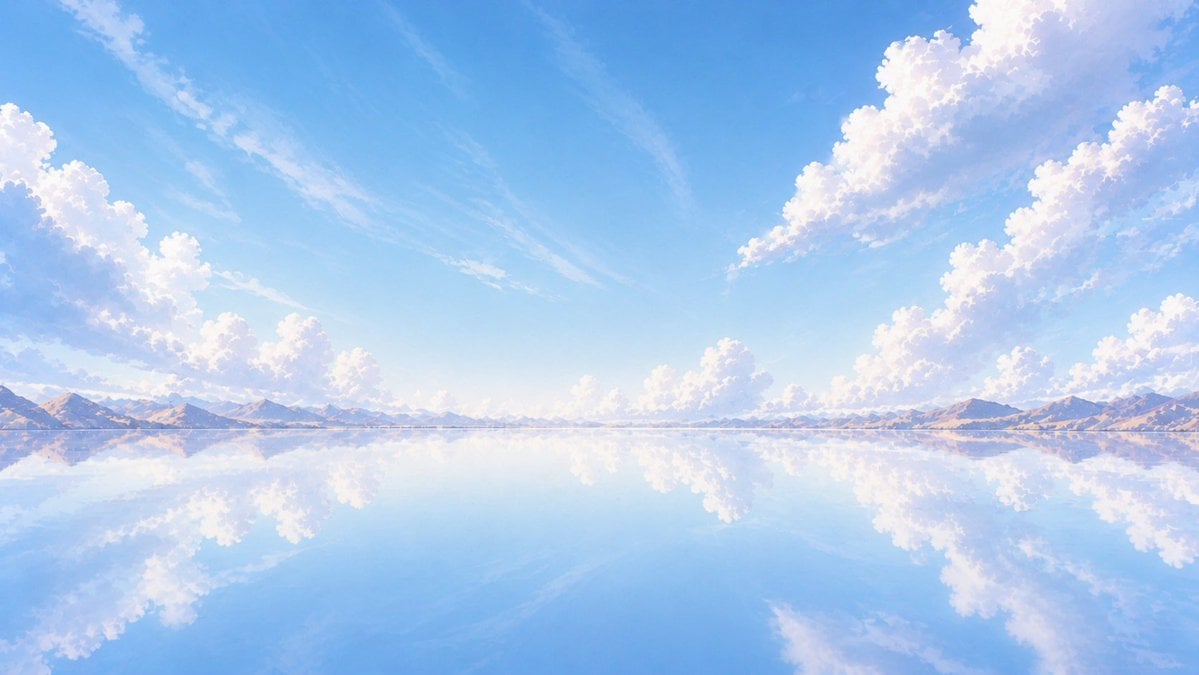
- Prompt included
- Model and format preset
- Free template
The prompt behind this image
Copy the exact prompt behind Anime Mirror Lake Sky Background, or open it in the studio and make it yours.
Create a wide cinematic anime-style background illustration of a vast mirror-like lake under a brilliant {argument name="sky color" default="clear azure blue"} daytime sky. The horizon sits low and perfectly straight across the middle distance, with a thin chain of pale lavender and warm beige mountains stretching from left to right. The lake surface is glassy and still, reflecting the entire sky, clouds, and mountains with near-perfect symmetry, creating a tranquil infinite-space feeling. Add large fluffy cumulus cloud banks concentrated on the upper left edge and upper right side, with smaller scattered white clouds along the horizon; their reflections should appear softly in the water below. Use luminous summer sunlight, soft pastel colors, airy atmospheric perspective, delicate painterly brush texture, and a dreamy Japanese animation background aesthetic. Keep the composition open and uncluttered with no people, no buildings, no boats, and no text, emphasizing calmness, scale, and a serene fantasy travel mood. Render in a {argument name="aspect ratio" default="16:9 widescreen"} composition with crisp detail and gentle bloom.
How to use Anime Mirror Lake Sky Background in 3 steps
- 1Upload ImagePNG, JPG or paste
Add your photo
Upload the photo the template builds on. The prompt, model and format are already set.
- 2…a portrait of your subject in softgolden-hour light, 85mm…
Personalize
Edit the subject and creative details for your destination.
- 3Generate
Generate
Press Generate — your image is created in PicX Studio, so you can compare it with the original and refine one variable at a time.
More like this
Templates with the same subject, style or setup. Open one to see its prompt.

Pixar Anime Sky Race

Teen Girl Alpine Lake Mountain View
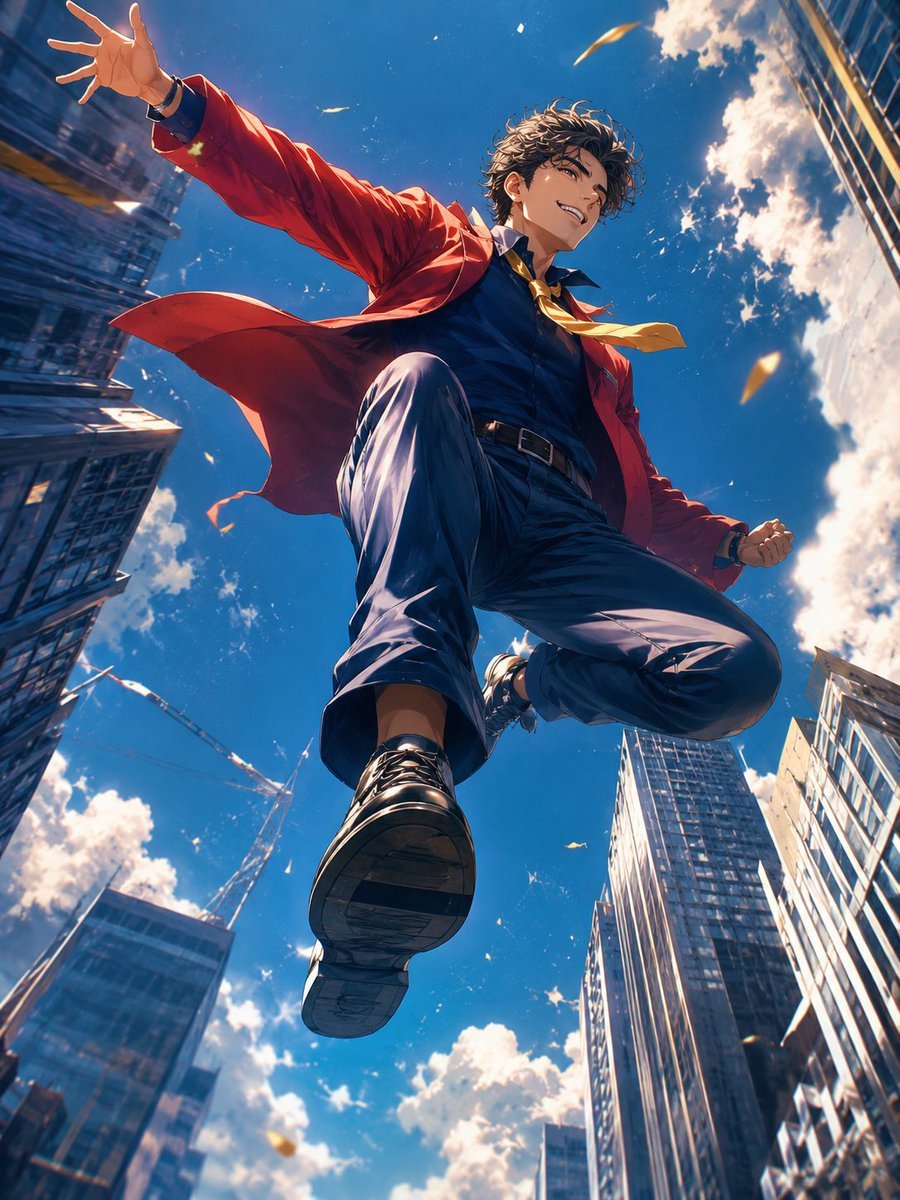
Anime Hero Leaping Through City Sky
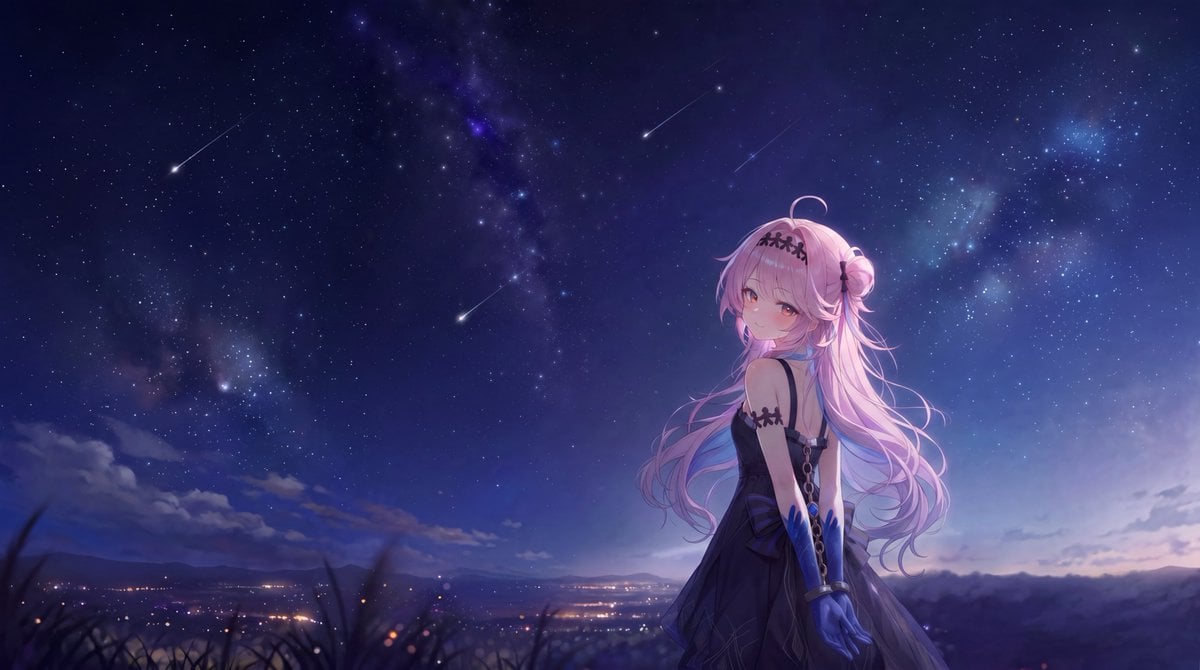
Anime Girl Under Meteor Starry Sky

Rooftop Fisheye — Cat-Ear Balaclava at Golden Hour

Felt & Knit 3D Character — Photo-Exact Face, Pixar-Quality Plush Figurine

Surreal Cat Astronaut — Humanoid Face Freefall

Cel 2D Finale Fireworks

Cel 2D Garden Maze

Cel 2D Rooftop Concert

Cel 2D Bicycle Coast

Cel 2D Castle Gate
Make it yours
Anime Mirror Lake Sky Background works as-is. These are the safest ways to change it without losing the look.
Change one field
Copy a single group, rewrite it, and generate again so you can see what that field is doing.
Keep the frame, change the subject
Hold the composition and light of Anime Mirror Lake Sky Background, then swap wardrobe, props or the person for a new take.
| If the result… | Why | Fix |
|---|---|---|
| The result drifts from the preview | Too many fields changed at once. | Reuse Anime Mirror Lake Sky Background as-is first, then change one group — subject, light, or setting. |
| The model over-stylizes the scene | The prose prompt leaves finish and camera underspecified. | Add one camera or lighting sentence and stay on GPT Image 2. |
More GPT Image 2 templates
Other prompts made for GPT Image 2.

Six VTuber Japanese Logo Sheet

Realistic Portrait of Woman and Deer

The Vista Modular Condo Poster

AI Model Routing Comparison Infographic

2.5D Anime Art Board

Isometric Productivity Desk Scene

New York Double Exposure Poster

Four-Panel AI Landscape Comparison

Japanese Tatami Lifestyle Magazine Cover

NESCAFÉ Coffee Map Poster
More image prompts
Fresh picks from across the catalog.
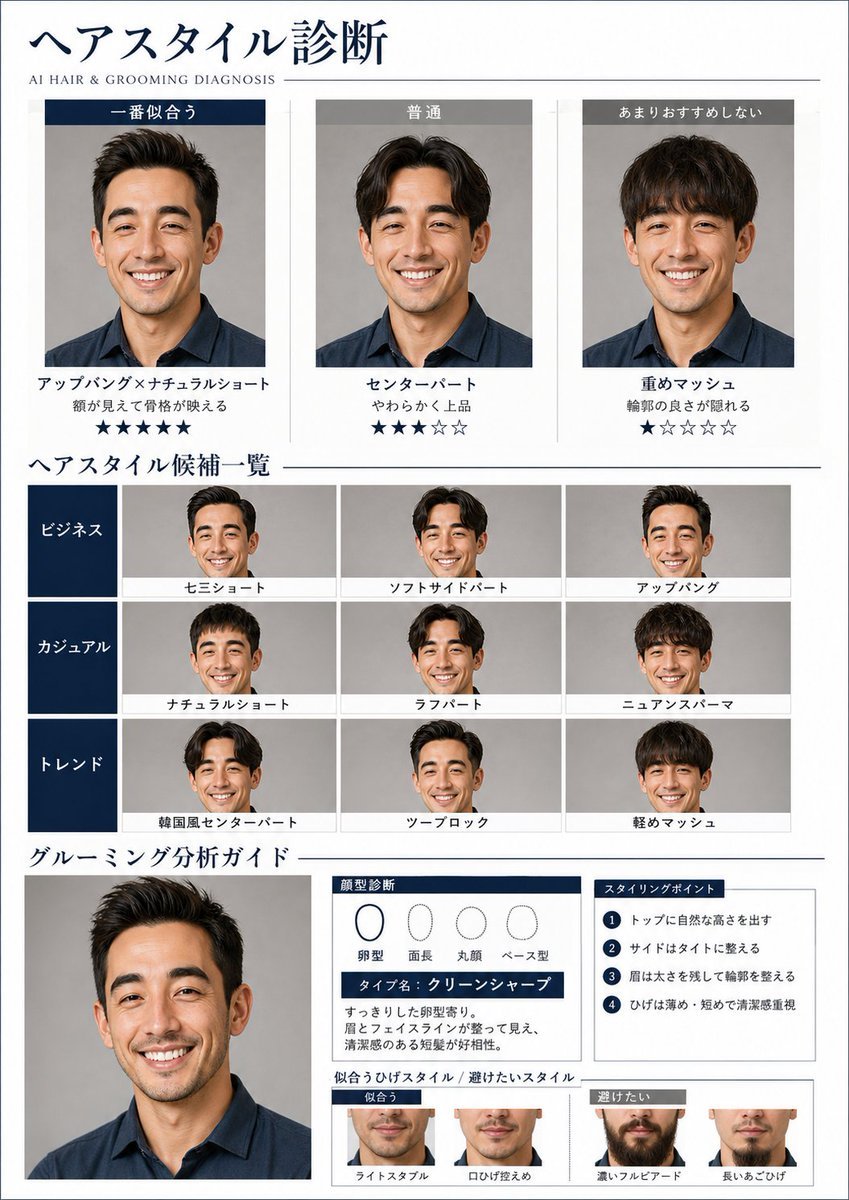
AI Hair and Grooming Diagnosis Report
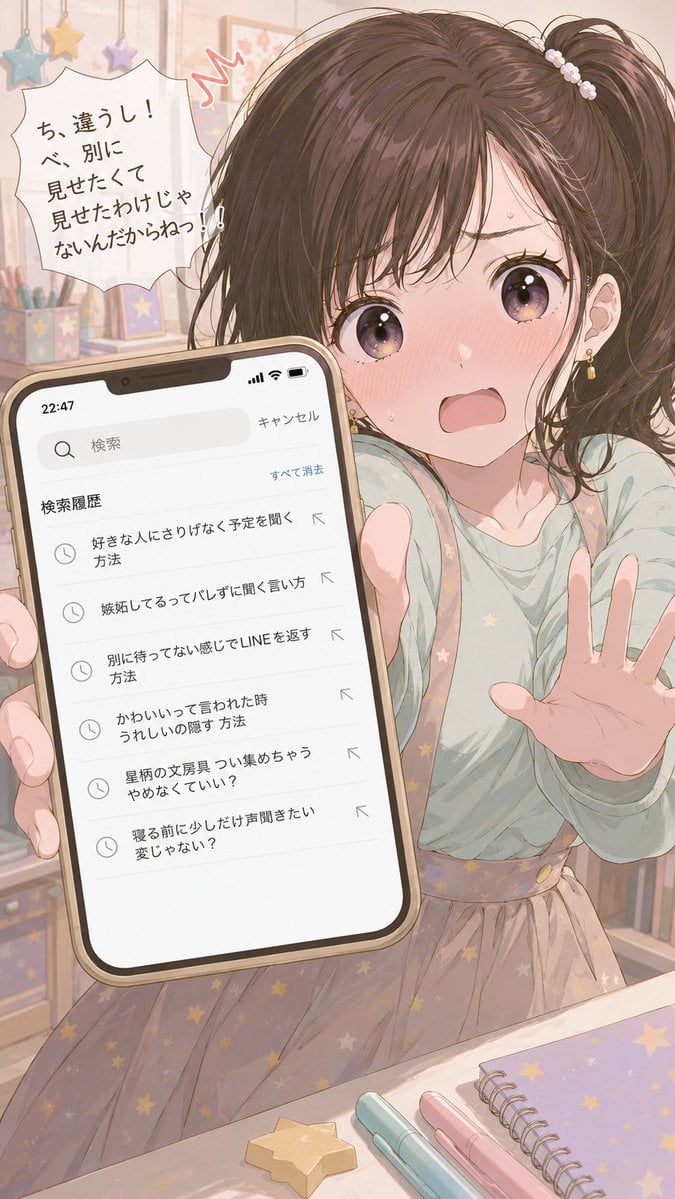
Character Search History UI
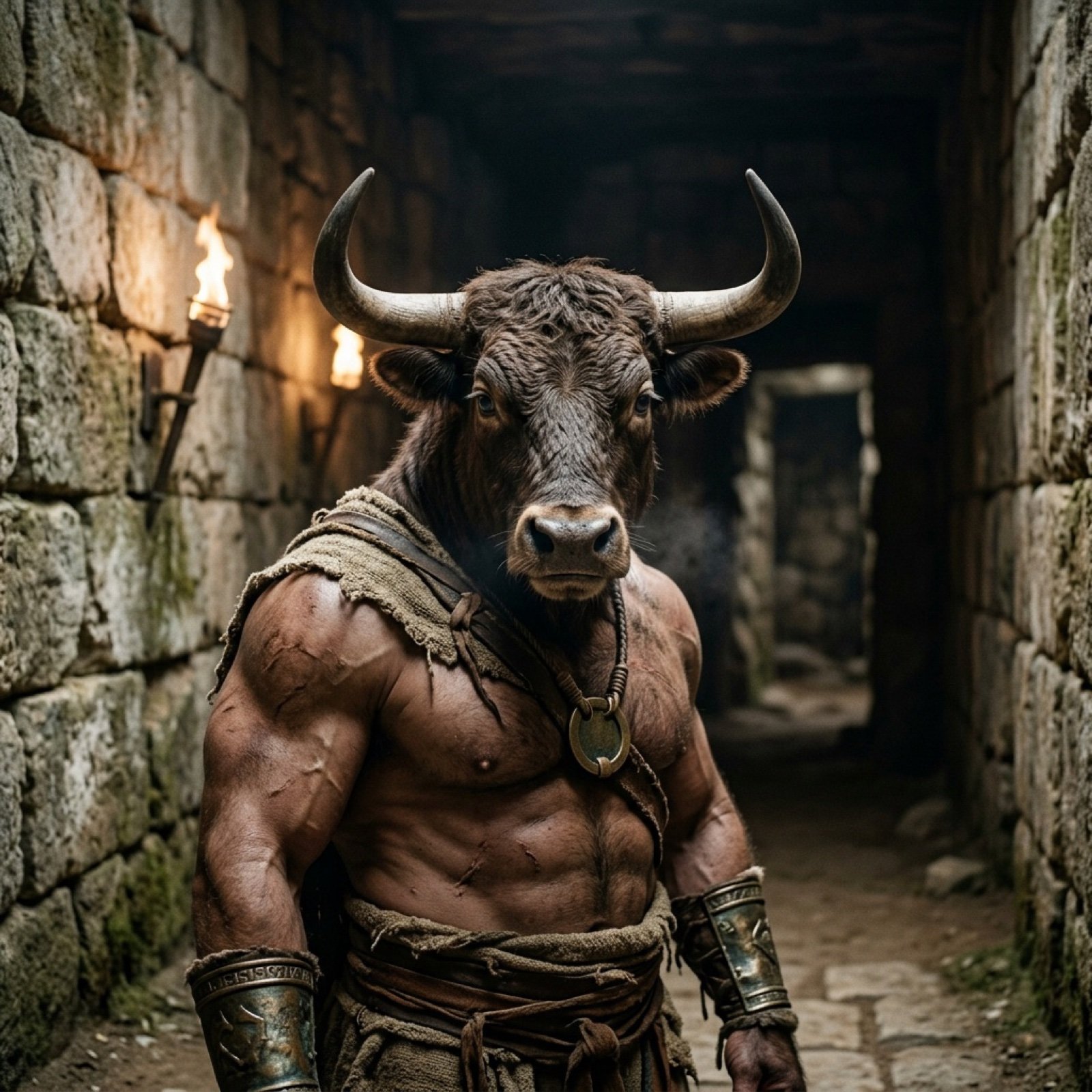
Photorealistic Minotaur Mythology Prompt
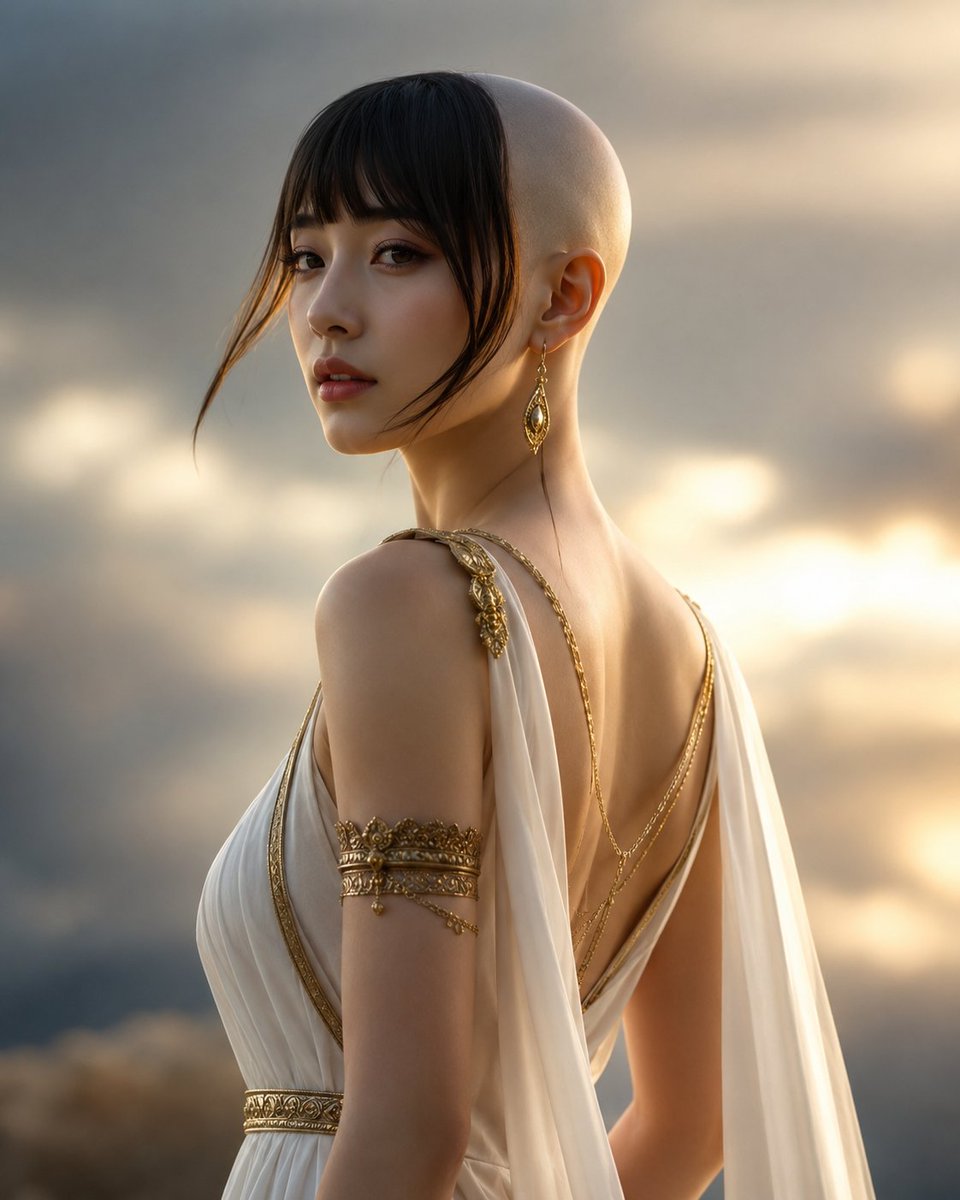
Goddess of Opportunity Portrait
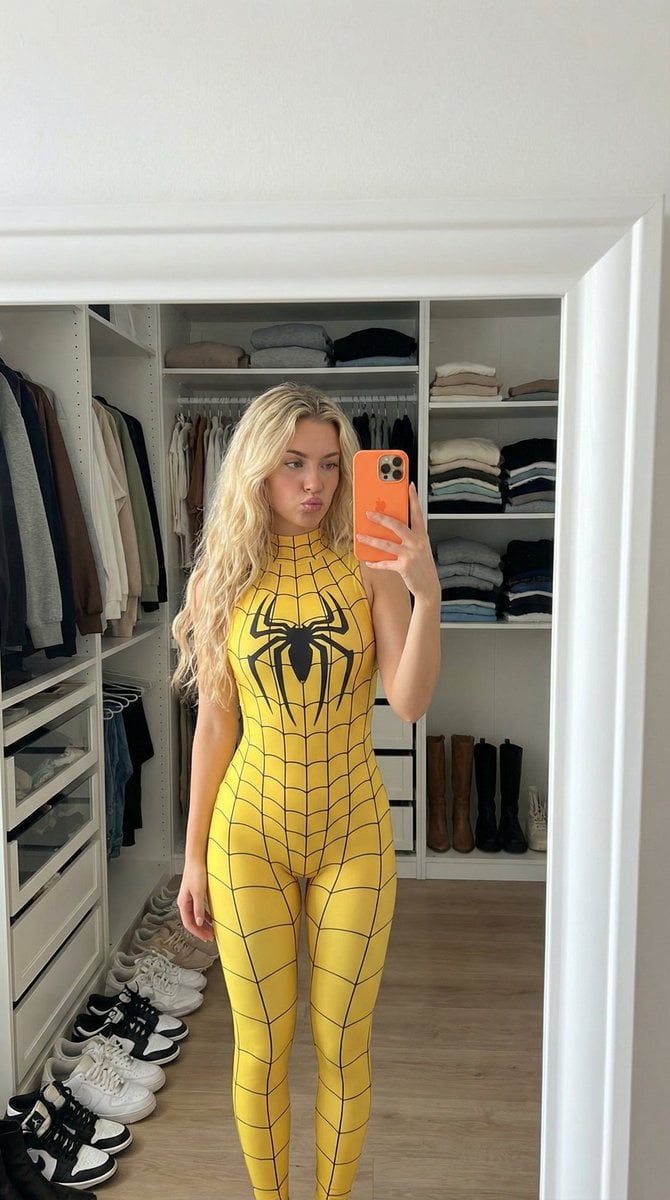
Spider-Girl Cosplay Selfie Prompt (Yellow)
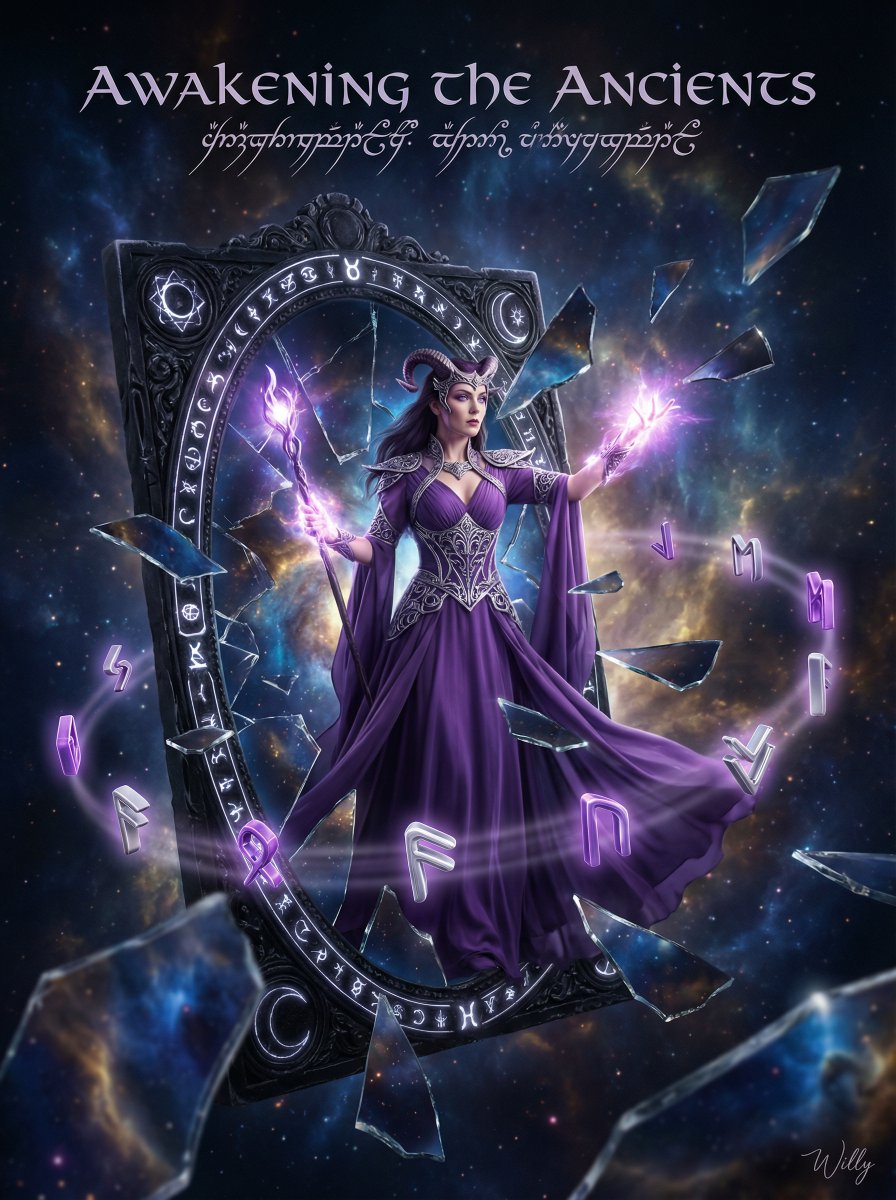
Sorceress Emerging from Obsidian Mirror

Hyper-realistic Christmas Village Portrait
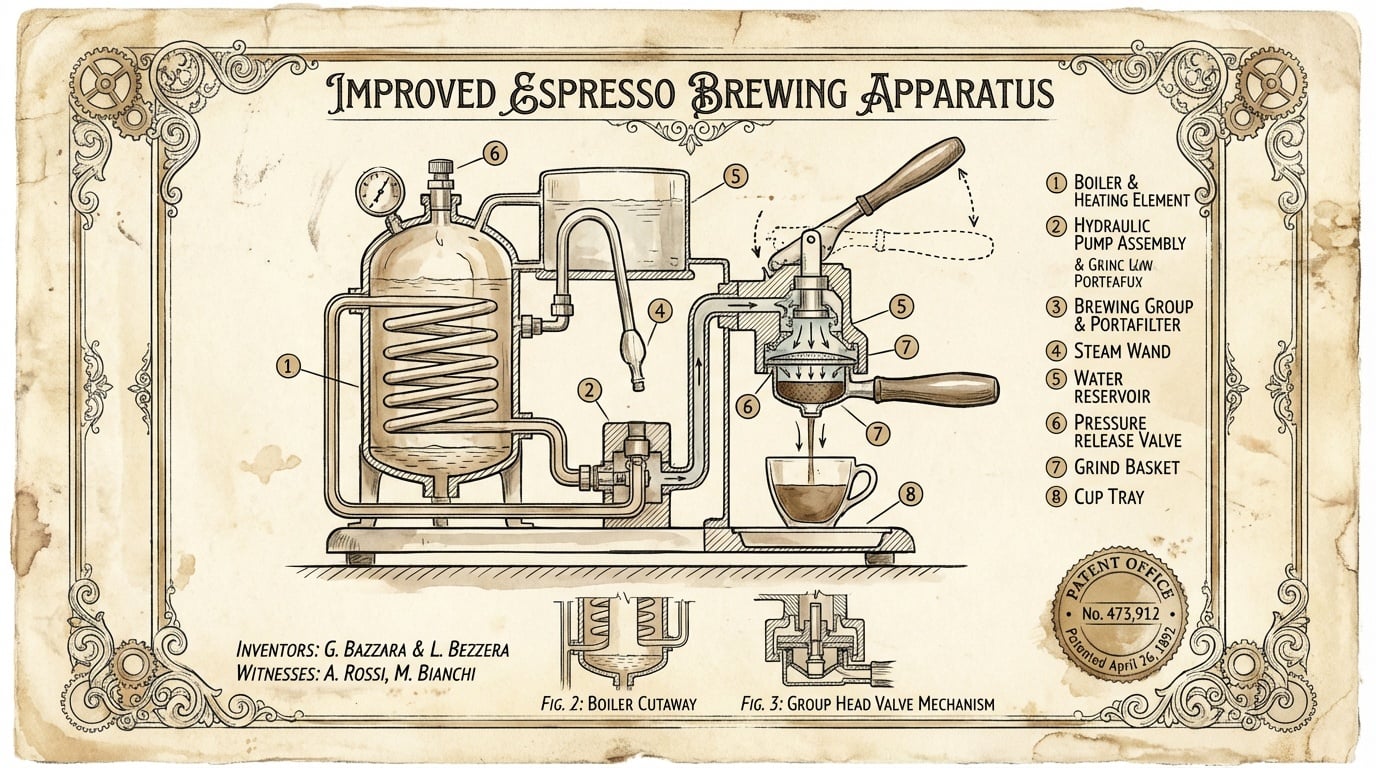
untitled
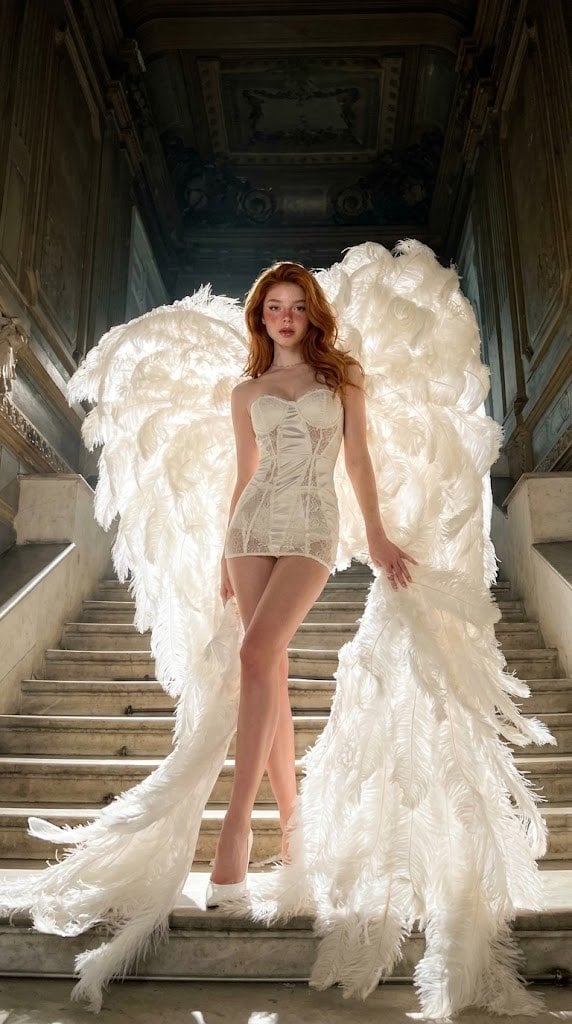
Angelic Haute Couture Editorial
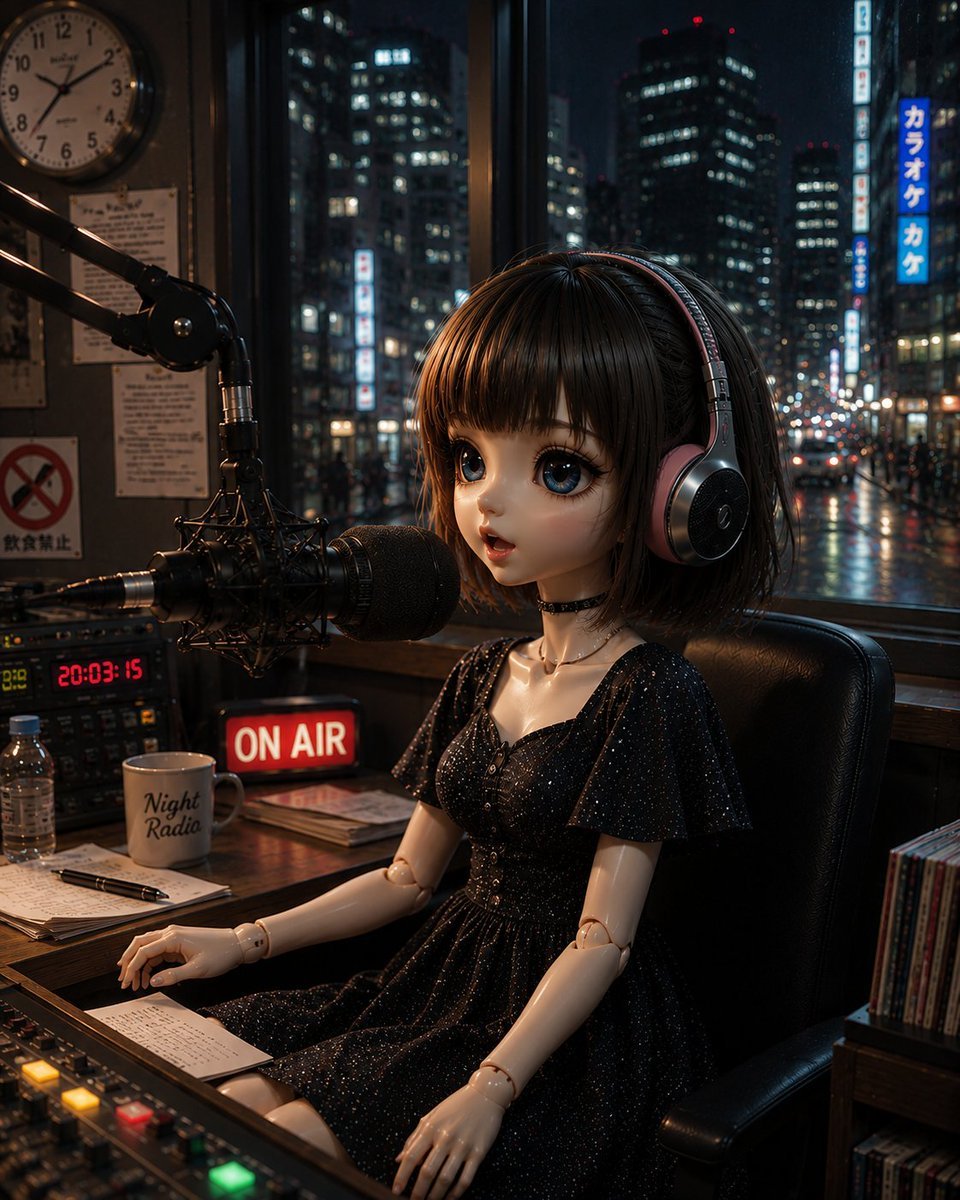
Anonymous Night Radio Doll Host
Browse template categories
Anime Mirror Lake Sky Background questions
How do I use the Anime Mirror Lake Sky Background template?
Add your photo if the template asks for one, edit the prompt if you like — the template's model and format are already selected — and press Generate. Your version opens in PicX Studio.
Can I customize the Anime Mirror Lake Sky Background template?
Yes. You can change the subject, setting, lighting, mood, format, and available model controls before creating your image.
Is the Anime Mirror Lake Sky Background template free?
Opening and editing this template is free. Generating uses credits, shown on the Generate button when you are signed in.
Which AI model should I use?
Start with GPT Image 2, which is the model associated with this template. You can compare another compatible model for a different finish.
Looking for something else? Browse all templates.

Your photo, any look
Thousands of ready templates for every top image and video model, from one credit balance.