
untitled
untitled is a ready photo look for Nano Banana.
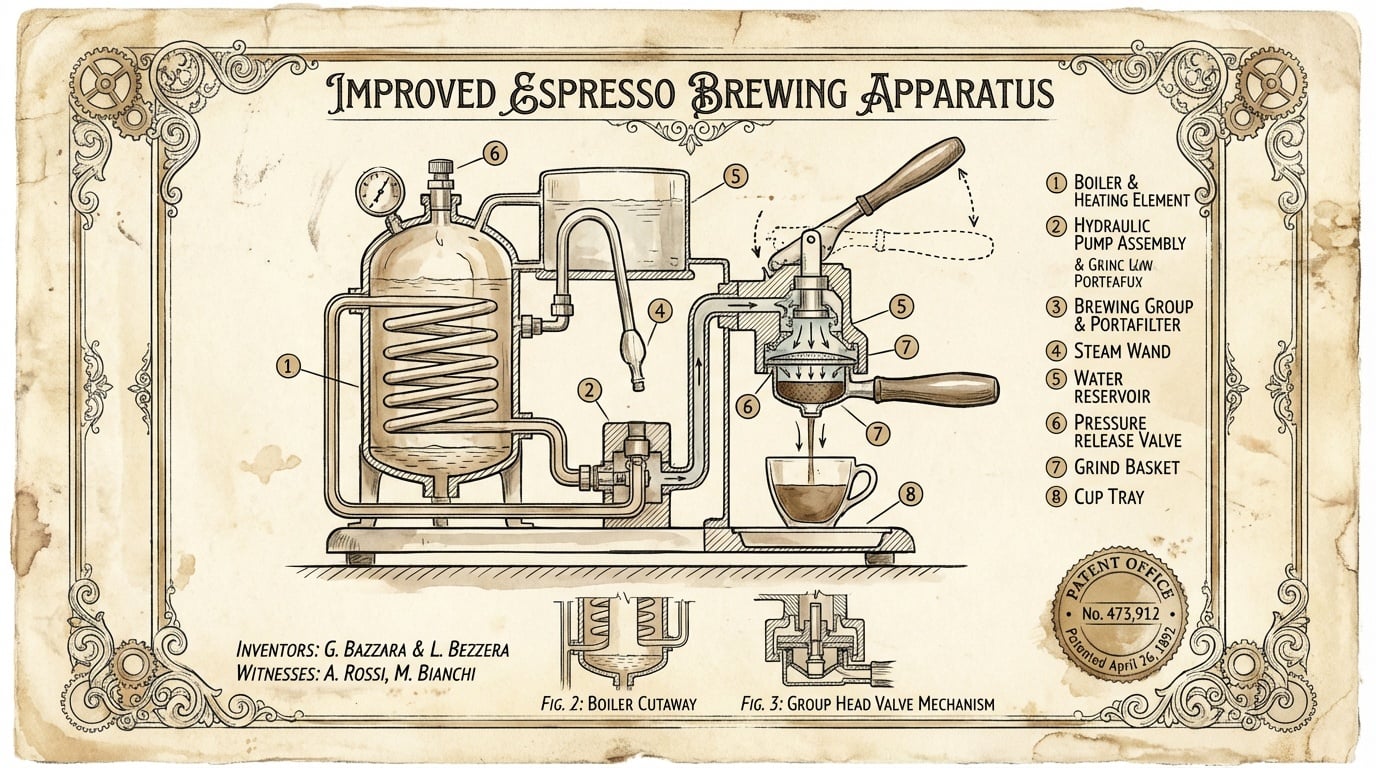
- Prompt included
- Model and format preset
- Free template
The prompt behind this image
Copy the exact prompt behind untitled, or open it in the studio and make it yours.
Prompt Studio: Vintage Patent Drawing with Nano Banana Pro, in OpenArt Create a vintage patent-style technical illustration of [OBJECT] on aged cream parchment paper. Black ink linework with sepia accents, hand-lettered labels, cross-section views, numbered component callouts, official patent border frame with fake patent number and date. Style of 1890s mechanical engineering drawings. Elegant, authoritative, museum-worthy. Check ALTs for ideas @openart_ai
How to use untitled in 3 steps
- 1
Open
The prompt is already in the box next to the preview, with the template's model and format selected.
- 2…a portrait of your subject in softgolden-hour light, 85mm…
Personalize
Edit the subject and creative details for your destination.
- 3Generate
Generate
Press Generate — your image is created in PicX Studio, so you can compare it with the original and refine one variable at a time.
More like this
Templates with the same subject, style or setup. Open one to see its prompt.






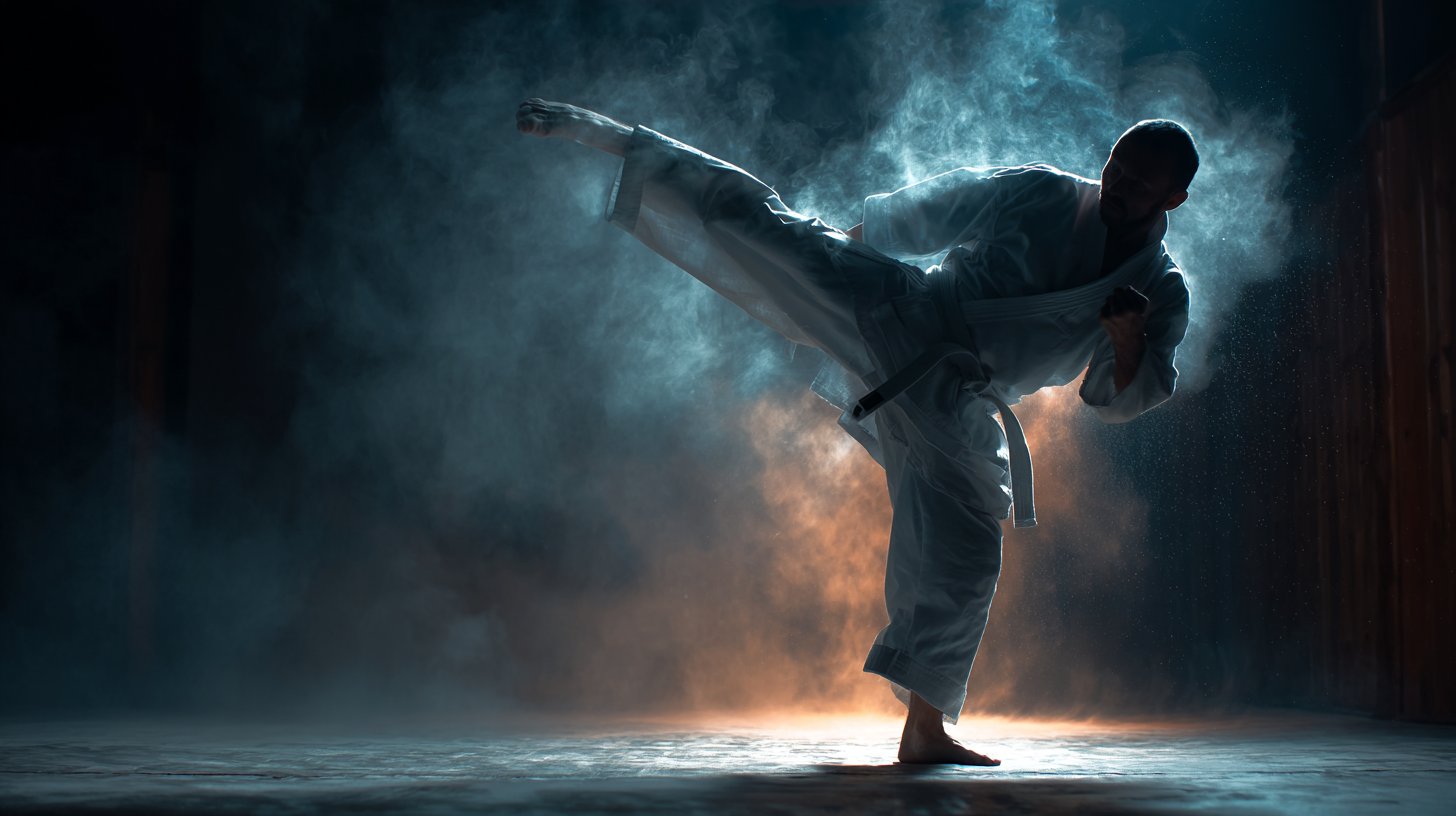
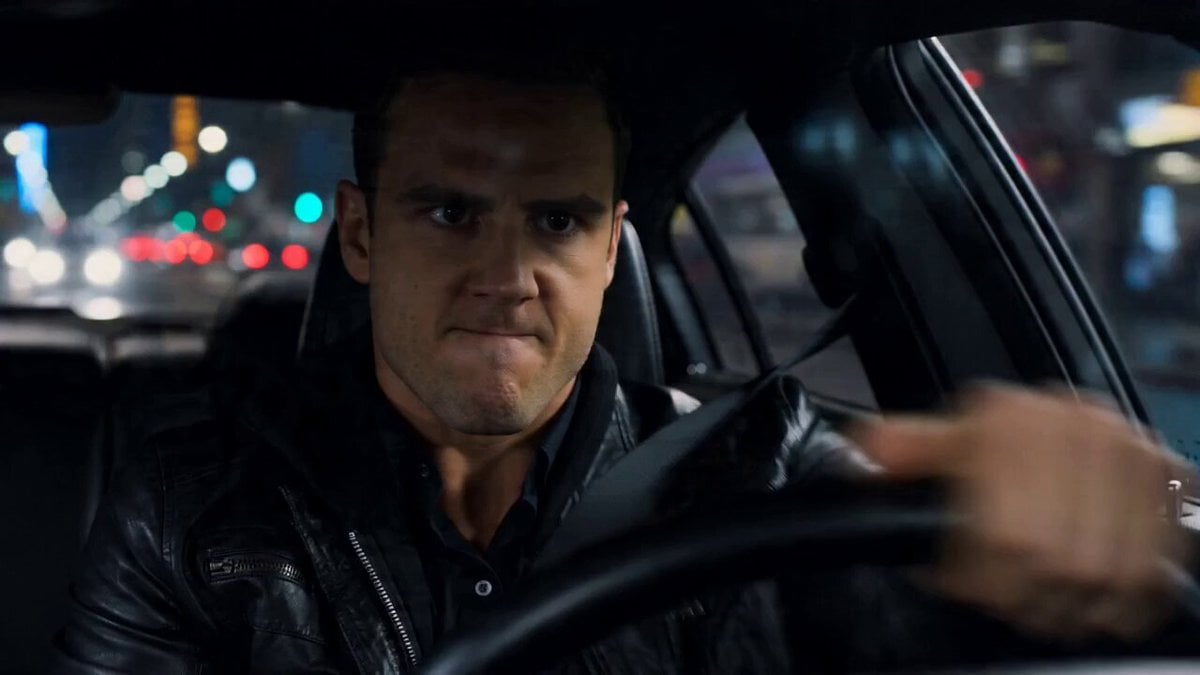
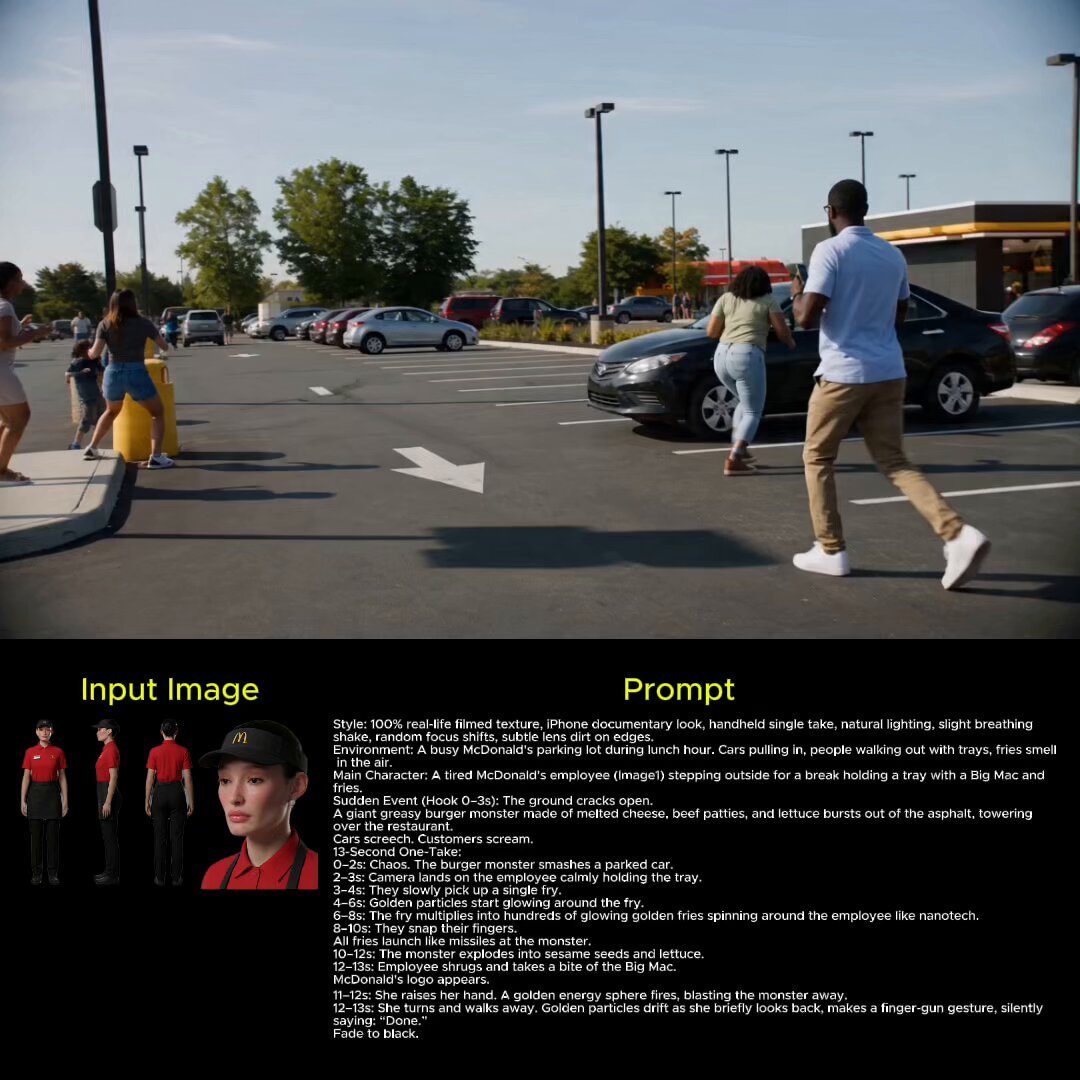
Make it yours
untitled works as-is. These are the safest ways to change it without losing the look.
Change one field
Copy a single group, rewrite it, and generate again so you can see what that field is doing.
Keep the frame, change the subject
Hold the composition and light of 157-untitled, then swap wardrobe, props or the person for a new take.
| If the result… | Why | Fix |
|---|---|---|
| The result drifts from the preview | Too many fields changed at once. | Reuse 157-untitled as-is first, then change one group — subject, light, or setting. |
| The model over-stylizes the scene | The prose prompt leaves finish and camera underspecified. | Add one camera or lighting sentence and stay on Nano Banana. |
More Nano Banana templates
Other prompts made for Nano Banana.










More image prompts
Fresh picks from across the catalog.
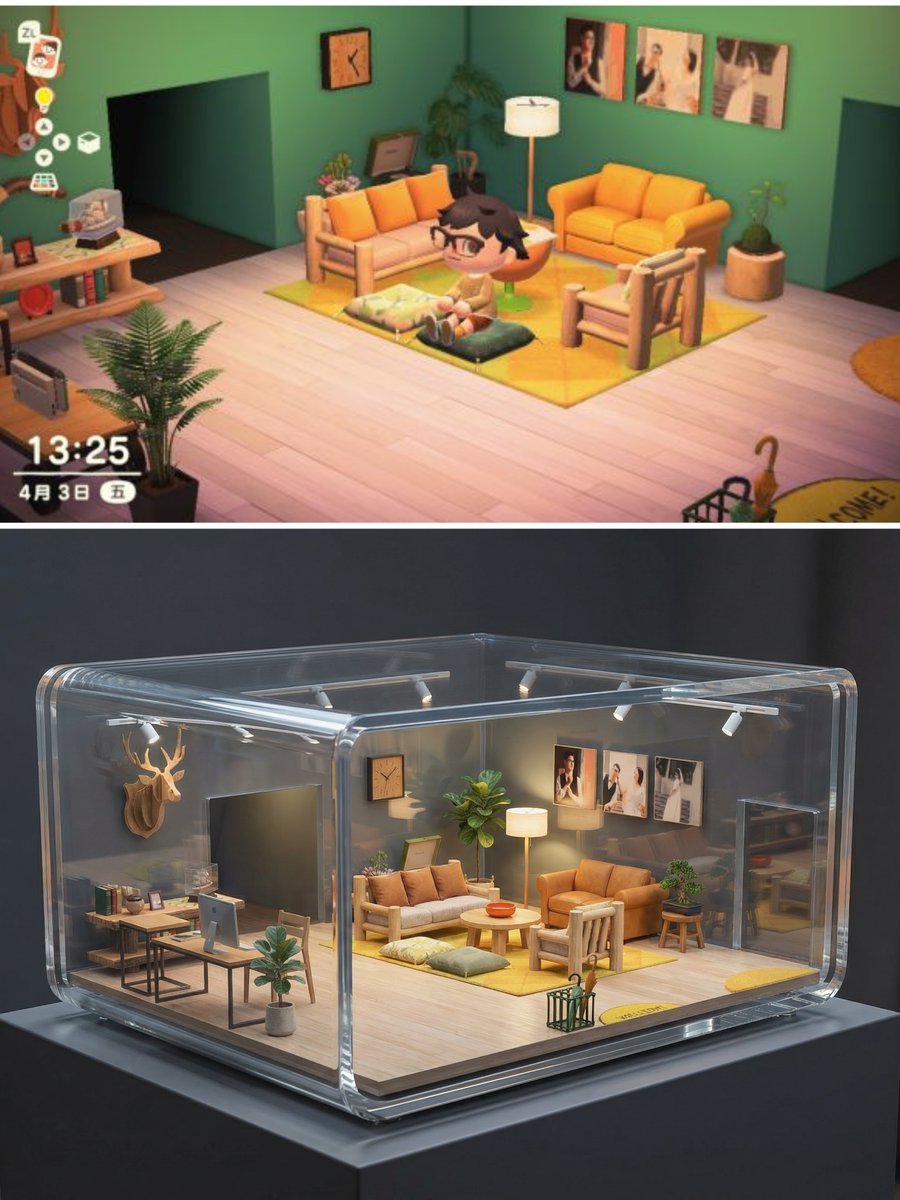
Realistic Interior to Transparent Miniature Diorama Prompt
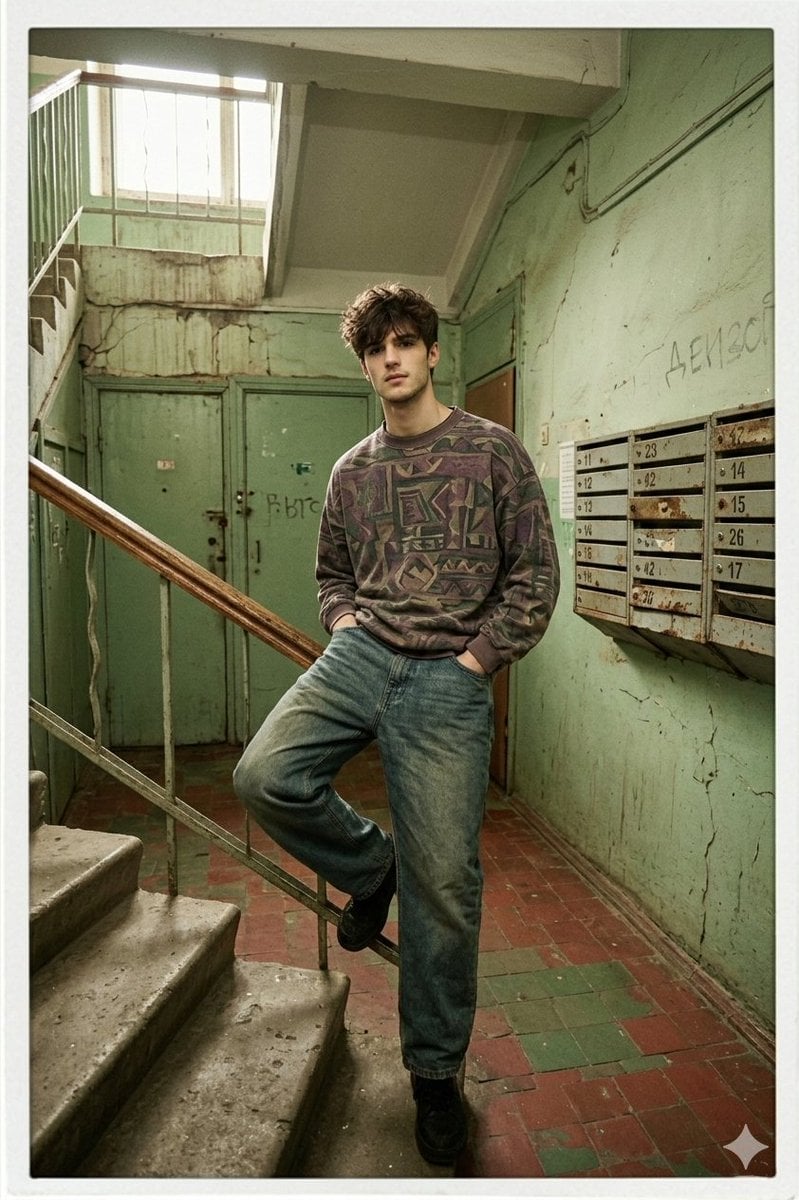
90s Inspired Male Model in Russian Apartment Entrance
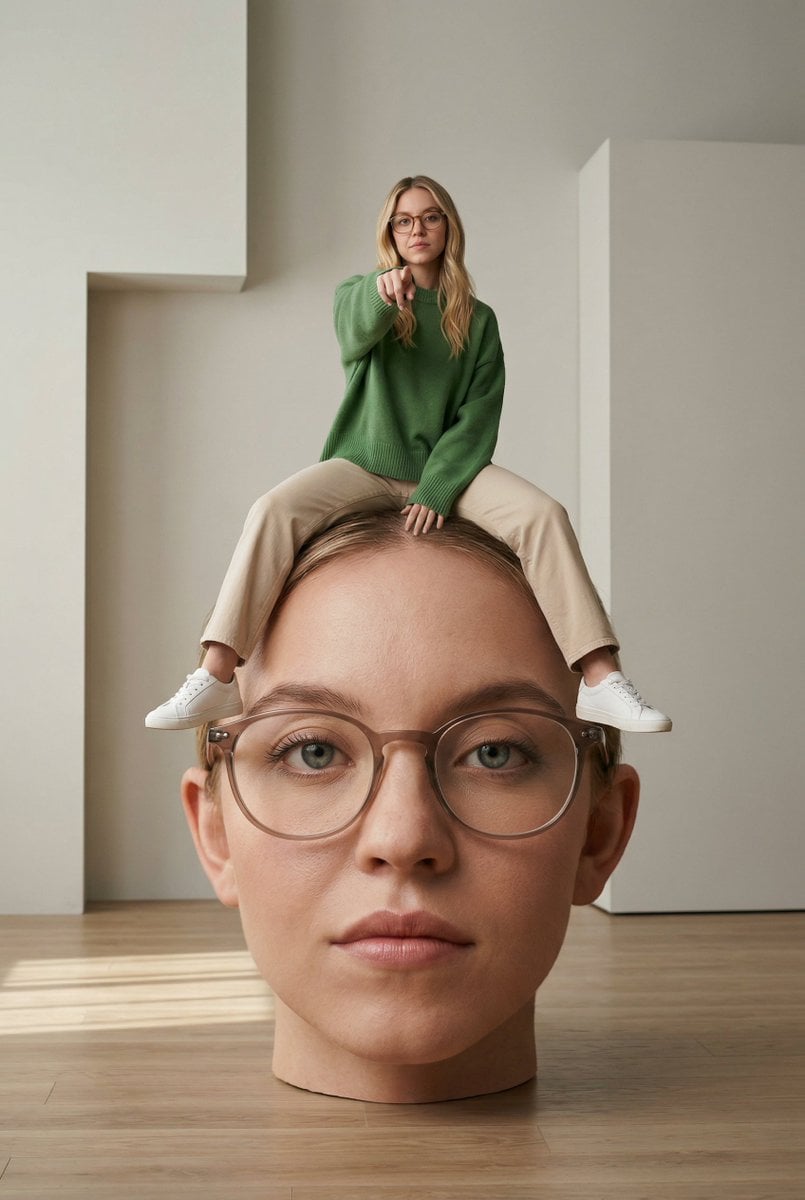
Surreal Conceptual Photography with Scale Distortion
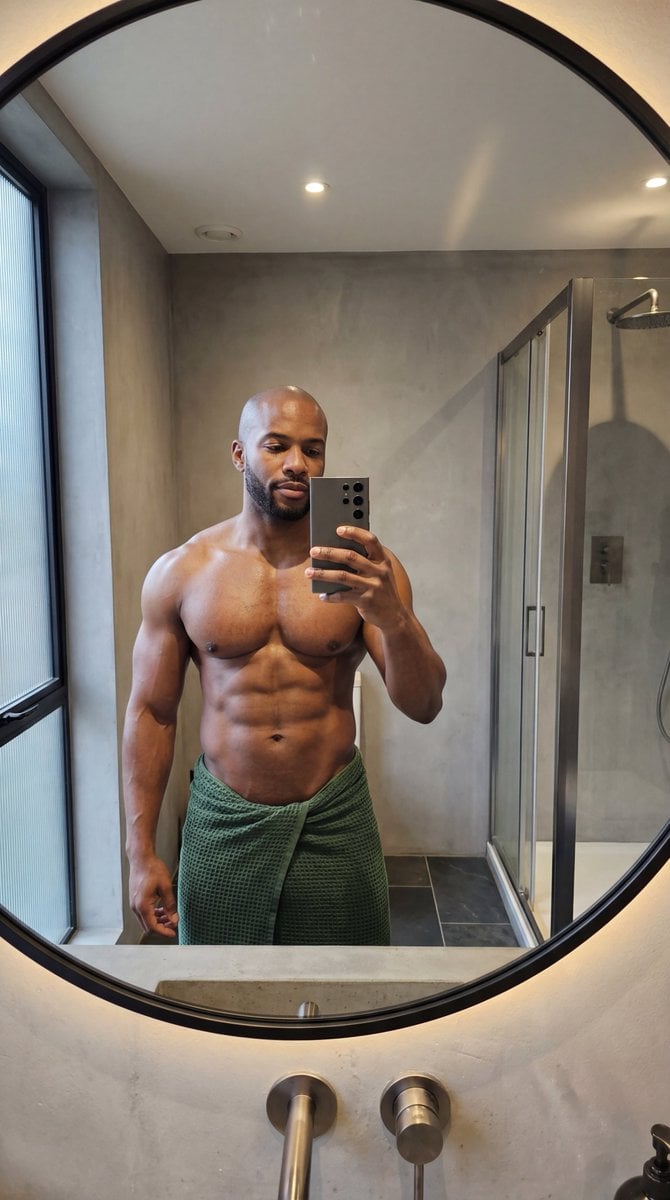
Photorealistic Anatomy-Locked Mirror Selfie Prompt
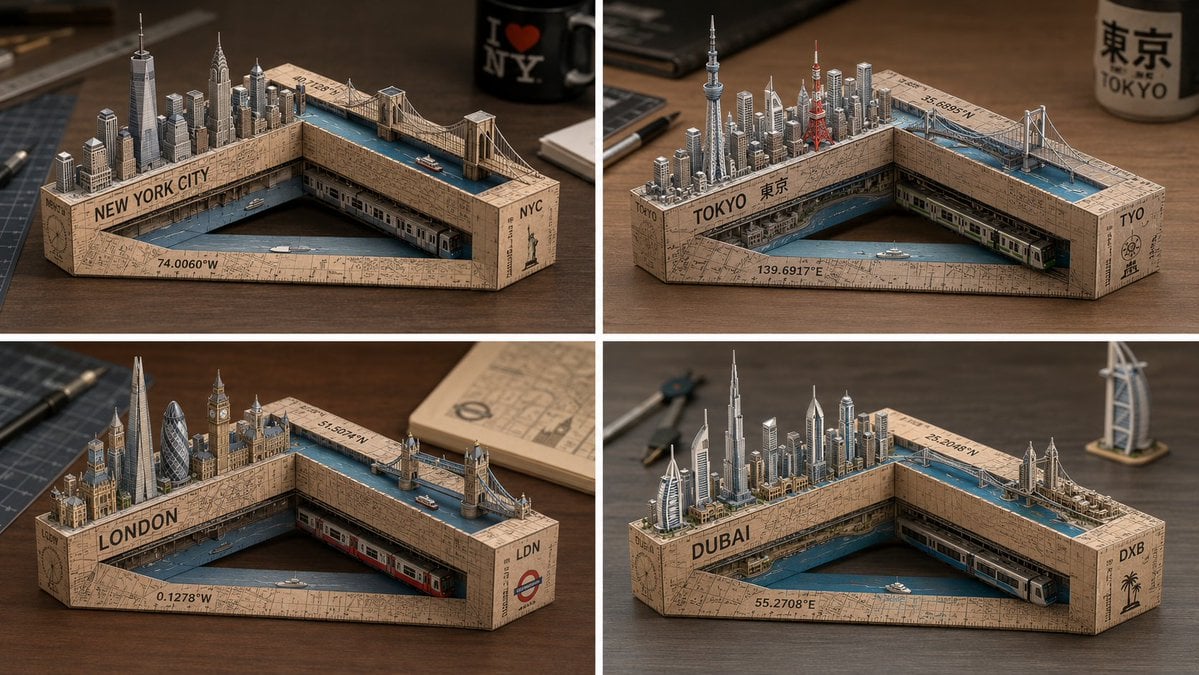
Laser-Cut Paper City Sculpture
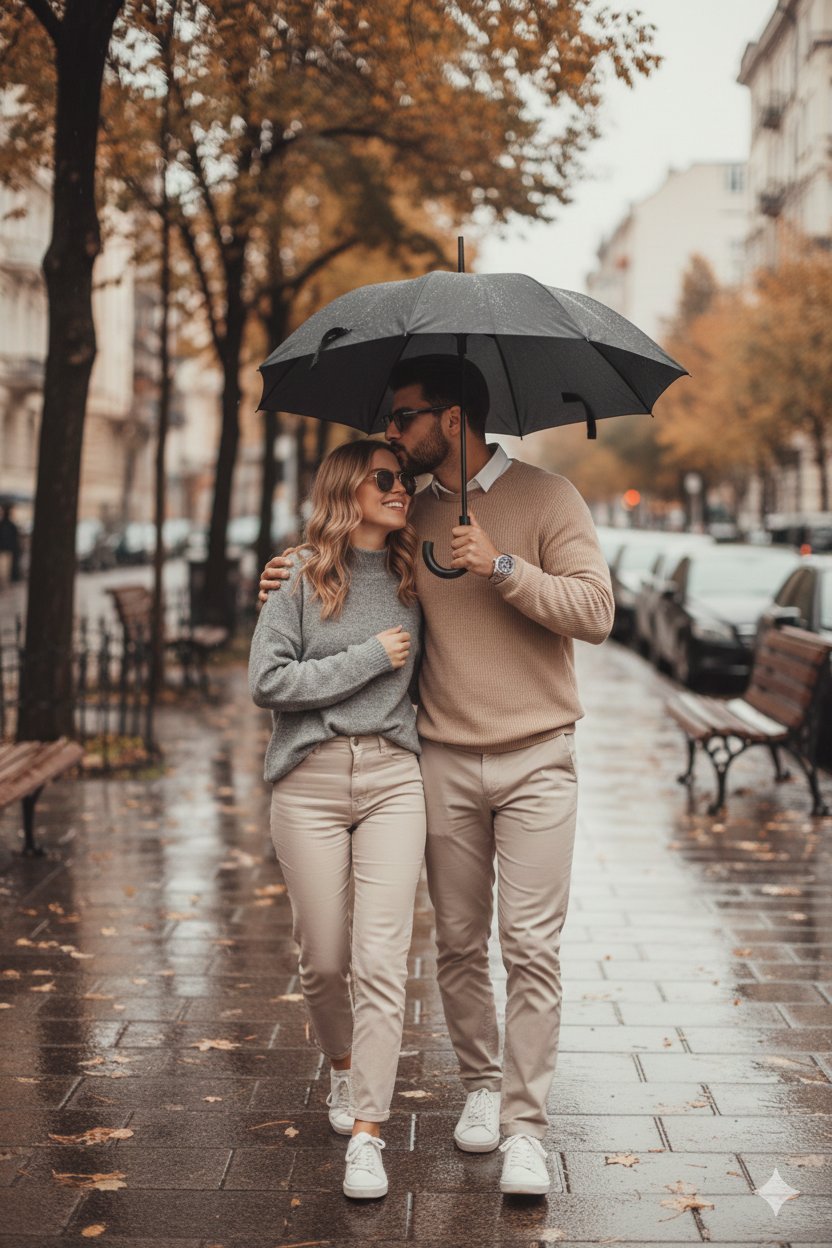
Together We Are Perfect
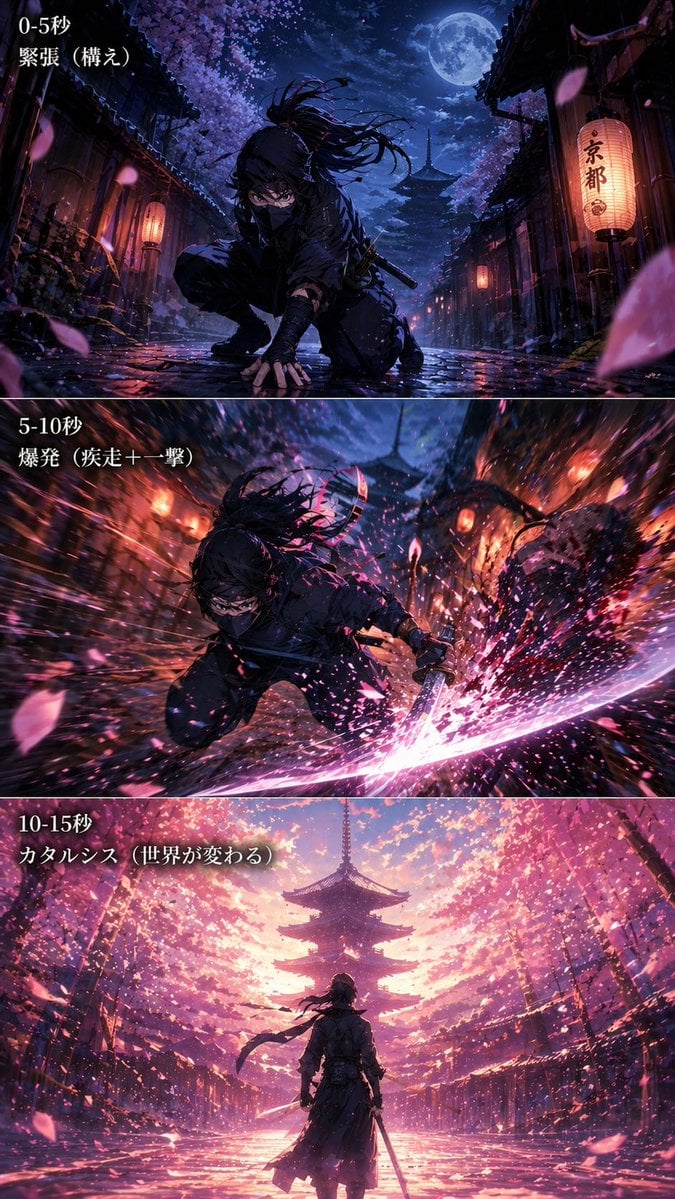
Anime Ninja Action Triptych
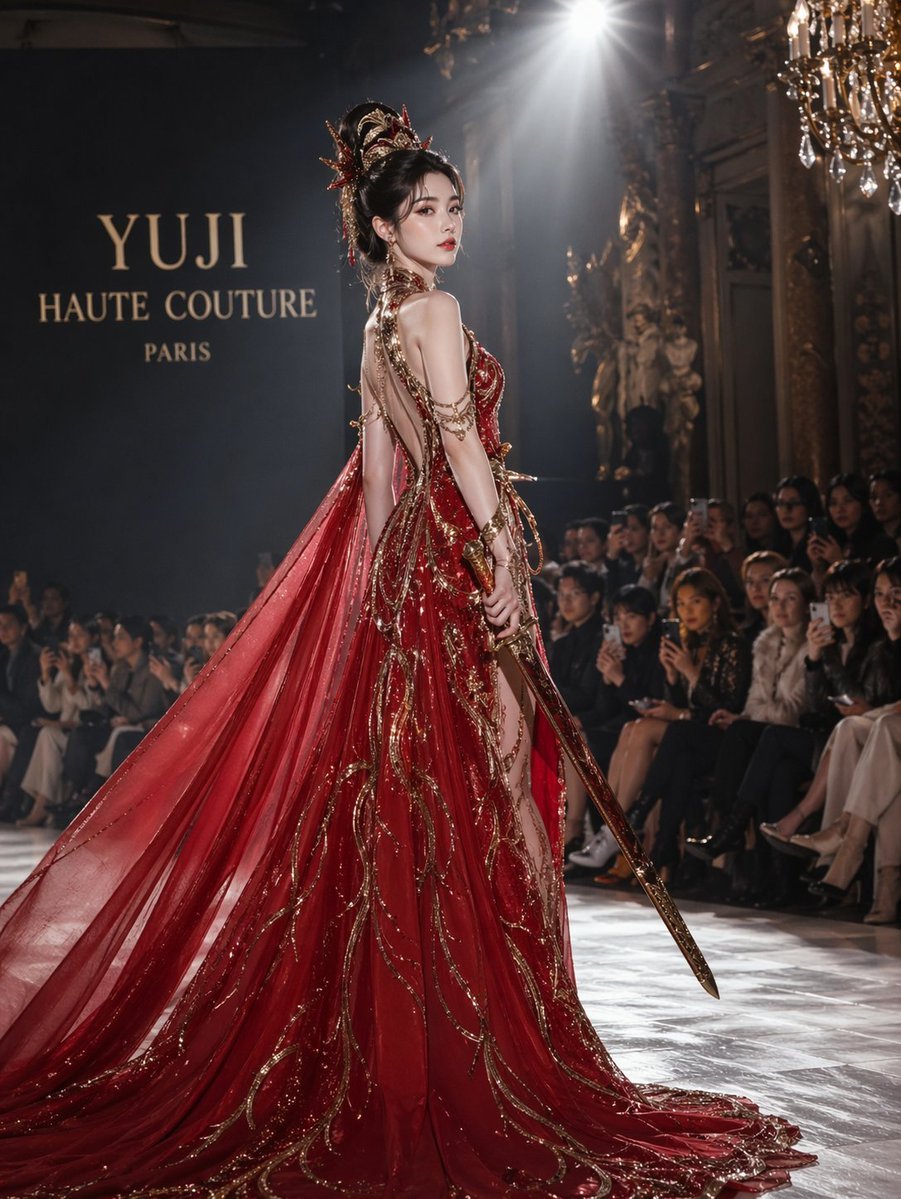
High fashion dress show prompt
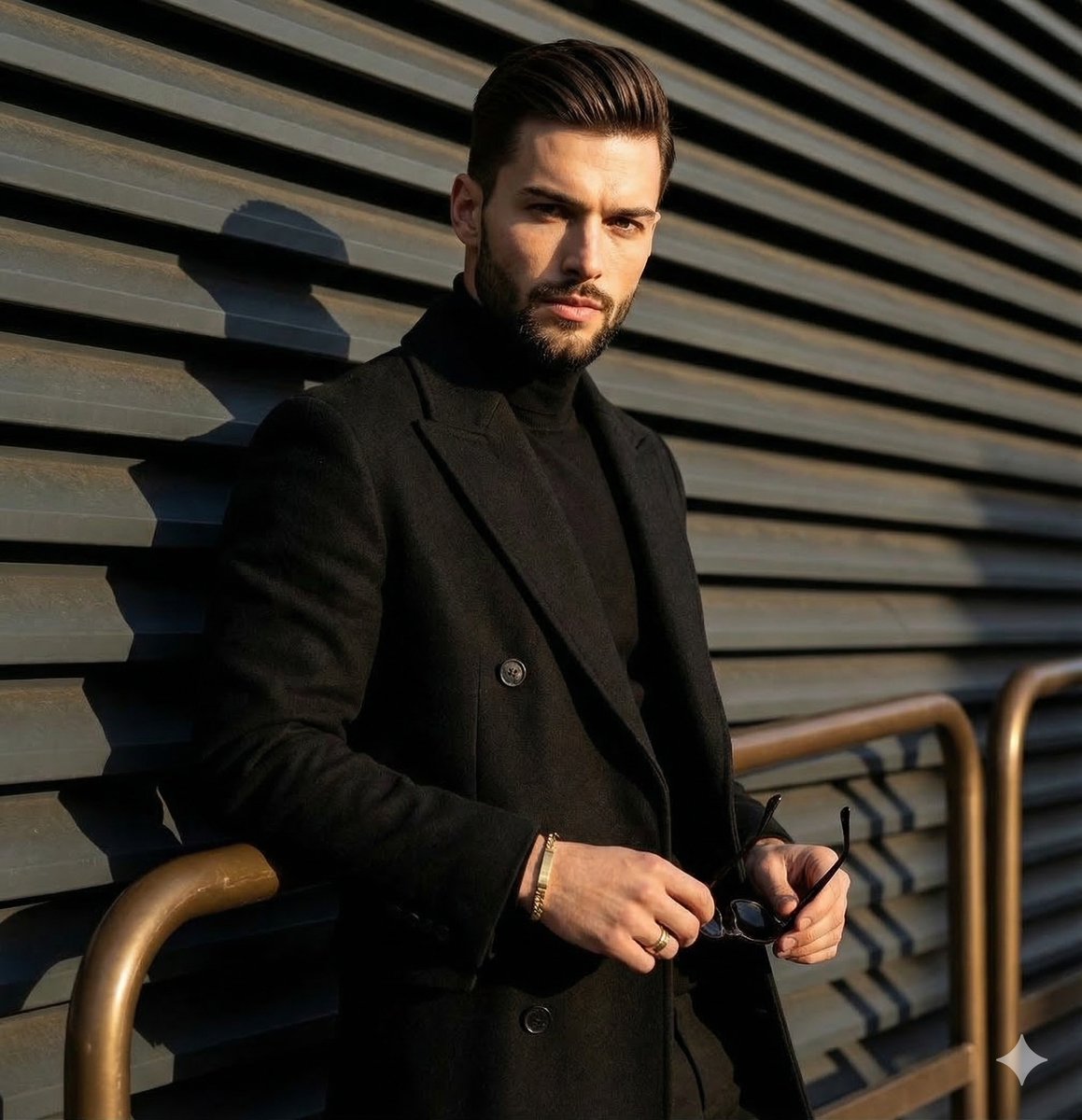
High-contrast editorial portrait of a man leaning on a rail
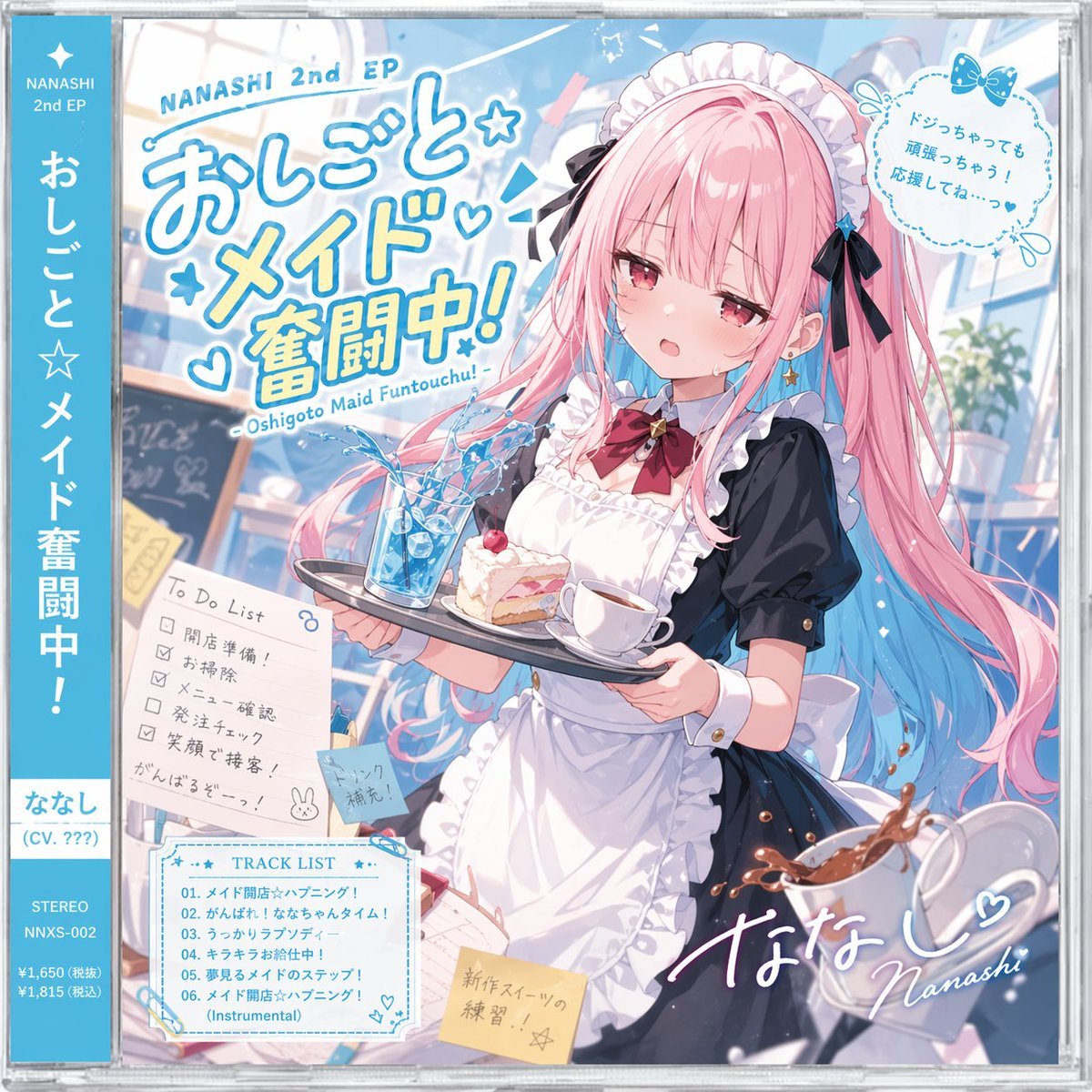
Anime Maid CD Album Cover
Browse template categories
untitled questions
How do I use the 157-untitled template?
Add your photo if the template asks for one, edit the prompt if you like — the template's model and format are already selected — and press Generate. Your version opens in PicX Studio.
Can I customize the 157-untitled template?
Yes. You can change the subject, setting, lighting, mood, format, and available model controls before creating your image.
Is the 157-untitled template free?
Opening and editing this template is free. Generating uses credits, shown on the Generate button when you are signed in.
Which AI model should I use?
Start with Nano Banana, which is the model associated with this template. You can compare another compatible model for a different finish.
Looking for something else? Browse all templates.

Your photo, any look
Thousands of ready templates for every top image and video model, from one credit balance.