
untitled
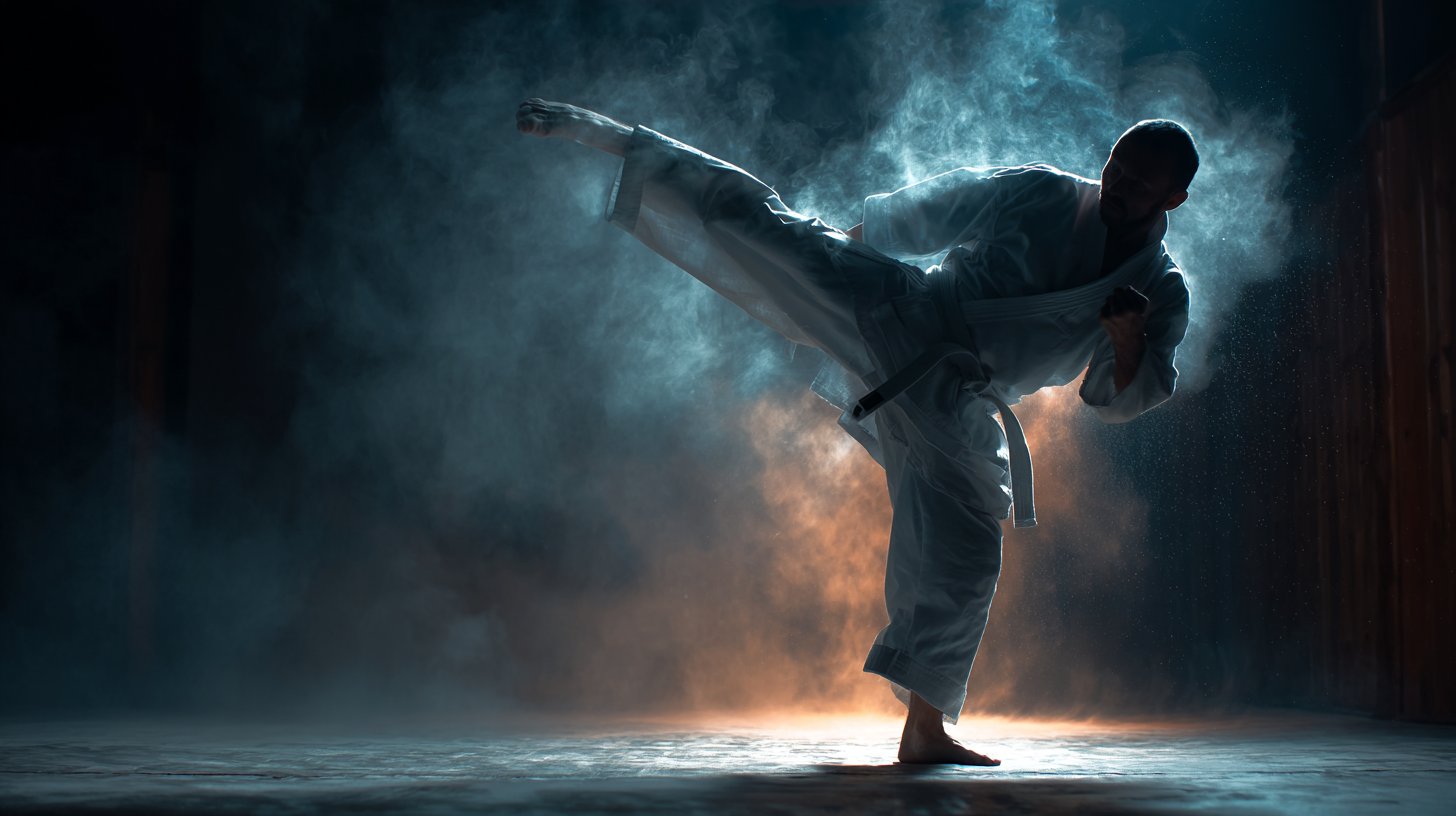
untitled is a ready photo look for Nano Banana.
- Prompt included
- Model and format preset
- Free template
The prompt behind this image
Copy the exact prompt behind untitled, or open it in the studio and make it yours.
First-person perspective (POV), 8K hyper-realistic, 60fps fluid motion, dark fantasy aesthetic, cinematic lighting, 9:16 vertical aspect ratio. [00:00 - 00:05] SEGMENT 1: The Awakening (The Hook) "POV shot. Looking down at the user's hand (as seen in @image1), where glowing blue and black veins pulse with energy. The hand is gripping a swirling black and violet energy orb. The hand crushes the orb with a heavy grip. Instantly, a massive shockwave of purple lightning and dark smoke explodes outward. From the shadows on the ground, dozens of spectral, knight-like silhouettes with glowing eyes rise and kneel before the camera. The setting is a dark, ruined stone dungeon." [00:05 - 00:10] SEGMENT 2: The Onslaught & The Boss (The Body) "Fast-paced POV combat. The camera moves forward rapidly as the user's hand wields a jagged, glowing obsidian dagger, slashing through waves of grey stone monsters that crumble into dust upon impact. The shadow knights from segment one fight alongside the user. Suddenly, the ground shakes, and a colossal, 30-foot demonic titan with multiple red eyes and jagged armor emerges from the darkness, letting out a silent, earth-shaking roar. The user raises their left hand, charging a massive violet aura." [00:10 - 00:15] SEGMENT 3: The Final Surge (The Climax) "Extreme POV close-up. The user's hand reaches toward the giant titan. A colossal spectral shadow-giant manifests behind the camera, mimicking the user's movement. All the shadow energy in the room condenses into the user's palm. The user fires a massive beam of pure abyssal purple energy that pierces through the titan's chest. The titan slowly disintegrates into black ash and embers, its red eyes fading as it collapses. The screen shakes with a heavy bass effect as the purple veins on the user's arm glow one last time before fading to black."
How to use untitled in 3 steps
- 1
Open
The prompt is already in the box next to the preview, with the template's model and format selected.
- 2…a portrait of your subject in softgolden-hour light, 85mm…
Personalize
Edit the subject and creative details for your destination.
- 3Generate
Generate
Press Generate — your image is created in PicX Studio, so you can compare it with the original and refine one variable at a time.
More like this
Templates with the same subject, style or setup. Open one to see its prompt.











Make it yours
untitled works as-is. These are the safest ways to change it without losing the look.
Change one field
Copy a single group, rewrite it, and generate again so you can see what that field is doing.
Keep the frame, change the subject
Hold the composition and light of 75-untitled, then swap wardrobe, props or the person for a new take.
| If the result… | Why | Fix |
|---|---|---|
| The result drifts from the preview | Too many fields changed at once. | Reuse 75-untitled as-is first, then change one group — subject, light, or setting. |
| The model over-stylizes the scene | The prose prompt leaves finish and camera underspecified. | Add one camera or lighting sentence and stay on Nano Banana. |
More Nano Banana templates
Other prompts made for Nano Banana.









More image prompts
Fresh picks from across the catalog.
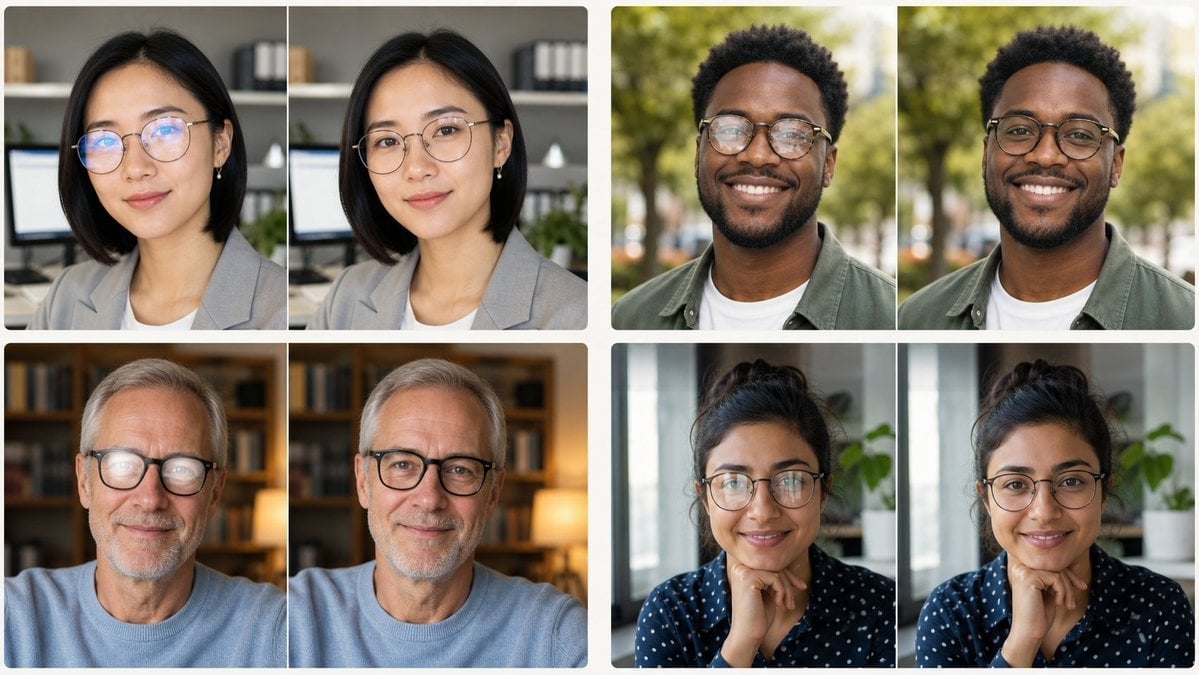
Glasses Glare Removal Portrait Collage
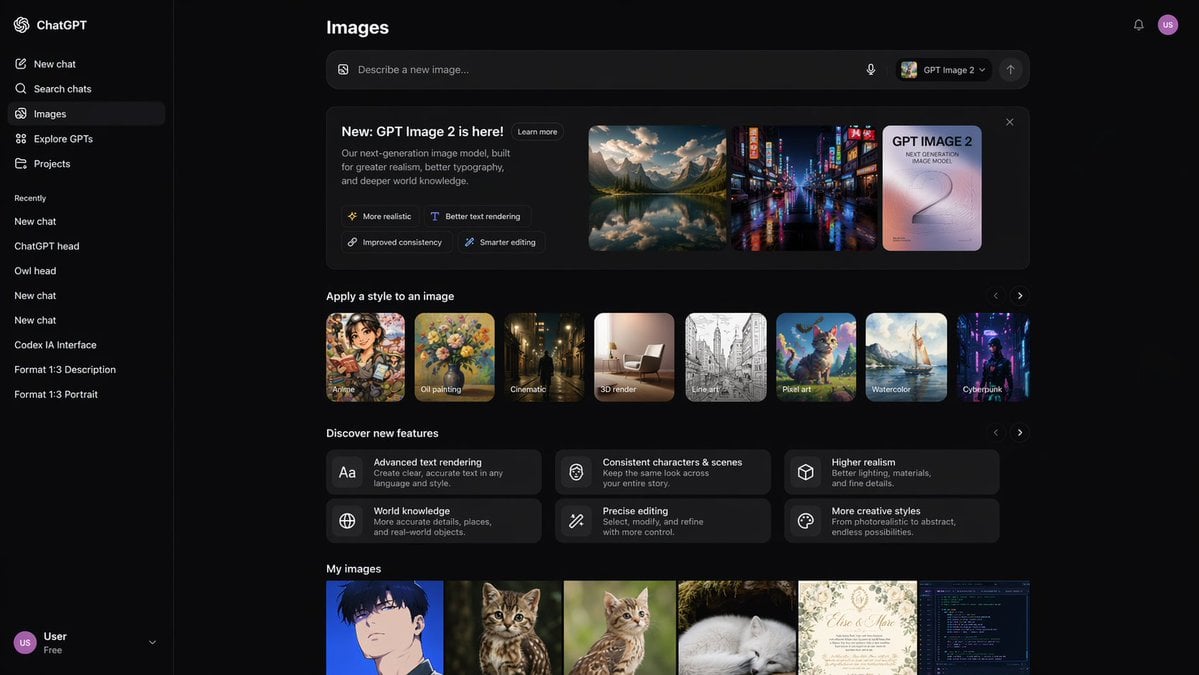
AI Image Generator UI Mockup
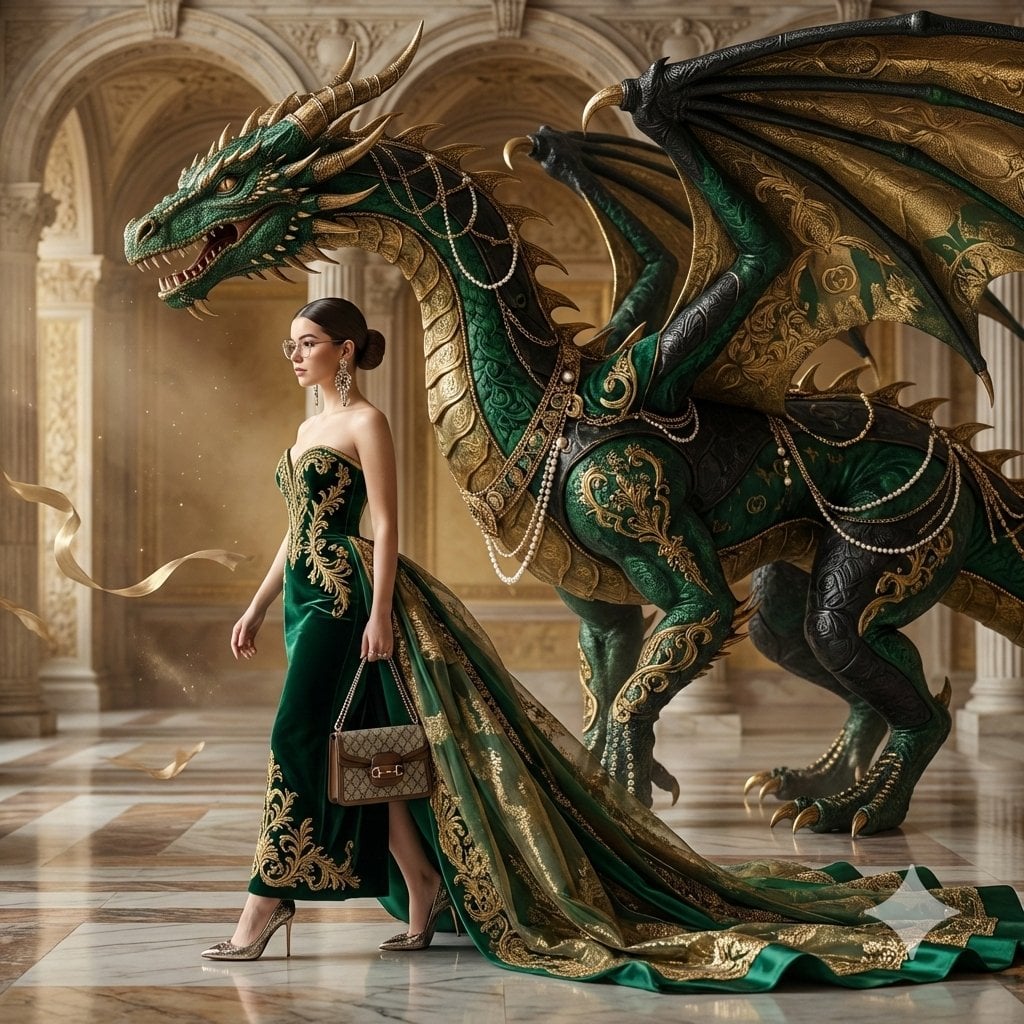
untitled
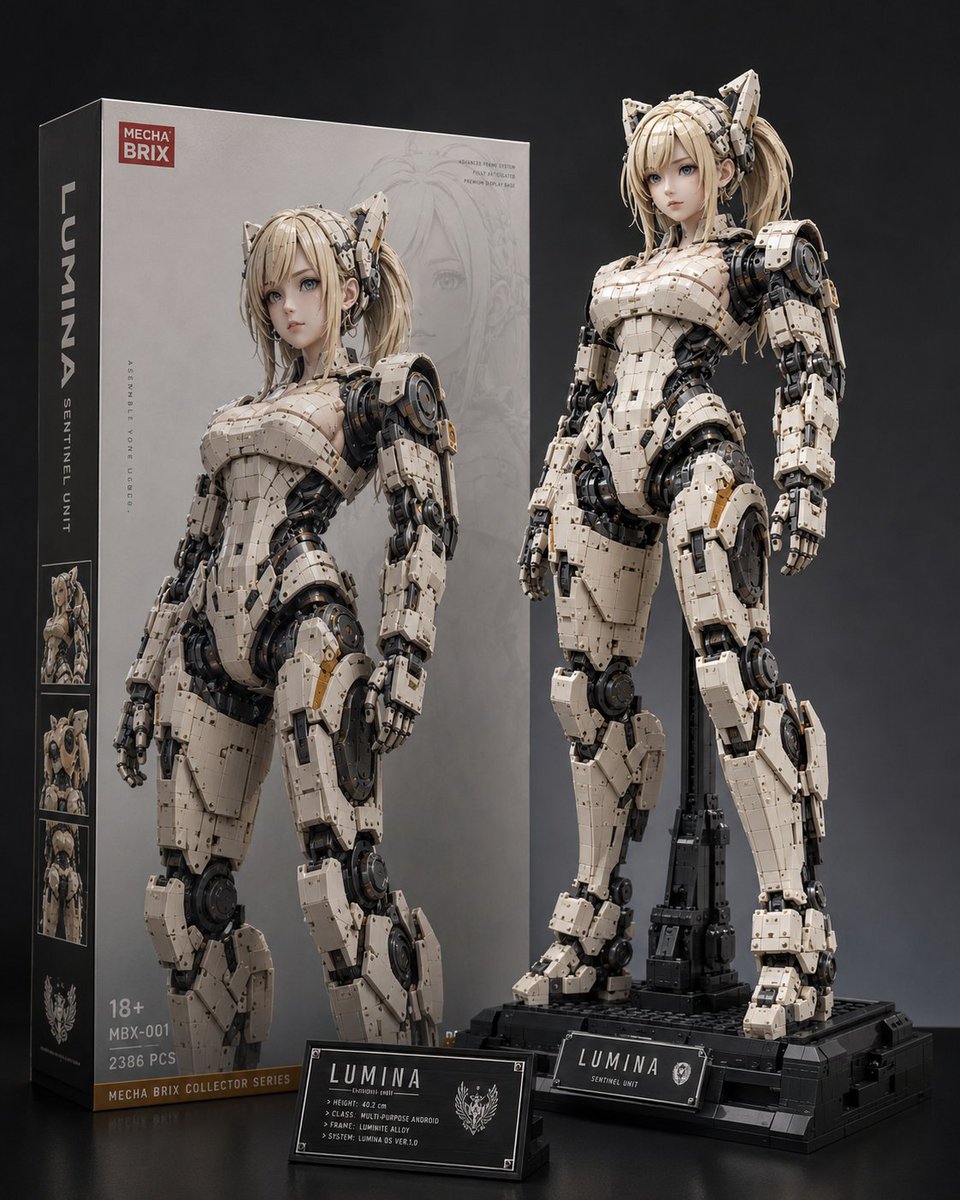
Lumina Mecha Figure Product Shot
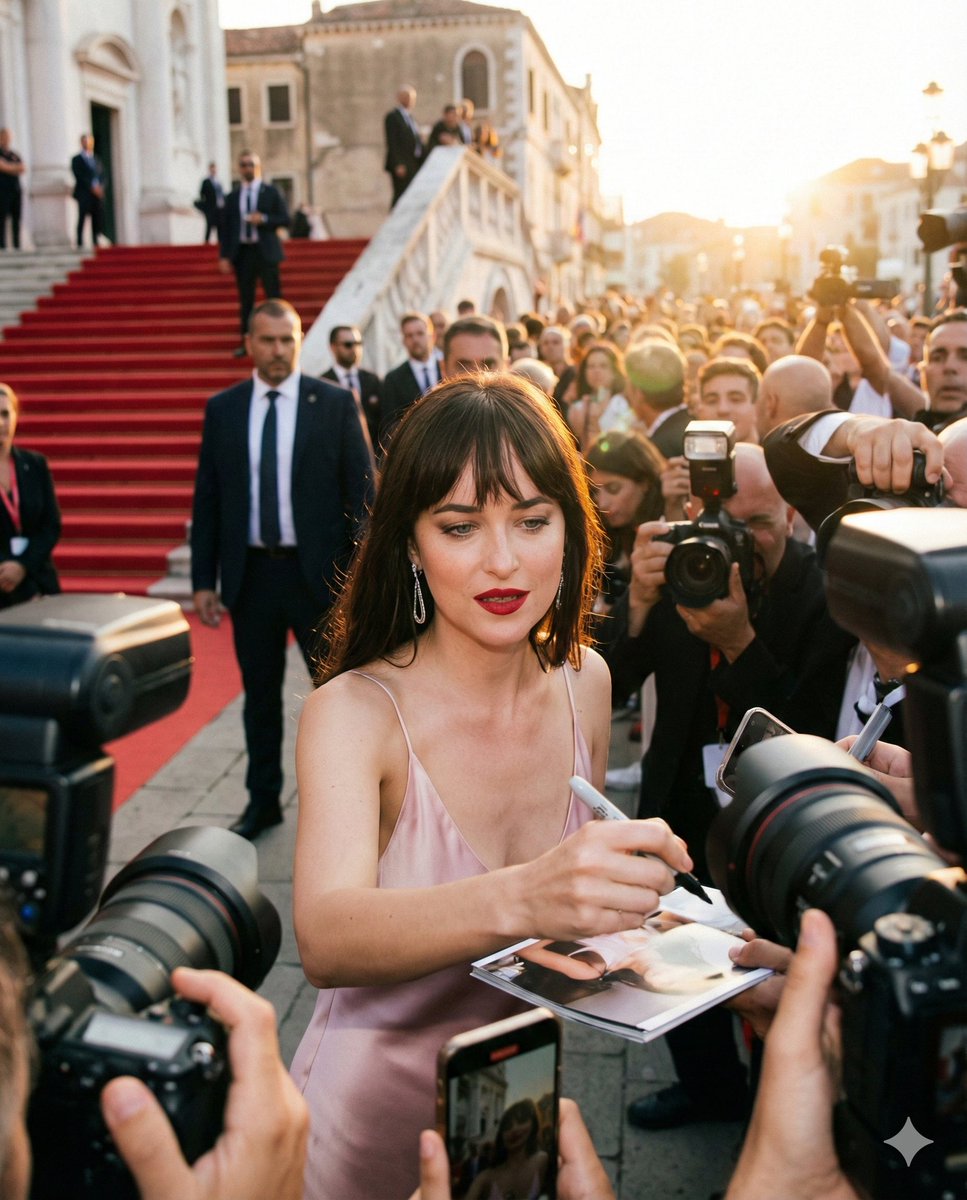
Red Carpet Paparazzi Realism Prompt
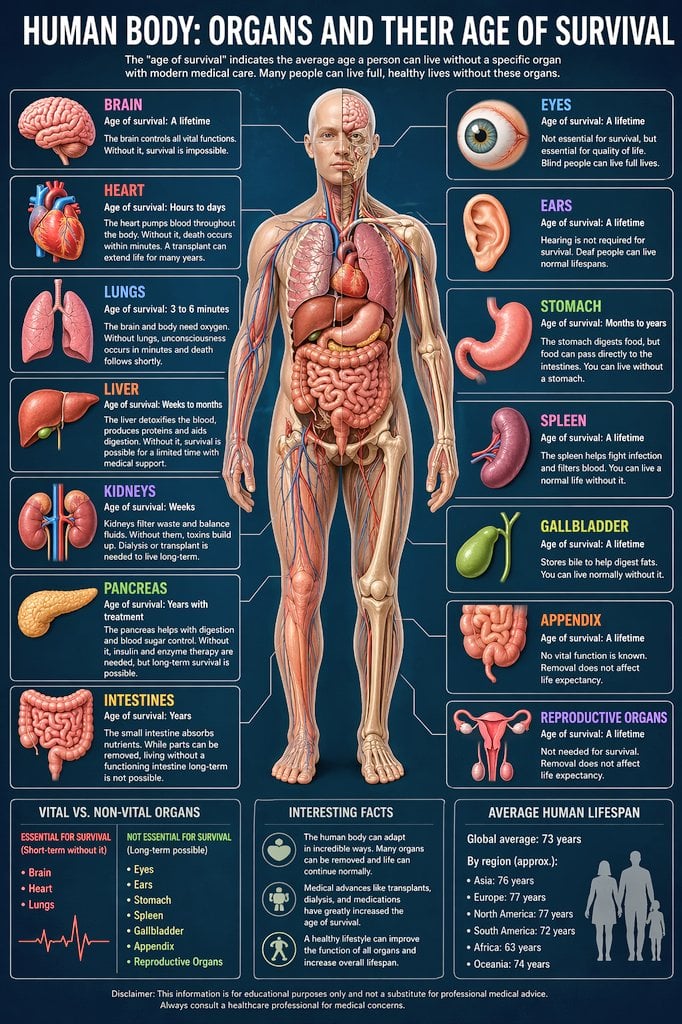
Medical Infographic Prompt
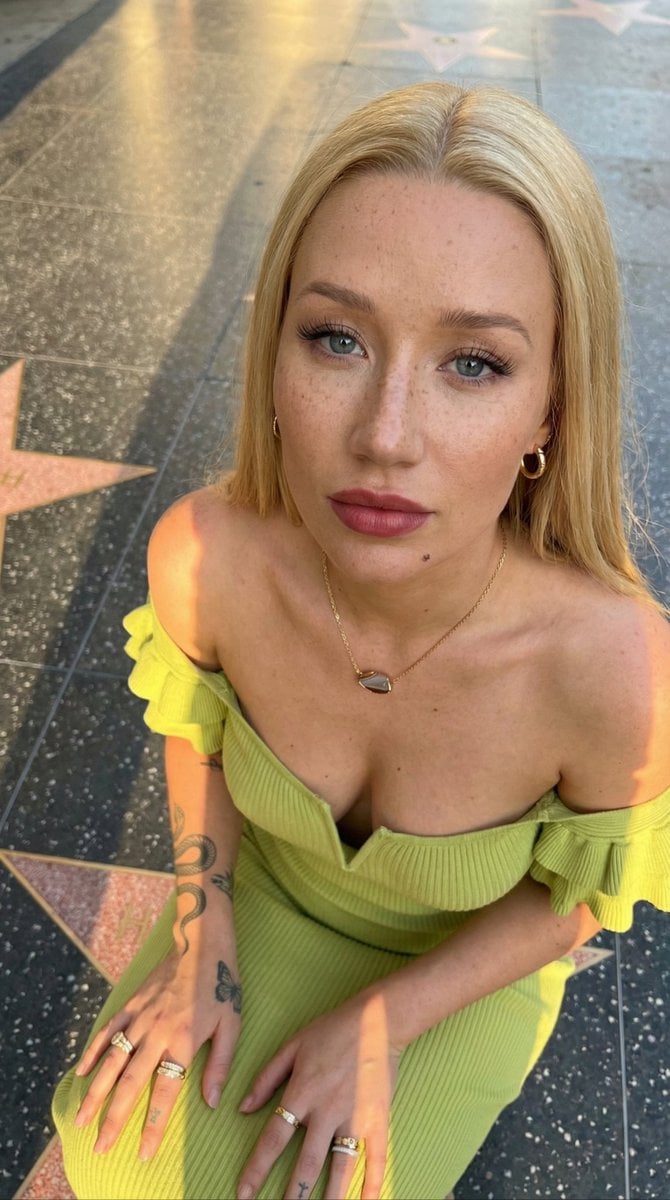
Iggy Azalea Walk of Fame Portrait Prompt
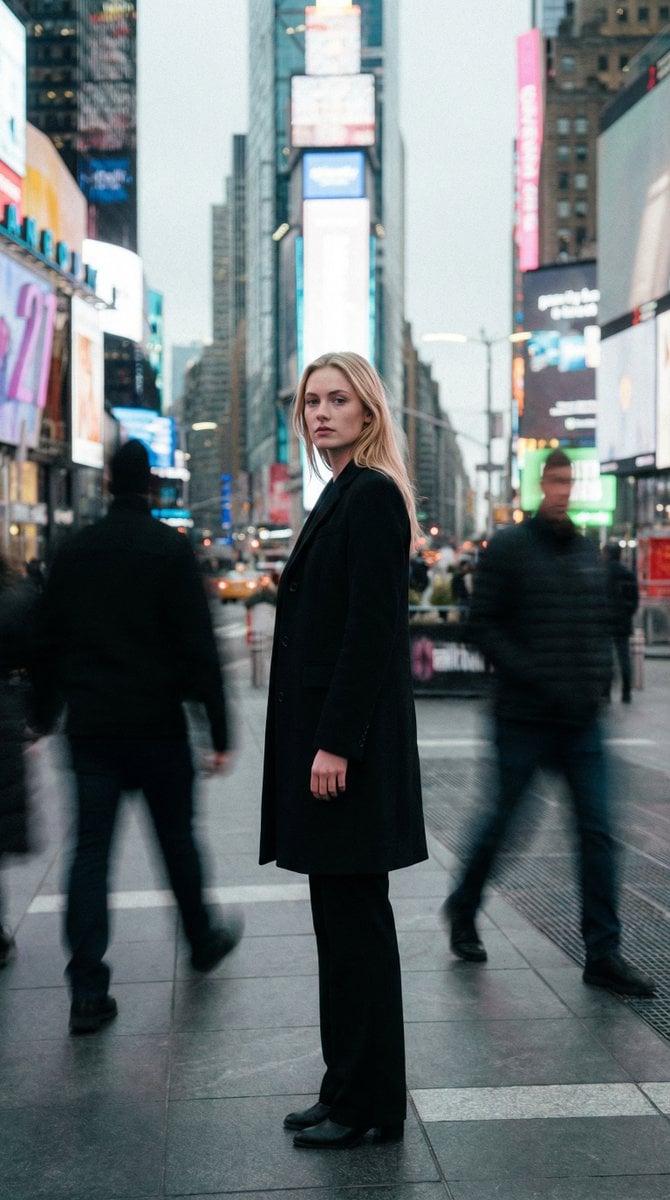
High Fashion Magazine Pictorial in Times Square
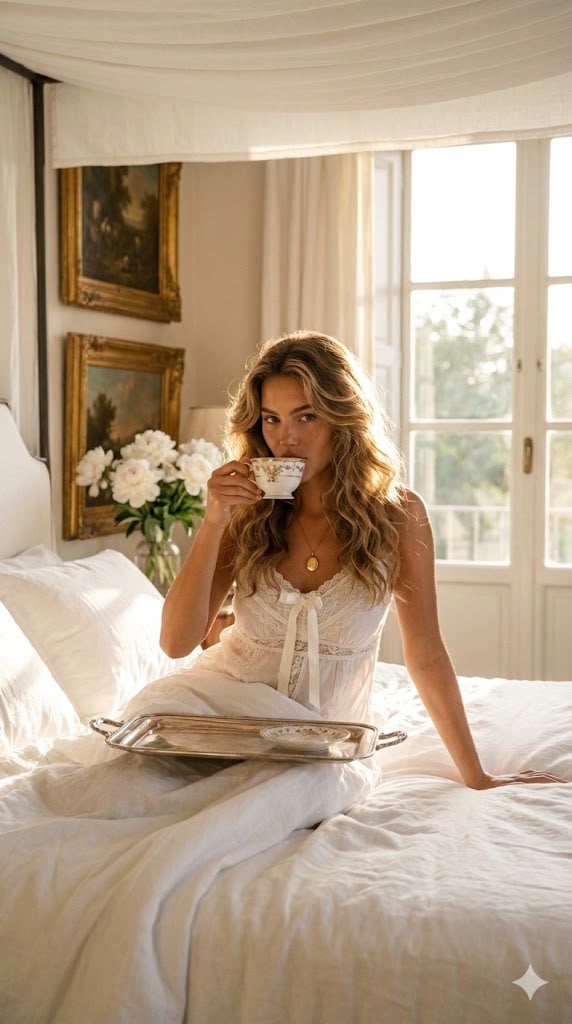
Regal Morning Portrait in a European Villa Prompt
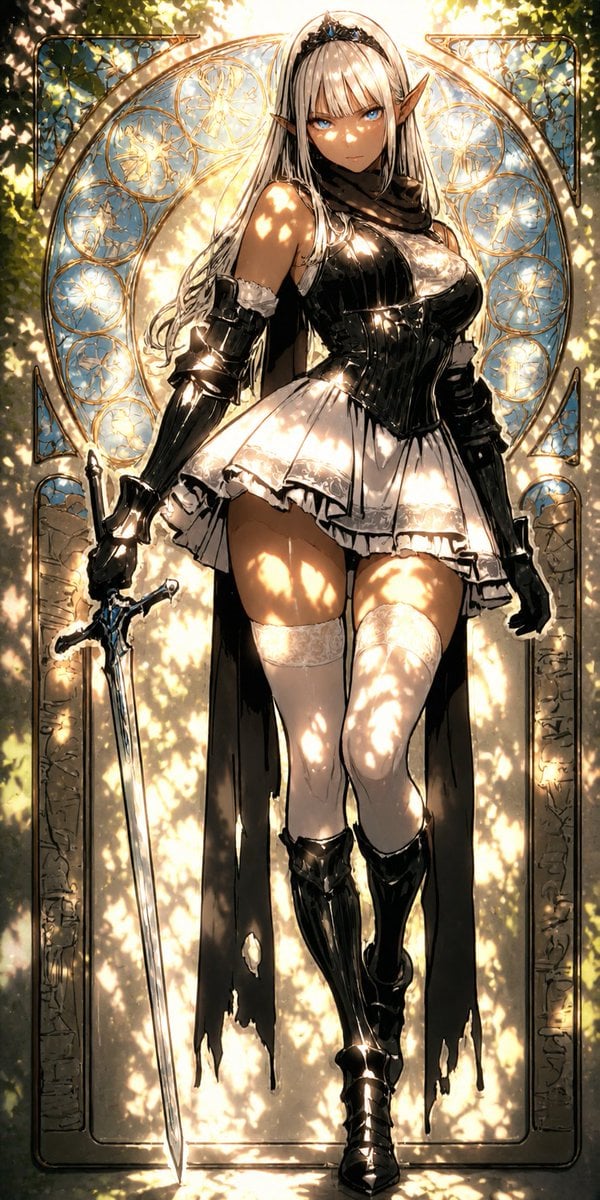
Digital Painting Sunlight Enhancement
Featured in prompt roundups
Hand-picked collections that include this template.
Browse template categories
untitled questions
How do I use the 75-untitled template?
Add your photo if the template asks for one, edit the prompt if you like — the template's model and format are already selected — and press Generate. Your version opens in PicX Studio.
Can I customize the 75-untitled template?
Yes. You can change the subject, setting, lighting, mood, format, and available model controls before creating your image.
Is the 75-untitled template free?
Opening and editing this template is free. Generating uses credits, shown on the Generate button when you are signed in.
Which AI model should I use?
Start with Nano Banana, which is the model associated with this template. You can compare another compatible model for a different finish.
Looking for something else? Browse all templates.

Your photo, any look
Thousands of ready templates for every top image and video model, from one credit balance.