
Digital Painting Sunlight Enhancement
A transformation prompt designed to convert an illustration into a high-definition digital painting style.
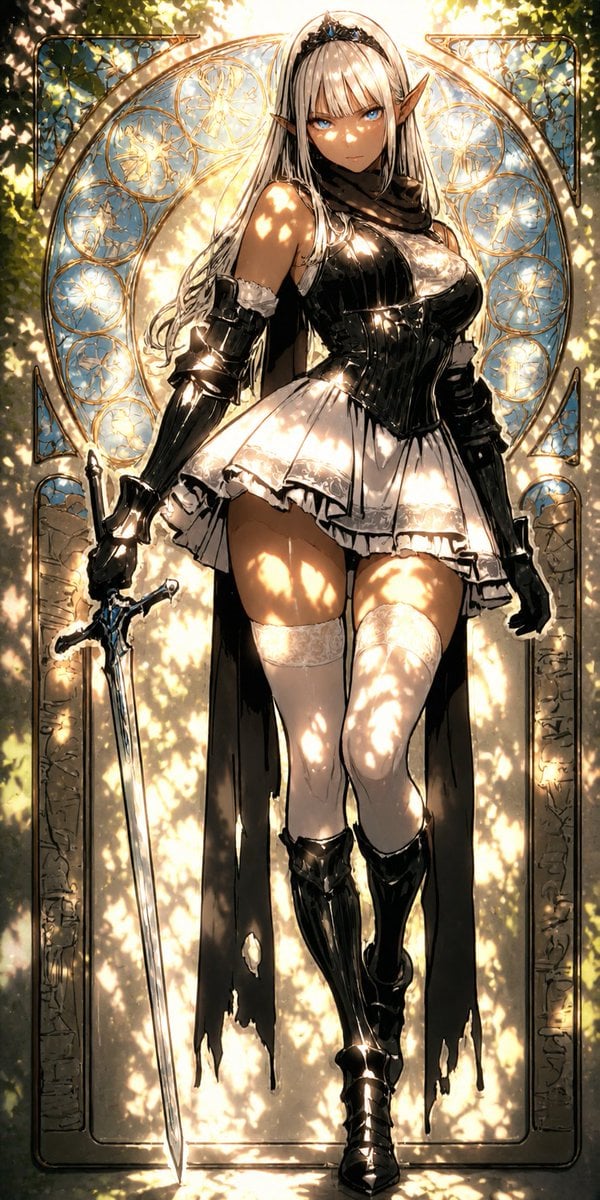
- Prompt included
- Model and format preset
- Free template
The prompt behind this image
Copy the exact prompt behind Digital Painting Sunlight Enhancement, or open it in the studio and make it yours.
このイラストを強い木漏れ日の光を強調した{argument name="タッチ" default="高精細デジタル絵画風"}に変換してください。斑点状の強い光がキャラクター全体を力強く照らし、顔・髪・衣服に非常に明るいハイライトとシャープな光のパターンを大胆に表現。コントラストを高くし、光が爆発するような輝きと深い影の対比を強調。宝石のような瞳は特に強く反射し、幻想的で神々しいほどのドラマチックな光の雰囲気に。元の構図・キャラクターを完全に維持。
How to use Digital Painting Sunlight Enhancement in 3 steps
- 1Upload ImagePNG, JPG or paste
Add your photo
Upload the photo the template builds on. The prompt, model and format are already set.
- 2…a portrait of your subject in softgolden-hour light, 85mm…
Personalize
Edit the subject and creative details for your destination.
- 3Generate
Generate
Press Generate — your image is created in PicX Studio, so you can compare it with the original and refine one variable at a time.
More like this
Templates with the same subject, style or setup. Open one to see its prompt.
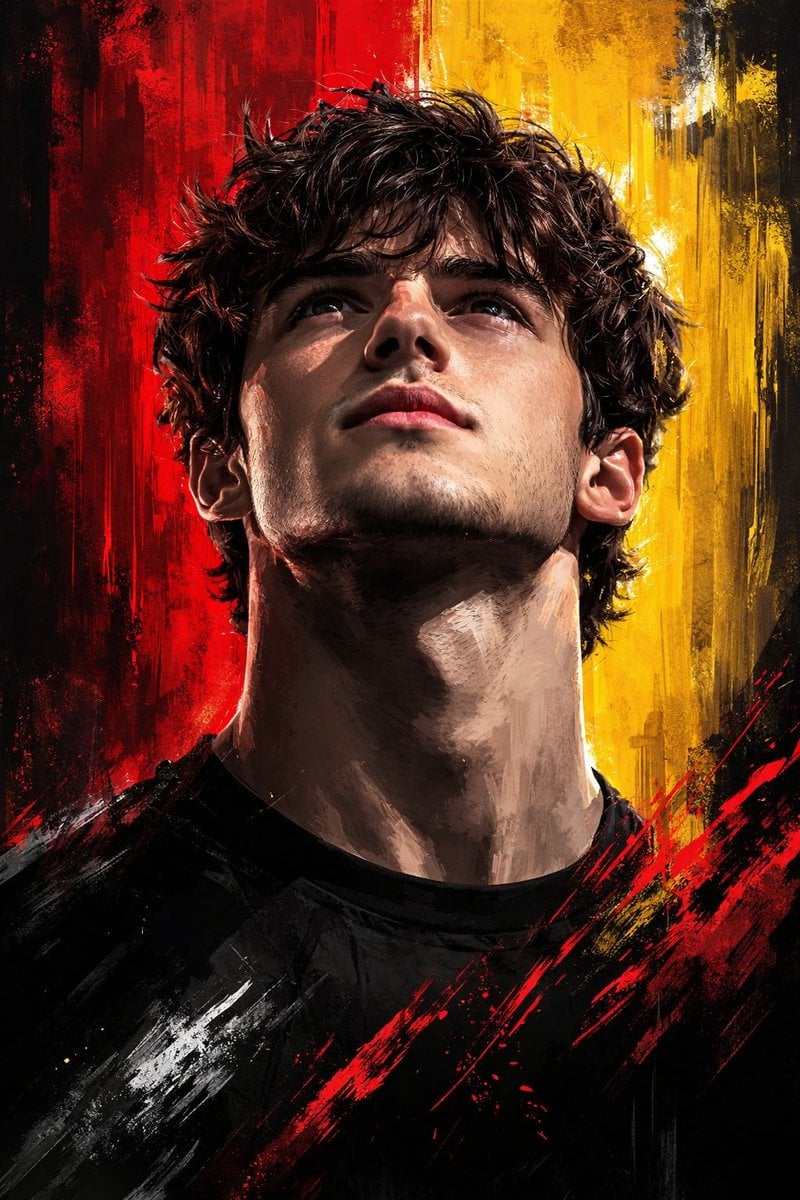
Dramatic Digital Painting Portrait with Limited Palette
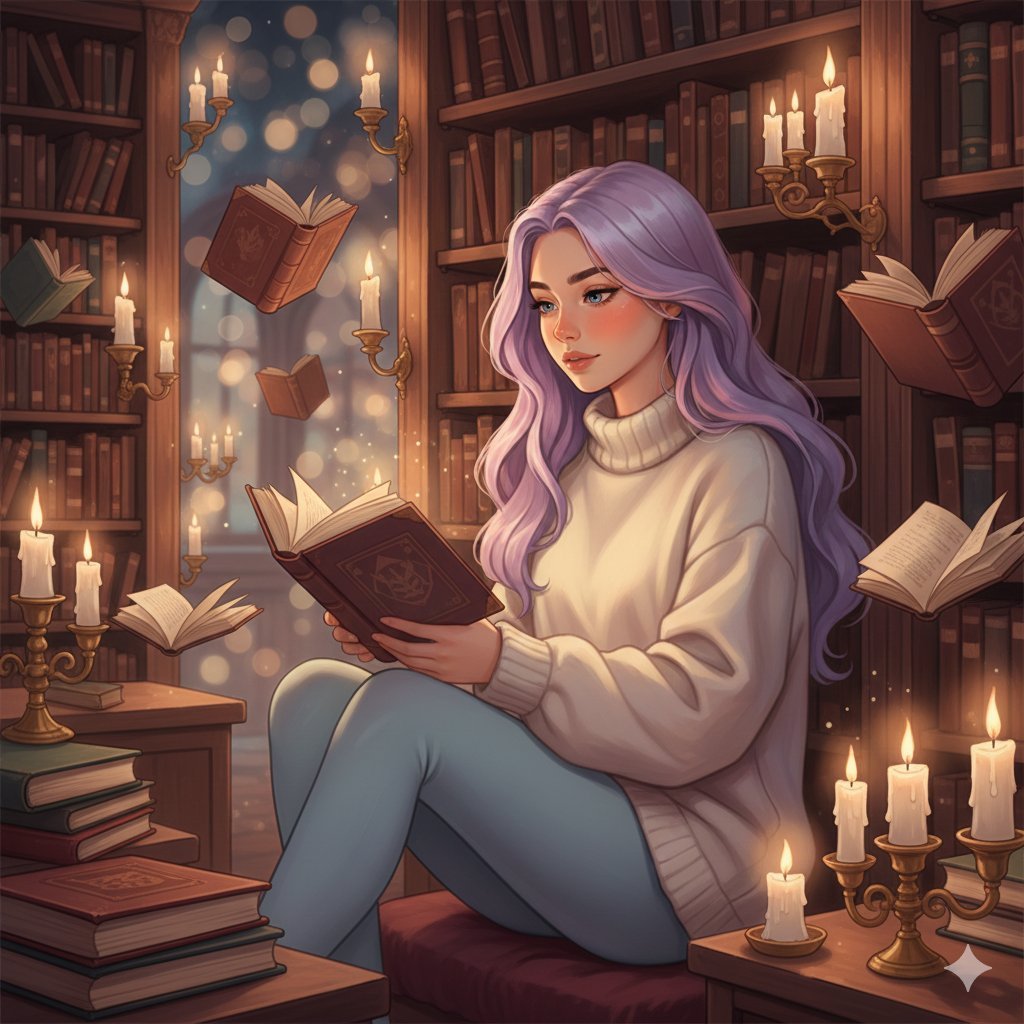
Whimsical Magical Library Digital Painting Prompt
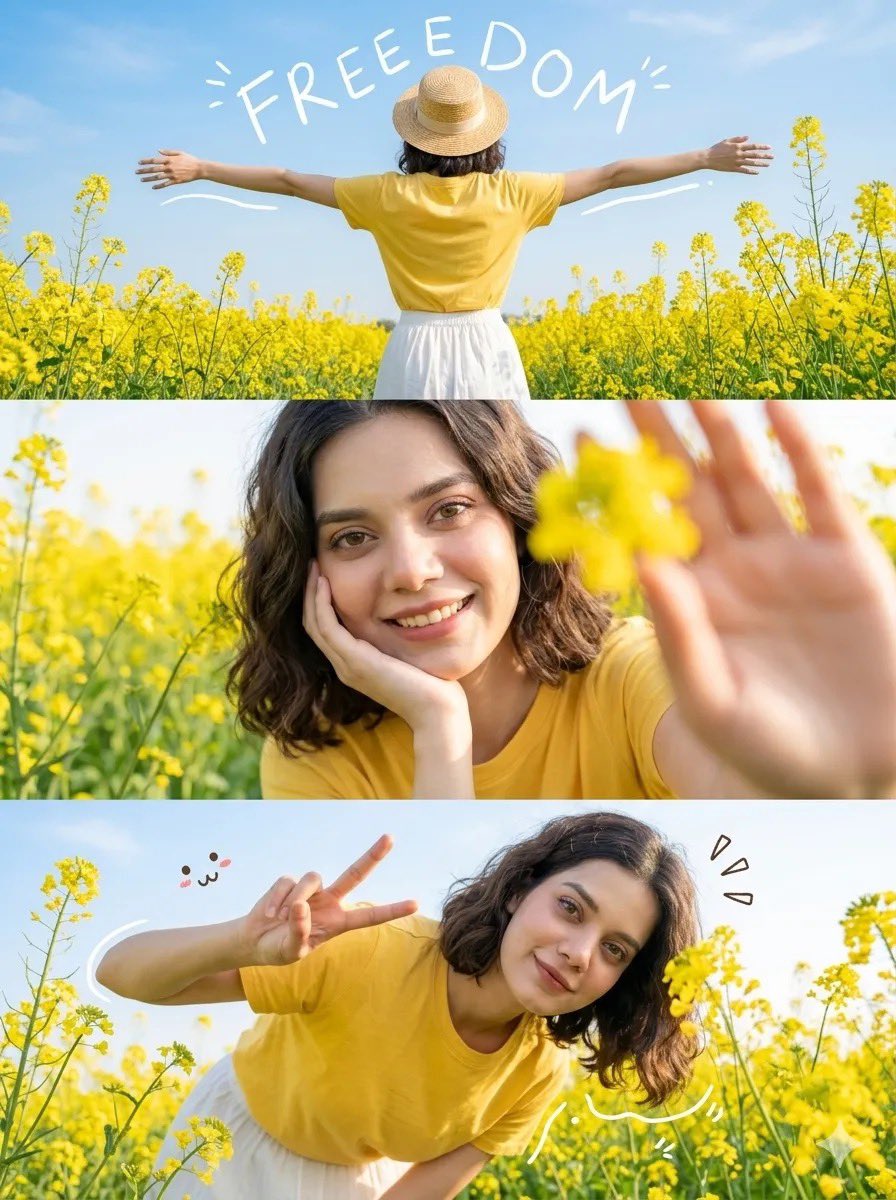
Mustard Flower Field Summer
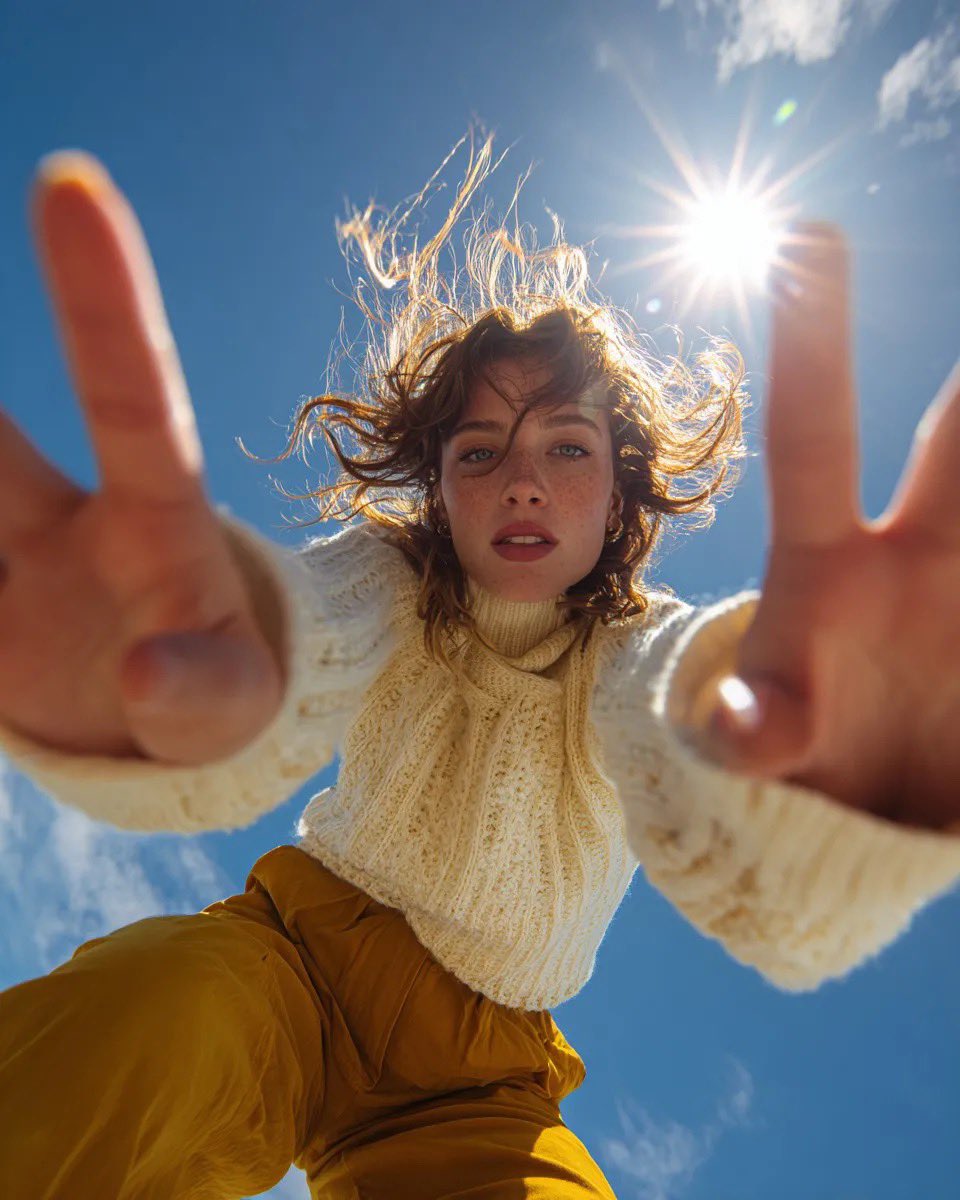
Ultra Wide Low-Angle Portrait — Sairah (Nano Banana)

Ancient Temple Portrait — White Dress Nano Banana
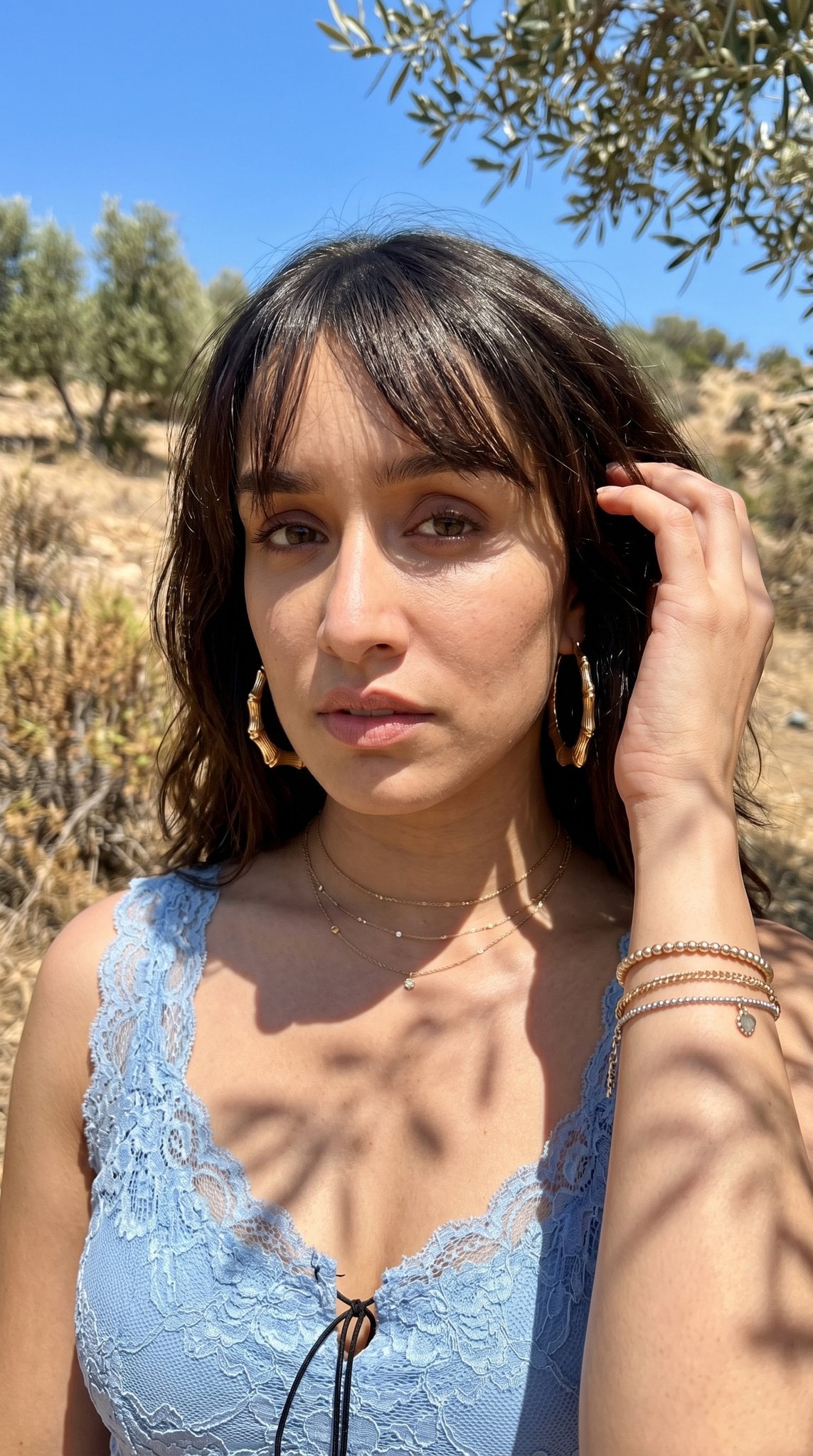
Hyper-Realistic Outdoor Portrait — 35mm Natural Light
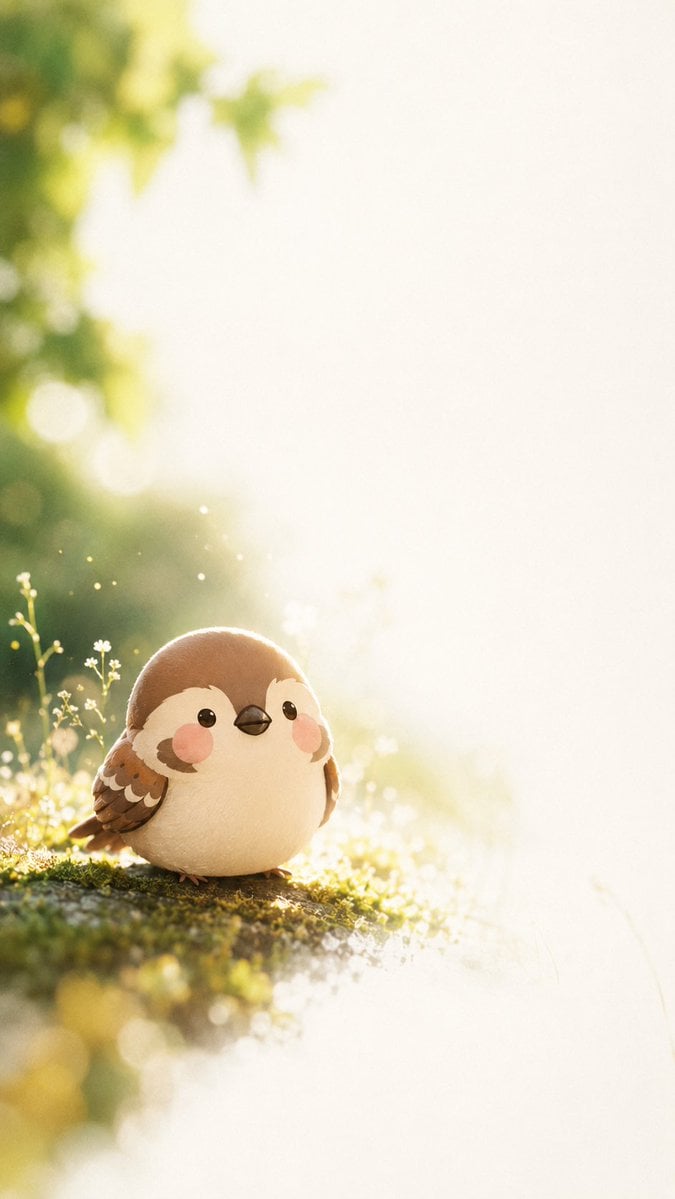
Dreamy Plush Sparrow in Mossy Sunlight
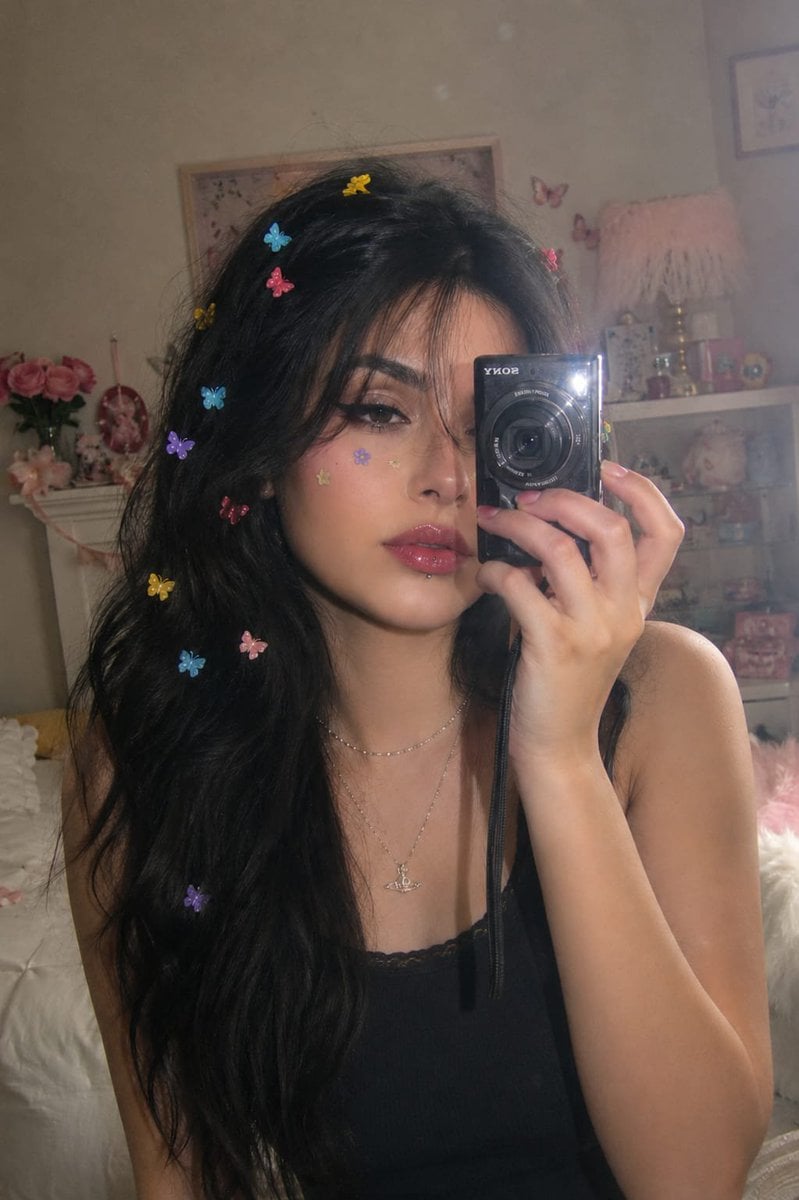
Dreamy Y2K Digital Camera Mirror Selfie
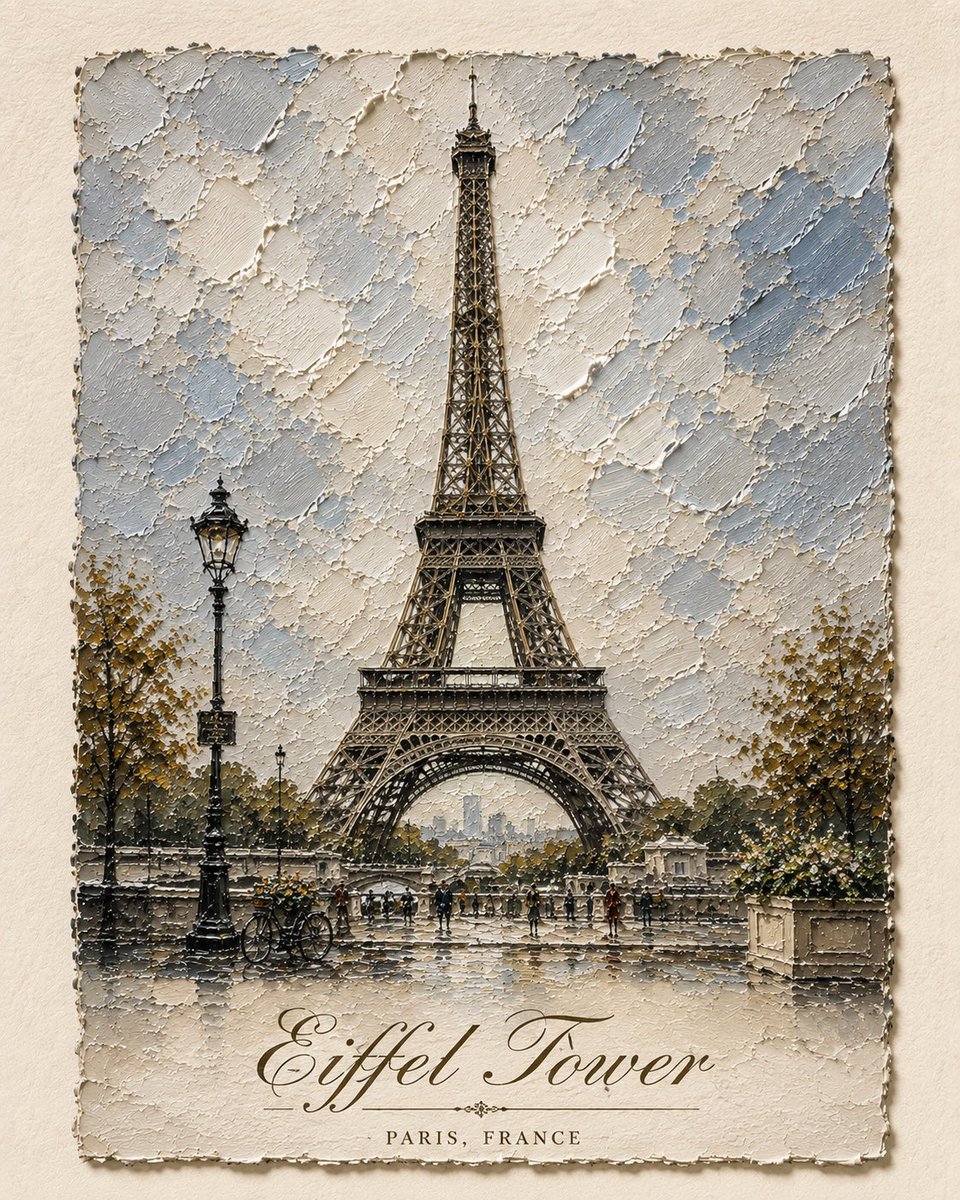
Impasto Oil Architectural Painting
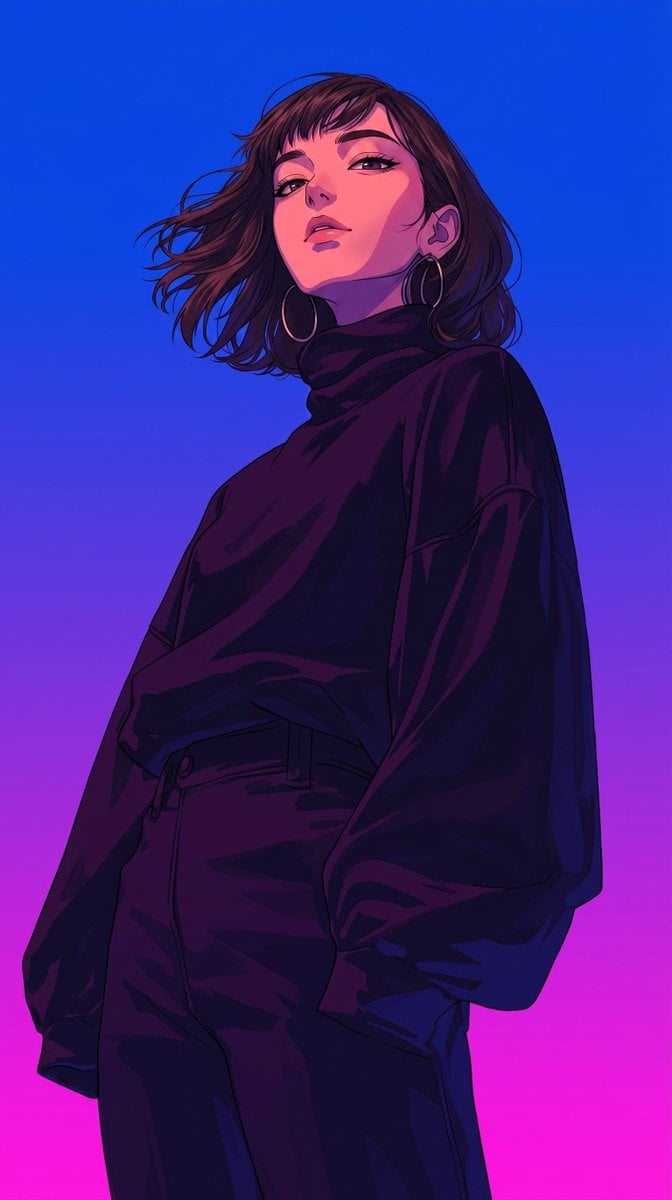
Retro-Modern Neon Anime Painting
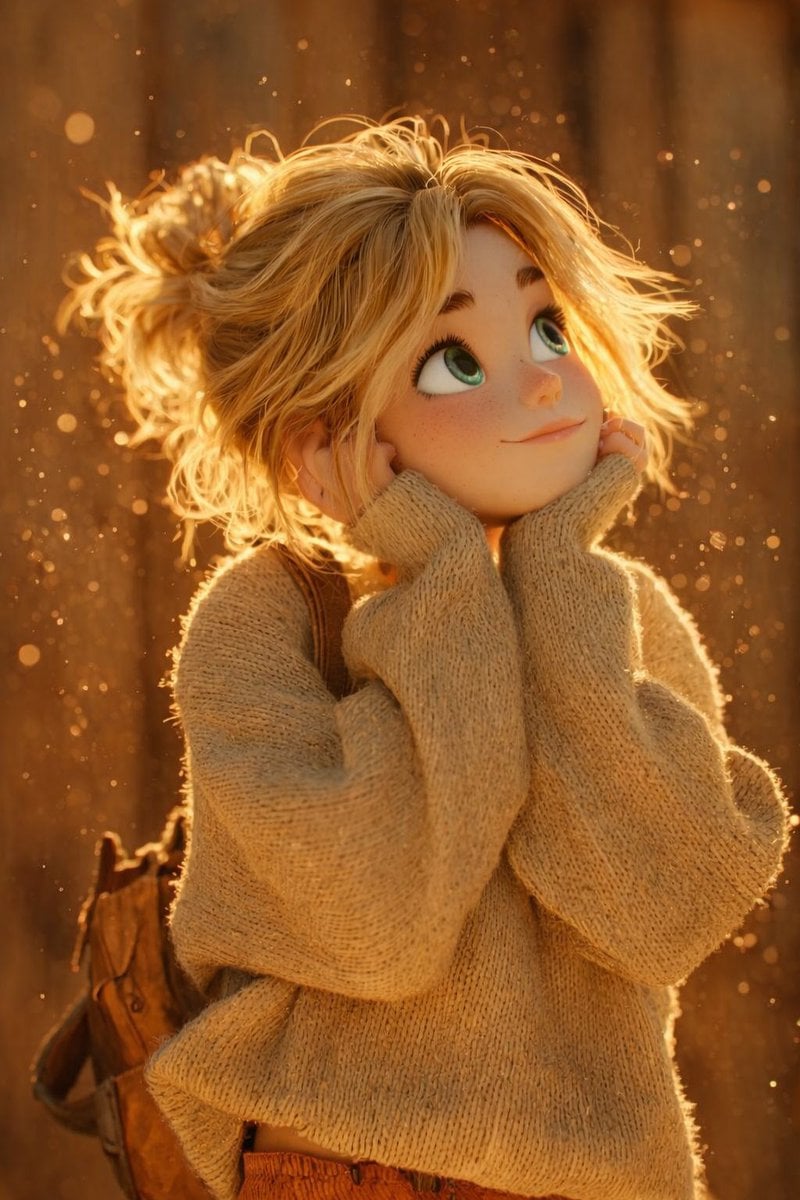
The scene is lit by warm golden hour sunlight, with glowing dust
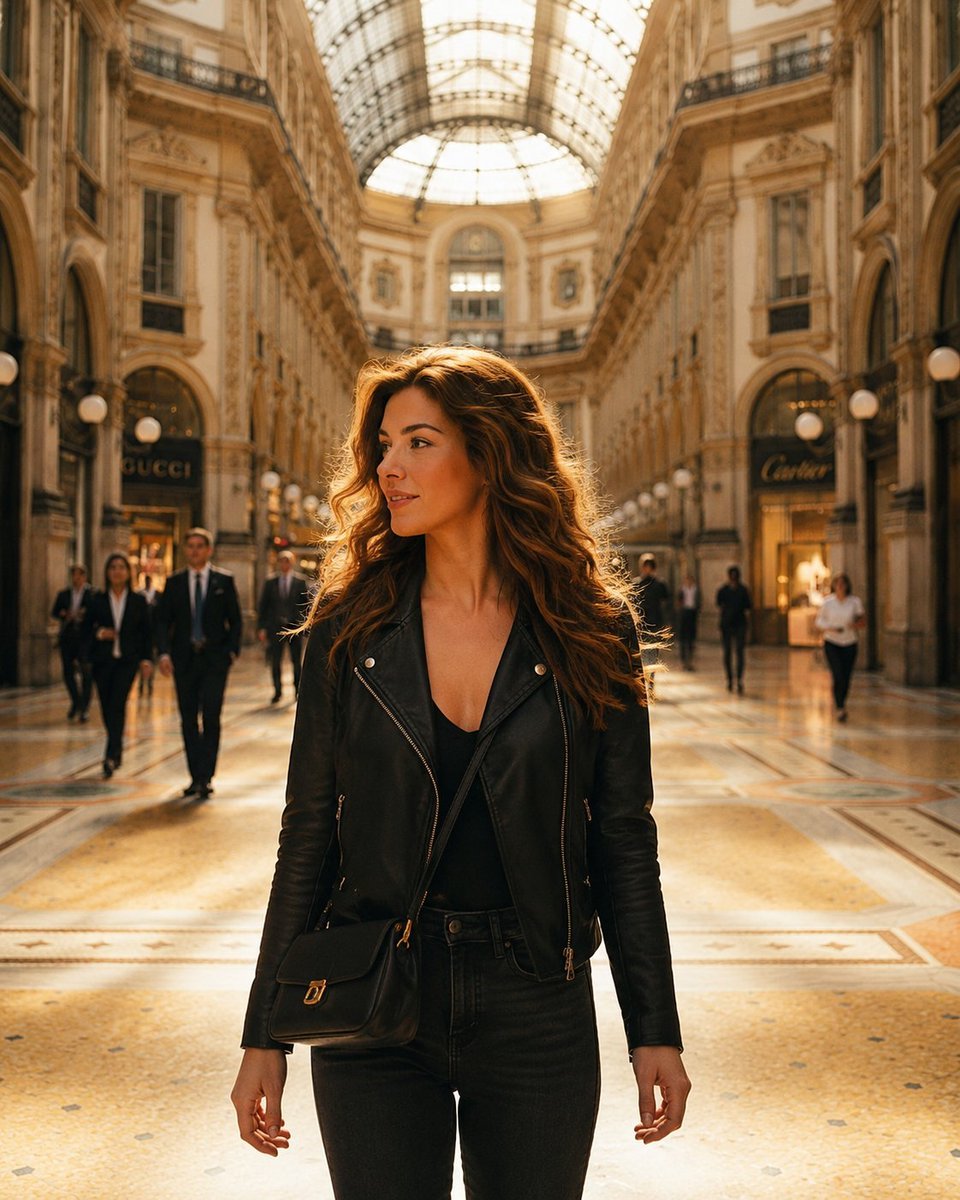
Luxury Arcade with Sunlight Patterns
Make it yours
Digital Painting Sunlight Enhancement works as-is. These are the safest ways to change it without losing the look.
Change one field
Copy a single group, rewrite it, and generate again so you can see what that field is doing.
Keep the frame, change the subject
Hold the composition and light of Digital Painting Sunlight Enhancement, then swap wardrobe, props or the person for a new take.
| If the result… | Why | Fix |
|---|---|---|
| The result drifts from the preview | Too many fields changed at once. | Reuse Digital Painting Sunlight Enhancement as-is first, then change one group — subject, light, or setting. |
| The model over-stylizes the scene | The prose prompt leaves finish and camera underspecified. | Add one camera or lighting sentence and stay on GPT Image 2. |
More GPT Image 2 templates
Other prompts made for GPT Image 2.

Six VTuber Japanese Logo Sheet

Realistic Portrait of Woman and Deer

The Vista Modular Condo Poster

AI Model Routing Comparison Infographic

2.5D Anime Art Board

Isometric Productivity Desk Scene

New York Double Exposure Poster

Four-Panel AI Landscape Comparison

Japanese Tatami Lifestyle Magazine Cover

NESCAFÉ Coffee Map Poster
More image prompts
Fresh picks from across the catalog.
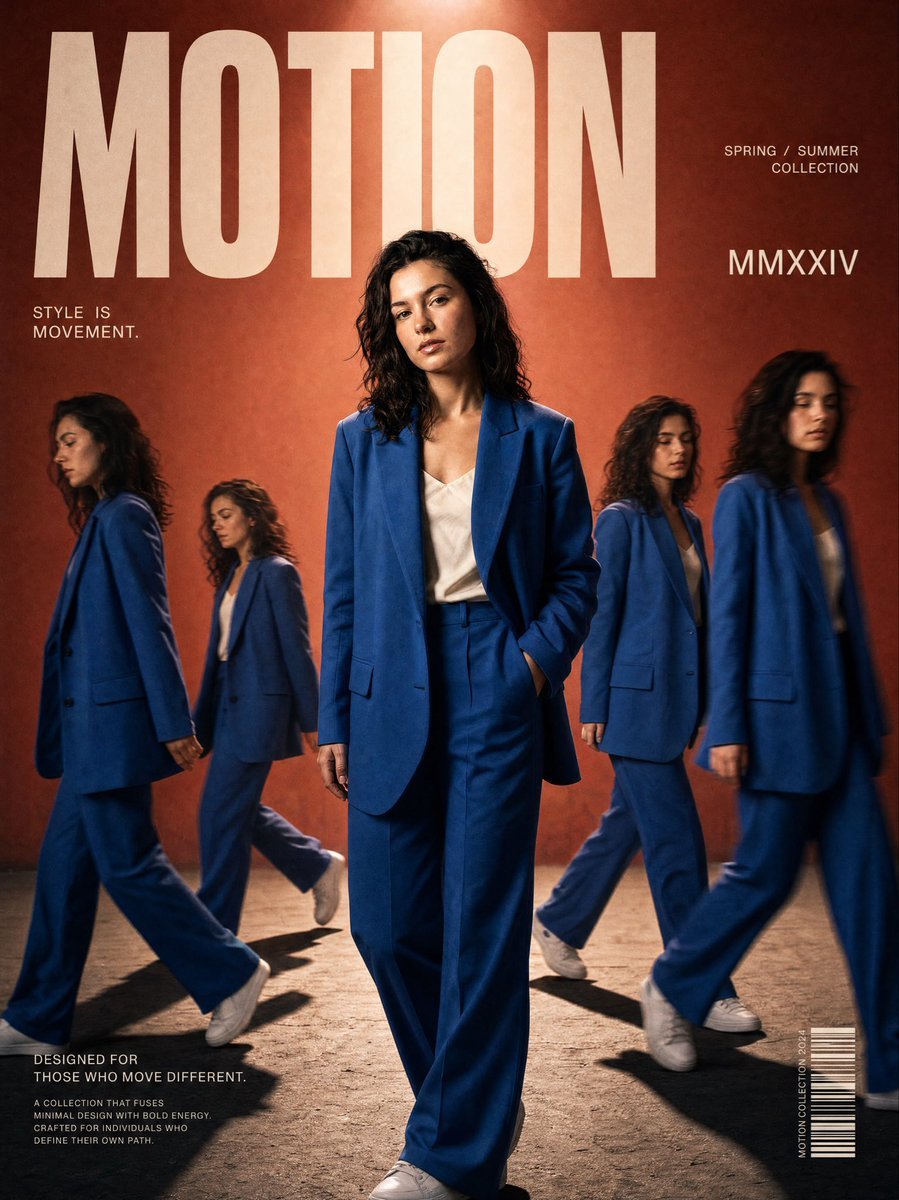
Streetwear Motion Clone Editorial

Urban Porsche 911 GT3 Portrait
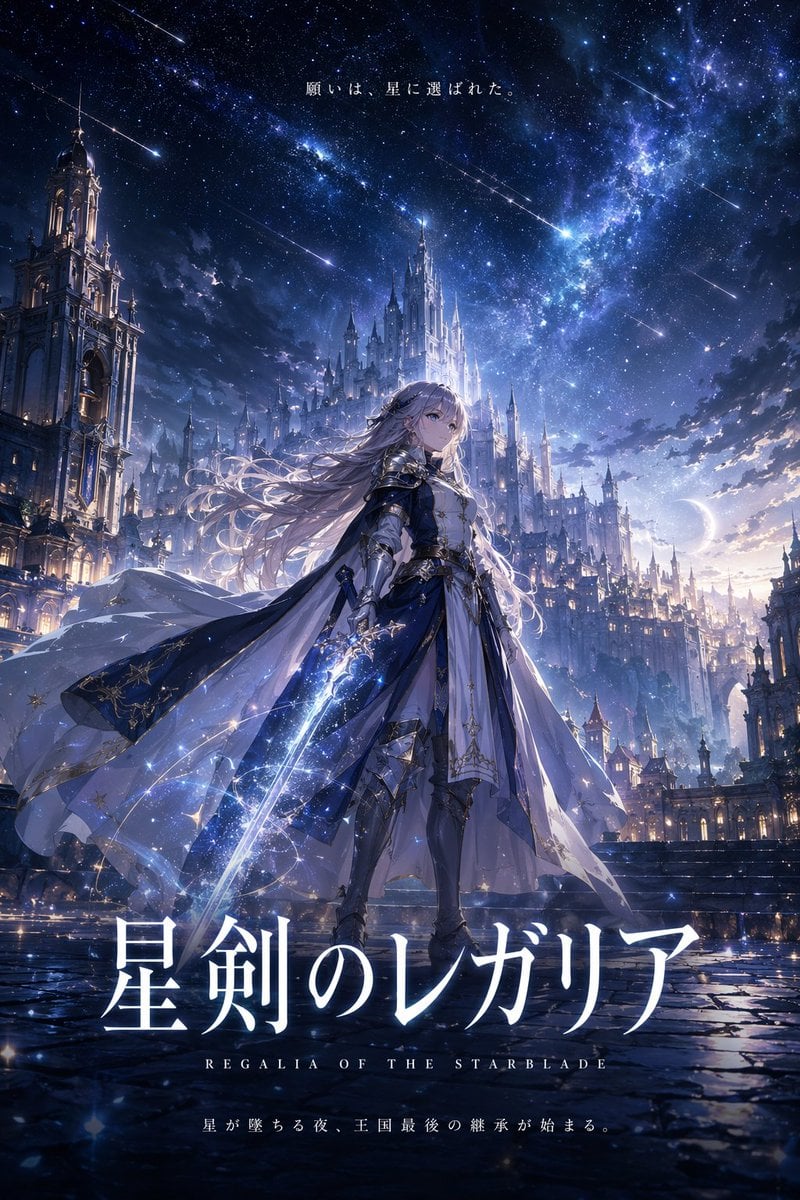
Fantasy Anime Key Visual Prompt

High-Angle Close-up Portrait on Hollywood Walk of Fame
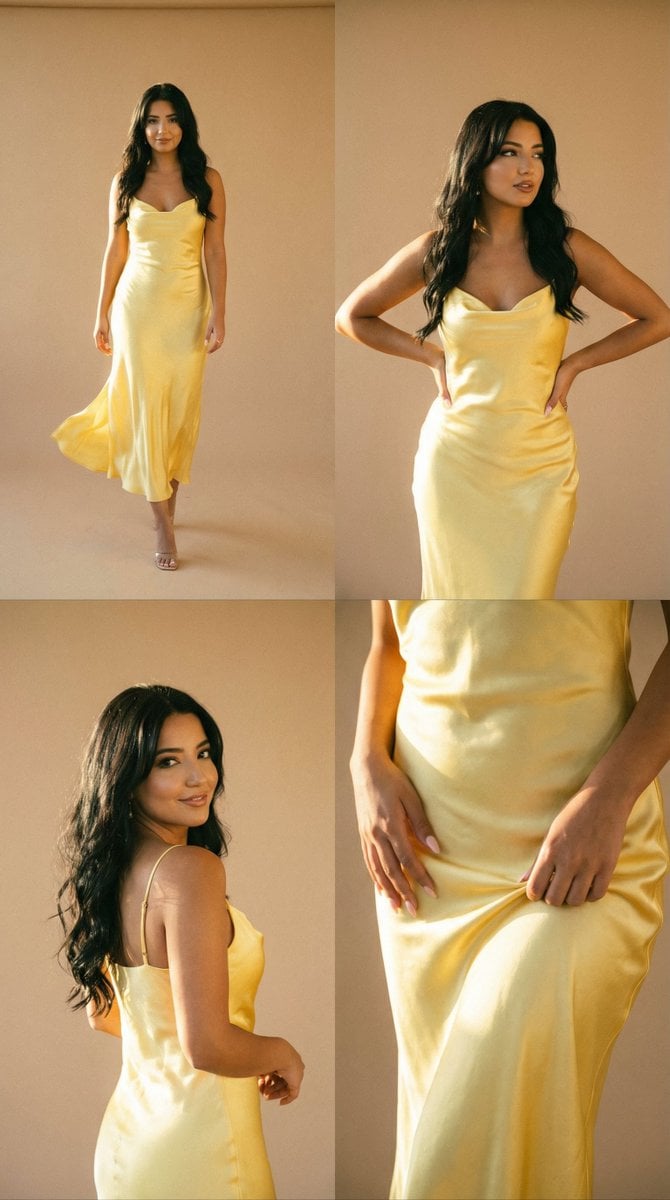
Golden Hour Fashion Editorial Collage (4 Panels)
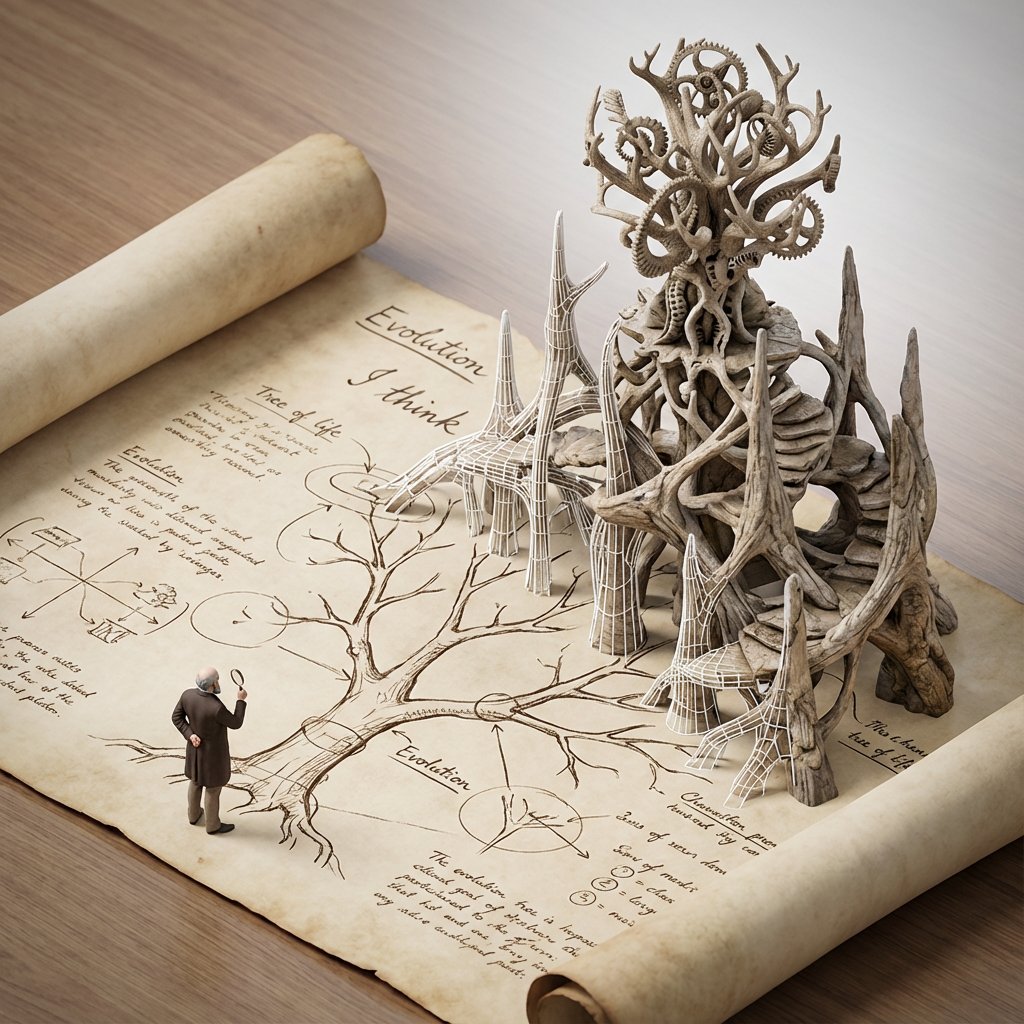
Scientific Theory Visualization: 2D to 3D Extrusion
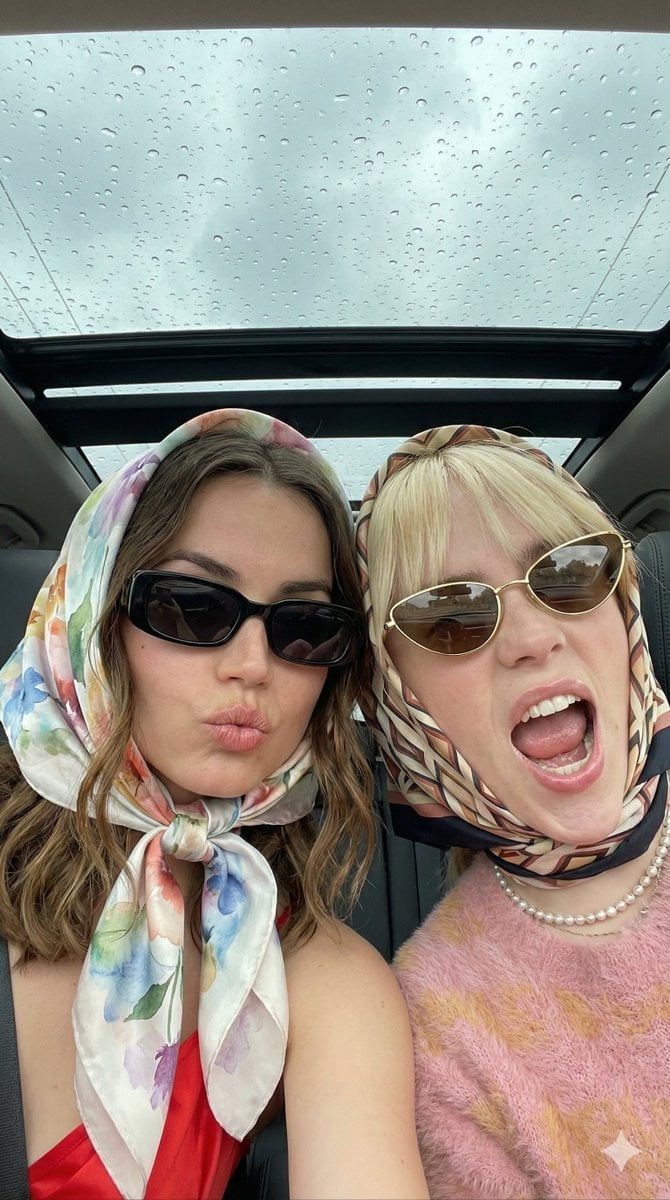
Candid Retro-Chic Car Selfie Prompt
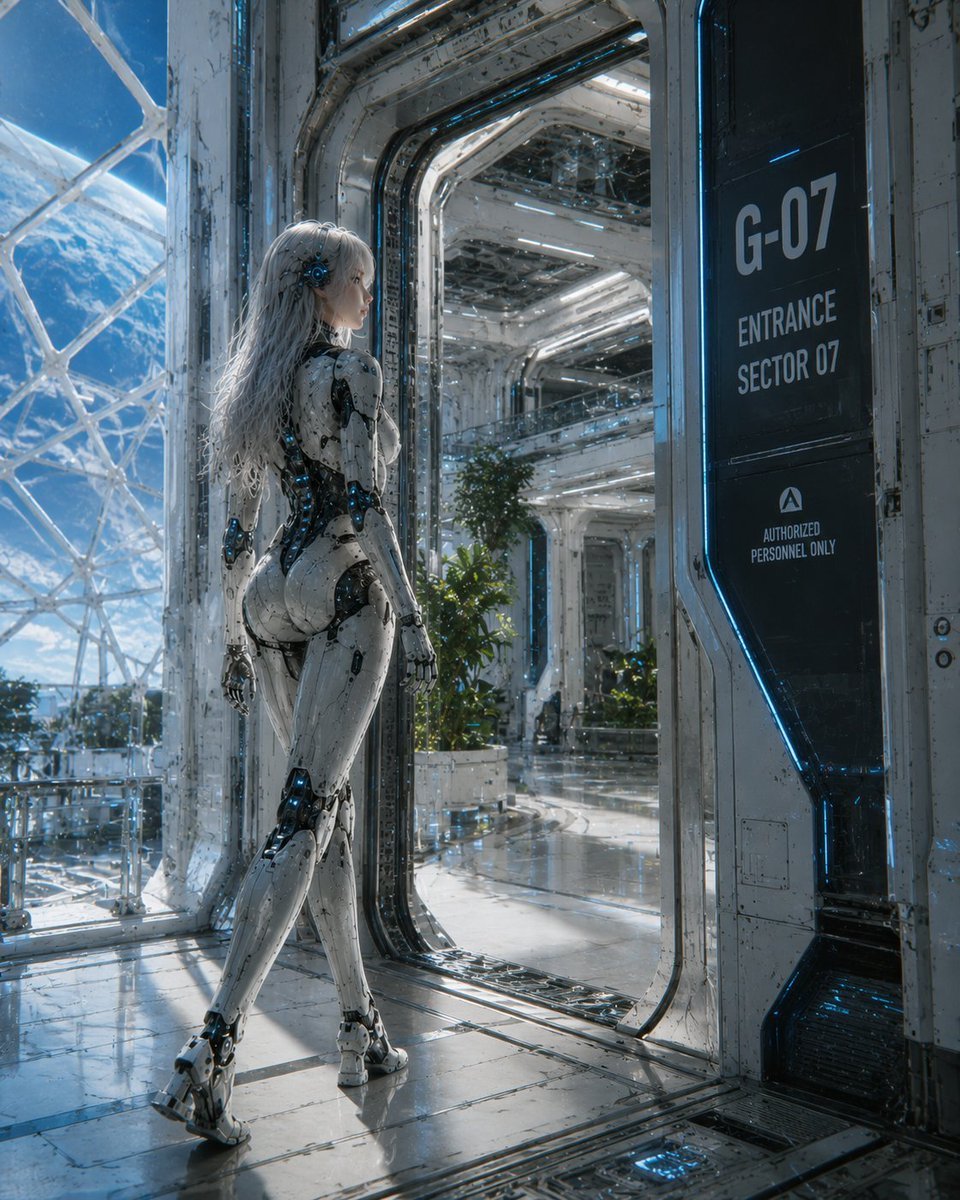
Female Android at Space Station Entrance

Wukong Calligraphy Poster
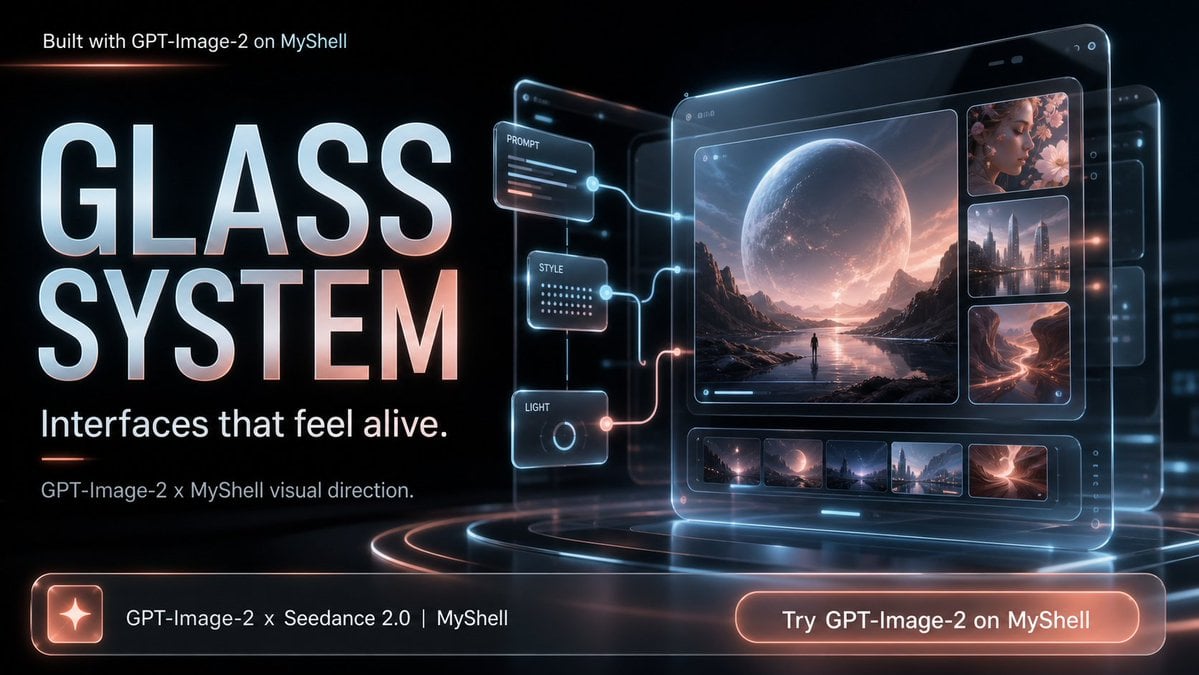
Futuristic Glass UI Product Banner
Browse template categories
Digital Painting Sunlight Enhancement questions
How do I use the Digital Painting Sunlight Enhancement template?
Add your photo if the template asks for one, edit the prompt if you like — the template's model and format are already selected — and press Generate. Your version opens in PicX Studio.
Can I customize the Digital Painting Sunlight Enhancement template?
Yes. You can change the subject, setting, lighting, mood, format, and available model controls before creating your image.
Is the Digital Painting Sunlight Enhancement template free?
Opening and editing this template is free. Generating uses credits, shown on the Generate button when you are signed in.
Which AI model should I use?
Start with GPT Image 2, which is the model associated with this template. You can compare another compatible model for a different finish.
Looking for something else? Browse all templates.

Your photo, any look
Thousands of ready templates for every top image and video model, from one credit balance.