
Female Android at Space Station Entrance
A photoreal cinematic sci-fi prompt for generating a female android standing in a futuristic orbital station corridor with Earth visible outside.
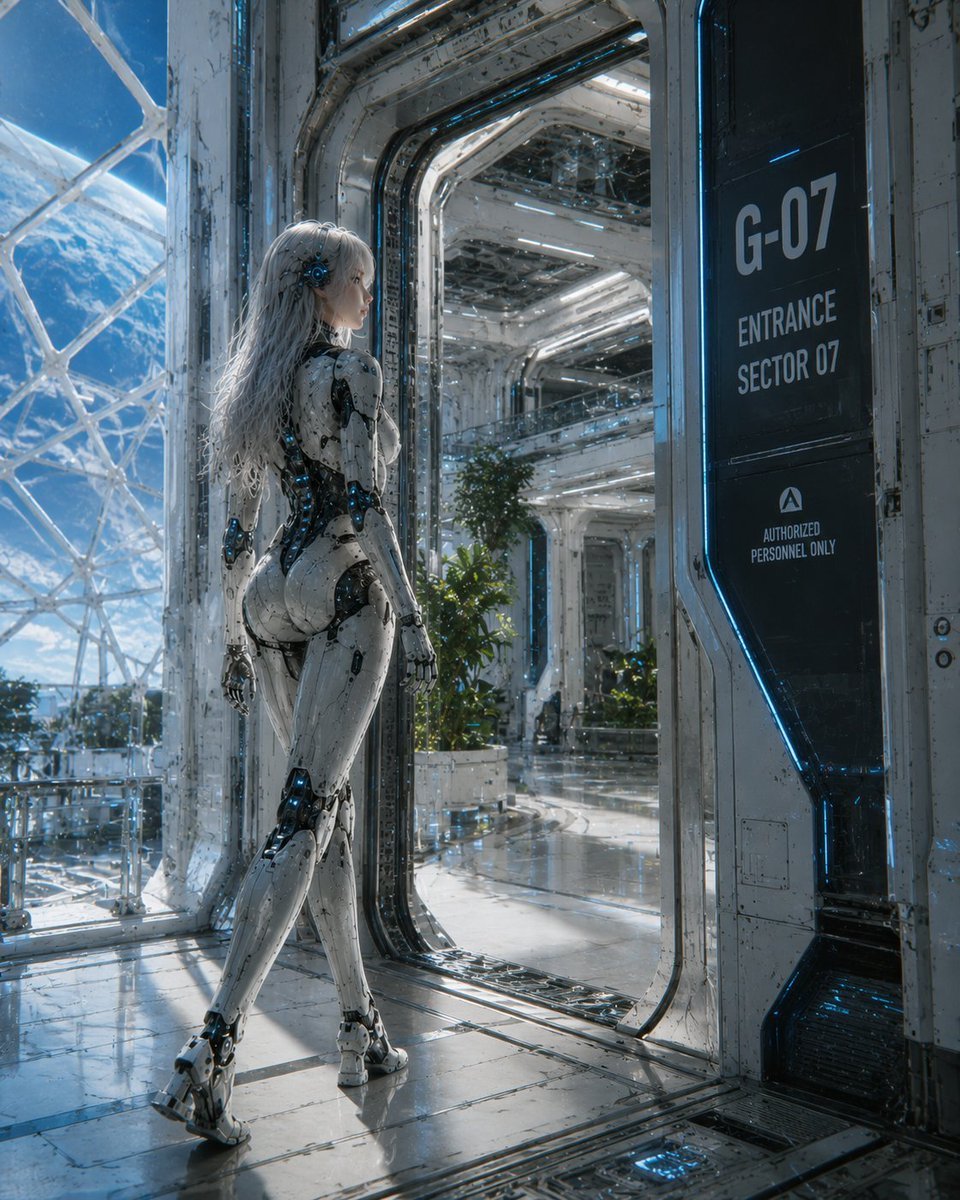
- Prompt included
- Model and format preset
- Free template
The prompt behind this image
Copy the exact prompt behind Female Android at Space Station Entrance, or open it in the studio and make it yours.
Create a cinematic ultra-detailed sci-fi scene of a {argument name="character type" default="female android"} standing in a bright futuristic spaceship entrance corridor, viewed from behind in a full-body three-quarter pose. She has long flowing {argument name="hair color" default="white silver"} hair, a sleek white biomechanical humanoid body with black joint mechanisms, exposed blue glowing circuitry, polished armor panels, articulated hands and feet, and a deliberately featureless/obscured face. The setting is a vast orbital spacecraft or space station with glossy reflective metal floors, white worn industrial walls, blue neon edge lighting, transparent glass panels, and large curved windows revealing Earth and space outside. On the right side, include one tall black wall sign with the exact visible text: “{argument name="door sign text" default="G-07 ENTRANCE SECTOR 07 AUTHORIZED PERSONNEL ONLY"}”. Show an open doorway leading deeper into a clean atrium-like interior with bright strip lights, plants in planters, railings, and layered futuristic architecture. Use realistic hard-surface detail, weathered panels, tiny scratches, cables, seams, reflections, and cool blue-white lighting. Mood: elegant, advanced, quiet, and cinematic. Composition should be vertical, with the android on the left foreground, the entrance portal centered, and the sign on the right. High-end concept art / photoreal sci-fi render, sharp focus, dramatic natural space light, no extra characters, no watermark.
How to use Female Android at Space Station Entrance in 3 steps
- 1Upload ImagePNG, JPG or paste
Add your photo
Upload the photo the template builds on. The prompt, model and format are already set.
- 2…a portrait of your subject in softgolden-hour light, 85mm…
Personalize
Edit the subject and creative details for your destination.
- 3Generate
Generate
Press Generate — your image is created in PicX Studio, so you can compare it with the original and refine one variable at a time.
More like this
Templates with the same subject, style or setup. Open one to see its prompt.
Female Android Repairing Spaceship Hull
Female Android in Spaceship
Female Android on a Spaceship
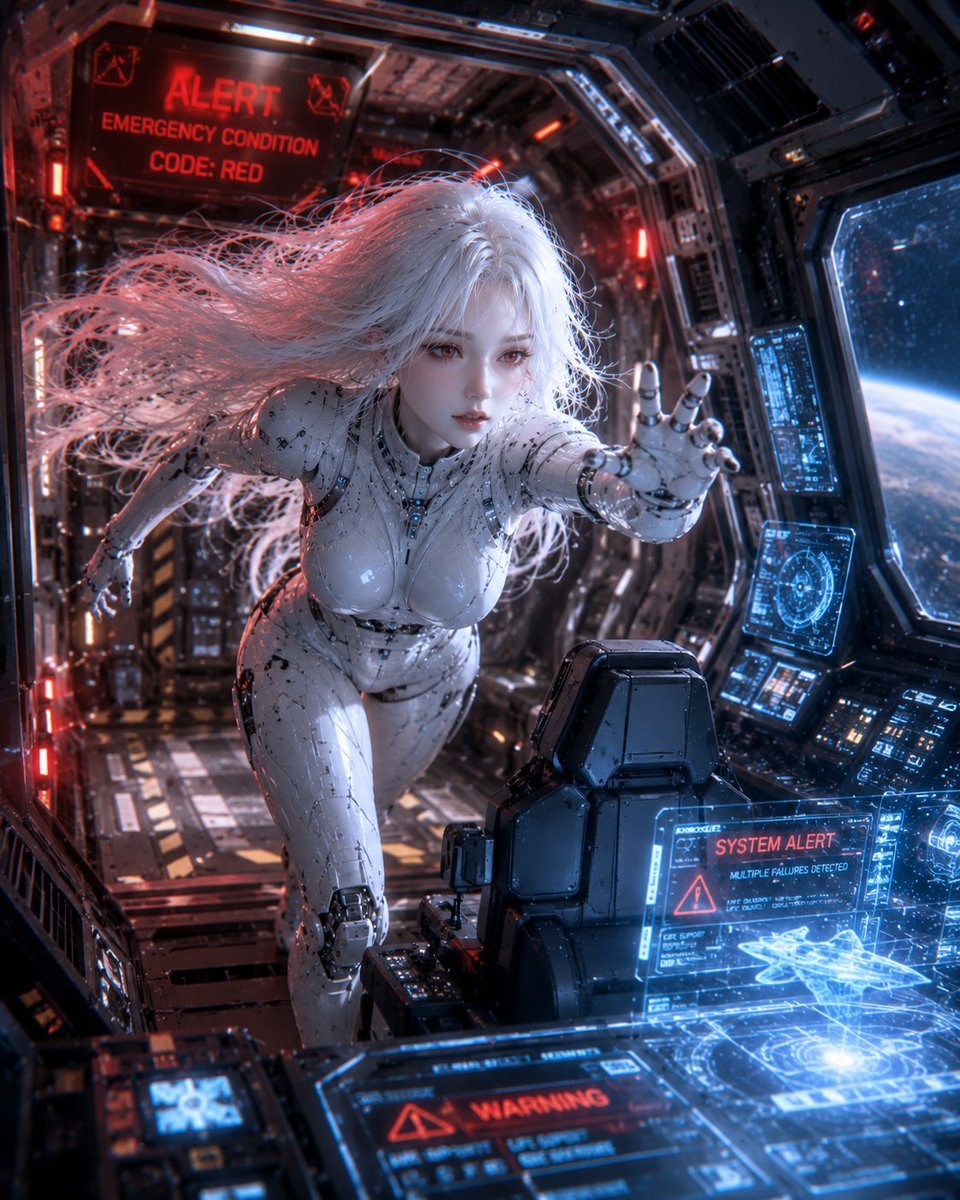
Spaceship Female Android
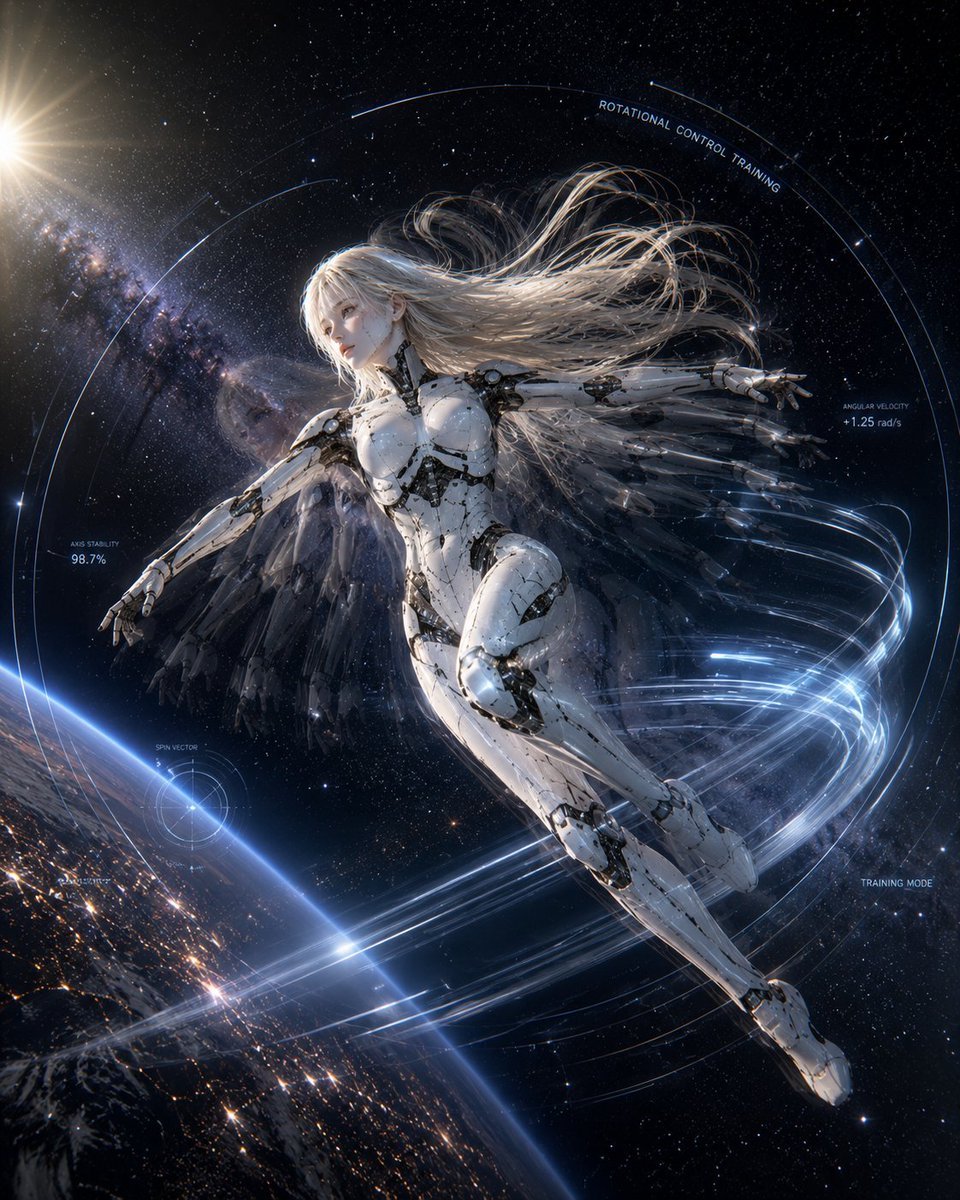
Spaceship Female Android Concept
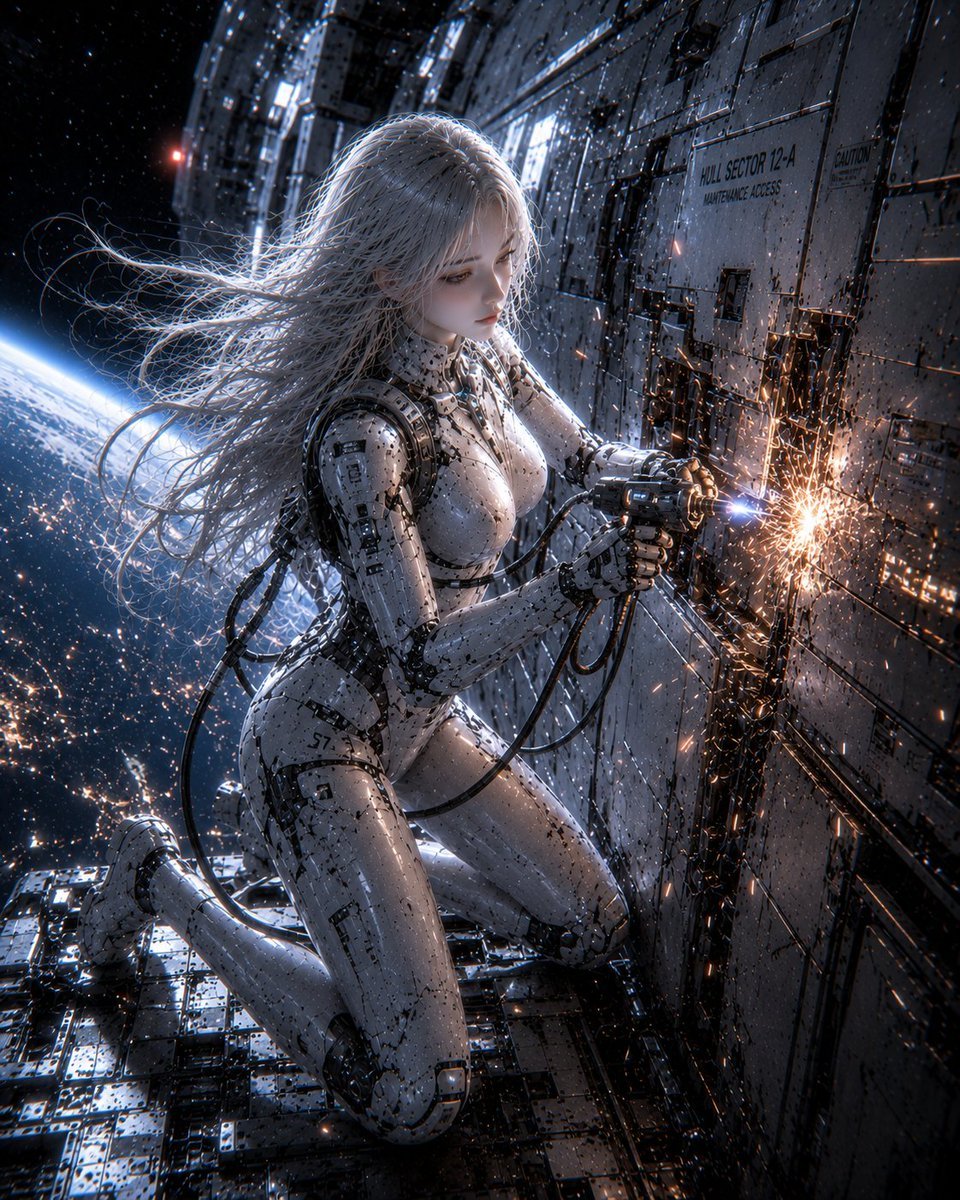
Female Android on Spaceship
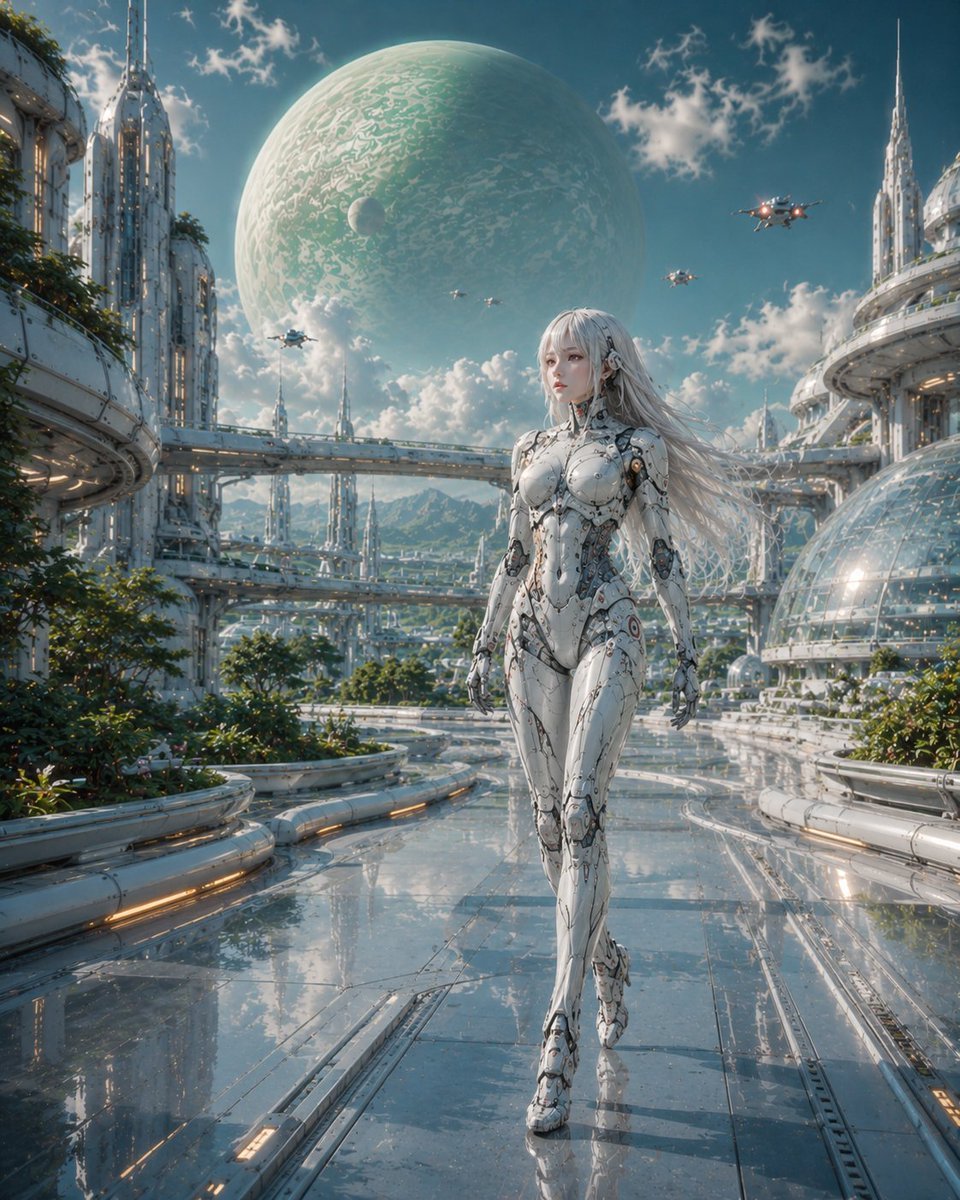
Female Android in Futuristic Space City
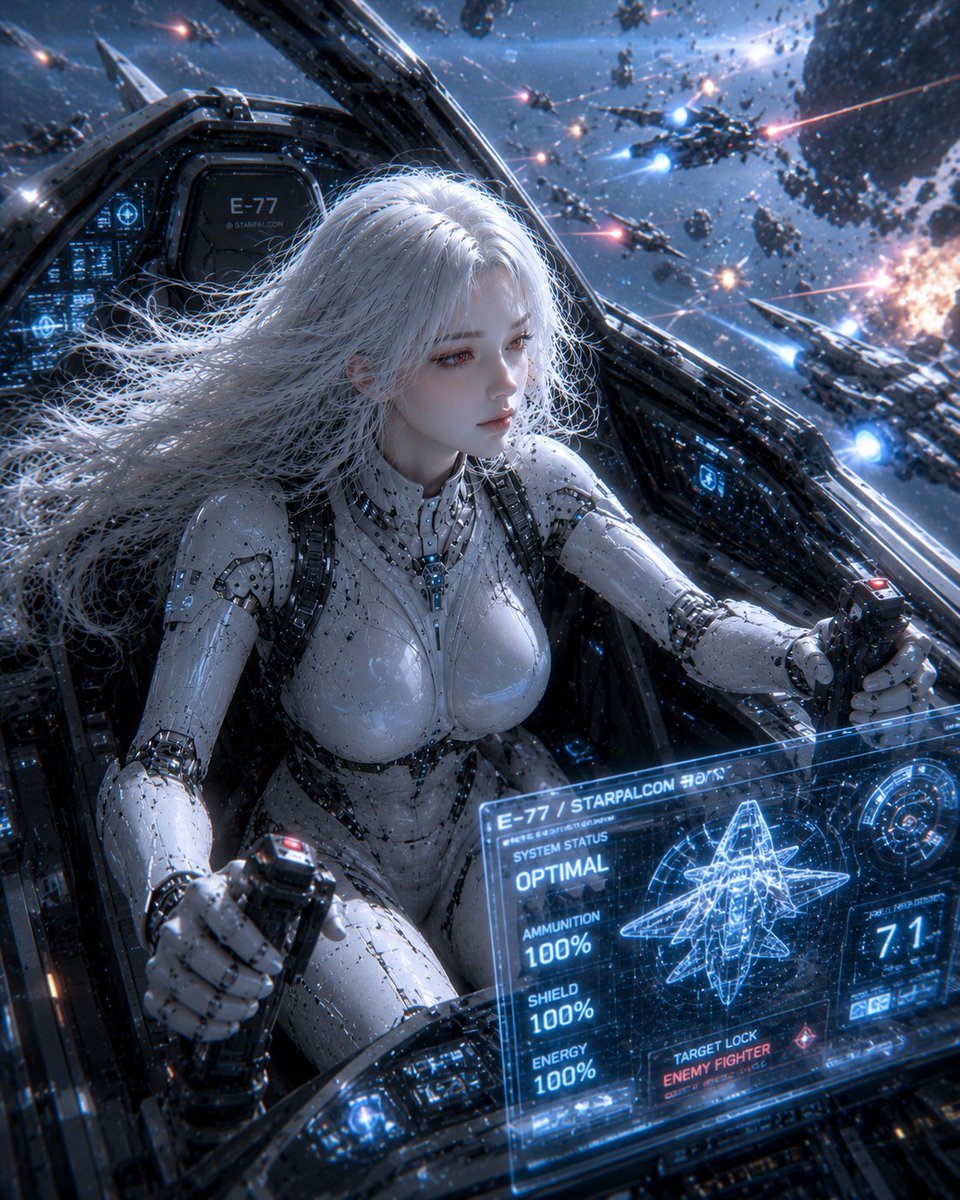
Female Android on a Spaceship
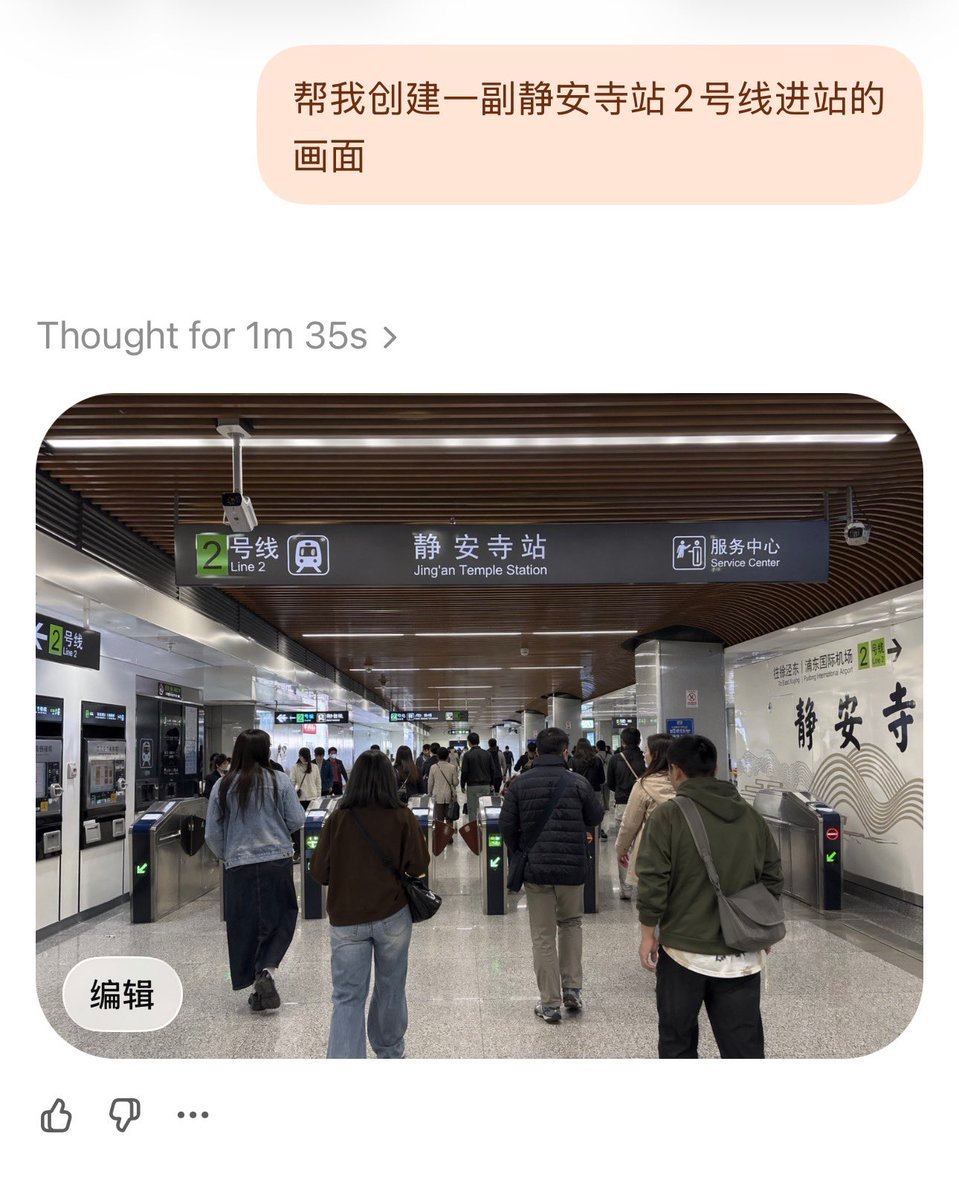
Jing'an Temple Line 2 Station Entrance

Miniature Travel Diorama Postcard
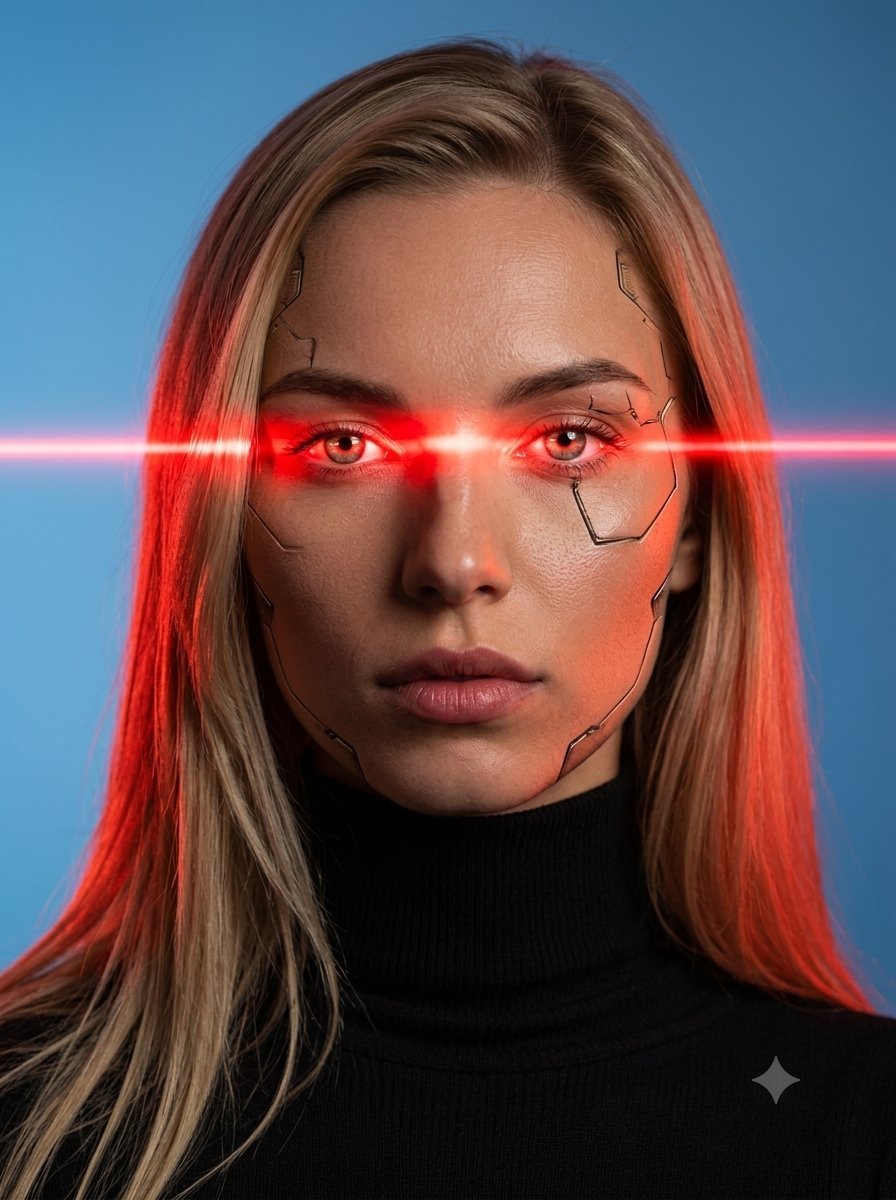
Female Android Studio Portrait with Laser Eyes

Rainy Night Android Cyberpunk Portrait
Make it yours
Female Android at Space Station Entrance works as-is. These are the safest ways to change it without losing the look.
Change one field
Copy a single group, rewrite it, and generate again so you can see what that field is doing.
Keep the frame, change the subject
Hold the composition and light of Female Android at Space Station Entrance, then swap wardrobe, props or the person for a new take.
| If the result… | Why | Fix |
|---|---|---|
| The result drifts from the preview | Too many fields changed at once. | Reuse Female Android at Space Station Entrance as-is first, then change one group — subject, light, or setting. |
| The model over-stylizes the scene | The prose prompt leaves finish and camera underspecified. | Add one camera or lighting sentence and stay on GPT Image 2. |
More GPT Image 2 templates
Other prompts made for GPT Image 2.

Six VTuber Japanese Logo Sheet

Realistic Portrait of Woman and Deer

The Vista Modular Condo Poster

AI Model Routing Comparison Infographic

2.5D Anime Art Board

Isometric Productivity Desk Scene

New York Double Exposure Poster

Four-Panel AI Landscape Comparison

Japanese Tatami Lifestyle Magazine Cover

NESCAFÉ Coffee Map Poster
More image prompts
Fresh picks from across the catalog.
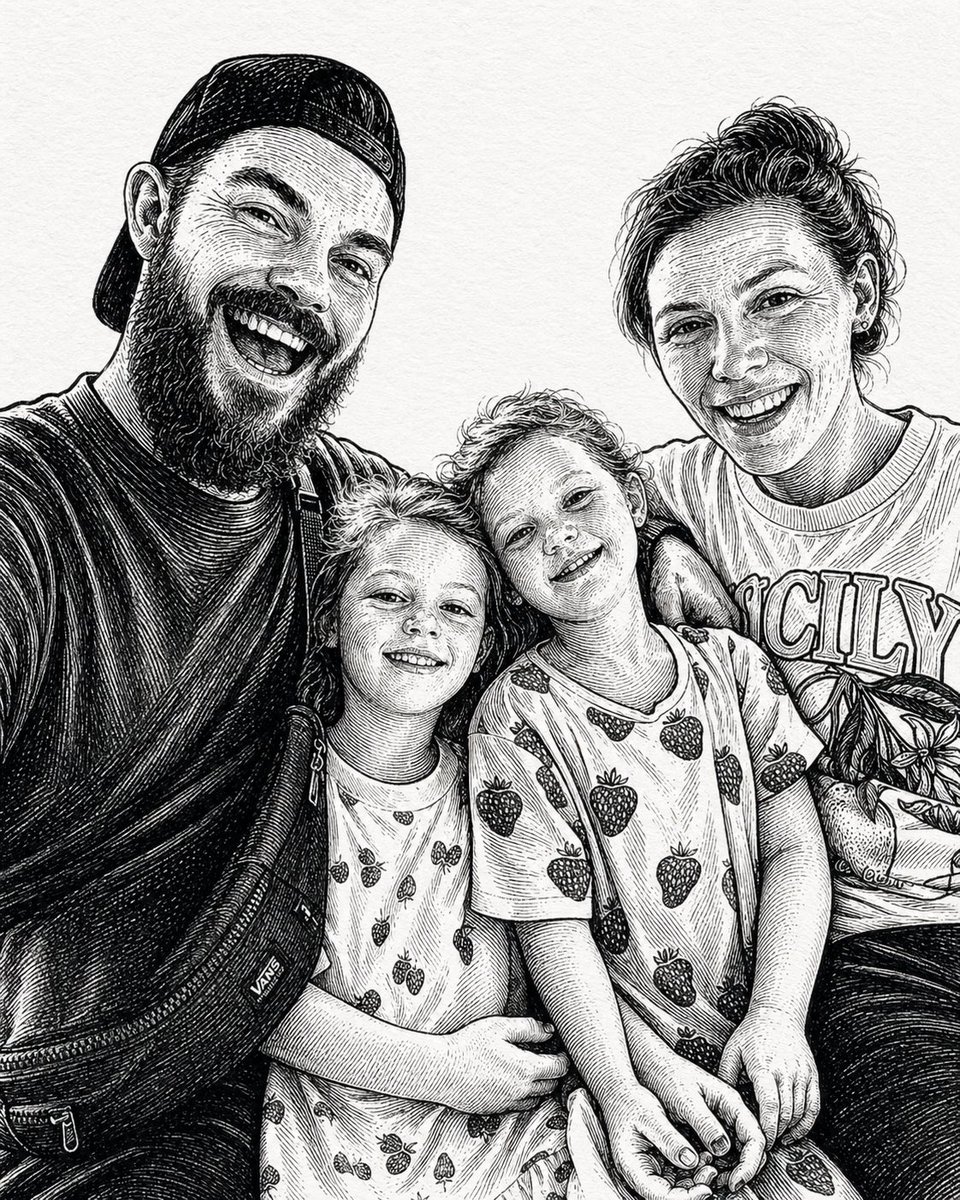
Gpt2 Profile Avatar Ink Etched Family Portrait
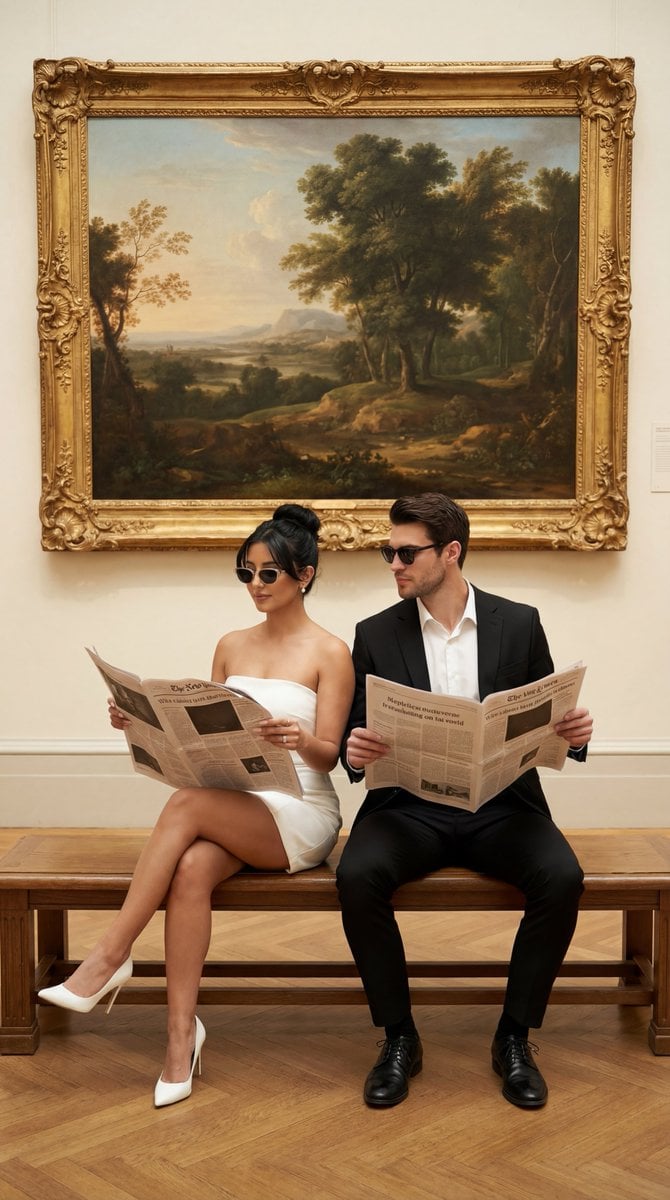
Structured JSON Prompt for Luxury Couple Editorial Campaign
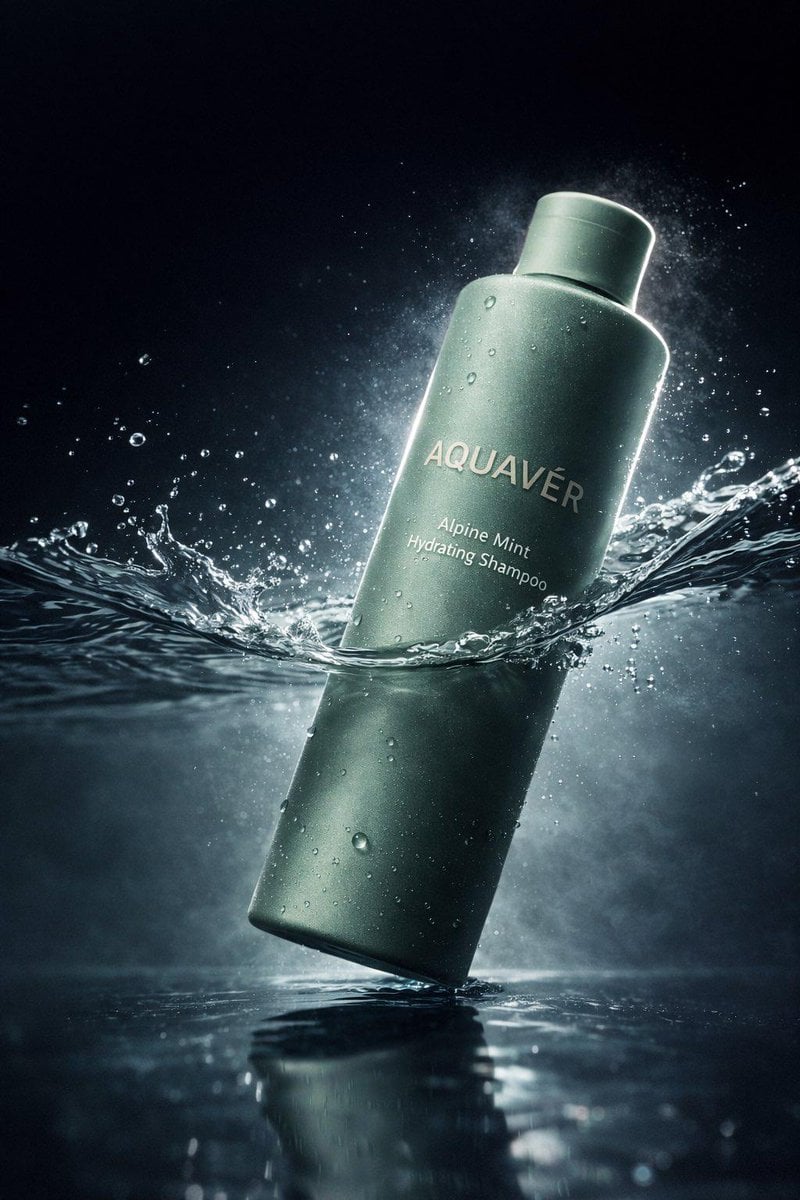
Luxury Shampoo Bottle Splash Commercial
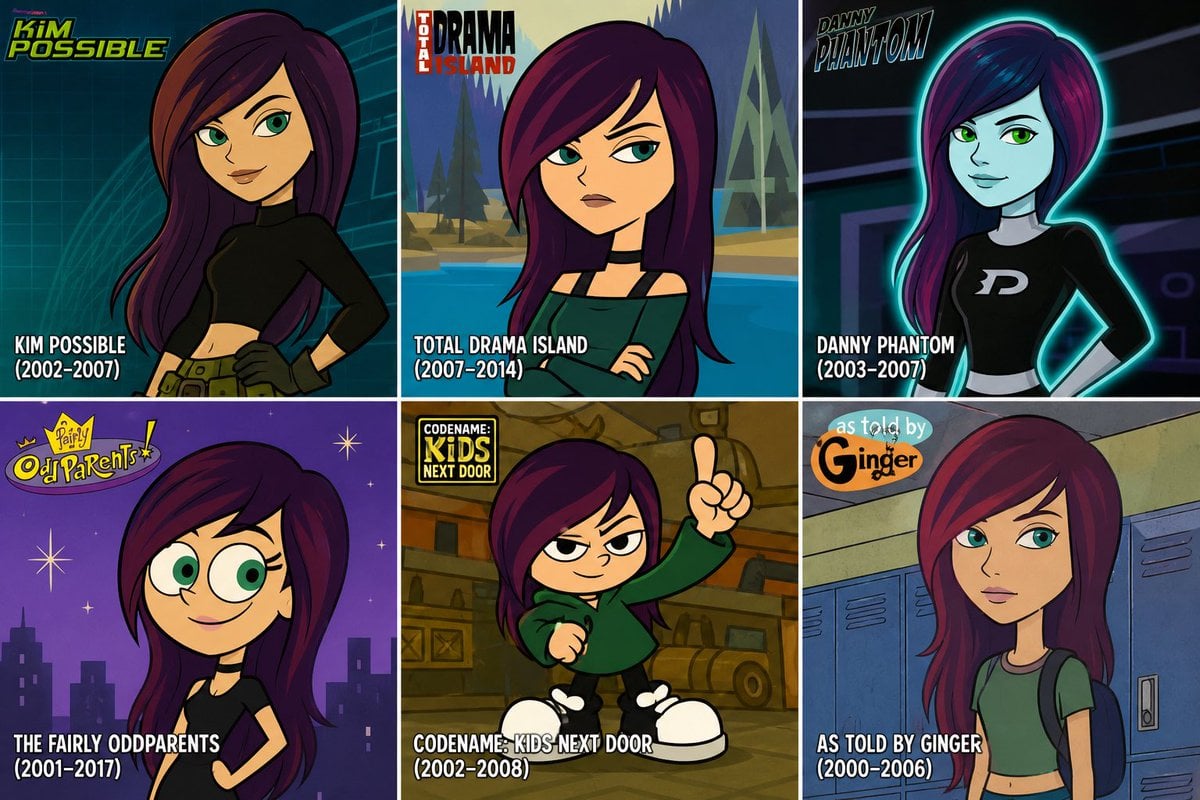
2000s Cartoon Character Transformation
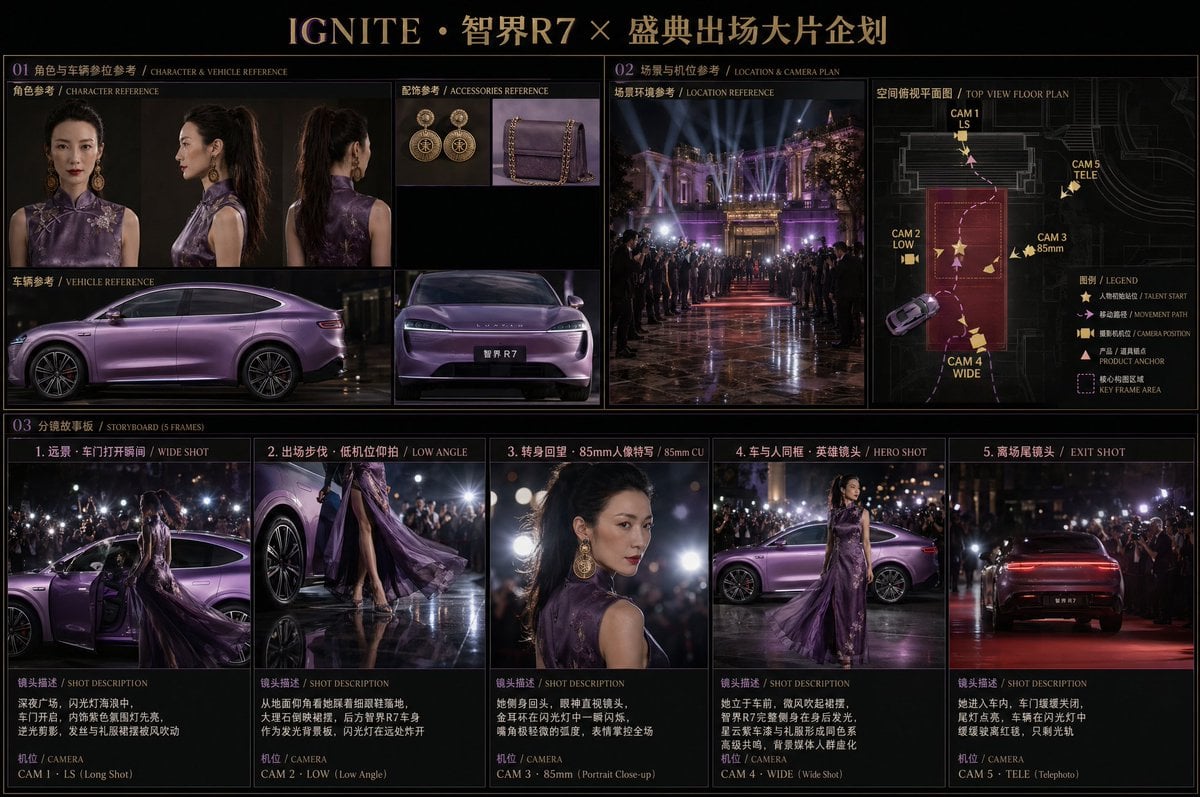
Cinematic Editorial Storyboard
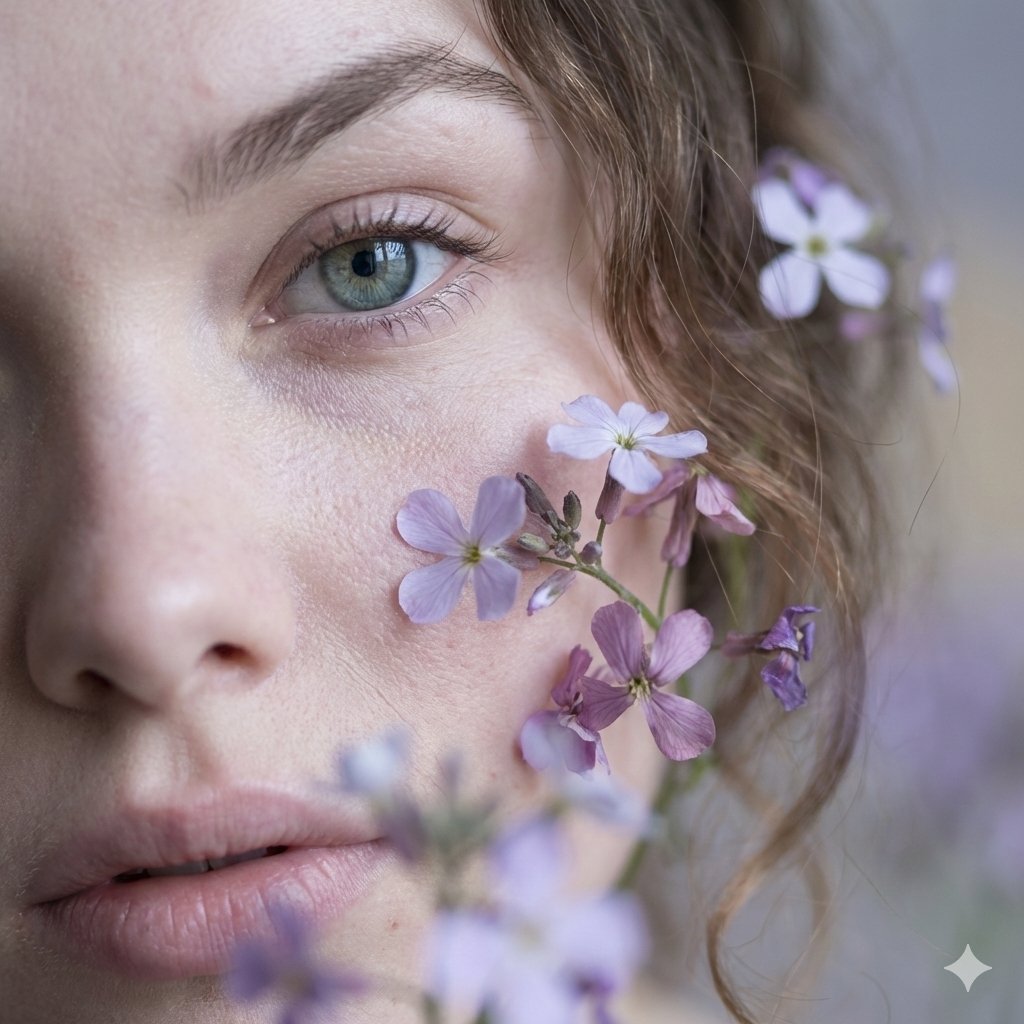
Hyper-Realistic Macro Fine Art Portrait Prompt
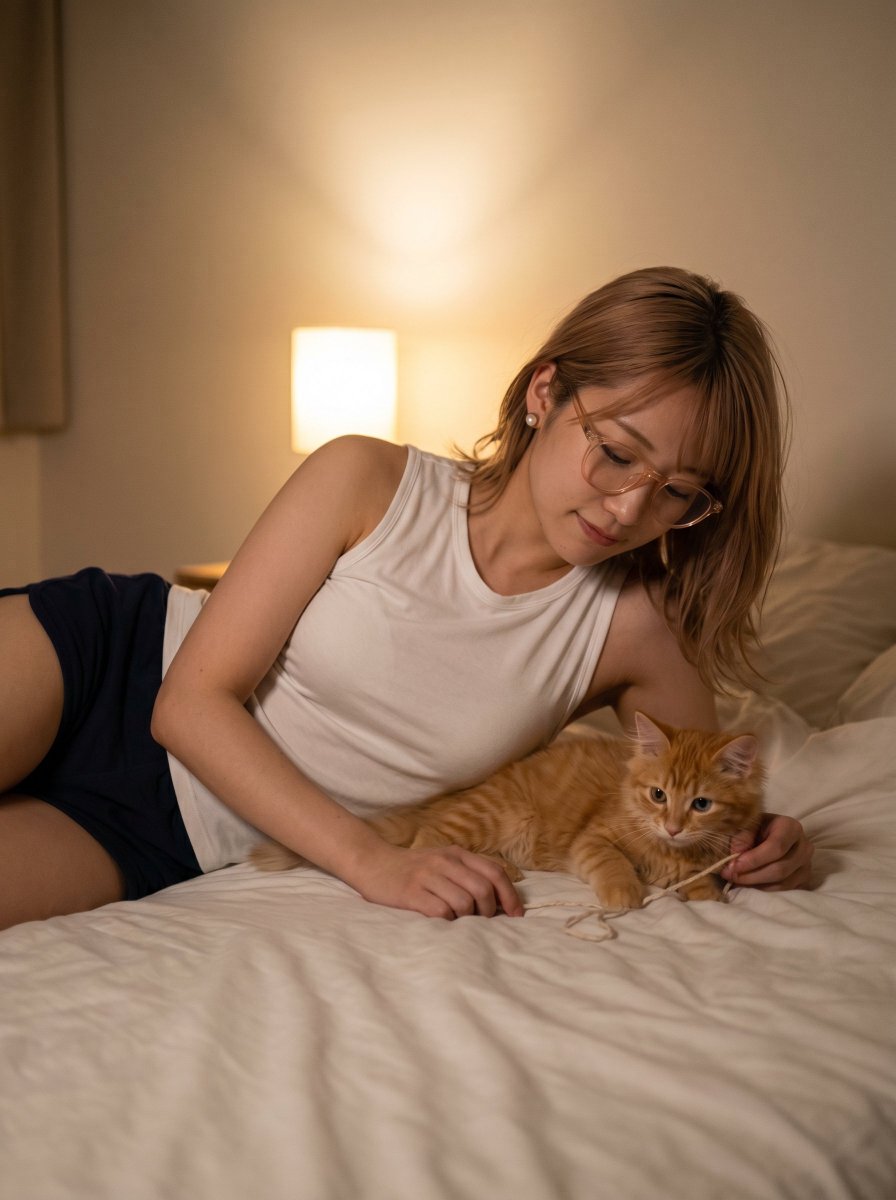
Cozy Bedtime Woman With Ginger Kitten
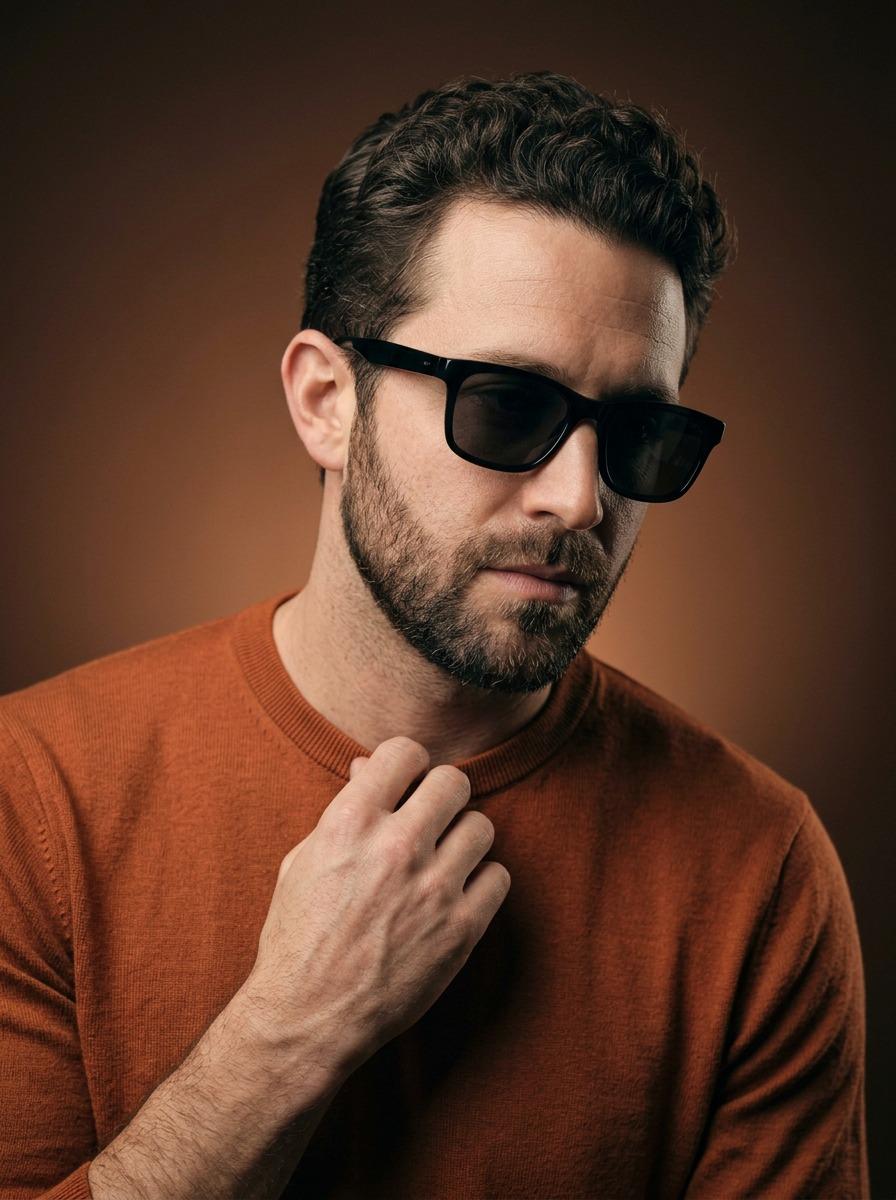
Cinematic Portrait of a Stylish Man in Burnt Orange
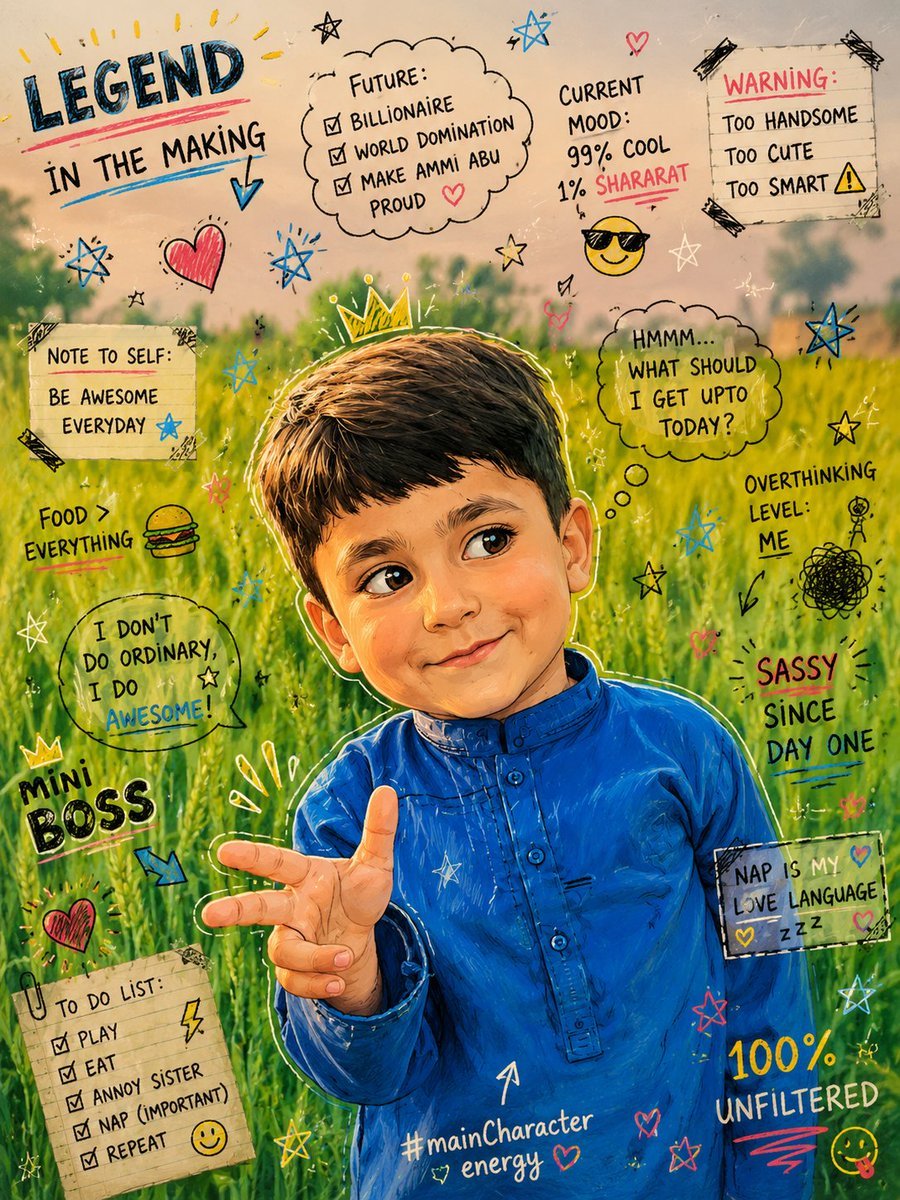
Teenage Sketchbook Caricature Transformation

Clockwork Titan Baroque Painting
Browse template categories
Female Android at Space Station Entrance questions
How do I use the Female Android at Space Station Entrance template?
Add your photo if the template asks for one, edit the prompt if you like — the template's model and format are already selected — and press Generate. Your version opens in PicX Studio.
Can I customize the Female Android at Space Station Entrance template?
Yes. You can change the subject, setting, lighting, mood, format, and available model controls before creating your image.
Is the Female Android at Space Station Entrance template free?
Opening and editing this template is free. Generating uses credits, shown on the Generate button when you are signed in.
Which AI model should I use?
Start with GPT Image 2, which is the model associated with this template. You can compare another compatible model for a different finish.
Looking for something else? Browse all templates.

Your photo, any look
Thousands of ready templates for every top image and video model, from one credit balance.