
Jing'an Temple Line 2 Station Entrance
This prompt generates a realistic smartphone-style photo of commuters entering Shanghai Metro Jing'an Temple Station on Line 2, suitable for transit, urban realism, or location-based scene generation.
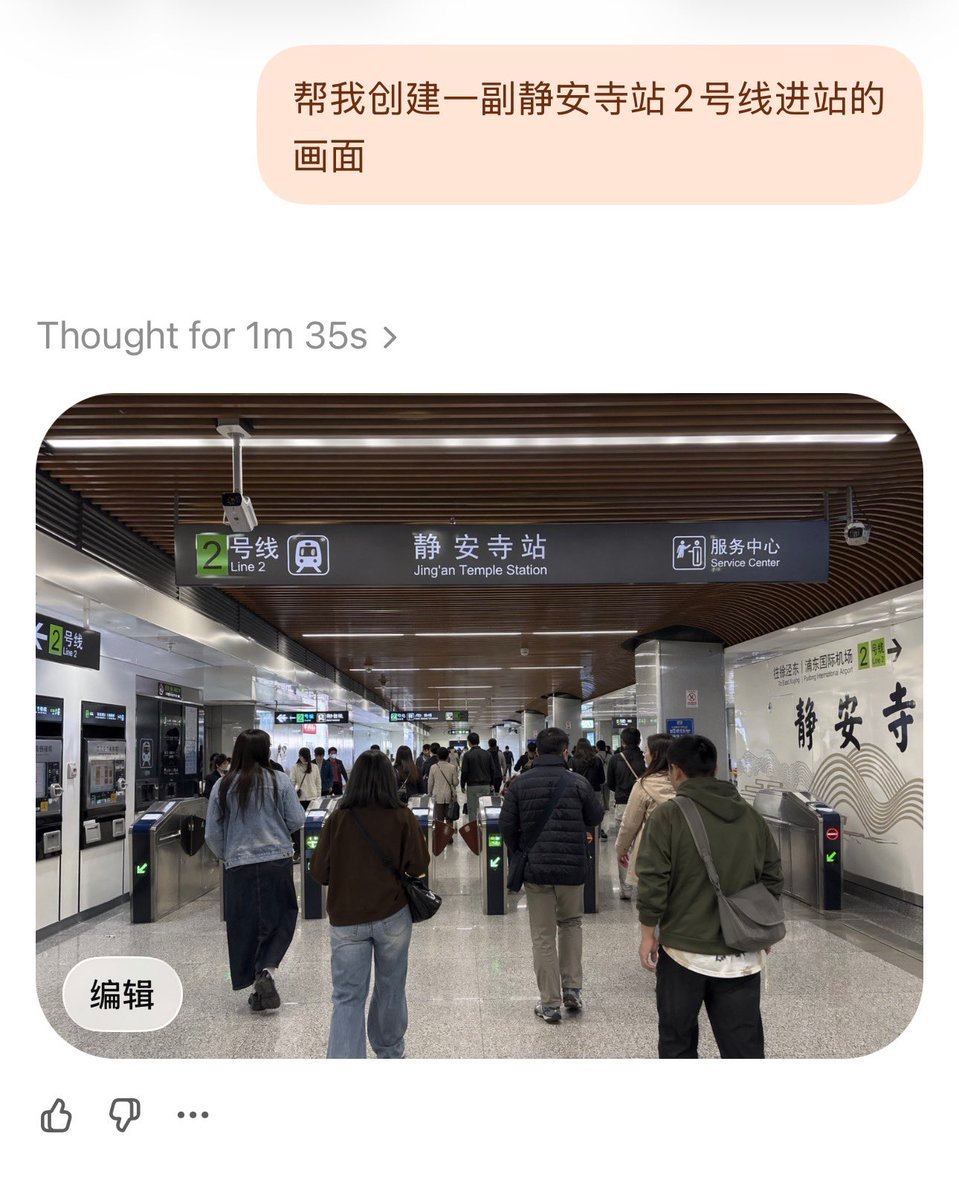
- Prompt included
- Model and format preset
- Free template
The prompt behind this image
Copy the exact prompt behind Jing'an Temple Line 2 Station Entrance, or open it in the studio and make it yours.
A realistic documentary-style photo of the entrance area inside {argument name="station name" default="Jing'an Temple Station"} on {argument name="subway line" default="Line 2"} in Shanghai Metro, viewed from a passenger's eye level while walking toward the fare gates. The scene is a wide indoor station concourse with a modern ceiling made of dark brown curved wooden slats and long linear white lights. In the center hangs a large dark overhead wayfinding sign with a green square route marker showing the number 2 and the text “2号线 / Line 2,” the main station name “静安寺站 / Jing'an Temple Station,” and a service center icon with the bilingual text “服务中心 / Service Center.” Below the sign are multiple stainless steel fare gates, with exactly 6 visible gate lanes in the foreground, some showing green arrow indicators and at least one showing a red no-entry symbol. Show a busy but orderly flow of commuters, around 10 to 15 adults in everyday autumn clothing, seen mostly from behind, walking into the station through the gates; include jackets, jeans, backpacks, shoulder bags, and neutral colors. On the left wall, include ticket or vending machines and another smaller green Line 2 sign. On the right wall, create a decorative white station wall with large black Chinese calligraphy reading “静安寺” and subtle wave-like graphic lines, plus a small green Line 2 marker nearby. Materials should feel authentic: polished gray speckled stone floor, metallic columns, tiled walls, and realistic transit fixtures. Lighting is bright, even, and fluorescent, with a clean public-transport atmosphere. Compose it as a slightly wide-angle smartphone photo, centered on the overhead sign and gate area, highly realistic, candid, detailed, and true to an actual Shanghai metro station interior.
How to use Jing'an Temple Line 2 Station Entrance in 3 steps
- 1Upload ImagePNG, JPG or paste
Add your photo
Upload the photo the template builds on. The prompt, model and format are already set.
- 2…a portrait of your subject in softgolden-hour light, 85mm…
Personalize
Edit the subject and creative details for your destination.
- 3Generate
Generate
Press Generate — your image is created in PicX Studio, so you can compare it with the original and refine one variable at a time.
More like this
Templates with the same subject, style or setup. Open one to see its prompt.
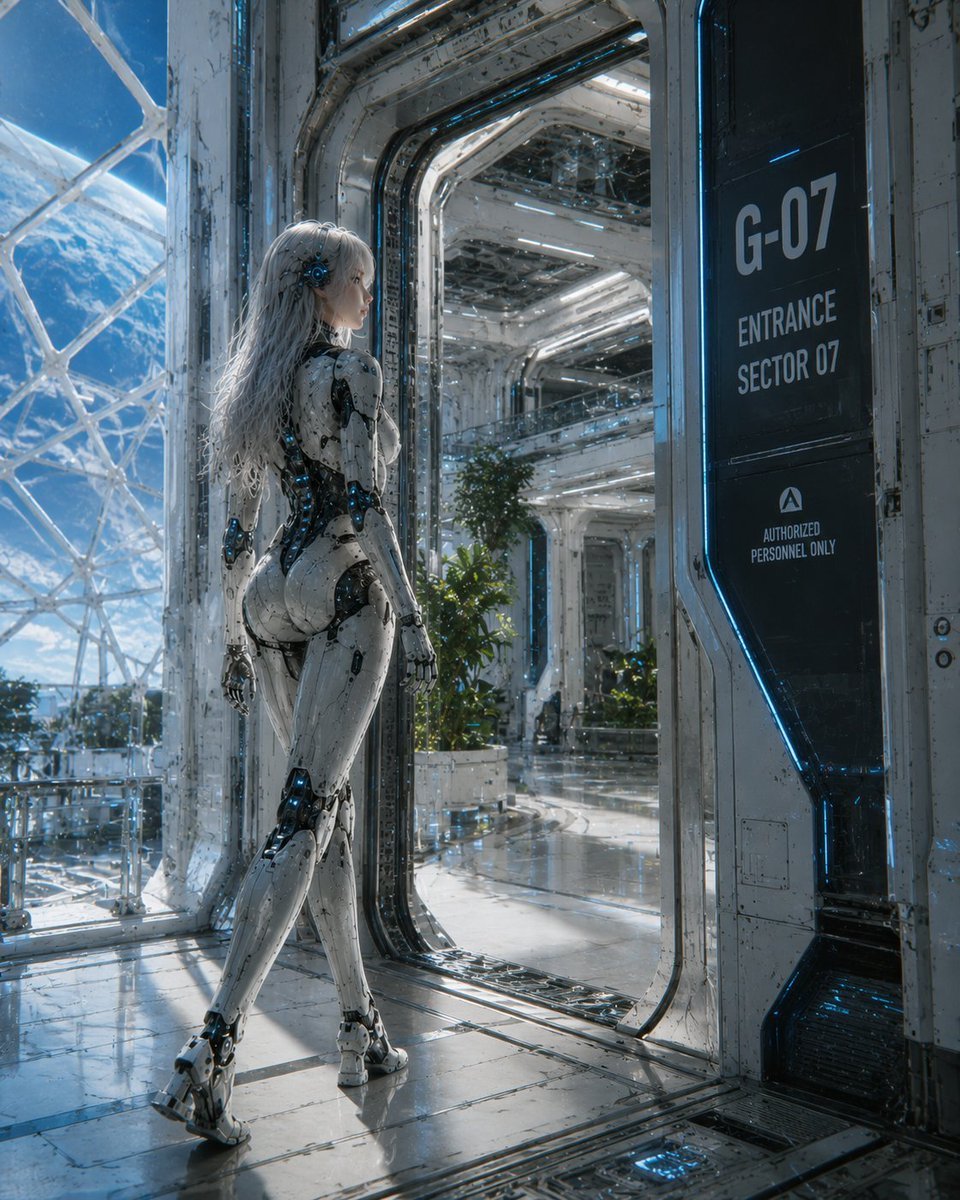
Female Android at Space Station Entrance

Ancient Temple Portrait — White Dress Nano Banana
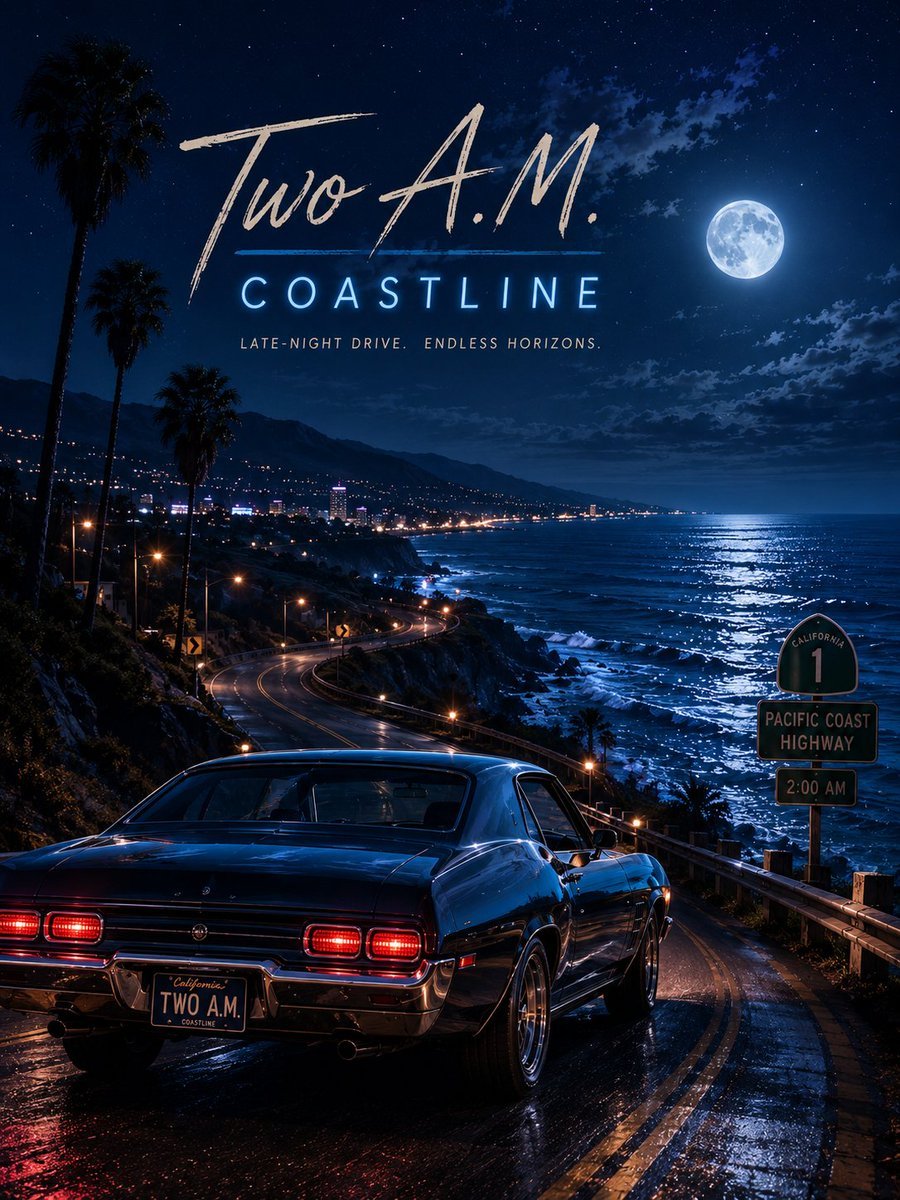
Two A.M. Coastline Album Cover
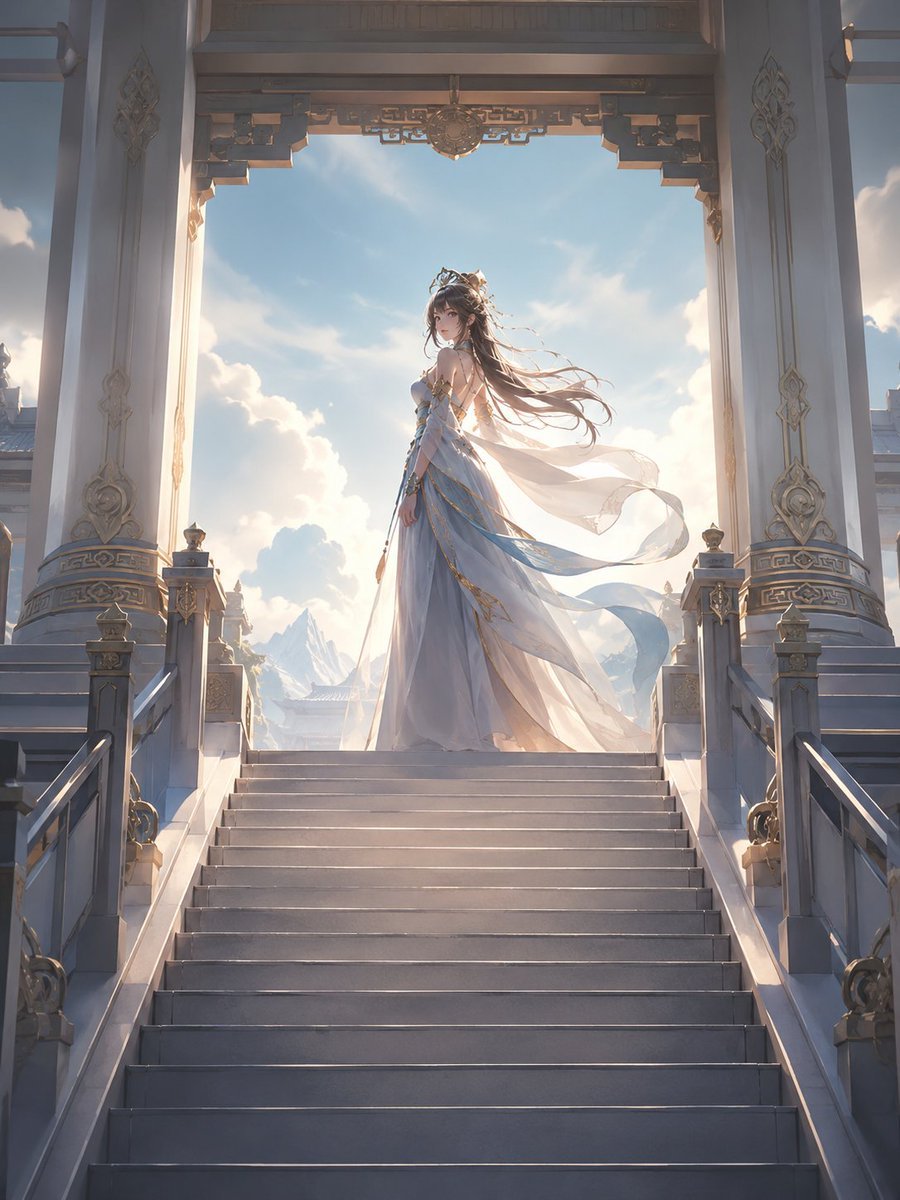
Fantasy Princess Temple Staircase
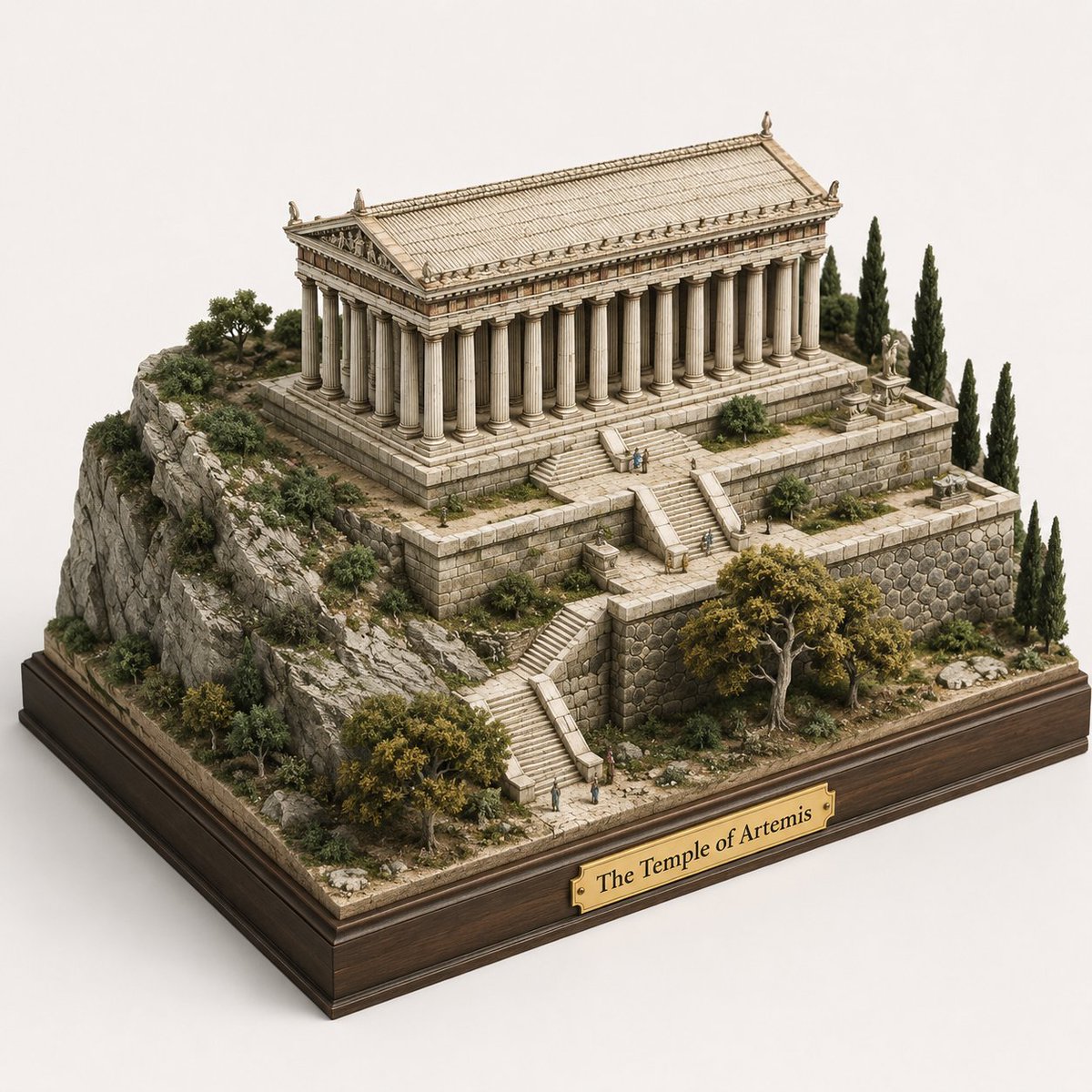
Ancient Temple 3D Diorama

Glass Entrance Reflection Portrait

Modern Man in Ancient Egyptian Temple

Brand Sticker Sheet Monoline Vector
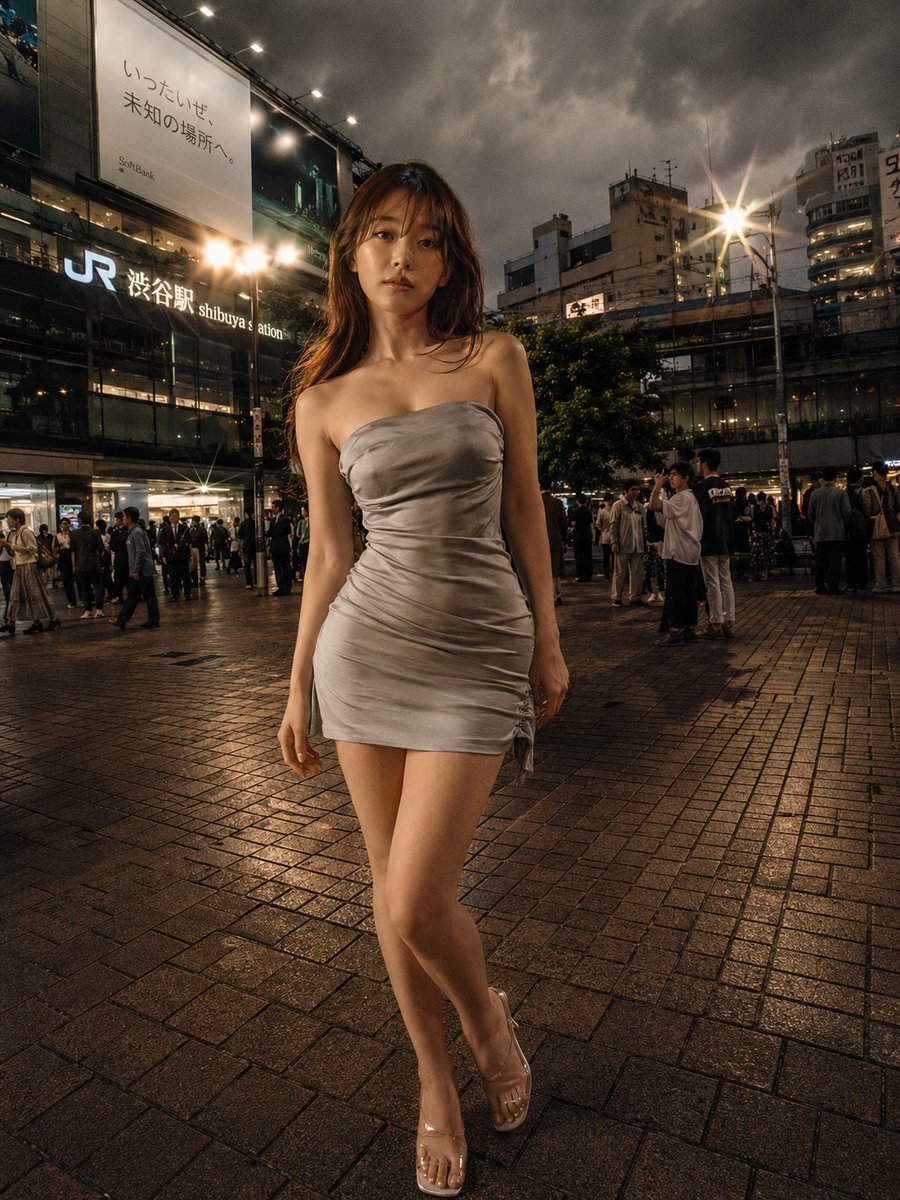
Night Fashion Portrait at Shibuya Station
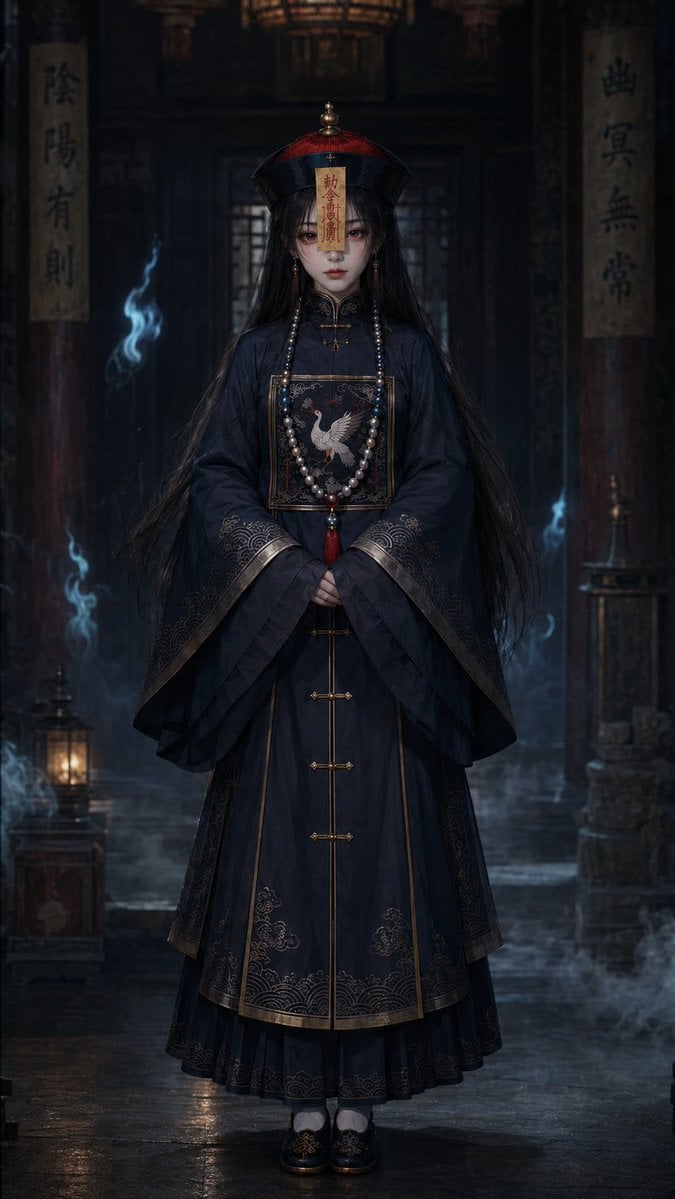
Dark Jiangshi Temple Portrait

Crystalline Cybernetic Anime Girl

Ancient Temple Interior Contact Sheet
Make it yours
Jing'an Temple Line 2 Station Entrance works as-is. These are the safest ways to change it without losing the look.
Change one field
Copy a single group, rewrite it, and generate again so you can see what that field is doing.
Keep the frame, change the subject
Hold the composition and light of Jing'an Temple Line 2 Station Entrance, then swap wardrobe, props or the person for a new take.
| If the result… | Why | Fix |
|---|---|---|
| The result drifts from the preview | Too many fields changed at once. | Reuse Jing'an Temple Line 2 Station Entrance as-is first, then change one group — subject, light, or setting. |
| The model over-stylizes the scene | The prose prompt leaves finish and camera underspecified. | Add one camera or lighting sentence and stay on GPT Image 2. |
More GPT Image 2 templates
Other prompts made for GPT Image 2.

Six VTuber Japanese Logo Sheet

Realistic Portrait of Woman and Deer

The Vista Modular Condo Poster

AI Model Routing Comparison Infographic

2.5D Anime Art Board

Isometric Productivity Desk Scene

New York Double Exposure Poster

Four-Panel AI Landscape Comparison

Japanese Tatami Lifestyle Magazine Cover

NESCAFÉ Coffee Map Poster
More image prompts
Fresh picks from across the catalog.
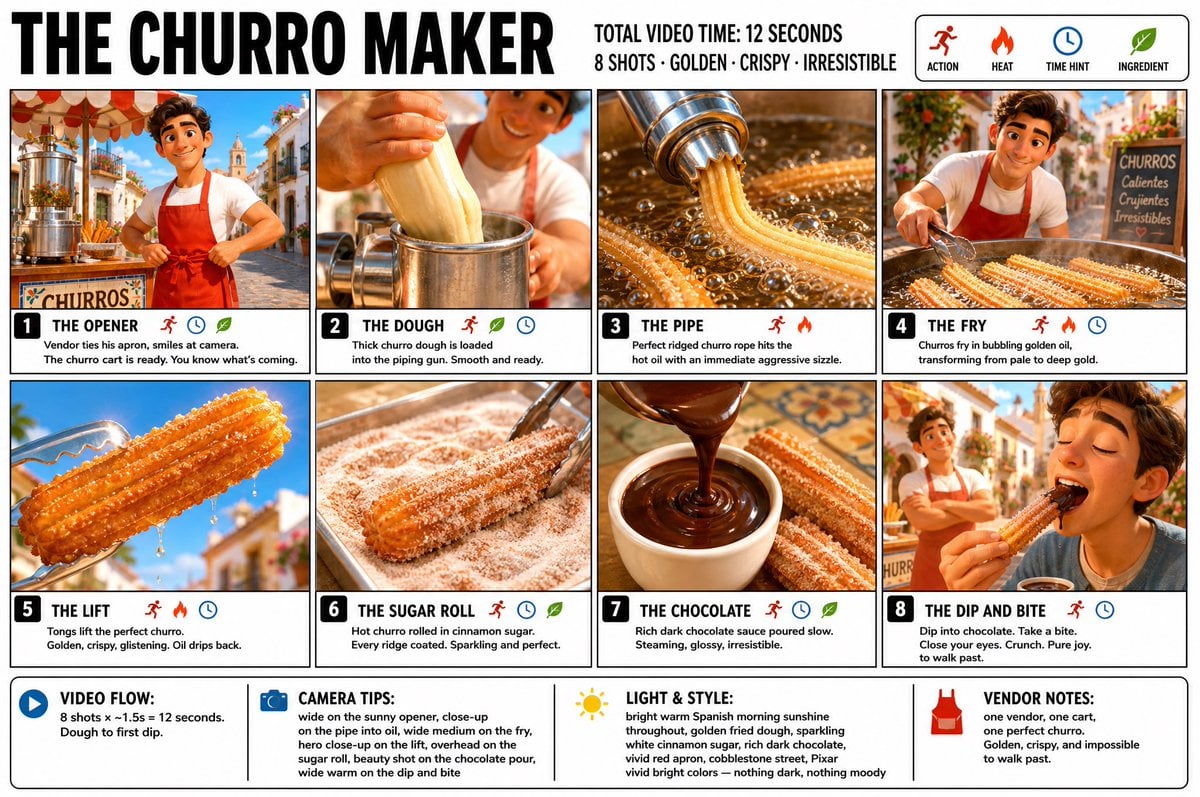
Churro Maker Infographic Storyboard

Crossed Dark Eastern Fantasy Halberds

Candid Outdoor Cafe Lifestyle Photo
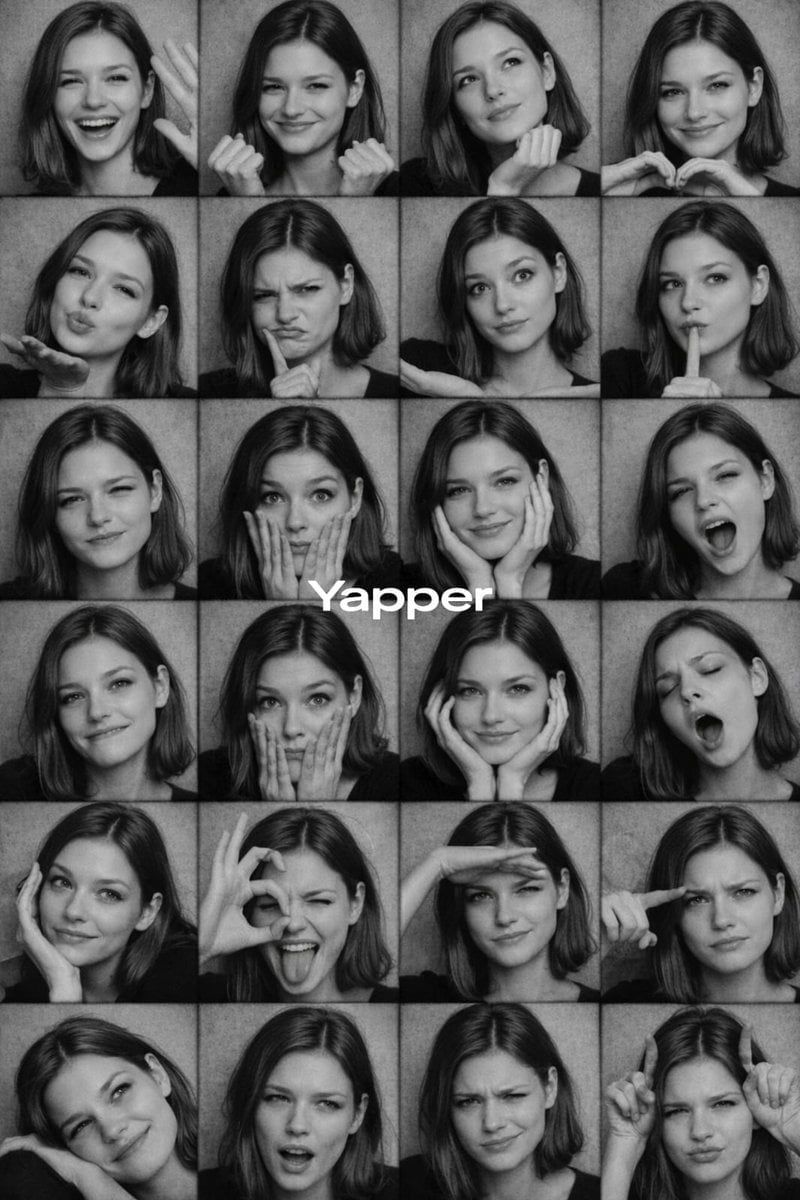
Black and White Photobooth Expression Grid Prompt

Bold Potato Chips Advertising Poster

New Year's Eve Rooftop Glam Portrait Prompt
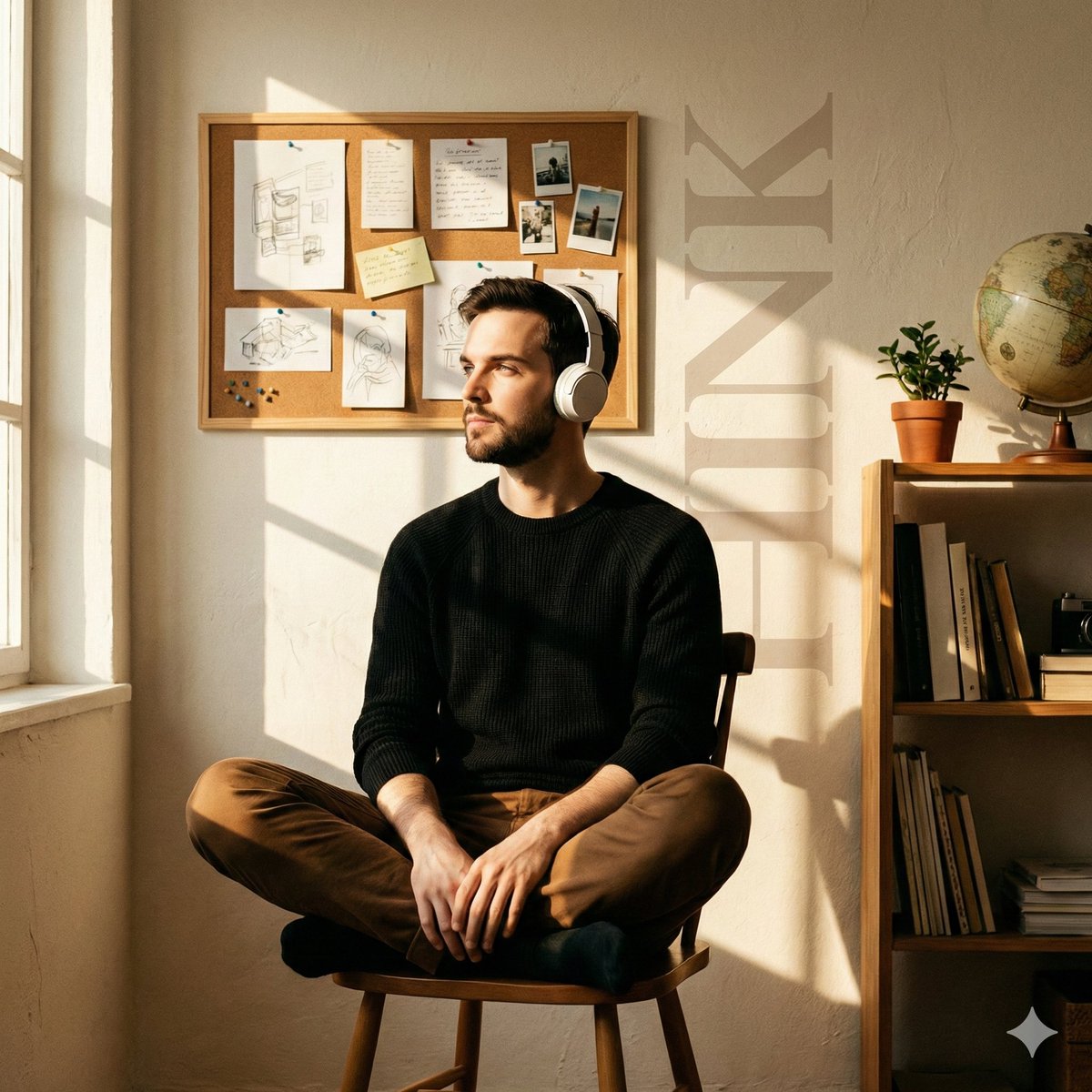
Cinematic Editorial Portrait in a Cafe with Window Shadows

Candid Teenage Boy Camping Photo Prompt
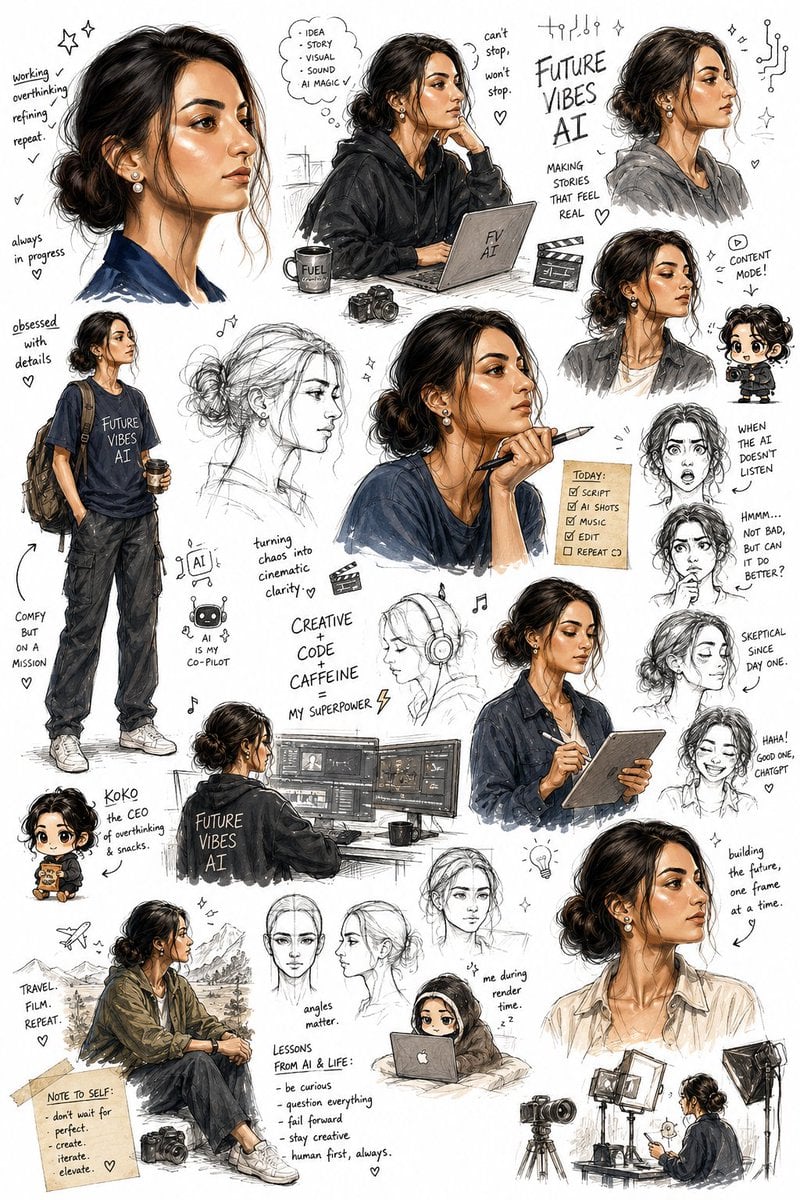
Sketchbook Character Exploration Sheet

Action Figure Stylization Prompt
Browse template categories
Jing'an Temple Line 2 Station Entrance questions
How do I use the Jing'an Temple Line 2 Station Entrance template?
Add your photo if the template asks for one, edit the prompt if you like — the template's model and format are already selected — and press Generate. Your version opens in PicX Studio.
Can I customize the Jing'an Temple Line 2 Station Entrance template?
Yes. You can change the subject, setting, lighting, mood, format, and available model controls before creating your image.
Is the Jing'an Temple Line 2 Station Entrance template free?
Opening and editing this template is free. Generating uses credits, shown on the Generate button when you are signed in.
Which AI model should I use?
Start with GPT Image 2, which is the model associated with this template. You can compare another compatible model for a different finish.
Looking for something else? Browse all templates.

Your photo, any look
Thousands of ready templates for every top image and video model, from one credit balance.