
Sketchbook Character Exploration Sheet
An ultra-detailed prompt for creating a character exploration page in a sketchbook style, featuring various poses, expressions, and technical notes on a white background.
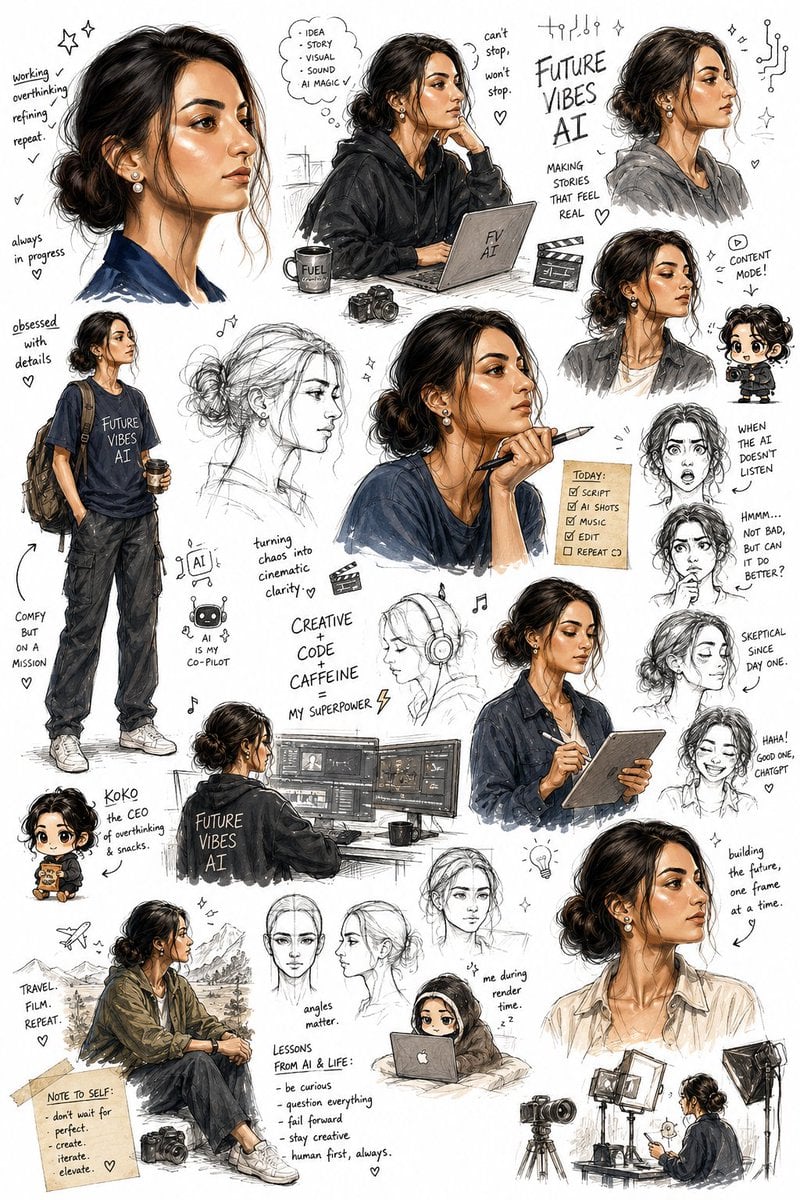
- Prompt included
- Model and format preset
- Premium template
The prompt behind this image
Copy the exact prompt behind Sketchbook Character Exploration Sheet, or open it in the studio and make it yours.
Create an ultra-detailed sketchbook-style character exploration page on a pure bright white background, using my uploaded photo as a STRICT facial reference with absolute identity preservation. The character must unmistakably retain my exact facial structure, with zero facial drift, zero beautification, and no reinterpretation of identity. The page should look like an illustrator’s personal sketchbook filled organically over time, not like a clean or organized character sheet. Arrange the drawings in a spontaneous, overlapping, scattered composition with varying sizes and angles, as though an artist casually filled the page with ideas, expressions, experiments, notes, and visual jokes. Include a dynamic mix of: expressive full-body sketches, face close-ups, rough construction sketches, loose gesture drawings, tiny doodles, exaggerated reaction faces, chibi/deformed mini versions, casual pose studies, humorous scribbles, motion sketches, emotional expression tests, profile and three-quarter face angles, playful character exaggerations, unfinished line-art fragments, layered redraws and crossed-out sketch attempts. The overall art style should feel raw, energetic, intelligent, and highly expressive, with confident pencil strokes, messy line weight variation, rough ink marks, light shading, accidental smudges, handwritten notes, tiny arrows, annotations, and sketchbook imperfections. Preserve a handmade traditional animation-development feel. Visually interpret the character as: highly creative and analytical, tech-oriented and engineering-minded, observant and skeptical, quietly confident, humorous in a dry, understated way, stylish without trying too hard, mentally sharp but slightly chaotic from overthinking ideas, someone constantly experimenting, refining, and building things. The clothing designs should blend modern casual fashion with subtle creative-tech aesthetics: relaxed streetwear, {argument name="clothing theme" default="football-inspired outfits"}, layered jackets or hoodies, clean sneakers, bracelets or small accessories, occasional {argument name="branding" default="Arsenal-inspired"} visual elements, casual poses that feel natural and self-assured. Some sketches should look polished while others remain rough and incomplete, creating the feeling of an authentic working sketchbook page. Include a few exaggerated comedic moments and expressive chibi versions that amplify personality while still maintaining recognizable identity cues from my face. Use mostly monochrome pencil and ink sketch aesthetics with selective soft accent colors if needed. Maintain strong visual rhythm and controlled chaos across the page. The final result should feel like a beloved main character concept page from an animated film, manga production notebook, or elite character designer’s private sketch collection.
How to use Sketchbook Character Exploration Sheet in 3 steps
- 1Upload ImagePNG, JPG or paste
Add your photo
Upload the photo the template builds on. The prompt, model and format are already set.
- 2…a portrait of your subject in softgolden-hour light, 85mm…
Personalize
Edit the subject and creative details for your destination.
- 3Generate
Generate
Press Generate — your image is created in PicX Studio, so you can compare it with the original and refine one variable at a time.
More like this
Templates with the same subject, style or setup. Open one to see its prompt.

Minecraft Japanese Research Lab Exploration

Notebook Page Emergence Illusion
Cinematic Character Design Sketchbook Sheet
Neo-Noir Character Exploration Sheet

Dancer Character - Four View Reference Sheet

Movement Sheet - Dance Reference (Seedance 2.0)
Galactic Exploration and Nebulae
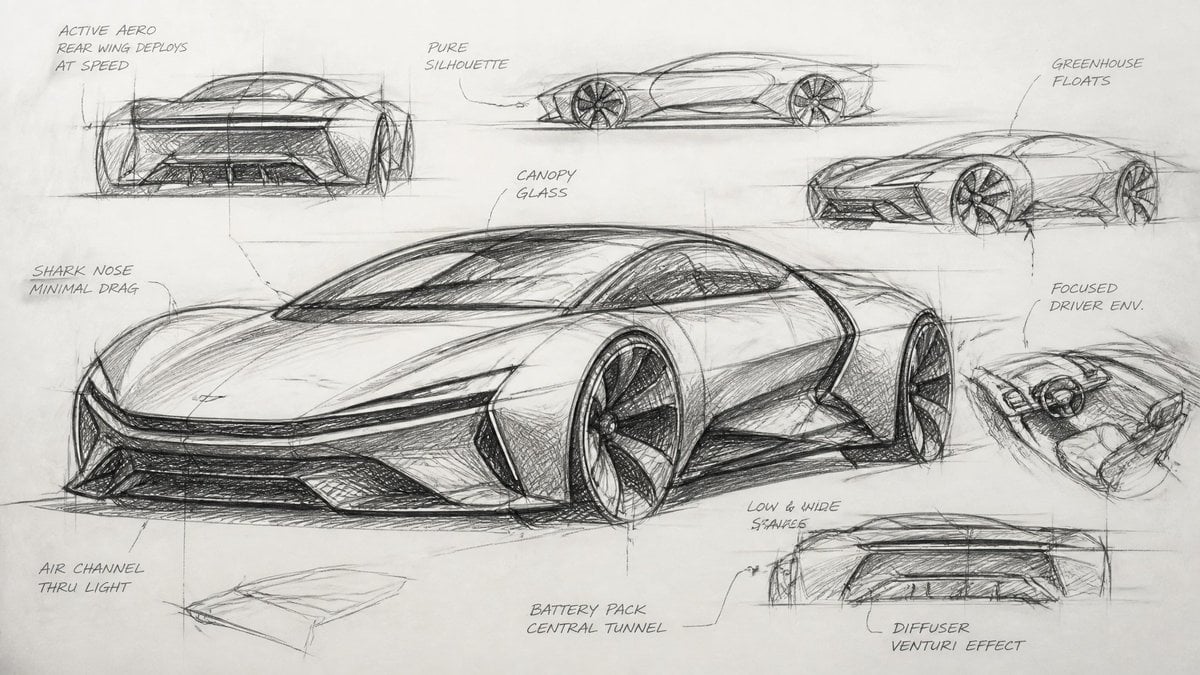
Industrial Designer Sketchbook Concept
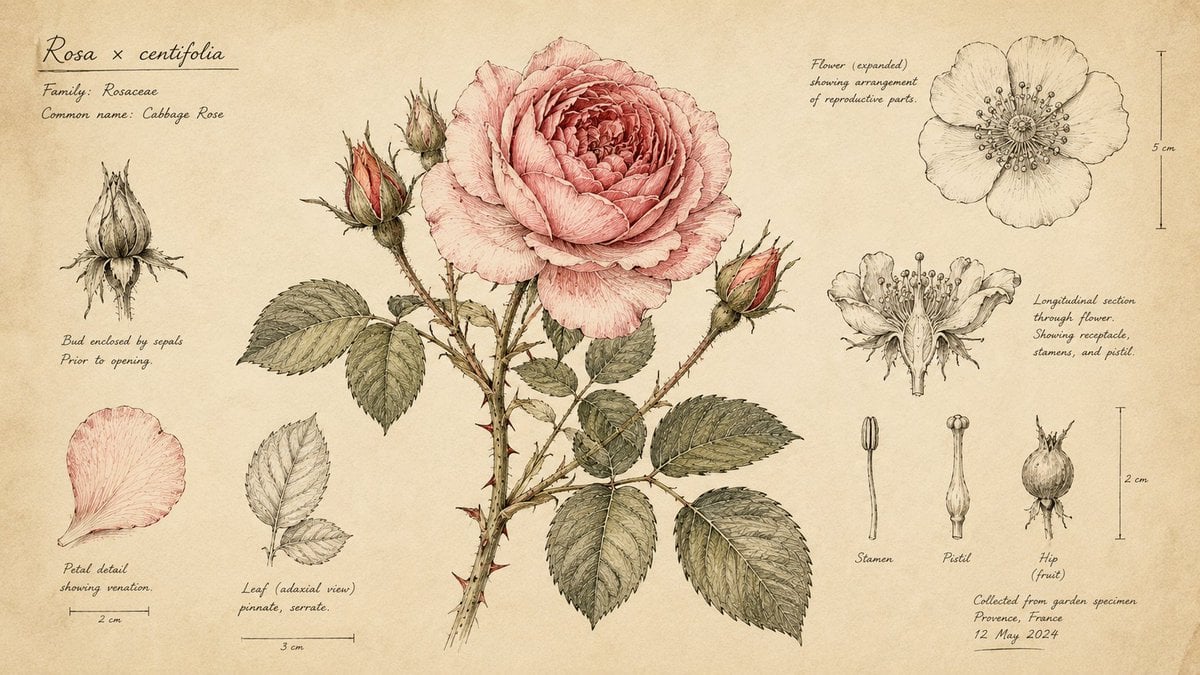
Hand-Drawn Botanical Sketchbook Illustration
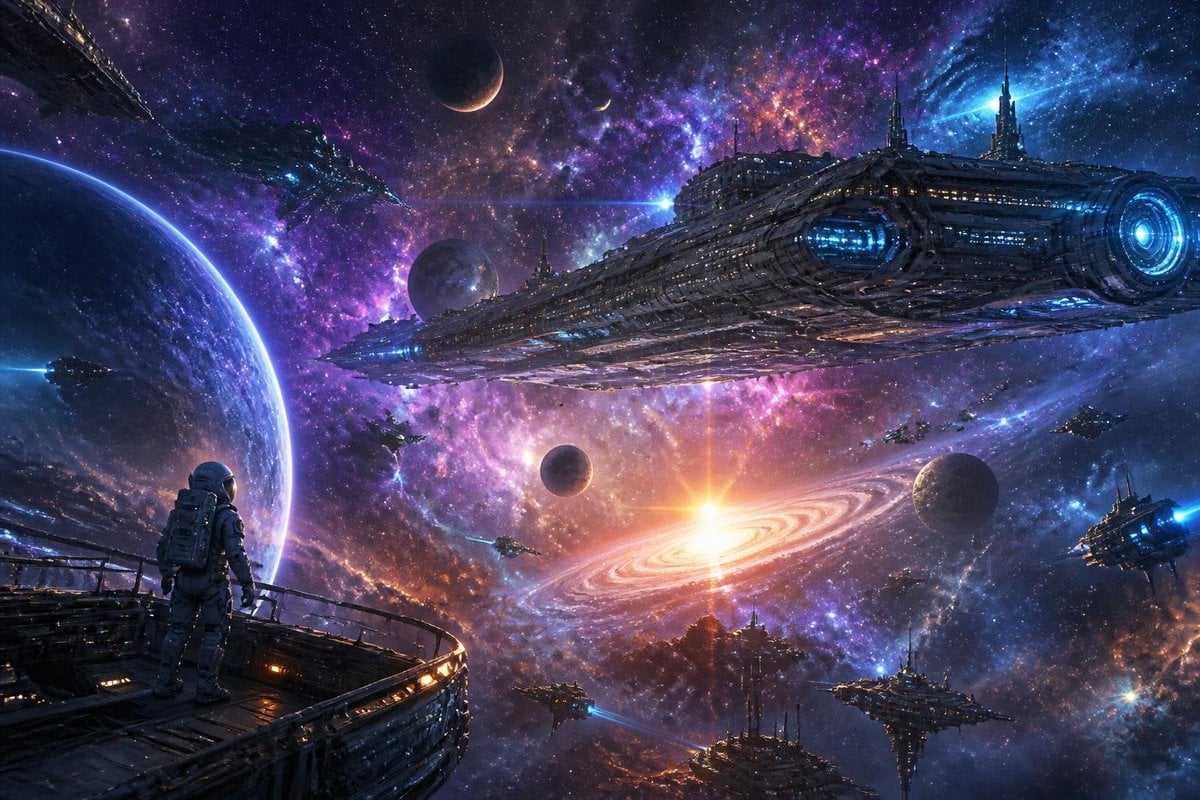
Galactic Space Exploration Rendering

Exploration Ship Crossing a Glowing Nebula
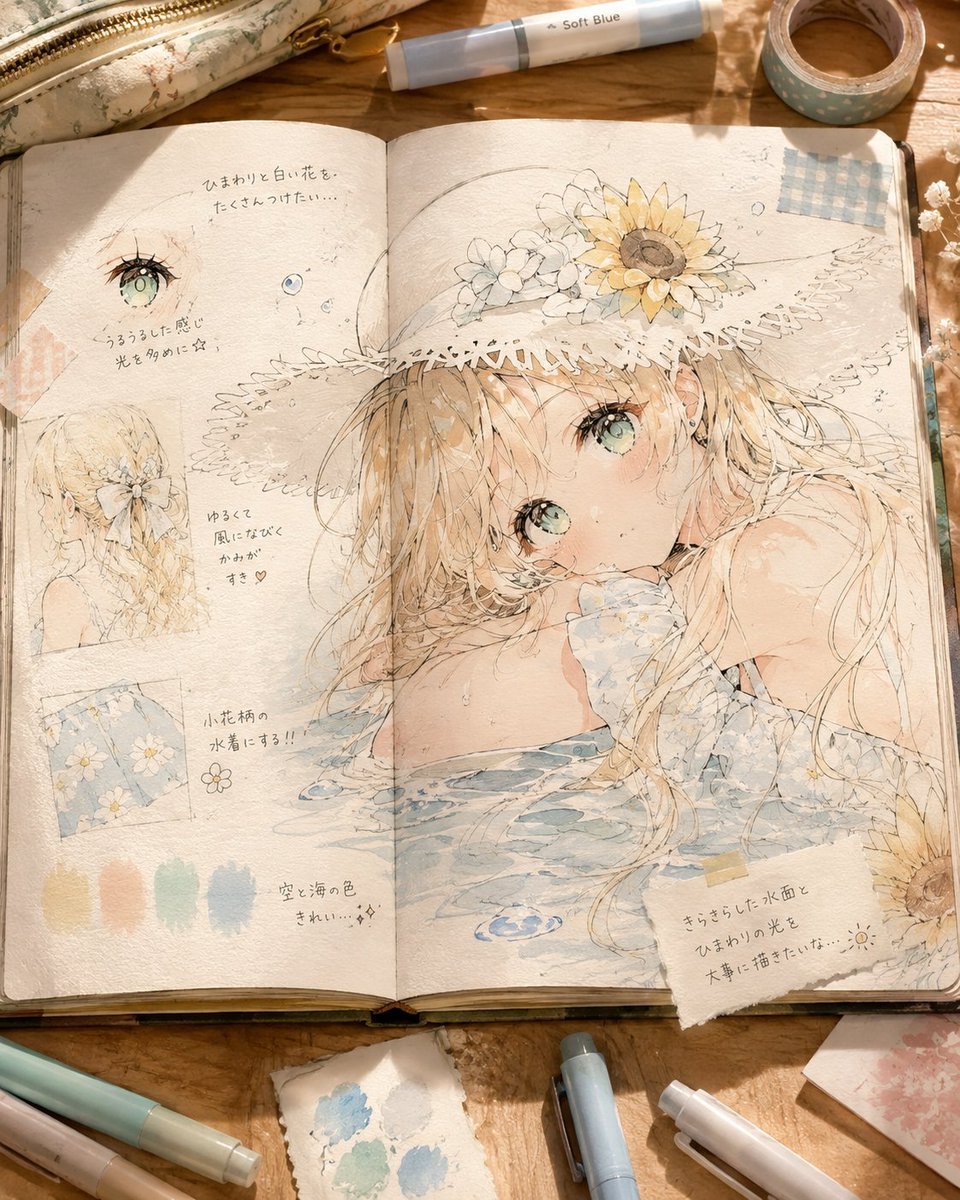
Summer Anime Sketchbook Flat Lay
Make it yours
Sketchbook Character Exploration Sheet works as-is. These are the safest ways to change it without losing the look.
Change one field
Copy a single group, rewrite it, and generate again so you can see what that field is doing.
Keep the frame, change the subject
Hold the composition and light of Sketchbook Character Exploration Sheet, then swap wardrobe, props or the person for a new take.
| If the result… | Why | Fix |
|---|---|---|
| The result drifts from the preview | Too many fields changed at once. | Reuse Sketchbook Character Exploration Sheet as-is first, then change one group — subject, light, or setting. |
| The model over-stylizes the scene | The prose prompt leaves finish and camera underspecified. | Add one camera or lighting sentence and stay on GPT Image 2. |
More GPT Image 2 templates
Other prompts made for GPT Image 2.

Realistic Portrait of Woman and Deer

The Vista Modular Condo Poster

AI Model Routing Comparison Infographic

2.5D Anime Art Board

Isometric Productivity Desk Scene

New York Double Exposure Poster

Four-Panel AI Landscape Comparison

Japanese Tatami Lifestyle Magazine Cover

NESCAFÉ Coffee Map Poster

Brutalist Cogito Chinese Typography Poster
More image prompts
Fresh picks from across the catalog.
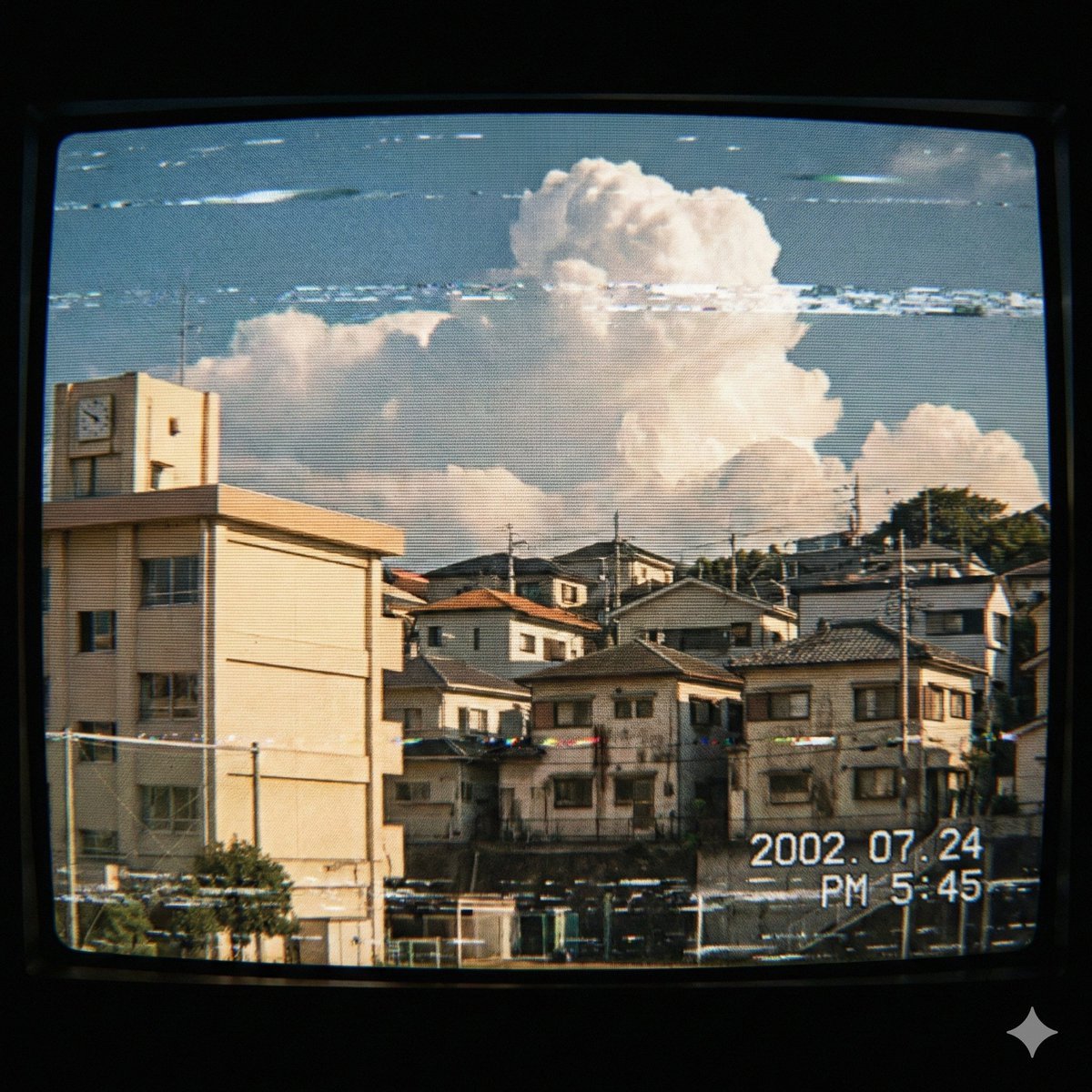
Japanese Suburb in 2000s Atmosphere
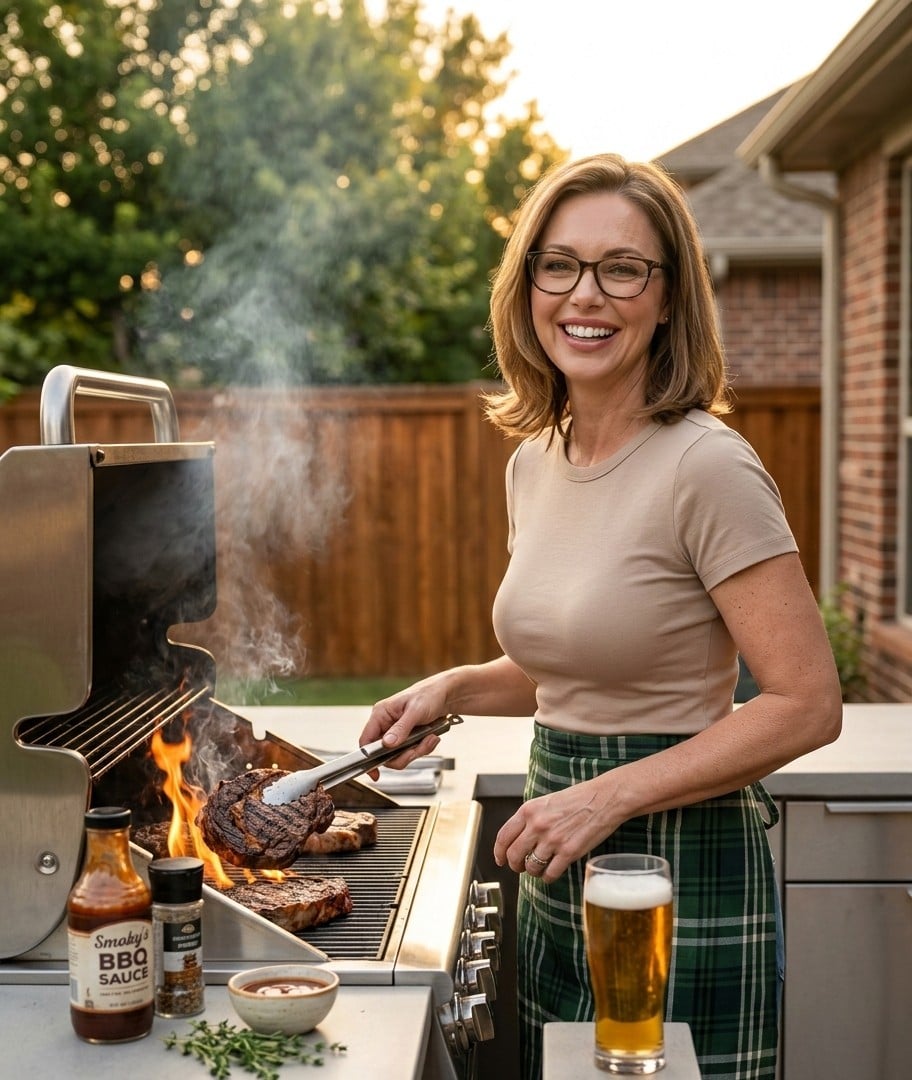
Ultra-Realistic Cinematic Grilling Photograph
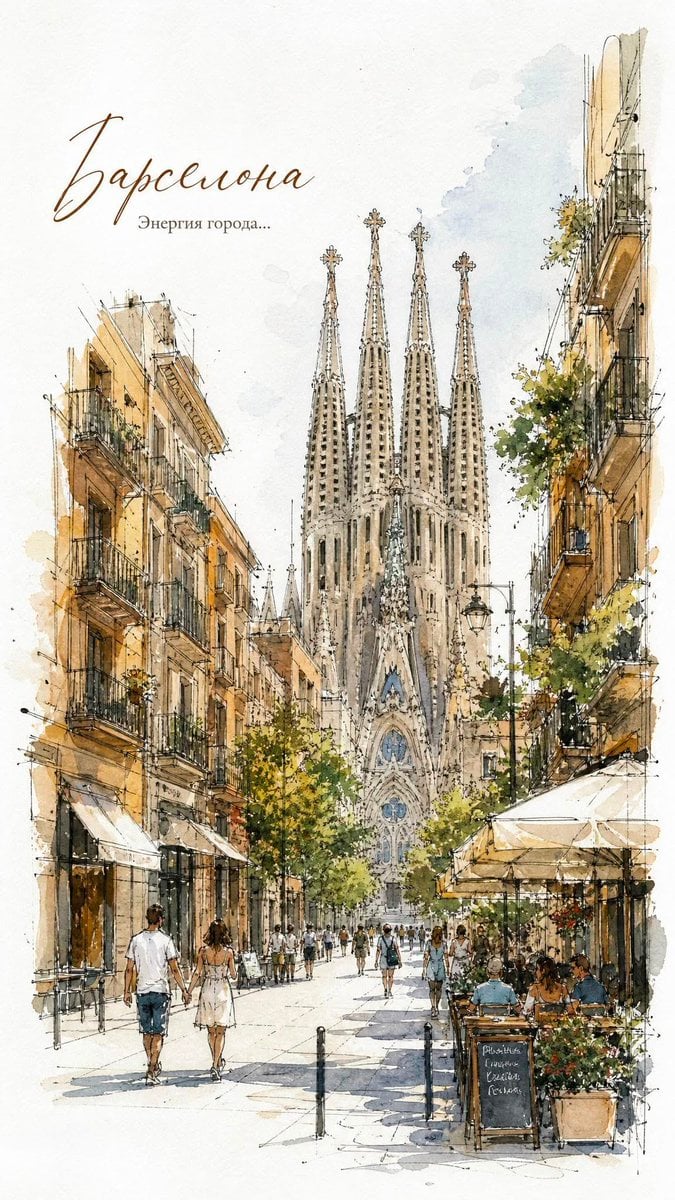
European City Watercolor Sketch Poster

Letter S Editorial Portrait
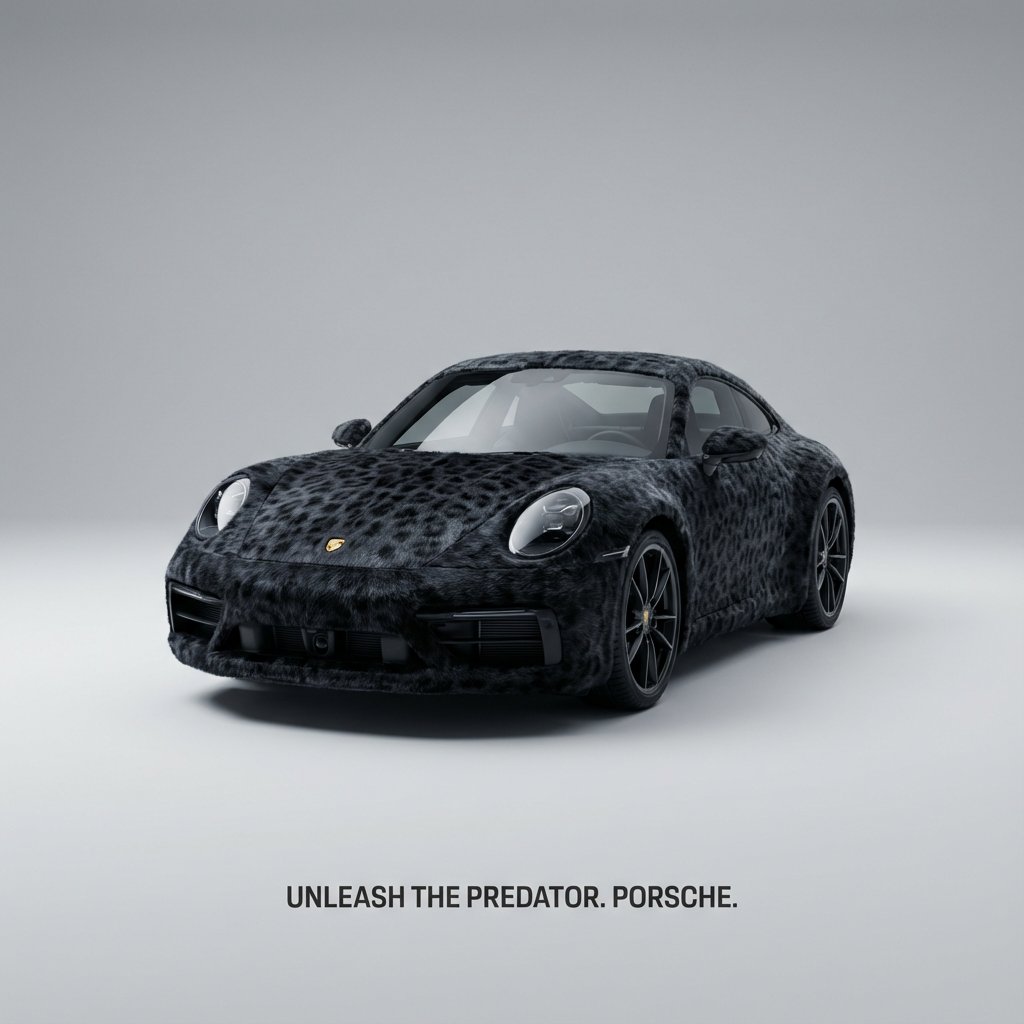
Animal Texture Product Marketing Shot Generator

Cozy Beer Toast with Oden
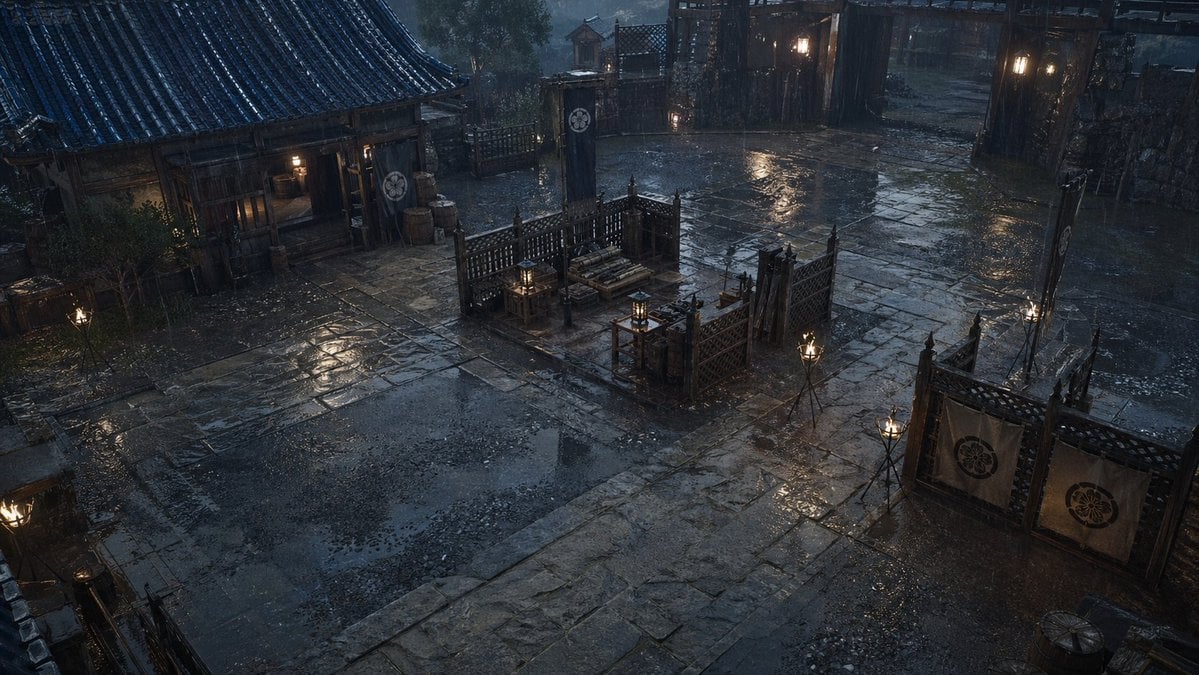
Rainy Feudal Japan Courtyard
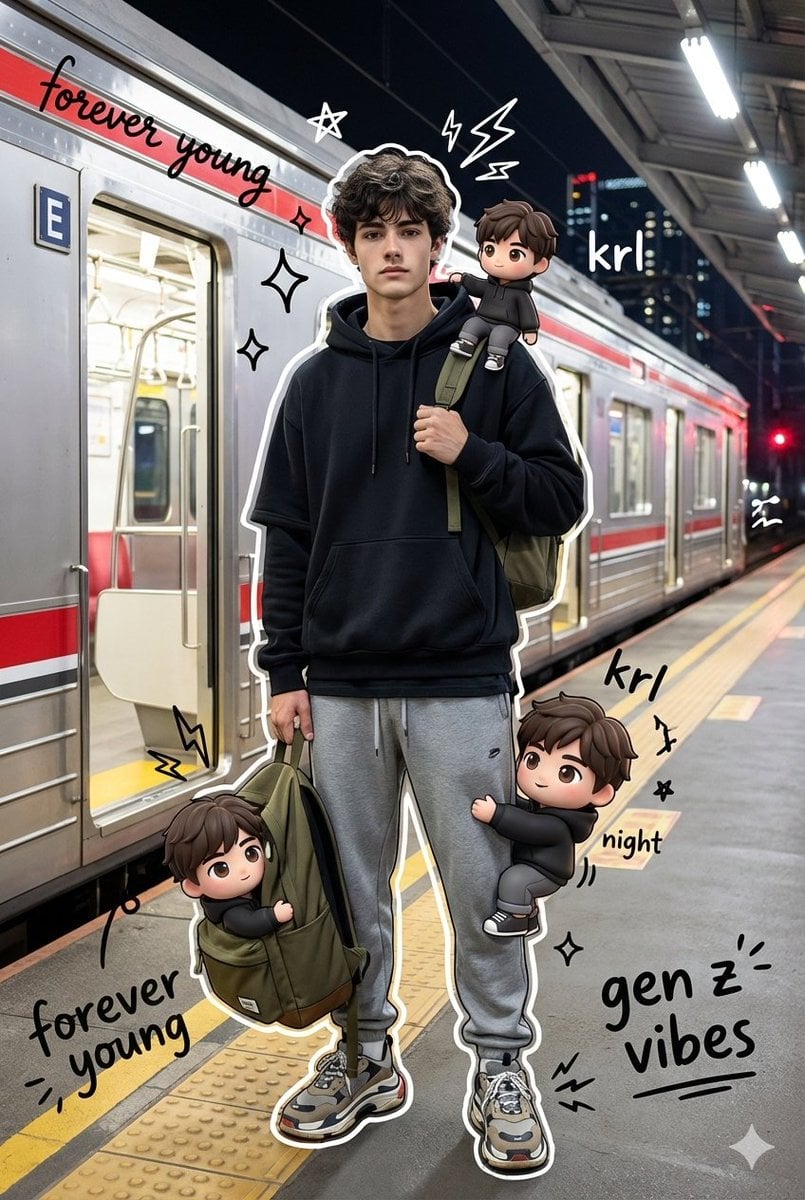
Mixed Media Portrait with Chibi Overlays
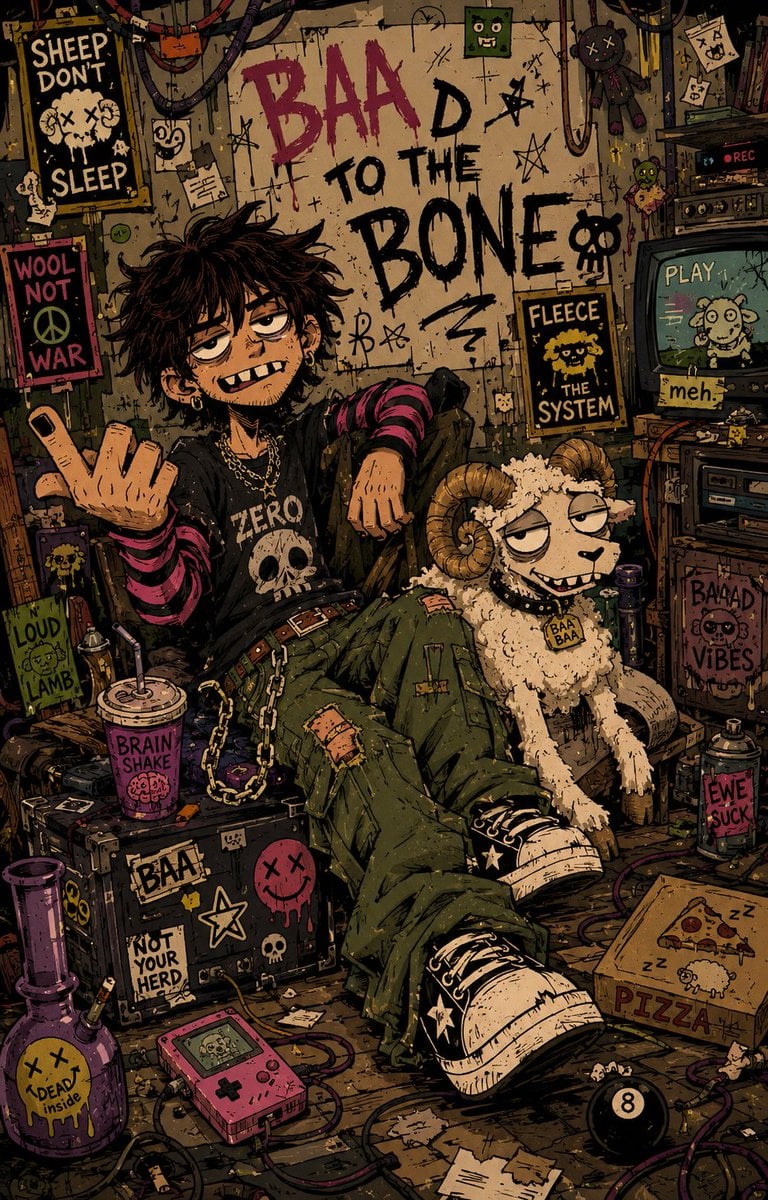
Indie Cartoon Illustration Template
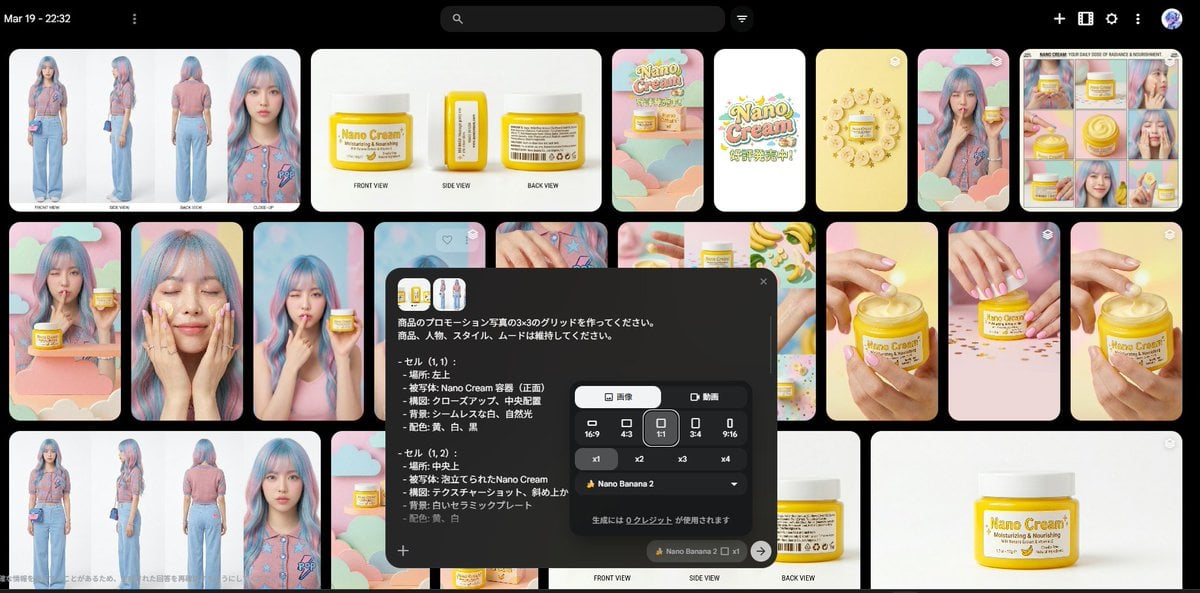
Nano Banana 2 Grid Photo Generation Prompt
Browse template categories
Sketchbook Character Exploration Sheet questions
How do I use the Sketchbook Character Exploration Sheet template?
Add your photo if the template asks for one, edit the prompt if you like — the template's model and format are already selected — and press Generate. Your version opens in PicX Studio.
Can I customize the Sketchbook Character Exploration Sheet template?
Yes. You can change the subject, setting, lighting, mood, format, and available model controls before creating your image.
Is the Sketchbook Character Exploration Sheet template free?
Opening and editing this template is free. Generating uses credits, shown on the Generate button when you are signed in.
Which AI model should I use?
Start with GPT Image 2, which is the model associated with this template. You can compare another compatible model for a different finish.
Looking for something else? Browse all templates.

Your photo, any look
Thousands of ready templates for every top image and video model, from one credit balance.