
Rainy Feudal Japan Courtyard
A cinematic photorealistic night scene of a rain-soaked samurai-era Japanese courtyard, ideal for historical atmosphere, film concept art, or game environment generation.
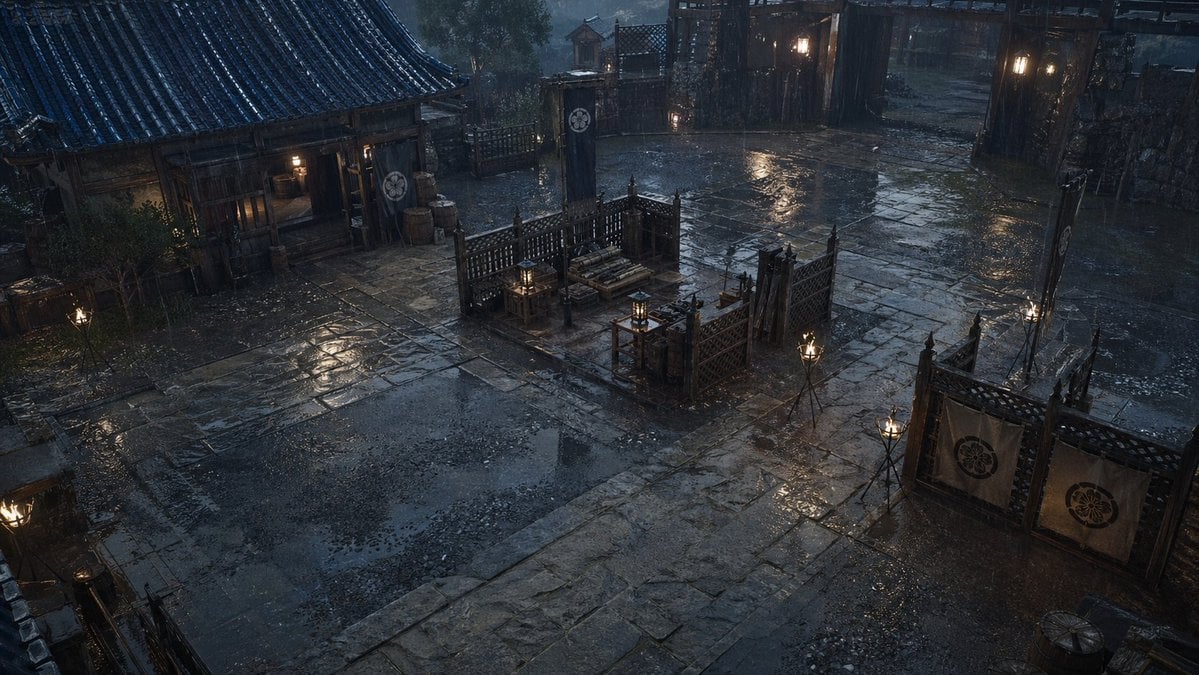
- Prompt included
- Model and format preset
- Free template
The prompt behind this image
Copy the exact prompt behind Rainy Feudal Japan Courtyard, or open it in the studio and make it yours.
A cinematic, ultra-detailed feudal Japanese courtyard at night in heavy rain, viewed from a high slightly diagonal angle as if from an upper balcony or rooftop. The scene is empty of people and focuses on atmosphere, architecture, and wet surfaces. A broad stone-paved yard fills most of the frame, with dark slick flagstones, puddles, ripples from rainfall, and strong reflections of lantern light. On the left stands a traditional wooden building with a tiled roof, deep eaves, warm interior light spilling from the open entrance, and a few barrels and containers near the doorway. In the center are 2 fenced wooden enclosures or work areas with lattice partitions, stacked lumber or bundled materials, low benches, and small lanterns placed on wooden stands. On the right foreground is another fenced partition with 2 hanging fabric banners bearing a circular clan crest. In the background, a large open gate and perimeter walls frame the compound, with 4 vertical hanging banners total visible across the scene, each marked with the same crest. Add 6 tripod torch stands around the courtyard, their flames small but bright against the rain, plus several warm wall lanterns near the gate and building. Use a moody blue-gray nighttime palette with warm amber practical lights, realistic rainfall streaks, wet wood, soaked fabric, stone texture, subtle mist, and soft volumetric lighting. The composition should feel like a grounded historical samurai drama set, realistic and photorealistic rather than stylized, with no characters, no modern objects, no text, and no fantasy elements.
How to use Rainy Feudal Japan Courtyard in 3 steps
- 1Upload ImagePNG, JPG or paste
Add your photo
Upload the photo the template builds on. The prompt, model and format are already set.
- 2…a portrait of your subject in softgolden-hour light, 85mm…
Personalize
Edit the subject and creative details for your destination.
- 3Generate
Generate
Press Generate — your image is created in PicX Studio, so you can compare it with the original and refine one variable at a time.
More like this
Templates with the same subject, style or setup. Open one to see its prompt.
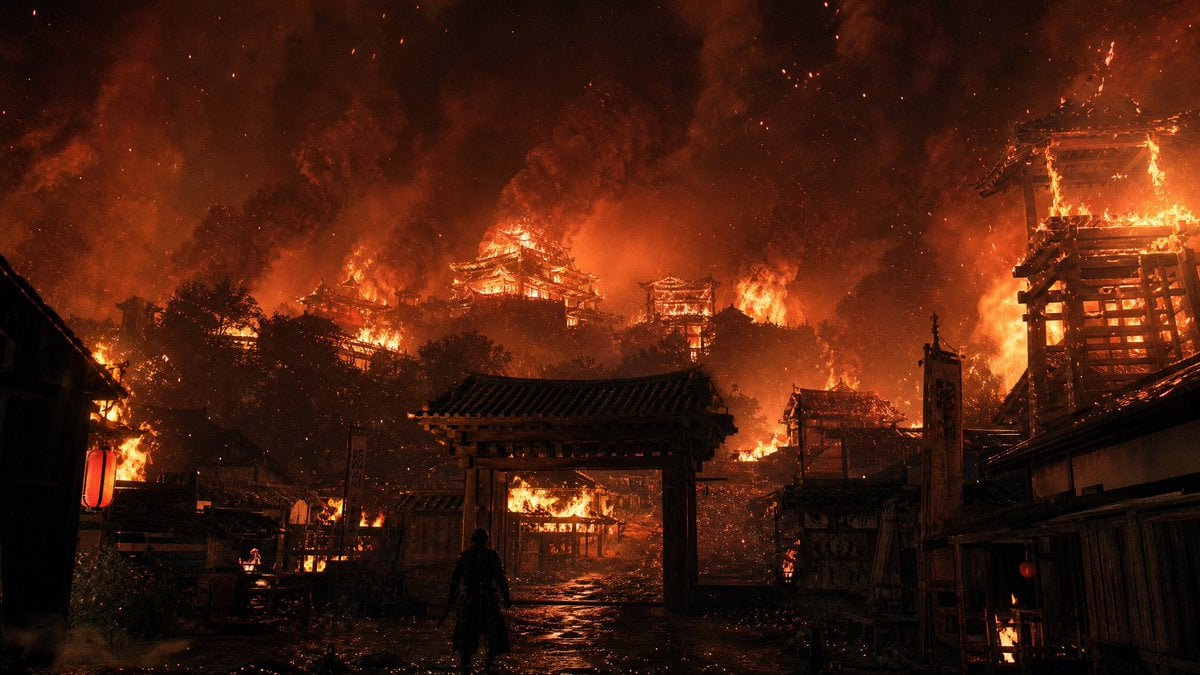
Burning Feudal Japanese Village
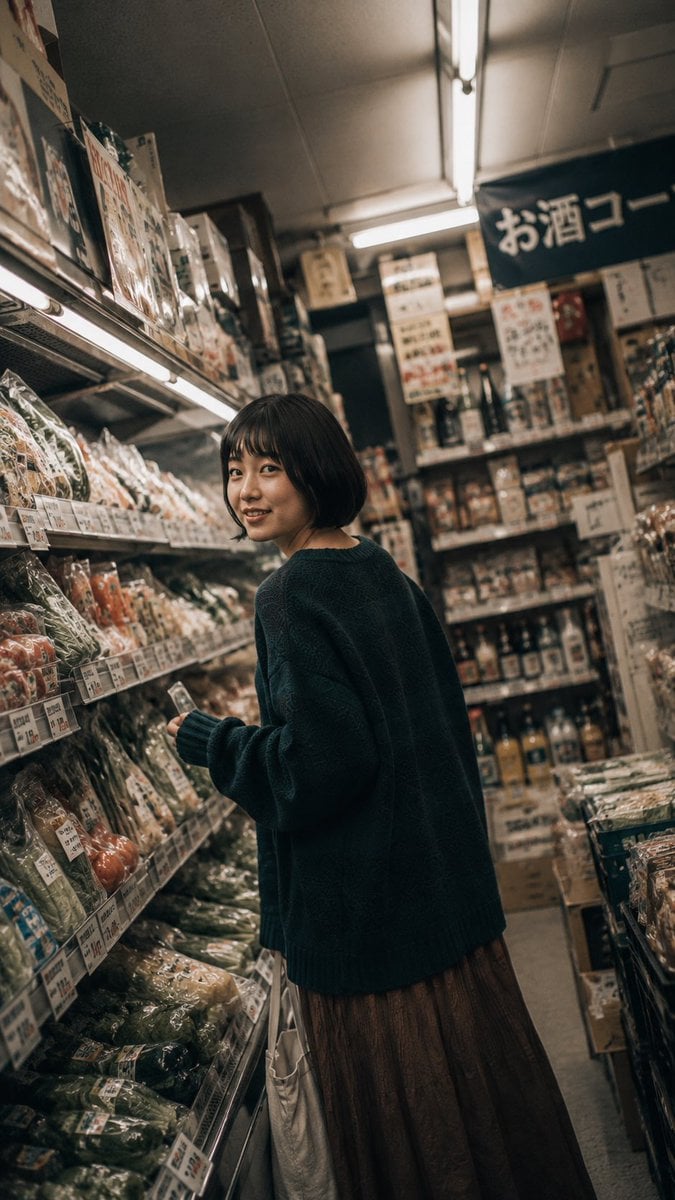
Rainy Japan Street Aesthetic

Japan Neon Speed City Racing Poster

Captain Tsubasa Anime World Cup Poster

Brazil Versus Japan Knockout Split Rivalry Poster
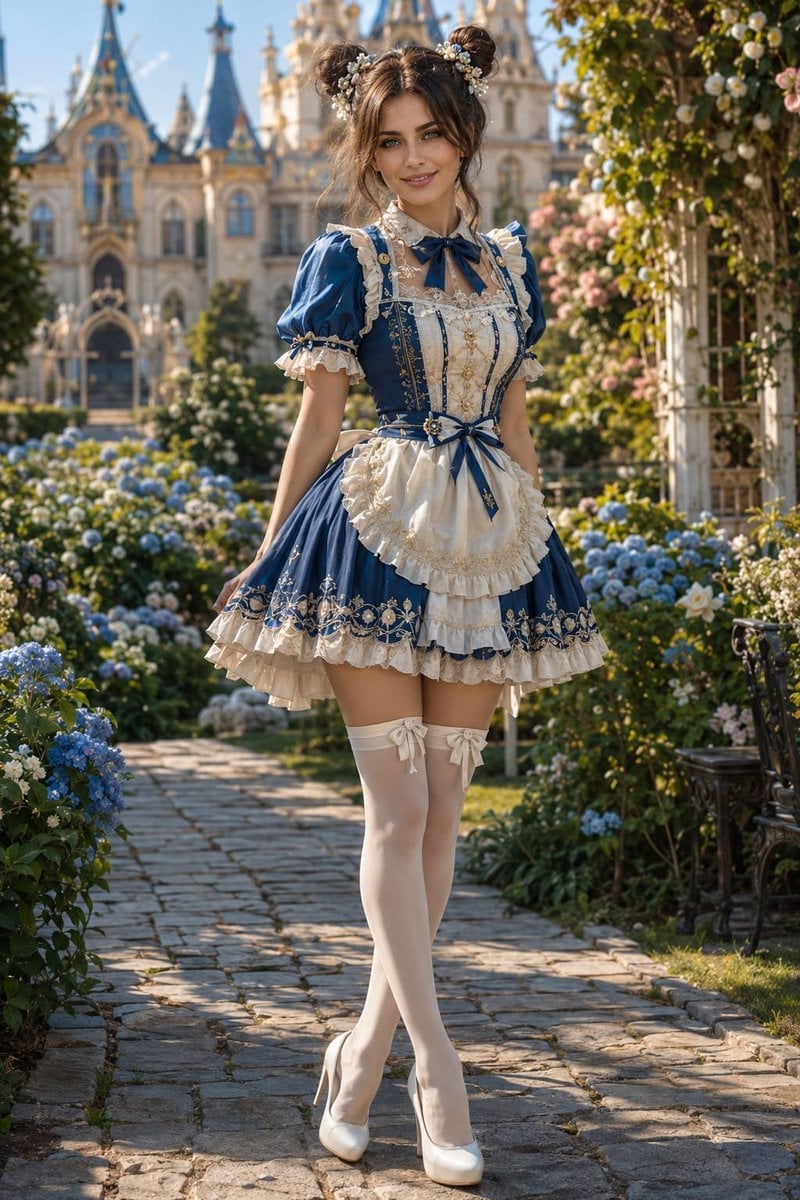
Victorian Royal Courtyard Fashion Portrait
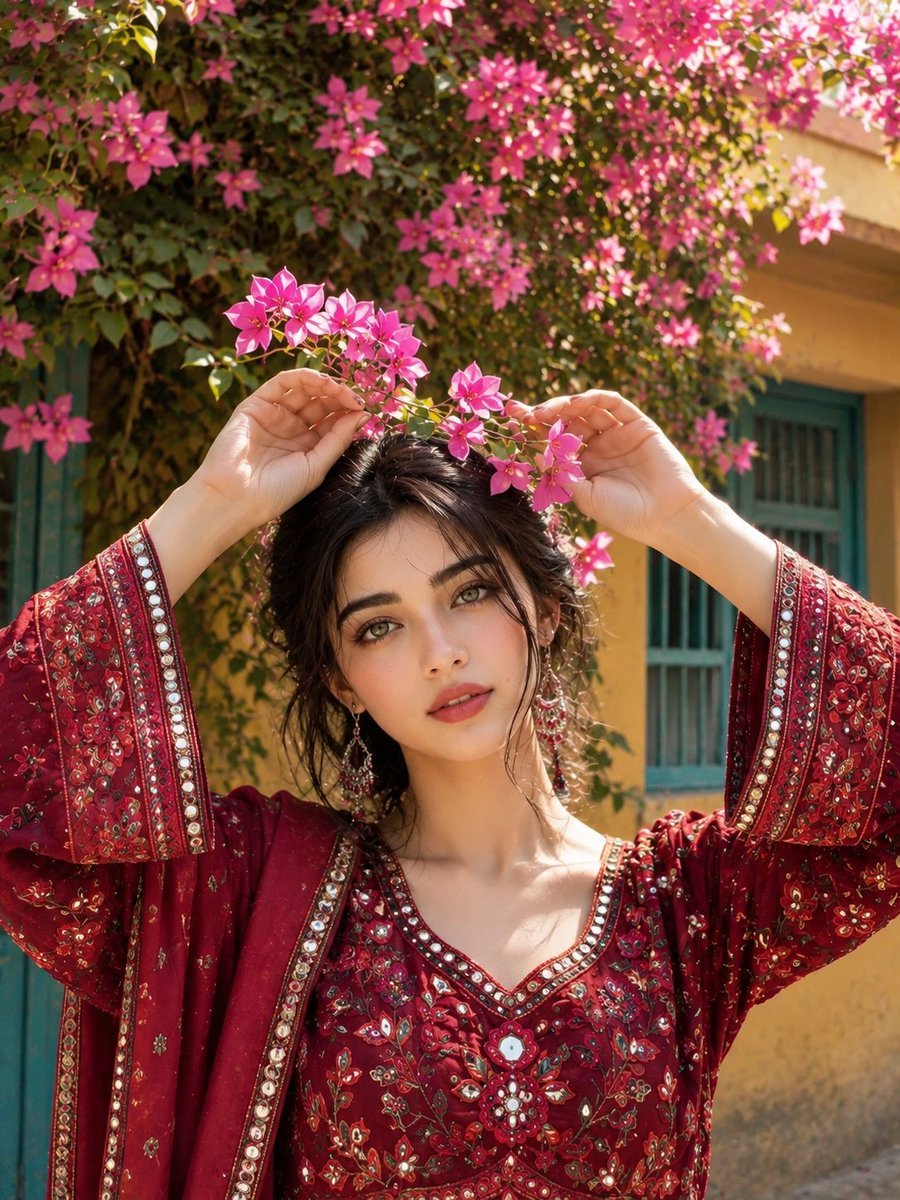
South Asian Courtyard Portrait
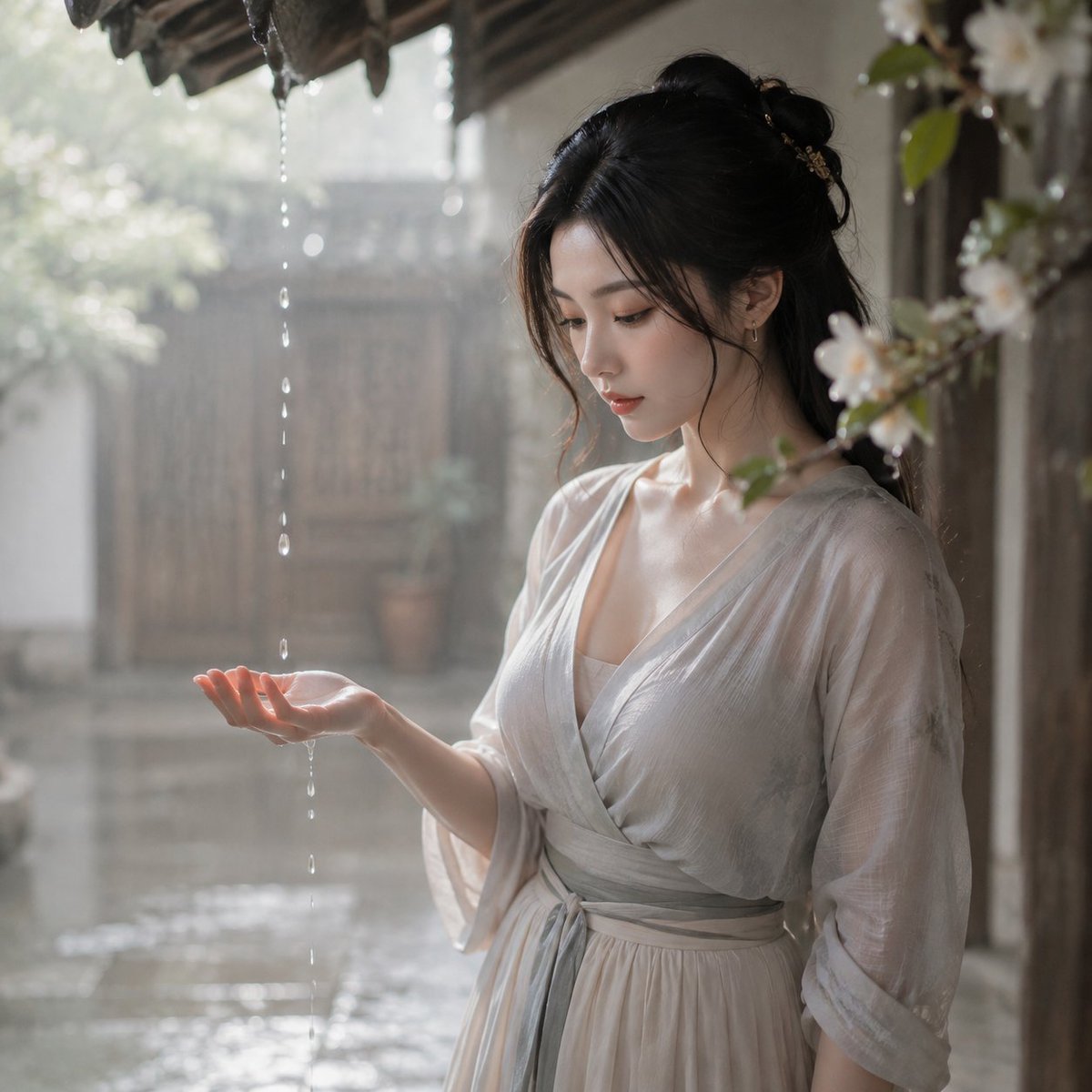
Tang Dynasty Courtyard Rain Scene
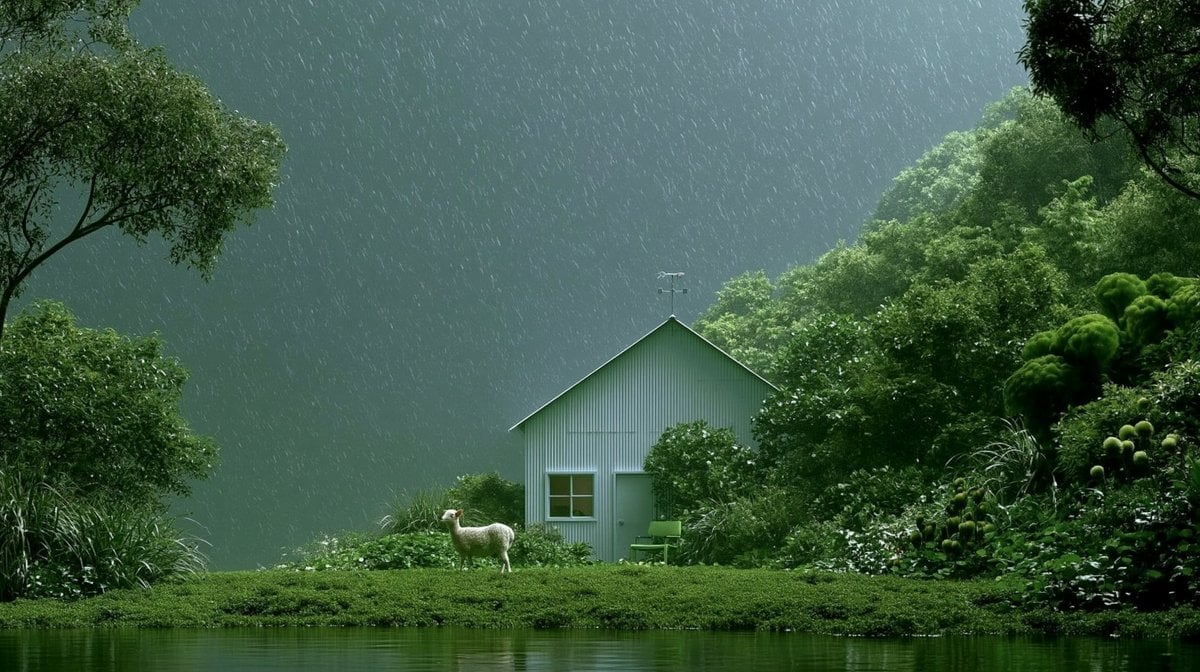
Rainy Cottage Garden With Sheep
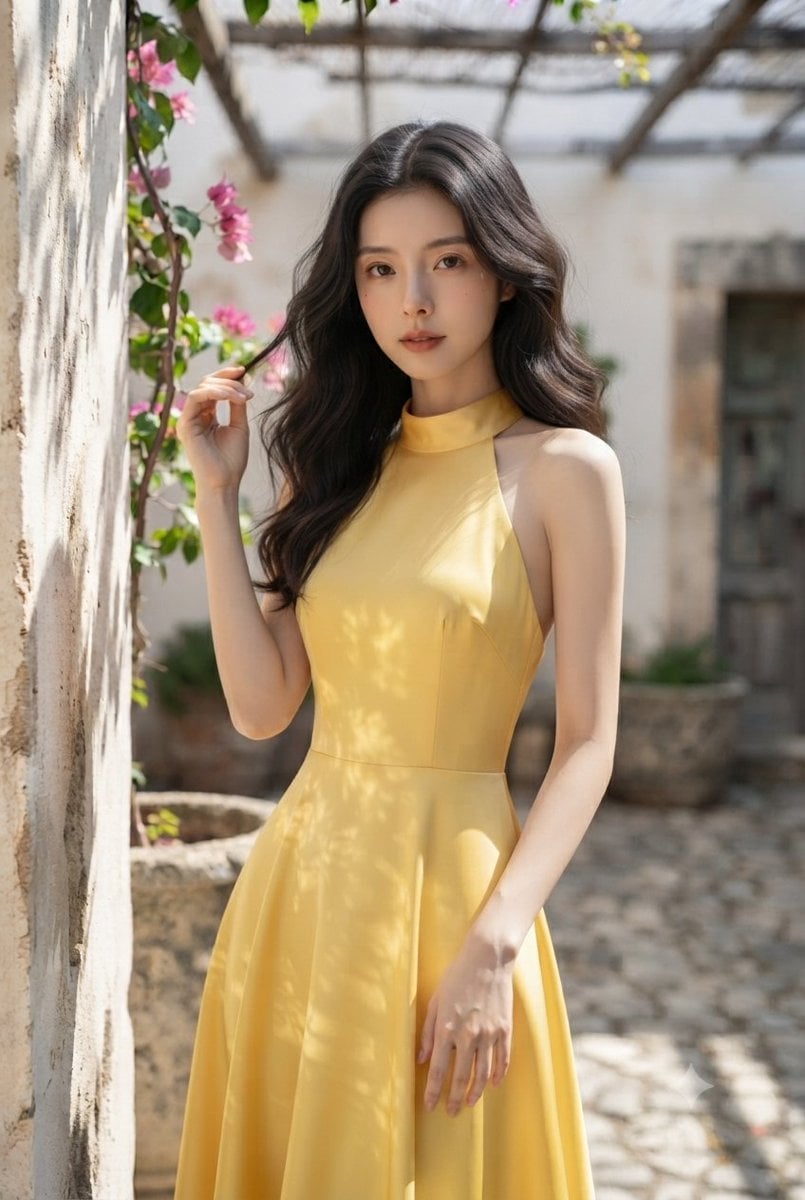
Elegant Woman in Mediterranean Courtyard
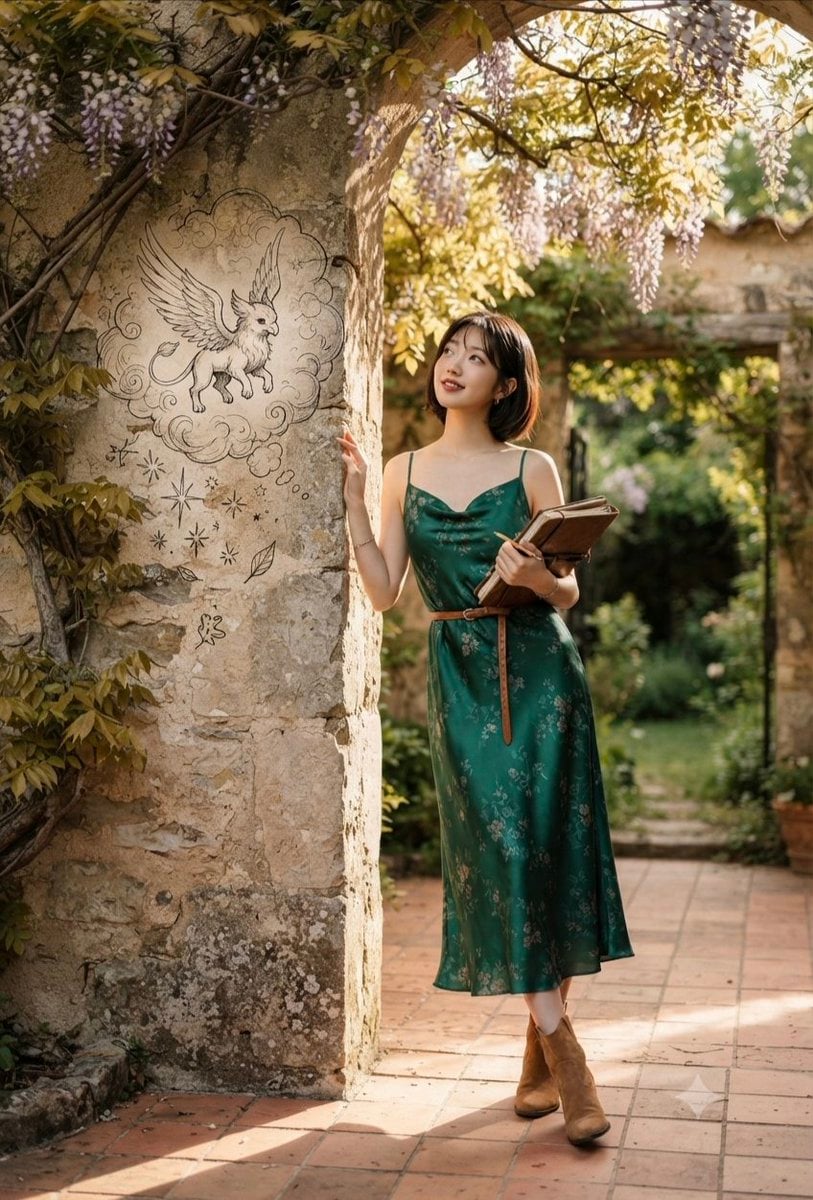
Emerald Dress Wisteria Courtyard Portrait

Japan Travel Brochure Poster
Make it yours
Rainy Feudal Japan Courtyard works as-is. These are the safest ways to change it without losing the look.
Change one field
Copy a single group, rewrite it, and generate again so you can see what that field is doing.
Keep the frame, change the subject
Hold the composition and light of Rainy Feudal Japan Courtyard, then swap wardrobe, props or the person for a new take.
| If the result… | Why | Fix |
|---|---|---|
| The result drifts from the preview | Too many fields changed at once. | Reuse Rainy Feudal Japan Courtyard as-is first, then change one group — subject, light, or setting. |
| The model over-stylizes the scene | The prose prompt leaves finish and camera underspecified. | Add one camera or lighting sentence and stay on GPT Image 2. |
More GPT Image 2 templates
Other prompts made for GPT Image 2.

Six VTuber Japanese Logo Sheet

Realistic Portrait of Woman and Deer

The Vista Modular Condo Poster

AI Model Routing Comparison Infographic

2.5D Anime Art Board

Isometric Productivity Desk Scene

New York Double Exposure Poster

Four-Panel AI Landscape Comparison

Japanese Tatami Lifestyle Magazine Cover

NESCAFÉ Coffee Map Poster
More image prompts
Fresh picks from across the catalog.

Transform Photo into Modern Anime Vector Illustration
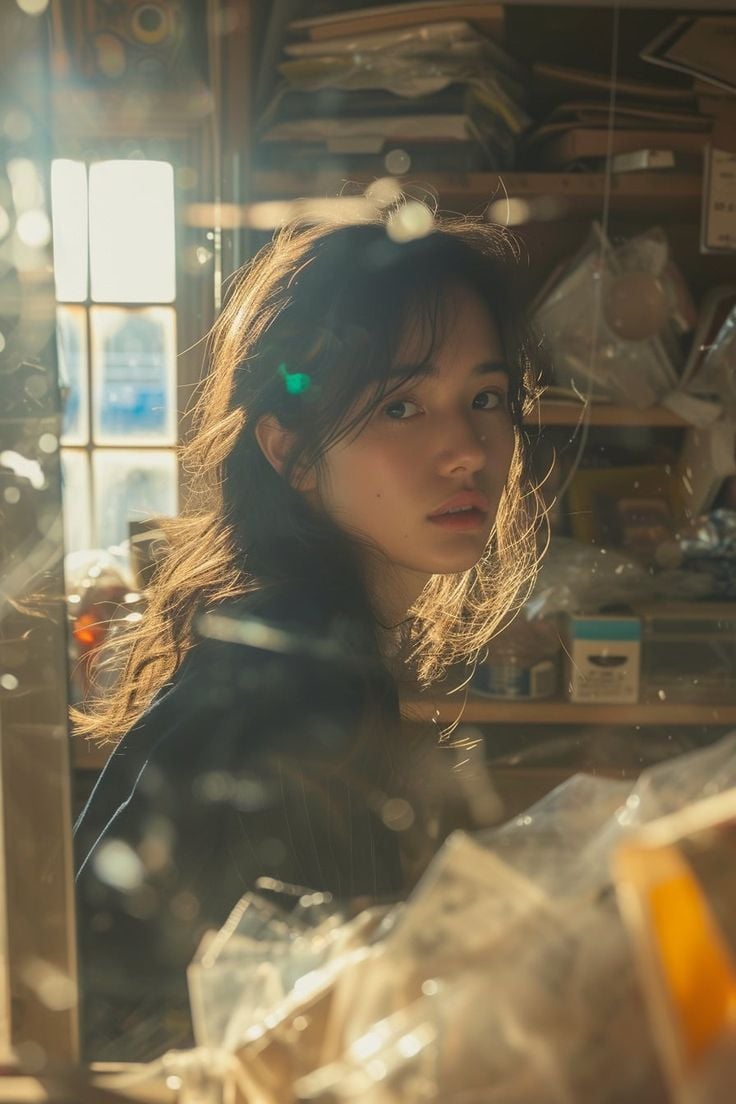
Cinematic Portrait with Backlighting and Clutter
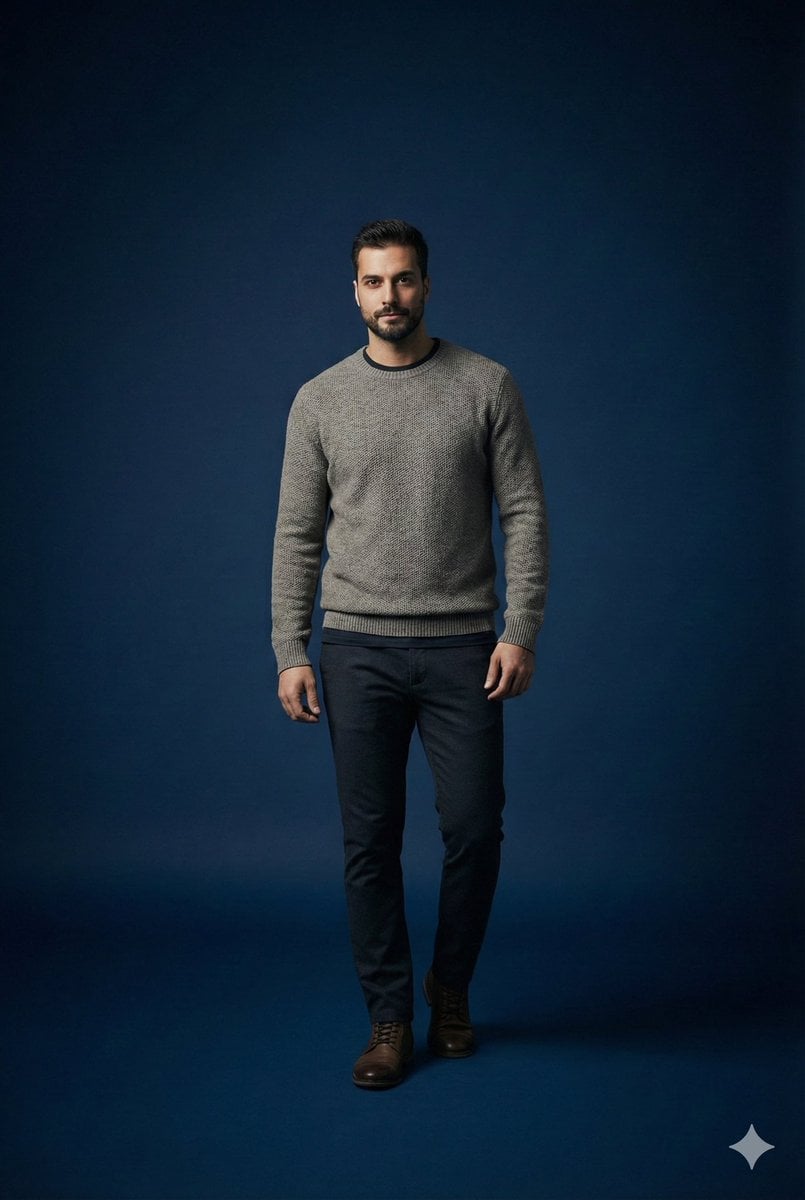
Studio portrait parameter-style prompt for a male subject
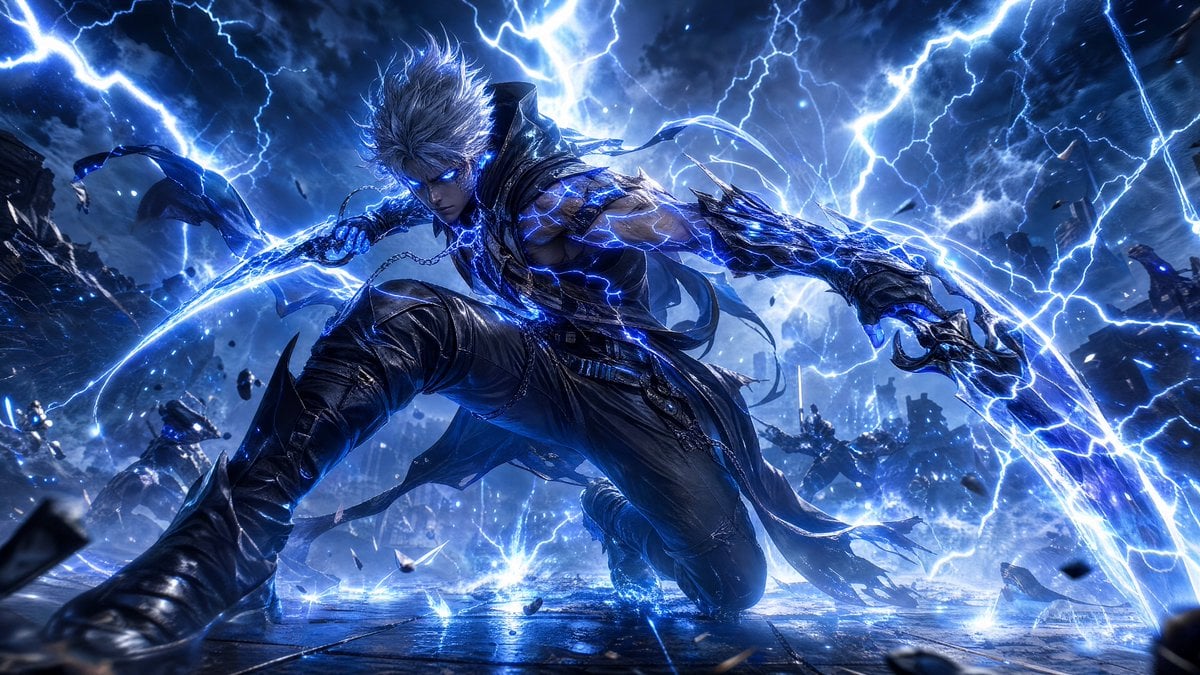
Storm-Born Lightning Rogue Character
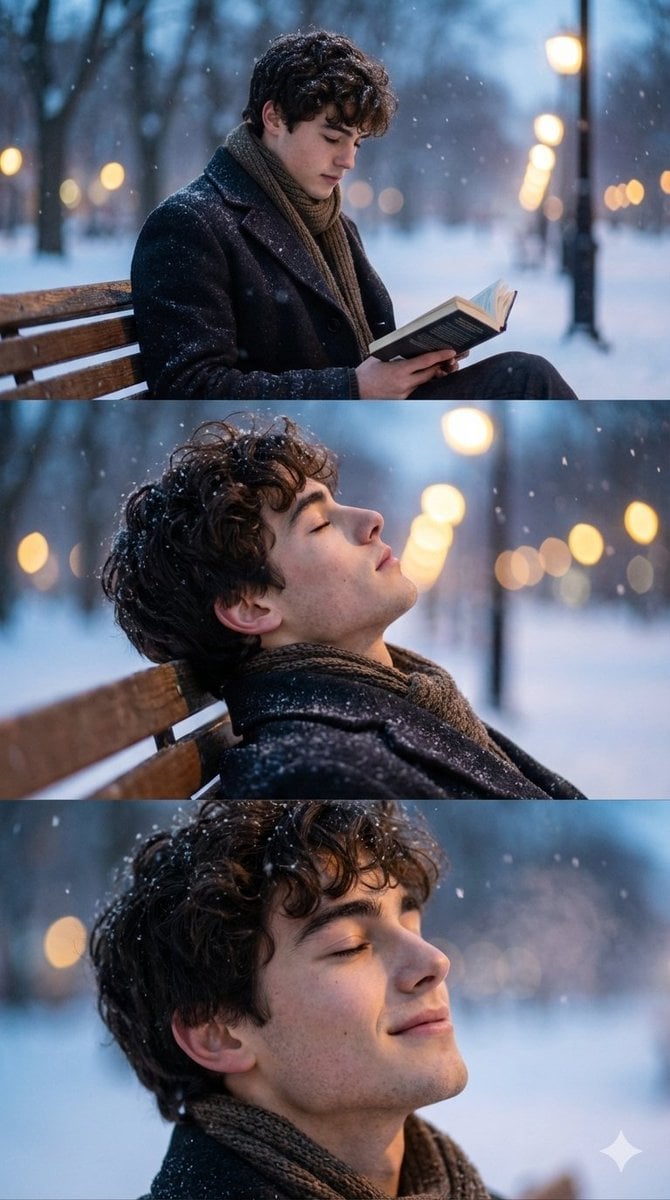
Cinematic Winter Photo Shoot Sequence (3 Frames)
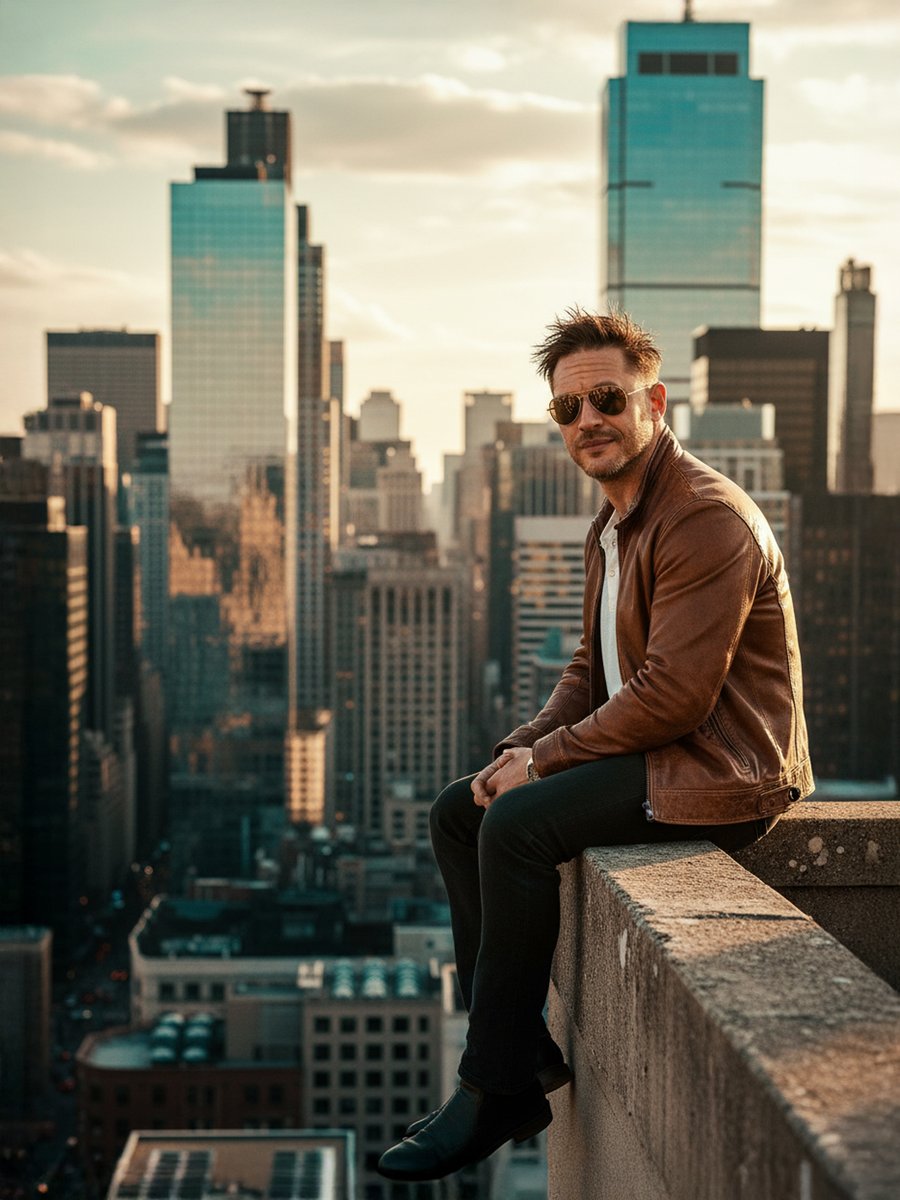
Cinematic Portrait on a Rooftop Ledge at Golden Hour
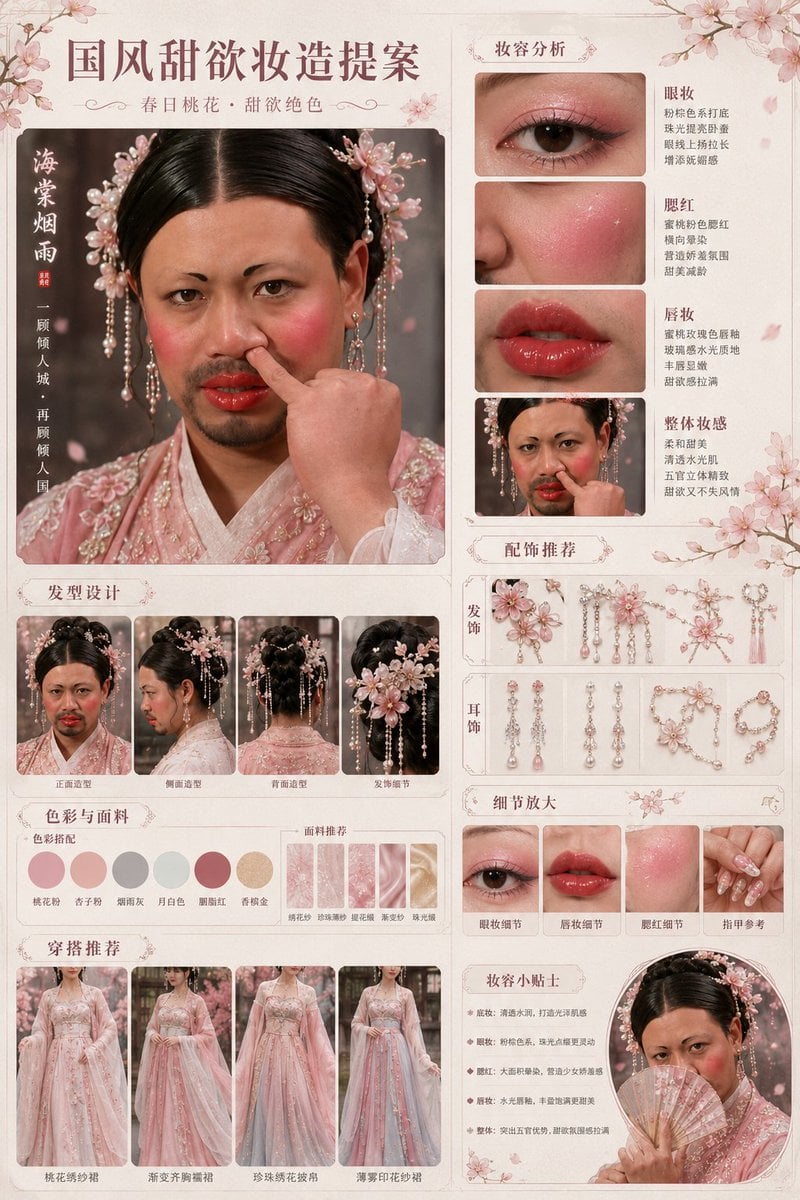
Prompt
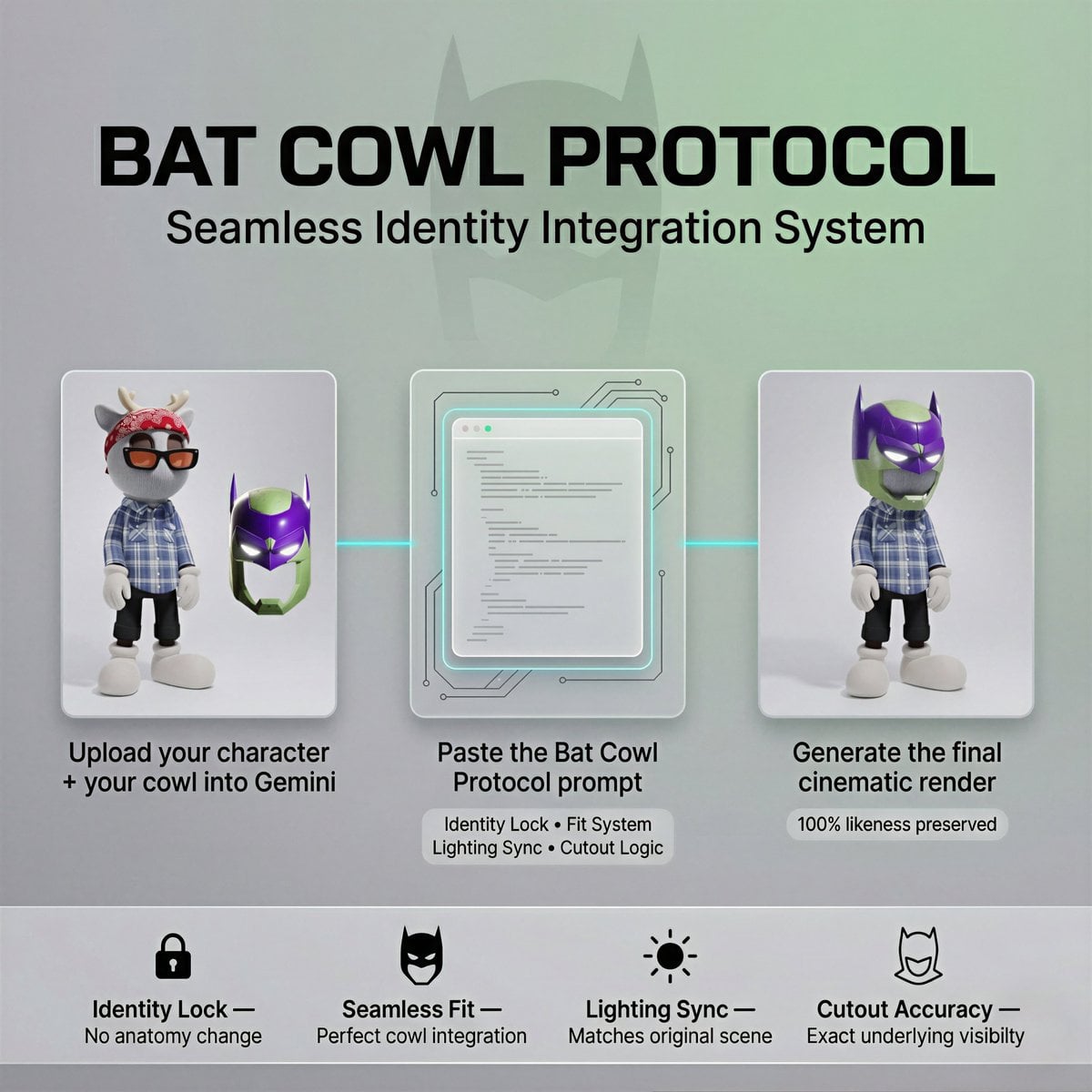
Bat Cowl Protocol Character Prompt
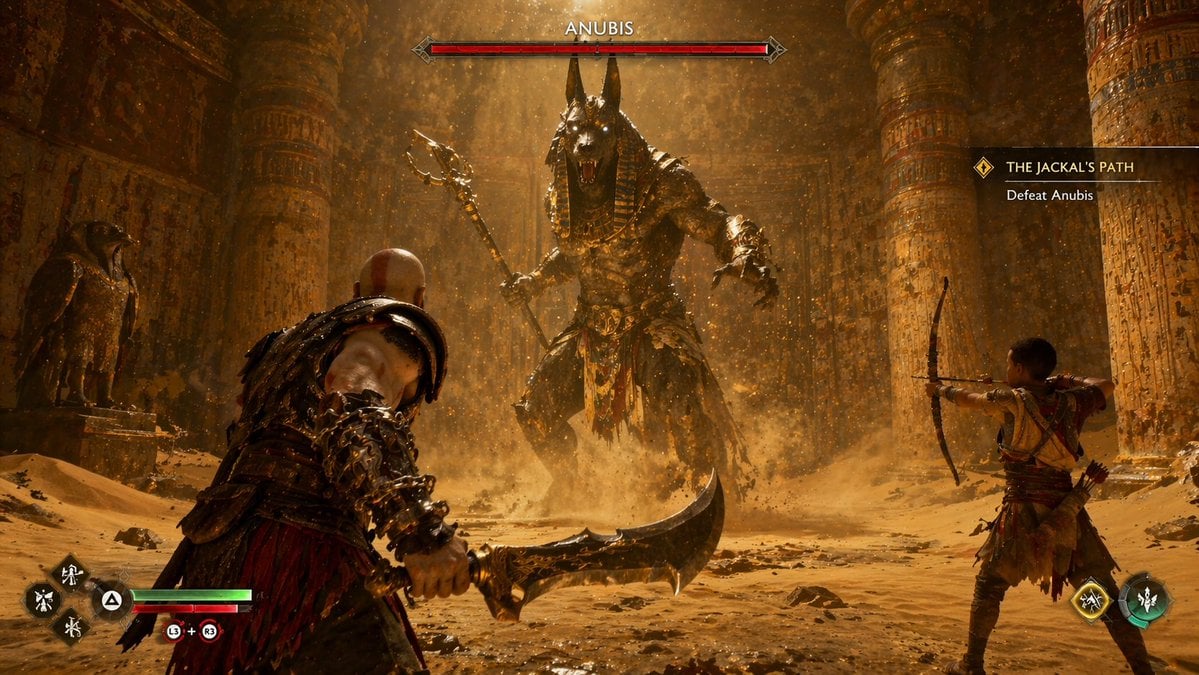
Mythological Action Game Screenshot
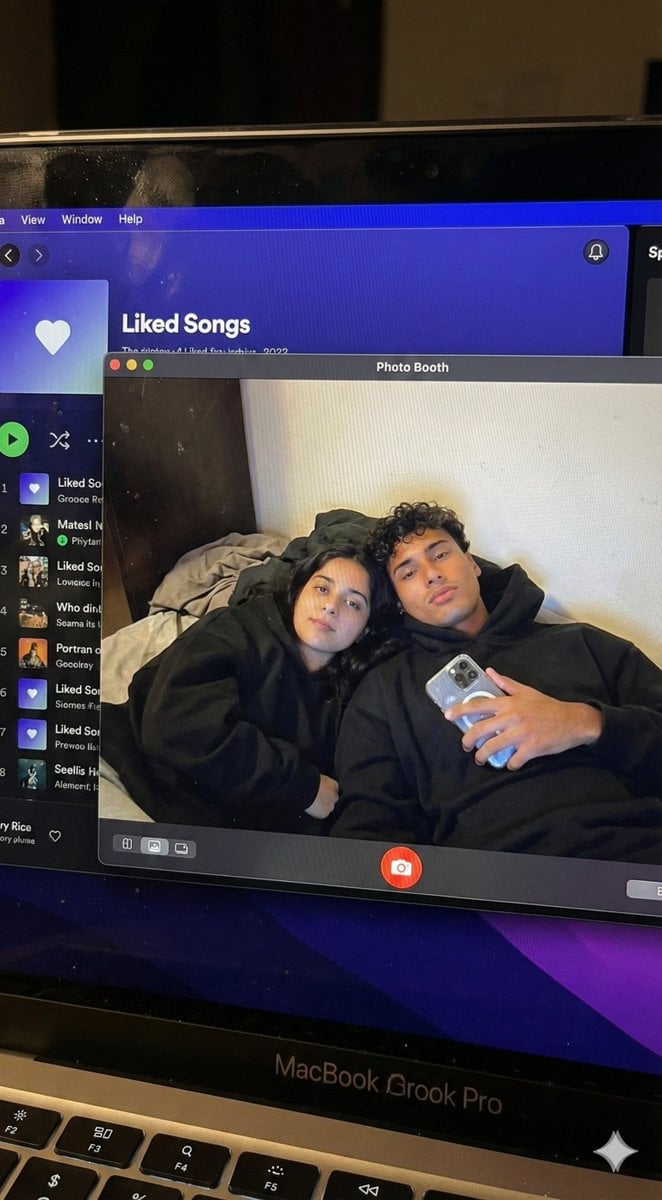
Couple MacBook screen selfie simulation prompt
Browse template categories
Rainy Feudal Japan Courtyard questions
How do I use the Rainy Feudal Japan Courtyard template?
Add your photo if the template asks for one, edit the prompt if you like — the template's model and format are already selected — and press Generate. Your version opens in PicX Studio.
Can I customize the Rainy Feudal Japan Courtyard template?
Yes. You can change the subject, setting, lighting, mood, format, and available model controls before creating your image.
Is the Rainy Feudal Japan Courtyard template free?
Opening and editing this template is free. Generating uses credits, shown on the Generate button when you are signed in.
Which AI model should I use?
Start with GPT Image 2, which is the model associated with this template. You can compare another compatible model for a different finish.
Looking for something else? Browse all templates.

Your photo, any look
Thousands of ready templates for every top image and video model, from one credit balance.