
Emerald Dress Wisteria Courtyard Portrait
A whimsical cinematic portrait combining a realistic subject in a floral dress with hand-drawn stone doodles in a sunlit historic courtyard.
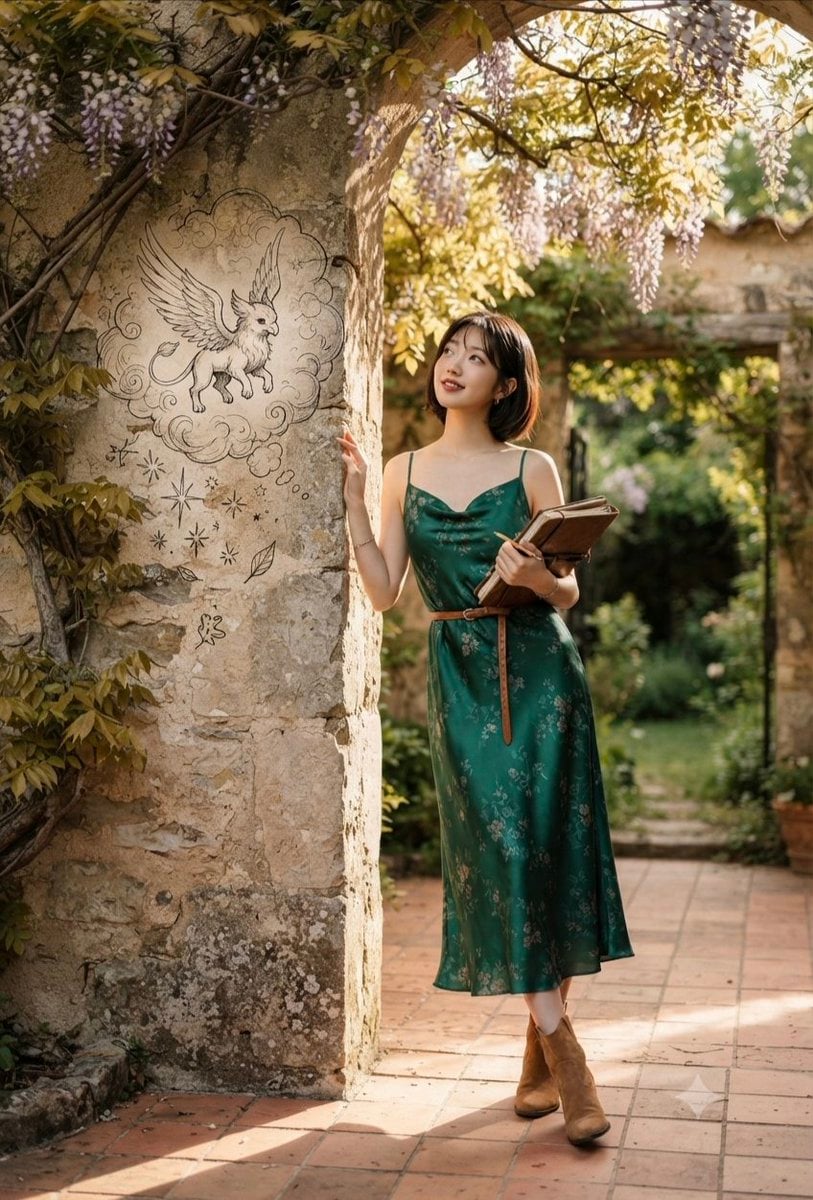
- Prompt included
- Model and format preset
- Premium template
The prompt behind this image
Copy the exact prompt behind Emerald Dress Wisteria Courtyard Portrait, or open it in the studio and make it yours.
A full-length cinematic portrait of a {argument name="subject" default="young East Asian woman with short dark hair"}, wearing a {argument name="outfit" default="silky emerald green floral slip dress"} cinched with a brown belt, paired with brown suede ankle boots. She is standing gracefully in a {argument name="location" default="sunlit historic stone courtyard"}, leaning against an ancient stone archway covered in hanging wisteria blossoms. On the textured stone wall next to her, a whimsical black-ink sketch of a winged griffin inside a cloud with floating stars appears as if drawn directly onto the stone. She holds a vintage leather-bound book and a pen, gazing dreamily upwards with a soft, thoughtful smile. The warm, golden hour sunlight casts gentle shadows and a magical glow across the cobblestone ground and lush garden background.
How to use Emerald Dress Wisteria Courtyard Portrait in 3 steps
- 1
Open
The prompt is already in the box next to the preview, with the template's model and format selected.
- 2…a portrait of your subject in softgolden-hour light, 85mm…
Personalize
Edit the subject and creative details for your destination.
- 3Generate
Generate
Press Generate — your image is created in PicX Studio, so you can compare it with the original and refine one variable at a time.
More like this
Templates with the same subject, style or setup. Open one to see its prompt.
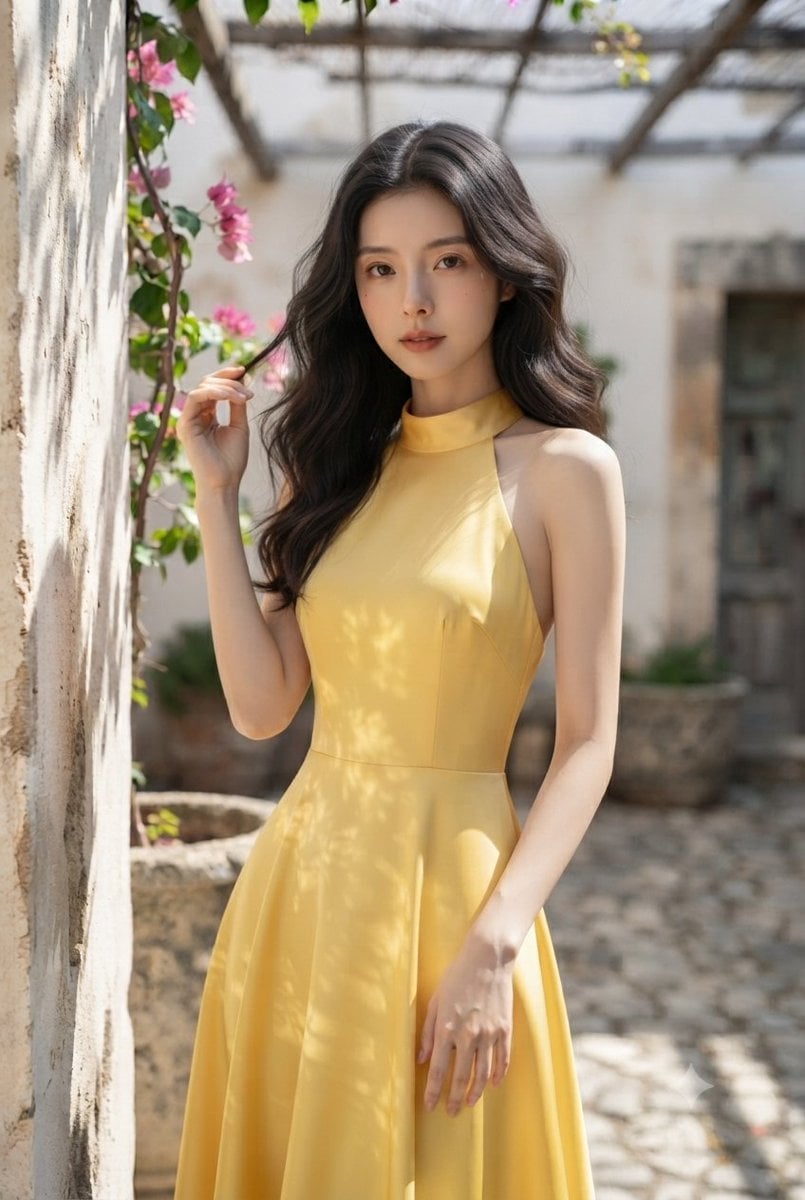
Elegant Woman in Mediterranean Courtyard

Nano Banana Pro Photoreal Playful Couple

Underwater Macro Face Portrait

Noir Punk Street Portrait

High Contrast Cinematic Face Portrait

Monochrome Studio Portrait with Colored Lens

Ultra-Realistic Yacht Sunset Portrait
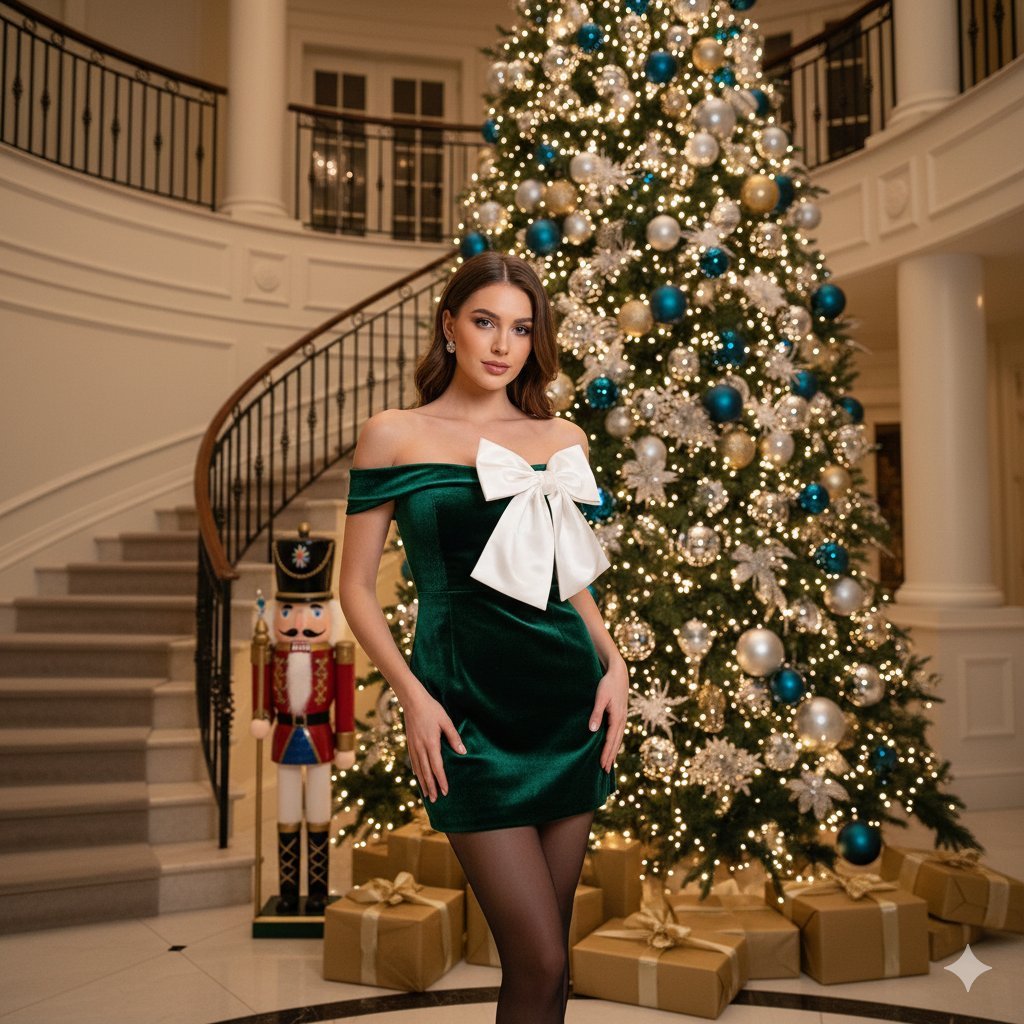
Opulent Holiday Portrait in Emerald Velvet Dress

Found Photograph: Us, 1970

80s Couple Studio Portrait

80s Bollywood Star

80s Golden Hour Cinema
Make it yours
Emerald Dress Wisteria Courtyard Portrait works as-is. These are the safest ways to change it without losing the look.
Change one field
Copy a single group, rewrite it, and generate again so you can see what that field is doing.
Keep the frame, change the subject
Hold the composition and light of Emerald Dress Wisteria Courtyard Portrait, then swap wardrobe, props or the person for a new take.
| If the result… | Why | Fix |
|---|---|---|
| The result drifts from the preview | Too many fields changed at once. | Reuse Emerald Dress Wisteria Courtyard Portrait as-is first, then change one group — subject, light, or setting. |
| The model over-stylizes the scene | The prose prompt leaves finish and camera underspecified. | Add one camera or lighting sentence and stay on Gemini 3 Pro Image Preview. |
More Gemini 3 Pro Image Preview templates
Other prompts made for Gemini 3 Pro Image Preview.

Mushroom Still Life Composition

Whimsical Anthropomorphic Friendly Insect

Cinematic Urban Night Billboard Portrait

Pop Art Summer Fruit Fashion Illustration

Ultra-Realistic iPhone Selfie with Motion Blur

Cinematic Mirror Reflection Portrait

Elegant Men's Twilight Editorial

Coastal Freedom Sunset Portrait

Ergonomic Office Chair E-commerce Mobile Detail Page

Macro Guitar Fret Dressing
More image prompts
Fresh picks from across the catalog.
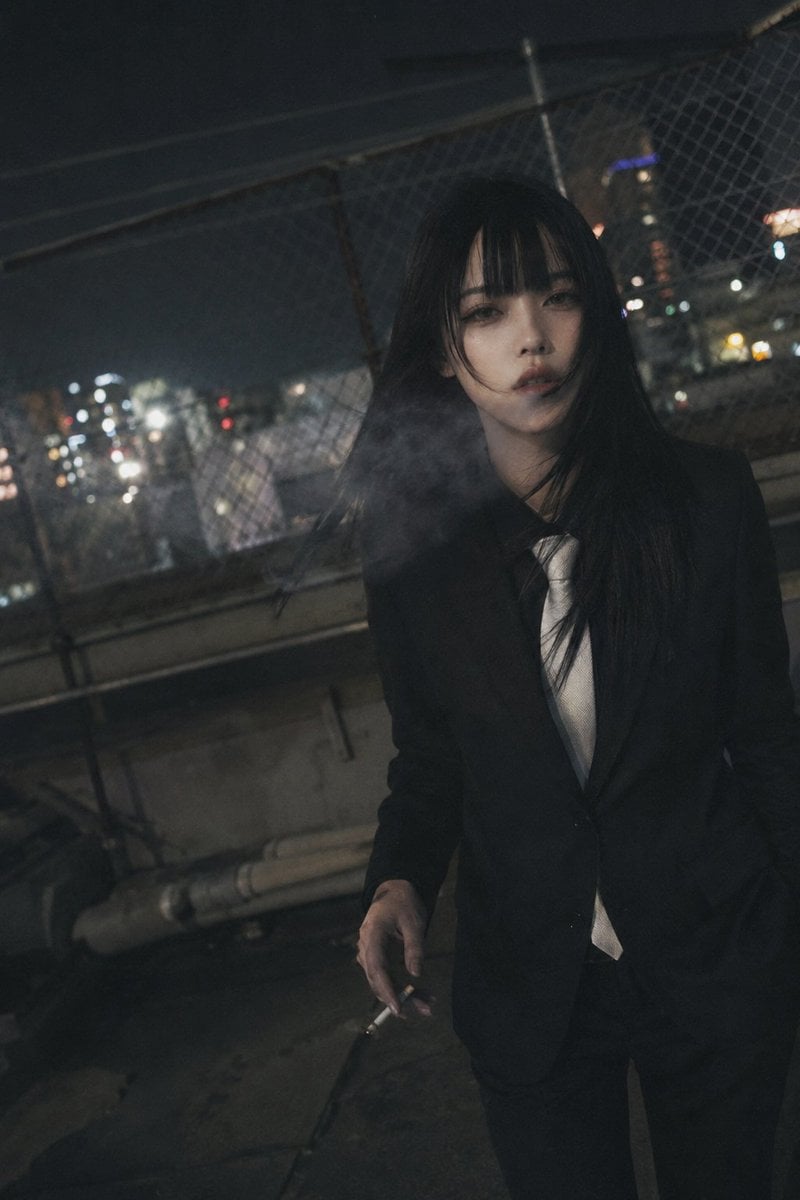
Candid Night Rooftop Portrait
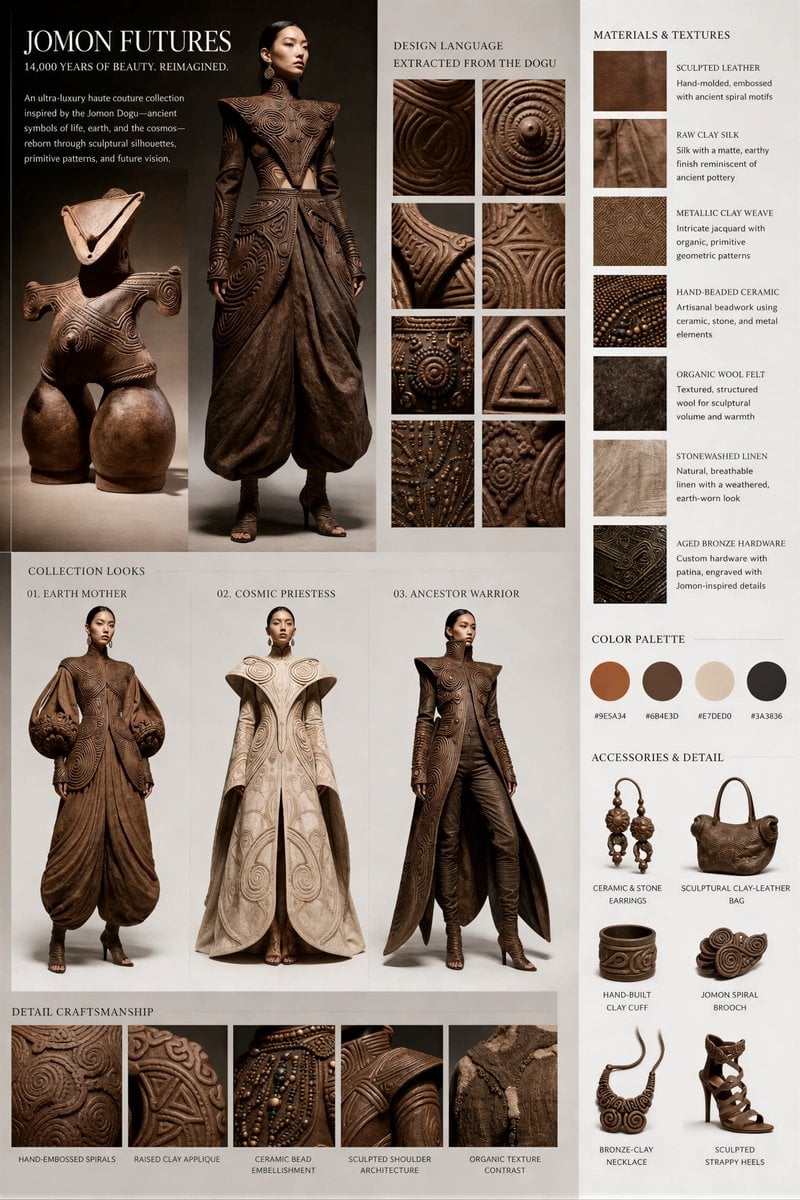
Jomon Dogu Couture Moodboard

Elevate Your Cocktail Visuals with This
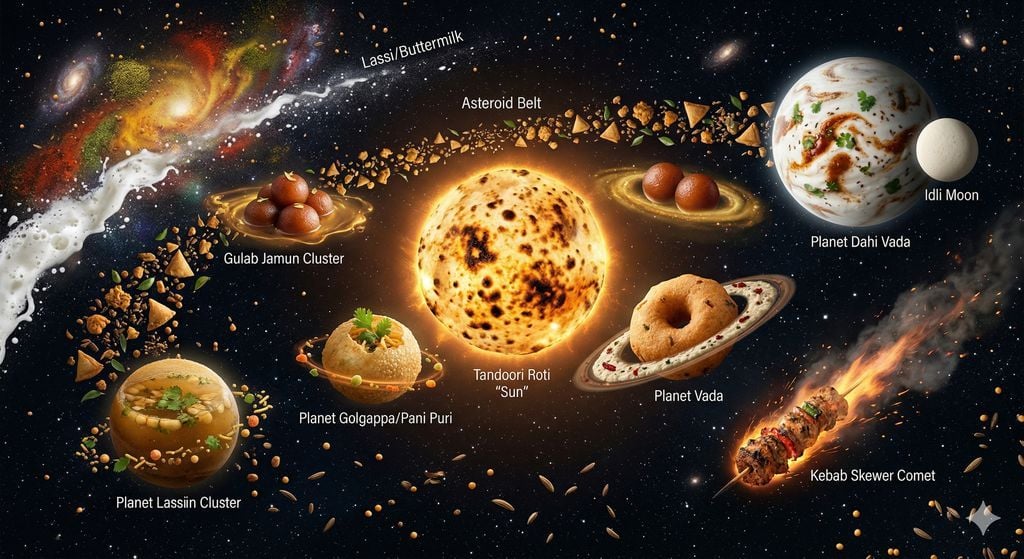
The Food Galaxy: Cosmic Indian Street Food Solar System
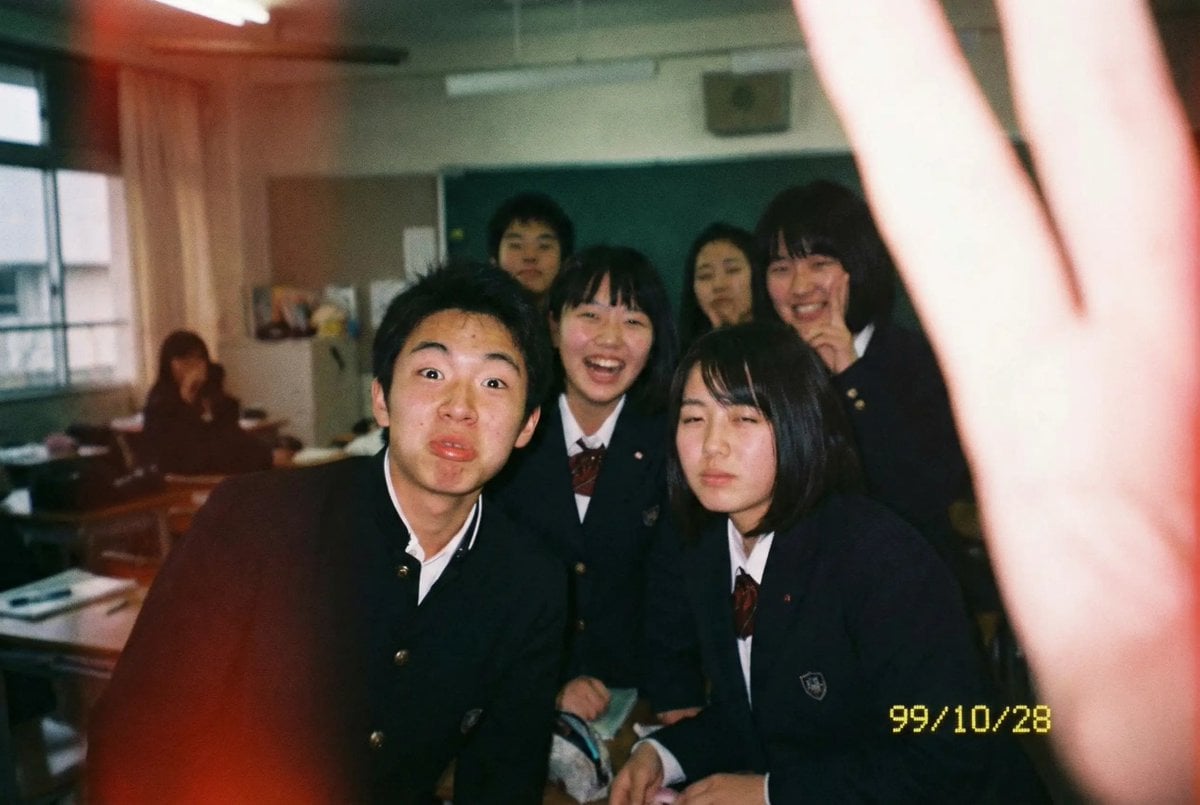
Low-quality disposable camera high school snapshot prompt
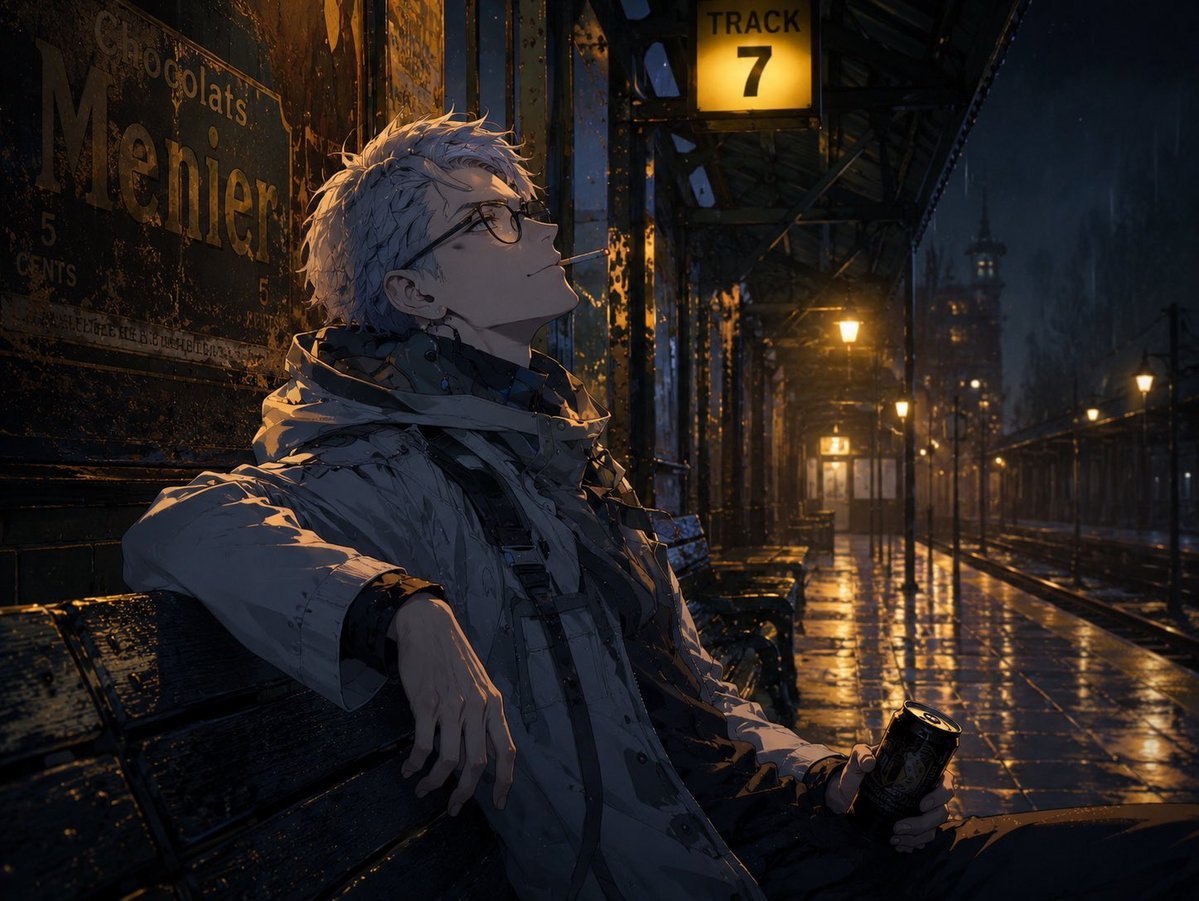
Cinematic Game Character in Midnight Station
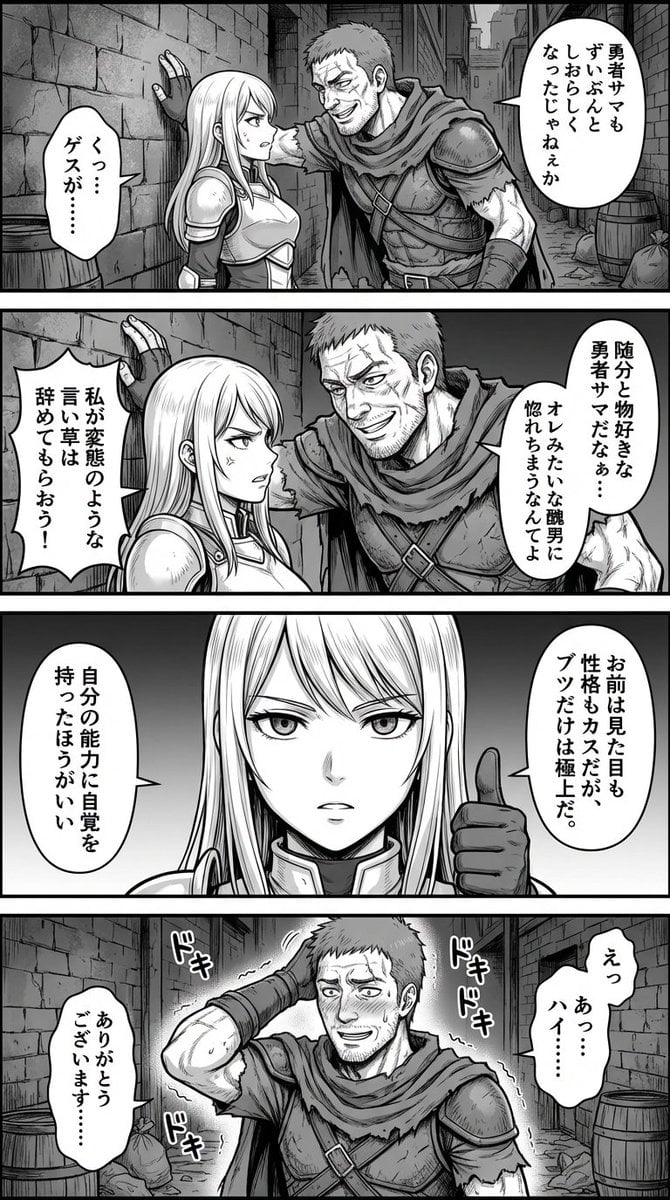
Four-Panel Manga: Fantasy Alleyway Wall-Slam
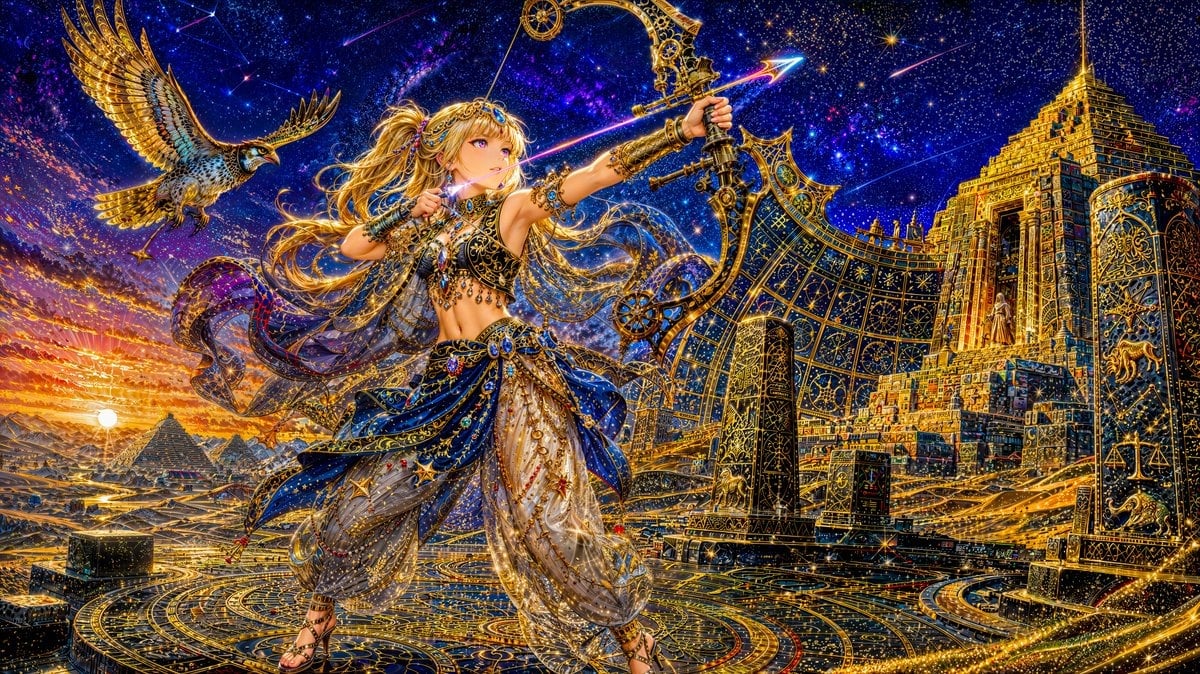
Celestial Archer in Golden Star Temple

Ultra-Realistic Ronin Musician Portrait at Sunset
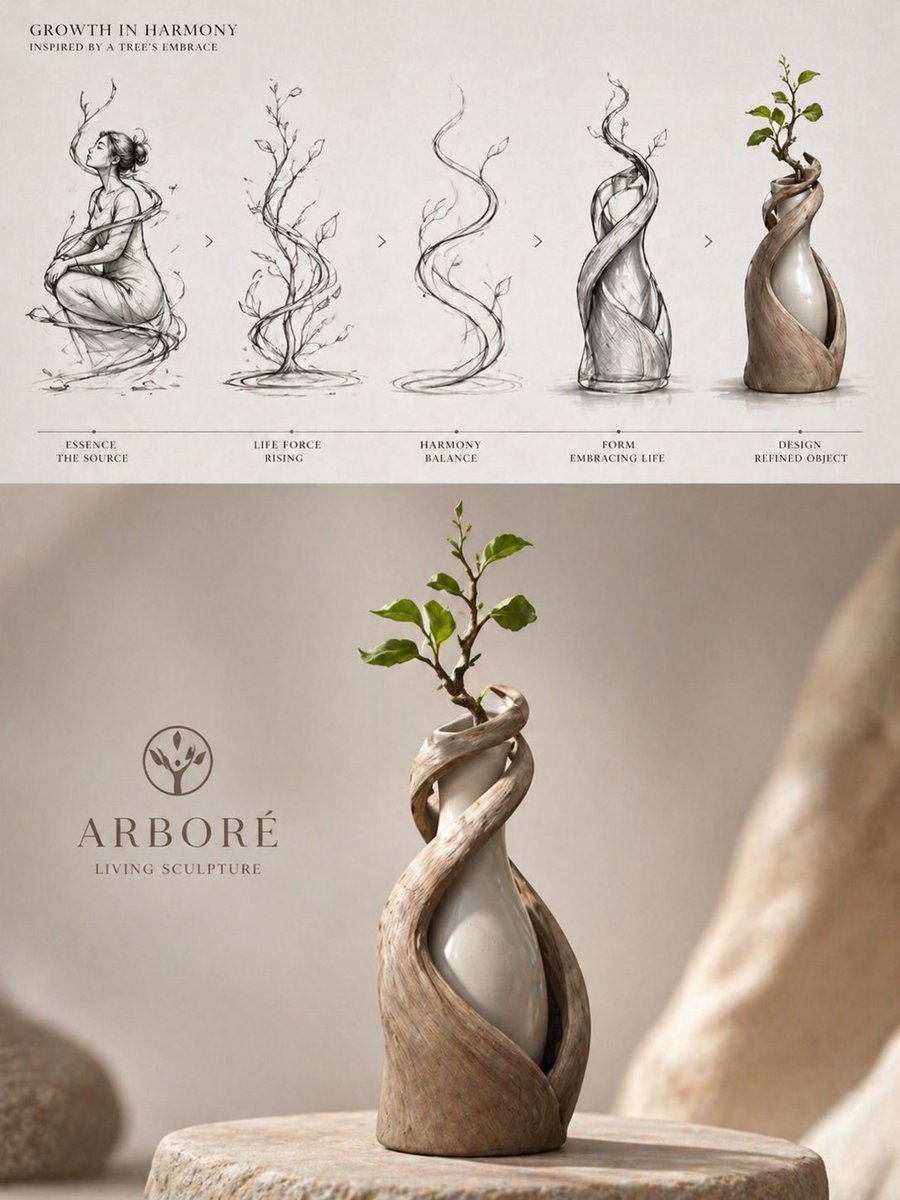
Luxury Biophilic Vase Concept Poster
Browse template categories
Emerald Dress Wisteria Courtyard Portrait questions
How do I use the Emerald Dress Wisteria Courtyard Portrait template?
Add your photo if the template asks for one, edit the prompt if you like — the template's model and format are already selected — and press Generate. Your version opens in PicX Studio.
Can I customize the Emerald Dress Wisteria Courtyard Portrait template?
Yes. You can change the subject, setting, lighting, mood, format, and available model controls before creating your image.
Is the Emerald Dress Wisteria Courtyard Portrait template free?
Opening and editing this template is free. Generating uses credits, shown on the Generate button when you are signed in.
Which AI model should I use?
Start with Gemini 3 Pro Image Preview, which is the model associated with this template. You can compare another compatible model for a different finish.
Looking for something else? Browse all templates.

Your photo, any look
Thousands of ready templates for every top image and video model, from one credit balance.