
Jomon Dogu Couture Moodboard
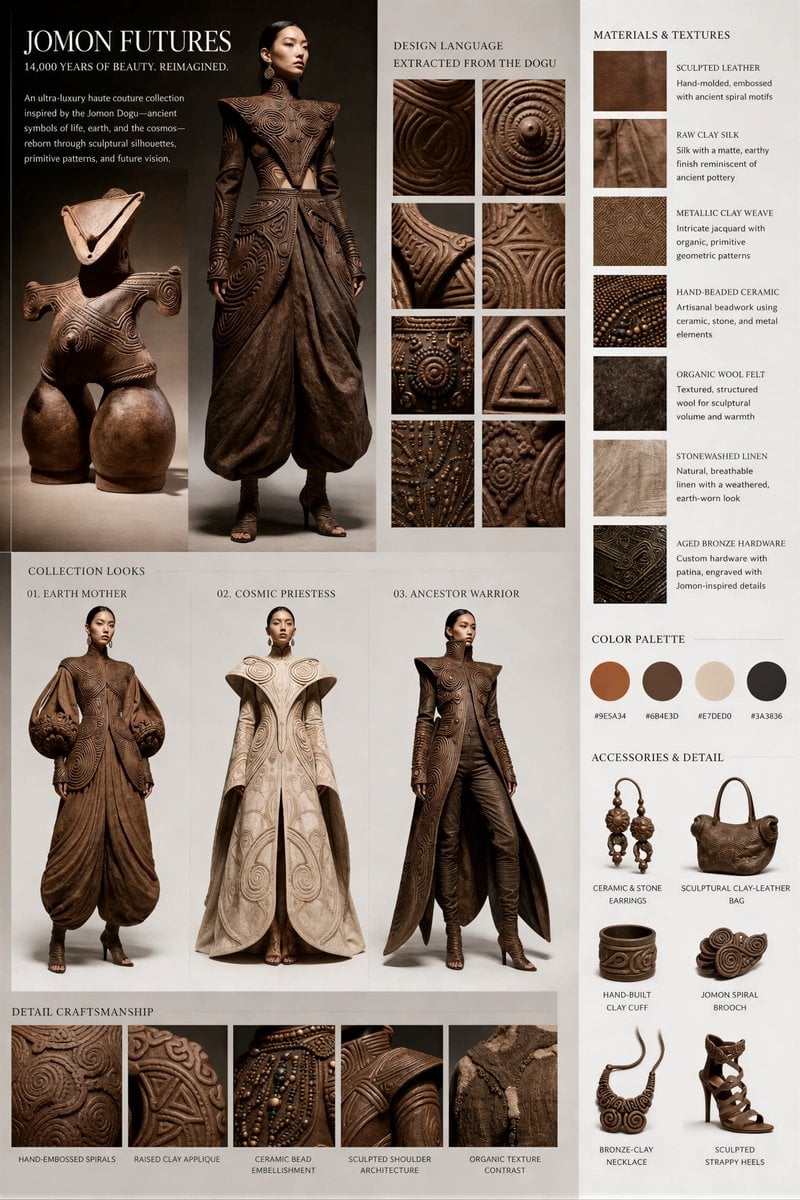
This prompt turns an artifact reference image into a luxury fashion concept board, useful for creating haute couture editorial presentations inspired by historical objects.
- Prompt included
- Model and format preset
- Free template
The prompt behind this image
Copy the exact prompt behind Jomon Dogu Couture Moodboard, or open it in the studio and make it yours.
Using the provided reference image, transform the ancient clay figurine into a high-end fashion editorial moodboard for a couture collection inspired directly by its form and surface language. Keep the figurine visible on the board as the source artifact, then add 4 fashion looks derived from it: 1 central full-body hero look and 3 smaller collection looks below, each translating the figure’s triangular headpiece, broad sculptural shoulders, rounded lower silhouette, and spiral/incised patterns into avant-garde garments and accessories. Present the result as a clean luxury brand presentation board with an editorial layout on a light background, mixing product-fashion photography and material research. Include a headline reading “JOMON FUTURES” with the subhead “14,000 YEARS OF BEAUTY. REIMAGINED.” Add a short brand-style paragraph about an ultra-luxury haute couture collection inspired by the Jomon Dogu. Include 8 square close-up design-language panels extracted from the artifact’s carved motifs. Add a “MATERIALS & TEXTURES” column with 6 swatches and labels: sculpted leather, raw clay silk, metallic clay weave, hand-beaded ceramic, organic wool felt, aged bronze hardware. Add a “COLOR PALETTE” row with 4 circular swatches in earthy clay, deep brown, warm ivory, and charcoal. Add an “ACCESSORIES & DETAIL” section with exactly 6 accessory items: ceramic & stone earrings, sculptural clay-leather bag, hand-built clay cuff, Jomon spiral brooch, bronze-clay necklace, sculpted strappy heels. Add a bottom “DETAIL CRAFTSMANSHIP” strip with 5 close-up panels: hand-embossed spirals, raised clay appliqué, ceramic bead embellishment, sculpted shoulder architecture, organic texture contrast. Overall aesthetic: museum artifact meets Paris haute couture, earthy and luxurious, highly detailed, premium fashion campaign board, elegant typography, realistic garments, tactile materials, and a refined editorial presentation.
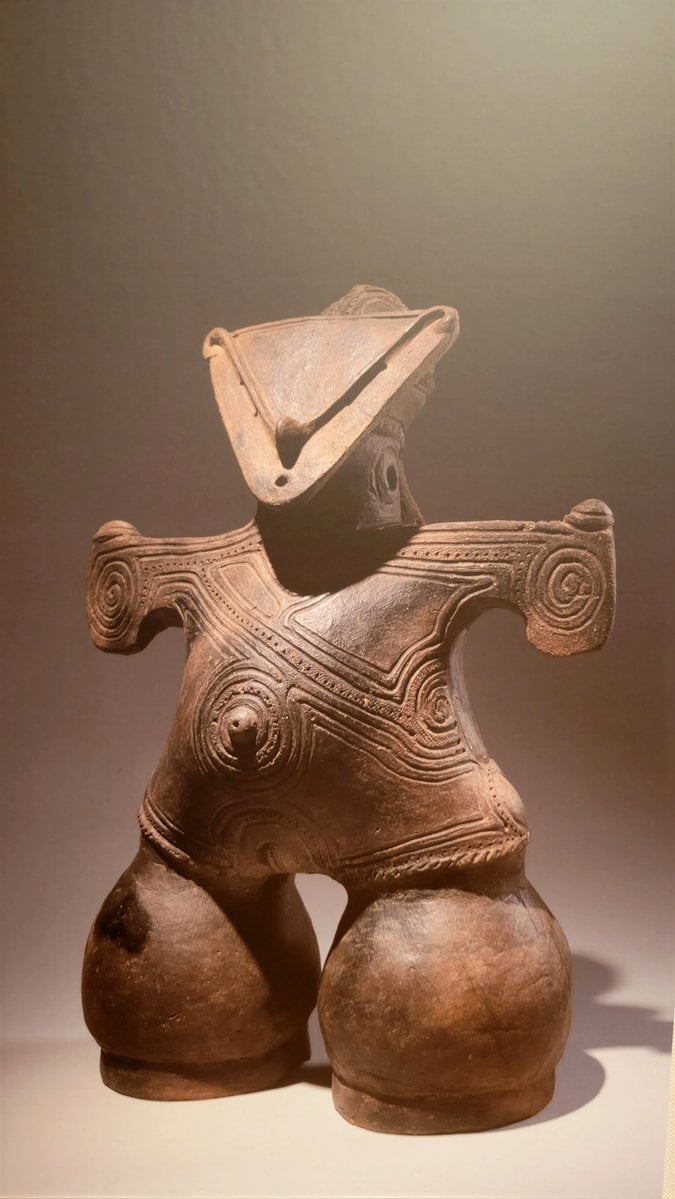
Reference images included
Jomon Dogu Couture Moodboard needs input media to work. They load alongside the prompt when you open it in the studio.
How to use Jomon Dogu Couture Moodboard in 3 steps
- 1Upload ImagePNG, JPG or paste
Add your photo
Upload the photo the template builds on. The prompt, model and format are already set.
- 2…a portrait of your subject in softgolden-hour light, 85mm…
Personalize
Edit the subject and creative details for your destination.
- 3Generate
Generate
Press Generate — your image is created in PicX Studio, so you can compare it with the original and refine one variable at a time.
More like this
Templates with the same subject, style or setup. Open one to see its prompt.
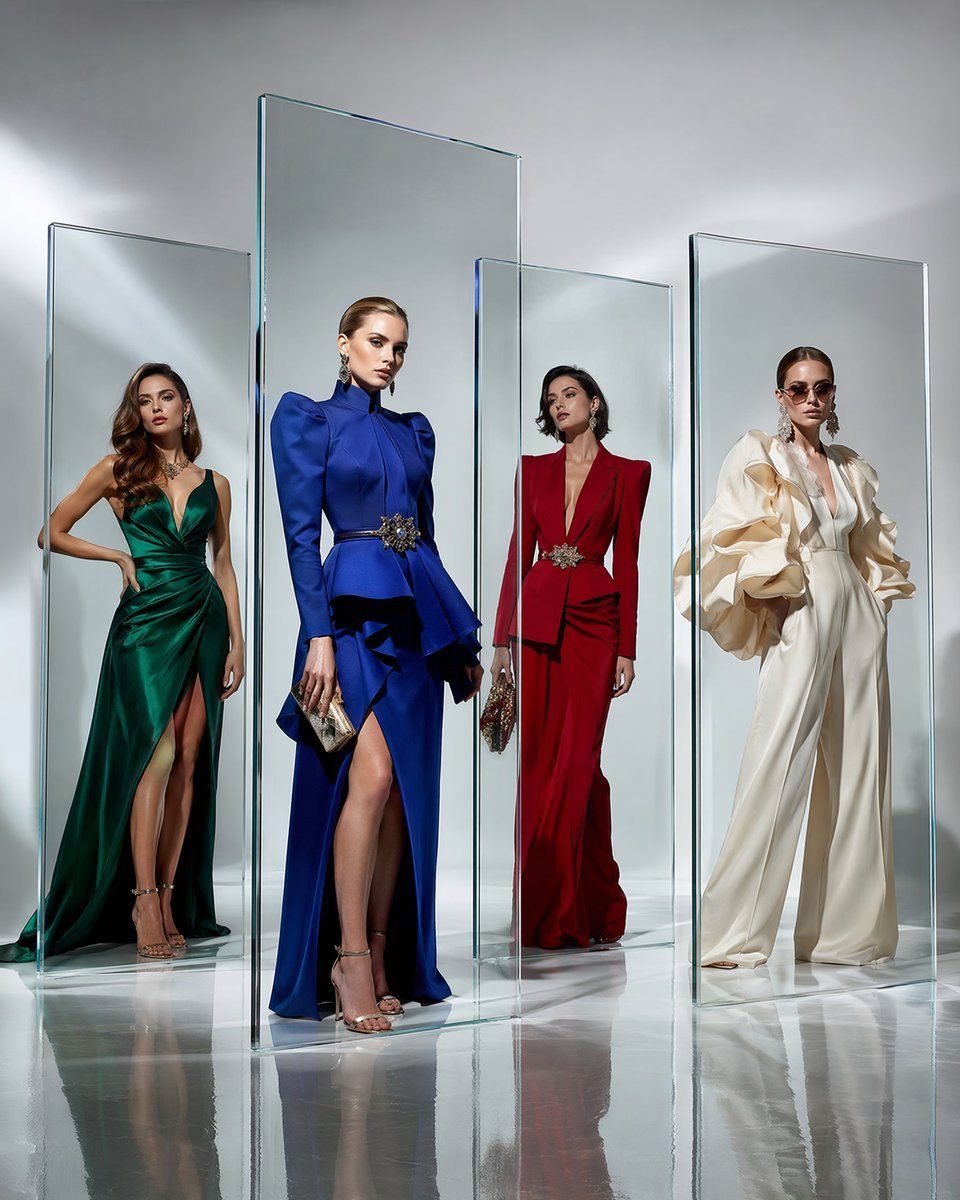
Crystal Panel European Couture Fashion Composite
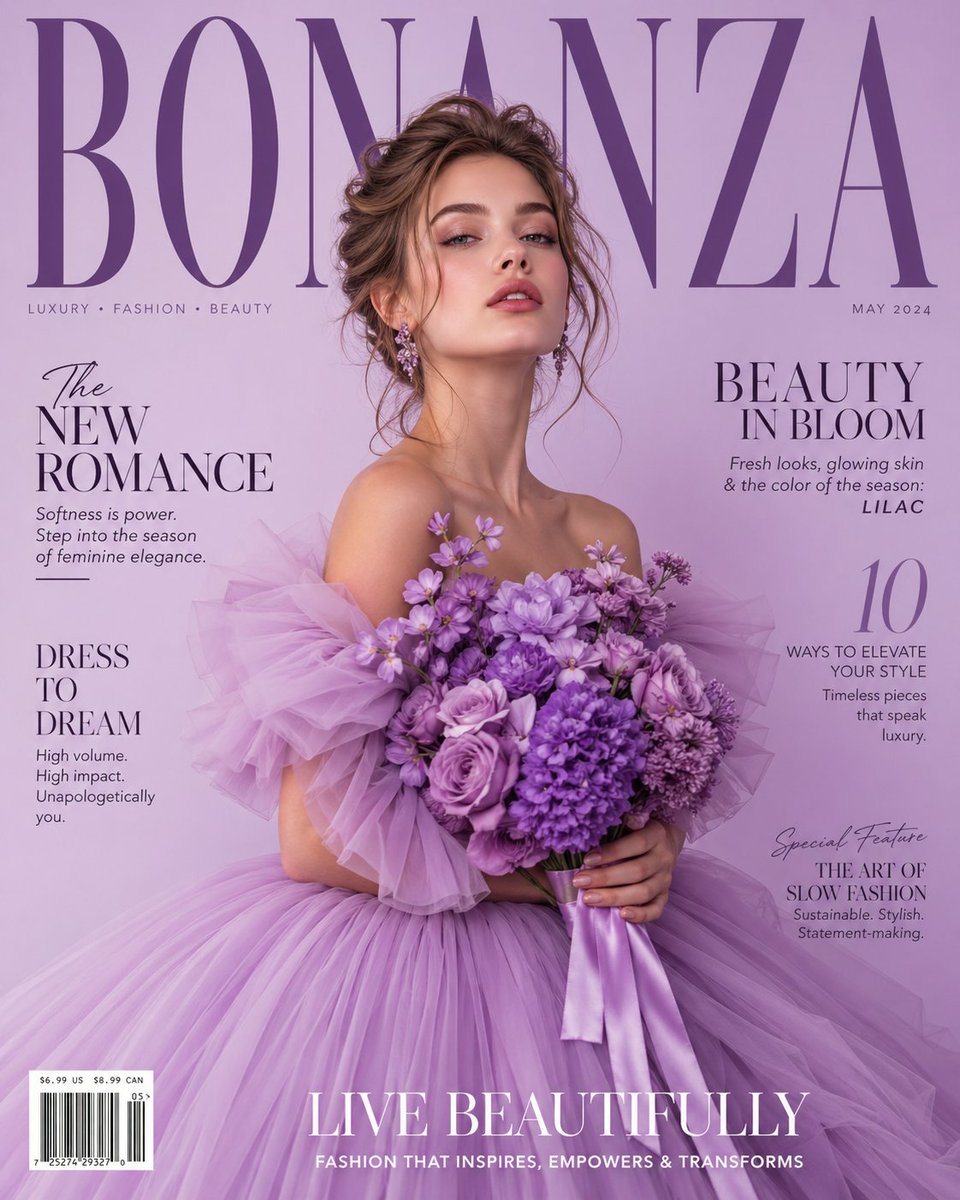
Lavender Couture Magazine Cover Fashion Portrait
Nano Banana - Yacht Eiffel Night
Nano Banana - Opera Red Gown Couture
Moodboard to Clean Interior Photo
Rainy Season Pinterest Moodboard
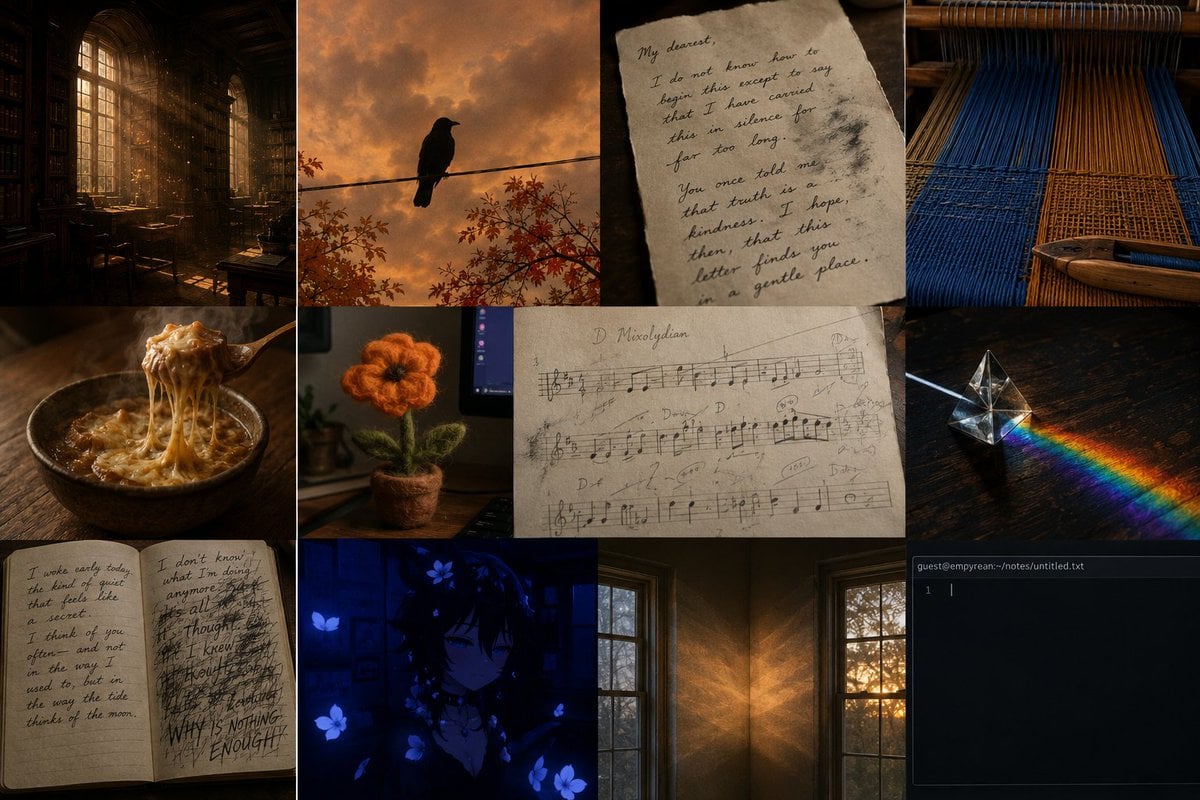
Dark Academia AI Moodboard Collage
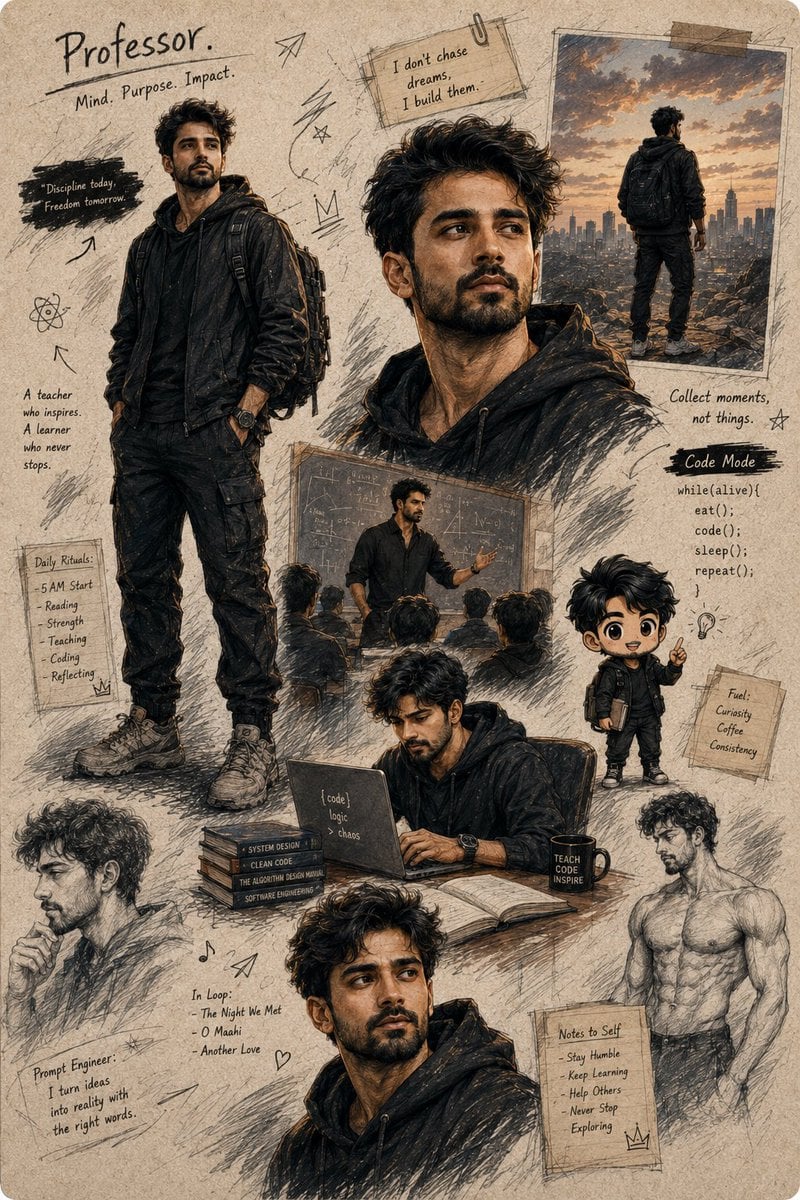
Anime Character Moodboard Poster
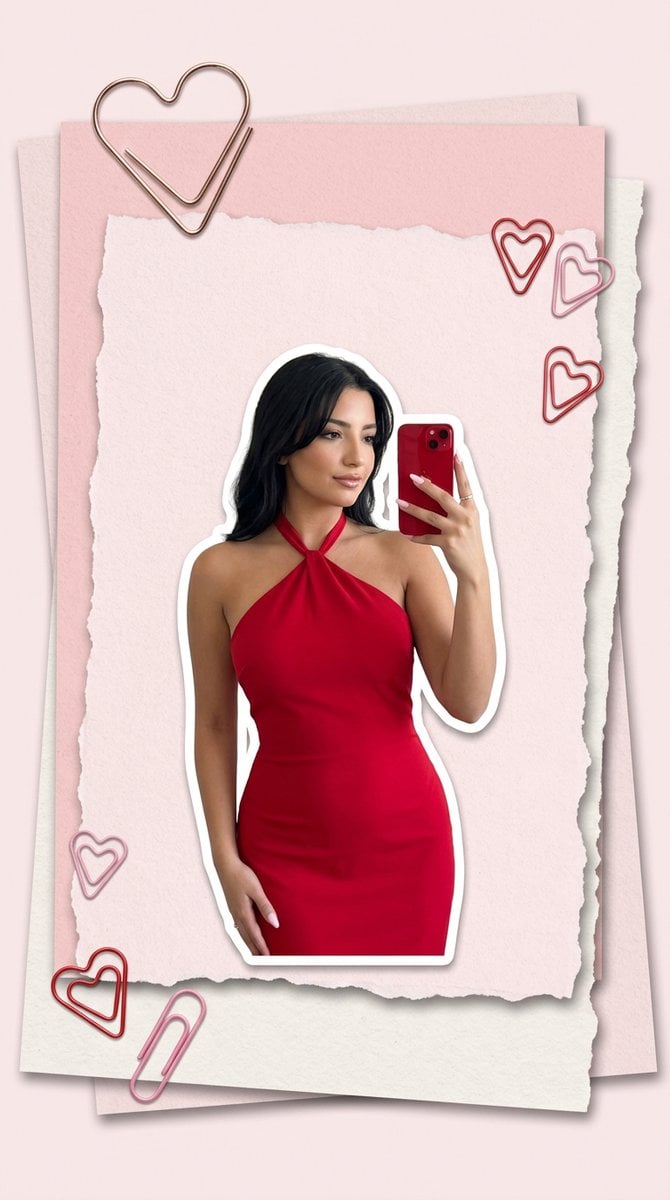
Pink Paper Moodboard Fashion Collage
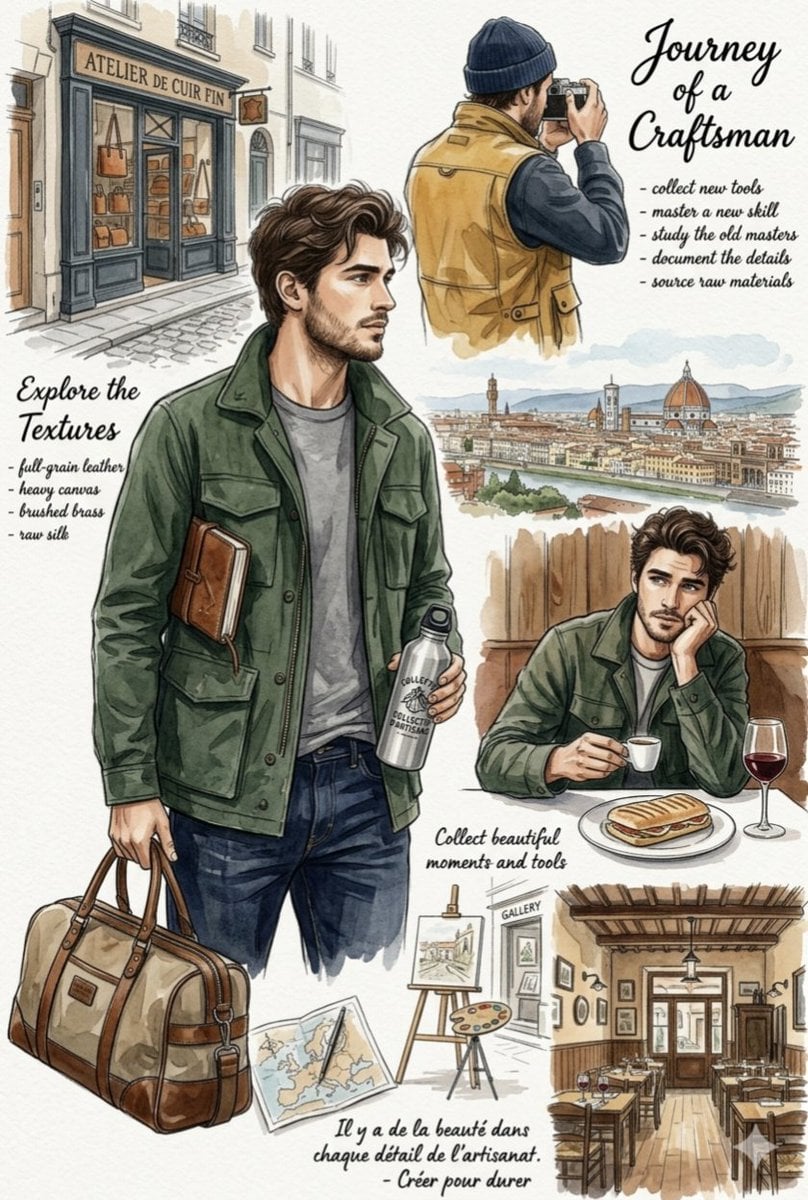
European Travel Lifestyle Moodboard
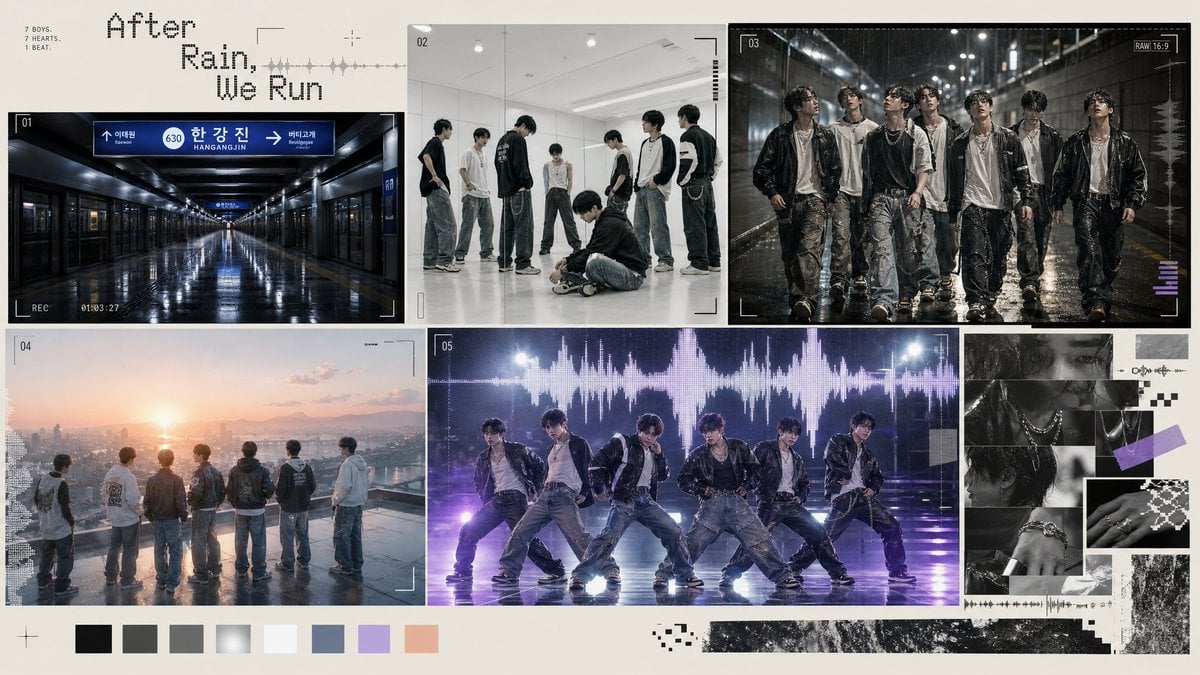
Rainy K-Pop Boy Group Moodboard
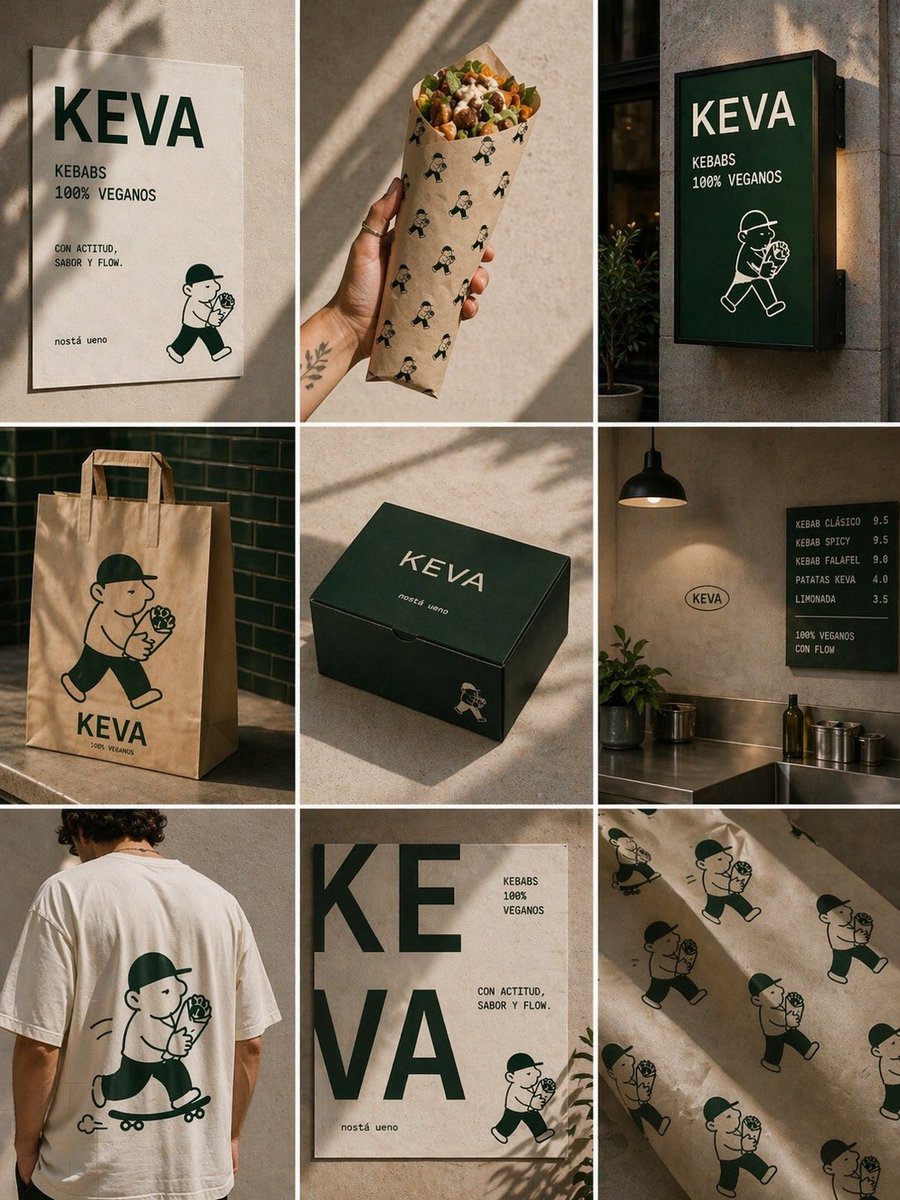
KEVA Vegan Kebab Brand Moodboard
Make it yours
Jomon Dogu Couture Moodboard works as-is. These are the safest ways to change it without losing the look.
Change one field
Copy a single group, rewrite it, and generate again so you can see what that field is doing.
Keep the frame, change the subject
Hold the composition and light of Jomon Dogu Couture Moodboard, then swap wardrobe, props or the person for a new take.
| If the result… | Why | Fix |
|---|---|---|
| The result drifts from the preview | Too many fields changed at once. | Reuse Jomon Dogu Couture Moodboard as-is first, then change one group — subject, light, or setting. |
| The model over-stylizes the scene | The prose prompt leaves finish and camera underspecified. | Add one camera or lighting sentence and stay on GPT Image 2. |
More GPT Image 2 templates
Other prompts made for GPT Image 2.

Six VTuber Japanese Logo Sheet

Realistic Portrait of Woman and Deer

The Vista Modular Condo Poster

AI Model Routing Comparison Infographic

2.5D Anime Art Board

Isometric Productivity Desk Scene

New York Double Exposure Poster

Four-Panel AI Landscape Comparison

Japanese Tatami Lifestyle Magazine Cover

NESCAFÉ Coffee Map Poster
More image prompts
Fresh picks from across the catalog.
Epic Sci-Fi Parallel Worlds Artwork
Epic French Rooster Over Paris
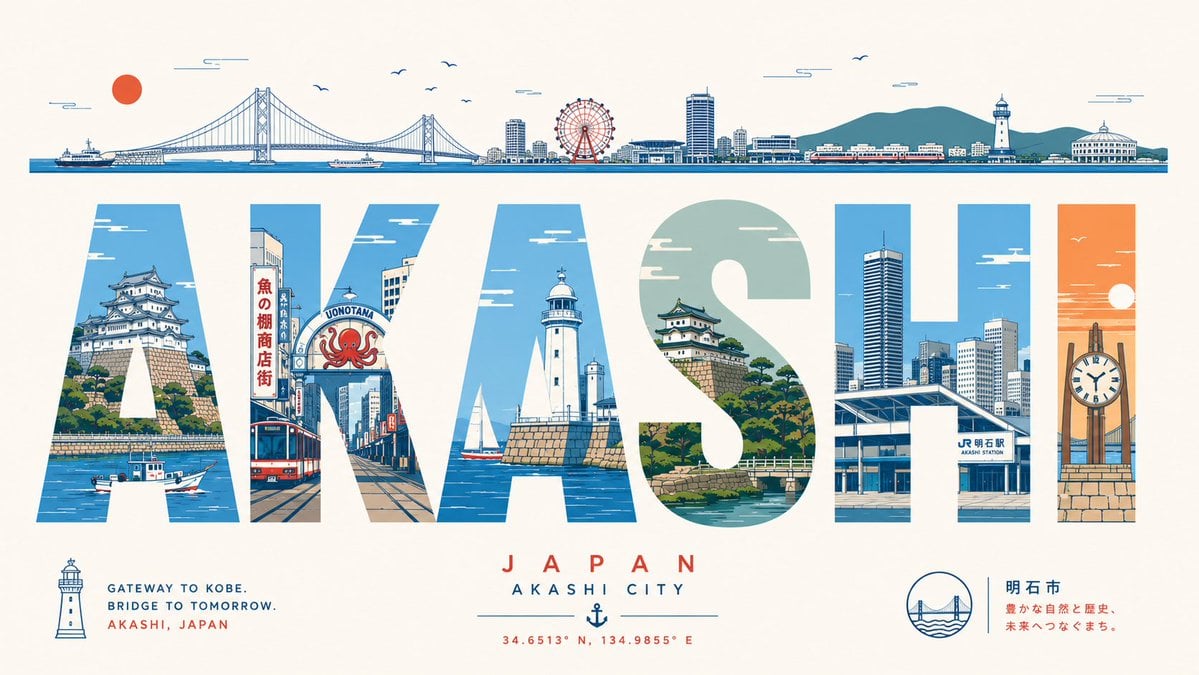
Akashi Typographic Travel Poster
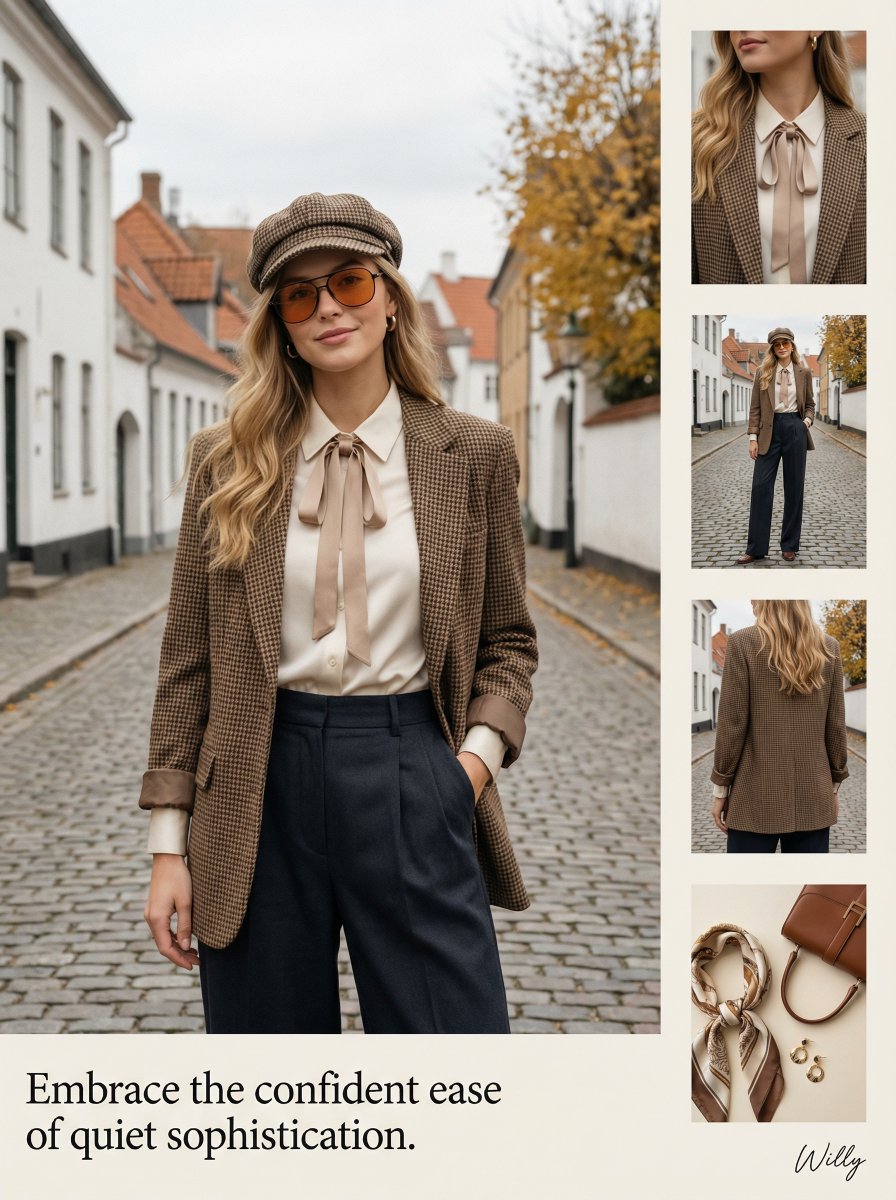
1970s Inspired Quiet Luxury Fashion Lookbook
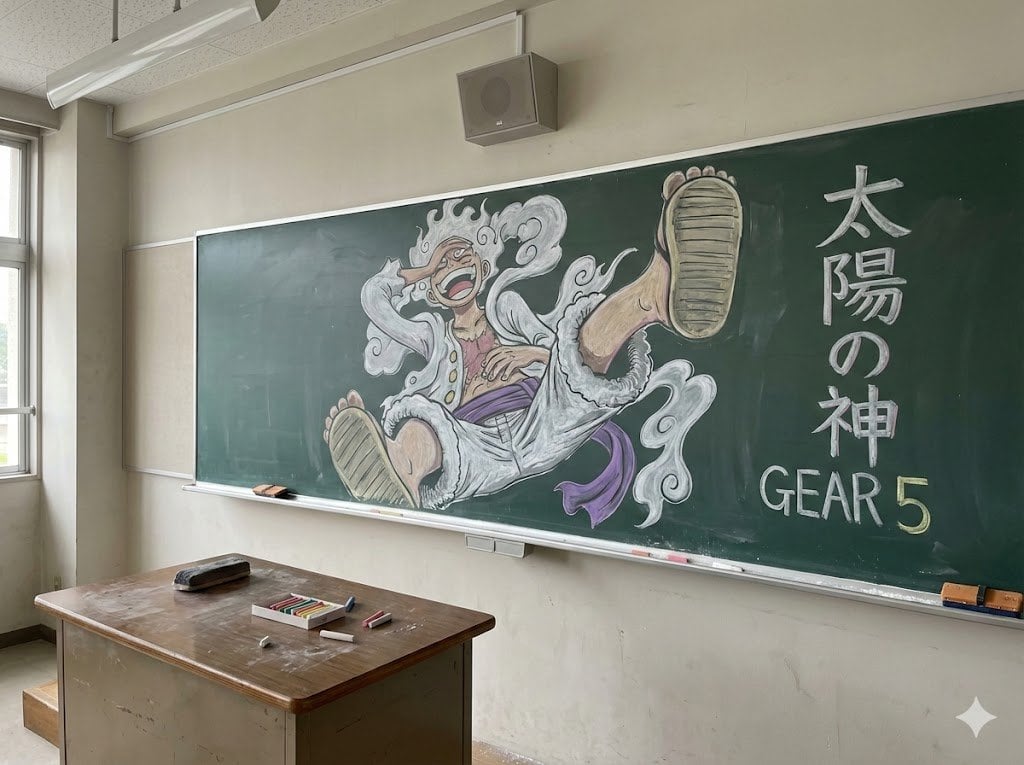
Japanese Classroom Gear 5 Chalk Art
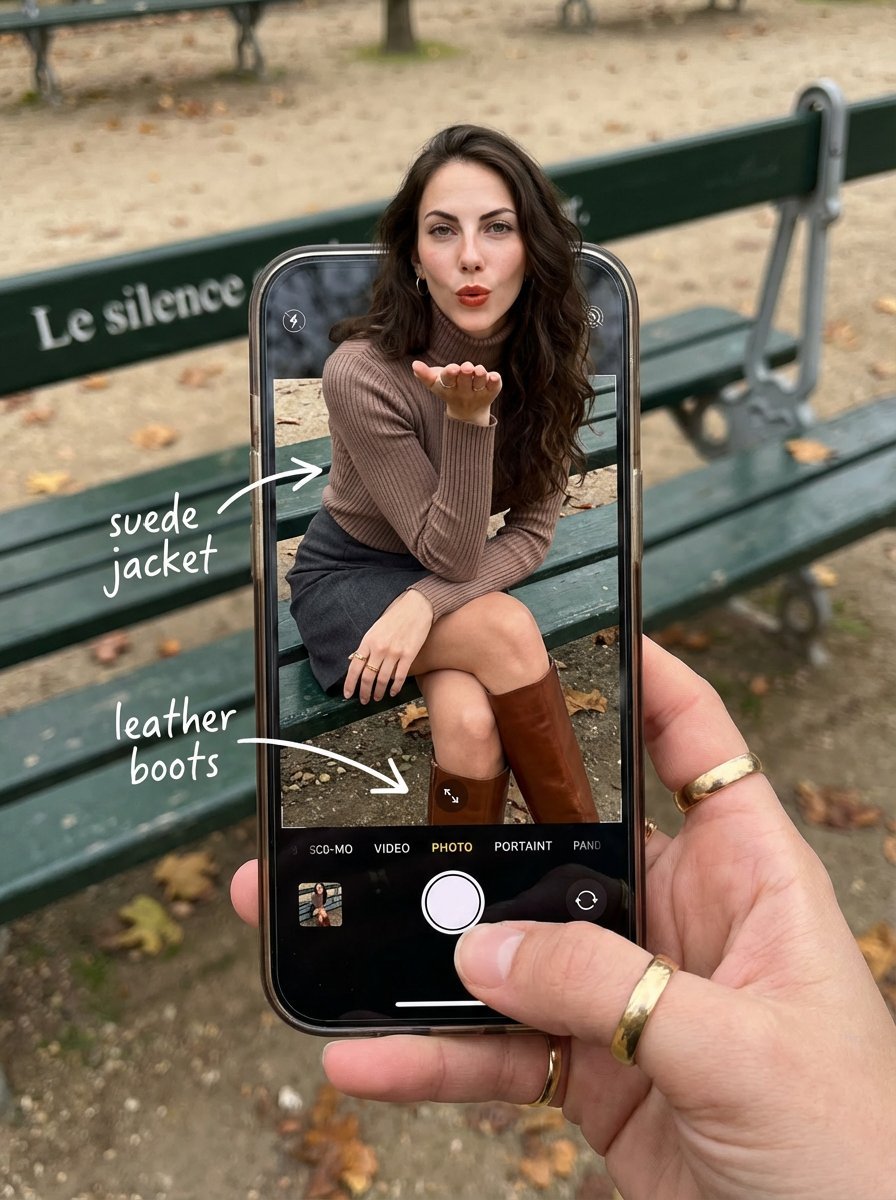
OOTD Breakdown Smartphone Pop-out Illusion
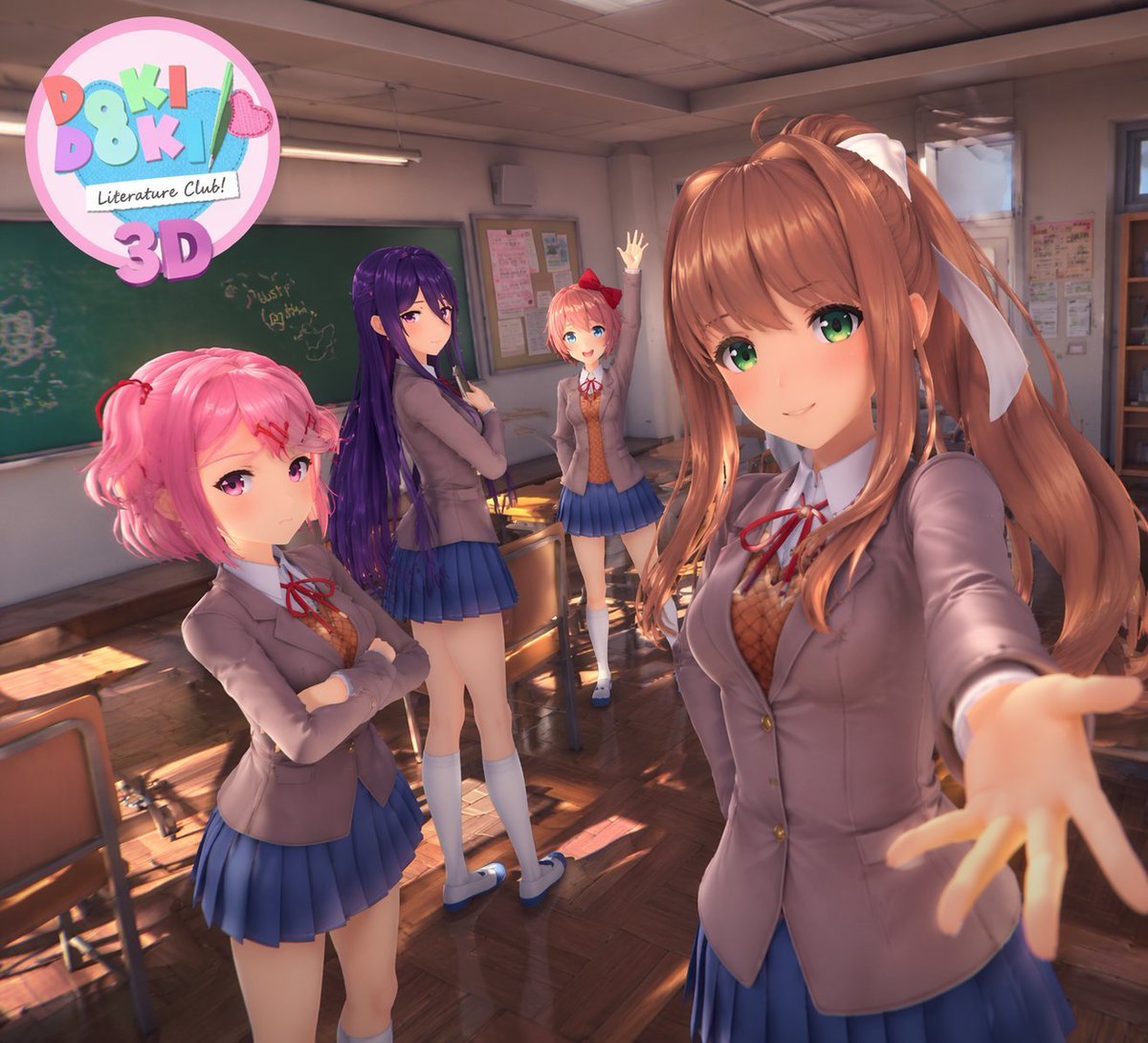
3D Anime Visual Novel Game Cover
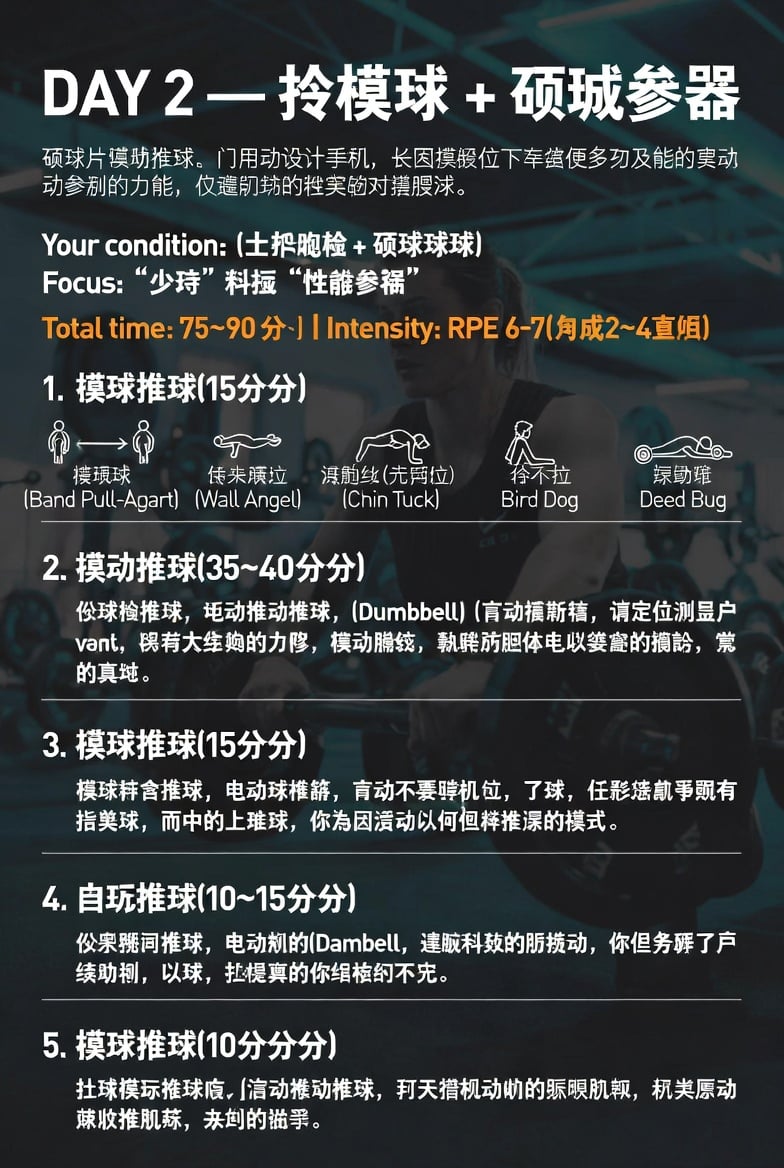
Chinese Gym Training Plan Infographic

Hyper-Realistic Candid Shopping Photo with Identity Lock
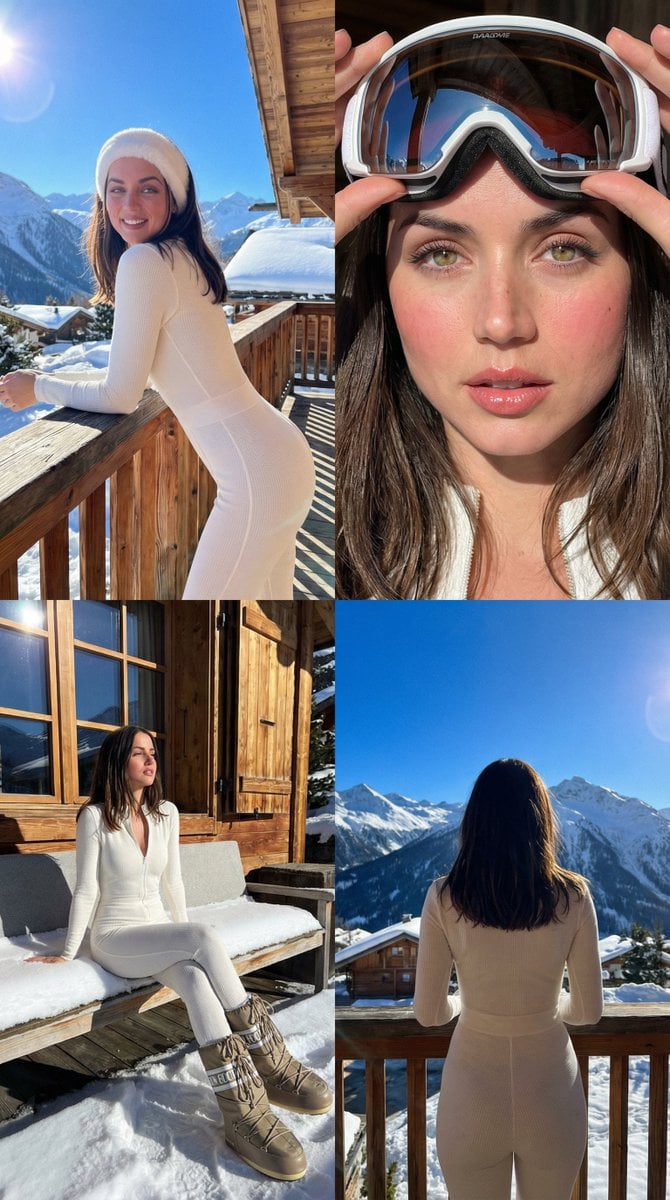
Luxury Ski Influencer Collage and Portraits (iPhone 16 Pro Style)
Browse template categories
Jomon Dogu Couture Moodboard questions
How do I use the Jomon Dogu Couture Moodboard template?
Add your photo if the template asks for one, edit the prompt if you like — the template's model and format are already selected — and press Generate. Your version opens in PicX Studio.
Can I customize the Jomon Dogu Couture Moodboard template?
Yes. You can change the subject, setting, lighting, mood, format, and available model controls before creating your image.
Is the Jomon Dogu Couture Moodboard template free?
Opening and editing this template is free. Generating uses credits, shown on the Generate button when you are signed in.
Which AI model should I use?
Start with GPT Image 2, which is the model associated with this template. You can compare another compatible model for a different finish.
Looking for something else? Browse all templates.

Your photo, any look
Thousands of ready templates for every top image and video model, from one credit balance.