
OOTD Breakdown Smartphone Pop-out Illusion
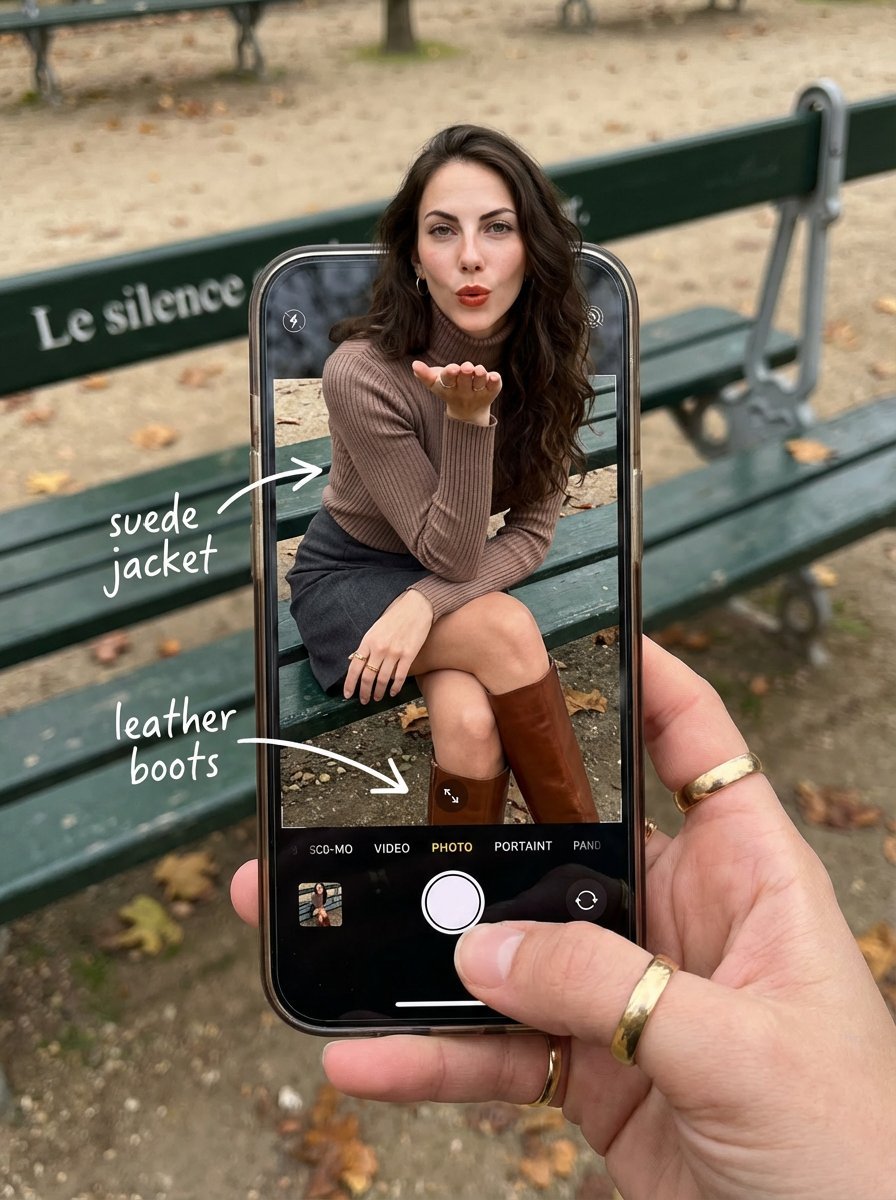
A highly detailed, structured prompt for a composite image featuring a hyper-realistic POV shot of a smartphone screen displaying an OOTD (Outfit of the Day) breakdown.
- Prompt included
- Model and format preset
- Premium template
The prompt behind this image
Copy the exact prompt behind OOTD Breakdown Smartphone Pop-out Illusion, or open it in the studio and make it yours.
{ "image_metadata": { "format_version": "2.1.0", "aspect_ratio": "3:4", "shot_type": "Composite Hyper-Realistic POV", "concept": "OOTD Breakdown / Smartphone Pop-out Illusion" }, "subject_profile": { "identity": { "ethnicity": "Caucasian", "age_range": "20-25 years old", "identity_consistency": "100% face and body preservation" }, "facial_architecture": { "features": { "L "mouth": { "expression": "Chic pout / blowing a kiss", "detail": "Natural lip texture, soft sheen" }, "makeup_style": { "type": "Natural Glam", "foundation": "Matte, seamless blend", "details": "Subtle eyeliner, defined brows" } }, "hair_mechanics": { "color": "Deep dark brown", "style": "Long voluminous waves", "physics": "Wind-blown effect, realistic strand separation", "texture": "High-gloss shine, soft highlights" }, "body_anatomy": { "frame": "Petite, athletic-lean", "waist": "Highly defined", "skin_rendering": { "tone": "Fair/Pale", "texture": "Pore-level detail, natural imperfections, no plastic smoothing", "lighting": "Soft overcast daylight occlusion" } } }, "wardrobe_and_styling": { "top_layer": { "item": "Turtleneck sweater", "color": "Mocha / Earthy Brown", "material": "High-quality ribbed textile, macro knit detail" }, "bottom_layer": { "item": "Mini Skirt", "color": "Dark Grey", "material": "Heavy wool or denim texture" }, "footwear": { "item": "Tall Leather Boots", "color": "Rich Brown", "material": "Polished leather with realistic creases", "location": "Displayed exclusively within the phone screen boundaries" } }, "device_and_interface": { "hardware": { "model": "Modern High-End Smartphone", "case": "Burgundy matte finish", "hand_interaction": "Held by a photographer’s hand with gold rings on fingers" }, "software_ui": { "app": "iOS Camera Interface", "interactive_elements": [ "White circular shutter button", "Selected mode: 'PHOTO' in yellow/white text", "Zoom indicators and grid lines" ], "screen_condition": "Active OLED glow, realistic fingerprint smudges, sharp pixels" }, "augmented_overlay": { "style": "Handwritten white marker", "annotations": [ { "text": "suede jacket", "pointer": "arrow to upper body" }, { "text": "leather boots", "pointer": "arrow to boots on screen" } ] } }, "environment_optics": { "location": "Parisian Park, Autumn", "background_elements": { "furniture": "Classic green metal park bench", "typography": "Weathered text 'Le silence' on bench backrest", "ground": "Grey gravel path with fallen orange/yellow autumn leaves" }, "lighting_" } }
How to use OOTD Breakdown Smartphone Pop-out Illusion in 3 steps
- 1
Open
The prompt is already in the box next to the preview, with the template's model and format selected.
- 2…a portrait of your subject in softgolden-hour light, 85mm…
Personalize
Edit the subject and creative details for your destination.
- 3Generate
Generate
Press Generate — your image is created in PicX Studio, so you can compare it with the original and refine one variable at a time.
More like this
Templates with the same subject, style or setup. Open one to see its prompt.
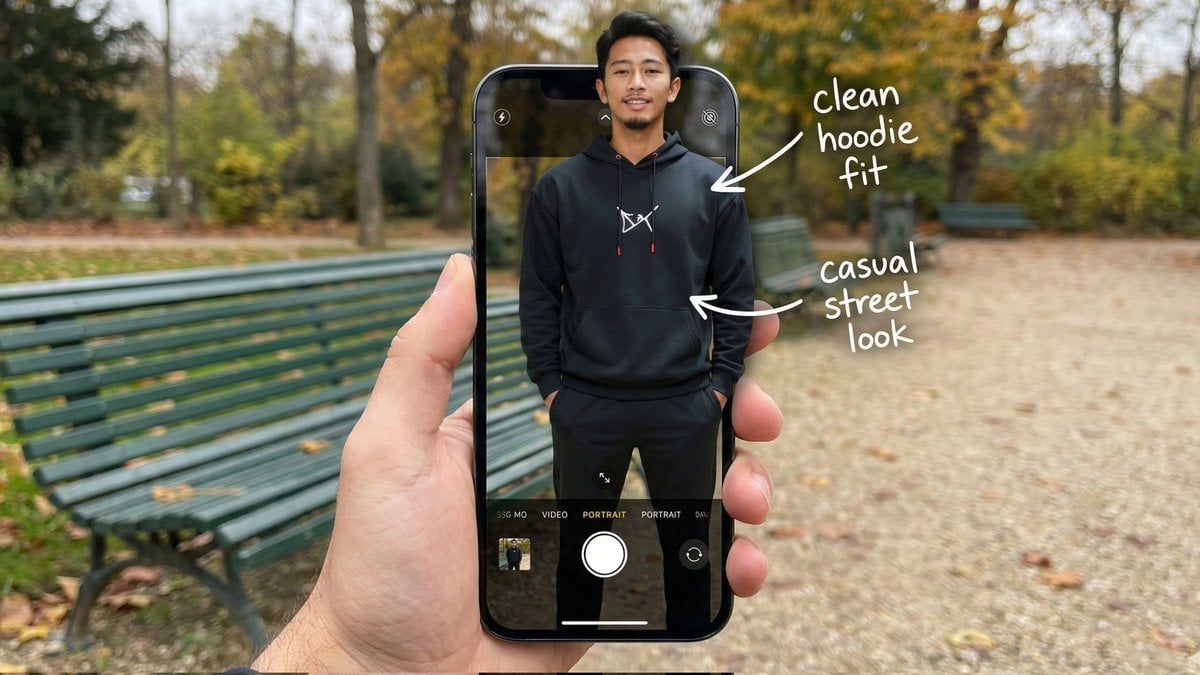
Hyper-Realistic POV Smartphone Pop-out Illusion in a Park

Minimalist Fashion Editorial Split Layout
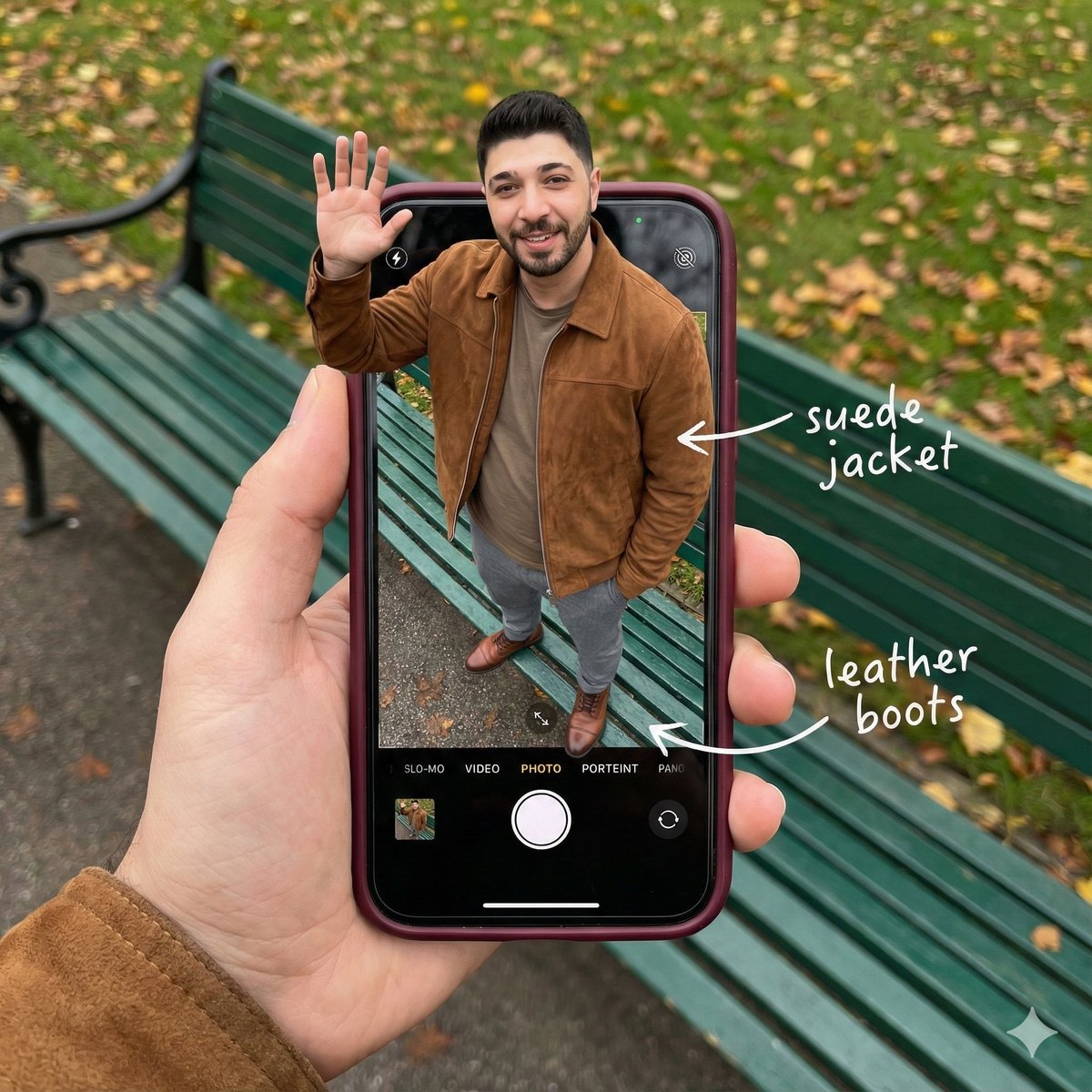
Smartphone Screen Stepping Out Optical Illusion Prompt
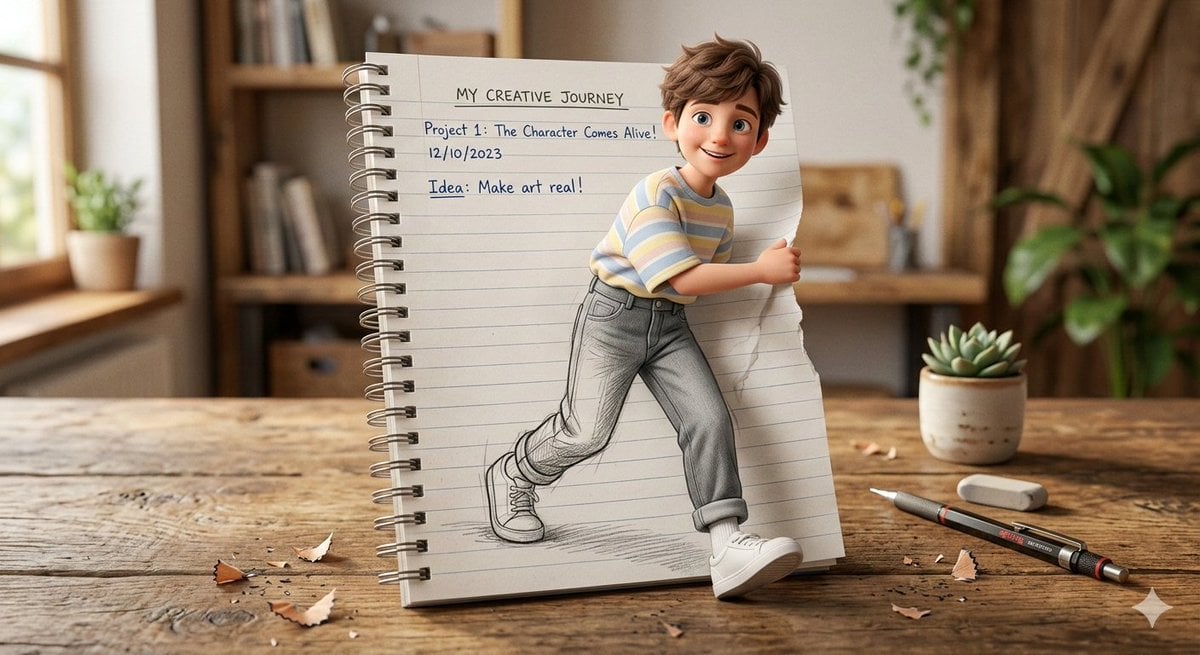
3D Pop-Out Illusion Artwork of a Boy from a Notebook
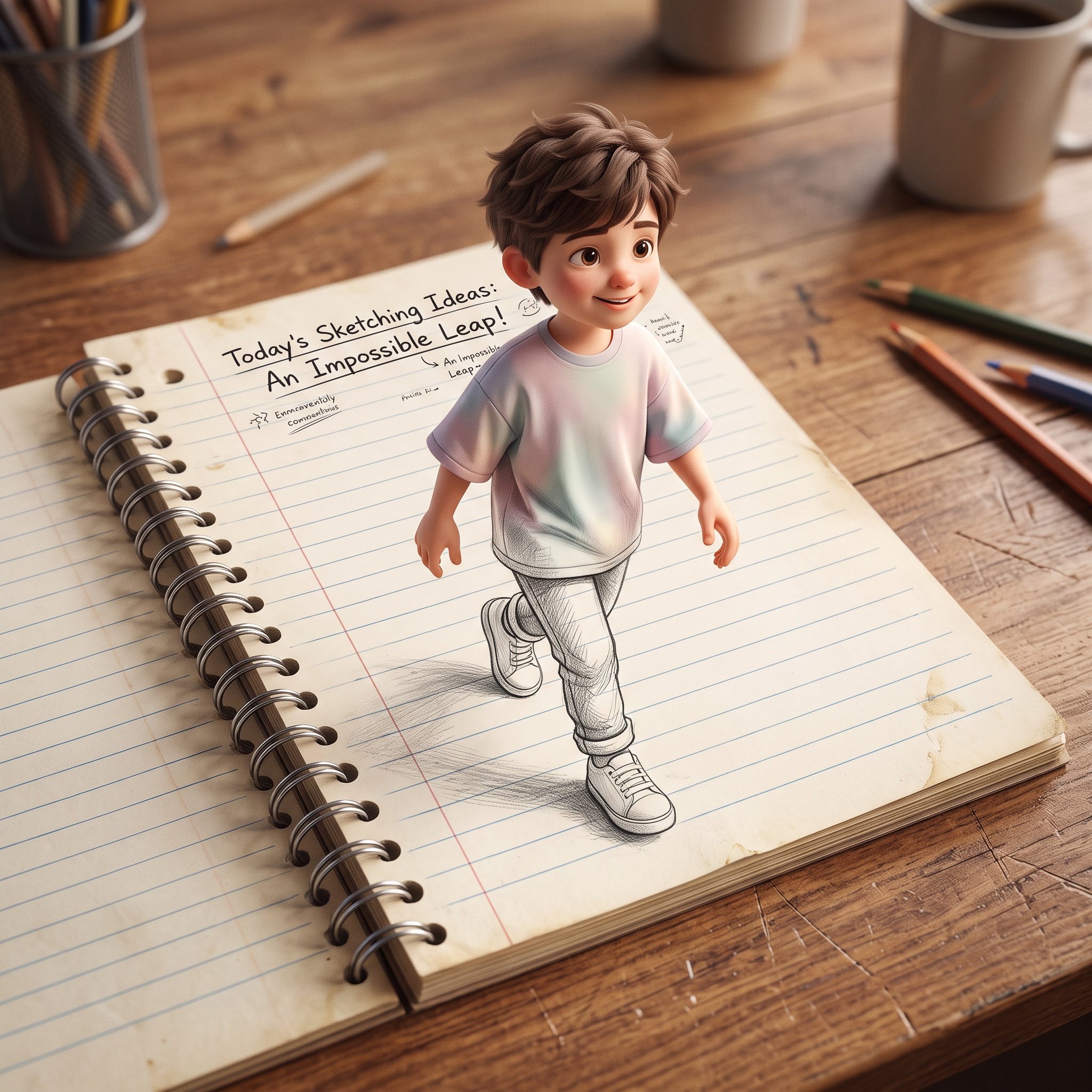
3D Pop-Out Illusion Artwork Prompt
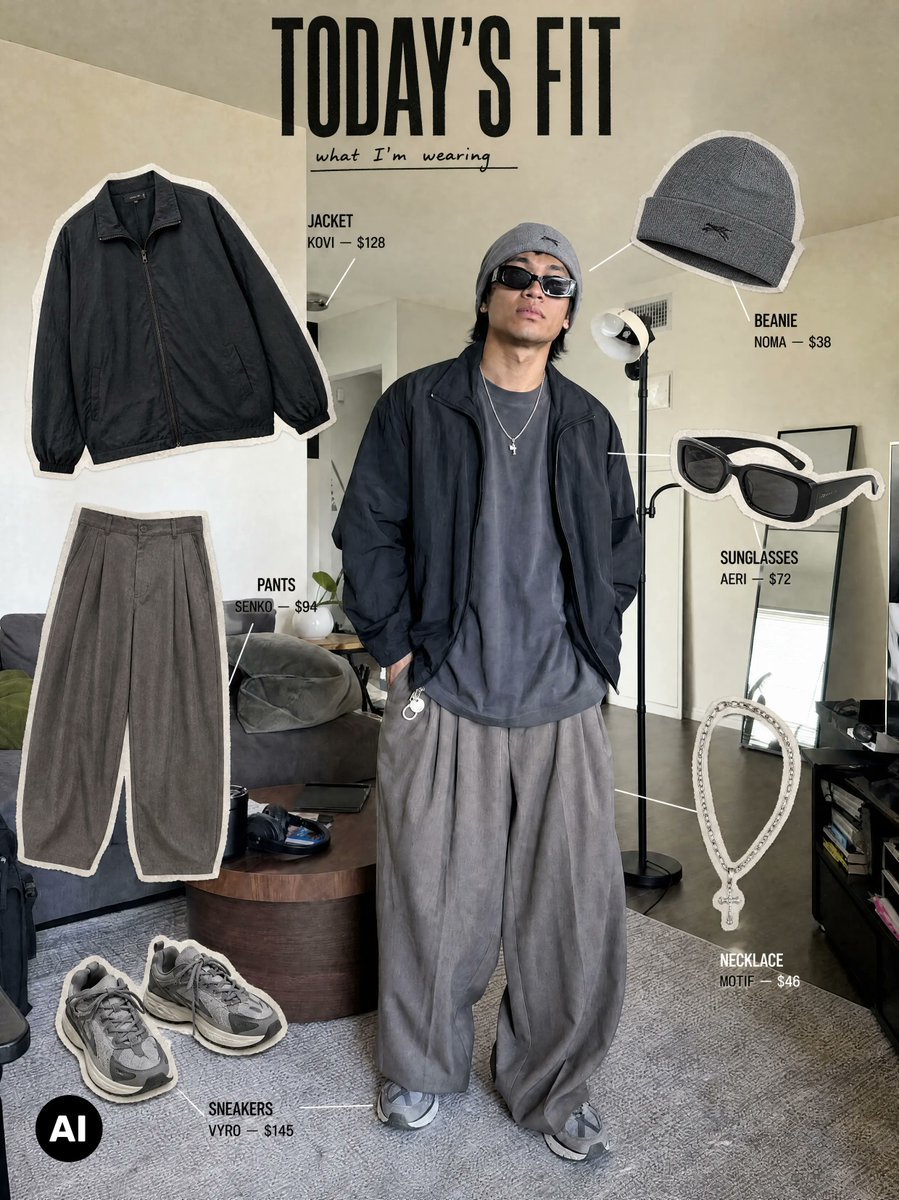
Editorial Outfit Breakdown
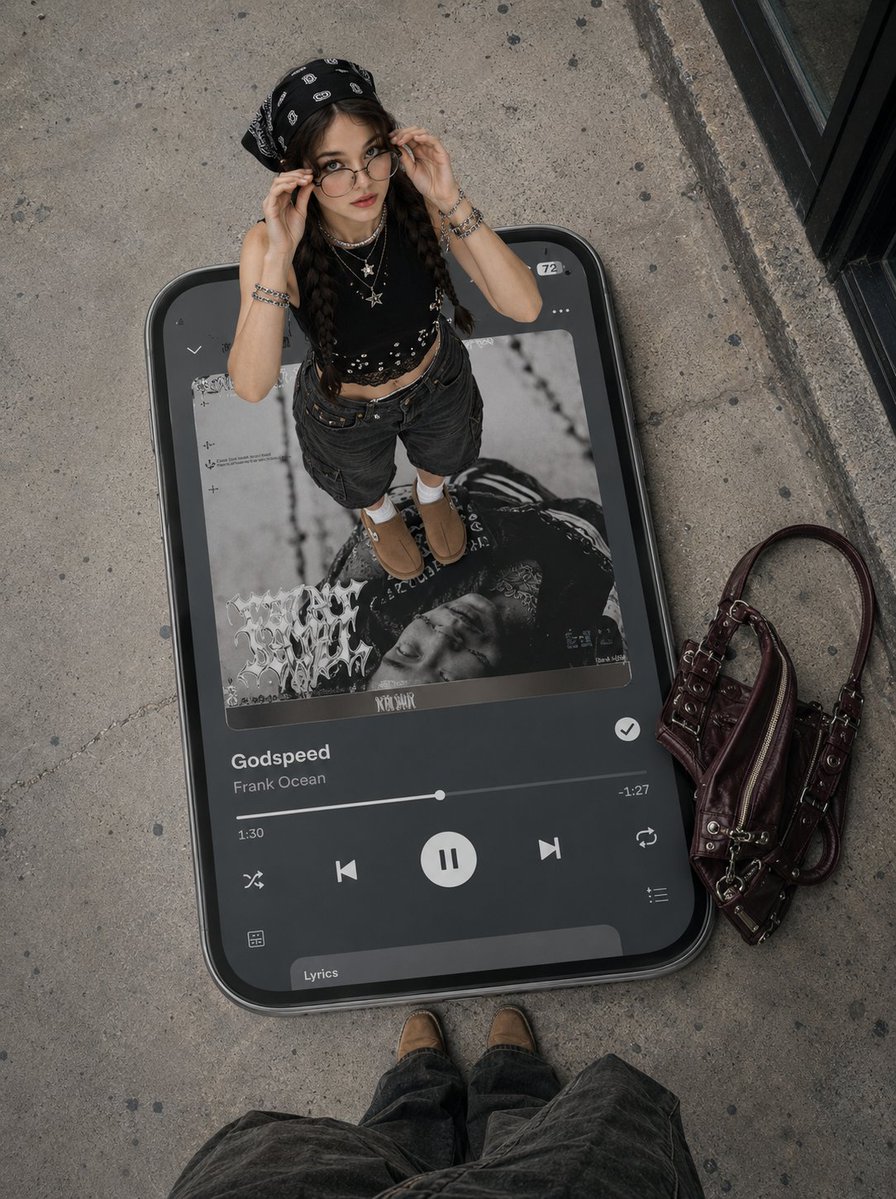
Surreal Y2K Street Fashion Smartphone Illusion
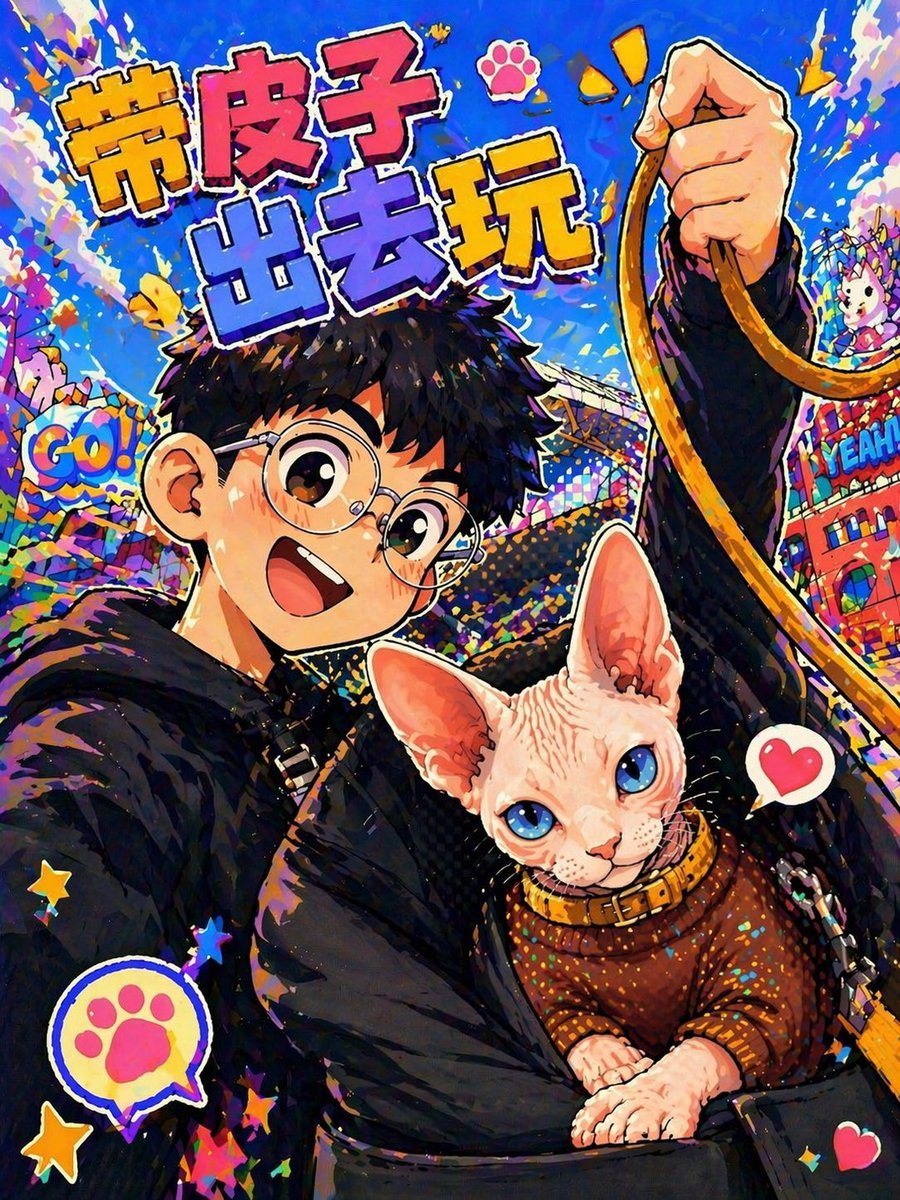
Anime Pop Sphynx Cat Outing Poster
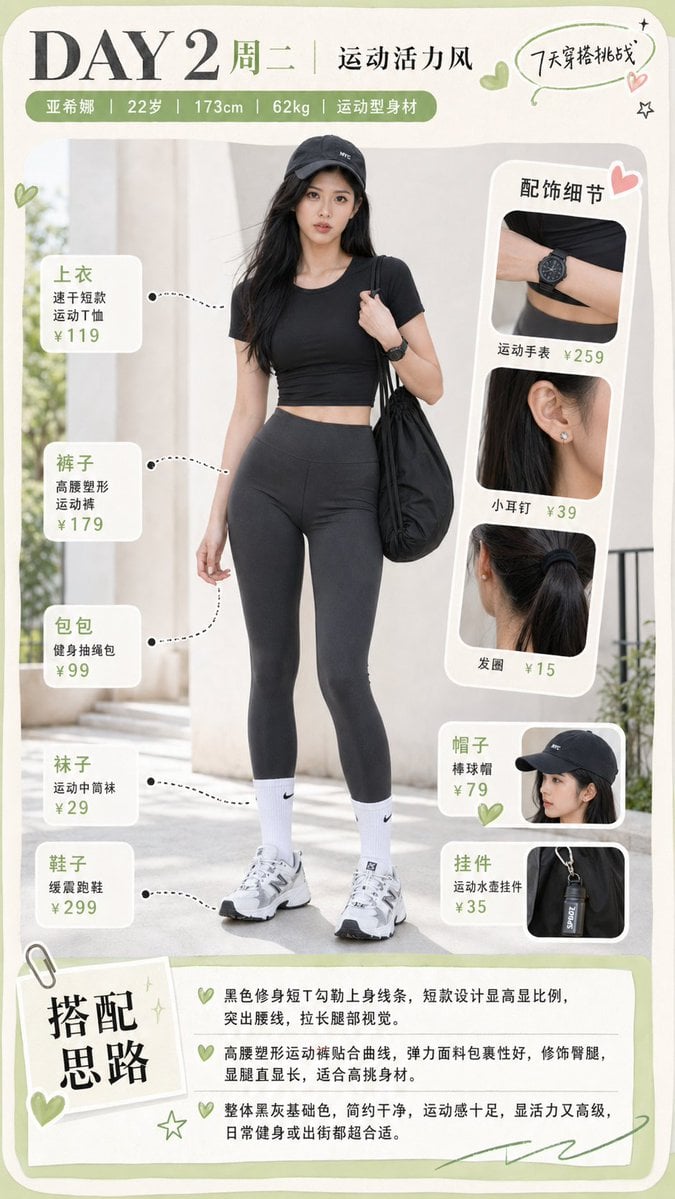
Sporty Outfit Breakdown Poster
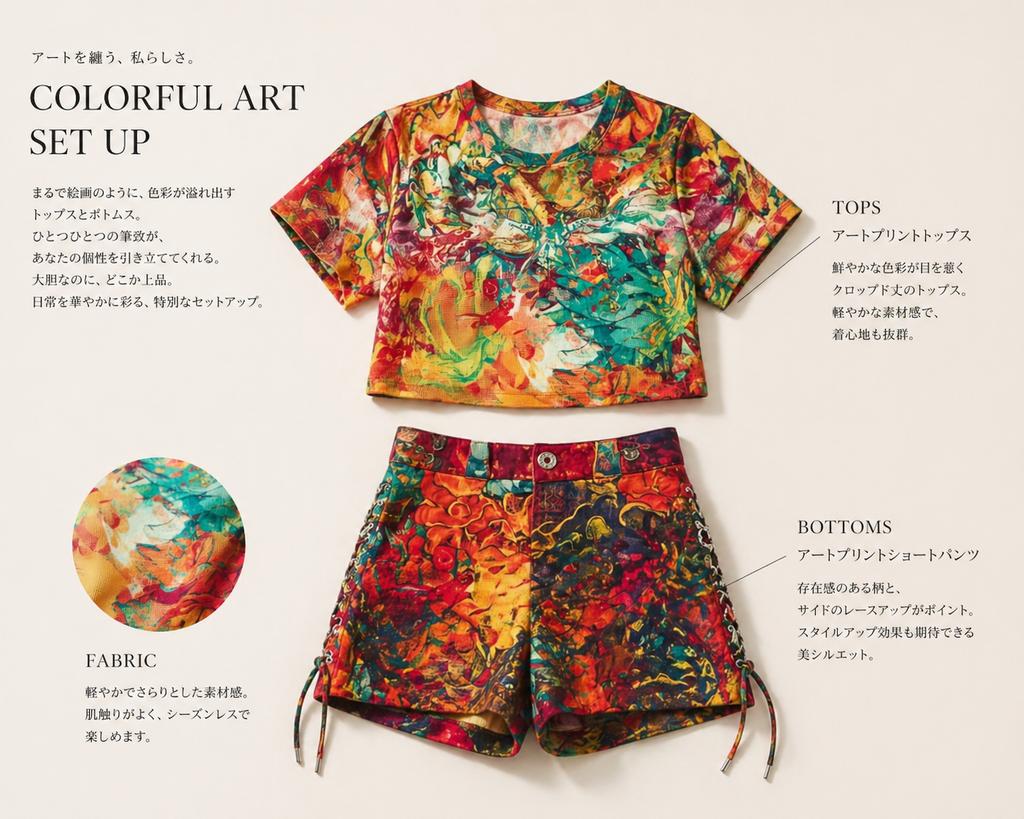
Fashion Editorial Outfit Breakdown

Floating Woman Above Cityscape with Notifications
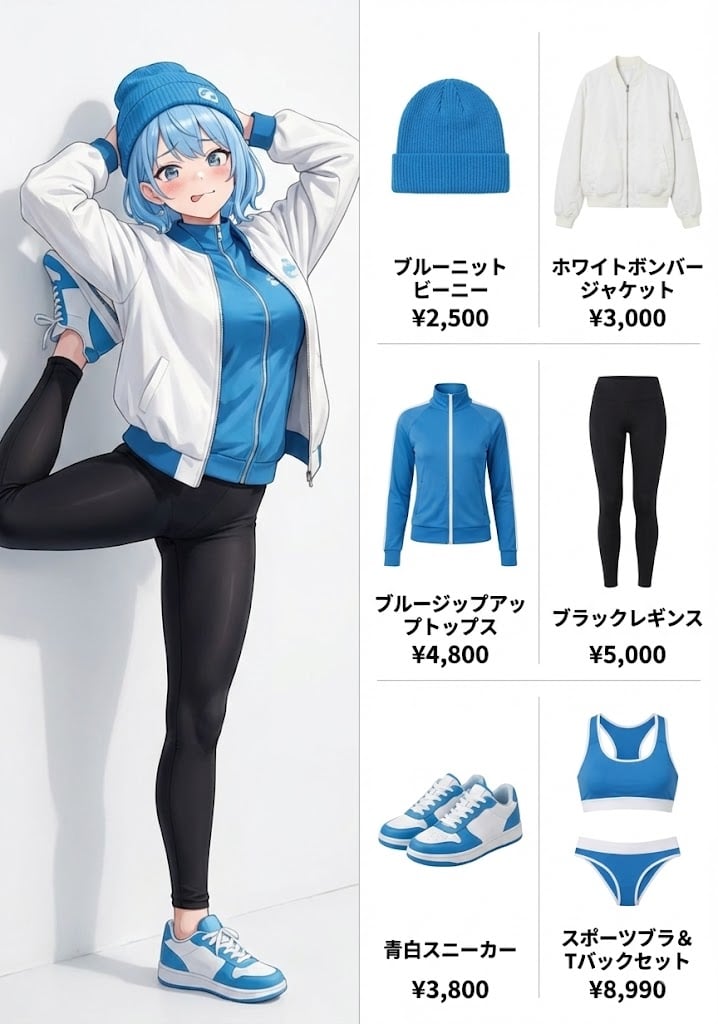
OOTD (Outfit of the Day) Fashion Diagram Prompt
Make it yours
OOTD Breakdown Smartphone Pop-out Illusion works as-is. These are the safest ways to change it without losing the look.
Change one field
Copy a single group, rewrite it, and generate again so you can see what that field is doing.
Keep the frame, change the subject
Hold the composition and light of OOTD Breakdown Smartphone Pop-out Illusion, then swap wardrobe, props or the person for a new take.
| If the result… | Why | Fix |
|---|---|---|
| The result drifts from the preview | Too many fields changed at once. | Reuse OOTD Breakdown Smartphone Pop-out Illusion as-is first, then change one group — subject, light, or setting. |
| The model over-stylizes the scene | The prose prompt leaves finish and camera underspecified. | Add one camera or lighting sentence and stay on Nano Banana 2. |
More Nano Banana 2 templates
Other prompts made for Nano Banana 2.

Photorealistic Leaf Shaped Like a Dragon

K-Pop Idol Portrait Grid for Rapid Selection

Poetic Rain Forest Portrait During Golden Hour

Urban Street Portrait with Cartoon Inner Self Duo

Candid Nighttime Photo with Cat Prompt

High-Concept 3D Diorama Generation Prompt

Cinematic Futuristic Studio Portrait Template

Skincare Editorial Photography Collage Prompt

Hyper-Realistic Commercial Product Photography (Splash Effect)

Hyper-Realistic Nightclub Portrait Prompt
More image prompts
Fresh picks from across the catalog.
Thumbnail text overlay based on attachment
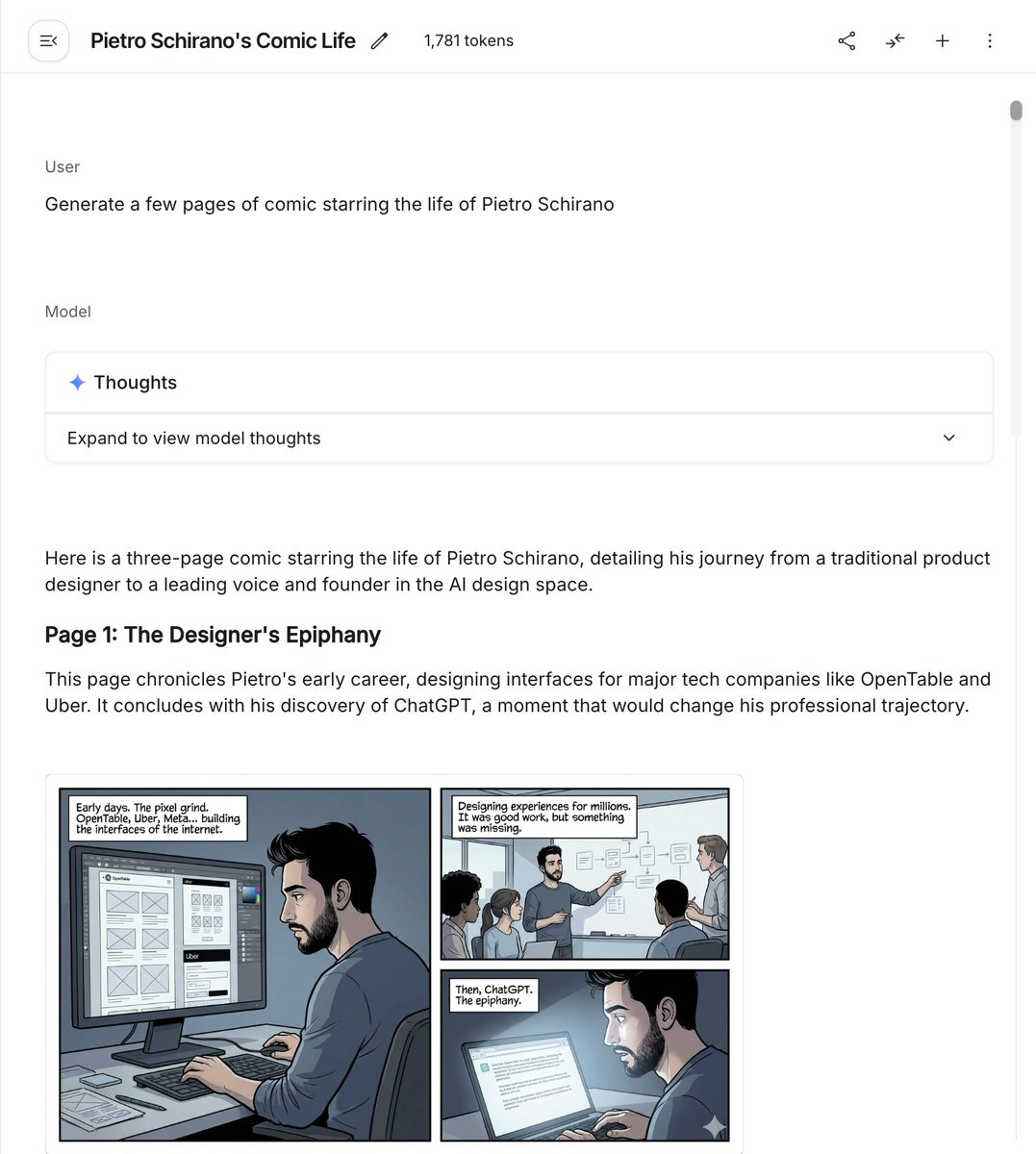
Six-panel life comic
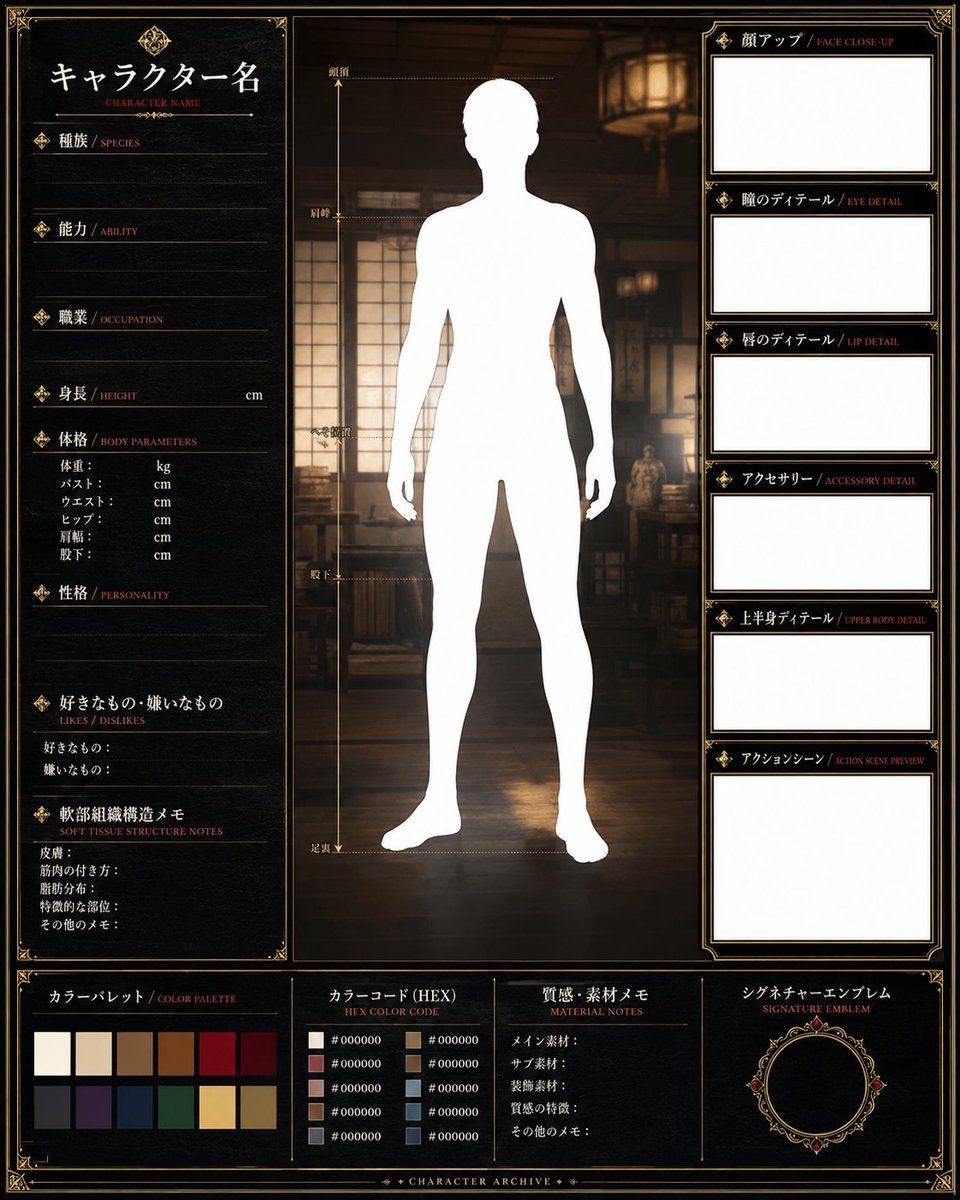
Fantasy Character Archive Sheet

Cinematic Fantasy Country Atlas
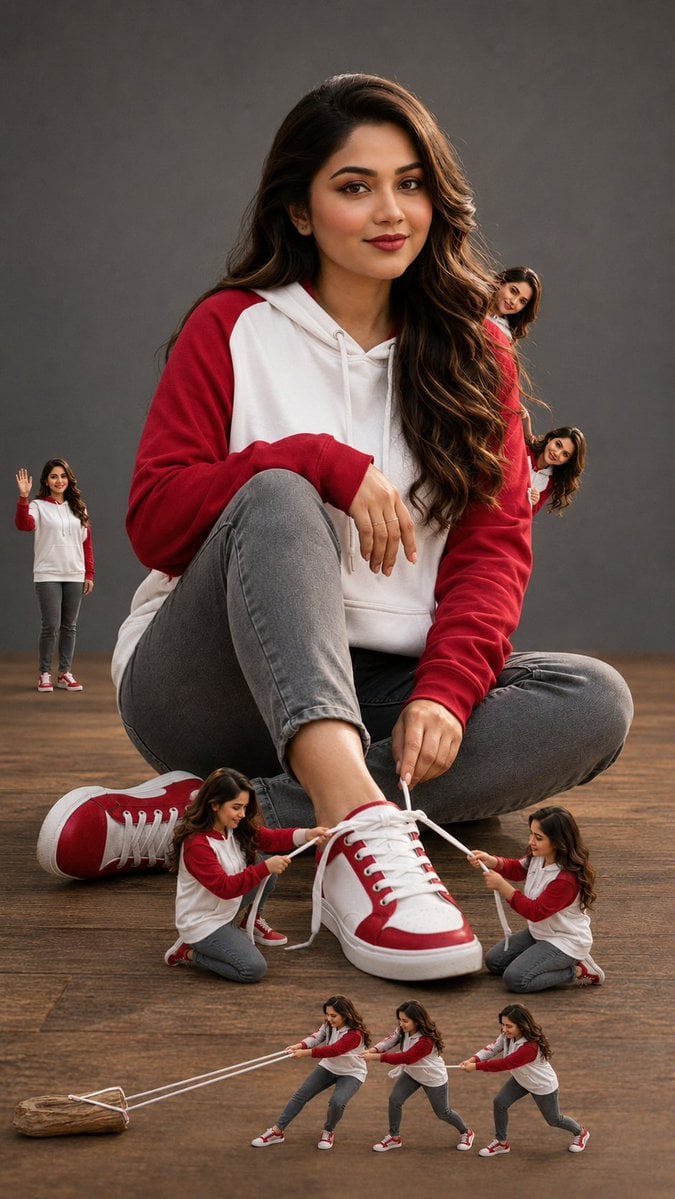
Woman with Miniature Clones Portrait
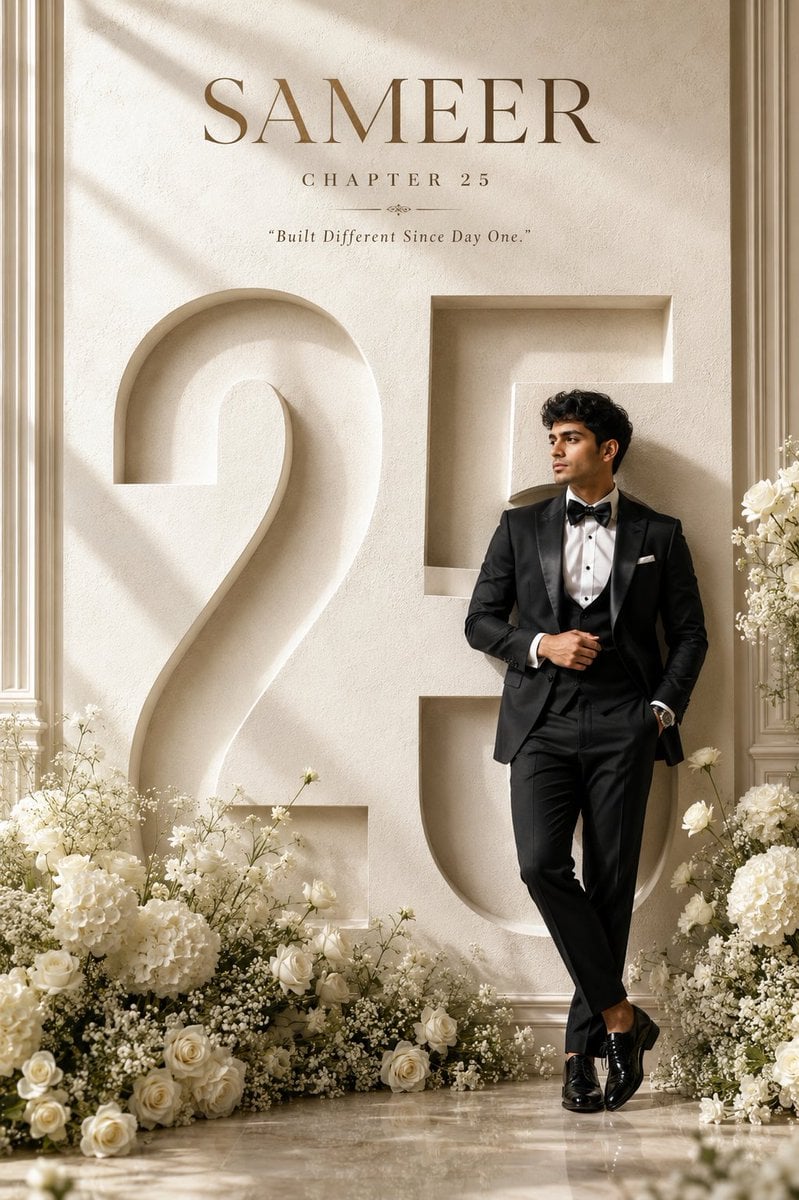
Luxury 25th Birthday Poster
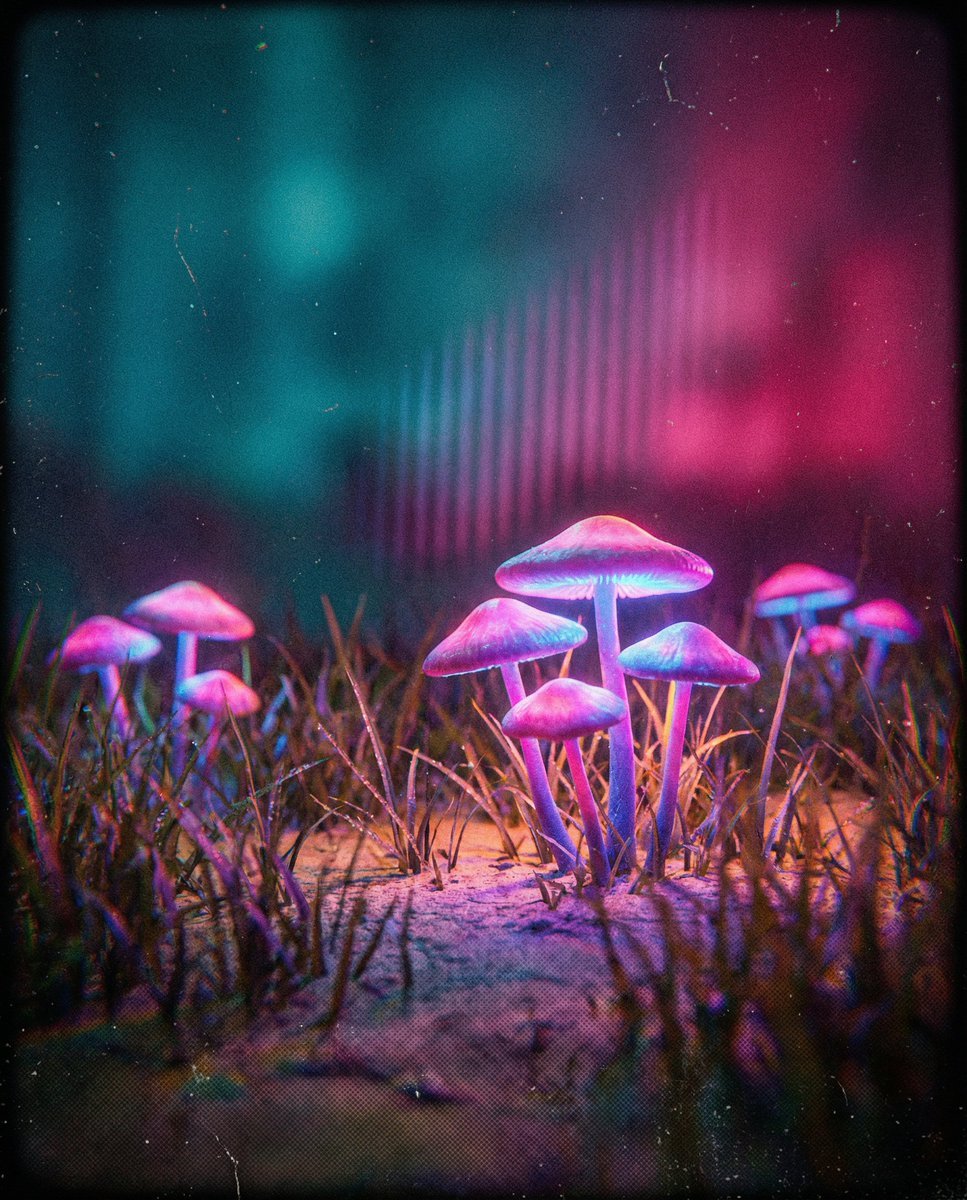
Bioluminescent Mushroom Cluster in Retro Sci-Fi Style
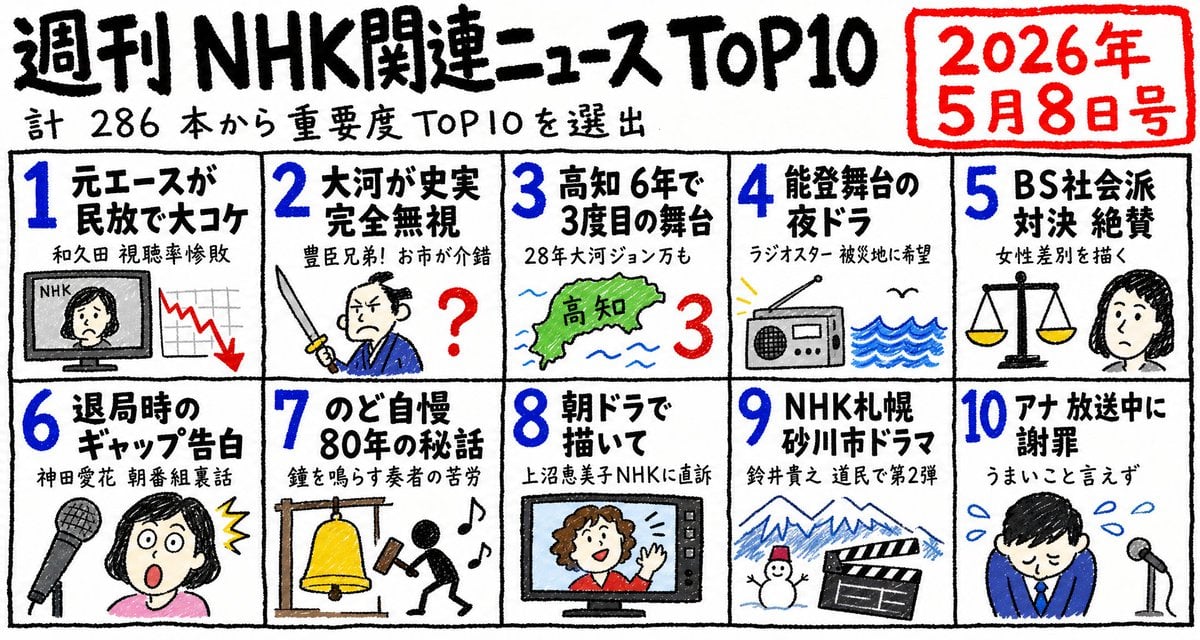
Hand-Drawn NHK News Top 10 Poster
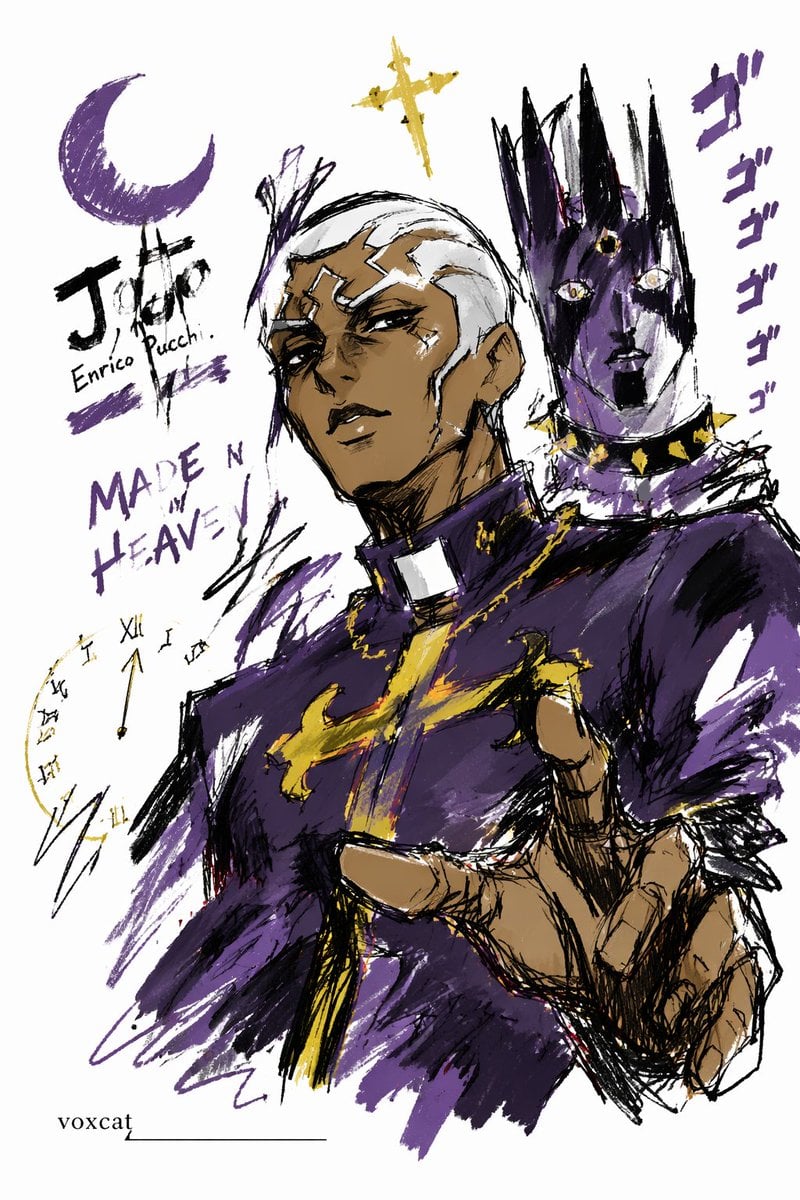
Graffiti Sketch Style Template
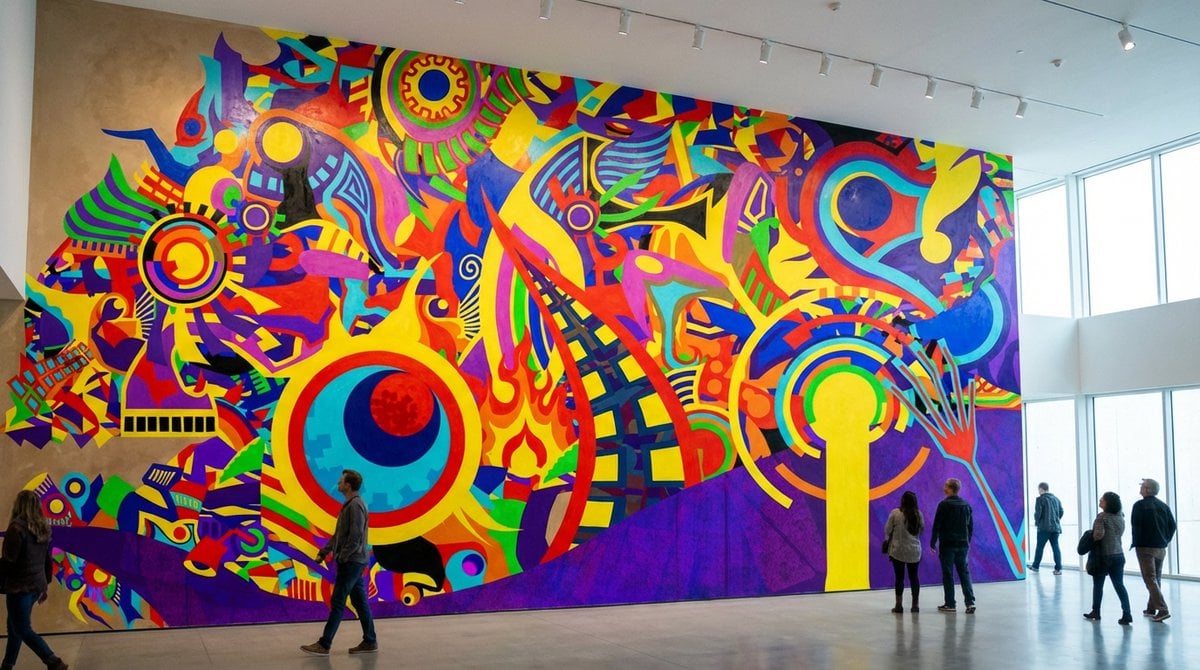
General Prompt for Visualizing Personal Desire
Browse template categories
OOTD Breakdown Smartphone Pop-out Illusion questions
How do I use the OOTD Breakdown Smartphone Pop-out Illusion template?
Add your photo if the template asks for one, edit the prompt if you like — the template's model and format are already selected — and press Generate. Your version opens in PicX Studio.
Can I customize the OOTD Breakdown Smartphone Pop-out Illusion template?
Yes. You can change the subject, setting, lighting, mood, format, and available model controls before creating your image.
Is the OOTD Breakdown Smartphone Pop-out Illusion template free?
Opening and editing this template is free. Generating uses credits, shown on the Generate button when you are signed in.
Which AI model should I use?
Start with Nano Banana 2, which is the model associated with this template. You can compare another compatible model for a different finish.
Looking for something else? Browse all templates.

Your photo, any look
Thousands of ready templates for every top image and video model, from one credit balance.