
Hyper-Realistic POV Smartphone Pop-out Illusion in a Park
A complex, structured prompt designed for hyper-realistic image generation, creating a composite POV shot where the subject appears to be popping out of a smartphone screen interface in a public park setting, focusing…
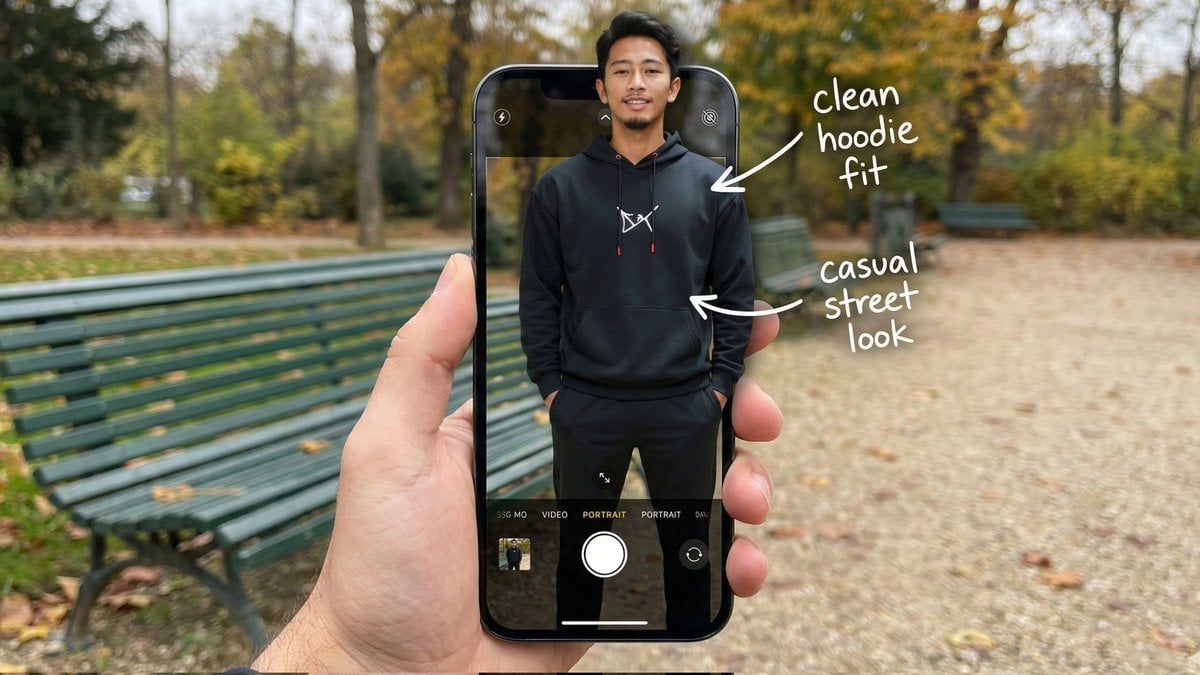
- Prompt included
- Model and format preset
- Free template
The prompt behind this image
Copy the exact prompt behind Hyper-Realistic POV Smartphone Pop-out Illusion in a Park, or open it in the studio and make it yours.
{ "image_metadata": { "format_version": "2.1.0", "aspect_ratio": "16:9", "shot_type": "Composite Hyper-Realistic POV", "concept": "OOTD Breakdown / Smartphone Pop-out Illusion (Outdoor Park)" }, "subject_profile": { "identity": { "gender": "Male", "ethnicity": "{argument name="ethnicity" default="Asian"}", "age_range": "20-25 years old", "identity_consistency": "preserve face and body like reference image" }, "facial_architecture": { "facial_hair": "light mustache and beard", "jawline": "defined and proportional", "expression": "relaxed confident smile", "skin_rendering": "warm tan, natural texture" }, "hair_mechanics": { "color": "black", "style": "short with volume, brushed back", "texture": "natural sheen, realistic strand breakup" }, "body_anatomy": { "frame": "lean, proportional", "posture": "standing straight, hands in hoodie pockets" } }, "wardrobe_and_styling": { "top_layer": { "item": "black hoodie", "details": "white chest logo, red string tips", "material": "matte cotton fleece" }, "bottom_layer": { "item": "black jogger pants", "fit": "clean streetwear silhouette" }, "footwear": { "item": "black sneakers", "visibility": "lower frame inside UI" } }, "device_and_interface": { "hardware": { "model": "modern high-end smartphone", "case": "matte black", "hand_interaction": "male POV holding phone in foreground" }, "software_ui": { "app": "iOS Camera Interface", "elements": [ "white shutter button", "PORTRAIT mode (active)", "focus box on subject's face" ], "screen_condition": "OLED brightness, crisp pixels" }, "augmented_overlay": { "style": "white handwritten annotations", "notes": [ { "text": "clean hoodie fit", "pointer": "upper body" }, { "text": "casual street look", "pointer": "torso" } ] } }, "environment_optics": { "location": "{argument name="location" default="public park"}", "background_elements": { "bench": "green metal park bench", "ground": "gravel path with scattered leaves", "trees": "surrounding foliage, greenery" }, "lighting_design": { "source": "natural daylight", "quality": "soft overcast, diffused shadows", "mood": "relaxed, cinematic outdoor ambiance" } }, "technical_execution": { "optics": { "lens": "35mm macro / smartphone equivalent", "depth_of_field": { "foreground": "sharp (phone + subject)", "background": "soft bokeh park depth" } }, "special_effects": { "illusion": "3D pop-out; torso out of screen, lower body inside UI", "realism": "accurate edge lighting and natural shadow blending" } }, "safety_and_exclusions": { "negative_prompt": [ }
How to use Hyper-Realistic POV Smartphone Pop-out Illusion in a Park in 3 steps
- 1Upload ImagePNG, JPG or paste
Add your photo
Upload the photo the template builds on. The prompt, model and format are already set.
- 2…a portrait of your subject in softgolden-hour light, 85mm…
Personalize
Edit the subject and creative details for your destination.
- 3Generate
Generate
Press Generate — your image is created in PicX Studio, so you can compare it with the original and refine one variable at a time.
More like this
Templates with the same subject, style or setup. Open one to see its prompt.
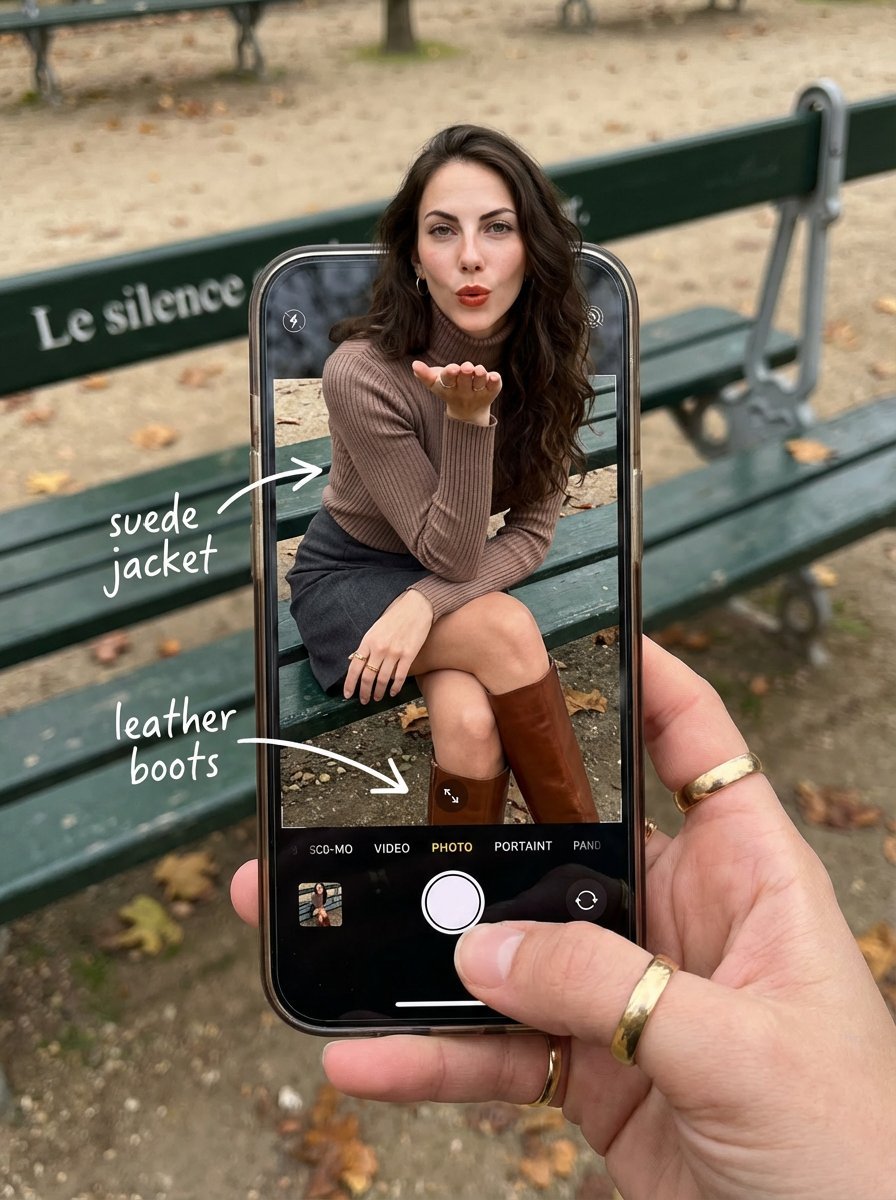
OOTD Breakdown Smartphone Pop-out Illusion
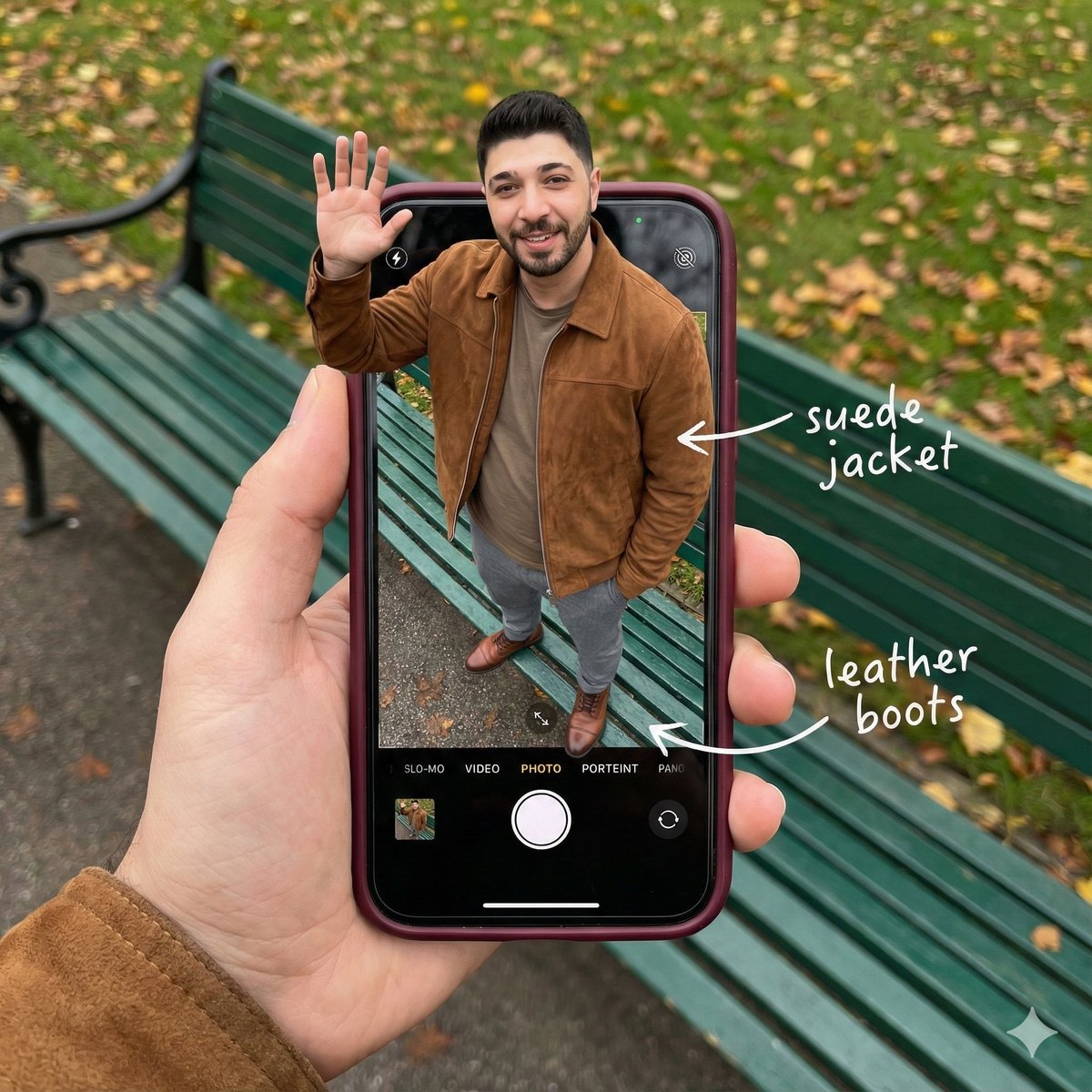
Smartphone Screen Stepping Out Optical Illusion Prompt
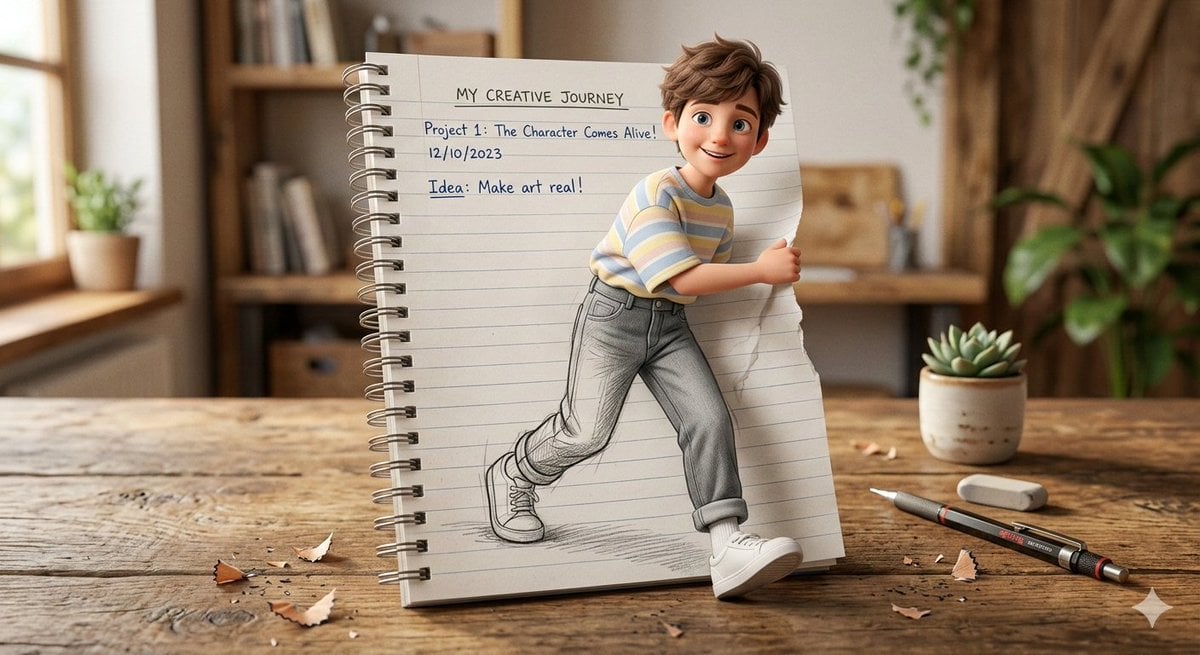
3D Pop-Out Illusion Artwork of a Boy from a Notebook
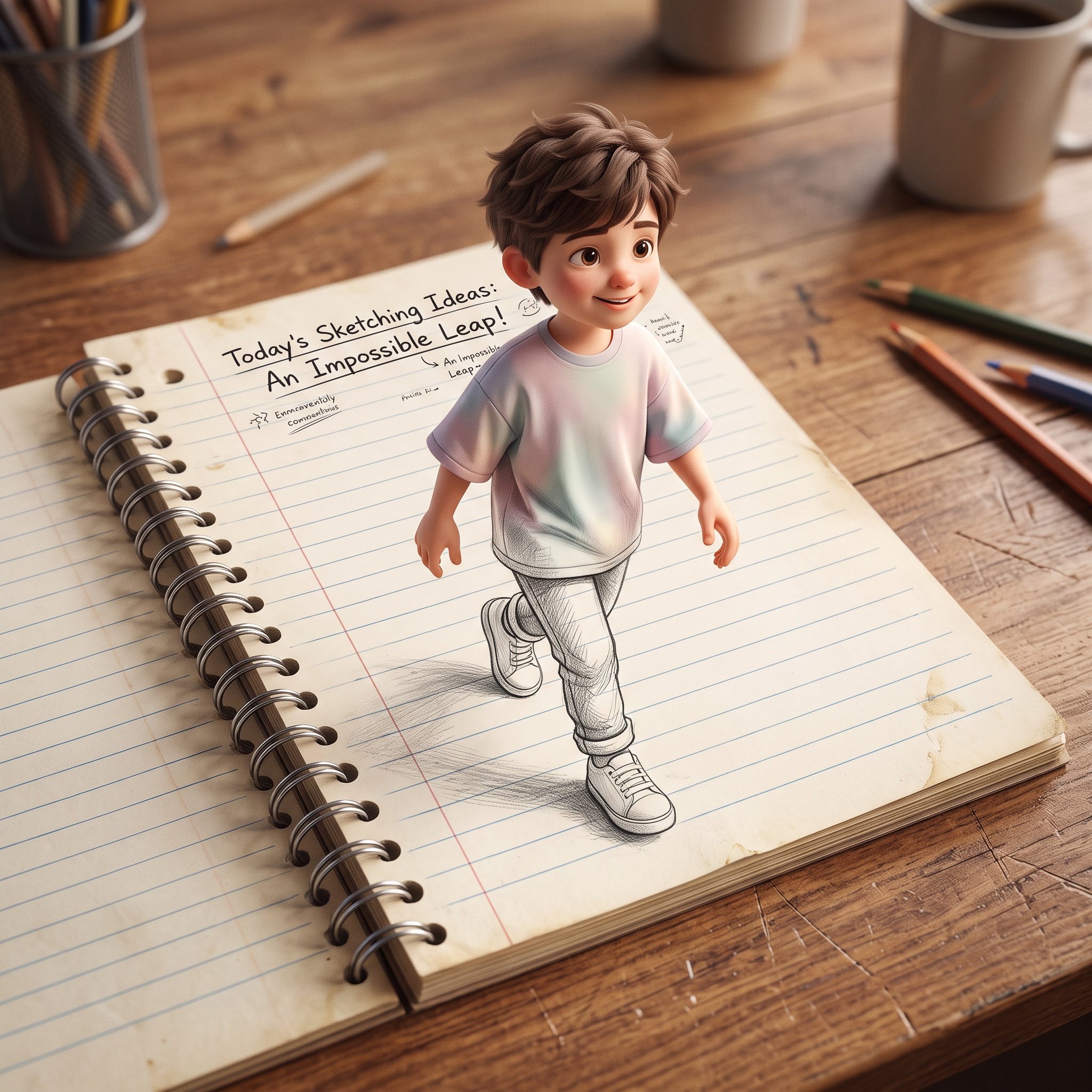
3D Pop-Out Illusion Artwork Prompt

Hyper-Realistic Minecraft POV Portrait
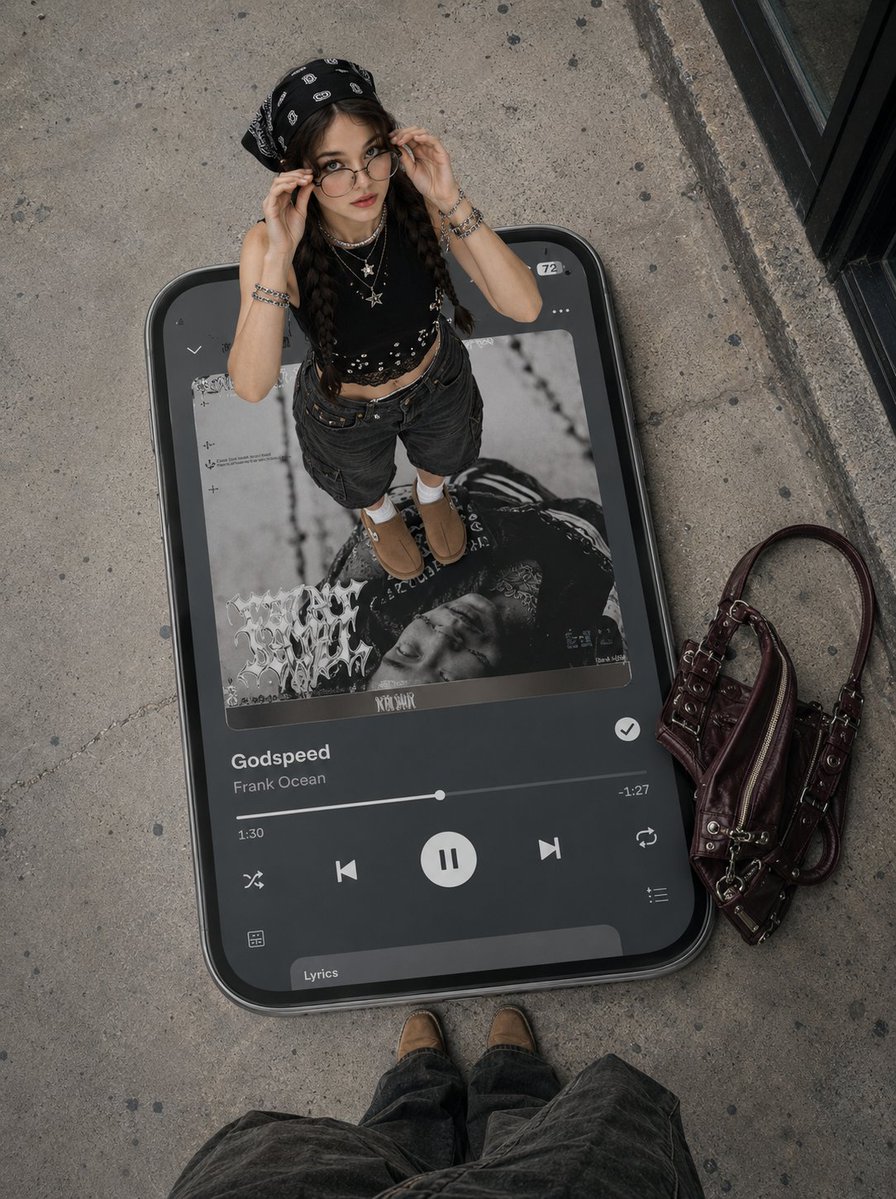
Surreal Y2K Street Fashion Smartphone Illusion

Red Futuristic Sport Motorcycle POV
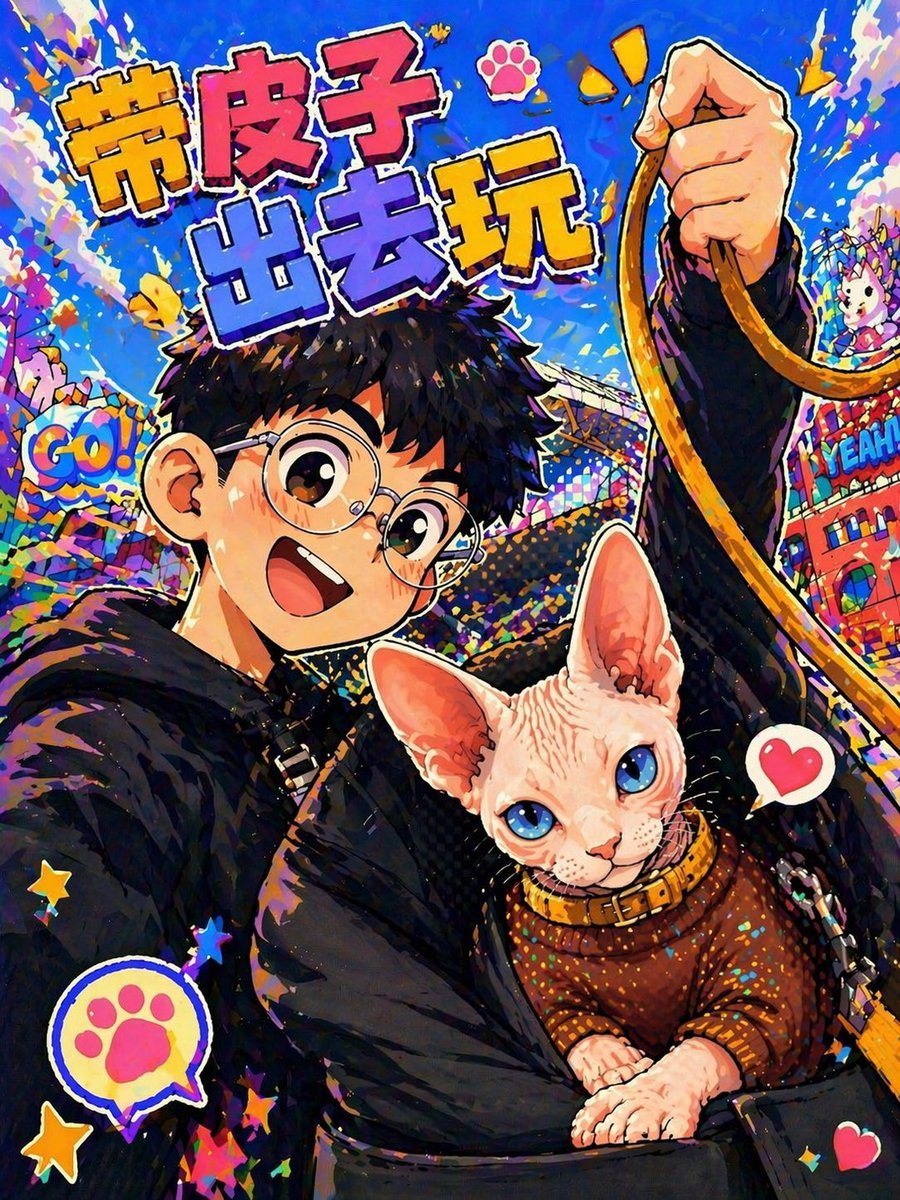
Anime Pop Sphynx Cat Outing Poster

Floating Woman Above Cityscape with Notifications
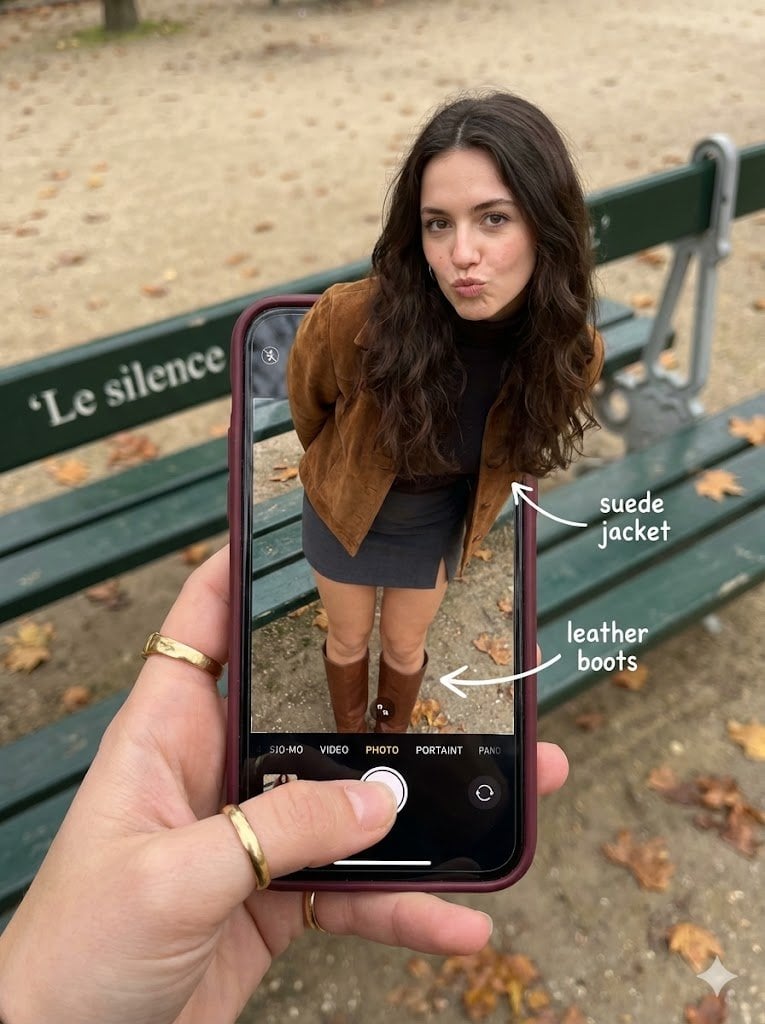
Hyper-Realistic Optical Illusion: Woman Emerging from Smartphone Screen
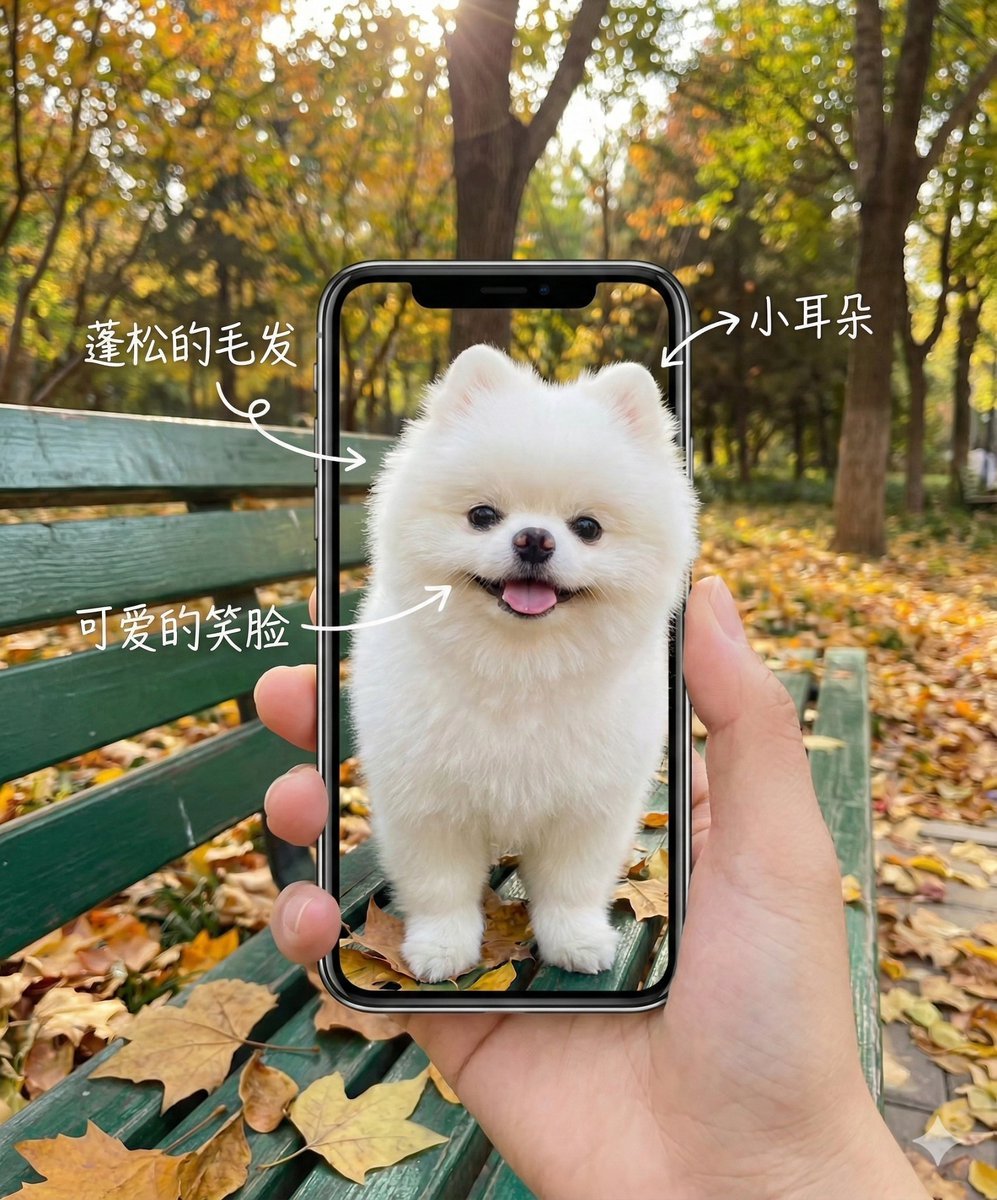
Smartphone Screen Illusion Portrait Template
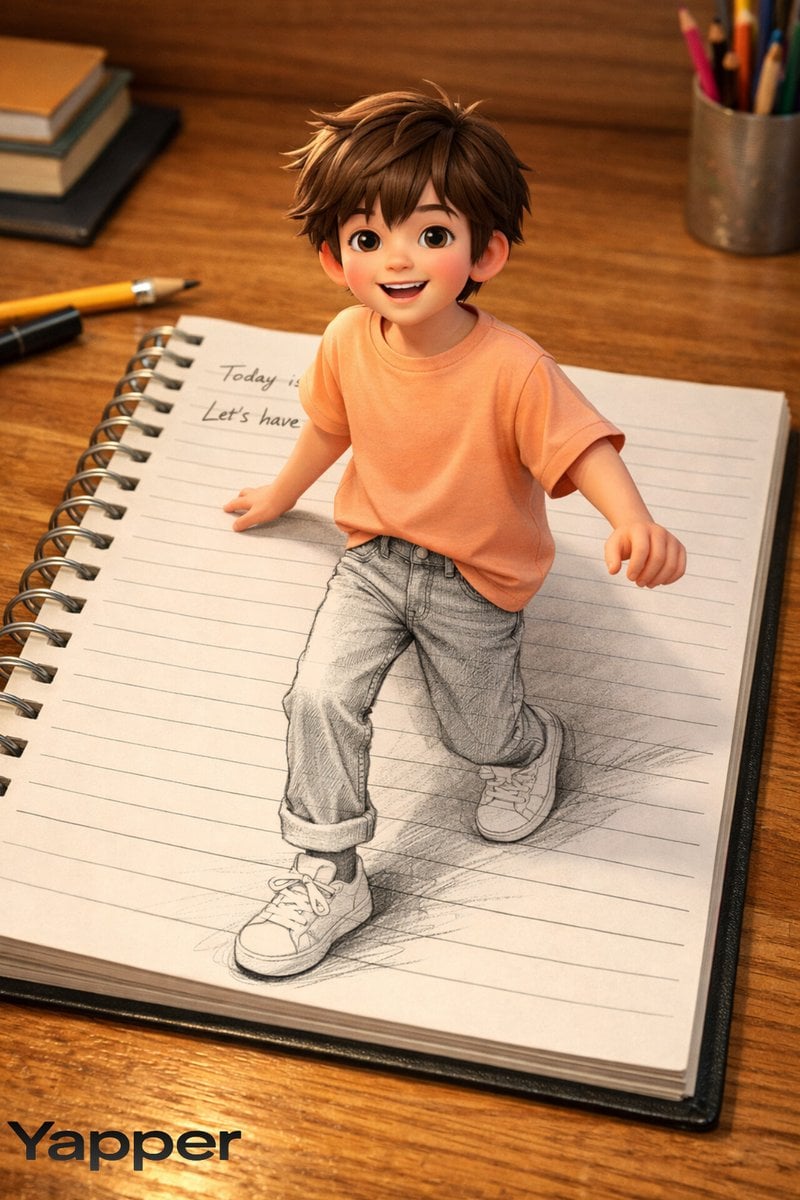
Creative 3D Illusion Artwork of a Boy Stepping Out of a Notebook
Make it yours
Hyper-Realistic POV Smartphone Pop-out Illusion in a Park works as-is. These are the safest ways to change it without losing the look.
Change one field
Copy a single group, rewrite it, and generate again so you can see what that field is doing.
Keep the frame, change the subject
Hold the composition and light of Hyper-Realistic POV Smartphone Pop-out Illusion in a Park, then swap wardrobe, props or the person for a new take.
| If the result… | Why | Fix |
|---|---|---|
| The result drifts from the preview | Too many fields changed at once. | Reuse Hyper-Realistic POV Smartphone Pop-out Illusion in a Park as-is first, then change one group — subject, light, or setting. |
| The model over-stylizes the scene | The prose prompt leaves finish and camera underspecified. | Add one camera or lighting sentence and stay on Nano Banana 2. |
More Nano Banana 2 templates
Other prompts made for Nano Banana 2.

Photorealistic Leaf Shaped Like a Dragon

K-Pop Idol Portrait Grid for Rapid Selection

Poetic Rain Forest Portrait During Golden Hour

Urban Street Portrait with Cartoon Inner Self Duo

Candid Nighttime Photo with Cat Prompt

High-Concept 3D Diorama Generation Prompt

Cinematic Futuristic Studio Portrait Template

Skincare Editorial Photography Collage Prompt

Hyper-Realistic Commercial Product Photography (Splash Effect)

Hyper-Realistic Nightclub Portrait Prompt
More image prompts
Fresh picks from across the catalog.
LINE Sticker Generation Prompt
Grok Video Prompt: High-Speed Bike Stunt Action
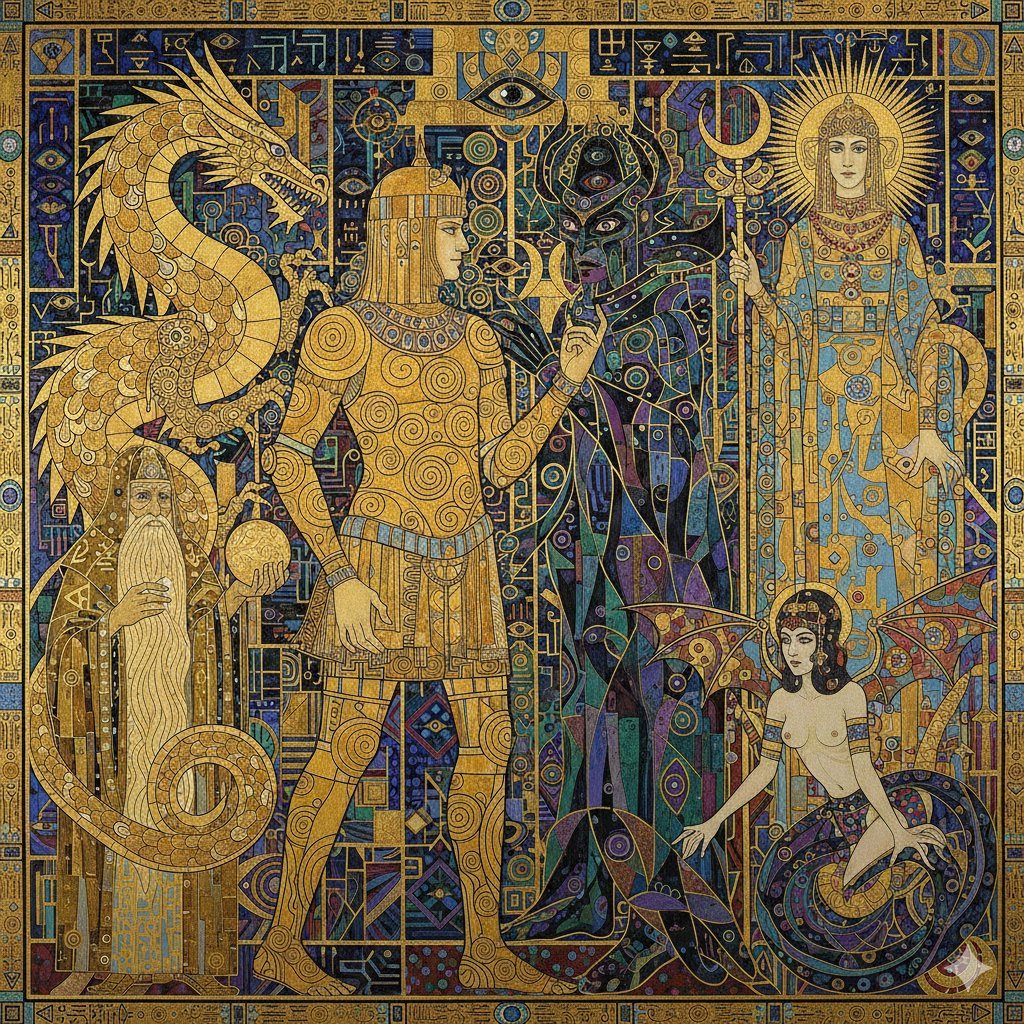
Tower of Druaga Klimt Style Prompt

Old Photo Restoration Prompt
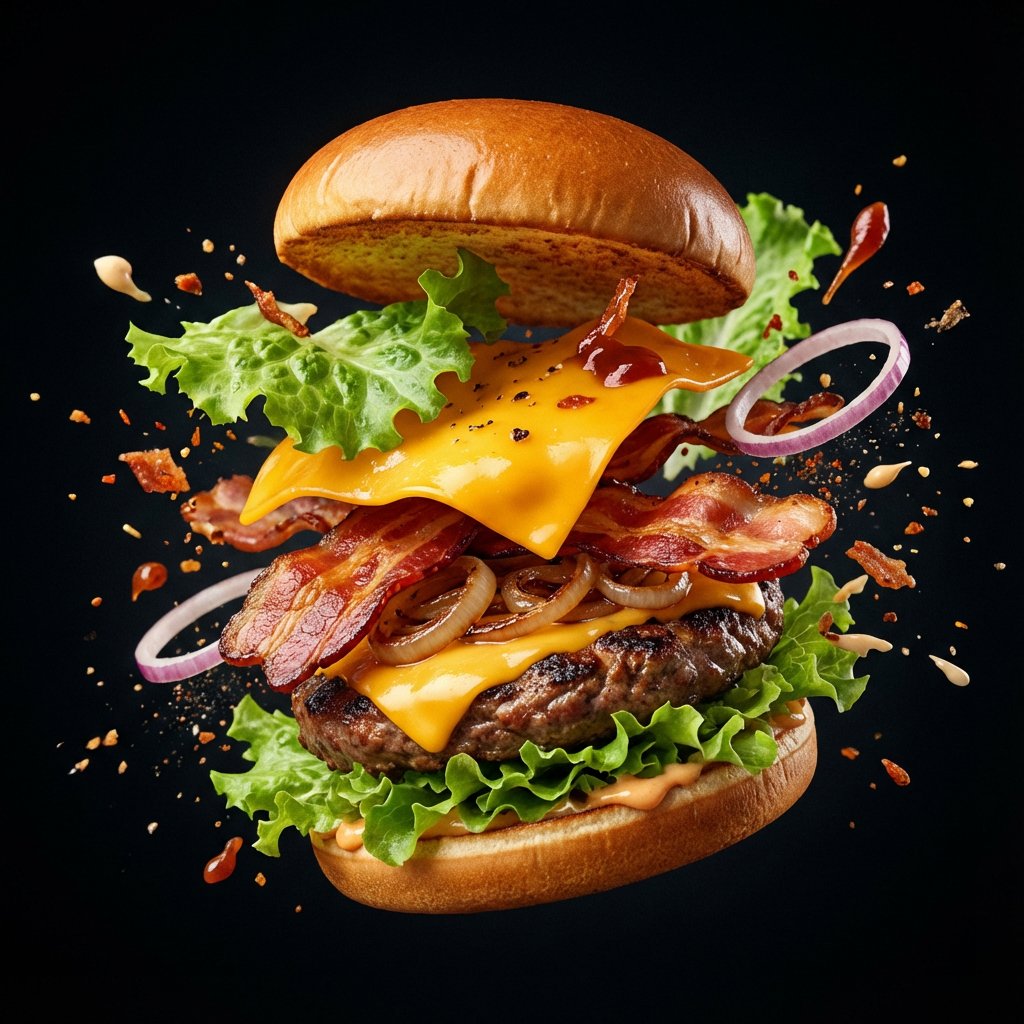
Explosion Food Poster for Marketing
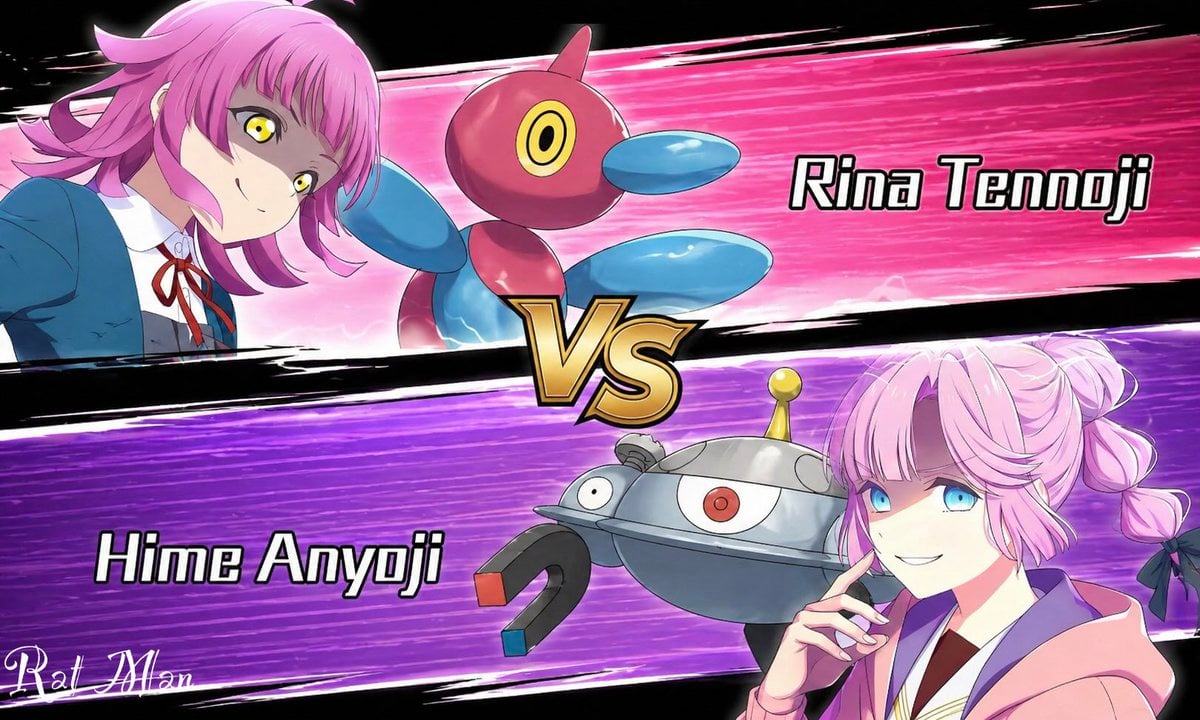
Anime Pokémon-Style Versus Screen

Anime Theatrical Movie Poster

Fantasy World Creation Image Prompt (Nano Banana Pro)

Parisian Café Lifestyle Portrait
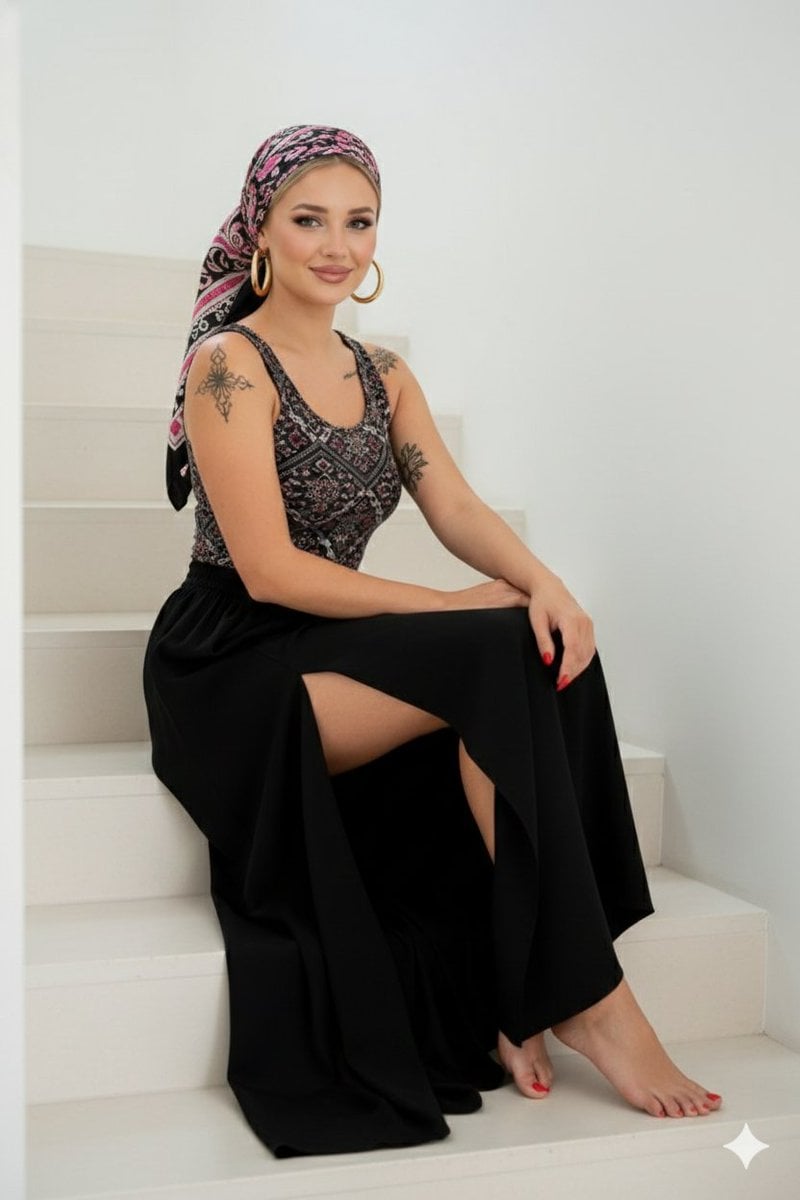
High-Quality Full-Body Fashion Photograph Prompt
Browse template categories
Hyper-Realistic POV Smartphone Pop-out Illusion in a Park questions
How do I use the Hyper-Realistic POV Smartphone Pop-out Illusion in a Park template?
Add your photo if the template asks for one, edit the prompt if you like — the template's model and format are already selected — and press Generate. Your version opens in PicX Studio.
Can I customize the Hyper-Realistic POV Smartphone Pop-out Illusion in a Park template?
Yes. You can change the subject, setting, lighting, mood, format, and available model controls before creating your image.
Is the Hyper-Realistic POV Smartphone Pop-out Illusion in a Park template free?
Opening and editing this template is free. Generating uses credits, shown on the Generate button when you are signed in.
Which AI model should I use?
Start with Nano Banana 2, which is the model associated with this template. You can compare another compatible model for a different finish.
Looking for something else? Browse all templates.

Your photo, any look
Thousands of ready templates for every top image and video model, from one credit balance.