
Anime Pokémon-Style Versus Screen
This prompt generates a bold anime battle-introduction splash image with two rival girls, their monster partners, and a dramatic VS layout for matchup art or social media posts.
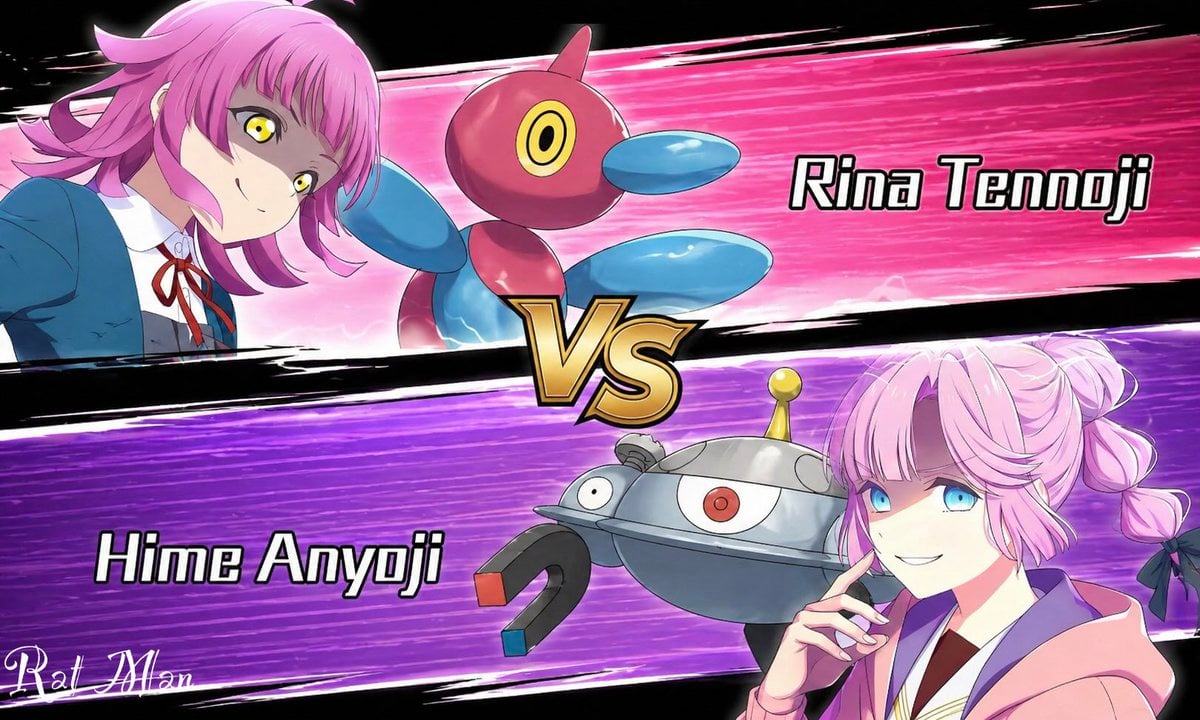
- Prompt included
- Model and format preset
- Free template
The prompt behind this image
Copy the exact prompt behind Anime Pokémon-Style Versus Screen, or open it in the studio and make it yours.
A dynamic anime versus screen styled like a Pokémon battle intro, split diagonally into 2 opposing horizontal panels with a large metallic gold “VS” emblem in the center. The top panel has a hot pink speed-line background with black brushstroke borders and shows {argument name="top character name" default="Rina Tennoji"} on the left, a teenage anime girl in a blue school uniform jacket, white shirt, and red ribbon tie, leaning in from the left with a confident expression, short layered pink hair with outward flips, and vivid yellow eyes. Beside her is 1 floating Porygon2-like creature, glossy red and blue with a rounded body, oval blue limbs, and a single circular yellow-and-black eye. On the right side of the top panel, large bold white text with a black outline reads “Rina Tennoji.” The bottom panel has a vivid purple speed-line background with black brushstroke borders and shows {argument name="bottom character name" default="Hime Anyoji"} on the right, a teenage anime girl in a soft pink hoodie over a school-style outfit, posed with one hand near her chin, pastel pink hair in twin braided buns tied with dark bows. Her face is obscured by a large solid censor block rectangle. Beside her is 1 floating Magnezone-like robot creature, metallic silver and blue-gray with a domed body, 1 central red eye, 1 smaller side eye, a yellow antenna on top, and 2 horseshoe magnets as arms with red and blue tips. On the left side of the bottom panel, large bold white text with a black outline reads “Hime Anyoji.” Use crisp anime line art, glossy cel shading, dramatic motion streaks, high contrast, and a competitive game splash-screen composition on a black outer background. Include 2 characters, 2 creature companions, 2 name labels, 1 central VS emblem, and a small stylized white artist signature in the lower-left corner.
How to use Anime Pokémon-Style Versus Screen in 3 steps
- 1Upload ImagePNG, JPG or paste
Add your photo
Upload the photo the template builds on. The prompt, model and format are already set.
- 2…a portrait of your subject in softgolden-hour light, 85mm…
Personalize
Edit the subject and creative details for your destination.
- 3Generate
Generate
Press Generate — your image is created in PicX Studio, so you can compare it with the original and refine one variable at a time.
More like this
Templates with the same subject, style or setup. Open one to see its prompt.












Make it yours
Anime Pokémon-Style Versus Screen works as-is. These are the safest ways to change it without losing the look.
Change one field
Copy a single group, rewrite it, and generate again so you can see what that field is doing.
Keep the frame, change the subject
Hold the composition and light of Anime Pokémon-Style Versus Screen, then swap wardrobe, props or the person for a new take.
| If the result… | Why | Fix |
|---|---|---|
| The result drifts from the preview | Too many fields changed at once. | Reuse Anime Pokémon-Style Versus Screen as-is first, then change one group — subject, light, or setting. |
| The model over-stylizes the scene | The prose prompt leaves finish and camera underspecified. | Add one camera or lighting sentence and stay on GPT Image 2. |
More GPT Image 2 templates
Other prompts made for GPT Image 2.

Six VTuber Japanese Logo Sheet

Realistic Portrait of Woman and Deer

The Vista Modular Condo Poster

AI Model Routing Comparison Infographic

2.5D Anime Art Board

Isometric Productivity Desk Scene

New York Double Exposure Poster

Four-Panel AI Landscape Comparison

Japanese Tatami Lifestyle Magazine Cover

NESCAFÉ Coffee Map Poster
More image prompts
Fresh picks from across the catalog.
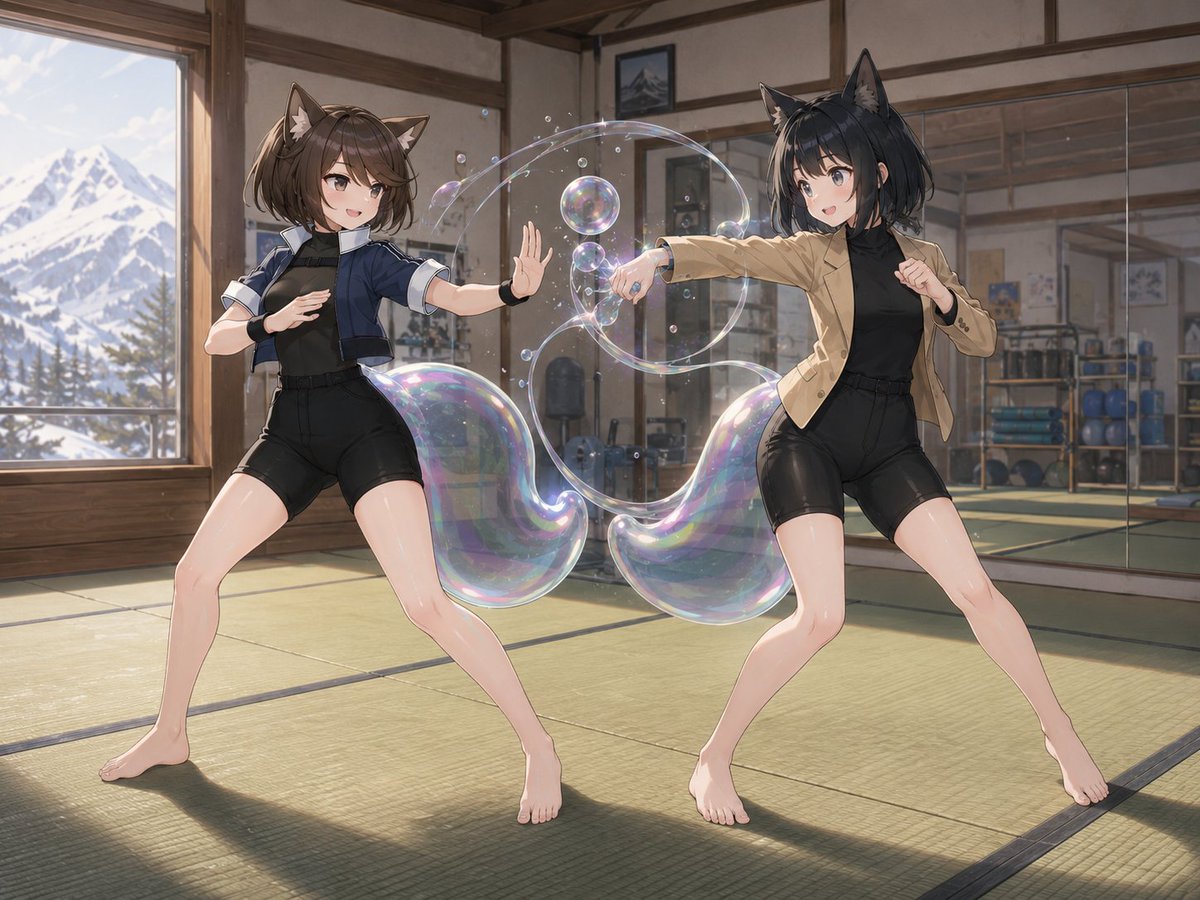
Fox-Eared Dojo Sparring Scene
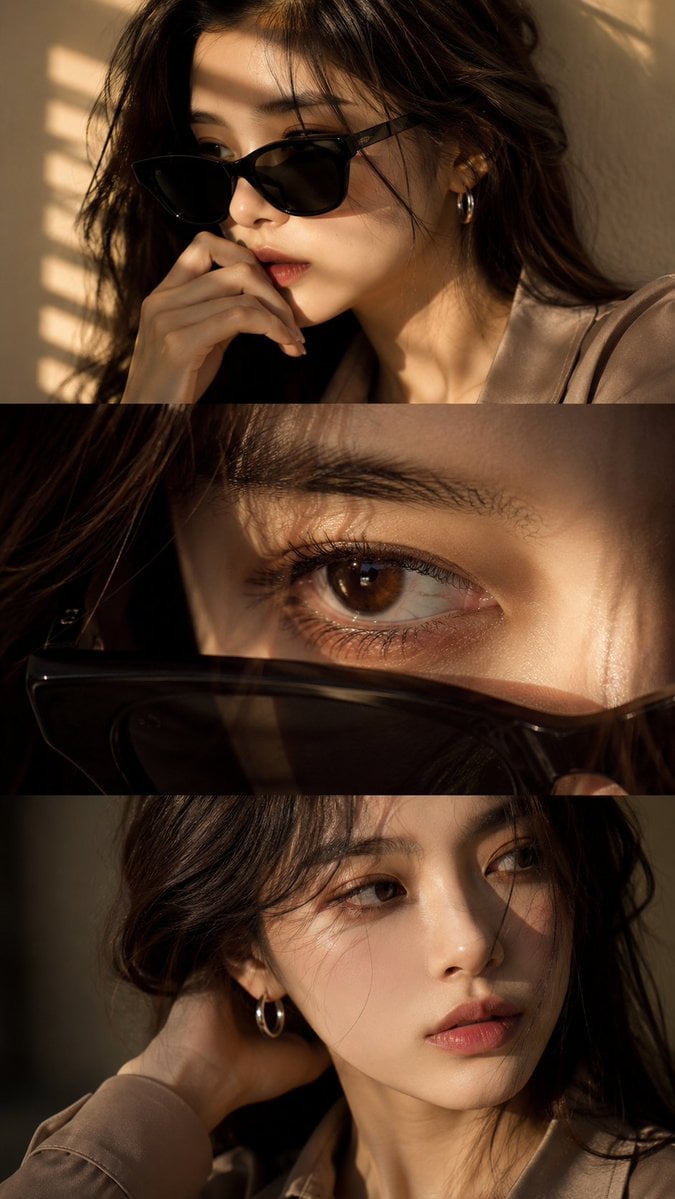
Luxury Editorial Triptych Portrait
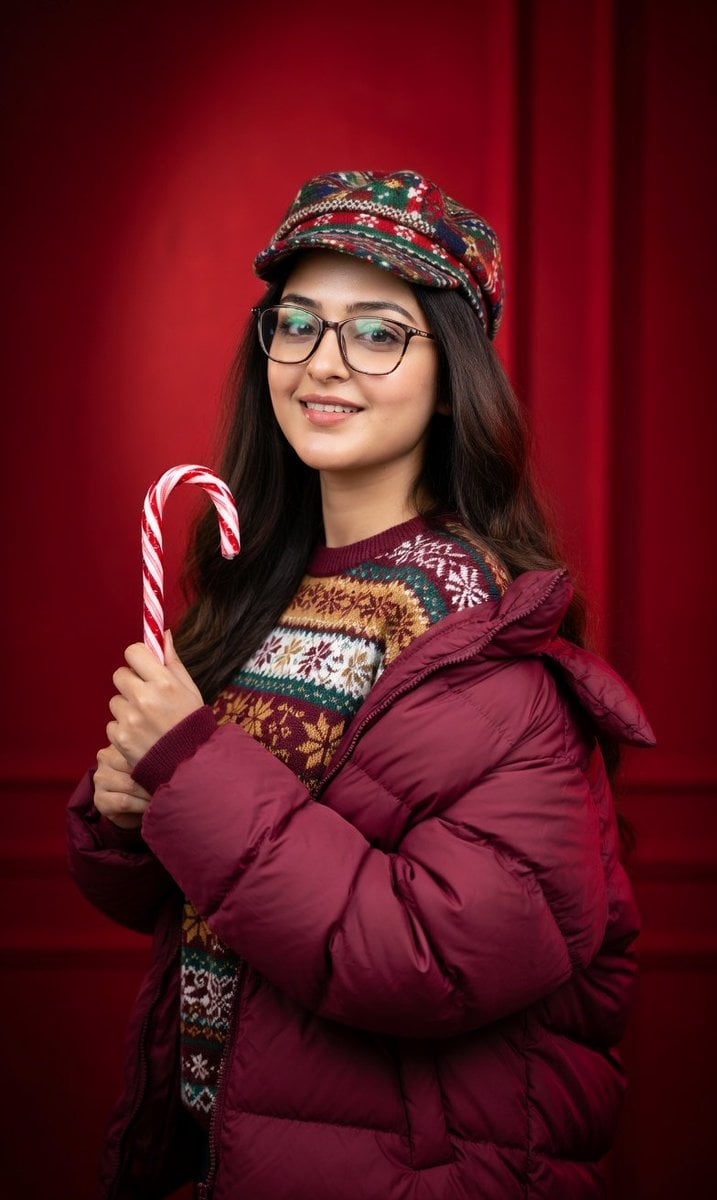
Studio Portrait with Red Gradient Background Prompt for Nano Banana Pro
Hyper-realistic cinematic product shot of Fanta Orange can with exploding orange slices
Y2K Style Translucent Motorbike Product Design
Urban Skateboarder Streetwear Prompt
Surreal Floating Market Cinematic Editorial
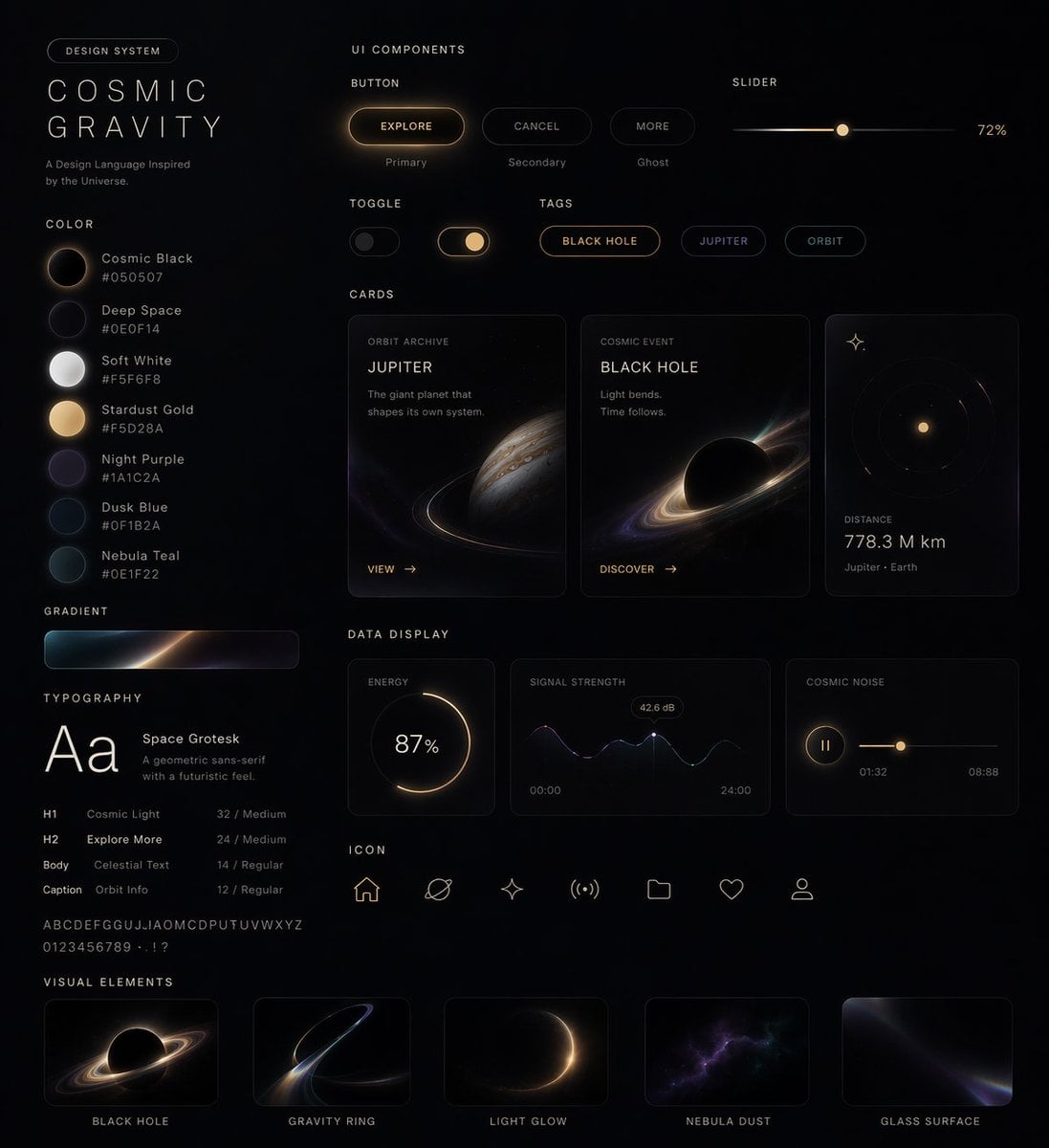
Cosmic Dark Mode UI Design System
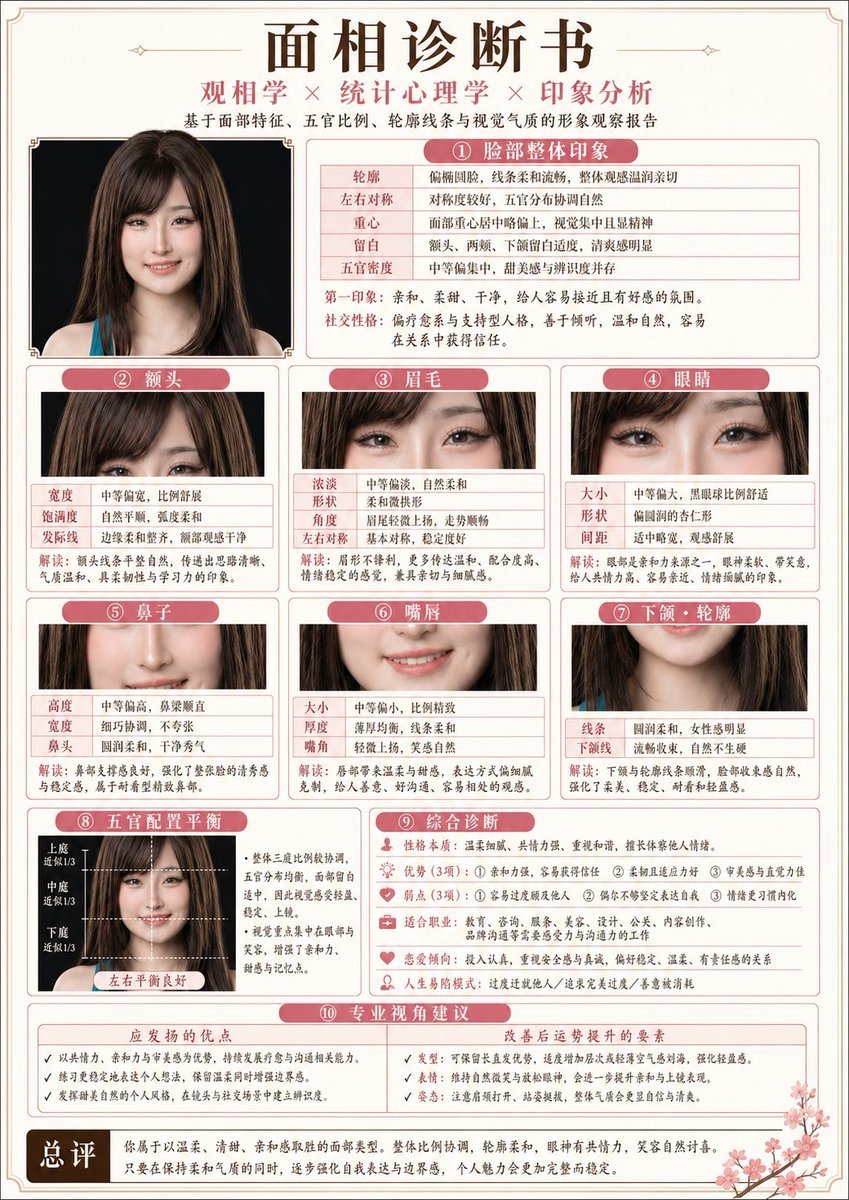
Japanese-Style Facial Analysis Diagnostic Poster
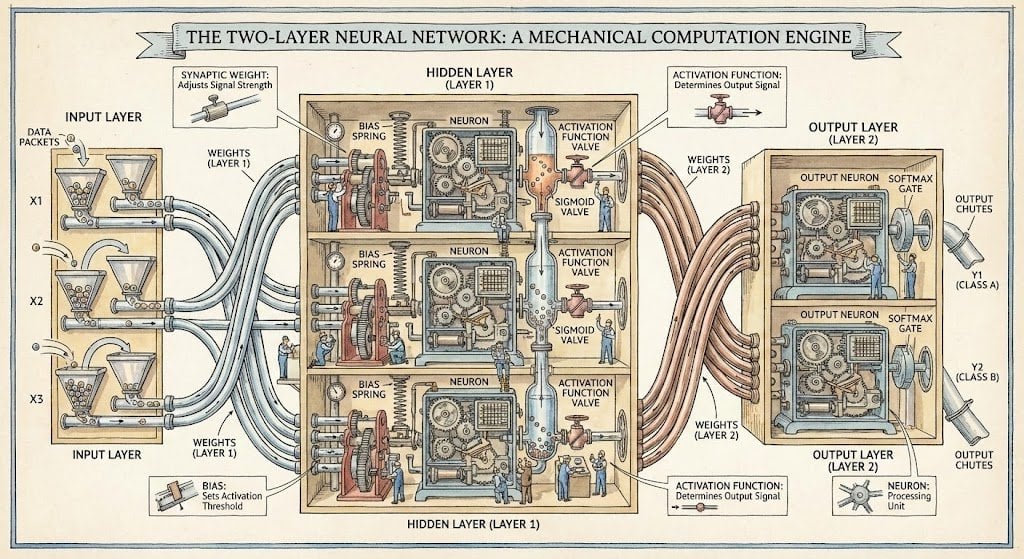
Two-layer neural network diagram in Stephen Biesty style
Browse template categories
Anime Pokémon-Style Versus Screen questions
How do I use the Anime Pokémon-Style Versus Screen template?
Add your photo if the template asks for one, edit the prompt if you like — the template's model and format are already selected — and press Generate. Your version opens in PicX Studio.
Can I customize the Anime Pokémon-Style Versus Screen template?
Yes. You can change the subject, setting, lighting, mood, format, and available model controls before creating your image.
Is the Anime Pokémon-Style Versus Screen template free?
Opening and editing this template is free. Generating uses credits, shown on the Generate button when you are signed in.
Which AI model should I use?
Start with GPT Image 2, which is the model associated with this template. You can compare another compatible model for a different finish.
Looking for something else? Browse all templates.

Your photo, any look
Thousands of ready templates for every top image and video model, from one credit balance.