
Anime Pop Sphynx Cat Outing Poster
This prompt generates a colorful anime-style selfie poster of a person taking a Sphynx cat out, ideal for social media art, meme visuals, or playful pet-themed character posters.
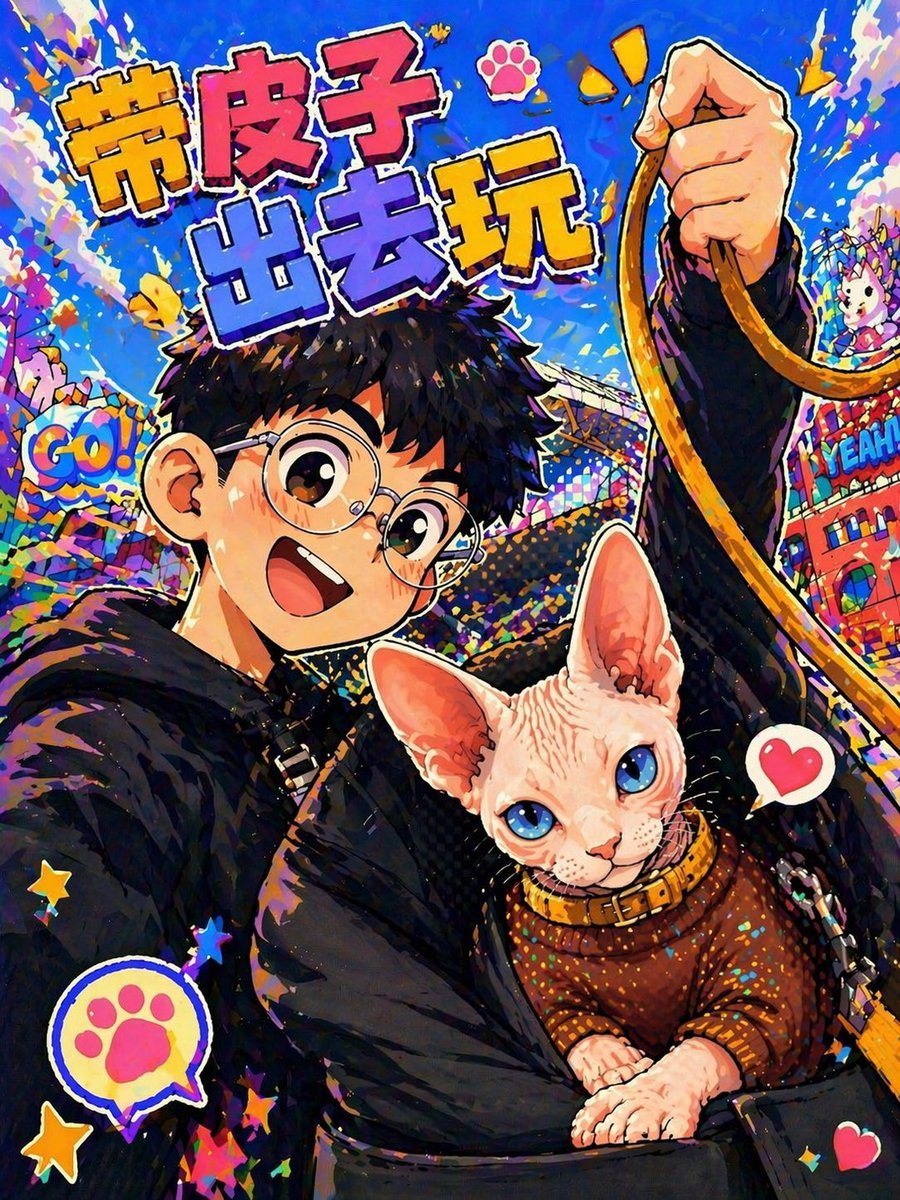
- Prompt included
- Model and format preset
- Free template
The prompt behind this image
Copy the exact prompt behind Anime Pop Sphynx Cat Outing Poster, or open it in the studio and make it yours.
A vibrant anime-pop poster style selfie illustration of a young person carrying a Sphynx cat in a black front pet sling while holding a tan leash high in one hand. The person has short messy black hair, round glasses, and wears a black hoodie or dark oversized jacket; the face is intentionally obscured by a centered square blur block. The cat is the clear focal point in the lower center, a hairless pale pink Sphynx with very large ears, bright blue eyes, detailed skin folds, and a cozy brown knitted sweater with a collar. Use a dynamic upward selfie angle, with the raised fist and looping leash occupying the upper right. The background is a dense, celebratory amusement-park or festival scene rendered in explosive saturated colors, with electric blue dominating, plus confetti, paint splashes, stars, comic-style stickers, and playful signage. Include exactly 1 large Chinese headline at the top reading {argument name="headline text" default="带皮子出去玩"} in oversized chunky bubble lettering with thick white outline and multicolor fill, exactly 1 pink paw-print icon near the headline, exactly 2 yellow exclamation marks near the raised hand, exactly 1 speech-bubble sticker on the left reading {argument name="left sticker text" default="GO!"}, exactly 1 speech-bubble sticker on the right reading {argument name="right sticker text" default="YEAH"}, exactly 1 paw-print speech bubble near the lower left, and exactly 2 pink heart icons near the cat. Make the composition feel energetic, cute, and chaotic, with bold cel-shaded outlines, glossy highlights, textured brush strokes, posterized lighting, high contrast, and a richly detailed neon comic aesthetic.
How to use Anime Pop Sphynx Cat Outing Poster in 3 steps
- 1Upload ImagePNG, JPG or paste
Add your photo
Upload the photo the template builds on. The prompt, model and format are already set.
- 2…a portrait of your subject in softgolden-hour light, 85mm…
Personalize
Edit the subject and creative details for your destination.
- 3Generate
Generate
Press Generate — your image is created in PicX Studio, so you can compare it with the original and refine one variable at a time.
More like this
Templates with the same subject, style or setup. Open one to see its prompt.

Captain Tsubasa Anime World Cup Poster
Anime Selfie With Sphynx Cat

Anime Pop-Art Protest Poster

Gpt2 Youtube Thumbnail Anime Music Bootcamp Promo Poster

Japan Travel Brochure Poster

Anime Catgirl in Chinese Ink Landscape
Retro 80s City Pop Anime Illustration

Nice Day Anime Poster
Cat-Eared Gynoid Spec Poster

Surreal Cat Astronaut — Humanoid Face Freefall

Cel 2D Finale Fireworks

Cel 2D Garden Maze
Make it yours
Anime Pop Sphynx Cat Outing Poster works as-is. These are the safest ways to change it without losing the look.
Change one field
Copy a single group, rewrite it, and generate again so you can see what that field is doing.
Keep the frame, change the subject
Hold the composition and light of Anime Pop Sphynx Cat Outing Poster, then swap wardrobe, props or the person for a new take.
| If the result… | Why | Fix |
|---|---|---|
| The result drifts from the preview | Too many fields changed at once. | Reuse Anime Pop Sphynx Cat Outing Poster as-is first, then change one group — subject, light, or setting. |
| The model over-stylizes the scene | The prose prompt leaves finish and camera underspecified. | Add one camera or lighting sentence and stay on GPT Image 2. |
More GPT Image 2 templates
Other prompts made for GPT Image 2.

Six VTuber Japanese Logo Sheet

Realistic Portrait of Woman and Deer

The Vista Modular Condo Poster

AI Model Routing Comparison Infographic

2.5D Anime Art Board

Isometric Productivity Desk Scene

New York Double Exposure Poster

Four-Panel AI Landscape Comparison

Japanese Tatami Lifestyle Magazine Cover

NESCAFÉ Coffee Map Poster
More image prompts
Fresh picks from across the catalog.
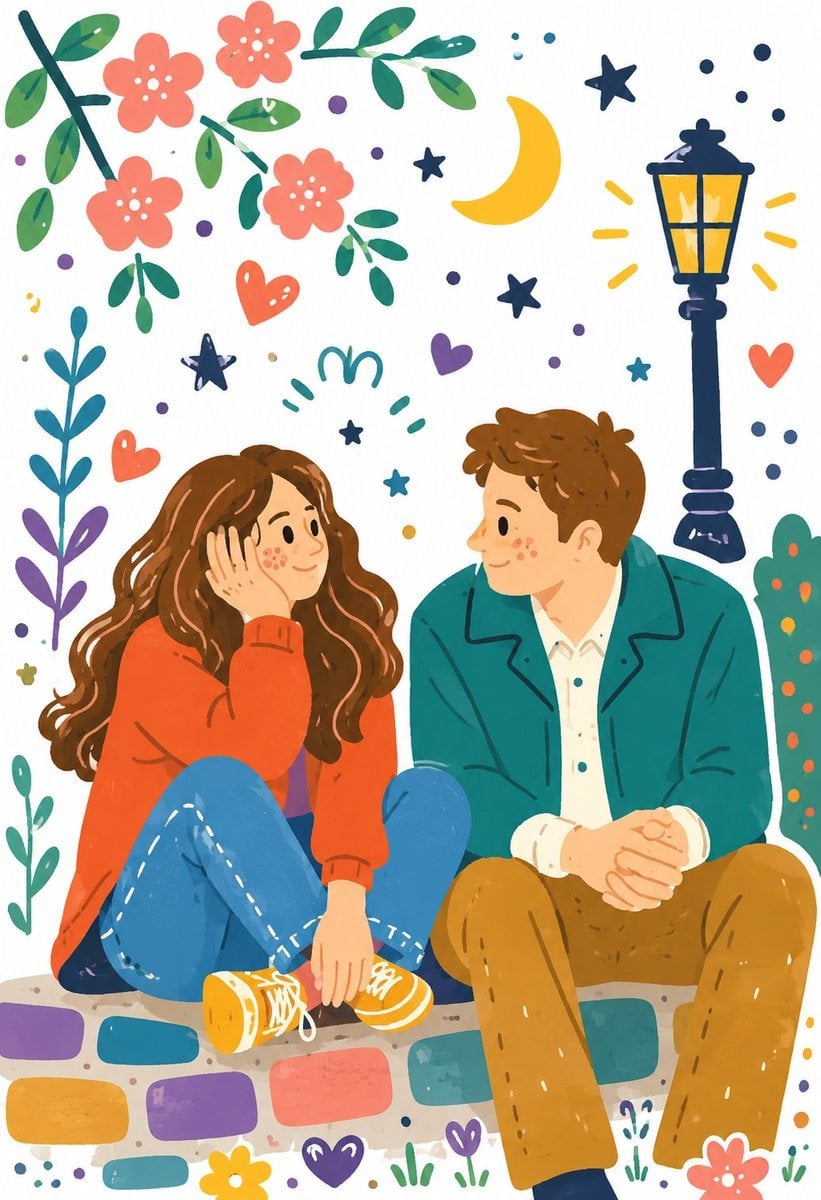
Decorative Folk Illustration Style
Peaceful anime hillside landscape
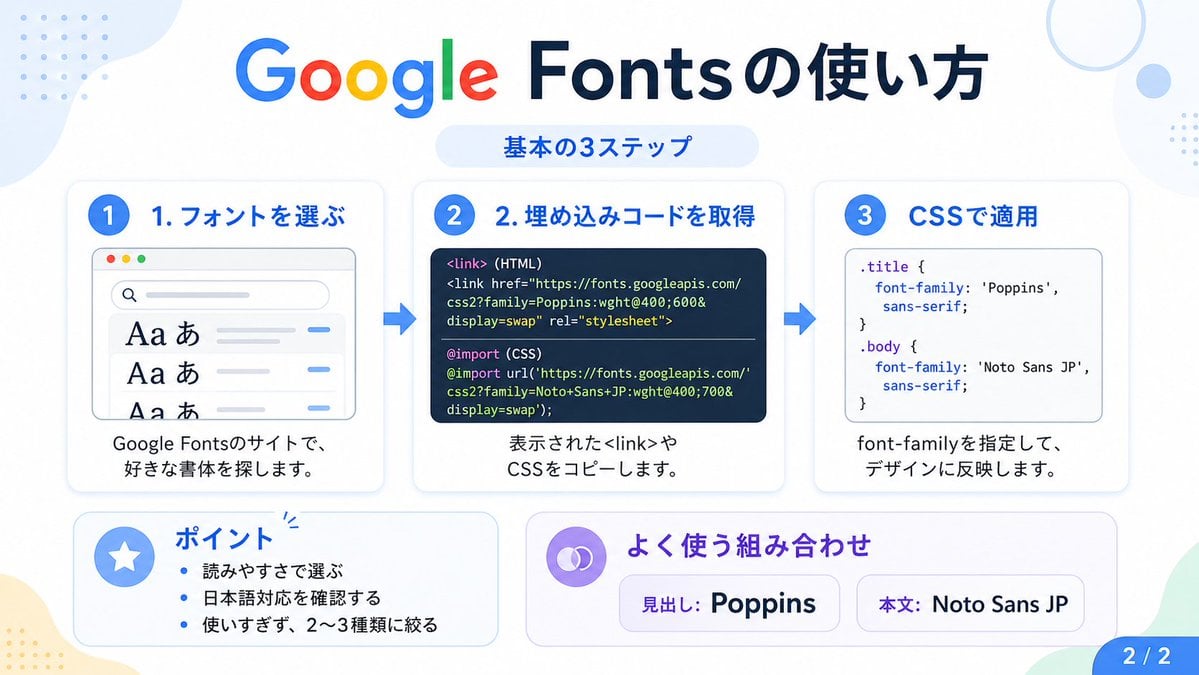
Google Fonts Japanese Tutorial Infographic
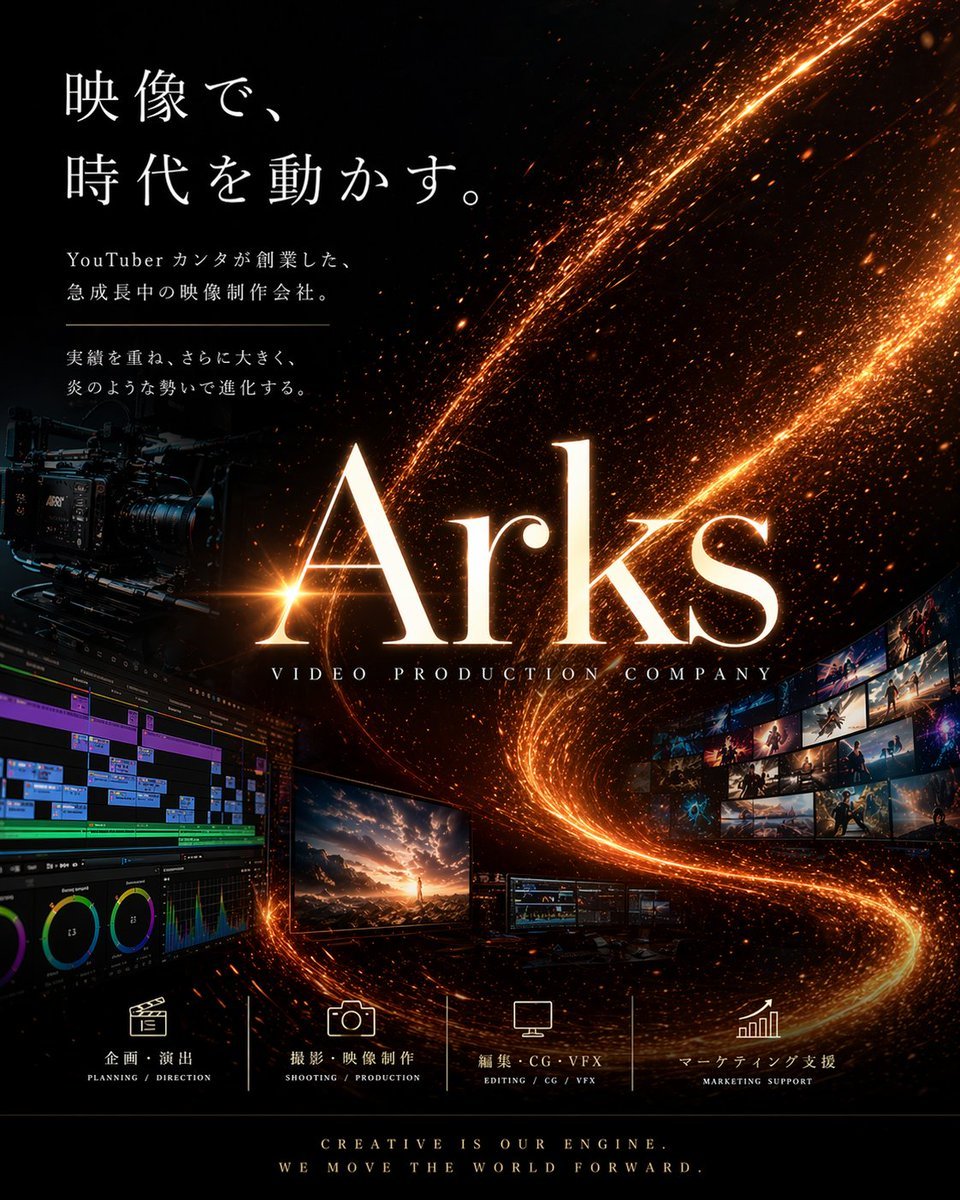
Cinematic Video Company Poster
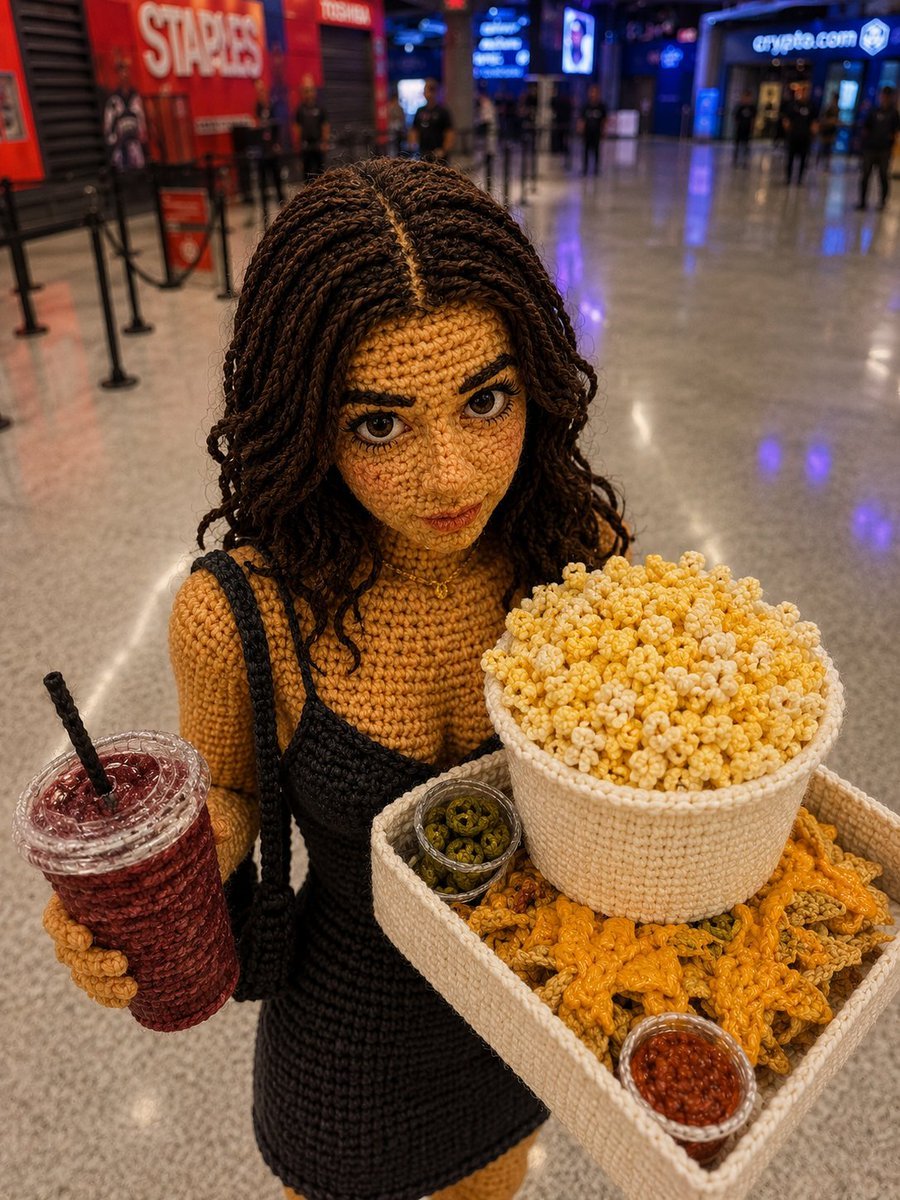
Crochet Doll Movie Snacks
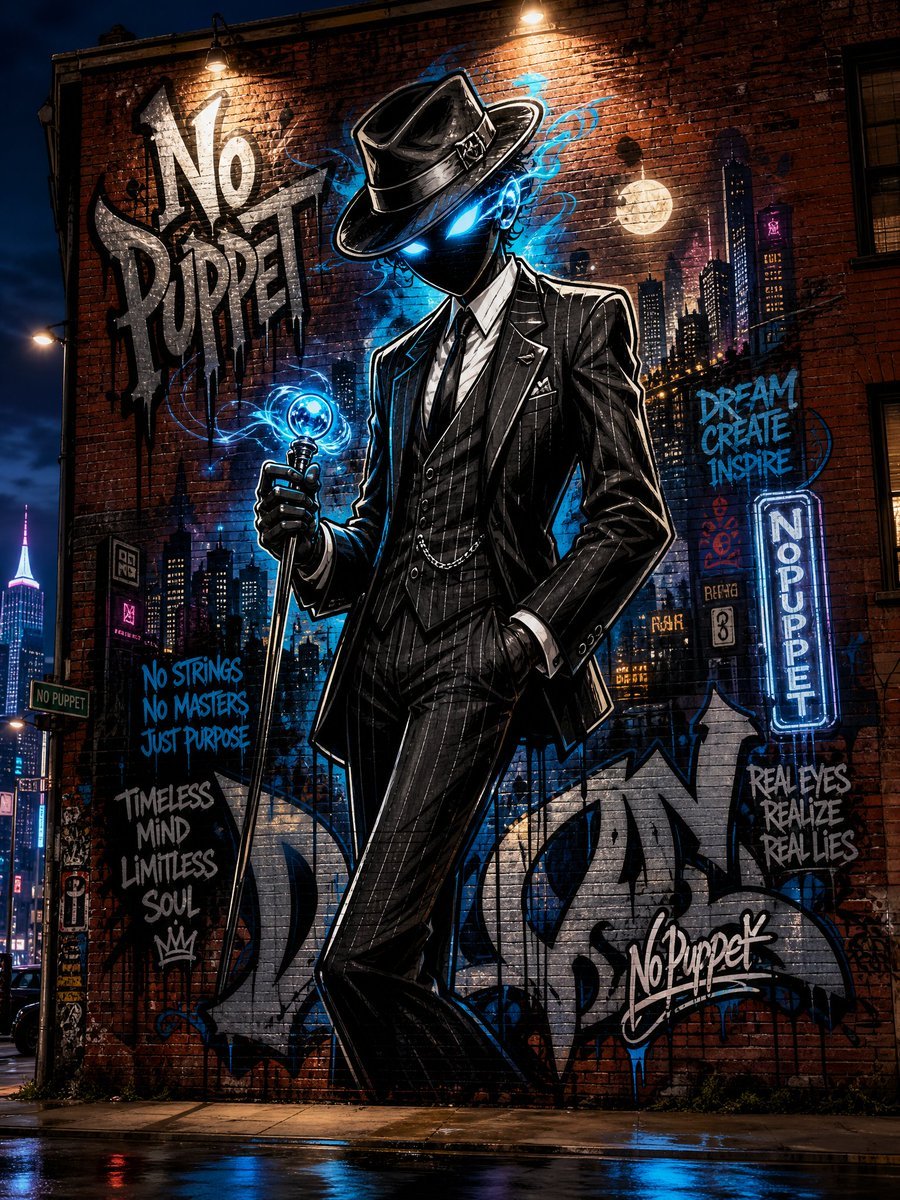
No Puppet Noir Graffiti Mural
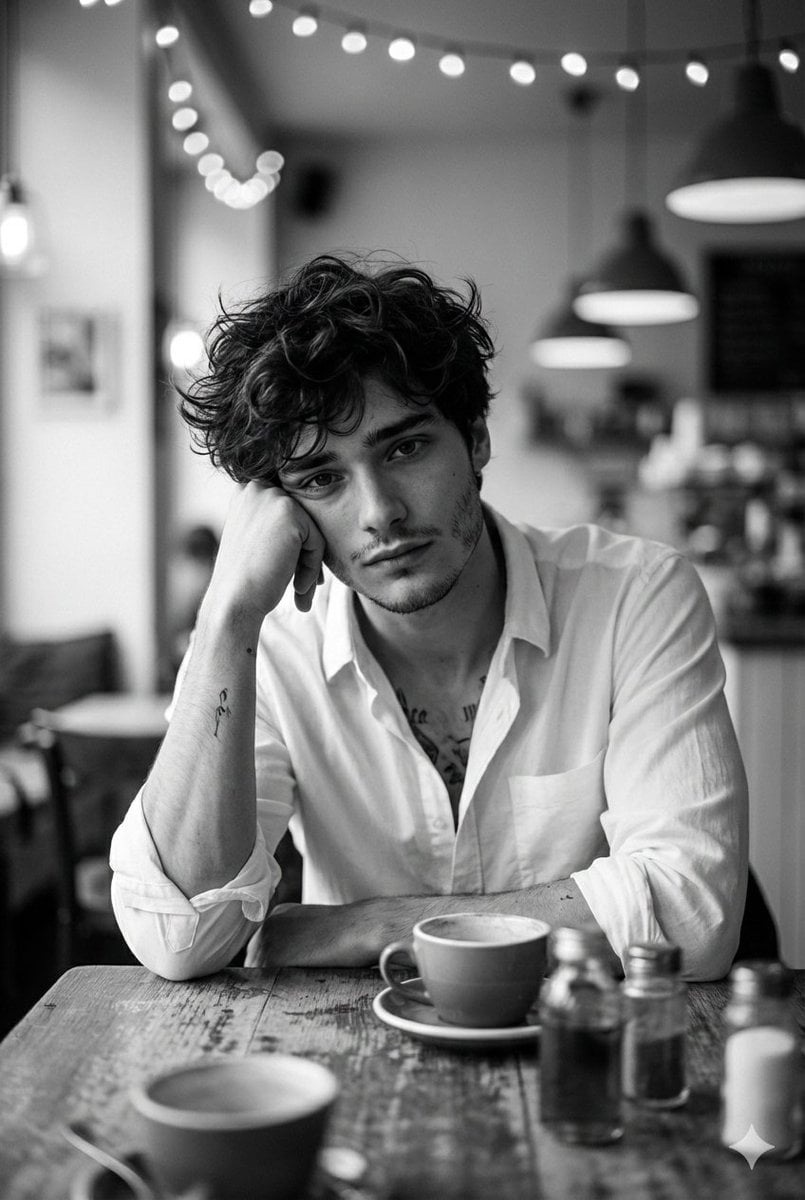
Hyper-Realistic Monochrome Cinematic Café Portrait
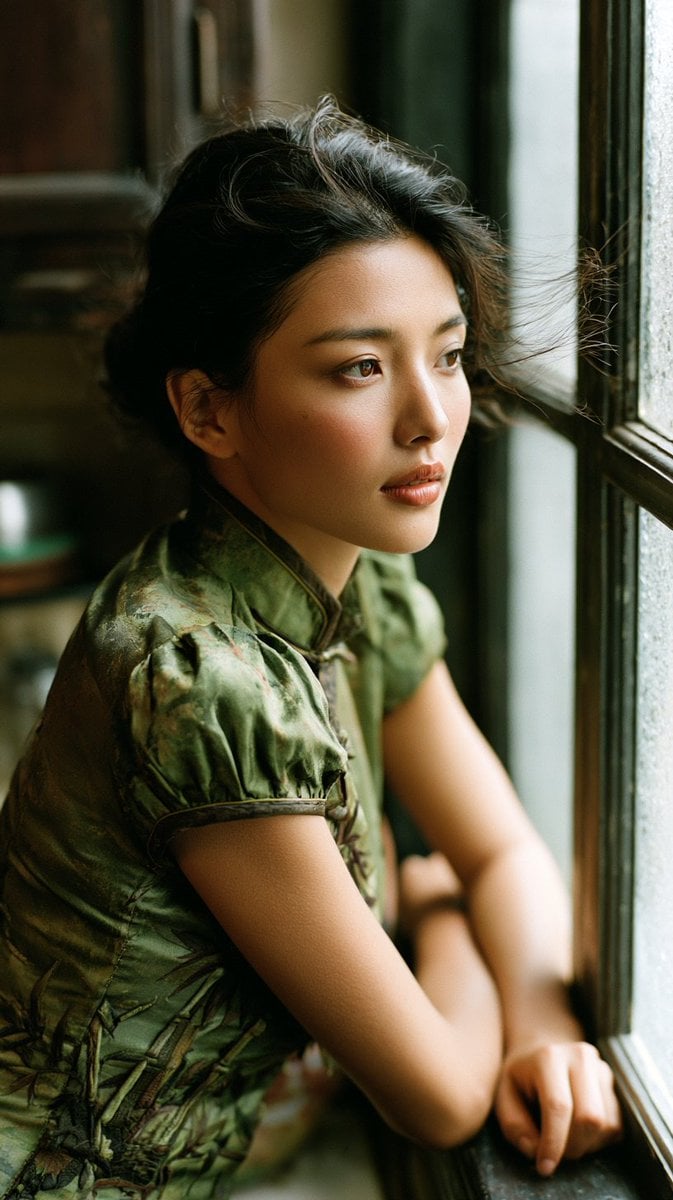
Rainy Day Kitchen Life Portrait
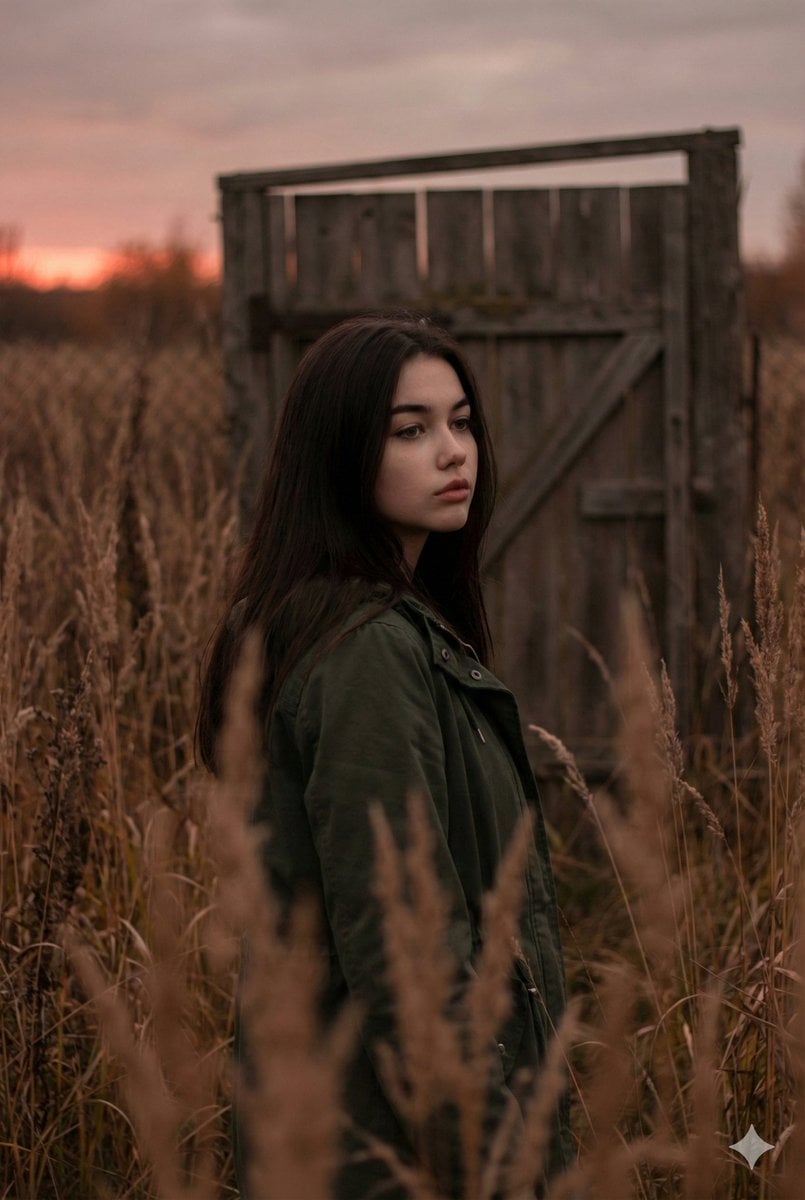
Atmospheric Sunset Portrait Edit Prompt with Identity Preservation

01 Skincare Split Portrait — Nano Banana 2
Browse template categories
Anime Pop Sphynx Cat Outing Poster questions
How do I use the Anime Pop Sphynx Cat Outing Poster template?
Add your photo if the template asks for one, edit the prompt if you like — the template's model and format are already selected — and press Generate. Your version opens in PicX Studio.
Can I customize the Anime Pop Sphynx Cat Outing Poster template?
Yes. You can change the subject, setting, lighting, mood, format, and available model controls before creating your image.
Is the Anime Pop Sphynx Cat Outing Poster template free?
Opening and editing this template is free. Generating uses credits, shown on the Generate button when you are signed in.
Which AI model should I use?
Start with GPT Image 2, which is the model associated with this template. You can compare another compatible model for a different finish.
Looking for something else? Browse all templates.

Your photo, any look
Thousands of ready templates for every top image and video model, from one credit balance.