
No Puppet Noir Graffiti Mural
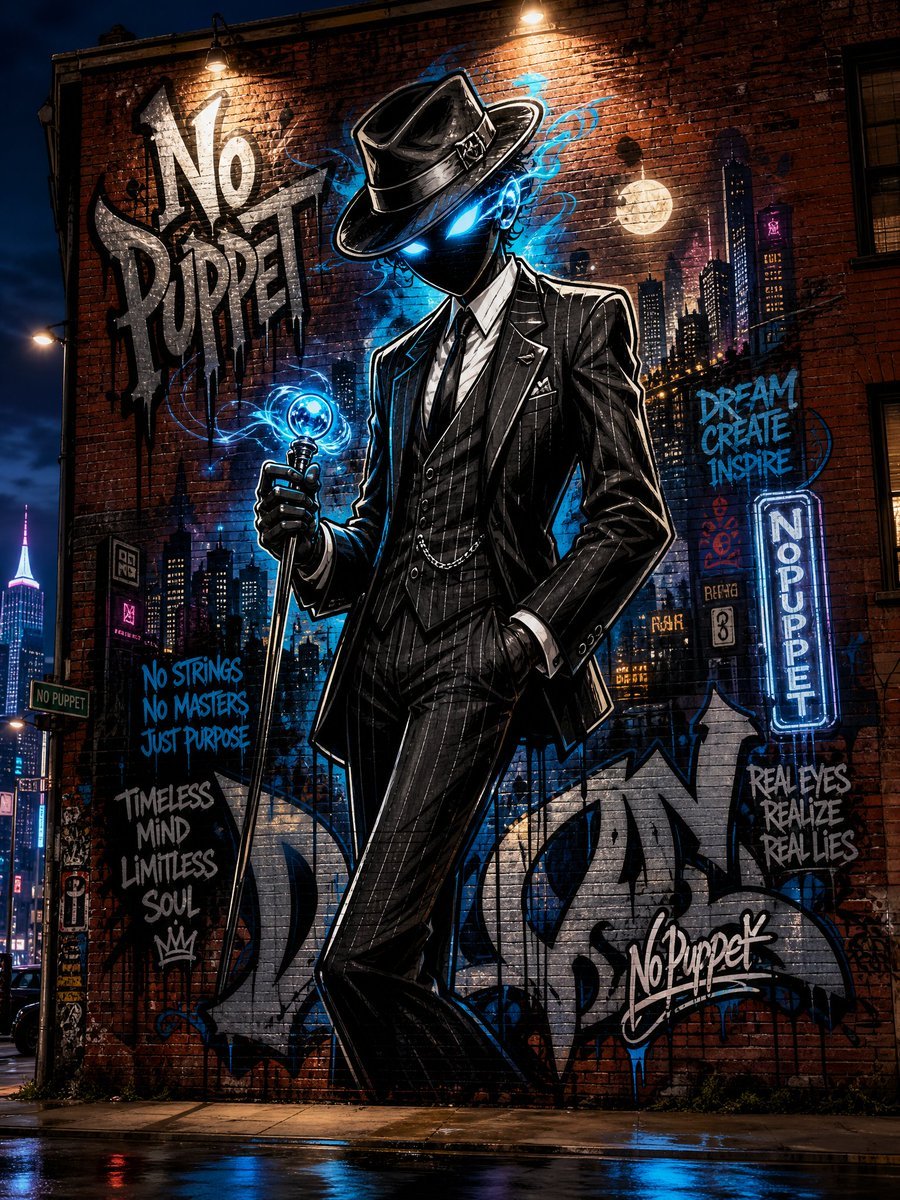
A cinematic neon street-art mural of a faceless noir figure in a pinstripe suit, ideal for creating edgy urban graffiti character artwork.
- Prompt included
- Model and format preset
- Free template
The prompt behind this image
Copy the exact prompt behind No Puppet Noir Graffiti Mural, or open it in the studio and make it yours.
Create a cinematic nighttime urban street scene showing a huge detailed graffiti mural painted on a red brick building wall. The central figure is a tall faceless noir character called {argument name="character name" default="No Puppet"}: a mysterious humanoid in a black pinstripe three-piece suit, white shirt, black tie, pocket chain, and black fedora, standing confidently with one hand in pocket and the other holding a glowing blue cane or scepter topped with a small orb. The face is completely shadowed under the hat with two intense electric-blue glowing eyes, giving a supernatural cyber-noir feel. Surround the figure with electric blue smoke, neon splashes, ink drips, and bold white outlines like high-end street art. The mural background includes a painted nighttime city skyline, windows, moon, skyscrapers, neon signs, and layered tags on the brick wall. Use wet pavement at the bottom reflecting blue, red, and yellow city lights, with dramatic street lamps above illuminating the brick texture. Include exactly 9 readable graffiti text elements: 1) large white black-shadow tag on upper left: {argument name="main graffiti text" default="No Puppet"}; 2) blue handwritten phrase on left: {argument name="slogan text" default="NO STRINGS NO MASTERS JUST PURPOSE"}; 3) gray stacked phrase lower left: "TIMELESS MIND LIMITLESS SOUL" with a small crown; 4) blue stacked phrase upper right: "DREAM CREATE INSPIRE"; 5) vertical neon sign on right: "NO PUPPET"; 6) gray phrase lower right: "REAL EYES REALIZE REAL LIES"; 7) white signature tag near bottom right: "NoPuppet"; 8) small green street sign at far left: "NO PUPPET"; 9) large silver abstract graffiti letters across the bottom behind the character. Style: ultra-detailed comic-book graffiti realism, high contrast, glossy wet brick, deep blacks, cyan-blue neon glow, sharp ink outlines, grunge texture, spray paint drips, cinematic perspective from street level. Composition should be vertical portrait, centered on the figure, with the mural filling the frame and no extra characters.
How to use No Puppet Noir Graffiti Mural in 3 steps
- 1Upload ImagePNG, JPG or paste
Add your photo
Upload the photo the template builds on. The prompt, model and format are already set.
- 2…a portrait of your subject in softgolden-hour light, 85mm…
Personalize
Edit the subject and creative details for your destination.
- 3Generate
Generate
Press Generate — your image is created in PicX Studio, so you can compare it with the original and refine one variable at a time.
More like this
Templates with the same subject, style or setup. Open one to see its prompt.

Stop Motion Finale Fireworks

Stop Motion Garden Maze

Stop Motion Rooftop Concert

Stop Motion Bicycle Coast
Stop Motion Castle Gate

Stop Motion Kitchen Chaos

Stop Motion Carnival Ride
Stop Motion Rainy Bus Stop
Stop Motion Space Dock
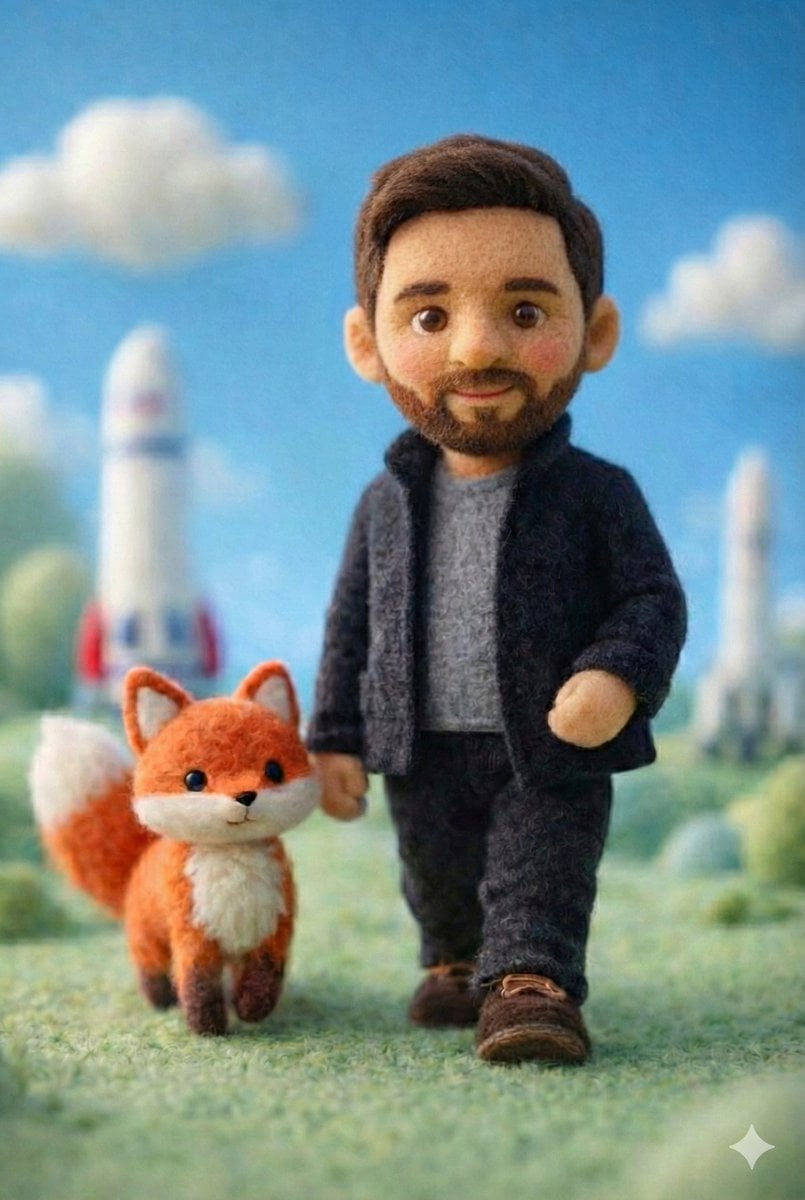
Stop Motion Cafe Morning
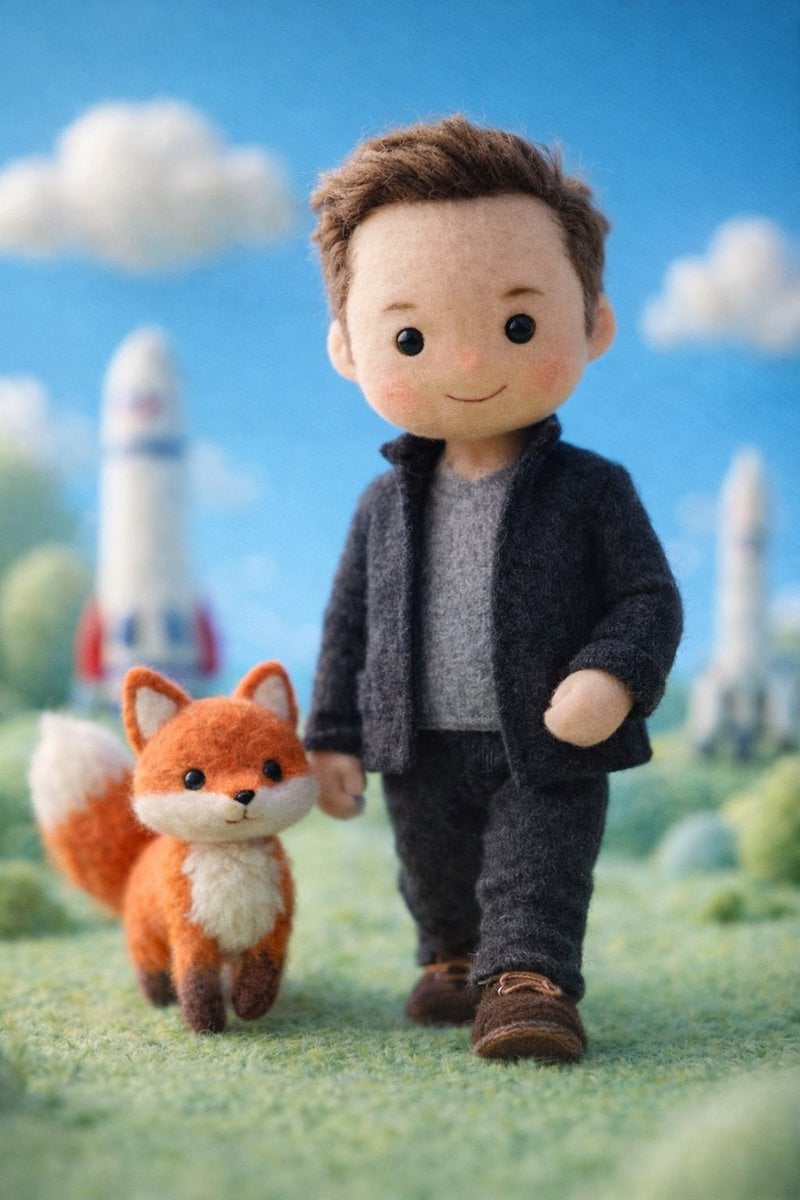
Stop Motion Mountain Summit
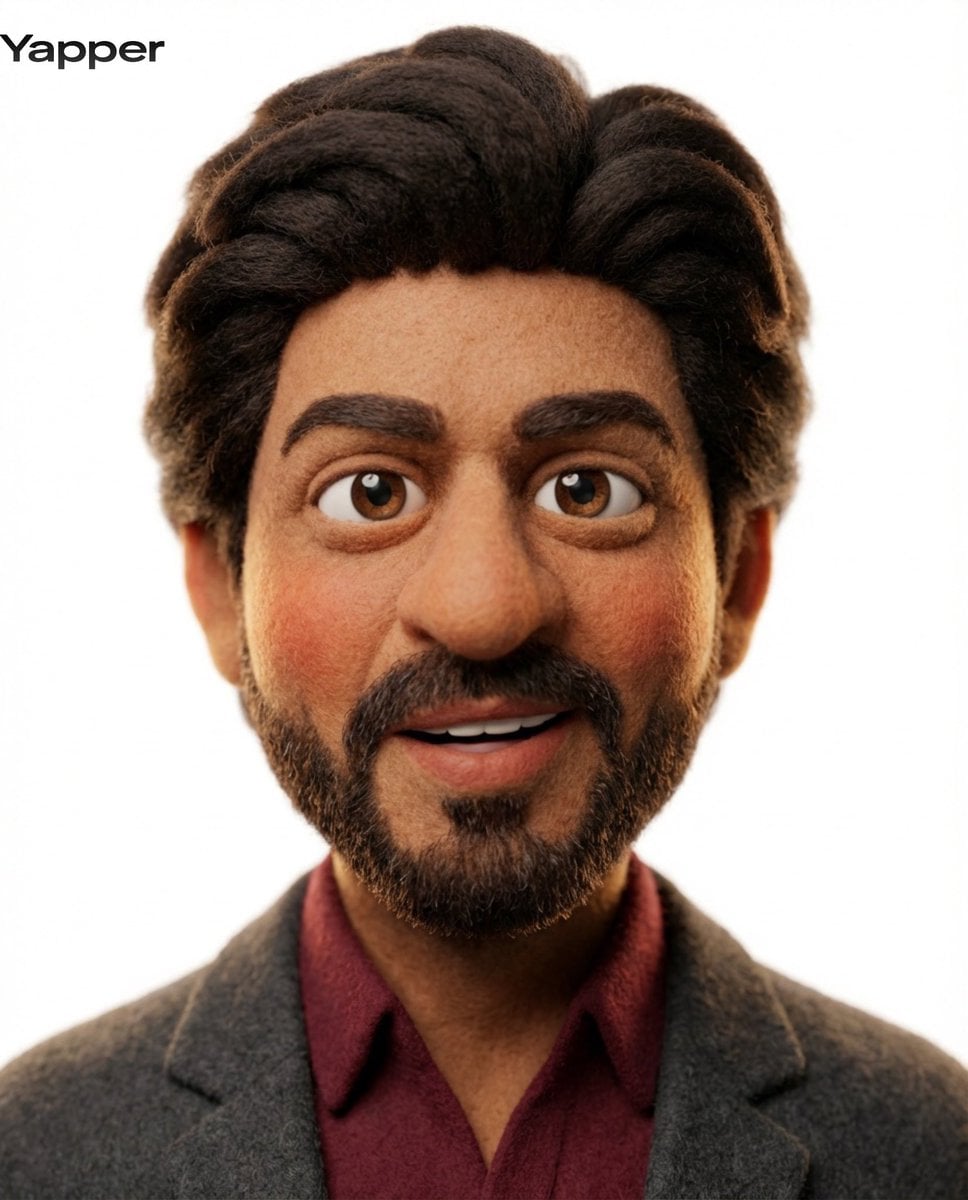
Stop Motion Underwater Reef
Make it yours
No Puppet Noir Graffiti Mural works as-is. These are the safest ways to change it without losing the look.
Change one field
Copy a single group, rewrite it, and generate again so you can see what that field is doing.
Keep the frame, change the subject
Hold the composition and light of No Puppet Noir Graffiti Mural, then swap wardrobe, props or the person for a new take.
| If the result… | Why | Fix |
|---|---|---|
| The result drifts from the preview | Too many fields changed at once. | Reuse No Puppet Noir Graffiti Mural as-is first, then change one group — subject, light, or setting. |
| The model over-stylizes the scene | The prose prompt leaves finish and camera underspecified. | Add one camera or lighting sentence and stay on GPT Image 2. |
More GPT Image 2 templates
Other prompts made for GPT Image 2.

Six VTuber Japanese Logo Sheet

Realistic Portrait of Woman and Deer

The Vista Modular Condo Poster

AI Model Routing Comparison Infographic

2.5D Anime Art Board

Isometric Productivity Desk Scene

New York Double Exposure Poster

Four-Panel AI Landscape Comparison

Japanese Tatami Lifestyle Magazine Cover

NESCAFÉ Coffee Map Poster
More image prompts
Fresh picks from across the catalog.
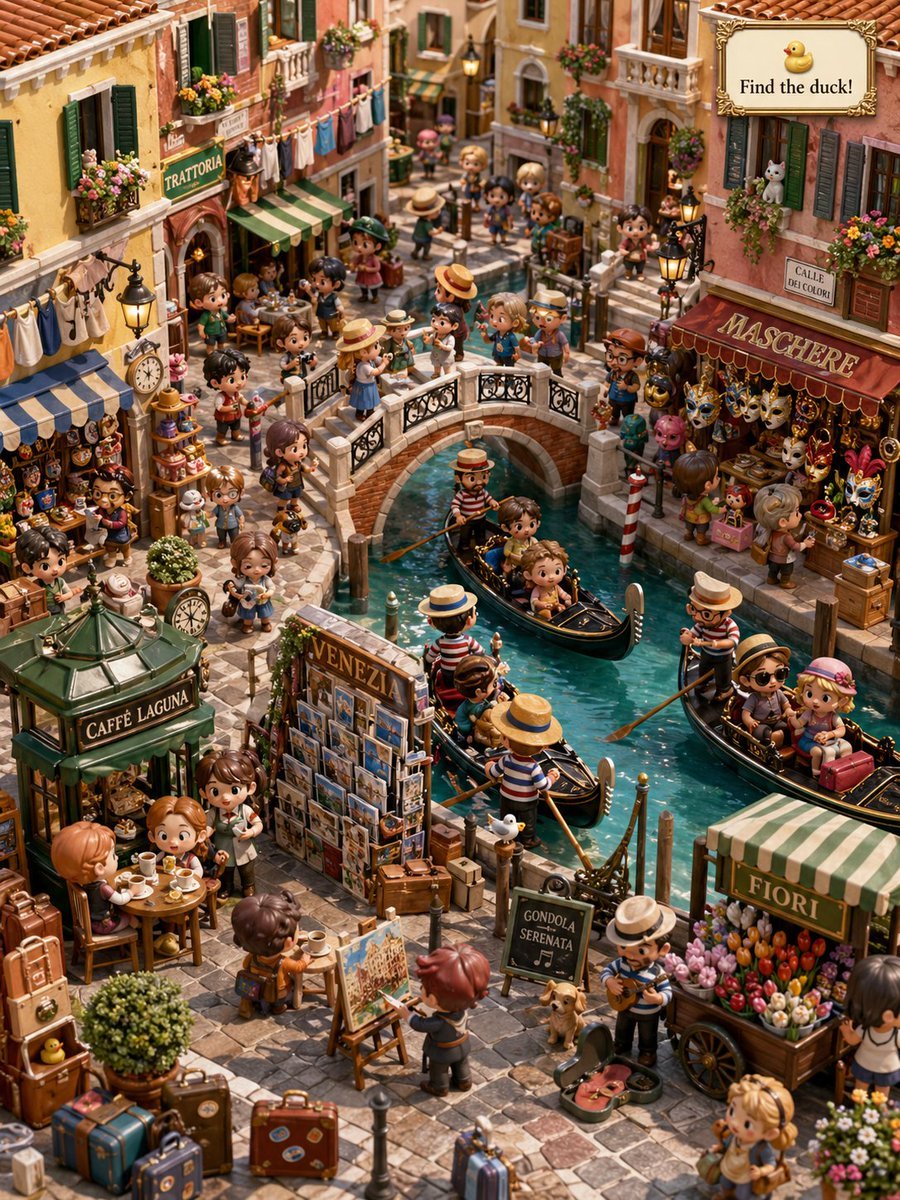
Hidden Duck in Miniature Venice
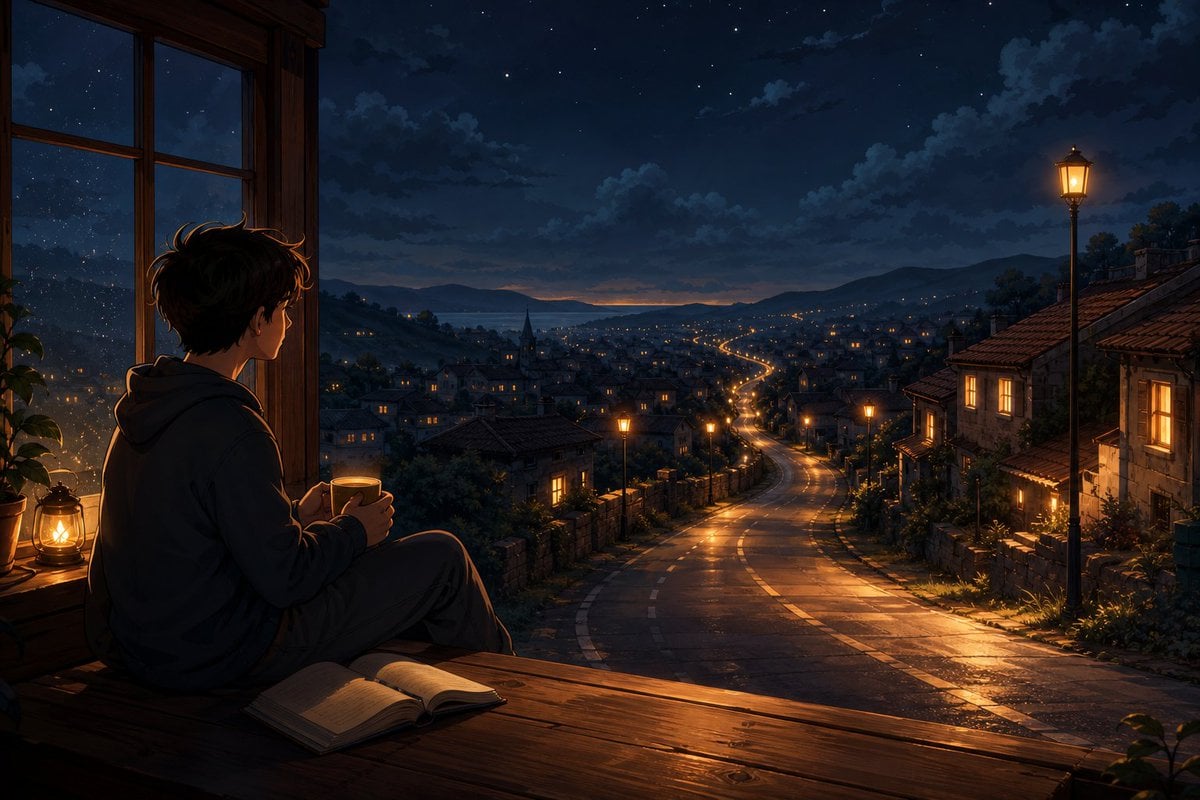
Anime Boy at Night Window
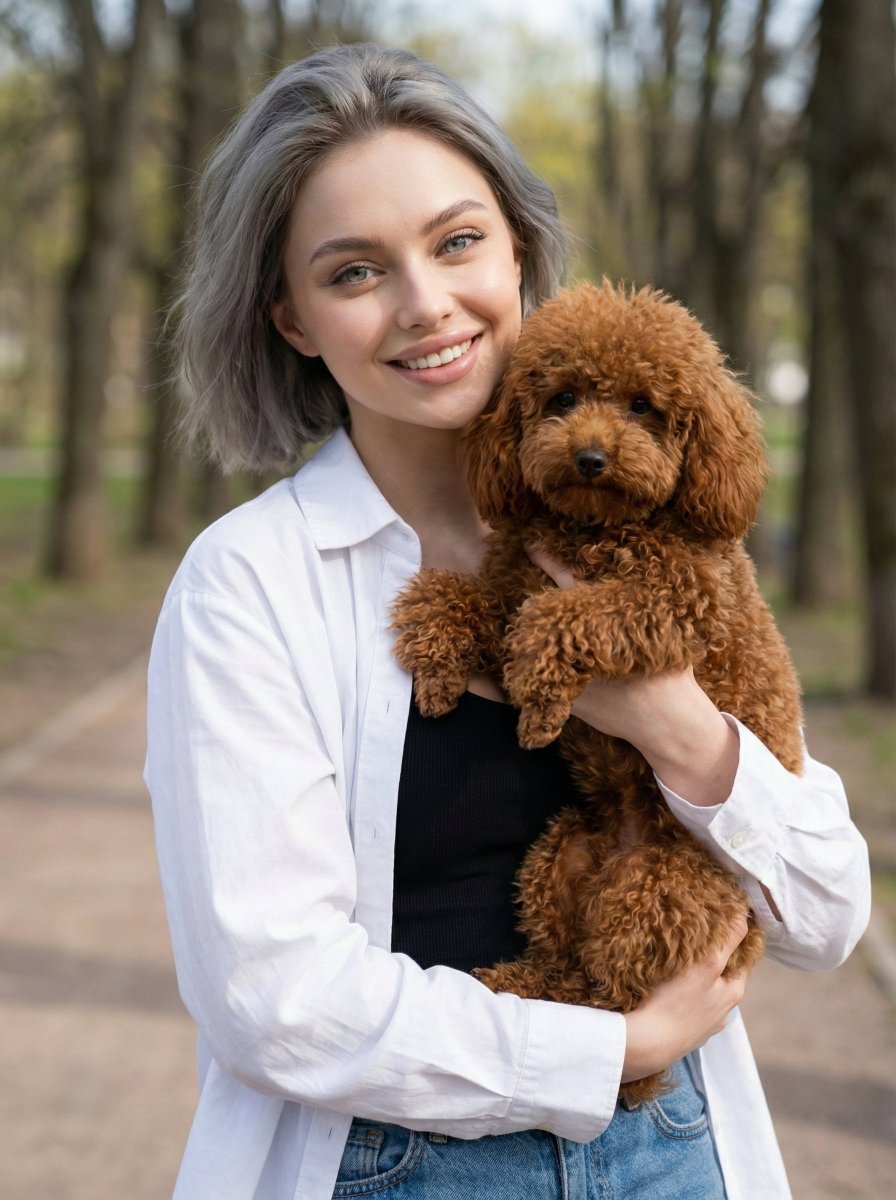
Detailed JSON Prompt for Lifestyle Portrait Photography
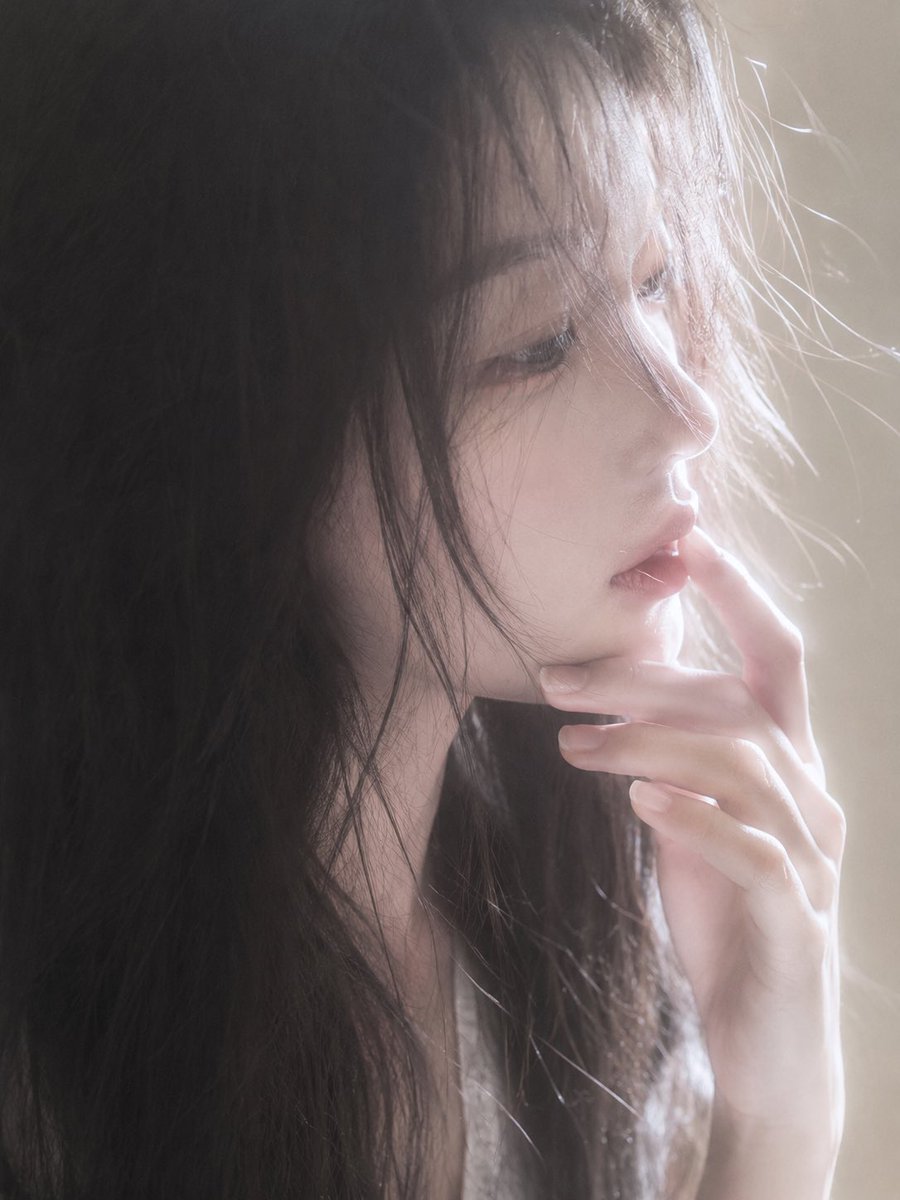
Backlit Censored Portrait
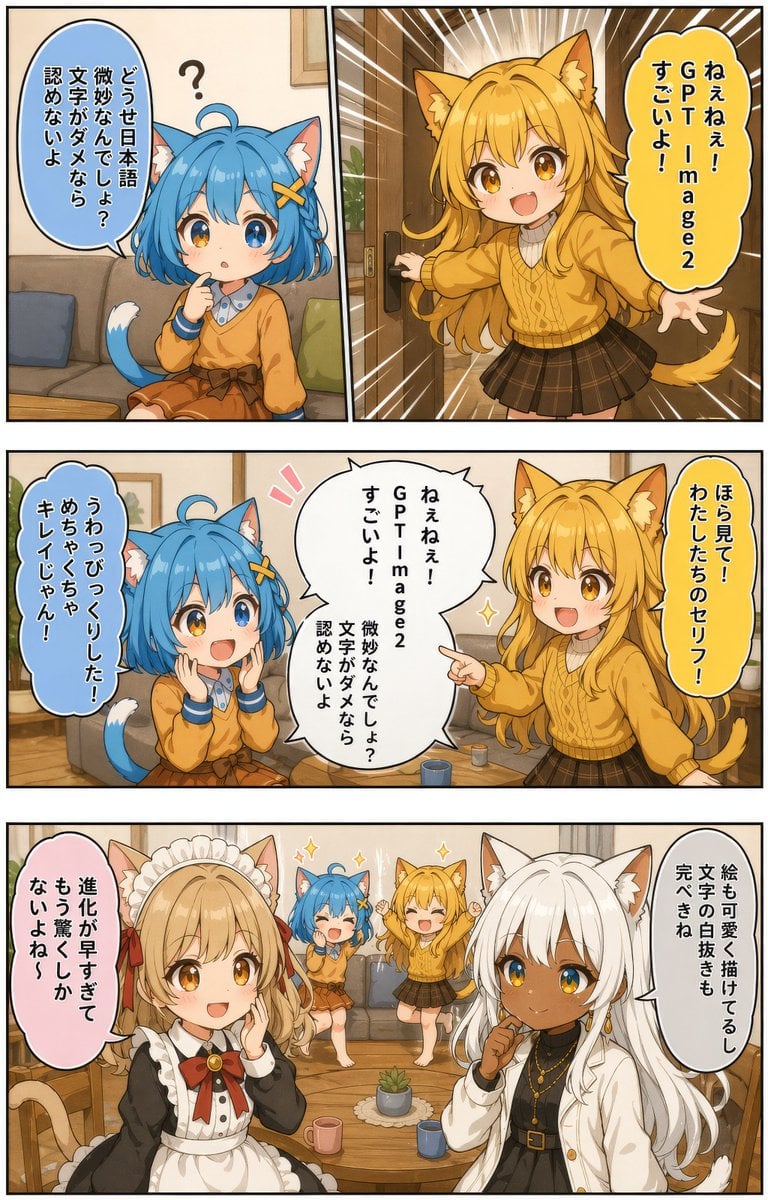
Japanese AI Manga Demo Page
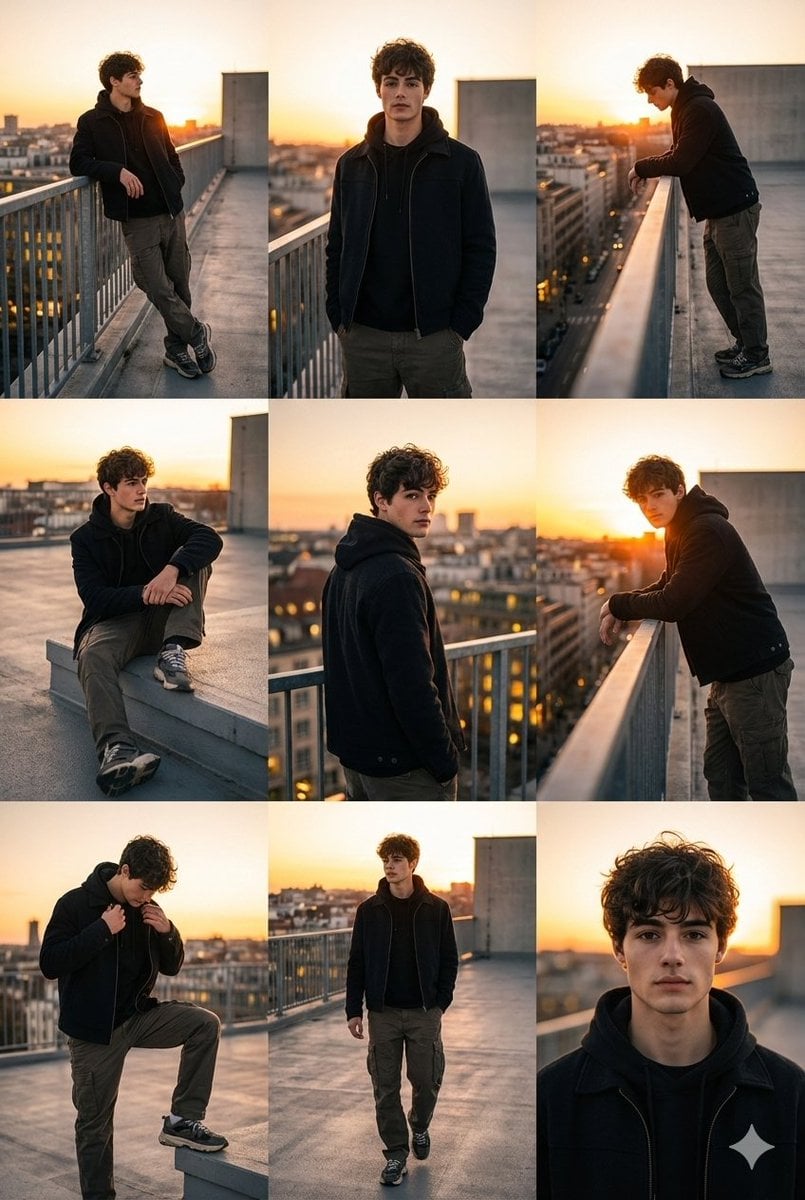
3x3 Cinematic Fashion Collage on a Rooftop at Sunset
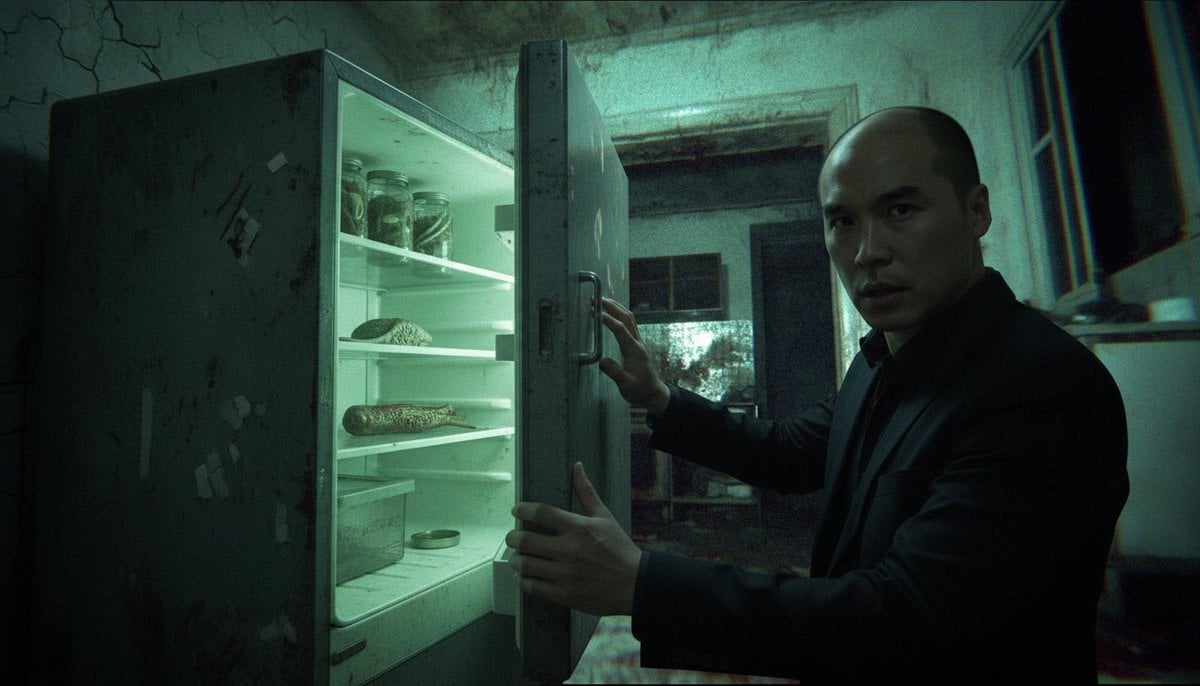
Cinematic horror sequence from base image
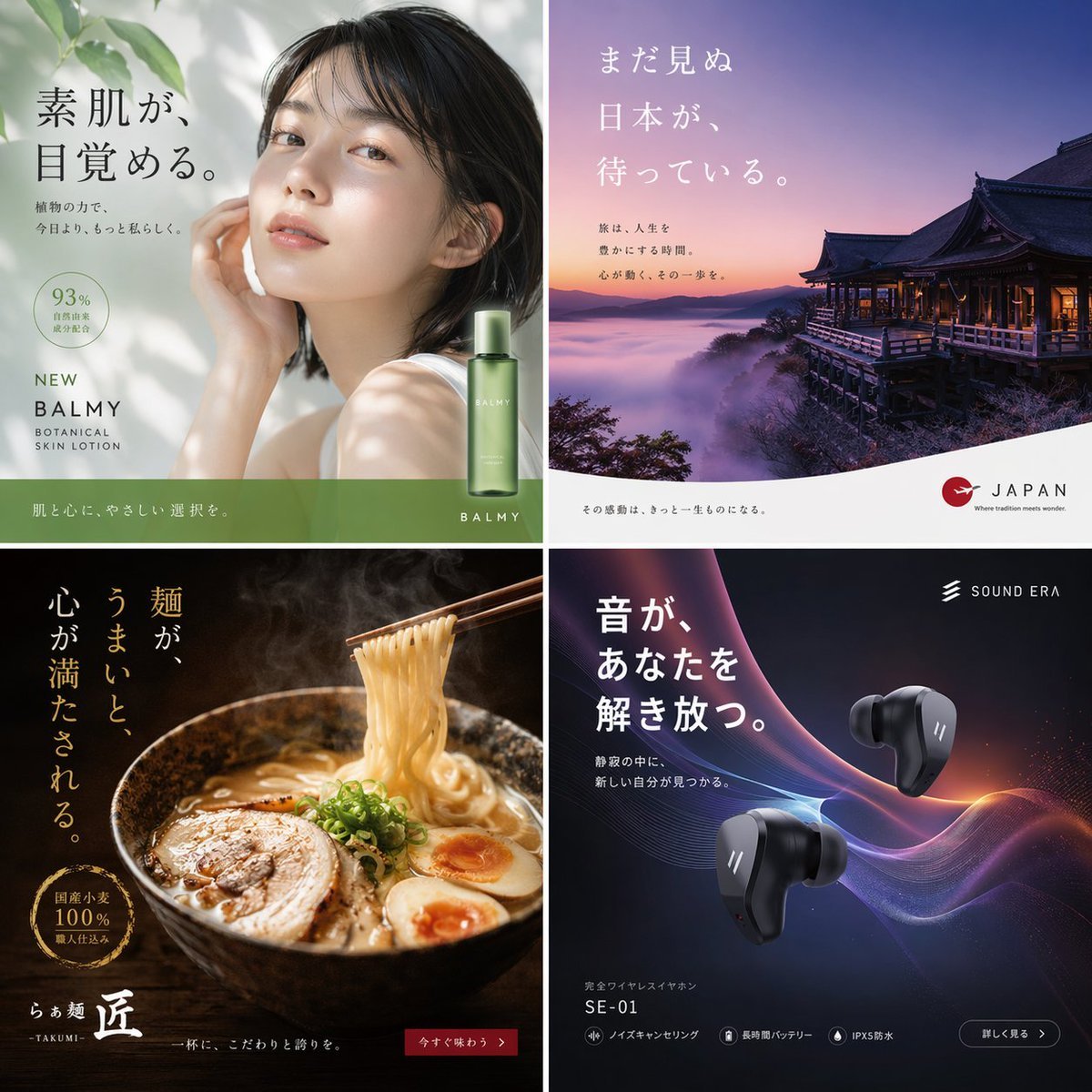
2x2 Japanese Advertisement Grid
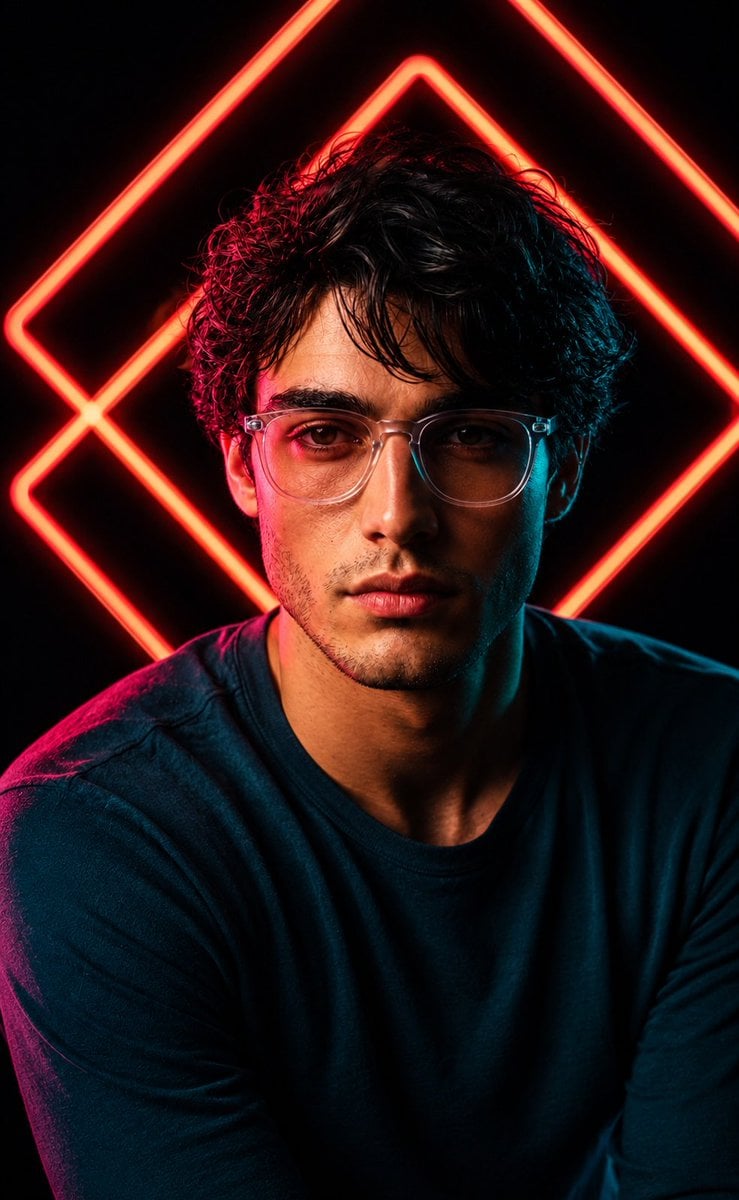
Red Neon Geometric Portrait
College Studying Candid Photo Prompt
Browse template categories
No Puppet Noir Graffiti Mural questions
How do I use the No Puppet Noir Graffiti Mural template?
Add your photo if the template asks for one, edit the prompt if you like — the template's model and format are already selected — and press Generate. Your version opens in PicX Studio.
Can I customize the No Puppet Noir Graffiti Mural template?
Yes. You can change the subject, setting, lighting, mood, format, and available model controls before creating your image.
Is the No Puppet Noir Graffiti Mural template free?
Opening and editing this template is free. Generating uses credits, shown on the Generate button when you are signed in.
Which AI model should I use?
Start with GPT Image 2, which is the model associated with this template. You can compare another compatible model for a different finish.
Looking for something else? Browse all templates.

Your photo, any look
Thousands of ready templates for every top image and video model, from one credit balance.