
College Studying Candid Photo Prompt
A detailed JSON prompt for Nano Banana Pro to generate an ultra-photorealistic, 8K, vertical candid photo of a college athlete studying late at night in a university library, mimicking the style of a raw iPhone Snapchat…
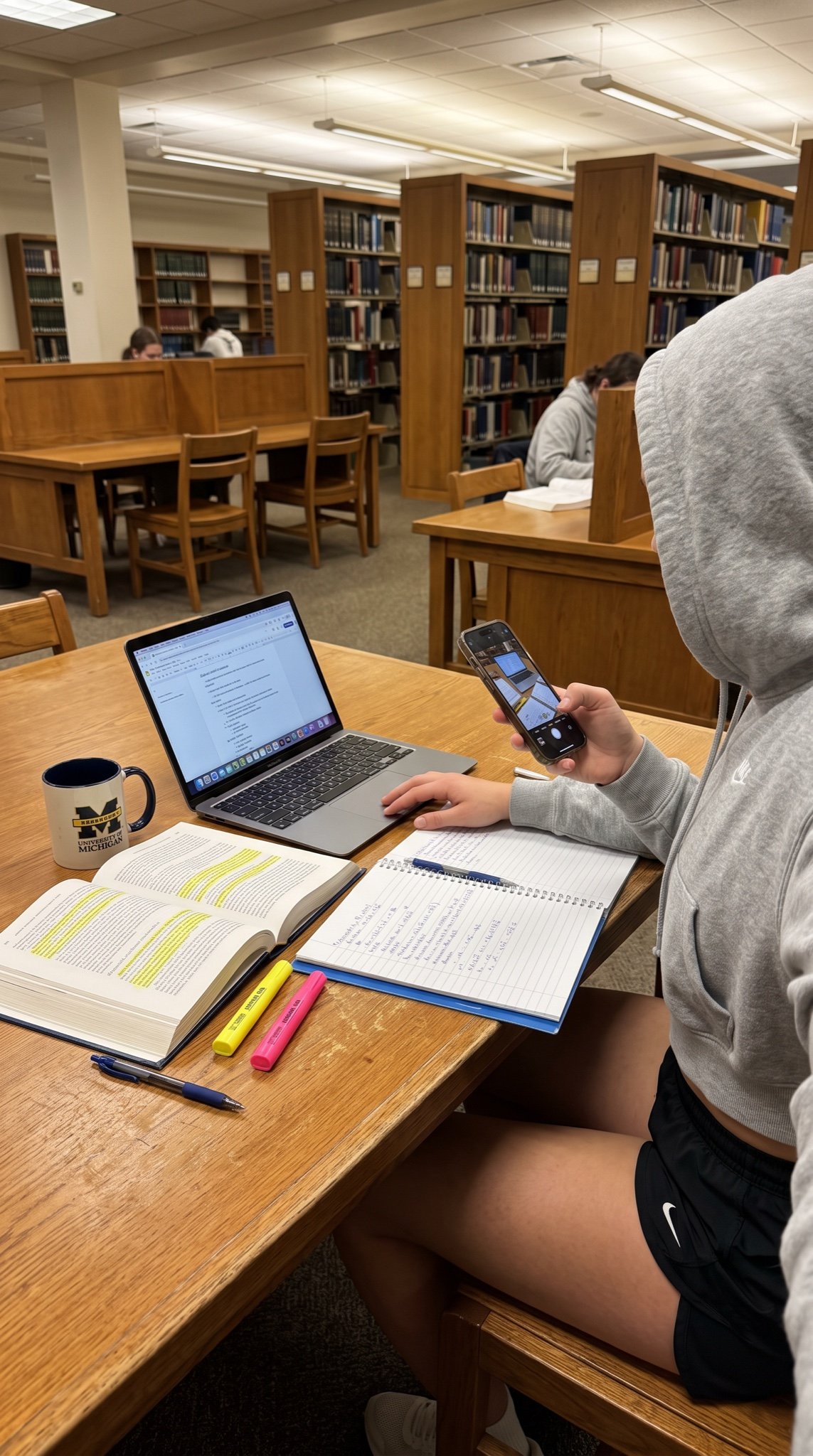
- Prompt included
- Model and format preset
- Free template
The prompt behind this image
Copy the exact prompt behind College Studying Candid Photo Prompt, or open it in the studio and make it yours.
- Meta › Aspect Ratio
- 9:16
- Meta › Quality
- ultra_photorealistic
- Meta › Resolution
- 8k
- Meta › Camera
- iPhone 16 rear camera
- Meta › Lens
- 24mm wide
- Meta › Style
- raw iphone candid realism, natural handheld photo texture, authentic Snapchat story vibe
- Scene › Location
- university library study area
- Scene › Environment
- wooden study table, open textbooks and highlighters, laptop with notes, coffee cup, quiet library background with bookshelves
- Scene › Atmosphere
- casual late-night studying session
- Lighting › Type
- warm overhead library lights mixed with laptop glow
- Lighting › Effect
- soft even illumination with gentle shadows
- Camera Perspective › Pov
- candid over-the-shoulder shot
- Camera Perspective › Angle
- slightly high angle
- Camera Perspective › Distance
- medium shot showing hands and desk
- Camera Perspective › Framing
- vertical 9:16 story format
- Subject › Pose
- sitting at desk, one hand holding phone taking the photo, other hand resting near notebook
- Subject › Outfit
- grey cropped hoodie and black athletic shorts
- Subject › Details
- natural college athlete studying after practice
- Image Quality › Focus
- sharp on foreground desk items with natural depth
- Image Quality › Realism
- looks like a real casual iPhone photo posted on Snapchat story
Raw JSON
{
  "meta": {
    "aspect_ratio": "9:16",
    "quality": "ultra_photorealistic",
    "resolution": "8k",
    "camera": "iPhone 16 rear camera",
    "lens": "24mm wide",
    "style": "raw iphone candid realism, natural handheld photo texture, authentic Snapchat story vibe"
  },
  "scene": {
    "location": "university library study area",
    "environment": ["wooden study table", "open textbooks and highlighters", "laptop with notes", "coffee cup", "quiet library background with bookshelves"],
    "atmosphere": "casual late-night studying session"
  },
  "lighting": {
    "type": "warm overhead library lights mixed with laptop glow",
    "effect": "soft even illumination with gentle shadows"
  },
  "camera_perspective": {
    "pov": "candid over-the-shoulder shot",
    "angle": "slightly high angle",
    "distance": "medium shot showing hands and desk",
    "framing": "vertical 9:16 story format"
  },
  "subject": {
    "pose": "sitting at desk, one hand holding phone taking the photo, other hand resting near notebook",
    "outfit": "grey cropped hoodie and black athletic shorts",
    "details": "natural college athlete studying after practice"
  },
  "image_quality": {
    "focus": "sharp on foreground desk items with natural depth",
    "realism": "looks like a real casual iPhone photo posted on Snapchat story"
  }
}How to use College Studying Candid Photo Prompt in 3 steps
- 1Upload ImagePNG, JPG or paste
Add your photo
Upload the photo the template builds on. The prompt, model and format are already set.
- 2…a portrait of your subject in softgolden-hour light, 85mm…
Personalize
Edit the subject and creative details for your destination.
- 3Generate
Generate
Press Generate — your image is created in PicX Studio, so you can compare it with the original and refine one variable at a time.
More like this
Templates with the same subject, style or setup. Open one to see its prompt.

The Date After College

80s College Gate

Sunday Afternoon, 1988

Our Song was on a Cassette

Teen Girl Alpine Lake Mountain View

Cat Photobomb Selfie — 0.5x Wide Angle Café Chaos

Cinematic Street Fashion Portrait Motion Blur Crowd

Nostalgic Digicam Café Afternoon Portrait

Neon Night Crosswalk Candid Portrait
Neon Night Crosswalk Candid Portrait
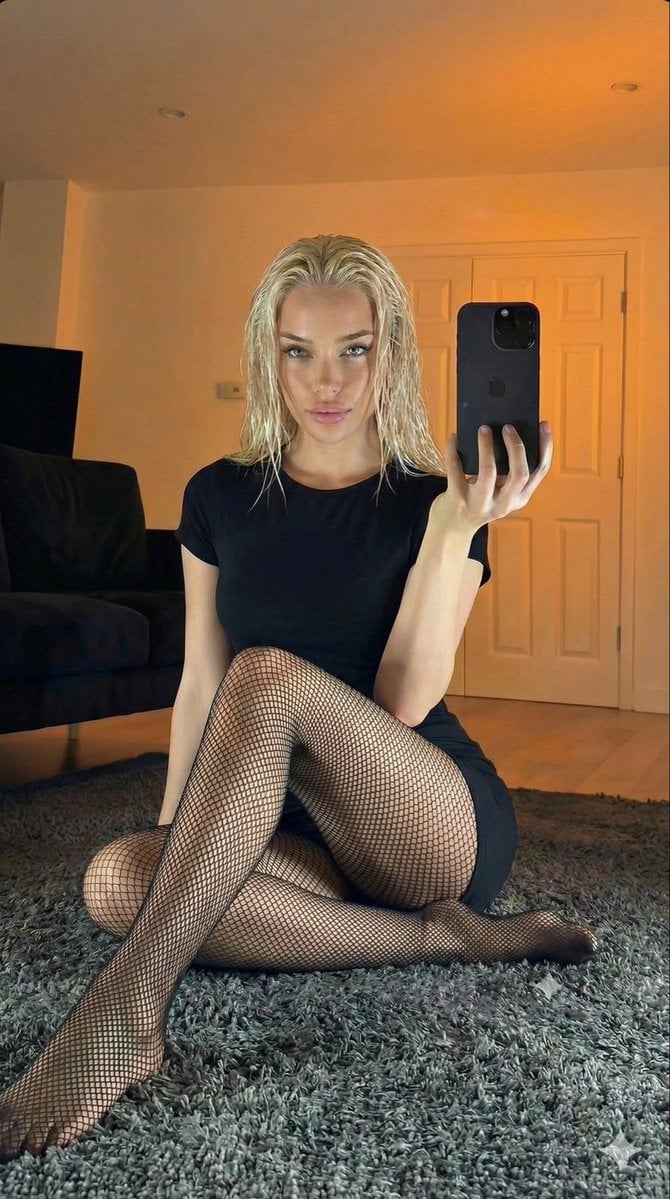
Living Room Rug Evening Mirror Selfie

4x4 Grid - Candid Nostalgic Vacation Selfies
Make it yours
College Studying Candid Photo Prompt works as-is. These are the safest ways to change it without losing the look.
Swap the setting
Keep the rest of the prompt and replace the location block. The current setting is “university library study area”.
Swap the light
One lighting change is enough to compare takes. Current light: “warm overhead library lights mixed with laptop glow”.
Change one field
Copy a single group, rewrite it, and generate again so you can see what that field is doing.
| If the result… | Why | Fix |
|---|---|---|
| The result drifts from the preview | Too many fields changed at once. | Reuse College Studying Candid Photo Prompt as-is first, then change one group — subject, light, or setting. |
| Nano Banana 2 ignores part of the JSON | Some models flatten or skip nested keys. | Keep the same values and paste them as a short paragraph instead. |
More Nano Banana 2 templates
Other prompts made for Nano Banana 2.

Photorealistic Leaf Shaped Like a Dragon

K-Pop Idol Portrait Grid for Rapid Selection

Poetic Rain Forest Portrait During Golden Hour

Urban Street Portrait with Cartoon Inner Self Duo

Candid Nighttime Photo with Cat Prompt

High-Concept 3D Diorama Generation Prompt

Cinematic Futuristic Studio Portrait Template

Skincare Editorial Photography Collage Prompt

Hyper-Realistic Commercial Product Photography (Splash Effect)

Hyper-Realistic Nightclub Portrait Prompt
More image prompts
Fresh picks from across the catalog.
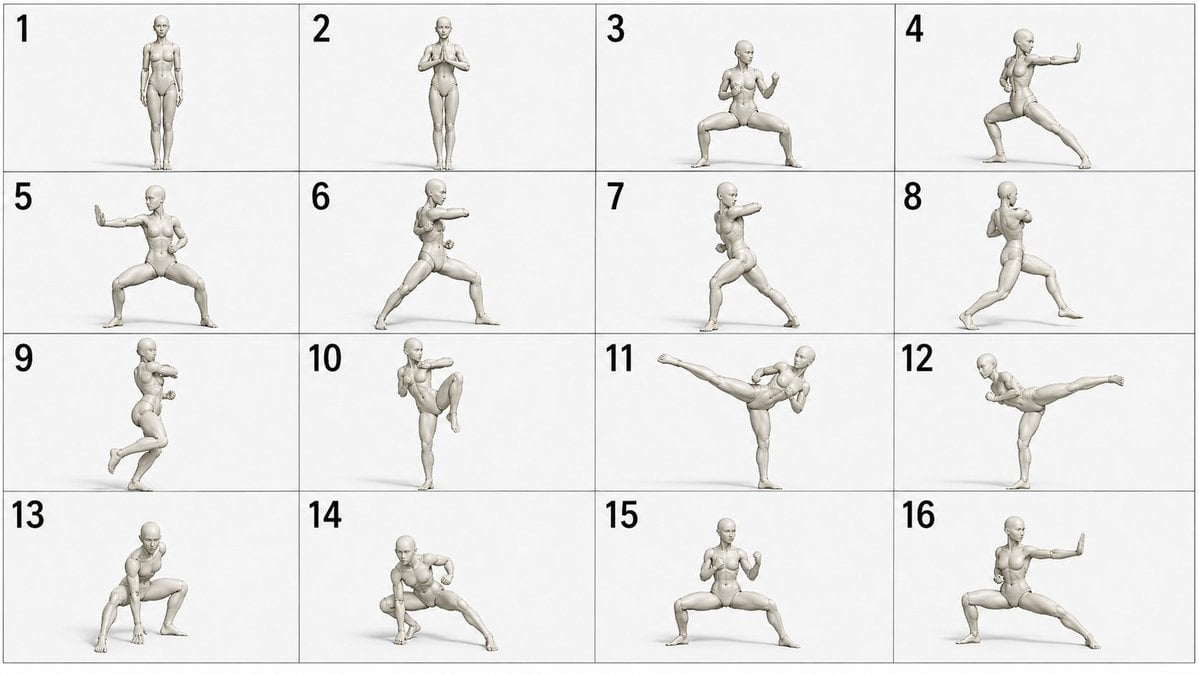
Martial Arts Grid Motion Prompt
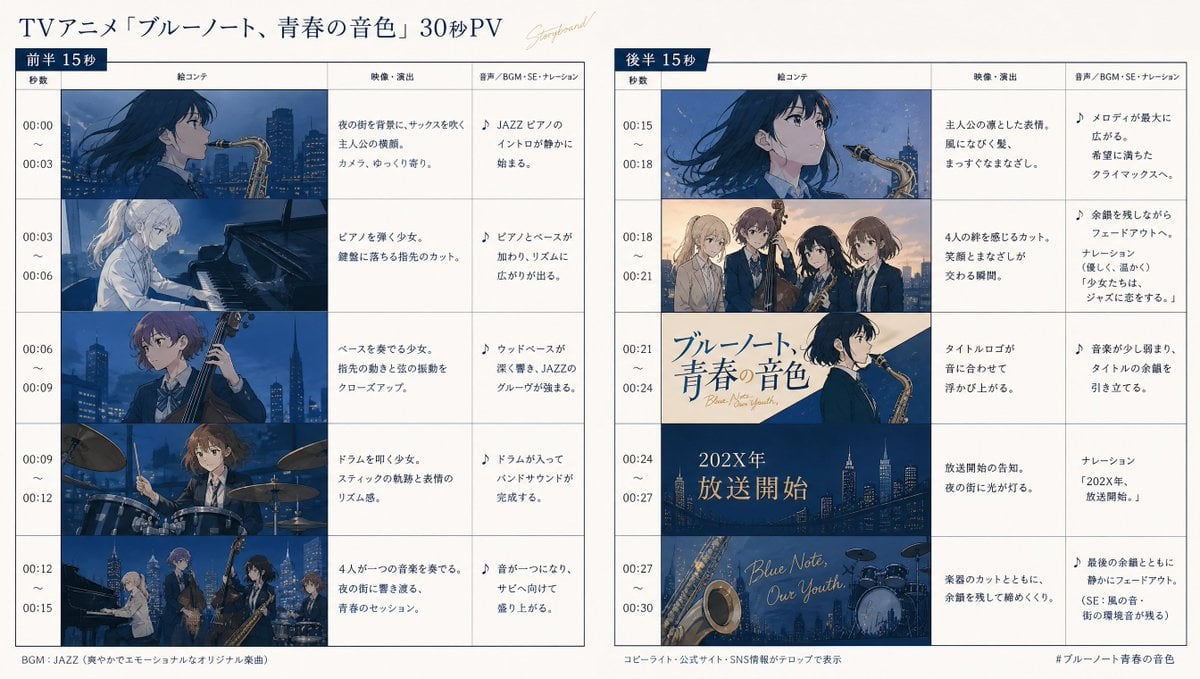
Anime Storyboard Generation
iPhone Outdoor Photography with Natural Sunlight

Cute Winking Schoolgirl Peace Sign
Luxury Car Editorial Portrait (Identity Lock)
Editorial Monochrome Street Photograph (Leica SL3)
Thoughtful Woman Cafe Window Equations
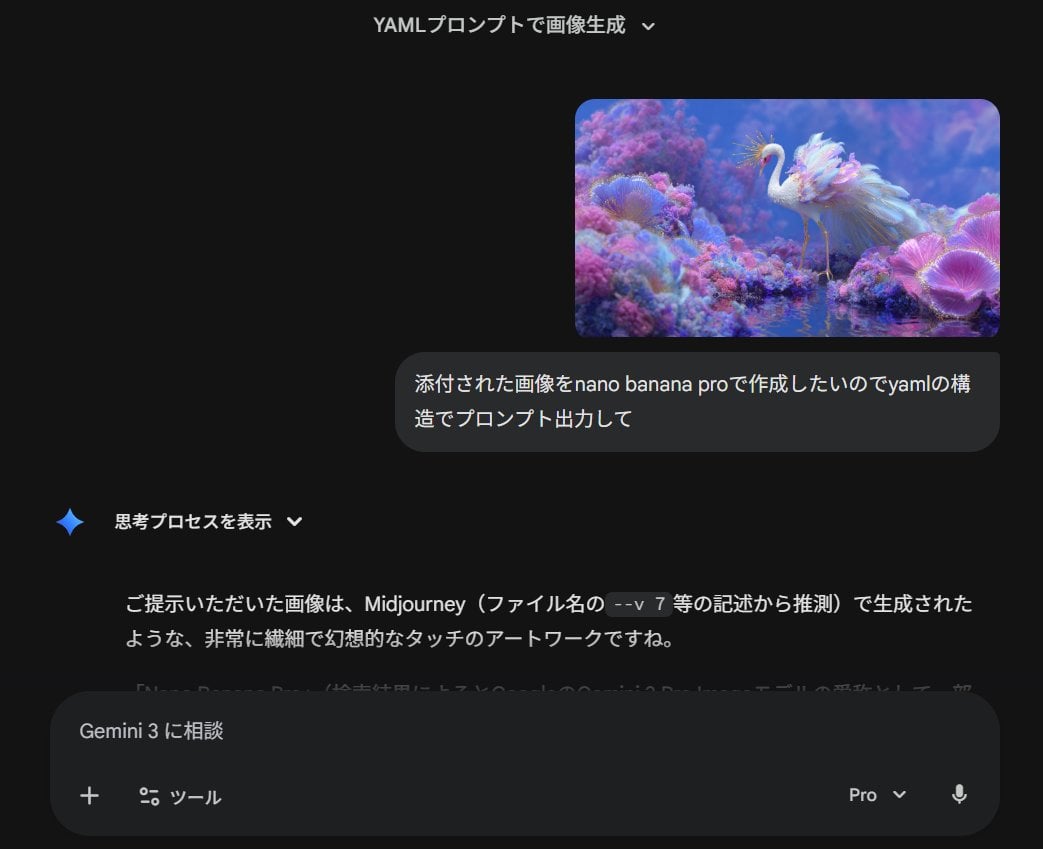
Meta-Prompt for Generating YAML-Structured Prompts from Images

Gemini Nano Banana 2
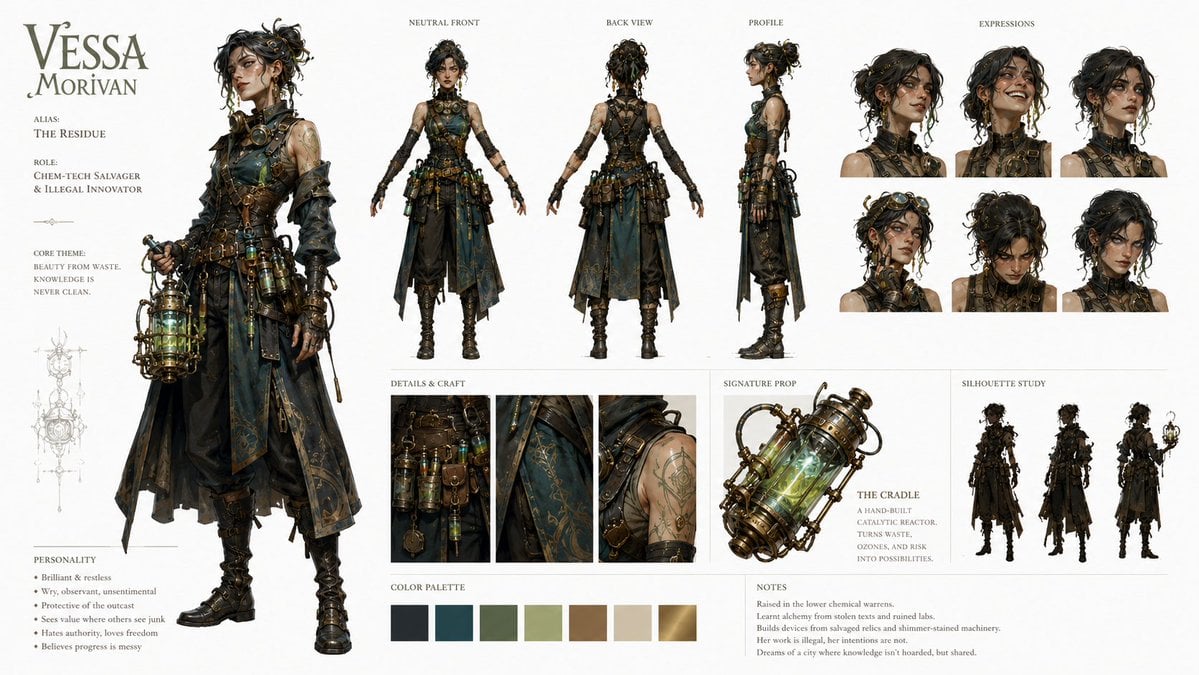
Character Identity Board Template
Browse template categories
College Studying Candid Photo Prompt questions
How do I use the College Studying Candid Photo Prompt template?
Add your photo if the template asks for one, edit the prompt if you like — the template's model and format are already selected — and press Generate. Your version opens in PicX Studio.
Can I customize the College Studying Candid Photo Prompt template?
Yes. You can change the subject, setting, lighting, mood, format, and available model controls before creating your image.
Is the College Studying Candid Photo Prompt template free?
Opening and editing this template is free. Generating uses credits, shown on the Generate button when you are signed in.
Which AI model should I use?
Start with Nano Banana 2, which is the model associated with this template. You can compare another compatible model for a different finish.
Looking for something else? Browse all templates.

Your photo, any look
Thousands of ready templates for every top image and video model, from one credit balance.