
Living Room Rug Evening Mirror Selfie
MeiGen selfie/mirror selfie pack.
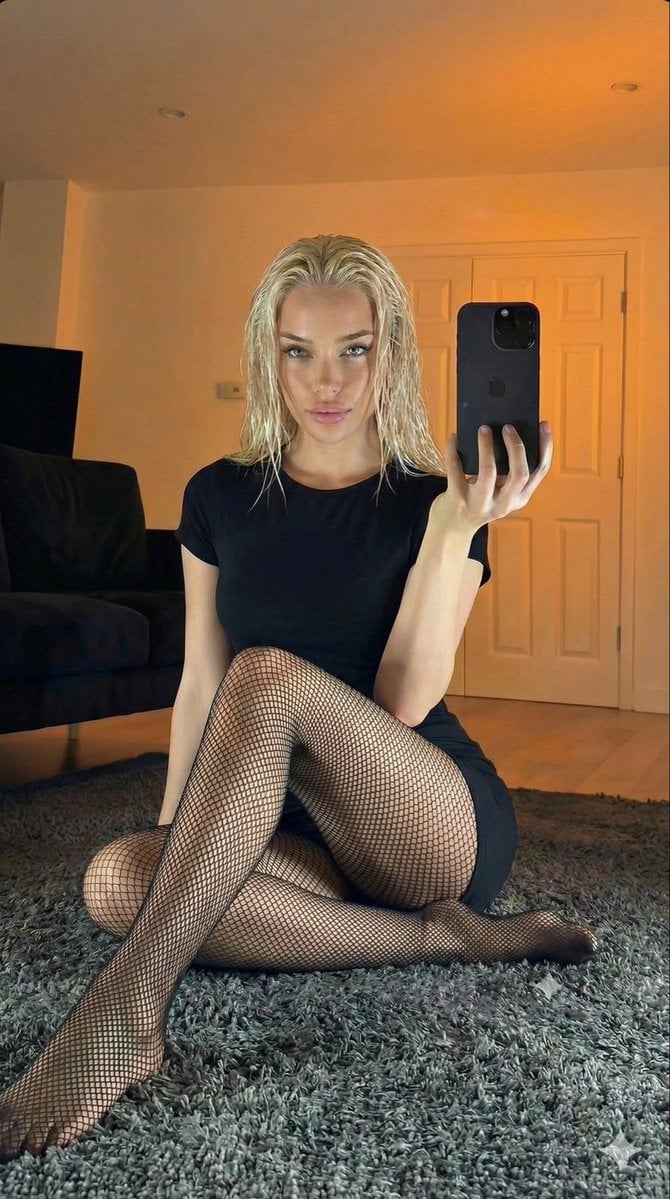
- Prompt included
- Model and format preset
- Premium template
The prompt behind this image
Copy the exact prompt behind Living Room Rug Evening Mirror Selfie, or open it in the studio and make it yours.
- Meta › Aspect Ratio
- 9:16
- Meta › Quality
- photorealistic, raw, unedited smartphone photograph
- Meta › Resolution
- 8k
- Meta › Camera
- Smartphone camera (e.g., iPhone 14 Pro)
- Meta › Lens
- Wide-angle smartphone lens
- Meta › Style
- Candid mirror selfie, natural indoor evening light, warm tone
- Meta › Composition
- Full-body mirror shot of a woman sitting on a rug, holding a smartphone to take the photo.
- Scene › Location
- Indoor living room
- Scene › Environment
- Large grey shag rug on wooden floor, Dark grey sofa in background, White double doors, Warm ambient lighting from a lamp
- Scene › Time
- Evening
- Scene › Atmosphere
- Casual, relaxed, intimate
- Lighting › Type
- Warm, dim indoor light
- Lighting › Source
- Lamp light from the side and smartphone screen light
- Lighting › Effect
- Soft, warm glow with shadows, highlighting wet hair and fishnet texture.
- Subject › Body › Pose
- Sitting cross-legged on the grey rug, looking at the smartphone in her hand, holding it up for a mirror selfie.
- Subject › Body › Physique
- Slim build.
- Subject › Appearance
- wet platinum blonde hair
- Subject › Outfit › Clothing
- Black short-sleeved mini-dress, black fishnet tights.
- Subject › Outfit › Accessories
- None visible besides the smartphone.
- Realism Focus › Textures
- Wet hair strands, detailed mesh of the fishnet tights, texture of the grey shag rug, fabric of the black dress.
- Realism Focus › Imperfections
- Natural skin texture, realistic phone reflection in the mirror.
Raw JSON
{
  "meta": {
    "aspect_ratio": "9:16",
    "quality": "photorealistic, raw, unedited smartphone photograph",
    "resolution": "8k",
    "camera": "Smartphone camera (e.g., iPhone 14 Pro)",
    "lens": "Wide-angle smartphone lens",
    "style": "Candid mirror selfie, natural indoor evening light, warm tone",
    "composition": "Full-body mirror shot of a woman sitting on a rug, holding a smartphone to take the photo."
  },
  "scene": {
    "location": "Indoor living room",
    "environment": [
      "Large grey shag rug on wooden floor",
      "Dark grey sofa in background",
      "White double doors",
      "Warm ambient lighting from a lamp"
    ],
    "time": "Evening",
    "atmosphere": "Casual, relaxed, intimate"
  },
  "lighting": {
    "type": "Warm, dim indoor light",
    "source": "Lamp light from the side and smartphone screen light",
    "effect": "Soft, warm glow with shadows, highlighting wet hair and fishnet texture."
  },
  "subject": {
    "body": {
      "pose": "Sitting cross-legged on the grey rug, looking at the smartphone in her hand, holding it up for a mirror selfie.",
      "physique": "Slim build."
    },
    "appearance": "wet platinum blonde hair",
    "outfit": {
      "clothing": "Black short-sleeved mini-dress, black fishnet tights.",
      "accessories": "None visible besides the smartphone."
    }
  },
  "realism_focus": {
    "textures": "Wet hair strands, detailed mesh of the fishnet tights, texture of the grey shag rug, fabric of the black dress.",
    "imperfections": "Natural skin texture, realistic phone reflection in the mirror."
  }
}How to use Living Room Rug Evening Mirror Selfie in 3 steps
- 1Upload ImagePNG, JPG or paste
Add your photo
Upload the photo the template builds on. The prompt, model and format are already set.
- 2…a portrait of your subject in softgolden-hour light, 85mm…
Personalize
Edit the subject and creative details for your destination.
- 3Generate
Generate
Press Generate — your image is created in PicX Studio, so you can compare it with the original and refine one variable at a time.
More like this
Templates with the same subject, style or setup. Open one to see its prompt.

Cat Photobomb Selfie — 0.5x Wide Angle Café Chaos
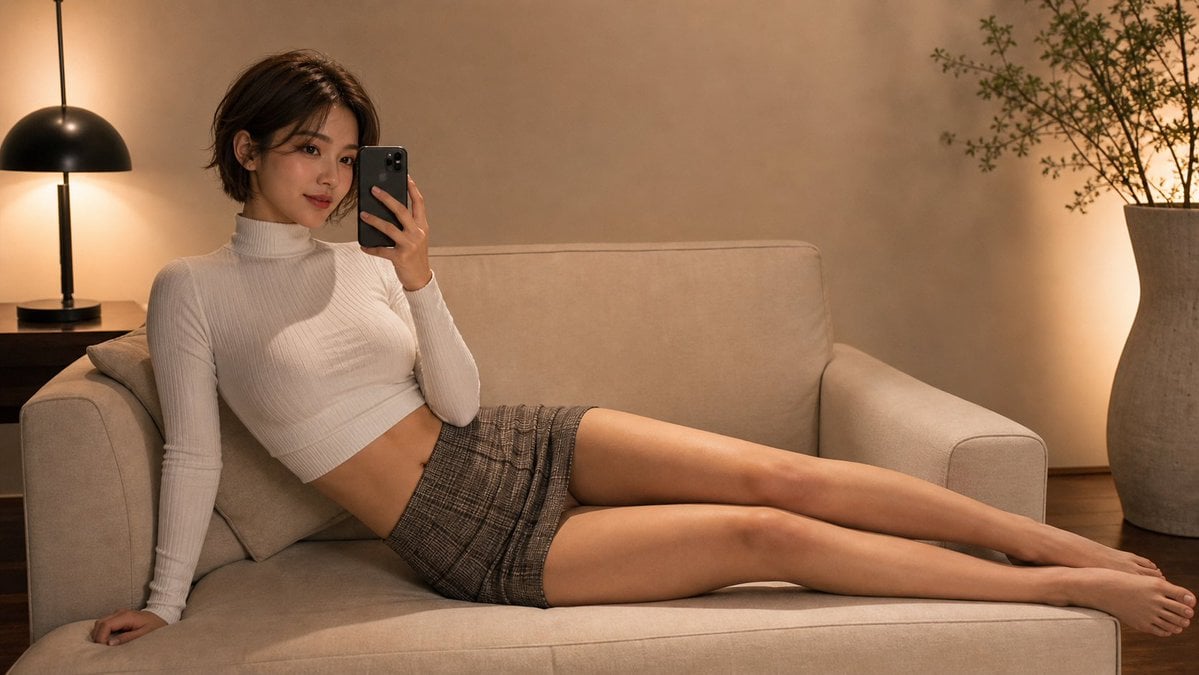
Warm Living Room Mirror Selfie

Cozy Night Living Room Candid

CRT TV Static Living Room

70s Living Room Shag Carpet

Dark Marble Bathroom Racing Jacket Mirror Selfie
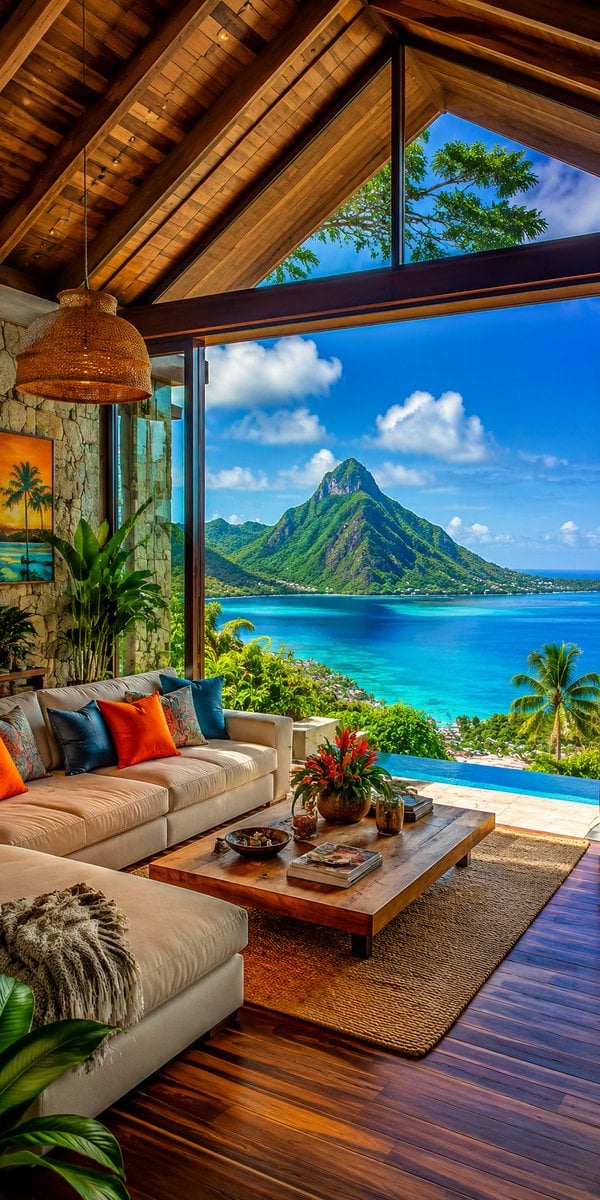
Luxury Modern Tropical Living Room
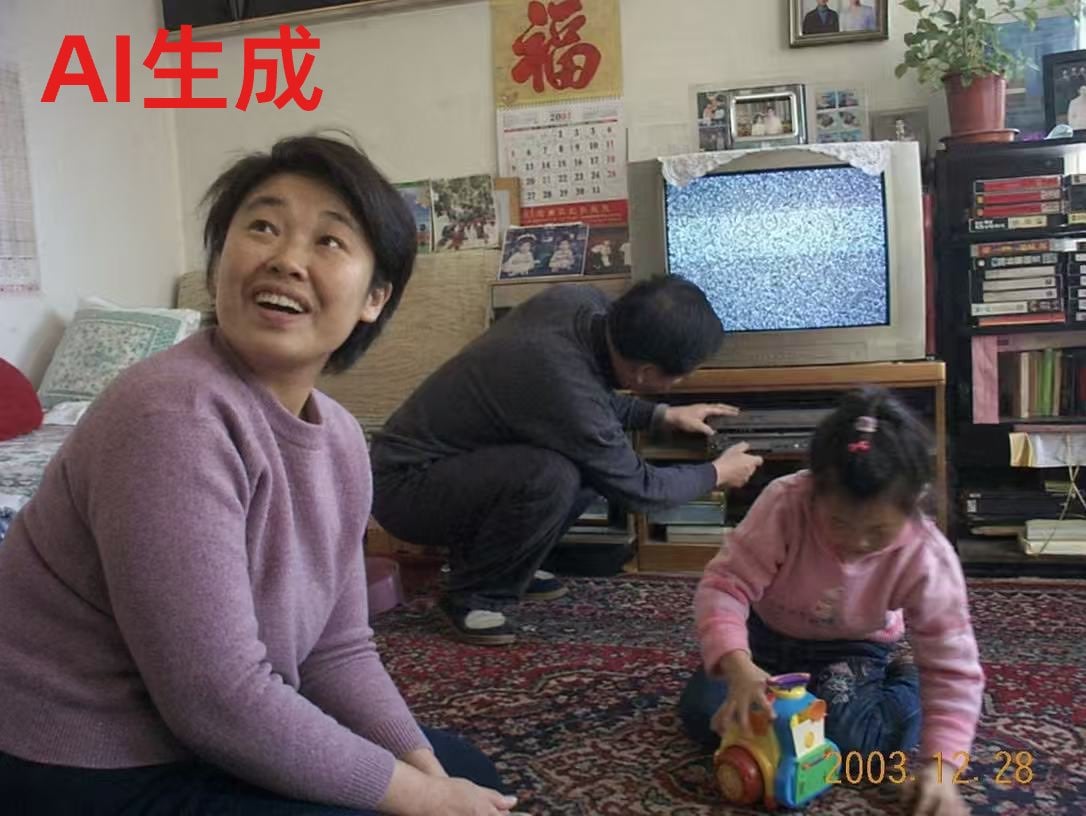
Nostalgic 2003 Family Living Room Photo
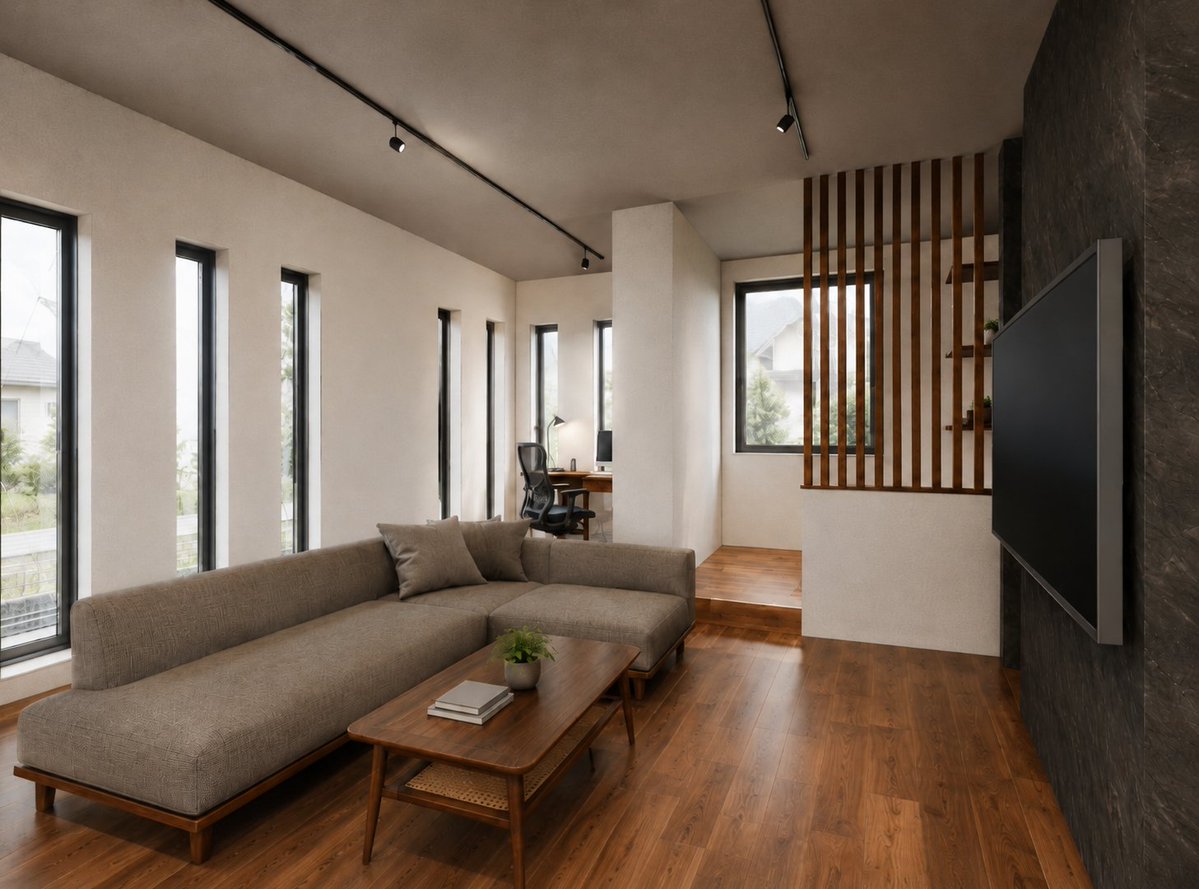
Warm Modern Japanese Living Room Render

Surreal Anime & Reality Living Room

Luxury Living Room Editorial Portrait
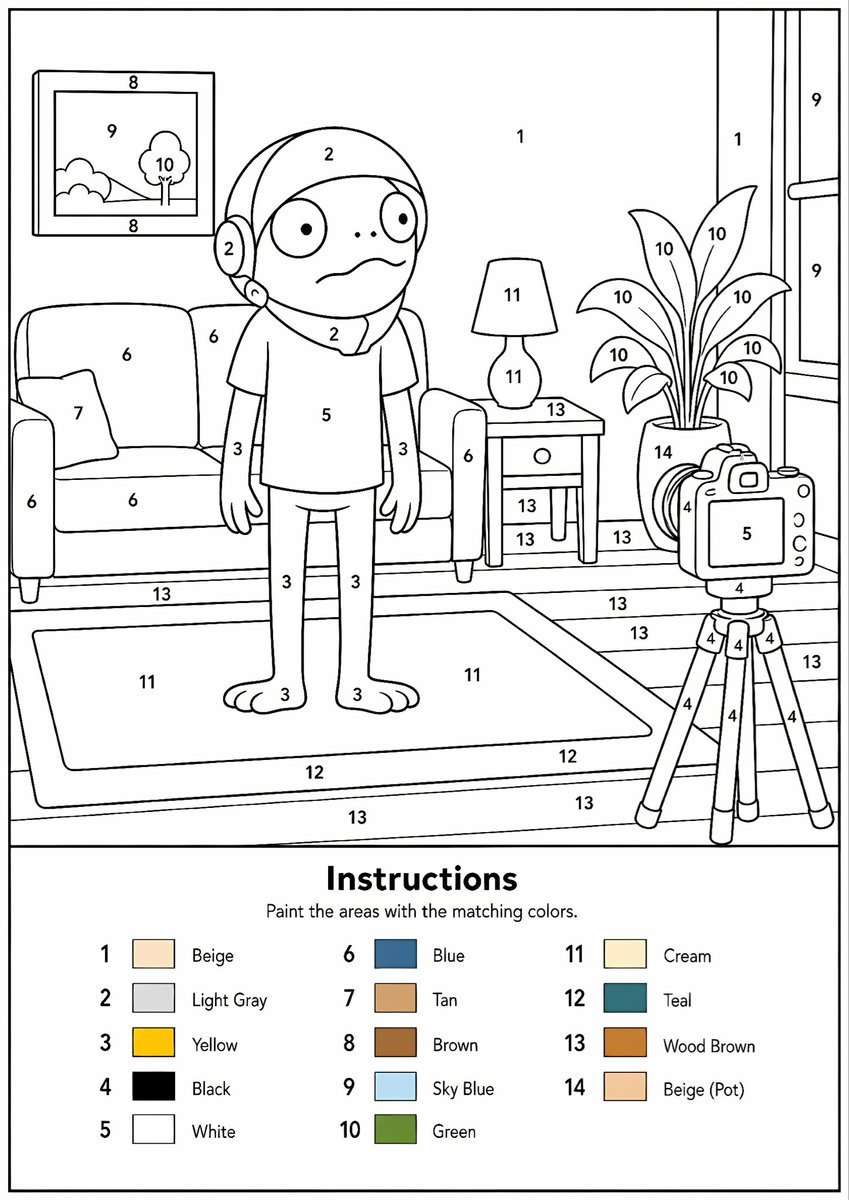
Paint-by-Numbers Living Room Worksheet
Make it yours
Living Room Rug Evening Mirror Selfie works as-is. These are the safest ways to change it without losing the look.
Swap the setting
Keep the rest of the prompt and replace the location block. The current setting is “Indoor living room”.
Swap the light
One lighting change is enough to compare takes. Current light: “Warm, dim indoor light”.
Change one field
Copy a single group, rewrite it, and generate again so you can see what that field is doing.
| If the result… | Why | Fix |
|---|---|---|
| The result drifts from the preview | Too many fields changed at once. | Reuse Living Room Rug Evening Mirror Selfie as-is first, then change one group — subject, light, or setting. |
| Nanobanana ignores part of the JSON | Some models flatten or skip nested keys. | Keep the same values and paste them as a short paragraph instead. |
More Nanobanana templates
Other prompts made for Nanobanana.
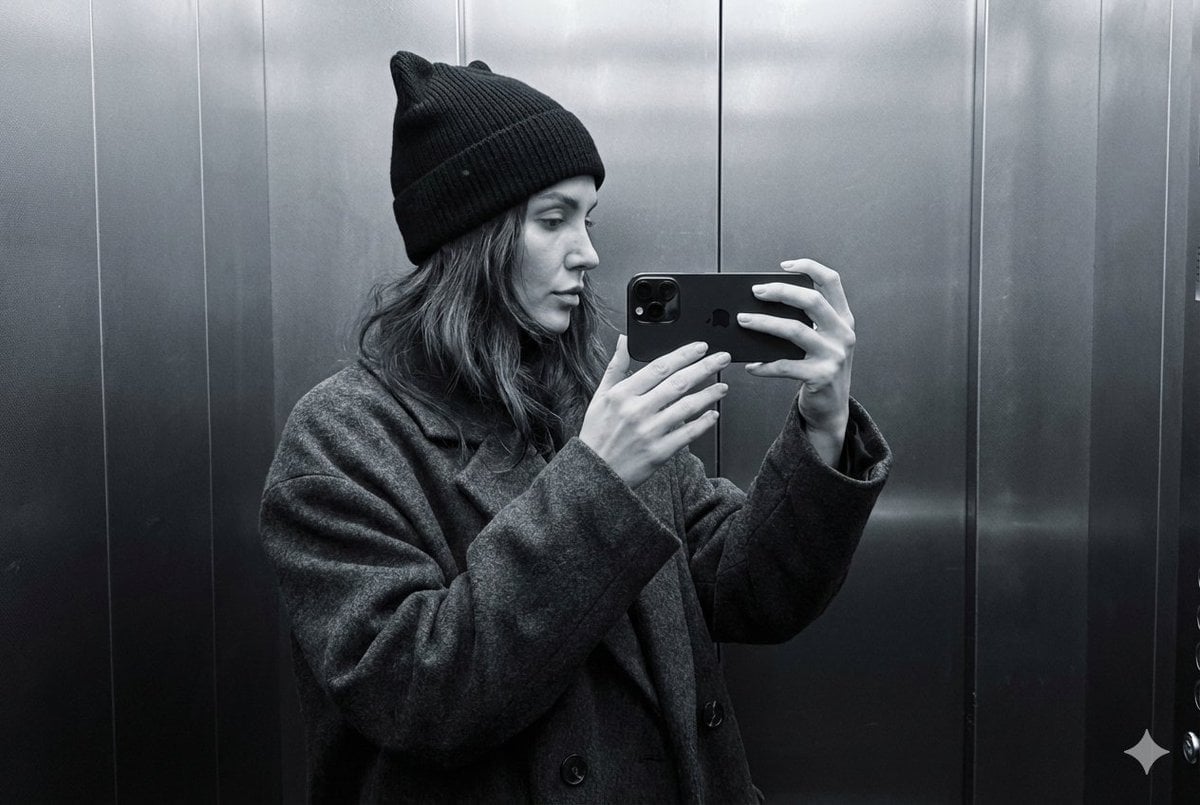
Monochrome Elevator Profile Cat Ear Selfie
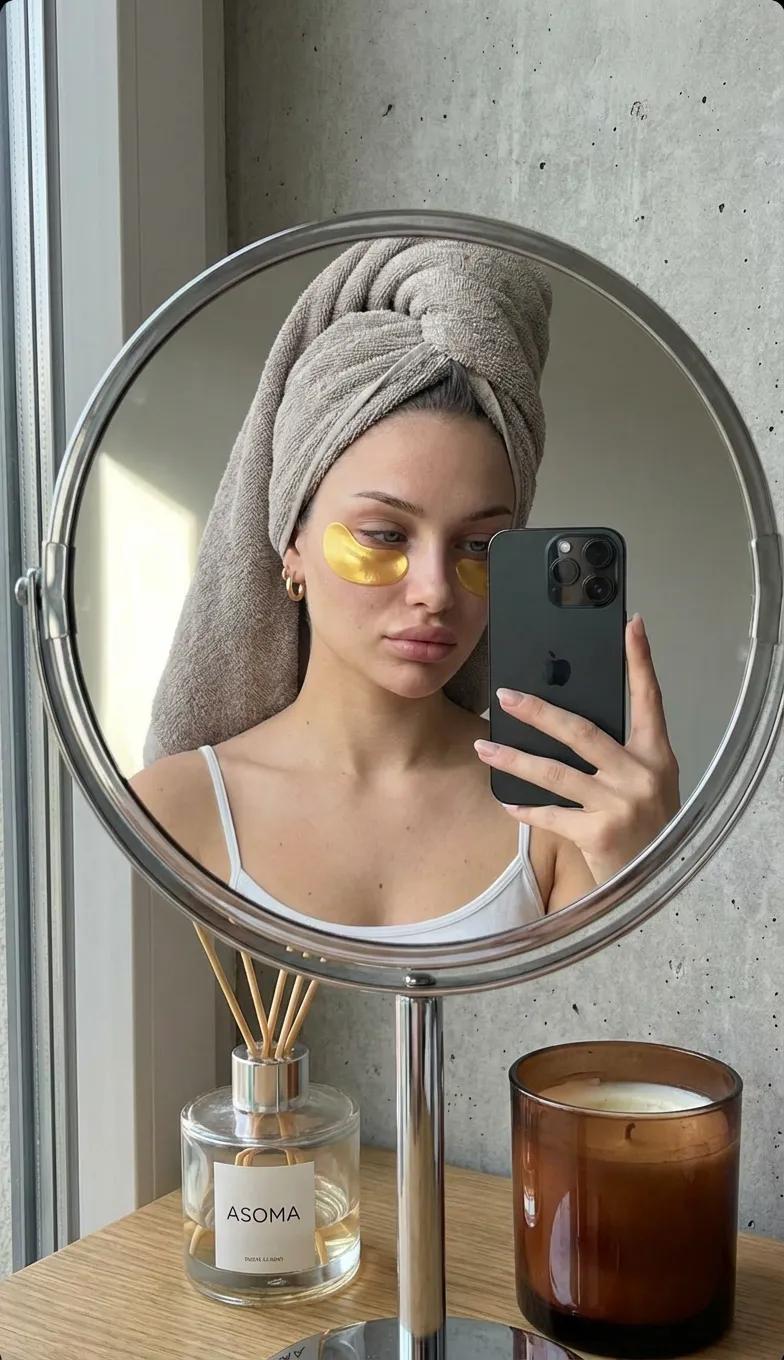
Round Tabletop Mirror Skincare Selfie
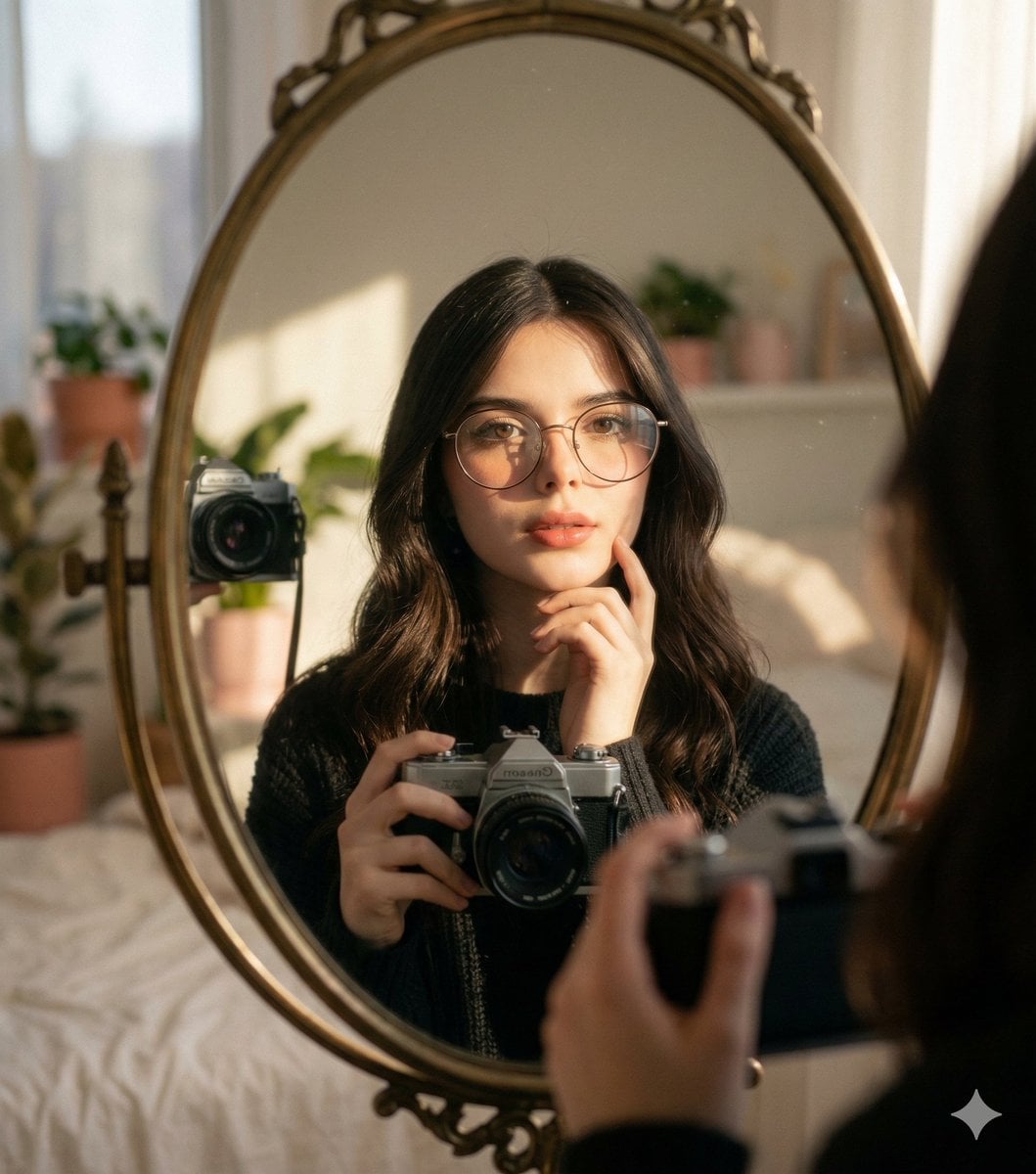
Oval Mirror Vintage Camera Self Portrait
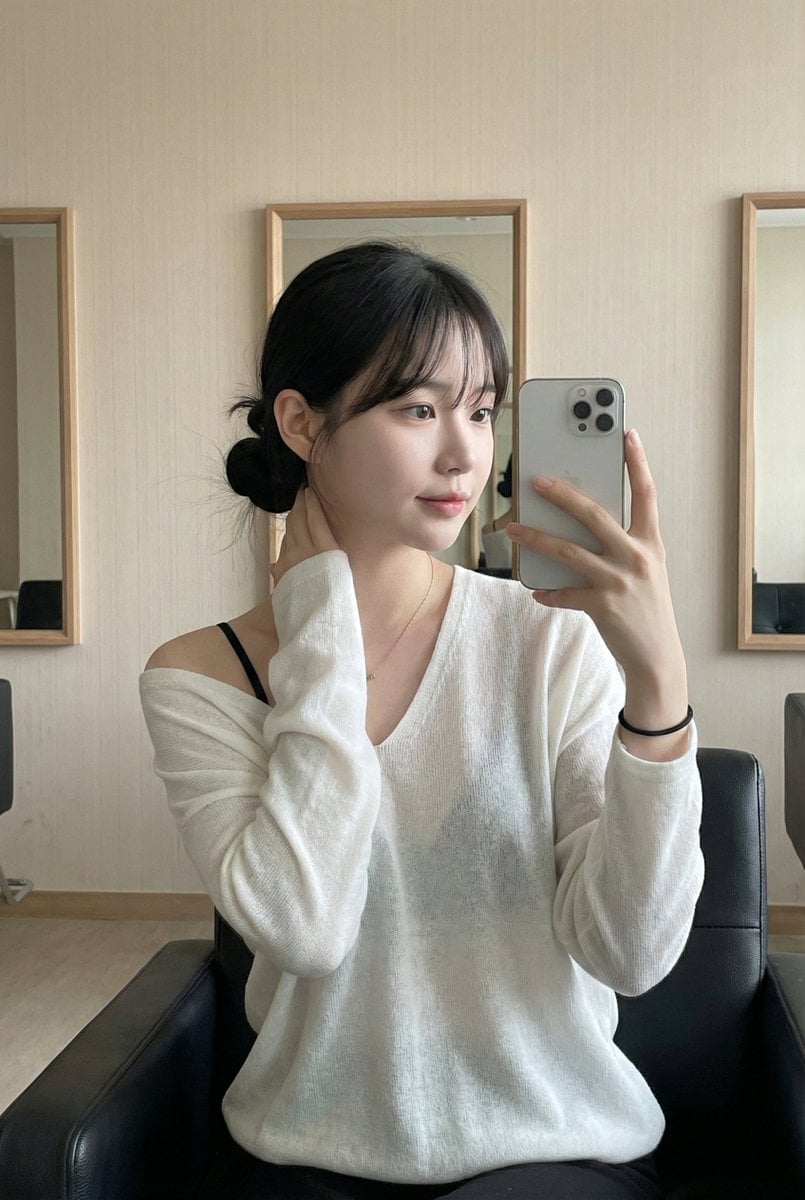
Leather Chair Soft Indoor Mirror Selfie
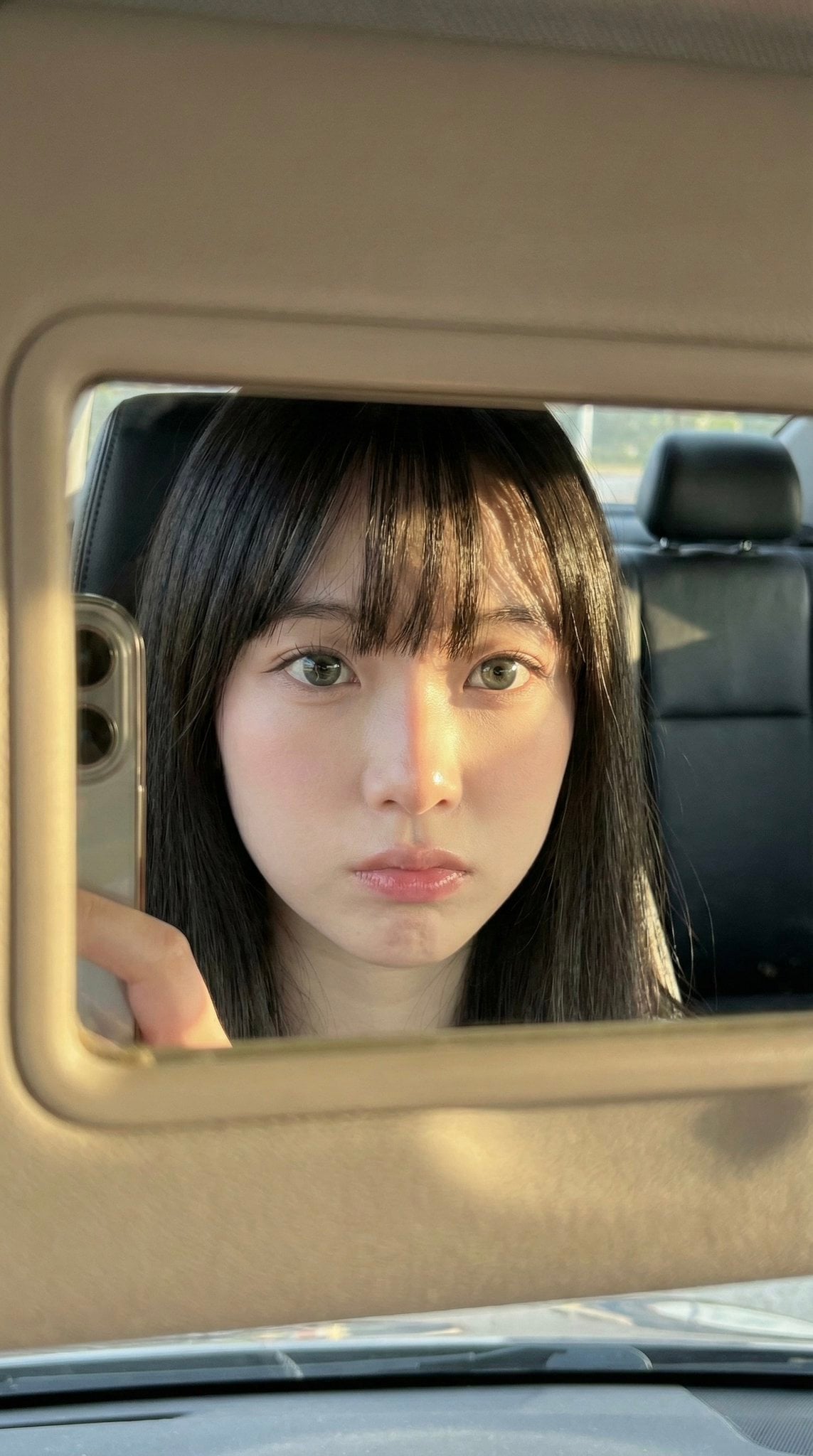
Car Sun Visor Vanity Mirror Close Up
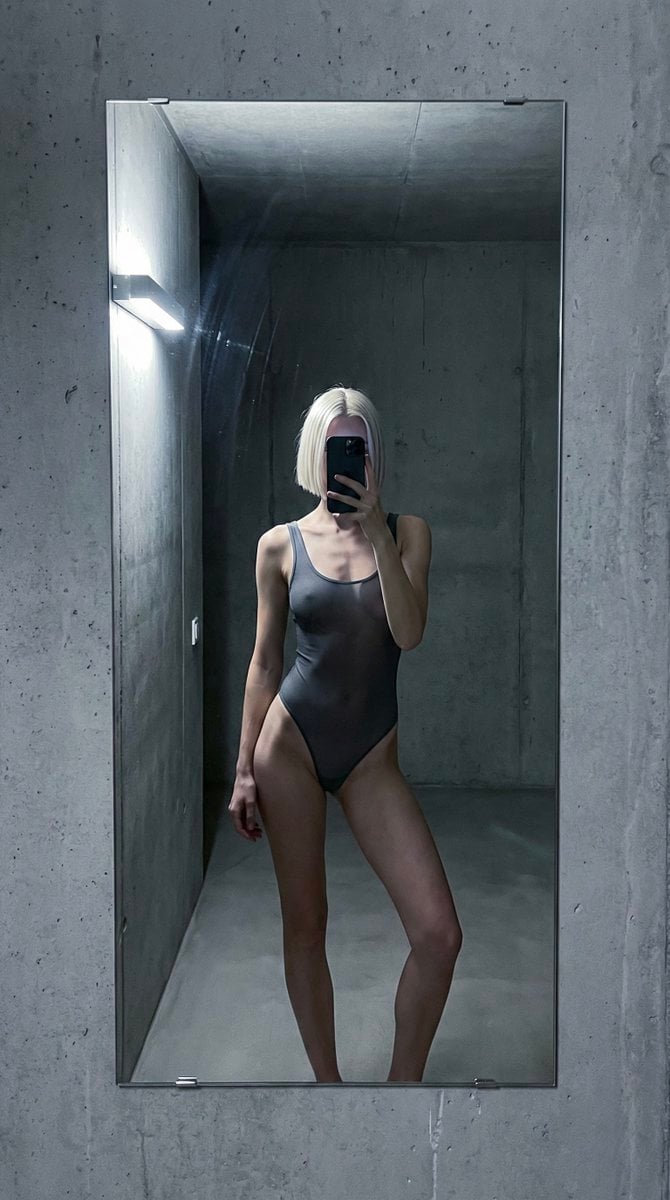
Concrete Hallway Editorial Mirror Selfie
Late Night Elevator Multi Mirror Selfie

Headphones Lifestyle Nine Panel Grid

Isometric Process Educational Diorama

Cappuccino Bottle Splash Product Ad
More image prompts
Fresh picks from across the catalog.
Shynloc Visual Identity Board
Golden Hour Ferrari Interior Fashion Prompt
Gen Z Bedroom Selfie Prompt (Purple LED Light)
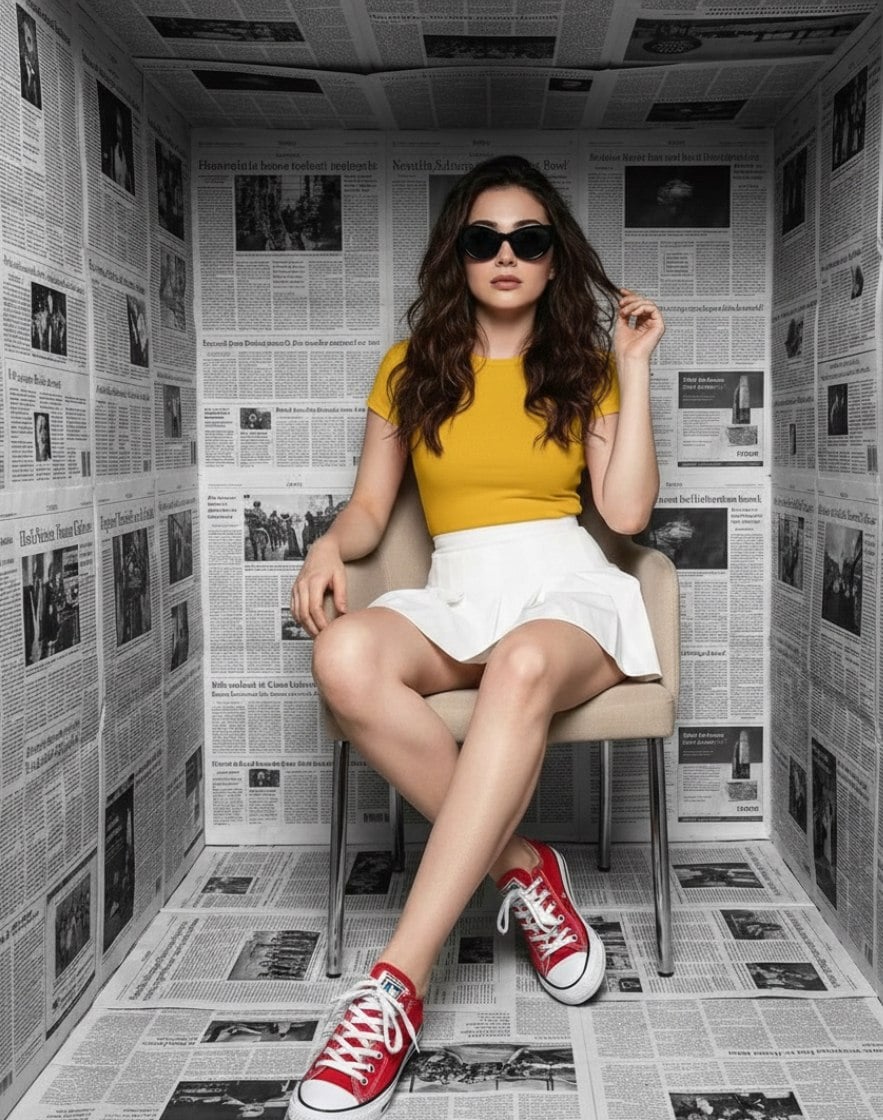
High-Fashion Studio Photoshoot in Newspaper Cube Room
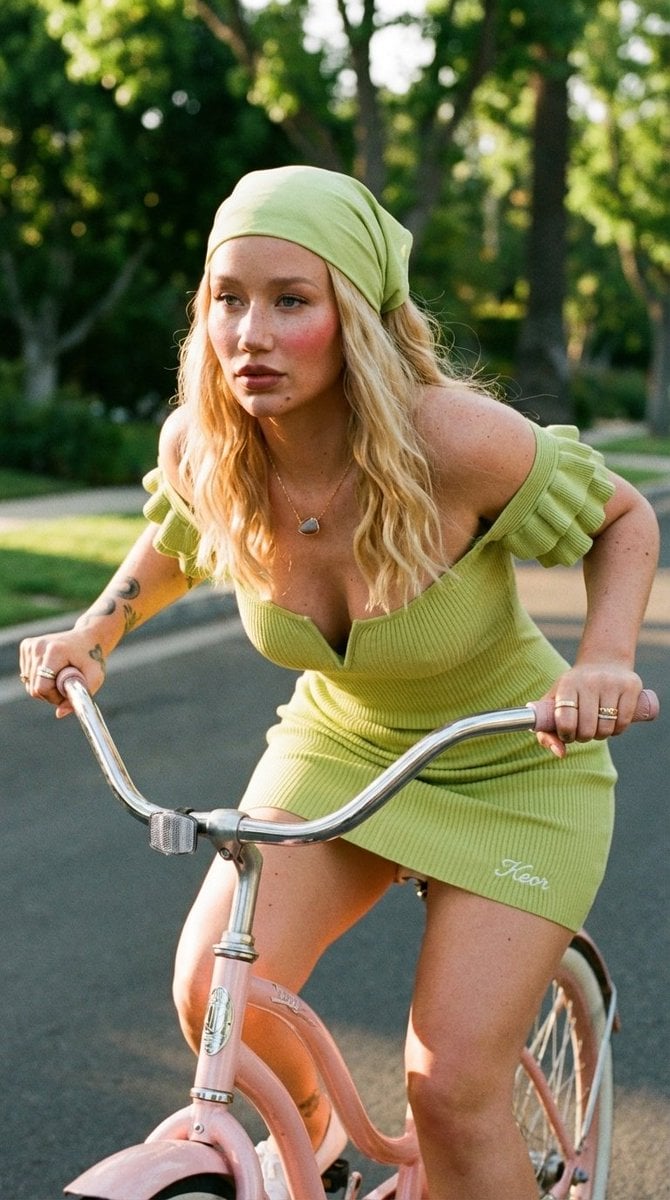
Sunlit Lifestyle Fashion Photography on a Bicycle
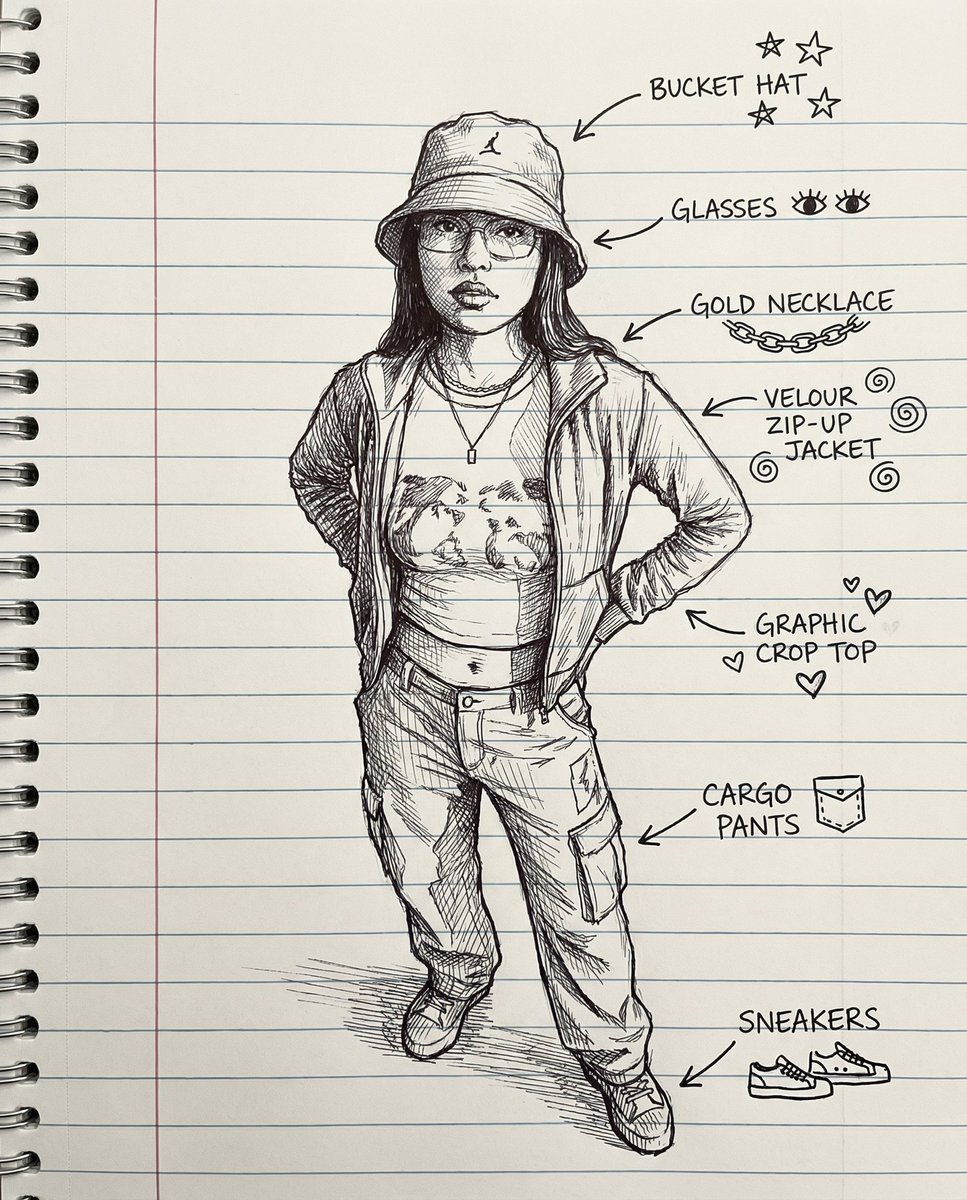
Sketch Drawing Annotation Prompt

Lavender Fantasy Mage Portrait
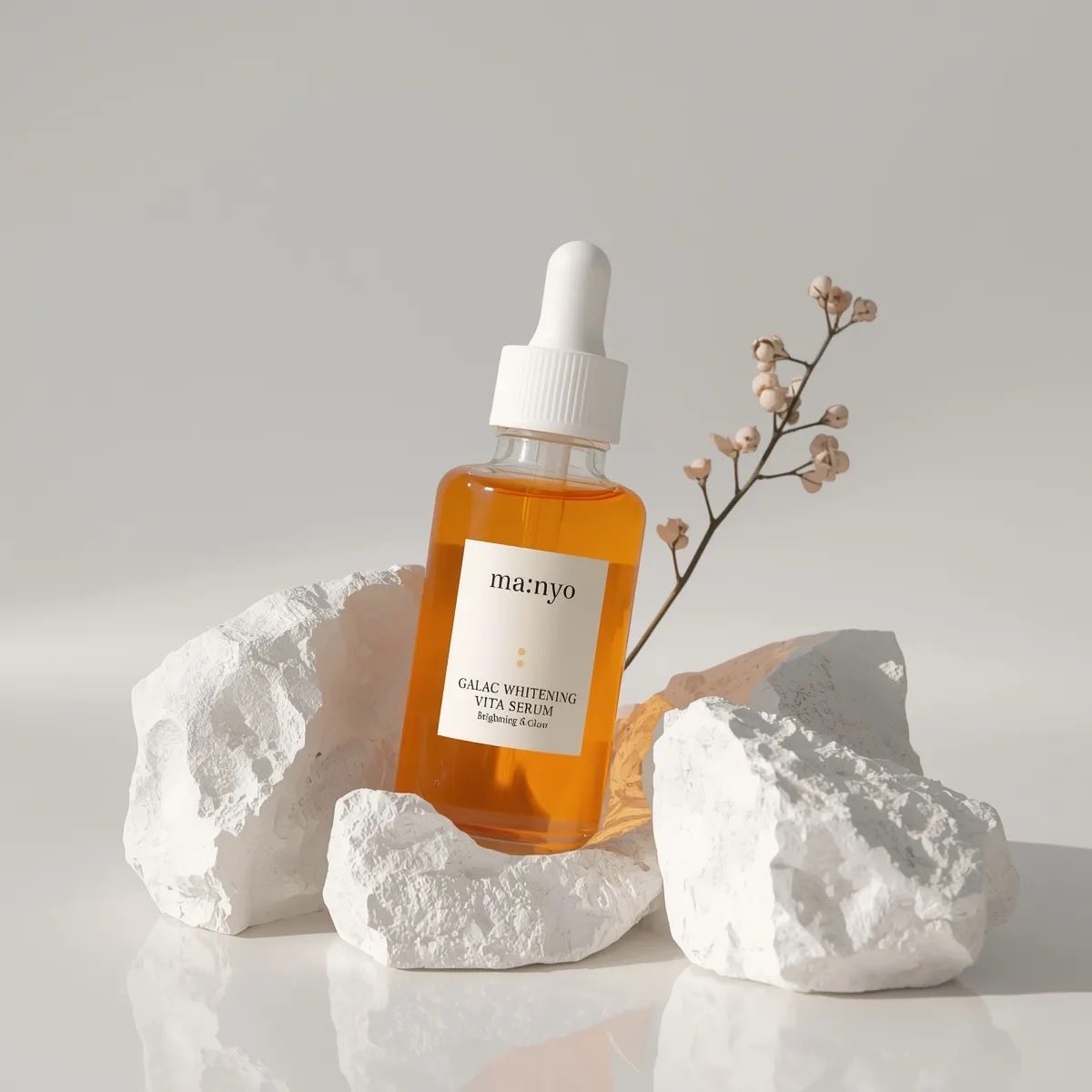
Minimal Luxury Skincare Product Photography (4 Variations)
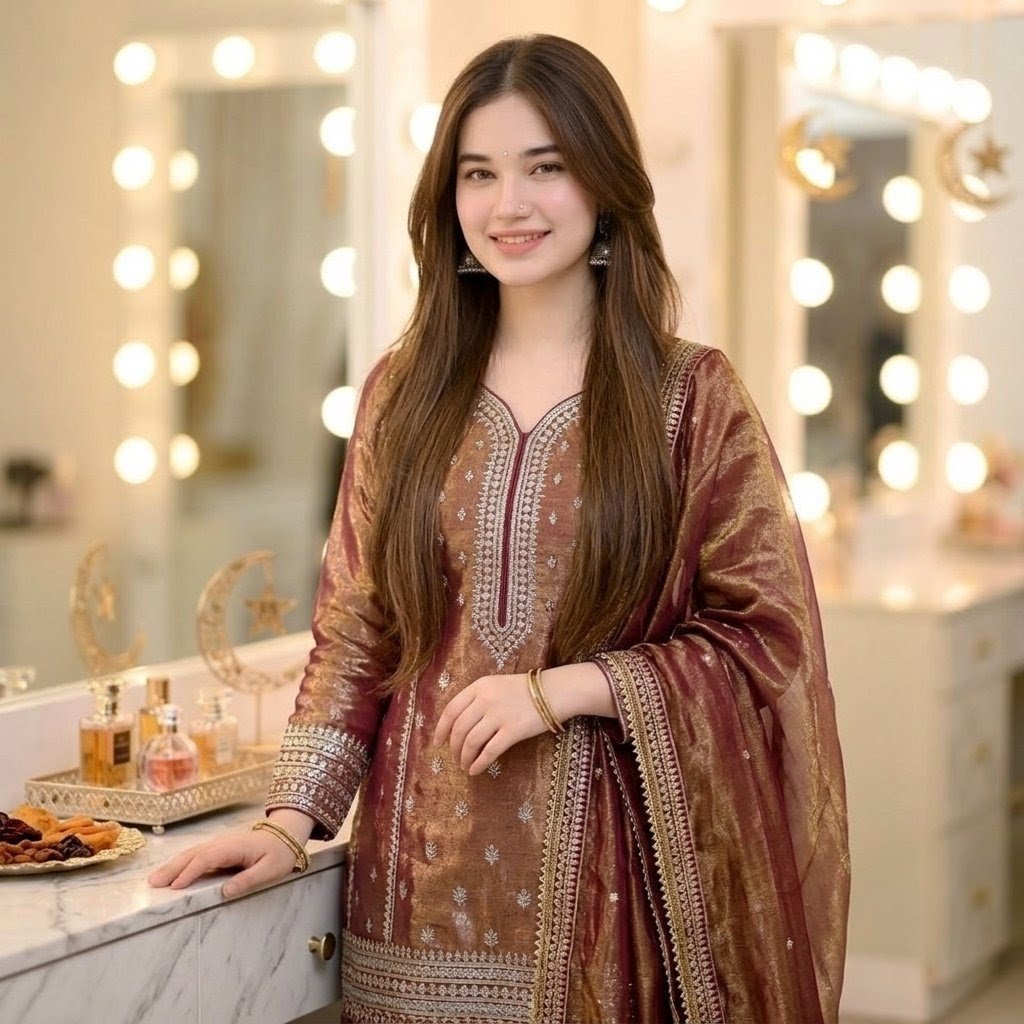
Eid Salwar Suit Vanity Portrait

Detailed Animal Encyclopedia Generation
Browse template categories
Living Room Rug Evening Mirror Selfie questions
How do I use the Living Room Rug Evening Mirror Selfie template?
Add your photo if the template asks for one, edit the prompt if you like — the template's model and format are already selected — and press Generate. Your version opens in PicX Studio.
Can I customize the Living Room Rug Evening Mirror Selfie template?
Yes. You can change the subject, setting, lighting, mood, format, and available model controls before creating your image.
Is the Living Room Rug Evening Mirror Selfie template free?
Opening and editing this template is free. Generating uses credits, shown on the Generate button when you are signed in.
Which AI model should I use?
Start with Nanobanana, which is the model associated with this template. You can compare another compatible model for a different finish.
Looking for something else? Browse all templates.

Your photo, any look
Thousands of ready templates for every top image and video model, from one credit balance.