
Golden Hour Ferrari Interior Fashion Prompt
A highly detailed JSON prompt for generating a cinematic, wide-angle interior shot of a stylish woman lounging in a red Ferrari during golden hour, emphasizing 35mm film aesthetic, high-contrast lighting, and specific…
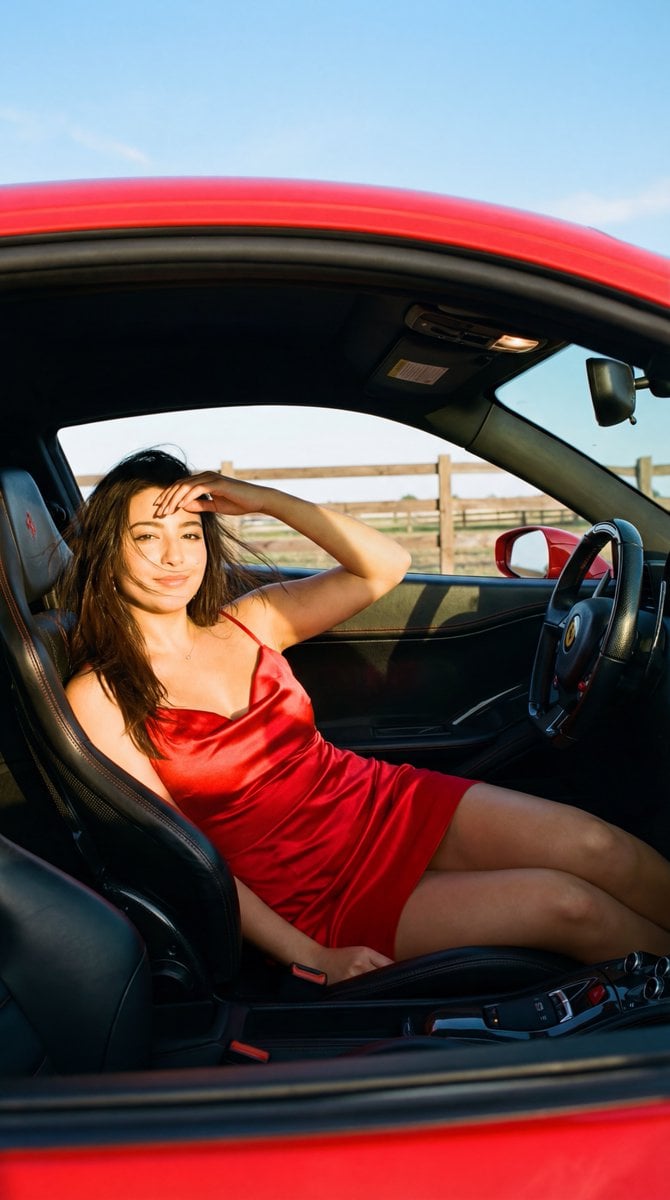
- Prompt included
- Model and format preset
- Free template
The prompt behind this image
Copy the exact prompt behind Golden Hour Ferrari Interior Fashion Prompt, or open it in the studio and make it yours.
{ "scene_description": "A cinematic, wide-angle interior shot of a stylish young woman lounging inside a red Ferrari during golden hour.", "subject": { "type": "young woman", "age": "early 20s", "features": { "hair": "long, glossy jet-black hair, volumetric with subtle windblown texture", "skin": "fair with warm golden undertones from the sun", "expression": "confident, alluring gaze directly into the lens, slight pout", "makeup": "smokey eye makeup, defined lashes, subtle contour, natural-to-soft-matte skin finish" }, "attire": "red satin mini dress with a sweetheart or draped neckline (no logos, no text)", "position": "reclined comfortably across the front passenger seat, one leg extended towards the camera (foreshortened), one knee bent, left hand resting casually against her forehead or touching her hair." }, "action": { "primary": "lounging in the passenger seat", "secondary": "shielding eyes/touching hair with left hand", "effect": "relaxed, rebellious 'cool girl' aesthetic" }, "environment": { "setting": "Interior of a red Ferrari (premium Italian sports car cabin)", "foreground_elements": [ "partial view of Ferrari steering wheel (modern sporty shape, multi-function controls)", "black leather dashboard", "carbon fiber and brushed metal accents" ], "background_elements": [ "wooden ranch-style fence visible through window", "clear blue sky", "rear view mirror reflecting a sliver of the face" ] }, "lighting": { "style": "Natural Golden Hour", "key_light": { "type": "Direct, warm sunlight", "color": "golden amber", "illuminates": [ "face", "hair highlights", "legs", "red satin fabric sheen" ] }, "shadows": "Deep, high-contrast shadows inside the cabin, strong shadow lines across seats and dress folds" }, "style": { "medium": "35mm film photography", "aesthetic": "Luxury indie road trip, editorial fashion, cinematic Americana-meets-Italian-supercar contrast", "quality": "high fidelity, realistic grain simulation", "details": "ultra-realistic textures on leather, carbon fiber, satin fabric, and natural skin texture" }, "scene_composition": { "subject_action": "Lounging with attitude, dominating the frame", "camera_behavior": "Wide-angle interior shot from driver's side perspective, slight perspective distortion on the extended leg", "depth_layering": "steering wheel foreground -> subject in sharp focus -> exterior background slightly softer" }, "lighting_and_atmosphere": { "type": "Golden Hour Natural Light", "specifics": "Hard sunlight entering through the side window, creating distinct shadow bands across the upholstery and the red satin dress", "color_grade": "Warm Kodak Portra 400 inspired, rich blacks, luminous highlights, vibran
How to use Golden Hour Ferrari Interior Fashion Prompt in 3 steps
- 1
Open
The prompt is already in the box next to the preview, with the template's model and format selected.
- 2…a portrait of your subject in softgolden-hour light, 85mm…
Personalize
Edit the subject and creative details for your destination.
- 3Generate
Generate
Press Generate — your image is created in PicX Studio, so you can compare it with the original and refine one variable at a time.
More like this
Templates with the same subject, style or setup. Open one to see its prompt.

80s College Gate

1988 Mall Style

80s Polka Dot Saree

80s Golden Hour Cinema

Cinematic Golden Hour Garden Portrait

Cinematic Golden Hour Urban Portrait
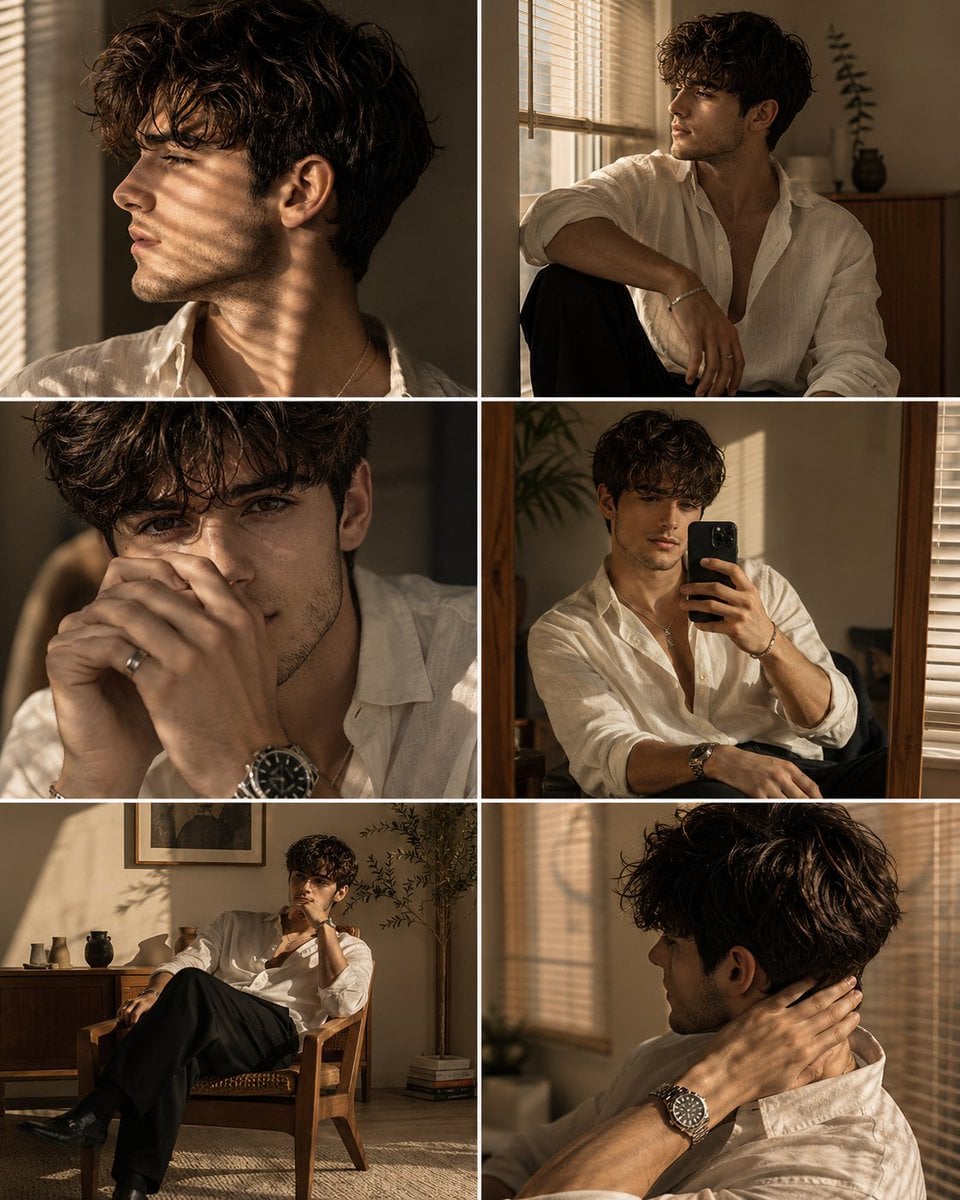
Luxury Men's Golden Hour Collage

Rooftop Fisheye — Cat-Ear Balaclava at Golden Hour

Golden Hour Redhead Portrait
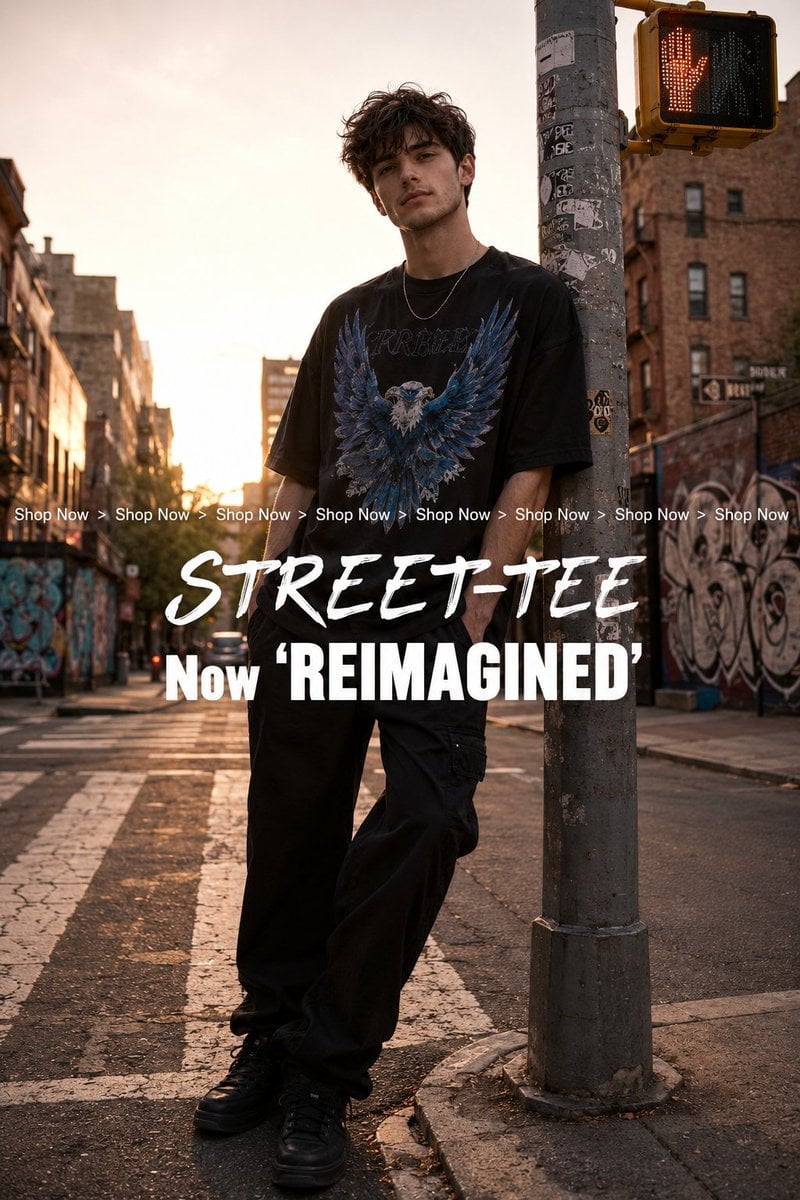
Golden Hour Streetwear Facebook Ad

Golden Hour Cinematic Boss Energy Portrait

Golden Hour SUV Selfie
Make it yours
Golden Hour Ferrari Interior Fashion Prompt works as-is. These are the safest ways to change it without losing the look.
Change one field
Copy a single group, rewrite it, and generate again so you can see what that field is doing.
Keep the frame, change the subject
Hold the composition and light of Golden Hour Ferrari Interior Fashion Prompt, then swap wardrobe, props or the person for a new take.
| If the result… | Why | Fix |
|---|---|---|
| The result drifts from the preview | Too many fields changed at once. | Reuse Golden Hour Ferrari Interior Fashion Prompt as-is first, then change one group — subject, light, or setting. |
| The model over-stylizes the scene | The prose prompt leaves finish and camera underspecified. | Add one camera or lighting sentence and stay on Nano Banana 2. |
More Nano Banana 2 templates
Other prompts made for Nano Banana 2.

Photorealistic Leaf Shaped Like a Dragon

K-Pop Idol Portrait Grid for Rapid Selection

Poetic Rain Forest Portrait During Golden Hour

Urban Street Portrait with Cartoon Inner Self Duo

Candid Nighttime Photo with Cat Prompt

High-Concept 3D Diorama Generation Prompt

Cinematic Futuristic Studio Portrait Template

Skincare Editorial Photography Collage Prompt

Hyper-Realistic Commercial Product Photography (Splash Effect)

Hyper-Realistic Nightclub Portrait Prompt
More image prompts
Fresh picks from across the catalog.
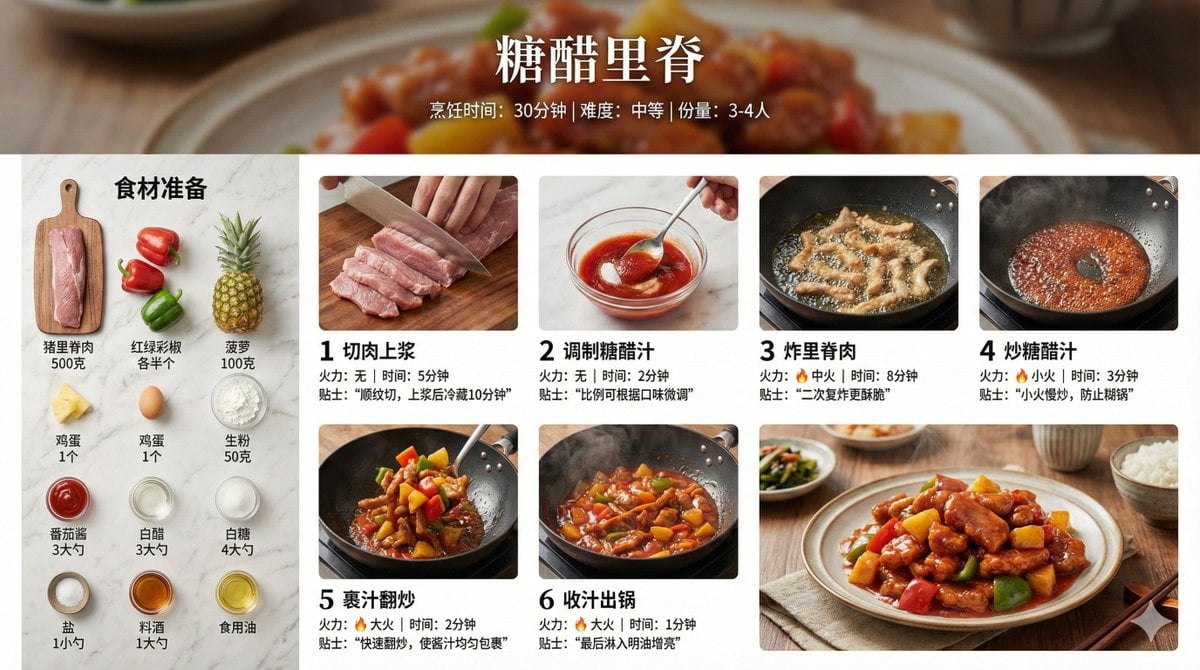
Infographic Prompt for Sweet and Sour Pork Recipe
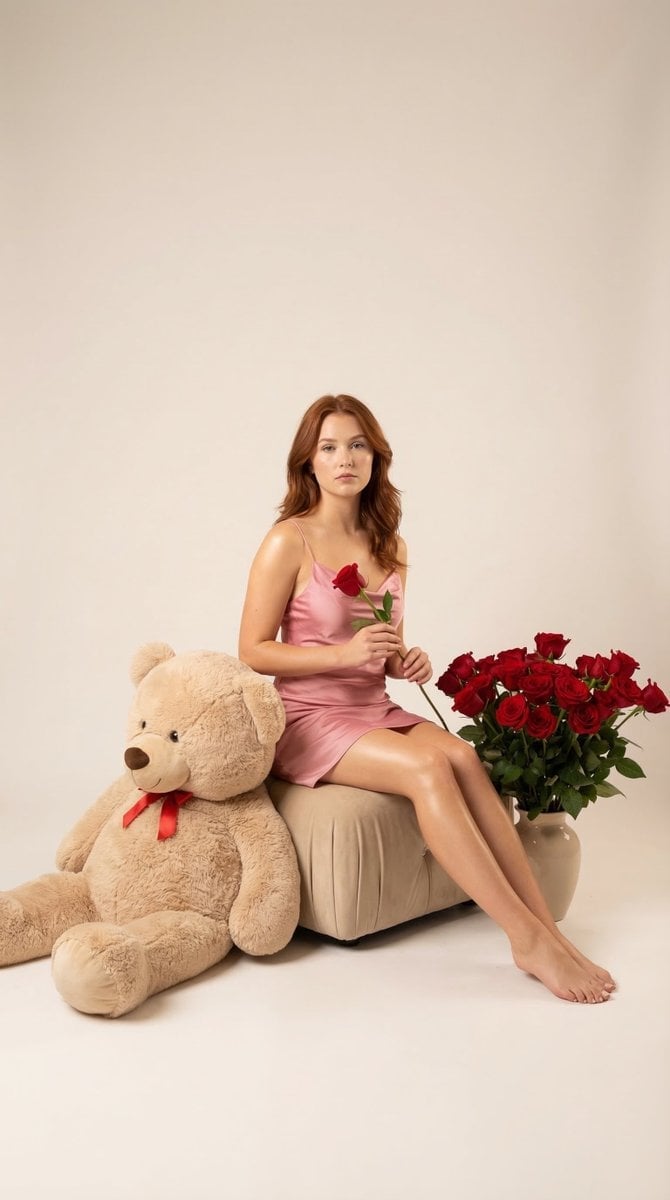
Romantic Studio Portrait of a Young Woman with a Rose
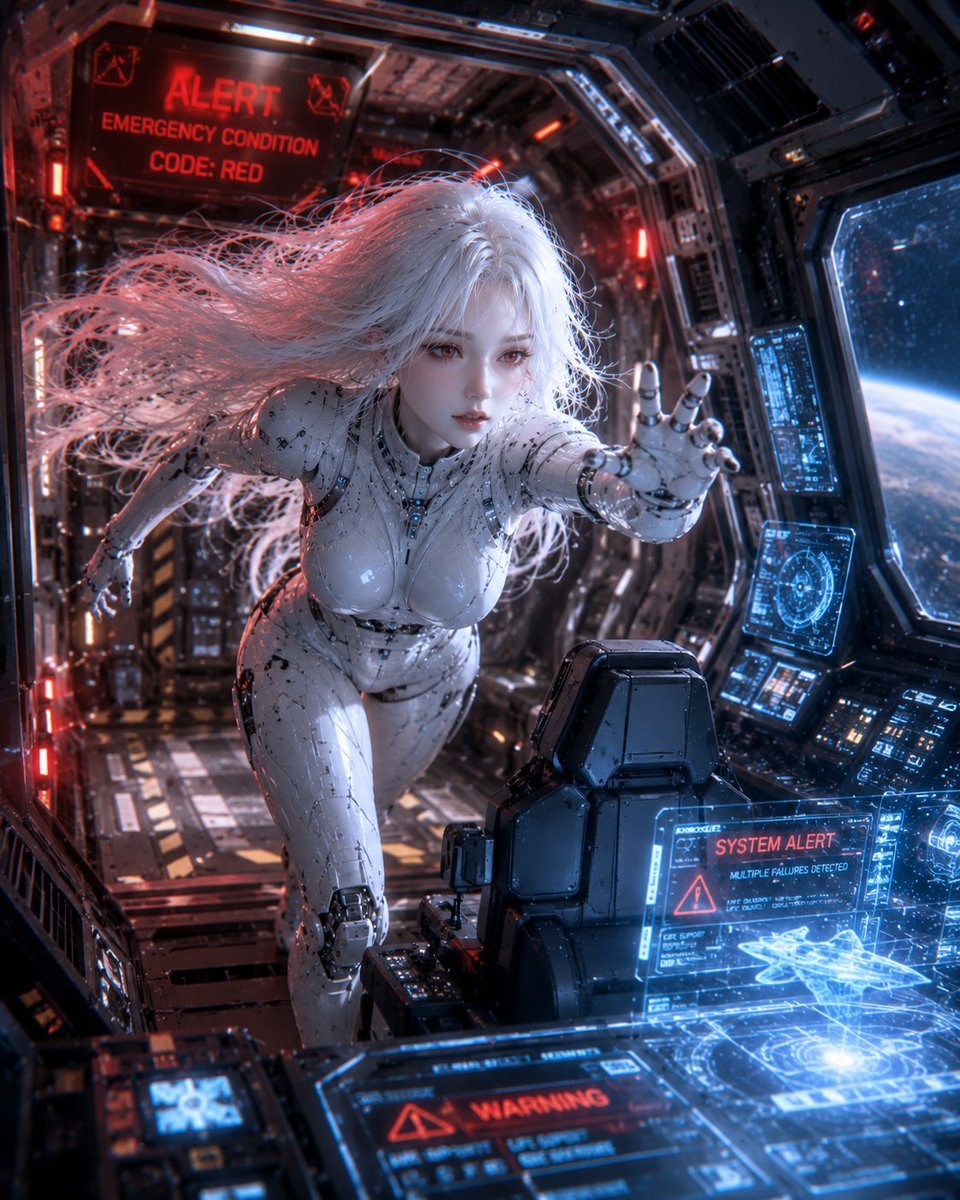
Spaceship Female Android
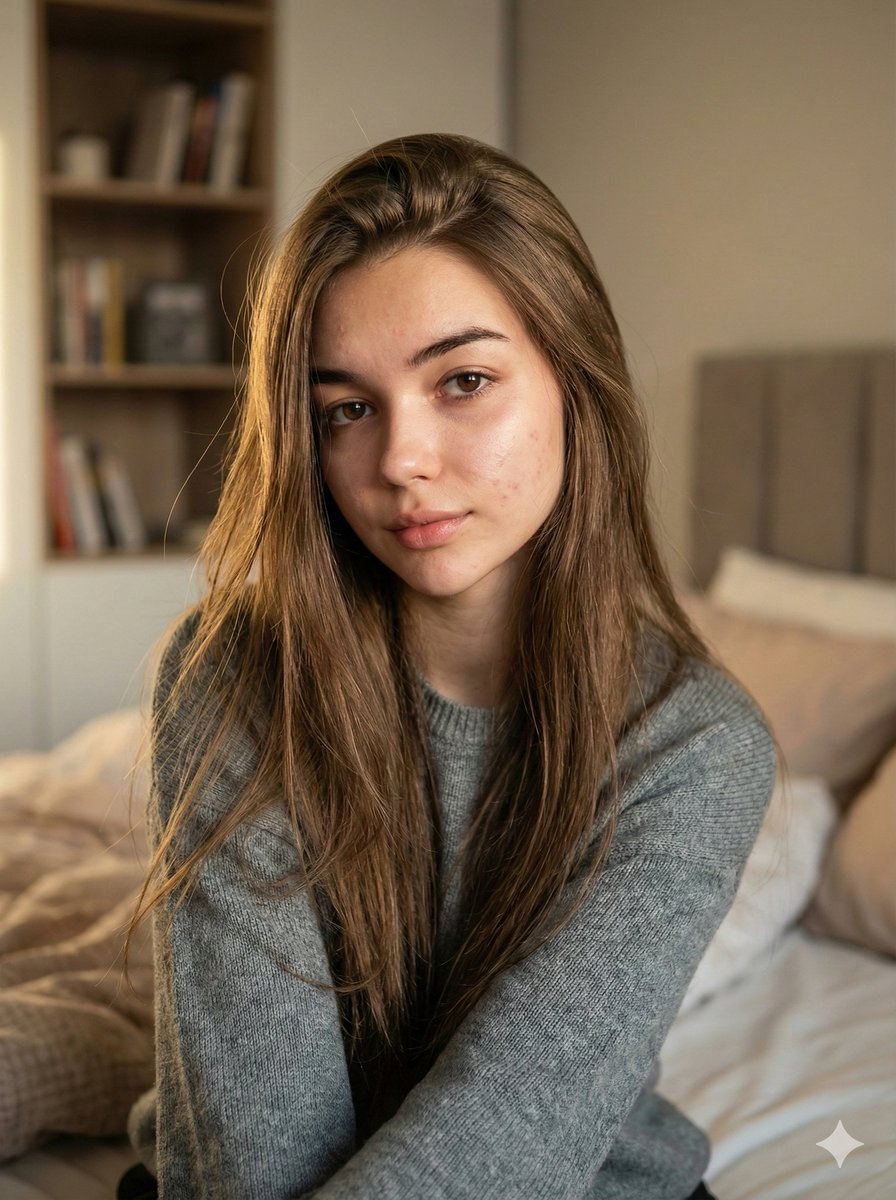
Nano Banana Pro Ultra Realistic Indoor Portrait Prompt
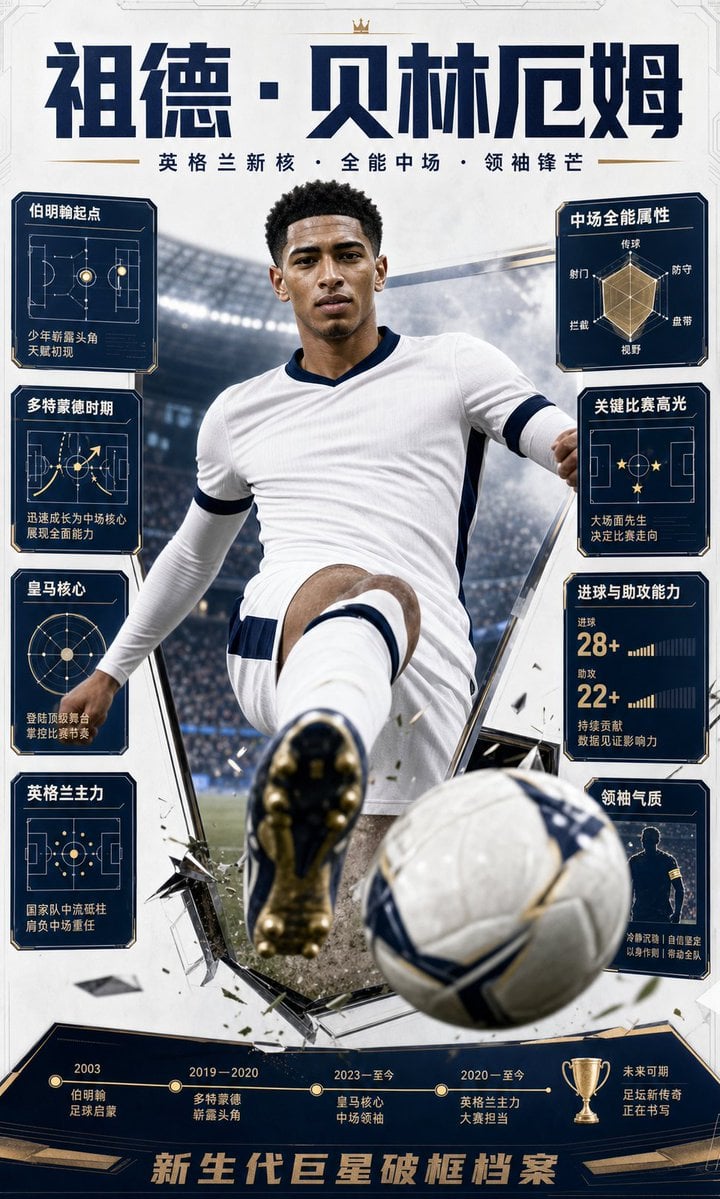
Bellingham Star Dossier Poster
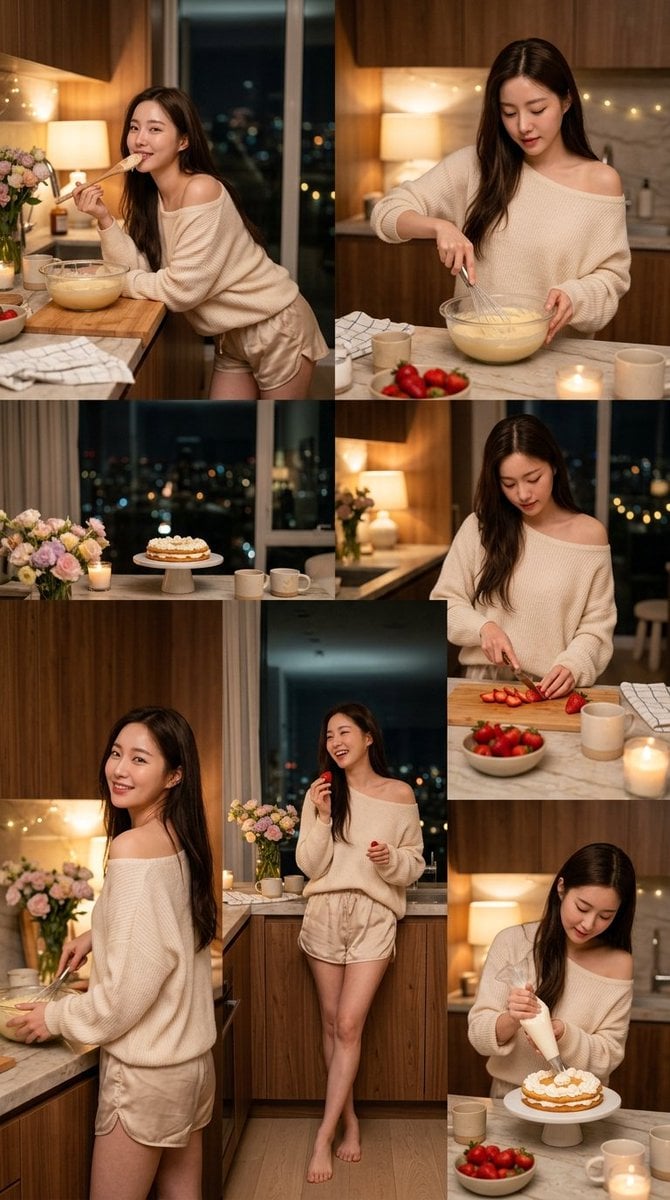
Korean Girl Kitchen Cooking Aesthetic

Pixar-Style Chibi Character Prompt

Silver Wolf Gaming Character Art

Nano Banana Pro-themed hero image (duplicate Chinese prompt)
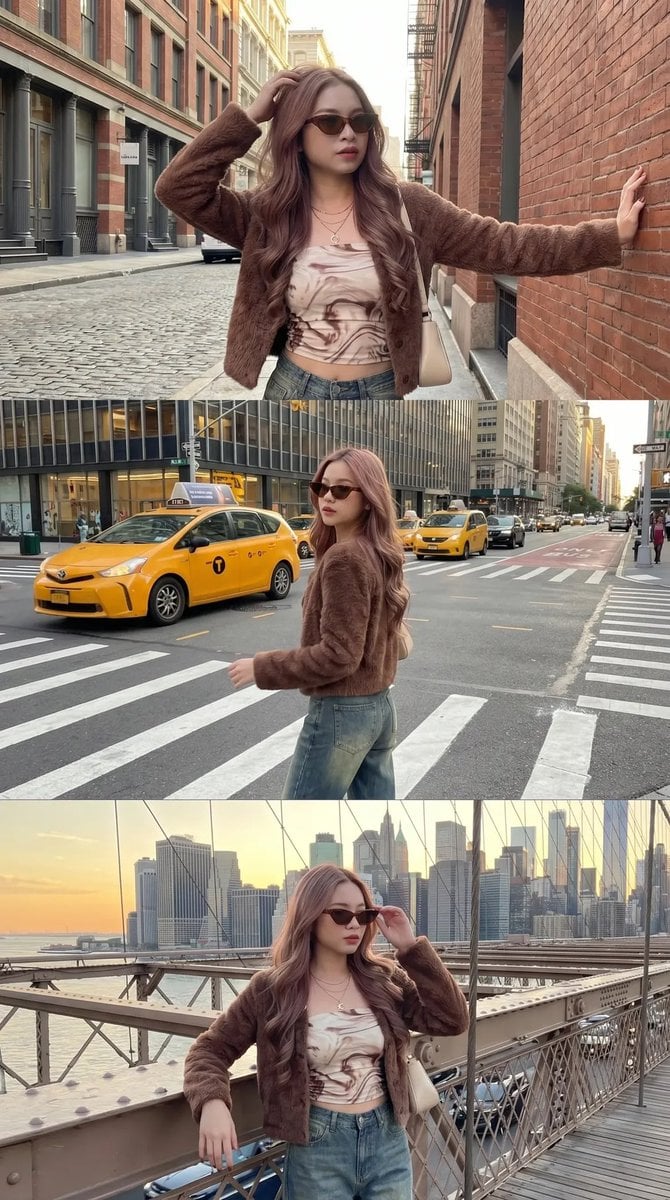
Urban Fashion Street Photography
Browse template categories
Golden Hour Ferrari Interior Fashion Prompt questions
How do I use the Golden Hour Ferrari Interior Fashion Prompt template?
Add your photo if the template asks for one, edit the prompt if you like — the template's model and format are already selected — and press Generate. Your version opens in PicX Studio.
Can I customize the Golden Hour Ferrari Interior Fashion Prompt template?
Yes. You can change the subject, setting, lighting, mood, format, and available model controls before creating your image.
Is the Golden Hour Ferrari Interior Fashion Prompt template free?
Opening and editing this template is free. Generating uses credits, shown on the Generate button when you are signed in.
Which AI model should I use?
Start with Nano Banana 2, which is the model associated with this template. You can compare another compatible model for a different finish.
Looking for something else? Browse all templates.

Your photo, any look
Thousands of ready templates for every top image and video model, from one credit balance.