
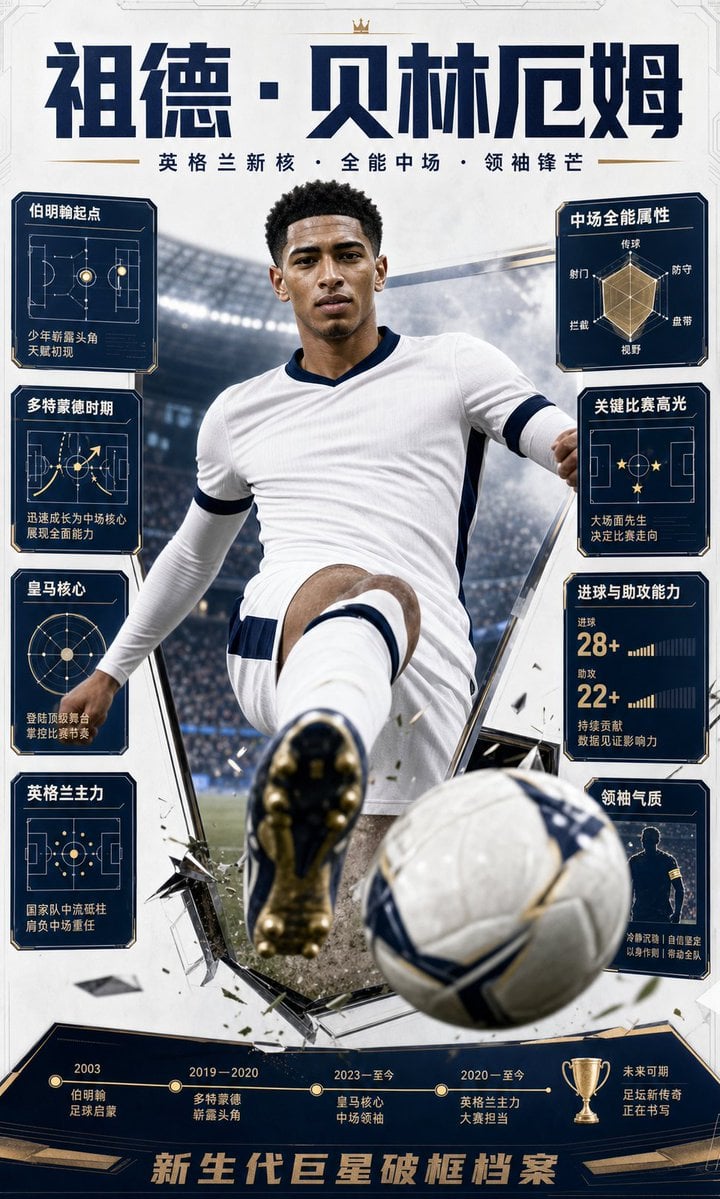
Bellingham Star Dossier Poster
A vertical Chinese football collectible poster featuring a hyper-realistic action player, tactical data cards, and a career timeline.
- Prompt included
- Model and format preset
- Free template
The prompt behind this image
Copy the exact prompt behind Bellingham Star Dossier Poster, or open it in the studio and make it yours.
Goal: Create a vertical modern football superstar collectible poster for {argument name="character name" default="Jude Bellingham"}, styled as a Chinese “new generation star dossier” World Cup poster with hyper-realistic action, light data-file graphics, and a career timeline. Canvas: Tall 9:16 poster, white and deep navy palette with gold accents, high-contrast cinematic sports lighting, premium trading-card / magazine-cover design. Background is a large illuminated football stadium with mist, crowd blur, and a clean futuristic white border frame. Main subject: A hyper-realistic young male footballer in a white kit with dark navy trim, sprinting or striking forward toward the viewer. Use an extreme low-angle perspective: one boot sole is large in the foreground, the torso dominates the center, and a white football with navy/gold markings flies toward the bottom-right foreground. Add shattered glass shards, turf debris, dust, and dynamic impact fragments around the player to create a 3D breakout effect. The player’s face is intentionally covered by a plain soft-edged rectangular blur/solid mask, matching the generated poster. Top typography: Huge bold dark navy Chinese headline reading {argument name="headline text" default="祖德·贝林厄姆"}. Add a tiny gold crown icon centered above the headline. Under it, a smaller spaced subtitle in Chinese: “英格兰新核 · 全能中场 · 领袖锋芒”, with thin gold horizontal divider lines at both sides. Side data panels: Use exactly 8 dark navy information cards with gold outlines and beveled corners, 4 on the left and 4 on the right. Each card contains a simple gold/white tactical diagram, radar chart, silhouette, or stat graphic plus Chinese labels. Left column, top to bottom: 1) “伯明翰起点” with a football pitch diagram and caption “少年崭露头角 / 天赋初现”; 2) “多特蒙德时期” with tactical arrows and caption “迅速成长为中场核心 / 展现全面能力”; 3) “皇马核心” with circular radar/orbit diagram and caption “登陆顶级舞台 / 掌控比赛节奏”; 4) “英格兰主力” with pitch-position graphic and caption “国家队中流砥柱 / 角色中场重任”. Right column, top to bottom: 5) “中场全能属性” with a hexagonal radar chart labeled “传球, 防守, 盘带, 视野, 控球, 射门”; 6) “关键比赛高光” with pitch diagram and stars, caption “大场面先生 / 决定比赛走向”; 7) “进球与助攻能力” with big stats “28+” and “22+”, bar indicators, and captions “进球”, “助攻”, “持续贡献 / 数据见证影响力”; 8) “领袖气质” with a captain silhouette and caption “冷静沉着 | 自信坚定 / 以身作则 | 带动全队”. Bottom timeline: Add one wide dark navy and gold career timeline panel across the bottom with exactly 5 timeline points and one gold trophy icon near the right. The 5 labeled points are: “2003 / 伯明翰 / 足球启蒙”; “2019—2020 / 多特蒙德 / 崭露头角”; “2023—至今 / 皇马核心 / 中场领袖”; “2020—至今 / 英格兰主力 / 大赛担当”; “未来可期 / 足坛新传奇 / 正在书写”. Footer: Large metallic gold Chinese slogan across the very bottom: {argument name="footer slogan" default="新生代巨星破框档案"}. Use embossed block lettering, navy shadow, and angular gold trim. Visual style: Ultra-realistic sports photo composite, dramatic depth of field, sharp player and ball details, navy-and-gold infographic overlays, clean Chinese editorial typography, cinematic stadium haze, collectible poster finish. Keep all visible text in Chinese exactly as specified, avoid logos, avoid club crests, avoid watermarks, and maintain a premium World Cup star-poster feel.
How to use Bellingham Star Dossier Poster in 3 steps
- 1Upload ImagePNG, JPG or paste
Add your photo
Upload the photo the template builds on. The prompt, model and format are already set.
- 2…a portrait of your subject in softgolden-hour light, 85mm…
Personalize
Edit the subject and creative details for your destination.
- 3Generate
Generate
Press Generate — your image is created in PicX Studio, so you can compare it with the original and refine one variable at a time.
More like this
Templates with the same subject, style or setup. Open one to see its prompt.
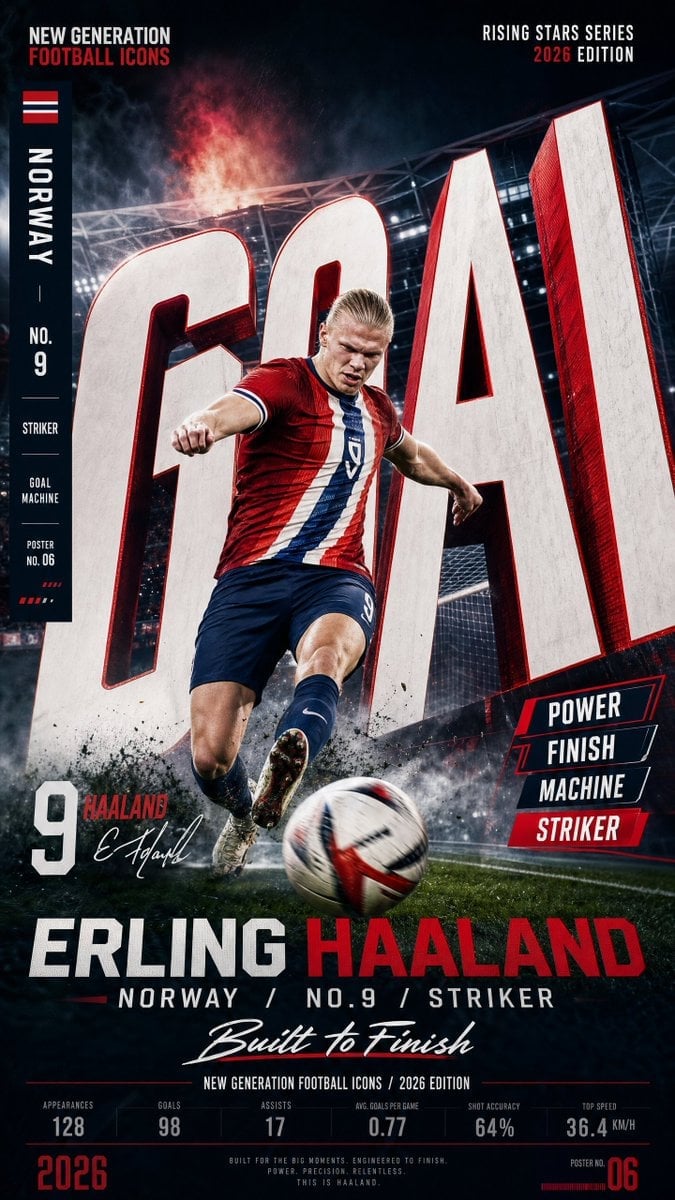
Vertical Football Star Campaign Poster

Japan Travel Brochure Poster

Cartoon TV Show Poster Pack

Trendy Cafe Drink Promo Poster

Urban Fashion Editorial Collage Streetwear Poster

Premium Fashion Editorial Cover Layout System

Polo Ralph Lauren Luxury American Heritage Fashion Campaign

Monochrome Halftone Editorial Fashion Poster

Retro Mirror Luxury Fashion Campaign Poster

Luxury Fashion Campaign Typography Poster System

Premium Fashion Editorial Campaign Poster System

Ultra-Stylized High-Fashion Streetwear Poster
Make it yours
Bellingham Star Dossier Poster works as-is. These are the safest ways to change it without losing the look.
Change one field
Copy a single group, rewrite it, and generate again so you can see what that field is doing.
Keep the frame, change the subject
Hold the composition and light of Bellingham Star Dossier Poster, then swap wardrobe, props or the person for a new take.
| If the result… | Why | Fix |
|---|---|---|
| The result drifts from the preview | Too many fields changed at once. | Reuse Bellingham Star Dossier Poster as-is first, then change one group — subject, light, or setting. |
| The model over-stylizes the scene | The prose prompt leaves finish and camera underspecified. | Add one camera or lighting sentence and stay on GPT Image 2. |
More GPT Image 2 templates
Other prompts made for GPT Image 2.

Six VTuber Japanese Logo Sheet

Realistic Portrait of Woman and Deer

The Vista Modular Condo Poster

AI Model Routing Comparison Infographic

2.5D Anime Art Board

Isometric Productivity Desk Scene

New York Double Exposure Poster

Four-Panel AI Landscape Comparison

Japanese Tatami Lifestyle Magazine Cover

NESCAFÉ Coffee Map Poster
More image prompts
Fresh picks from across the catalog.
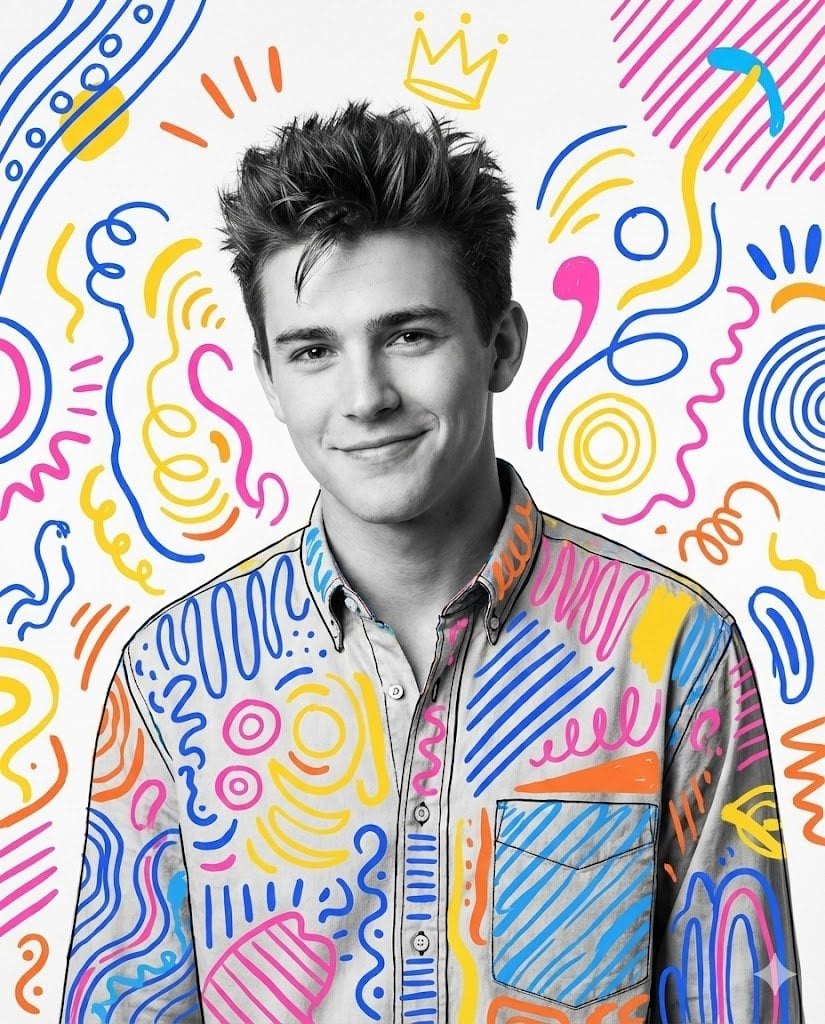
Mixed Media Portrait with Pop Art Doodles
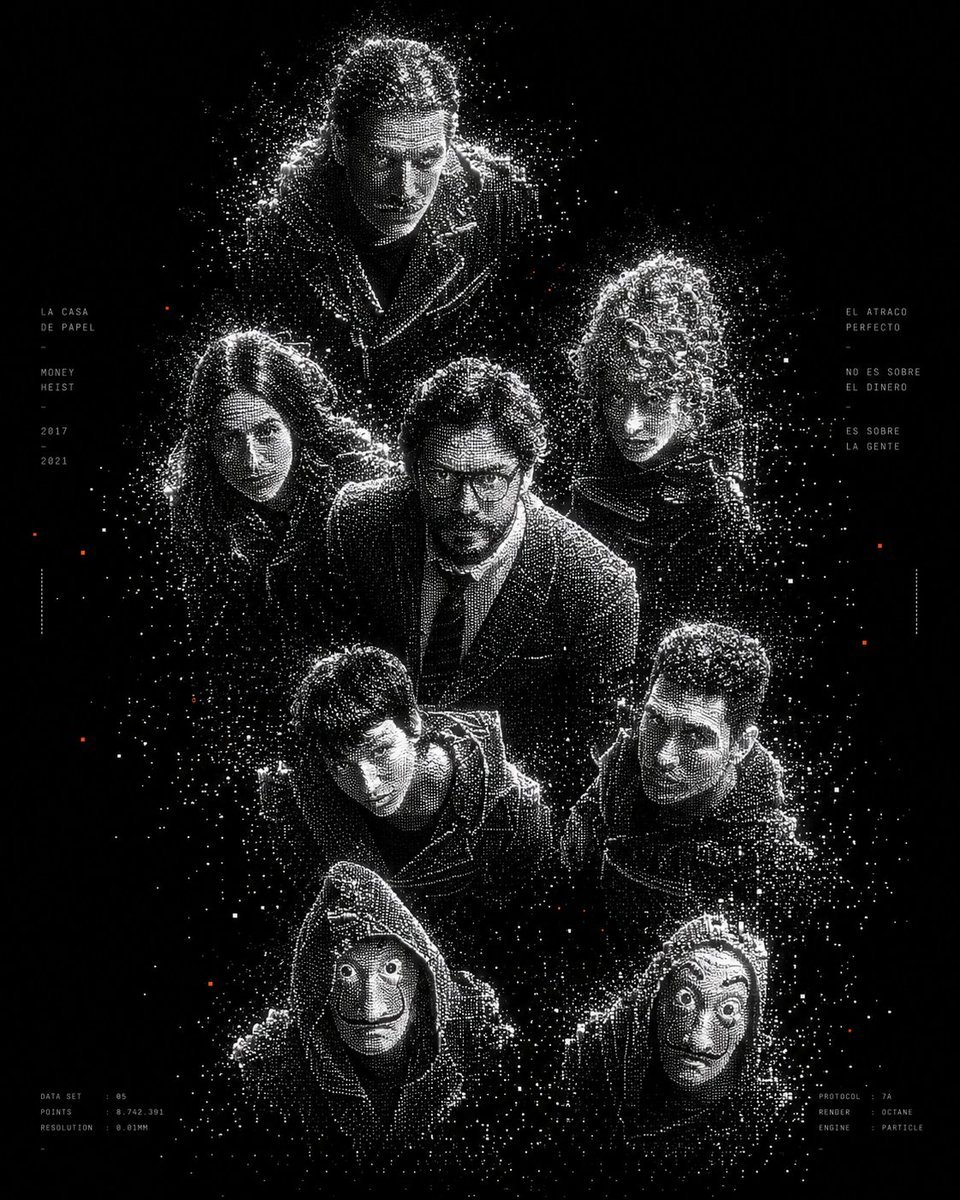
Monochrome Particle Render Art
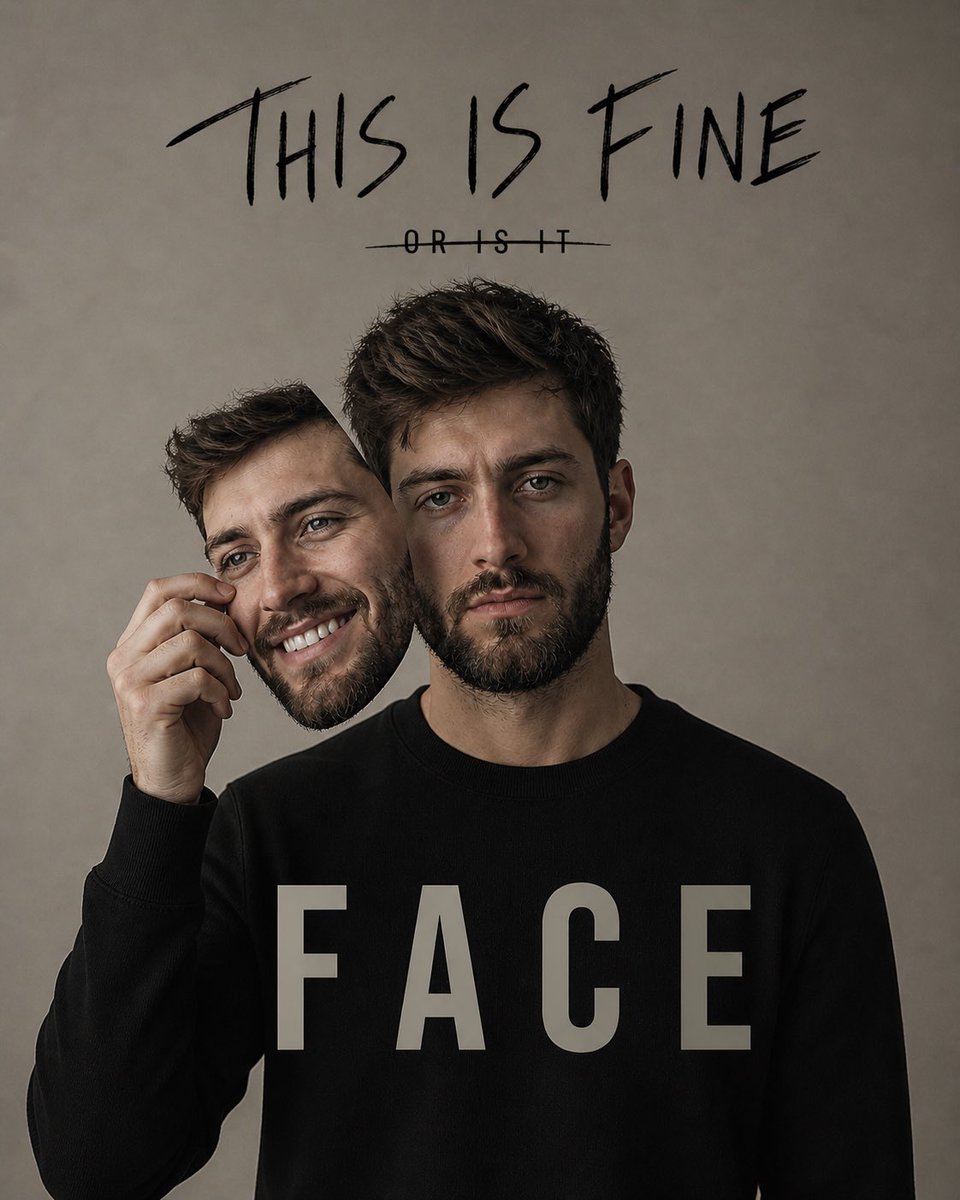
Dual Identity Surreal Portrait
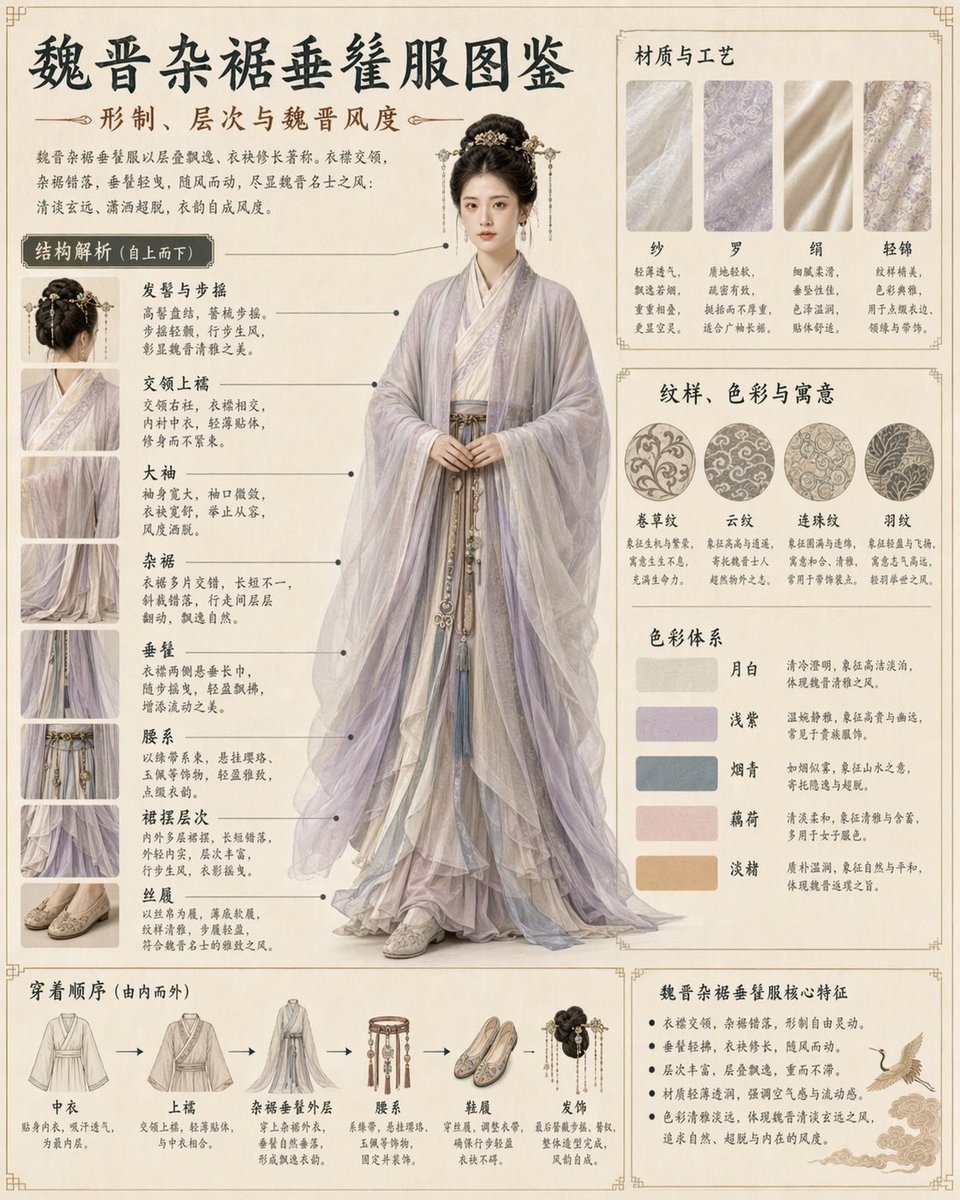
Traditional Clothing Infographic Guide
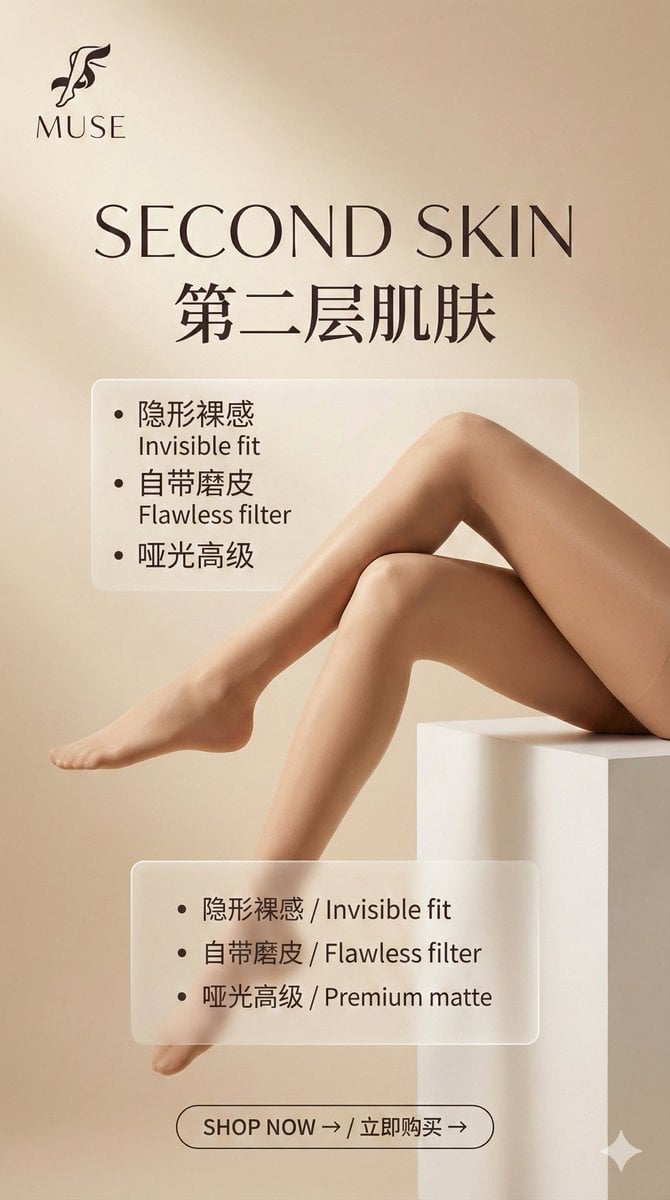
Multi-Step Prompt Generation Workflow for Product Posters
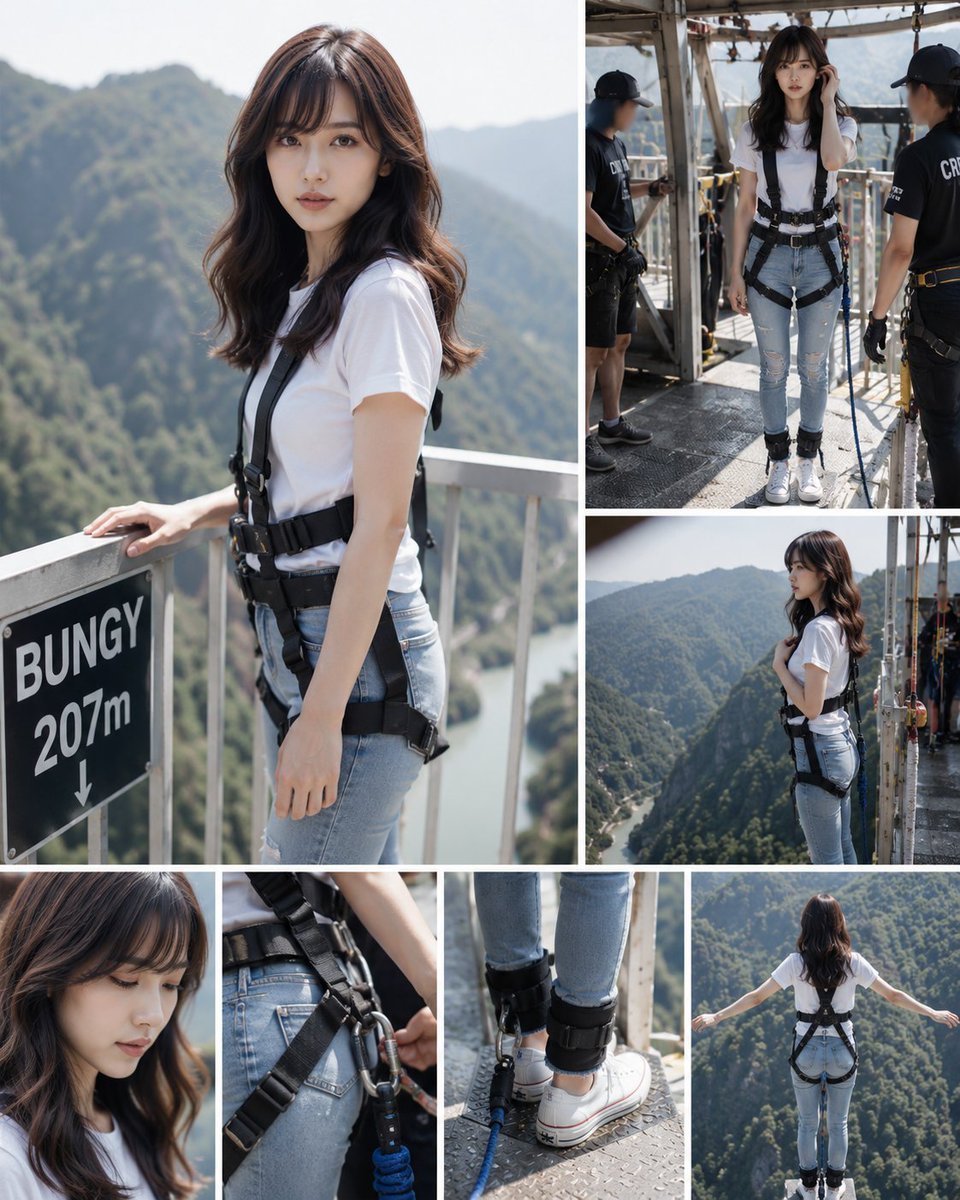
Bungee Jump Collage
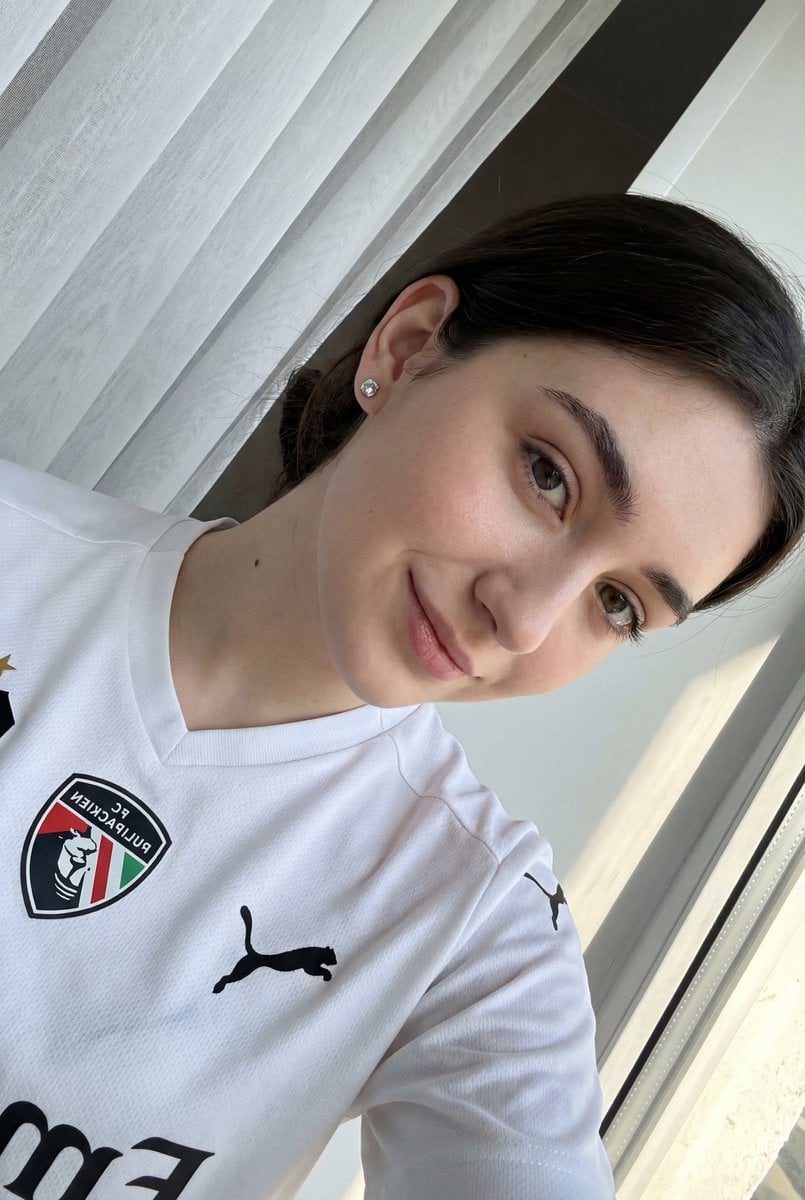
Detailed JSON prompt for a casual portrait of a young woman in a sports jersey
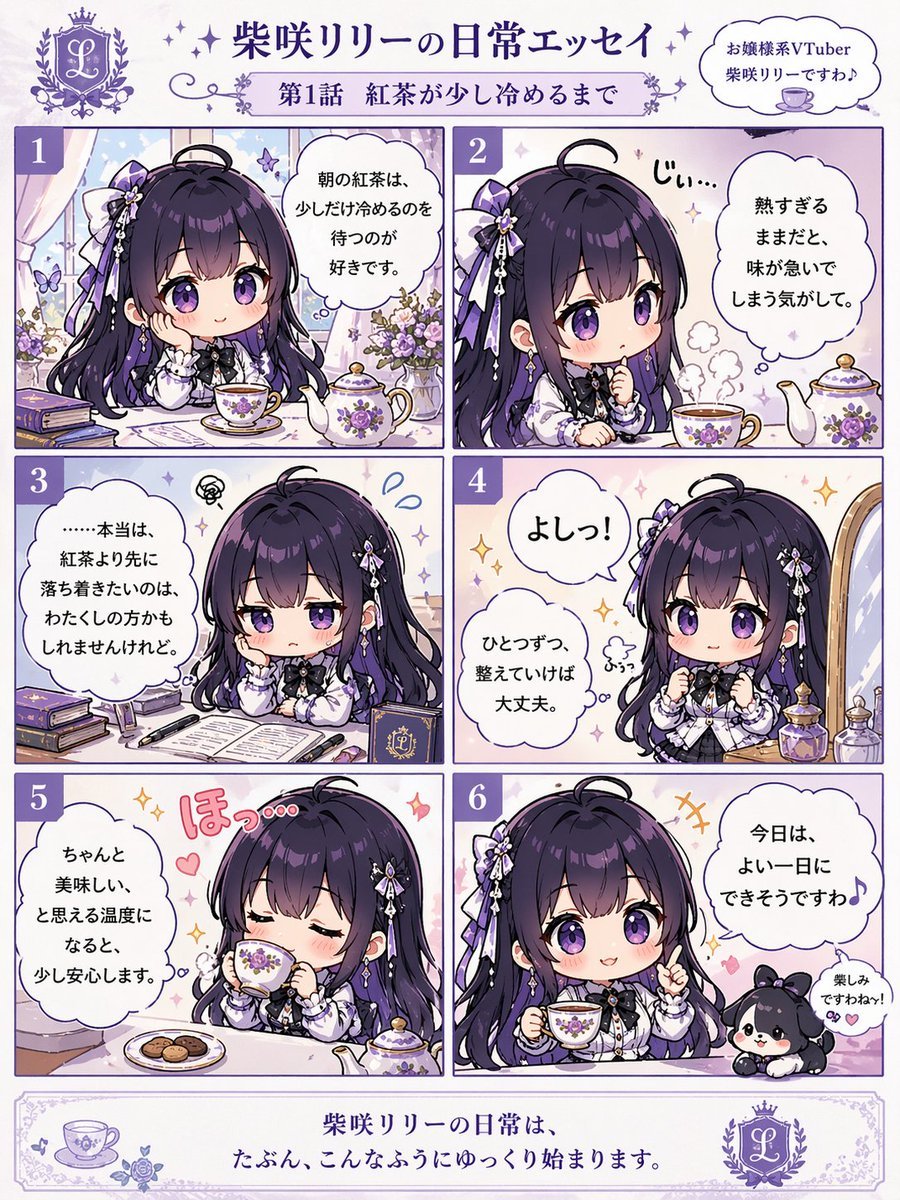
Panel Chibi VTuber Comic Strip
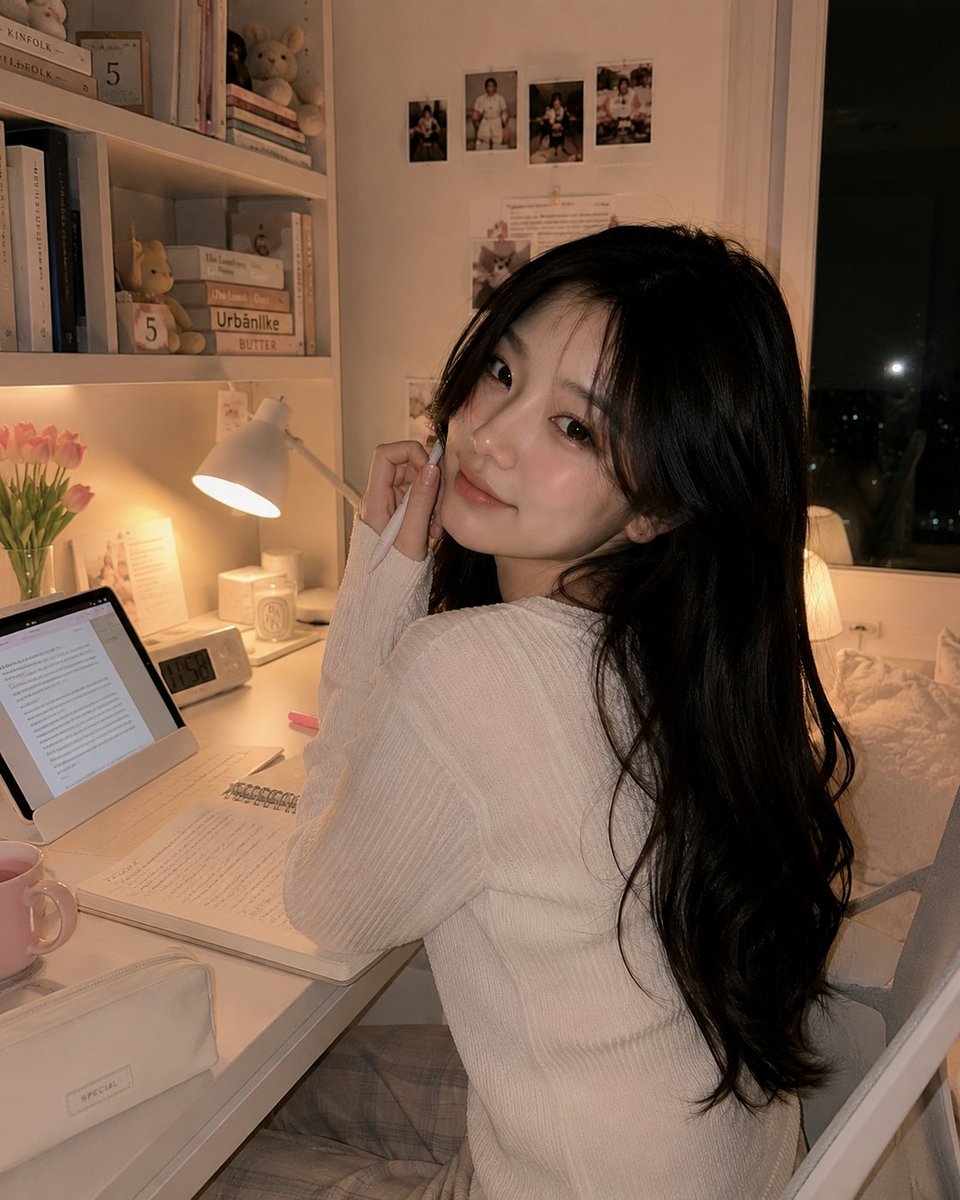
Cozy Study Room Night Portrait
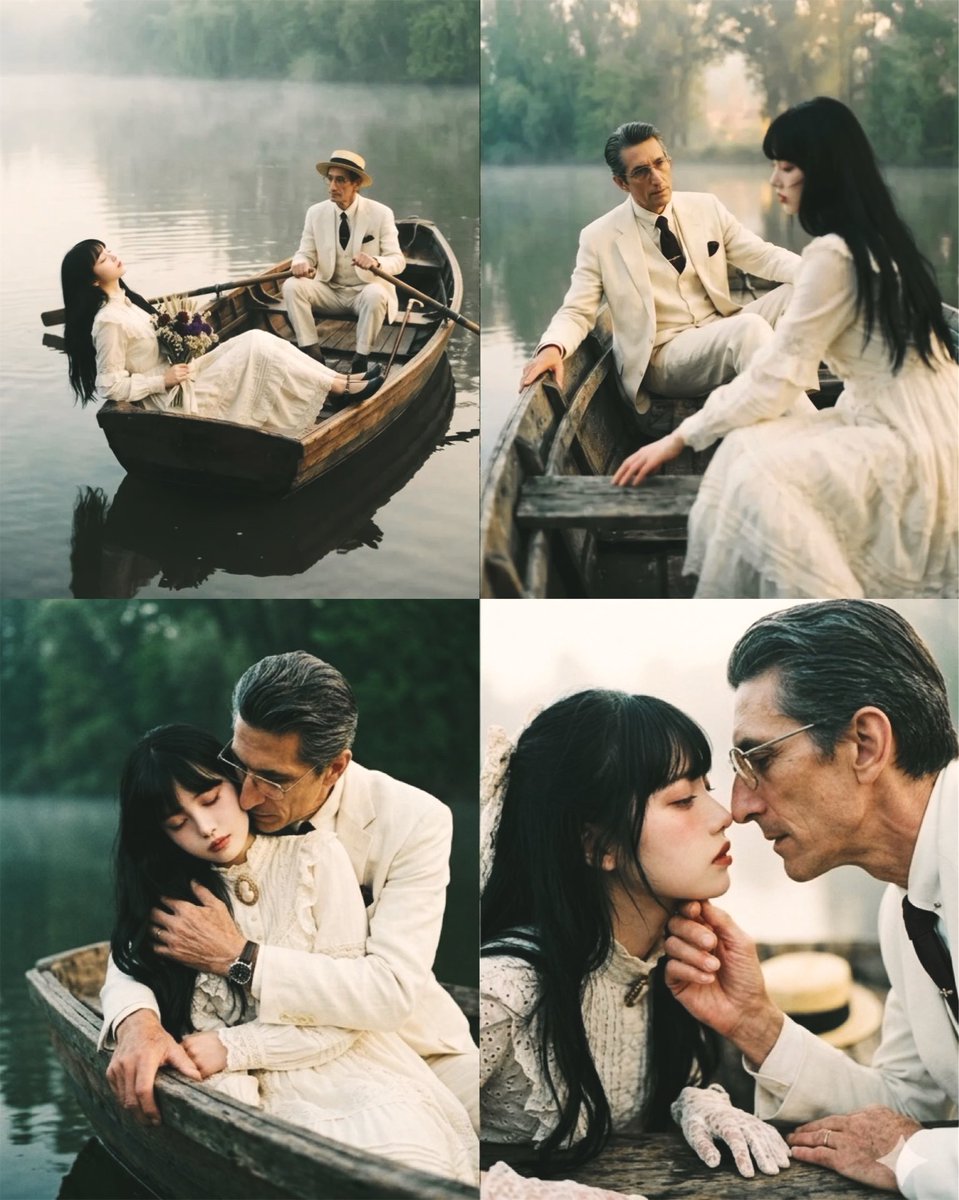
Melancholic artistic concept
Browse template categories
Bellingham Star Dossier Poster questions
How do I use the Bellingham Star Dossier Poster template?
Add your photo if the template asks for one, edit the prompt if you like — the template's model and format are already selected — and press Generate. Your version opens in PicX Studio.
Can I customize the Bellingham Star Dossier Poster template?
Yes. You can change the subject, setting, lighting, mood, format, and available model controls before creating your image.
Is the Bellingham Star Dossier Poster template free?
Opening and editing this template is free. Generating uses credits, shown on the Generate button when you are signed in.
Which AI model should I use?
Start with GPT Image 2, which is the model associated with this template. You can compare another compatible model for a different finish.
Looking for something else? Browse all templates.

Your photo, any look
Thousands of ready templates for every top image and video model, from one credit balance.