
Monochrome Particle Render Art
Transforms images into high-contrast monochrome particle art using a point-cloud aesthetic with floating debris and cinematic lighting.
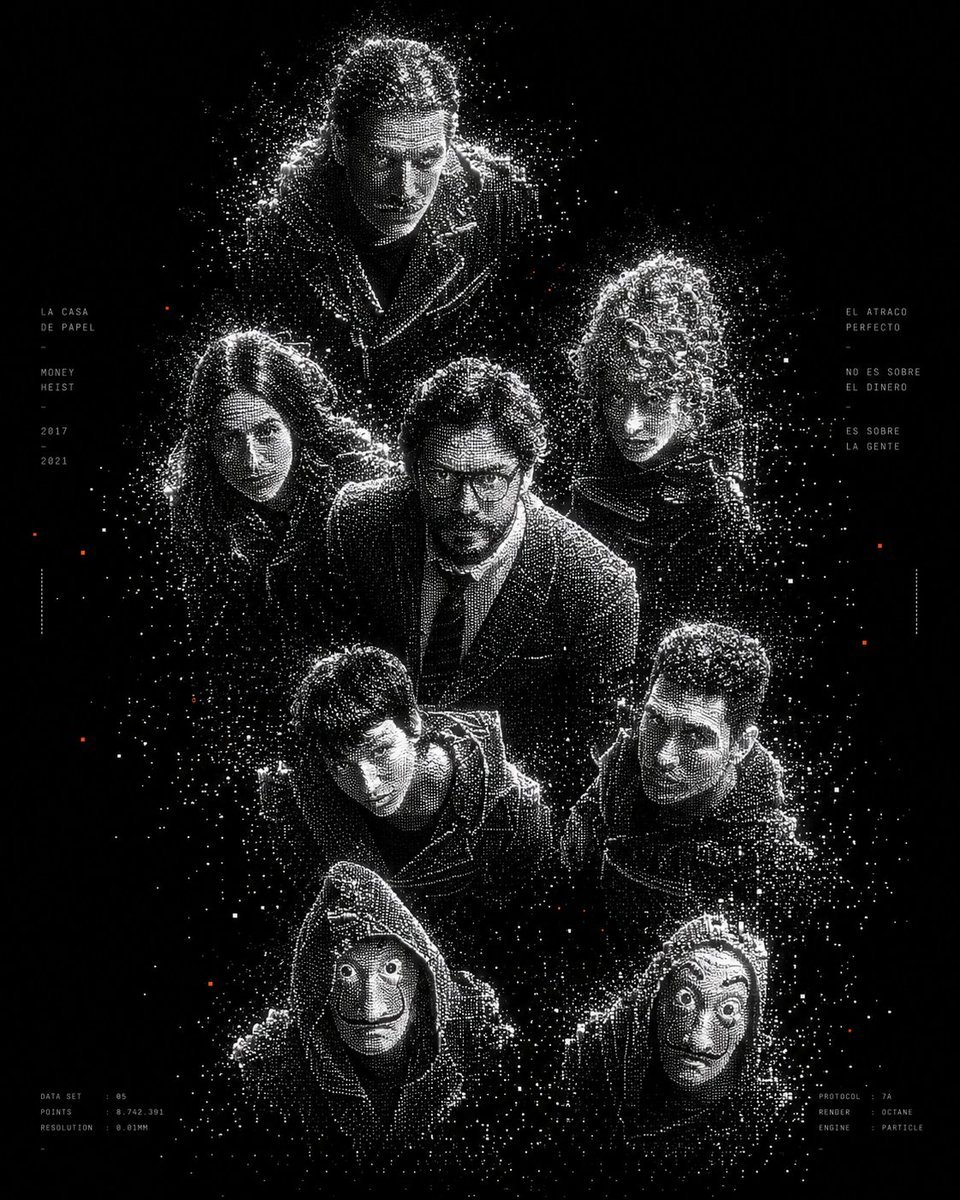
- Prompt included
- Model and format preset
- Free template
The prompt behind this image
Copy the exact prompt behind Monochrome Particle Render Art, or open it in the studio and make it yours.
Transform the uploaded image into a high-contrast monochrome particle-render aesthetic. Subject reconstructed entirely from thousands of tiny glowing white dots and voxel-like particles on a pure black background. Use point-cloud dispersion, volumetric particles, halftone density gradients, and scattered noise trails to define the silhouette. Preserve the original subject composition and pose, but simplify details into clean geometric forms. Style should feel like futuristic AI architecture visualization mixed with experimental generative art. Visual characteristics: black background only white particle clusters forming the subject subtle floating debris and dissolving particles around edges sparse orange/red accent particles (very minimal) cinematic negative space ultra minimal soft bloom glow on dense particle areas depth created through particle density abstract but recognizable silhouette no realistic textures no colors besides black, white, and tiny orange accents brutalist futuristic design aesthetic clean composition vertical poster layout slight voxel / point-cloud rendering effect high contrast generative AI art style experimental architecture visualization aesthetic Typography treatment: small thin mono-space typography placed minimally on left and right sides, similar to futuristic design posters, white text only, subtle and secondary to the artwork Rendering style: octane render, point cloud simulation, particle system render, volumetric dispersion, procedural dots, cinematic lighting, ultra detailed, abstract minimalism Negative prompt: realistic shading, painterly textures, colorful backgrounds, low contrast, photorealism, messy composition, extra objects, blur, noisy artifacts, low resolution
How to use Monochrome Particle Render Art in 3 steps
- 1Upload ImagePNG, JPG or paste
Add your photo
Upload the photo the template builds on. The prompt, model and format are already set.
- 2…a portrait of your subject in softgolden-hour light, 85mm…
Personalize
Edit the subject and creative details for your destination.
- 3Generate
Generate
Press Generate — your image is created in PicX Studio, so you can compare it with the original and refine one variable at a time.
More like this
Templates with the same subject, style or setup. Open one to see its prompt.

Monochrome Hypebeast Street Fashion Editorial Motion

Monochrome Halftone Editorial Fashion Poster

Cinematic Street Fashion Photographer Portrait

Quiet Luxury Black and White Fashion Editorial Portrait
Monochrome Hypebeast Street Fashion Editorial Motion

Fine Art Monochrome Fashion Portrait

Luxury Black-and-White Fashion Contact Sheet

Ultra-Realistic Vogue-Style Editorial Fashion Grid
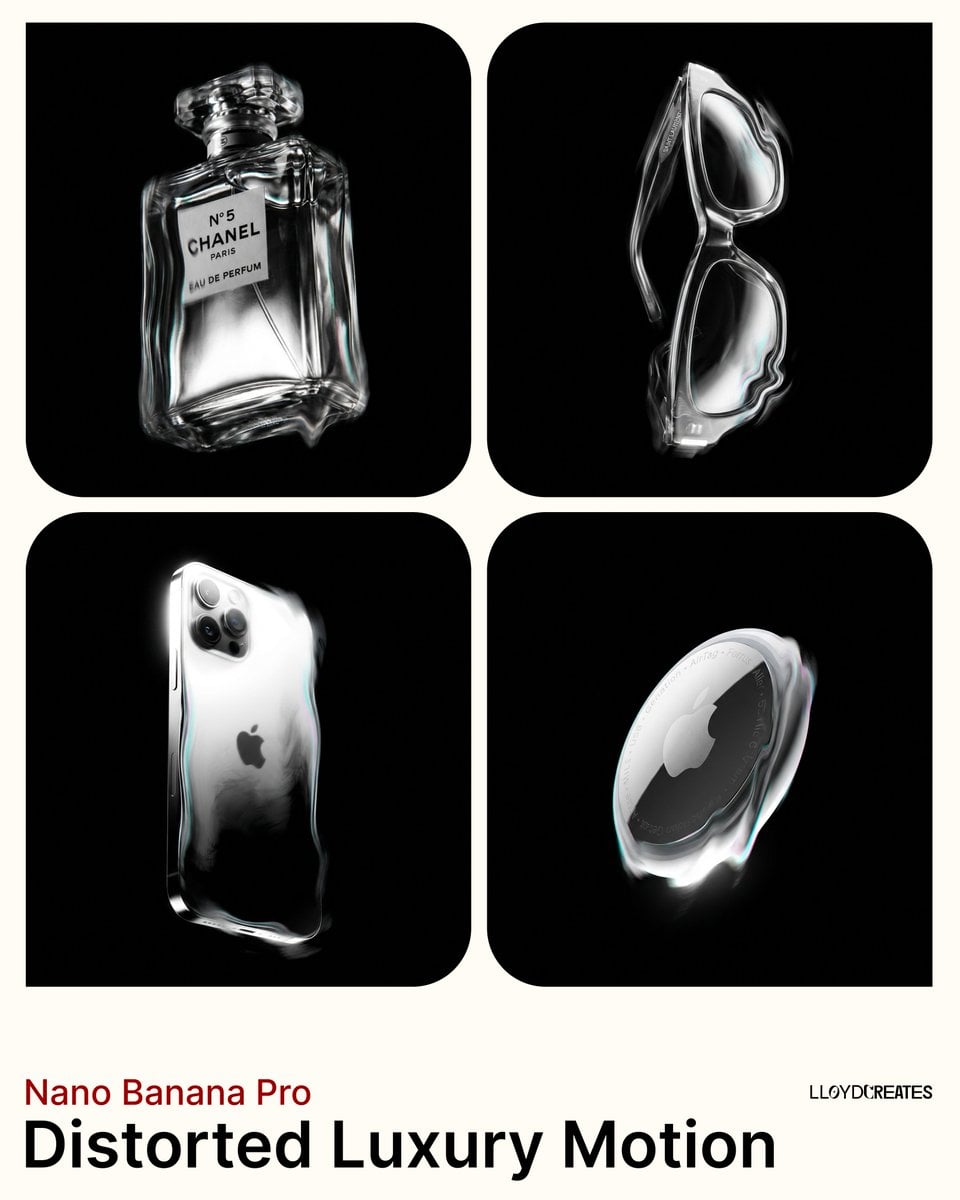
Avant-Garde Distortion Luxury Product Portrait
Avant-Garde Distortion Luxury Product Portrait

Monochrome Portrait Jersey Accent Poster

Last Dance Legacy Monochrome Portrait
Make it yours
Monochrome Particle Render Art works as-is. These are the safest ways to change it without losing the look.
Change one field
Copy a single group, rewrite it, and generate again so you can see what that field is doing.
Keep the frame, change the subject
Hold the composition and light of Monochrome Particle Render Art, then swap wardrobe, props or the person for a new take.
| If the result… | Why | Fix |
|---|---|---|
| The result drifts from the preview | Too many fields changed at once. | Reuse Monochrome Particle Render Art as-is first, then change one group — subject, light, or setting. |
| The model over-stylizes the scene | The prose prompt leaves finish and camera underspecified. | Add one camera or lighting sentence and stay on GPT Image 2. |
More GPT Image 2 templates
Other prompts made for GPT Image 2.

Six VTuber Japanese Logo Sheet

Realistic Portrait of Woman and Deer

The Vista Modular Condo Poster

AI Model Routing Comparison Infographic

2.5D Anime Art Board

Isometric Productivity Desk Scene

New York Double Exposure Poster

Four-Panel AI Landscape Comparison

Japanese Tatami Lifestyle Magazine Cover

NESCAFÉ Coffee Map Poster
More image prompts
Fresh picks from across the catalog.

Spotify Discovery UI Concept Poster
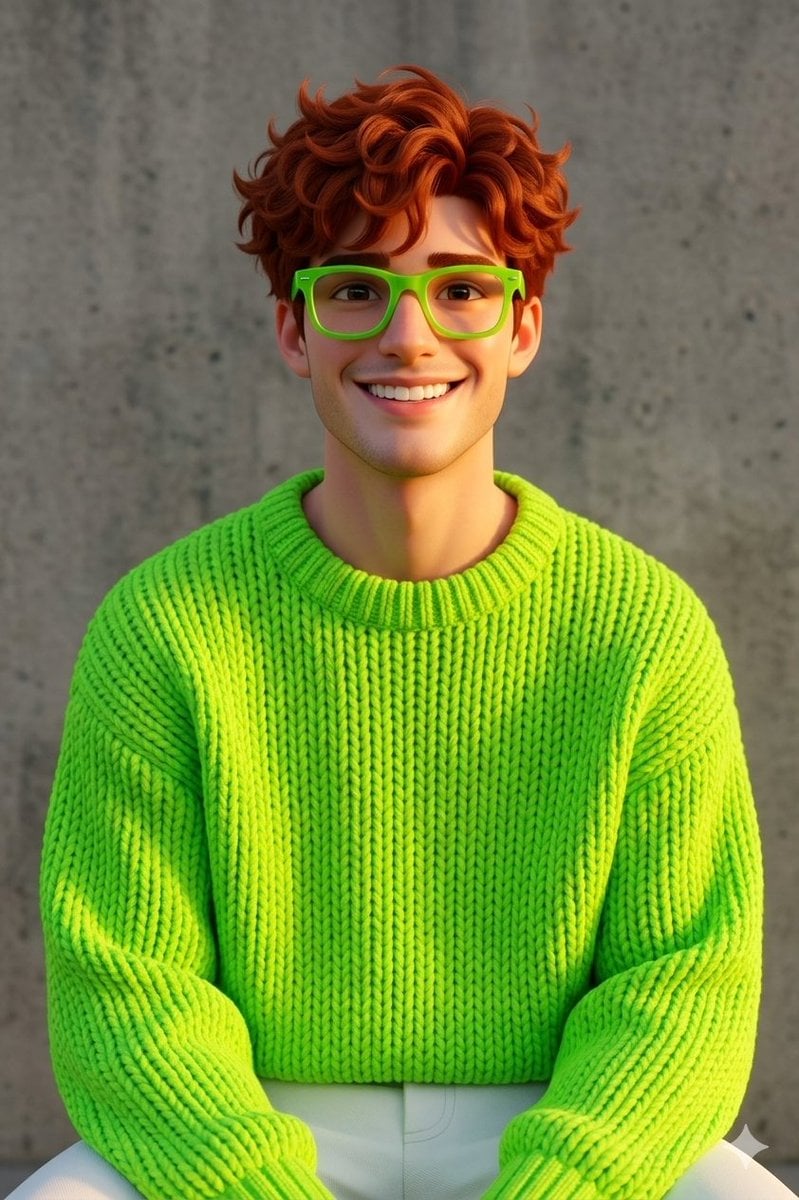
Disney-Pixar Style 3D Portrait of Man in Neon Sweater
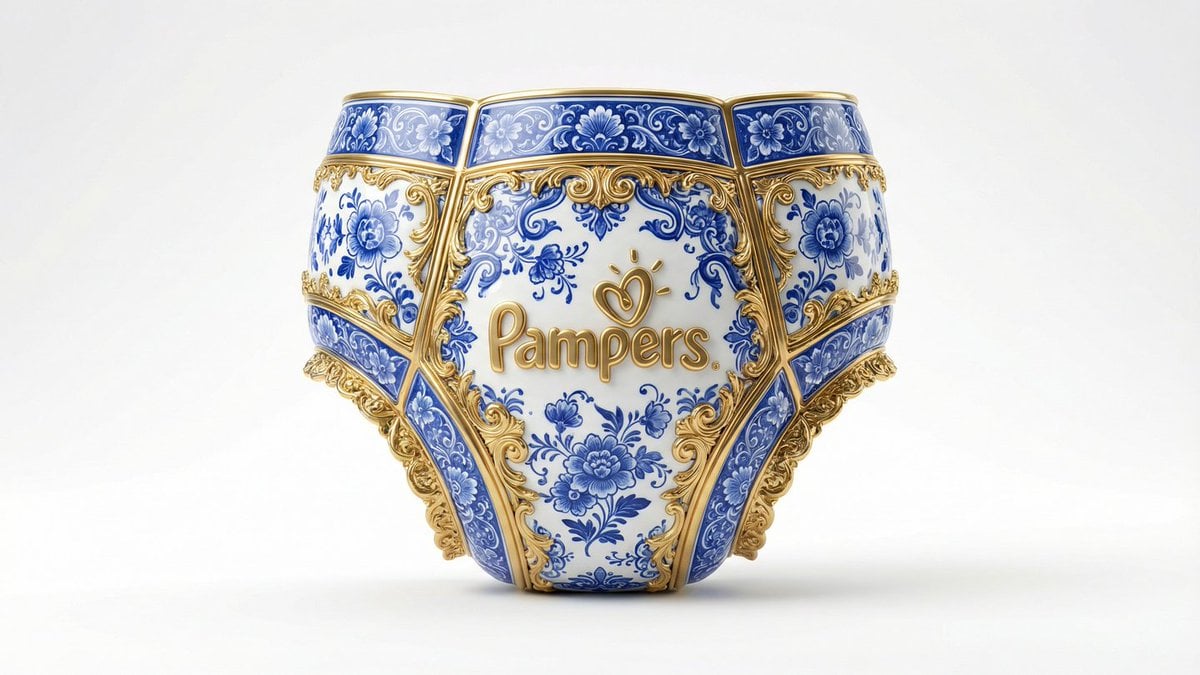
Gilded Delftware Product Signature Prompt
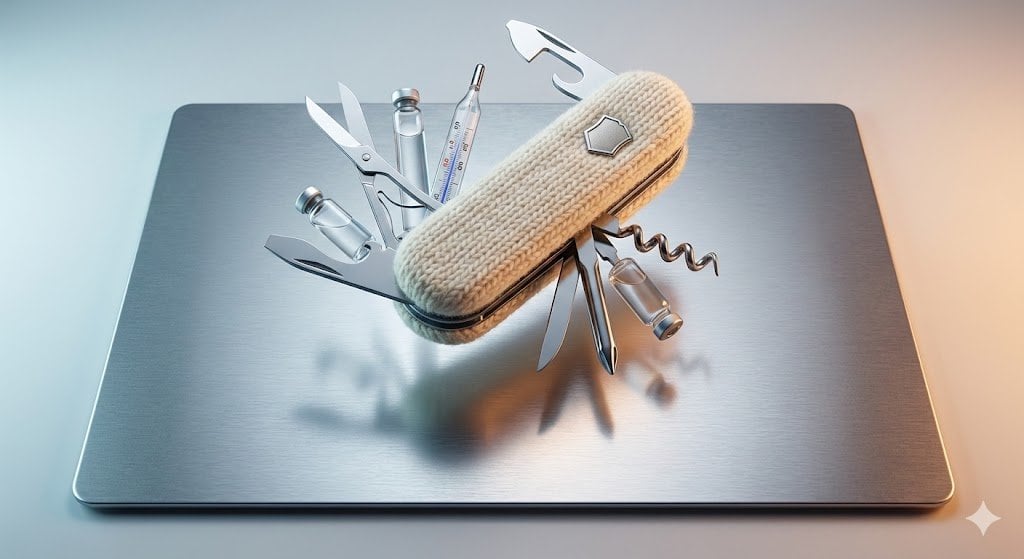
Product Photography Prompt: Swiss Army Knife
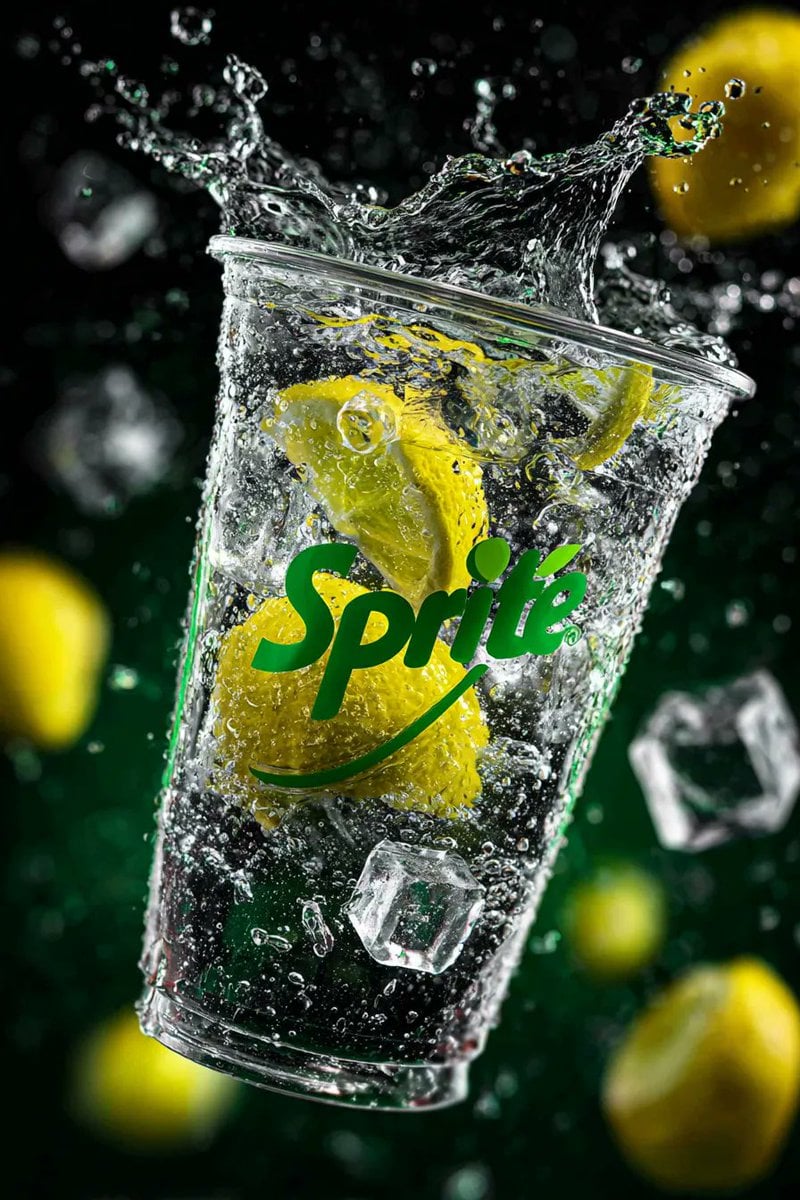
High-Speed Product Photography of Sparkling Soda Splash
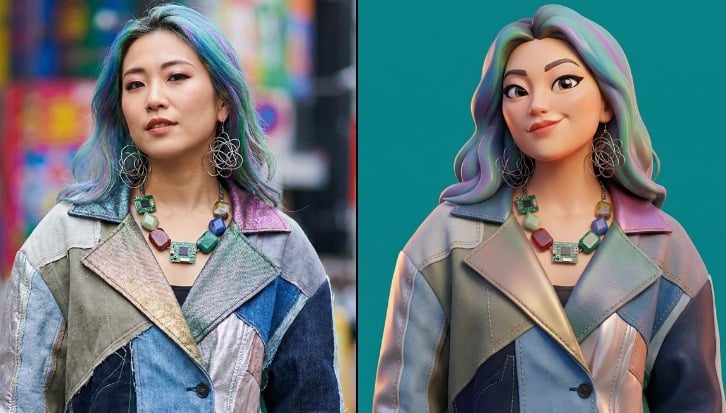
Viral 3D Caricature Generation Prompt
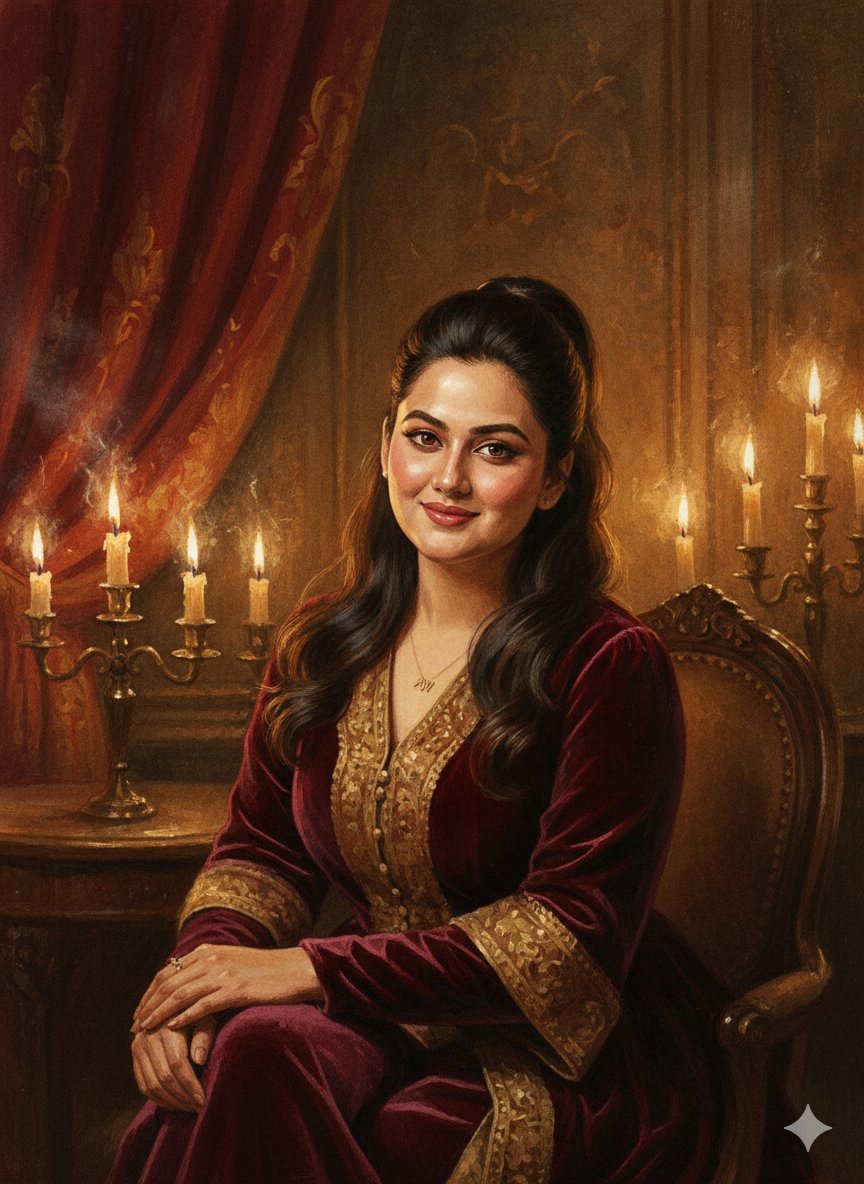
Baroque Candlelight Oil Painting Fusion (Image-to-Image)
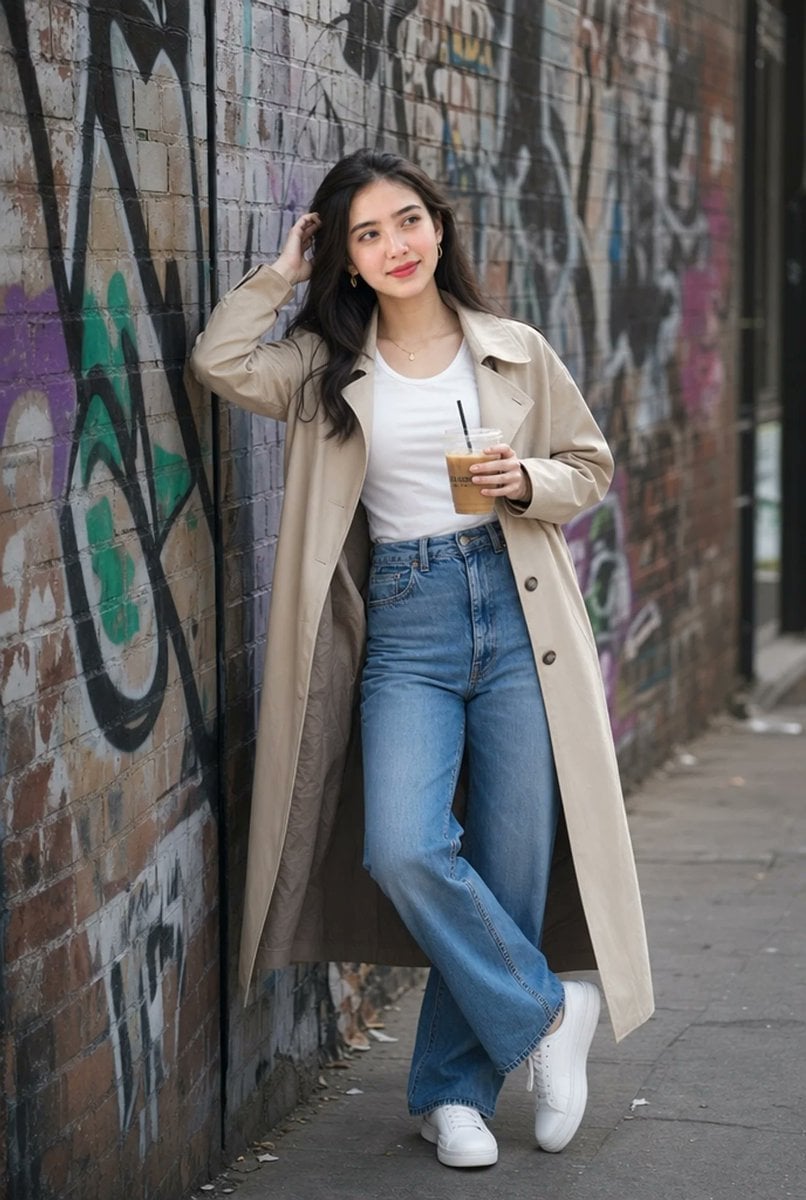
Urban Iced Coffee Portrait
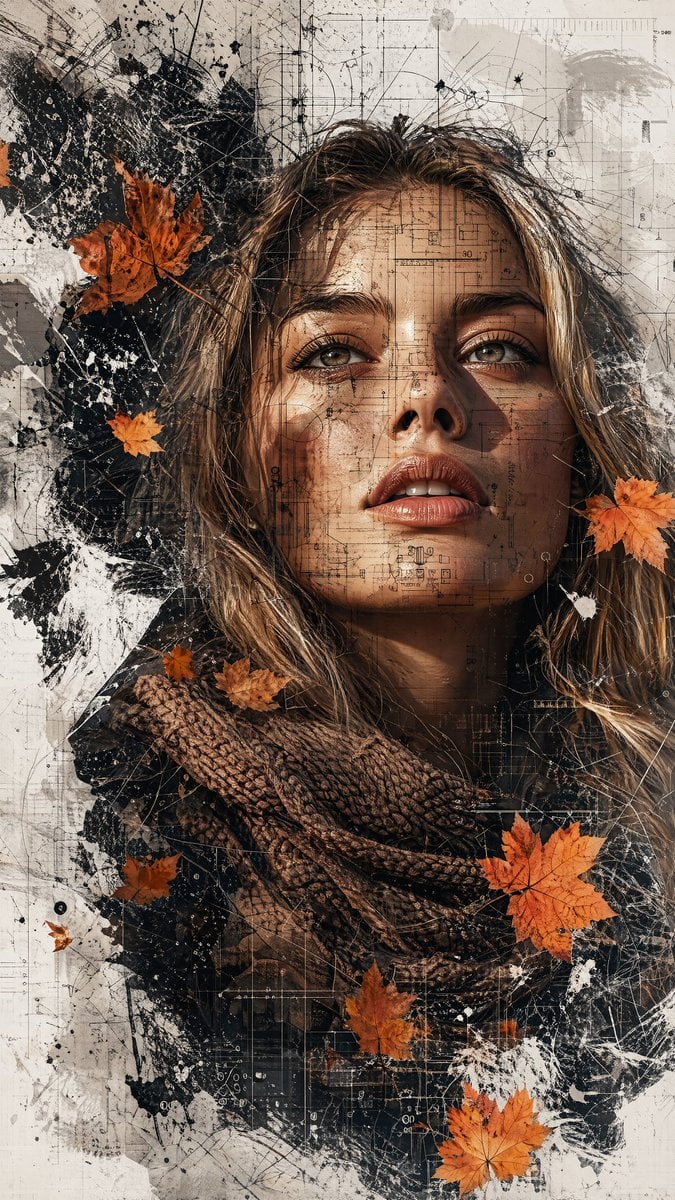
Multimedia Collage Fashion Portrait
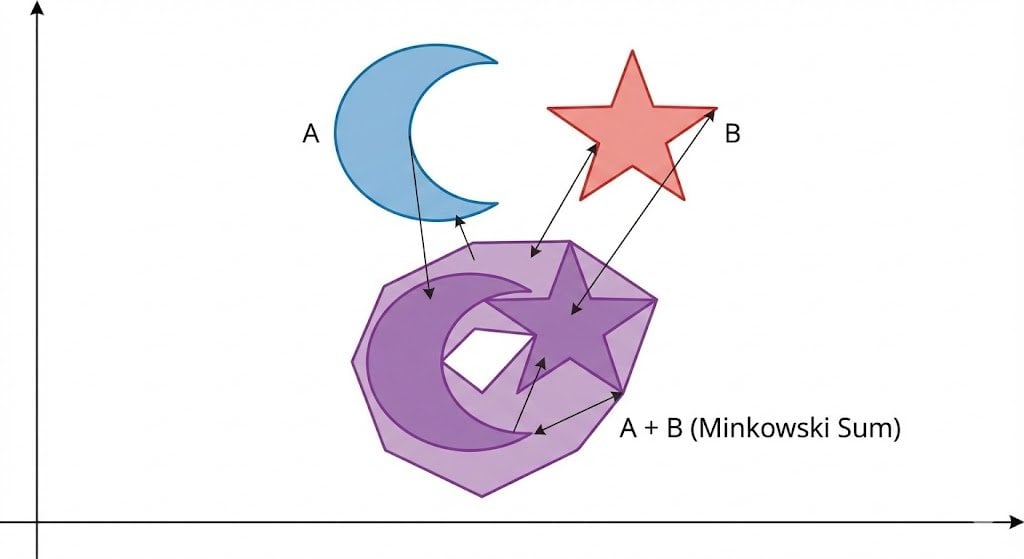
Minkowski sum of two non-convex sets
Browse template categories
Monochrome Particle Render Art questions
How do I use the Monochrome Particle Render Art template?
Add your photo if the template asks for one, edit the prompt if you like — the template's model and format are already selected — and press Generate. Your version opens in PicX Studio.
Can I customize the Monochrome Particle Render Art template?
Yes. You can change the subject, setting, lighting, mood, format, and available model controls before creating your image.
Is the Monochrome Particle Render Art template free?
Opening and editing this template is free. Generating uses credits, shown on the Generate button when you are signed in.
Which AI model should I use?
Start with GPT Image 2, which is the model associated with this template. You can compare another compatible model for a different finish.
Looking for something else? Browse all templates.

Your photo, any look
Thousands of ready templates for every top image and video model, from one credit balance.