
Last Dance Legacy Monochrome Portrait
Legacy farewell poster with black-and-white hero portrait, selective cheek flag streaks, and cinematic THE LAST DANCE typography.

- Prompt included
- Model and format preset
- Free template
The prompt behind this image
Copy the exact prompt behind Last Dance Legacy Monochrome Portrait, or open it in the studio and make it yours.
Ultra-realistic FIFA World Cup 2026 poster, dramatic black-and-white cinematic portrait of a football player staring directly into the camera, intense eyes glowing subtly, selective color effect with national flag paint streaks on both cheeks, fingers touching the face paint, hyper-detailed skin texture, sweat, pores, ultra-sharp facial features, dark stadium background fading into black, powerful emotional atmosphere, legacy and final tournament theme, high contrast monochrome grading, sports documentary style, ESPN x Netflix poster aesthetic, professional sports photography, centered symmetrical composition. Massive bold serif typography: "THE LAST DANCE" large white cinematic title occupying lower half of poster. Above title: "[Player Name]" small elegant spacing typography. Below title: "ONE LAST TOURNAMENT. ONE LAST DREAM." "FIFA WORLD CUP 2026" National flag colors remain vibrant while everything else stays monochrome, dramatic rim lighting, deep shadows, iconic hero portrait, emotional farewell campaign, legendary athlete energy, award-winning sports poster design, luxury editorial finish, photorealistic, ultra detailed, 8K, masterpiece, poster art.
How to use Last Dance Legacy Monochrome Portrait in 3 steps
- 1
Open
The prompt is already in the box next to the preview, with the template's model and format selected.
- 2…a portrait of your subject in softgolden-hour light, 85mm…
Personalize
Edit the subject and creative details for your destination.
- 3Generate
Generate
Press Generate — your image is created in PicX Studio, so you can compare it with the original and refine one variable at a time.
More like this
Templates with the same subject, style or setup. Open one to see its prompt.

Campaign Smoke National Symbols World Cup

80s Bollywood Star

80s Golden Hour Cinema

Vintage Lithograph Retro World Cup Poster
Vintage Lithograph Retro World Cup Poster

Toddler Version of a Person in 3d Pixar

Ultra Detailed 3d Plush Cartoon Characte

Nano Banana 2

Nano Banana 2 Gourmet Ice Cream Commerci

Rainy Café Window Moody Portrait

Cyberpunk Neon Brazil World Cup Poster

Captain Tsubasa Anime World Cup Poster
Make it yours
Last Dance Legacy Monochrome Portrait works as-is. These are the safest ways to change it without losing the look.
Change one field
Copy a single group, rewrite it, and generate again so you can see what that field is doing.
Keep the frame, change the subject
Hold the composition and light of last-dance-legacy-monochrome-portrait, then swap wardrobe, props or the person for a new take.
| If the result… | Why | Fix |
|---|---|---|
| The result drifts from the preview | Too many fields changed at once. | Reuse last-dance-legacy-monochrome-portrait as-is first, then change one group — subject, light, or setting. |
| The model over-stylizes the scene | The prose prompt leaves finish and camera underspecified. | Add one camera or lighting sentence and stay on PicX Studio. |
More image prompts
Fresh picks from across the catalog.
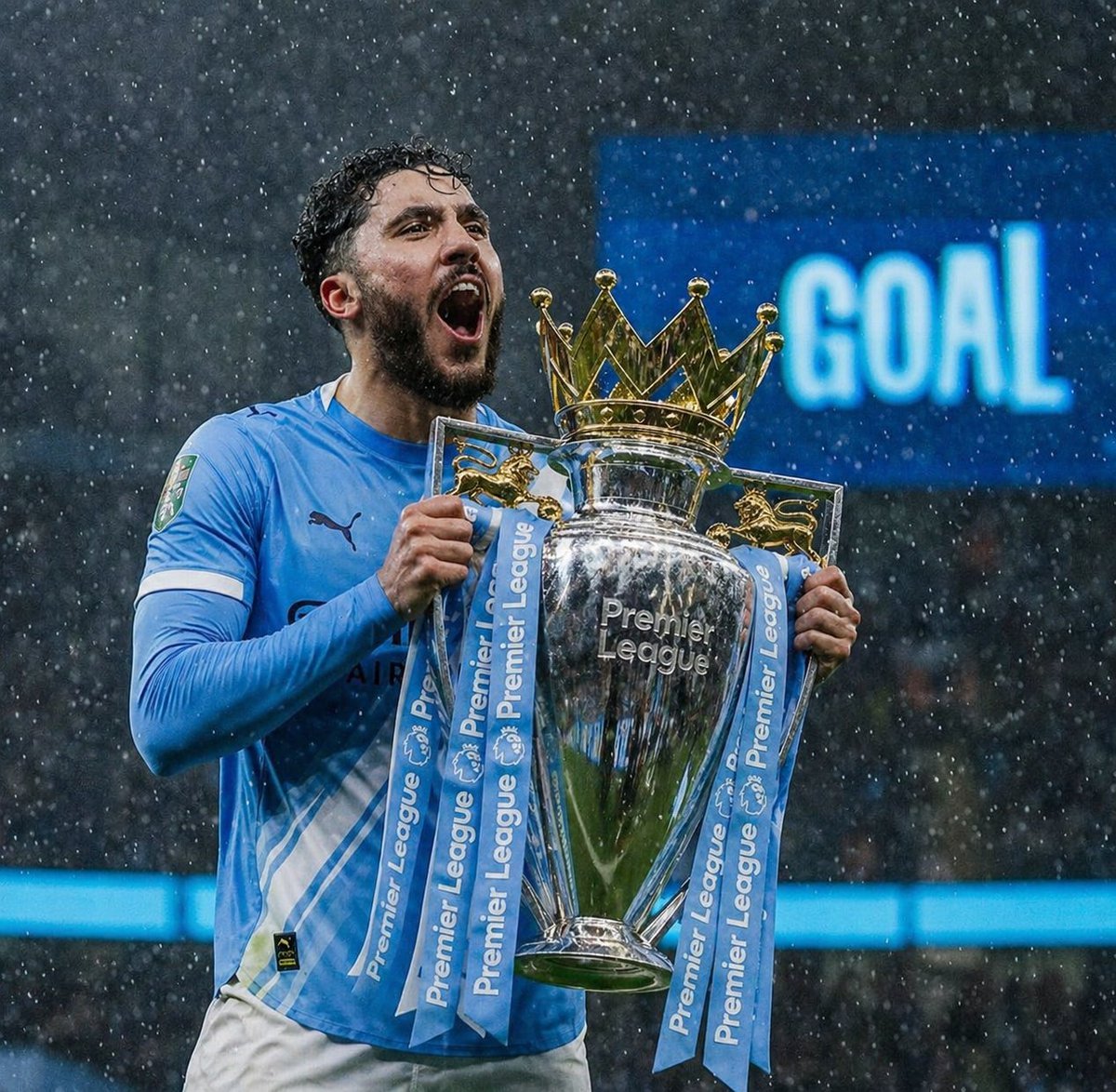
Rainy Premier League Trophy Celebration
Seedance - Dragon vs Python Battle
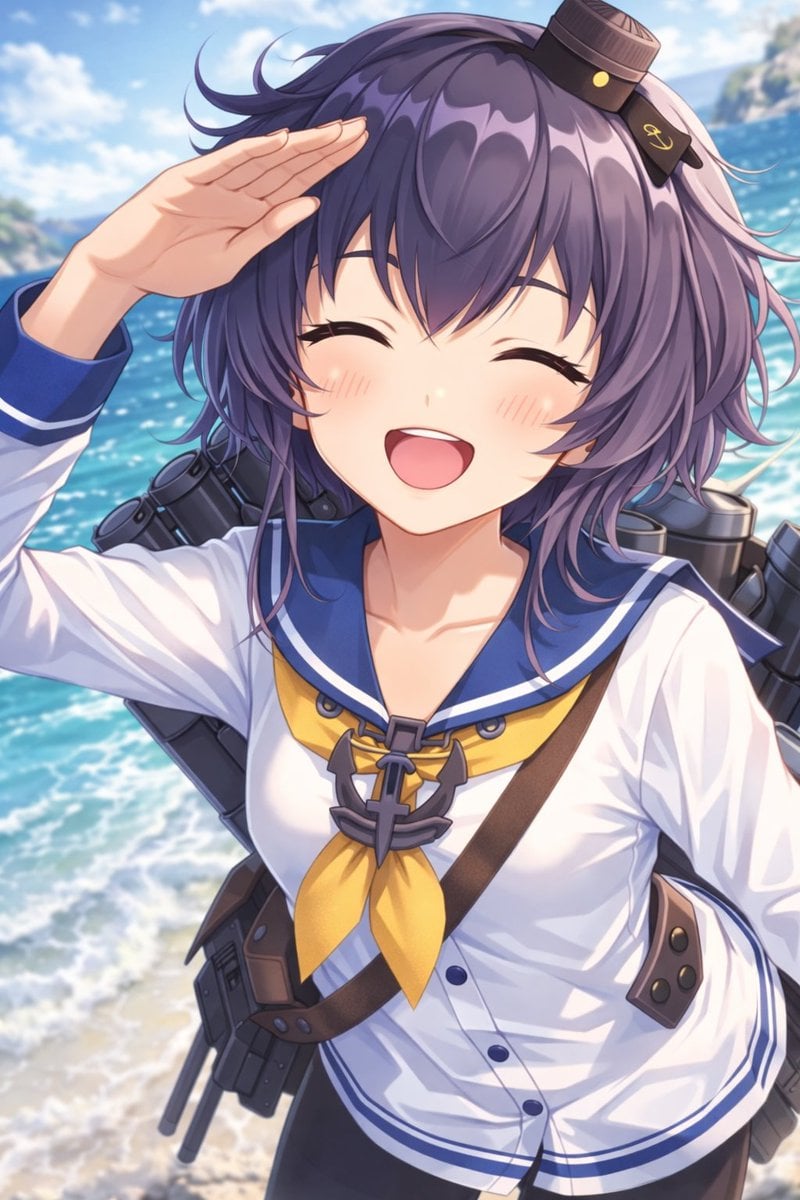
Anime Ship Girl Saluting on Beach
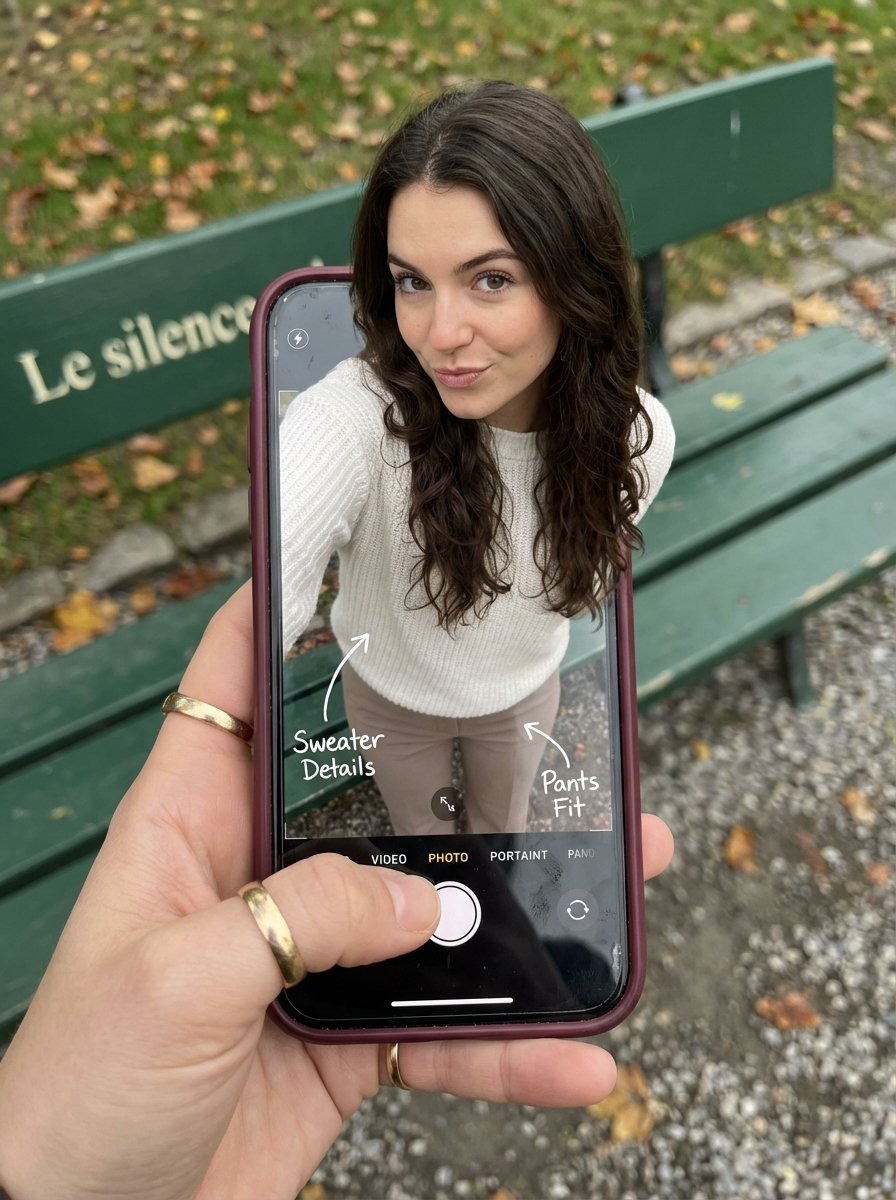
Optical Illusion: Stepping Out of a Smartphone Screen
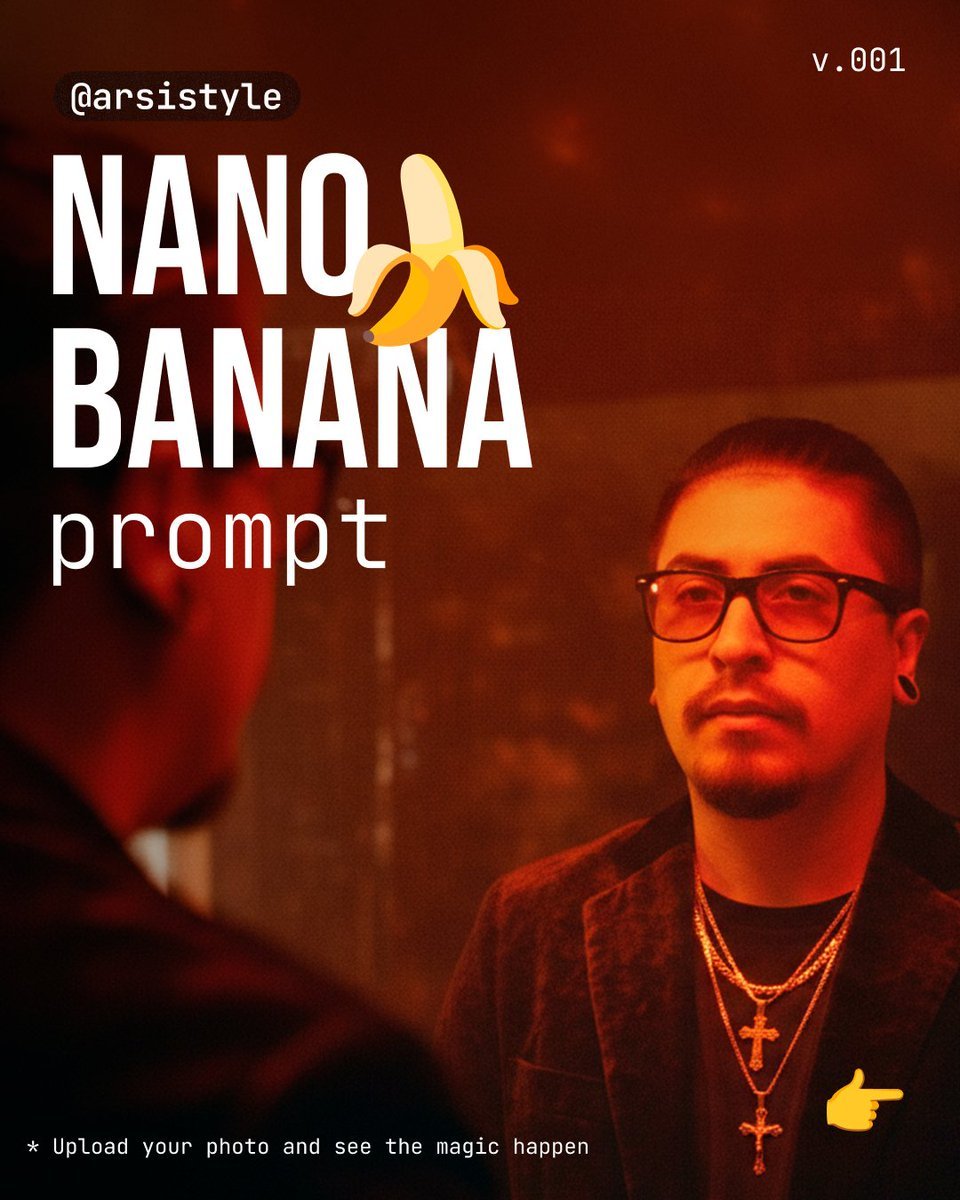
Cinematic Mirror Reflection Portrait Prompt
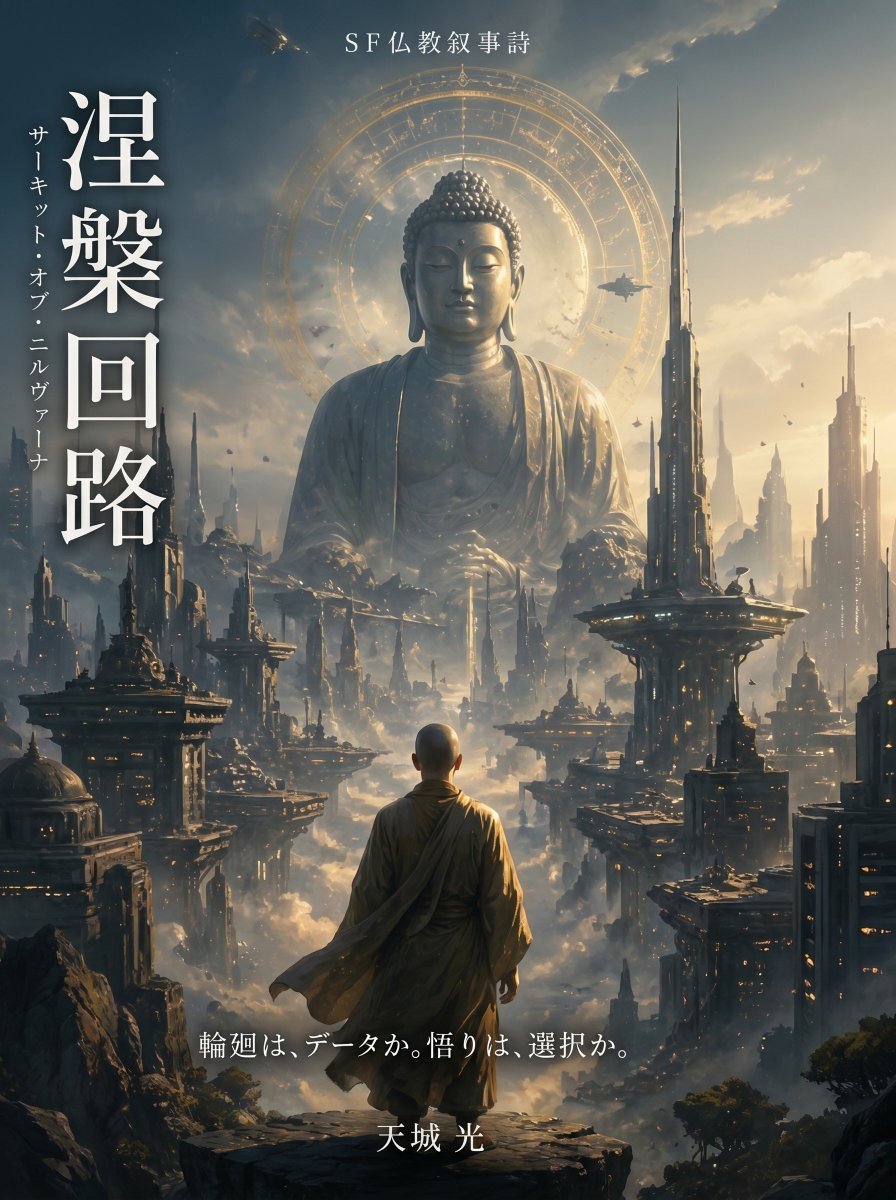
Buddhist Motif Sci-Fi Cover
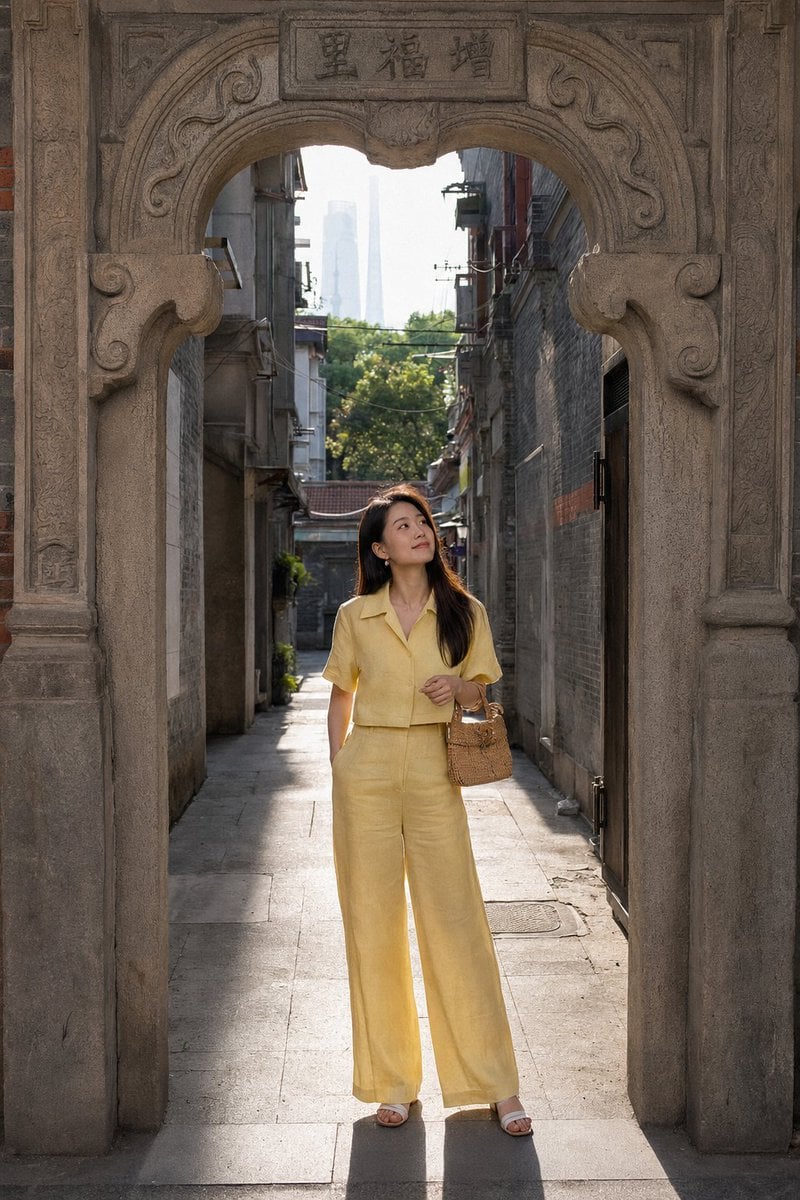
Shanghai Shikumen Street Portrait
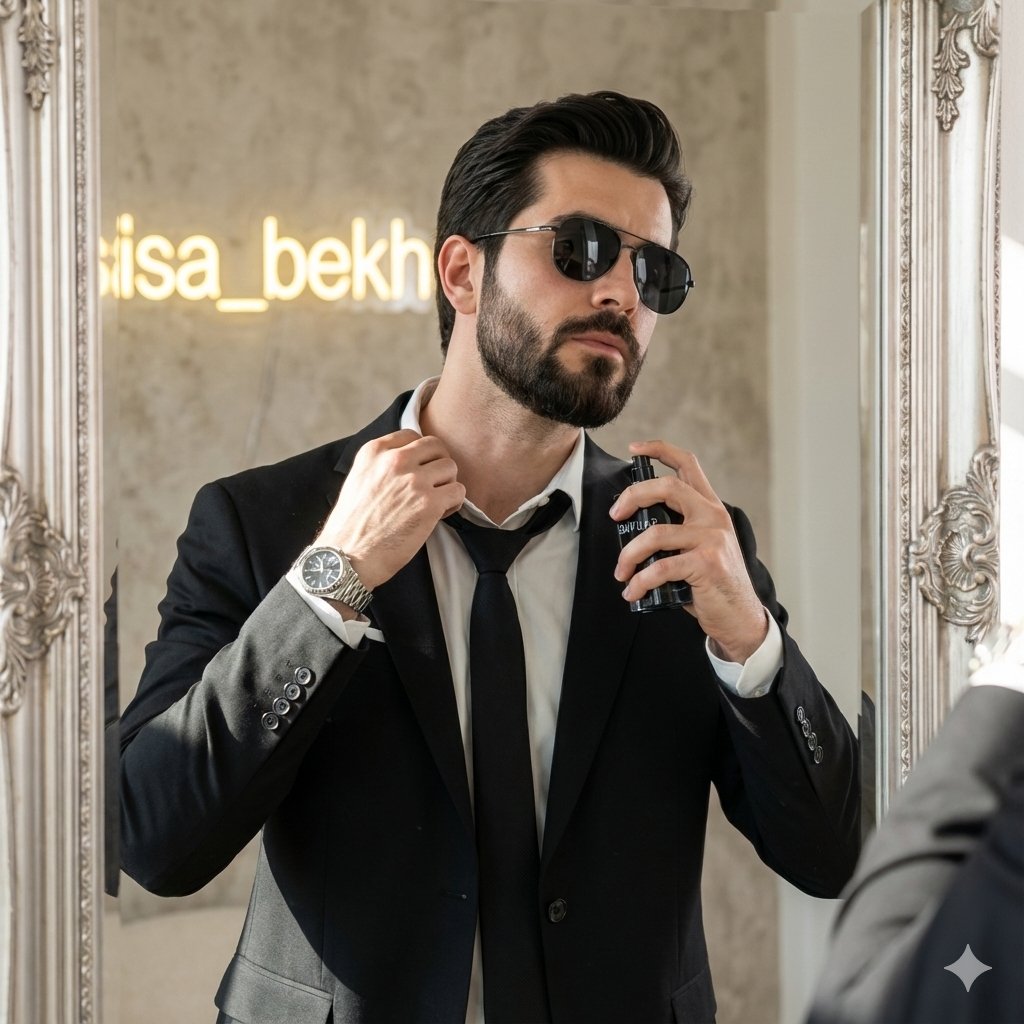
Cinematic Fashion Portrait of a Stylish Man

Luxury Sunglasses Summer Sale Ad

Panel Japanese Advertising Concept Grid
Browse template categories
Last Dance Legacy Monochrome Portrait questions
How do I use the last-dance-legacy-monochrome-portrait template?
Add your photo if the template asks for one, edit the prompt if you like — the template's model and format are already selected — and press Generate. Your version opens in PicX Studio.
Can I customize the last-dance-legacy-monochrome-portrait template?
Yes. You can change the subject, setting, lighting, mood, format, and available model controls before creating your image.
Is the last-dance-legacy-monochrome-portrait template free?
Opening and editing this template is free. Generating uses credits, shown on the Generate button when you are signed in.
Which AI model should I use?
Choose a compatible model in PicX Studio based on the style, speed, and output controls your project needs.
Looking for something else? Browse all templates.

Your photo, any look
Thousands of ready templates for every top image and video model, from one credit balance.