
Baroque Candlelight Oil Painting Fusion (Image-to-Image)
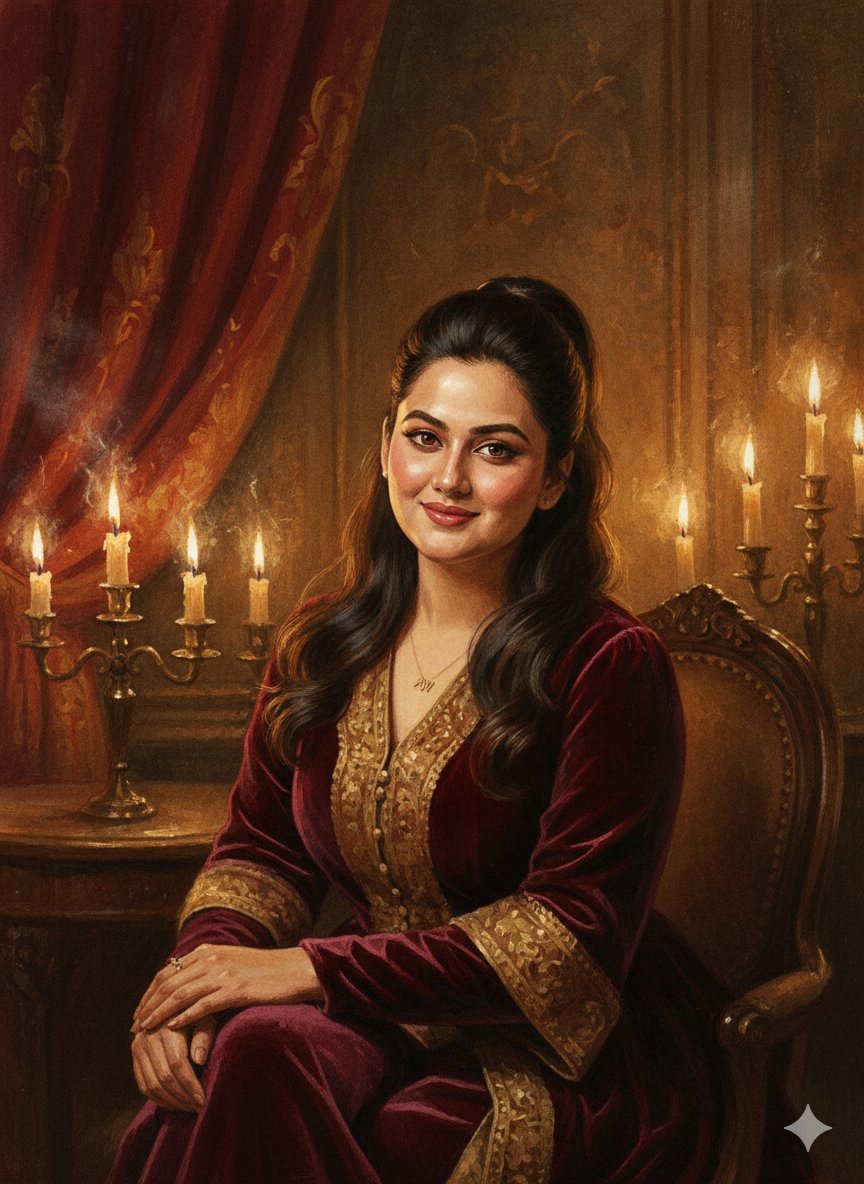
This is an image-to-image prompt designed to transform an uploaded reference image into a Baroque candlelight portrait, utilizing an oil-painting and watercolor hybrid style.
- Prompt included
- Model and format preset
- Free template
The prompt behind this image
Copy the exact prompt behind Baroque Candlelight Oil Painting Fusion (Image-to-Image), or open it in the studio and make it yours.
- Prompt
- Use the uploaded reference image to **preserve 100% of the facial features, identity, age, skin tone, and expression** of the person. Do not alter facial structure or proportions. Create a **Baroque candlelight portrait with an oil-painting and watercolor hybrid style**. The face remains soft, realistic, and clearly recognizable from the reference, rendered with rich painterly brush strokes and subtle watercolor translucency. Hair follows the exact reference style, catching warm rim light from flickering candles. Clothing: classic dark-toned attire (velvet, brocade, or textured fabric) with painterly highlights and deep shadows. Background: dim antique interior with ornate drapery, aged walls, and multiple glowing candles creating pools of golden light. Dramatic chiaroscuro lighting with deep shadows, glowing highlights on skin, and subtle smoky atmosphere. Fine sketch lines visible beneath paint layers, textured canvas look, rich warm palette ({argument name="color palette" default="amber, umber, burnt sienna, deep crimson"}), cinematic depth, museum-quality fine art finish.
- Negative Prompt
- blurry, low quality, deformed, extra limbs, bad anatomy, watermark, text overlay, anime, cartoon, overexposed, flat lighting, plastic skin, harsh outlines, digital neon, modern setting, face altered, identity changed
- Parameters › Steps
- 50
- Parameters › Cfg Scale
- 7.2
- Parameters › Sampler
- Euler a or DPM++ 2M Karras
- Parameters › Strength
- 0.53
- Parameters › Noise
- 0.28
- Parameters › Width
- 832
- Parameters › Height
- 1216
- Parameters › Aspect Ratio
- 2:3
- Usage Instructions
- Upload your image in img2img or reference mode. Keep strength around 0.5–0.55 to maintain **100% face match**, while transforming the scene into a dramatic Baroque candlelit painting with watercolor undertones.
Raw JSON
{
  "prompt": "Use the uploaded reference image to **preserve 100% of the facial features, identity, age, skin tone, and expression** of the person. Do not alter facial structure or proportions. Create a **Baroque candlelight portrait with an oil-painting and watercolor hybrid style**. The face remains soft, realistic, and clearly recognizable from the reference, rendered with rich painterly brush strokes and subtle watercolor translucency. Hair follows the exact reference style, catching warm rim light from flickering candles. Clothing: classic dark-toned attire (velvet, brocade, or textured fabric) with painterly highlights and deep shadows. Background: dim antique interior with ornate drapery, aged walls, and multiple glowing candles creating pools of golden light. Dramatic chiaroscuro lighting with deep shadows, glowing highlights on skin, and subtle smoky atmosphere. Fine sketch lines visible beneath paint layers, textured canvas look, rich warm palette ({argument name=\"color palette\" default=\"amber, umber, burnt sienna, deep crimson\"}), cinematic depth, museum-quality fine art finish.",
  "negative_prompt": "blurry, low quality, deformed, extra limbs, bad anatomy, watermark, text overlay, anime, cartoon, overexposed, flat lighting, plastic skin, harsh outlines, digital neon, modern setting, face altered, identity changed",
  "parameters": {
    "steps": 50,
    "cfg_scale": 7.2,
    "sampler": "Euler a or DPM++ 2M Karras",
    "strength": 0.53,
    "noise": 0.28,
    "width": 832,
    "height": 1216,
    "aspect_ratio": "2:3"
  },
  "usage_instructions": "Upload your image in img2img or reference mode. Keep strength around 0.5–0.55 to maintain **100% face match**, while transforming the scene into a dramatic Baroque candlelit painting with watercolor undertones."
}How to use Baroque Candlelight Oil Painting Fusion (Image-to-Image) in 3 steps
- 1Upload ImagePNG, JPG or paste
Add your photo
Upload the photo the template builds on. The prompt, model and format are already set.
- 2…a portrait of your subject in softgolden-hour light, 85mm…
Personalize
Edit the subject and creative details for your destination.
- 3Generate
Generate
Press Generate — your image is created in PicX Studio, so you can compare it with the original and refine one variable at a time.
More like this
Templates with the same subject, style or setup. Open one to see its prompt.
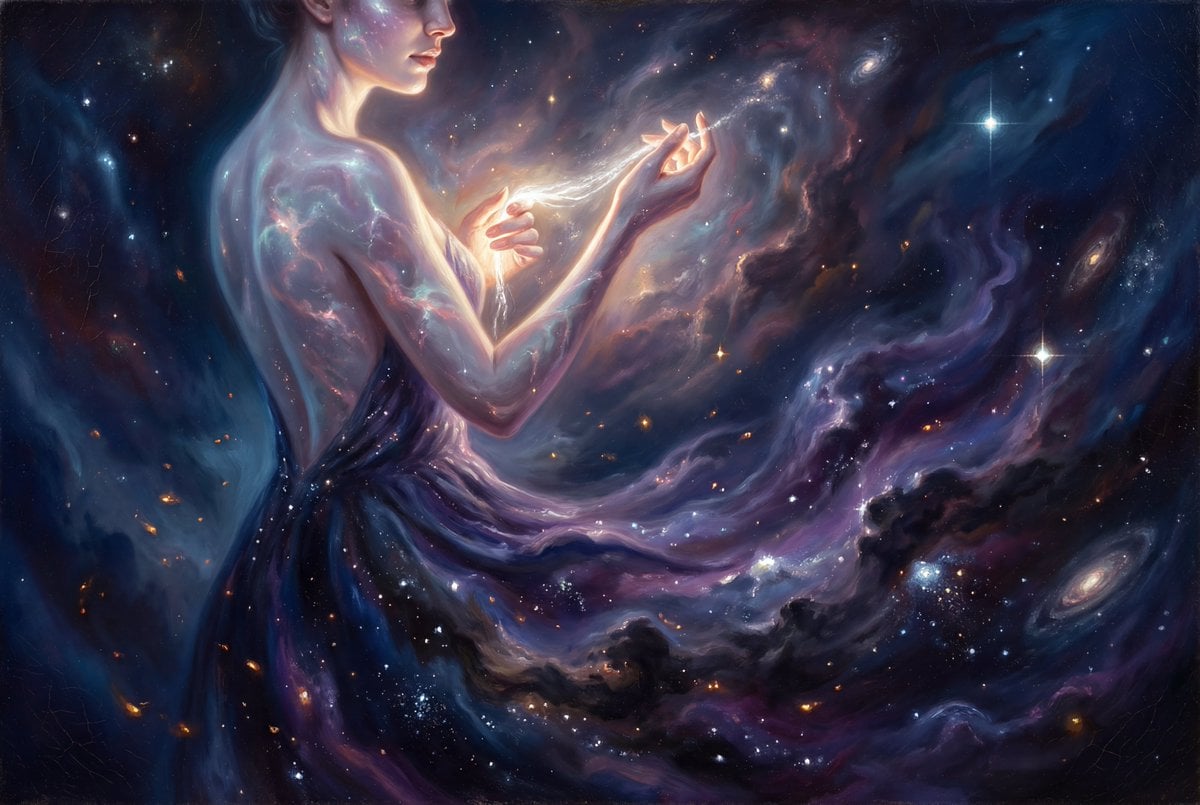
Grand Baroque Celestial Woman Oil Painting
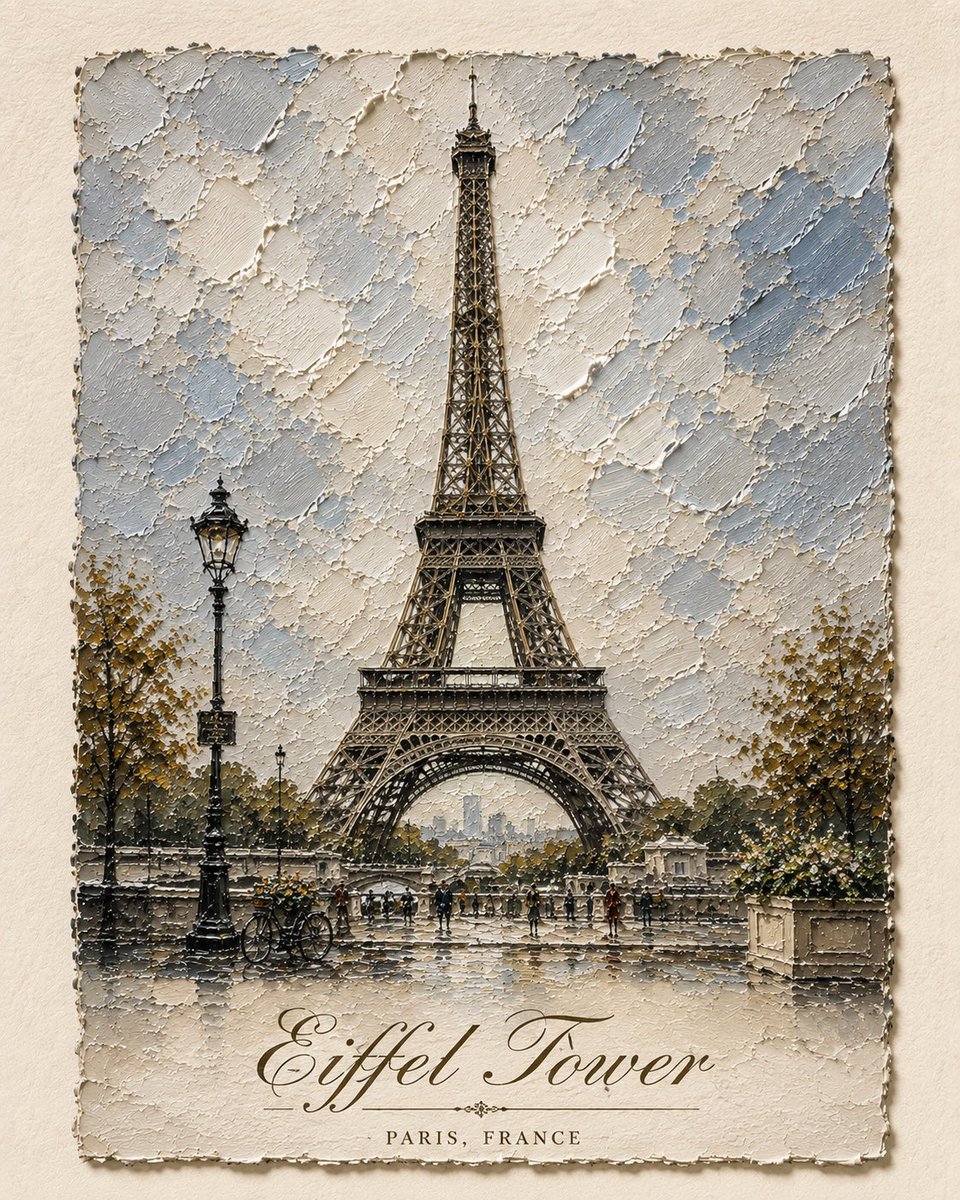
Impasto Oil Architectural Painting
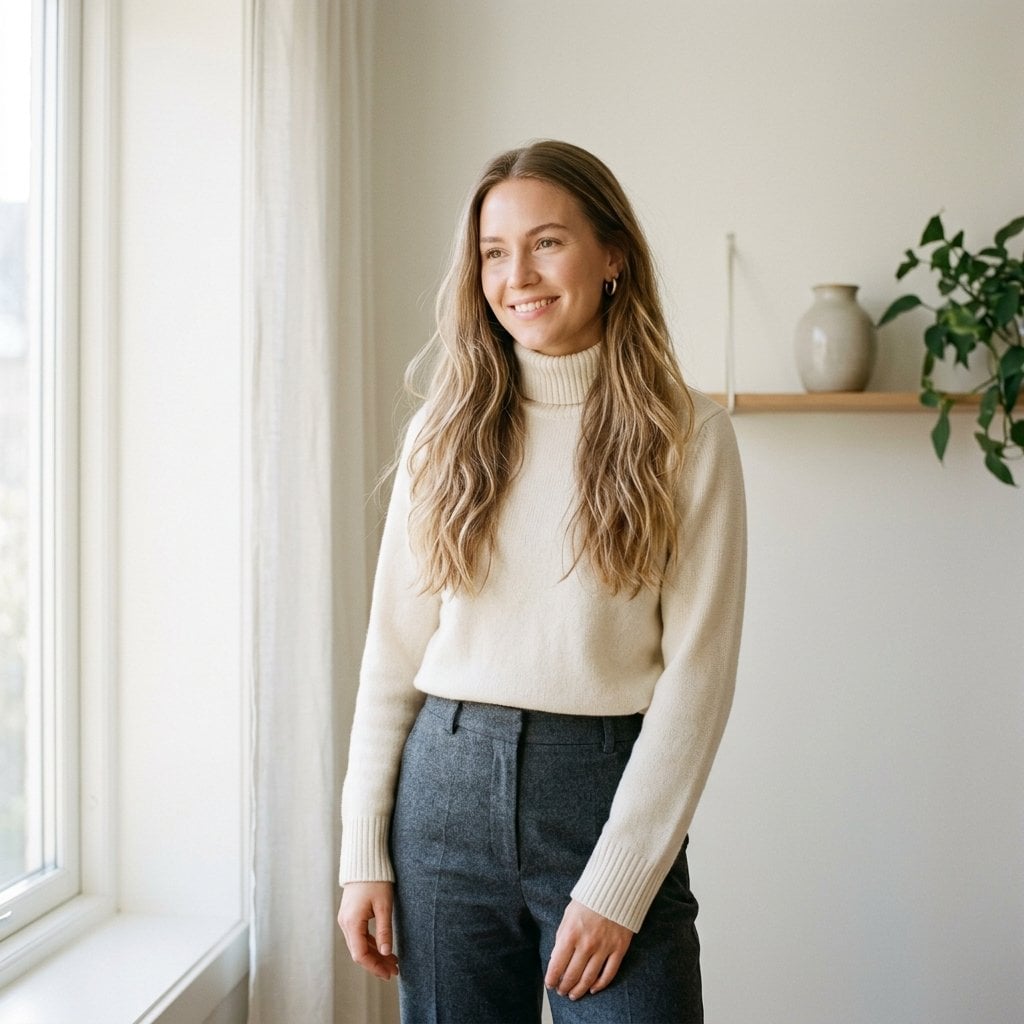
Fashion Oil Painting Aesthetic
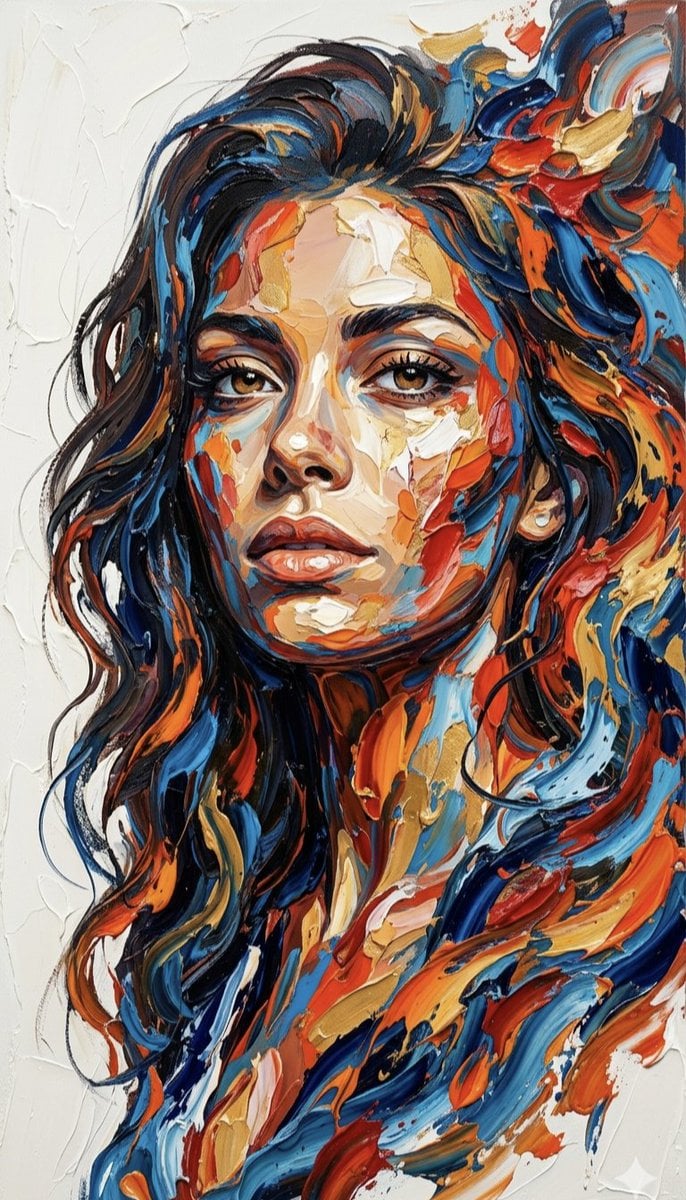
Impasto Palette Knife Oil Painting
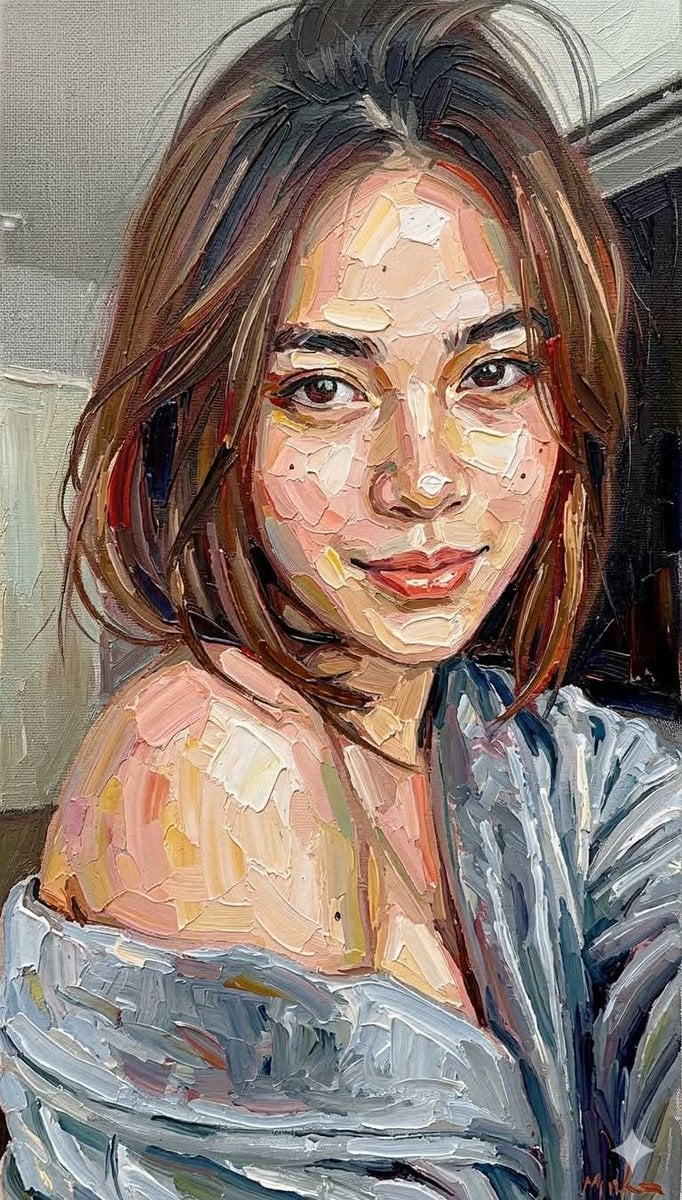
Impasto Oil Painting Portrait Style
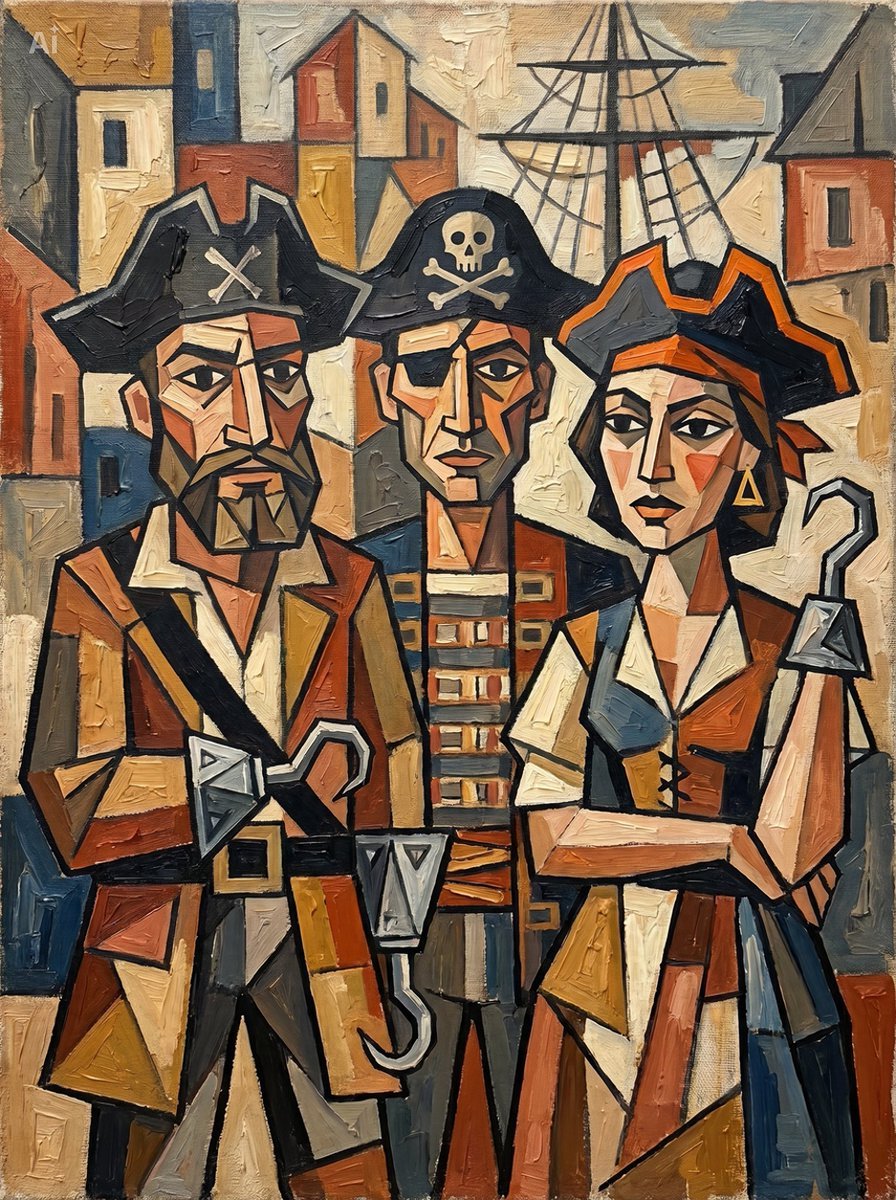
Cubist Pirate Oil Painting
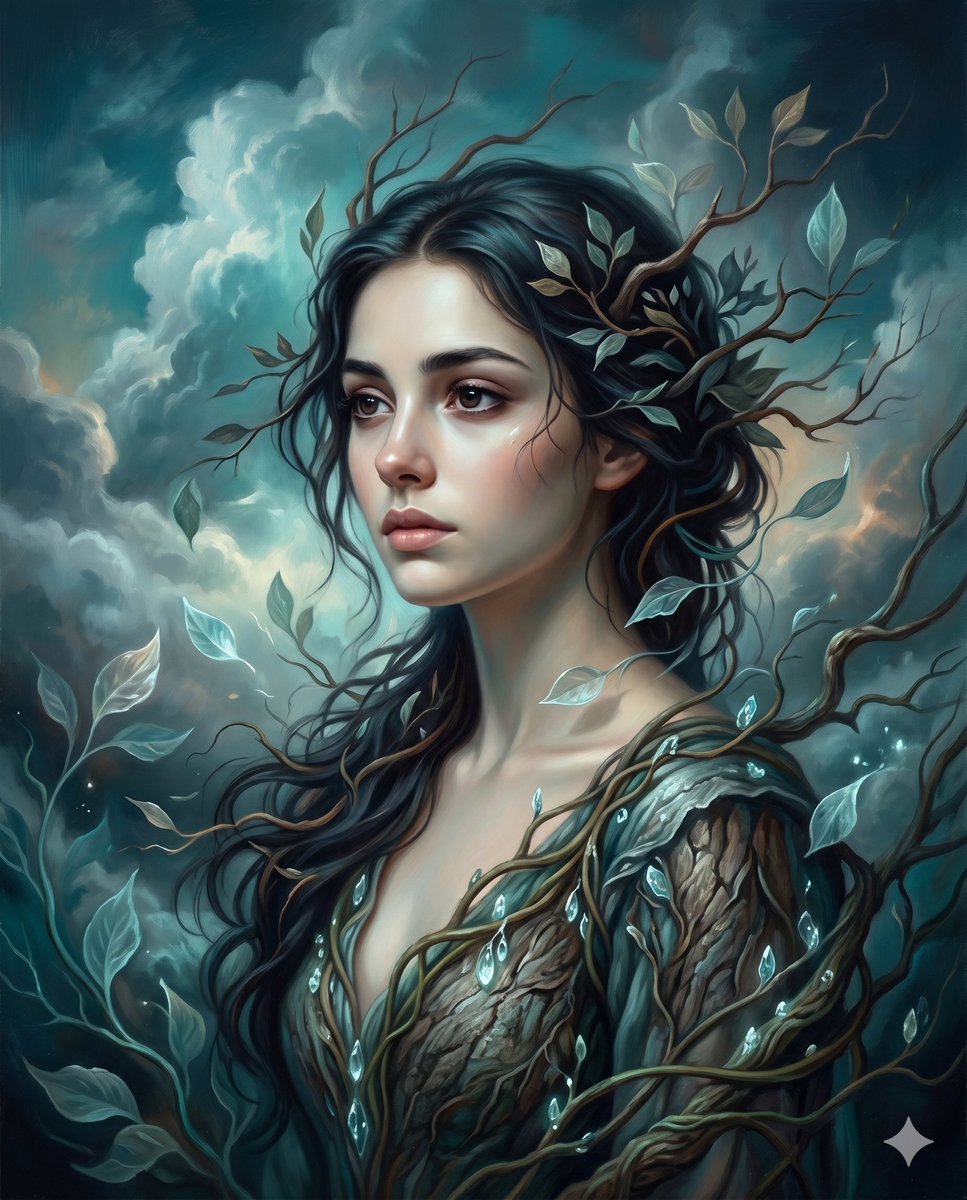
Surrealist romantic oil painting

Oil Painting Still Life Wine

FLORAVERSE BOTANICAL FUSION
Journey of Life Oil Painting
Surreal Baroque Painting Reality Fracture
Rough Oil Painting Style Illustration
Make it yours
Baroque Candlelight Oil Painting Fusion (Image-to-Image) works as-is. These are the safest ways to change it without losing the look.
Change one field
Copy a single group, rewrite it, and generate again so you can see what that field is doing.
Keep the frame, change the subject
Hold the composition and light of Baroque Candlelight Oil Painting Fusion (Image-to-Image), then swap wardrobe, props or the person for a new take.
| If the result… | Why | Fix |
|---|---|---|
| The result drifts from the preview | Too many fields changed at once. | Reuse Baroque Candlelight Oil Painting Fusion (Image-to-Image) as-is first, then change one group — subject, light, or setting. |
| Nano Banana 2 ignores part of the JSON | Some models flatten or skip nested keys. | Keep the same values and paste them as a short paragraph instead. |
More Nano Banana 2 templates
Other prompts made for Nano Banana 2.

Photorealistic Leaf Shaped Like a Dragon

K-Pop Idol Portrait Grid for Rapid Selection

Poetic Rain Forest Portrait During Golden Hour

Urban Street Portrait with Cartoon Inner Self Duo

Candid Nighttime Photo with Cat Prompt

High-Concept 3D Diorama Generation Prompt

Cinematic Futuristic Studio Portrait Template

Skincare Editorial Photography Collage Prompt

Hyper-Realistic Commercial Product Photography (Splash Effect)

Hyper-Realistic Nightclub Portrait Prompt
More image prompts
Fresh picks from across the catalog.
Watercolor and Ink Line Art Portrait
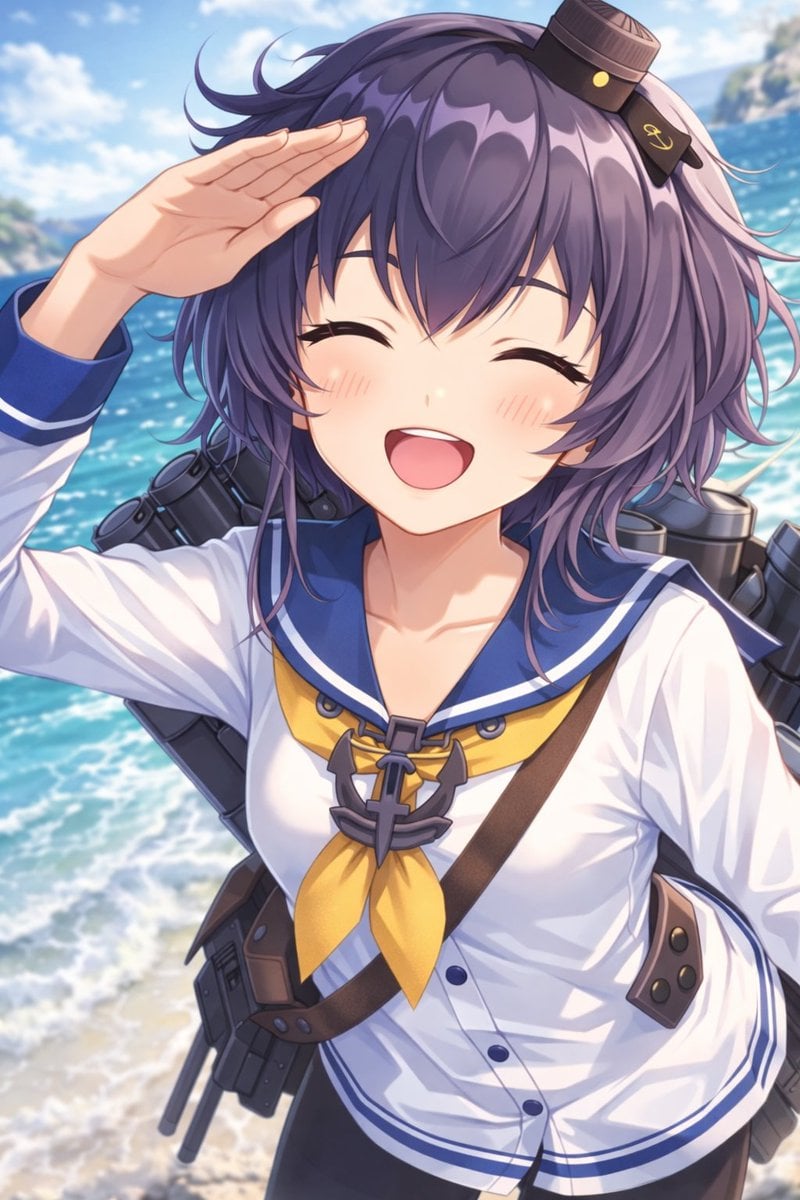
Anime Ship Girl Saluting on Beach
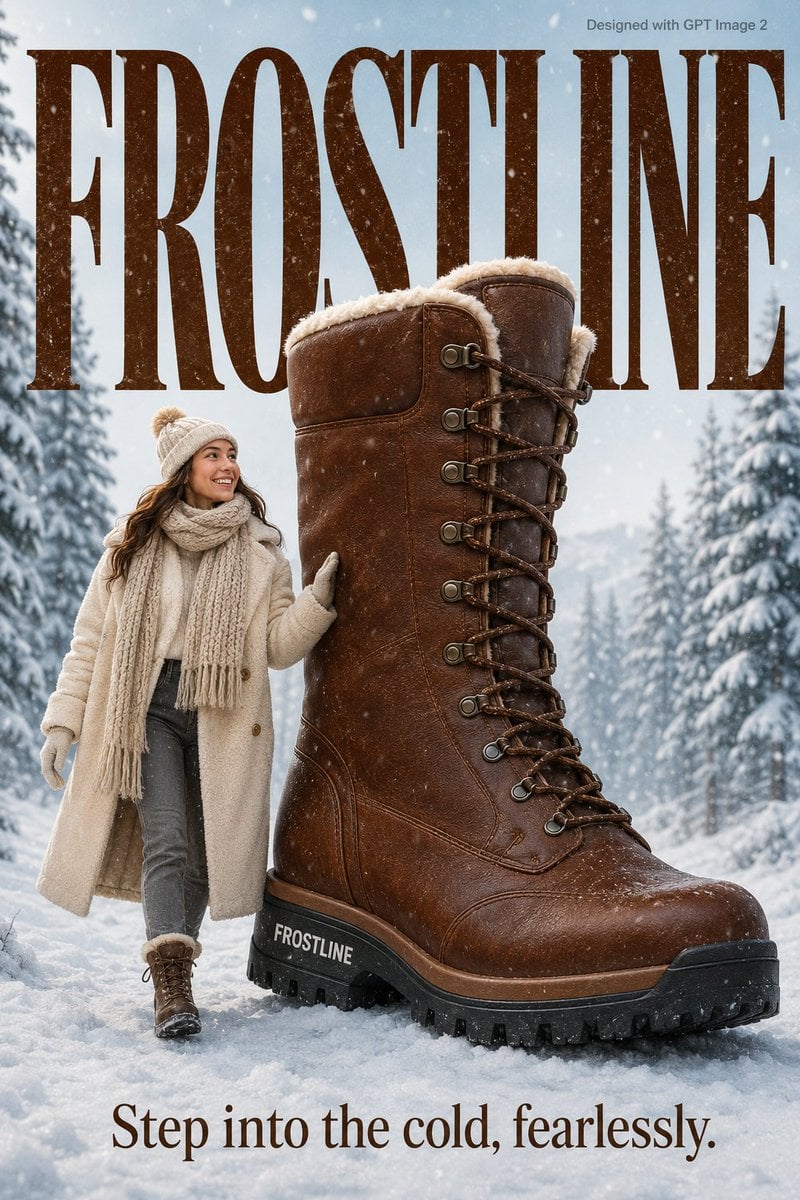
Cozy Winter Lifestyle Brand Advertisement
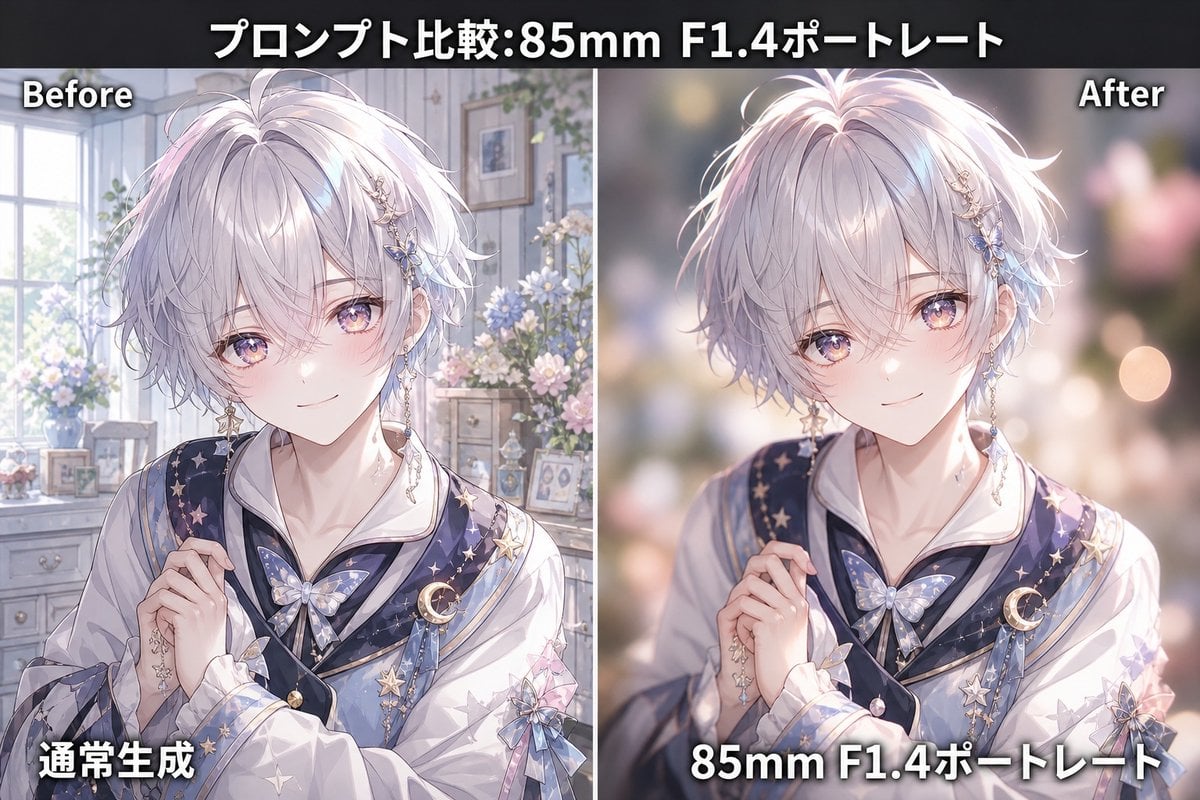
85mm F1.4 Anime Portrait Comparison
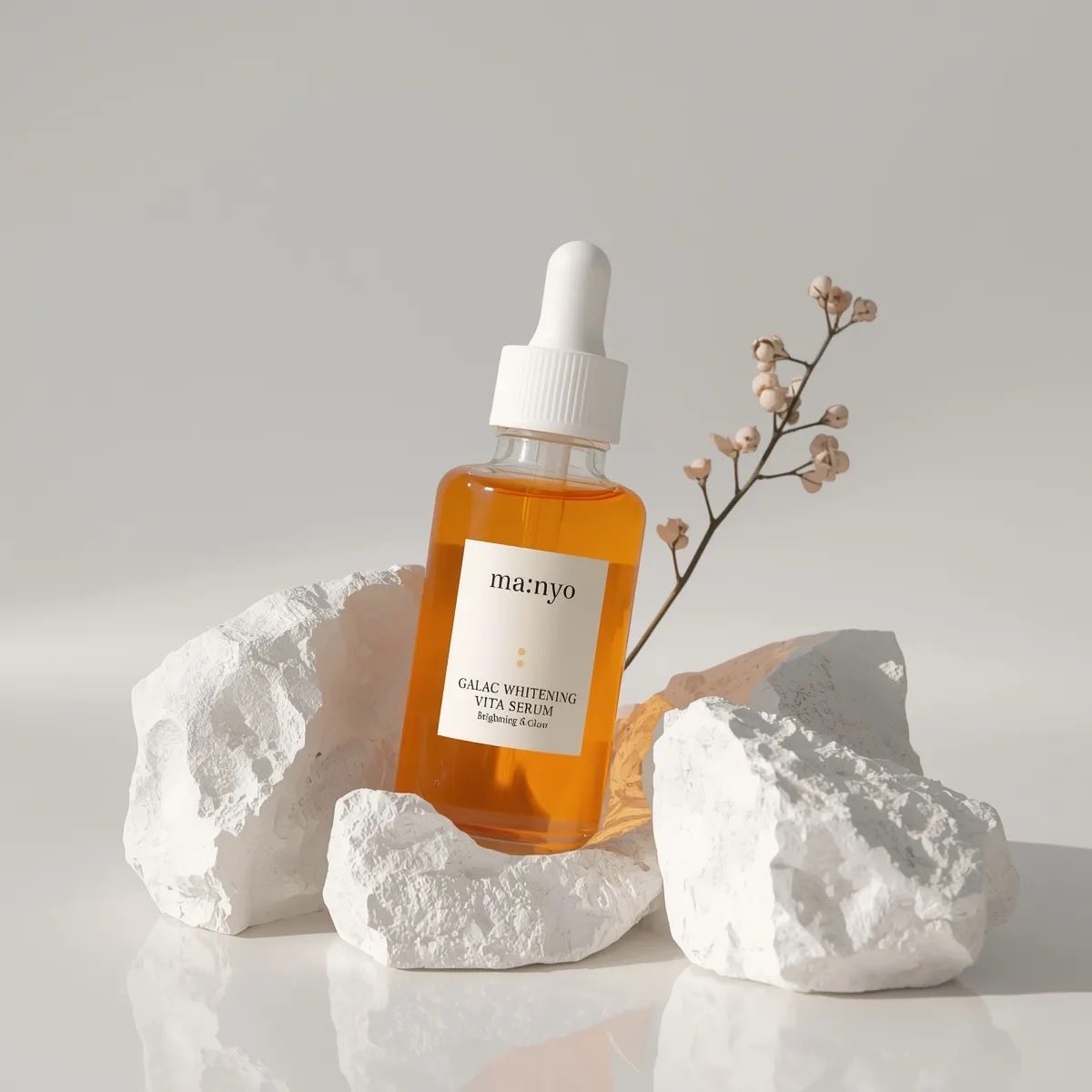
Minimal Luxury Skincare Product Photography (4 Variations)
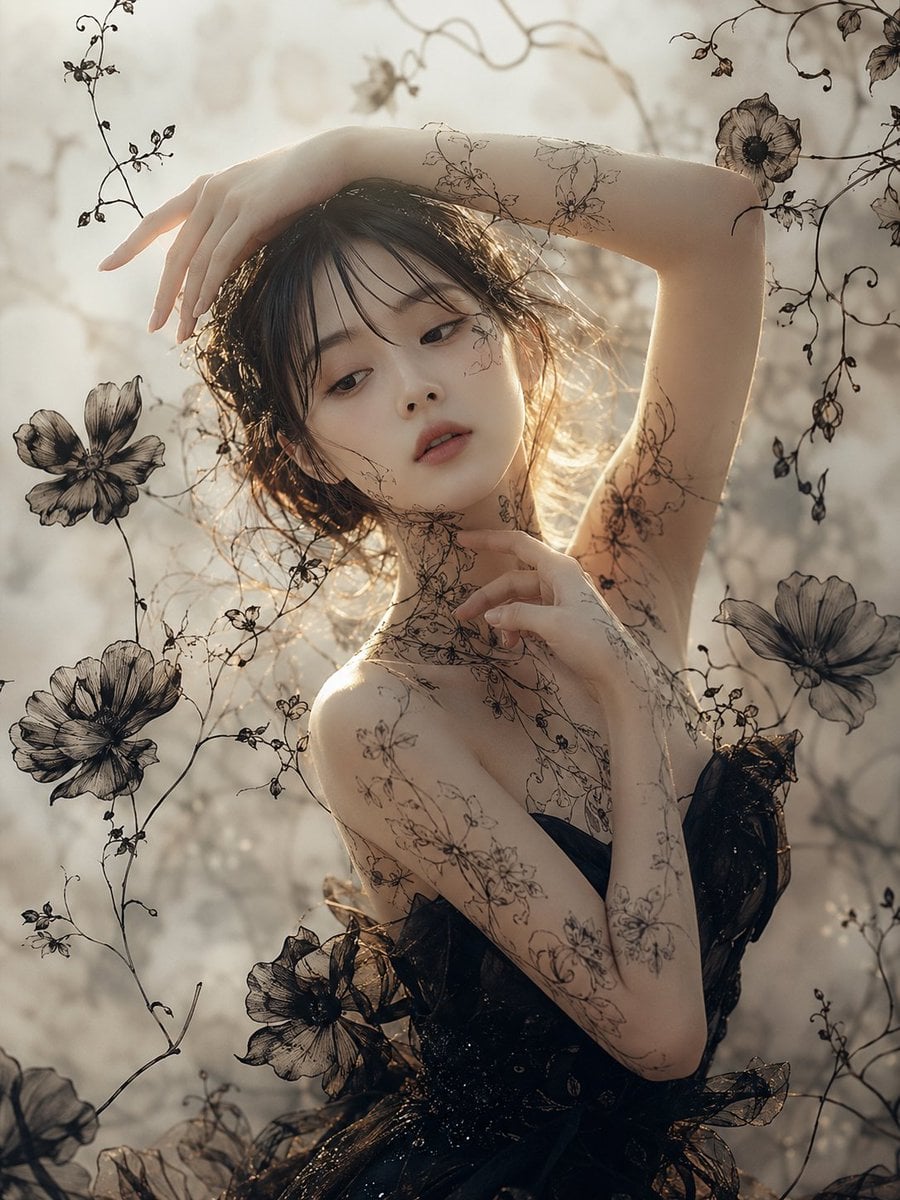
Ethereal Botanical Fashion Portrait
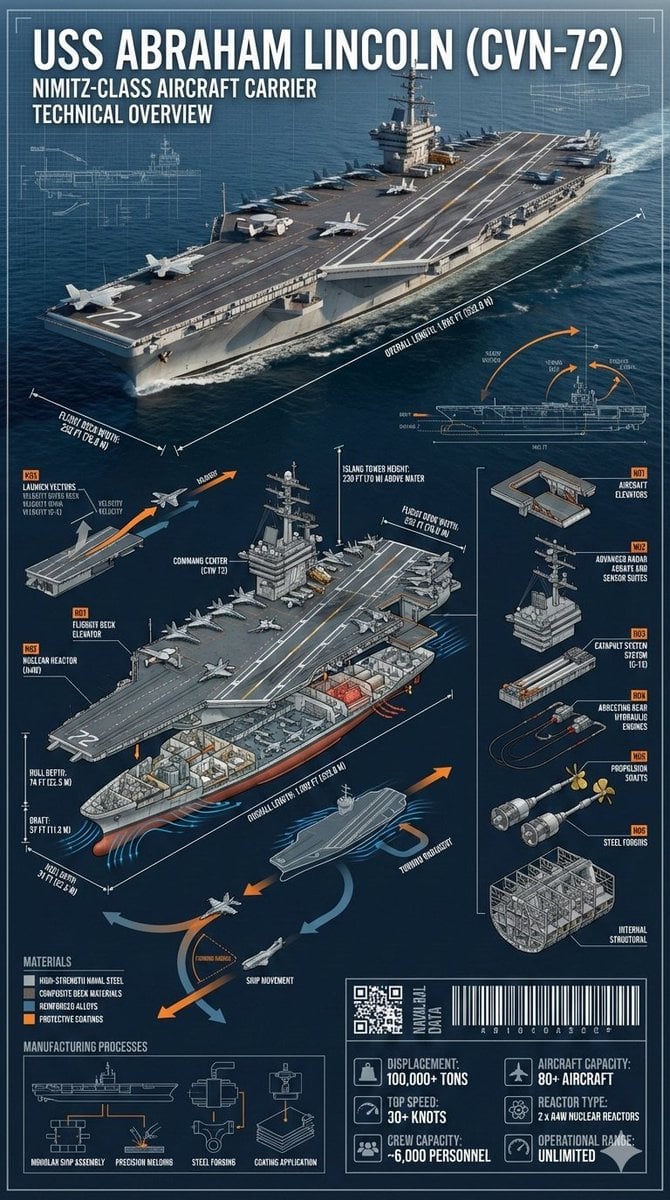
Cinematic Engineering Infographic of USS Abraham Lincoln
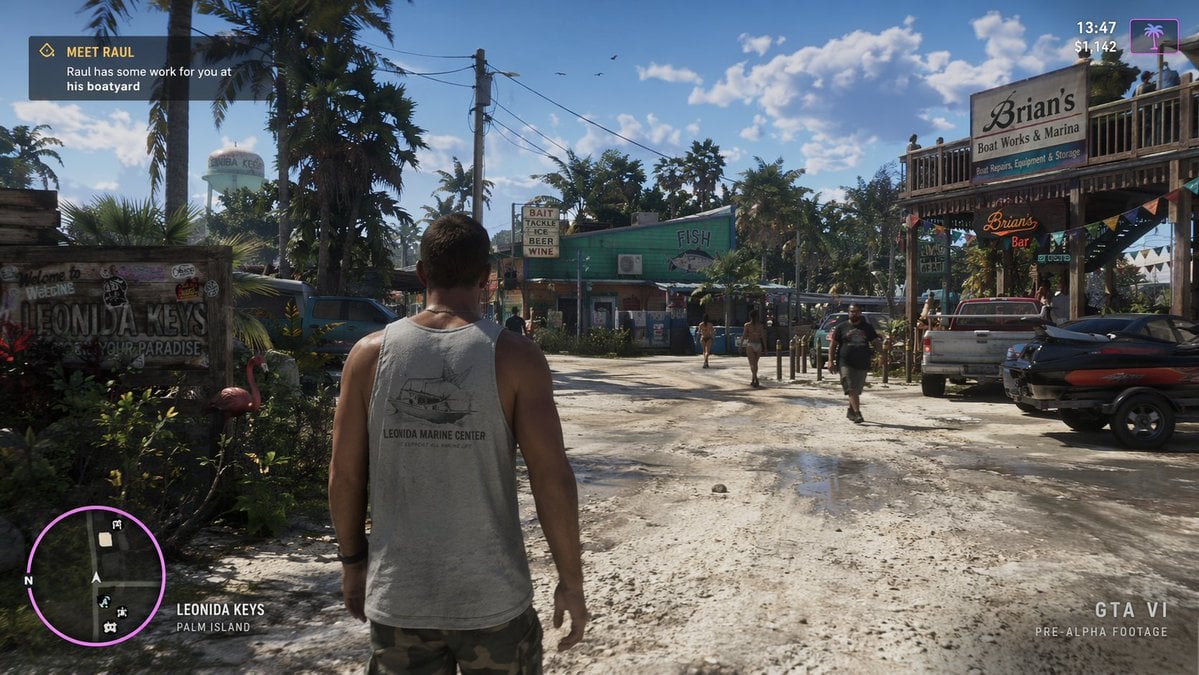
Open-World Game Screenshot Mockup
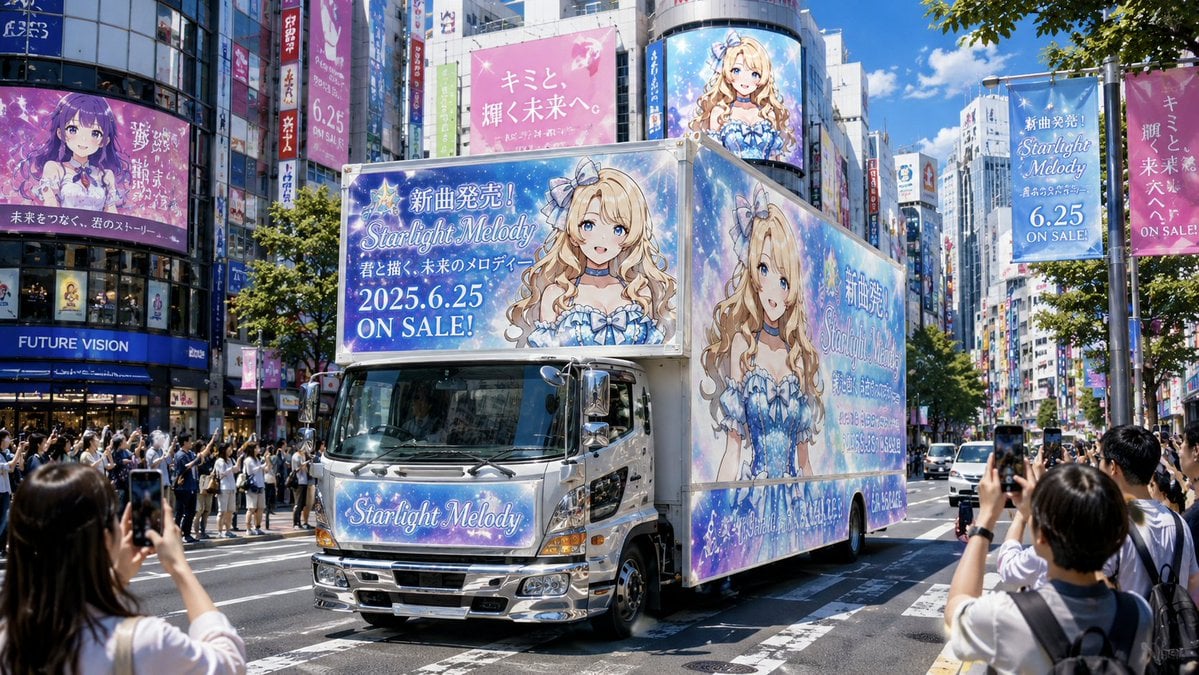
Anime Idol Ad Truck in Japan
Futuristic City With Sparkling Artifacts
Browse template categories
Baroque Candlelight Oil Painting Fusion (Image-to-Image) questions
How do I use the Baroque Candlelight Oil Painting Fusion (Image-to-Image) template?
Add your photo if the template asks for one, edit the prompt if you like — the template's model and format are already selected — and press Generate. Your version opens in PicX Studio.
Can I customize the Baroque Candlelight Oil Painting Fusion (Image-to-Image) template?
Yes. You can change the subject, setting, lighting, mood, format, and available model controls before creating your image.
Is the Baroque Candlelight Oil Painting Fusion (Image-to-Image) template free?
Opening and editing this template is free. Generating uses credits, shown on the Generate button when you are signed in.
Which AI model should I use?
Start with Nano Banana 2, which is the model associated with this template. You can compare another compatible model for a different finish.
Looking for something else? Browse all templates.

Your photo, any look
Thousands of ready templates for every top image and video model, from one credit balance.