
Ethereal Botanical Fashion Portrait
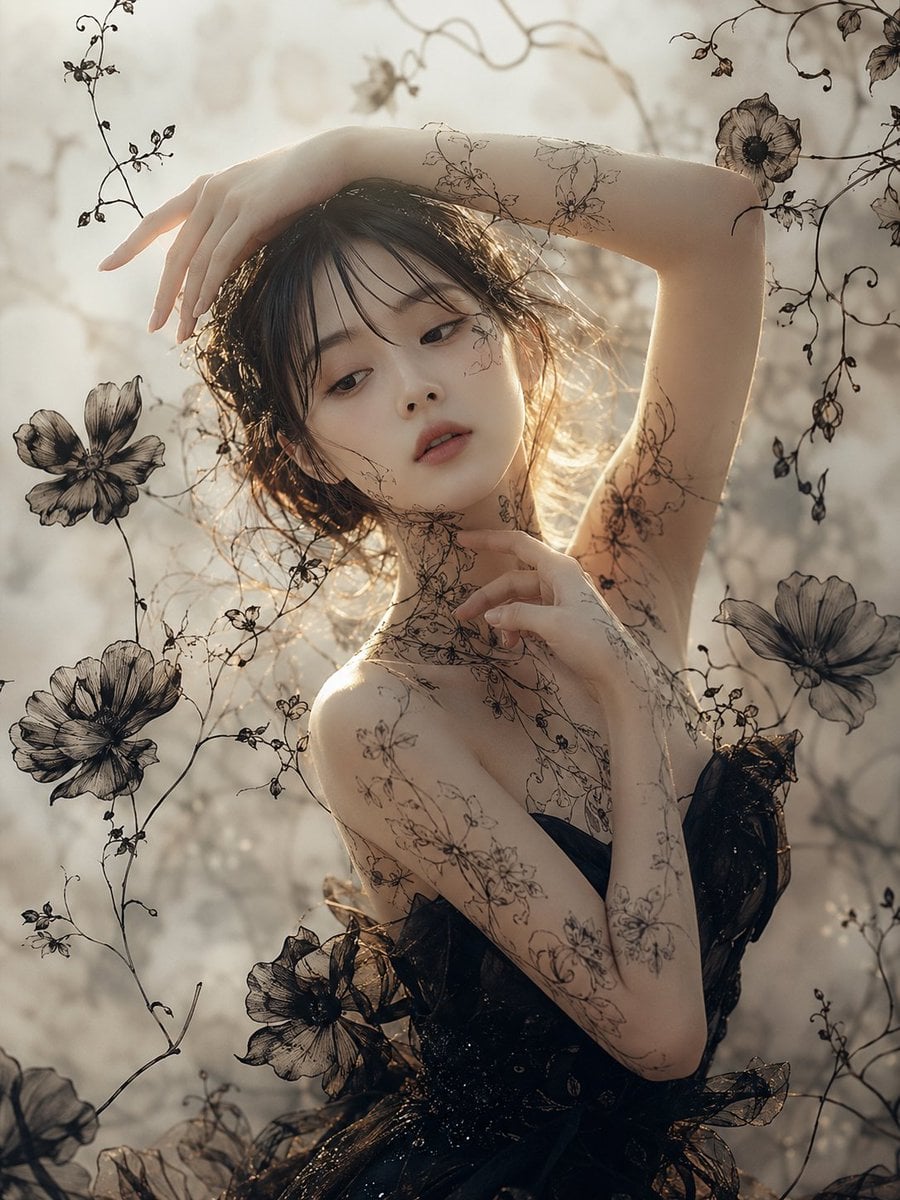
A dreamy backlit fashion portrait of a woman in a black floral dress surrounded by delicate botanical line art and translucent flowers.
- Prompt included
- Model and format preset
- Free template
The prompt behind this image
Copy the exact prompt behind Ethereal Botanical Fashion Portrait, or open it in the studio and make it yours.
Create a vertical 3:4 fine-art fashion portrait of a graceful adult woman with {argument name="hair color" default="dark brown"} wavy hair, shown from the upper body in a dreamy backlit garden atmosphere. Her face is intentionally hidden by a centered opaque square block in warm taupe-brown, covering the facial features while leaving hair, arms, neck, shoulders, and torso visible. Pose her with one arm arched above her head and the hand draping delicately downward, while the other arm bends across her chest with slender fingers touching the collarbone/neck area; make the hands elegant and anatomically correct with five natural fingers on each hand, no fused or distorted fingers. She wears a {argument name="dress color" default="black"} translucent couture dress with glossy organza-like ruffles, floral appliqué, and a strapless or off-shoulder silhouette. Cover her skin and the surrounding air with fine black botanical line art like delicate flower-and-vine tattoos, including thin stems across the arms, shoulder, neck, and upper chest. Surround the figure with exactly 6 prominent large translucent black flowers: one in the upper right corner, one on the left middle edge, one on the lower left area, one near the lower center over the dress, one on the right middle edge, and one partially visible at the bottom-left edge; add many thin curling vines and small buds around them. Use a soft sepia-gray palette, warm sunlight glowing from behind the hair, shallow depth of field, misty bokeh background, high-detail skin and fabric texture, ethereal romantic mood, editorial photography composition, painterly botanical overlay, no text, no watermark.
How to use Ethereal Botanical Fashion Portrait in 3 steps
- 1Upload ImagePNG, JPG or paste
Add your photo
Upload the photo the template builds on. The prompt, model and format are already set.
- 2…a portrait of your subject in softgolden-hour light, 85mm…
Personalize
Edit the subject and creative details for your destination.
- 3Generate
Generate
Press Generate — your image is created in PicX Studio, so you can compare it with the original and refine one variable at a time.
More like this
Templates with the same subject, style or setup. Open one to see its prompt.

Floraverse Botanical Fusion

FLORAVERSE BOTANICAL FUSION

Nano Banana 2 High Fashion Sports Campai

Couture Fashion Editorial Woman and Drag

Ive Yujin Fashion Portrait in Blue

Nano Banana 2 Editorial Fashion Portrait

Caution Tape Fashion — Industrial Editorial
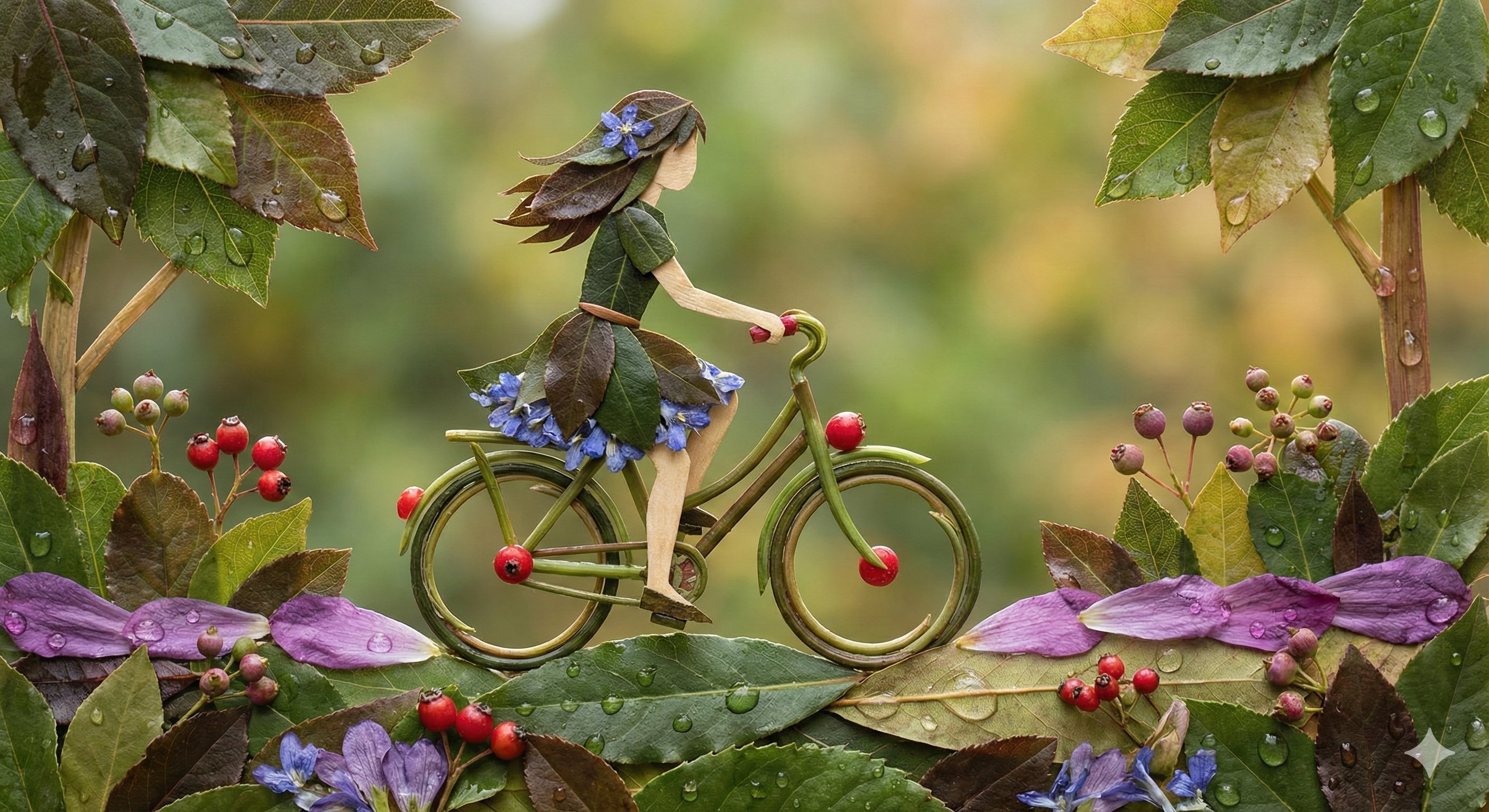
Botanical Leaf Art Style
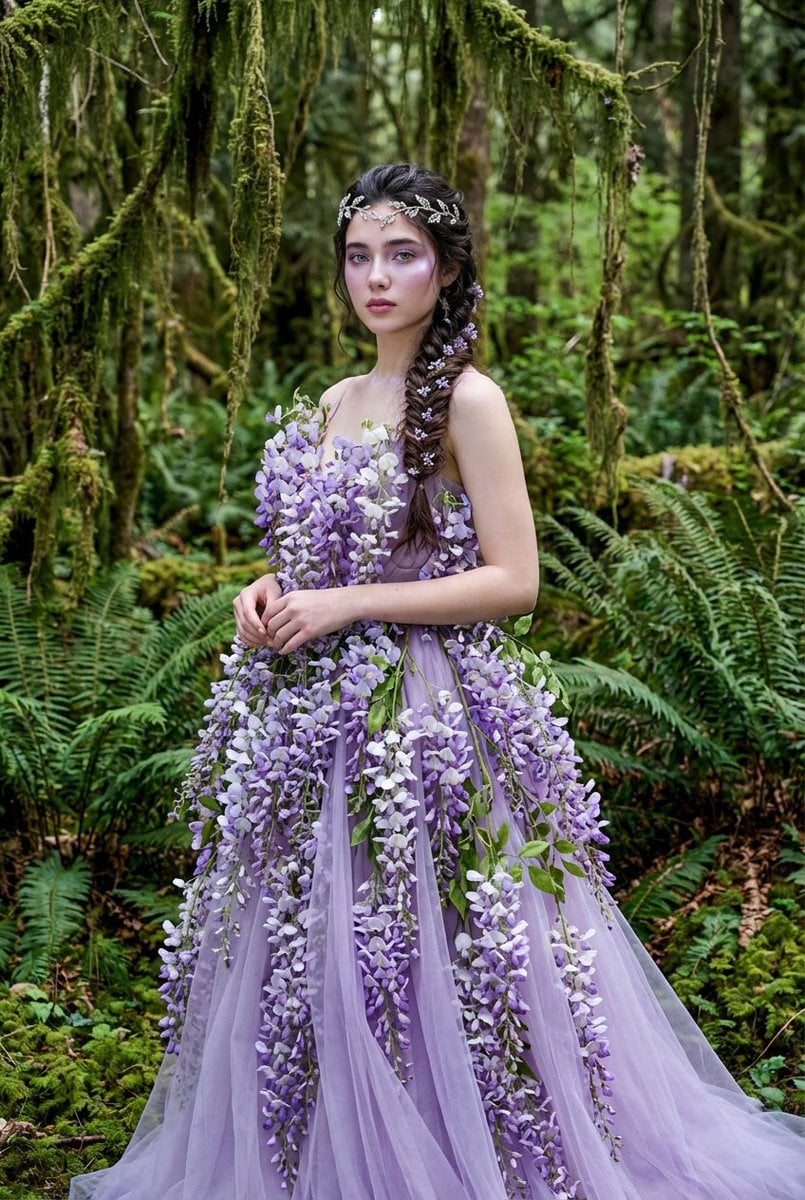
Botanical Couture Fashion Portrait

Botanical Studio Fashion Portrait
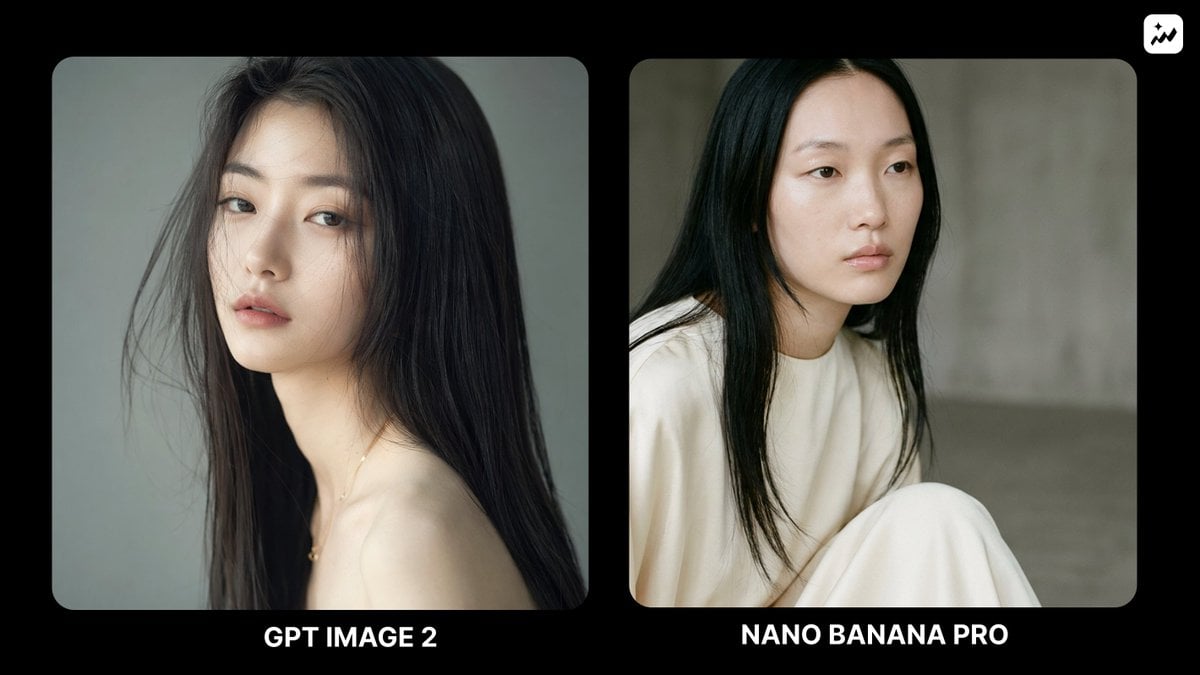
Ethereal Fashion Portrait

Miniature Self Portrait Collage
Make it yours
Ethereal Botanical Fashion Portrait works as-is. These are the safest ways to change it without losing the look.
Change one field
Copy a single group, rewrite it, and generate again so you can see what that field is doing.
Keep the frame, change the subject
Hold the composition and light of Ethereal Botanical Fashion Portrait, then swap wardrobe, props or the person for a new take.
| If the result… | Why | Fix |
|---|---|---|
| The result drifts from the preview | Too many fields changed at once. | Reuse Ethereal Botanical Fashion Portrait as-is first, then change one group — subject, light, or setting. |
| The model over-stylizes the scene | The prose prompt leaves finish and camera underspecified. | Add one camera or lighting sentence and stay on GPT Image 2. |
More GPT Image 2 templates
Other prompts made for GPT Image 2.

Six VTuber Japanese Logo Sheet

Realistic Portrait of Woman and Deer

The Vista Modular Condo Poster

AI Model Routing Comparison Infographic

2.5D Anime Art Board

Isometric Productivity Desk Scene

New York Double Exposure Poster

Four-Panel AI Landscape Comparison

Japanese Tatami Lifestyle Magazine Cover

NESCAFÉ Coffee Map Poster
More image prompts
Fresh picks from across the catalog.
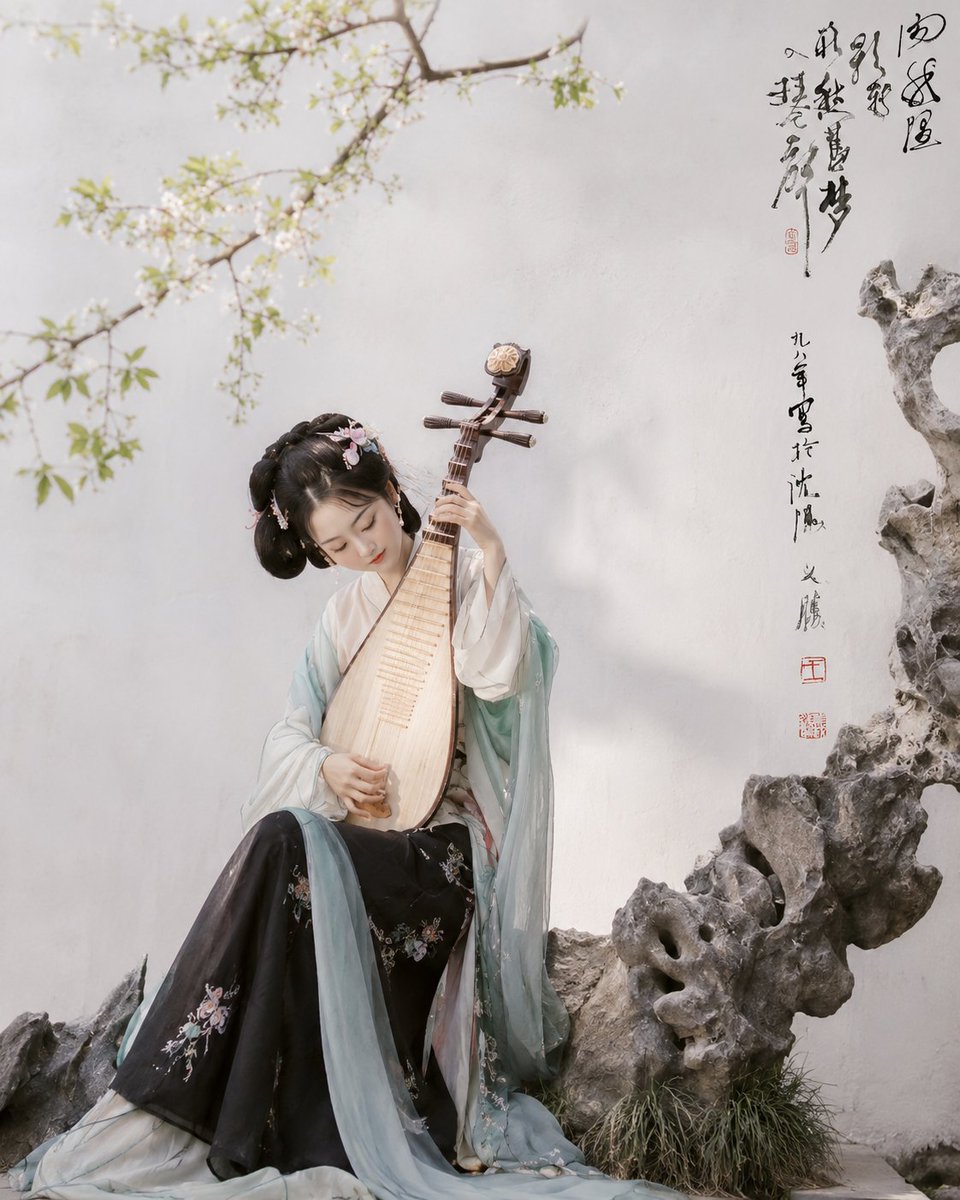
Hanfu Pipa Garden Portrait
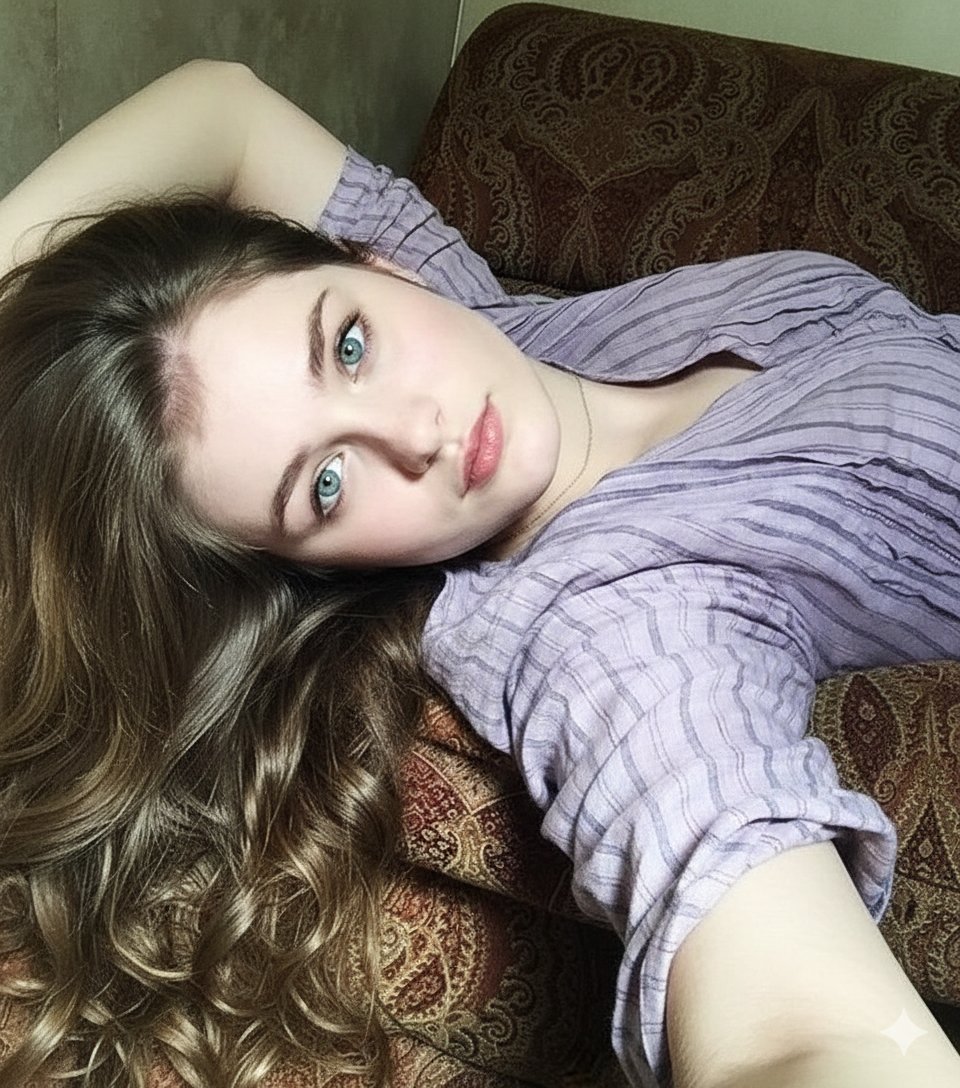
8K Photorealistic Close-Up Selfie Prompt on Ornate Couch
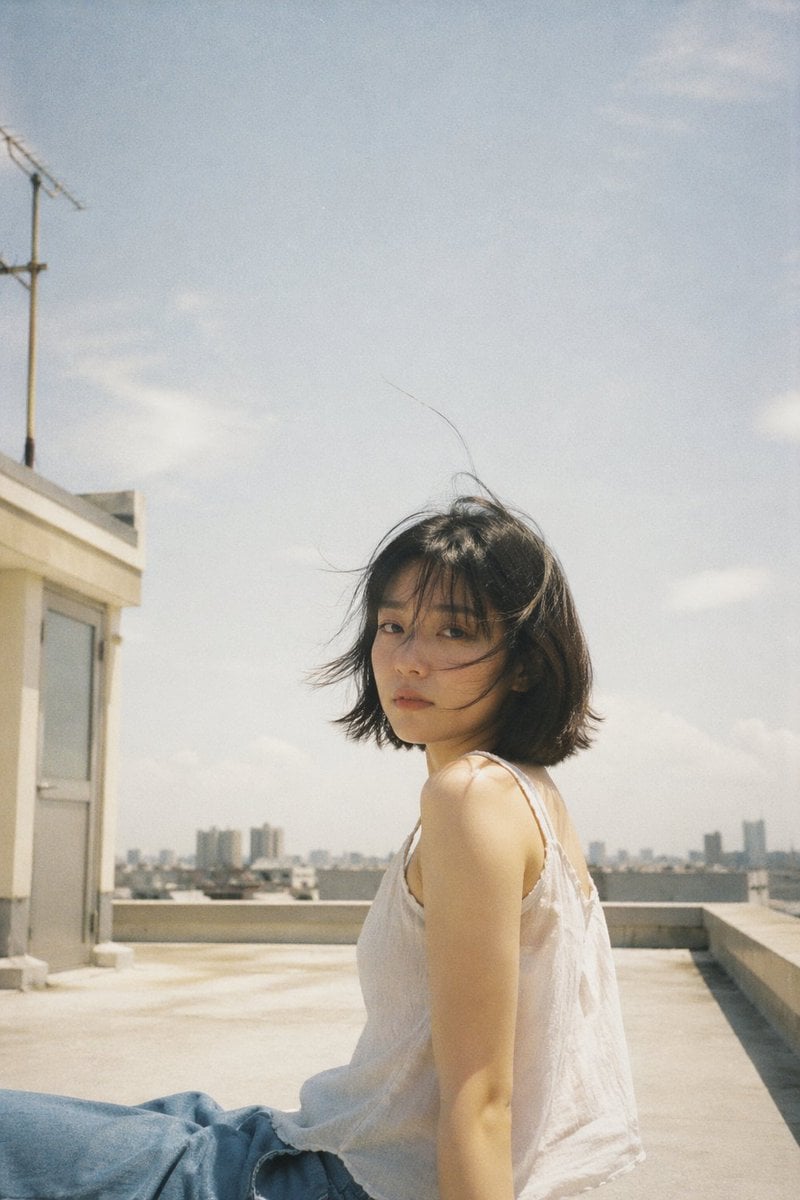
Japanese Film Aesthetic Rooftop
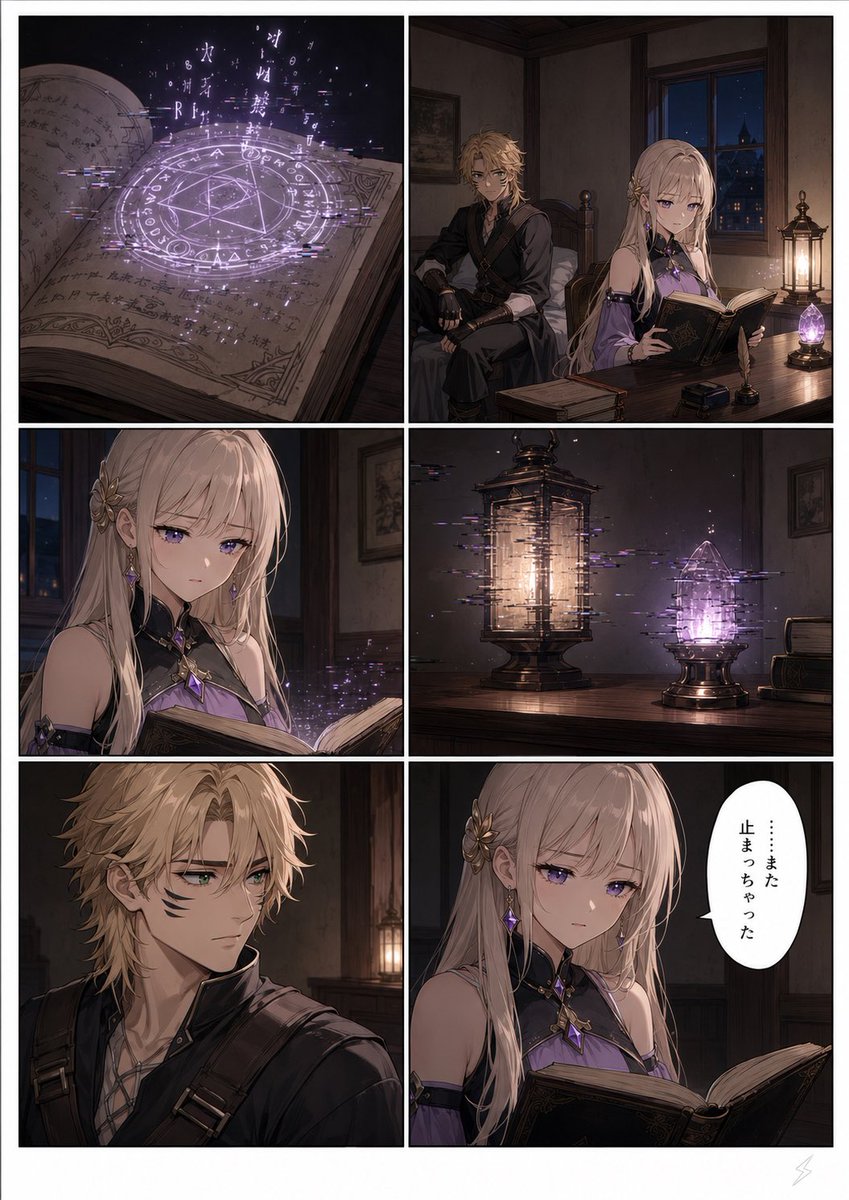
Six-Panel Fantasy Magic Comic Page
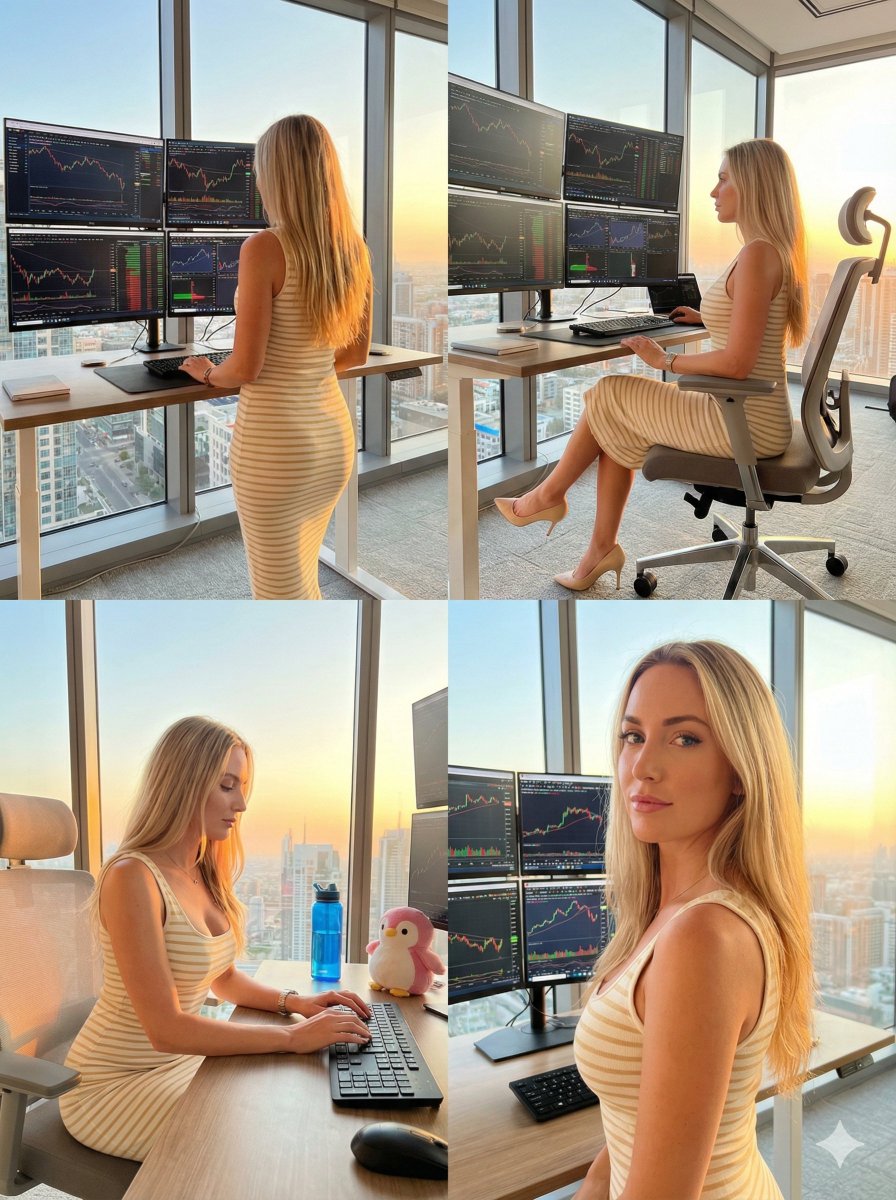
Four-Panel Trading Workspace Lifestyle Collage Prompt
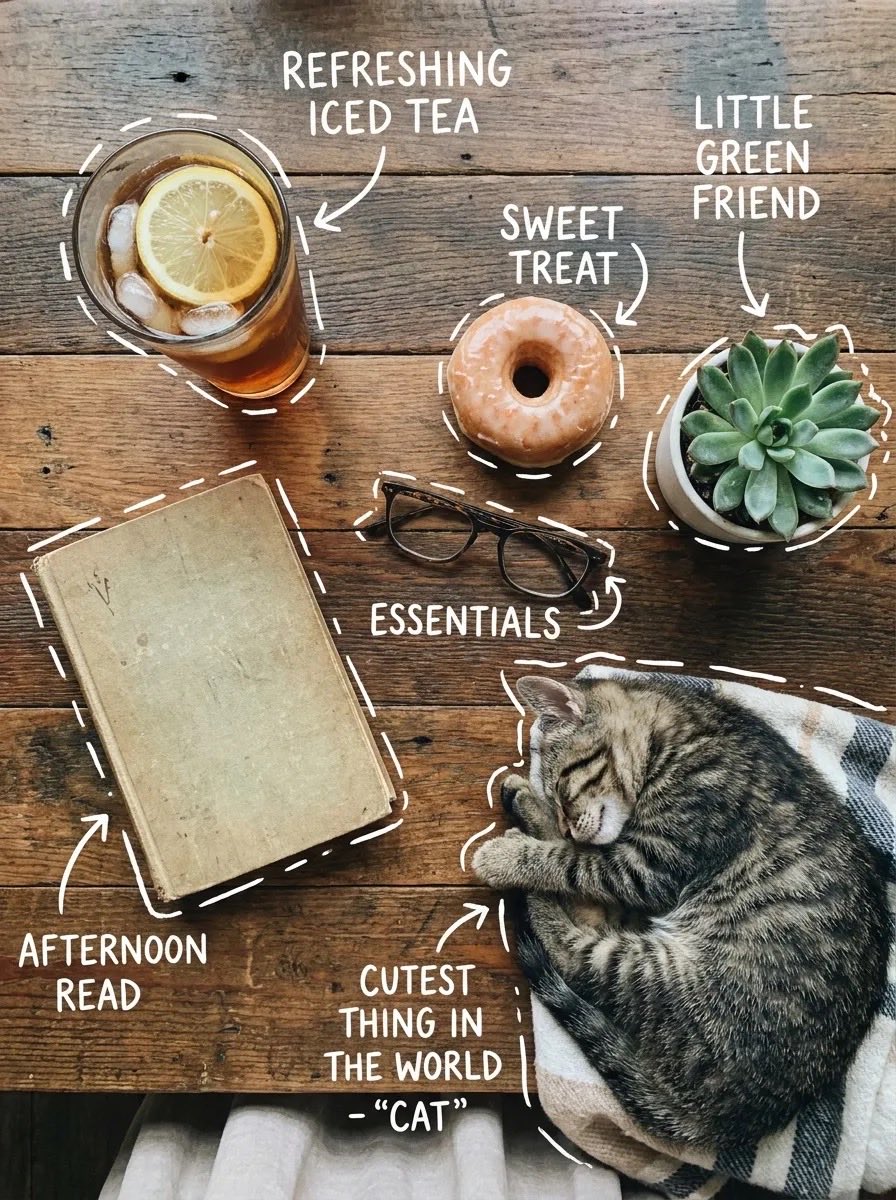
X Sairah 0 Google Gemini Nano Banana Pro
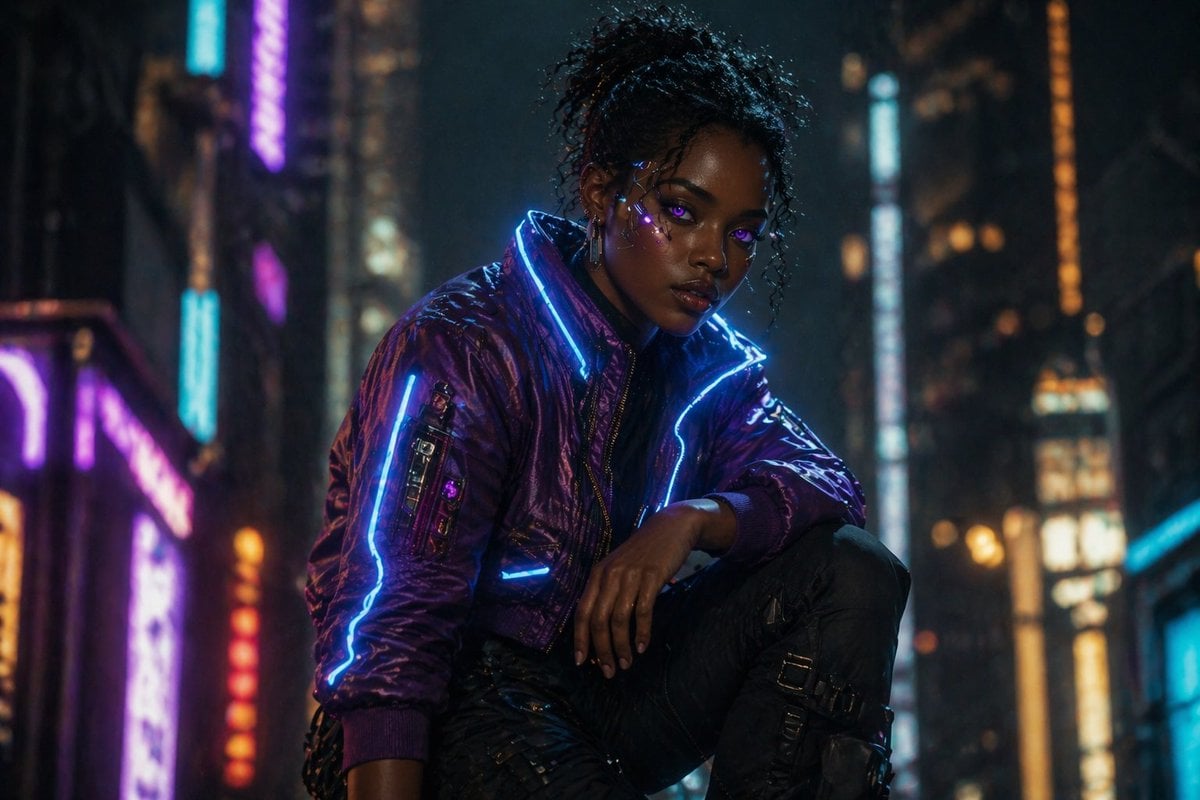
Cinematic Cyberpunk Woman Portrait
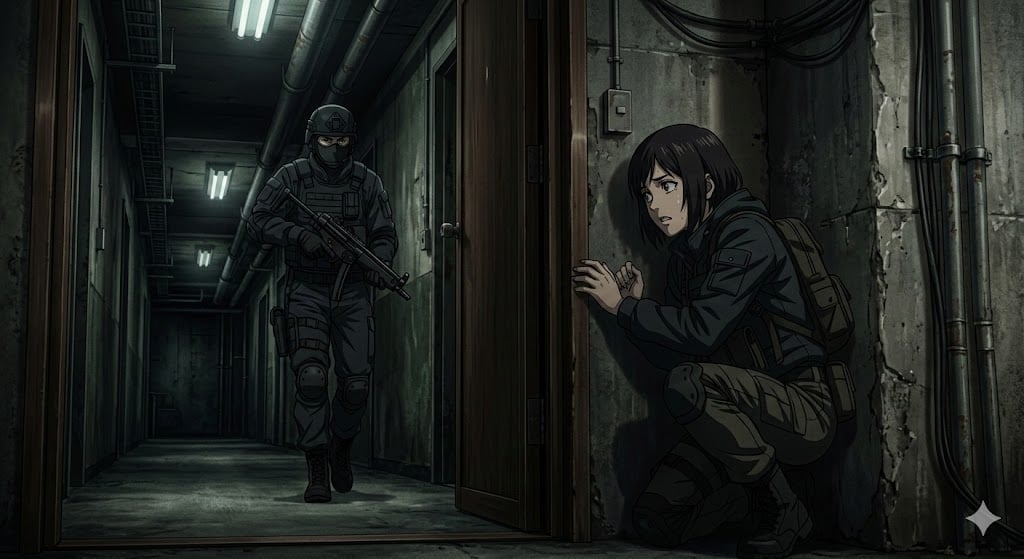
Anime Stealth Scene with Keystoning Angle

Christmas Surprise Box Dynamic Action Shot
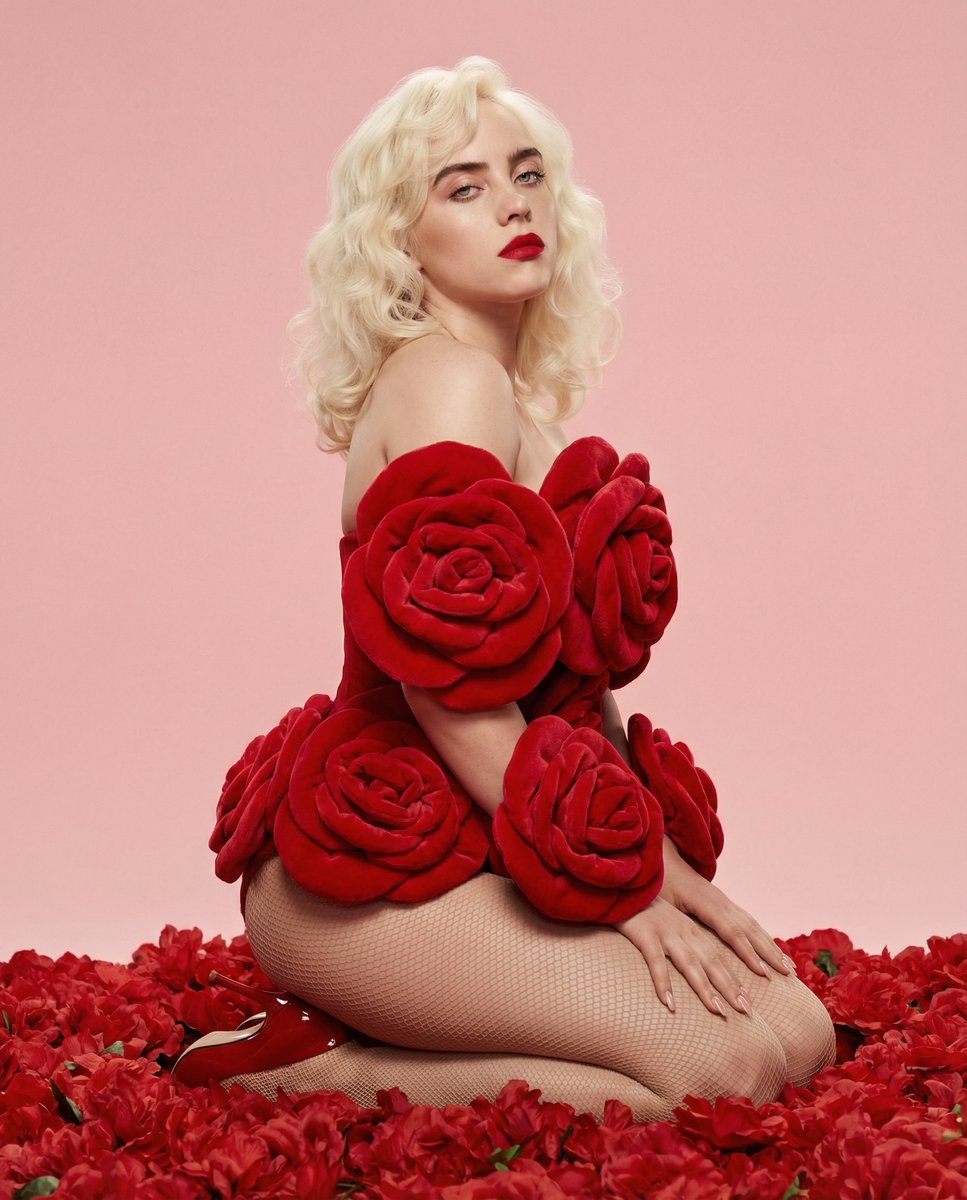
Red Rose Glamour Fashion Editorial
Browse template categories
Ethereal Botanical Fashion Portrait questions
How do I use the Ethereal Botanical Fashion Portrait template?
Add your photo if the template asks for one, edit the prompt if you like — the template's model and format are already selected — and press Generate. Your version opens in PicX Studio.
Can I customize the Ethereal Botanical Fashion Portrait template?
Yes. You can change the subject, setting, lighting, mood, format, and available model controls before creating your image.
Is the Ethereal Botanical Fashion Portrait template free?
Opening and editing this template is free. Generating uses credits, shown on the Generate button when you are signed in.
Which AI model should I use?
Start with GPT Image 2, which is the model associated with this template. You can compare another compatible model for a different finish.
Looking for something else? Browse all templates.

Your photo, any look
Thousands of ready templates for every top image and video model, from one credit balance.