
8K Photorealistic Close-Up Selfie Prompt on Ornate Couch
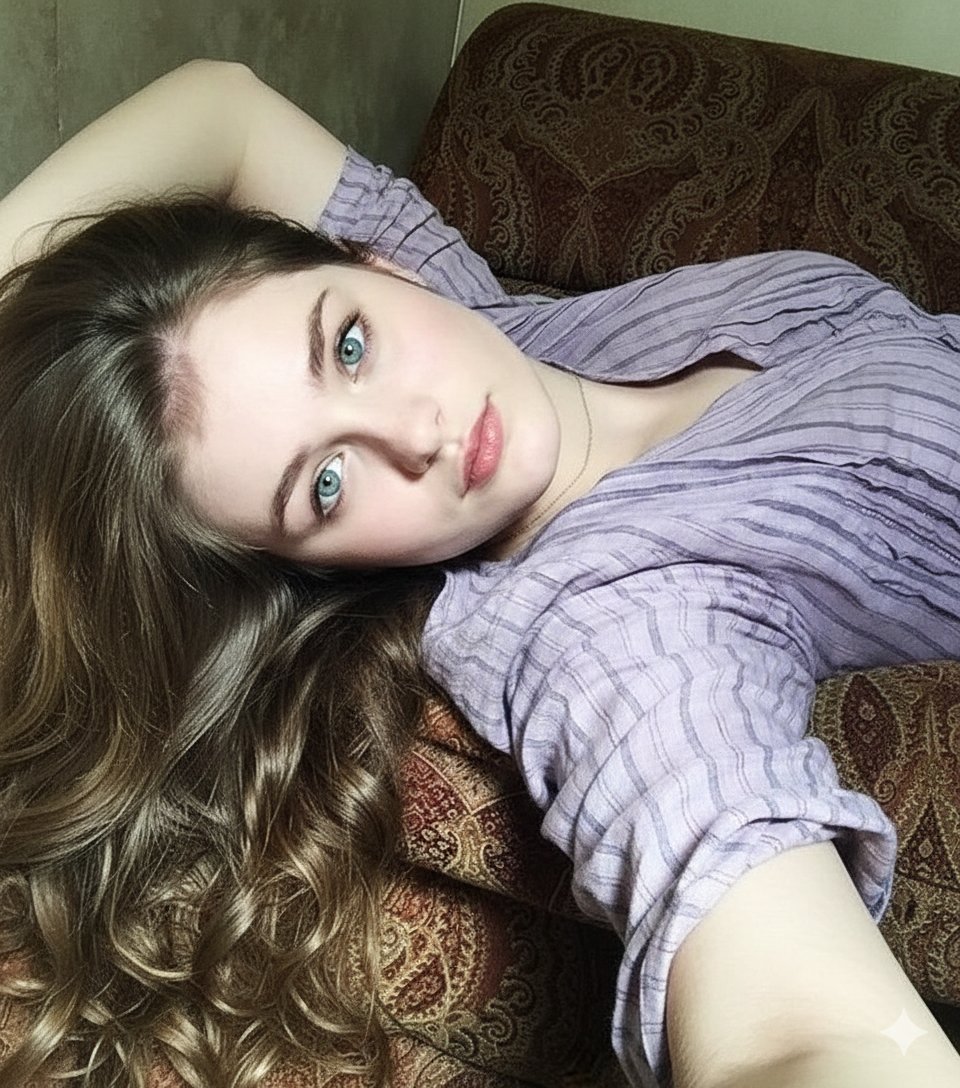
An extremely detailed prompt for generating an 8K photorealistic, intimate close-up selfie of a beautiful young woman lying on an ornate couch.
- Prompt included
- Model and format preset
- Free template
The prompt behind this image
Copy the exact prompt behind 8K Photorealistic Close-Up Selfie Prompt on Ornate Couch, or open it in the studio and make it yours.
A photorealistic, intimate close-up selfie of a beautiful young woman lying comfortably on her back across an ornate, richly patterned couch in a cozy indoor home setting. The couch upholstery features intricate floral and baroque-inspired motifs in warm, muted tones, adding texture and visual depth to the background while still keeping the focus entirely on her face. The camera angle is positioned directly above her, as if she’s holding the phone slightly raised over her head, creating a soft, flattering perspective. Her long, wavy brown hair fans out naturally around her head, spreading across the couch like a halo, with individual strands visible in fine detail. The waves catch the ambient indoor light, showing subtle variations in warm chestnut and caramel undertones. She is wearing a loose lavender short-sleeve top with delicate horizontal stripes. The fabric looks soft and lightweight, slightly relaxed at the neckline, which falls naturally and casually without appearing posed. The gentle folds of the material create realistic shadows and highlights, enhancing the authenticity of the scene. A delicate, thin necklace rests against her collarbone, catching a soft glimmer of light and adding a subtle elegant touch. Her face is the focal point—highly detailed and sharply rendered. Her striking bright turquoise-blue eyes look directly into the camera lens, creating an immediate sense of connection with the viewer. The eyes are glossy and reflective, with tiny light reflections visible in the irises, giving them depth and realism. Her lashes are natural yet defined, framing her gaze beautifully. Her skin texture is realistic and finely detailed—soft, smooth, and luminous under gentle natural indoor lighting. The light appears to be coming from a nearby window, diffused and warm, casting soft highlights across her cheekbones, nose bridge, and forehead while maintaining gentle, flattering shadows along the contours of her face. Subtle variations in skin tone and faint natural imperfections enhance the photorealism. Her full lips are slightly parted, coated with a subtle gloss that reflects light softly, adding dimension without appearing heavy. There’s a calm, relaxed sensuality in her expression—confident yet effortless. One arm is bent behind her head, lifting her shoulder slightly and creating a natural curve in her posture. The pose feels spontaneous rather than staged, intimate yet refined. The overall composition emphasizes closeness and authenticity—an 8K ultra-detailed, cinematic-quality selfie with realistic skin texture, soft natural lighting, shallow depth of field, and a warm, inviting indoor atmosphere.
How to use 8K Photorealistic Close-Up Selfie Prompt on Ornate Couch in 3 steps
- 1
Open
The prompt is already in the box next to the preview, with the template's model and format selected.
- 2…a portrait of your subject in softgolden-hour light, 85mm…
Personalize
Edit the subject and creative details for your destination.
- 3Generate
Generate
Press Generate — your image is created in PicX Studio, so you can compare it with the original and refine one variable at a time.
More like this
Templates with the same subject, style or setup. Open one to see its prompt.

Gen Z Triple Selfie Collage — Y2K Flash Photography

Cozy Knit Sweater Window Portrait
Ornate Peacock Lampshade Close-Up
Authentic Smartphone Selfie Close-up
Cozy Close-up Selfie Portrait
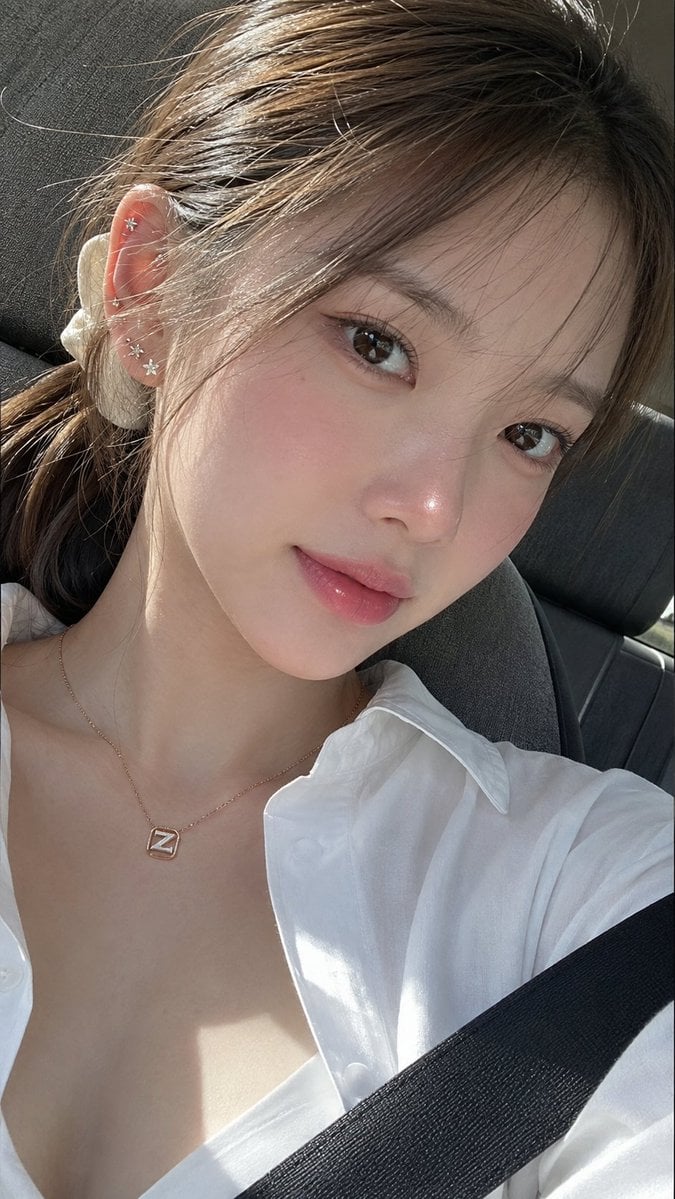
Ultra-Photorealistic Car Selfie

Rooftop Fisheye — Cat-Ear Balaclava at Golden Hour

Felt & Knit 3D Character — Photo-Exact Face, Pixar-Quality Plush Figurine

Eid al-Adha Cute Chaos — Fisheye Selfie with Farm Selfie, Mosque & Animals

Cat Photobomb Selfie — 0.5x Wide Angle Café Chaos

Surreal Cat Astronaut — Humanoid Face Freefall

Mountain Lake Sunset Landscape
Make it yours
8K Photorealistic Close-Up Selfie Prompt on Ornate Couch works as-is. These are the safest ways to change it without losing the look.
Change one field
Copy a single group, rewrite it, and generate again so you can see what that field is doing.
Keep the frame, change the subject
Hold the composition and light of 8K Photorealistic Close-Up Selfie Prompt on Ornate Couch, then swap wardrobe, props or the person for a new take.
| If the result… | Why | Fix |
|---|---|---|
| The result drifts from the preview | Too many fields changed at once. | Reuse 8K Photorealistic Close-Up Selfie Prompt on Ornate Couch as-is first, then change one group — subject, light, or setting. |
| The model over-stylizes the scene | The prose prompt leaves finish and camera underspecified. | Add one camera or lighting sentence and stay on Nano Banana 2. |
More Nano Banana 2 templates
Other prompts made for Nano Banana 2.

Photorealistic Leaf Shaped Like a Dragon

K-Pop Idol Portrait Grid for Rapid Selection

Poetic Rain Forest Portrait During Golden Hour

Urban Street Portrait with Cartoon Inner Self Duo

Candid Nighttime Photo with Cat Prompt

High-Concept 3D Diorama Generation Prompt

Cinematic Futuristic Studio Portrait Template

Skincare Editorial Photography Collage Prompt

Hyper-Realistic Commercial Product Photography (Splash Effect)

Hyper-Realistic Nightclub Portrait Prompt
More image prompts
Fresh picks from across the catalog.
Elderly Man Dissolving Into Birds
Nighttime Outdoor Lounge Portrait

Dragon Boat Festival Promotional Poster
Ultra-Realistic Portrait of an Artist Painting a Self-Mural
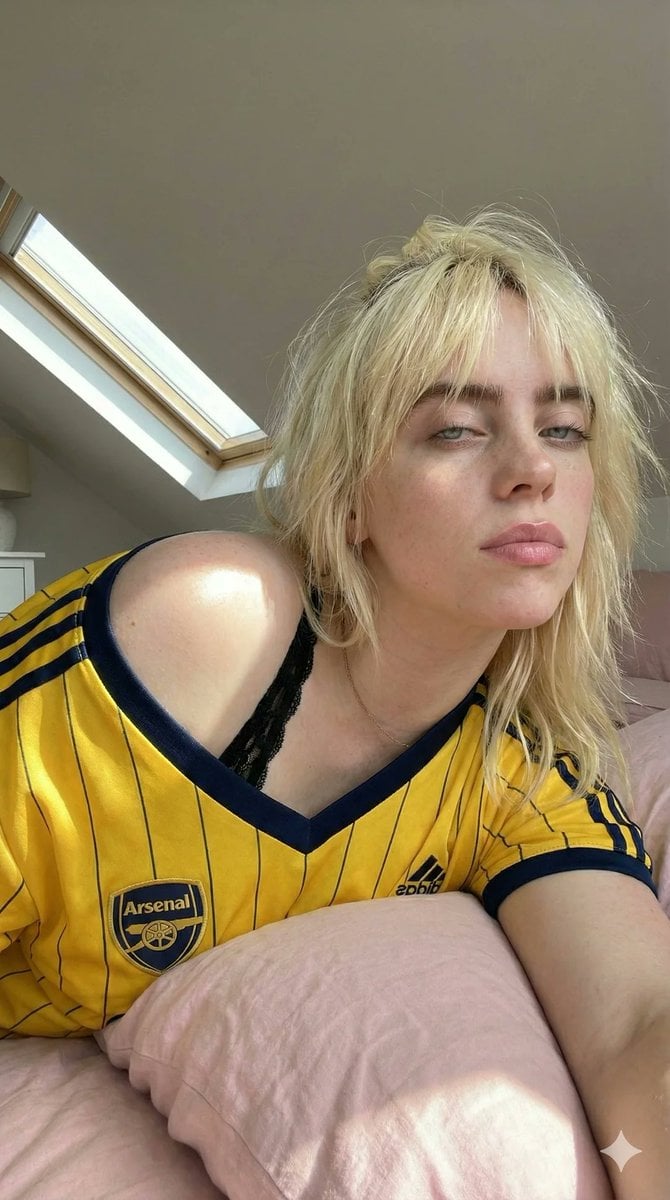
Photorealistic Soccer Jersey Selfie Portrait
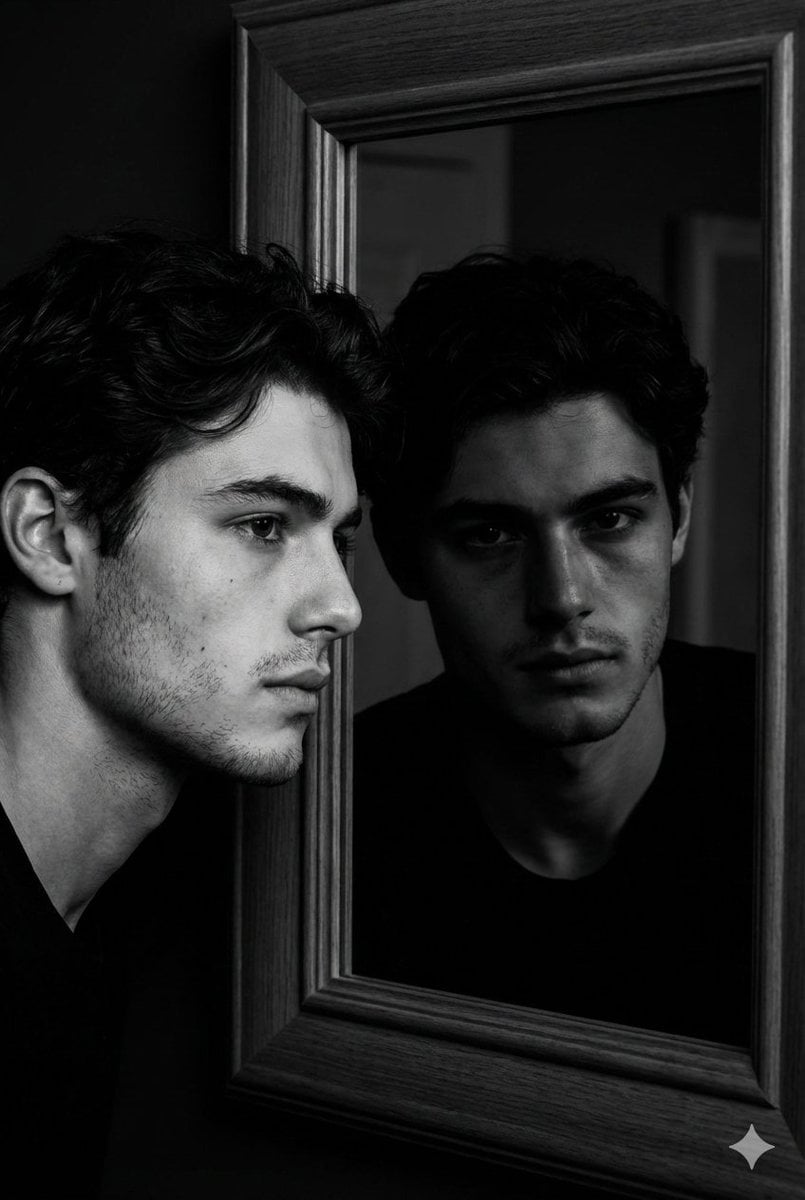
Noir Mirror Reflection Portrait
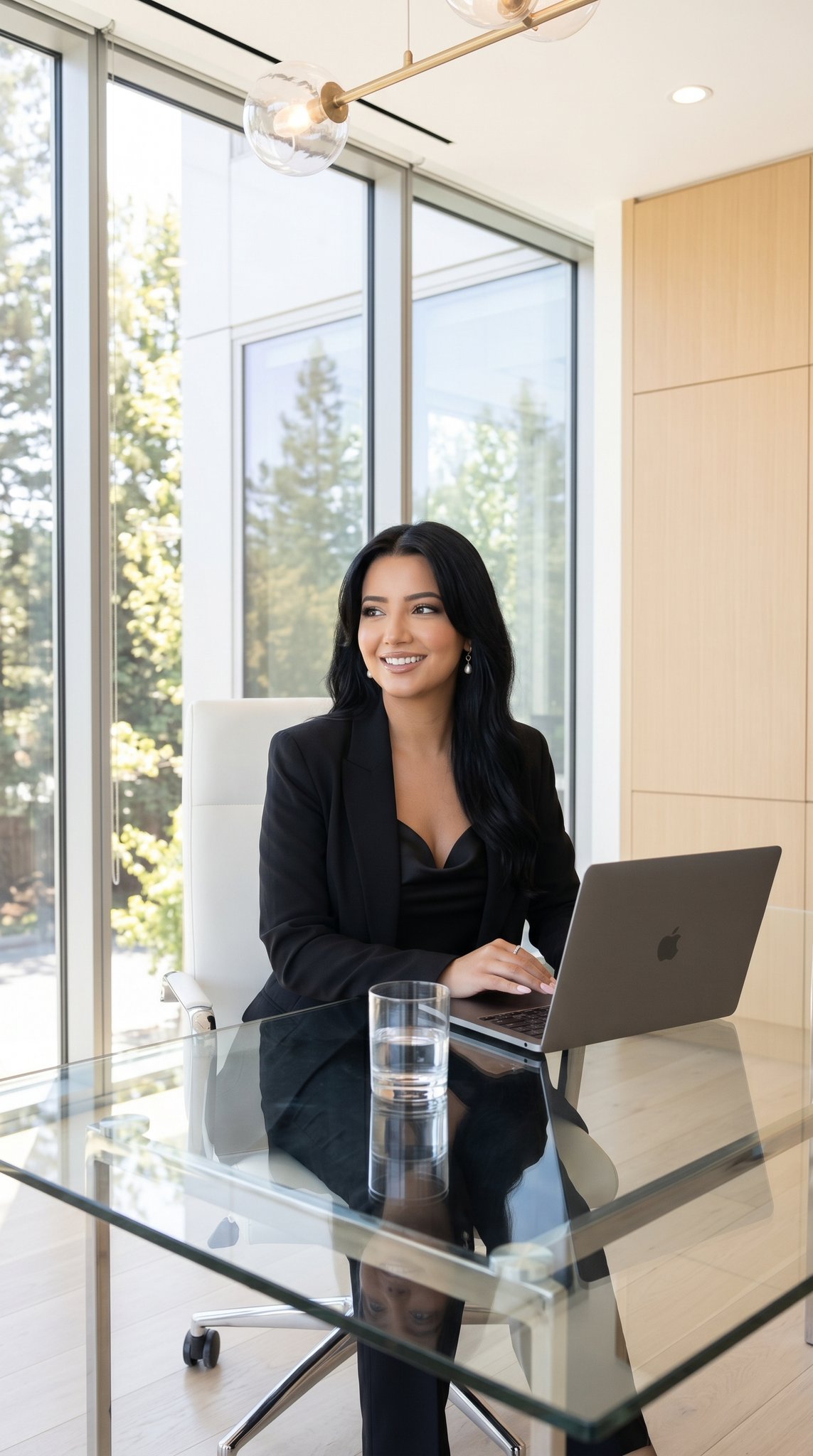
09 Silicon Valley Startup — California Series
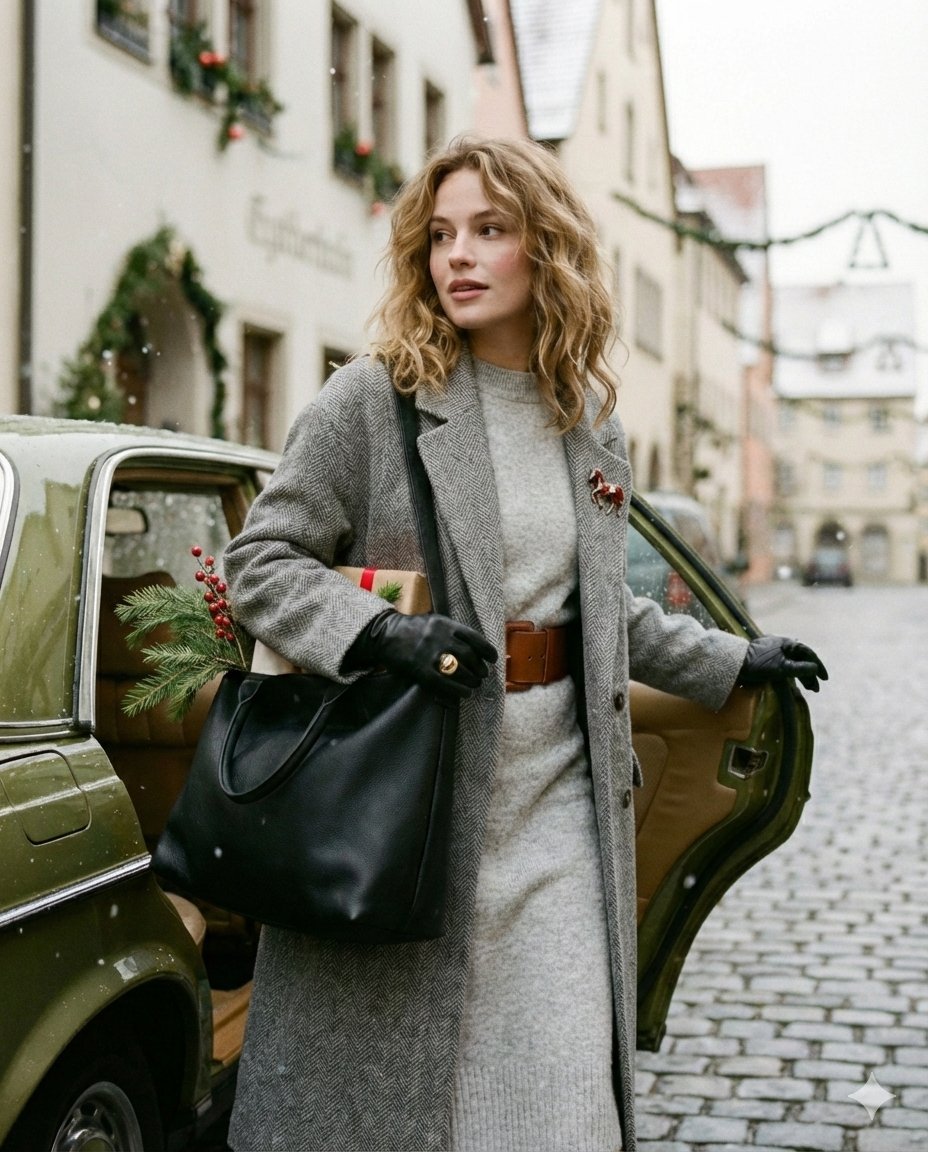
Cinematic Winter Street Fashion Prompt
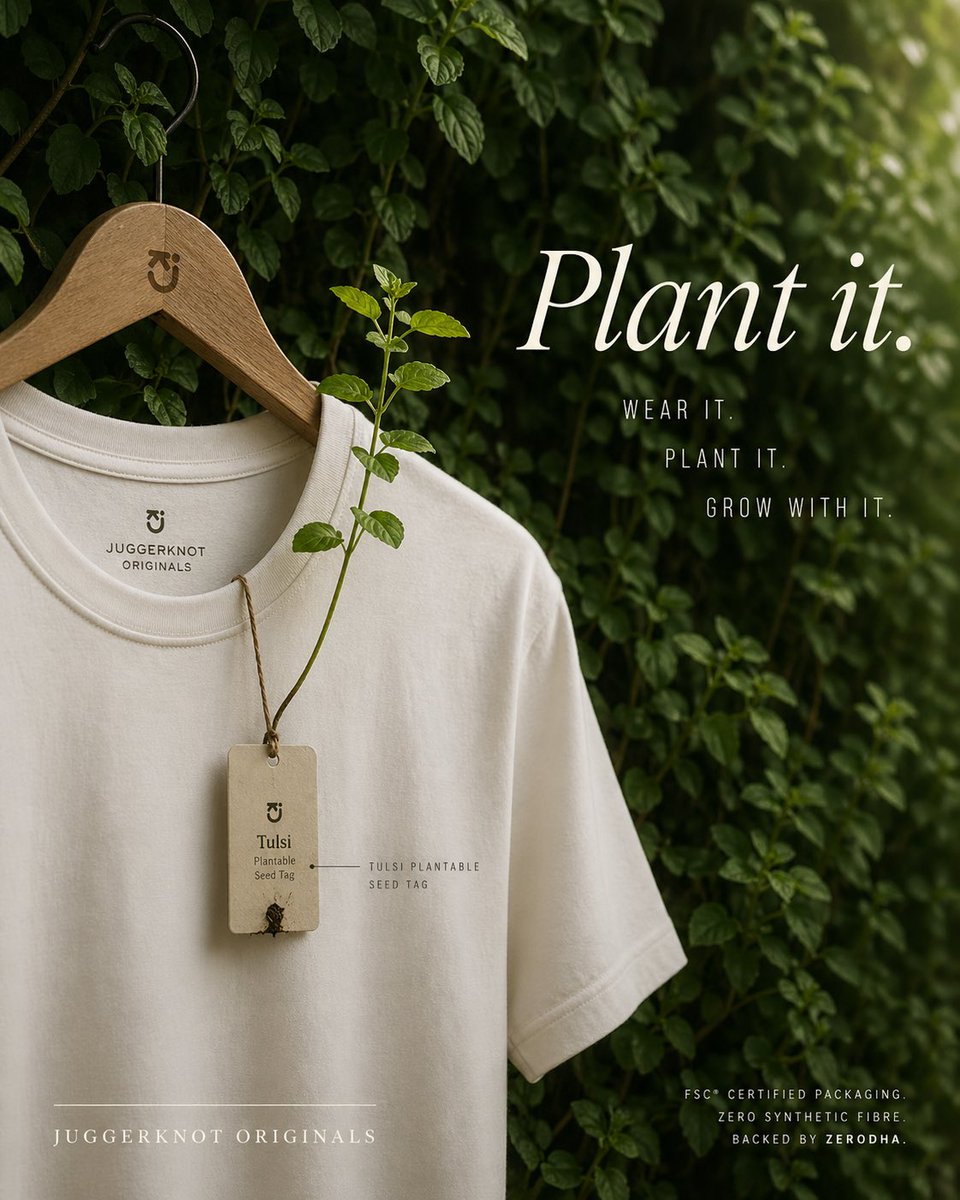
Sustainable T-Shirt Plantable Tag Ad
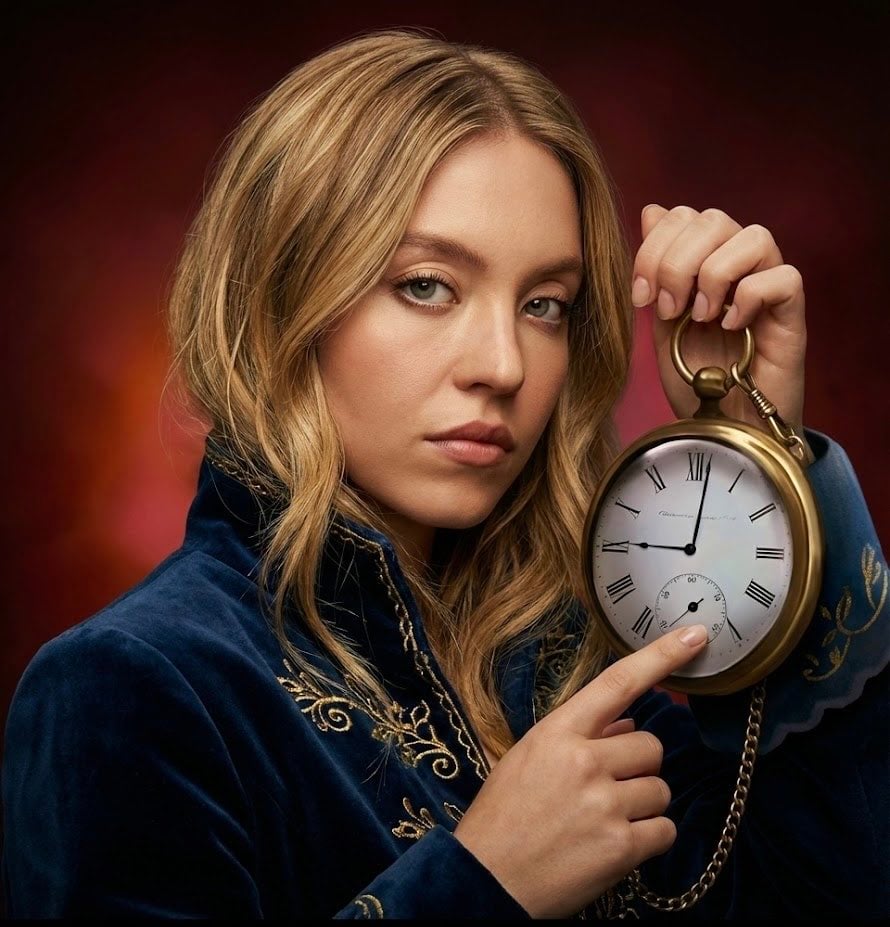
Strict photorealism constraints prompt for Nano Banana Pro
Browse template categories
8K Photorealistic Close-Up Selfie Prompt on Ornate Couch questions
How do I use the 8K Photorealistic Close-Up Selfie Prompt on Ornate Couch template?
Add your photo if the template asks for one, edit the prompt if you like — the template's model and format are already selected — and press Generate. Your version opens in PicX Studio.
Can I customize the 8K Photorealistic Close-Up Selfie Prompt on Ornate Couch template?
Yes. You can change the subject, setting, lighting, mood, format, and available model controls before creating your image.
Is the 8K Photorealistic Close-Up Selfie Prompt on Ornate Couch template free?
Opening and editing this template is free. Generating uses credits, shown on the Generate button when you are signed in.
Which AI model should I use?
Start with Nano Banana 2, which is the model associated with this template. You can compare another compatible model for a different finish.
Looking for something else? Browse all templates.

Your photo, any look
Thousands of ready templates for every top image and video model, from one credit balance.