
Ornate Peacock Lampshade Close-Up
A cinematic macro-style interior shot of an embroidered tasseled lampshade against a warm golden bokeh background.
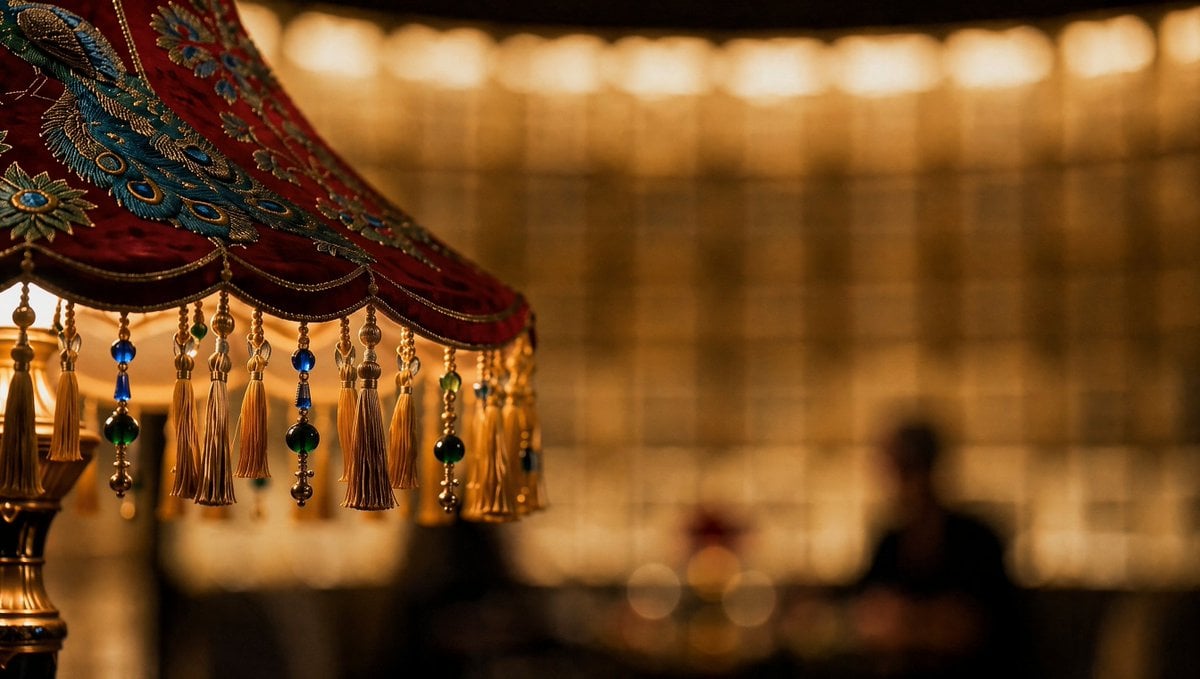
- Prompt included
- Model and format preset
- Free template
The prompt behind this image
Copy the exact prompt behind Ornate Peacock Lampshade Close-Up, or open it in the studio and make it yours.
Create a cinematic close-up photograph of an ornate vintage lampshade in a dim, luxurious interior. The composition is left-weighted: the lampshade fills the upper-left half of the frame and is cropped off at the top and left edges, while the right two-thirds fade into a warm golden bokeh background. The lampshade is deep {argument name="fabric color" default="crimson red velvet"} with intricate embroidered {argument name="embroidered motif" default="blue and gold peacock feather patterns"}, metallic gold thread, tiny bead chains, and exactly 12 visible dangling ornaments along the lower rim: 7 long gold tassels, 3 blue or green glass-bead drops, and 2 mixed bead-and-tassel strands. Include the brass lamp stem and a small glowing bulb partially visible at the far left. In the background, show a softly blurred wall of amber rectangular light panels and a dark indistinct human silhouette on the right, with no readable text. Use shallow depth of field, macro lens feel, warm tungsten lighting, rich contrast, glossy beads, detailed embroidery, cinematic color grading, 16:9 horizontal frame, elegant atmospheric mood.
How to use Ornate Peacock Lampshade Close-Up in 3 steps
- 1Upload ImagePNG, JPG or paste
Add your photo
Upload the photo the template builds on. The prompt, model and format are already set.
- 2…a portrait of your subject in softgolden-hour light, 85mm…
Personalize
Edit the subject and creative details for your destination.
- 3Generate
Generate
Press Generate — your image is created in PicX Studio, so you can compare it with the original and refine one variable at a time.
More like this
Templates with the same subject, style or setup. Open one to see its prompt.
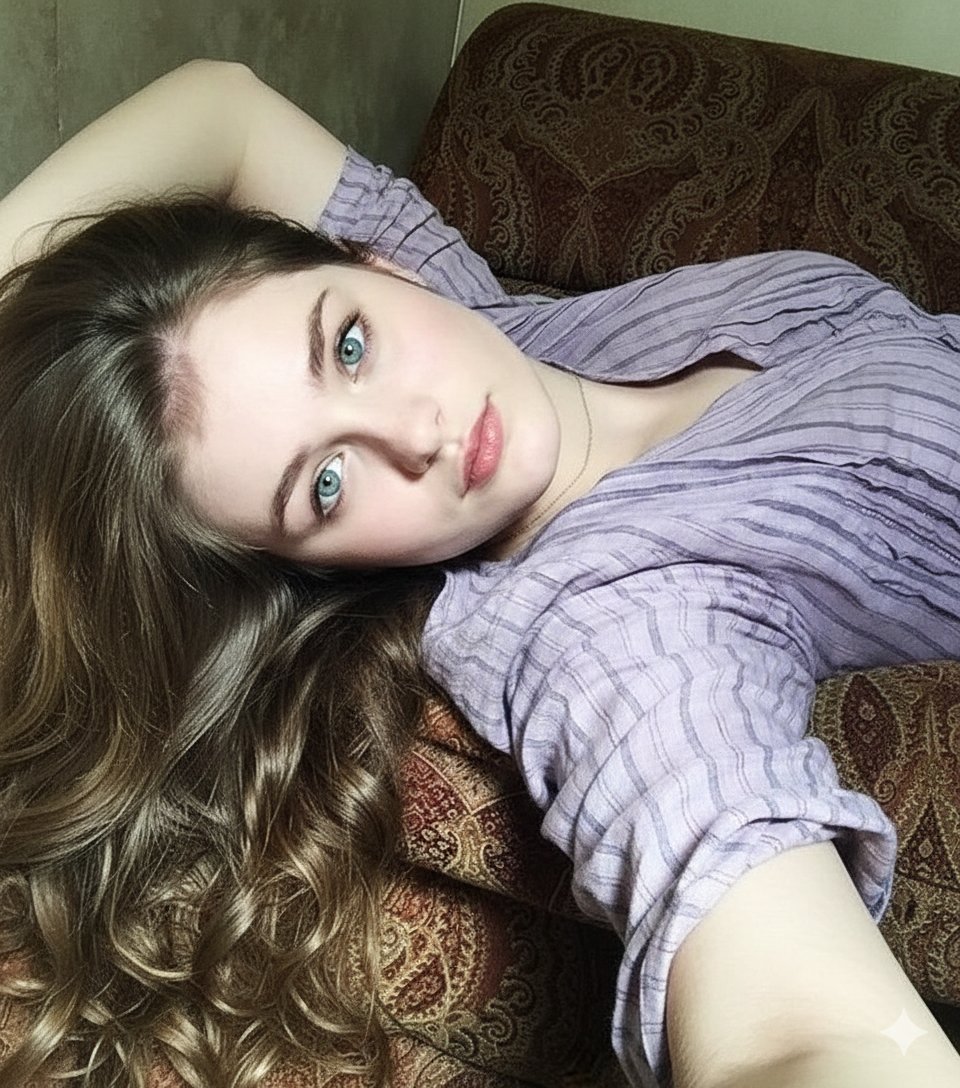
8K Photorealistic Close-Up Selfie Prompt on Ornate Couch
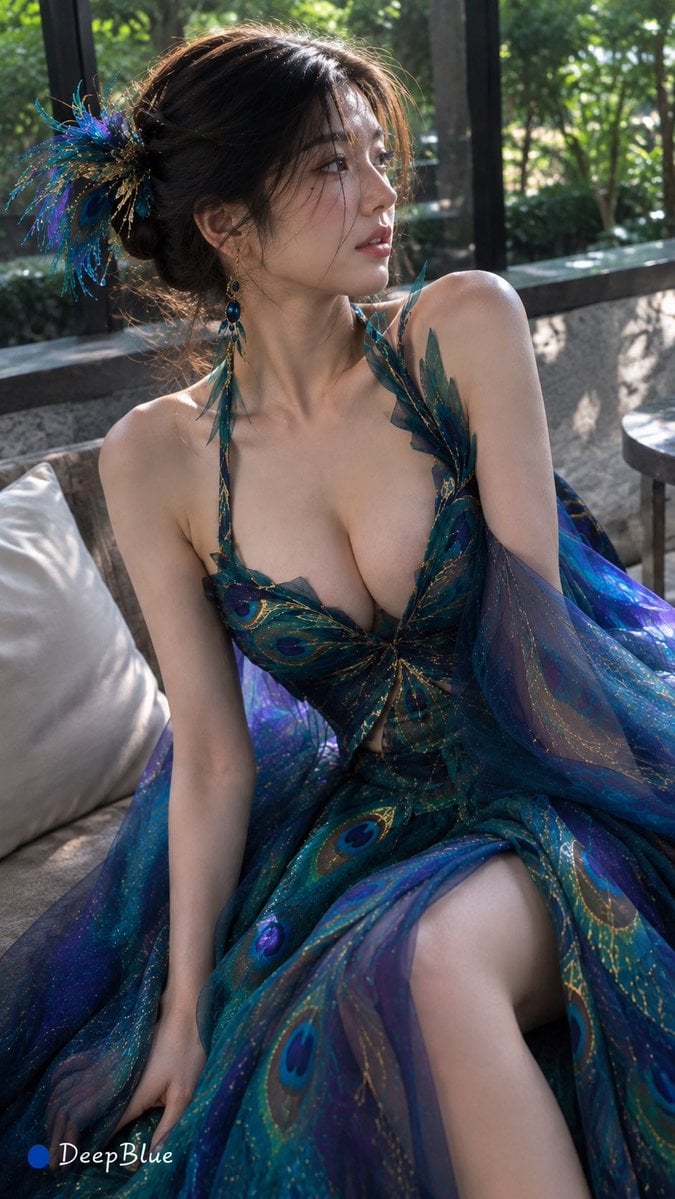
Peacock-Inspired Modern Fashion
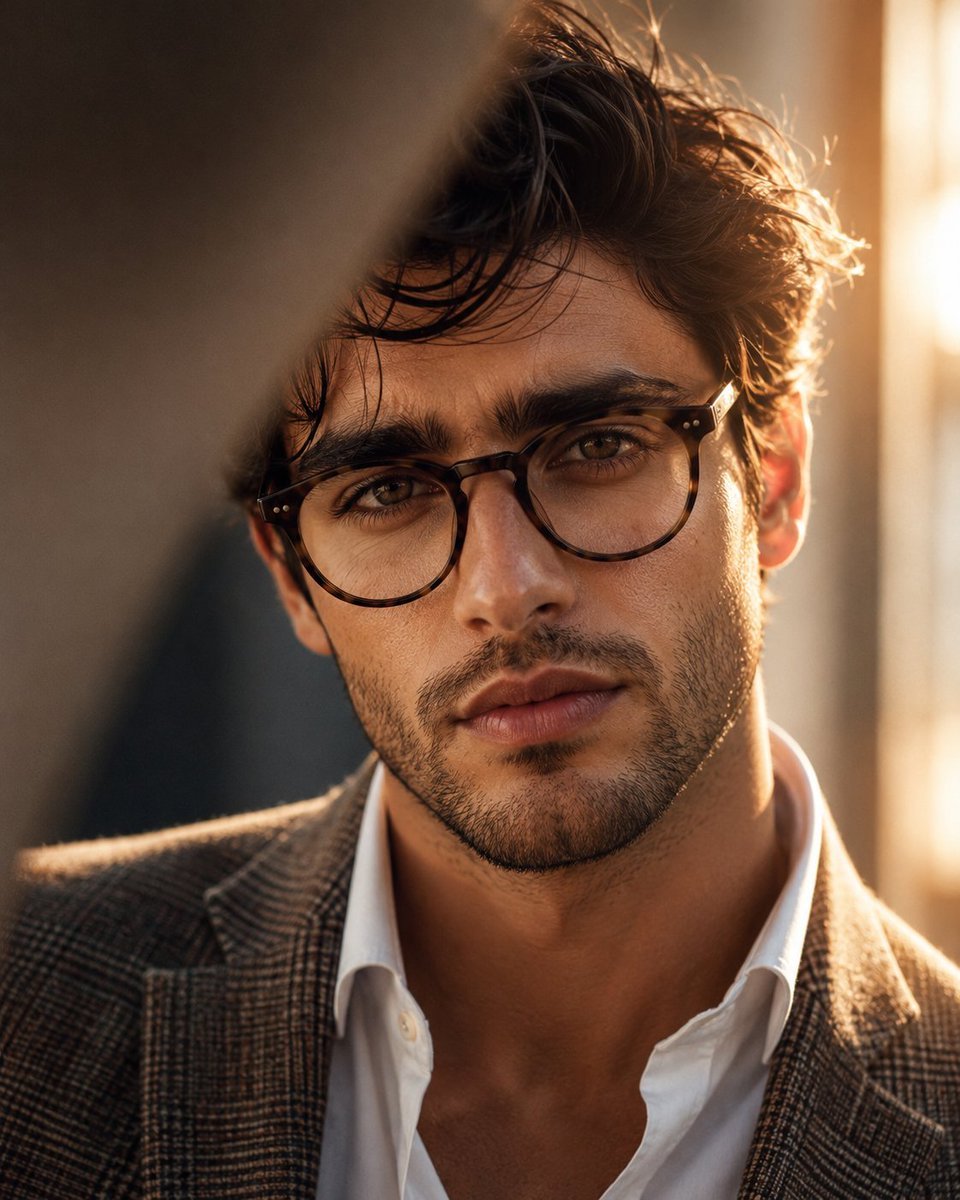
Masculine Close-up Editorial Portrait
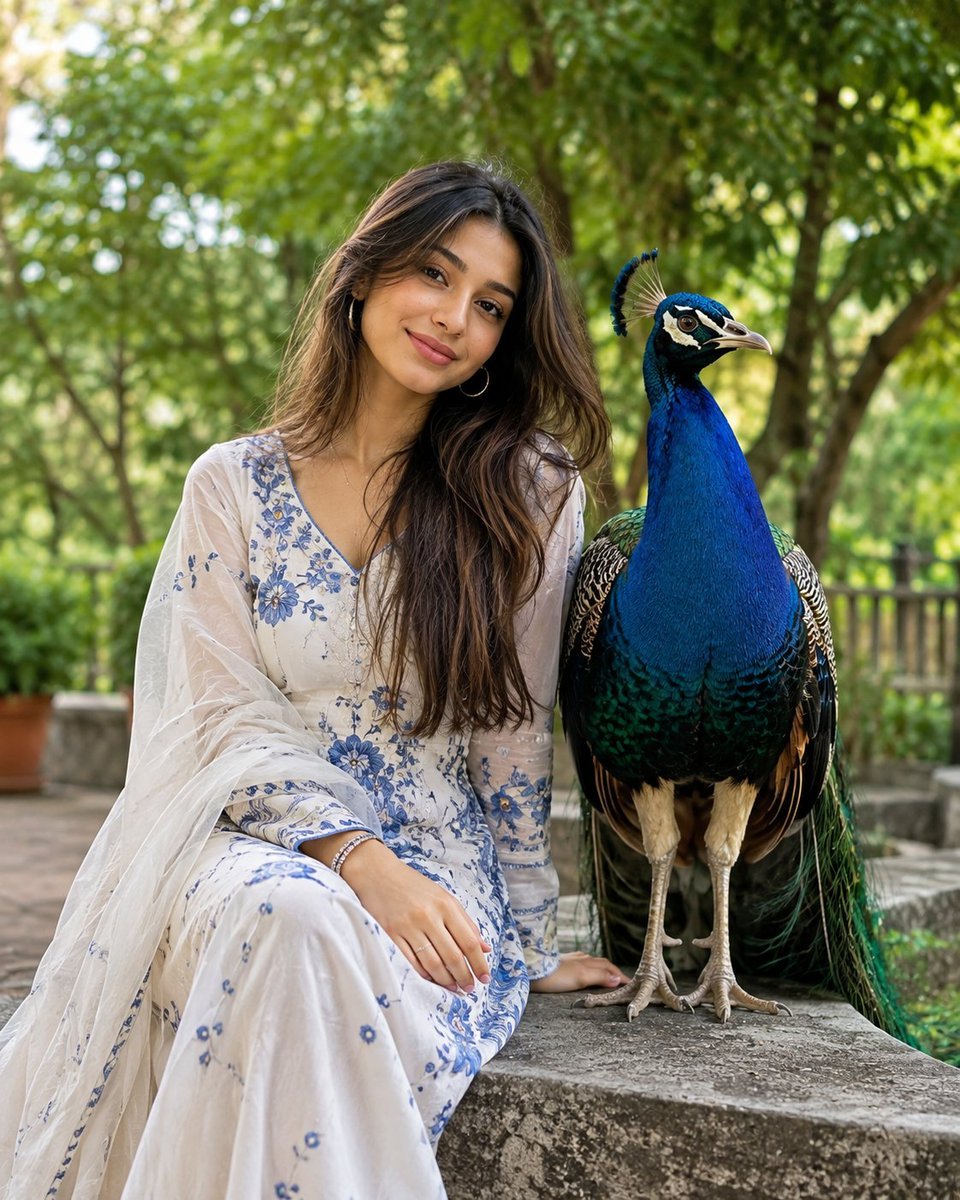
South Asian Portrait with Majestic Peacock
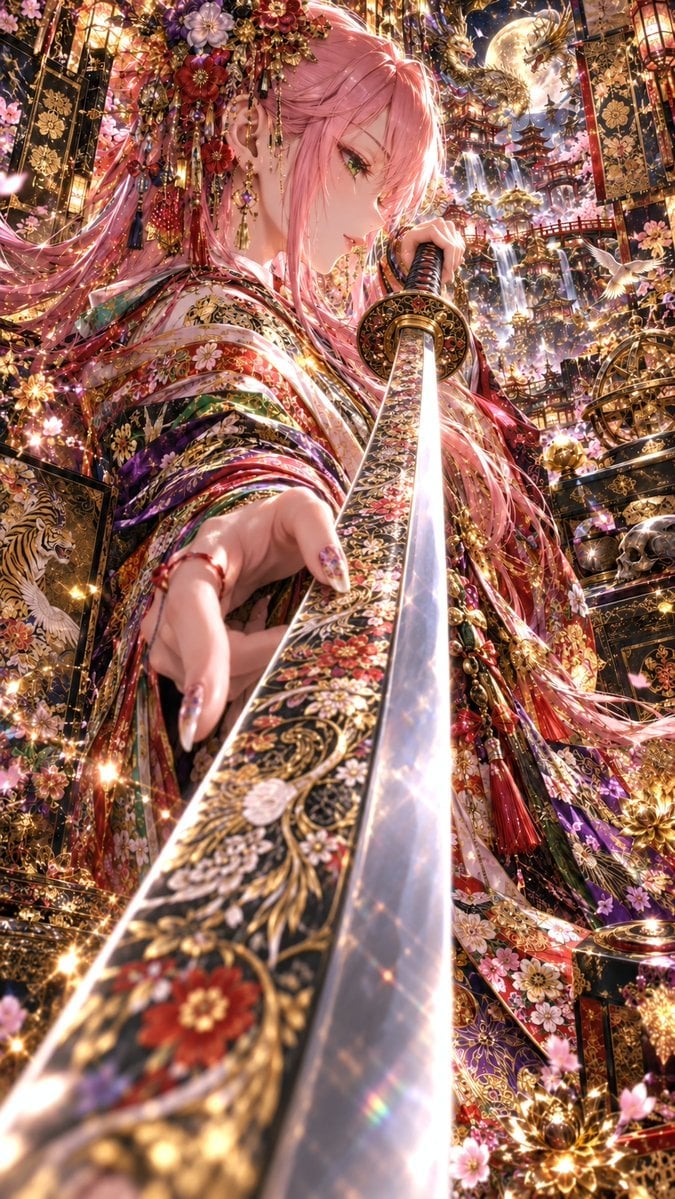
Ornate Pink-Haired Samurai Princess
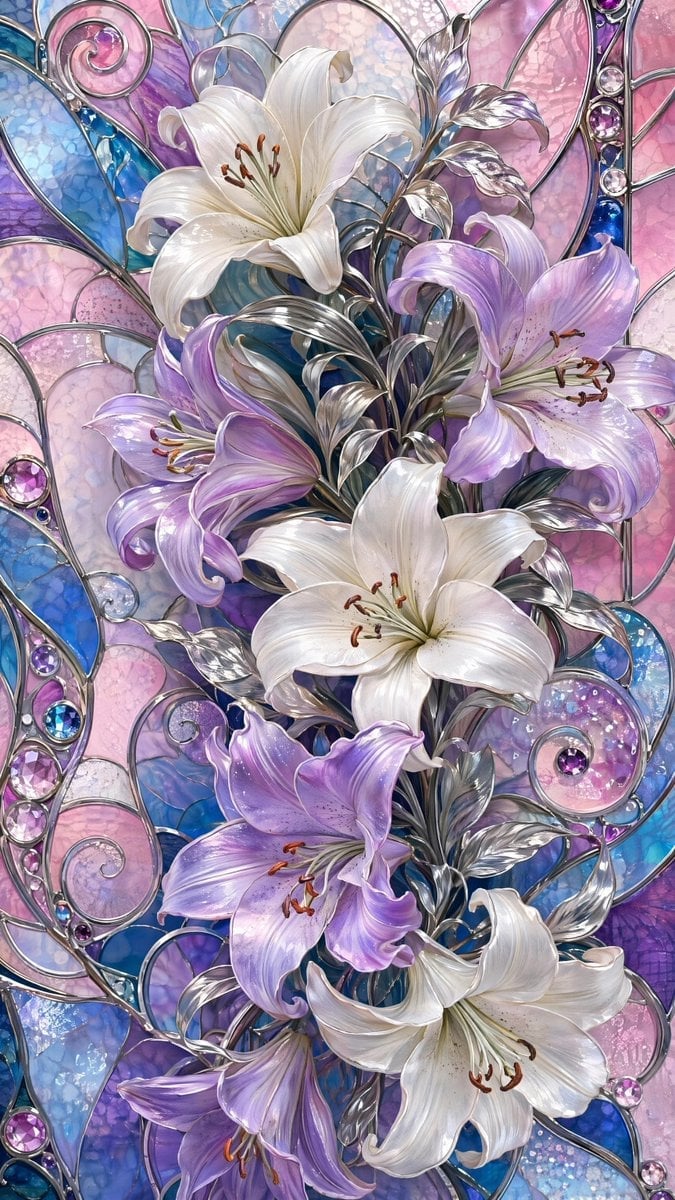
Ornate Lily Stained Glass
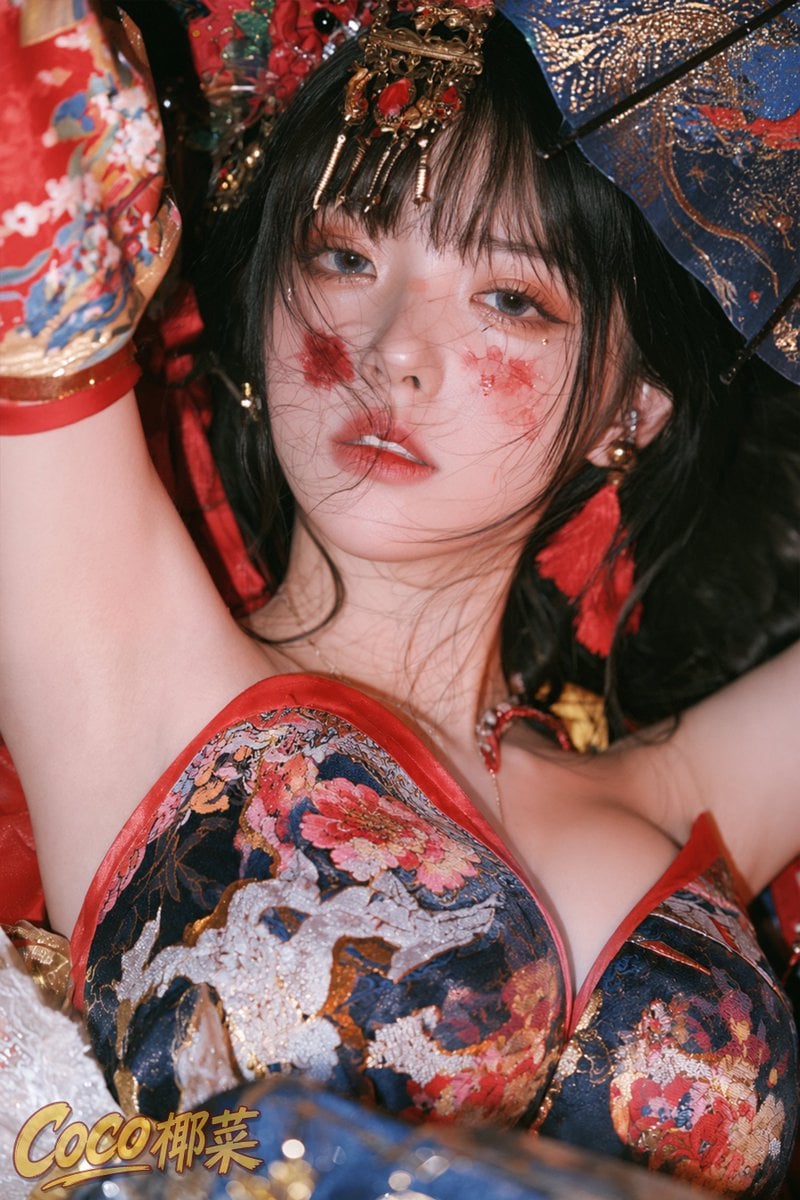
Ornate Chinese Festival Portrait
Authentic Smartphone Selfie Close-up
Cozy Close-up Selfie Portrait
Ornate Kimono Anime Woman

Ornate A-Un Kimono Album Cover
Ornate Silver Headdress Portrait
Make it yours
Ornate Peacock Lampshade Close-Up works as-is. These are the safest ways to change it without losing the look.
Change one field
Copy a single group, rewrite it, and generate again so you can see what that field is doing.
Keep the frame, change the subject
Hold the composition and light of Ornate Peacock Lampshade Close-Up, then swap wardrobe, props or the person for a new take.
| If the result… | Why | Fix |
|---|---|---|
| The result drifts from the preview | Too many fields changed at once. | Reuse Ornate Peacock Lampshade Close-Up as-is first, then change one group — subject, light, or setting. |
| The model over-stylizes the scene | The prose prompt leaves finish and camera underspecified. | Add one camera or lighting sentence and stay on GPT Image 2. |
More GPT Image 2 templates
Other prompts made for GPT Image 2.

Six VTuber Japanese Logo Sheet

Realistic Portrait of Woman and Deer

The Vista Modular Condo Poster

AI Model Routing Comparison Infographic

2.5D Anime Art Board

Isometric Productivity Desk Scene

New York Double Exposure Poster

Four-Panel AI Landscape Comparison

Japanese Tatami Lifestyle Magazine Cover

NESCAFÉ Coffee Map Poster
More image prompts
Fresh picks from across the catalog.
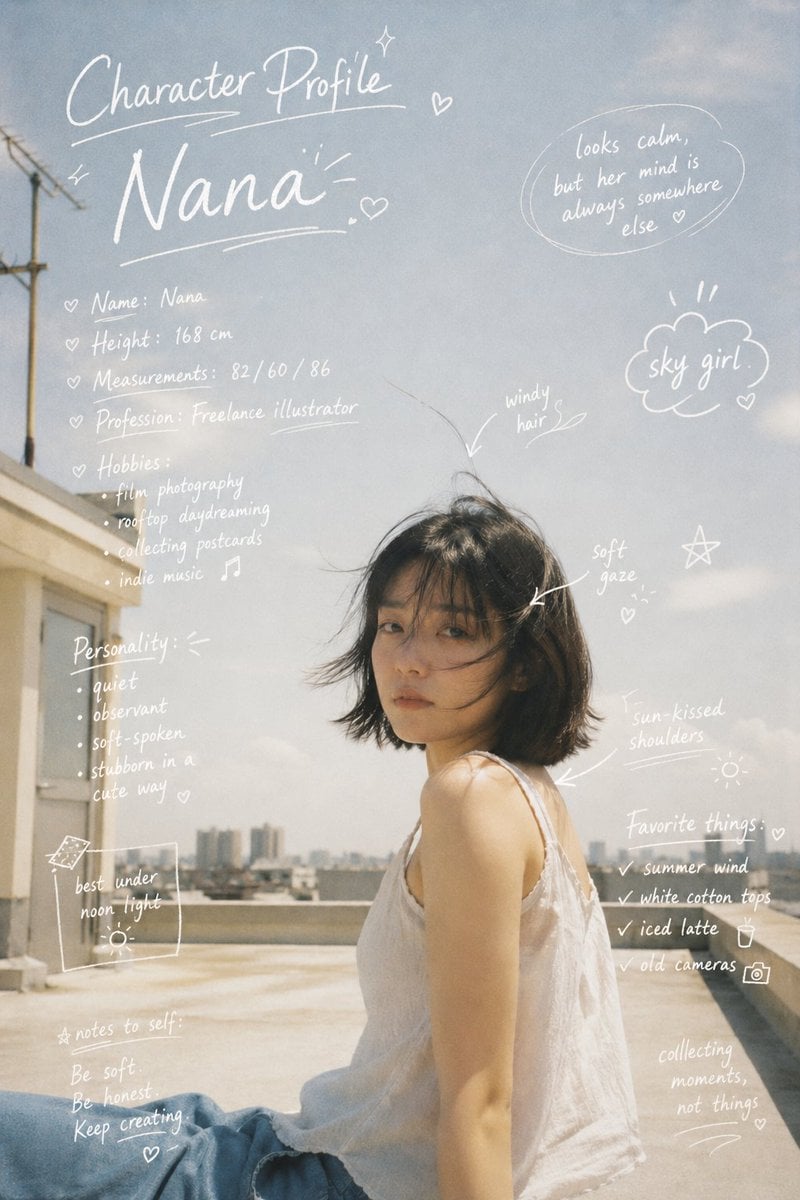
Character Profile Annotation Overlay
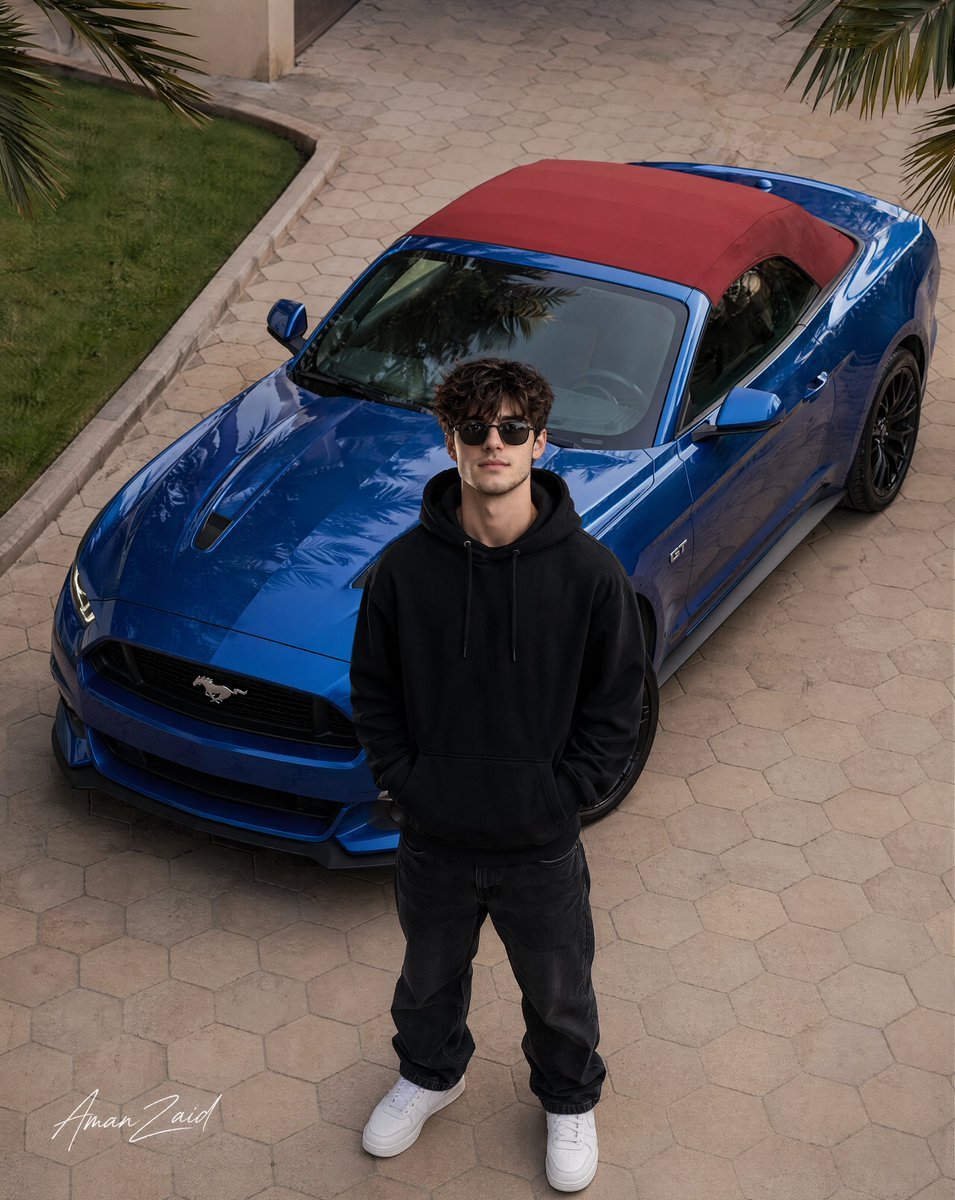
Cinematic portrait of a man with a Ford Mustang
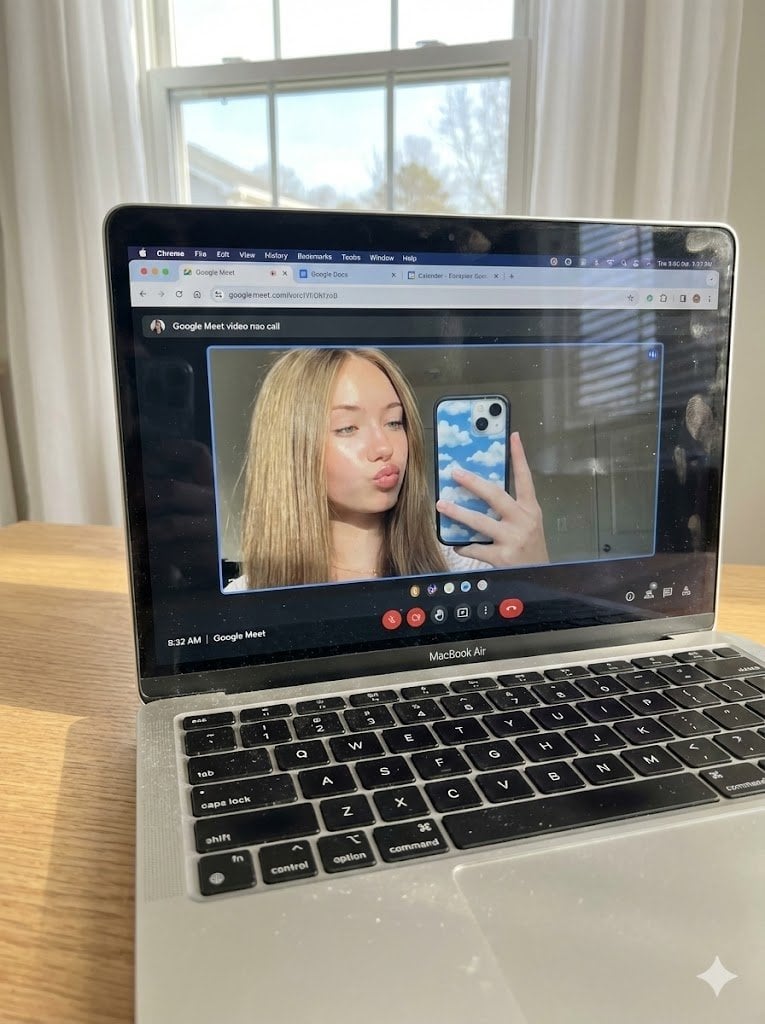
Raw Photo of MacBook Screen During Google Meet Selfie

Illustrated City Food Map
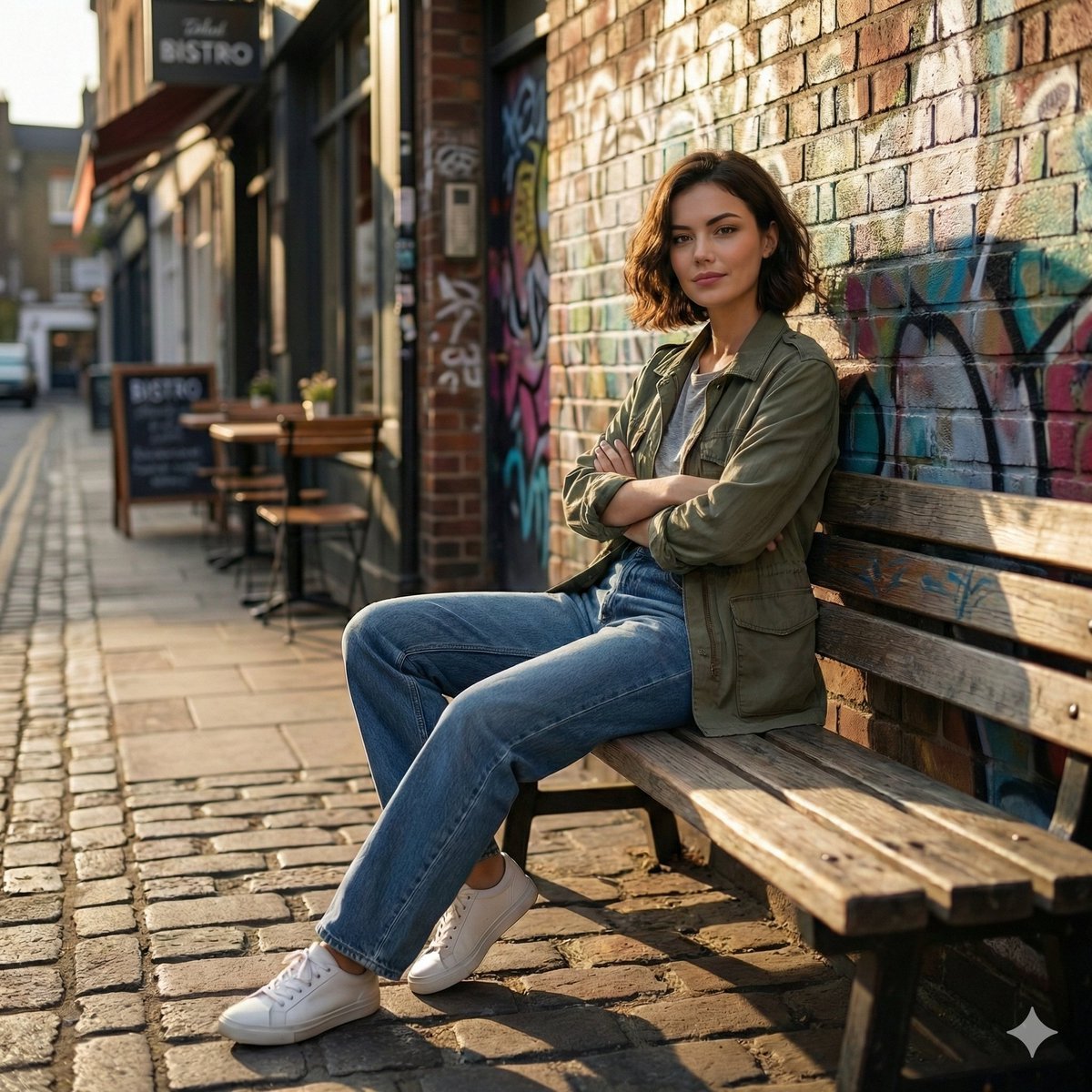
Cinematic Urban Street Scene Prompt
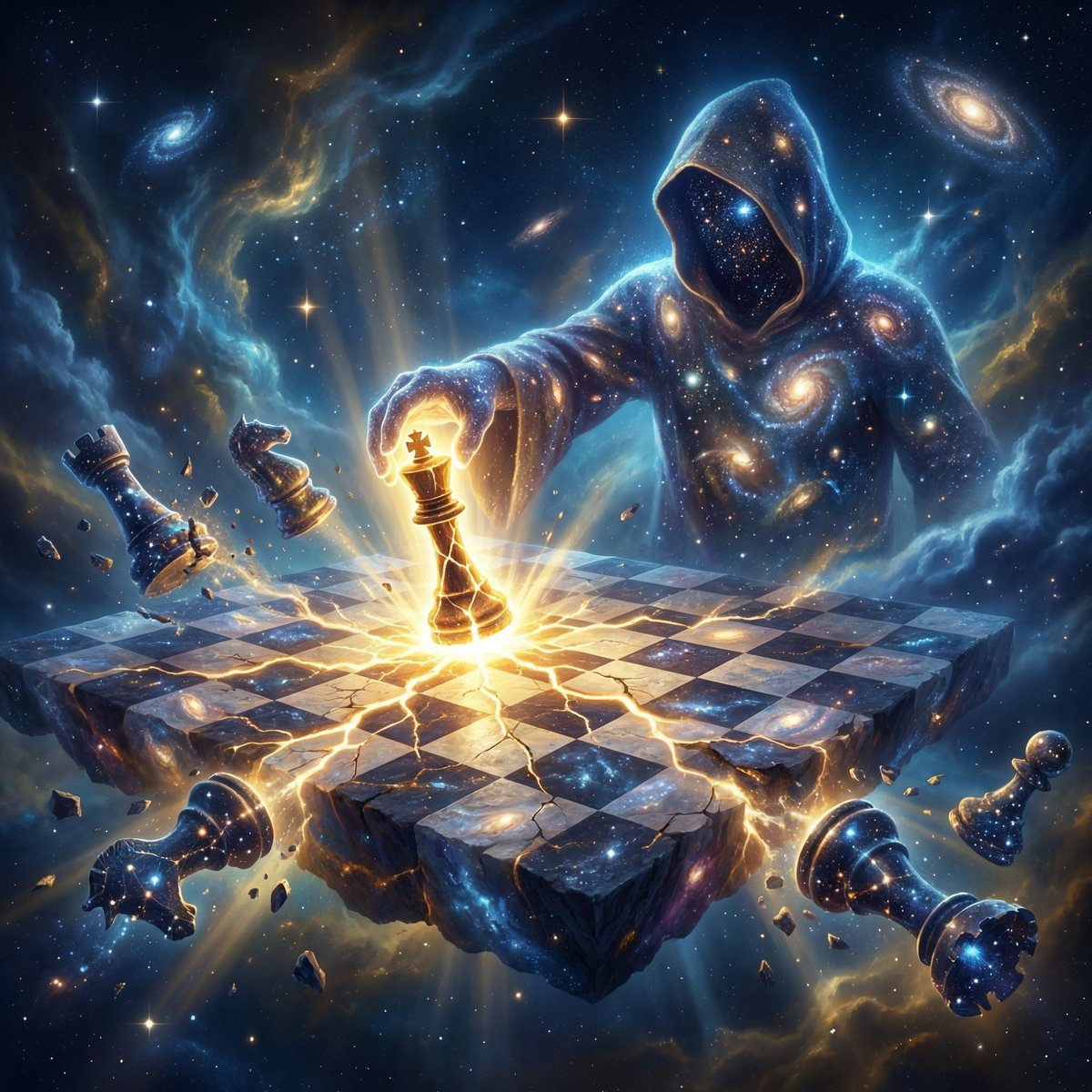
Cosmic Chessboard Checkmate Scene
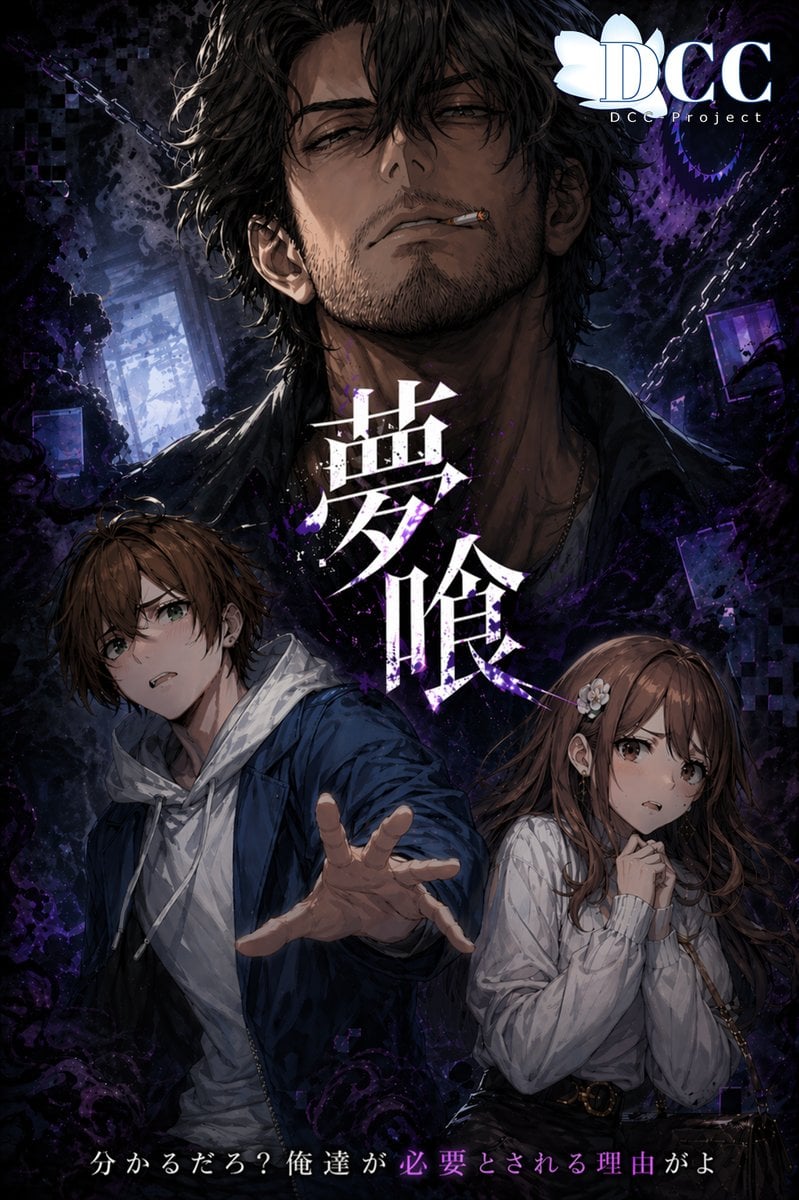
Dark Fantasy RPG Key Visual Poster
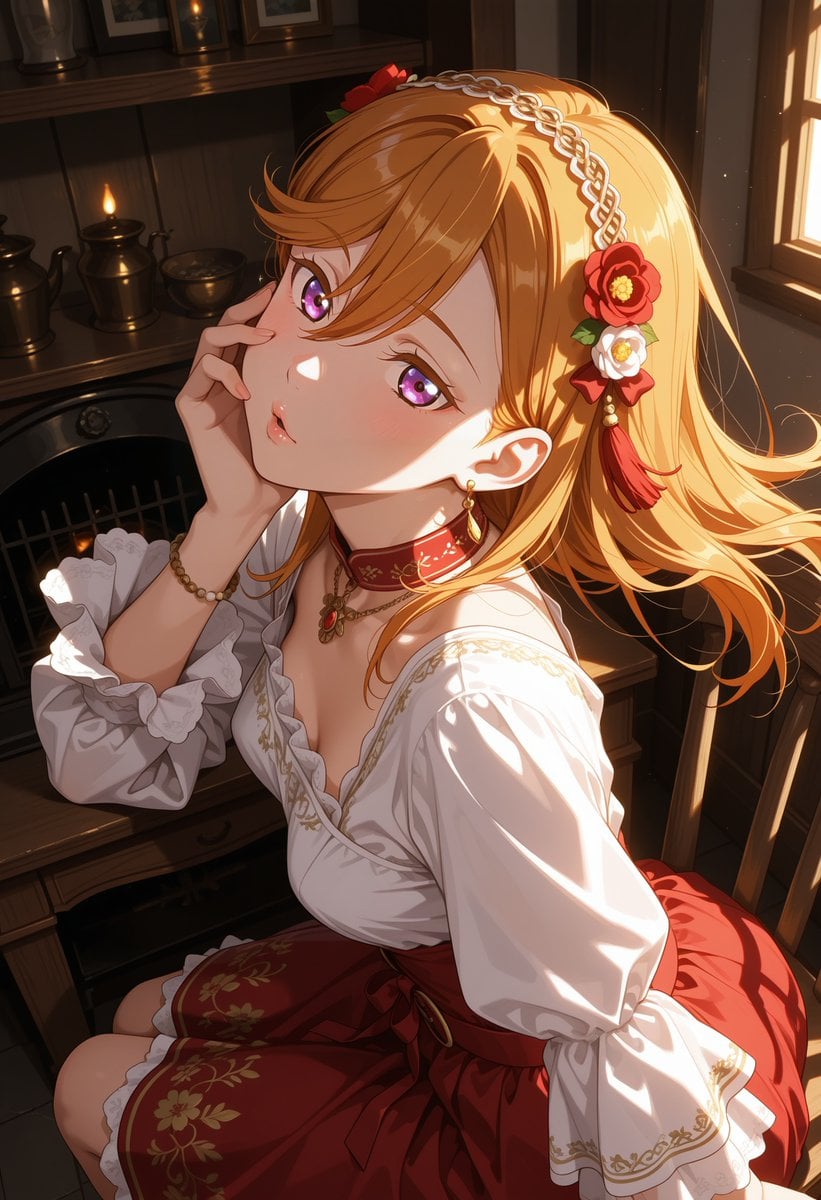
Victorian Maid Anime Portrait

Orthographic Reference Sheet Generation
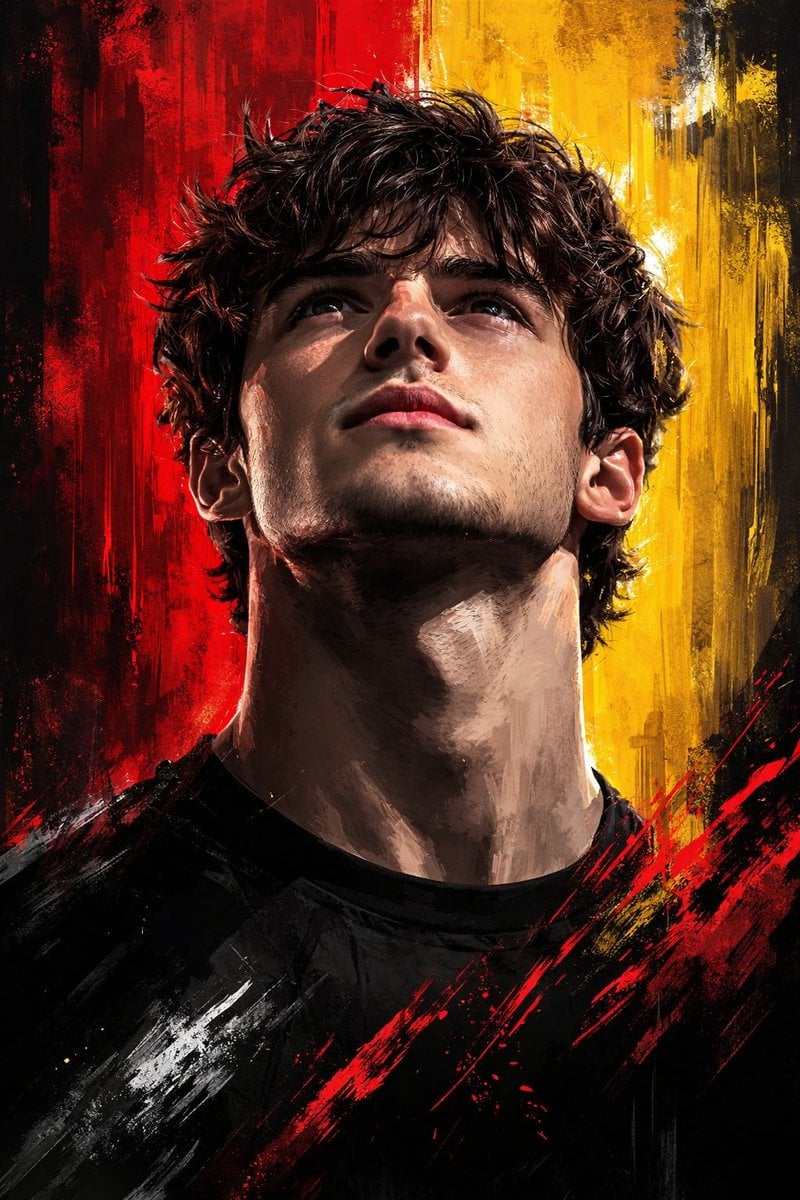
Dramatic Digital Painting Portrait with Limited Palette
Browse template categories
Ornate Peacock Lampshade Close-Up questions
How do I use the Ornate Peacock Lampshade Close-Up template?
Add your photo if the template asks for one, edit the prompt if you like — the template's model and format are already selected — and press Generate. Your version opens in PicX Studio.
Can I customize the Ornate Peacock Lampshade Close-Up template?
Yes. You can change the subject, setting, lighting, mood, format, and available model controls before creating your image.
Is the Ornate Peacock Lampshade Close-Up template free?
Opening and editing this template is free. Generating uses credits, shown on the Generate button when you are signed in.
Which AI model should I use?
Start with GPT Image 2, which is the model associated with this template. You can compare another compatible model for a different finish.
Looking for something else? Browse all templates.

Your photo, any look
Thousands of ready templates for every top image and video model, from one credit balance.