
Masculine Close-up Editorial Portrait
A detailed close-up portrait prompt for GPT Image 2 focusing on facial features, tortoiseshell eyewear, and golden-hour lighting.
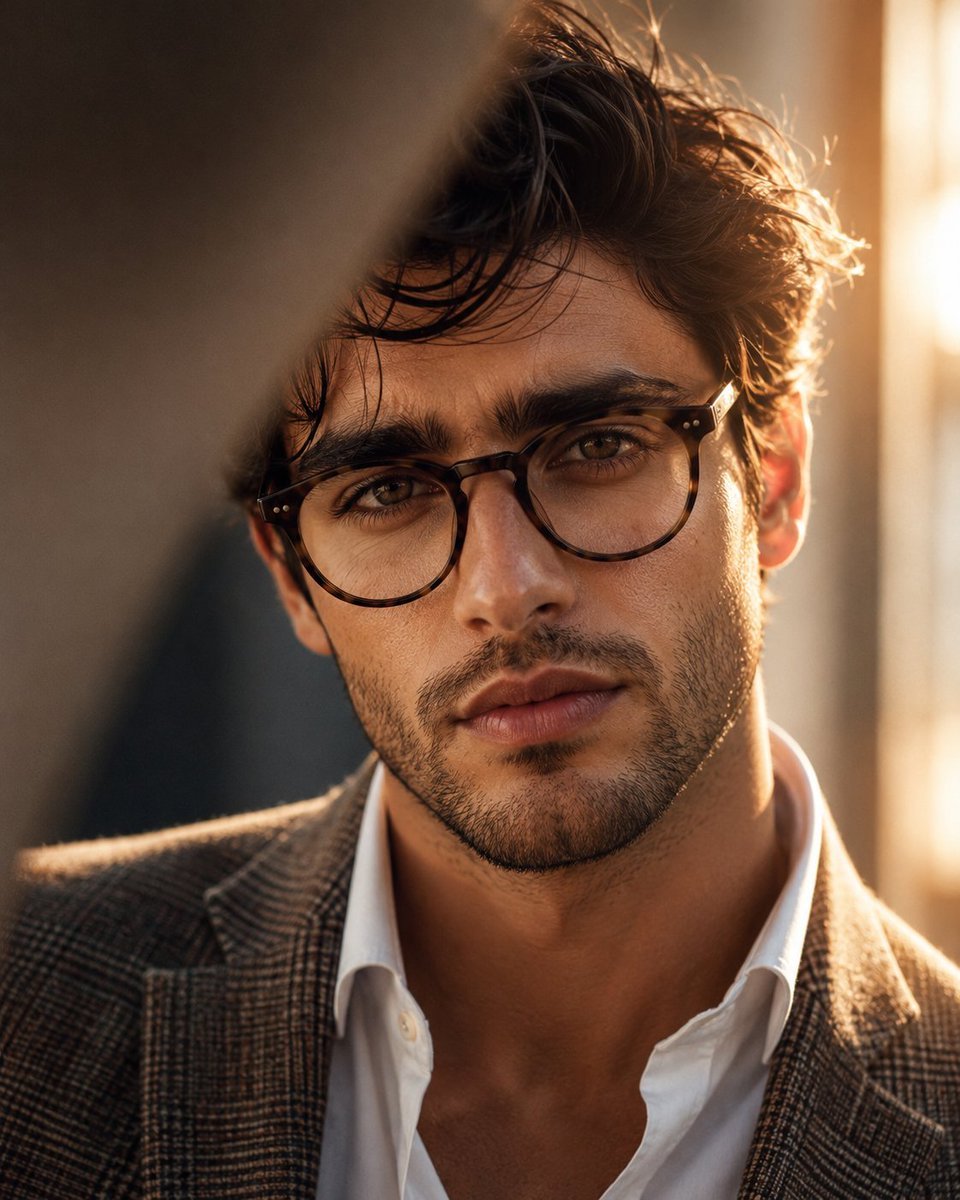
- Prompt included
- Model and format preset
- Free template
The prompt behind this image
Copy the exact prompt behind Masculine Close-up Editorial Portrait, or open it in the studio and make it yours.
Ultra-realistic cinematic editorial close-up portrait of a strikingly handsome {argument name="subject" default="young man in his early 20s"}, completely original character, inspired by the reference image’s composition, framing, lighting, and warm sophisticated atmosphere. He has a naturally attractive masculine face, thick slightly wavy dark-brown to jet-black hair styled casually with a few soft strands falling across his forehead, strong well-defined eyebrows, deep expressive {argument name="eye color" default="hazel-brown"} eyes, a straight sculpted nose, prominent cheekbones, defined masculine jawline, subtle natural stubble, and well-shaped lips. He is wearing elegant {argument name="eyewear" default="tortoiseshell round eyeglasses"}, a crisp slightly open white dress shirt, and a refined {argument name="blazer style" default="brown-gray textured checkered blazer"}. His expression is calm, confident, and subtly intense, looking directly into the camera. Extreme close-up framing, face occupying most of the image, camera positioned at eye level, shallow depth of field, soft natural skin texture, realistic pores and fine facial hair, beautifully detailed eyes and glasses. A blurred foreground element partially crosses the upper-left portion of the frame, creating an intimate candid photography feel. Warm golden-hour sunlight streams from behind him on the right side, creating a soft glowing rim light around his hair and cheek, gentle highlights, natural shadows, and warm amber tones. Background is an elegant softly blurred indoor setting with creamy neutral colors and subtle bokeh. 85mm portrait lens, f/1.4, cinematic depth of field, natural warm color grading, soft diffused lighting, high dynamic range, photorealistic skin, luxury fashion editorial photography, sophisticated masculine aesthetic, subtle film grain, extremely detailed, 8K realism, no artificial-looking skin, no exaggerated features.
How to use Masculine Close-up Editorial Portrait in 3 steps
- 1Upload ImagePNG, JPG or paste
Add your photo
Upload the photo the template builds on. The prompt, model and format are already set.
- 2…a portrait of your subject in softgolden-hour light, 85mm…
Personalize
Edit the subject and creative details for your destination.
- 3Generate
Generate
Press Generate — your image is created in PicX Studio, so you can compare it with the original and refine one variable at a time.
More like this
Templates with the same subject, style or setup. Open one to see its prompt.

untitled

Gpt Image 2 Fashion Portrait

Caution Tape Fashion — Industrial Editorial

Couture Fashion Editorial Woman and Drag

Nano Banana 2 Editorial Fashion Portrait
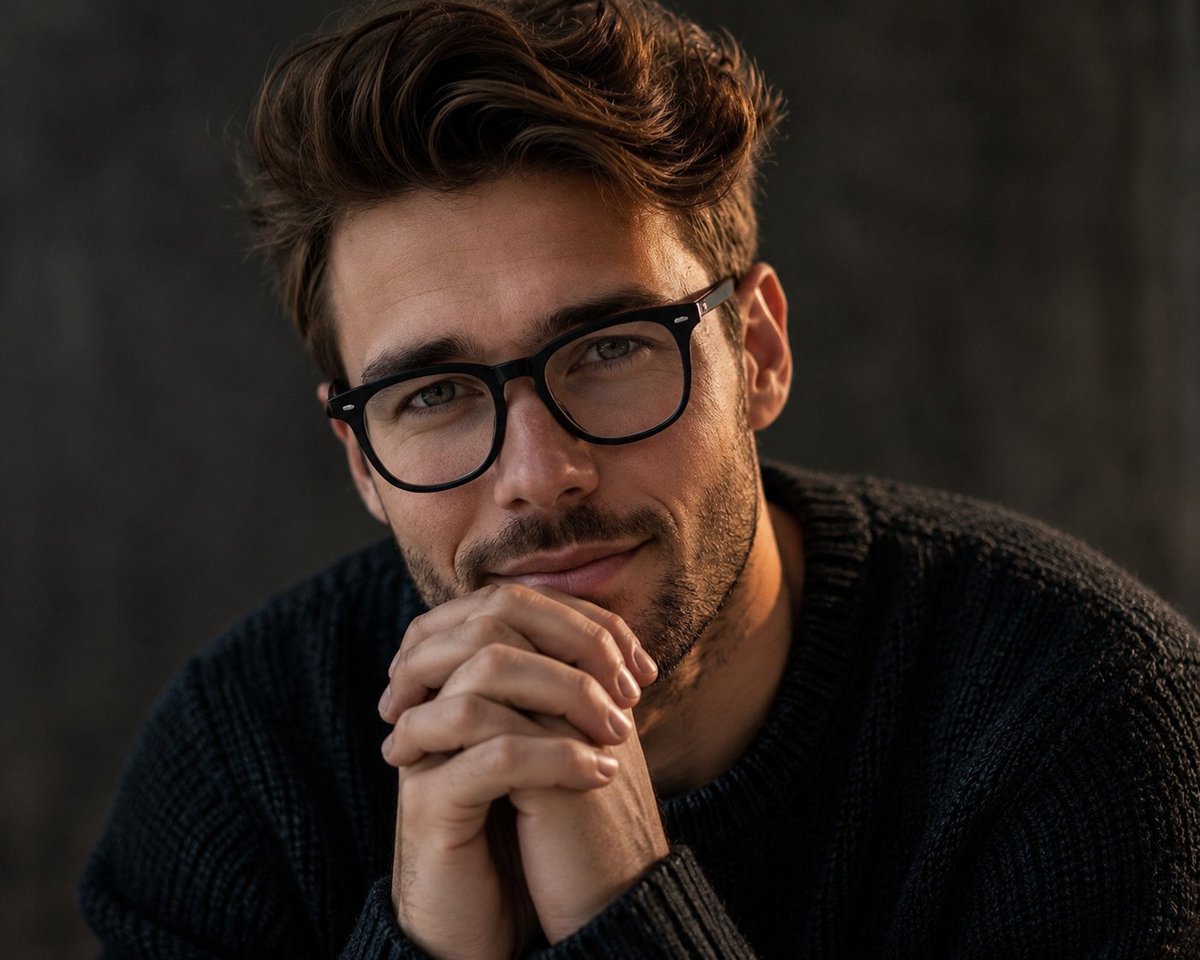
Masculine Contemplative Editorial Portrait
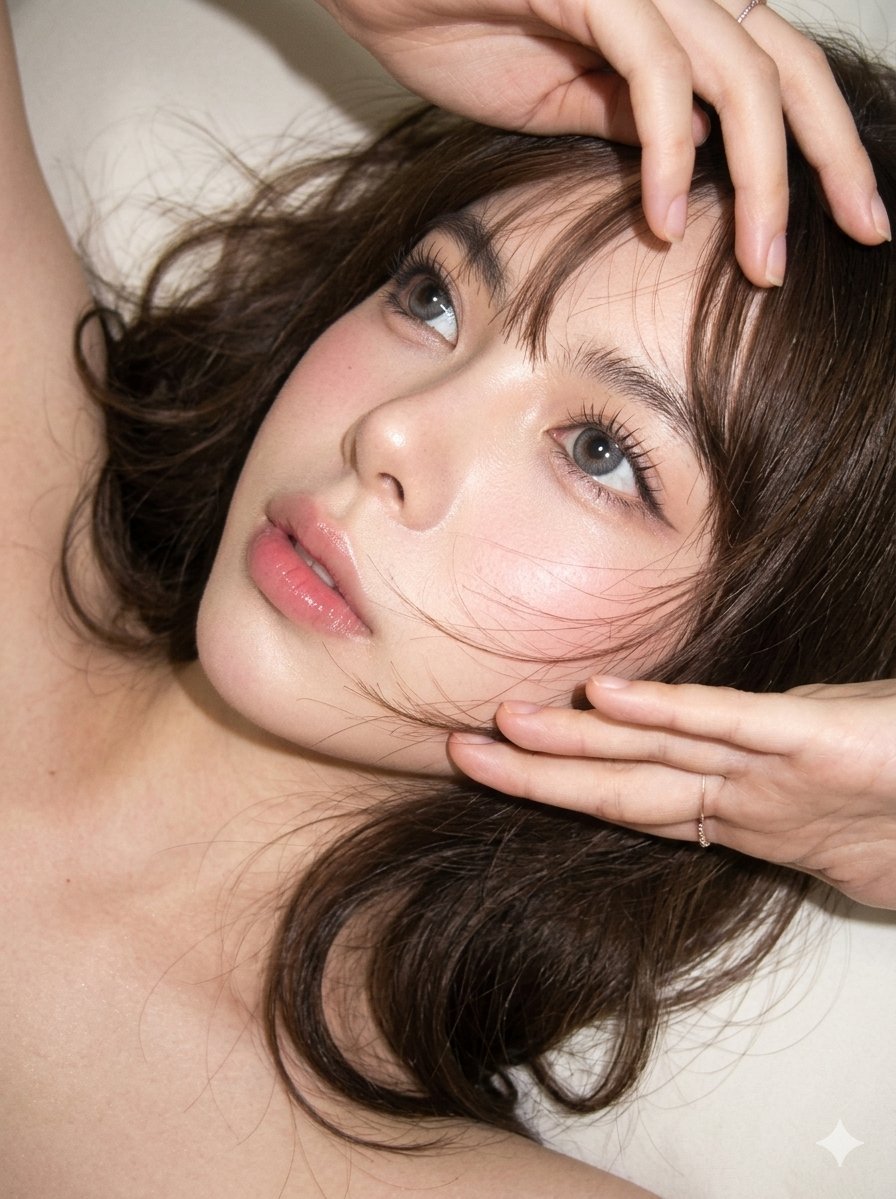
Editorial CCD Close-up Beauty Portrait
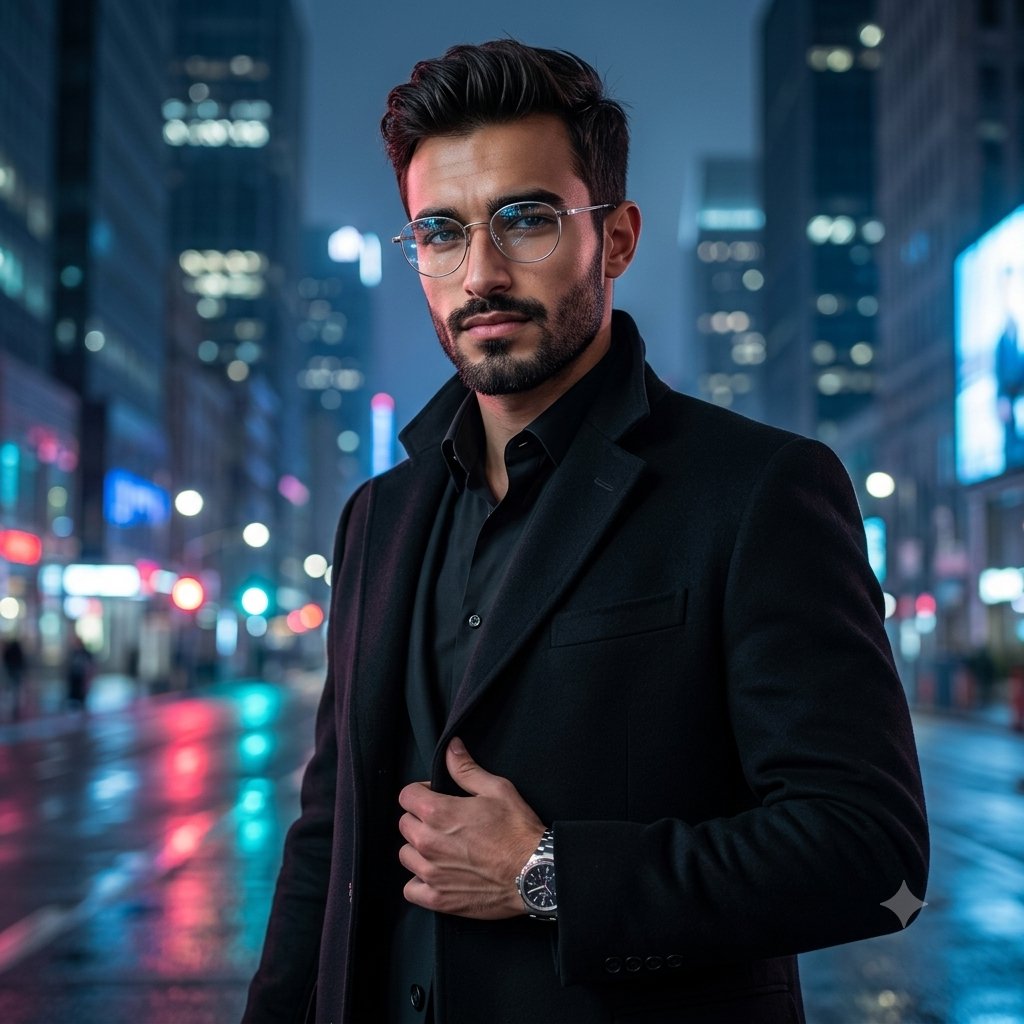
Premium Masculine Editorial Portrait

Found Photograph: Us, 1970

80s Couple Studio Portrait

80s Bollywood Star

80s Golden Hour Cinema
Make it yours
Masculine Close-up Editorial Portrait works as-is. These are the safest ways to change it without losing the look.
Change one field
Copy a single group, rewrite it, and generate again so you can see what that field is doing.
Keep the frame, change the subject
Hold the composition and light of Masculine Close-up Editorial Portrait, then swap wardrobe, props or the person for a new take.
| If the result… | Why | Fix |
|---|---|---|
| The result drifts from the preview | Too many fields changed at once. | Reuse Masculine Close-up Editorial Portrait as-is first, then change one group — subject, light, or setting. |
| The model over-stylizes the scene | The prose prompt leaves finish and camera underspecified. | Add one camera or lighting sentence and stay on GPT Image 2. |
More GPT Image 2 templates
Other prompts made for GPT Image 2.

Six VTuber Japanese Logo Sheet

Realistic Portrait of Woman and Deer

The Vista Modular Condo Poster

AI Model Routing Comparison Infographic

2.5D Anime Art Board

Isometric Productivity Desk Scene

New York Double Exposure Poster

Four-Panel AI Landscape Comparison

Japanese Tatami Lifestyle Magazine Cover

NESCAFÉ Coffee Map Poster
More image prompts
Fresh picks from across the catalog.
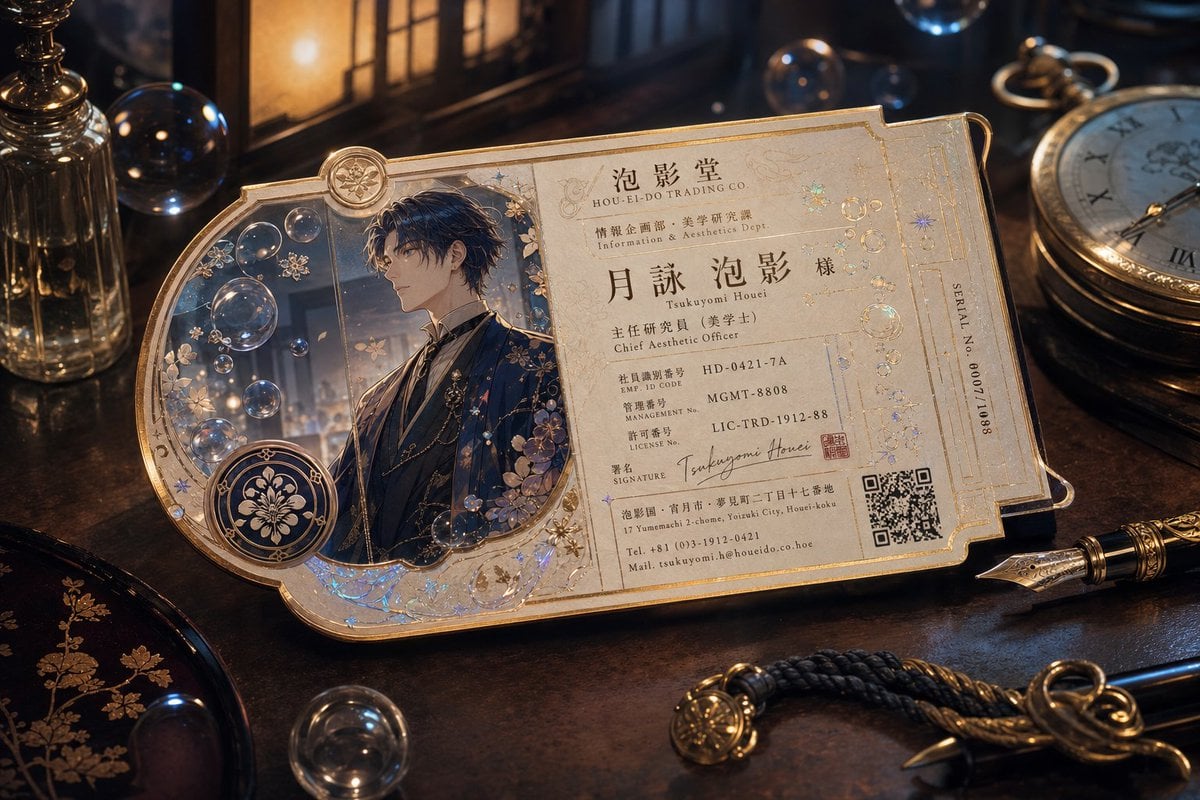
Ornate Fantasy Business Card
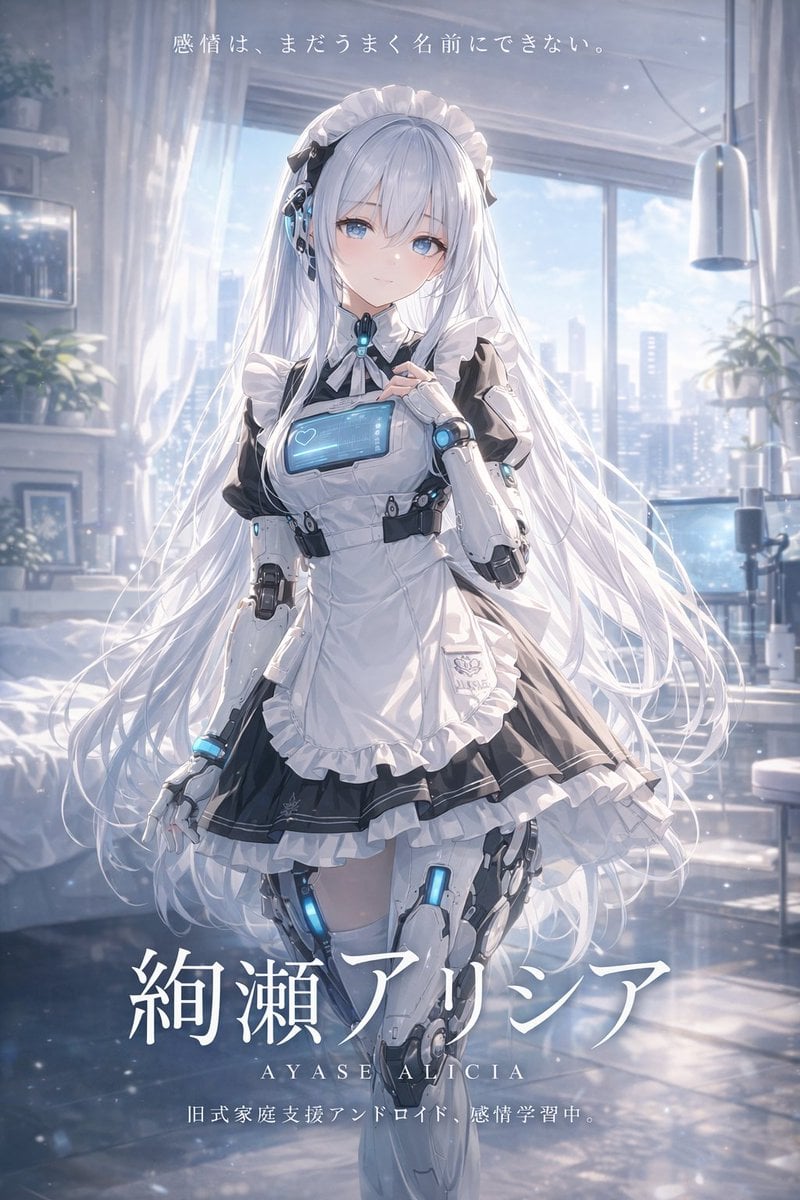
Sci-Fi Android Maid Light Novel Cover
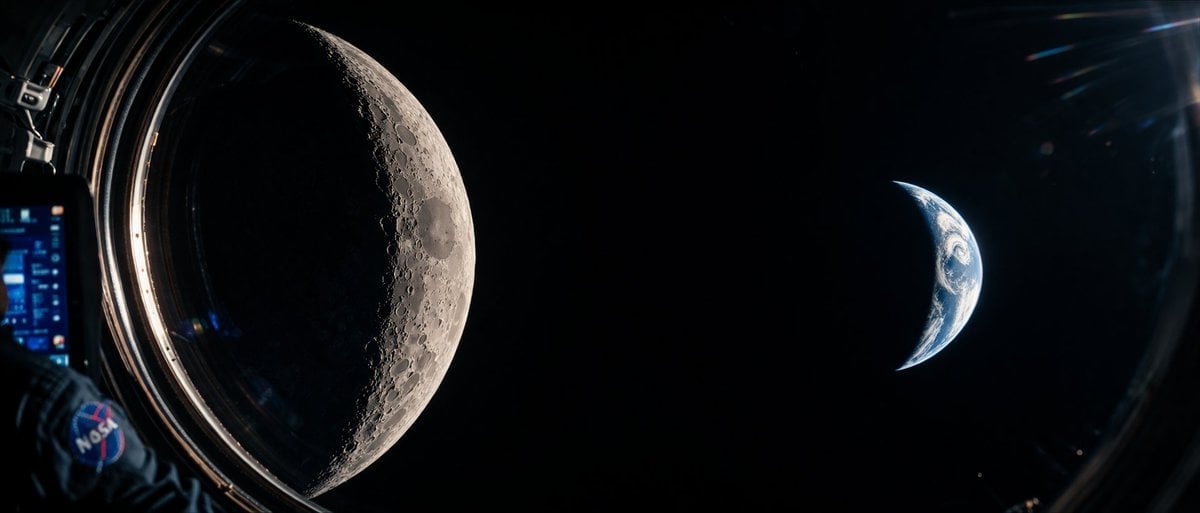
Cinematic Spacecraft View of Moon and Earth
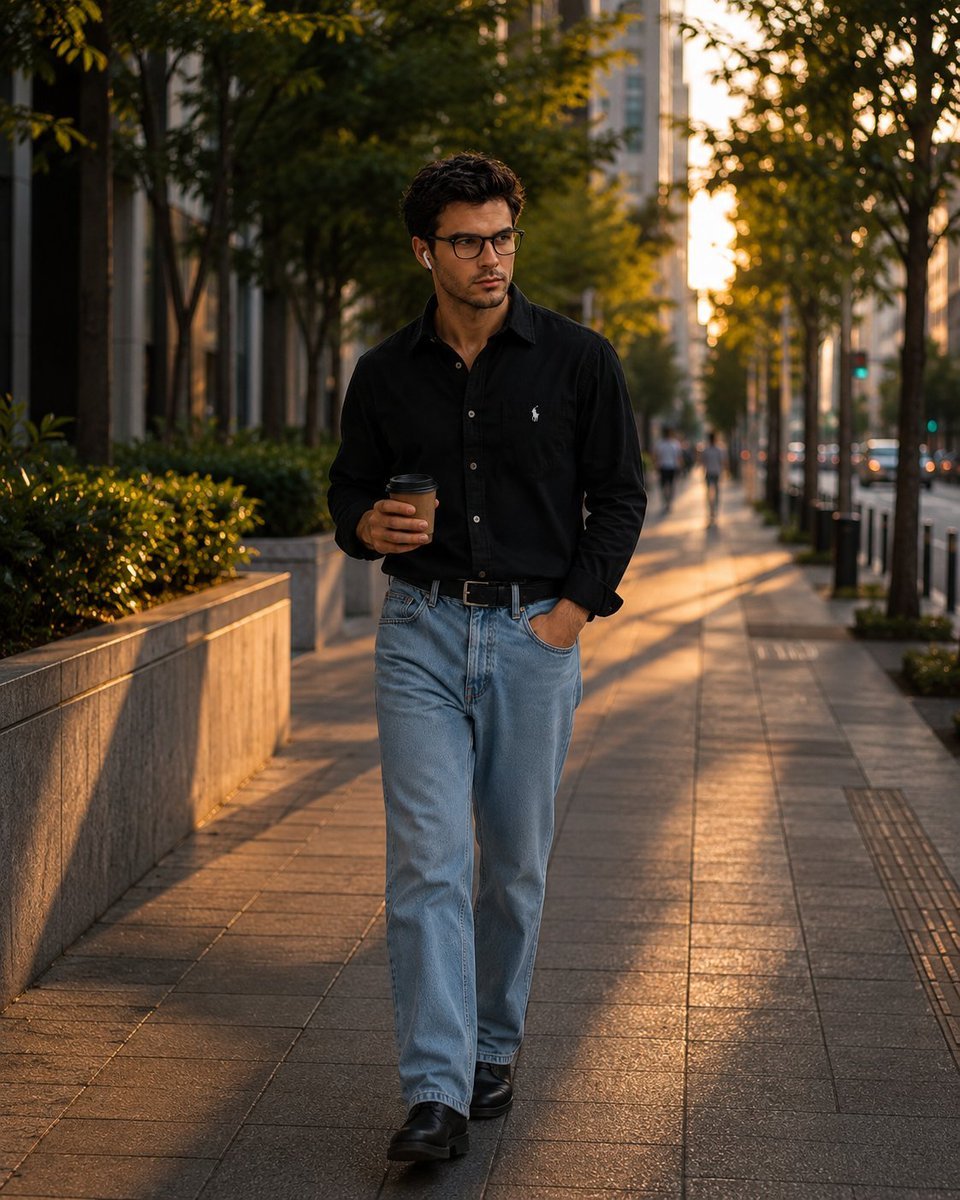
Urban Golden Hour Fashion Photography
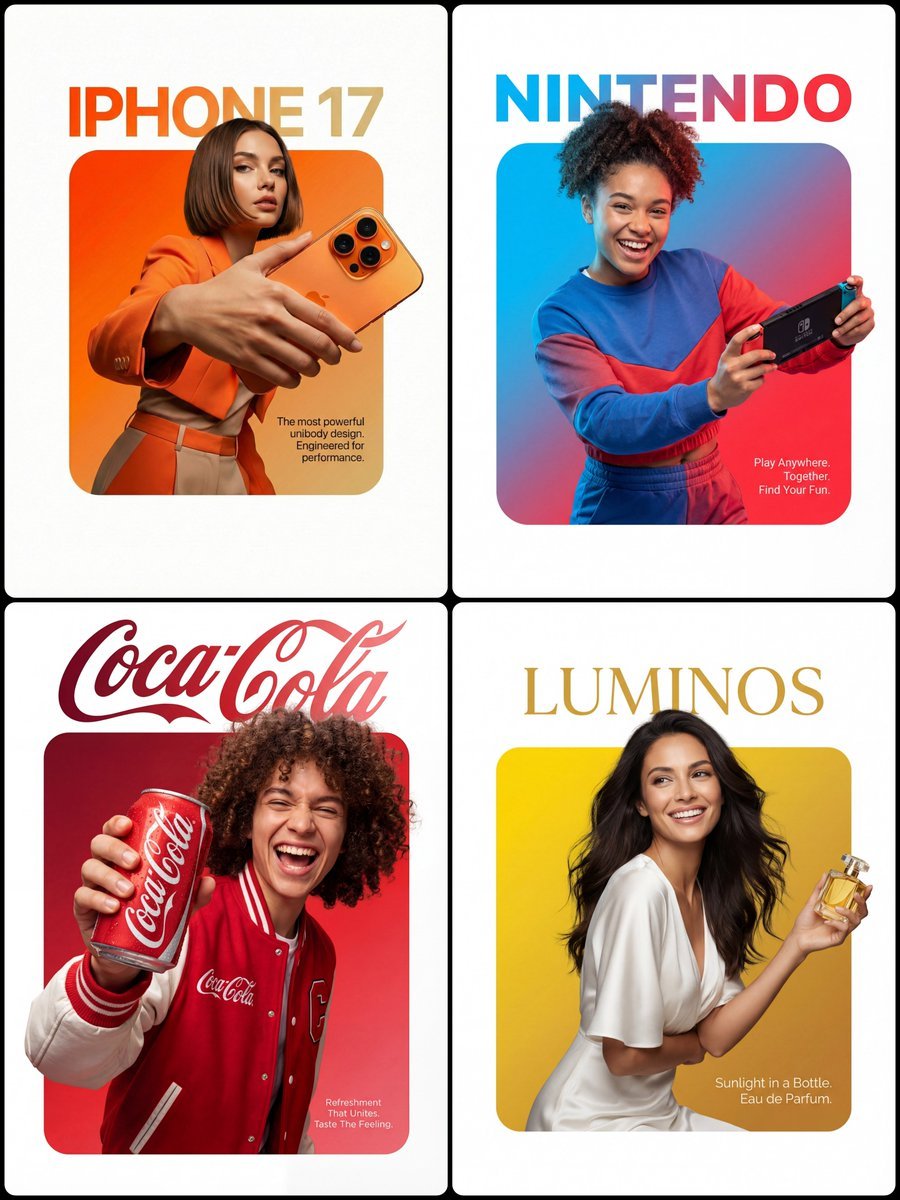
3D Breakout Effect Editorial Ad
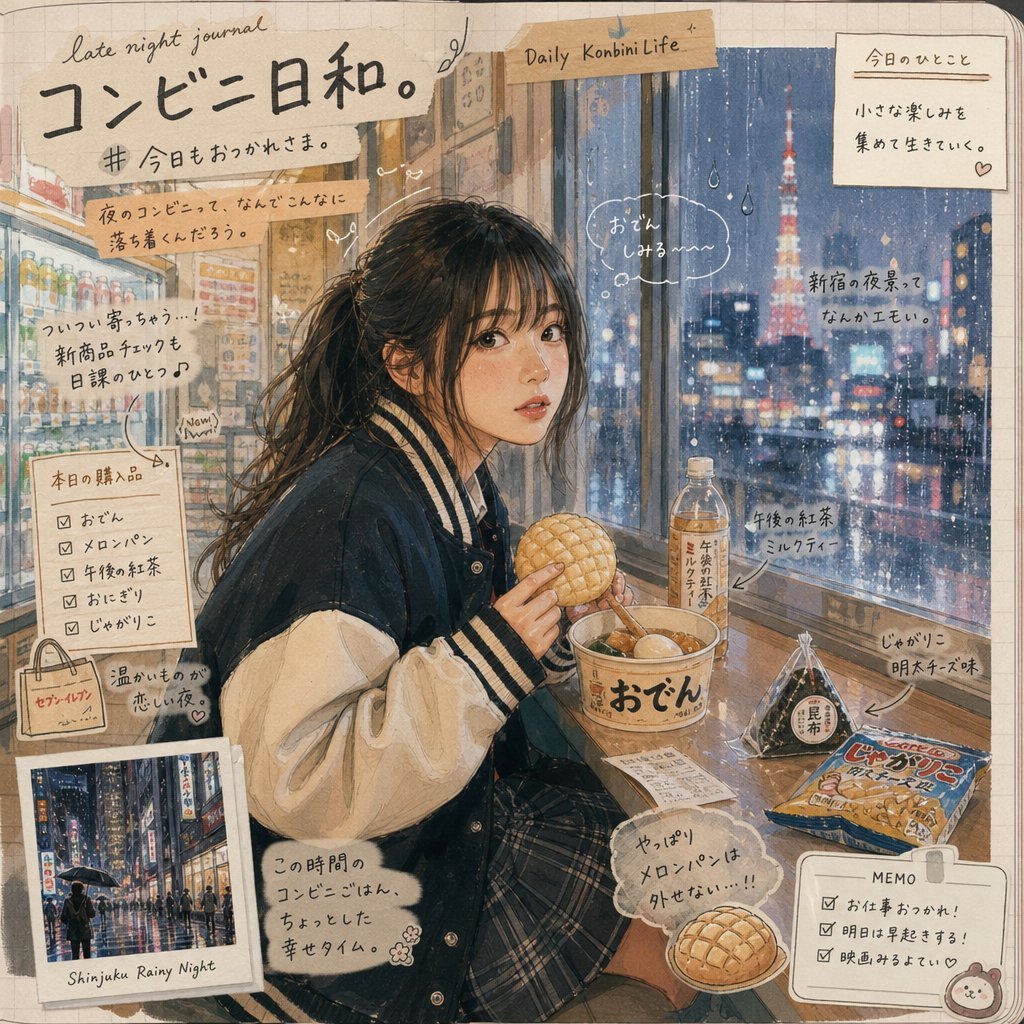
Japanese Konbini Journal Illustration
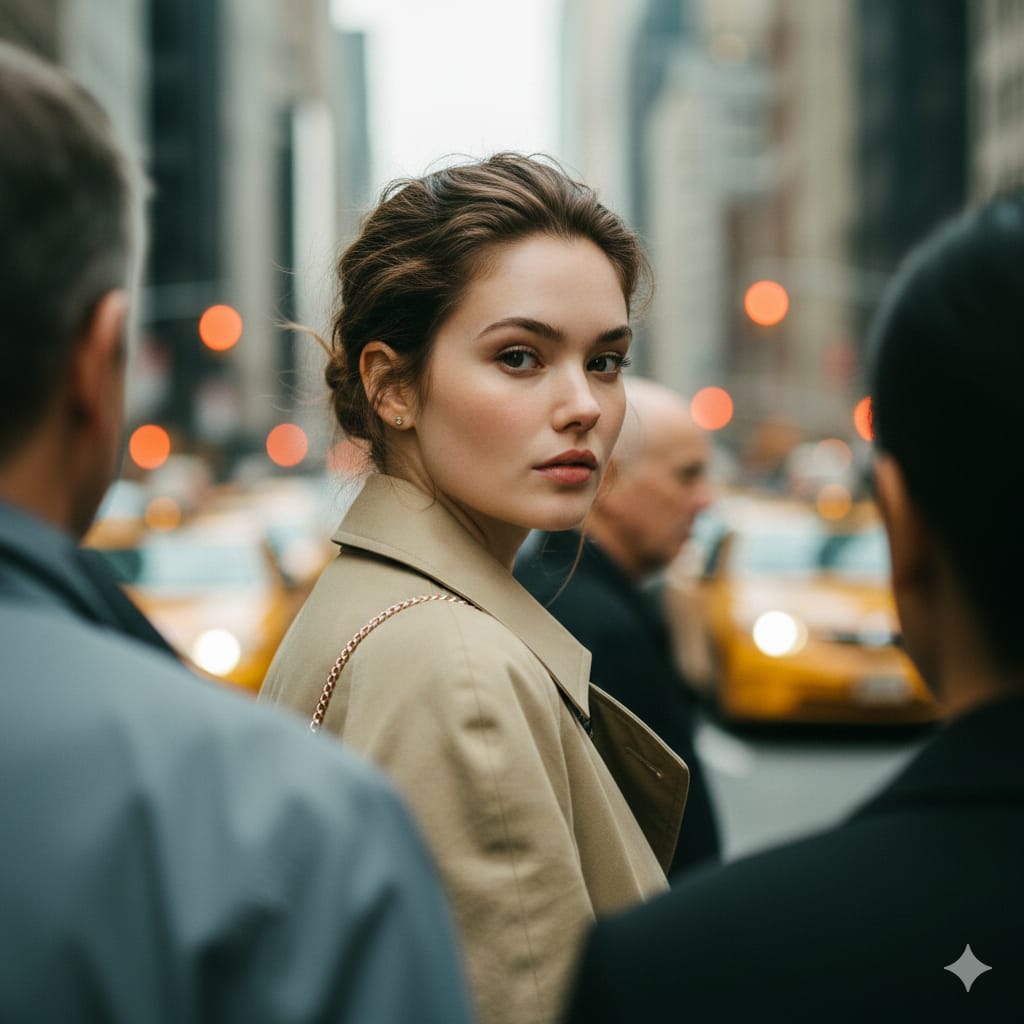
Photorealistic Candid Street Portrait with Extreme Shallow DOF
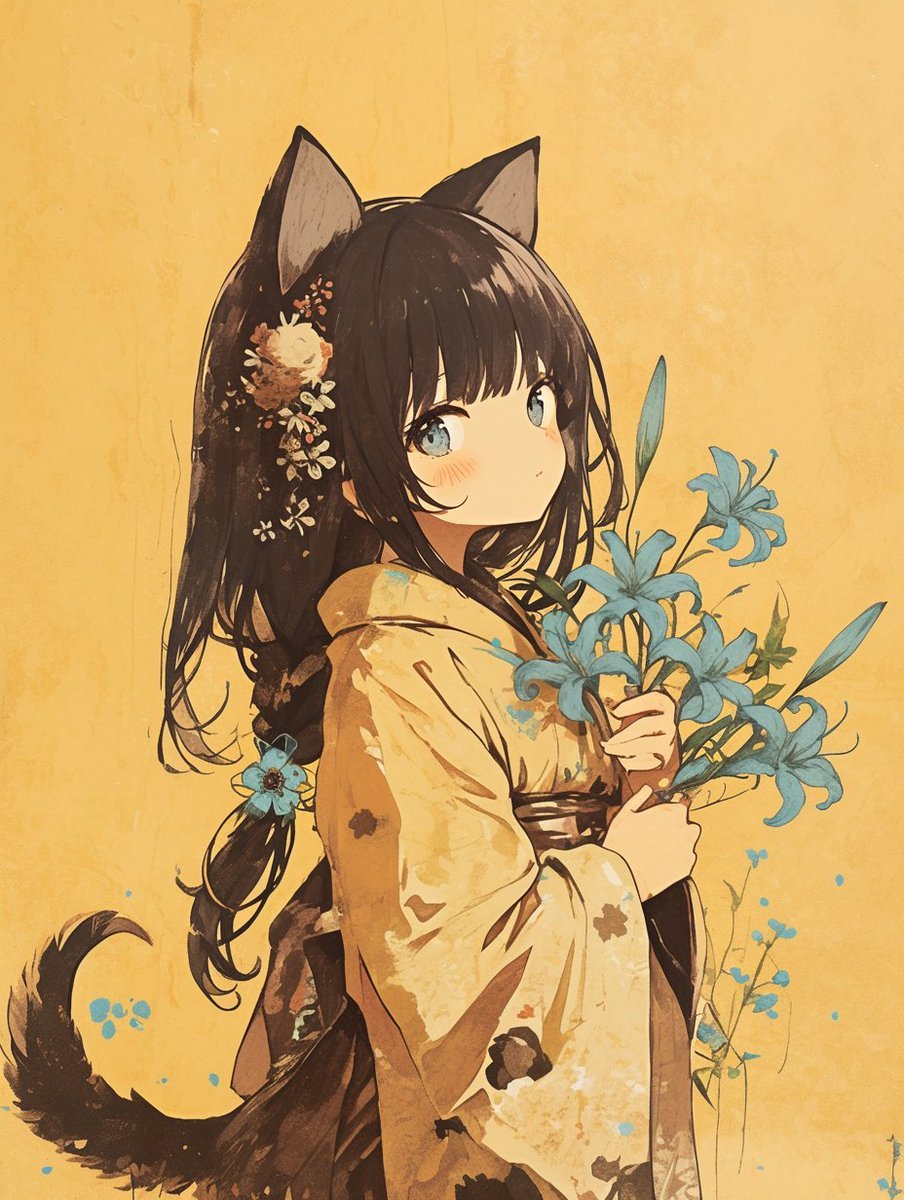
Bookstore POP display with acrylic marker illustration
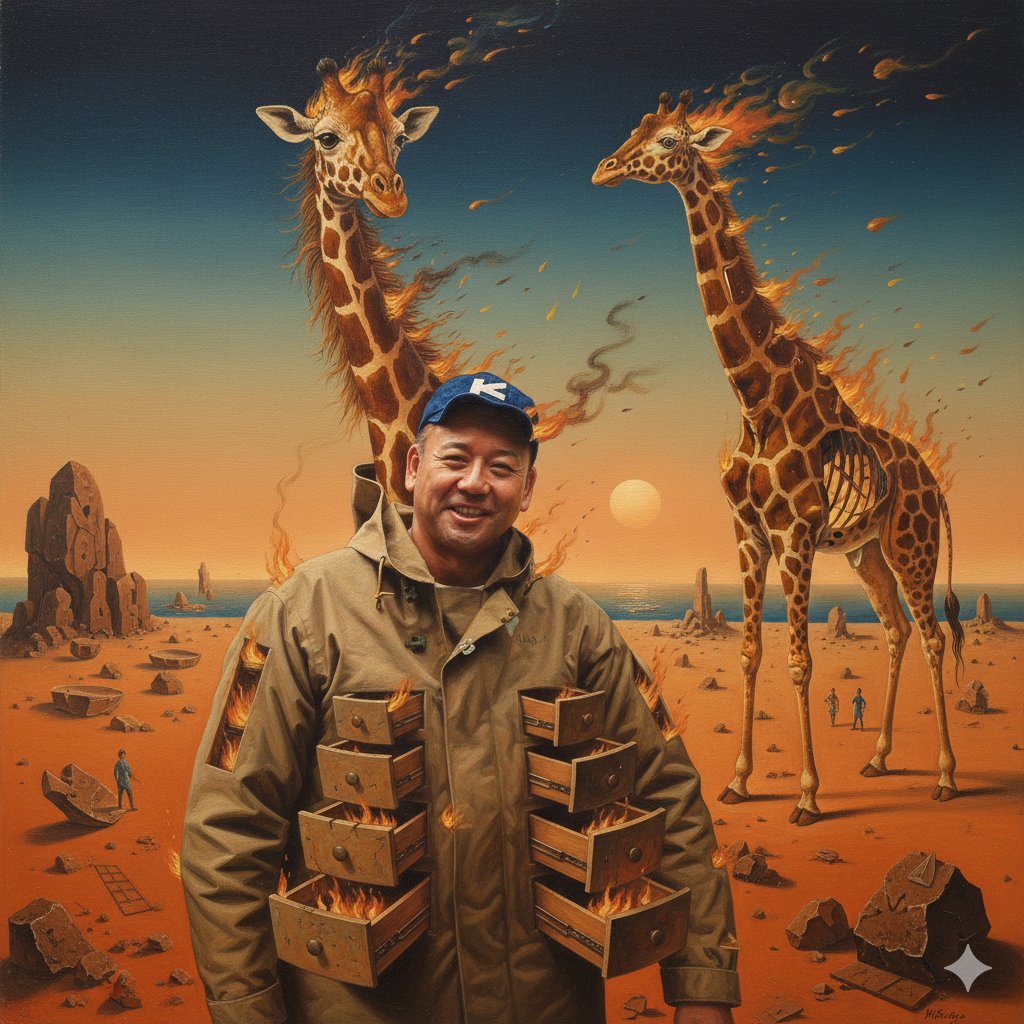
Image Style Transfer Prompt: Viking to Dali's 'Burning Giraffe' Style
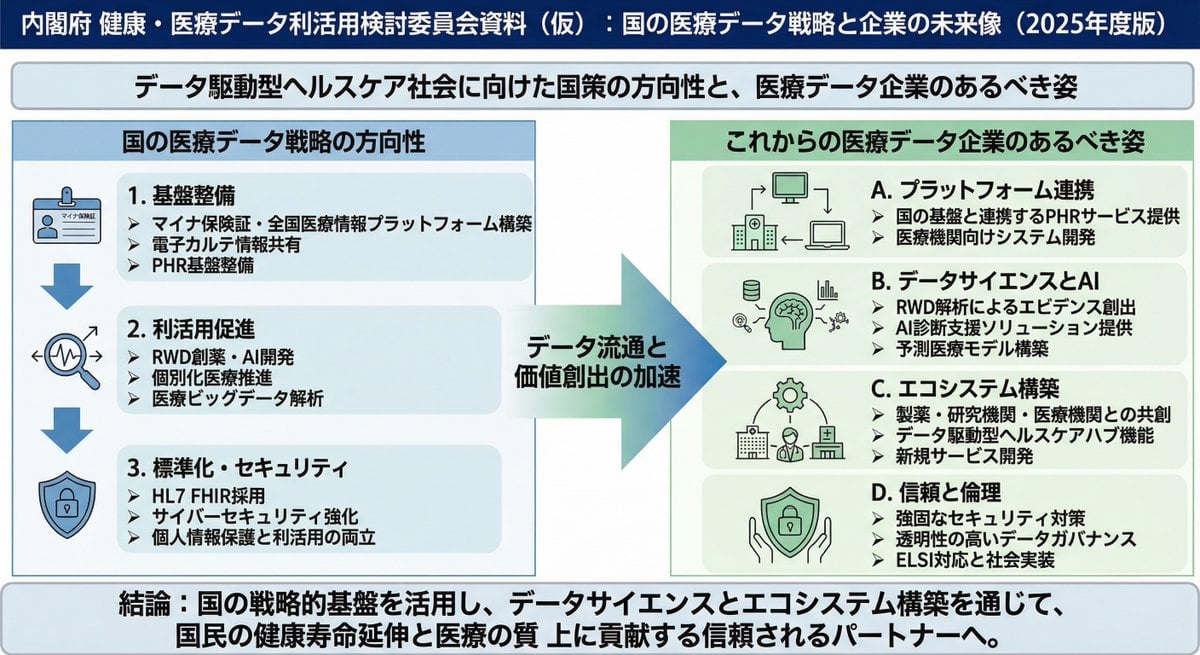
Policy-style slide about national medical data strategy
Browse template categories
Masculine Close-up Editorial Portrait questions
How do I use the Masculine Close-up Editorial Portrait template?
Add your photo if the template asks for one, edit the prompt if you like — the template's model and format are already selected — and press Generate. Your version opens in PicX Studio.
Can I customize the Masculine Close-up Editorial Portrait template?
Yes. You can change the subject, setting, lighting, mood, format, and available model controls before creating your image.
Is the Masculine Close-up Editorial Portrait template free?
Opening and editing this template is free. Generating uses credits, shown on the Generate button when you are signed in.
Which AI model should I use?
Start with GPT Image 2, which is the model associated with this template. You can compare another compatible model for a different finish.
Looking for something else? Browse all templates.

Your photo, any look
Thousands of ready templates for every top image and video model, from one credit balance.