
Ornate Fantasy Business Card
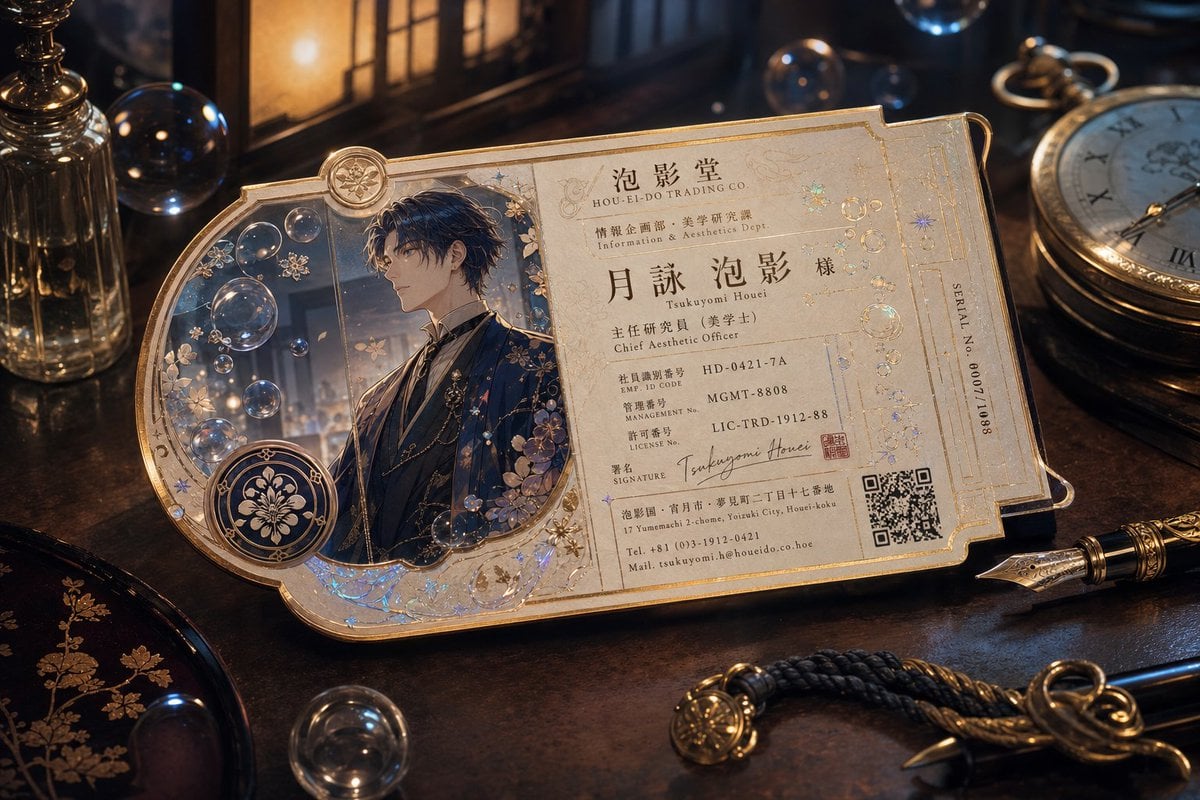
A cinematic prompt for generating a luxurious Japanese fantasy business card with anime portrait, gold foil details, QR code, and antique desk props.
- Prompt included
- Model and format preset
- Free template
The prompt behind this image
Copy the exact prompt behind Ornate Fantasy Business Card, or open it in the studio and make it yours.
Goal: Create an ultra-detailed cinematic product photograph of an ornate fantasy business card lying on a dark antique wooden desk, designed like a luxurious vintage ticket or guild identification card for {argument name="company name" default="泡影堂 / HOU-EI-DO TRADING CO."}. Canvas: Horizontal 3:2 composition, close-up three-quarter view, shallow depth of field, warm amber lamplight with cool blue reflections, high realism mixed with elegant anime-fantasy design. Main object: One large cream-and-gold business card, landscape orientation, with an asymmetrical die-cut silhouette. The left side has a rounded arched portrait window and circular medallion; the right side is a rectangular information panel with clipped corners, thin gold borders, embossed filigree, holographic sparkles, tiny bubble motifs, and delicate floral engravings. The paper should look thick, pearlescent, aged ivory, and slightly glossy, with raised metallic gold ink. Layout: Divide the card into exactly 2 main sections: 1) left portrait section, 2) right text information section. The left section contains exactly 1 anime-style male portrait, exactly 1 large circular emblem medallion with a floral crest, and numerous translucent bubbles over a moody window background. The right section contains exactly 9 visible information blocks: 1 company header, 1 department line, 1 large personal name line, 1 job title line, 3 ID-number rows, 1 signature row, and 1 address/contact row. Add exactly 1 QR code at the lower right and exactly 1 vertical serial-number strip on the far right edge. Portrait details: The portrait shows a refined young male aesthetic officer in dark navy and black formal attire with gold chains, brooches, floral embroidery, and a high-collared shirt. He has short tousled dark hair with blue highlights. His face may be softly obscured or unfocused to keep the identity anonymous, while the outfit and hair remain sharp. Surround him with floating soap bubbles and small pale blossoms. Text content: Use Japanese and English typographic hierarchy similar to a premium trading-company ID card. Include the large Japanese name {argument name="person name" default="月詠 泡影"} with small romanization beneath it, the company header “泡影堂” and “HOU-EI-DO TRADING CO.”, the department line “情報企画部・美学研究課 / Information & Aesthetics Dept.”, the title “主任研究員(美学士) / Chief Aesthetic Officer”, ID rows such as “EMP. ID CODE HD-0421-7A”, “MANAGEMENT NO. MGMT-8808”, and “LICENSE NO. LIC-TRD-1912-88”, a cursive signature reading “Tsukuyomi Houei”, an address/contact block, and a vertical serial label “SERIAL NO. 600711088”. Keep the typography legible but naturally integrated into the printed card. Desk scene: Place exactly 7 surrounding props: 1 ornate glass perfume bottle on the far left, 1 warm lantern or window-like lamp behind the card, 1 brass pocket watch on the upper right, 1 fountain pen at the lower right, 1 black lacquer tray with gold floral decoration at the lower left, 1 braided cord or tassel charm near the bottom center, and 1 small metal key or hook beside the cord. Add scattered glass bubbles on and around the desk, but do not add extra cards. Visual style: Luxurious steampunk-Victorian fantasy, Japanese antique stationery, gold foil stamping, delicate botanical ornament, transparent bubbles, cinematic bokeh, dramatic shadows, crisp macro detail, premium collectible card photography. Use warm gold, deep navy, black lacquer, ivory paper, and subtle iridescent blue highlights. Constraints: Generate only one card, no hands, no modern plastic badge, no watermark, no extra logos beyond the crest and QR code, no misshapen typography, maintain a realistic tabletop perspective and a carefully crafted world-building atmosphere.
How to use Ornate Fantasy Business Card in 3 steps
- 1Upload ImagePNG, JPG or paste
Add your photo
Upload the photo the template builds on. The prompt, model and format are already set.
- 2…a portrait of your subject in softgolden-hour light, 85mm…
Personalize
Edit the subject and creative details for your destination.
- 3Generate
Generate
Press Generate — your image is created in PicX Studio, so you can compare it with the original and refine one variable at a time.
More like this
Templates with the same subject, style or setup. Open one to see its prompt.
Ornate Fantasy Character Lineup

Anime Fantasy Celestial Movie Poster
Anime Fantasy Celestial Movie Poster

Minecraft Fantasy Kingdom Voxel Landscape

Unfinished Sketch Comes Alive Portrait

Open Travel Journal Overhead Still Life

Tiny Woman Miniature Fantasy Macro Scene
Ornate Celestial Card Back
Vintage Fantasy Postcard of Beacon Hollow
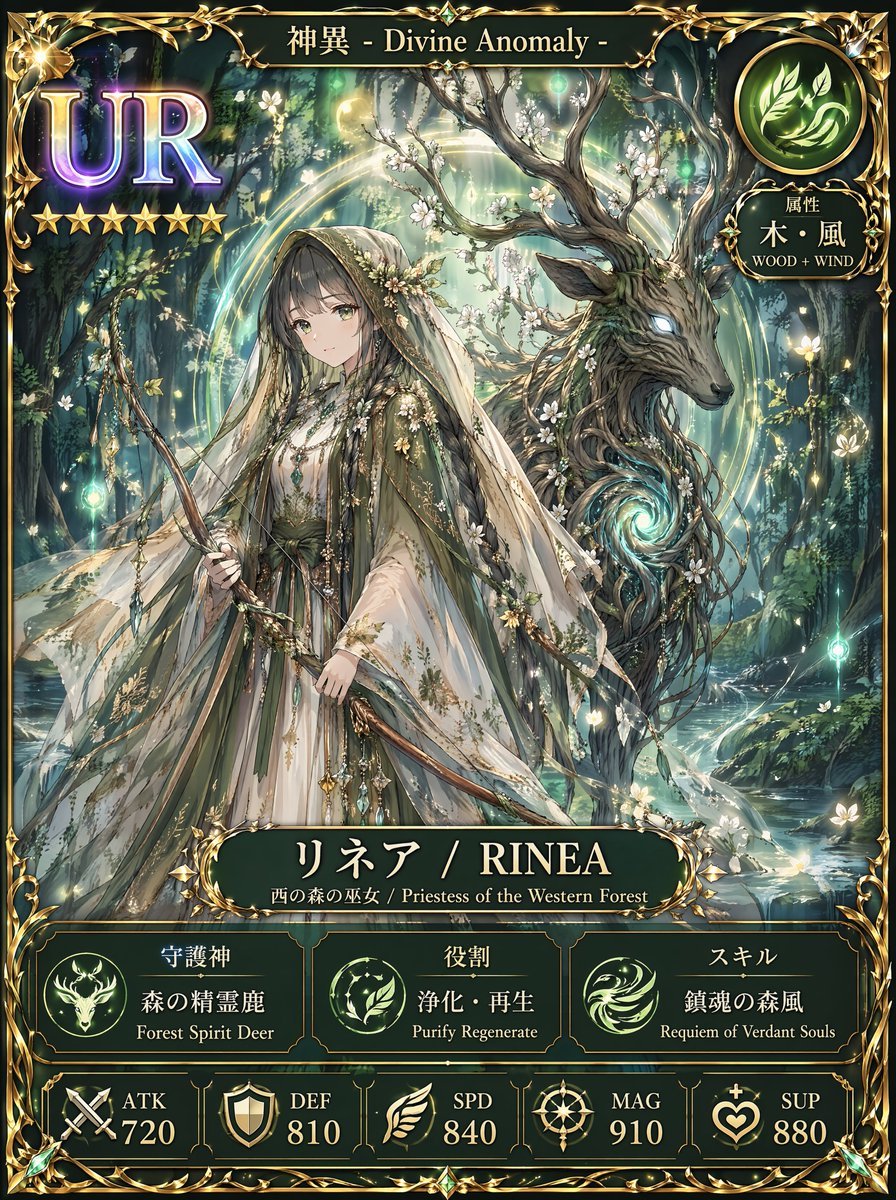
Fantasy UR Forest Priestess Card

QR Code Business Card Designer
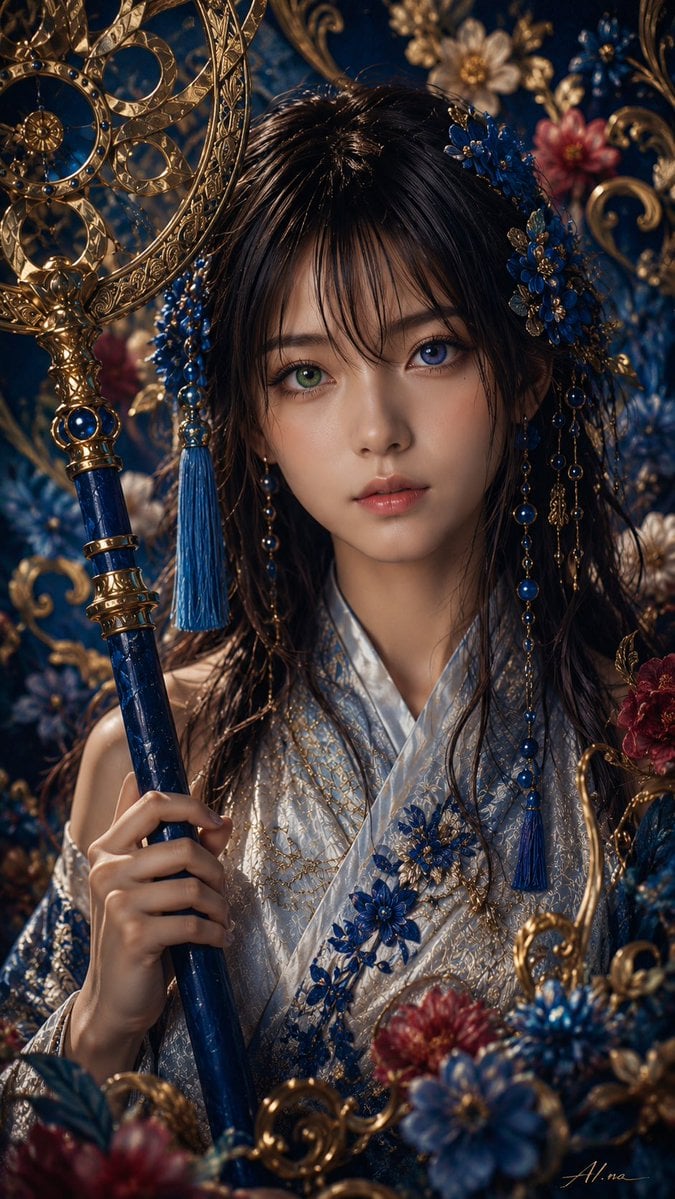
Ornate Yuna Fantasy Portrait
Make it yours
Ornate Fantasy Business Card works as-is. These are the safest ways to change it without losing the look.
Change one field
Copy a single group, rewrite it, and generate again so you can see what that field is doing.
Keep the frame, change the subject
Hold the composition and light of Ornate Fantasy Business Card, then swap wardrobe, props or the person for a new take.
| If the result… | Why | Fix |
|---|---|---|
| The result drifts from the preview | Too many fields changed at once. | Reuse Ornate Fantasy Business Card as-is first, then change one group — subject, light, or setting. |
| The model over-stylizes the scene | The prose prompt leaves finish and camera underspecified. | Add one camera or lighting sentence and stay on GPT Image 2. |
More GPT Image 2 templates
Other prompts made for GPT Image 2.

Six VTuber Japanese Logo Sheet

Realistic Portrait of Woman and Deer

The Vista Modular Condo Poster

AI Model Routing Comparison Infographic

2.5D Anime Art Board

Isometric Productivity Desk Scene

New York Double Exposure Poster

Four-Panel AI Landscape Comparison

Japanese Tatami Lifestyle Magazine Cover

NESCAFÉ Coffee Map Poster
More image prompts
Fresh picks from across the catalog.
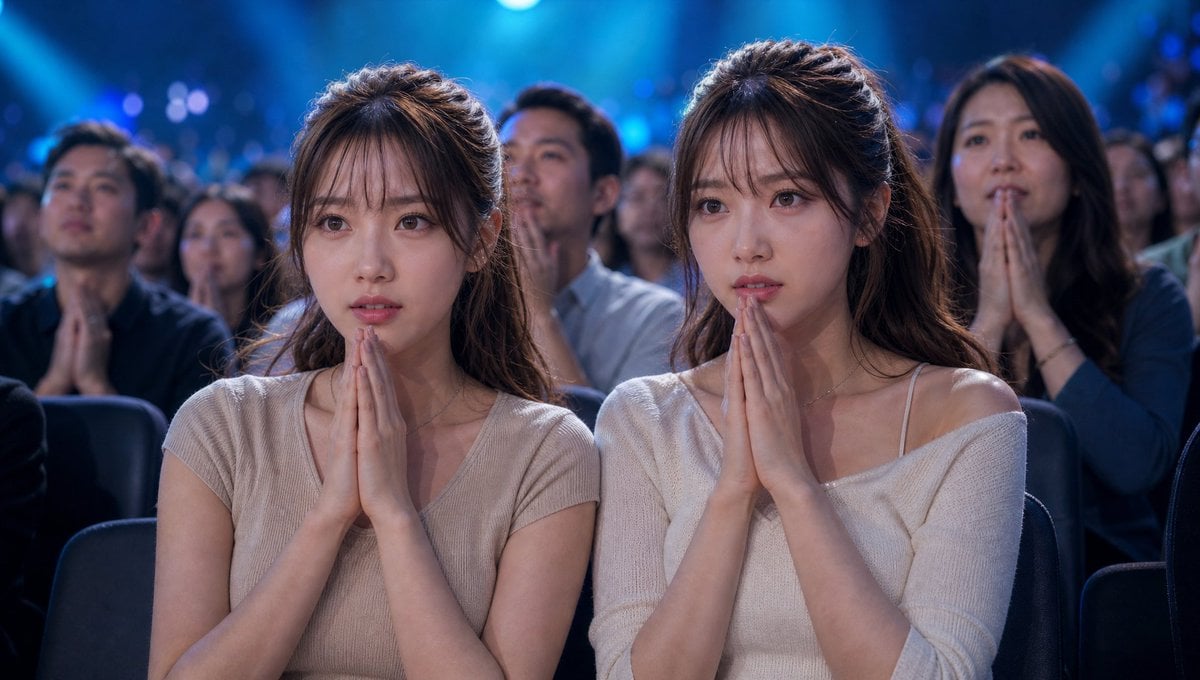
Cinematic Quiz Show Audience
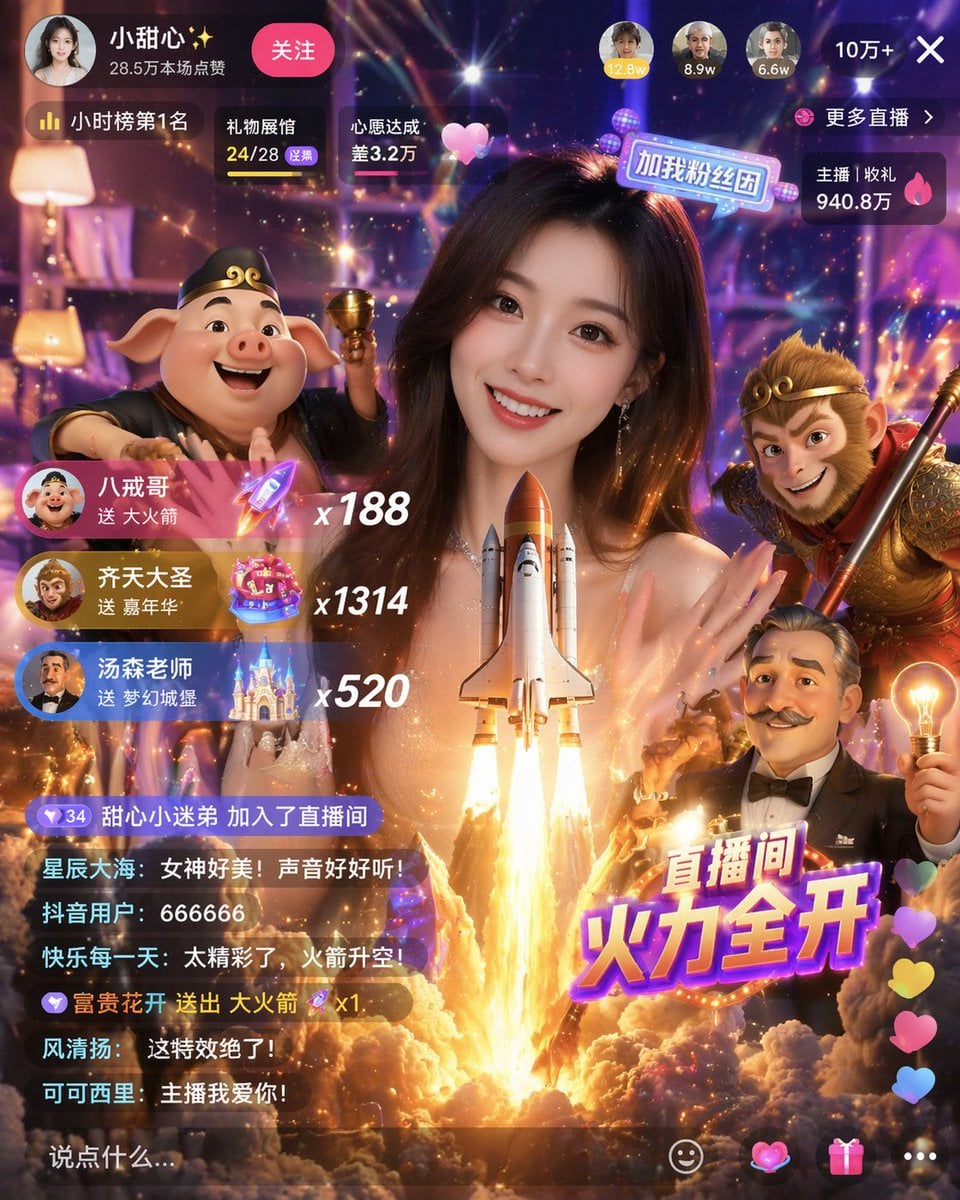
Live Stream UI Mockup with 3D Effects
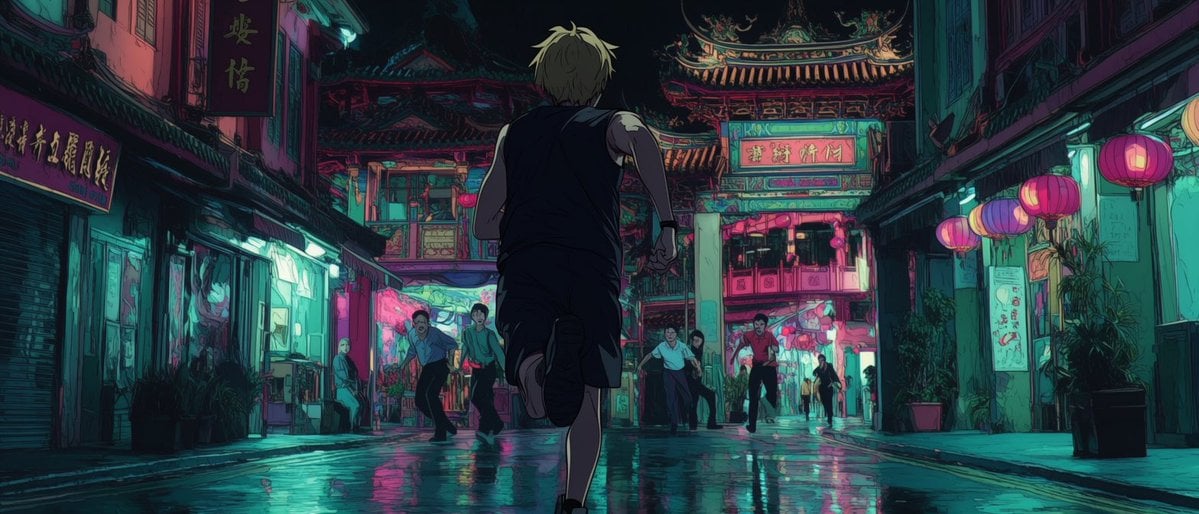
Neon Temple Chase
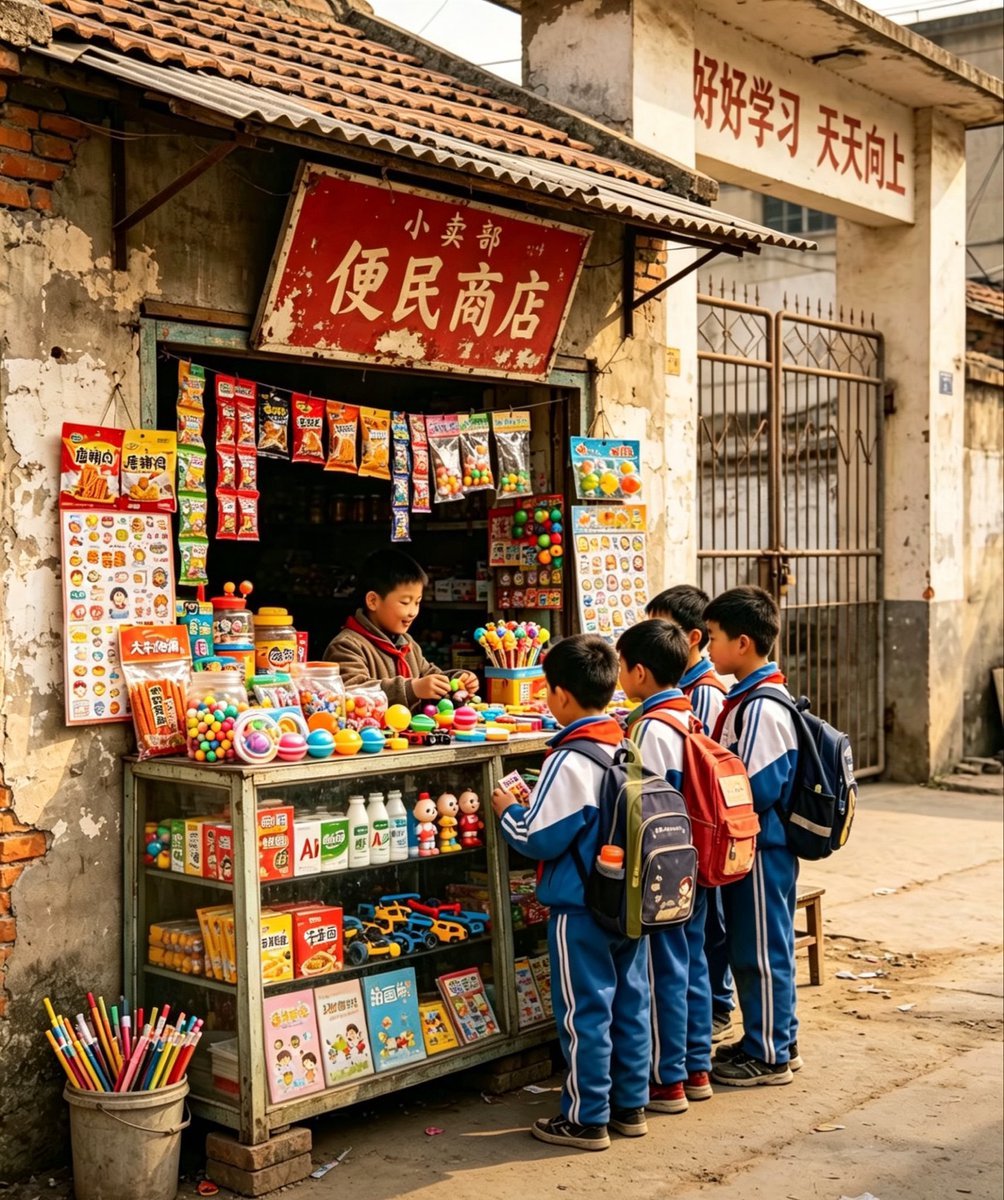
Nostalgic Chinese School Shop Scene
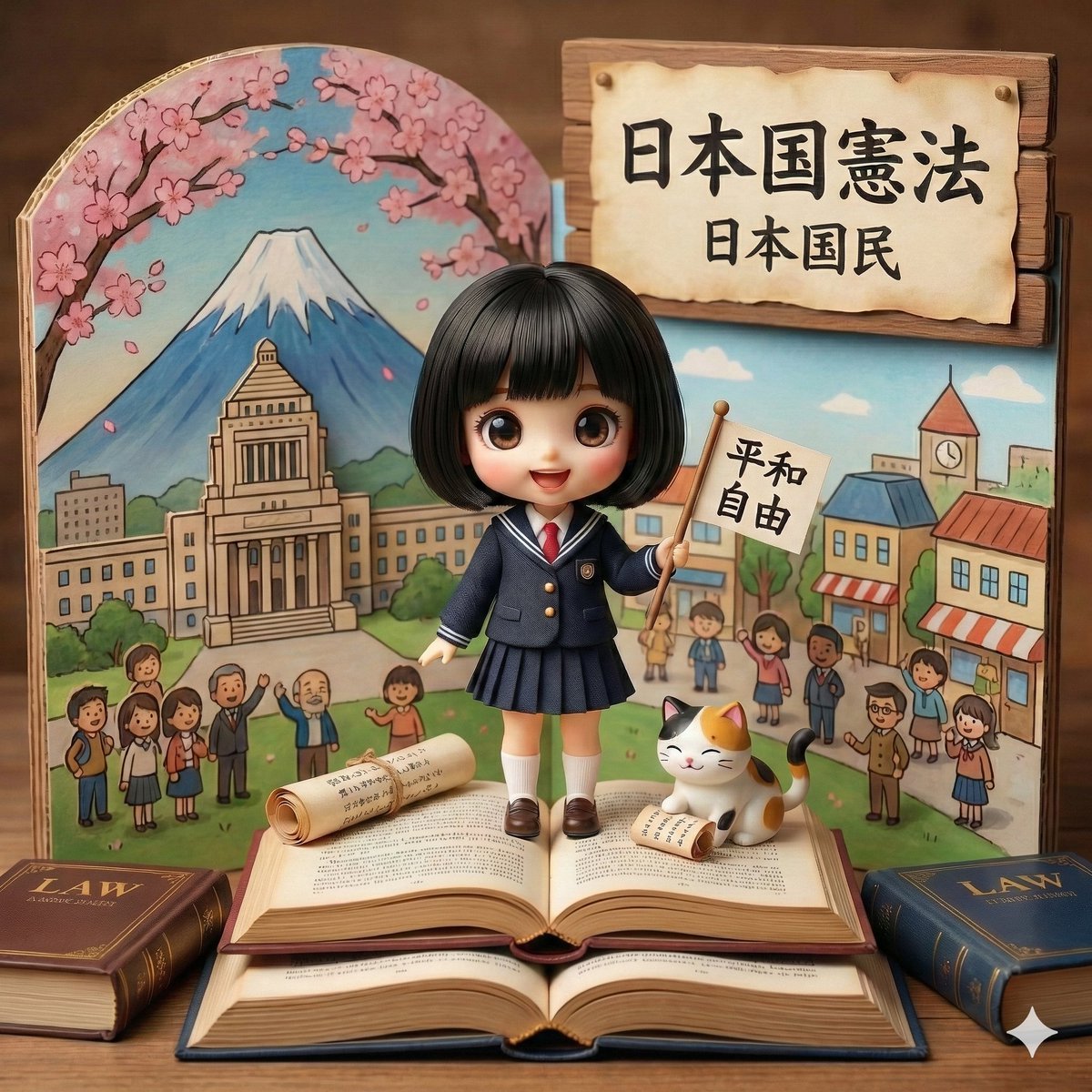
Generating Images from Song Titles: Japanese Constitution
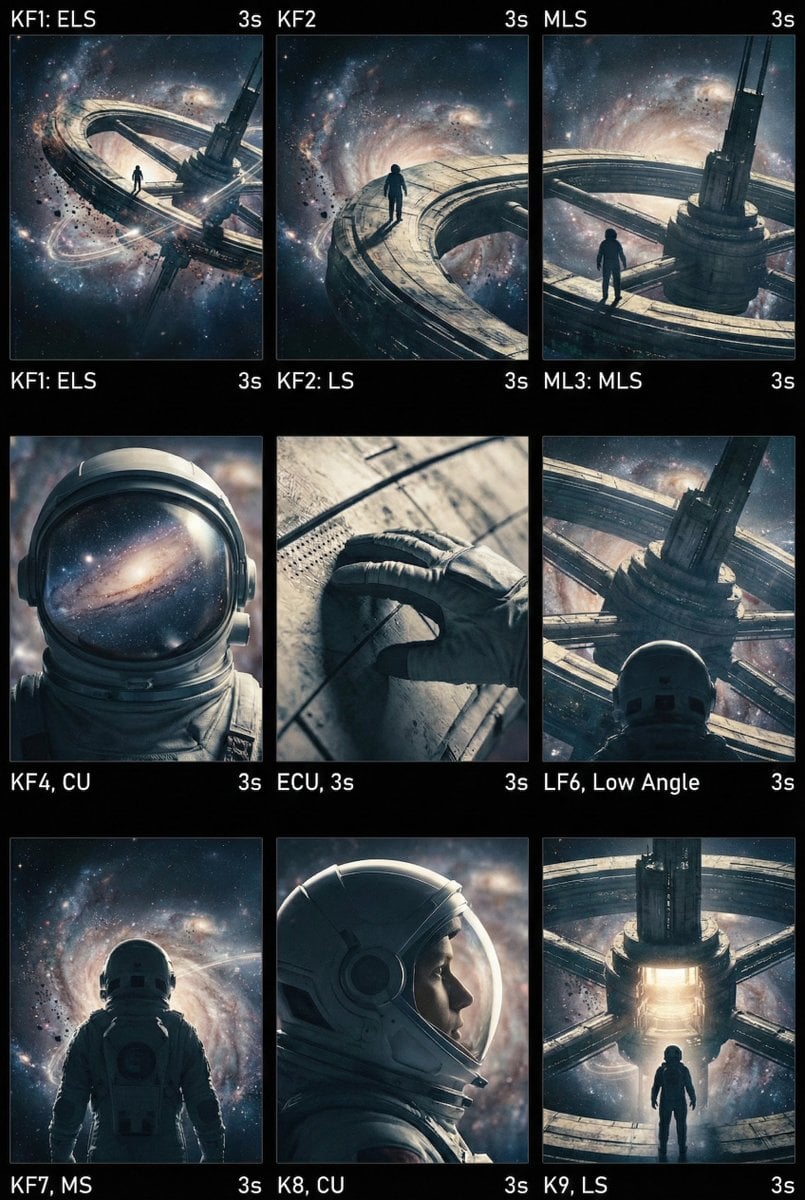
Cinematic AI Video Keyframe Generation Prompt
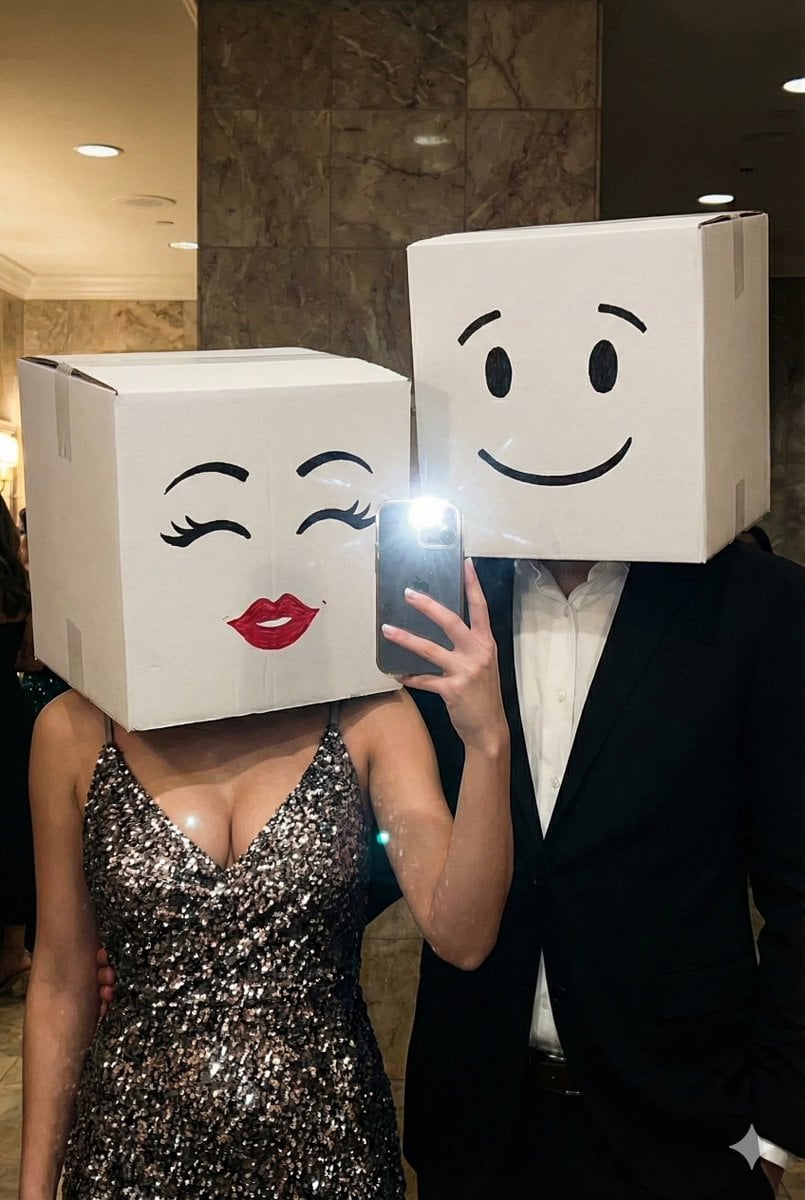
Box-Headed Couple Mirror Selfie Prompt

High Contrast Night Portrait with Flash and City Lights

Luxury Showroom Fashion Contrast

Pixelated Cartoon Animal Image
Browse template categories
Ornate Fantasy Business Card questions
How do I use the Ornate Fantasy Business Card template?
Add your photo if the template asks for one, edit the prompt if you like — the template's model and format are already selected — and press Generate. Your version opens in PicX Studio.
Can I customize the Ornate Fantasy Business Card template?
Yes. You can change the subject, setting, lighting, mood, format, and available model controls before creating your image.
Is the Ornate Fantasy Business Card template free?
Opening and editing this template is free. Generating uses credits, shown on the Generate button when you are signed in.
Which AI model should I use?
Start with GPT Image 2, which is the model associated with this template. You can compare another compatible model for a different finish.
Looking for something else? Browse all templates.

Your photo, any look
Thousands of ready templates for every top image and video model, from one credit balance.