
Neon Temple Chase
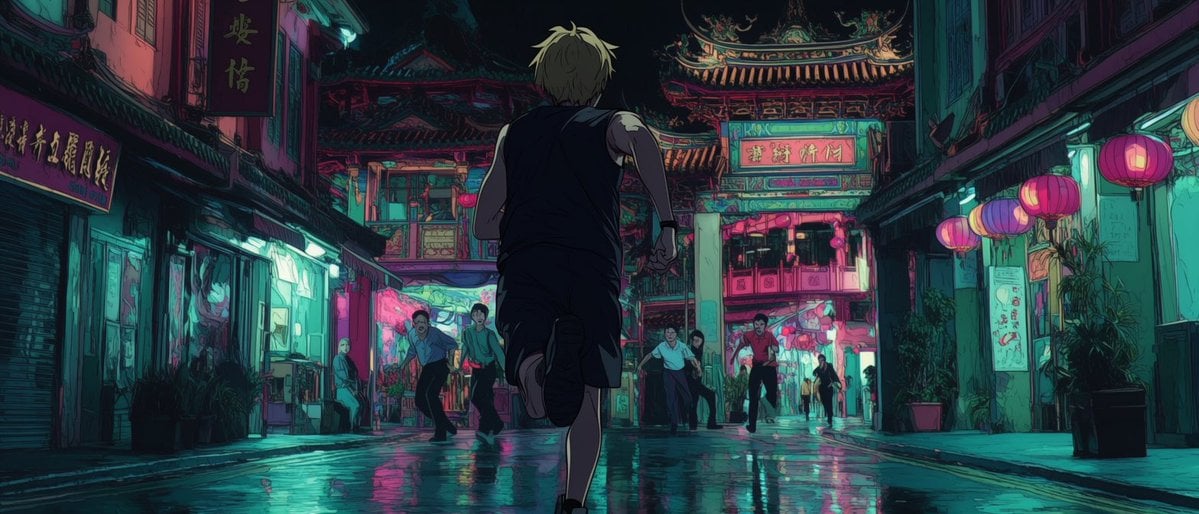
A cinematic anime-style prompt for creating a tense nighttime chase through a rain-slick neon temple street.
- Prompt included
- Model and format preset
- Free template
The prompt behind this image
Copy the exact prompt behind Neon Temple Chase, or open it in the studio and make it yours.
Create a cinematic widescreen anime night scene in a dense old East Asian city street after rain, with a lone young man {argument name="main character" default="a blond young man in a sleeveless black outfit"} running away from the viewer toward an ornate temple gate at the end of the street. Use a low, centered camera angle from behind the runner, making him the dominant silhouette in the foreground with one leg lifted mid-stride and arms pumping. The setting is a narrow wet alley lined with weathered shopfronts, shuttered storefronts, vertical signboards with Chinese-style characters, hanging wires, potted plants, and glowing neon. At the far end, place an elaborate traditional temple facade and gateway with layered curved roofs, carved details, and glowing signage. The ground is slick with rain and reflects vivid teal, cyan, magenta, and hot pink lights. Include exactly 8 visible human figures: 1 central running protagonist in the foreground, 2 startled men on the left side of the street, 1 older bald man standing near the left storefront, 2 men near the temple entrance, 1 man on the right side of the entrance, and 1 small distant silhouette under the archway. Include exactly 5 prominent round lanterns on the right side, glowing pink and orange, plus smaller scattered lantern glows in the distance. Mood: tense, breathless, mysterious, slightly sacred and dangerous, like a chase through a neon temple district at midnight. Visual style: highly detailed 2D anime background painting, moody cyberpunk color grading, deep shadows, painterly linework, cinematic composition, atmospheric haze, high contrast rim lighting, reflective pavement, no photorealism. Color palette: {argument name="color palette" default="deep teal shadows, cyan highlights, neon magenta, hot pink lantern light, dark indigo sky"}. Aspect ratio: {argument name="aspect ratio" default="wide 2.35:1 cinematic frame"}. Avoid readable modern branding, avoid cars, avoid daylight, avoid extra foreground characters, and keep the protagonist's face hidden from view.
How to use Neon Temple Chase in 3 steps
- 1Upload ImagePNG, JPG or paste
Add your photo
Upload the photo the template builds on. The prompt, model and format are already set.
- 2…a portrait of your subject in softgolden-hour light, 85mm…
Personalize
Edit the subject and creative details for your destination.
- 3Generate
Generate
Press Generate — your image is created in PicX Studio, so you can compare it with the original and refine one variable at a time.
More like this
Templates with the same subject, style or setup. Open one to see its prompt.

80s Neon Disco Night

Cartoon TV Show Poster Pack

Rainy Night Android Cyberpunk Portrait

Korean Idol Partial Shadow Editorial Portrait

Cyberpunk Neon Profile Fashion Portrait

Neon Night Crosswalk Candid Portrait

Subway Platform Quiet Introspective Portrait
Rainy Night Android Cyberpunk Portrait

Cinematic Sci-Fi Commander Side Profile Portrait
Low-Angle Cyberpunk Neon Profile Portrait

Cinematic Neon Light Strip Studio Portrait

Neon Violet Streetwear Fashion Portrait
Make it yours
Neon Temple Chase works as-is. These are the safest ways to change it without losing the look.
Change one field
Copy a single group, rewrite it, and generate again so you can see what that field is doing.
Keep the frame, change the subject
Hold the composition and light of Neon Temple Chase, then swap wardrobe, props or the person for a new take.
| If the result… | Why | Fix |
|---|---|---|
| The result drifts from the preview | Too many fields changed at once. | Reuse Neon Temple Chase as-is first, then change one group — subject, light, or setting. |
| The model over-stylizes the scene | The prose prompt leaves finish and camera underspecified. | Add one camera or lighting sentence and stay on GPT Image 2. |
More GPT Image 2 templates
Other prompts made for GPT Image 2.

Six VTuber Japanese Logo Sheet

Realistic Portrait of Woman and Deer

The Vista Modular Condo Poster

AI Model Routing Comparison Infographic

2.5D Anime Art Board

Isometric Productivity Desk Scene

New York Double Exposure Poster

Four-Panel AI Landscape Comparison

Japanese Tatami Lifestyle Magazine Cover

NESCAFÉ Coffee Map Poster
More image prompts
Fresh picks from across the catalog.
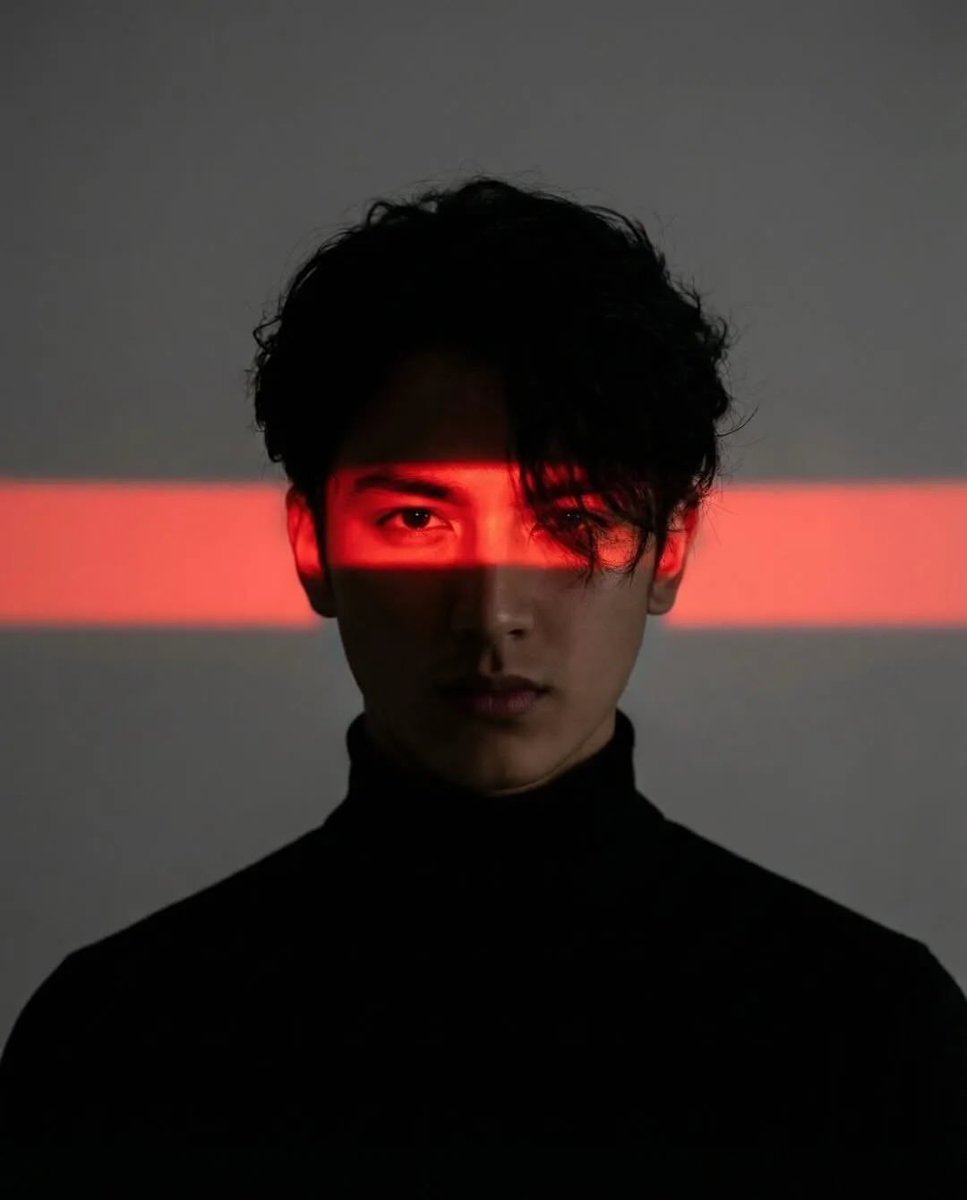
Cinematic Cyberpunk Portrait Pair
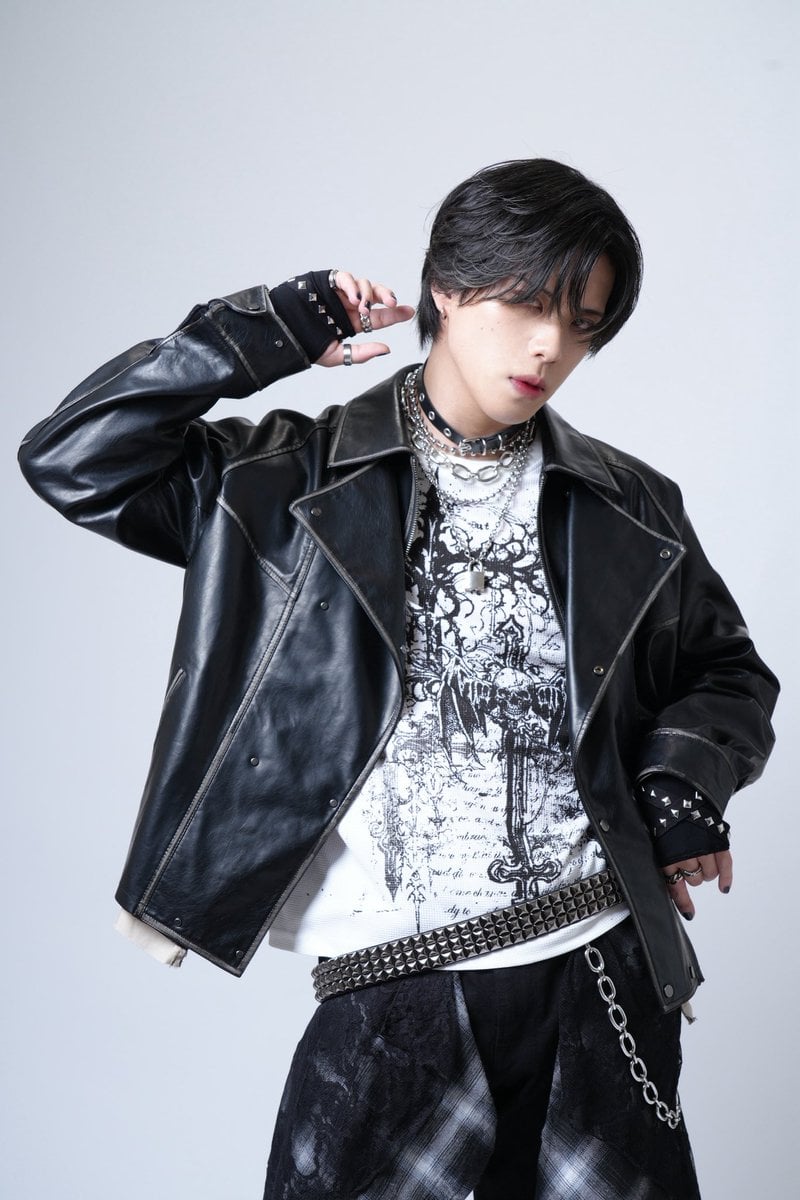
Image Generation Prompt for 'never2never' Character
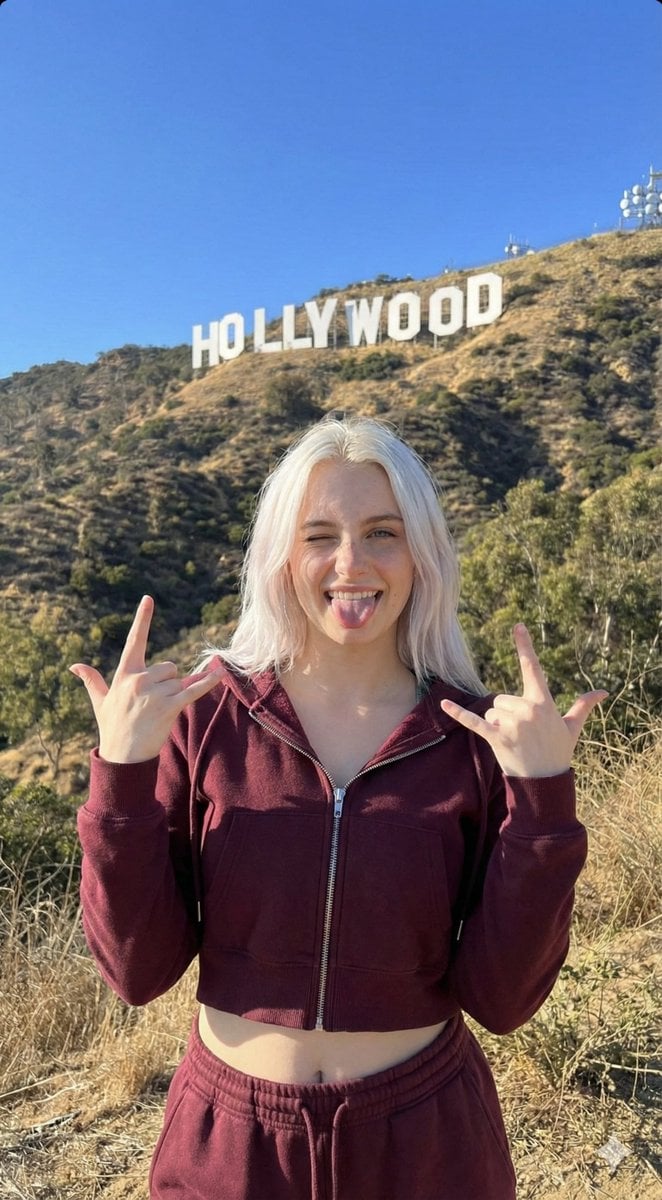
Hollywood Hills Influencer Lifestyle Photo
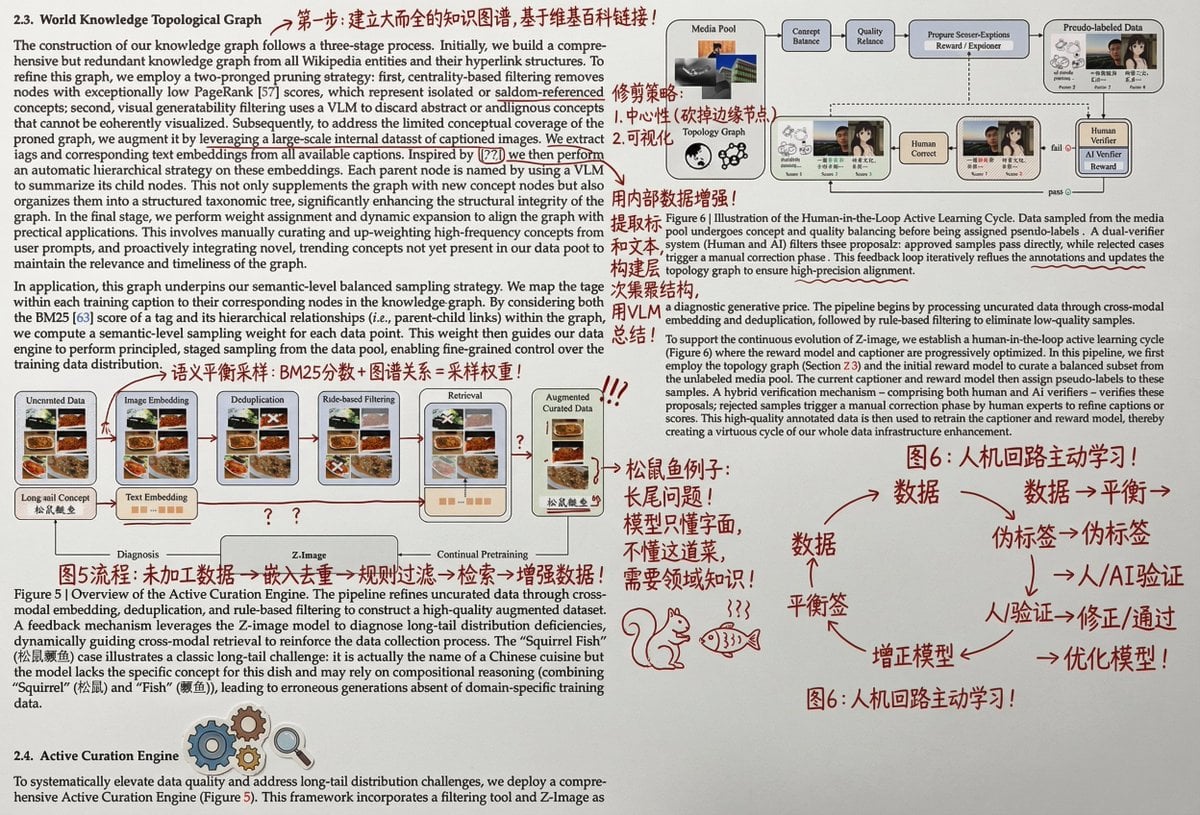
Paper Annotation and Review Prompt
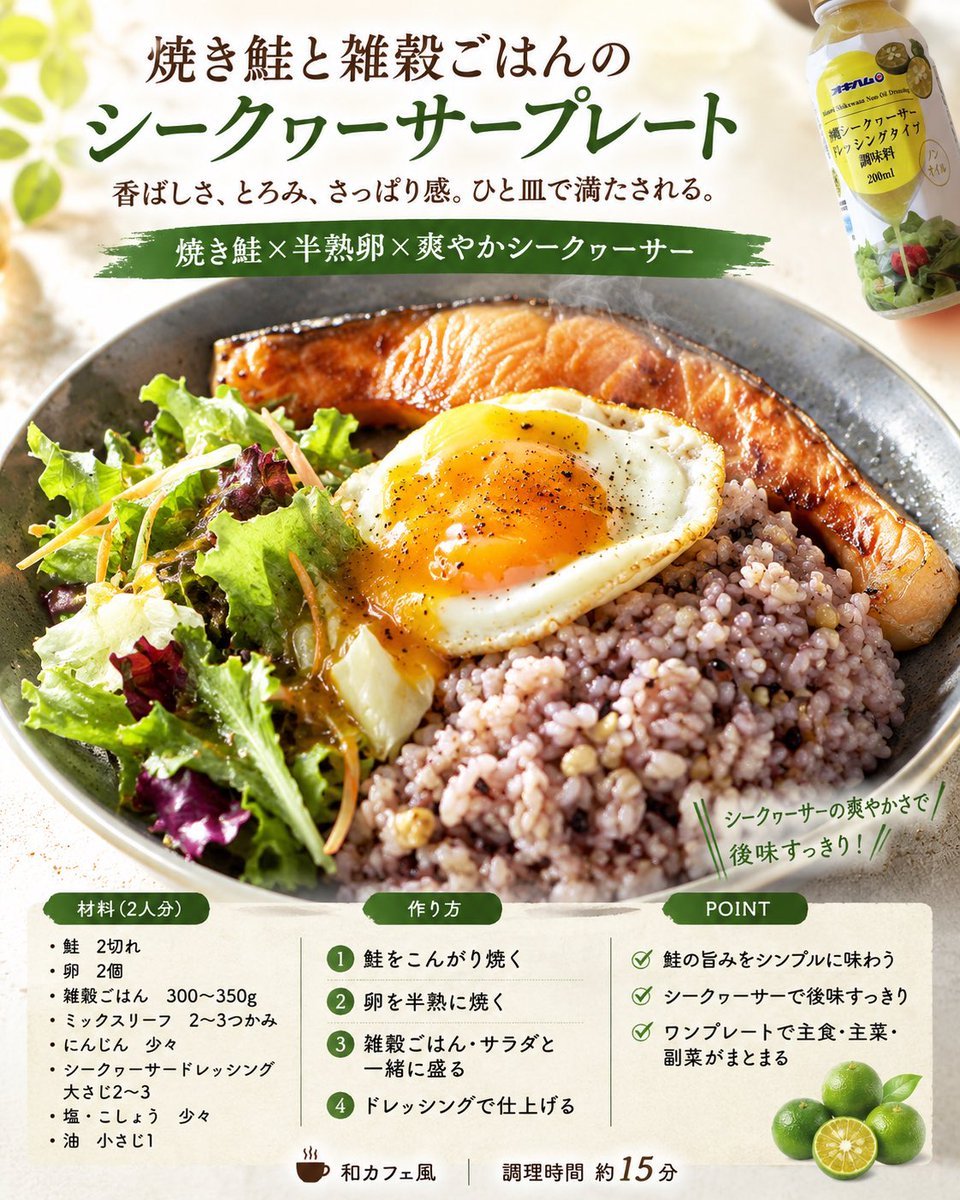
Professional Recipe Card Designer
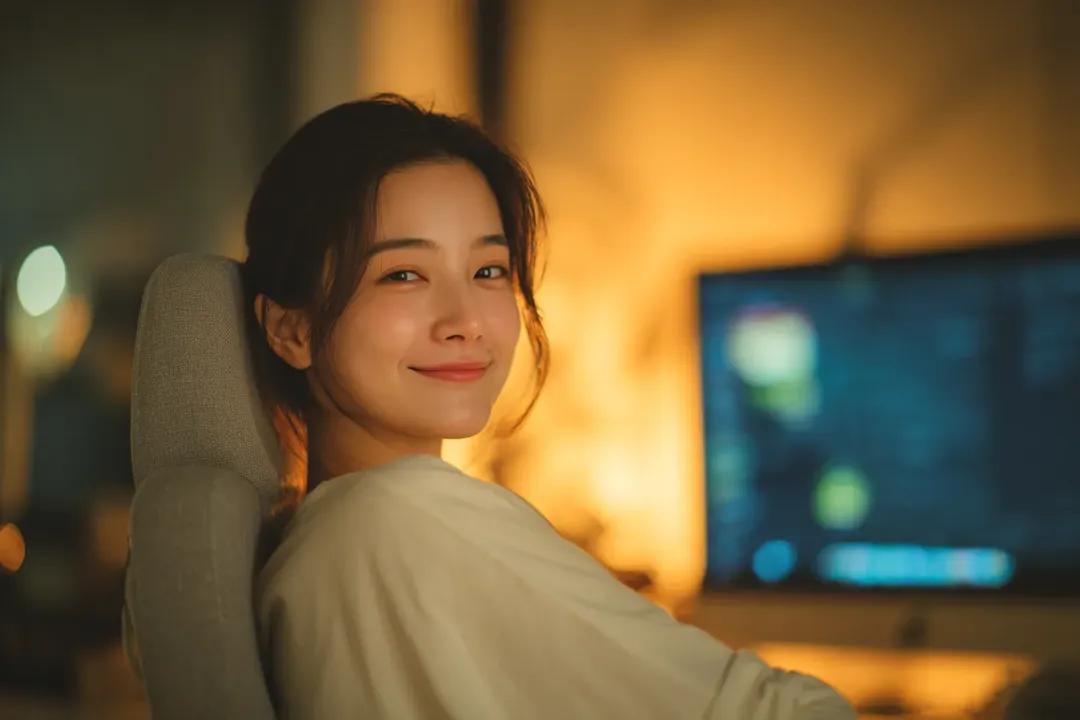
Cozy Cinematic Home Workspace Portrait
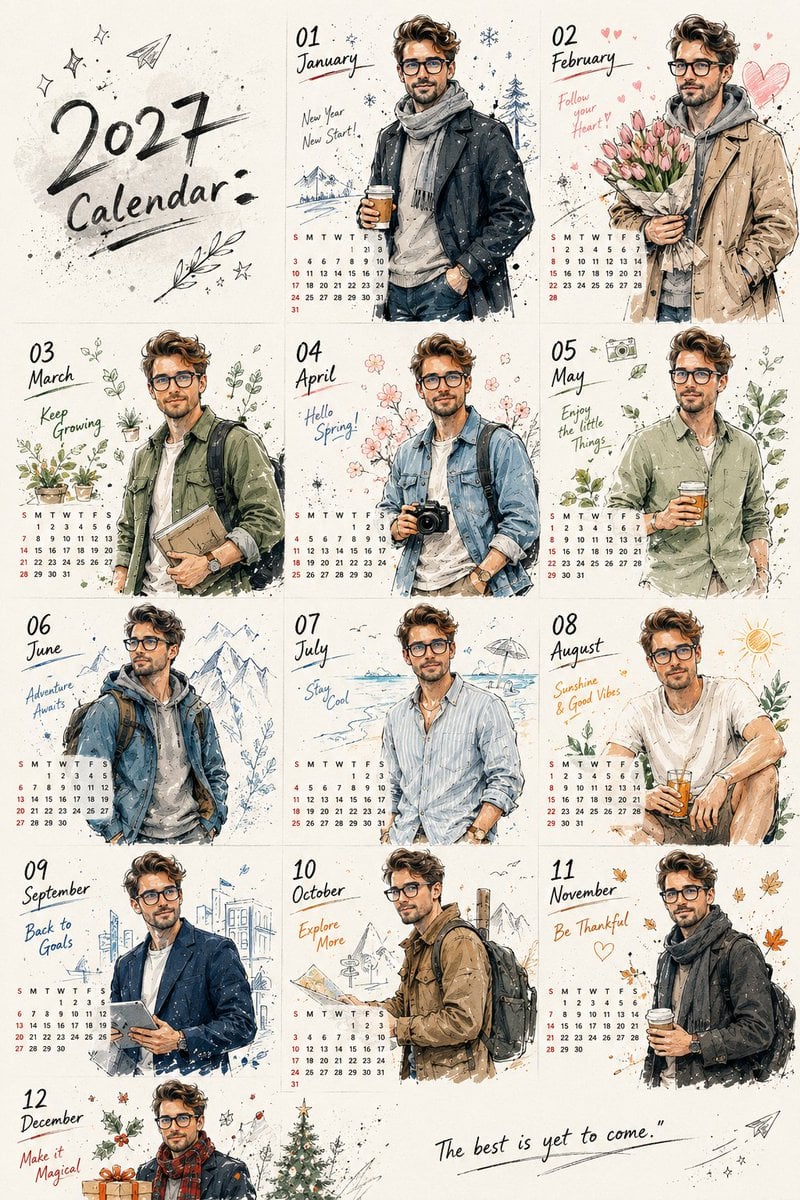
Korean Doodle Style Custom Calendar
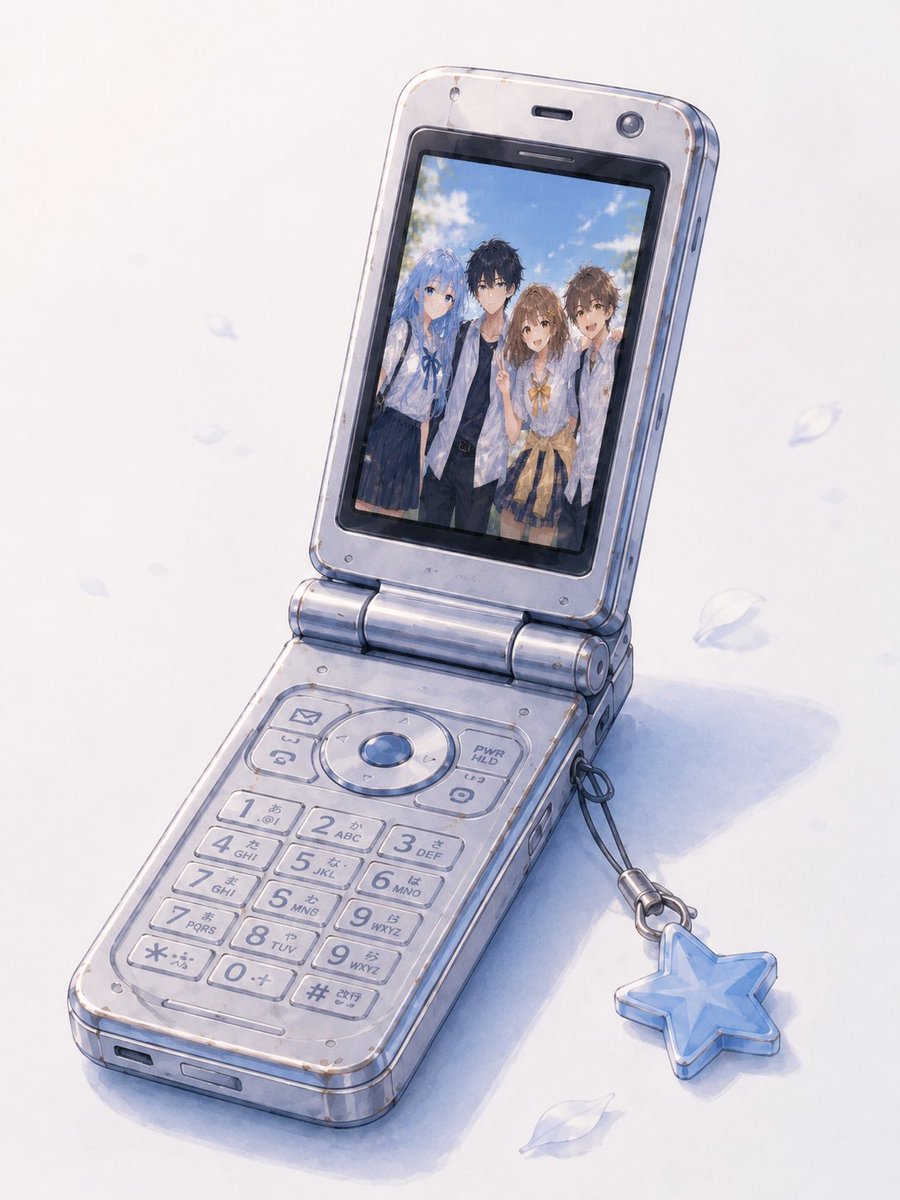
Group Photo Inside Retro Flip Phone
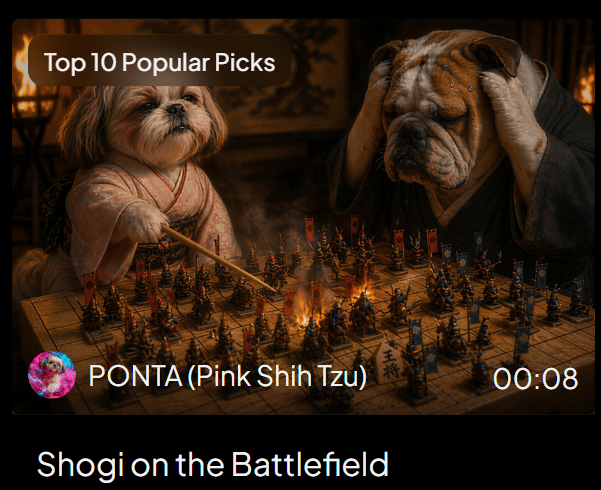
Shogi Battlefield Video Thumbnail
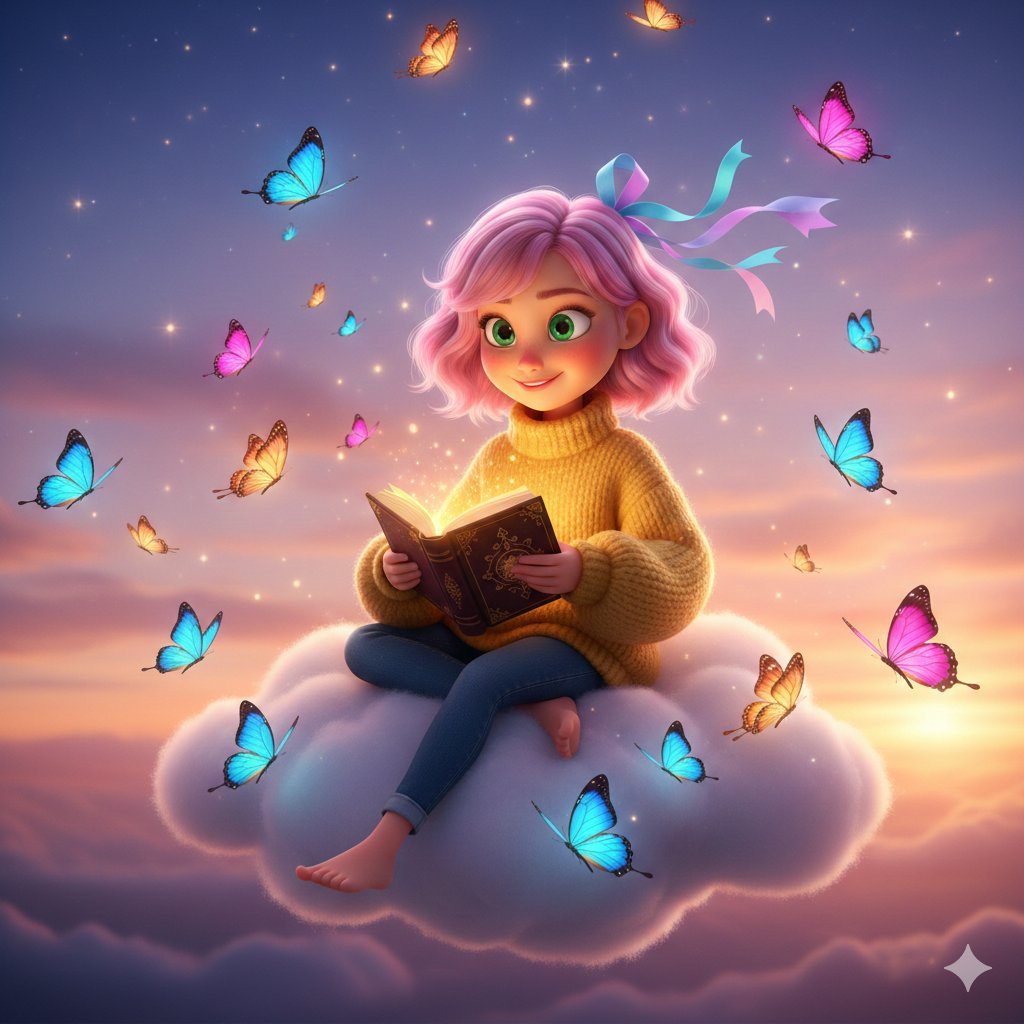
Pixar-Style Girl on a Floating Cloud
Browse template categories
Neon Temple Chase questions
How do I use the Neon Temple Chase template?
Add your photo if the template asks for one, edit the prompt if you like — the template's model and format are already selected — and press Generate. Your version opens in PicX Studio.
Can I customize the Neon Temple Chase template?
Yes. You can change the subject, setting, lighting, mood, format, and available model controls before creating your image.
Is the Neon Temple Chase template free?
Opening and editing this template is free. Generating uses credits, shown on the Generate button when you are signed in.
Which AI model should I use?
Start with GPT Image 2, which is the model associated with this template. You can compare another compatible model for a different finish.
Looking for something else? Browse all templates.

Your photo, any look
Thousands of ready templates for every top image and video model, from one credit balance.