
Shogi Battlefield Video Thumbnail
A cinematic thumbnail prompt for a fantasy shogi battlefield scene starring two anthropomorphic dogs with award-style social video overlays.
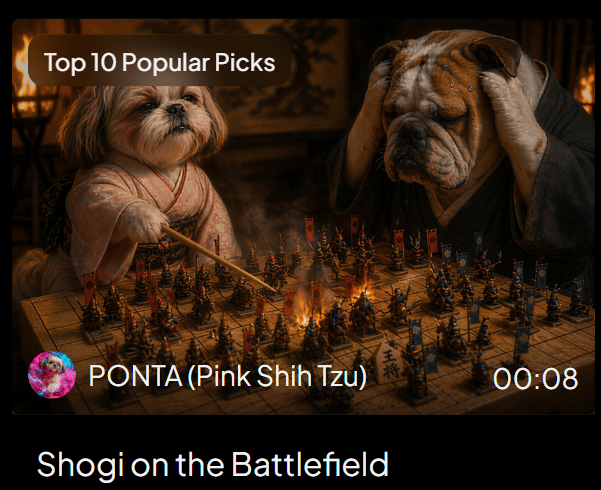
- Prompt included
- Model and format preset
- Free template
The prompt behind this image
Copy the exact prompt behind Shogi Battlefield Video Thumbnail, or open it in the studio and make it yours.
Goal: Create a cinematic social media video thumbnail / award post image showing a fantasy shogi match transforming into a battlefield, with a dark PixVerse-style video-card presentation. Canvas: 600×483 px landscape card on a black background with rounded corners. The upper 82% is a cinematic image still; the lower strip is black with a large title. Use warm firelight, deep shadows, shallow depth of field, dramatic movie lighting, and high-detail photorealistic animal characters. Main scene: Inside a dim traditional Japanese room, two anthropomorphic dogs sit across a wooden shogi board that has become a miniature battlefield. On the left is {argument name="left character" default="PONTA, a pink Shih Tzu"}, small and fluffy, wearing a pale pink kimono, holding a thin wooden pointer toward the board with a confident strategic expression. On the right is {argument name="right character" default="a worried bulldog opponent"}, large and wrinkled, wearing a dark robe, gripping both sides of his head in despair. Behind them are blurred lanterns, flames, and traditional wall art. Board details: The shogi board fills the lower center of the image in perspective. Show a dense miniature battle scene on top of the grid: exactly two opposing armies, one accented in red/orange and one accented in blue. Include about 64 visible miniature soldier figures total, mixed with shogi pieces, banners, spears, and glowing embers. A bright fiery clash burns near the center of the board. Make the wooden grid and at least one shogi piece with Japanese characters visible near the front edge. Overlay text and UI: Add a rounded dark-brown pill label at the top left reading {argument name="award label" default="Top 10 Popular Picks"} in white sans-serif text. At the lower left of the image still, place a circular colorful avatar icon followed by white text reading {argument name="creator line" default="PONTA (Pink Shih Tzu)"}. At the lower right of the image still, place the white duration text {argument name="duration" default="00:08"}. In the black bottom area, add the large white title text {argument name="video title" default="Shogi on the Battlefield"} aligned left. Visible discrete text elements: exactly 4 text elements: the award label, the creator line, the duration, and the bottom title. Visible major characters: exactly 2 dogs. Visible UI elements: exactly 1 rounded award pill, exactly 1 circular avatar, exactly 1 video duration marker, exactly 1 bottom title area. Style constraints: photorealistic yet fantastical, cinematic, warm orange highlights, dark vignette, high contrast, crisp central details, no extra logos, no watermark, no additional captions beyond the specified text.
How to use Shogi Battlefield Video Thumbnail in 3 steps
- 1Upload ImagePNG, JPG or paste
Add your photo
Upload the photo the template builds on. The prompt, model and format are already set.
- 2…a portrait of your subject in softgolden-hour light, 85mm…
Personalize
Edit the subject and creative details for your destination.
- 3Generate
Generate
Press Generate — your image is created in PicX Studio, so you can compare it with the original and refine one variable at a time.
More like this
Templates with the same subject, style or setup. Open one to see its prompt.
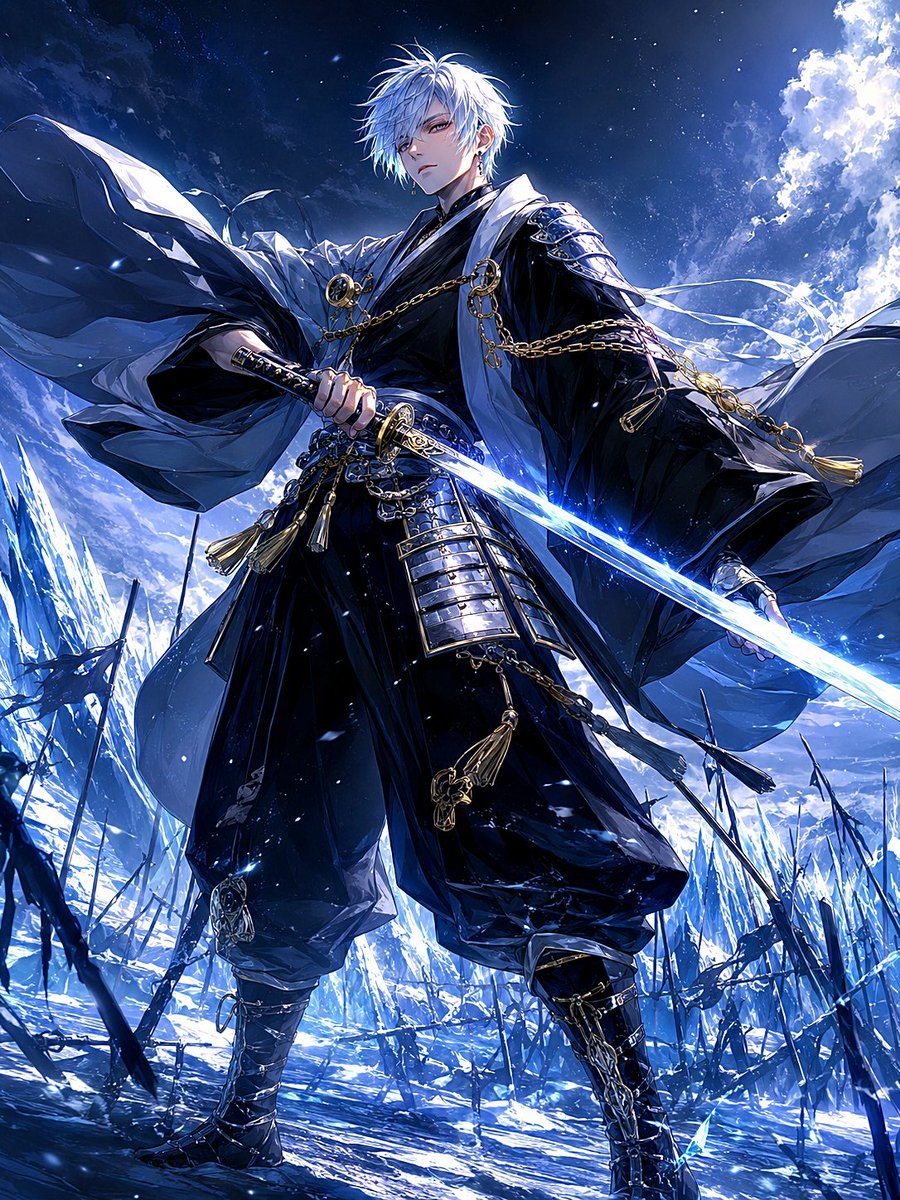
Frost Samurai Battlefield
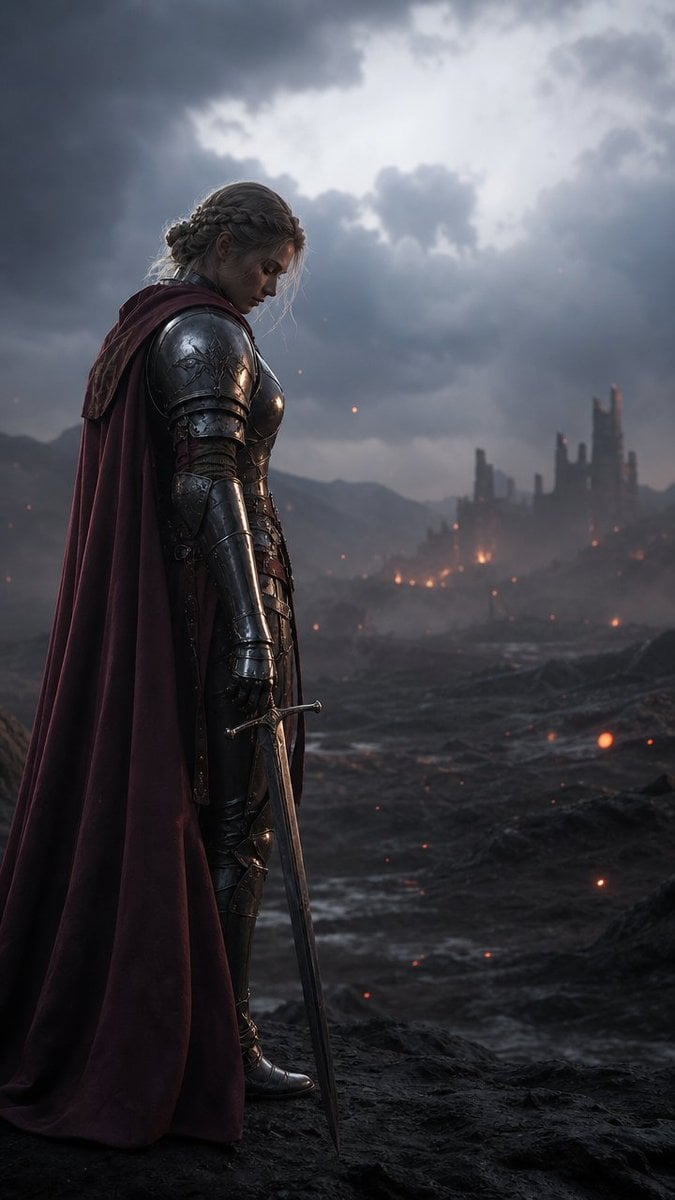
Solemn Knight on Ashen Battlefield
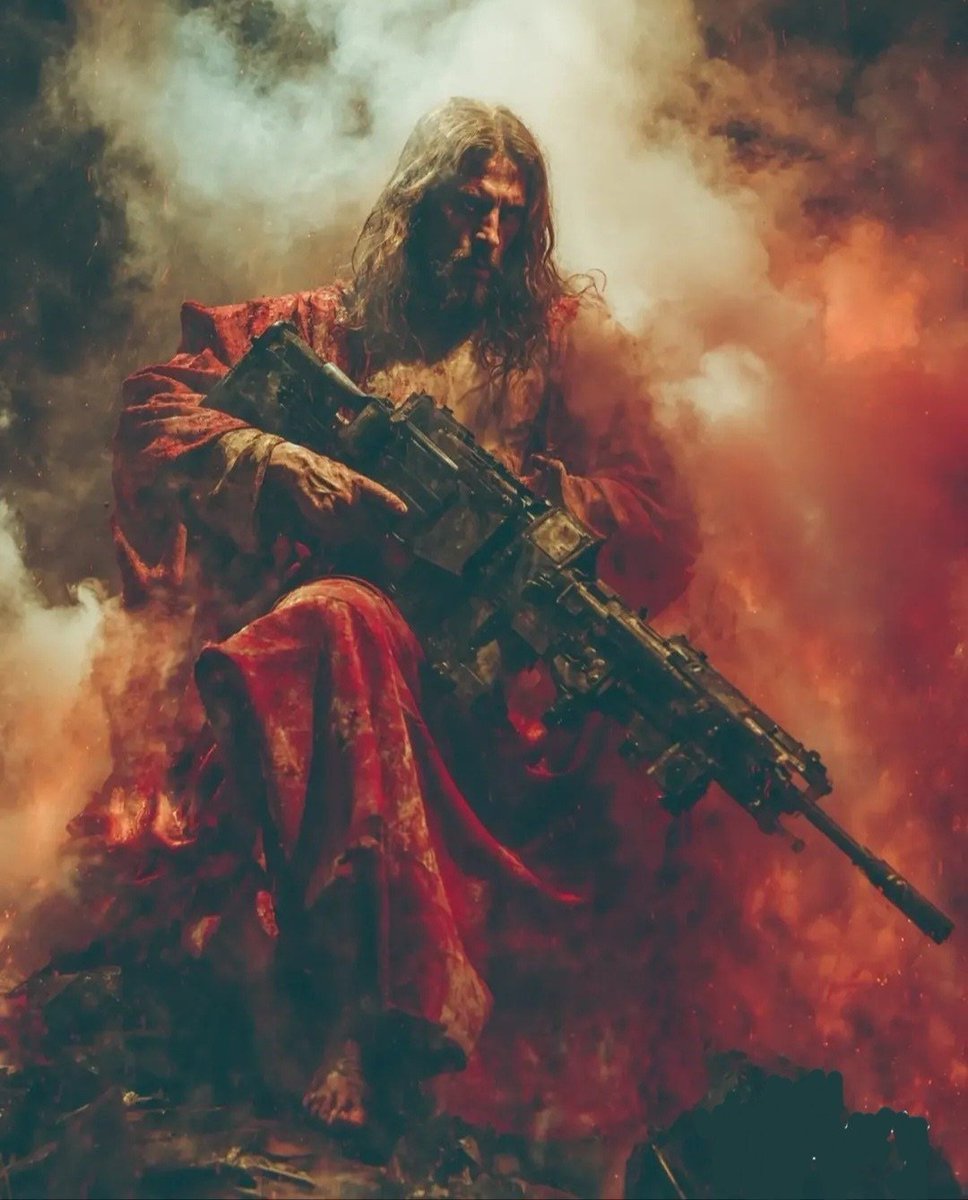
Dark Fantasy Battlefield Warrior
Roman Warrior Eagle Battlefield Portrait
Crimson Battlefield Warrior
Medieval Desert Battlefield Warrior
Aerial Sci-Fi Invasion Battlefield
Barbarian and Dragon Knight Battlefield Duel
Battlefield In-game Screenshot Prompt
Anime Knight King on Burning Battlefield
Dark Fantasy Samurai Battlefield
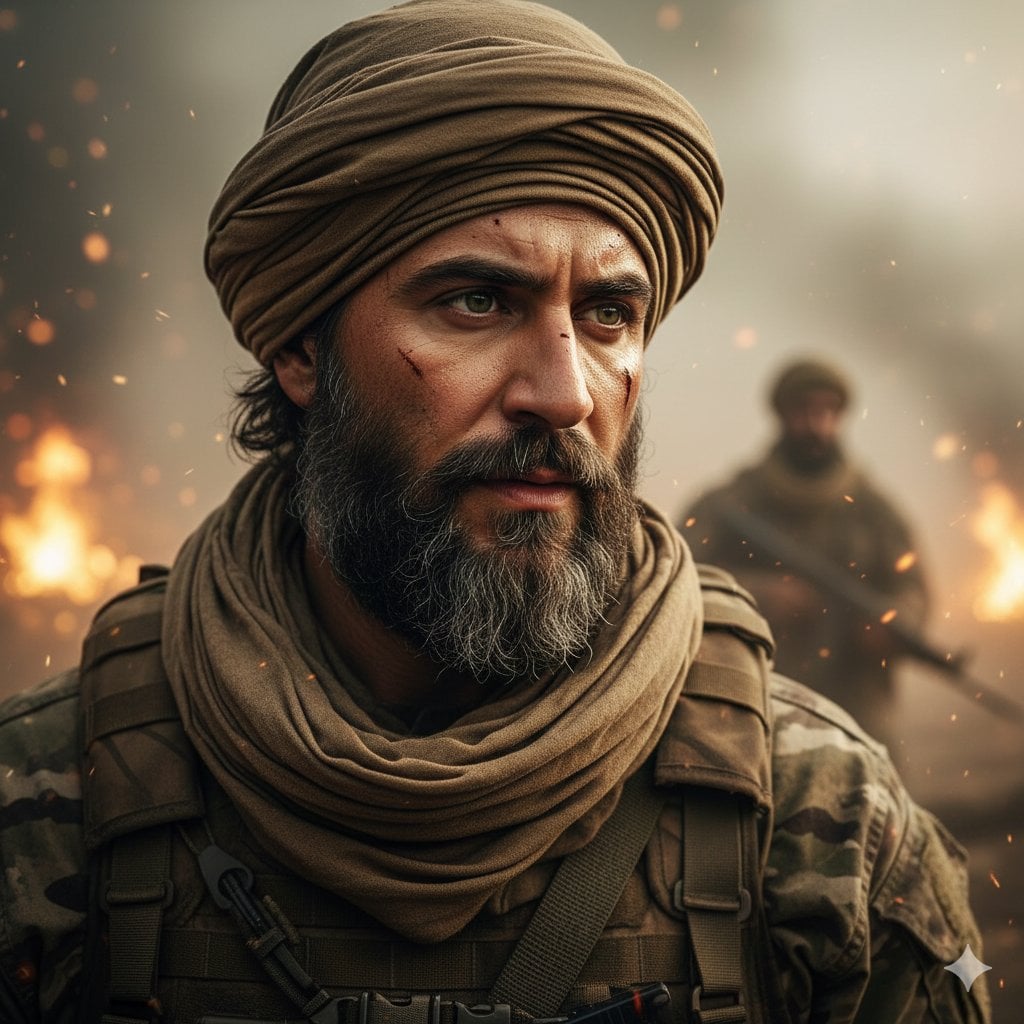
Hyper-Realistic Soldier Portrait Prompt: Battlefield Dusk
Make it yours
Shogi Battlefield Video Thumbnail works as-is. These are the safest ways to change it without losing the look.
Change one field
Copy a single group, rewrite it, and generate again so you can see what that field is doing.
Keep the frame, change the subject
Hold the composition and light of Shogi Battlefield Video Thumbnail, then swap wardrobe, props or the person for a new take.
| If the result… | Why | Fix |
|---|---|---|
| The result drifts from the preview | Too many fields changed at once. | Reuse Shogi Battlefield Video Thumbnail as-is first, then change one group — subject, light, or setting. |
| The model over-stylizes the scene | The prose prompt leaves finish and camera underspecified. | Add one camera or lighting sentence and stay on GPT Image 2. |
More GPT Image 2 templates
Other prompts made for GPT Image 2.

Six VTuber Japanese Logo Sheet

Realistic Portrait of Woman and Deer

The Vista Modular Condo Poster

AI Model Routing Comparison Infographic

2.5D Anime Art Board

Isometric Productivity Desk Scene

New York Double Exposure Poster

Four-Panel AI Landscape Comparison

Japanese Tatami Lifestyle Magazine Cover

NESCAFÉ Coffee Map Poster
More image prompts
Fresh picks from across the catalog.
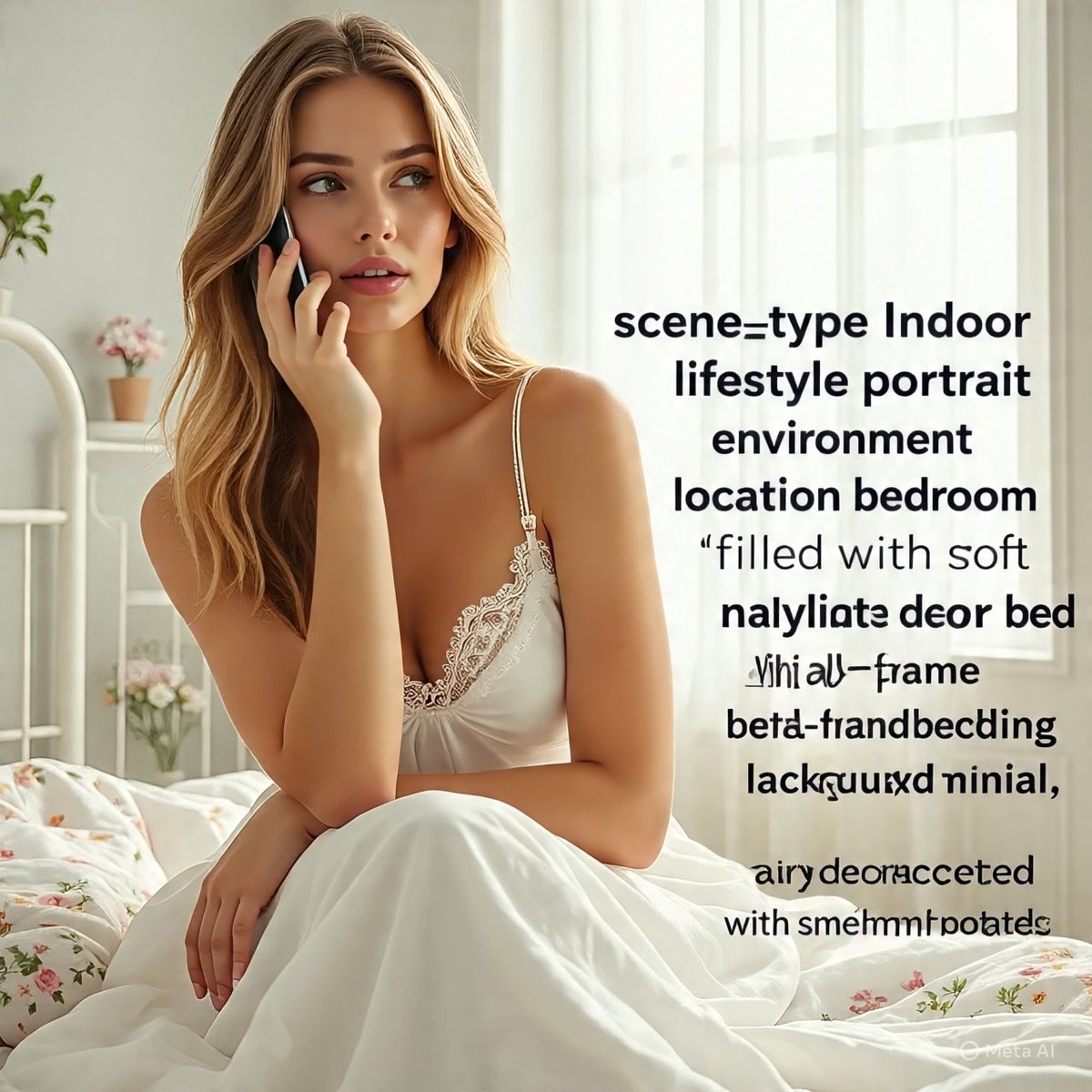
Intimate Mirror Selfie in a Sunlit Bedroom

Chocolate Brand Advertisement Poster
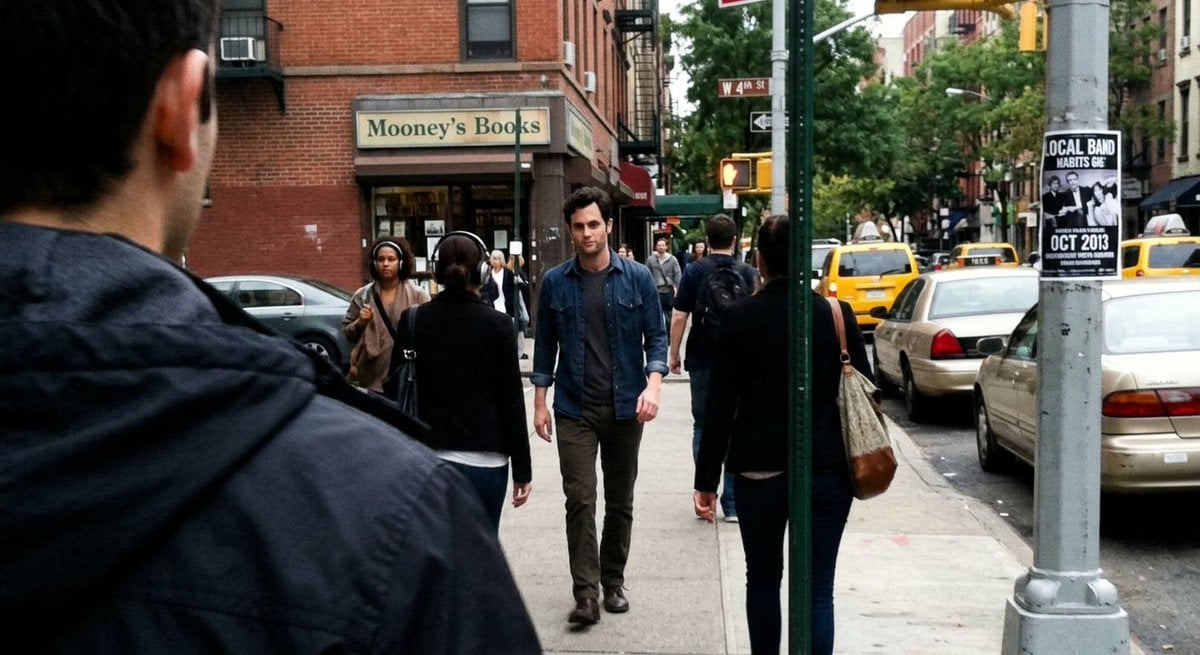
Fleeing Joe Goldberg Photo
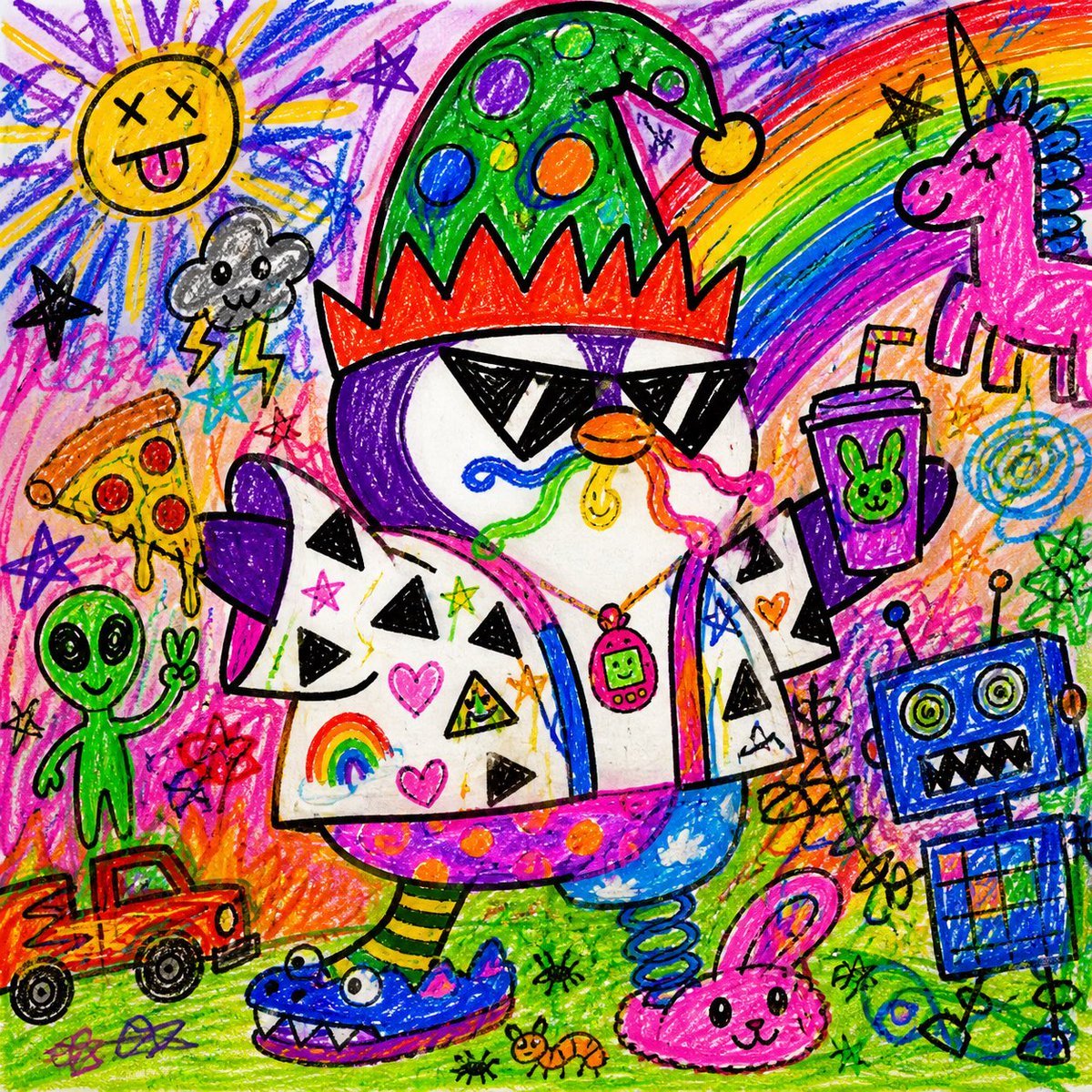
Chaotic Child Style Drawing
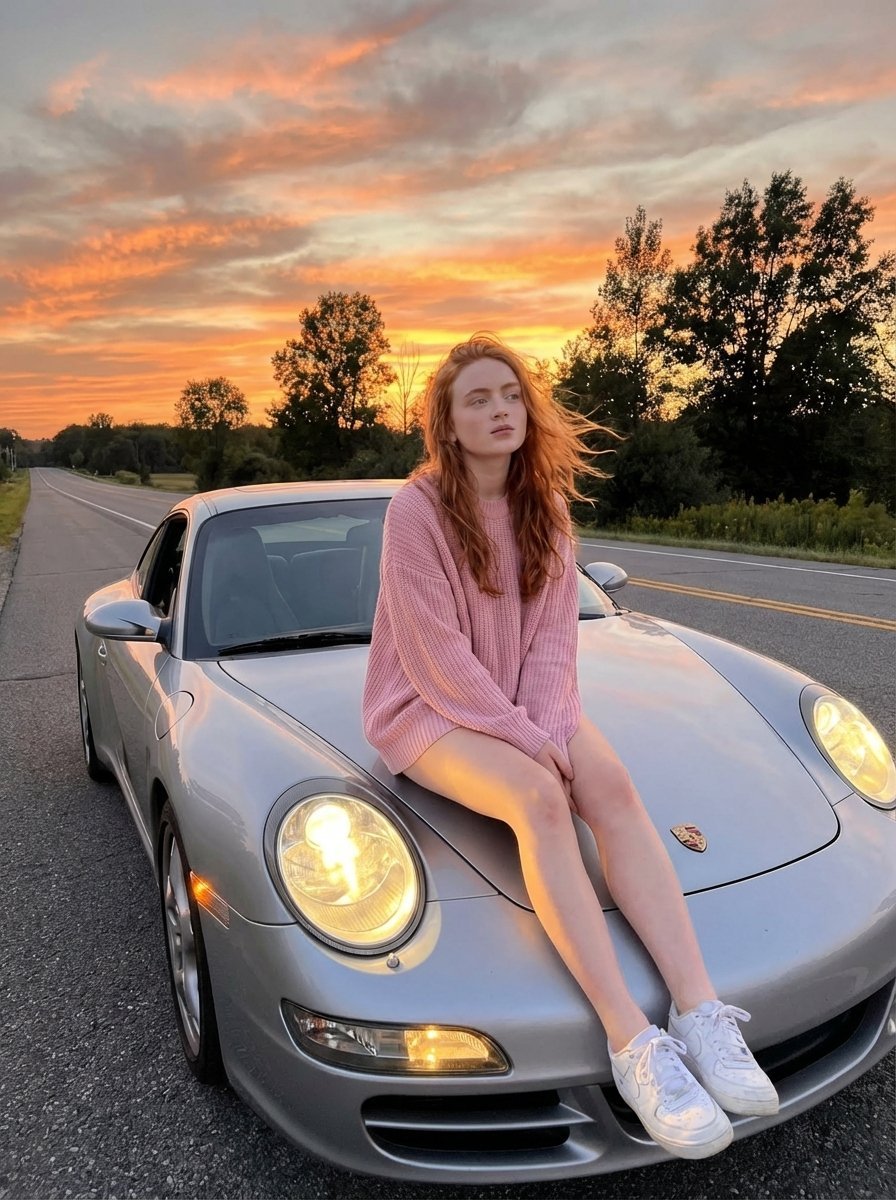
Cinematic Sunset Lifestyle Photo Prompt for Nano Banana Pro
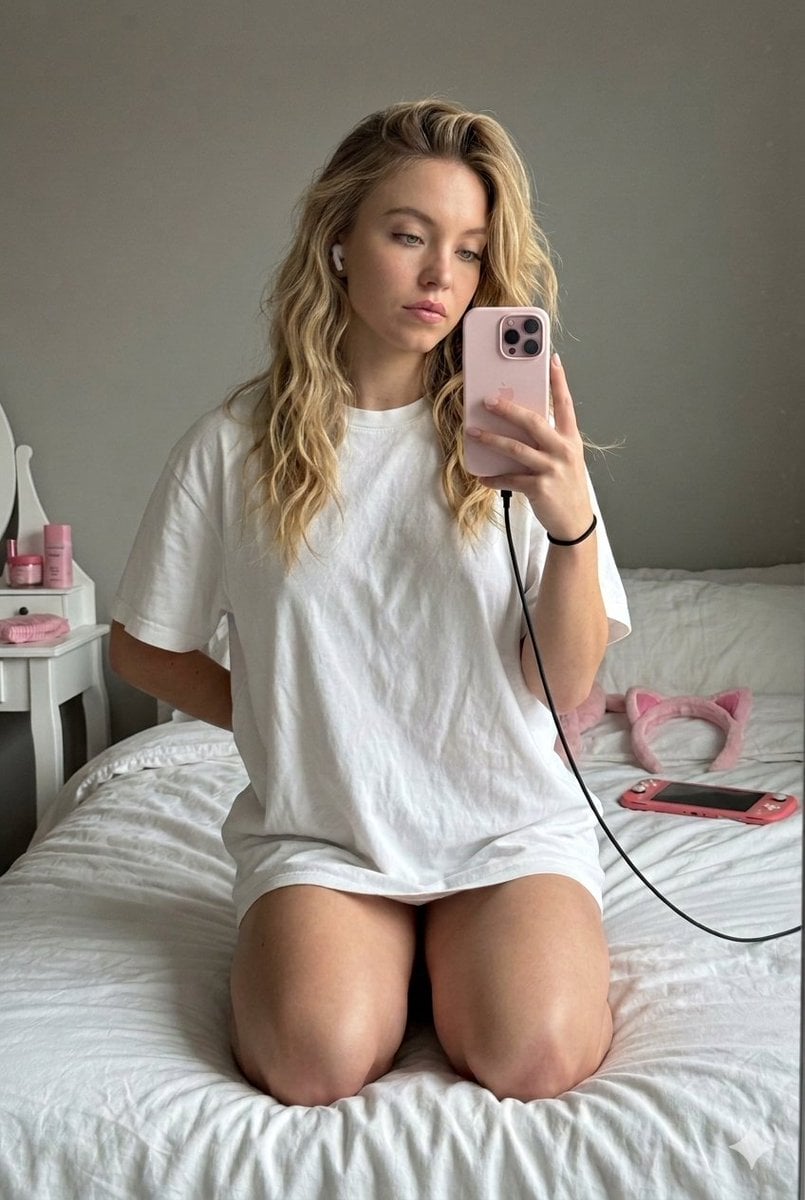
High-Fidelity Mirror Selfie with Identity Lock
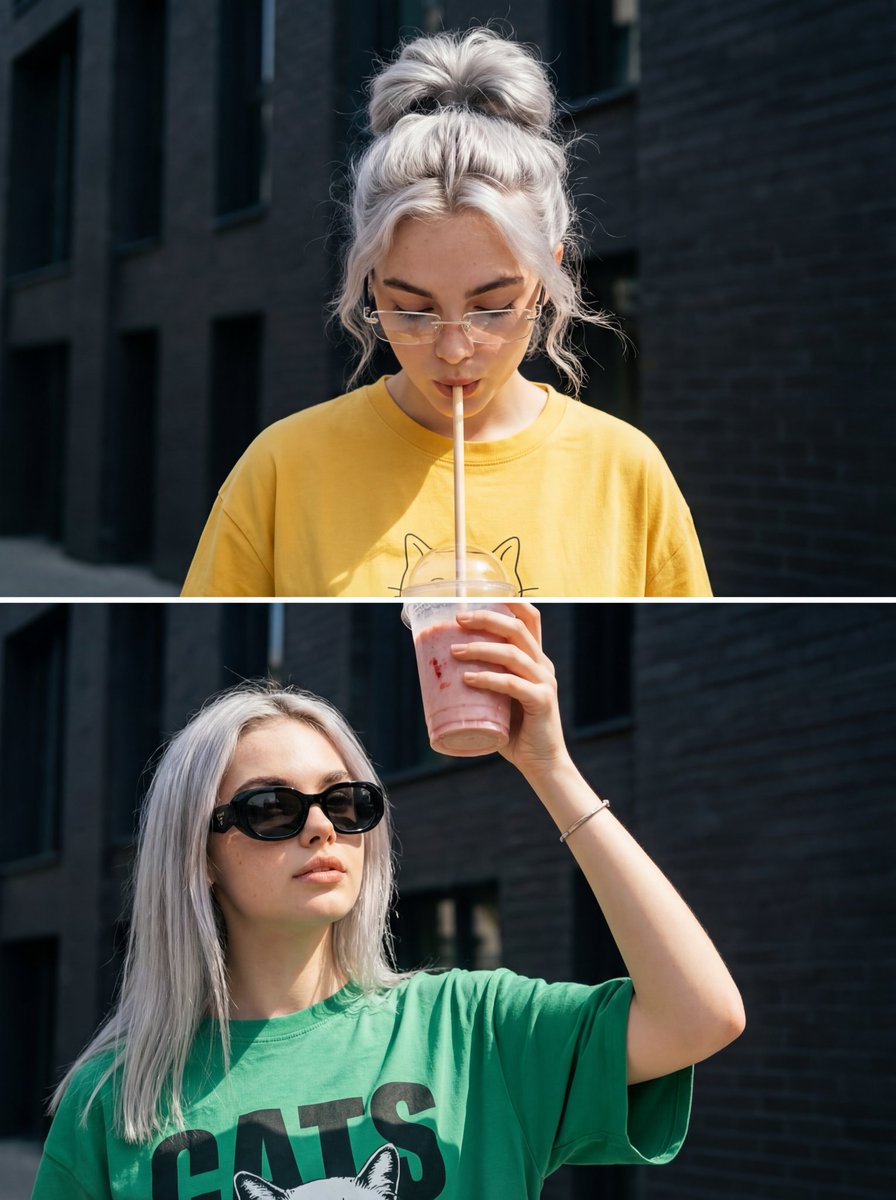
Surreal Interaction Diptych
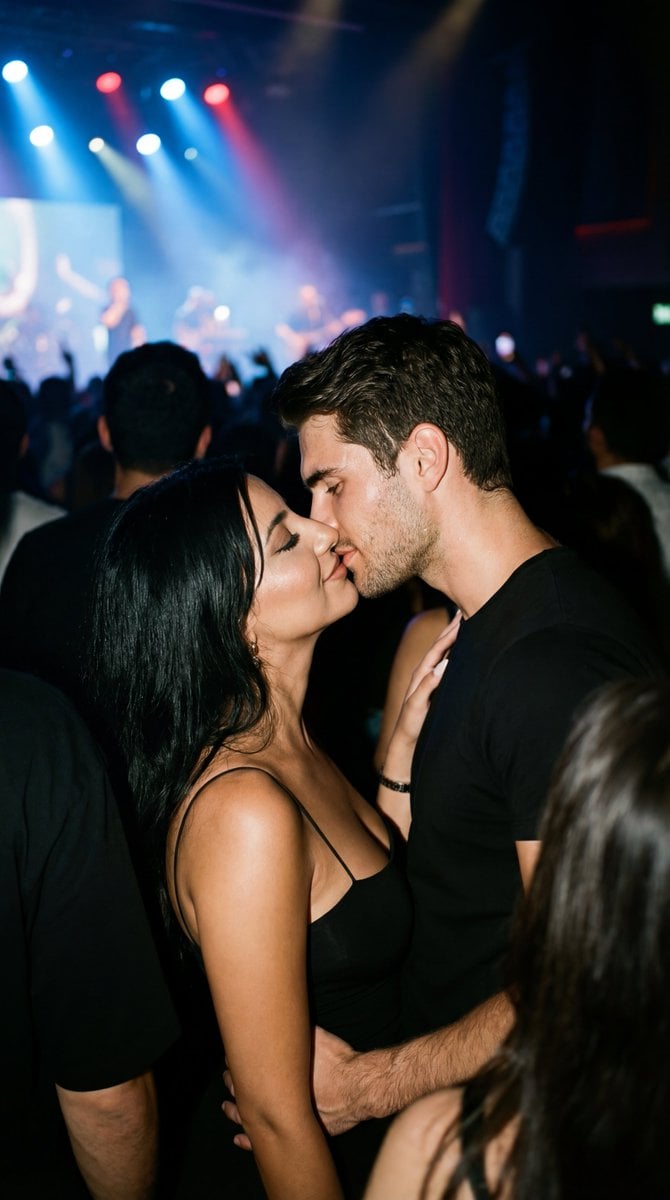
Candid 35mm Concert Romance Film Still
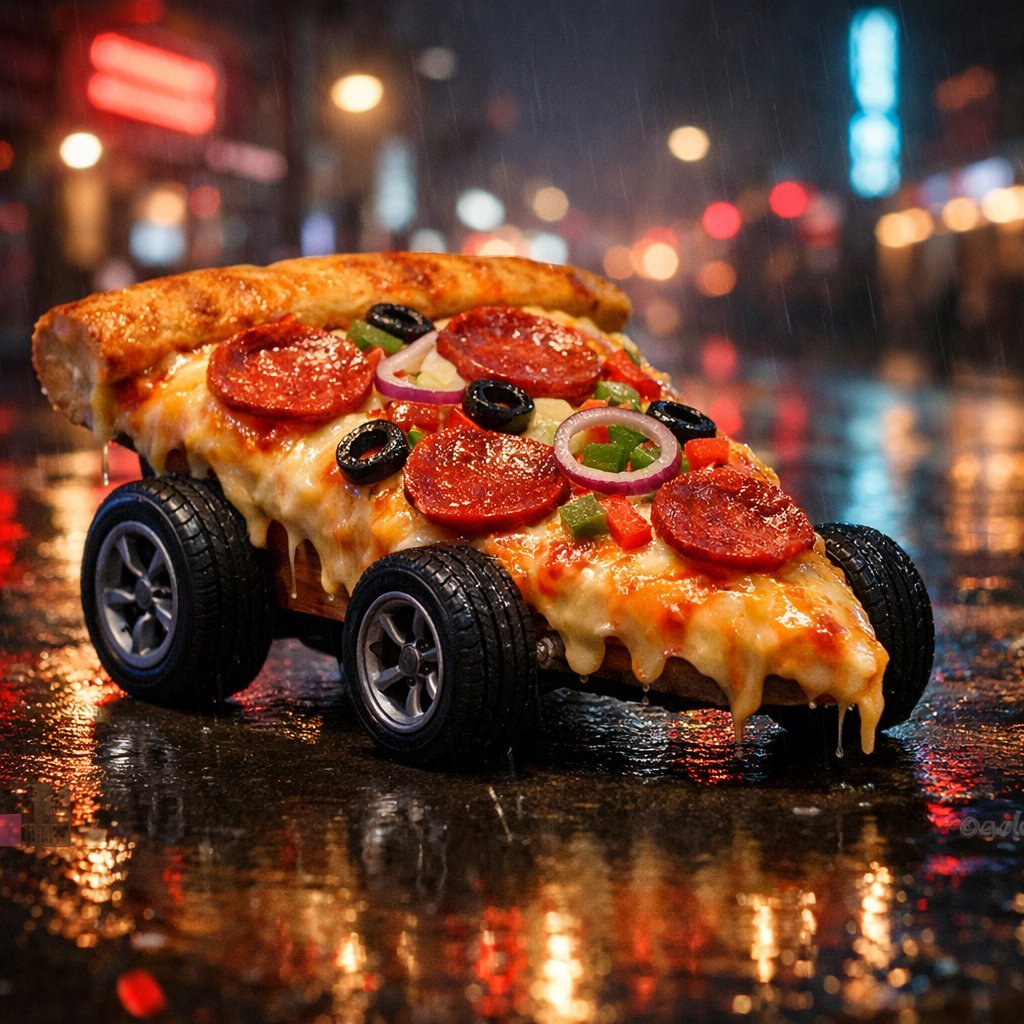
Surreal Cyberpunk Pizza Car Prompt
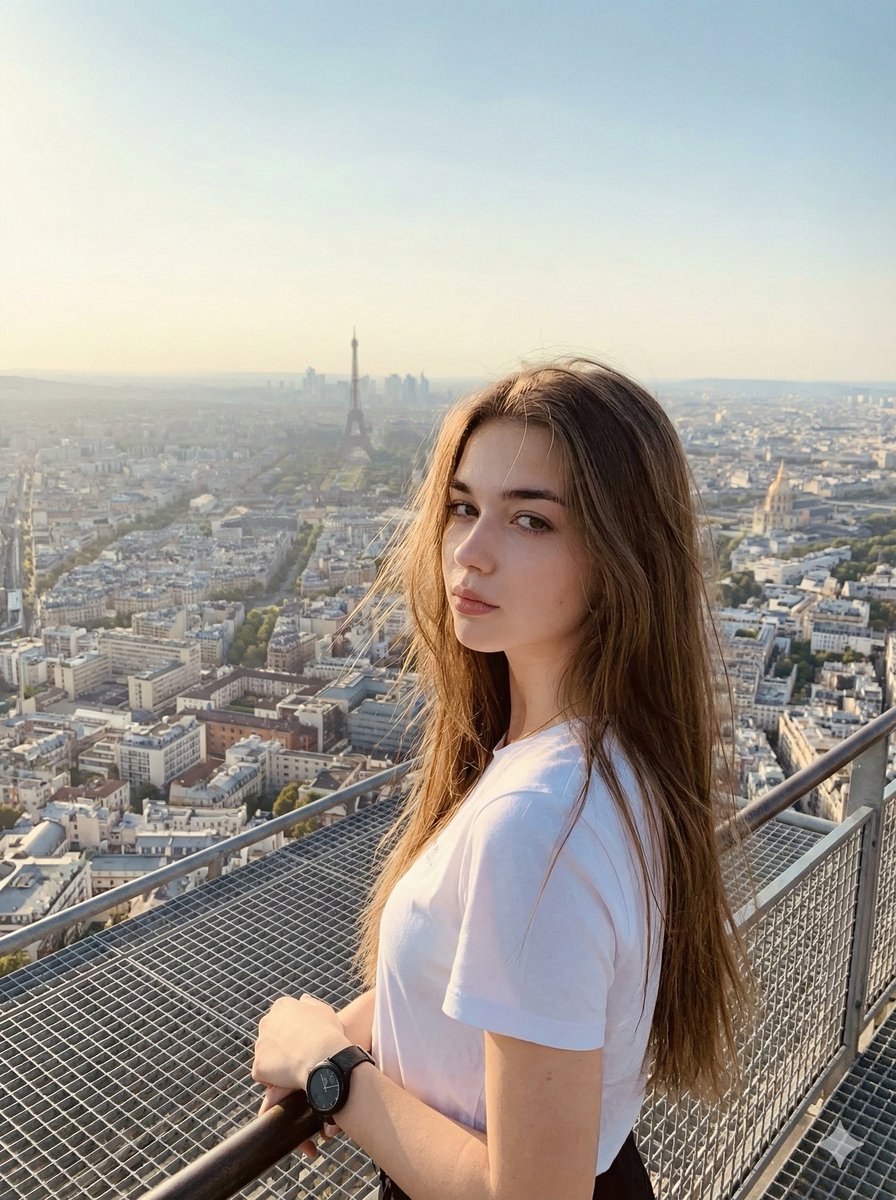
Cinematic Parisian Tower Portrait with Identity Preservation
Browse template categories
Shogi Battlefield Video Thumbnail questions
How do I use the Shogi Battlefield Video Thumbnail template?
Add your photo if the template asks for one, edit the prompt if you like — the template's model and format are already selected — and press Generate. Your version opens in PicX Studio.
Can I customize the Shogi Battlefield Video Thumbnail template?
Yes. You can change the subject, setting, lighting, mood, format, and available model controls before creating your image.
Is the Shogi Battlefield Video Thumbnail template free?
Opening and editing this template is free. Generating uses credits, shown on the Generate button when you are signed in.
Which AI model should I use?
Start with GPT Image 2, which is the model associated with this template. You can compare another compatible model for a different finish.
Looking for something else? Browse all templates.

Your photo, any look
Thousands of ready templates for every top image and video model, from one credit balance.