
Barbarian and Dragon Knight Battlefield Duel
A cinematic fantasy battle scene showing a horned barbarian and dragon-armored warrior clashing swords over a fallen armored knight.
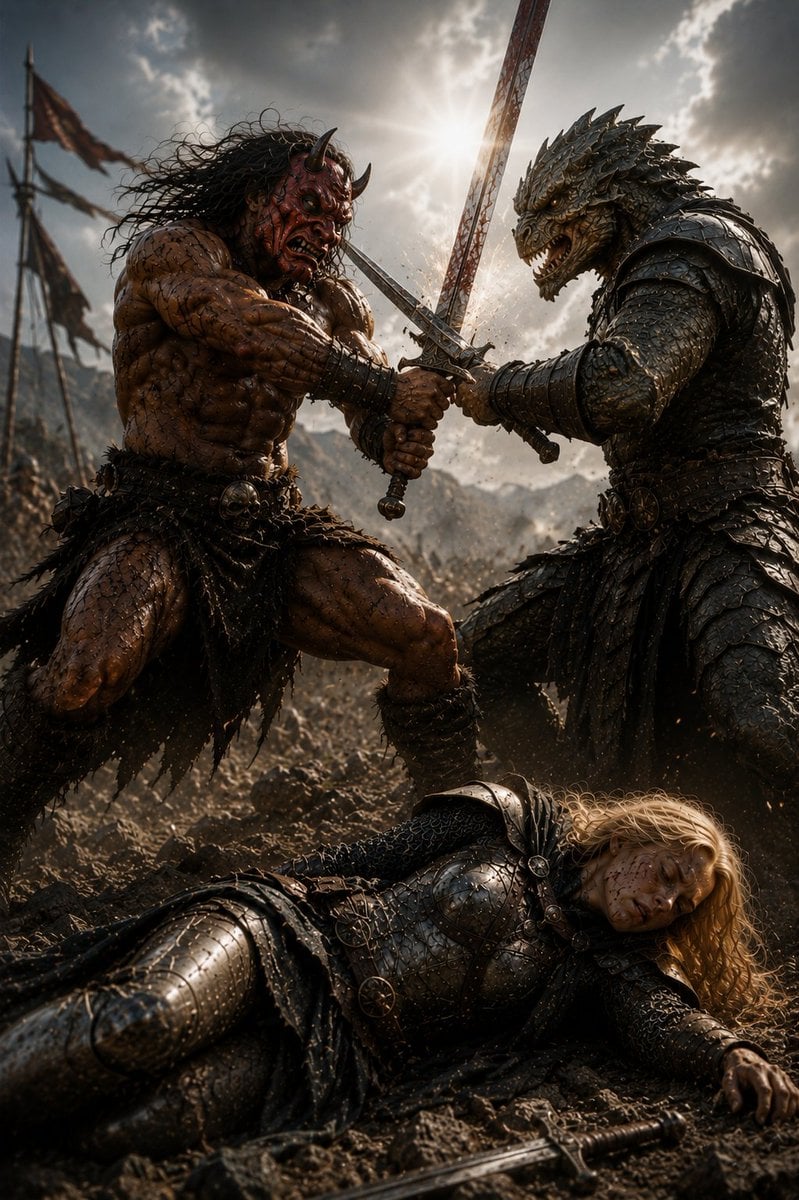
- Prompt included
- Model and format preset
- Free template
The prompt behind this image
Copy the exact prompt behind Barbarian and Dragon Knight Battlefield Duel, or open it in the studio and make it yours.
Create a dark cinematic high-fantasy battlefield scene titled {argument name="scene title" default="Alliance with the Barbarian 4"}: in the midground, two powerful warriors fight back-to-back as allies, crossing swords against unseen enemies amid dust and flying sparks. On the left is a massive horned {argument name="barbarian type" default="demon-like barbarian"}, bare-chested, extremely muscular, scarred and muddy, with reddish-brown skin, long wild black hair, small curved horns, a snarling face, leather-and-fur loincloth, bone and skull belt ornaments, wrist wraps, and a heavy sword gripped in both hands. On the right is a towering {argument name="creature warrior" default="dragon-headed reptilian knight"} wearing dark layered scale armor and spiked pauldrons, with a fierce open-jawed reptile head, ridged horns, clawed hands, and a sword locked with the barbarian's blade in a dramatic crossed composition. In the foreground, show one fallen {argument name="fallen warrior" default="blonde female knight"} lying on rocky mud in blackened plate armor and chainmail, long golden hair spread across the ground, one hand outstretched, a sword dropped near her body, and her face intentionally obscured by a plain solid dark-brown square censor block. The setting is a chaotic medieval war zone with tattered battle banners on poles, distant mountains, smoke, dirt, and a huge army blurred in the background. Use a low-angle epic composition, vertical 2:3 framing, gritty photorealistic fantasy concept art, ultra-detailed armor scratches, wet mud, sweat, bloodless but brutal atmosphere, dramatic backlighting from a bright sun breaking through storm clouds directly behind the crossed swords, high contrast, volumetric dust, sharp focus on the duel, shallow depth of field, cinematic color grading, no readable text.
How to use Barbarian and Dragon Knight Battlefield Duel in 3 steps
- 1Upload ImagePNG, JPG or paste
Add your photo
Upload the photo the template builds on. The prompt, model and format are already set.
- 2…a portrait of your subject in softgolden-hour light, 85mm…
Personalize
Edit the subject and creative details for your destination.
- 3Generate
Generate
Press Generate — your image is created in PicX Studio, so you can compare it with the original and refine one variable at a time.
More like this
Templates with the same subject, style or setup. Open one to see its prompt.
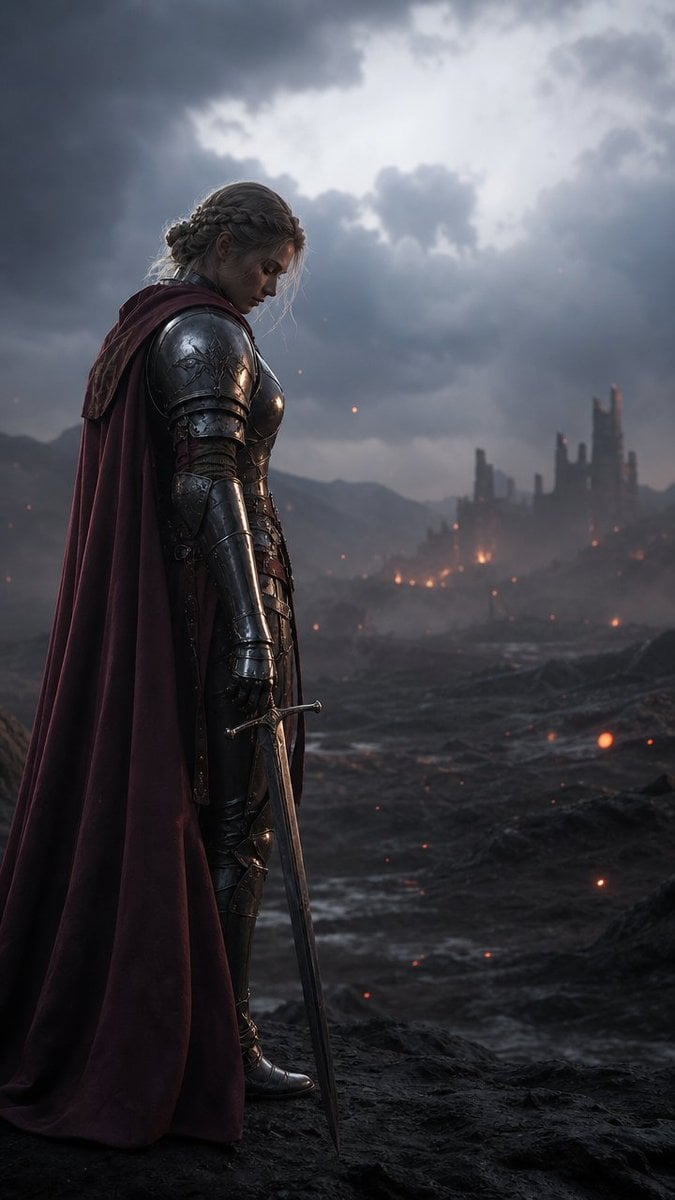
Solemn Knight on Ashen Battlefield

Minecraft Fantasy Kingdom Voxel Landscape
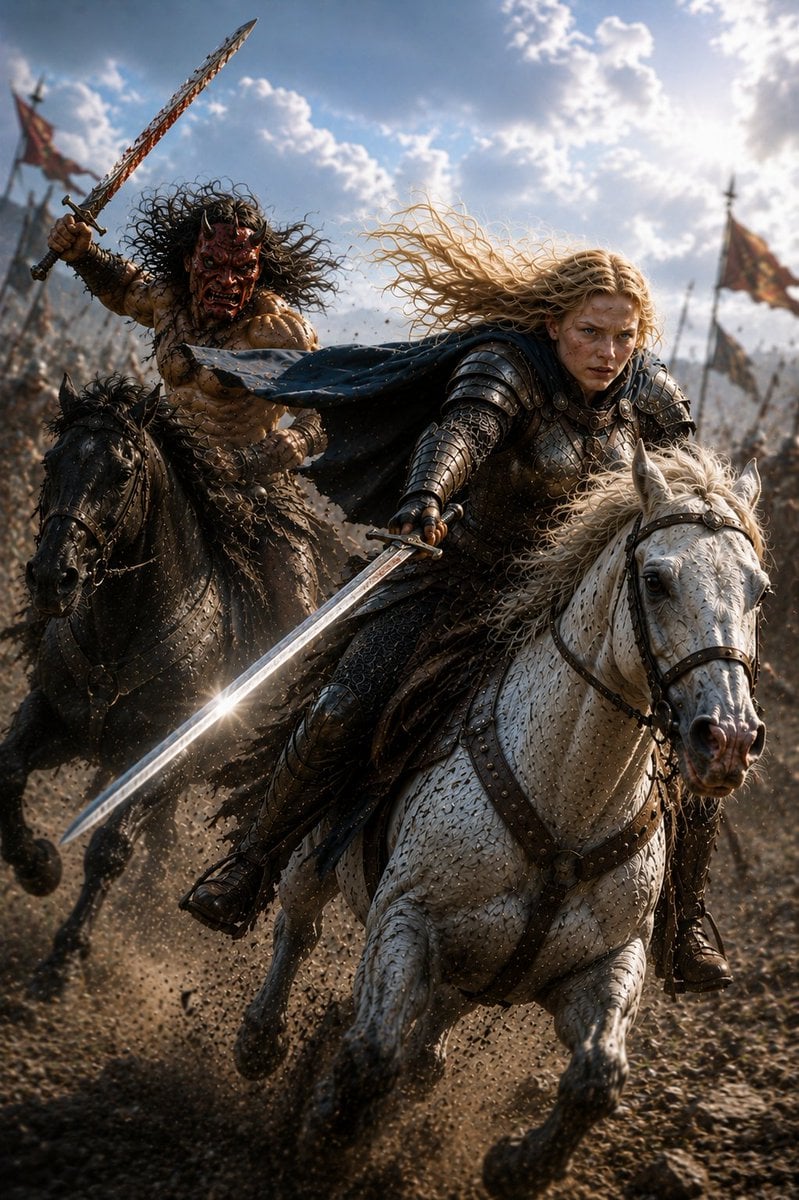
Mounted Knight and Barbarian Charge
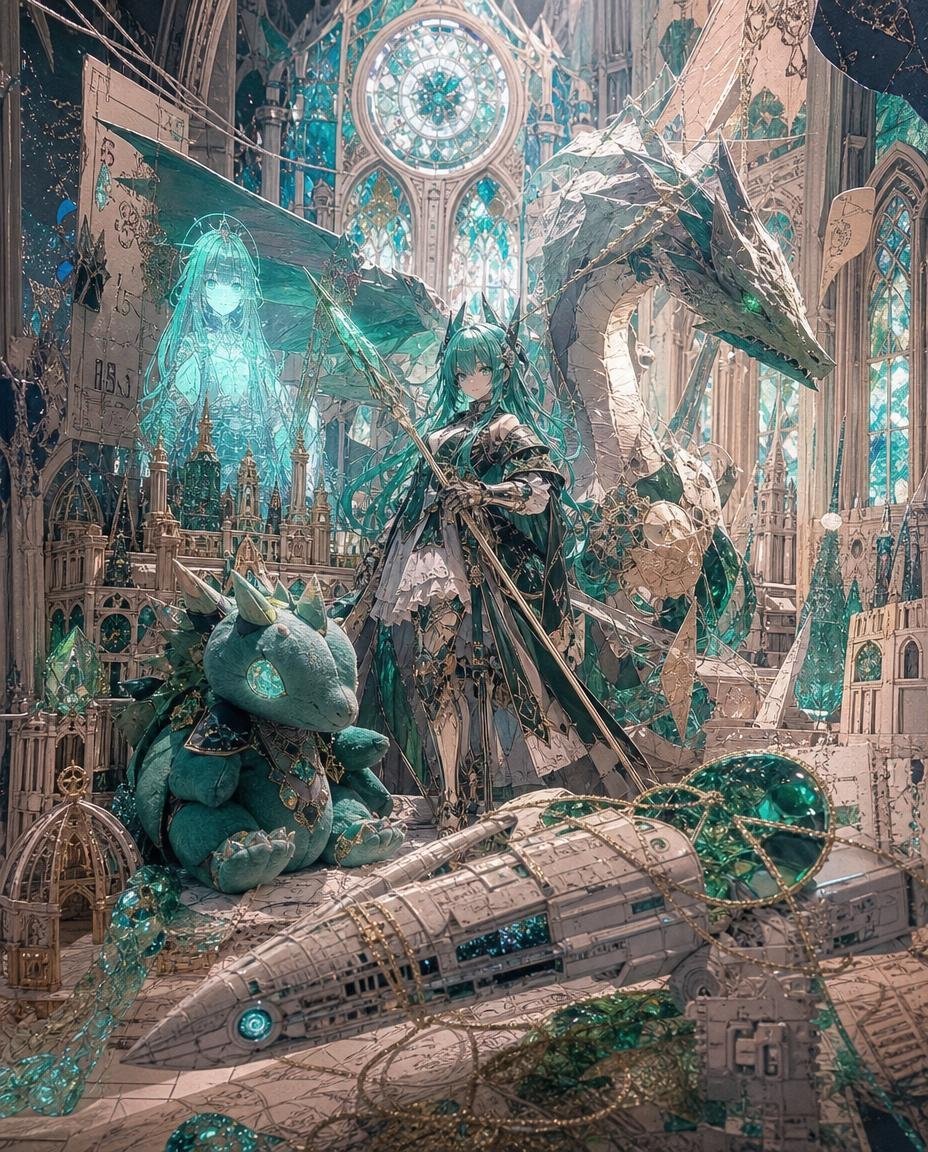
Teal Dragon Knight Cathedral Fantasy
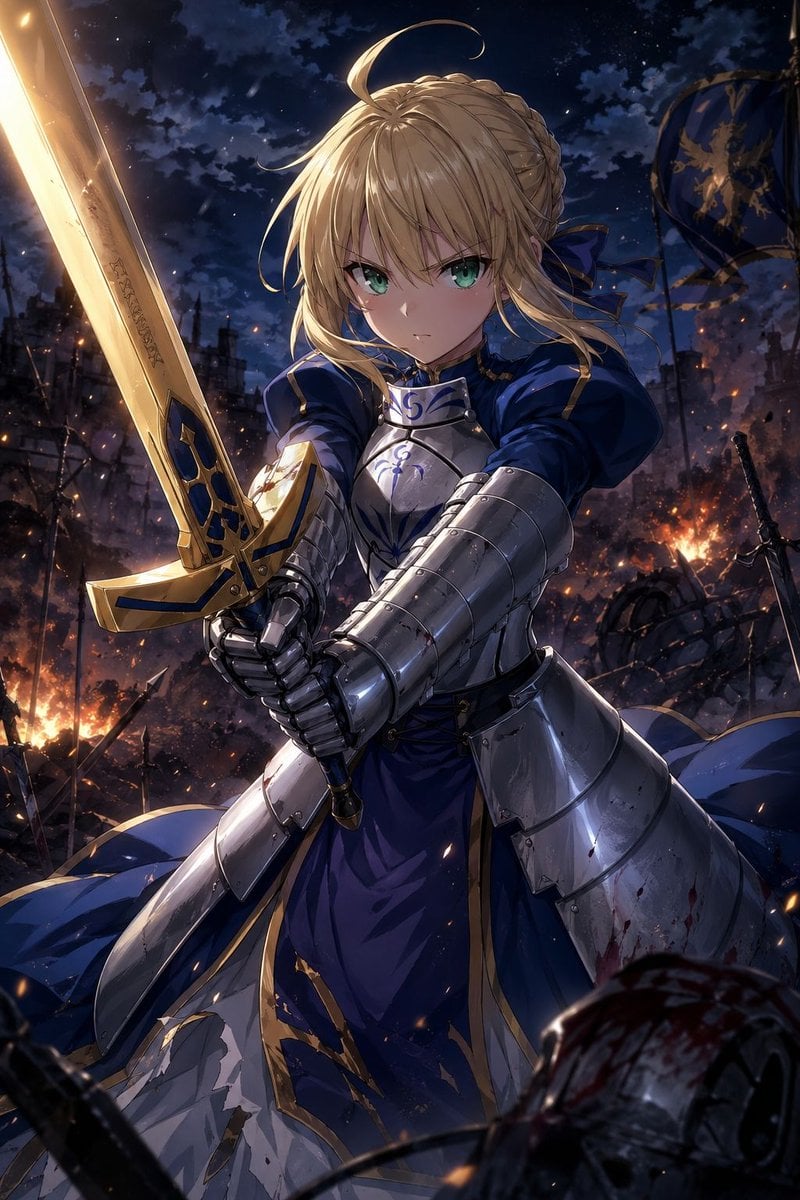
Anime Knight King on Burning Battlefield
Seedance - Dragon vs Python Battle
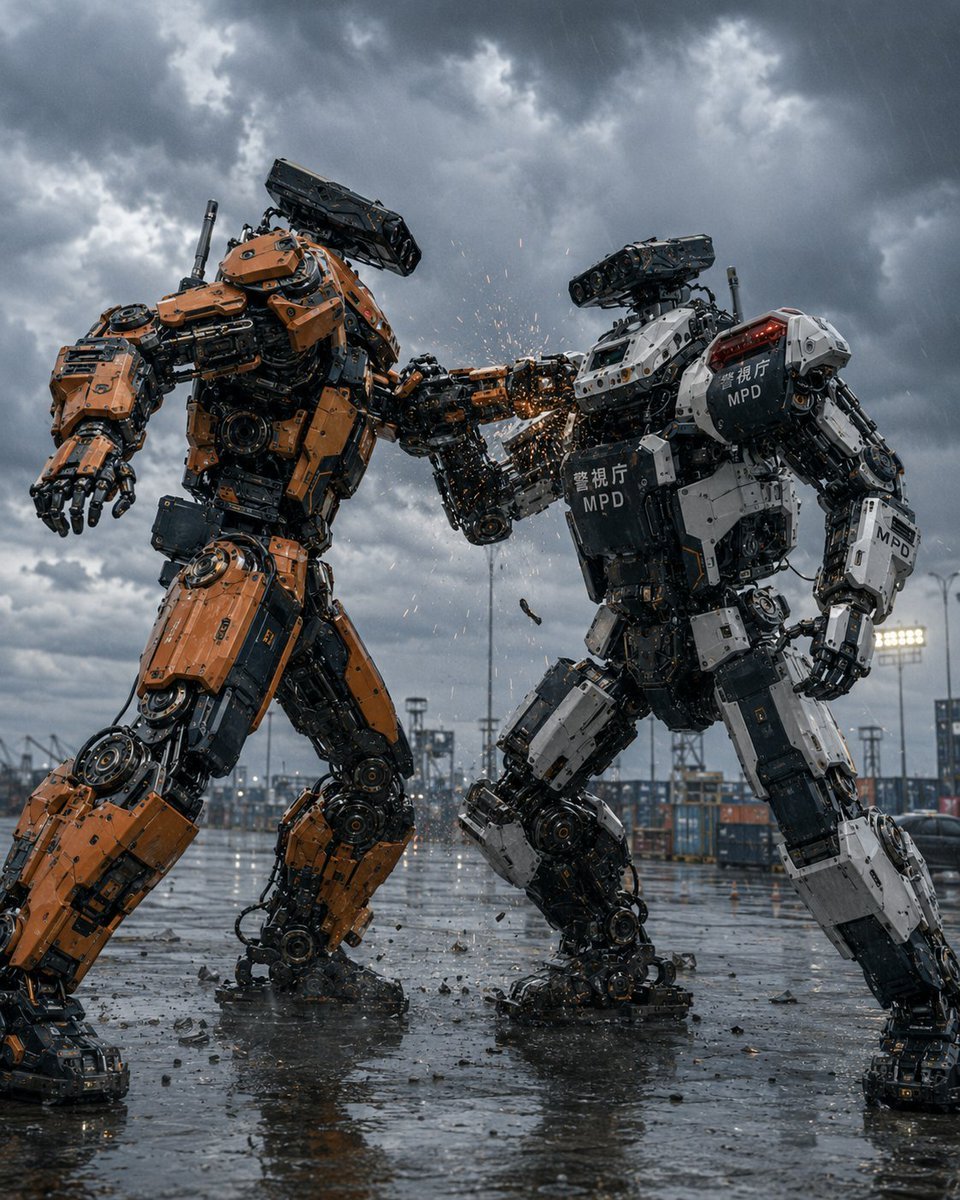
Stormy Police Mech Duel
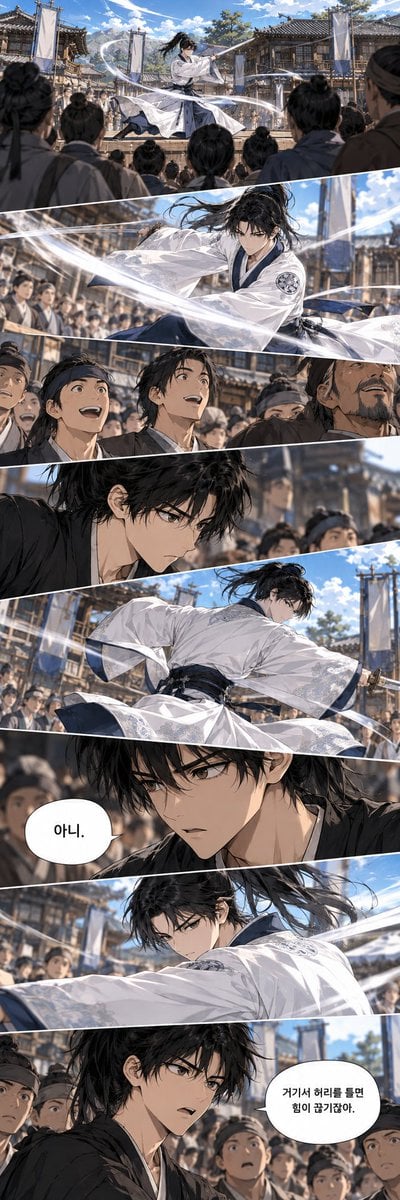
Historical Manhwa Sword Duel Page
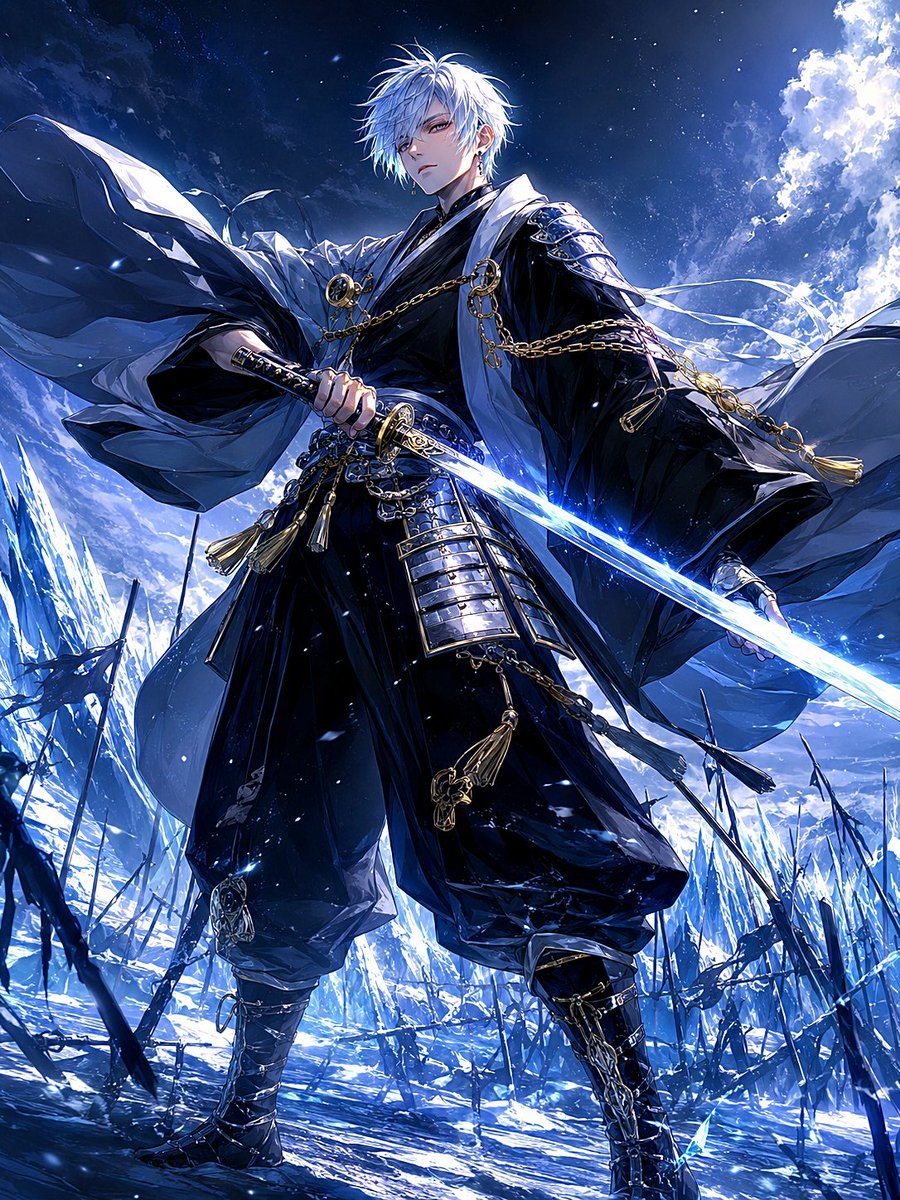
Frost Samurai Battlefield
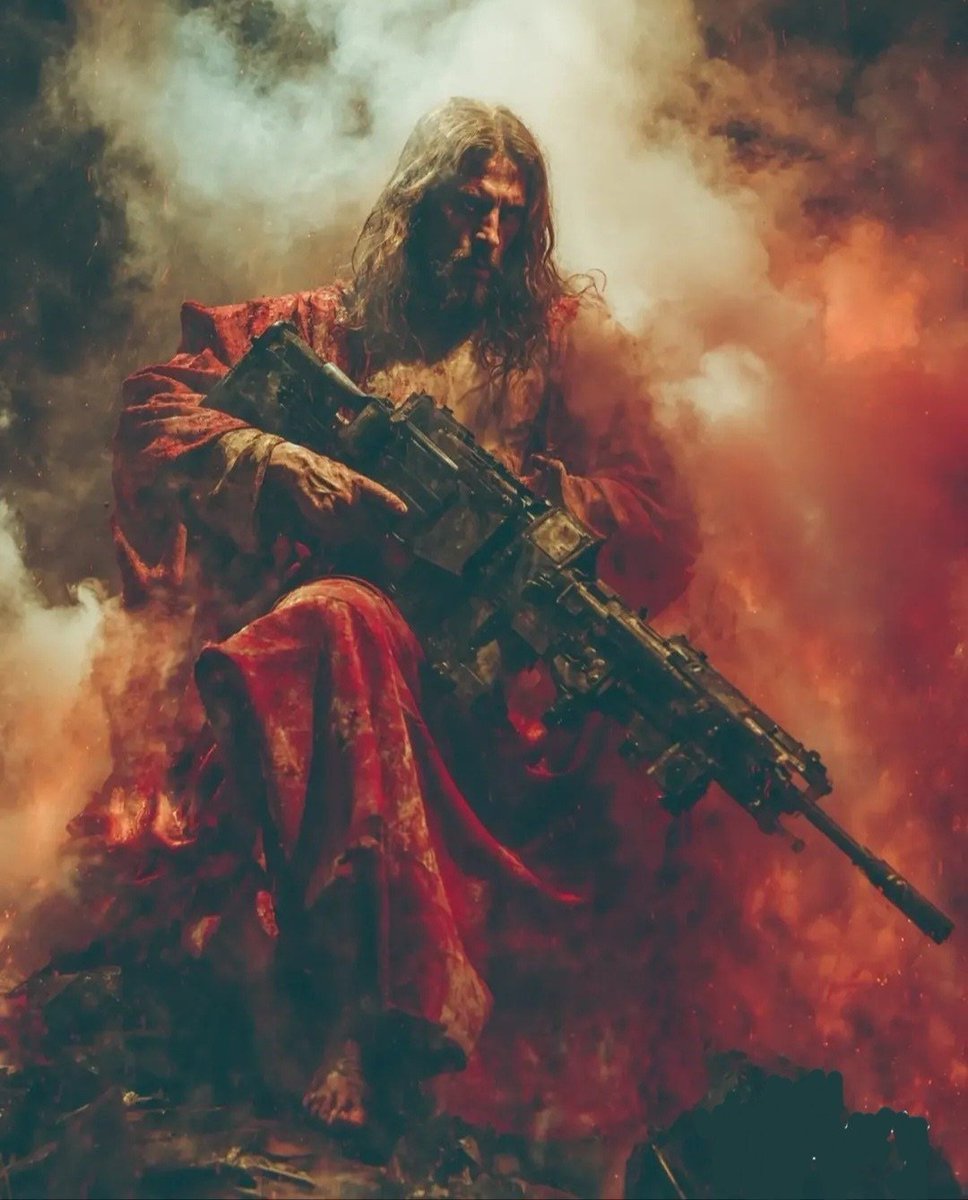
Dark Fantasy Battlefield Warrior
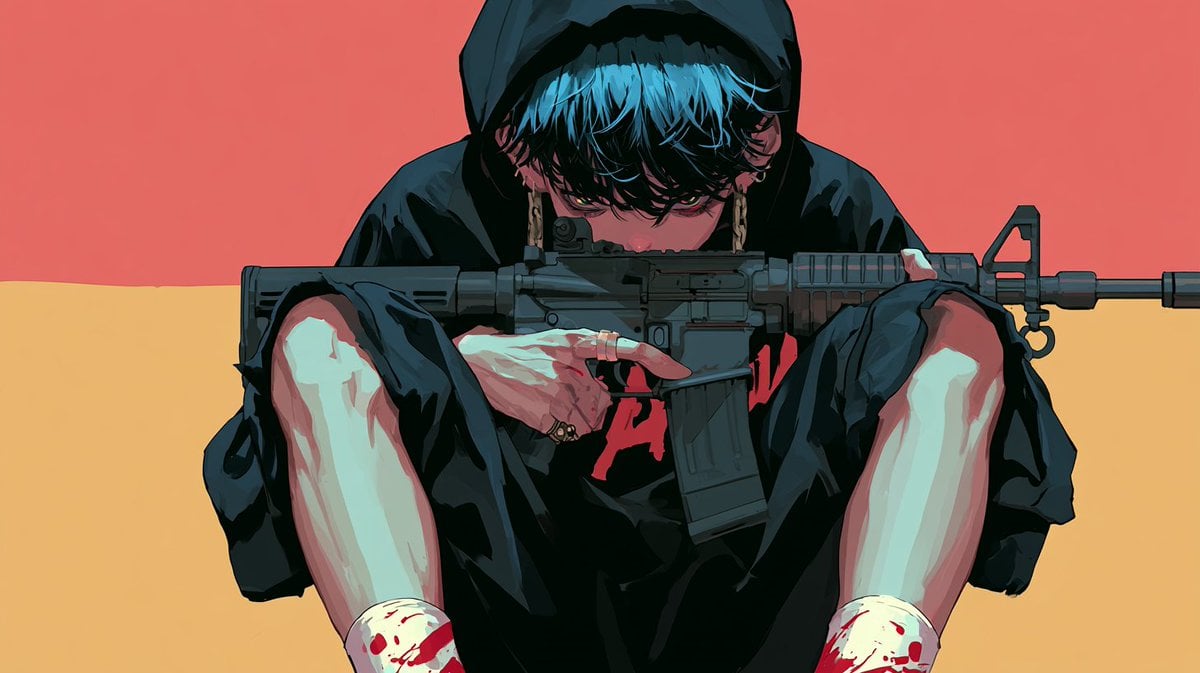
Cinematic Villain Duel Storyboard
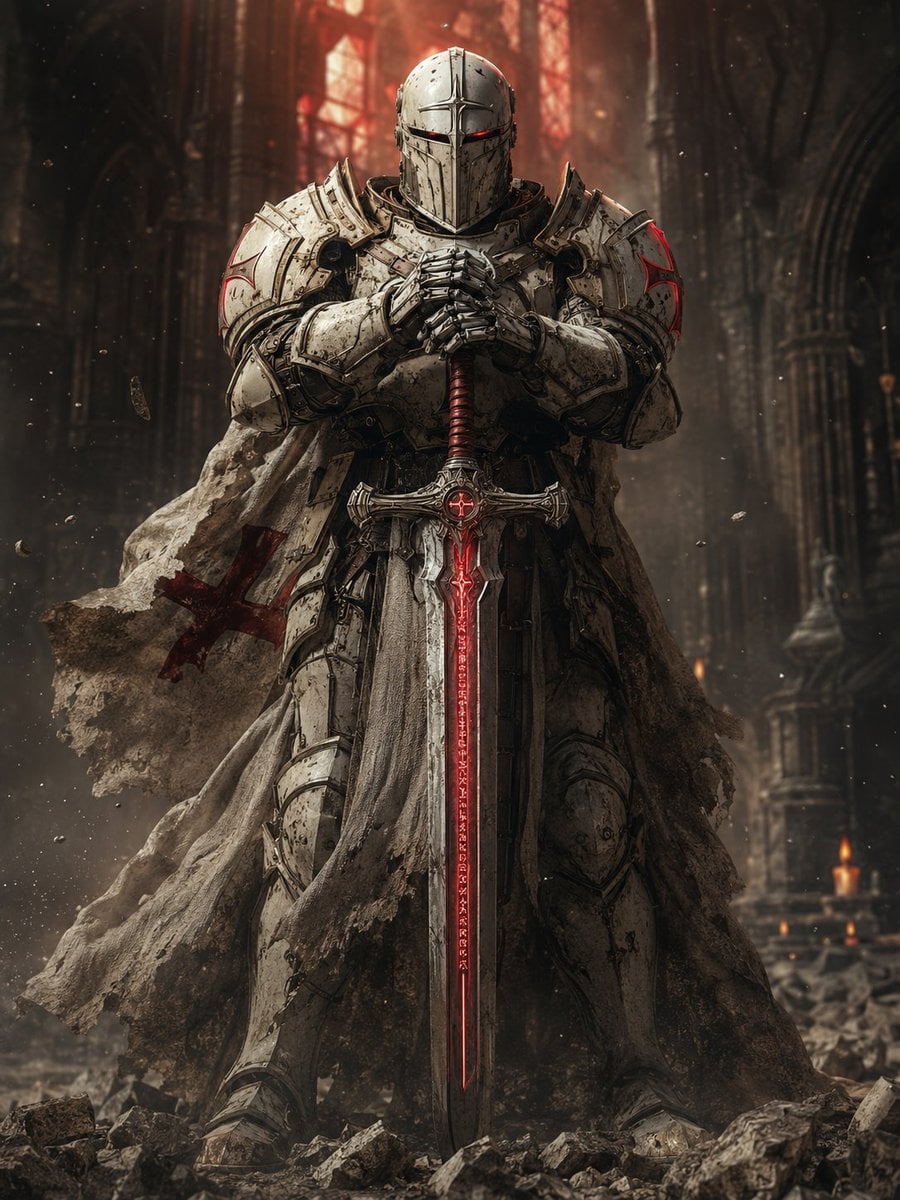
Sci-Fi Knight of the Order
Make it yours
Barbarian and Dragon Knight Battlefield Duel works as-is. These are the safest ways to change it without losing the look.
Change one field
Copy a single group, rewrite it, and generate again so you can see what that field is doing.
Keep the frame, change the subject
Hold the composition and light of Barbarian and Dragon Knight Battlefield Duel, then swap wardrobe, props or the person for a new take.
| If the result… | Why | Fix |
|---|---|---|
| The result drifts from the preview | Too many fields changed at once. | Reuse Barbarian and Dragon Knight Battlefield Duel as-is first, then change one group — subject, light, or setting. |
| The model over-stylizes the scene | The prose prompt leaves finish and camera underspecified. | Add one camera or lighting sentence and stay on GPT Image 2. |
More GPT Image 2 templates
Other prompts made for GPT Image 2.

Six VTuber Japanese Logo Sheet

Realistic Portrait of Woman and Deer

The Vista Modular Condo Poster

AI Model Routing Comparison Infographic

2.5D Anime Art Board

Isometric Productivity Desk Scene

New York Double Exposure Poster

Four-Panel AI Landscape Comparison

Japanese Tatami Lifestyle Magazine Cover

NESCAFÉ Coffee Map Poster
More image prompts
Fresh picks from across the catalog.
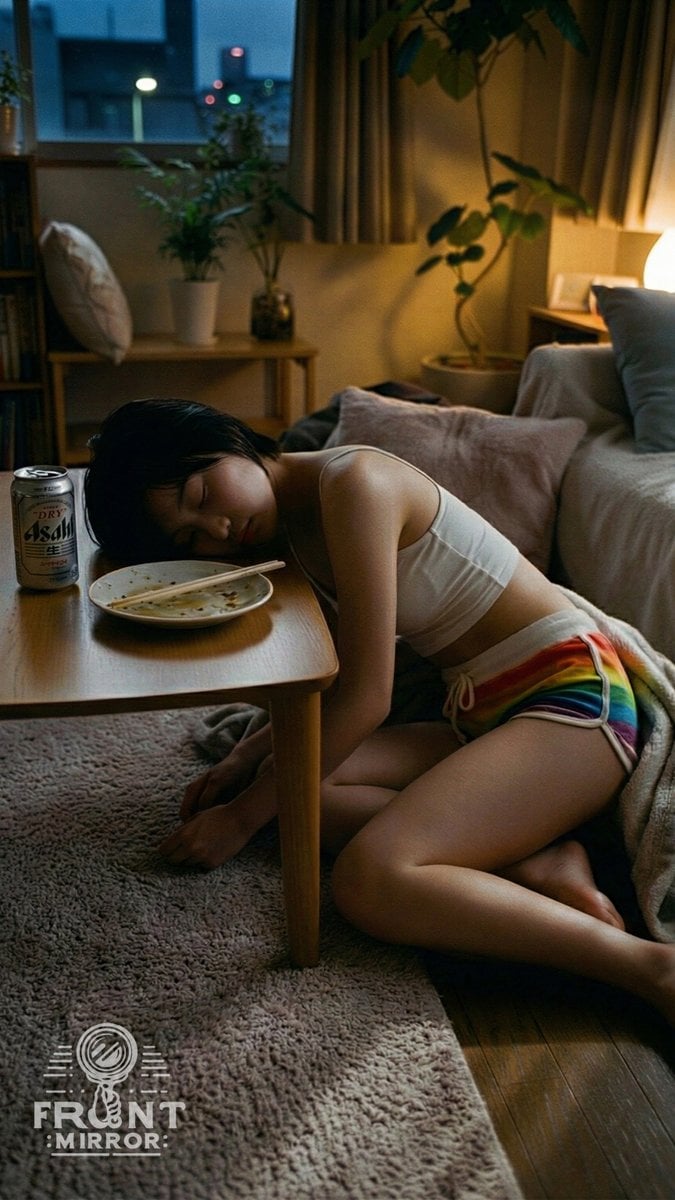
Overhead View of Saturday Morning Activity Prompt
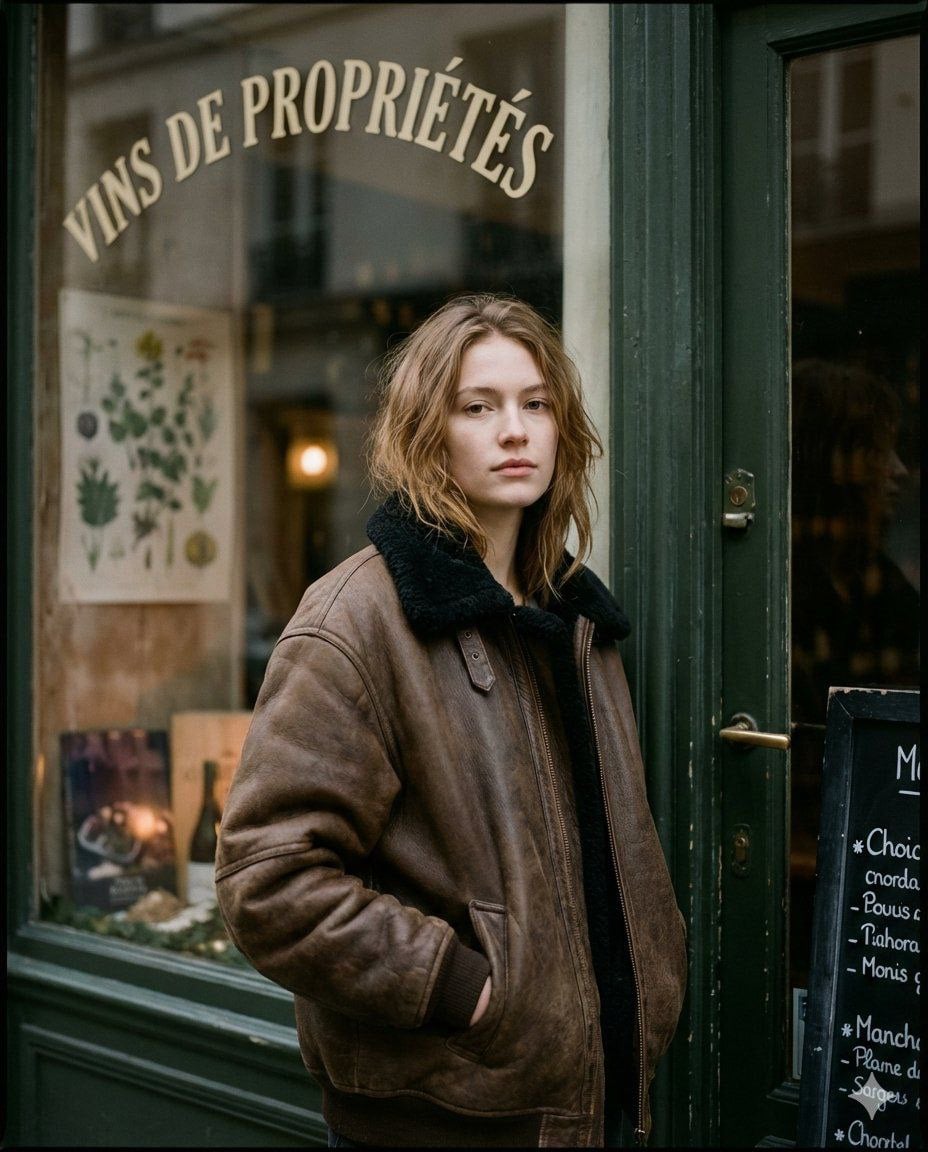
Moody Paris Street Editorial Portrait
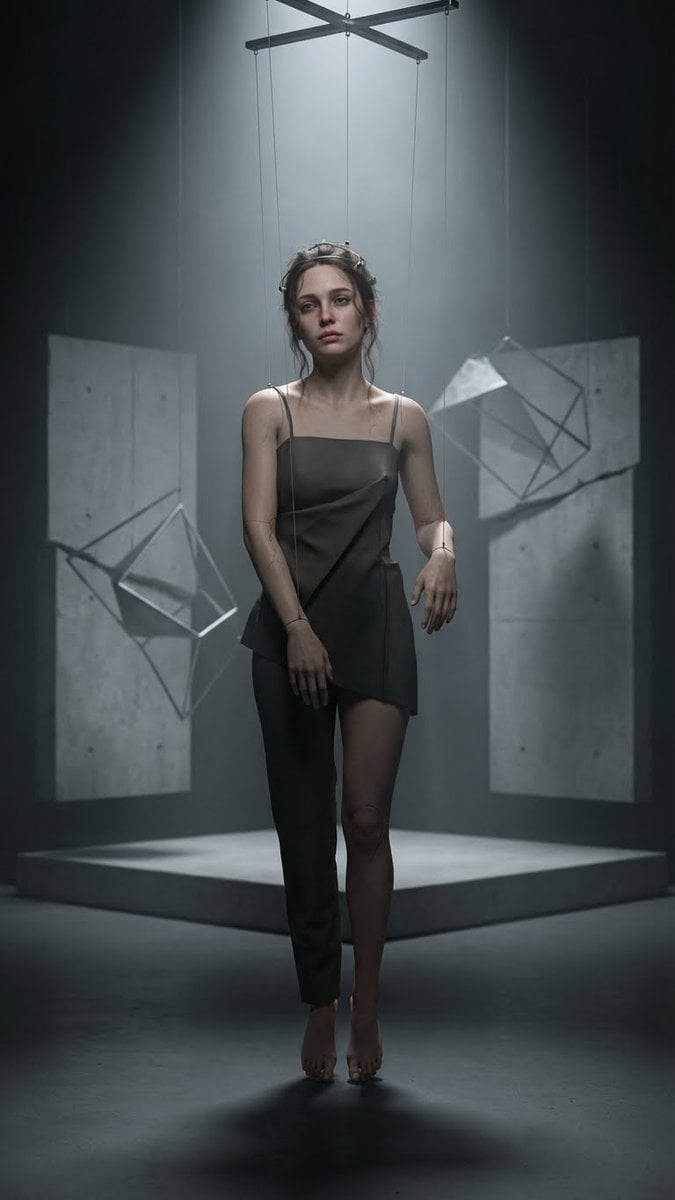
Hyper-Realistic Marionette in Post-Modern Gallery
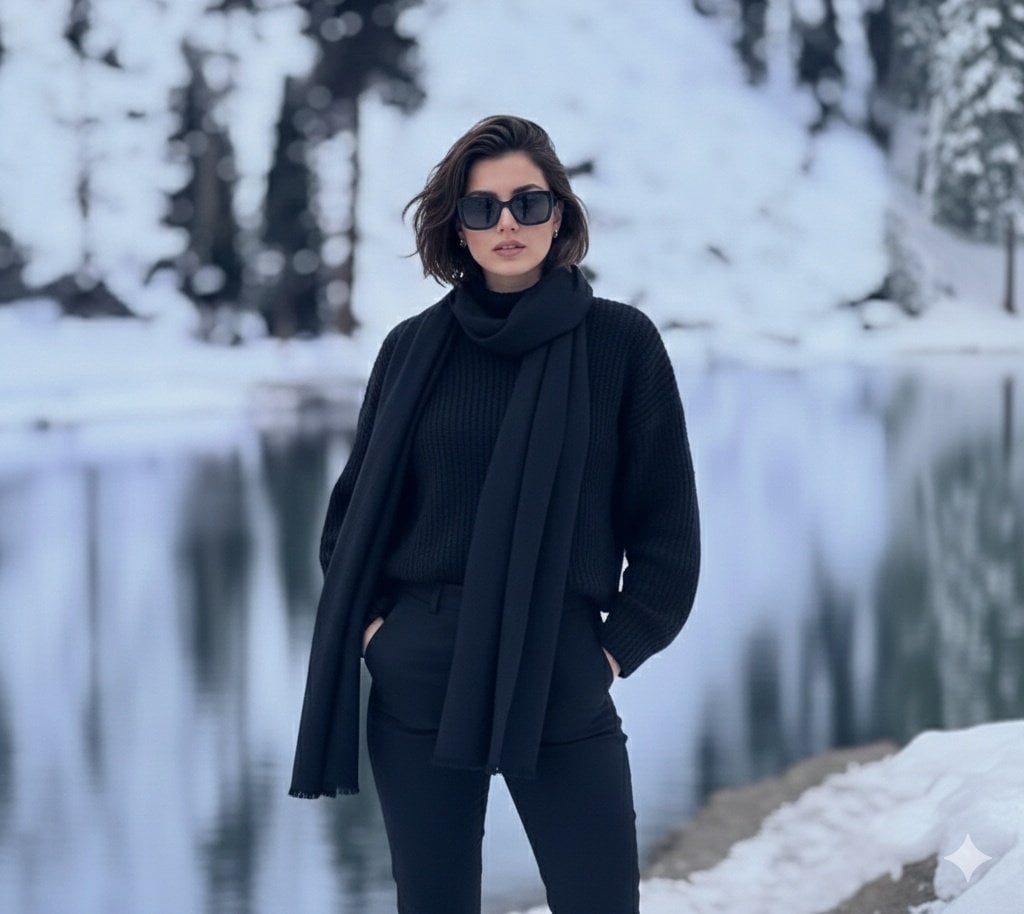
Photorealistic portrait of a stylish woman in a snowy landscape
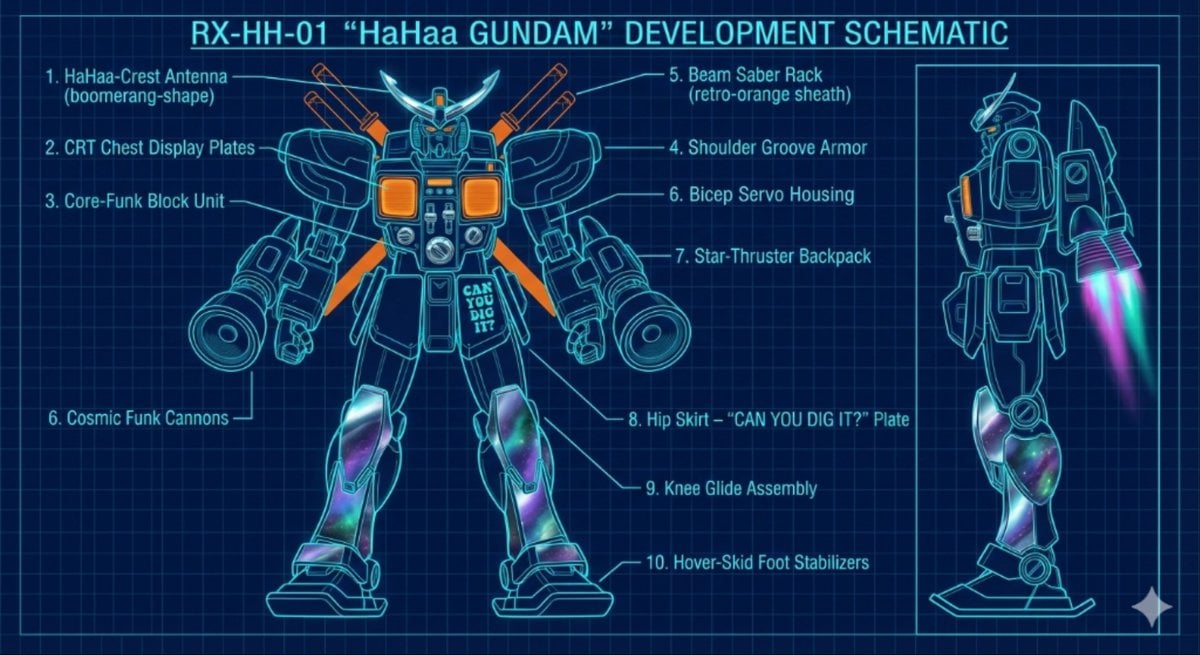
HaHaa Gundam blueprint concept
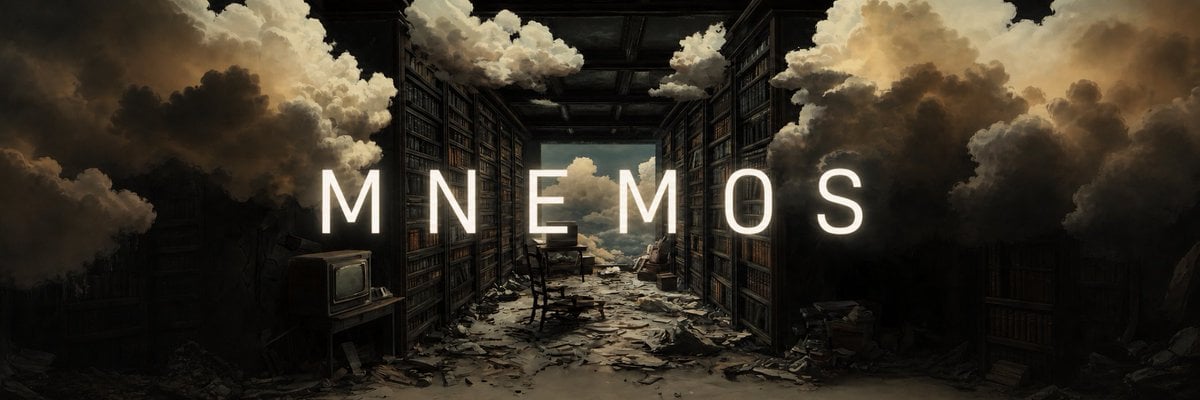
Add Cinematic Centered Title Banner
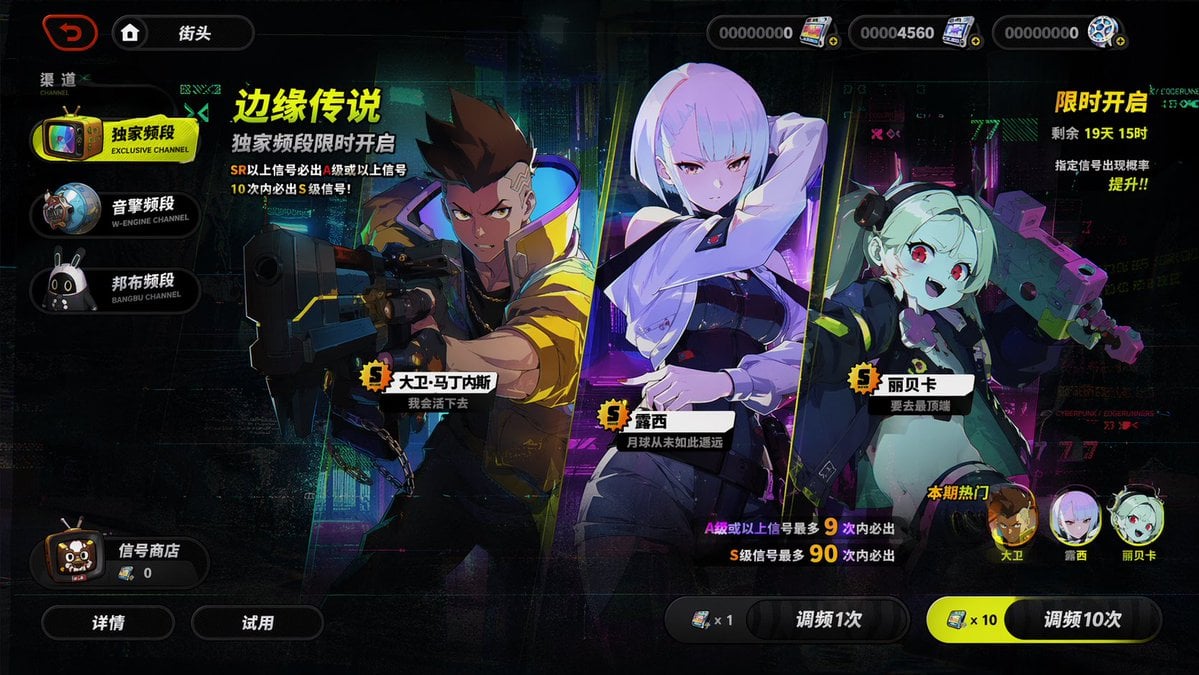
Mobile Game Gacha Interface Design
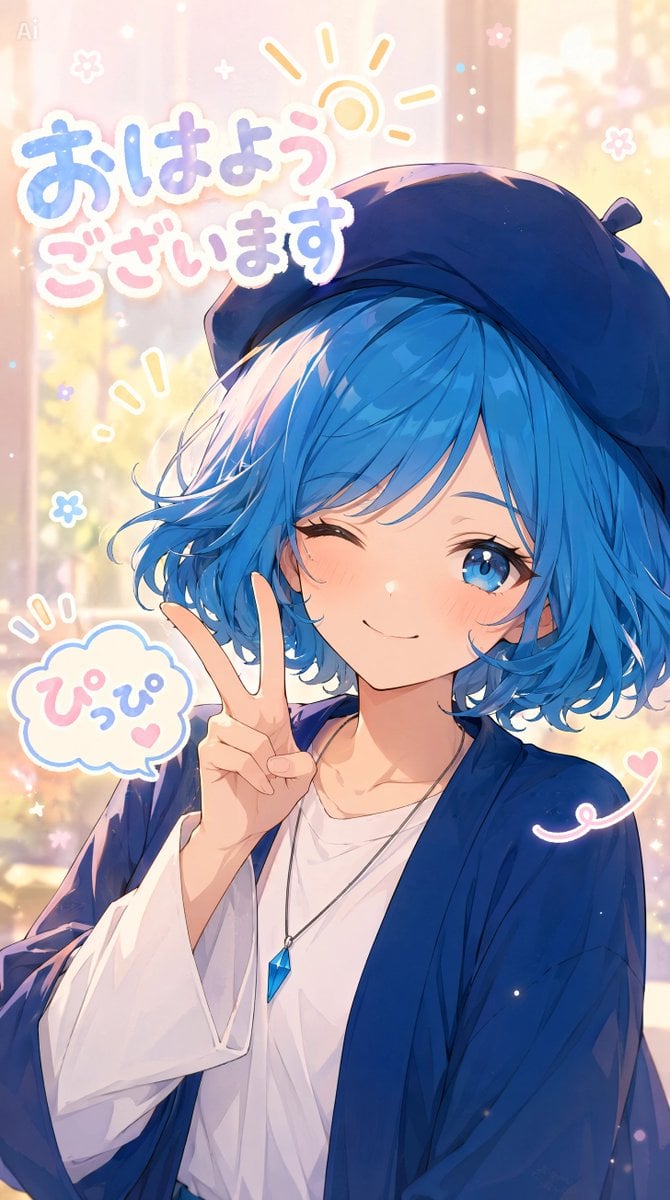
Pastel Anime Morning Greeting Portrait
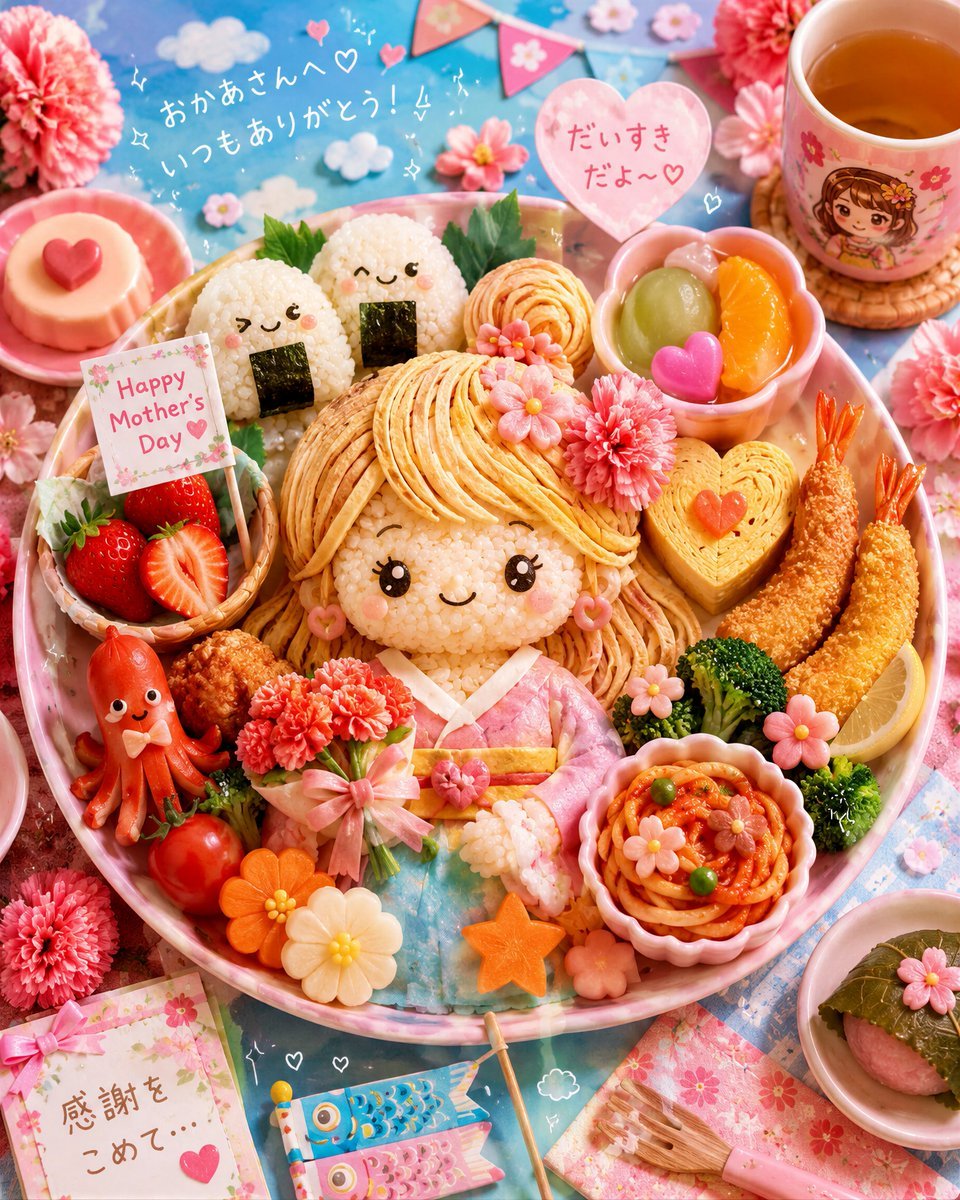
Kawaii Mother's Day Bento Food Art
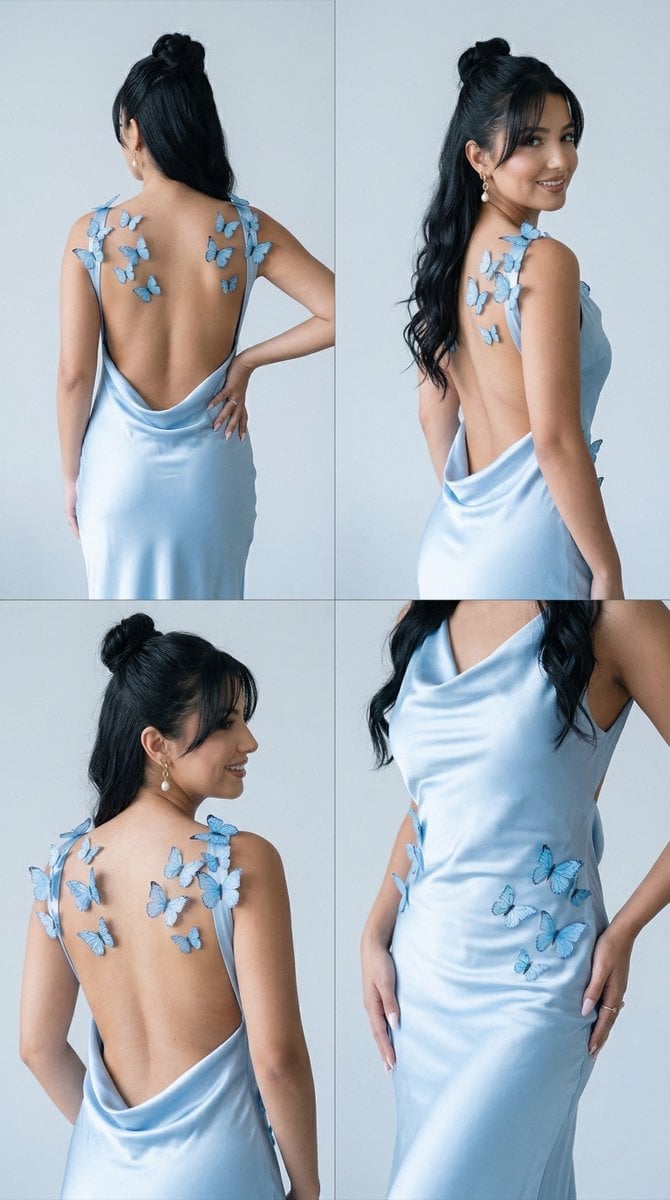
Butterfly Dress Editorial Grid Prompt for Nano Banana 2
Browse template categories
Barbarian and Dragon Knight Battlefield Duel questions
How do I use the Barbarian and Dragon Knight Battlefield Duel template?
Add your photo if the template asks for one, edit the prompt if you like — the template's model and format are already selected — and press Generate. Your version opens in PicX Studio.
Can I customize the Barbarian and Dragon Knight Battlefield Duel template?
Yes. You can change the subject, setting, lighting, mood, format, and available model controls before creating your image.
Is the Barbarian and Dragon Knight Battlefield Duel template free?
Opening and editing this template is free. Generating uses credits, shown on the Generate button when you are signed in.
Which AI model should I use?
Start with GPT Image 2, which is the model associated with this template. You can compare another compatible model for a different finish.
Looking for something else? Browse all templates.

Your photo, any look
Thousands of ready templates for every top image and video model, from one credit balance.