
Hyper-Realistic Marionette in Post-Modern Gallery
A highly detailed prompt for generating a hyper-realistic image of an adult woman as a marionette (puppet), suspended by silk strings in a post-modern surreal gallery environment.
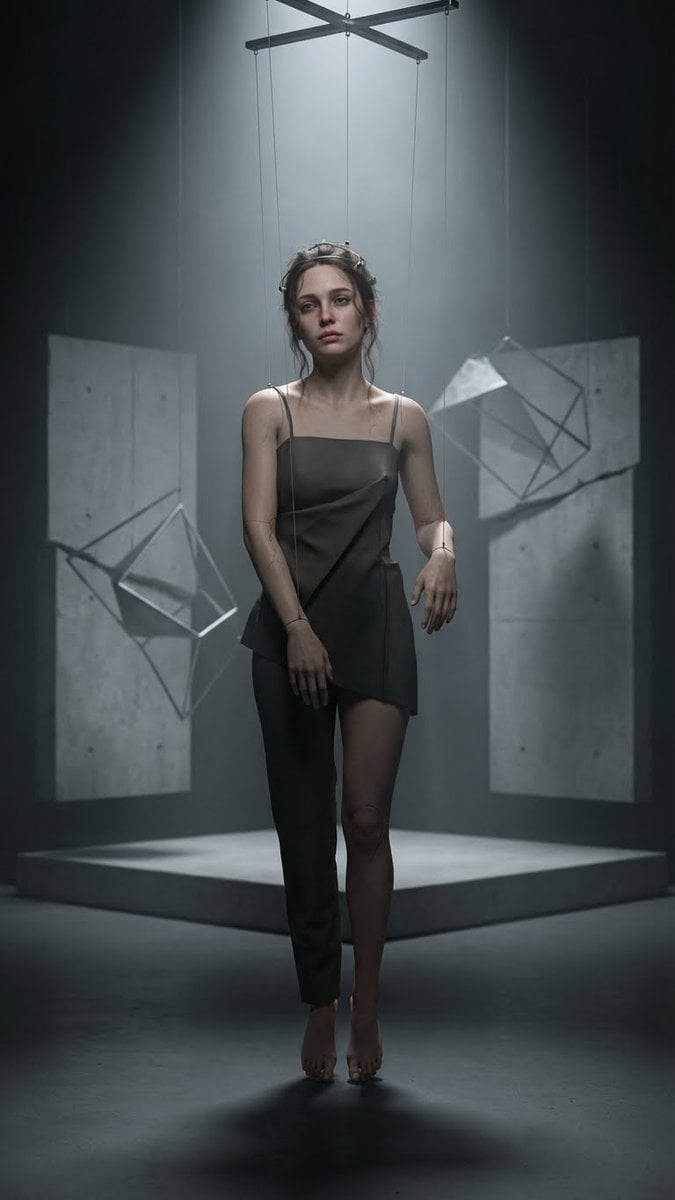
- Prompt included
- Model and format preset
- Premium template
The prompt behind this image
Copy the exact prompt behind Hyper-Realistic Marionette in Post-Modern Gallery, or open it in the studio and make it yours.
- Prompt
- A hyper-realistic adult woman as a marionette (puppet), lifelike human skin pores and micro-details, realistic facial anatomy, natural hair strands, subtle makeup, melancholic expression, suspended and controlled by thin silk strings attached to wrists, shoulders, and head. Post-modern surreal environment: fragmented concrete walls, floating geometric shapes, minimalist art installation vibe, soft haze and volumetric light. Subtle marionette cues: barely visible seam lines at elbows and knees, tiny joint mechanics hidden under skin-like material, faint porcelain crack textures blending into realistic skin (very subtle). Dramatic top light emphasizing strings, strong contrast shadows, cinematic depth of field, 50mm lens look, photorealistic textures, ultra-detailed, 8K, high realism, tasteful post-modern color grading.
- Negative Prompt
- cartoon, anime, illustration, lowres, blurry, deformed, extra limbs, extra fingers, bad hands, bad anatomy, plastic doll face, uncanny overly smooth skin, overexposed, text, watermark, logo, signature, jpeg artifacts, noisy, grainy
- Size
- 1080x1920
- Aspect Ratio
- 9:16
- Style › Render
- photorealistic
- Style › Mood
- melancholic_cinematic
- Style › Art Direction
- post_modern_installation
- Camera › Shot Type
- medium_full_shot
- Camera › Angle
- slight_low_angle
- Camera › Lens Mm
- 50
- Camera › Aperture
- f/1.8
- Camera › Focus
- face_and_strings
- Camera › Depth Of Field
- shallow
- Lighting › Key Light
- top_spotlight
- Lighting › Fill Light
- soft_bounce_low
- Lighting › Rim Light
- subtle_back_rim
- Lighting › Effects
- volumetric_light, soft_fog
- Environment › Location
- post_modern_gallery_space
- Environment › Materials
- raw_concrete, matte_plaster, metal_frames
- Environment › Elements
- floating_geometric_forms, fragmented_wall_panels, minimalist_installation_platform
- Subject › Type
- adult_woman
- Subject › Realism Level
- high
- Subject › Pose
- standing_suspended
- Subject › Emotion
- melancholic_distant
Raw JSON
{
  "prompt": "A hyper-realistic adult woman as a marionette (puppet), lifelike human skin pores and micro-details, realistic facial anatomy, natural hair strands, subtle makeup, melancholic expression, suspended and controlled by thin silk strings attached to wrists, shoulders, and head. Post-modern surreal environment: fragmented concrete walls, floating geometric shapes, minimalist art installation vibe, soft haze and volumetric light. Subtle marionette cues: barely visible seam lines at elbows and knees, tiny joint mechanics hidden under skin-like material, faint porcelain crack textures blending into realistic skin (very subtle). Dramatic top light emphasizing strings, strong contrast shadows, cinematic depth of field, 50mm lens look, photorealistic textures, ultra-detailed, 8K, high realism, tasteful post-modern color grading.",
  "negative_prompt": "cartoon, anime, illustration, lowres, blurry, deformed, extra limbs, extra fingers, bad hands, bad anatomy, plastic doll face, uncanny overly smooth skin, overexposed, text, watermark, logo, signature, jpeg artifacts, noisy, grainy",
  "size": "1080x1920",
  "aspect_ratio": "9:16",
  "style": {
    "render": "photorealistic",
    "mood": "melancholic_cinematic",
    "art_direction": "post_modern_installation"
  },
  "camera": {
    "shot_type": "medium_full_shot",
    "angle": "slight_low_angle",
    "lens_mm": 50,
    "aperture": "f/1.8",
    "focus": "face_and_strings",
    "depth_of_field": "shallow"
  },
  "lighting": {
    "key_light": "top_spotlight",
    "fill_light": "soft_bounce_low",
    "rim_light": "subtle_back_rim",
    "effects": ["volumetric_light", "soft_fog"]
  },
  "environment": {
    "location": "post_modern_gallery_space",
    "materials": ["raw_concrete", "matte_plaster", "metal_frames"],
    "elements": ["floating_geometric_forms", "fragmented_wall_panels", "minimalist_installation_platform"]
  },
  "subject": {
    "type": "adult_woman",
    "realism_level": "high",
    "pose": "standing_suspended",
    "emotion": "melancholic_distant",
    "wardrobe": "{argument name=\"wardrobe style\" default=\"minimalist_avant_garde_outfit_muted_tones\"}"
  },
  "details": {
    "strings": {
      "material": "thin_silk",
      "visibility": "clearly_visible",
      "attachment_points": ["wrists", "shoulders", "head"]
    },
    "marionette_traits": {
      "seams": "subtle",
      "joint_cues": "minimal",
      "cracks": "very_subtle_porcelain_like"
    },
    "texture_quality": "ultra_detailed_microtextures"
  },
  "quality": {
    "resolution": "8k",
    "sharpness": "high",
    "color_grade": "cinematic_post_modern"
  }
}How to use Hyper-Realistic Marionette in Post-Modern Gallery in 3 steps
- 1Upload ImagePNG, JPG or paste
Add your photo
Upload the photo the template builds on. The prompt, model and format are already set.
- 2…a portrait of your subject in softgolden-hour light, 85mm…
Personalize
Edit the subject and creative details for your destination.
- 3Generate
Generate
Press Generate — your image is created in PicX Studio, so you can compare it with the original and refine one variable at a time.
More like this
Templates with the same subject, style or setup. Open one to see its prompt.

Premium Editorial Branding Poster Charcoal Green
Modern Fashion Editorial Poster

Paper Cut Craft Illustration
Modern Fashion Editorial Collage Poster

Stylized Fashion Portrait Bold Color Contrast Editorial
Modern Atomic Age Space Fashion Poster

Modern Queen on Iron Throne Poster
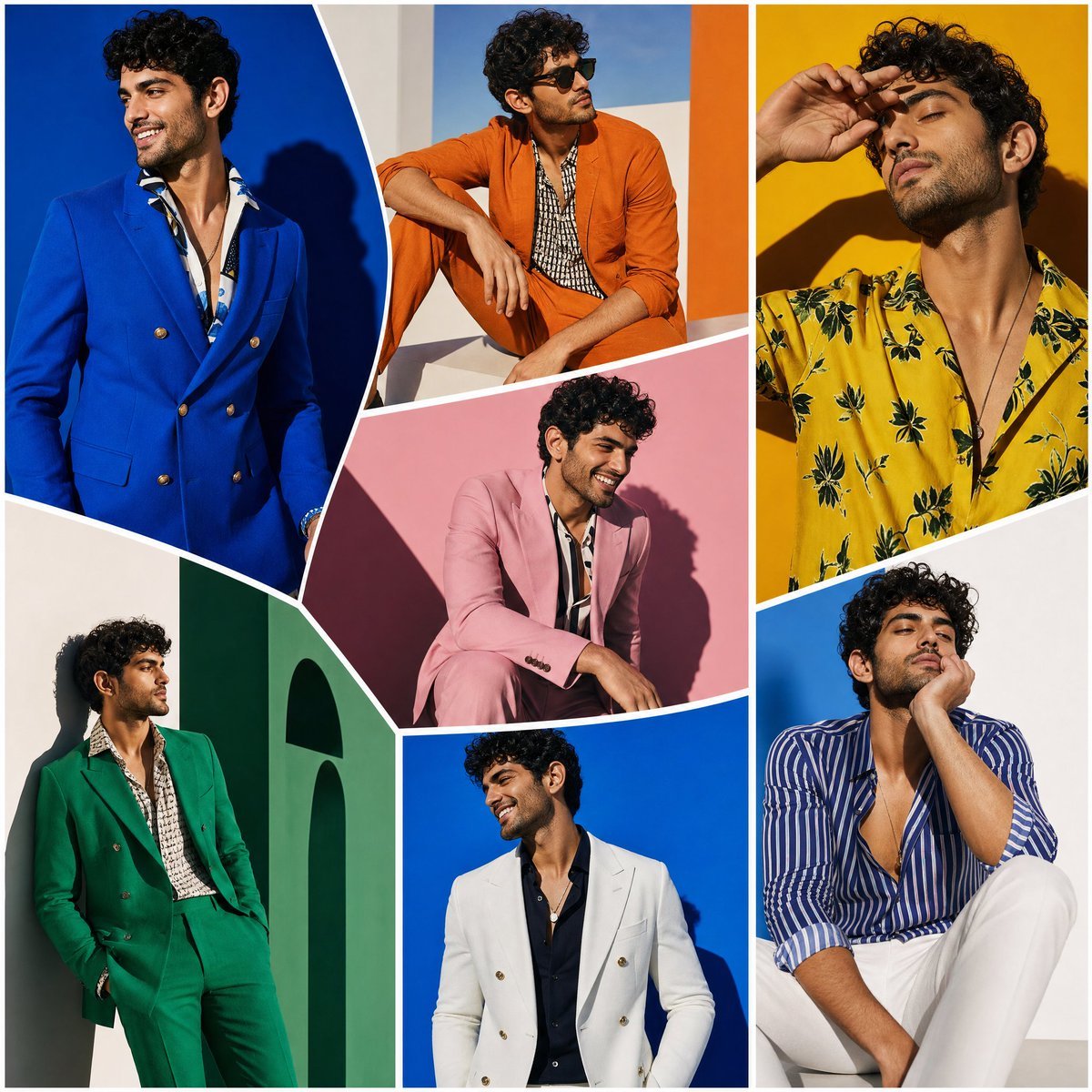
Modern Art Gallery Fashion Panels

Woman in Mall with Chanel Bag - Heart Gesture

Gallery-Quality Tribute Poster with Textured Photo Mosaic Silhouette
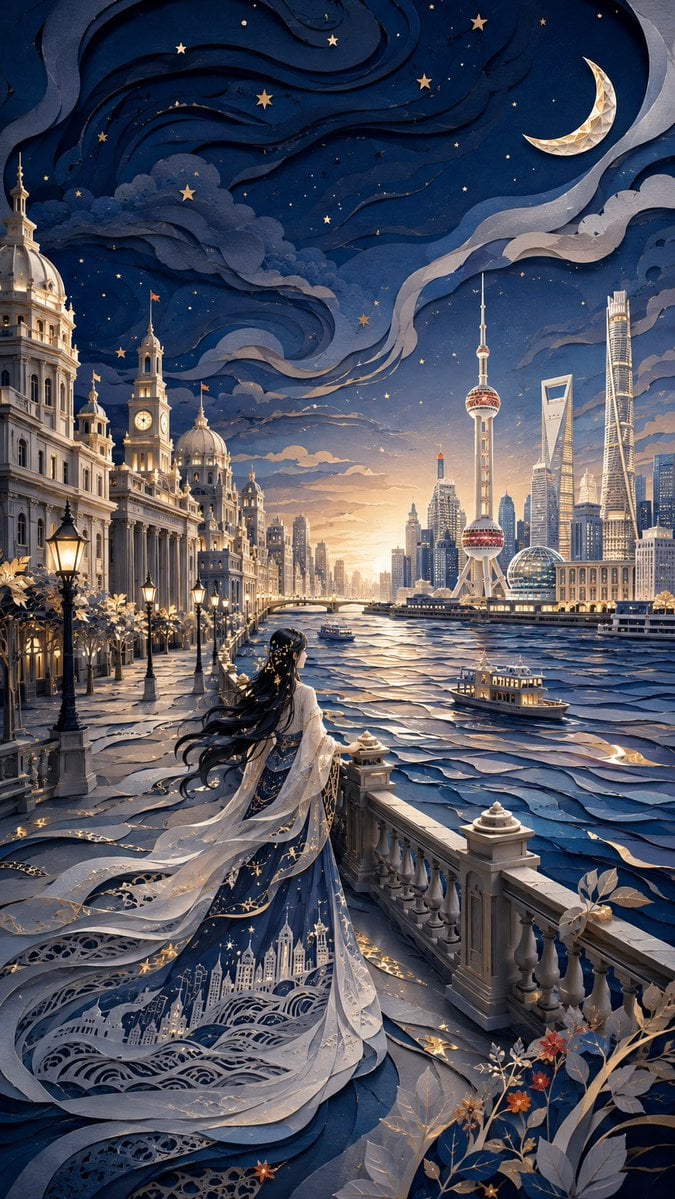
Modern Oriental Papercut Art Cityscape
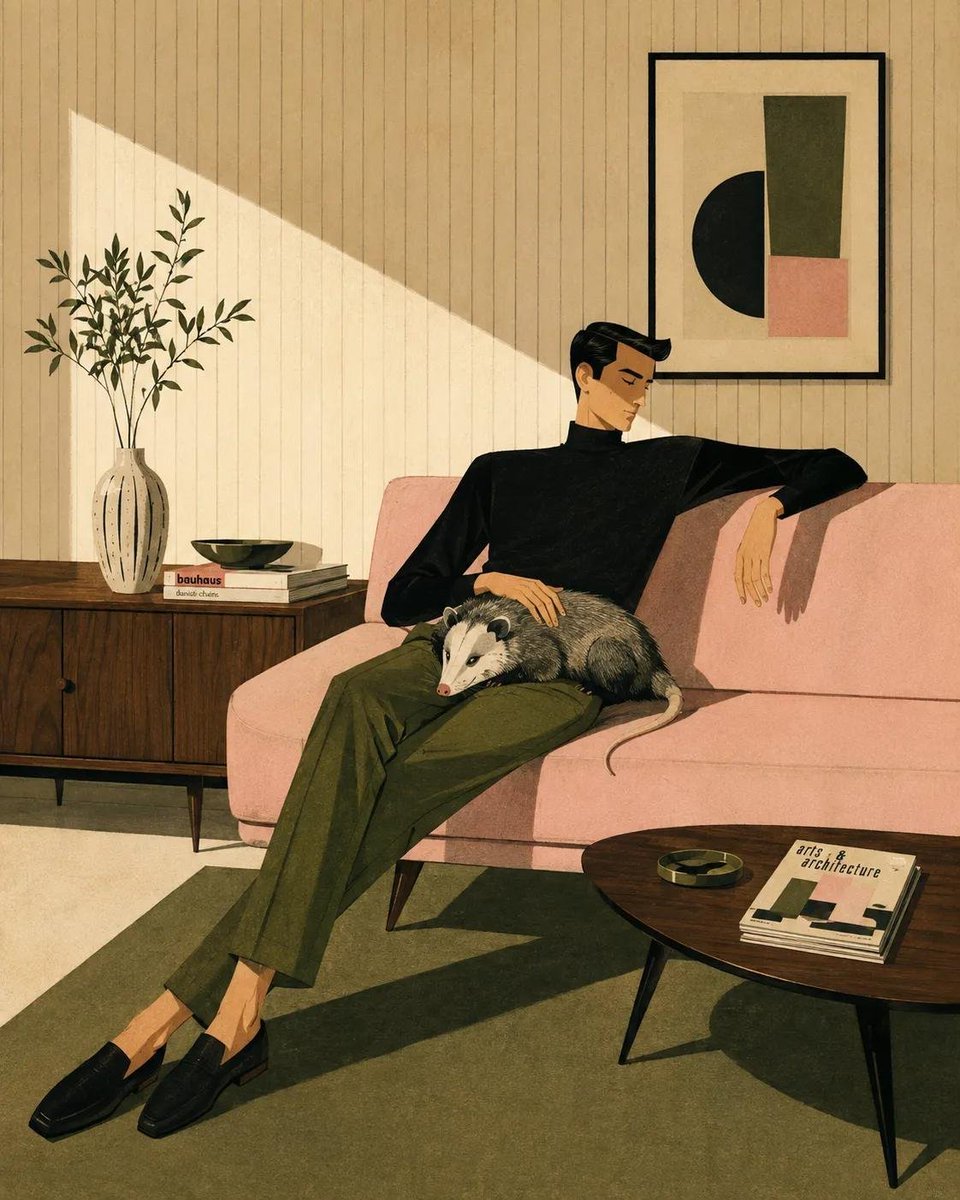
Mid-Century Modern Lifestyle Illustration
Make it yours
Hyper-Realistic Marionette in Post-Modern Gallery works as-is. These are the safest ways to change it without losing the look.
Swap the setting
Keep the rest of the prompt and replace the location block. The current setting is “post_modern_gallery_space”.
Swap the light
One lighting change is enough to compare takes. Current light: “top_spotlight”.
Change one field
Copy a single group, rewrite it, and generate again so you can see what that field is doing.
| If the result… | Why | Fix |
|---|---|---|
| The result drifts from the preview | Too many fields changed at once. | Reuse Hyper-Realistic Marionette in Post-Modern Gallery as-is first, then change one group — subject, light, or setting. |
| Nano Banana 2 ignores part of the JSON | Some models flatten or skip nested keys. | Keep the same values and paste them as a short paragraph instead. |
More Nano Banana 2 templates
Other prompts made for Nano Banana 2.

Photorealistic Leaf Shaped Like a Dragon

K-Pop Idol Portrait Grid for Rapid Selection

Poetic Rain Forest Portrait During Golden Hour

Urban Street Portrait with Cartoon Inner Self Duo

Candid Nighttime Photo with Cat Prompt

High-Concept 3D Diorama Generation Prompt

Cinematic Futuristic Studio Portrait Template

Skincare Editorial Photography Collage Prompt

Hyper-Realistic Commercial Product Photography (Splash Effect)

Hyper-Realistic Nightclub Portrait Prompt
More image prompts
Fresh picks from across the catalog.
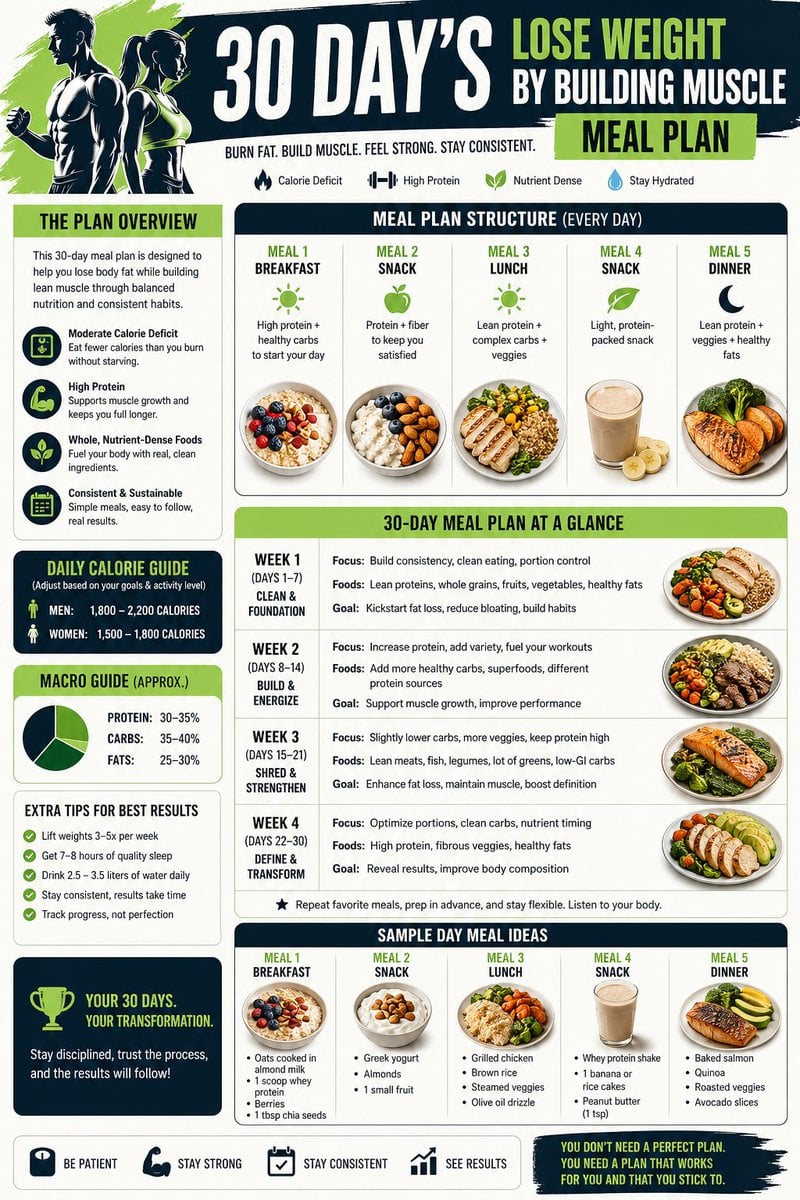
Health and Fitness Infographic Prompt
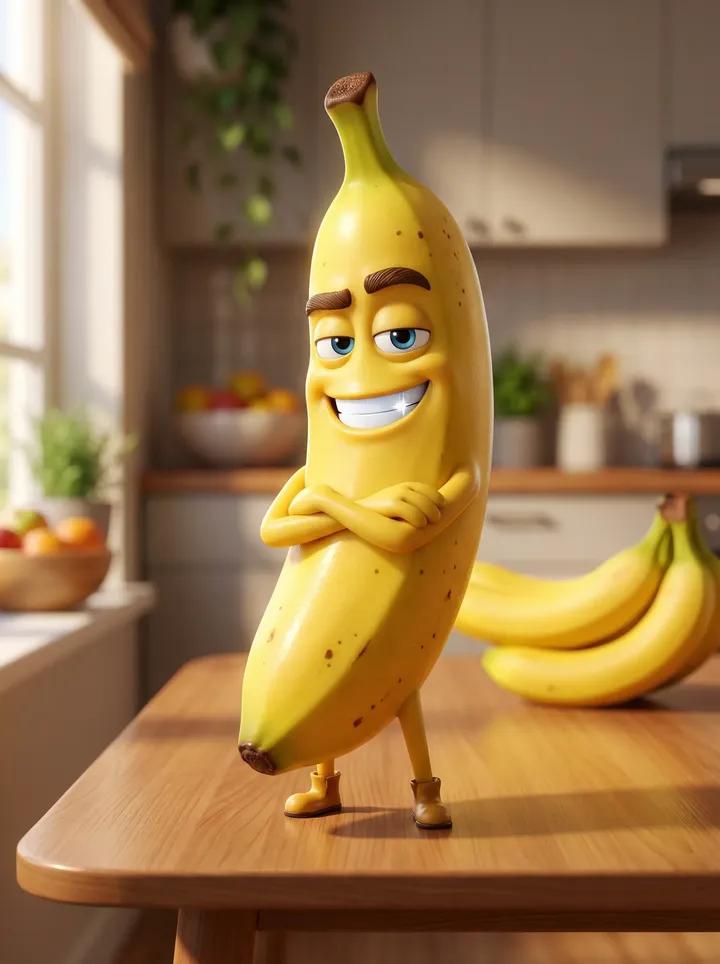
Pixar-Style Banana Character Animation Prompt
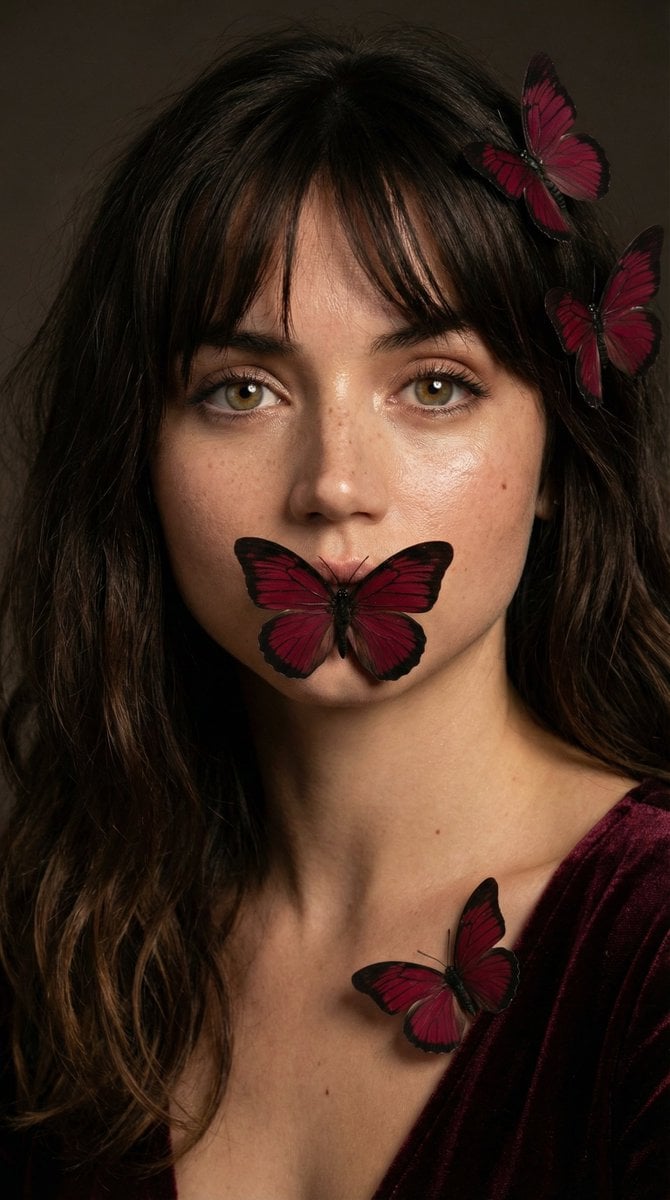
Mysterious Portrait with Butterflies
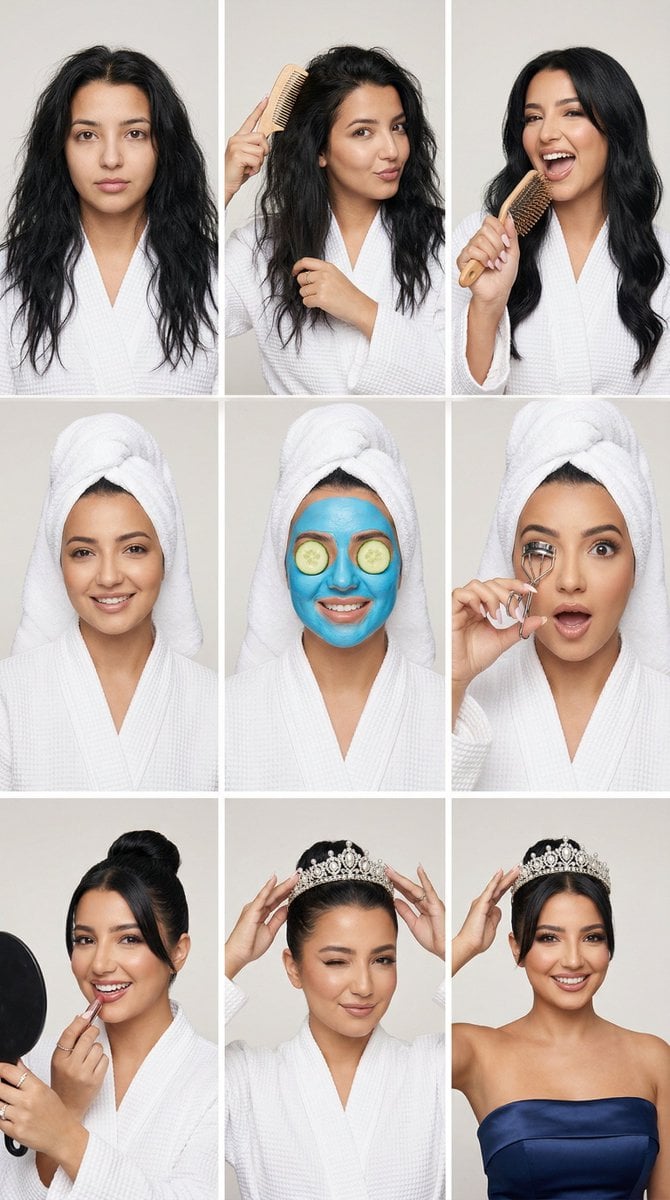
Glam Spa to Tiara Story Grid (3x3 Identity Lock)
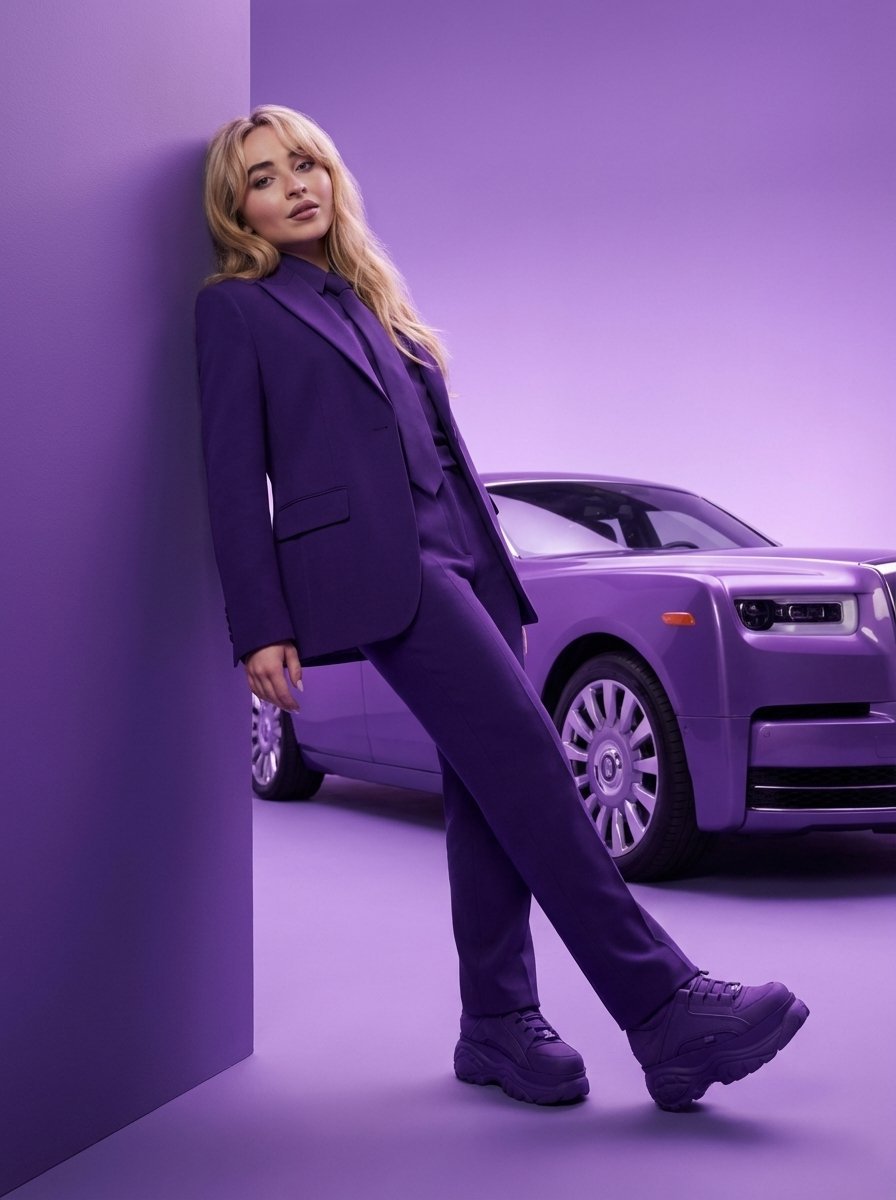
High-Fashion Editorial Portrait with Monochrome Purple Aesthetic
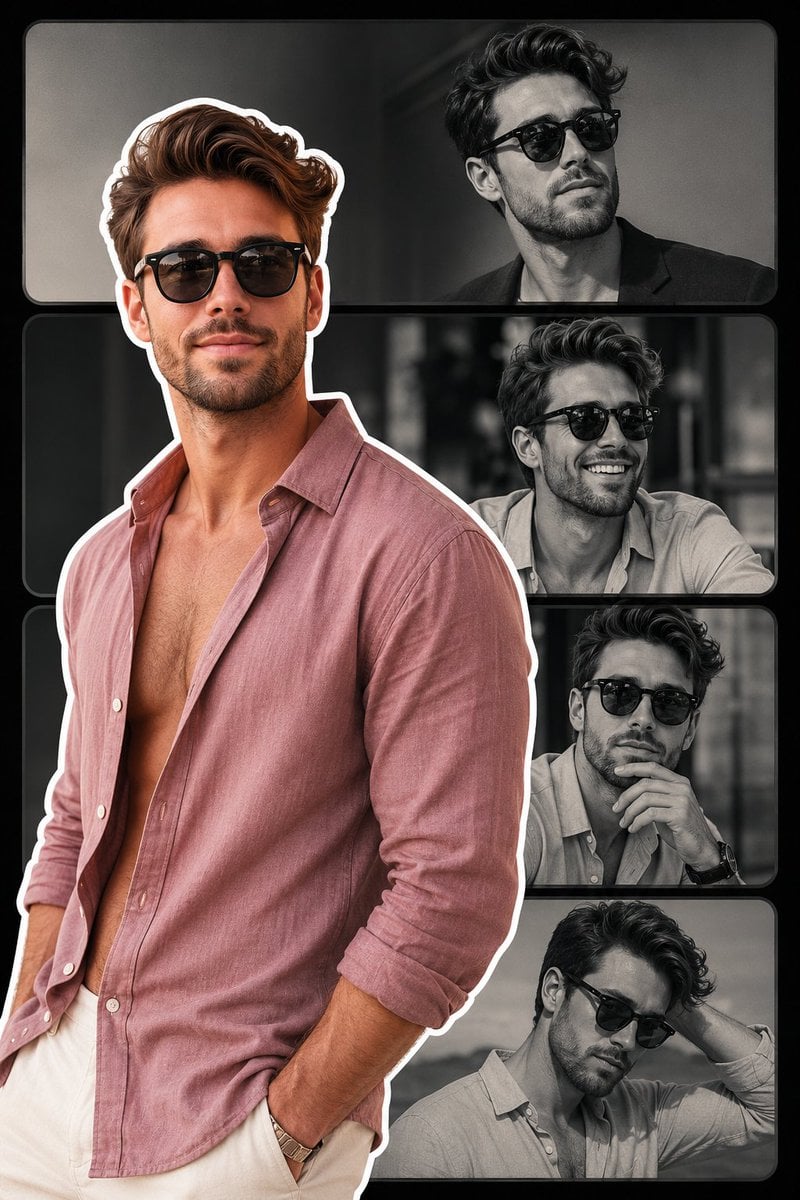
Fashion Collage Vertical Poster Design
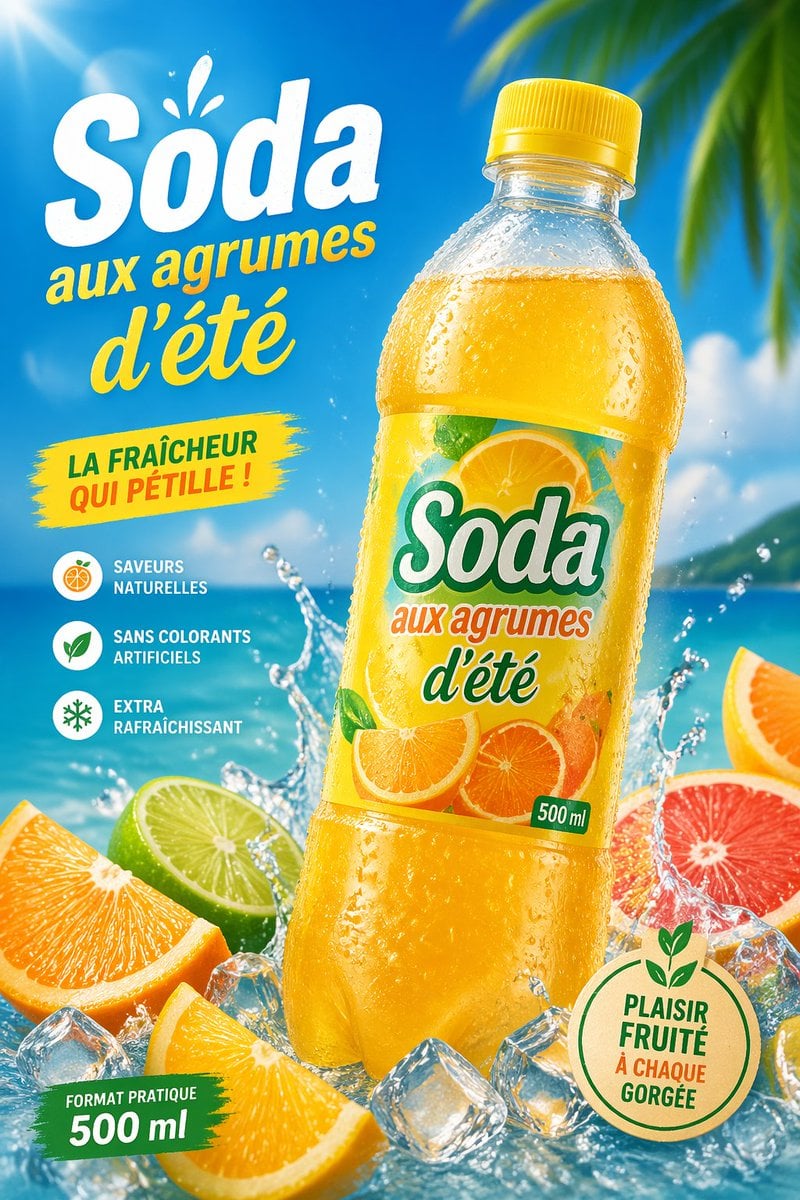
Gpt2 E Commerce Main Image Tropical Citrus Soda Ad Poster
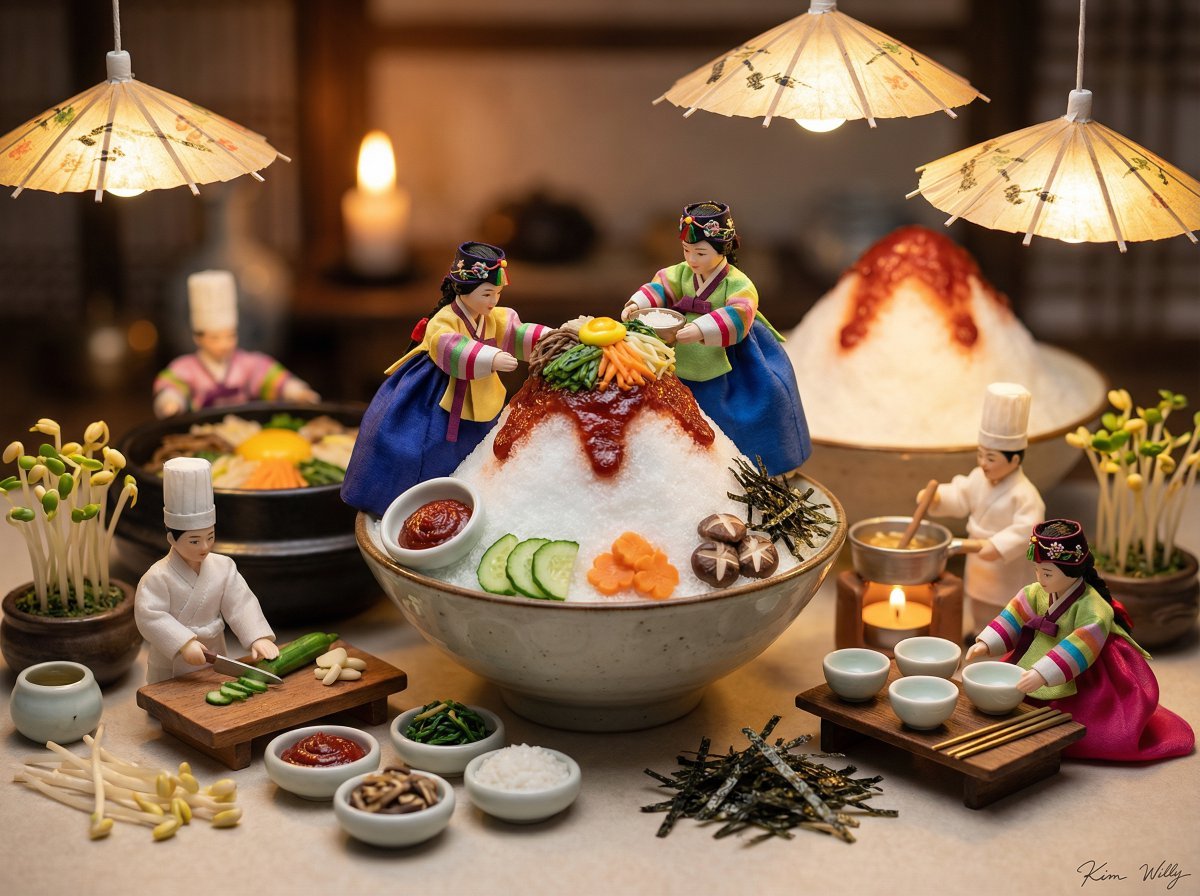
Micro Diorama of Joseon Dynasty Chefs Making Bibimbap
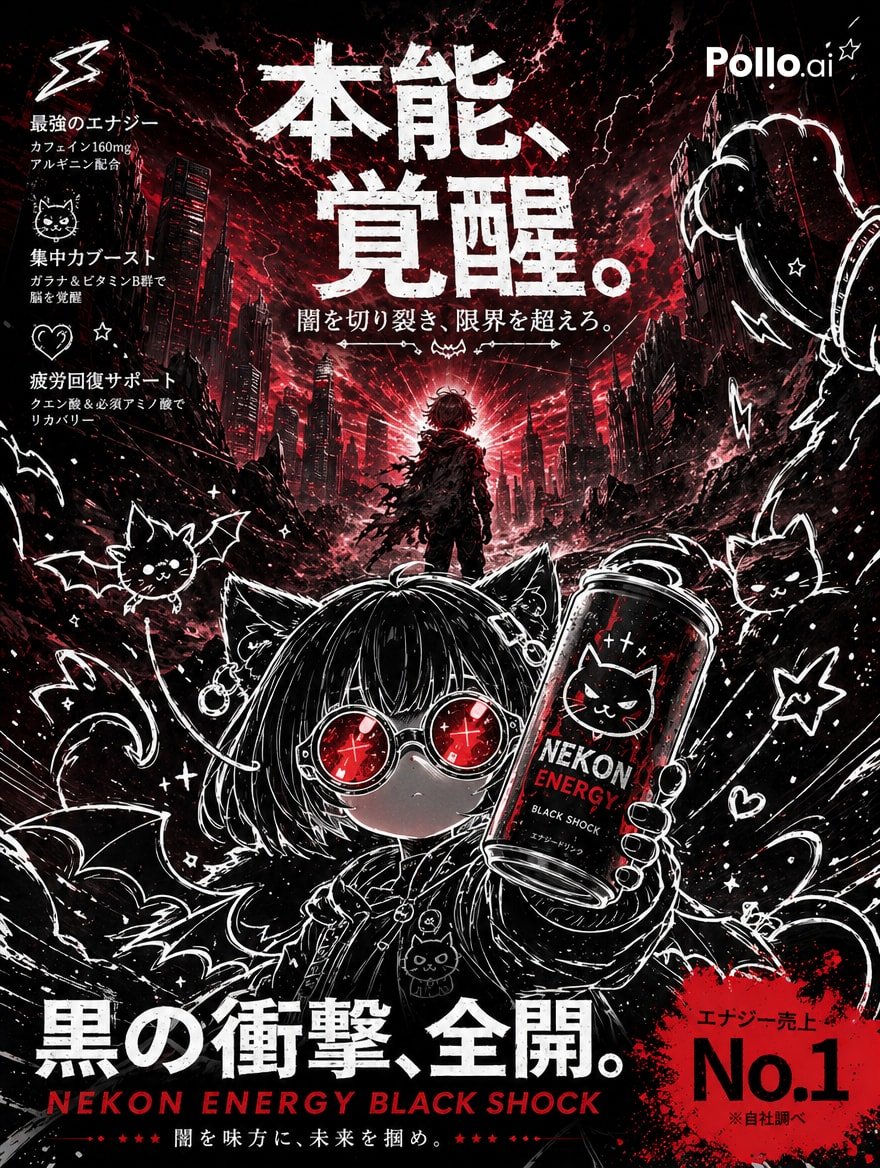
Dark Anime Energy Drink Poster
Noisy Distortion Filter for Mixed Media Effect
Browse template categories
Hyper-Realistic Marionette in Post-Modern Gallery questions
How do I use the Hyper-Realistic Marionette in Post-Modern Gallery template?
Add your photo if the template asks for one, edit the prompt if you like — the template's model and format are already selected — and press Generate. Your version opens in PicX Studio.
Can I customize the Hyper-Realistic Marionette in Post-Modern Gallery template?
Yes. You can change the subject, setting, lighting, mood, format, and available model controls before creating your image.
Is the Hyper-Realistic Marionette in Post-Modern Gallery template free?
Opening and editing this template is free. Generating uses credits, shown on the Generate button when you are signed in.
Which AI model should I use?
Start with Nano Banana 2, which is the model associated with this template. You can compare another compatible model for a different finish.
Looking for something else? Browse all templates.

Your photo, any look
Thousands of ready templates for every top image and video model, from one credit balance.