
Frost Samurai Battlefield
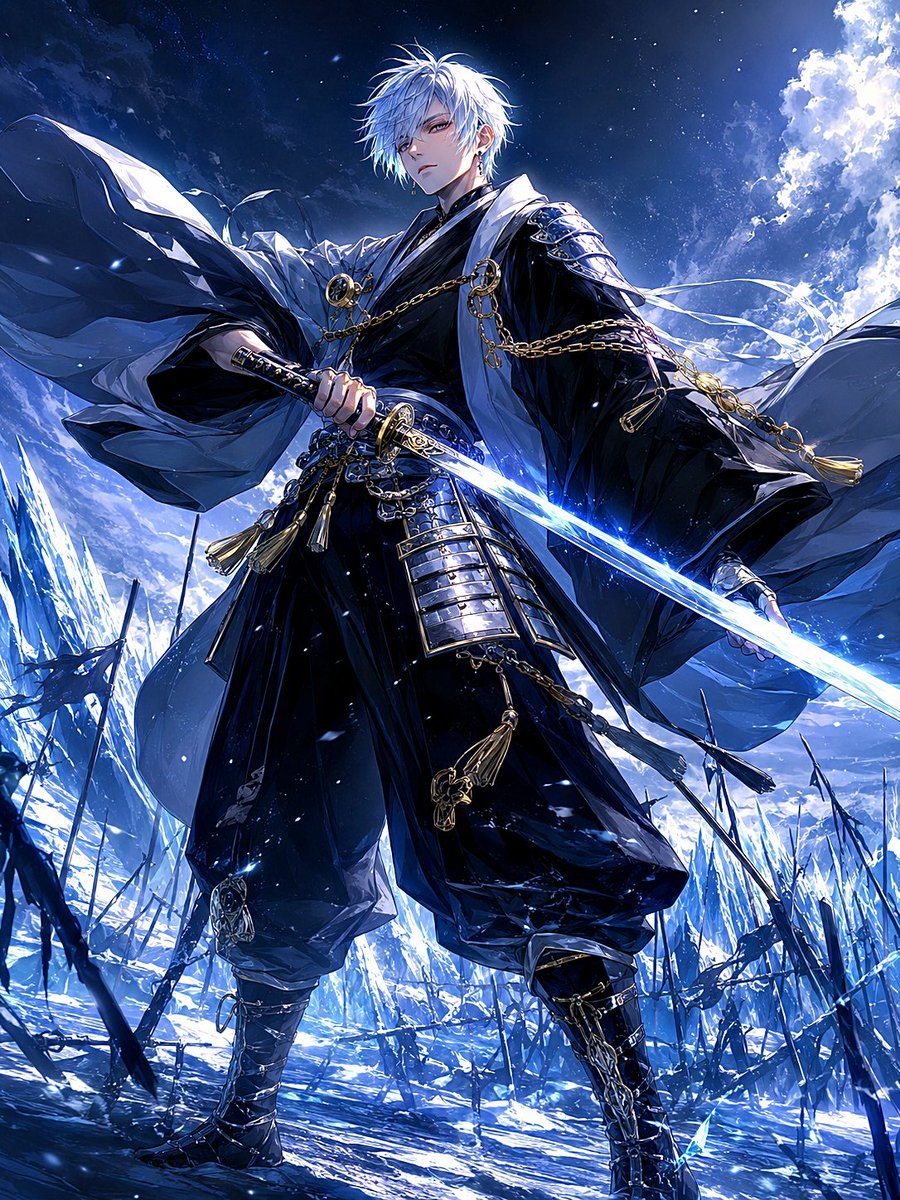
A cinematic anime fantasy prompt for generating a lone white-haired samurai with an icy katana on a moonlit frozen battlefield.
- Prompt included
- Model and format preset
- Free template
The prompt behind this image
Copy the exact prompt behind Frost Samurai Battlefield, or open it in the studio and make it yours.
Create a dramatic vertical anime fantasy illustration of {argument name="character name" default="a lone frost samurai"} standing in the center of a frozen battlefield at night, shown from a low-angle full-body perspective to make him look powerful and imposing. He is a pale young male warrior with {argument name="hair color" default="messy snow-white hair"}, sharp tired eyes, a calm stoic expression, and faint cold breath in the air. He wears an ornate black kimono-style battle robe with deep navy shadows, white outer fabric and wind-swept sleeves, layered samurai armor plates at the waist and thighs, tall strapped boots, gold chains, round gold clasps, tassels, and intricate metallic accessories. Count exactly one warrior and one drawn weapon: he grips a single katana with an ornate black-and-gold hilt, its blade glowing icy blue-white like frozen light and extending diagonally across the lower right foreground. The environment is a devastated ice battlefield with jagged blue ice spires, broken dark spears or banners protruding from the snow, scattered frozen debris, drifting snowflakes, and a luminous full moon or moonlit cloud mass in the upper right. Use a cold blue, black, white, and silver palette with small gold accents, intense rim lighting, sparkling frost particles, high contrast, cinematic composition, detailed linework, glossy fabric folds, crystalline highlights, and dynamic flowing cloth blown by wind. Mood: {argument name="mood" default="quiet breath before the next move, all warmth freezing into stillness"}. No text, no logo, no watermark, no extra characters.
How to use Frost Samurai Battlefield in 3 steps
- 1Upload ImagePNG, JPG or paste
Add your photo
Upload the photo the template builds on. The prompt, model and format are already set.
- 2…a portrait of your subject in softgolden-hour light, 85mm…
Personalize
Edit the subject and creative details for your destination.
- 3Generate
Generate
Press Generate — your image is created in PicX Studio, so you can compare it with the original and refine one variable at a time.
More like this
Templates with the same subject, style or setup. Open one to see its prompt.
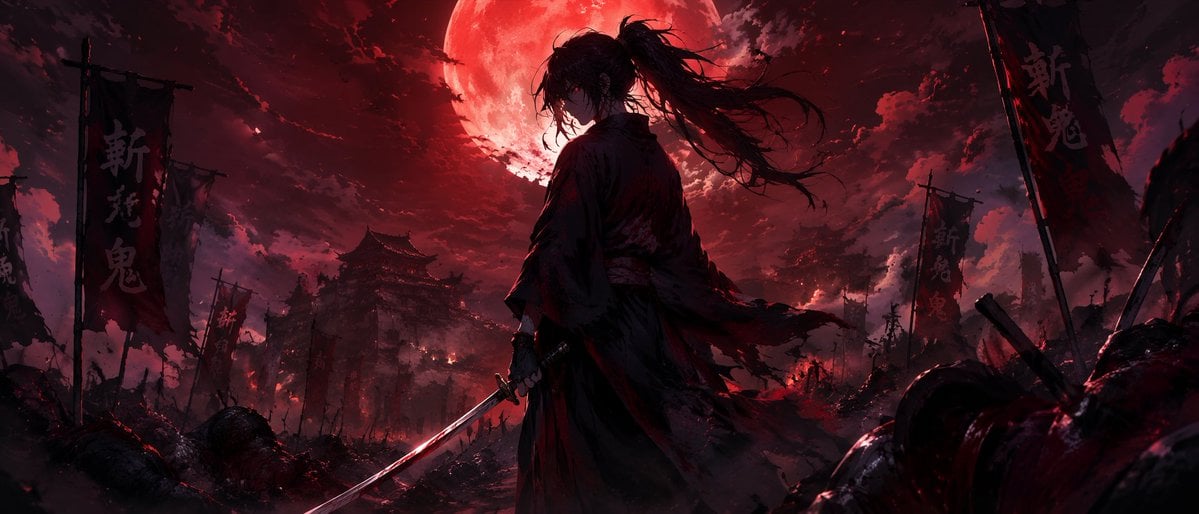
Dark Fantasy Samurai Battlefield
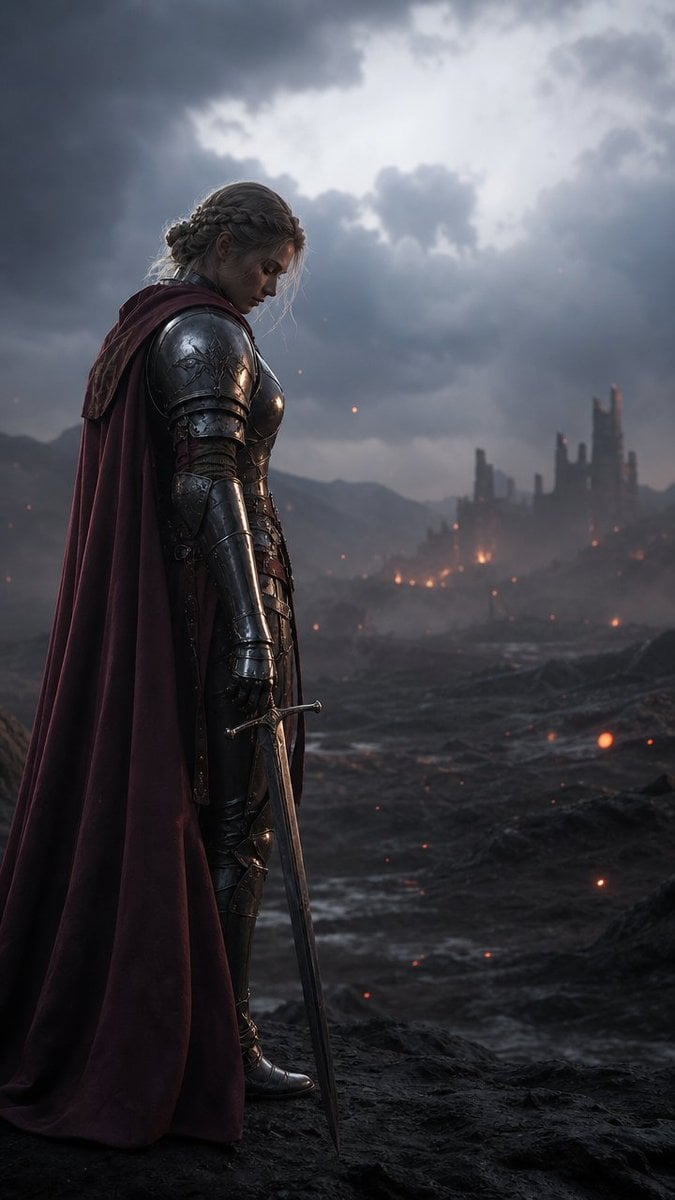
Solemn Knight on Ashen Battlefield
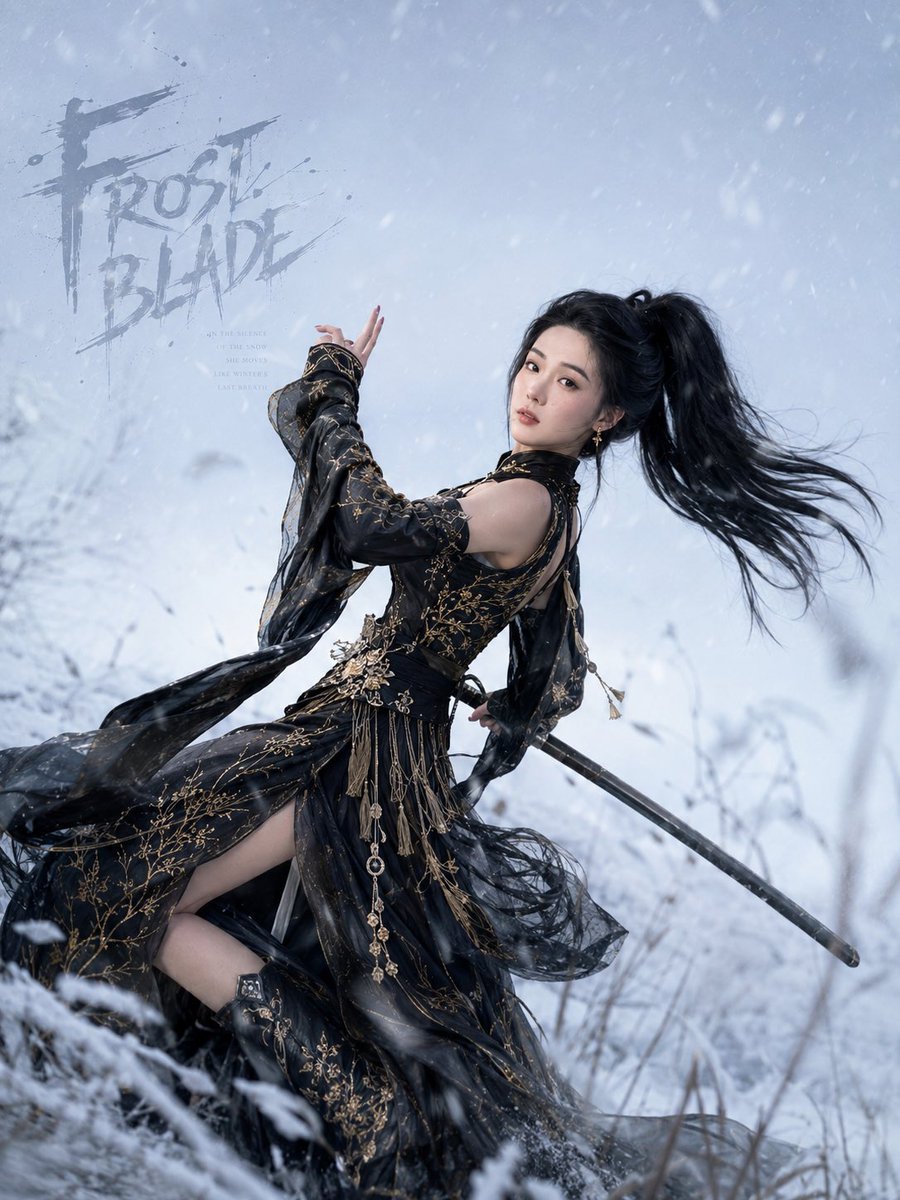
Frost Blade Wuxia Snow Portrait
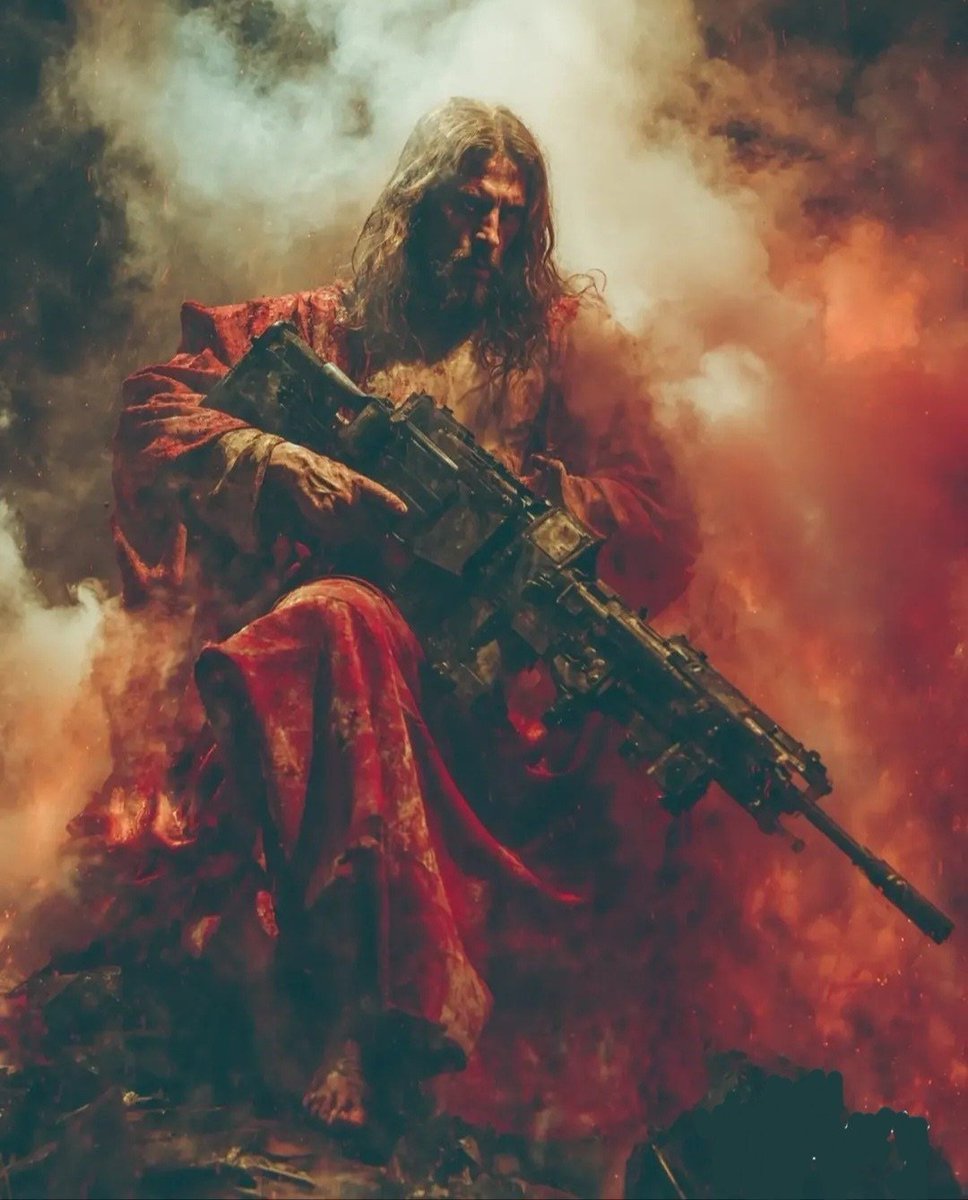
Dark Fantasy Battlefield Warrior
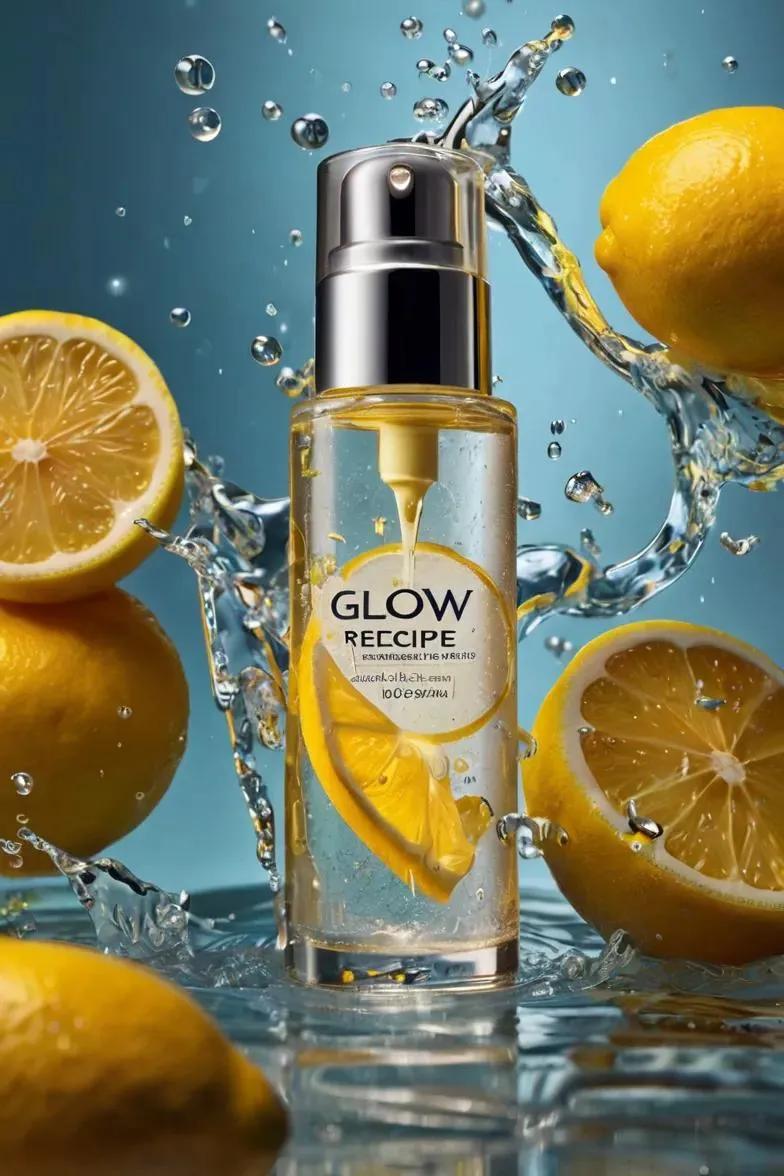
Ultra-realistic skincare advertising photography featuring a frosted
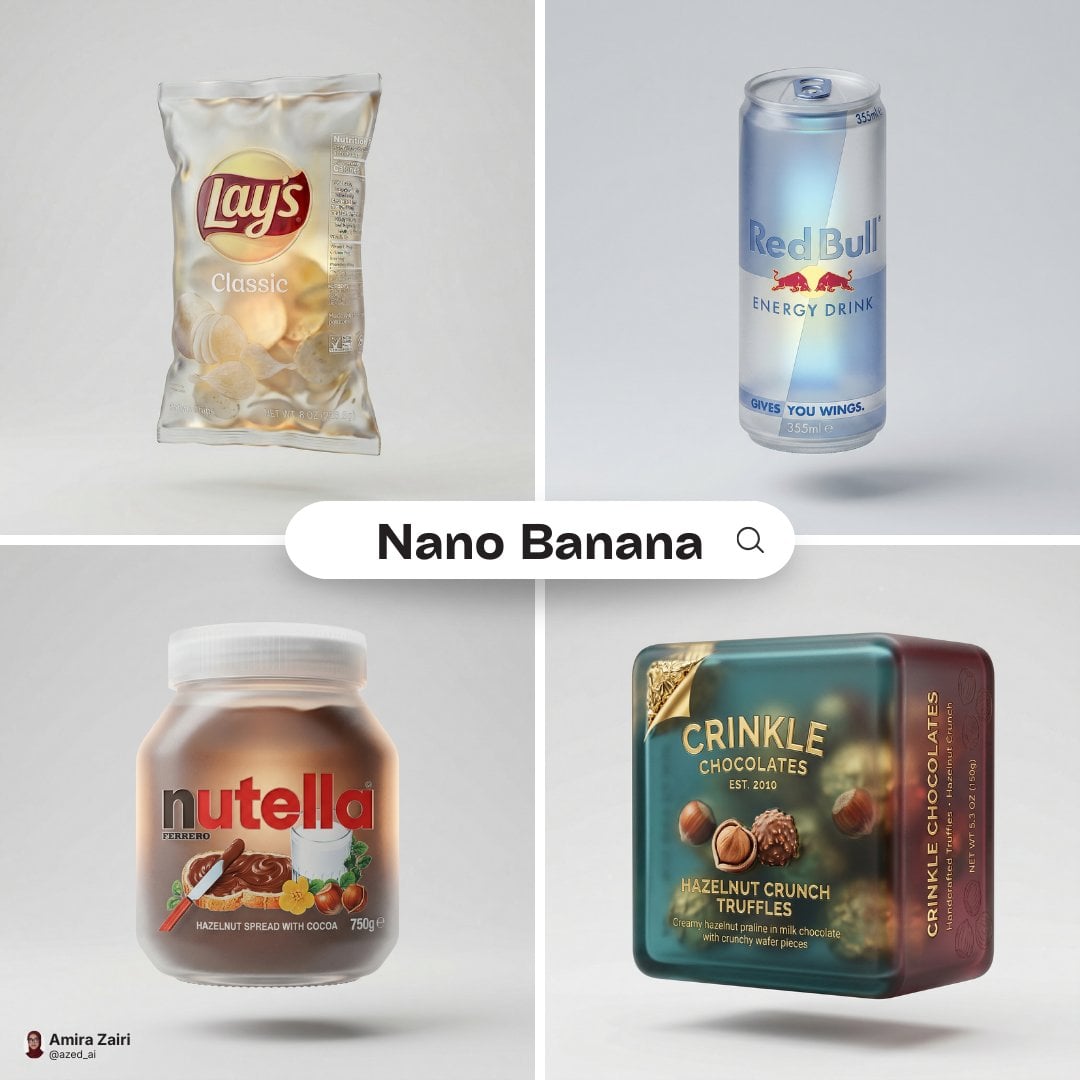
A hyper-detailed 3D frosted translucent glass version of the attached
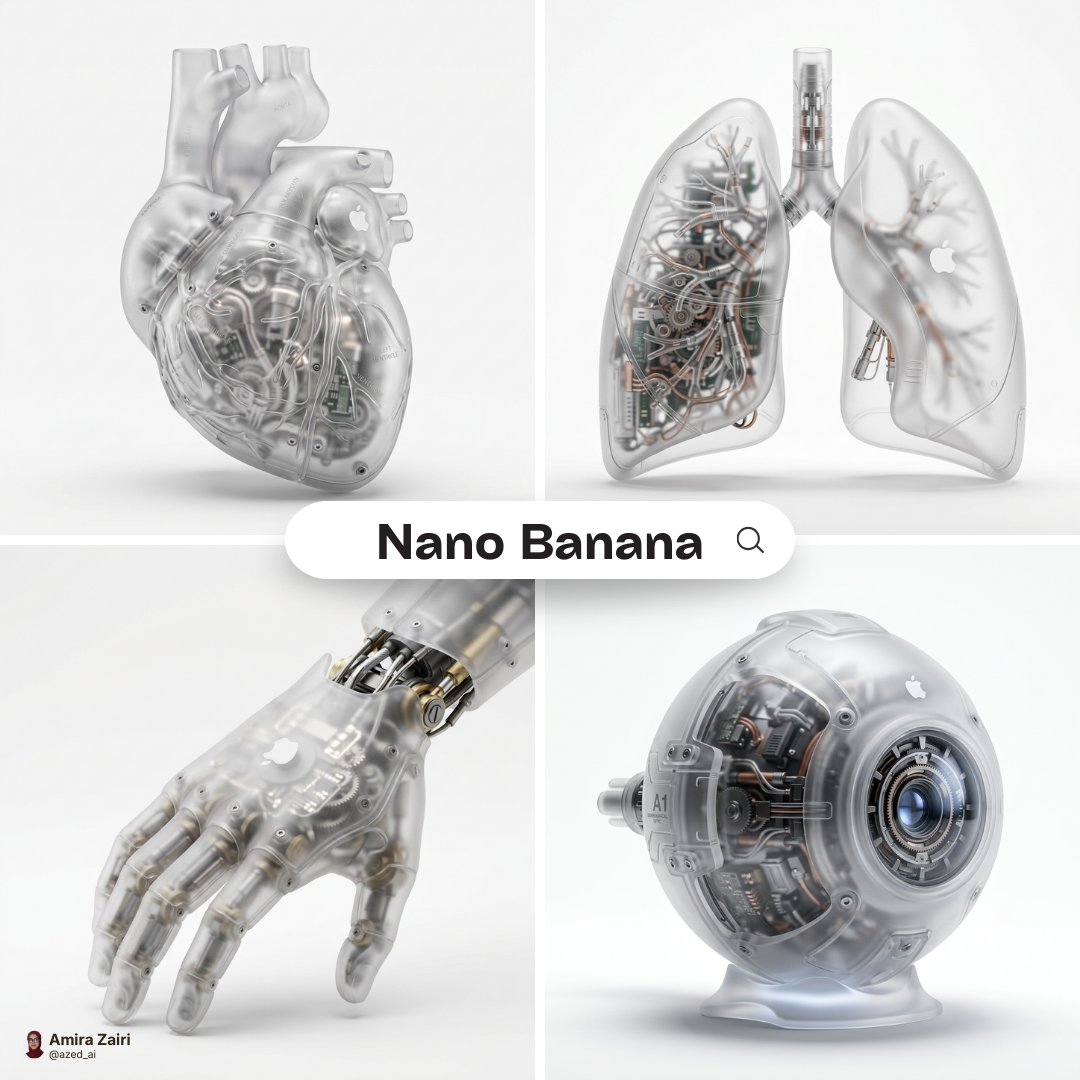
A hyper-realistic 3D anatomical human made from semi-translucent frosted
Slightly angled, front face visible, top frosting facing upward
Roman Warrior Eagle Battlefield Portrait
Crimson Battlefield Warrior
Medieval Desert Battlefield Warrior
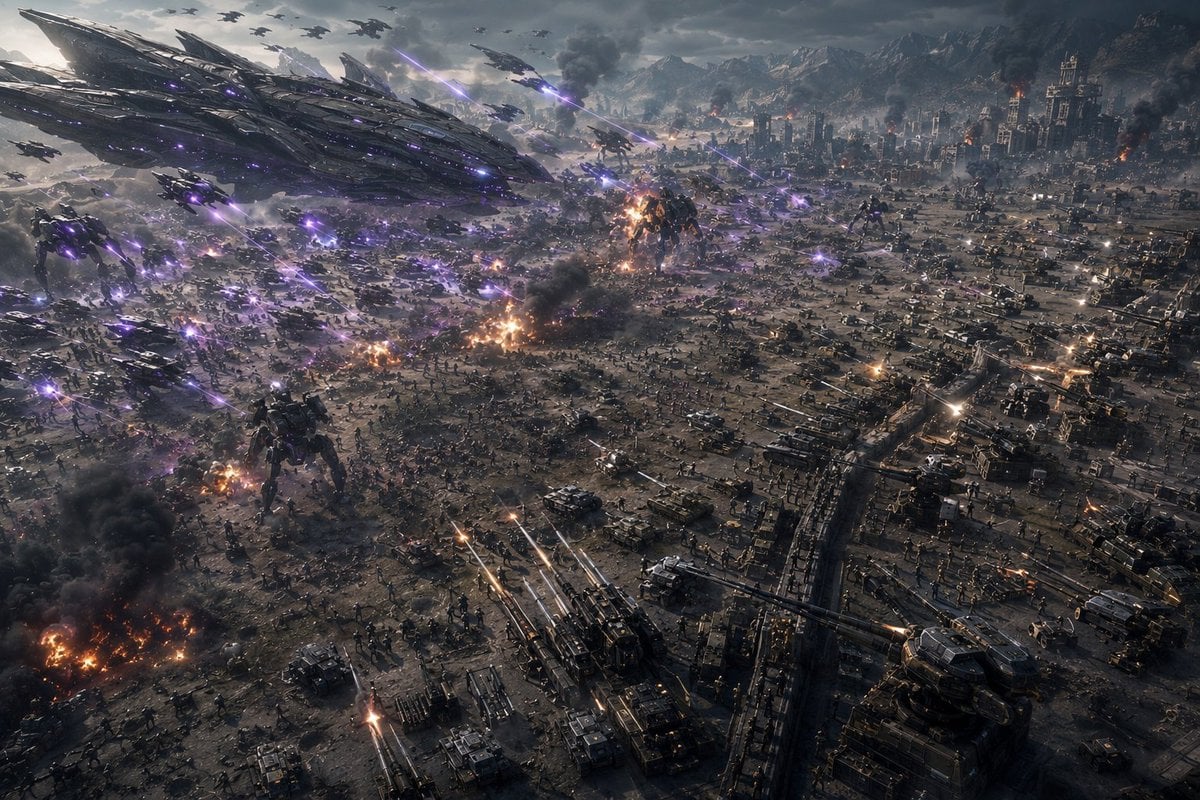
Aerial Sci-Fi Invasion Battlefield
Make it yours
Frost Samurai Battlefield works as-is. These are the safest ways to change it without losing the look.
Change one field
Copy a single group, rewrite it, and generate again so you can see what that field is doing.
Keep the frame, change the subject
Hold the composition and light of Frost Samurai Battlefield, then swap wardrobe, props or the person for a new take.
| If the result… | Why | Fix |
|---|---|---|
| The result drifts from the preview | Too many fields changed at once. | Reuse Frost Samurai Battlefield as-is first, then change one group — subject, light, or setting. |
| The model over-stylizes the scene | The prose prompt leaves finish and camera underspecified. | Add one camera or lighting sentence and stay on GPT Image 2. |
More GPT Image 2 templates
Other prompts made for GPT Image 2.

Six VTuber Japanese Logo Sheet

Realistic Portrait of Woman and Deer

The Vista Modular Condo Poster

AI Model Routing Comparison Infographic

2.5D Anime Art Board

Isometric Productivity Desk Scene

New York Double Exposure Poster

Four-Panel AI Landscape Comparison

Japanese Tatami Lifestyle Magazine Cover

NESCAFÉ Coffee Map Poster
More image prompts
Fresh picks from across the catalog.
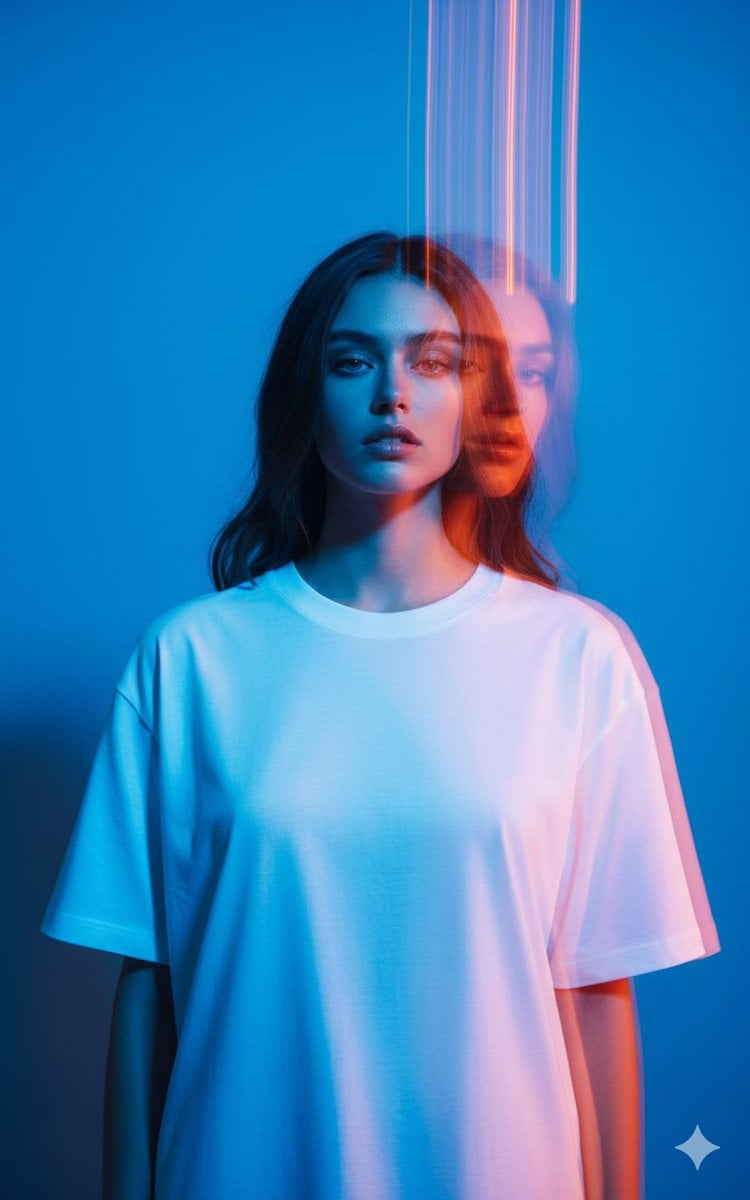
High-Fashion Multi-Exposure Portrait Prompt
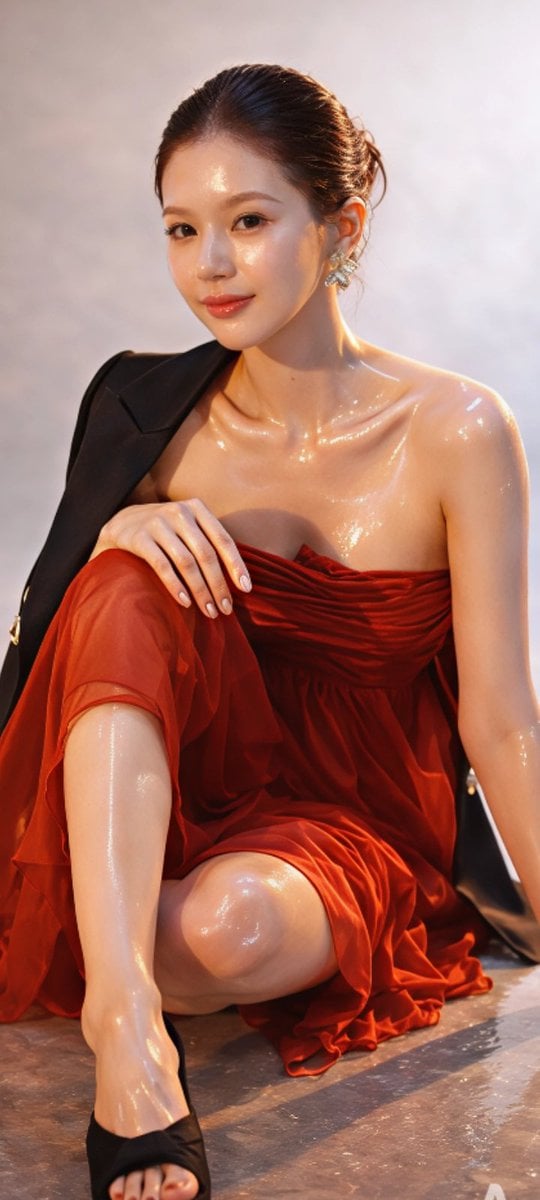
Zhao Lusi High-Fashion Editorial Prompt
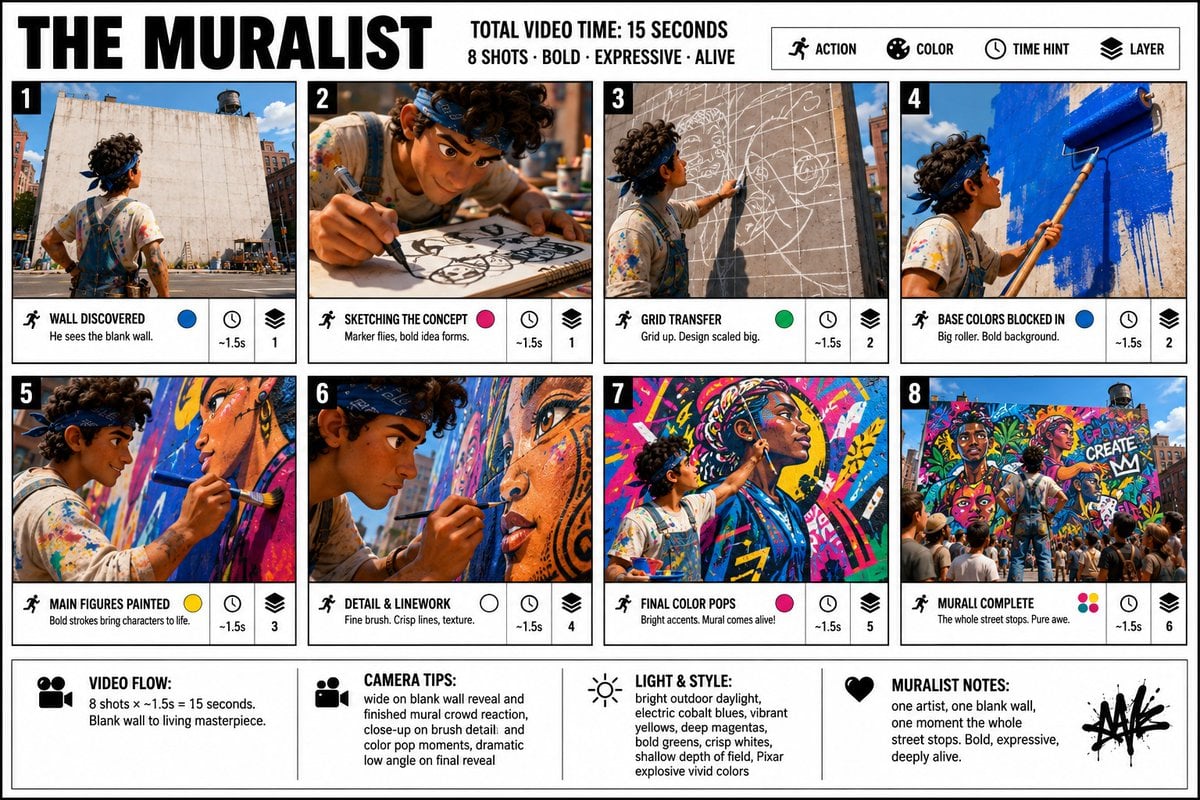
Pixar Style Movie Storyboard Poster
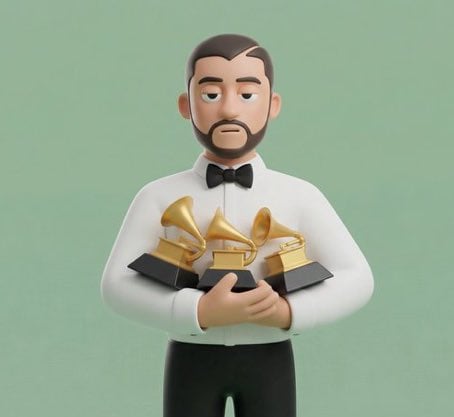
JSON Prompt for Stylized 3D Character Render (Minimal Cartoon)
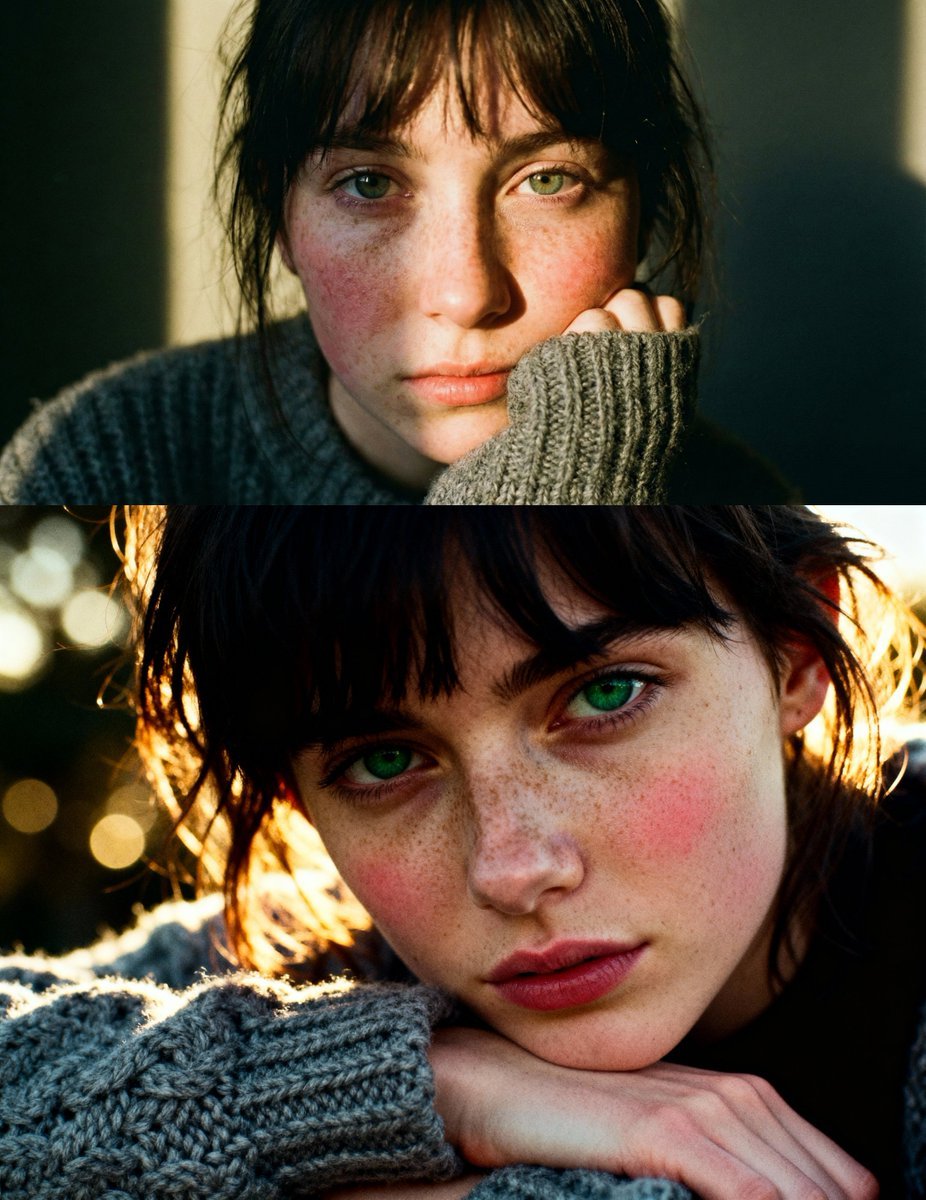
Cinematic close-up portrait with green eyes and knit sweater
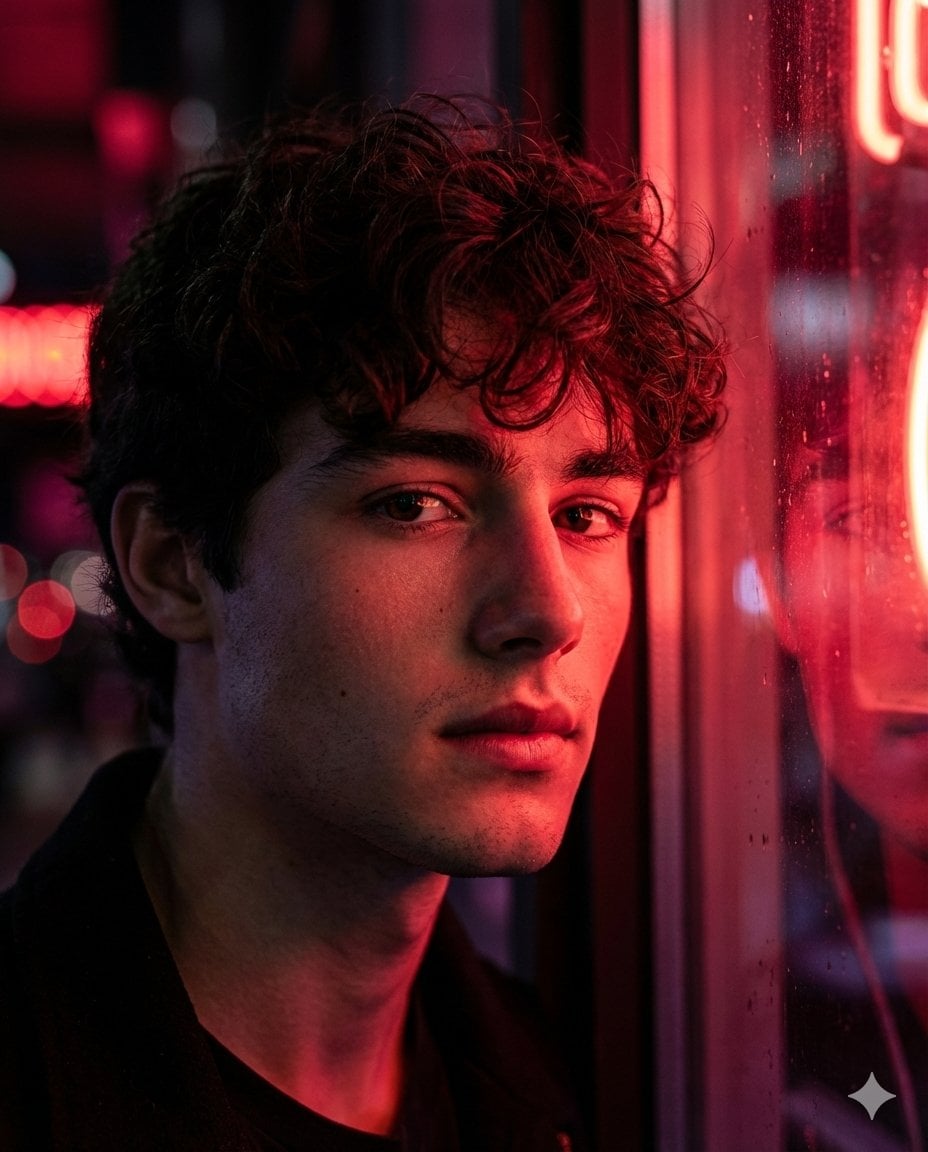
Hyper-Realistic Cinematic Neon Portrait Prompt
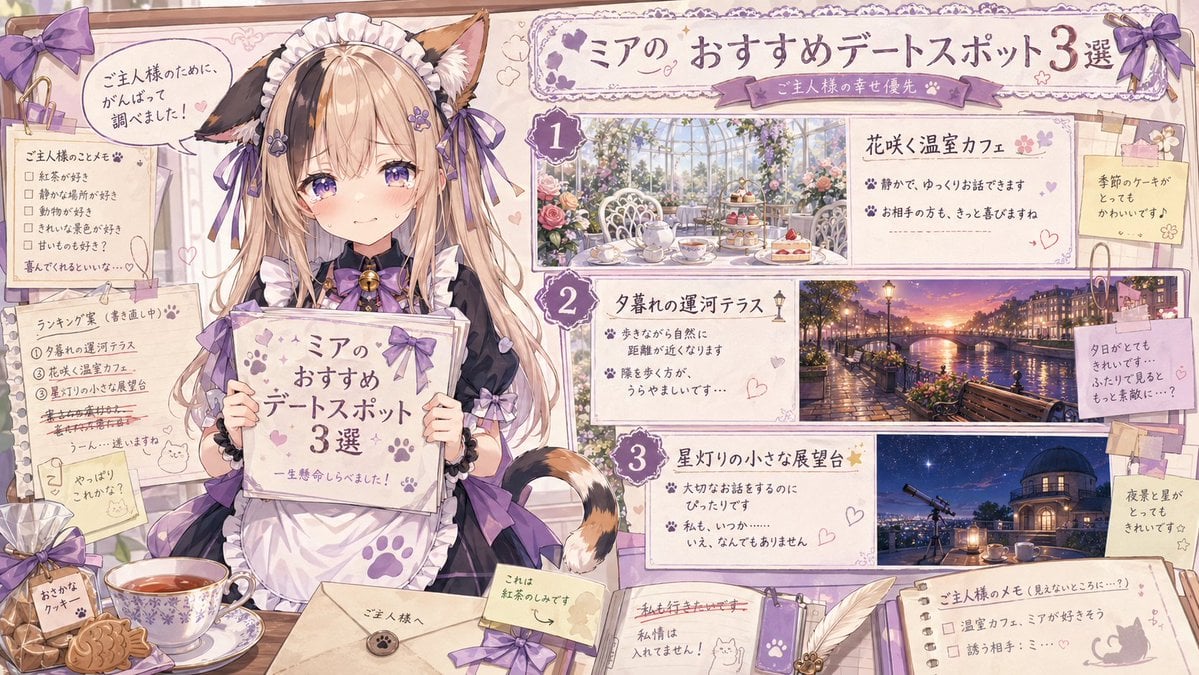
Catmaid Date Spot Recommendation Board
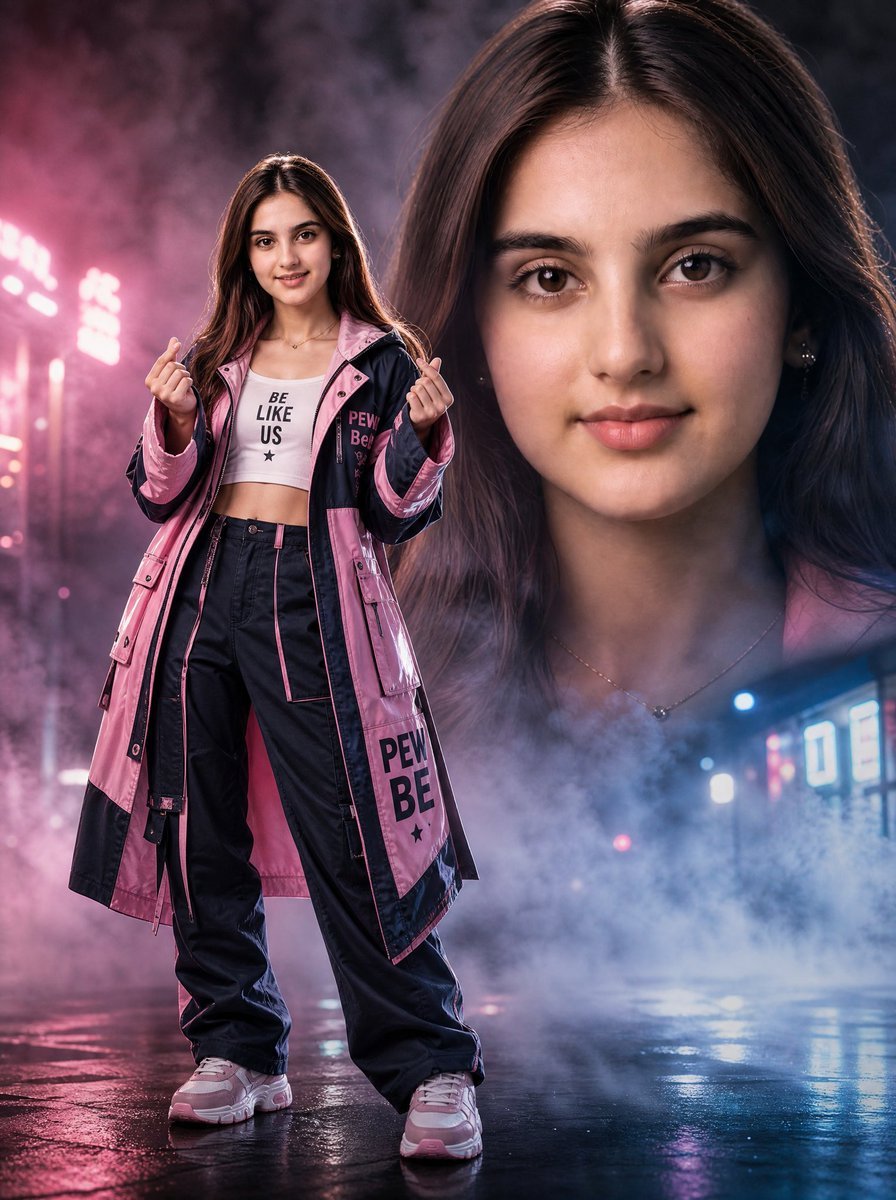
Neon Rain Streetwear Portrait
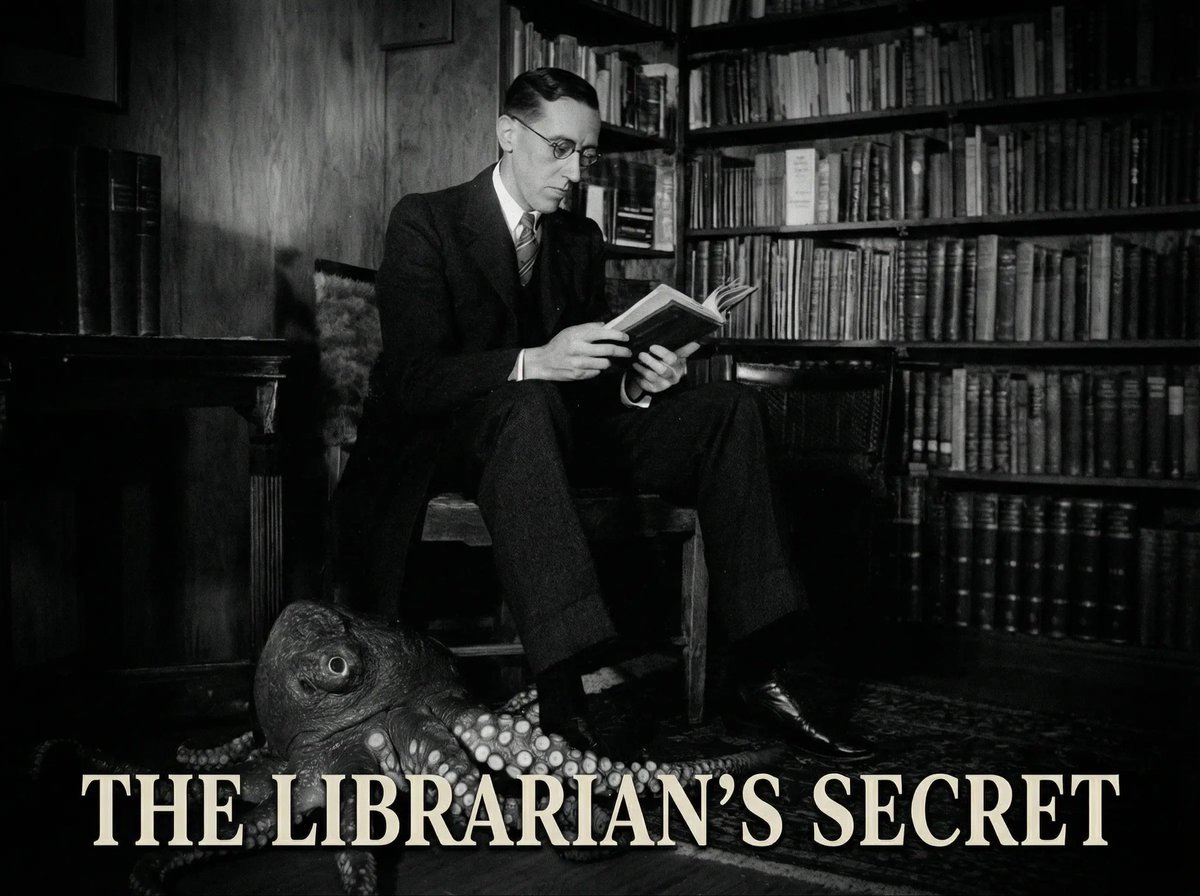
Reference to an External Prompt for 1940s Movie Still
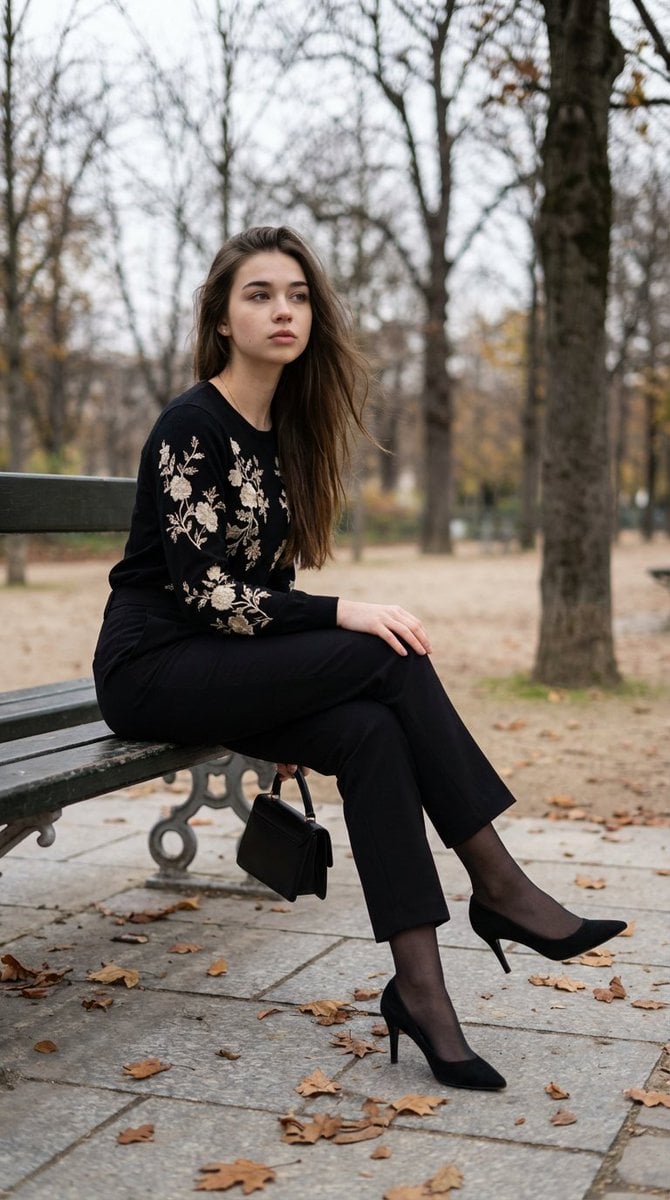
Editorial Parisian Elegance Park Scene Prompt
Browse template categories
Frost Samurai Battlefield questions
How do I use the Frost Samurai Battlefield template?
Add your photo if the template asks for one, edit the prompt if you like — the template's model and format are already selected — and press Generate. Your version opens in PicX Studio.
Can I customize the Frost Samurai Battlefield template?
Yes. You can change the subject, setting, lighting, mood, format, and available model controls before creating your image.
Is the Frost Samurai Battlefield template free?
Opening and editing this template is free. Generating uses credits, shown on the Generate button when you are signed in.
Which AI model should I use?
Start with GPT Image 2, which is the model associated with this template. You can compare another compatible model for a different finish.
Looking for something else? Browse all templates.

Your photo, any look
Thousands of ready templates for every top image and video model, from one credit balance.