
Aerial Sci-Fi Invasion Battlefield
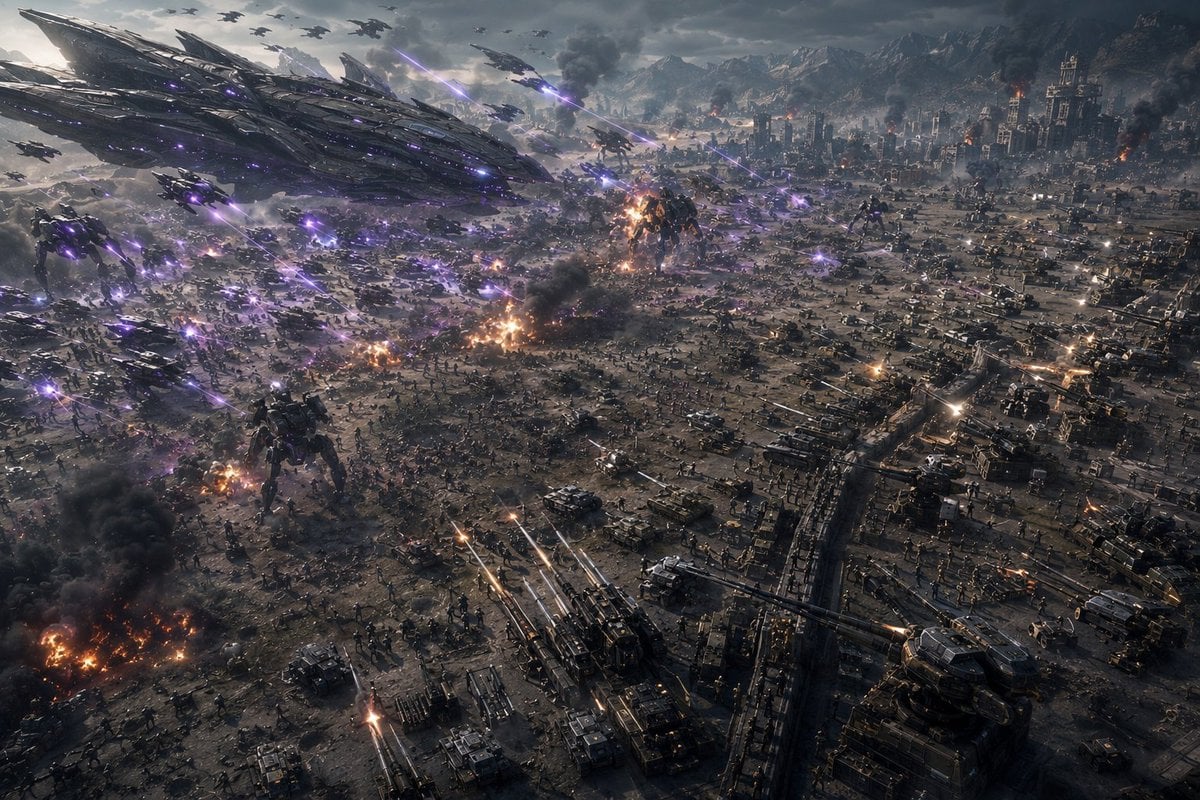
A cinematic aerial view of a vast futuristic battlefield with alien ships, mechs, tanks, explosions, and purple energy fire, suited for sci-fi war concept art.
- Prompt included
- Model and format preset
- Free template
The prompt behind this image
Copy the exact prompt behind Aerial Sci-Fi Invasion Battlefield, or open it in the studio and make it yours.
Create an ultra-wide cinematic science-fiction war panorama from a high aerial reconnaissance drone or FPV camera viewpoint, tilted down over a massive battlefield during an apocalyptic invasion. The scene shows a devastated industrial city and military base spread across a valley, with mountains in the far background under a dark stormy sky. On the left side, a colossal alien mothership dominates the sky, its surface made of layered black metallic armor plates, glowing violet lights, and angular blade-like structures; beneath and around it are many smaller alien gunships and drones. Count the main visible combat elements as: 1 enormous alien mothership, 2 towering bipedal alien war mechs on the ground, dozens of small aircraft silhouettes in the sky, hundreds of tiny infantry figures across the battlefield, and rows of tanks, armored vehicles, artillery batteries, trenches, and defensive walls filling the right and lower foreground. Purple energy beams and plasma bolts streak diagonally through the air from the alien craft, while human artillery and tank guns fire bright orange-white tracer rounds upward and across the field. Add multiple explosions, burning wreckage, black smoke columns, sparks, dust, and glowing embers throughout the battlefield, especially in the lower left and center. Make the scale feel overwhelming and chaotic, with dense visual detail, realistic military hardware, cinematic depth, volumetric smoke, dramatic backlighting, cold gray color grading contrasted by violet laser fire and orange flames, sharp photorealistic concept-art detail, IMAX disaster movie composition, no text, no borders, no watermark. Emphasize the feeling of a camera racing through a chaotic warzone alongside fighter craft, with motion implied by diagonal beam lines and layered aircraft depth. Use {argument name="battlefield setting" default="devastated industrial city and military base in a mountain valley"}, {argument name="alien energy color" default="violet purple"}, {argument name="camera viewpoint" default="high aerial reconnaissance drone FPV viewpoint"}, {argument name="time and weather" default="stormy late afternoon under dark clouds"}, and {argument name="visual style" default="photorealistic cinematic sci-fi concept art"}.
How to use Aerial Sci-Fi Invasion Battlefield in 3 steps
- 1Upload ImagePNG, JPG or paste
Add your photo
Upload the photo the template builds on. The prompt, model and format are already set.
- 2…a portrait of your subject in softgolden-hour light, 85mm…
Personalize
Edit the subject and creative details for your destination.
- 3Generate
Generate
Press Generate — your image is created in PicX Studio, so you can compare it with the original and refine one variable at a time.
More like this
Templates with the same subject, style or setup. Open one to see its prompt.
Sci-Fi UFO Invasion Selfie
Frost Samurai Battlefield
Solemn Knight on Ashen Battlefield
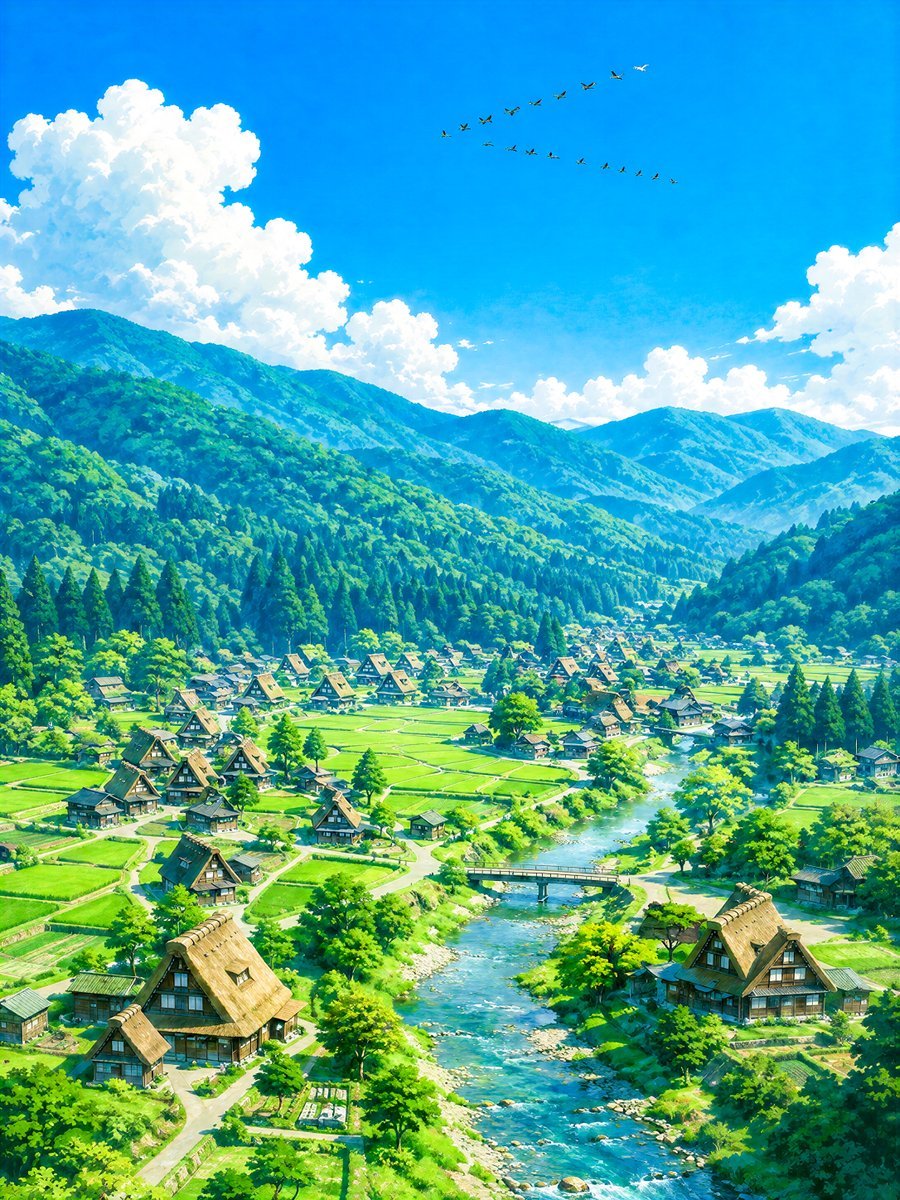
Aerial Summer Shirakawa-go Valley
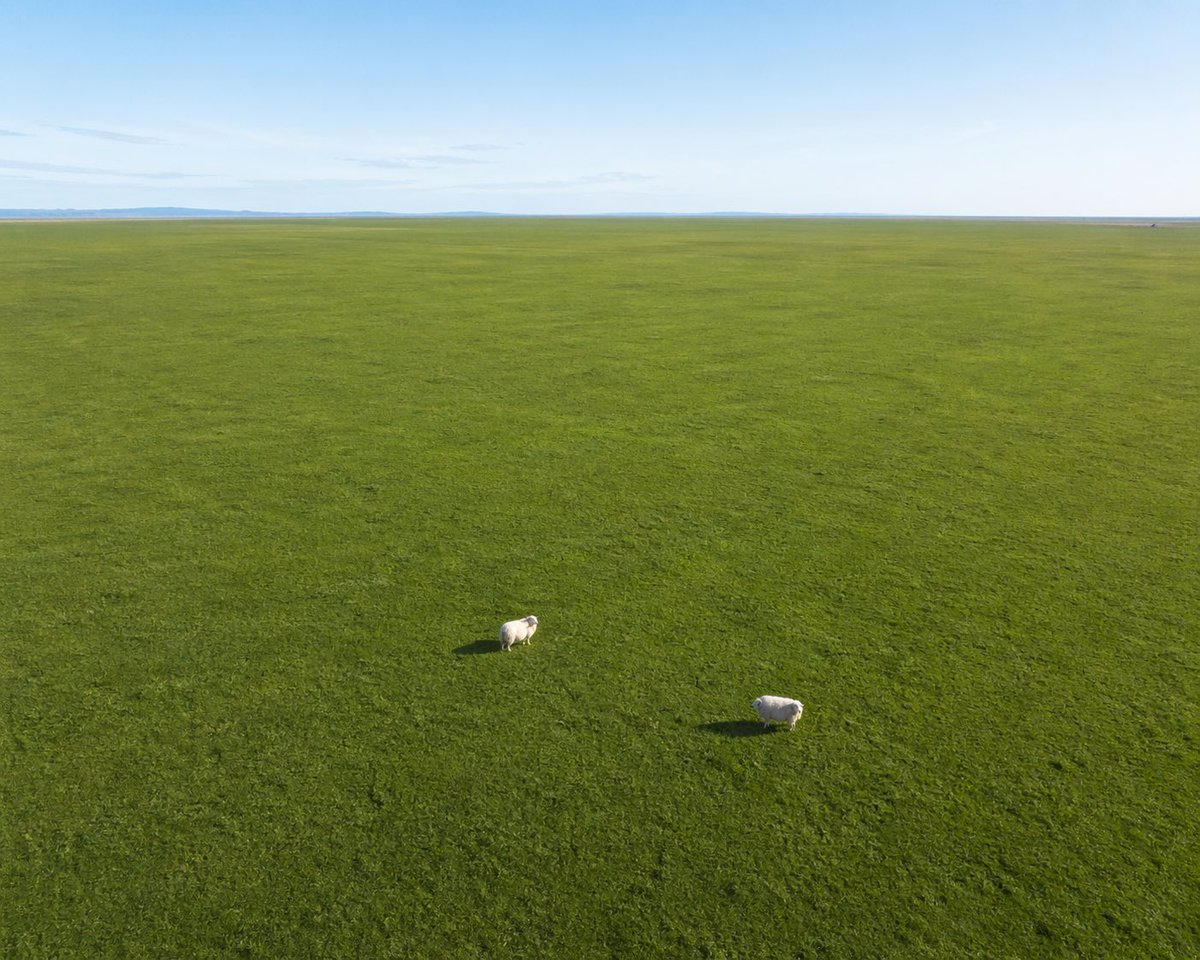
Aerial View of Vast Grassy Plain with Two Sheep
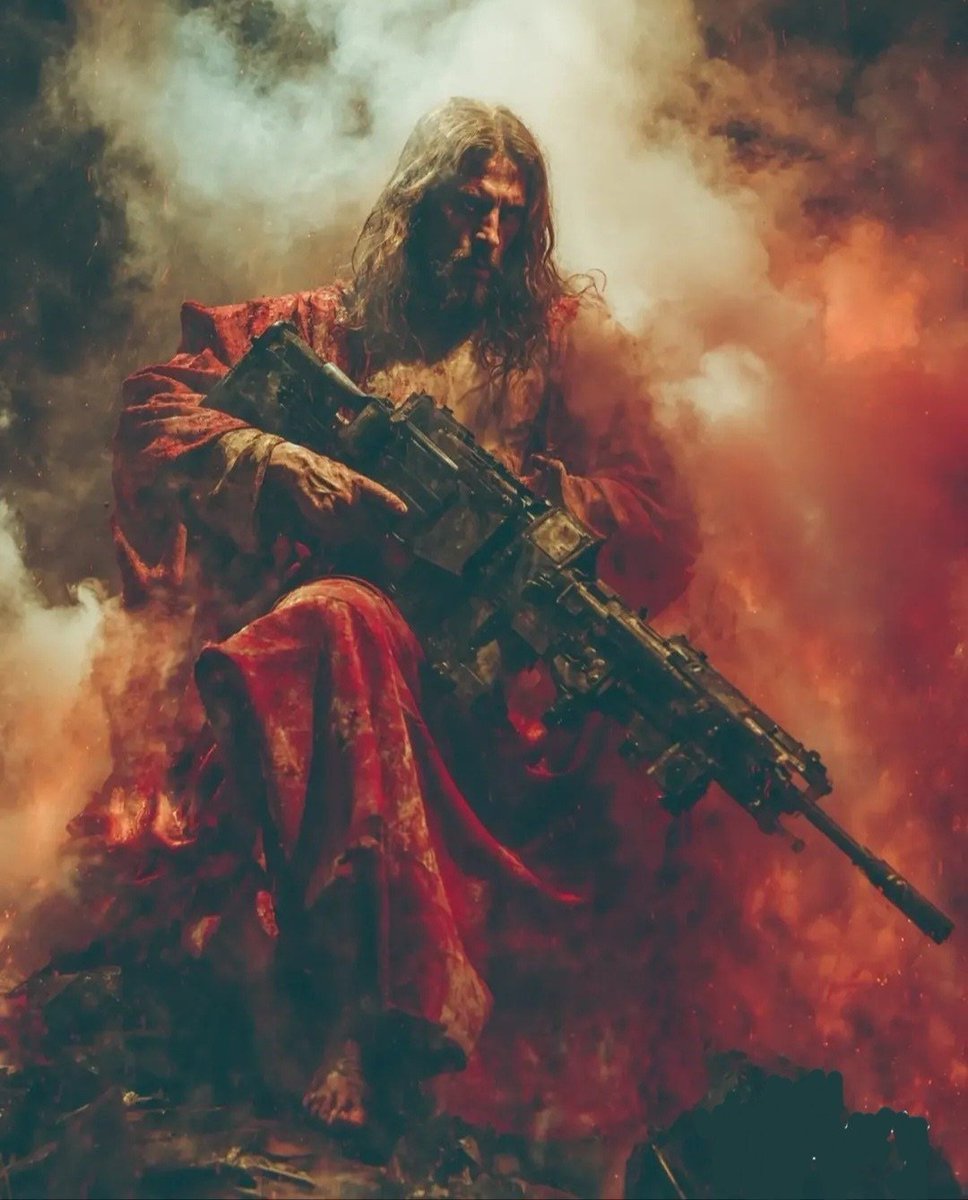
Dark Fantasy Battlefield Warrior
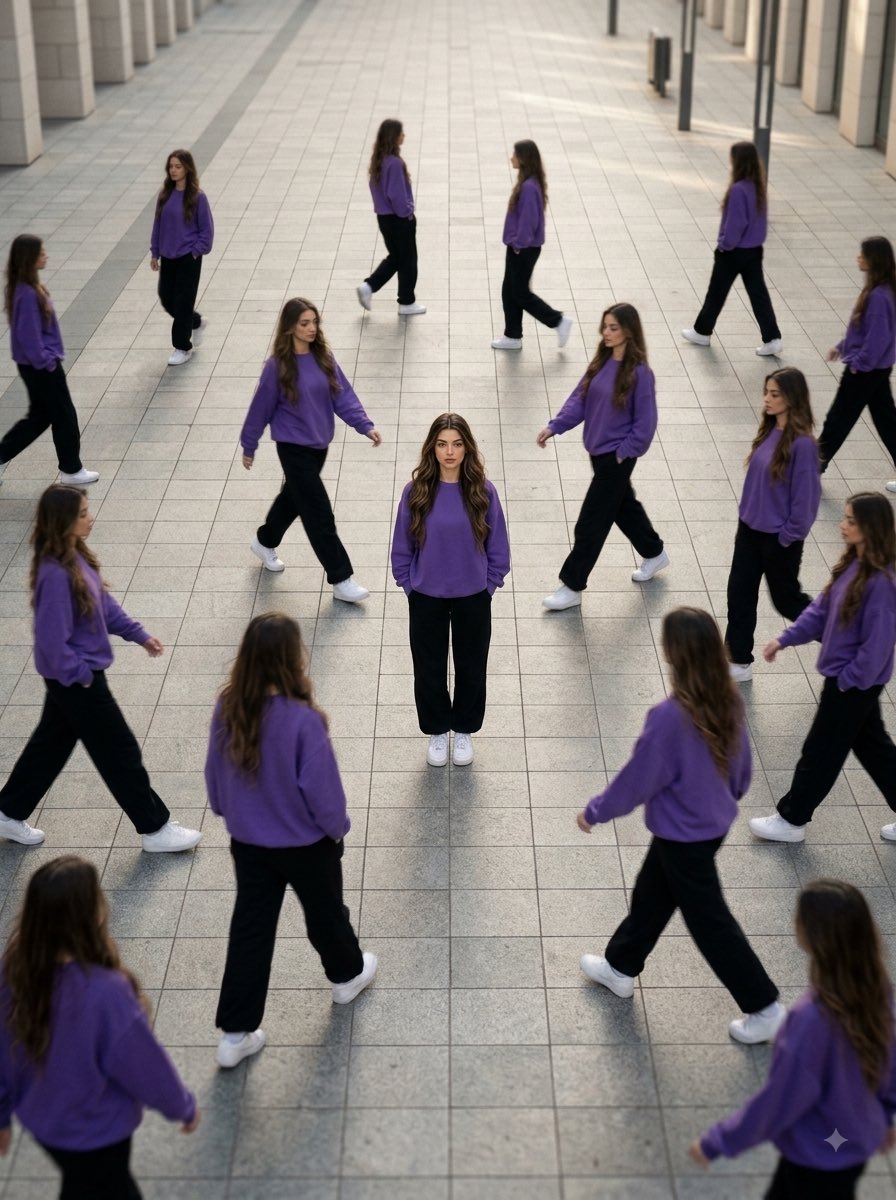
Aerial Surreal Clone Photography
Sci-Fi AI Battle Movie Poster
Baku Flame Towers Aerial Scene
Sci-Fi Knight of the Order
Roman Warrior Eagle Battlefield Portrait
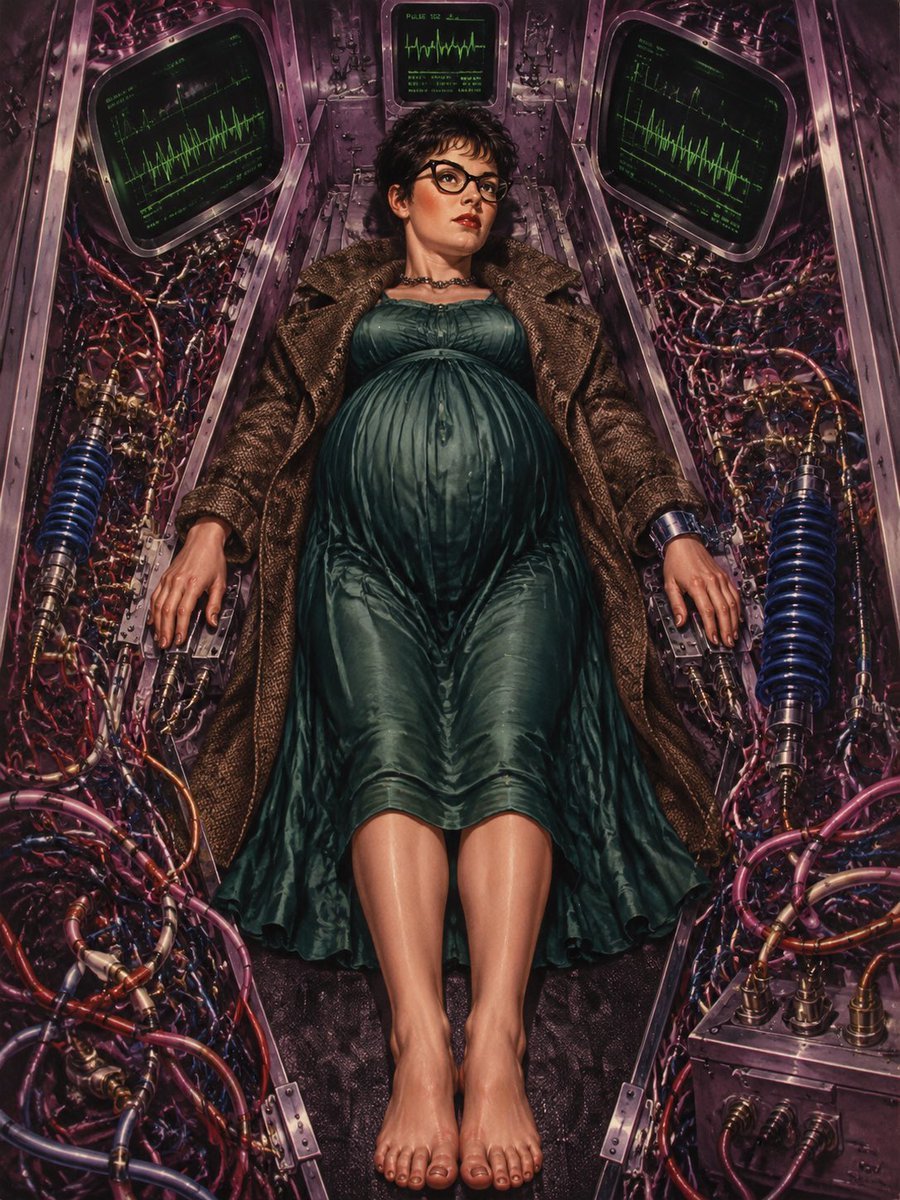
Pregnant Woman in Retro Sci-Fi Medical Pod
Make it yours
Aerial Sci-Fi Invasion Battlefield works as-is. These are the safest ways to change it without losing the look.
Change one field
Copy a single group, rewrite it, and generate again so you can see what that field is doing.
Keep the frame, change the subject
Hold the composition and light of Aerial Sci-Fi Invasion Battlefield, then swap wardrobe, props or the person for a new take.
| If the result… | Why | Fix |
|---|---|---|
| The result drifts from the preview | Too many fields changed at once. | Reuse Aerial Sci-Fi Invasion Battlefield as-is first, then change one group — subject, light, or setting. |
| The model over-stylizes the scene | The prose prompt leaves finish and camera underspecified. | Add one camera or lighting sentence and stay on GPT Image 2. |
More GPT Image 2 templates
Other prompts made for GPT Image 2.

Six VTuber Japanese Logo Sheet

Realistic Portrait of Woman and Deer

The Vista Modular Condo Poster

AI Model Routing Comparison Infographic

2.5D Anime Art Board

Isometric Productivity Desk Scene

New York Double Exposure Poster

Four-Panel AI Landscape Comparison

Japanese Tatami Lifestyle Magazine Cover

NESCAFÉ Coffee Map Poster
More image prompts
Fresh picks from across the catalog.
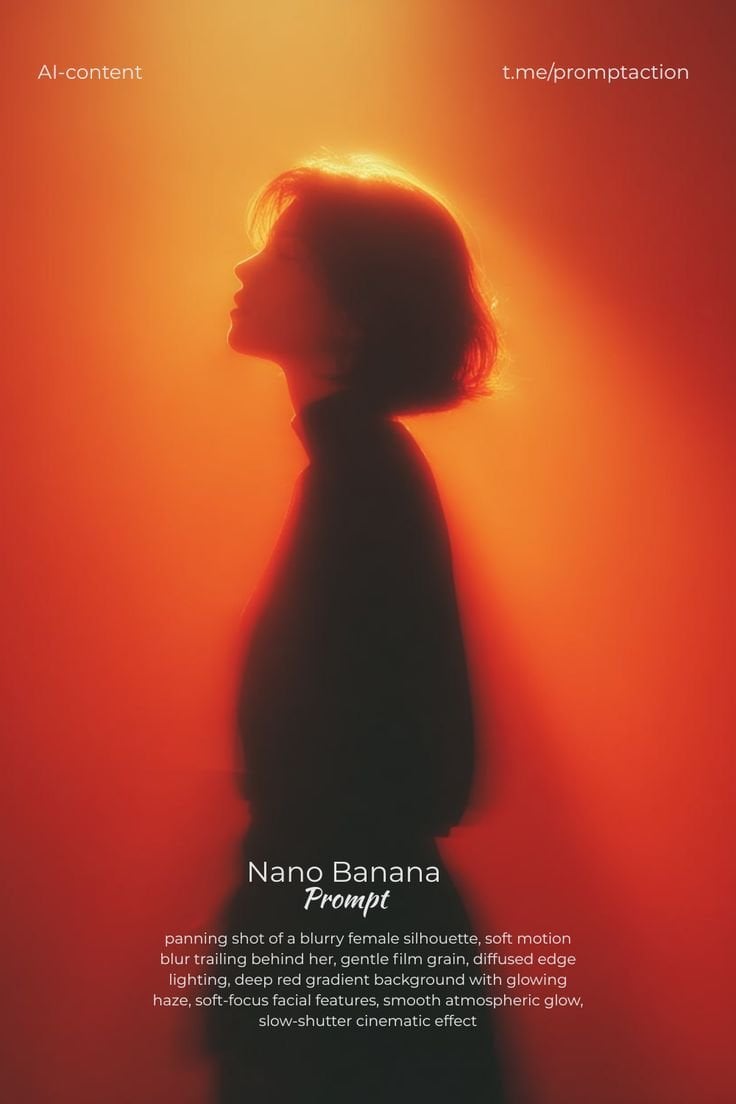
Red Motion Blur Silhouette
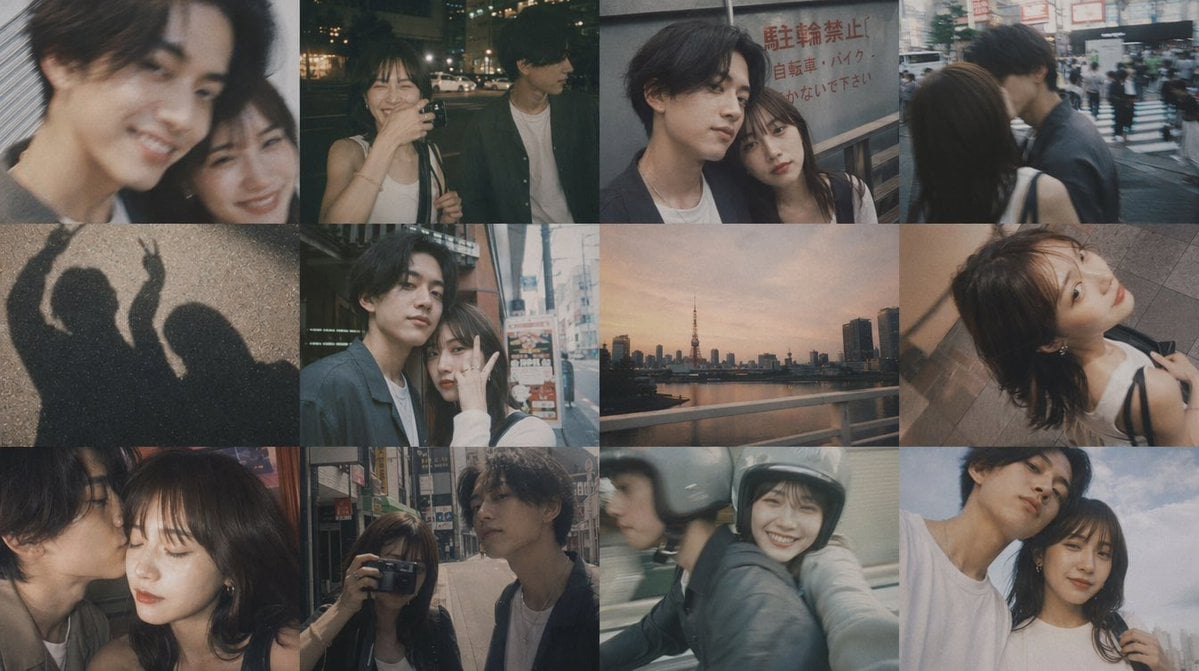
Romantic Tokyo Couple Photo Collage
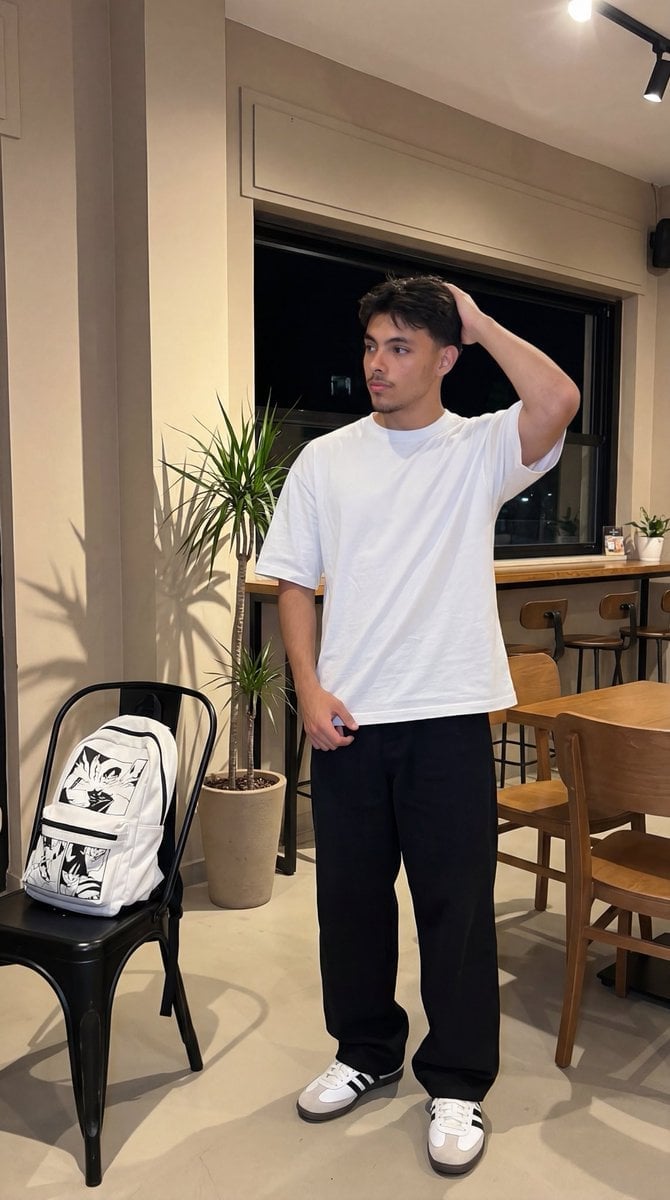
Photorealistic Lifestyle/Editorial Photo Shoot Prompt with Identity Preservation

Photorealistic CGI Big Head Caricature
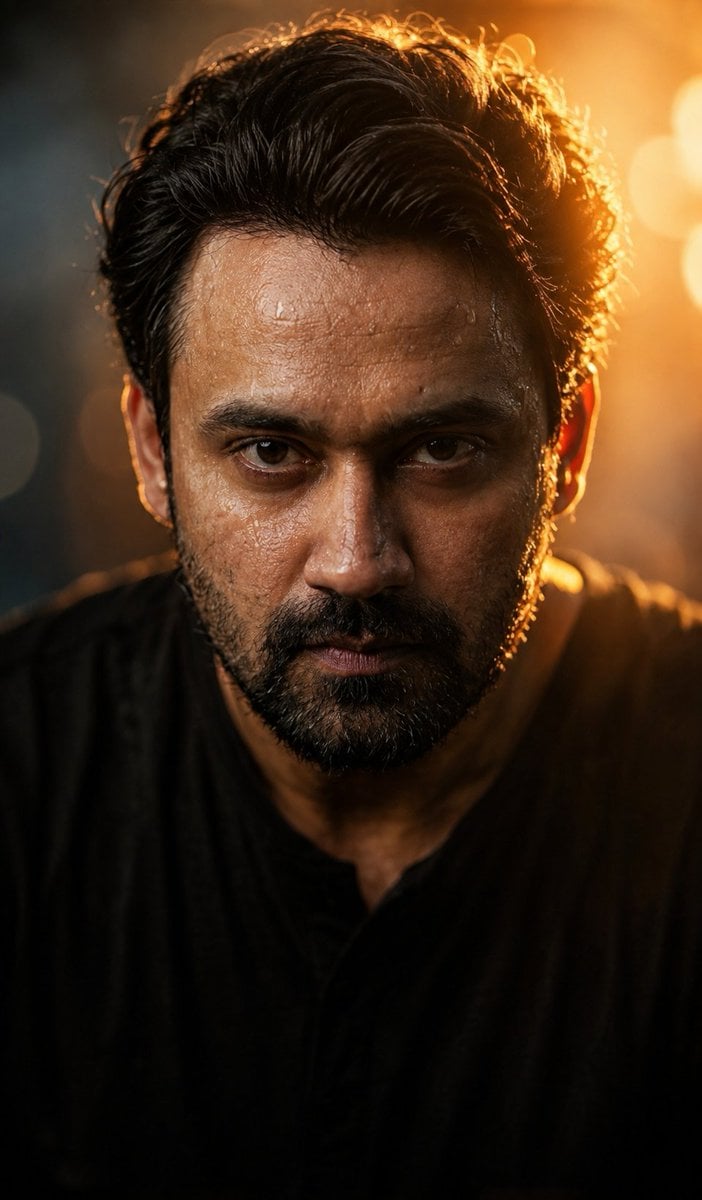
Cinematic Wet Face Portrait at Golden Hour
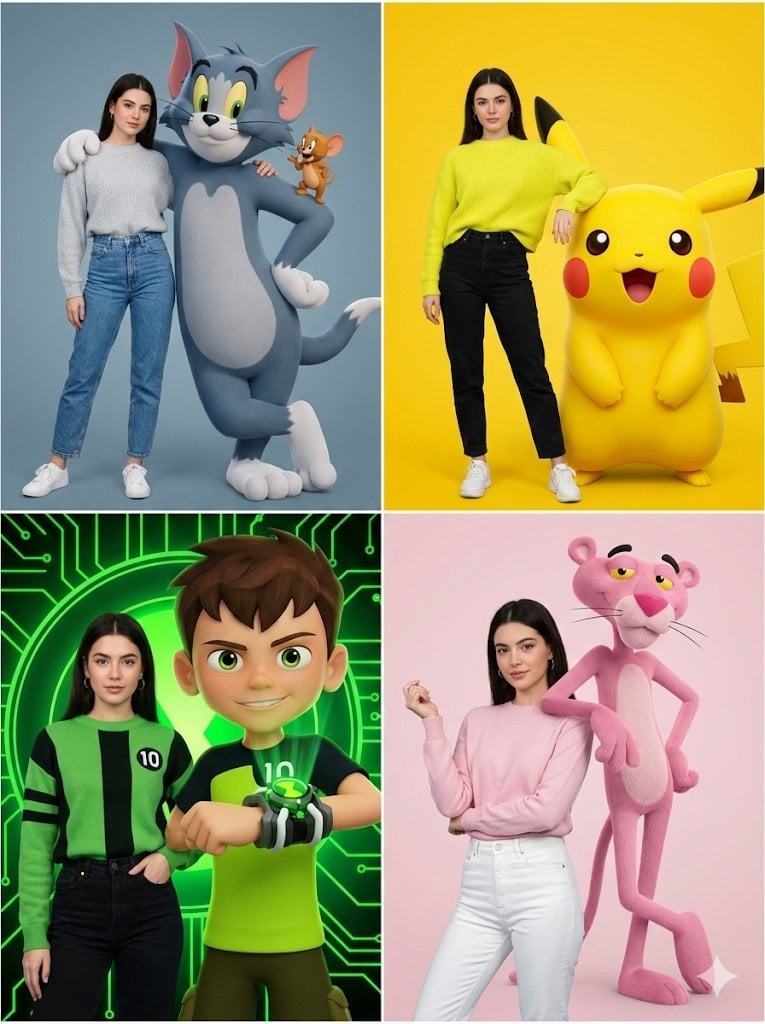
Hyper-realistic Childhood Cartoon Fashion Shoot
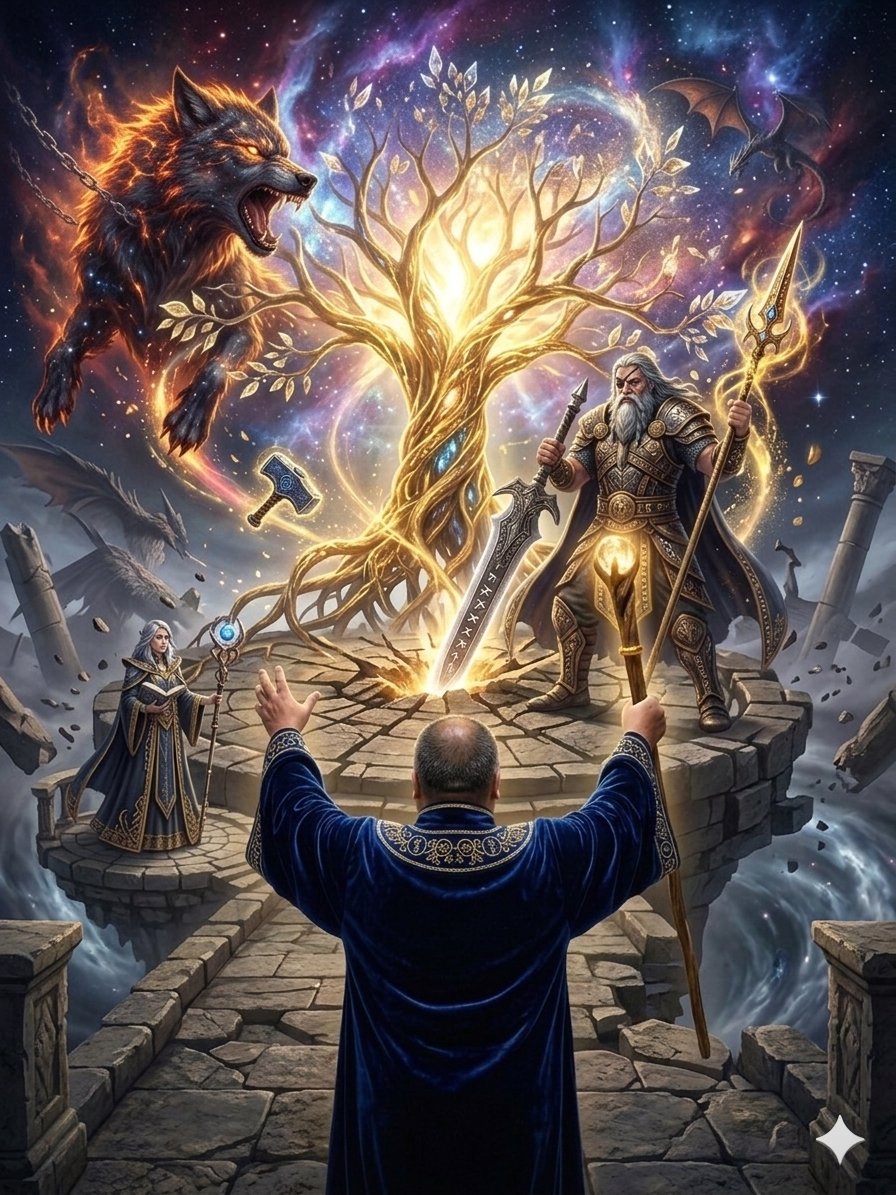
Fantasy World Creation Image Prompt (Nano Banana Pro)
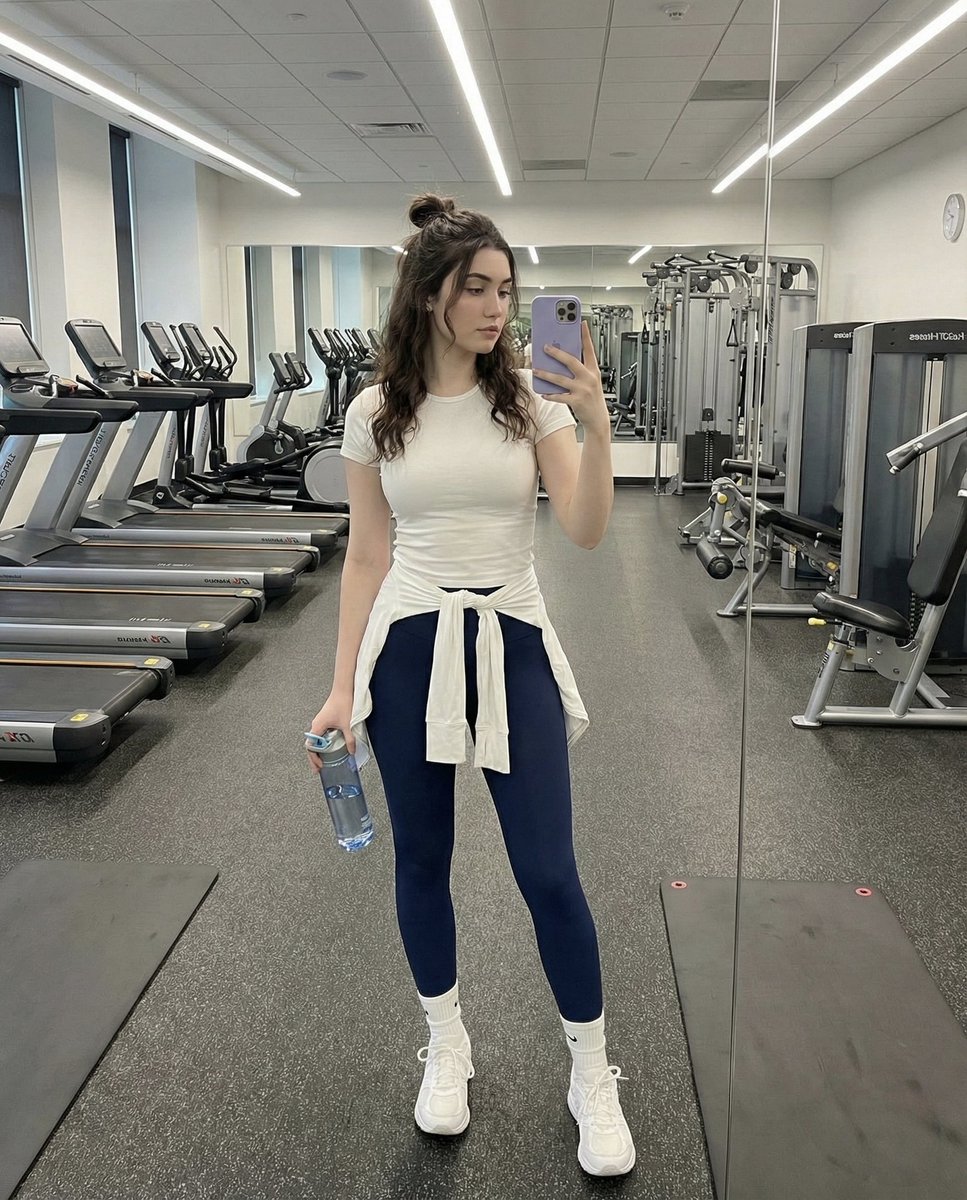
Full-Body Mirror Selfie in a Modern Gym
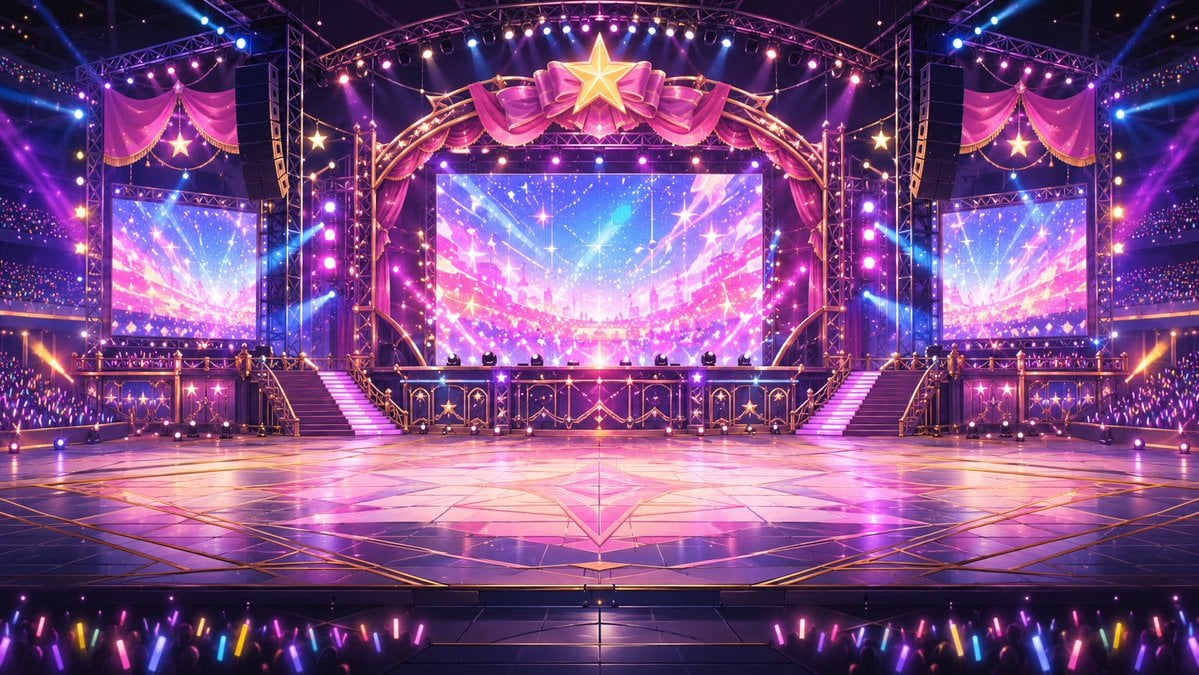
Neon VTuber Arena Stage
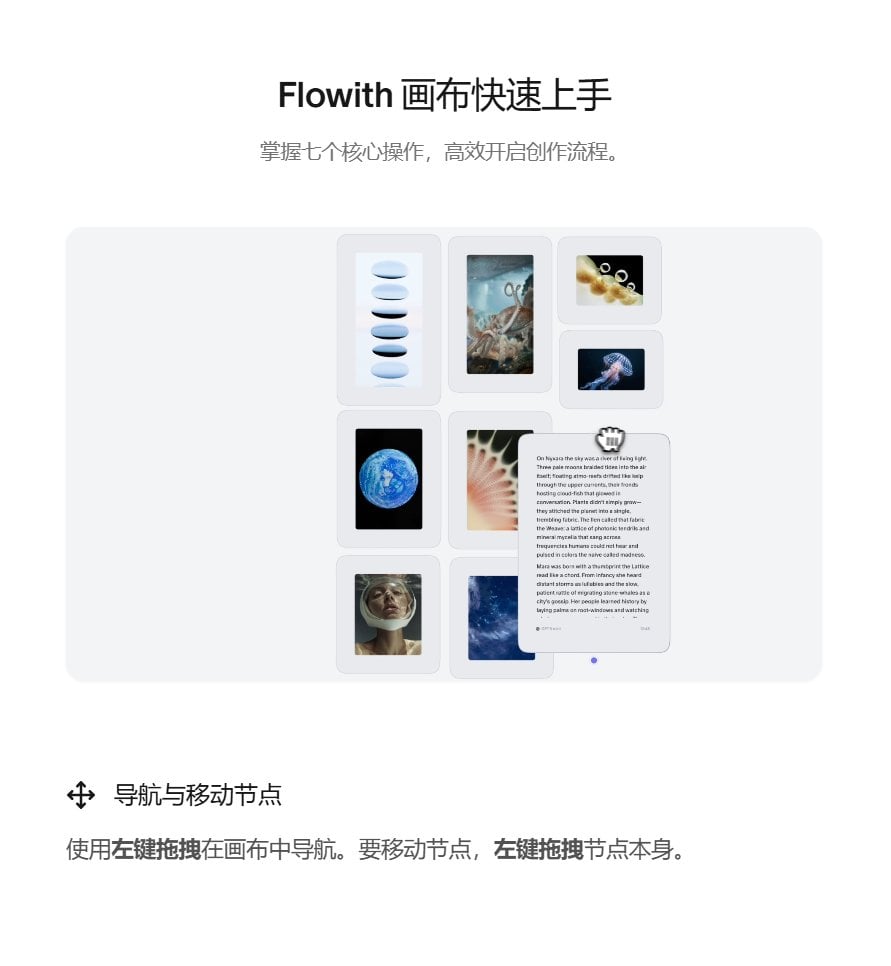
Image-to-Image Workflow for RPG Maker Pixel Maps using Nano Banana
Browse template categories
Aerial Sci-Fi Invasion Battlefield questions
How do I use the Aerial Sci-Fi Invasion Battlefield template?
Add your photo if the template asks for one, edit the prompt if you like — the template's model and format are already selected — and press Generate. Your version opens in PicX Studio.
Can I customize the Aerial Sci-Fi Invasion Battlefield template?
Yes. You can change the subject, setting, lighting, mood, format, and available model controls before creating your image.
Is the Aerial Sci-Fi Invasion Battlefield template free?
Opening and editing this template is free. Generating uses credits, shown on the Generate button when you are signed in.
Which AI model should I use?
Start with GPT Image 2, which is the model associated with this template. You can compare another compatible model for a different finish.
Looking for something else? Browse all templates.

Your photo, any look
Thousands of ready templates for every top image and video model, from one credit balance.