
Aerial Surreal Clone Photography
A complex prompt for creating an aerial high-angle view of a central subject surrounded by identical clones walking in various directions.
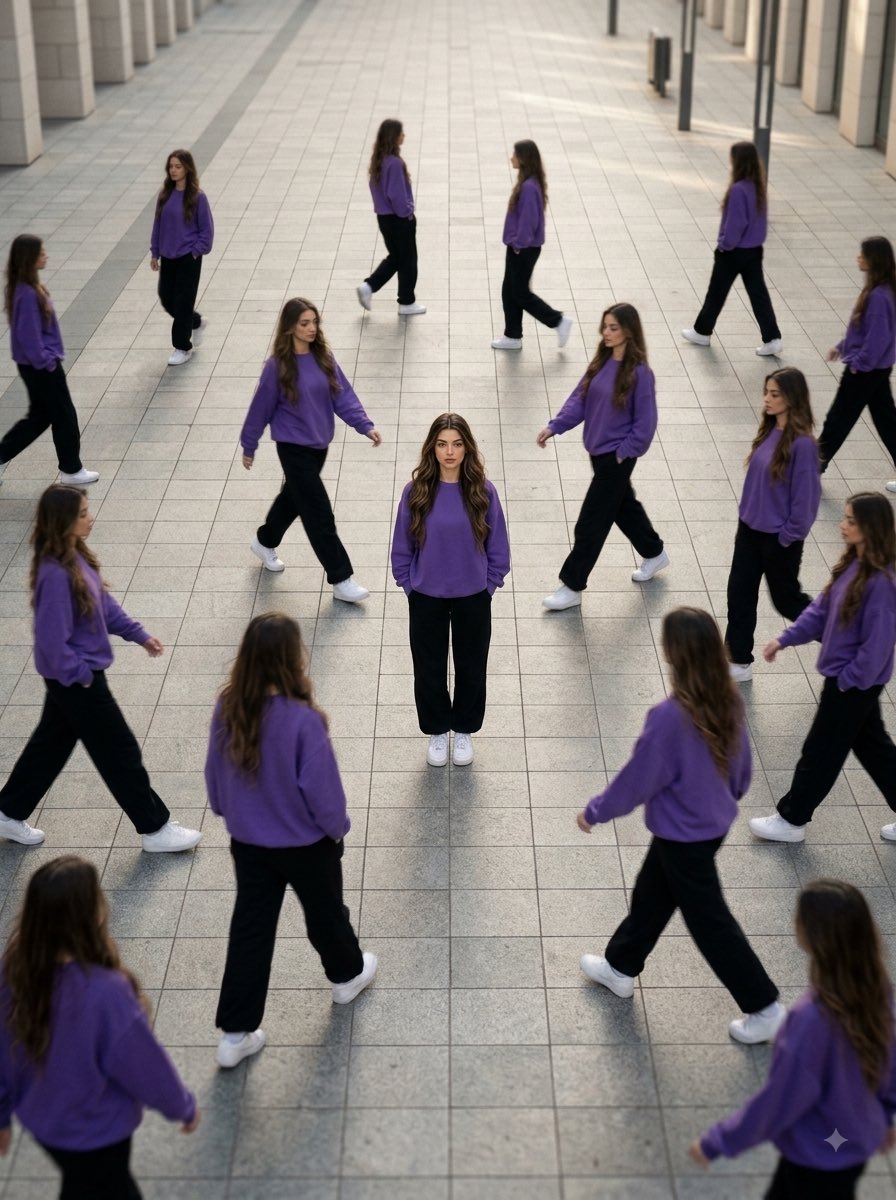
- Prompt included
- Model and format preset
- Free template
The prompt behind this image
Copy the exact prompt behind Aerial Surreal Clone Photography, or open it in the studio and make it yours.
Transform the uploaded person into a premium ultra-realistic surreal clone-photography scene. Create an aerial high-angle view of the same person standing completely still in the center of a large empty street or pathway while multiple identical copies walk around them in different directions. IDENTITY LOCK Use the uploaded image as the only identity reference. Preserve the exact recognizable face, facial structure, hairstyle, skin tone, eyebrows, eyes, nose, lips, jawline, hair texture, facial proportions, age, and overall appearance. Every clone must clearly be the same person. Do not change or redesign the identity. CENTRAL SUBJECT The central person remains perfectly sharp and motionless, standing confidently with both hands in the pockets. Dress them in {argument name="sweatshirt color" default="RED / PINK / ANY COLOR"} oversized sweatshirt, black loose pants, and white sneakers. The central figure is the primary focal point. CLONES Create numerous identical copies of the same person wearing the exact same outfit and maintaining the same identity. Position the clones walking naturally in different directions around the central subject. Use varied walking poses and distances to create a believable repetitive “NPC crowd” effect. Moving clones may have controlled directional motion blur while the central subject stays completely sharp. ENVIRONMENT Large empty tiled street or pathway in an understated urban outdoor setting. Minimal distractions. Clean architectural surroundings. Realistic pavement textures. Spacious composition with strong depth and perspective. CAMERA & COMPOSITION Aerial high-angle perspective looking downward. Compressed cinematic perspective. Tilt-shift depth effect. Central subject positioned precisely in the middle with surrounding clones creating a radial visual flow. Strong negative space around the group. LIGHTING & STYLE Soft natural sunlight. Warm neutral tones. Subtle atmospheric haze. Realistic shadows. Cinematic depth of field. Gentle film grain. Hyper-realistic skin texture. Natural proportions. Street photography mixed with luxury fashion editorial aesthetics. Surreal identity concept. Premium cinematic color grading. Ultra-detailed 8K quality. VISUAL HIERARCHY Central subject = sharp and still. Surrounding clones = moving and slightly blurred. Background = clean and atmospheric. The contrast should communicate loneliness, individuality, and calmness while everything around the subject remains in motion.
How to use Aerial Surreal Clone Photography in 3 steps
- 1Upload ImagePNG, JPG or paste
Add your photo
Upload the photo the template builds on. The prompt, model and format are already set.
- 2…a portrait of your subject in softgolden-hour light, 85mm…
Personalize
Edit the subject and creative details for your destination.
- 3Generate
Generate
Press Generate — your image is created in PicX Studio, so you can compare it with the original and refine one variable at a time.
More like this
Templates with the same subject, style or setup. Open one to see its prompt.

Firefly Pixar Spill — Nano Banana Pro
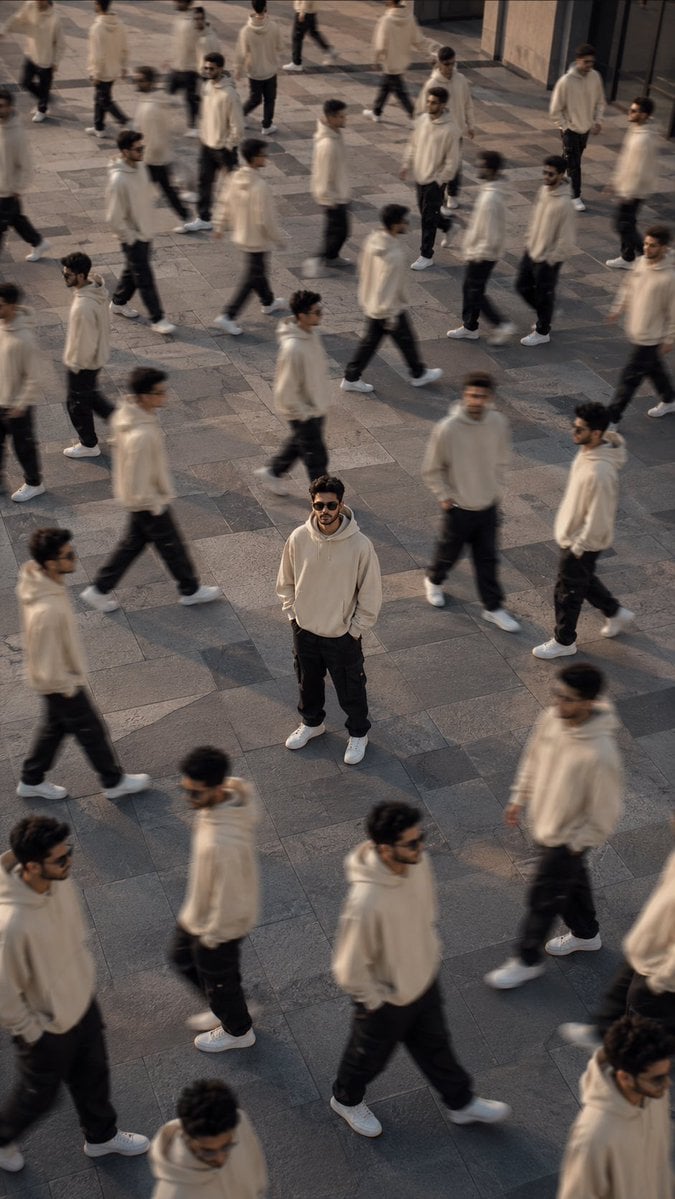
Surreal Urban Clone Photography
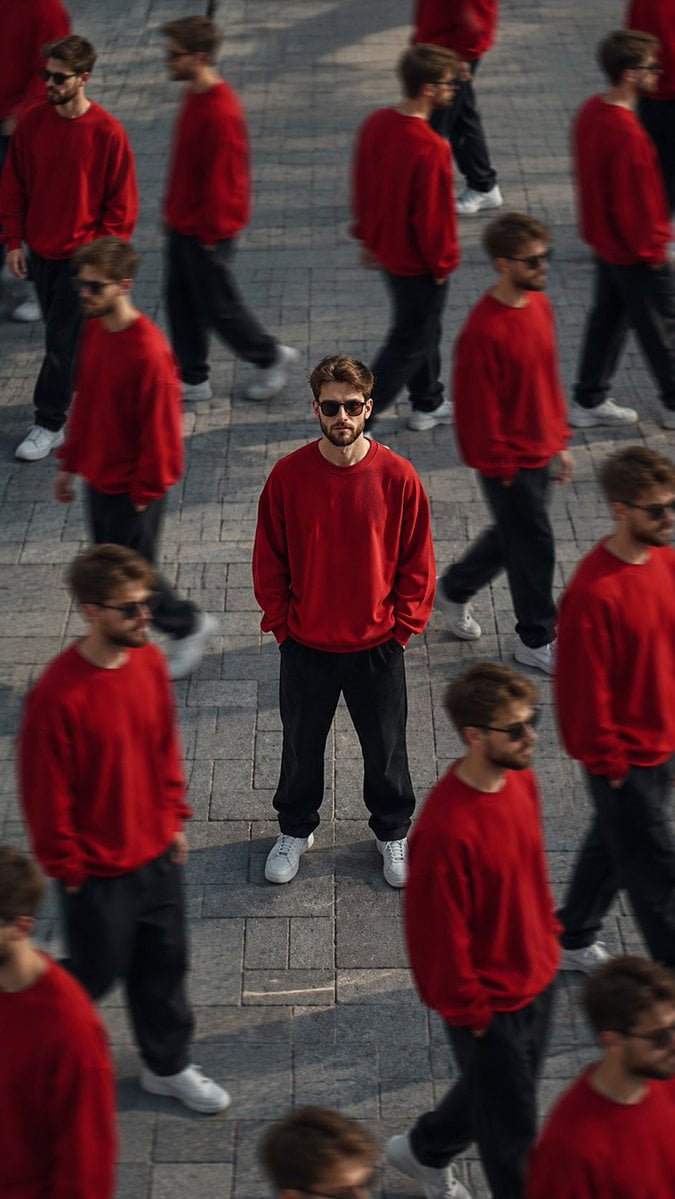
Surreal Cinematic Clone Photography
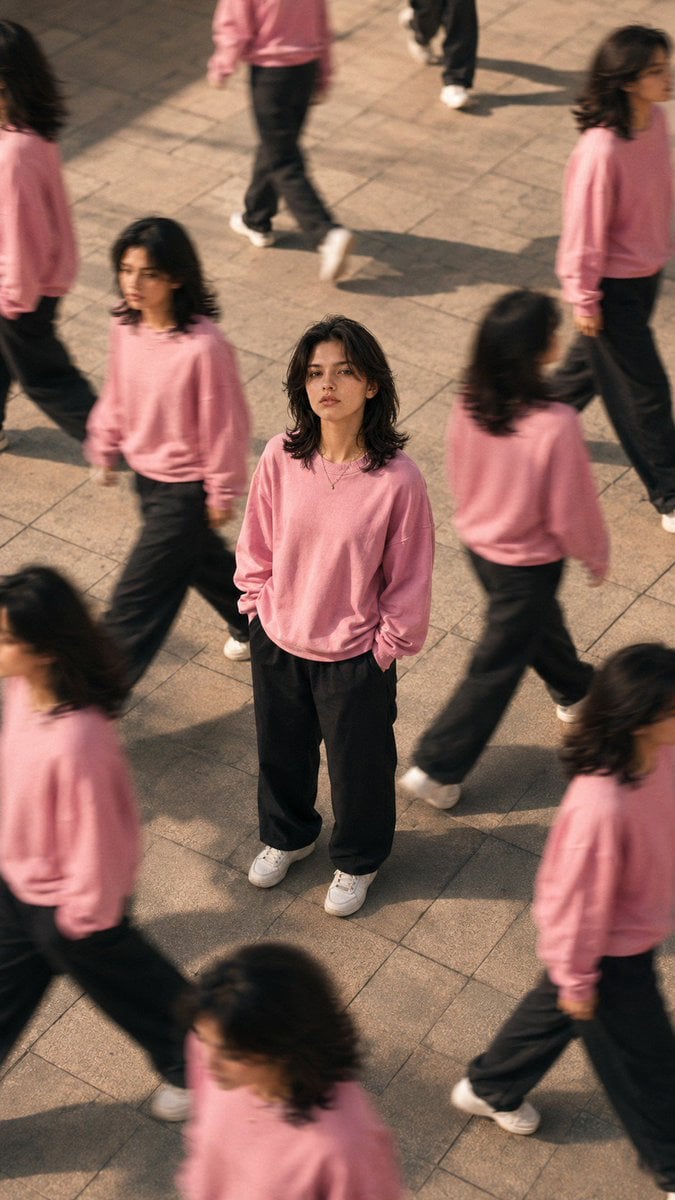
Surreal Clone Street Photography

Creative Character in Pink Office

Avant-Garde Asian Fashion Model

Underwater Macro Face Portrait

Water-level Bridge Modification

Noir Punk Street Portrait

High Contrast Cinematic Face Portrait

Monochrome Studio Portrait with Colored Lens

Ultra-Realistic Yacht Sunset Portrait
Make it yours
Aerial Surreal Clone Photography works as-is. These are the safest ways to change it without losing the look.
Change one field
Copy a single group, rewrite it, and generate again so you can see what that field is doing.
Keep the frame, change the subject
Hold the composition and light of Aerial Surreal Clone Photography, then swap wardrobe, props or the person for a new take.
| If the result… | Why | Fix |
|---|---|---|
| The result drifts from the preview | Too many fields changed at once. | Reuse Aerial Surreal Clone Photography as-is first, then change one group — subject, light, or setting. |
| The model over-stylizes the scene | The prose prompt leaves finish and camera underspecified. | Add one camera or lighting sentence and stay on Gemini 3 Pro Image Preview. |
More Gemini 3 Pro Image Preview templates
Other prompts made for Gemini 3 Pro Image Preview.

Cinematic Urban Night Billboard Portrait

Ultra-Realistic iPhone Selfie with Motion Blur

Cinematic Mirror Reflection Portrait

Elegant Men's Twilight Editorial

Coastal Freedom Sunset Portrait

Ergonomic Office Chair E-commerce Mobile Detail Page

Macro Guitar Fret Dressing

Cinematic Black and White Studio Portrait

1980s Retro Salon Portrait

Felt Frog Diorama Beach
More image prompts
Fresh picks from across the catalog.

University Campus Aerial View
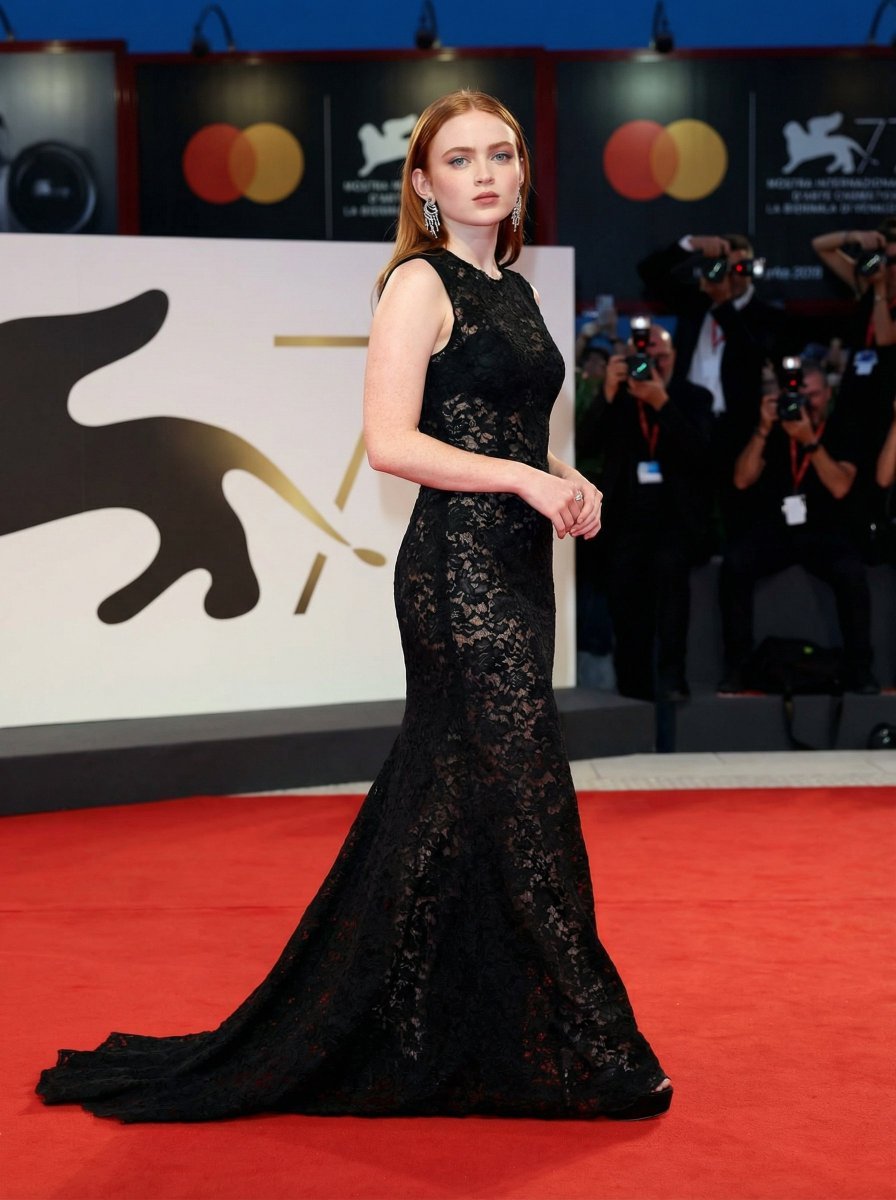
High Fashion Red Carpet Editorial Prompt
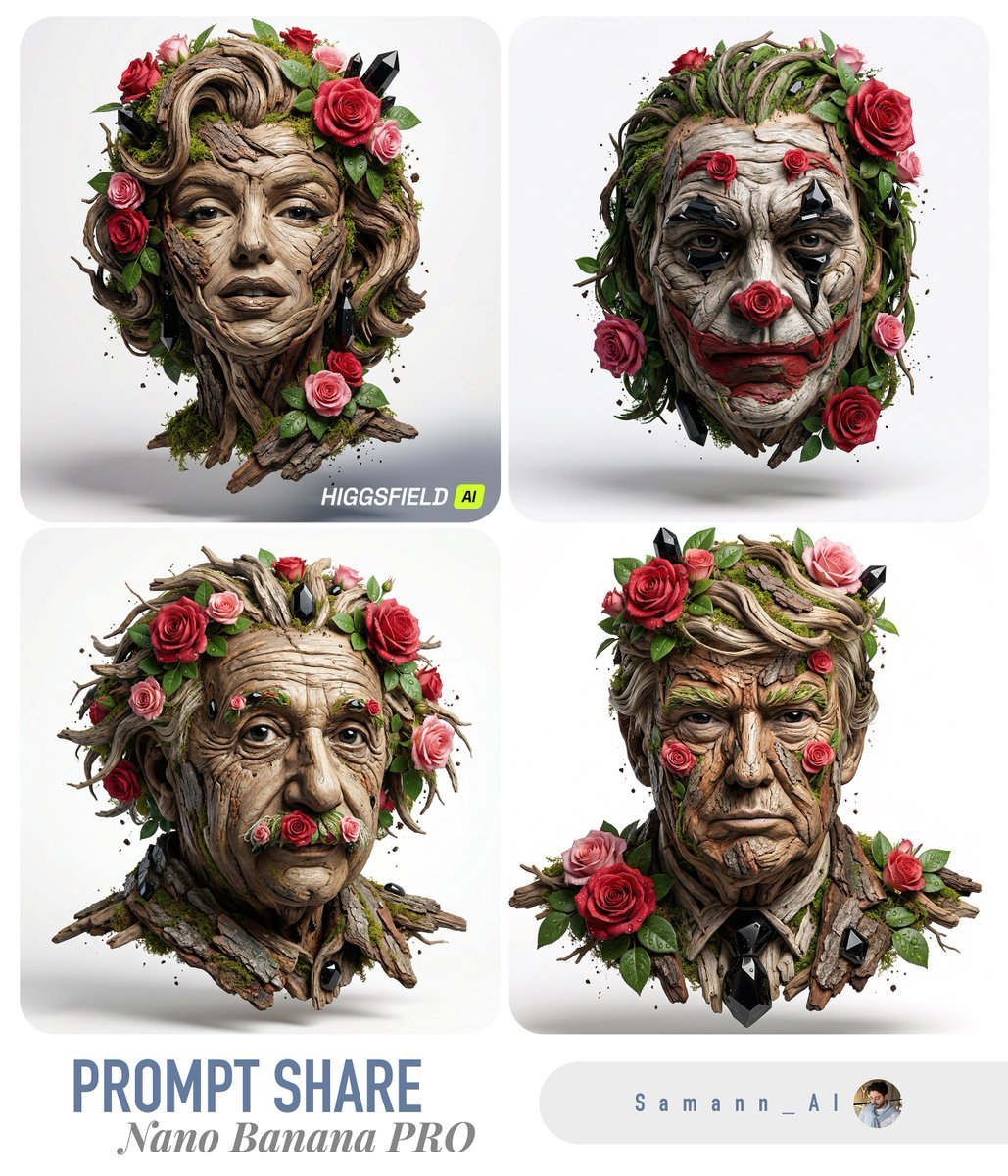
Luxury Nature Sculpture Portrait (Image-to-Image)
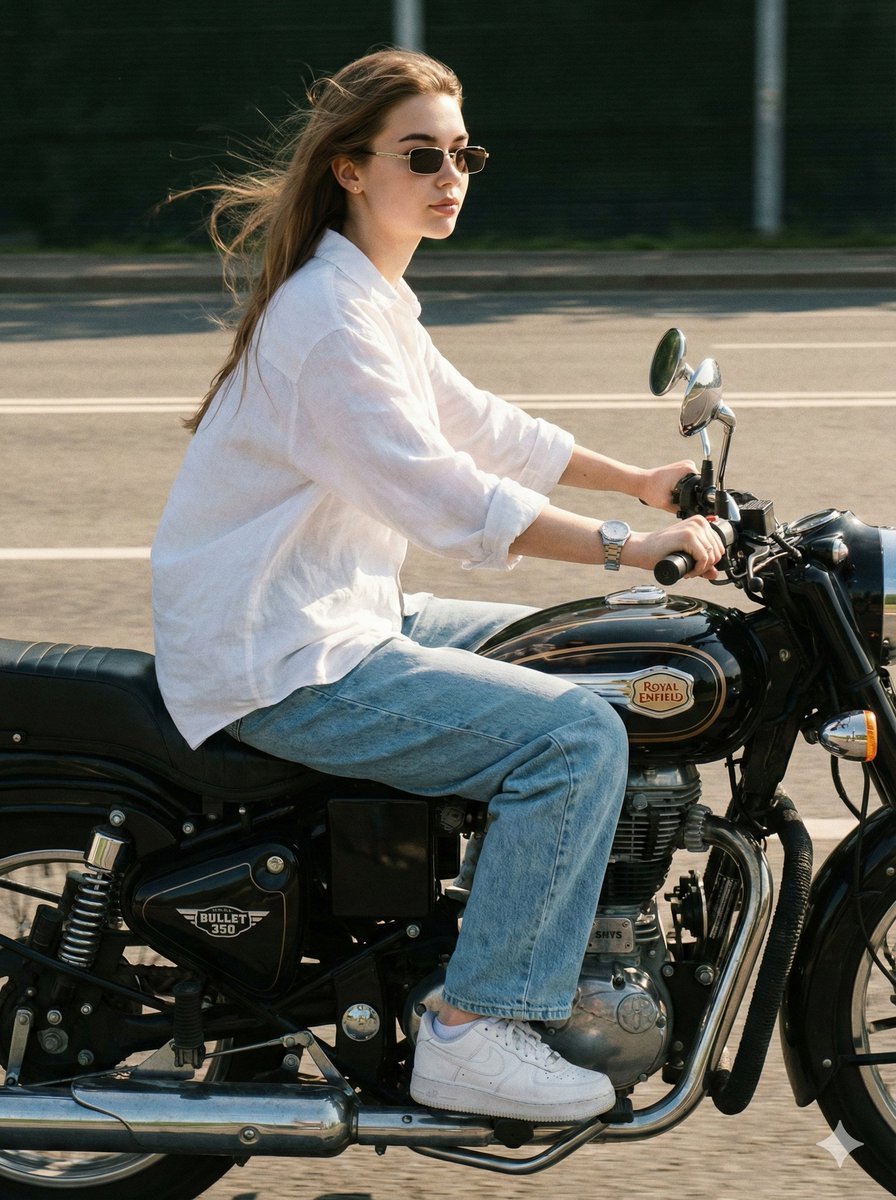
Identity-Locked Motorcycle Ride Photo
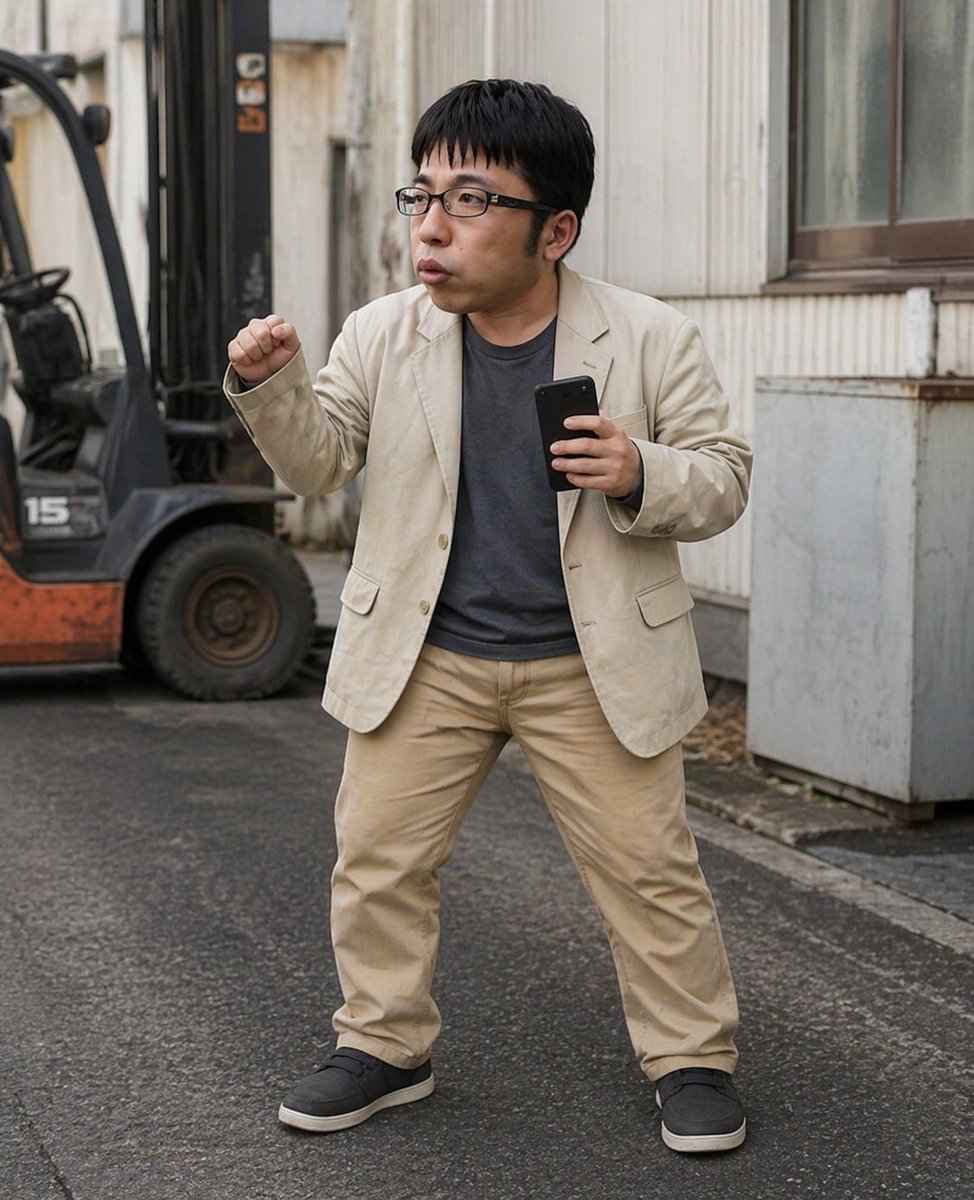
Industrial Alley Candid Man Photo
Daily Nano: Playing with Shadows 4-Panel Comic
Image-to-Image Transformation with Tiny Workers
Censored Family Snapshot
Midjourney Beautiful Girl Prompt
Backlit Windy Summer Portrait
Browse template categories
Aerial Surreal Clone Photography questions
How do I use the Aerial Surreal Clone Photography template?
Add your photo if the template asks for one, edit the prompt if you like — the template's model and format are already selected — and press Generate. Your version opens in PicX Studio.
Can I customize the Aerial Surreal Clone Photography template?
Yes. You can change the subject, setting, lighting, mood, format, and available model controls before creating your image.
Is the Aerial Surreal Clone Photography template free?
Opening and editing this template is free. Generating uses credits, shown on the Generate button when you are signed in.
Which AI model should I use?
Start with Gemini 3 Pro Image Preview, which is the model associated with this template. You can compare another compatible model for a different finish.
Looking for something else? Browse all templates.

Your photo, any look
Thousands of ready templates for every top image and video model, from one credit balance.