
Industrial Alley Candid Man Photo
This prompt generates a realistic candid full-body photo of a casually dressed man posing with a smartphone in an industrial outdoor setting, useful for editorial, meme-like, or lifestyle imagery.
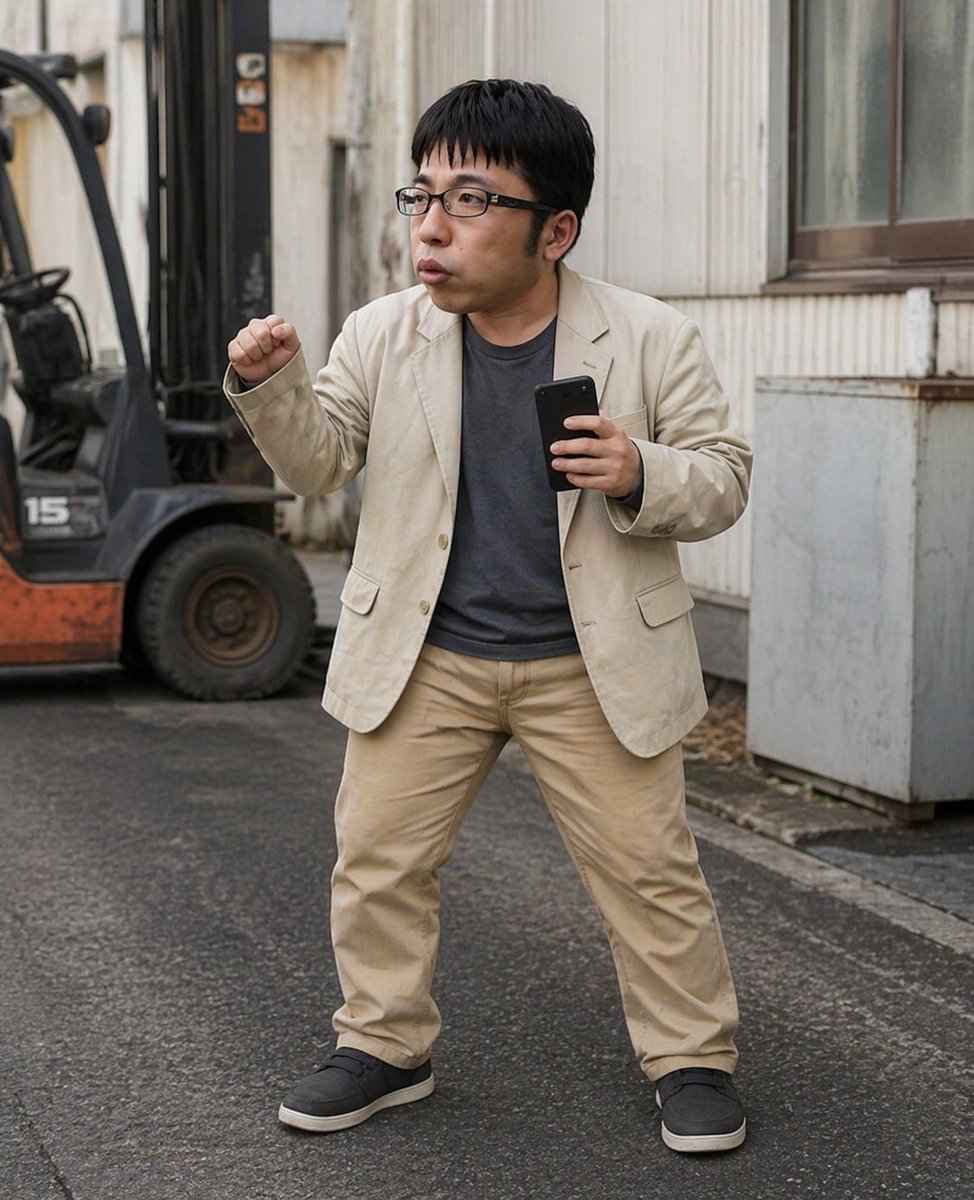
- Prompt included
- Model and format preset
- Premium template
The prompt behind this image
Copy the exact prompt behind Industrial Alley Candid Man Photo, or open it in the studio and make it yours.
A realistic full-body street photo of an adult East Asian man standing on wet asphalt in an industrial alley beside a warehouse-like building, facing the camera in a wide, energetic stance with his legs apart. He wears a light beige casual blazer, a dark charcoal gray T-shirt, beige chinos, and black slip-on sneakers with white soles. His hair is short, straight, and black. In his right hand he holds a black smartphone upright, and his left arm is bent with a clenched fist raised as if reacting excitedly, preparing to move, or striking a playful action pose. The setting includes 1 parked forklift on the left side of the frame, partially visible and slightly out of focus, and 1 corrugated exterior wall with a window on the right. Natural overcast daylight, documentary-style photography, shallow depth of field, soft muted colors, candid urban realism, eye-level composition, full-body framing, highly detailed fabric and pavement texture. Apply a strong rectangular blur censor over the face, obscuring all facial features.
How to use Industrial Alley Candid Man Photo in 3 steps
- 1Upload ImagePNG, JPG or paste
Add your photo
Upload the photo the template builds on. The prompt, model and format are already set.
- 2…a portrait of your subject in softgolden-hour light, 85mm…
Personalize
Edit the subject and creative details for your destination.
- 3Generate
Generate
Press Generate — your image is created in PicX Studio, so you can compare it with the original and refine one variable at a time.
More like this
Templates with the same subject, style or setup. Open one to see its prompt.

Sunday Afternoon, 1988

Our Song was on a Cassette

The Date After College

80s College Gate

Teen Girl Alpine Lake Mountain View
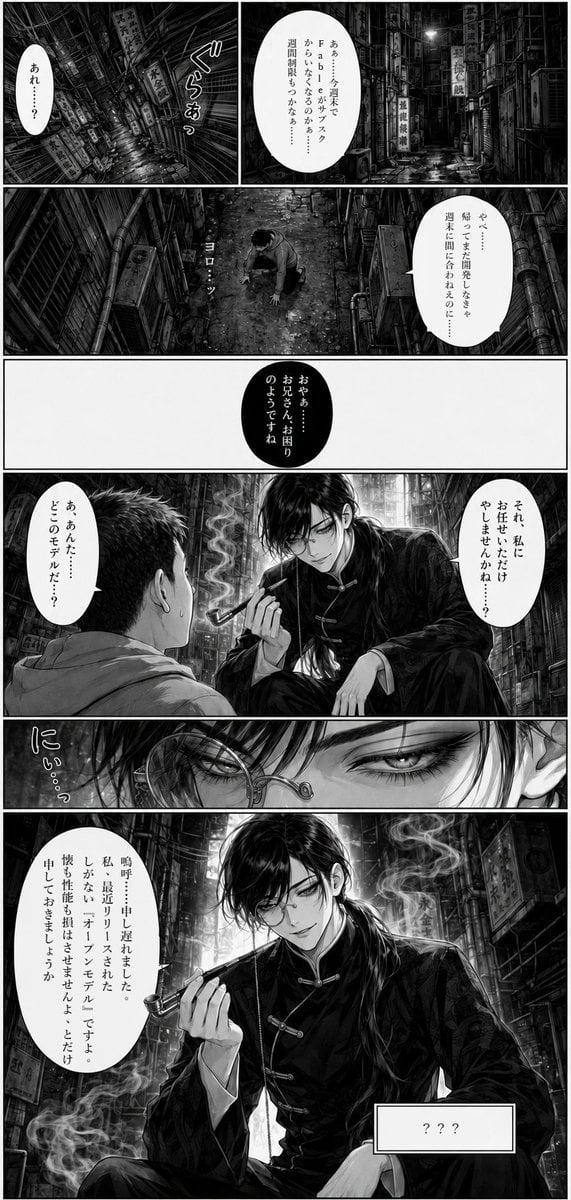
Noir Manga Alley Encounter

Seven-Panel Cyberpunk Manga Alley

Cat Photobomb Selfie — 0.5x Wide Angle Café Chaos

Cinematic Street Fashion Portrait Motion Blur Crowd

Nostalgic Digicam Café Afternoon Portrait

Neon Night Crosswalk Candid Portrait
Neon Night Crosswalk Candid Portrait
Make it yours
Industrial Alley Candid Man Photo works as-is. These are the safest ways to change it without losing the look.
Change one field
Copy a single group, rewrite it, and generate again so you can see what that field is doing.
Keep the frame, change the subject
Hold the composition and light of Industrial Alley Candid Man Photo, then swap wardrobe, props or the person for a new take.
| If the result… | Why | Fix |
|---|---|---|
| The result drifts from the preview | Too many fields changed at once. | Reuse Industrial Alley Candid Man Photo as-is first, then change one group — subject, light, or setting. |
| The model over-stylizes the scene | The prose prompt leaves finish and camera underspecified. | Add one camera or lighting sentence and stay on GPT Image 2. |
More GPT Image 2 templates
Other prompts made for GPT Image 2.

Six VTuber Japanese Logo Sheet

Realistic Portrait of Woman and Deer

The Vista Modular Condo Poster

AI Model Routing Comparison Infographic

2.5D Anime Art Board

Isometric Productivity Desk Scene

New York Double Exposure Poster

Four-Panel AI Landscape Comparison

Japanese Tatami Lifestyle Magazine Cover

NESCAFÉ Coffee Map Poster
More image prompts
Fresh picks from across the catalog.
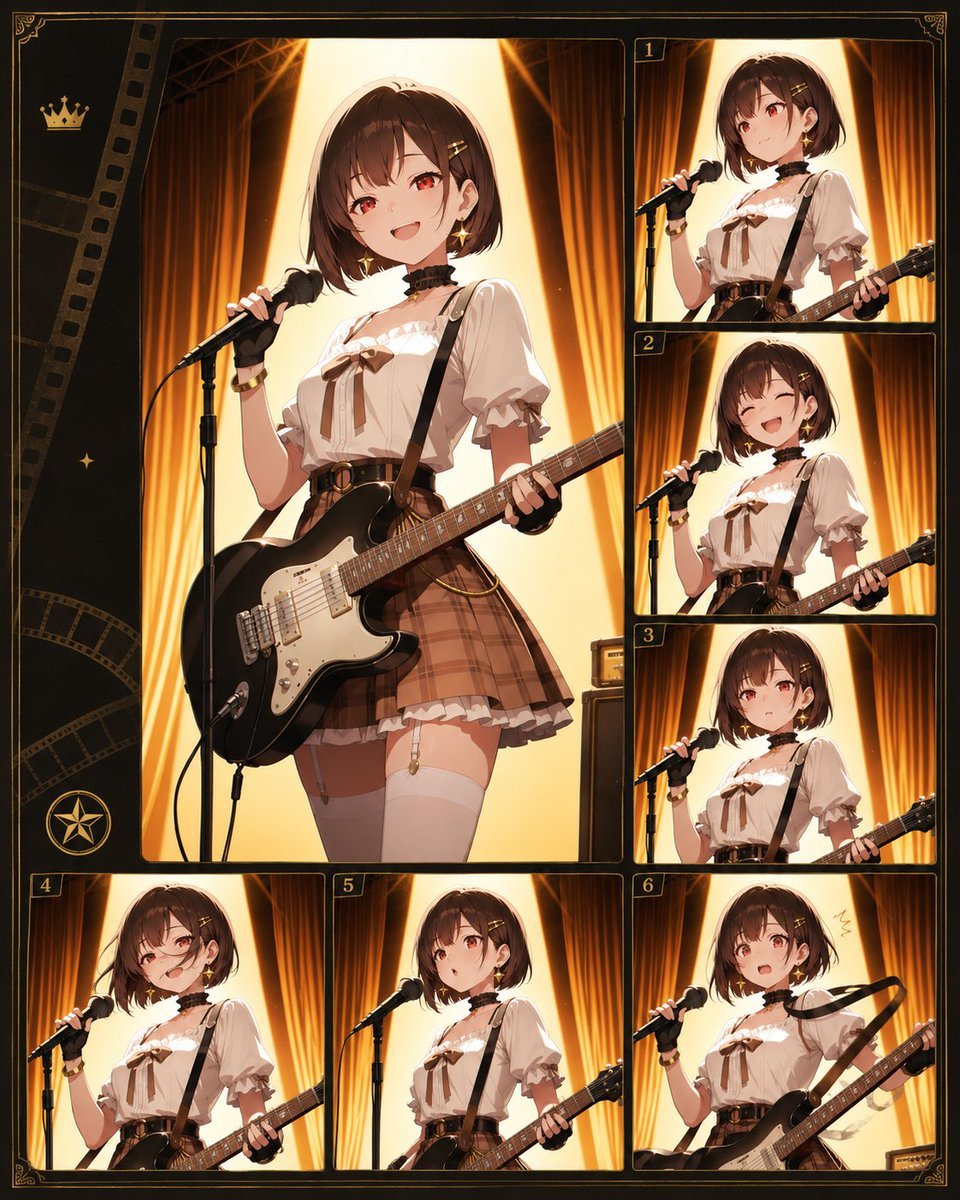
Anime Idol Guitarist Contact Sheet
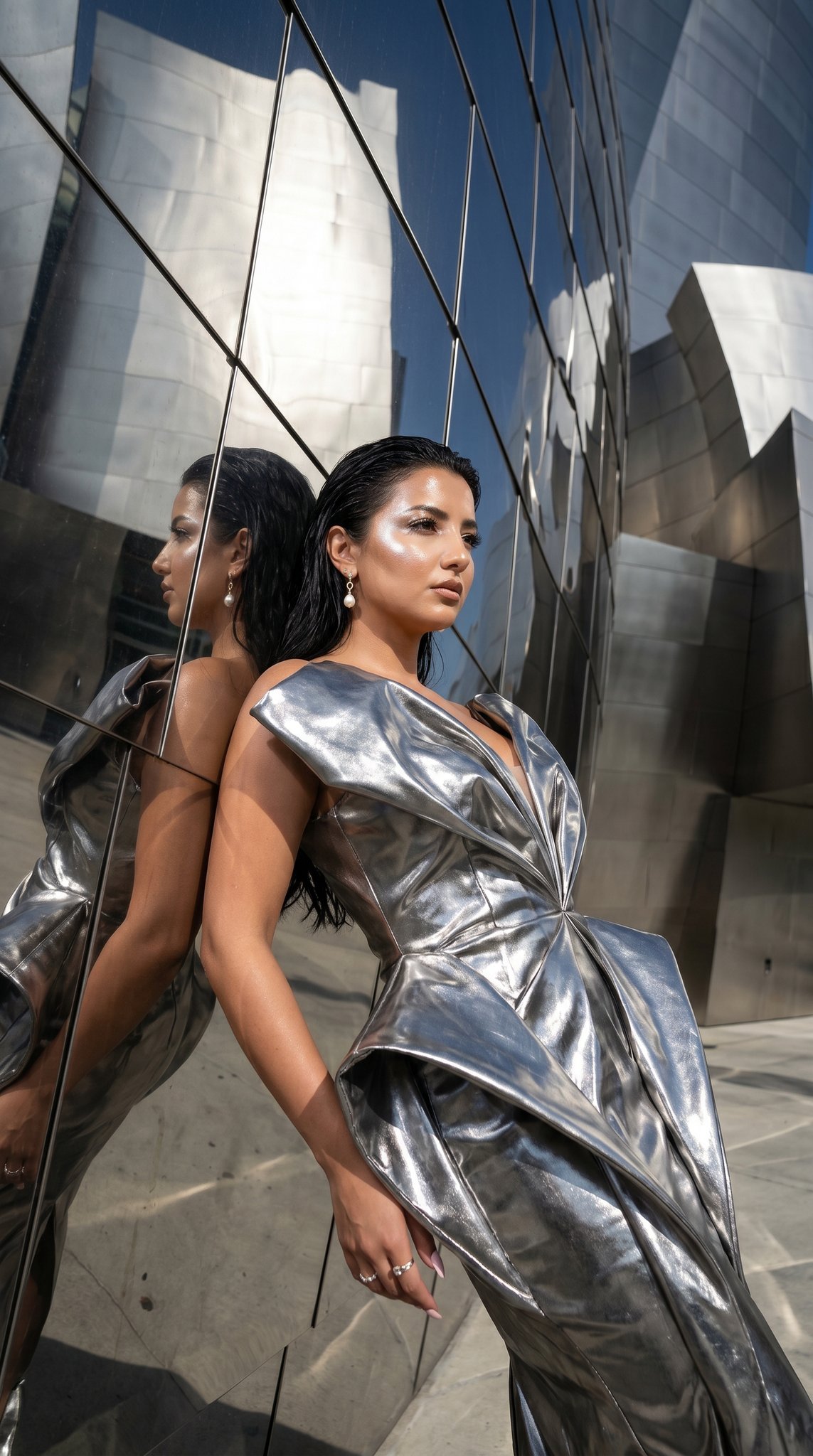
11 Walt Disney Concert Hall — California Series
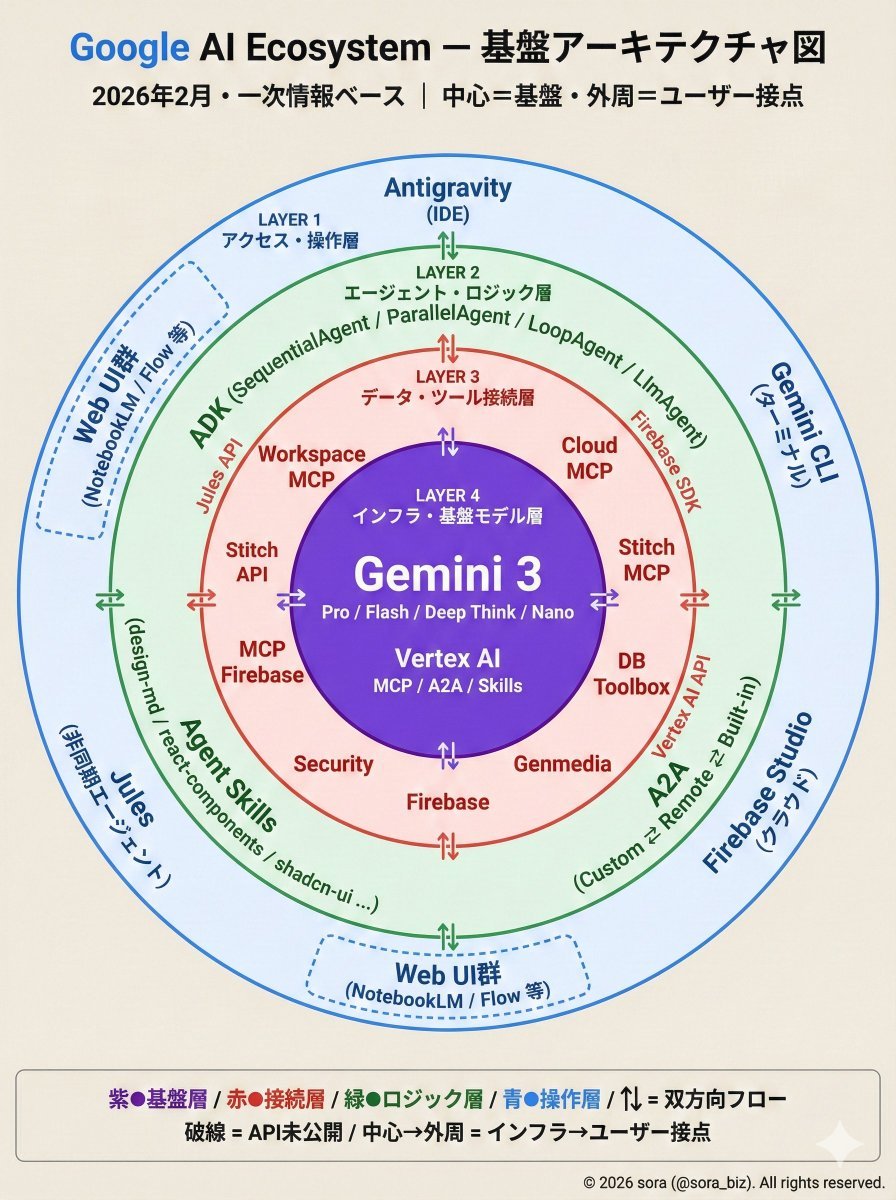
Google AI Ecosystem Diagram Generation

Luxury Editorial Fashion Poster Template
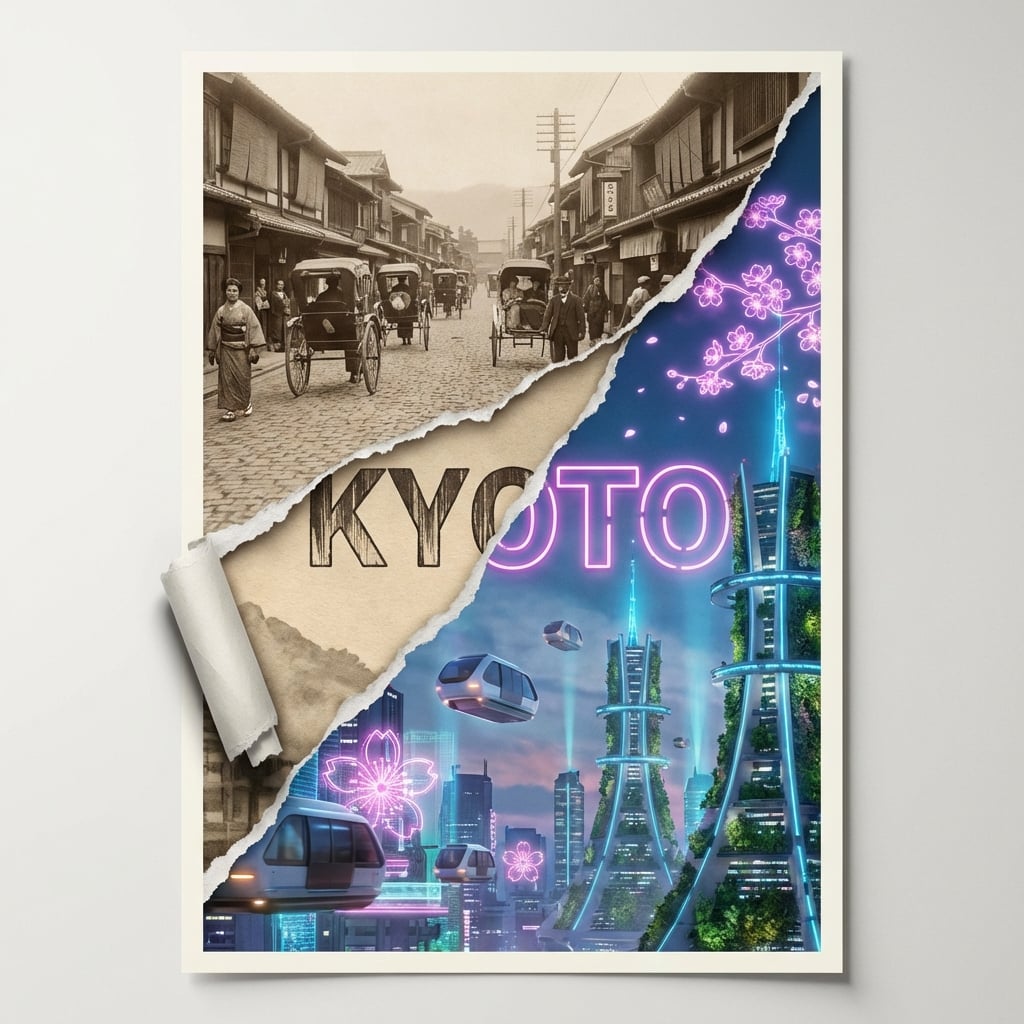
Torn Poster of Contrasting Kyoto Eras
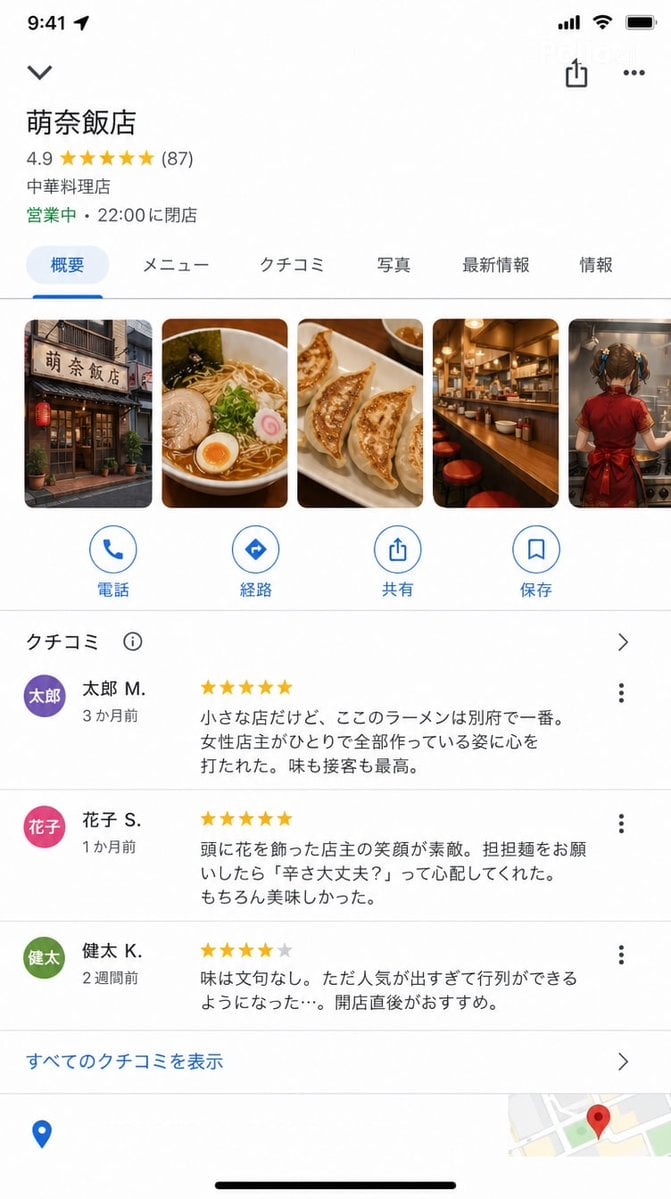
Google Maps UI Mockup
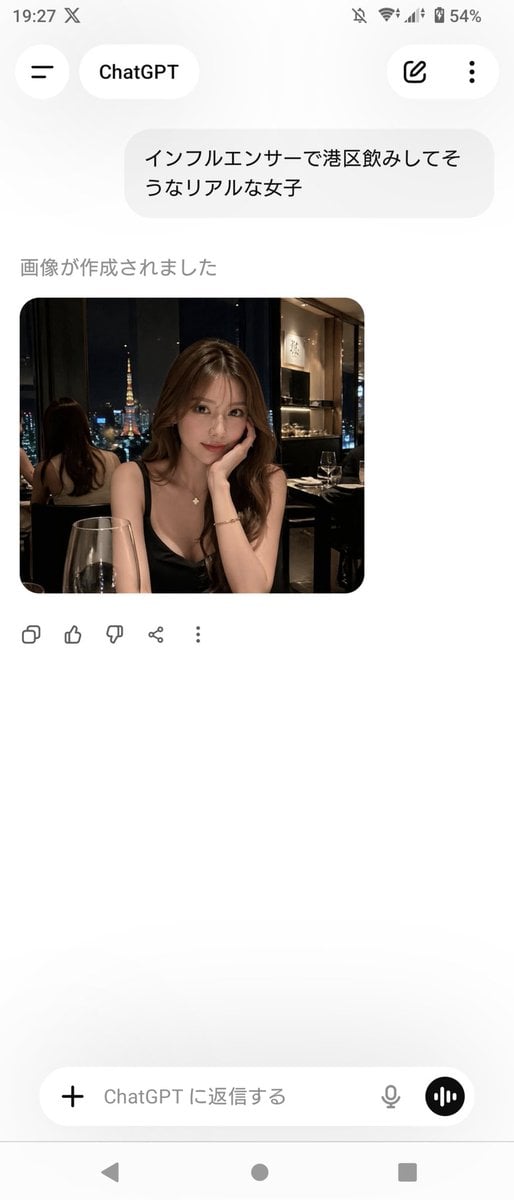
ChatGPT App Screenshot With Generated Portrait
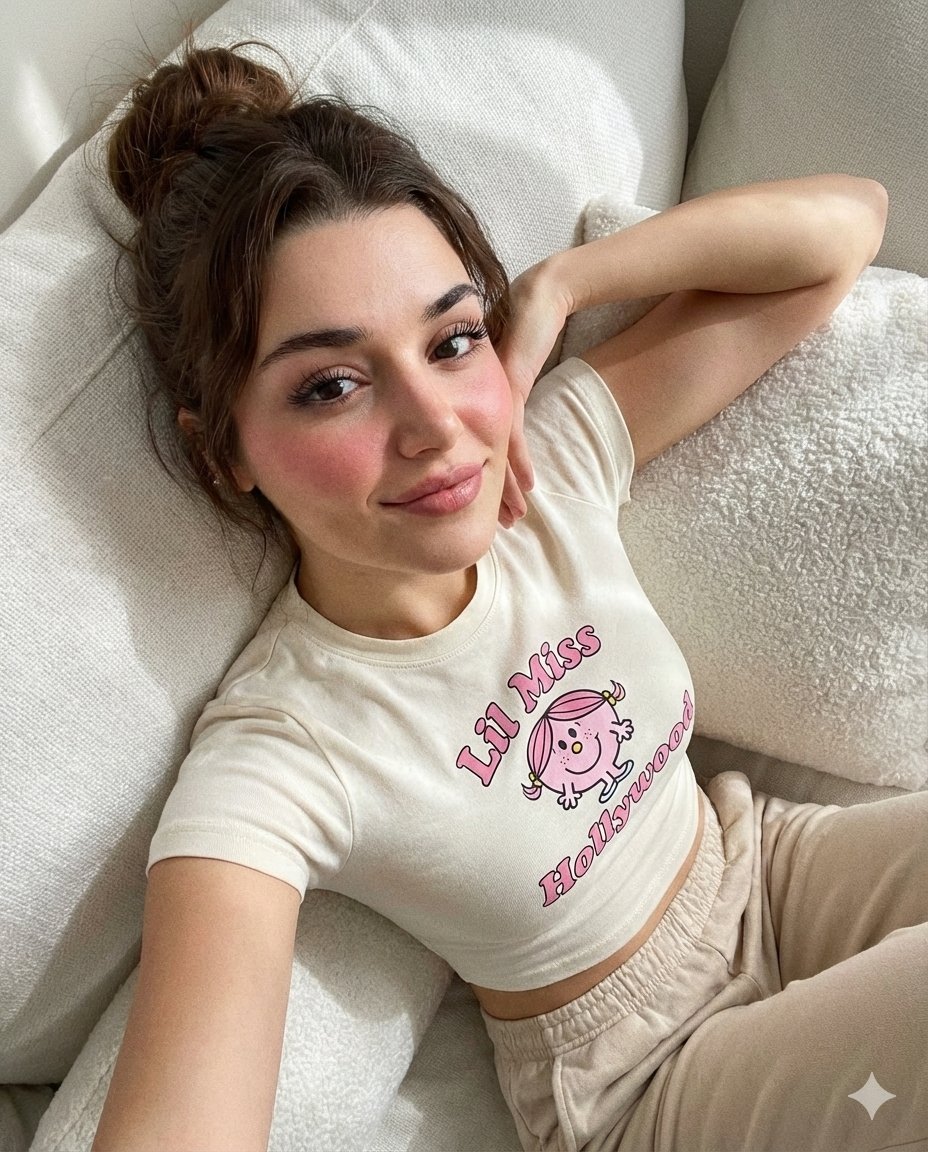
Dreamy iPhone Selfie Prompt with Identity Lock
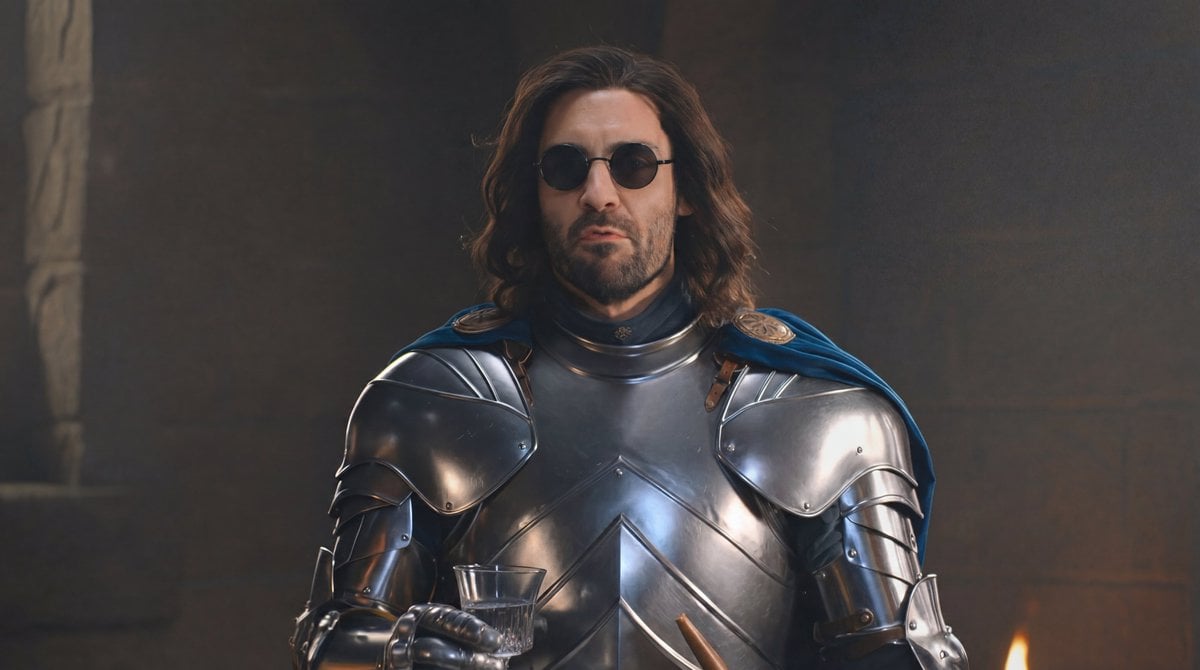
Glasses Removal and Face Integration
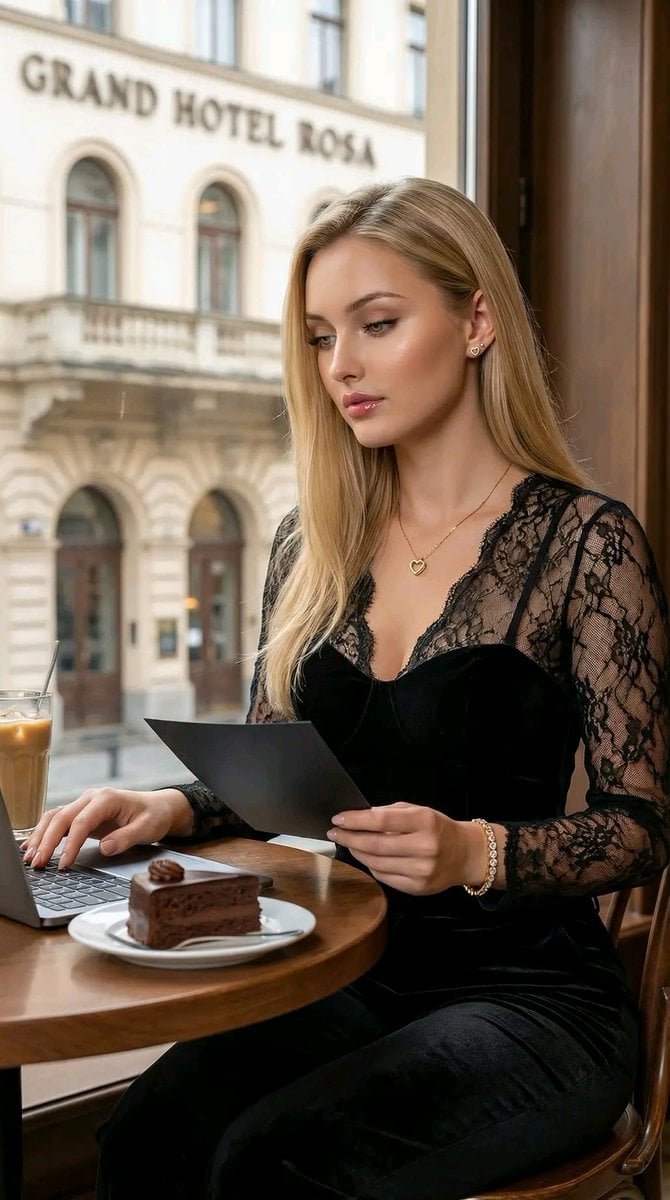
Hyper-Realistic Cinematic Portrait of a Captivating Woman in a Café
Browse template categories
Industrial Alley Candid Man Photo questions
How do I use the Industrial Alley Candid Man Photo template?
Add your photo if the template asks for one, edit the prompt if you like — the template's model and format are already selected — and press Generate. Your version opens in PicX Studio.
Can I customize the Industrial Alley Candid Man Photo template?
Yes. You can change the subject, setting, lighting, mood, format, and available model controls before creating your image.
Is the Industrial Alley Candid Man Photo template free?
Opening and editing this template is free. Generating uses credits, shown on the Generate button when you are signed in.
Which AI model should I use?
Start with GPT Image 2, which is the model associated with this template. You can compare another compatible model for a different finish.
Looking for something else? Browse all templates.

Your photo, any look
Thousands of ready templates for every top image and video model, from one credit balance.