
Noir Manga Alley Encounter
A structured prompt for generating a detailed black-and-white manga page featuring a tense alley encounter with Japanese dialogue.
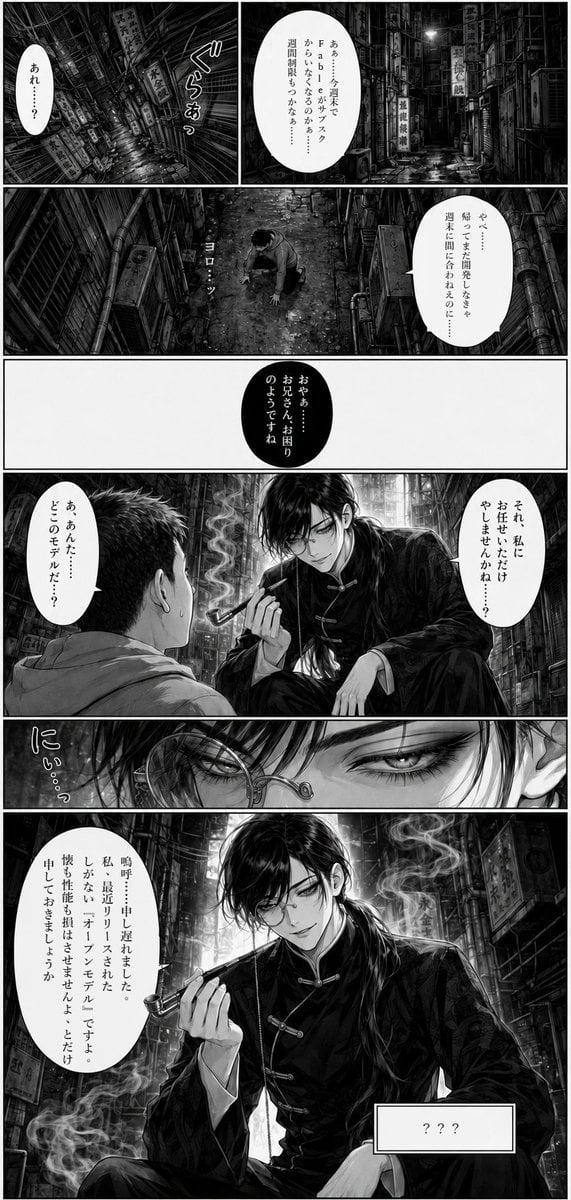
- Prompt included
- Model and format preset
- Premium template
The prompt behind this image
Copy the exact prompt behind Noir Manga Alley Encounter, or open it in the studio and make it yours.
Goal: Create a monochrome seinen manga page in a dark, rain-soaked cyberpunk back alley, with dramatic noir lighting, dense crosshatching, high-detail backgrounds, and Japanese vertical dialogue. The tone is ominous, elegant, and slightly comedic, centered on an unexpected meeting between a frightened ordinary man and a refined pipe-smoking man. Canvas: Tall vertical manga page, approximately 2:3 aspect ratio, black-and-white only, crisp ink linework, heavy blacks, white gutters, no color. Use a printed manga page aesthetic with cinematic perspective, wet reflective pavement, steam, grime, pipes, cables, and many vertical shop signs. Layout: Use exactly 7 panels separated by clean white gutters. Panel 1 is the top-left establishing panel, tilted downward into a narrow alley with dense signs and a small vertical speech bubble. Panel 2 is the top-right establishing panel, a long alley view with a large white oval speech bubble. Panel 3 is a full-width overhead panel showing a lone man crouched or kneeling in the alley, surrounded by tall walls and pipes, with one vertical sound effect. Panel 4 is a mostly blank white horizontal panel containing only a centered black oval speech bubble. Panel 5 is a large confrontation panel showing the back of a nervous short-haired man in a hoodie facing an elegant young man seated in the alley, smoking a pipe, with two speech bubbles. Panel 6 is a very thin horizontal close-up strip of the elegant man's eyes and glasses, with one stylized sound effect on the left. Panel 7 is the final large bottom panel, a dramatic three-quarter portrait of the elegant man seated confidently with pipe smoke curling around him, plus one large speech bubble on the left and one rectangular nameplate at lower right. Characters: The ordinary man is {argument name="ordinary man description" default="a nervous short-haired Japanese man in a light hoodie, seen from behind or above, sweating and crouched in fear"}. The mysterious man is {argument name="mysterious man description" default="a tall handsome young man with messy black hair, pale skin, narrow sharp eyes, a monocle or round glasses over one eye, wearing a black Chinese-style changshan jacket with frog closures, holding a smoking pipe"}. Make the mysterious man charismatic, smug, and composed; make the ordinary man small and intimidated. Text content: Include exactly 7 speech/text bubbles and 1 rectangular label box. Use vertical Japanese manga lettering. Keep the text legible where possible, but it may look slightly hand-lettered. Bubble 1 in panel 1: 「あれ……?」. Bubble 2 in panel 2: 「あぁ…今月末でFbからのサブスクが……週末に届くかなぁ…」. Bubble 3 in panel 3: 「やべ……帰ってきた瞬間こんな…週末に間に合わえるのに…」. Bubble 4 in panel 4, white text inside black oval: 「おやぁ……お兄さん、お困りのようですね」. Bubble 5 in panel 5 right: 「それ、私にお任せいただけやしませんかねぇ?」. Bubble 6 in panel 5 left: 「あ、あんた……どこの手先だ…?」. Bubble 7 in panel 7 left: 「嗚呼、申し遅れました。私、最近リリースされたばかりなおすけなモデルです。機も性能も期はさせませんよ…とだけ申しておきましょうか」. Rectangular label box in panel 7 lower right: 「???」. Add exactly 3 visible sound effects: panel 1 「ぐらりっあっ」, panel 3 「ヨロ…ッ」, panel 6 「にぃ…っ」. Environment details: The alley is extremely dense and claustrophobic, filled with vertical Japanese and Chinese-style signboards, drainpipes, utility cables, fire escapes, damp brick and concrete walls, litter, puddles, mist, and shafts of light from above. Include wet reflective ground and smoky atmosphere around the pipe in the lower panels. Visual style: Ultra-detailed black-and-white manga, realistic anatomy, dramatic chiaroscuro, dense hatching and screentone textures, cinematic panel composition, gothic urban noir mood, no color, no modern UI elements, no watermark. The final image should look like a finished manga page scanned from print.
How to use Noir Manga Alley Encounter in 3 steps
- 1Upload ImagePNG, JPG or paste
Add your photo
Upload the photo the template builds on. The prompt, model and format are already set.
- 2…a portrait of your subject in softgolden-hour light, 85mm…
Personalize
Edit the subject and creative details for your destination.
- 3Generate
Generate
Press Generate — your image is created in PicX Studio, so you can compare it with the original and refine one variable at a time.
More like this
Templates with the same subject, style or setup. Open one to see its prompt.

Spider-Man Noir Detective Rain Alley

Surreal Noir Hamster Manga Page

Seven-Panel Cyberpunk Manga Alley
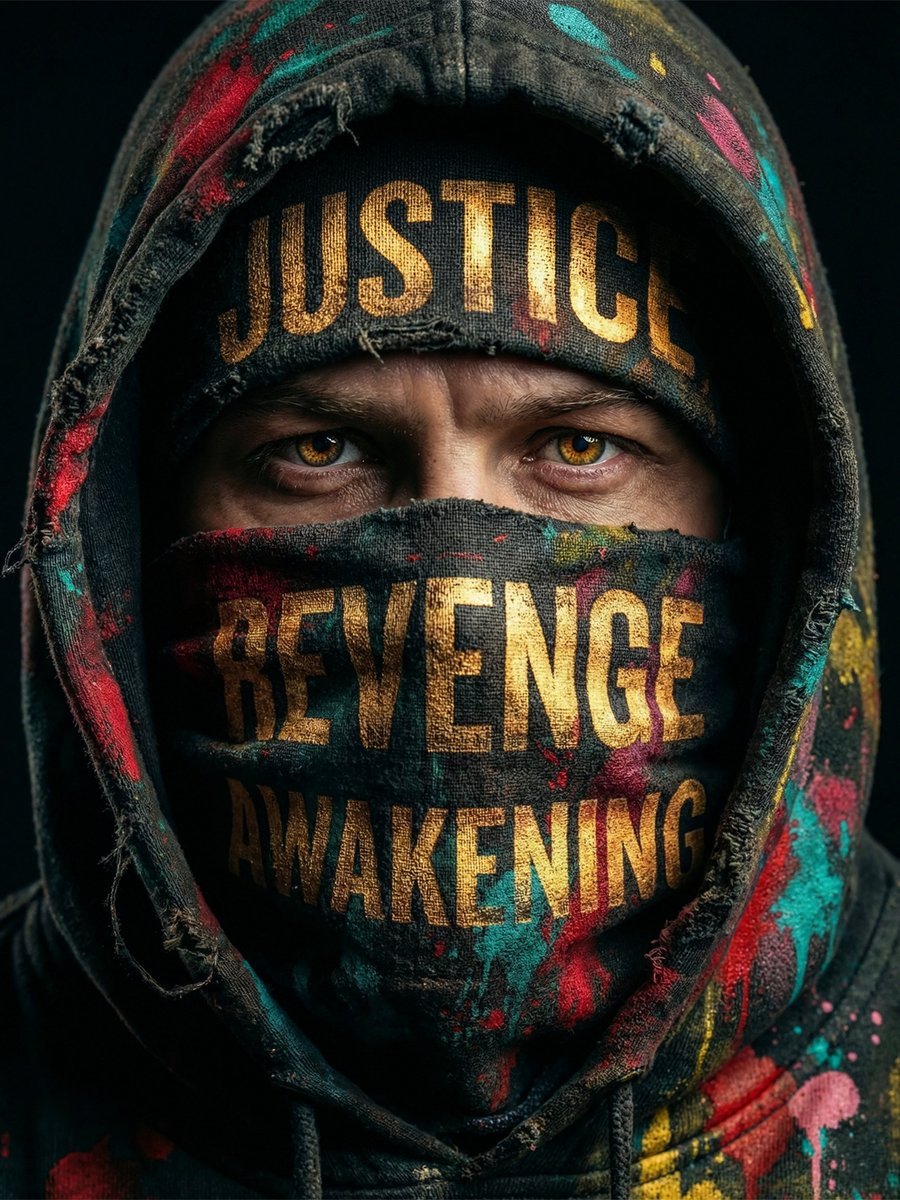
Noir Justice Revenge Awakening Portrait
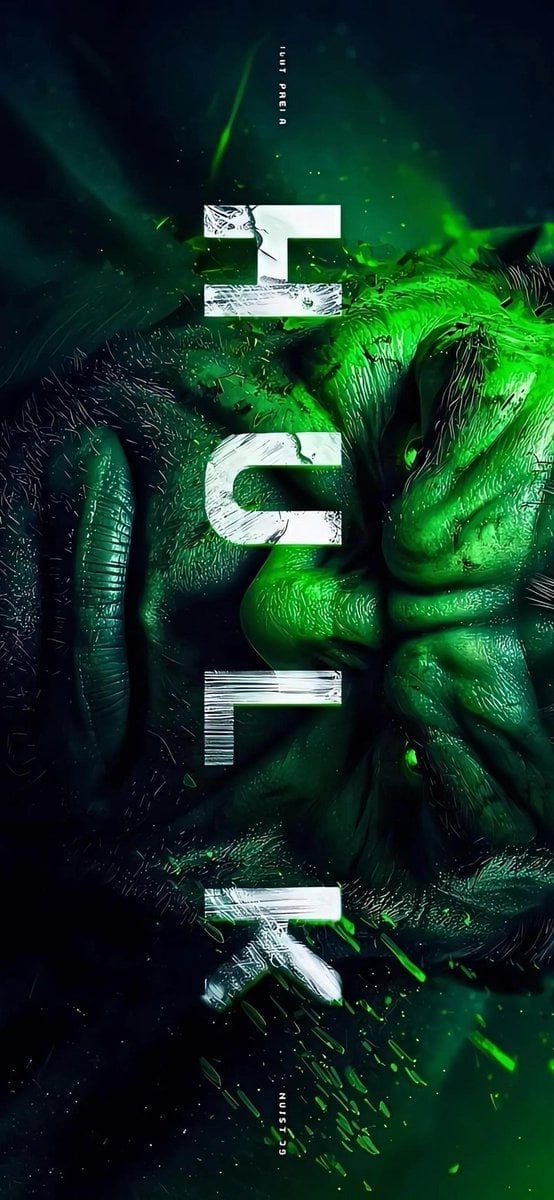
Masked Vigilante Noir Poster
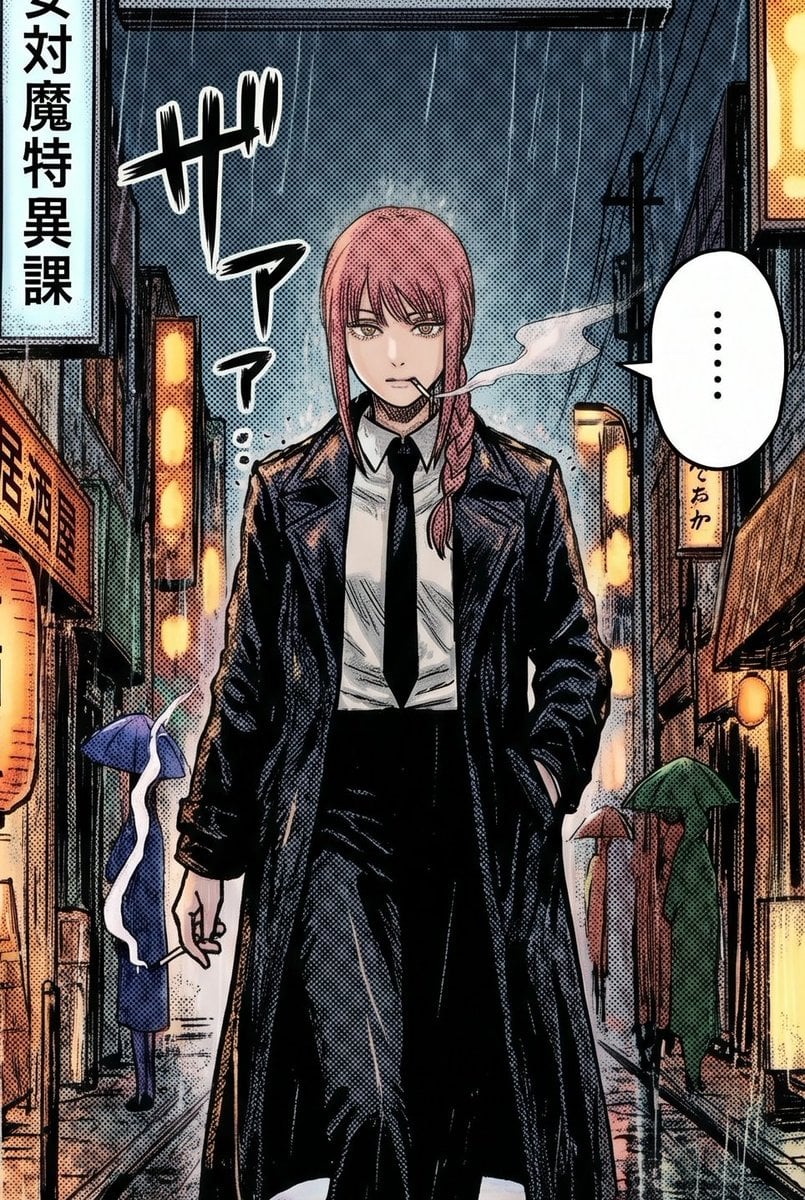
Rainy Manga Alley Woman Portrait
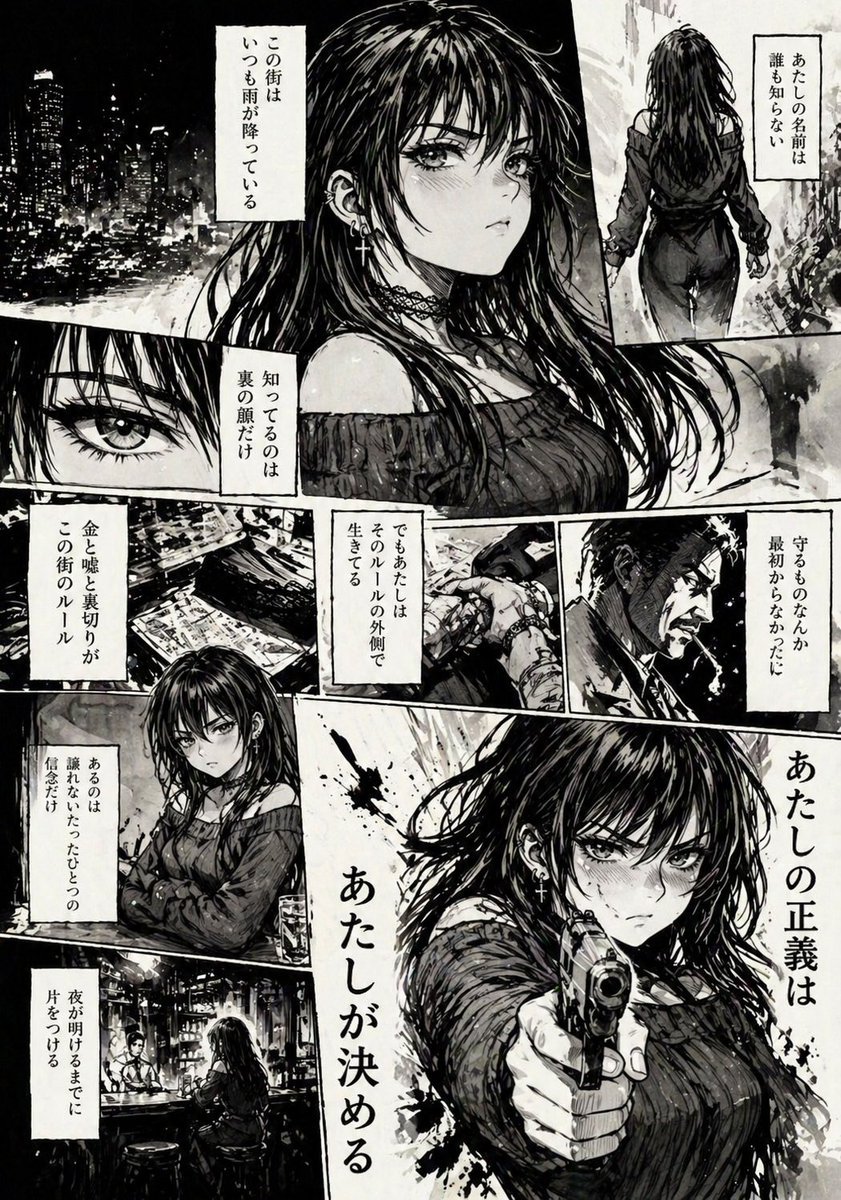
Hard-Boiled Noir Manga Woman Page
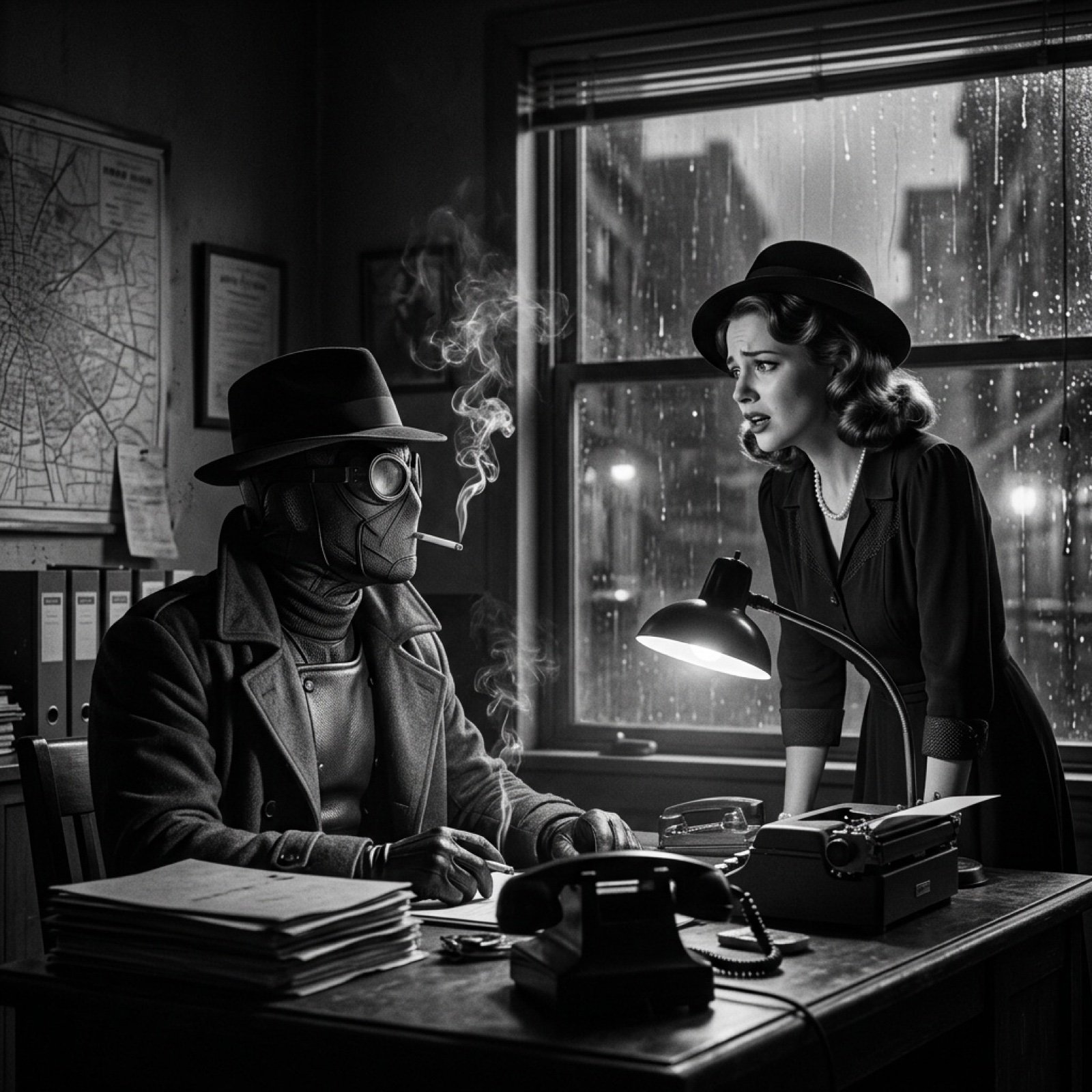
Seedance 2.0 - Spider-Man Noir
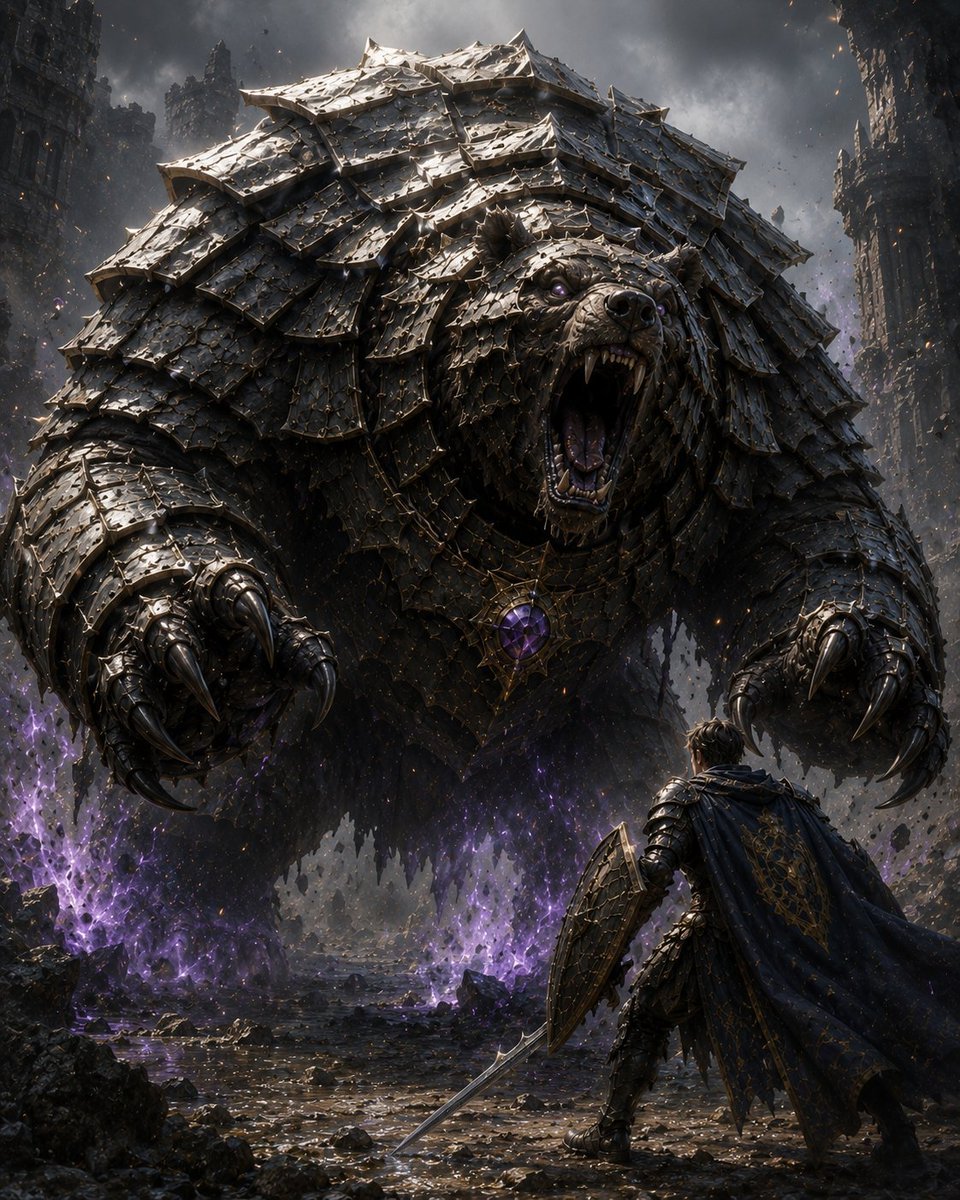
Armored Bear Encounter
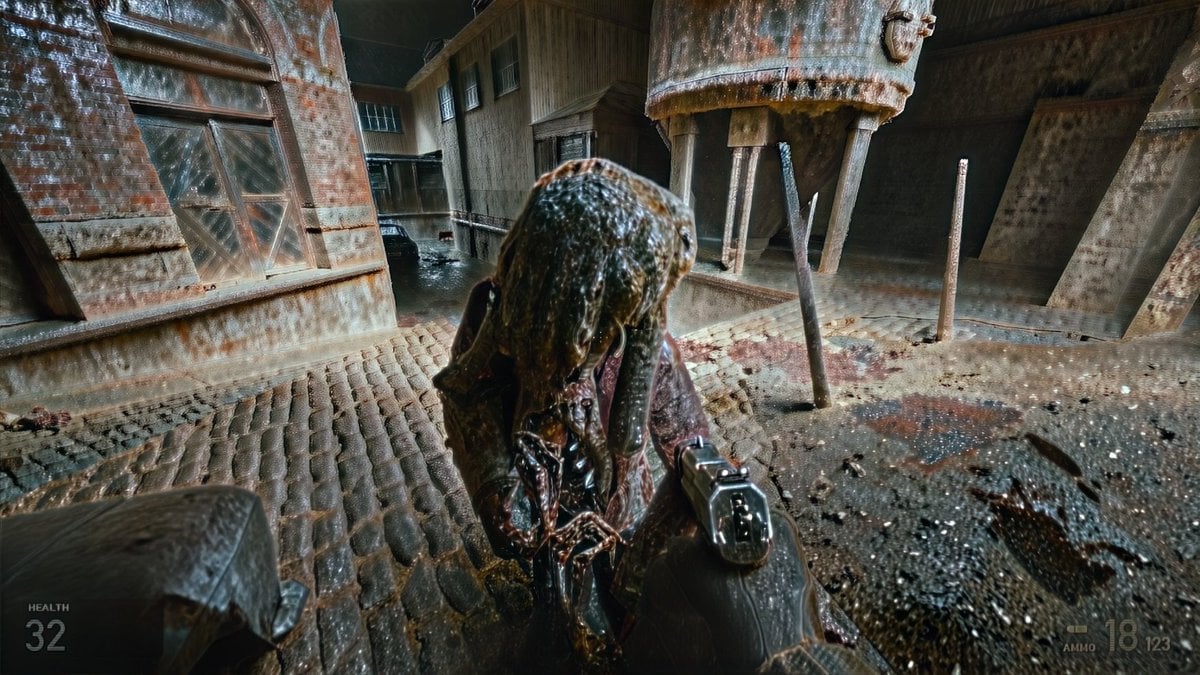
Grimy Survival Horror FPS Encounter
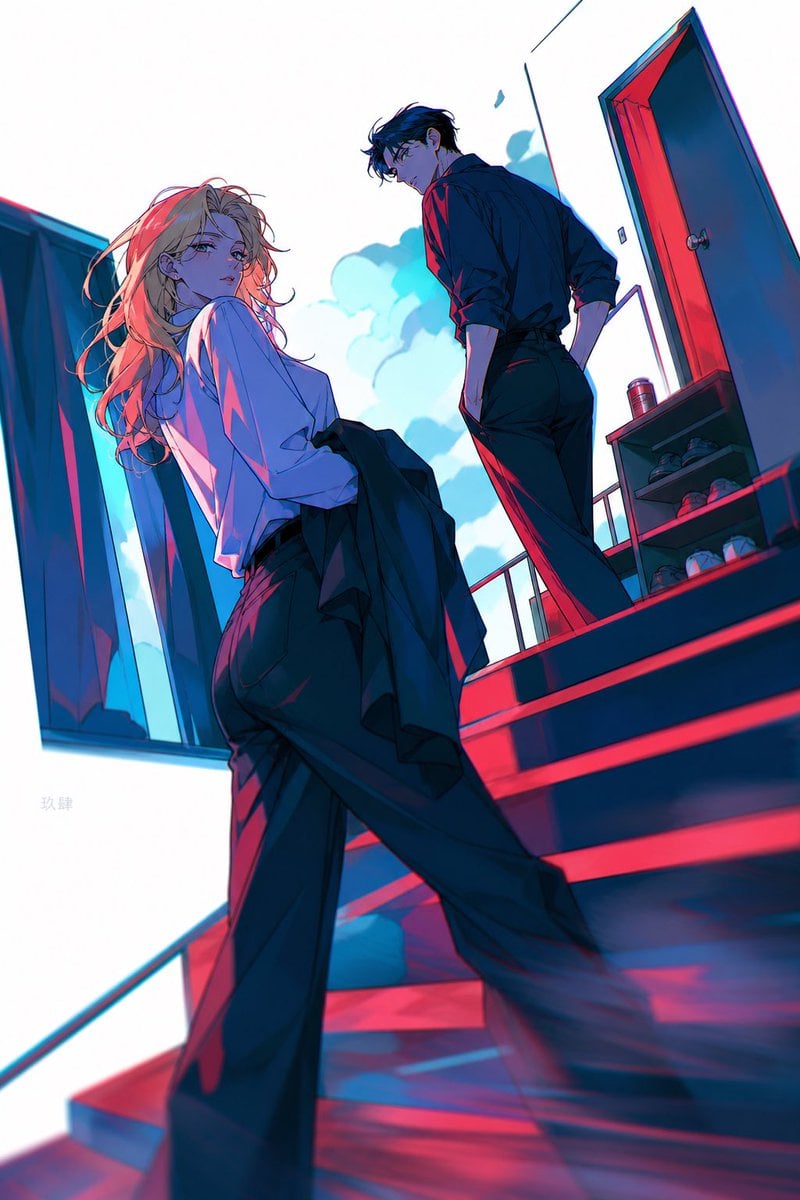
Neon Anime Stairway Encounter

Noir Punk Street Portrait
Make it yours
Noir Manga Alley Encounter works as-is. These are the safest ways to change it without losing the look.
Change one field
Copy a single group, rewrite it, and generate again so you can see what that field is doing.
Keep the frame, change the subject
Hold the composition and light of Noir Manga Alley Encounter, then swap wardrobe, props or the person for a new take.
| If the result… | Why | Fix |
|---|---|---|
| The result drifts from the preview | Too many fields changed at once. | Reuse Noir Manga Alley Encounter as-is first, then change one group — subject, light, or setting. |
| The model over-stylizes the scene | The prose prompt leaves finish and camera underspecified. | Add one camera or lighting sentence and stay on GPT Image 2. |
More GPT Image 2 templates
Other prompts made for GPT Image 2.

Six VTuber Japanese Logo Sheet

Realistic Portrait of Woman and Deer

The Vista Modular Condo Poster

AI Model Routing Comparison Infographic

2.5D Anime Art Board

Isometric Productivity Desk Scene

New York Double Exposure Poster

Four-Panel AI Landscape Comparison

Japanese Tatami Lifestyle Magazine Cover

NESCAFÉ Coffee Map Poster
More image prompts
Fresh picks from across the catalog.
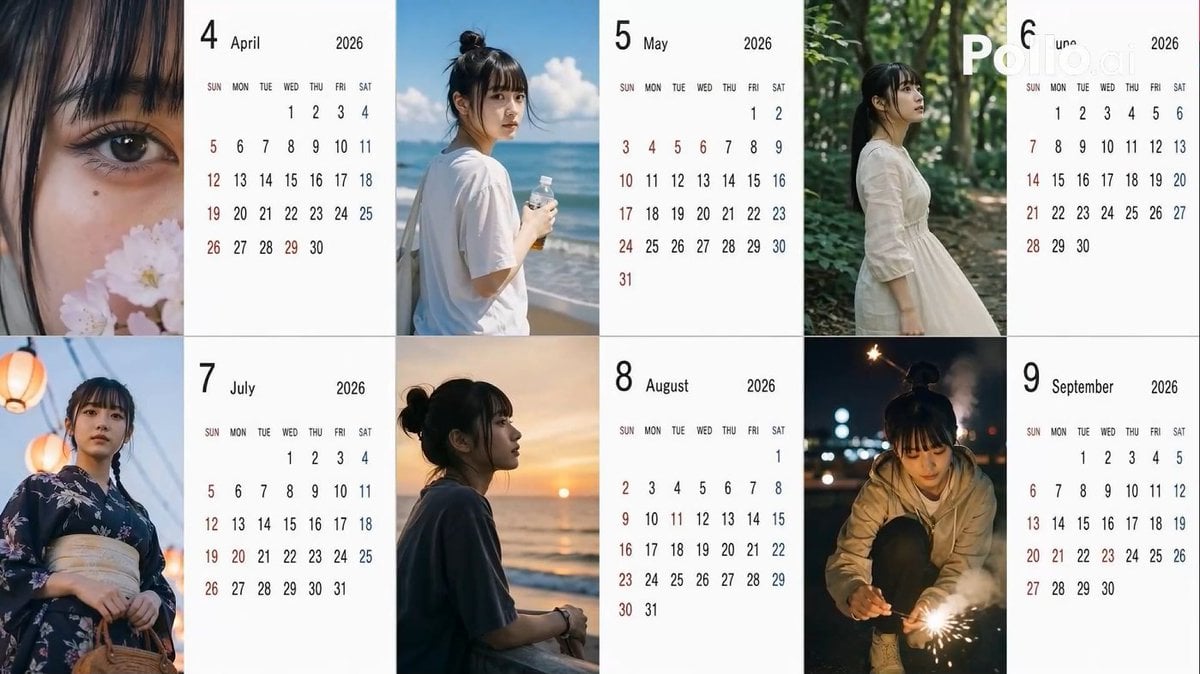
Candid 2026 Japanese Calendar Prompt

Ultra-Sharp 4K Selfie Portrait Prompt
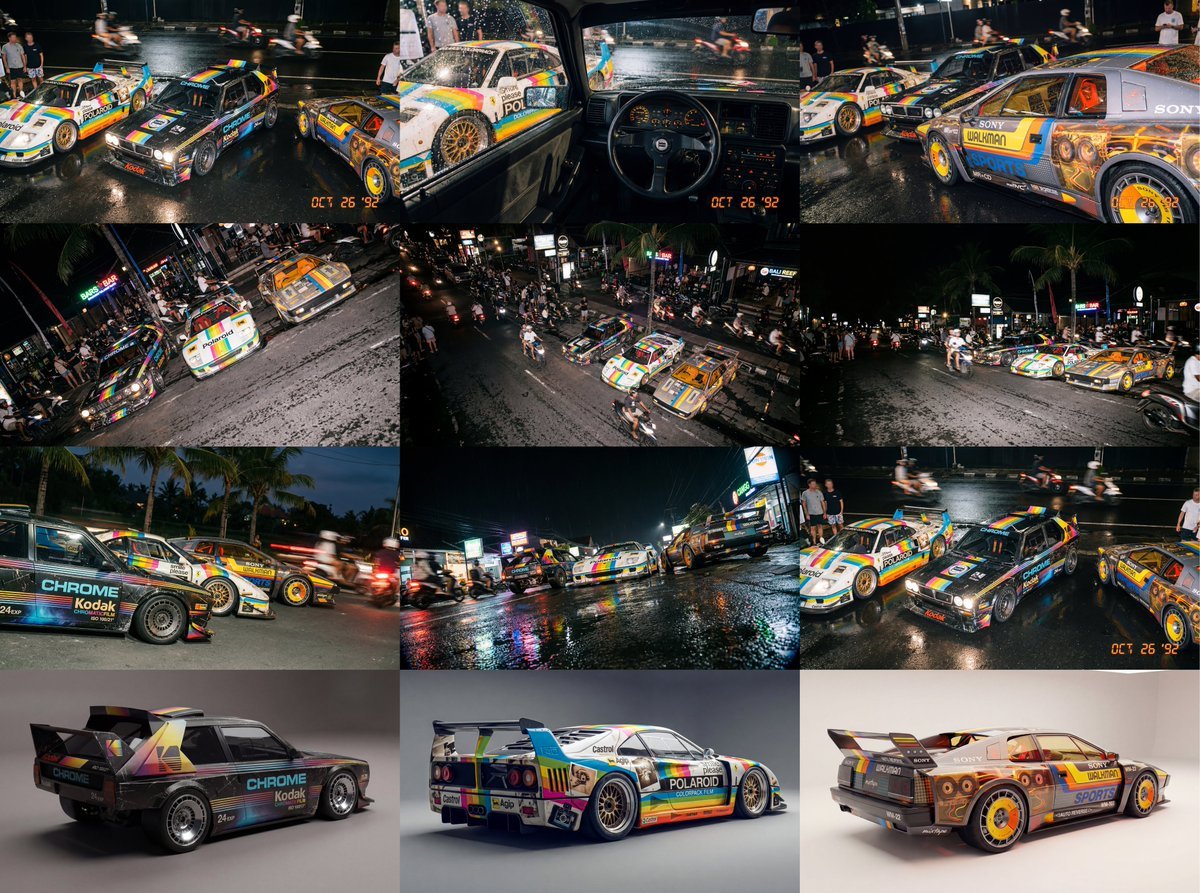
Composite Racing Car Shot with Vintage Film Branding
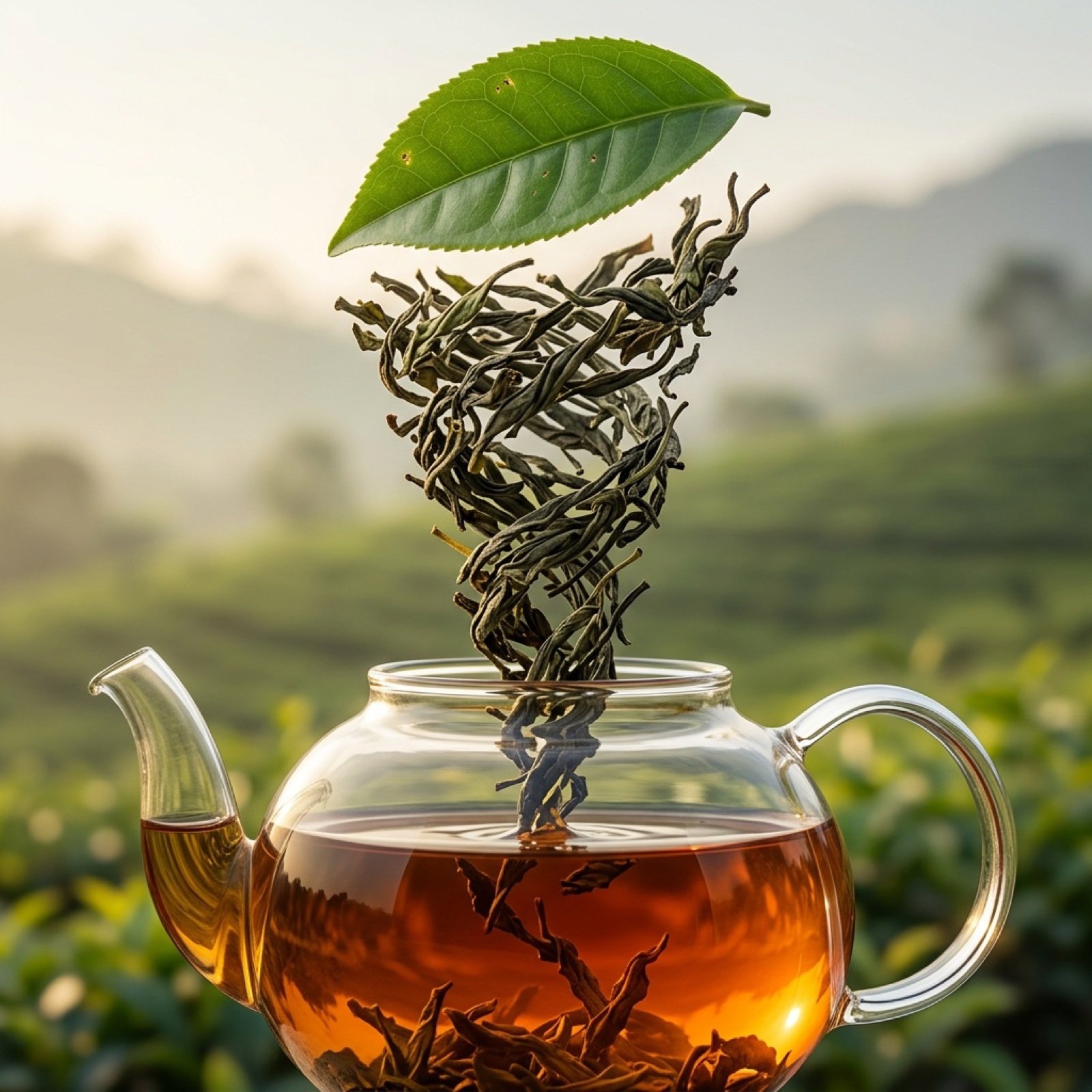
Three-Part Tea Transformation Commercial Workflow
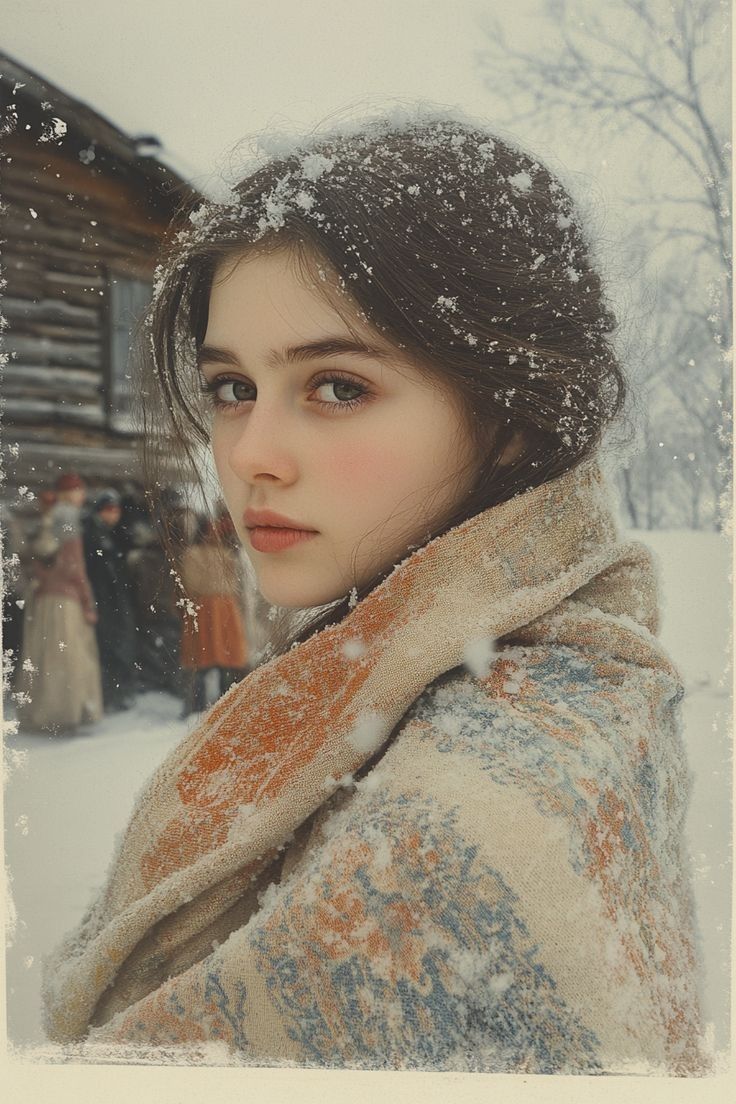
Cinematic Winter Portrait with Snowflakes
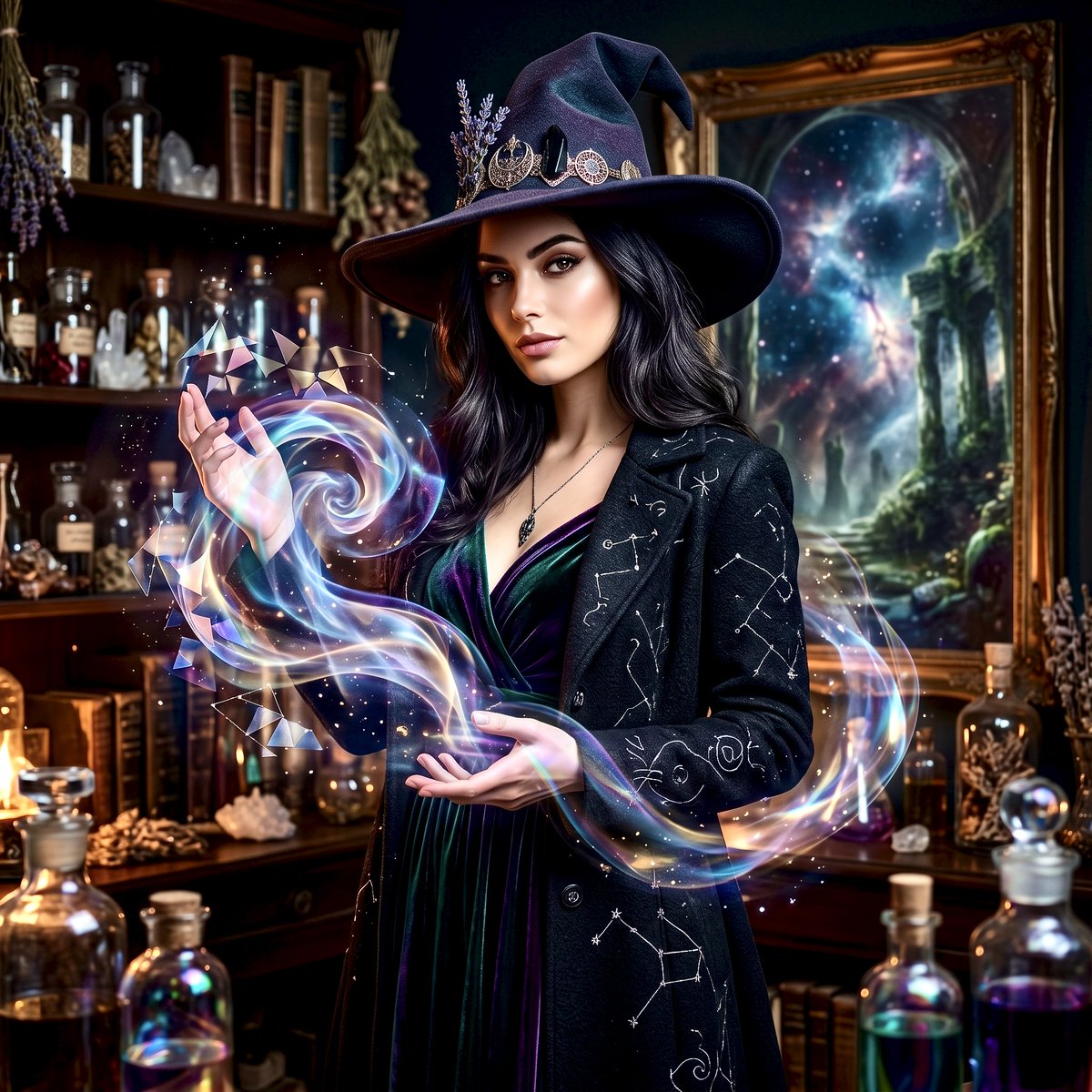
Mystical Witch Apothecary Portrait
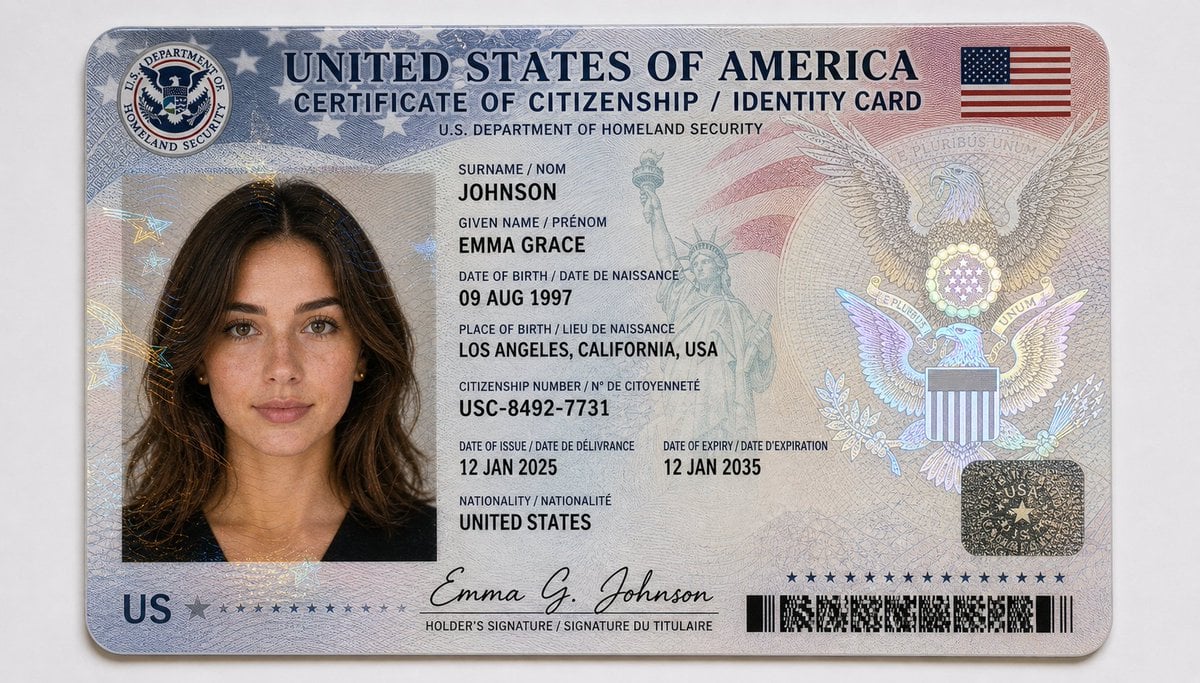
US Citizenship Identity Card Mockup
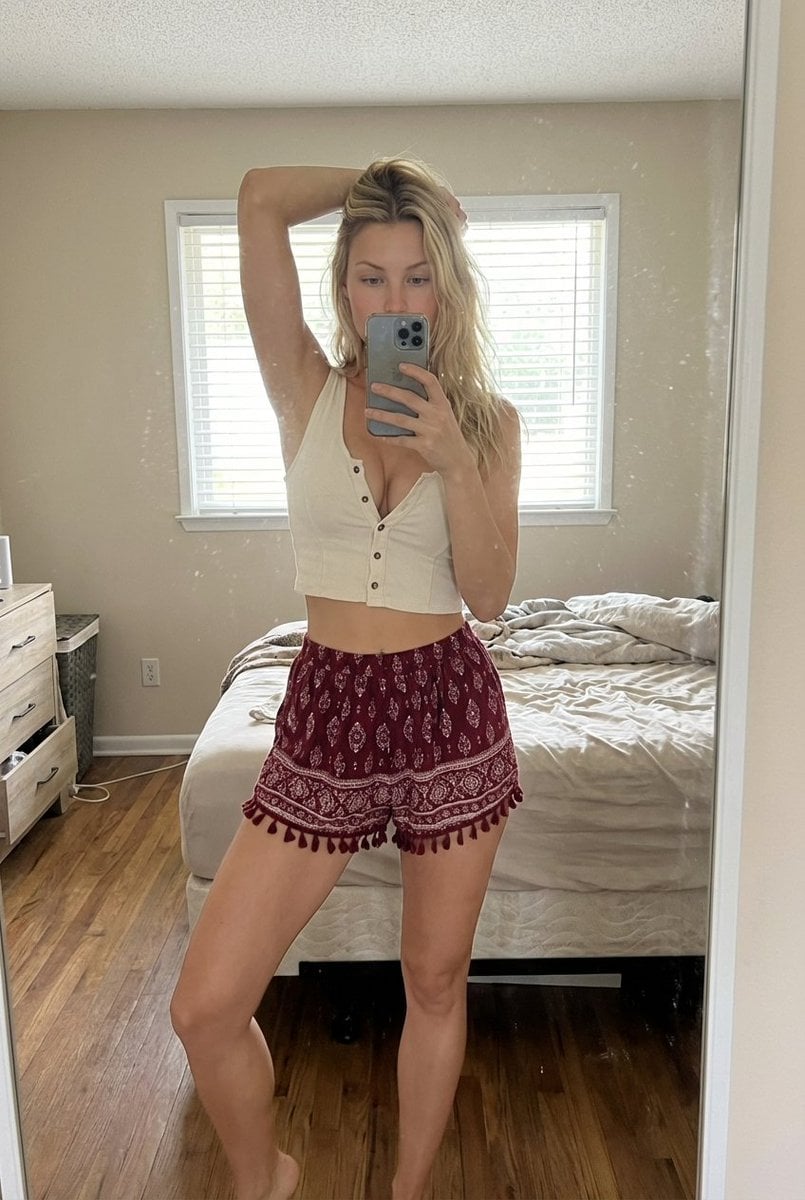
Indoor Bedroom Mirror Selfie Generation Prompt
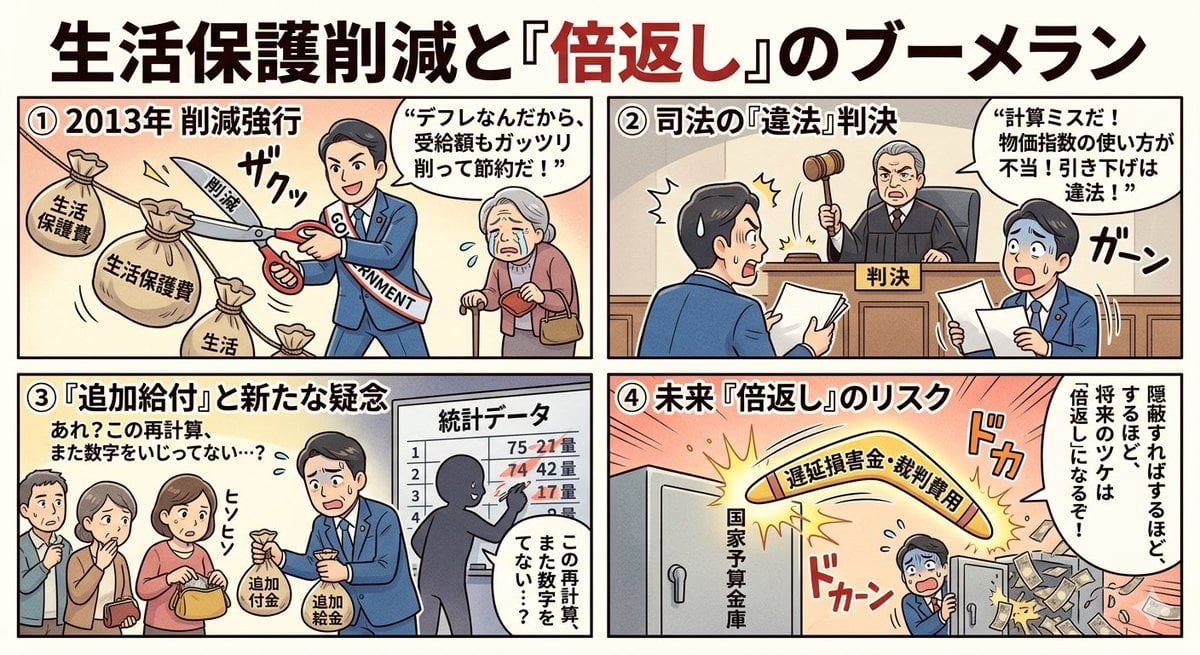
Four-Panel Manga: Boomerang of Double Repayment
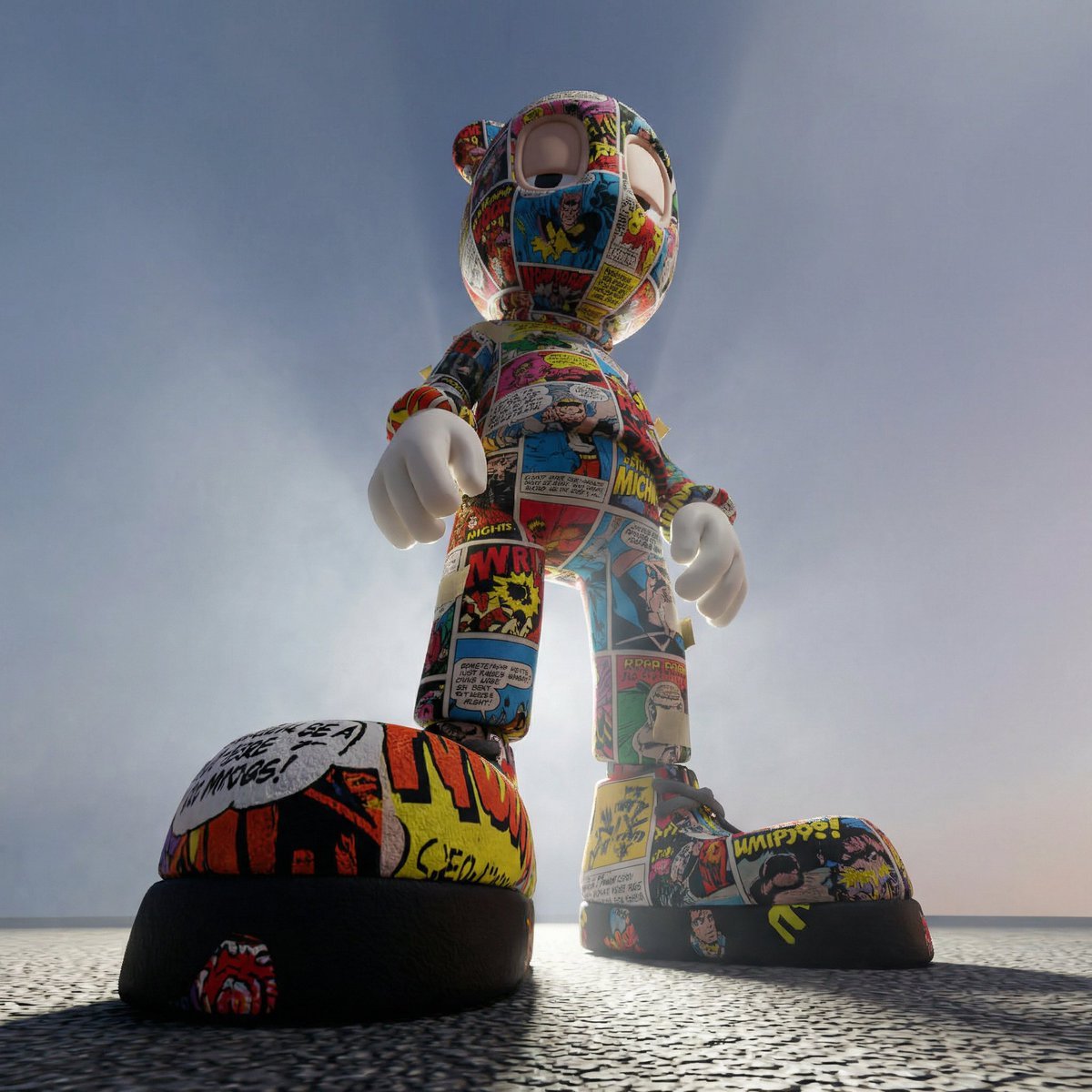
Worm's-Eye Perspective Character Shot (Likeness Preservation)
Browse template categories
Noir Manga Alley Encounter questions
How do I use the Noir Manga Alley Encounter template?
Add your photo if the template asks for one, edit the prompt if you like — the template's model and format are already selected — and press Generate. Your version opens in PicX Studio.
Can I customize the Noir Manga Alley Encounter template?
Yes. You can change the subject, setting, lighting, mood, format, and available model controls before creating your image.
Is the Noir Manga Alley Encounter template free?
Opening and editing this template is free. Generating uses credits, shown on the Generate button when you are signed in.
Which AI model should I use?
Start with GPT Image 2, which is the model associated with this template. You can compare another compatible model for a different finish.
Looking for something else? Browse all templates.

Your photo, any look
Thousands of ready templates for every top image and video model, from one credit balance.