
Three-Part Tea Transformation Commercial Workflow
A three-part workflow prompt for generating a commercial sequence showing the transformation of tea leaves.
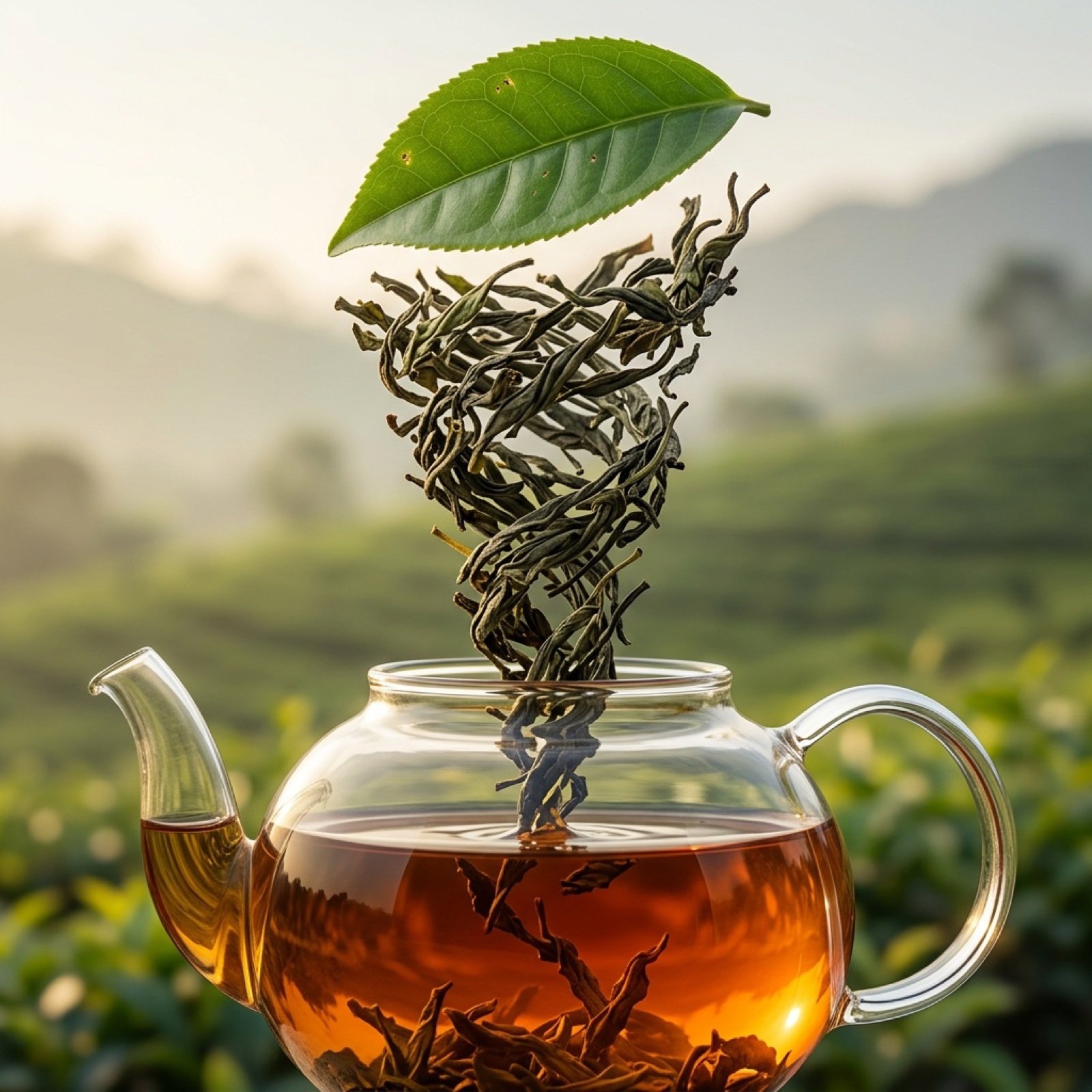
- Prompt included
- Model and format preset
- Free template
The prompt behind this image
Copy the exact prompt behind Three-Part Tea Transformation Commercial Workflow, or open it in the studio and make it yours.
Image 1 Prompt: High-quality realistic commercial shot of a tea plantation in landscape orientation, fresh green tea bushes forming a soft natural background, one single tea leaf in extreme close-up centered in the composition, sharp focus on leaf texture with visible veins and slight imperfections, natural morning light with soft highlights and gentle shadows, shallow depth of field, premium organic look, no text, no people, no props, cinematic realism Motion 1: The tea leaf rapidly dries and twist into the swirl Image 2 Prompt: High-quality realistic commercial shot of a vertical vortex made entirely of dried tea leaves, centered composition in landscape orientation, tea leaves forming a clearly defined vertical spiral column from top to bottom of the frame, curled matte dried leaves with dark green and brown tones, visible dry texture and slight natural breakage, realistic spacing and gravity-aware distribution, controlled studio lighting emphasizing depth, volume, and texture without gloss, neutral minimal background, premium tea-grade realism, no text, no logos, no motion blur Motion 2: Dried tea leafs rapidly swirl into glass teapot Image 3 Prompt: High-impact commercial hero shot of a transparent glass teapot dominating the frame, large-scale object occupying most of the composition, brewed tea in rich deep amber color with visible color gradients and natural density, tea leaves clearly visible inside the teapot creating visual texture and depth, dynamic warm directional lighting from the side and back highlighting glass reflections, liquid glow, and volume, subtle contrast between highlights and shadows to add drama without harshness, slightly textured premium background with warm tones, cinematic food photography style, strong appetizing presence, no text, no branding, no props, no sterility, no minimal lab look, designed to instantly catch the eye in a commercial feed
How to use Three-Part Tea Transformation Commercial Workflow in 3 steps
- 1Upload ImagePNG, JPG or paste
Add your photo
Upload the photo the template builds on. The prompt, model and format are already set.
- 2…a portrait of your subject in softgolden-hour light, 85mm…
Personalize
Edit the subject and creative details for your destination.
- 3Generate
Generate
Press Generate — your image is created in PicX Studio, so you can compare it with the original and refine one variable at a time.
More like this
Templates with the same subject, style or setup. Open one to see its prompt.
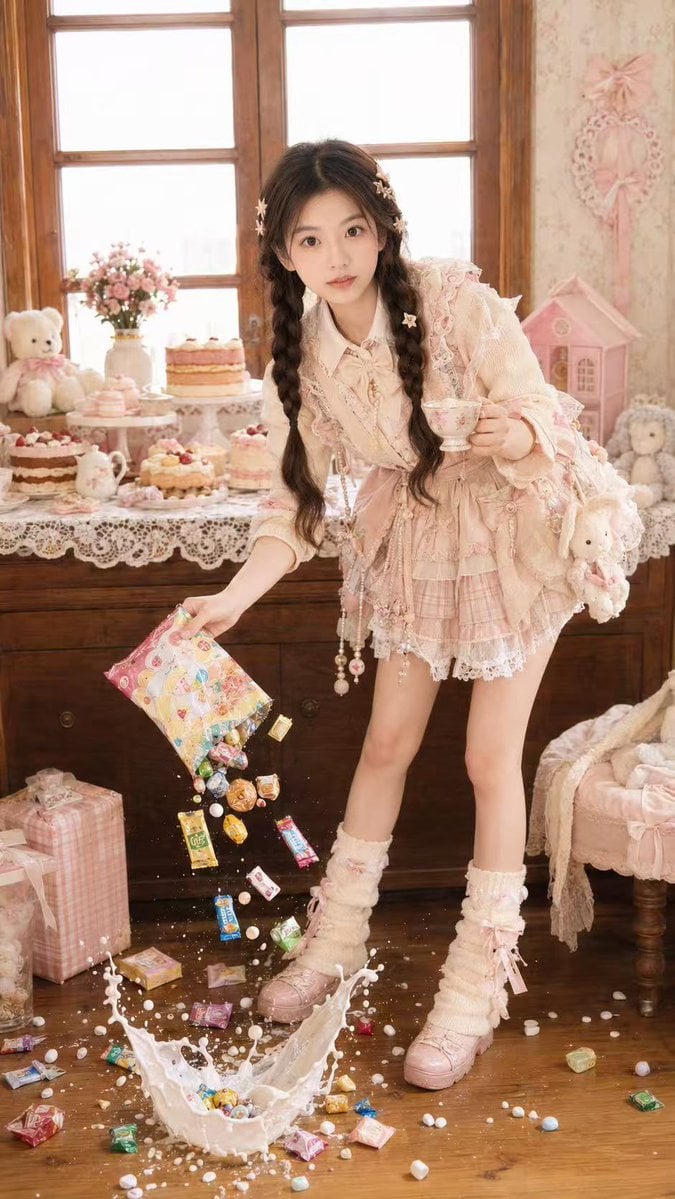
Candy Tea Party Pastel Portrait Transformation

Soft Shadow Studio Minimalist Product Shot
Soft Shadow Studio Minimalist Product Shot

Goalmaster Youth Sports Poster

Cappuccino Bottle Splash Product Ad
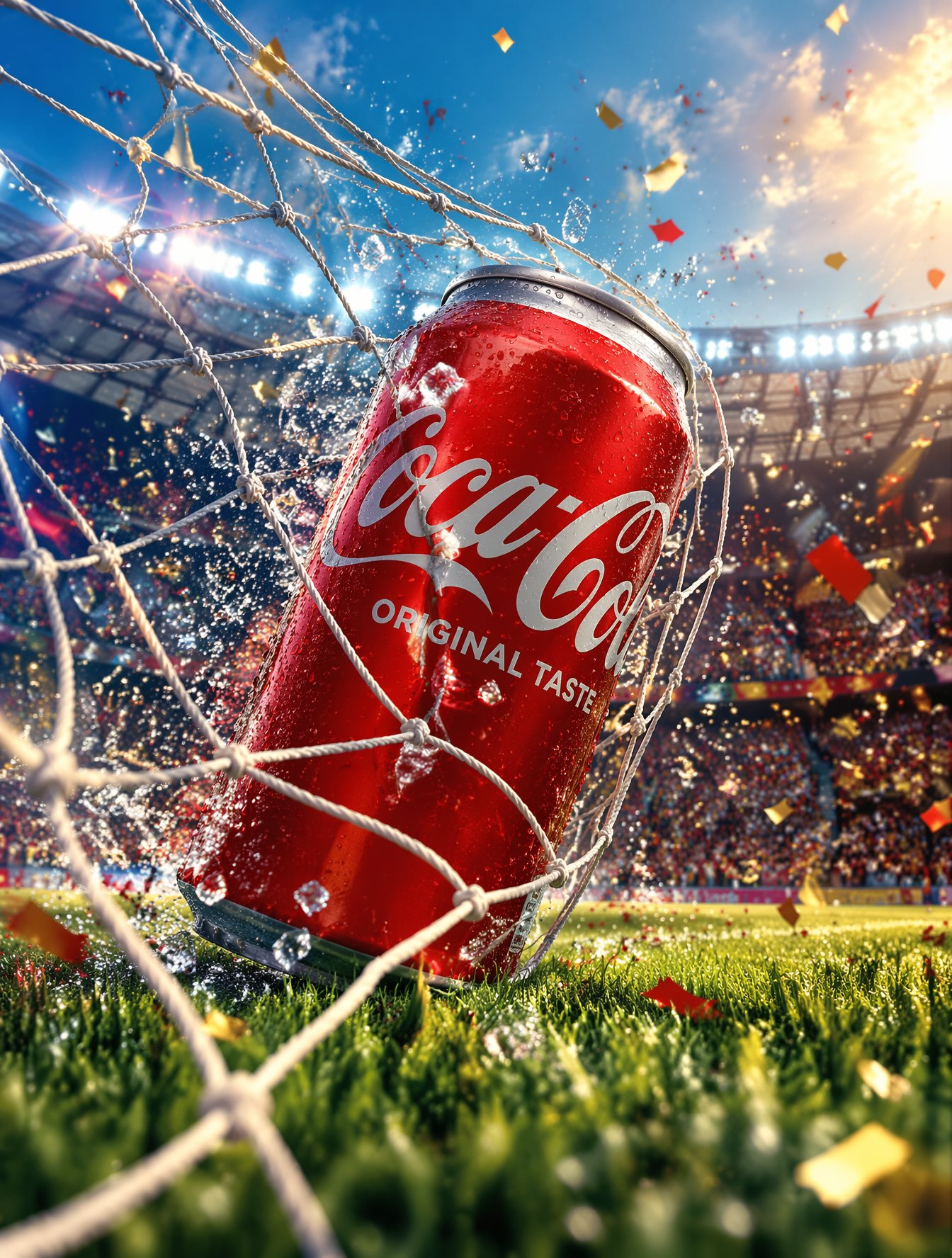
FIFA-Inspired — World Cup Final Goal Net Commercial
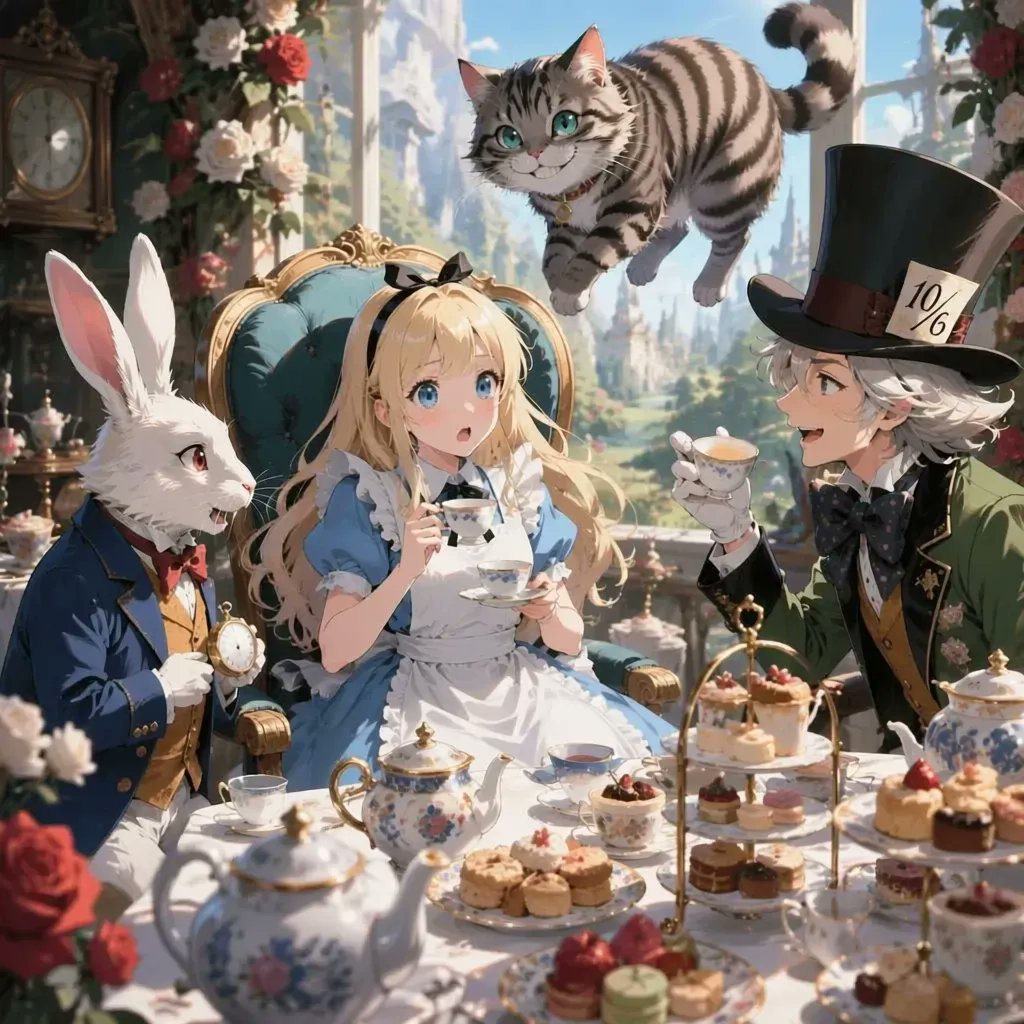
Anime Alice Wonderland Tea Party
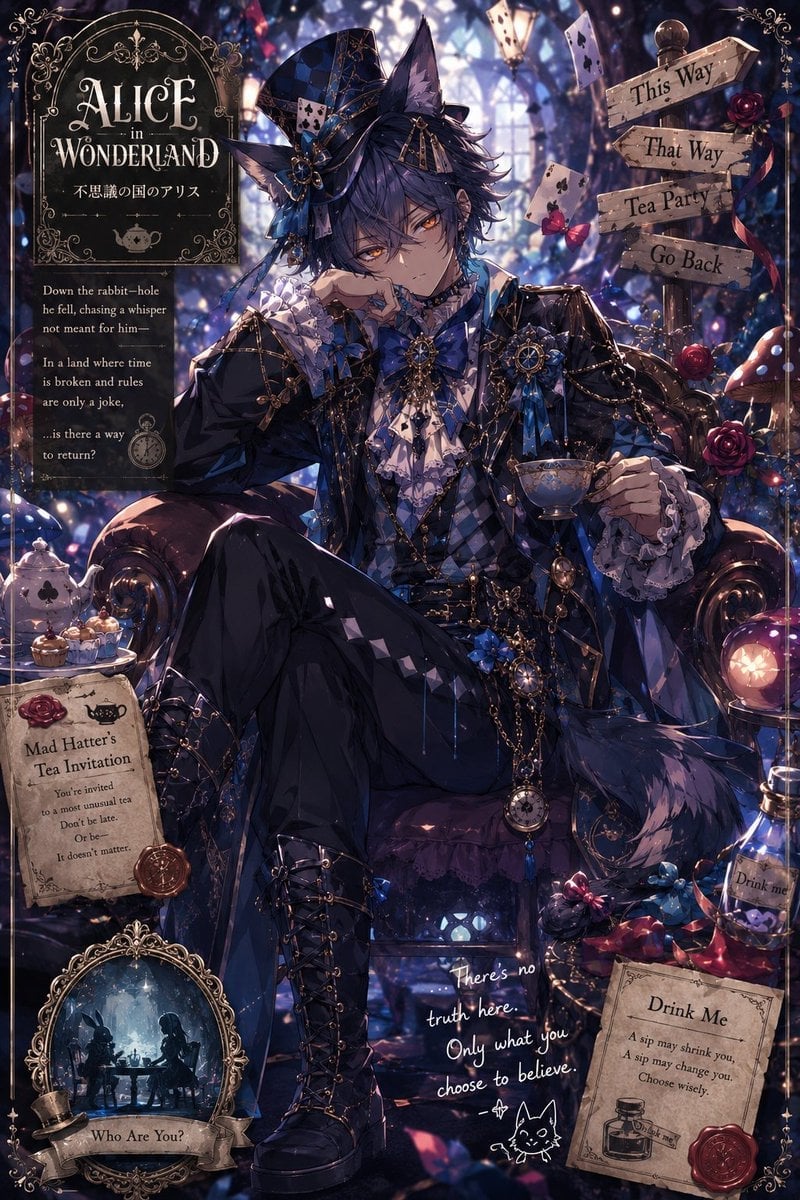
Gothic Alice Tea Party Poster
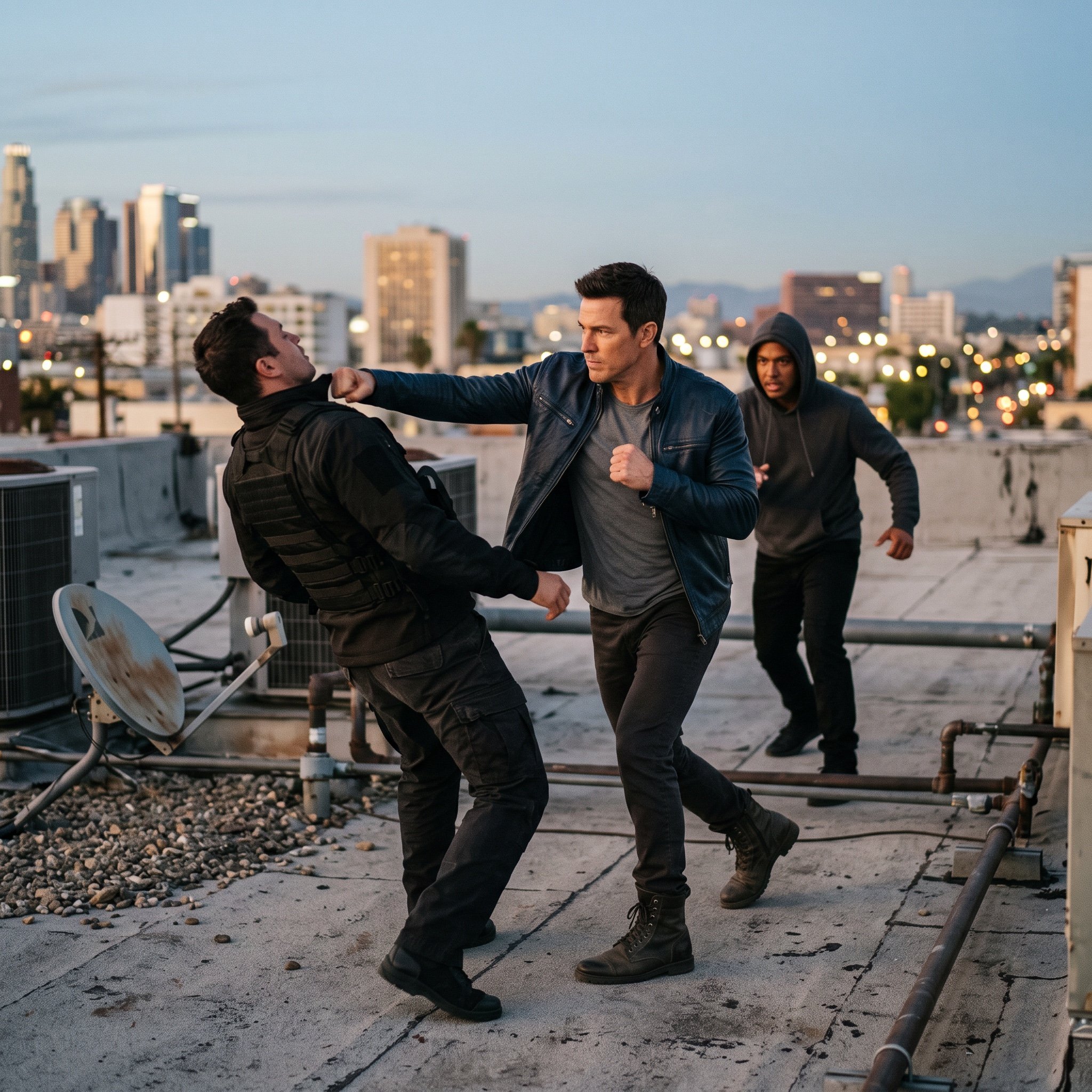
action movie hollywood movie hollywood fight scene... (IMAGE-NANO_BANANA)

Product Shot - T-Shirt Mockup
Seedance - Character Transition
Seedance - Brand Commercial
Make it yours
Three-Part Tea Transformation Commercial Workflow works as-is. These are the safest ways to change it without losing the look.
Change one field
Copy a single group, rewrite it, and generate again so you can see what that field is doing.
Keep the frame, change the subject
Hold the composition and light of Three-Part Tea Transformation Commercial Workflow, then swap wardrobe, props or the person for a new take.
| If the result… | Why | Fix |
|---|---|---|
| The result drifts from the preview | Too many fields changed at once. | Reuse Three-Part Tea Transformation Commercial Workflow as-is first, then change one group — subject, light, or setting. |
| The model over-stylizes the scene | The prose prompt leaves finish and camera underspecified. | Add one camera or lighting sentence and stay on Nano Banana 2. |
More Nano Banana 2 templates
Other prompts made for Nano Banana 2.

Photorealistic Leaf Shaped Like a Dragon

K-Pop Idol Portrait Grid for Rapid Selection

Poetic Rain Forest Portrait During Golden Hour

Urban Street Portrait with Cartoon Inner Self Duo

Candid Nighttime Photo with Cat Prompt

High-Concept 3D Diorama Generation Prompt

Cinematic Futuristic Studio Portrait Template

Skincare Editorial Photography Collage Prompt

Hyper-Realistic Commercial Product Photography (Splash Effect)

Hyper-Realistic Nightclub Portrait Prompt
More image prompts
Fresh picks from across the catalog.
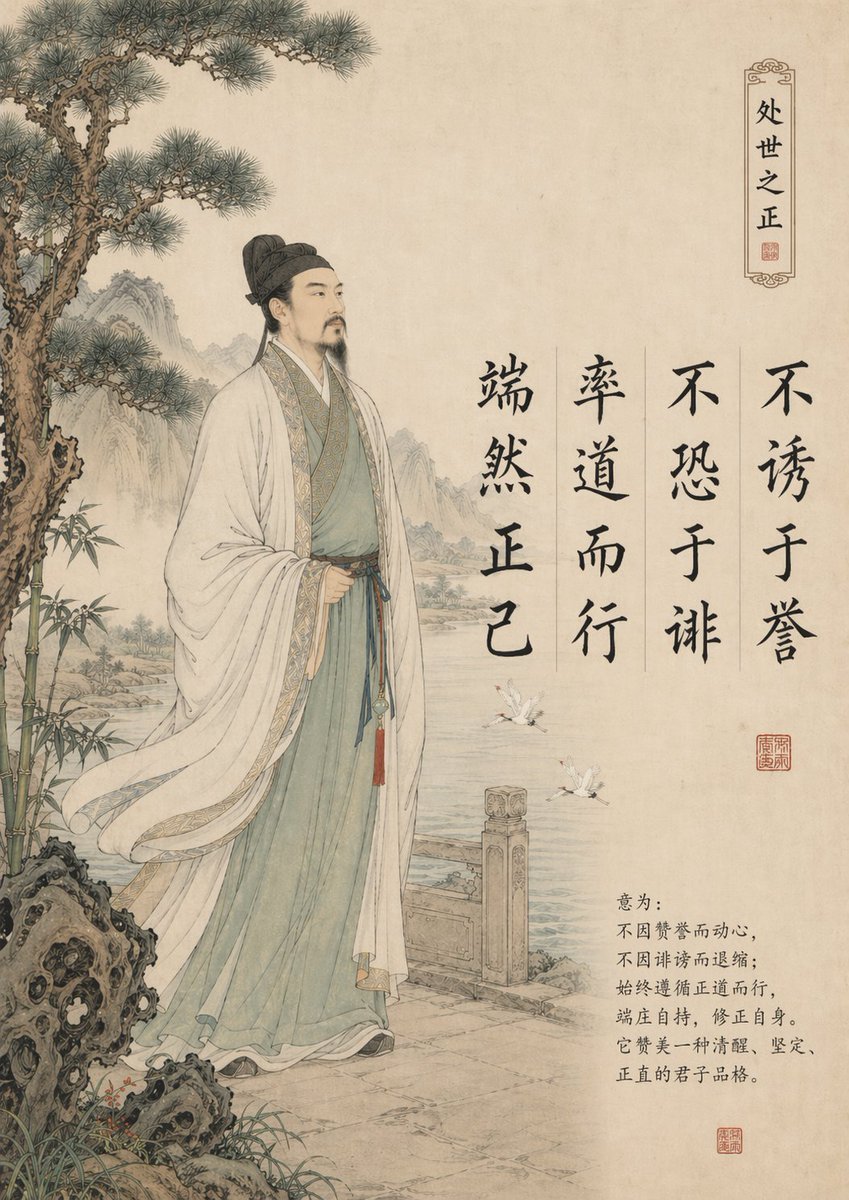
Traditional Chinese Gongbi Art with Quote
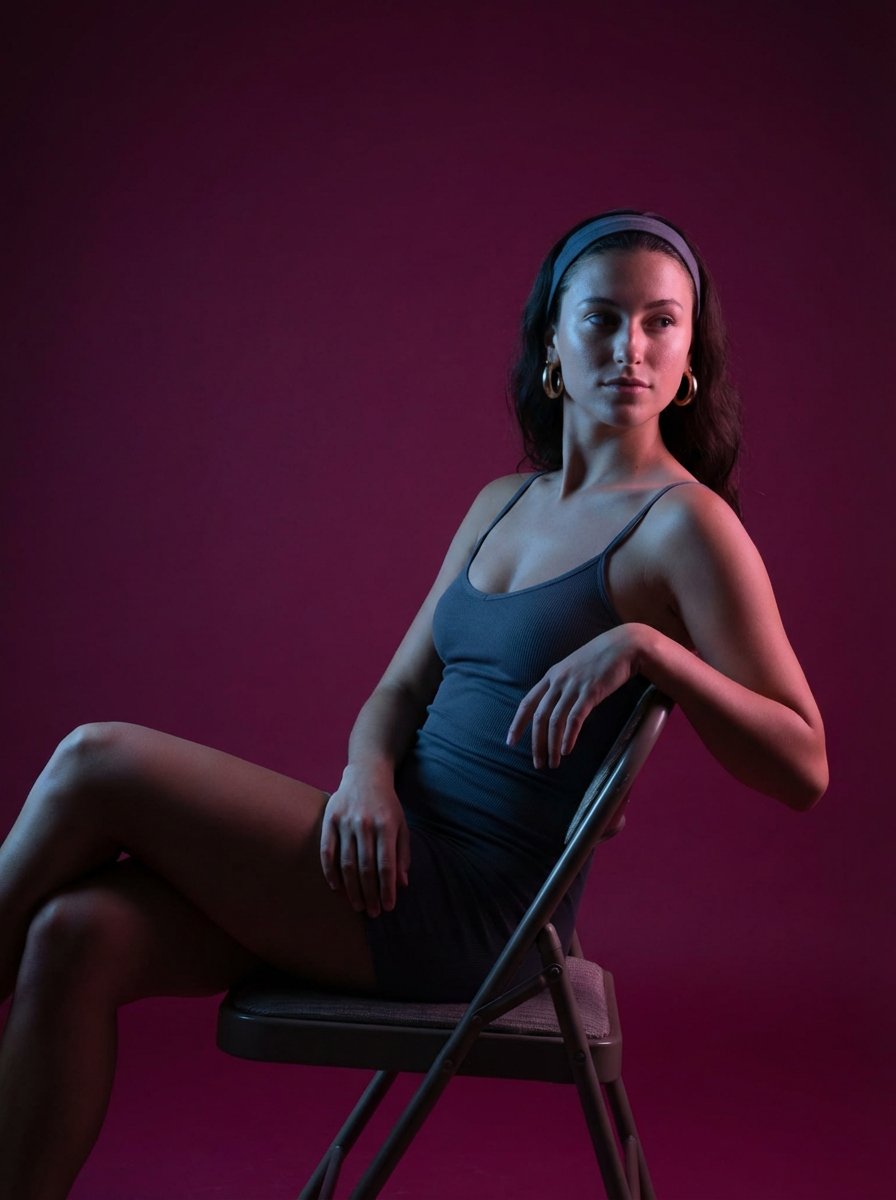
Portrait prompt for replicating a subject's appearance
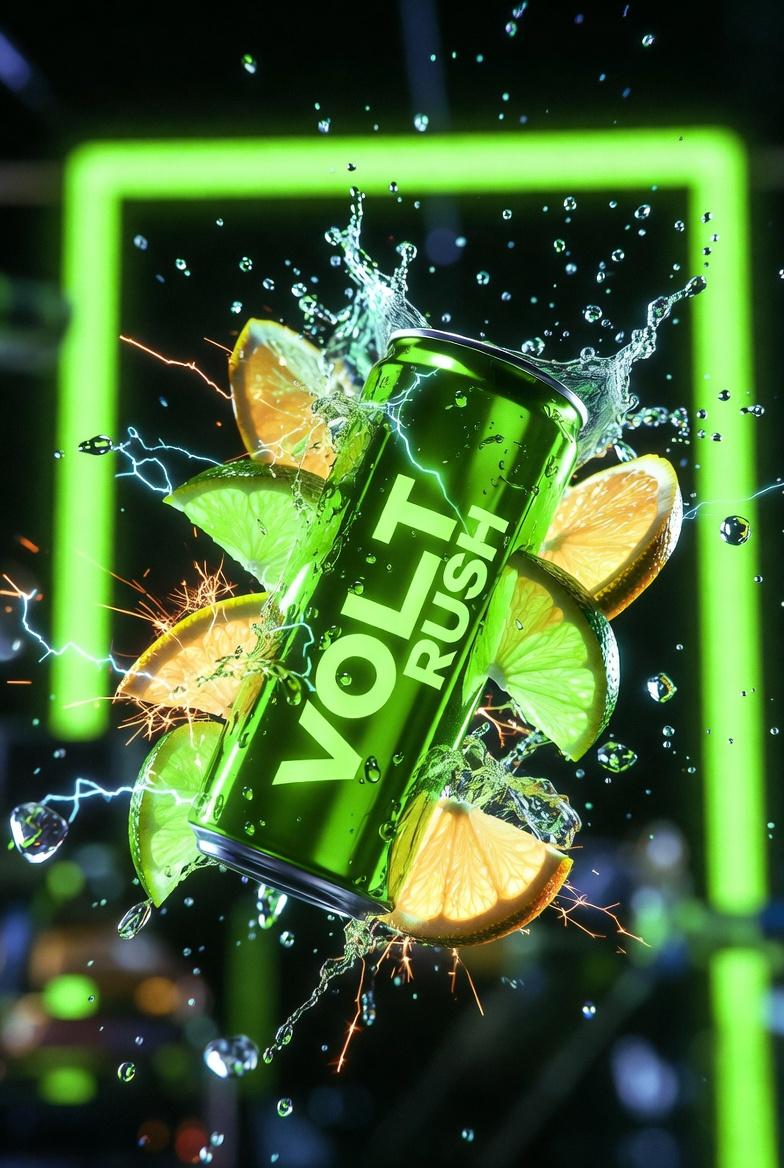
Ultra-Cinematic Product Photography of 'VOLT RUSH' Energy Drink
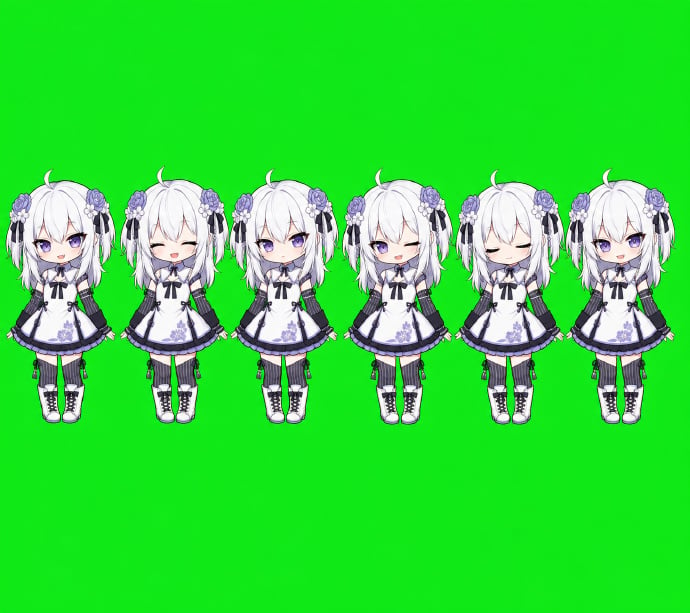
Chibi Desktop Pet Sprite Sheet
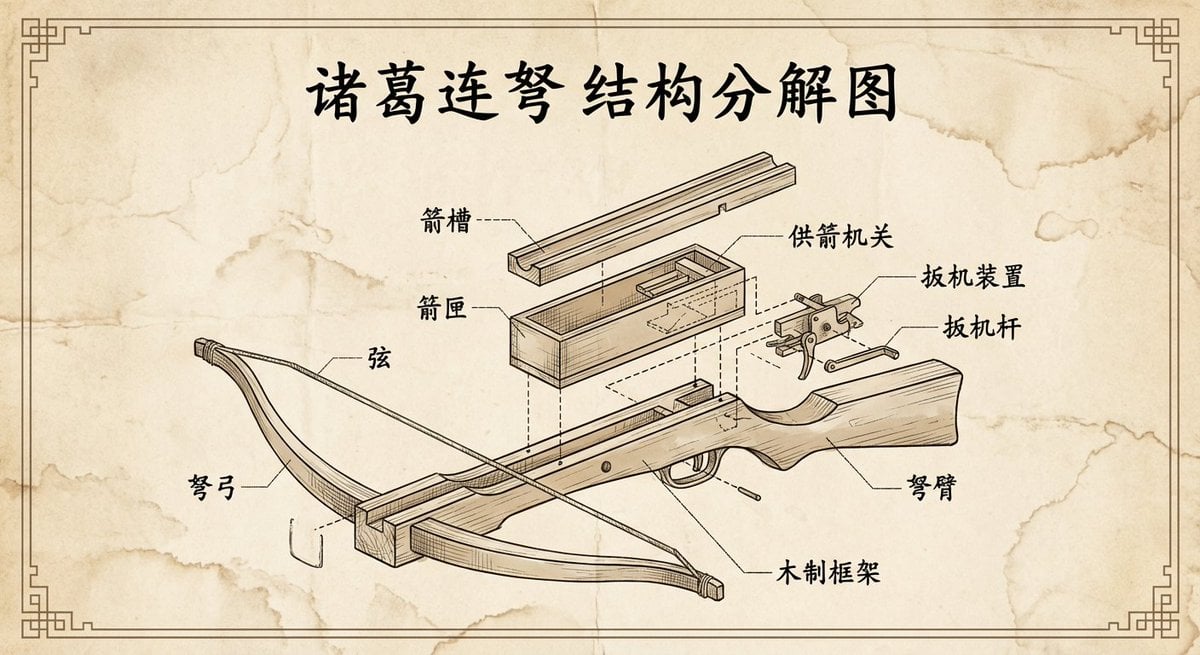
Vintage engineering exploded view of Zhuge repeating crossbow
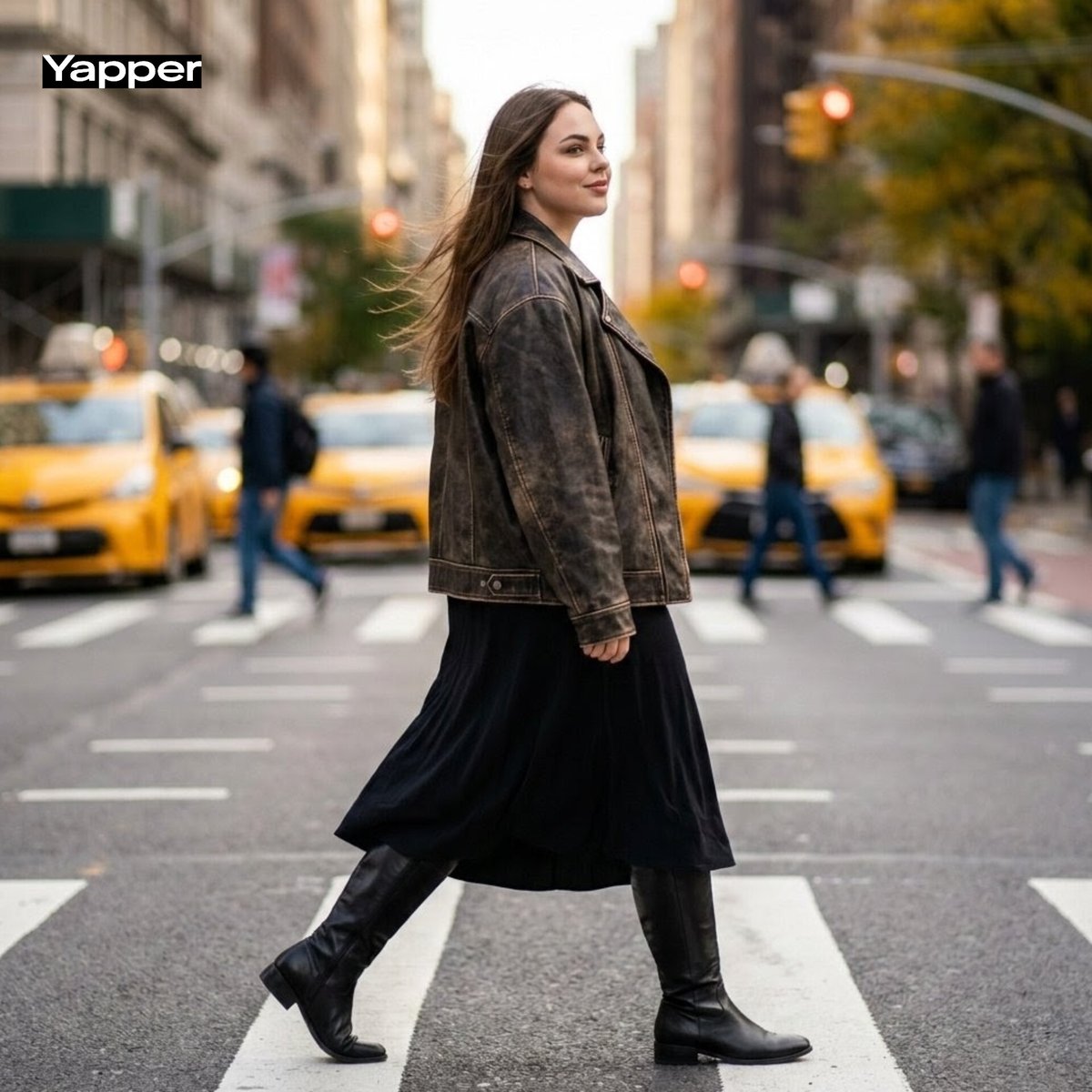
Cinematic Street Fashion Photography Prompt

Anti-Gravity Lamp Landing Page Mockup
Cinematic Lotus Ancient Painting
Product Photography Poster with Liquid Splash and Text Overlays
Dreamy Cinematic Cloud Walk Prompt for Nano Banana 2
Browse template categories
Three-Part Tea Transformation Commercial Workflow questions
How do I use the Three-Part Tea Transformation Commercial Workflow template?
Add your photo if the template asks for one, edit the prompt if you like — the template's model and format are already selected — and press Generate. Your version opens in PicX Studio.
Can I customize the Three-Part Tea Transformation Commercial Workflow template?
Yes. You can change the subject, setting, lighting, mood, format, and available model controls before creating your image.
Is the Three-Part Tea Transformation Commercial Workflow template free?
Opening and editing this template is free. Generating uses credits, shown on the Generate button when you are signed in.
Which AI model should I use?
Start with Nano Banana 2, which is the model associated with this template. You can compare another compatible model for a different finish.
Looking for something else? Browse all templates.

Your photo, any look
Thousands of ready templates for every top image and video model, from one credit balance.