
Candy Tea Party Pastel Portrait Transformation
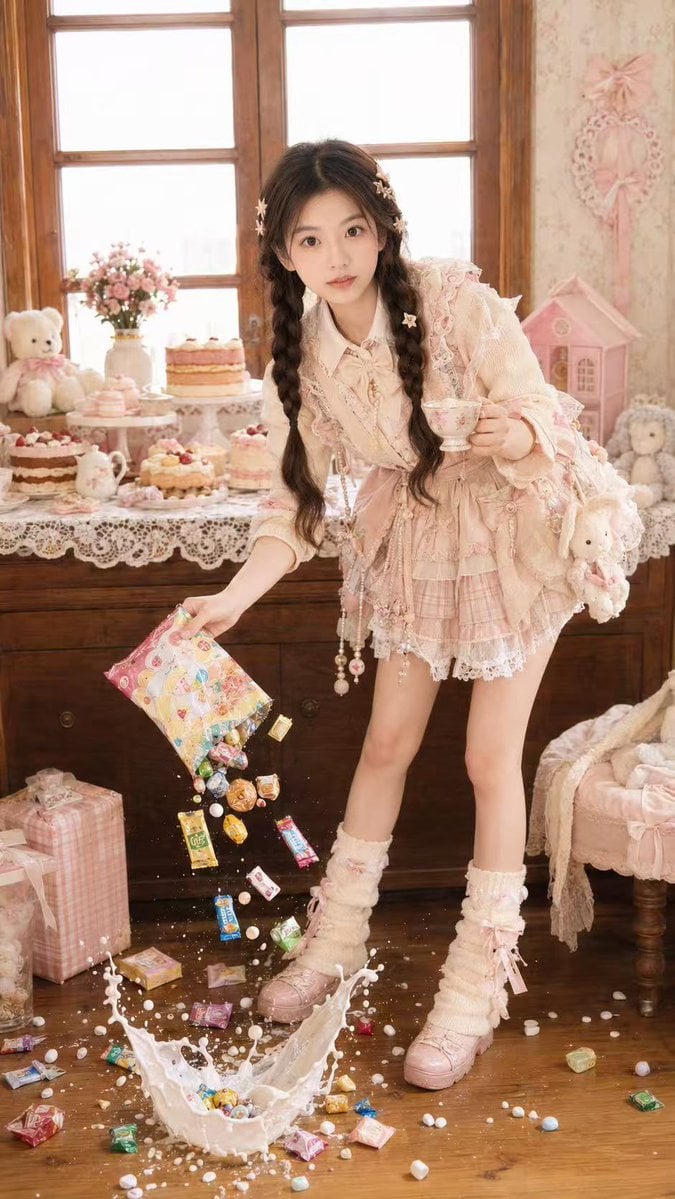
A creative prompt to transform a reference portrait into a playful, high-speed fashion photo set in a dreamy pastel dessert room filled with candies and tea party decor.
- Prompt included
- Model and format preset
- Free template
The prompt behind this image
Copy the exact prompt behind Candy Tea Party Pastel Portrait Transformation, or open it in the studio and make it yours.
Use the uploaded portrait only as the identity and hairstyle reference. Preserve the person’s real facial features, face shape, skin tone, eye shape, natural expression, and recognizable hairstyle. Create a highly realistic vertical fashion portrait photo of the same person in a dreamy {argument name="theme" default="pastel dessert room"}, surrounded by cakes, cream-colored lace tablecloths, teddy bears, gift boxes, vintage wooden windows, soft floral wallpaper, and cute tea-party decorations. The person is standing in a {argument name="pose" default="playful dynamic pose"}, leaning slightly toward the camera, holding a delicate teacup in one hand while pouring colorful wrapped candies and snacks from a {argument name="prop" default="bright candy bag"} with the other hand. The candies are frozen mid-air, falling toward the wooden floor with a dramatic splash of milk and scattered sweets, captured like a high-speed flash photo. Style the outfit differently from any existing image: choose a flattering cute fantasy fashion outfit that best suits the uploaded person’s face and hairstyle, mixing pastel Y2K, sweet dollcore, and playful tea-party styling. The outfit should feel detailed, layered, youthful, stylish, and visually rich, with accessories such as ribbons, star hair clips, beads, charms, lace details, soft socks, and cute handmade ornaments, but do not copy any specific clothing design. Use direct-camera flash, bright overexposed highlights, warm indoor lighting, soft pastel colors, realistic skin texture, natural body proportions, detailed hair strands, expressive eyes, authentic fashion editorial photography, playful luxury dollhouse atmosphere, high-detail realism, vertical full-body composition, 9:16 aspect ratio. All snack bags and decorations must use abstract colors and unreadable graphic patterns only, with no readable brand names, no logos, no text, no watermark. Negative Prompt: watermark, logo, text, readable words, brand names, signature, AI-generated look, plastic skin, over-smoothed face, distorted facial features, wrong identity, bad anatomy, unnatural neck, stiff pose, deformed hands, extra fingers, missing fingers, broken arms, duplicated person, blurry face, blurry eyes, low resolution, messy composition, copied outfit, childish body proportions, doll face, anime style, cartoon style, unrealistic skin, harsh distortion, ugly lighting.
How to use Candy Tea Party Pastel Portrait Transformation in 3 steps
- 1Upload ImagePNG, JPG or paste
Add your photo
Upload the photo the template builds on. The prompt, model and format are already set.
- 2…a portrait of your subject in softgolden-hour light, 85mm…
Personalize
Edit the subject and creative details for your destination.
- 3Generate
Generate
Press Generate — your image is created in PicX Studio, so you can compare it with the original and refine one variable at a time.
More like this
Templates with the same subject, style or setup. Open one to see its prompt.








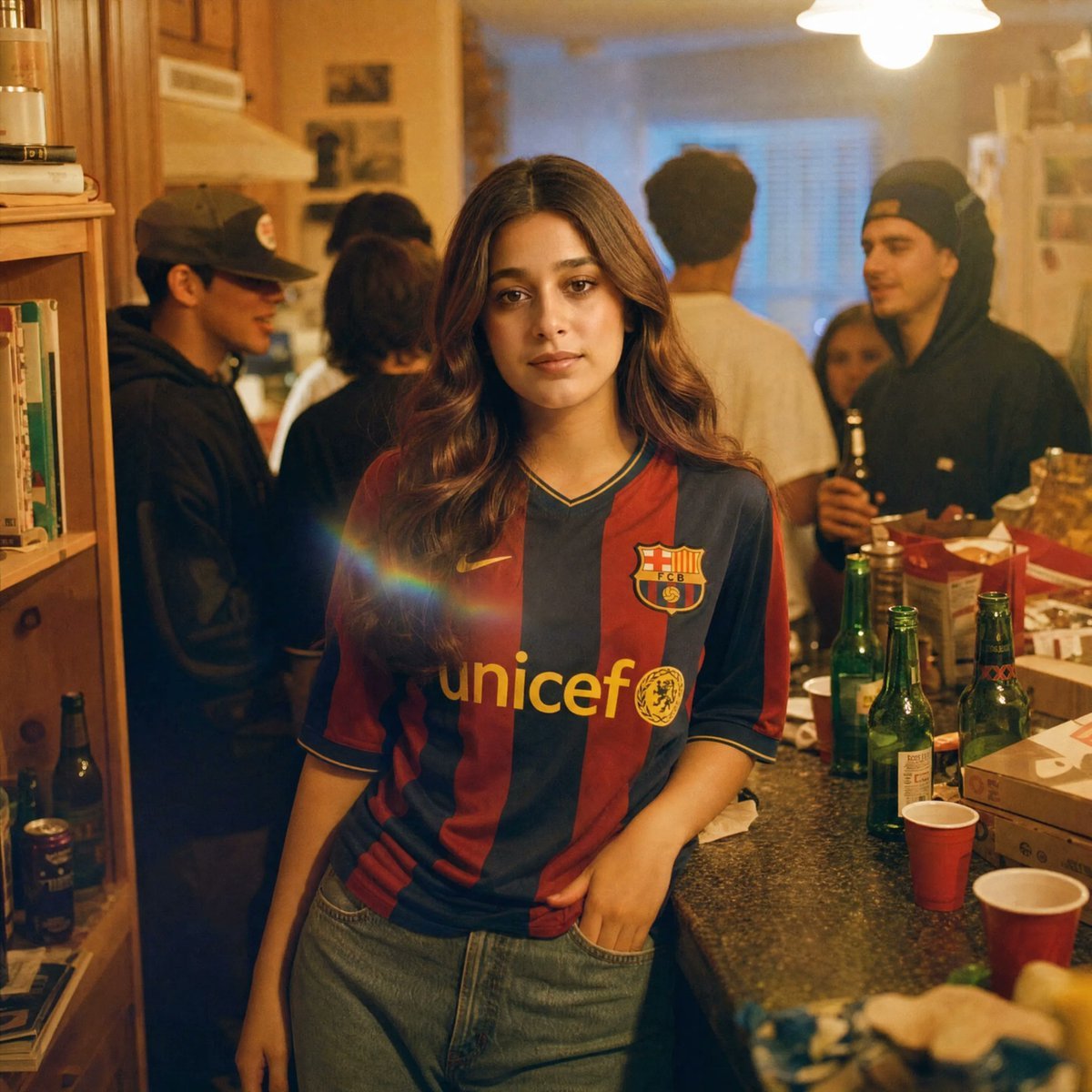
Make it yours
Candy Tea Party Pastel Portrait Transformation works as-is. These are the safest ways to change it without losing the look.
Change one field
Copy a single group, rewrite it, and generate again so you can see what that field is doing.
Keep the frame, change the subject
Hold the composition and light of Candy Tea Party Pastel Portrait Transformation, then swap wardrobe, props or the person for a new take.
| If the result… | Why | Fix |
|---|---|---|
| The result drifts from the preview | Too many fields changed at once. | Reuse Candy Tea Party Pastel Portrait Transformation as-is first, then change one group — subject, light, or setting. |
| The model over-stylizes the scene | The prose prompt leaves finish and camera underspecified. | Add one camera or lighting sentence and stay on GPT Image 2. |
More GPT Image 2 templates
Other prompts made for GPT Image 2.

Six VTuber Japanese Logo Sheet

Realistic Portrait of Woman and Deer

The Vista Modular Condo Poster

AI Model Routing Comparison Infographic

2.5D Anime Art Board

Isometric Productivity Desk Scene

New York Double Exposure Poster

Four-Panel AI Landscape Comparison

Japanese Tatami Lifestyle Magazine Cover

NESCAFÉ Coffee Map Poster
More image prompts
Fresh picks from across the catalog.
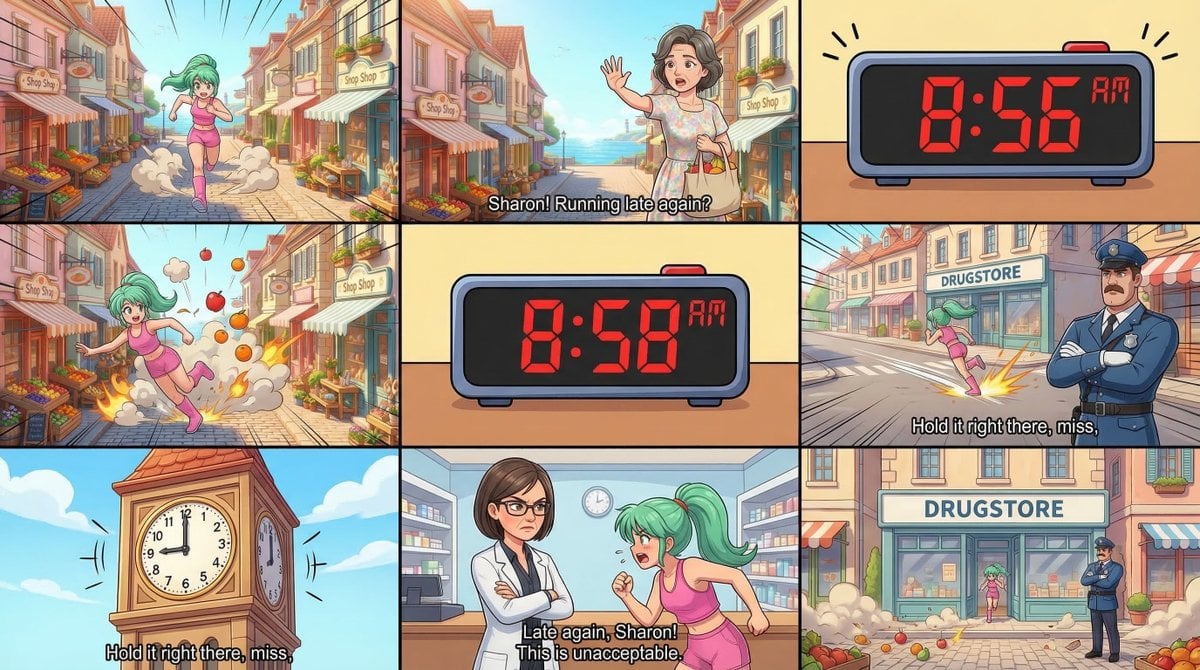
Static Image Generation from Anime Prompt
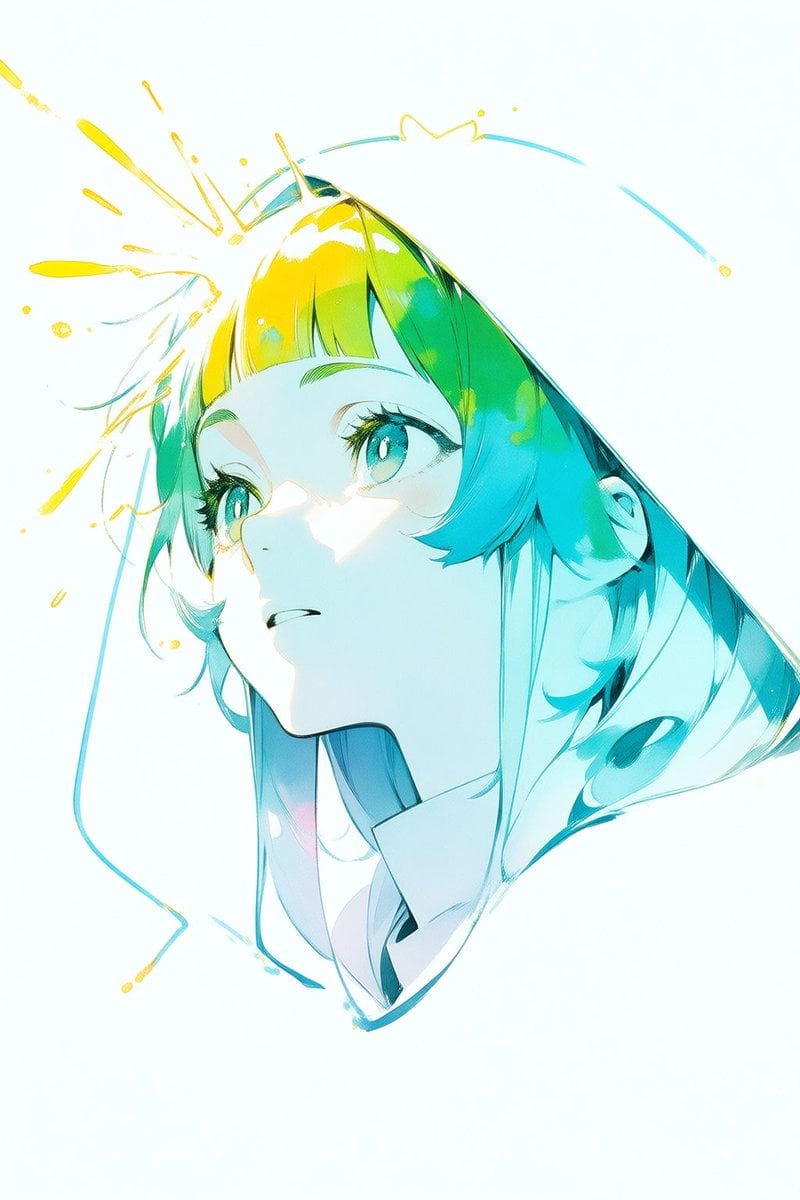
Abstract Aqua Anime Poster
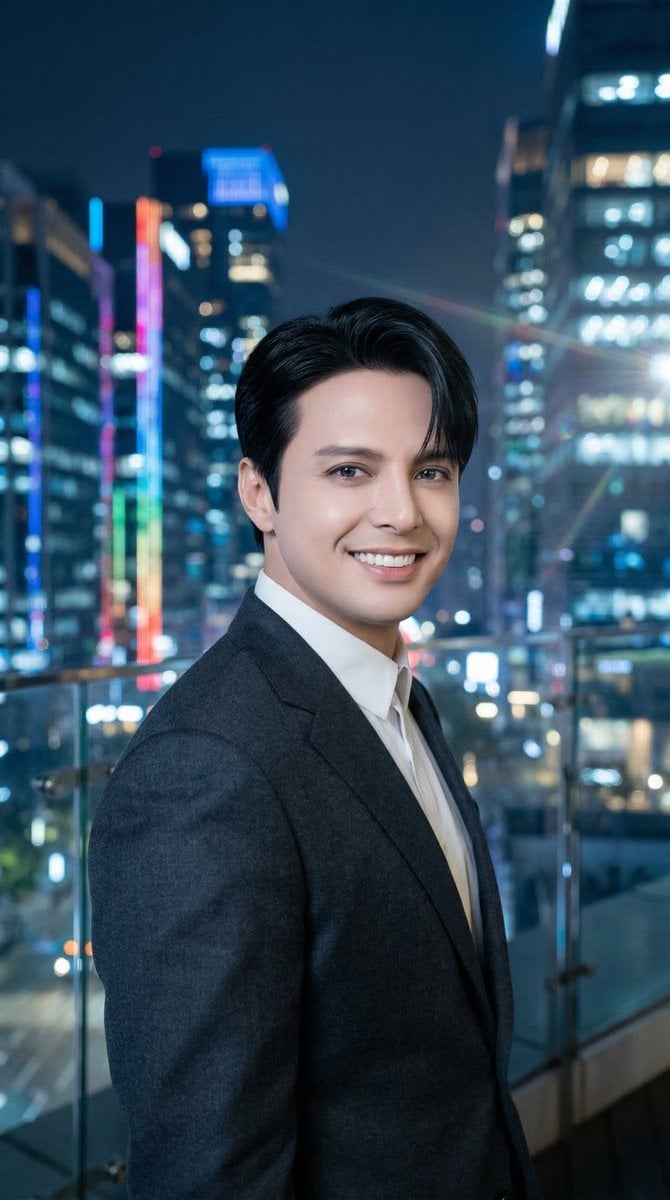
Luis Miguel as K-Pop Star in Gangnam
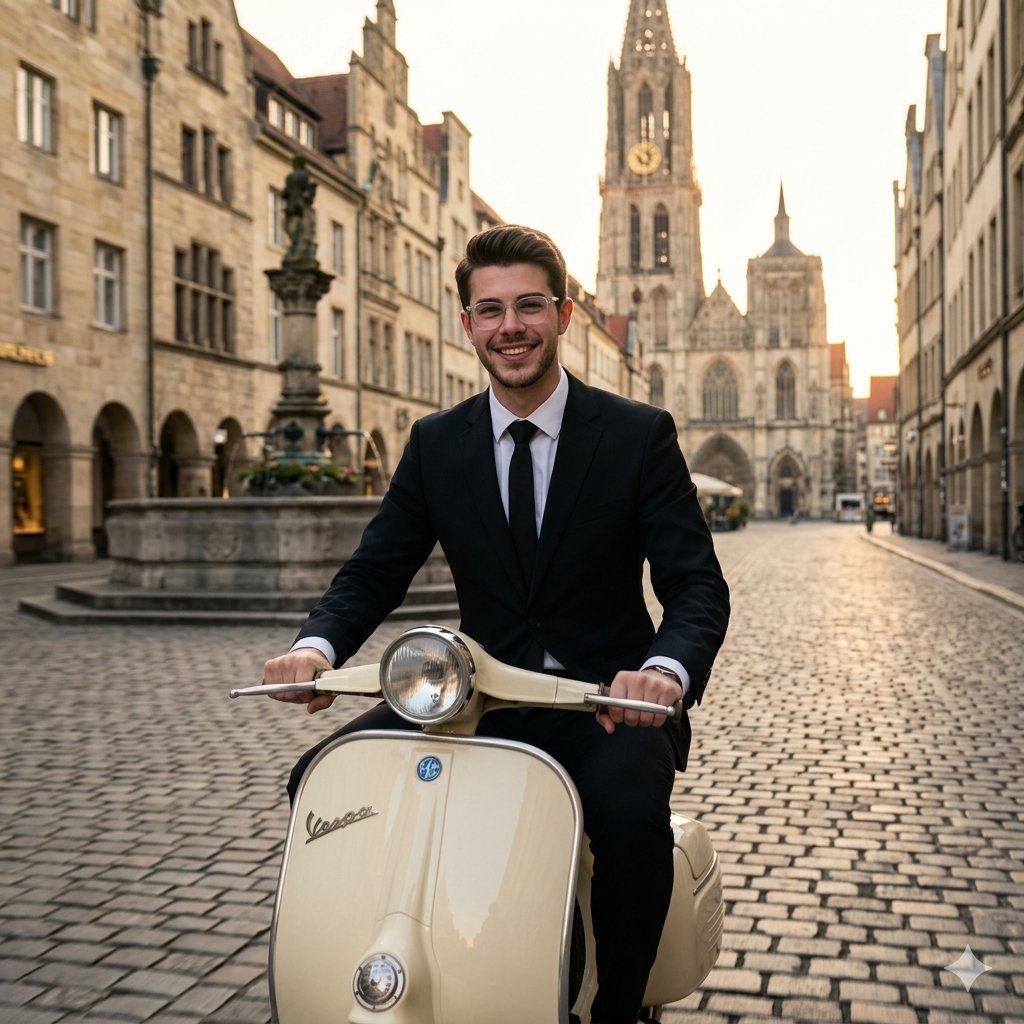
Vintage European Scooter Ride
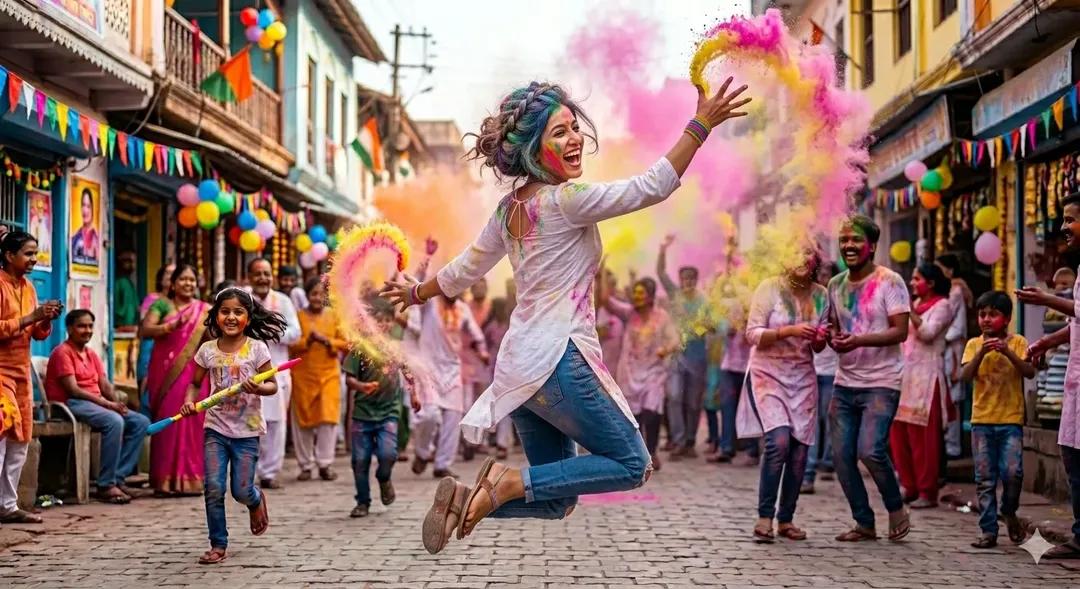
Holi Festival Cinematic Photography Prompt (JSON Format)
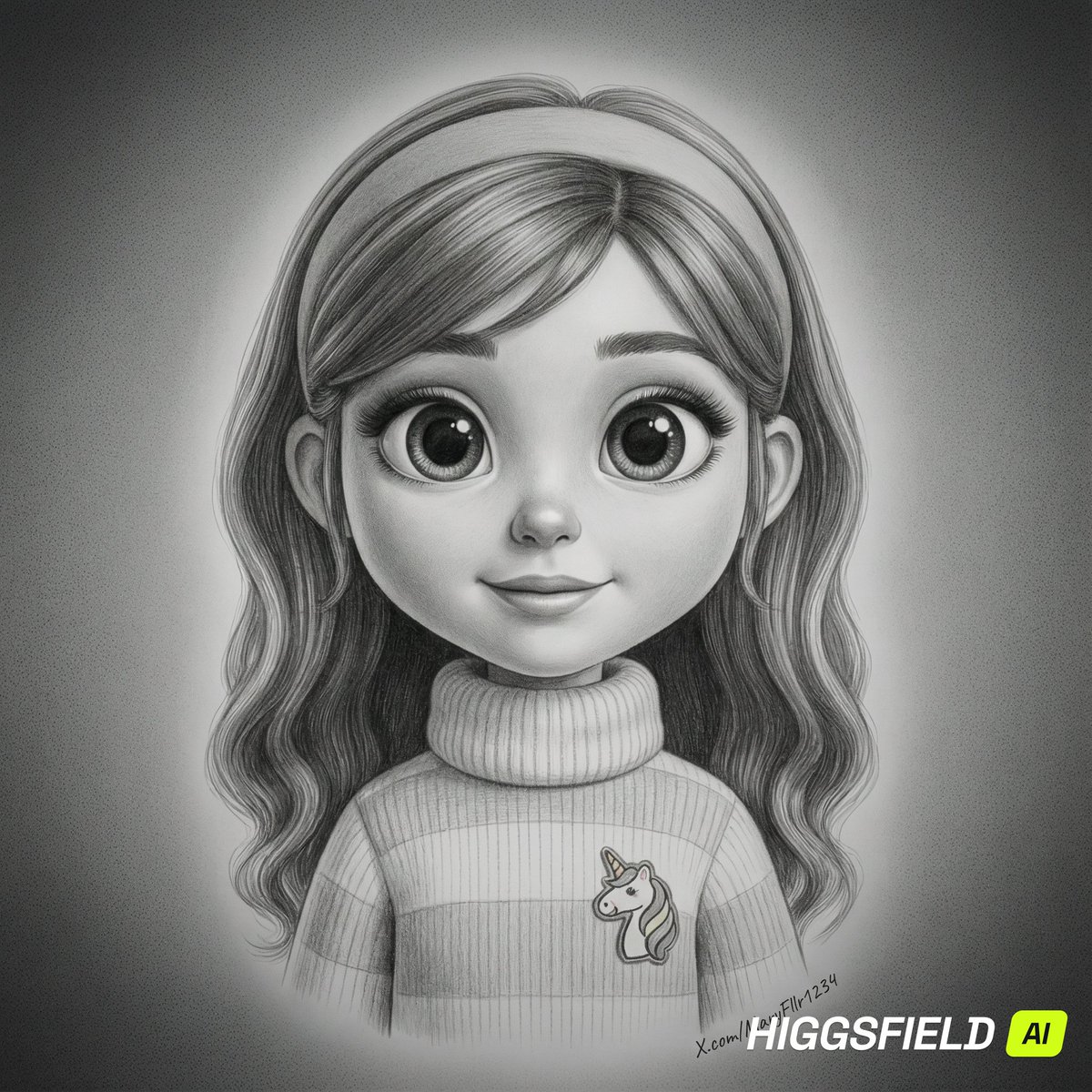
Hyper-Realistic Pencil Sketch Portrait Prompt
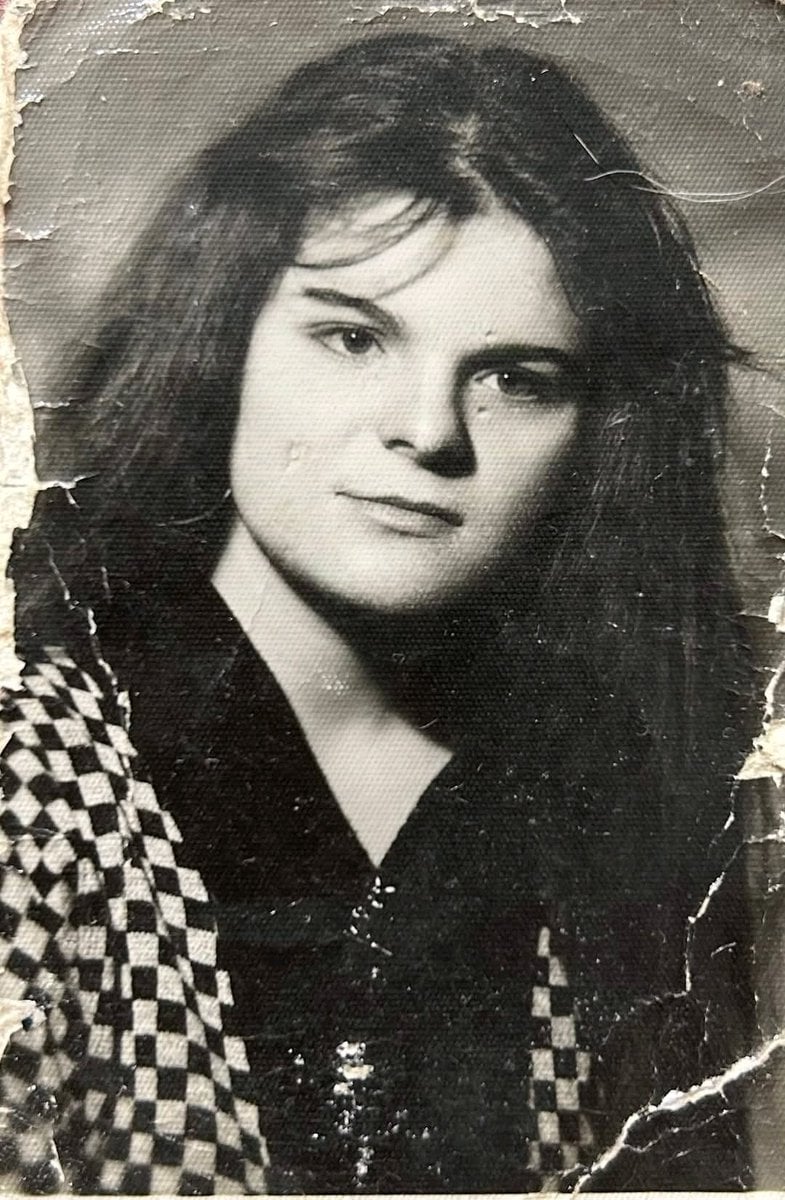
Photo Restoration and Upscaling Prompt
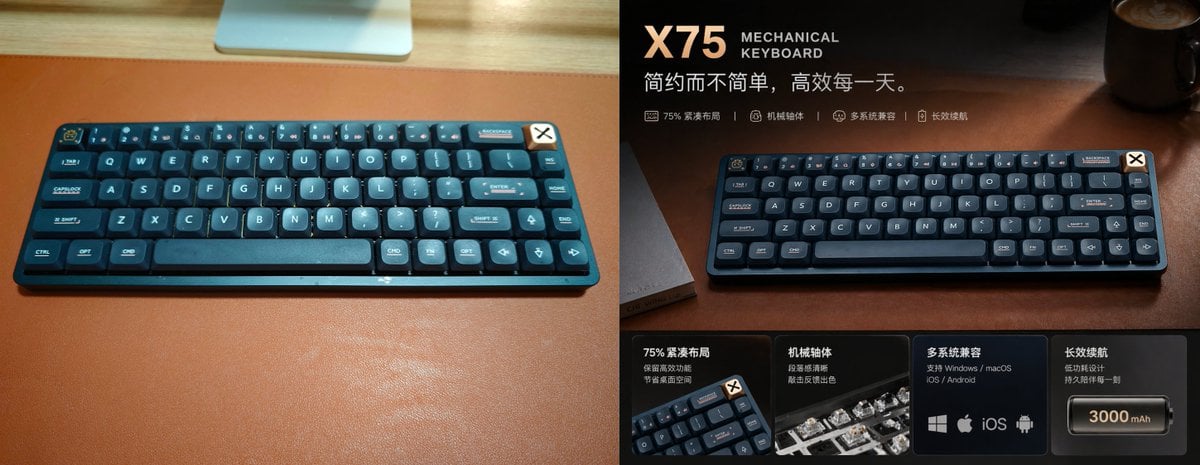
Premium Mechanical Keyboard Ad Poster
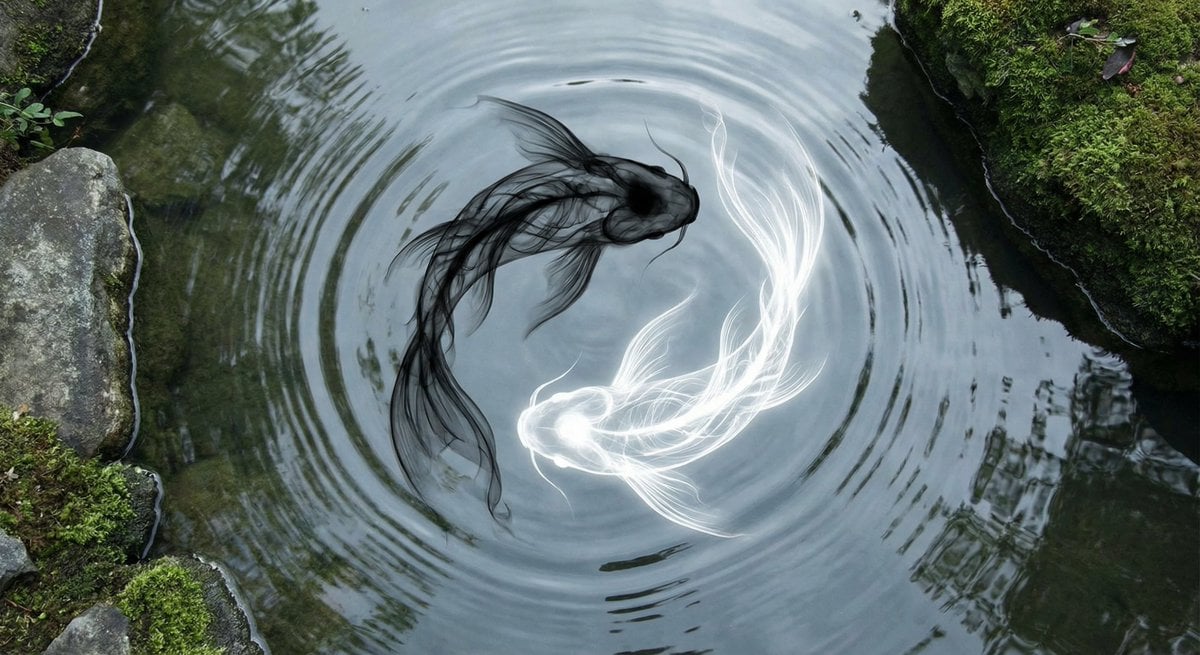
Yin-yang koi ink illustration
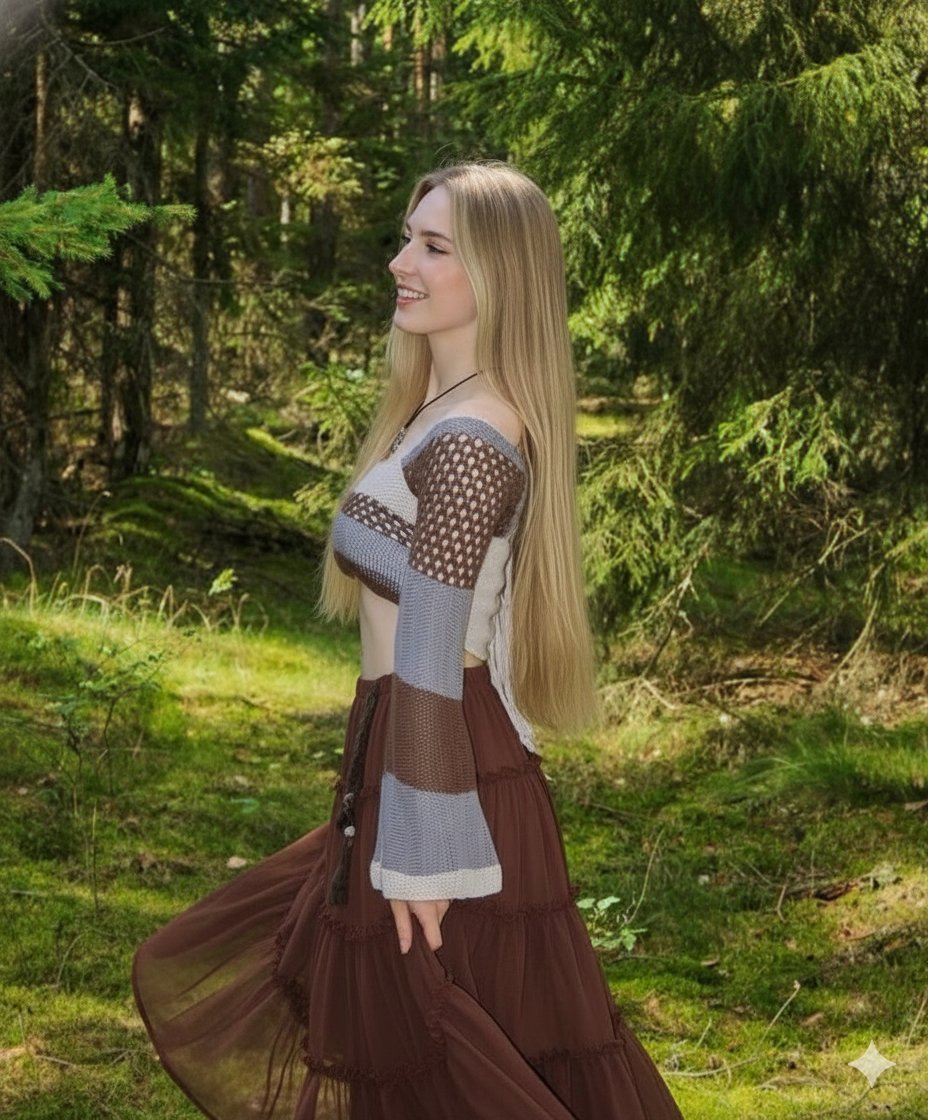
Boho Editorial Portrait in Pine Forest
Browse template categories
Candy Tea Party Pastel Portrait Transformation questions
How do I use the Candy Tea Party Pastel Portrait Transformation template?
Add your photo if the template asks for one, edit the prompt if you like — the template's model and format are already selected — and press Generate. Your version opens in PicX Studio.
Can I customize the Candy Tea Party Pastel Portrait Transformation template?
Yes. You can change the subject, setting, lighting, mood, format, and available model controls before creating your image.
Is the Candy Tea Party Pastel Portrait Transformation template free?
Opening and editing this template is free. Generating uses credits, shown on the Generate button when you are signed in.
Which AI model should I use?
Start with GPT Image 2, which is the model associated with this template. You can compare another compatible model for a different finish.
Looking for something else? Browse all templates.

Your photo, any look
Thousands of ready templates for every top image and video model, from one credit balance.