
Boho Editorial Portrait in Pine Forest
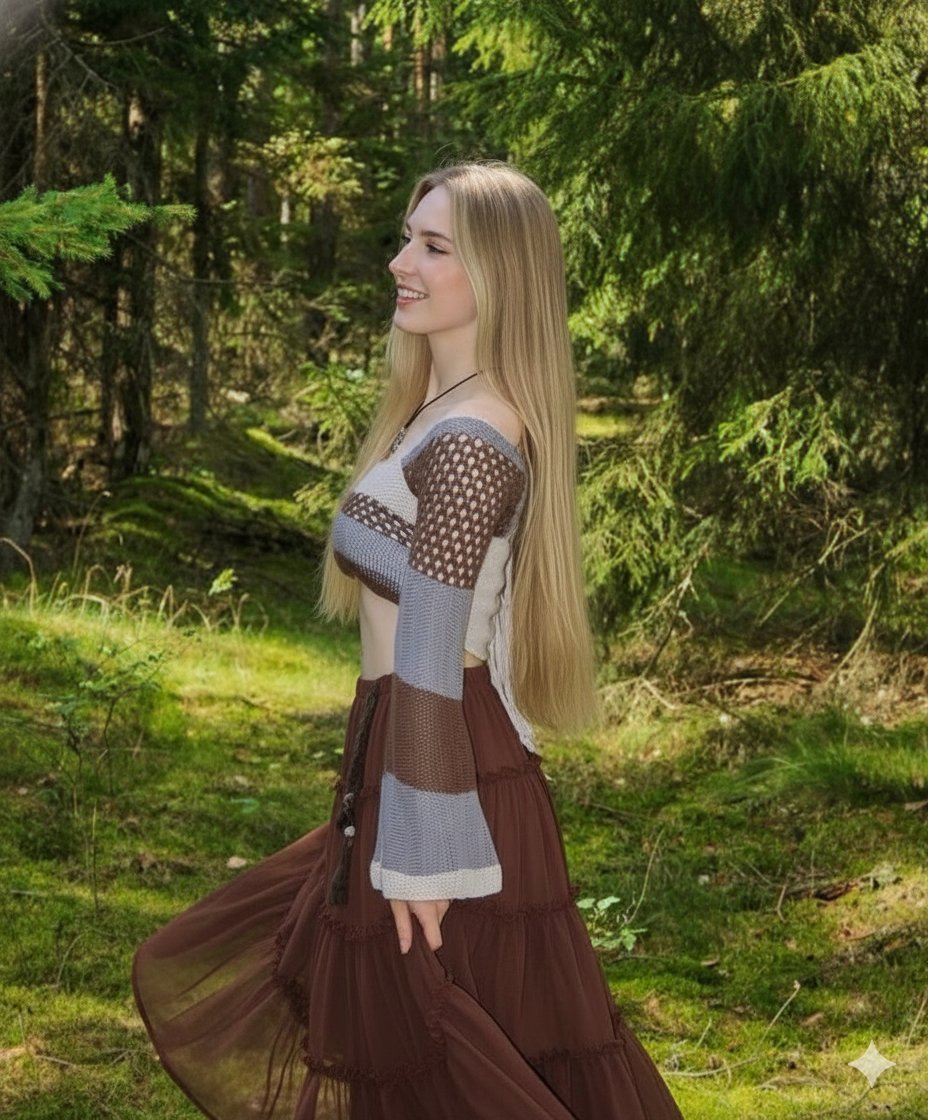
A highly detailed prompt for generating a photorealistic, dreamy boho editorial image of a young woman in a dense pine forest.
- Prompt included
- Model and format preset
- Free template
The prompt behind this image
Copy the exact prompt behind Boho Editorial Portrait in Pine Forest, or open it in the studio and make it yours.
Young woman with extremely long, sleek straight blonde hair cascading like liquid silk down her back, individual strands catching the light with soft golden highlights, captured in a graceful side-profile pose that emphasizes her delicate features and natural jawline. She wears a gentle, effortless smile — subtle, warm, and serene — eyes softly focused ahead as if lost in a peaceful moment within nature. Her posture is relaxed yet elegant, shoulders slightly turned, creating a refined feminine silhouette. She stands surrounded by a dense forest of towering pine trees, their tall vertical trunks forming a majestic natural cathedral around her. The forest floor is textured with pine needles, soft moss, and scattered cones, adding rich earthy detail. Light filters down through high branches in soft golden rays, creating dreamy beams and dappled highlights across her hair, skin, and outfit. The atmosphere feels fresh and quiet, with a slight mist in the distance adding depth and cinematic layering. She wears a handcrafted bohemian crochet top featuring intricate geometric patterns in warm beige, muted brown, and soft ivory white tones. The knit texture is highly detailed, showcasing delicate stitching, openwork designs, and artisanal craftsmanship. The off-shoulder neckline gently reveals her collarbones and upper shoulders, enhancing the romantic boho aesthetic. Dramatic bell sleeves flow loosely from her arms, adorned with airy cutout holes that allow glimpses of skin and create beautiful shadow patterns in the sunlight. Her brown layered tulle skirt falls gracefully from the waist, featuring multiple soft translucent layers that create dimension and gentle movement. The fabric appears light and airy, slightly lifted by a soft forest breeze, adding a sense of motion and natural elegance. Around her neck rests a subtle layered necklace — fine chains with small organic pendants — complementing the earthy color palette. Her makeup is minimal and natural, glowing skin with soft blush tones, neutral lips, and lightly defined lashes to maintain a fresh outdoor look. Photorealistic detail shot, ultra-high resolution 8K quality, sharp focus on subject with shallow depth of field softly blurring the pine forest background. Natural forest lighting, golden hour glow, cinematic composition, high dynamic range, realistic skin texture, visible fabric fibers, crisp hair strands, professional fashion photography style, dreamy boho editorial aesthetic, warm earthy color grading, atmospheric, ethereal, serene mood --ar 2:3 --stylize 250 --v 6
How to use Boho Editorial Portrait in Pine Forest in 3 steps
- 1
Open
The prompt is already in the box next to the preview, with the template's model and format selected.
- 2…a portrait of your subject in softgolden-hour light, 85mm…
Personalize
Edit the subject and creative details for your destination.
- 3Generate
Generate
Press Generate — your image is created in PicX Studio, so you can compare it with the original and refine one variable at a time.
More like this
Templates with the same subject, style or setup. Open one to see its prompt.

untitled

Caution Tape Fashion — Industrial Editorial

Dreamy Japanese Woman Pine Forest Portrait
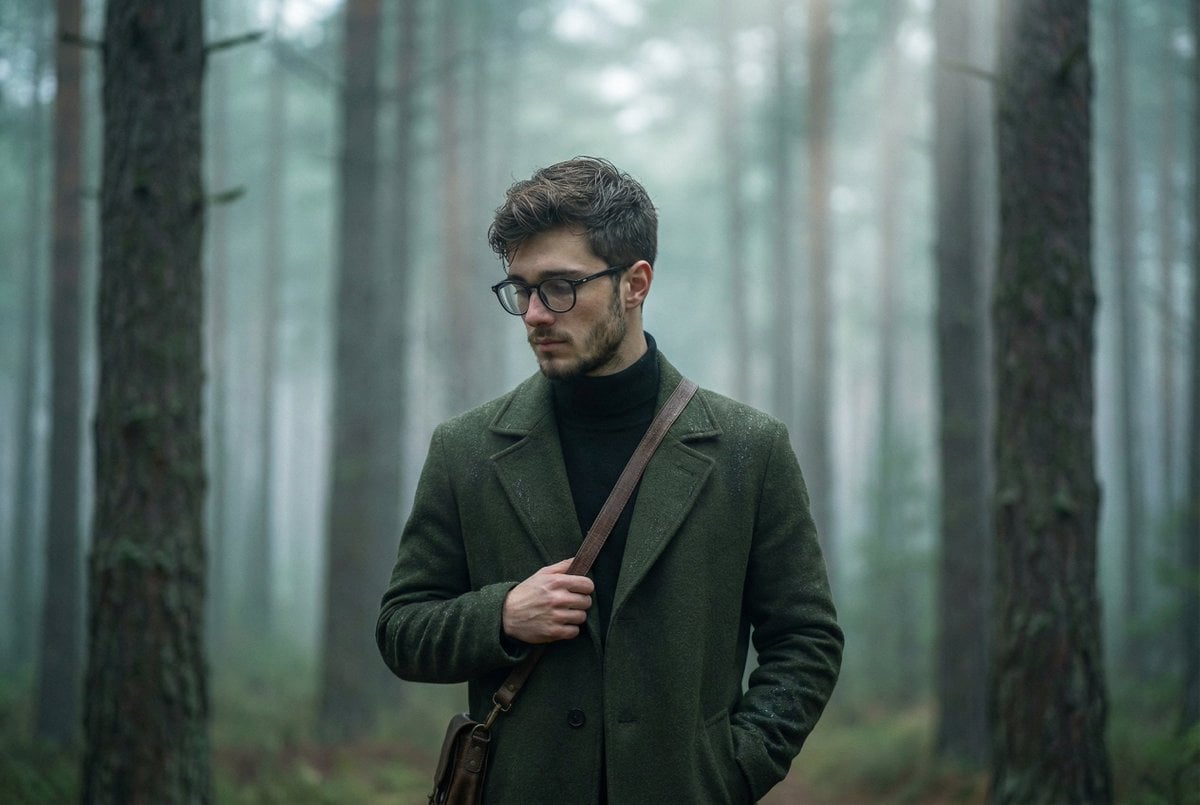
Foggy pine forest cinematic portrait

Enchanted Forest Root Kiss Scene By Nano

Couture Fashion Editorial Woman and Drag

Nano Banana 2 Editorial Fashion Portrait

Found Photograph: Us, 1970

80s Couple Studio Portrait

80s Bollywood Star

80s Golden Hour Cinema

Me in 1985
Make it yours
Boho Editorial Portrait in Pine Forest works as-is. These are the safest ways to change it without losing the look.
Change one field
Copy a single group, rewrite it, and generate again so you can see what that field is doing.
Keep the frame, change the subject
Hold the composition and light of Boho Editorial Portrait in Pine Forest, then swap wardrobe, props or the person for a new take.
| If the result… | Why | Fix |
|---|---|---|
| The result drifts from the preview | Too many fields changed at once. | Reuse Boho Editorial Portrait in Pine Forest as-is first, then change one group — subject, light, or setting. |
| The model over-stylizes the scene | The prose prompt leaves finish and camera underspecified. | Add one camera or lighting sentence and stay on Nano Banana 2. |
More Nano Banana 2 templates
Other prompts made for Nano Banana 2.

Photorealistic Leaf Shaped Like a Dragon

K-Pop Idol Portrait Grid for Rapid Selection

Poetic Rain Forest Portrait During Golden Hour

Urban Street Portrait with Cartoon Inner Self Duo

Candid Nighttime Photo with Cat Prompt

High-Concept 3D Diorama Generation Prompt

Cinematic Futuristic Studio Portrait Template

Skincare Editorial Photography Collage Prompt

Hyper-Realistic Commercial Product Photography (Splash Effect)

Hyper-Realistic Nightclub Portrait Prompt
More image prompts
Fresh picks from across the catalog.
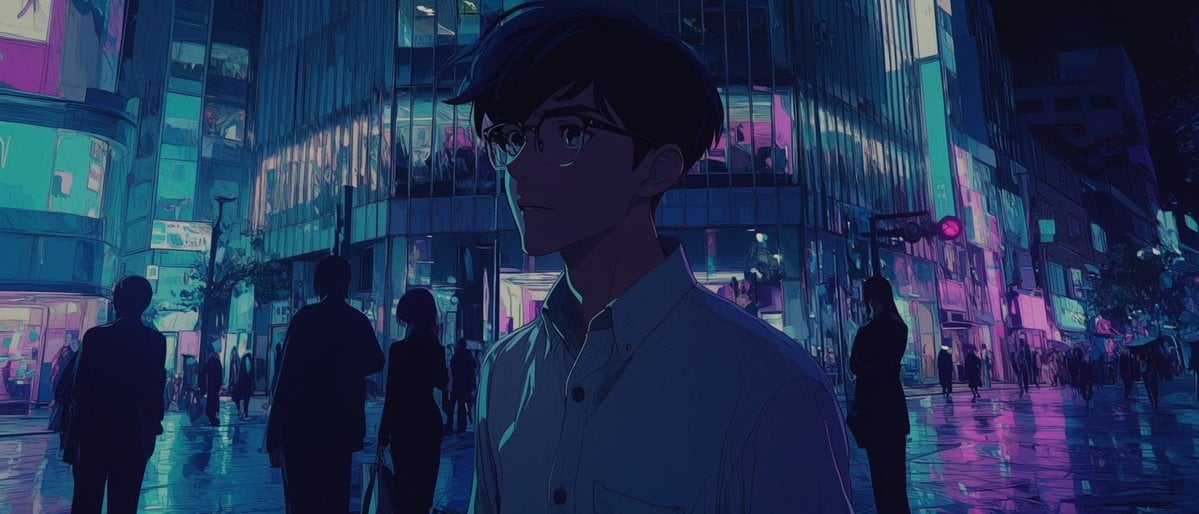
Faceless Anime Neon City Night
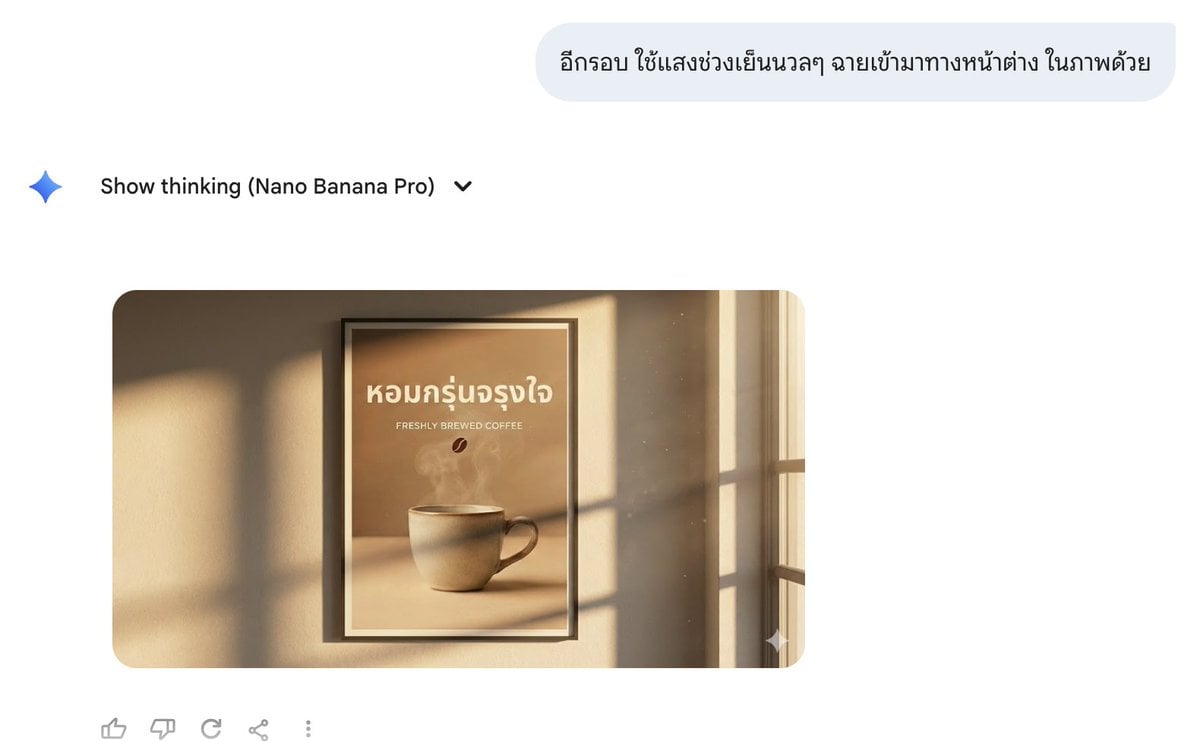
Director Style Prompting Tips for Nano Banana Pro

Cute Paper-Cut Style Couple Selfie Illustration
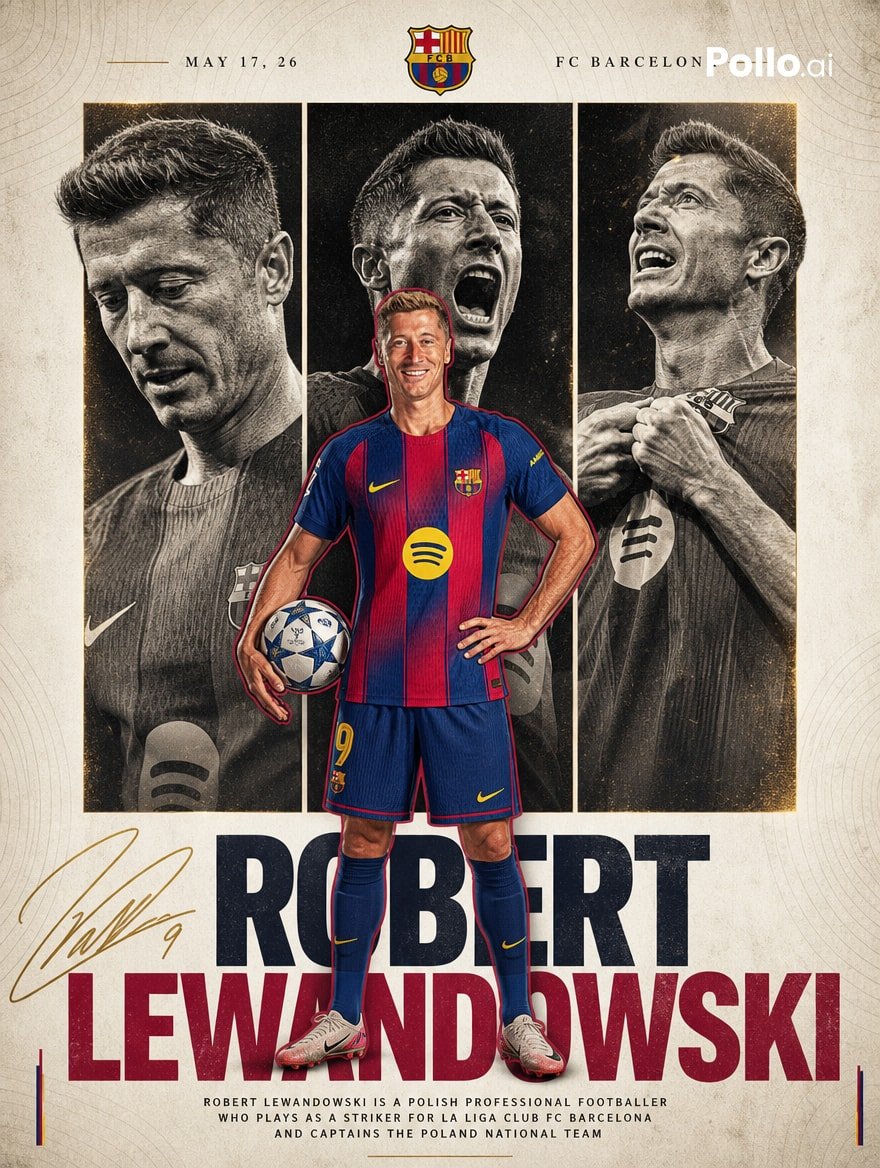
FC Barcelona Lewandowski Poster
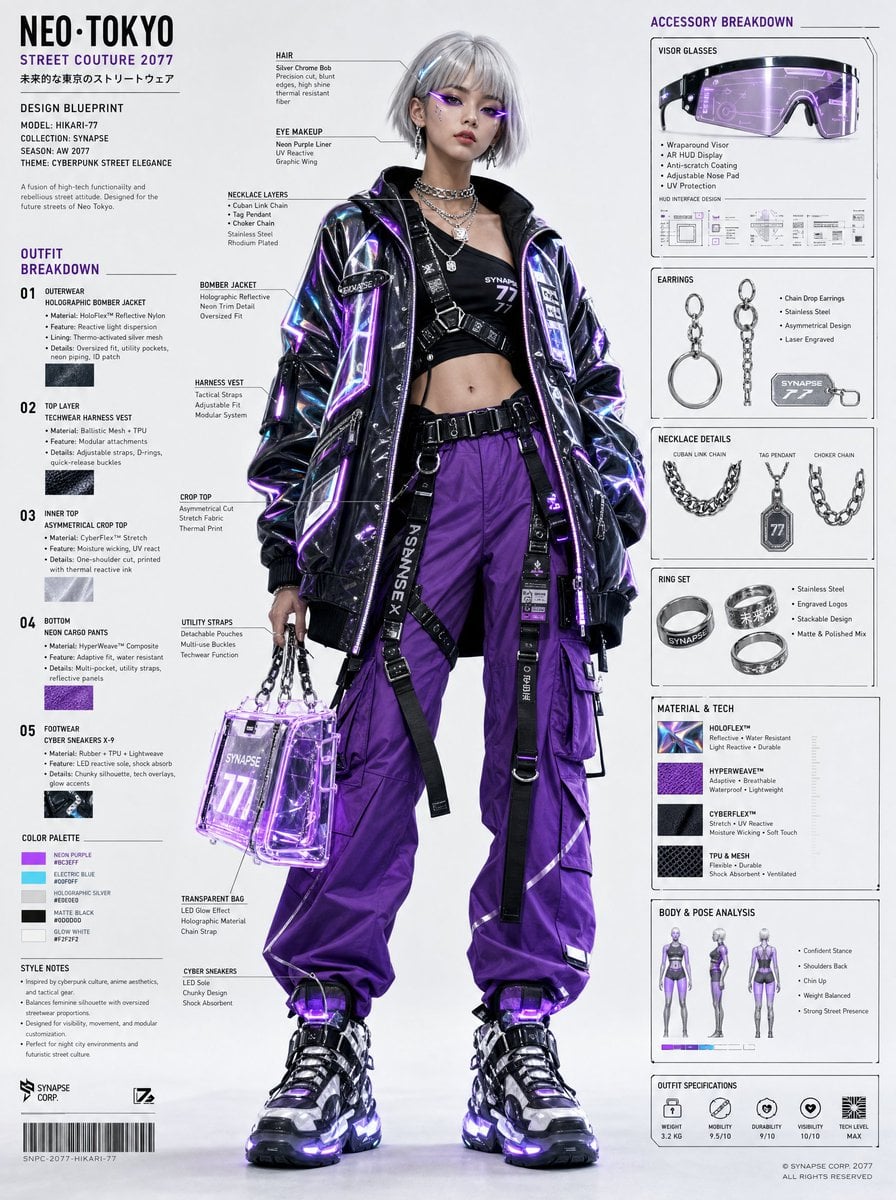
Cyberpunk Fashion Blueprint Sheet
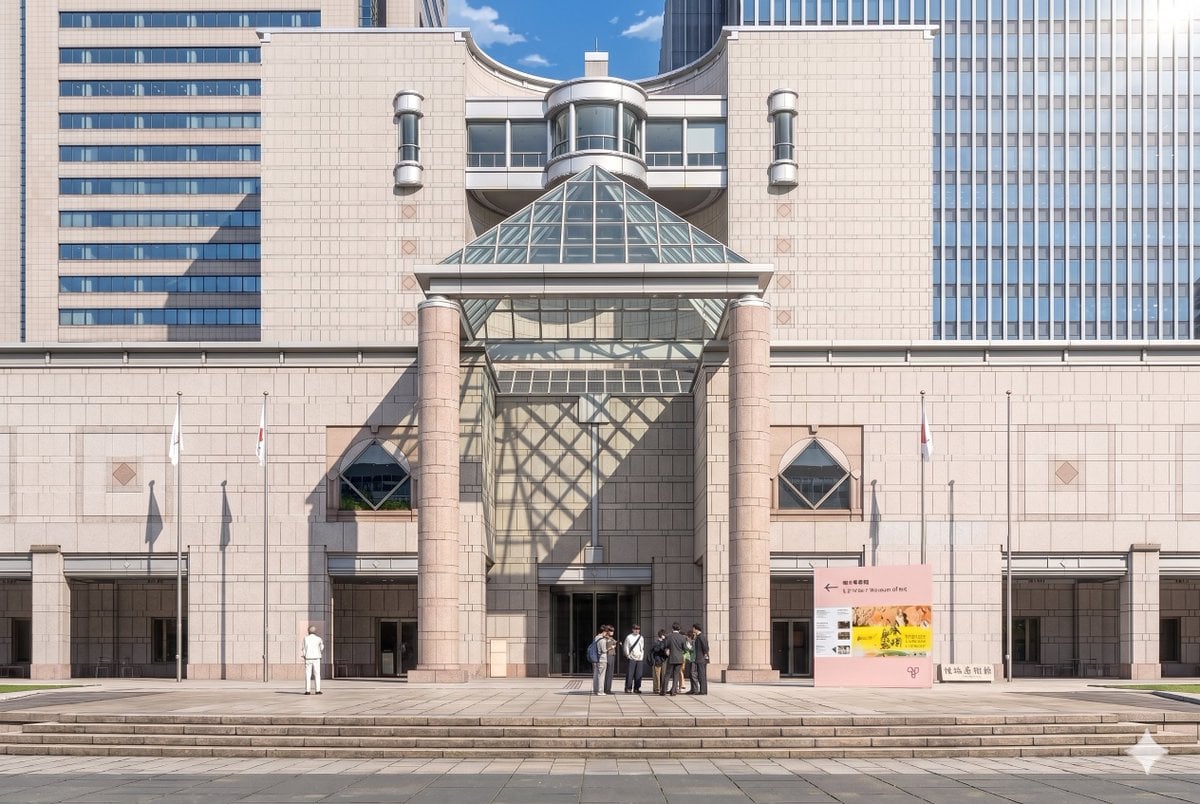
Gpt2 Comic Storyboard Anime Museum Background Conversion
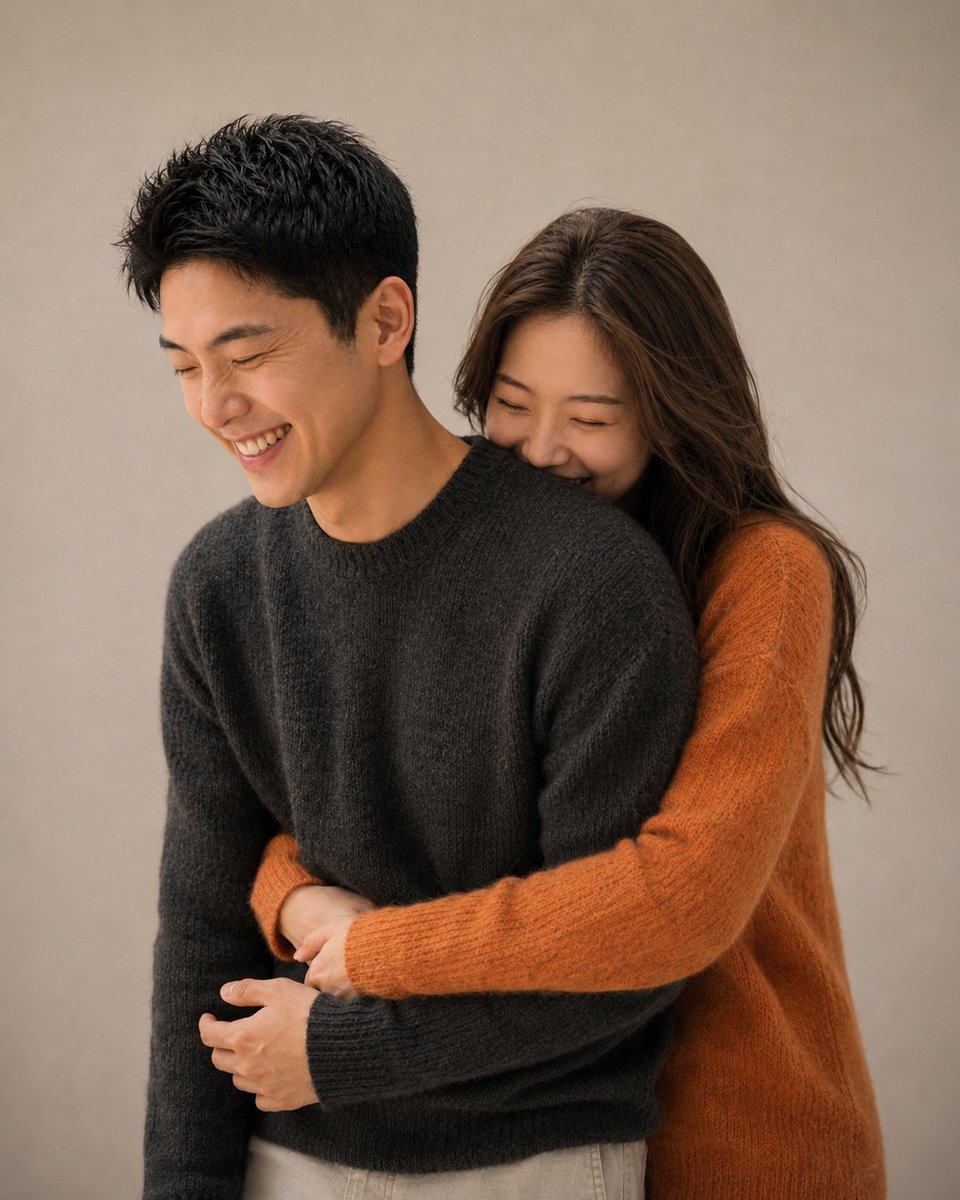
Korean Magazine Couple Portrait
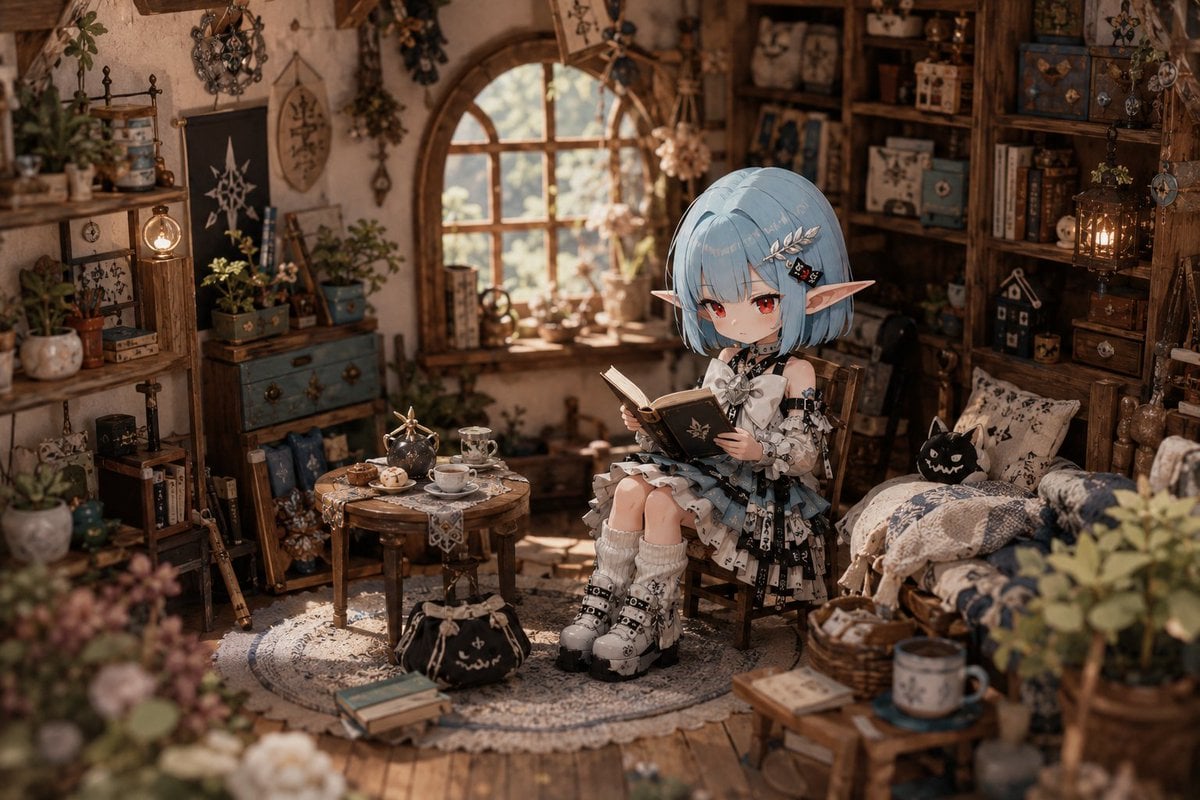
Deformed Miniature Character World
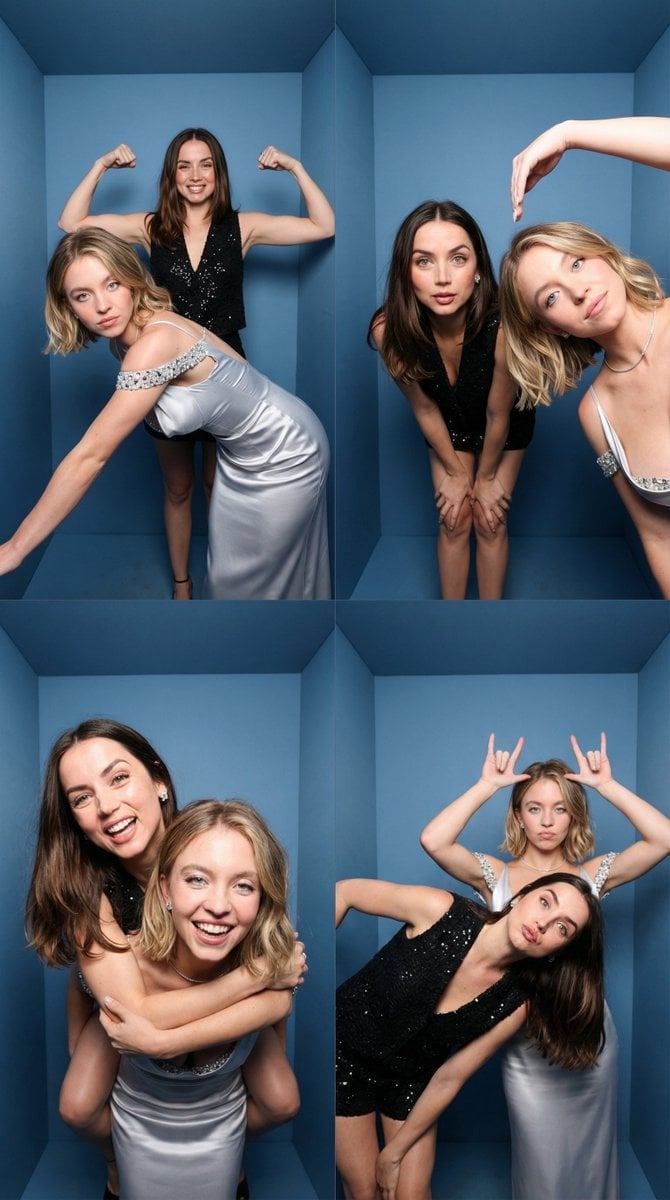
iPhone-Realistic 2x2 Photobooth Collage
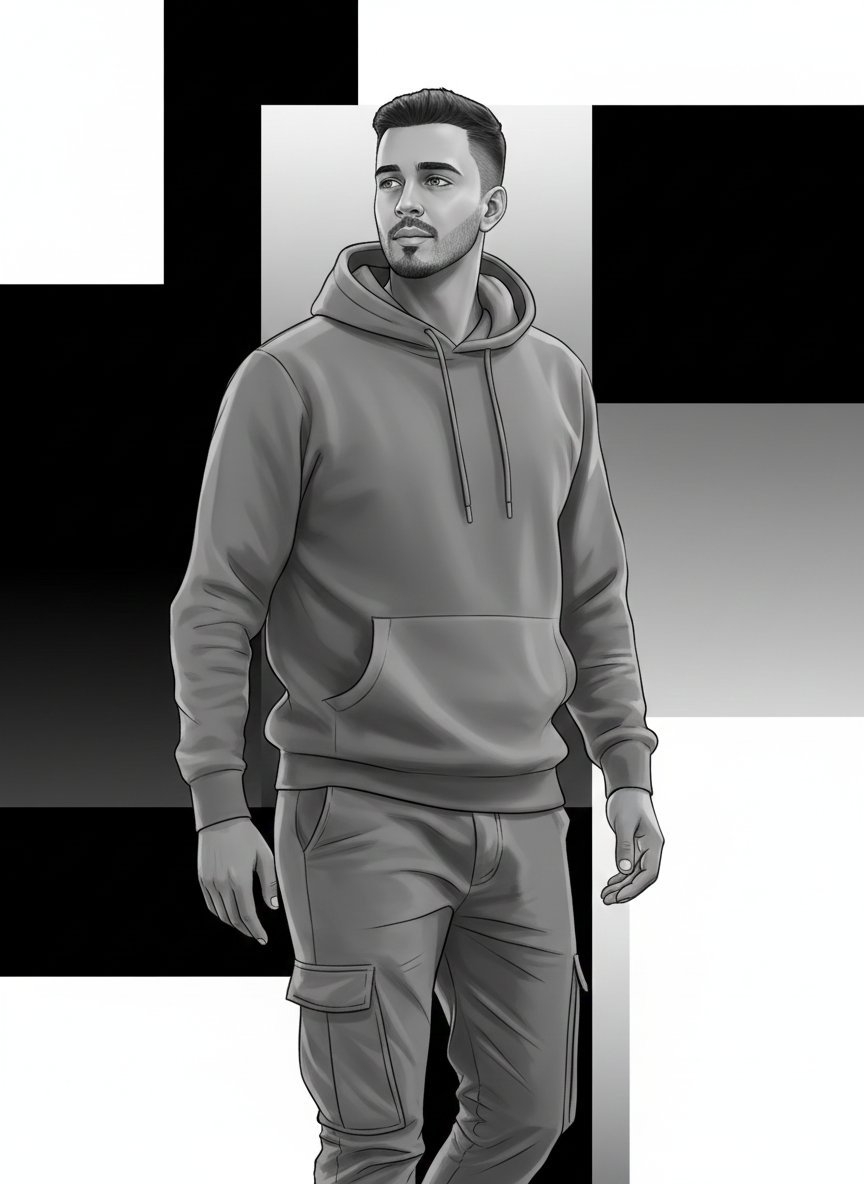
High-Fashion Monochrome Vector Illustration Prompt
Browse template categories
Boho Editorial Portrait in Pine Forest questions
How do I use the Boho Editorial Portrait in Pine Forest template?
Add your photo if the template asks for one, edit the prompt if you like — the template's model and format are already selected — and press Generate. Your version opens in PicX Studio.
Can I customize the Boho Editorial Portrait in Pine Forest template?
Yes. You can change the subject, setting, lighting, mood, format, and available model controls before creating your image.
Is the Boho Editorial Portrait in Pine Forest template free?
Opening and editing this template is free. Generating uses credits, shown on the Generate button when you are signed in.
Which AI model should I use?
Start with Nano Banana 2, which is the model associated with this template. You can compare another compatible model for a different finish.
Looking for something else? Browse all templates.

Your photo, any look
Thousands of ready templates for every top image and video model, from one credit balance.