
Deformed Miniature Character World
A comprehensive image-to-image prompt for GPT Image 2 that transforms character references into tiny, handcrafted miniature dolls living in cozy, detailed diorama environments.
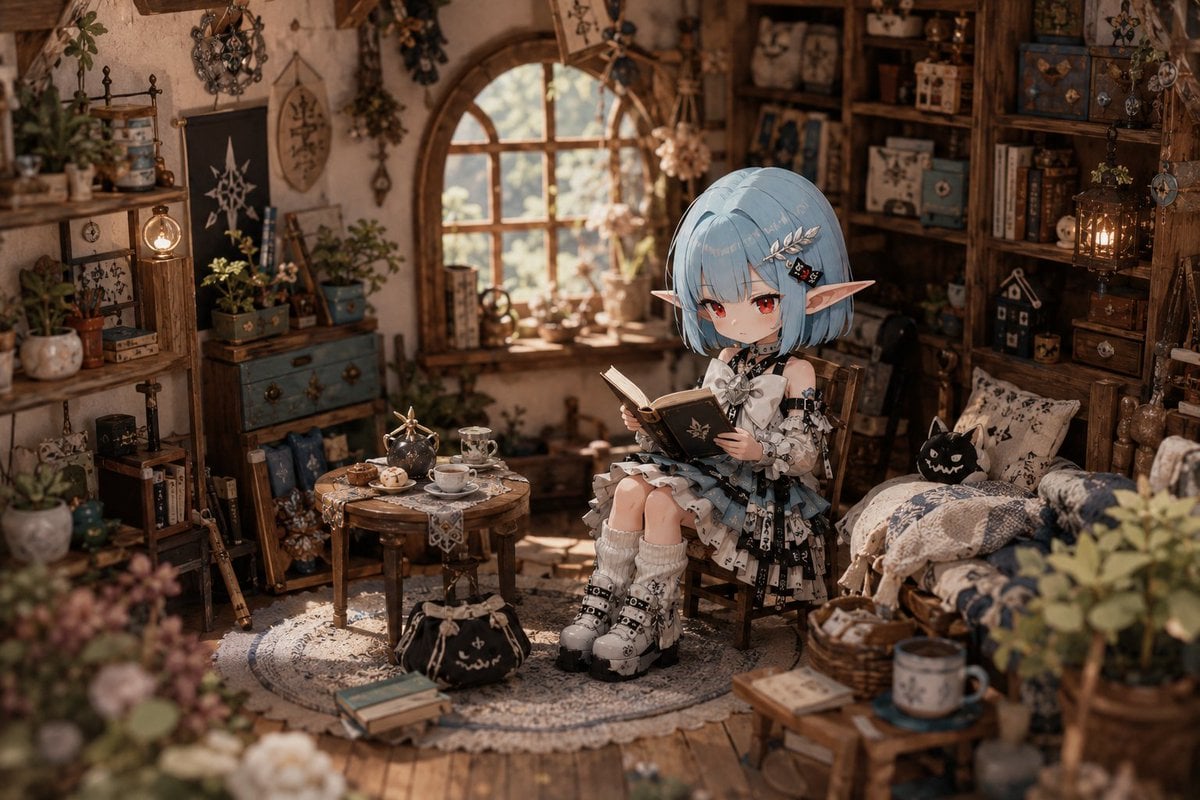
- Prompt included
- Model and format preset
- Free template
The prompt behind this image
Copy the exact prompt behind Deformed Miniature Character World, or open it in the studio and make it yours.
Using the reference image as the base for character design, depict "a moment of living in a cozy, miniature-like small world." Maintain the impression of the character's face, hairstyle, hair color, eyes, ears, costume, and expression. Never break the character's identity. Maintain the character's feel as an anime illustration. Do not turn it into a live-action human. The character itself, too, "miniature doll," "ball-jointed doll," "handcrafted doll," "articulated figure" — should be depicted as a deformed, small being with that kind of atmosphere. However, do not make it into an actual toy. Do not give it the texture of a mass-produced plastic figure. Give it a natural presence, like "a resident actually living in this small world." Small fabric clothing, precise stitching, miniature accessories, a small pouch, small everyday tools, and so on — naturally incorporate handcrafted details like these. The stage is, matching the character from the reference image, like a handcrafted diorama, a small, warm living space. Miniature-like architecture. Small furniture. Small everyday items. A large number of daily goods and decorations are densely arranged, like a handmade dollhouse. Give the whole space the lived-in feeling that "someone is actually living here." The character is performing natural, everyday actions, as if actually living in that space. {argument name="action" default="reading a book"}. Working at a small desk. Drinking tea. Tending to plants. Organizing a small shelf. Relaxing under a blanket. Resting by the window. And so on — performing natural actions that convey a quiet sense of everyday life. The character itself, too, exists as a resident of that miniature world. Furniture, everyday items, architecture, plants, and small objects should naturally match in scale. Do not compose it as if a giant person had wandered into a tiny room. Make sure the character alone doesn't look life-sized. Depict the space and the character as unified at the same small-world scale. Compose it so the relationship between the furniture, small objects, everyday items, and the environment within the space can be felt. Natural clutter. Furniture arrangement that conveys the flow of daily life. Personal belongings. Small decorations. A sense of spatial density that feels lived-in. The space is designed "for living in with a sense of security." A calm, everyday feeling. An atmosphere like a small town or village. A gentle worldview like a life-simulation game. Quiet, everyday storytelling. A staging of atmosphere that conveys a sense of season. Soft indoor lighting. Warm color separation. A design that keeps visual pressure low. An approachable background composition. A sense of depth like a handmade miniature. Wood, fabric, paper, ceramics, small lighting fixtures, plants, miniature sundries, and so on — naturally distribute this craft-like material feel throughout the whole space. Design the background with top priority on making people feel "I want to live in this small world." Cinematic realistic depiction, hyper-realistic rendering, horror staging, game UI, HUD, menus, status bars, and interface displays are forbidden.
How to use Deformed Miniature Character World in 3 steps
- 1Upload ImagePNG, JPG or paste
Add your photo
Upload the photo the template builds on. The prompt, model and format are already set.
- 2…a portrait of your subject in softgolden-hour light, 85mm…
Personalize
Edit the subject and creative details for your destination.
- 3Generate
Generate
Press Generate — your image is created in PicX Studio, so you can compare it with the original and refine one variable at a time.
More like this
Templates with the same subject, style or setup. Open one to see its prompt.

Paper Tunnel Book Architecture

Isometric Brand Store Diorama
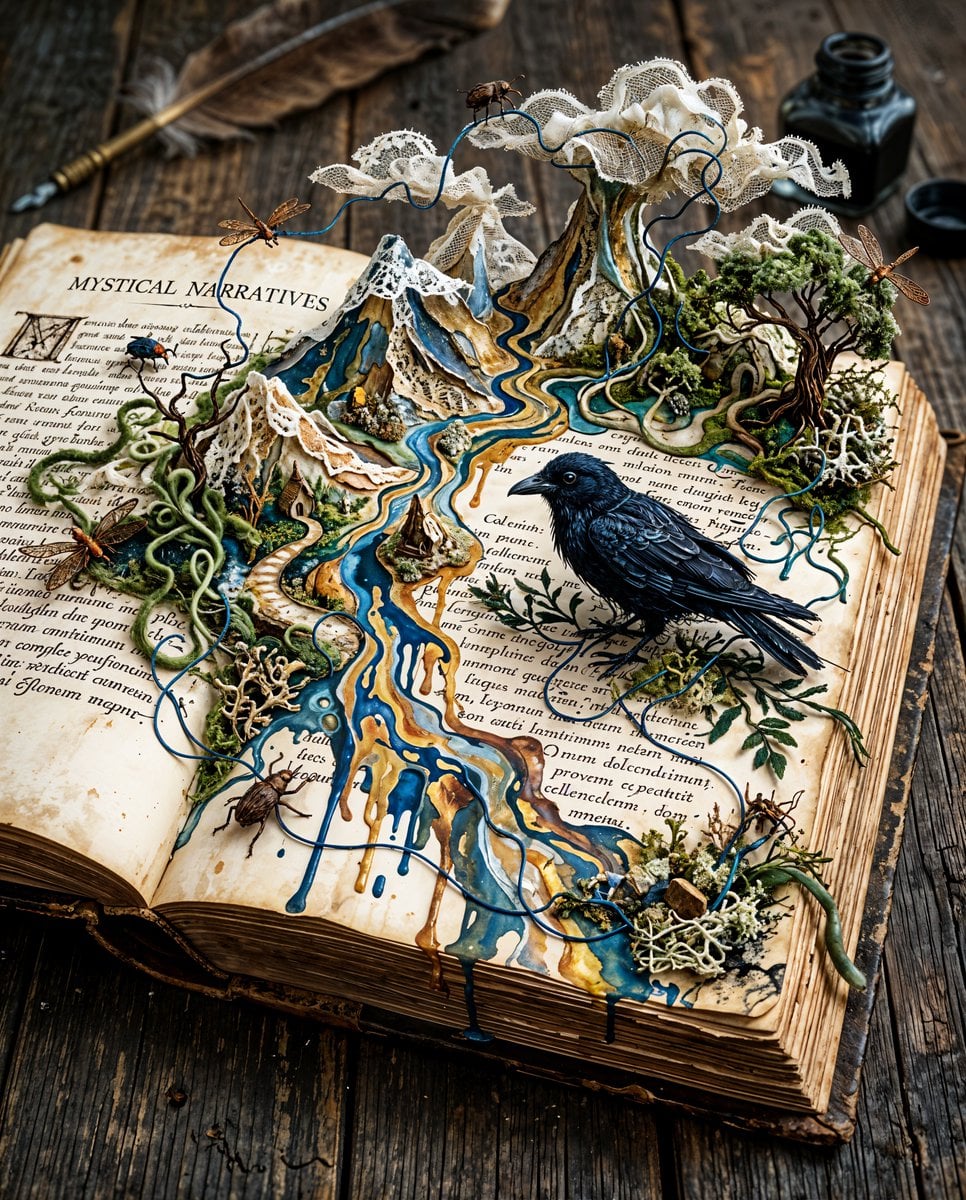
Surreal Miniature Book World
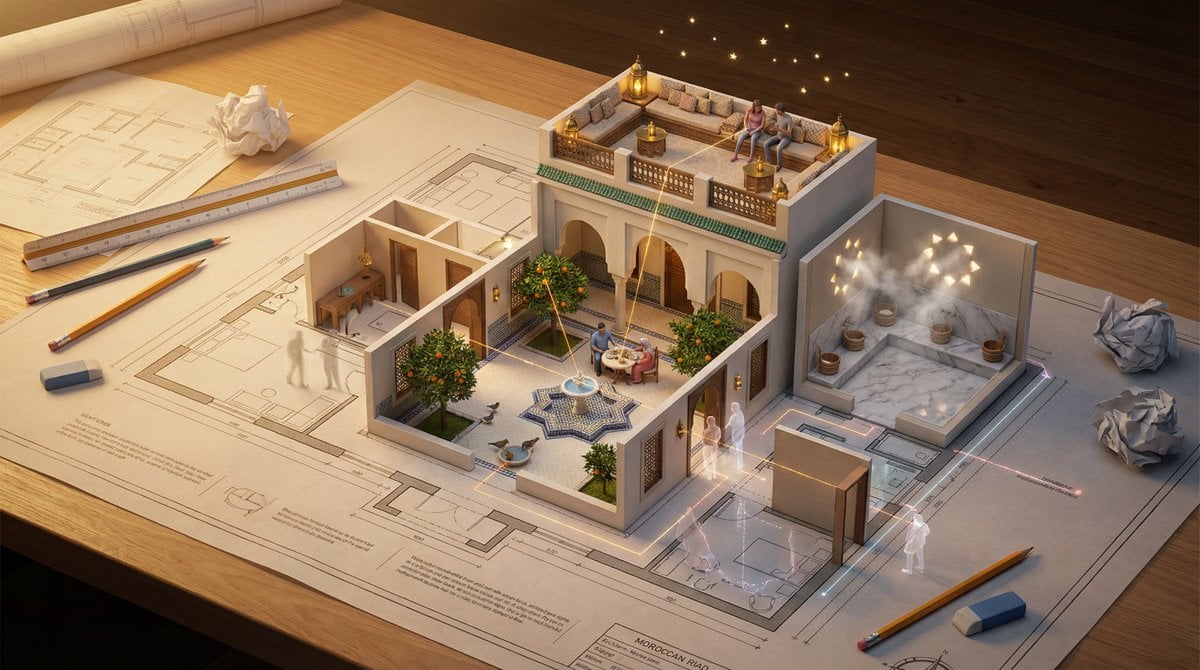
Architectural Floor Plan as Miniature World
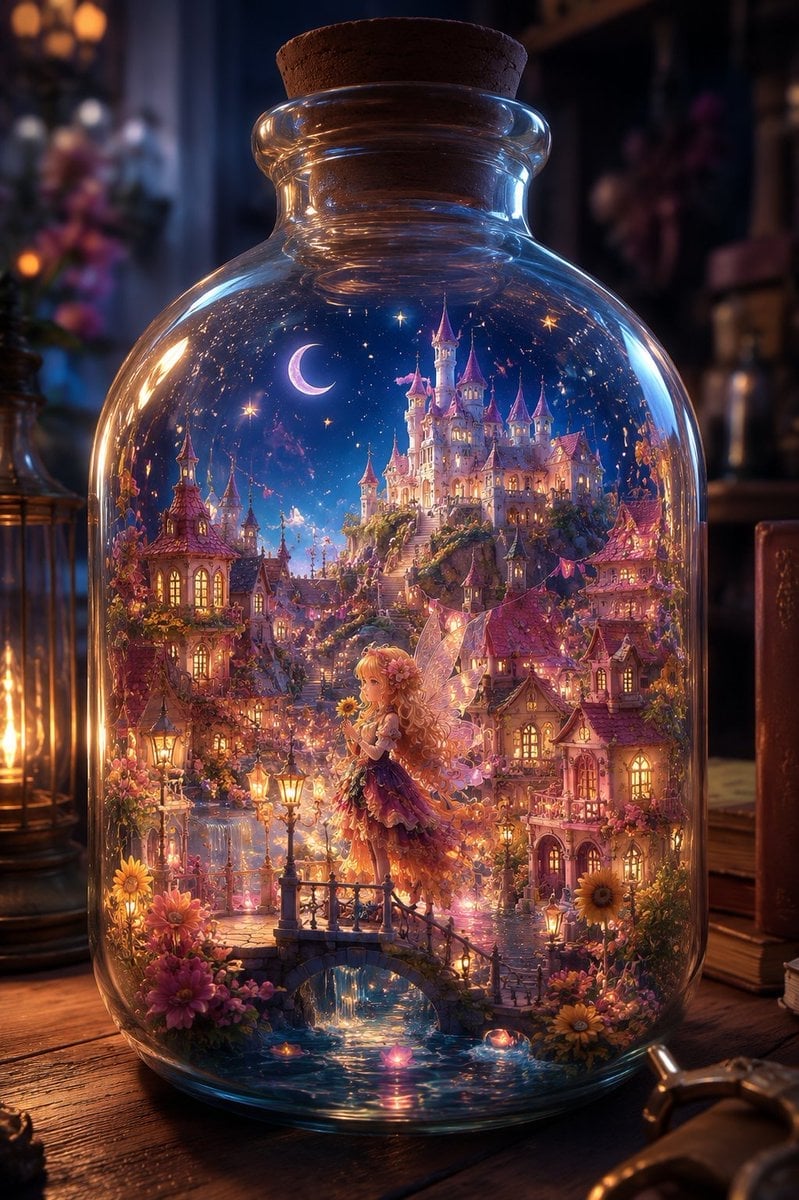
Sunflower Fairy World in a Bottle
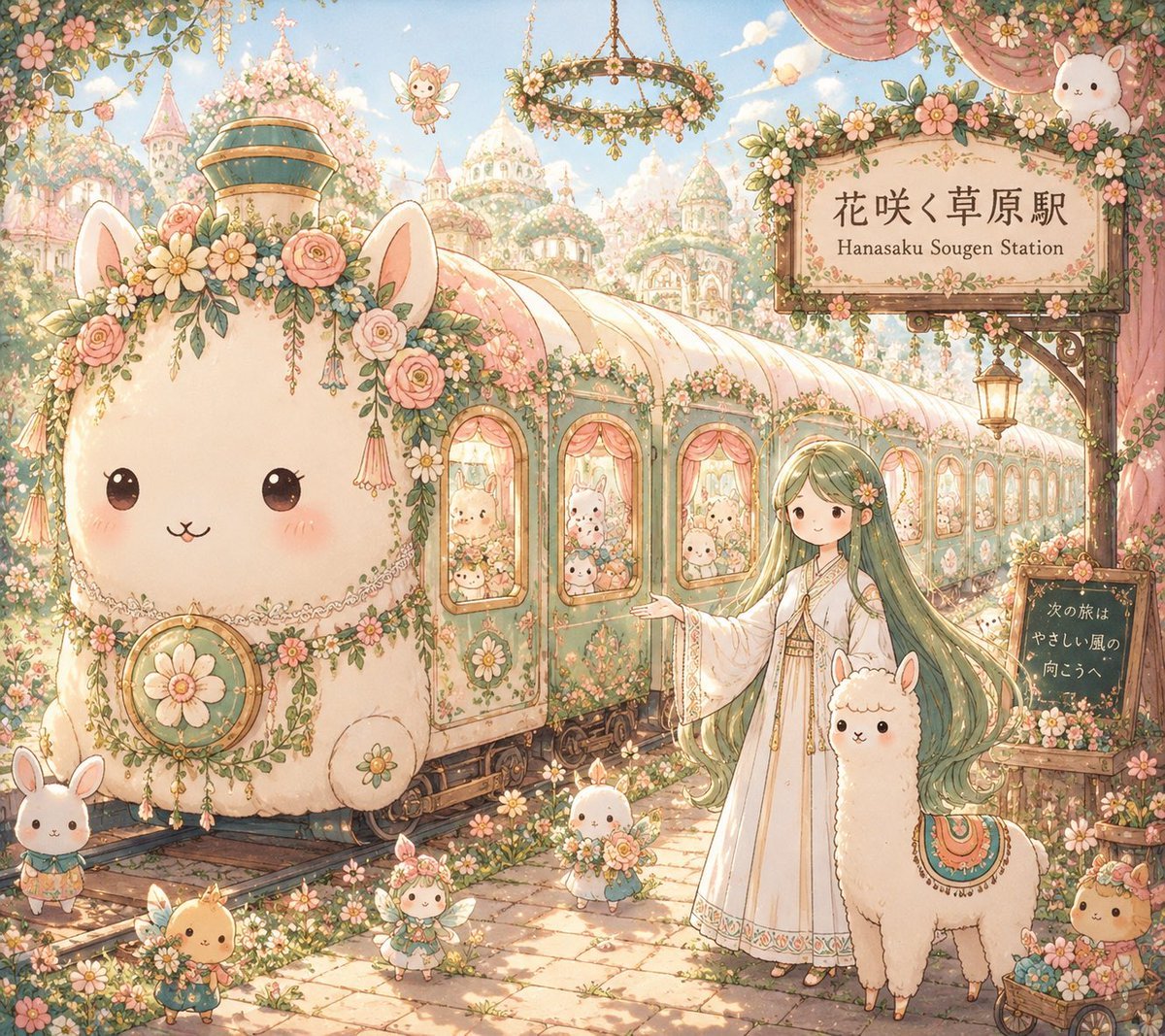
Fantasy Railway World Transformation
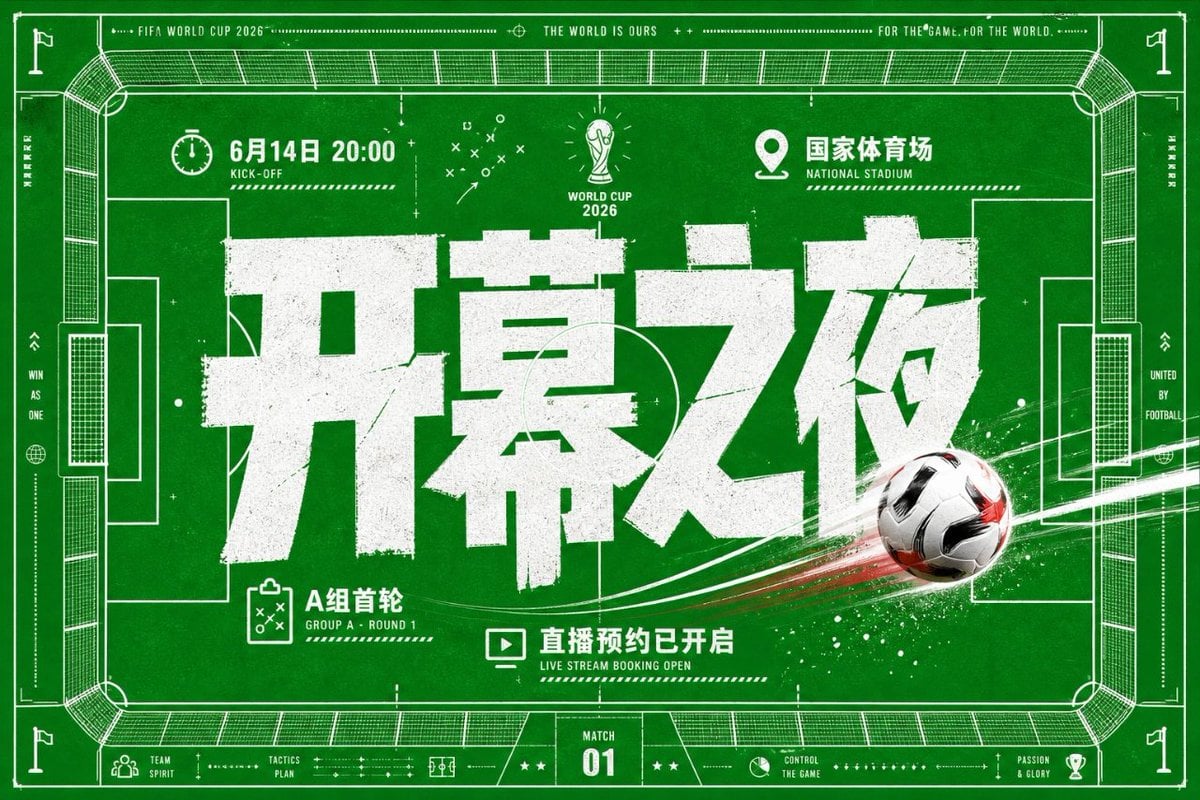
World Cup Opening Night Poster

FIFA World Cup 2026 Sports Editorial
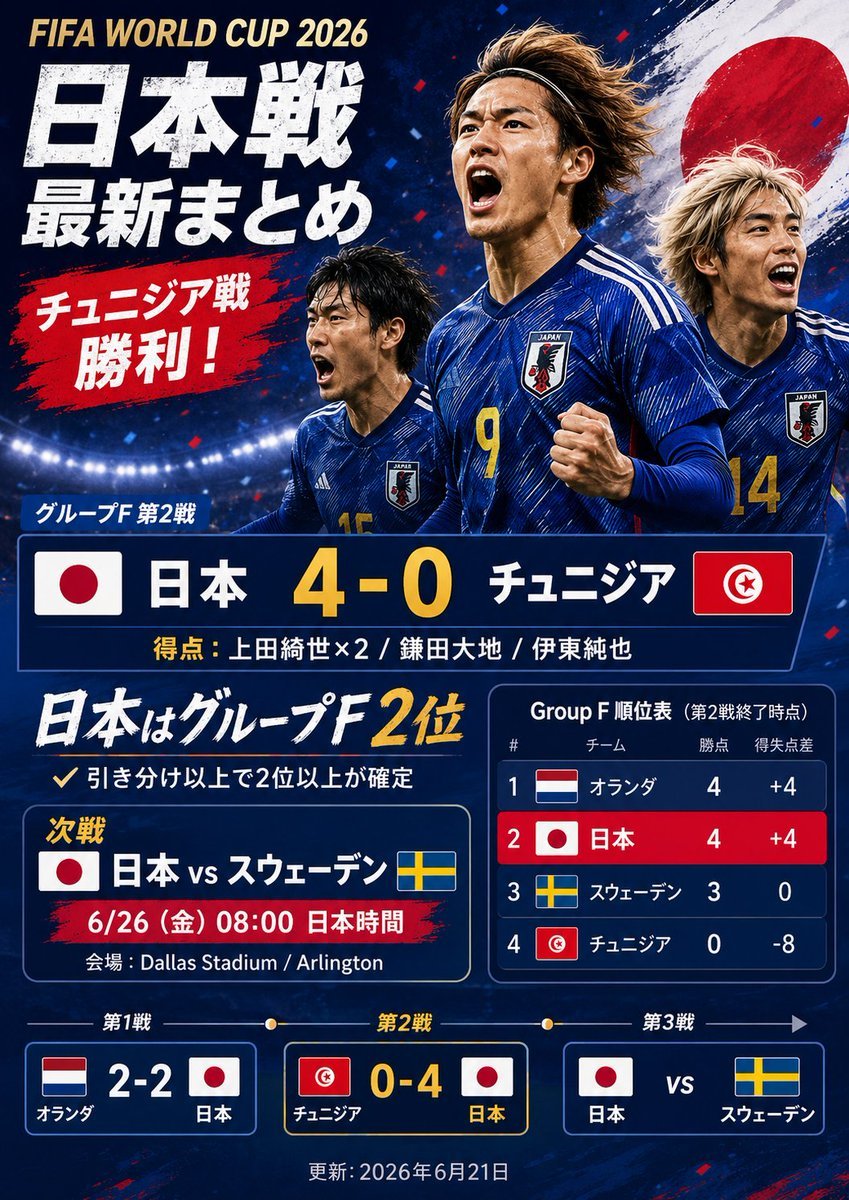
Japanese World Cup Match Summary Poster
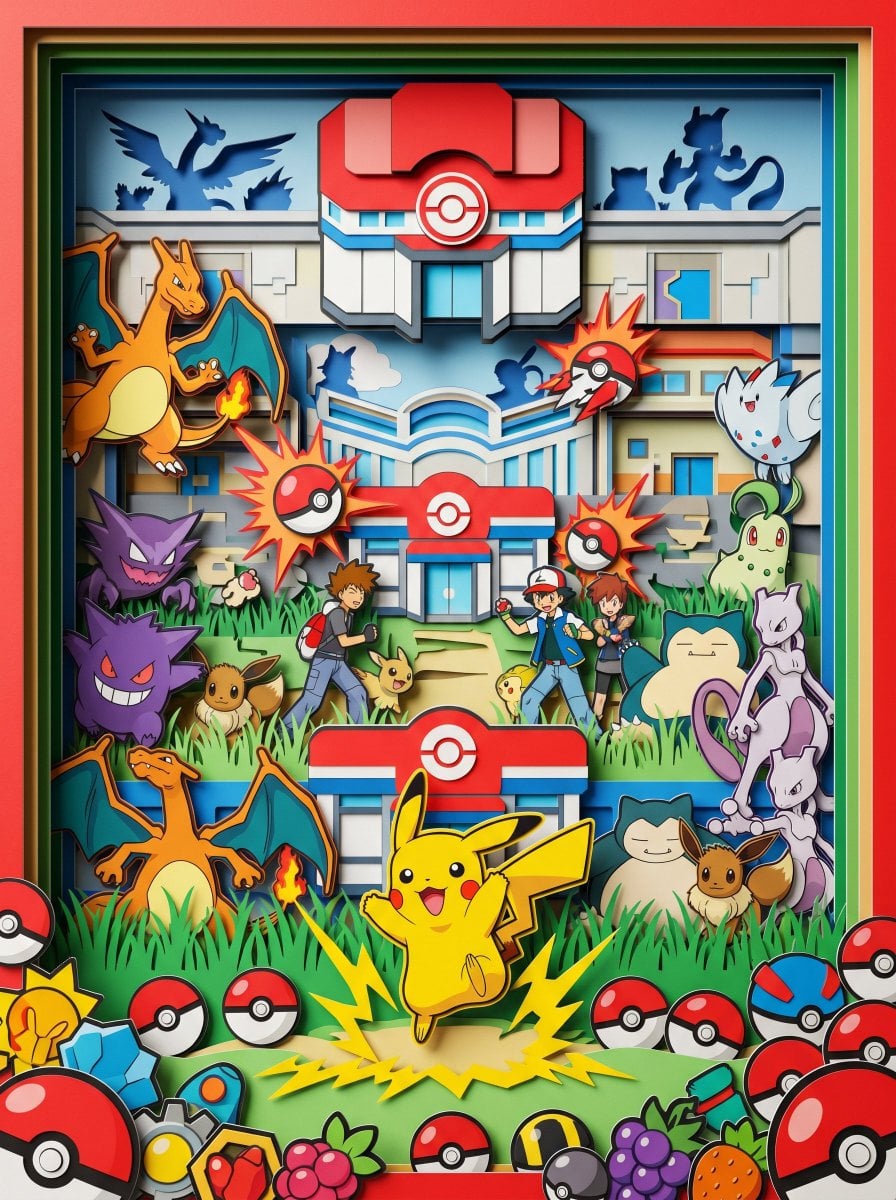
Master Paper Cut Diorama — Hyper-Vibrant 3D Layered Pokémon World
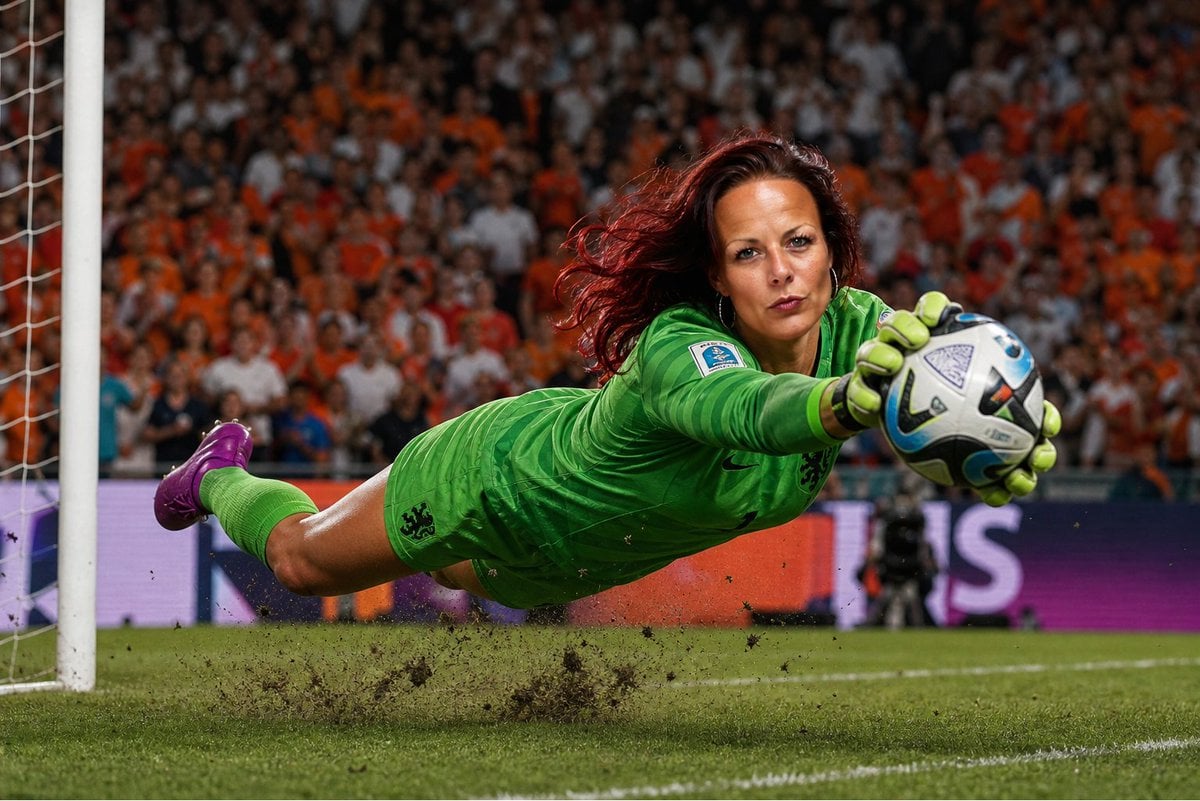
World Cup Goalkeeper Save

France World Cup Fashion Portrait
Make it yours
Deformed Miniature Character World works as-is. These are the safest ways to change it without losing the look.
Change one field
Copy a single group, rewrite it, and generate again so you can see what that field is doing.
Keep the frame, change the subject
Hold the composition and light of Deformed Miniature Character World, then swap wardrobe, props or the person for a new take.
| If the result… | Why | Fix |
|---|---|---|
| The result drifts from the preview | Too many fields changed at once. | Reuse Deformed Miniature Character World as-is first, then change one group — subject, light, or setting. |
| The model over-stylizes the scene | The prose prompt leaves finish and camera underspecified. | Add one camera or lighting sentence and stay on GPT Image 2. |
More GPT Image 2 templates
Other prompts made for GPT Image 2.

Six VTuber Japanese Logo Sheet

Realistic Portrait of Woman and Deer

The Vista Modular Condo Poster

AI Model Routing Comparison Infographic

2.5D Anime Art Board

Isometric Productivity Desk Scene

New York Double Exposure Poster

Four-Panel AI Landscape Comparison

Japanese Tatami Lifestyle Magazine Cover

NESCAFÉ Coffee Map Poster
More image prompts
Fresh picks from across the catalog.

Dramatic Cinematic Kashmir Mountain Flood Rescue Scene

Hyper-Realistic Go-Kart Race Video Prompt (Grok Imagine)
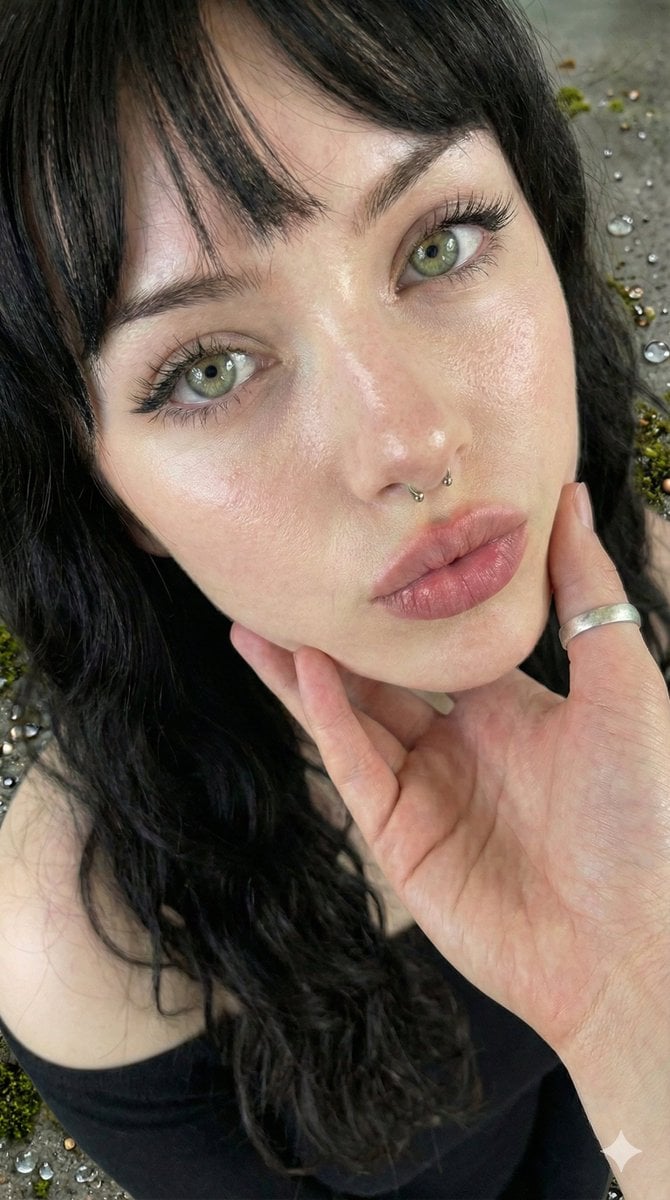
Simple Portrait Prompt (Implied)
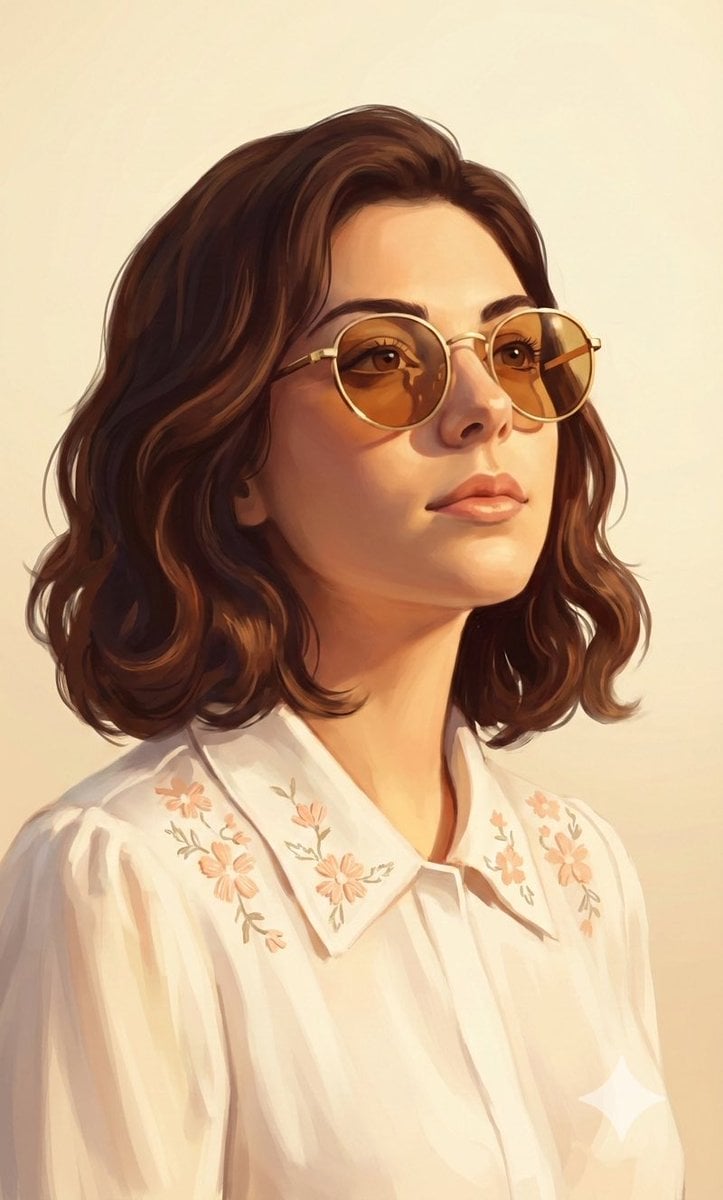
Painterly Portrait in Golden Hour Light
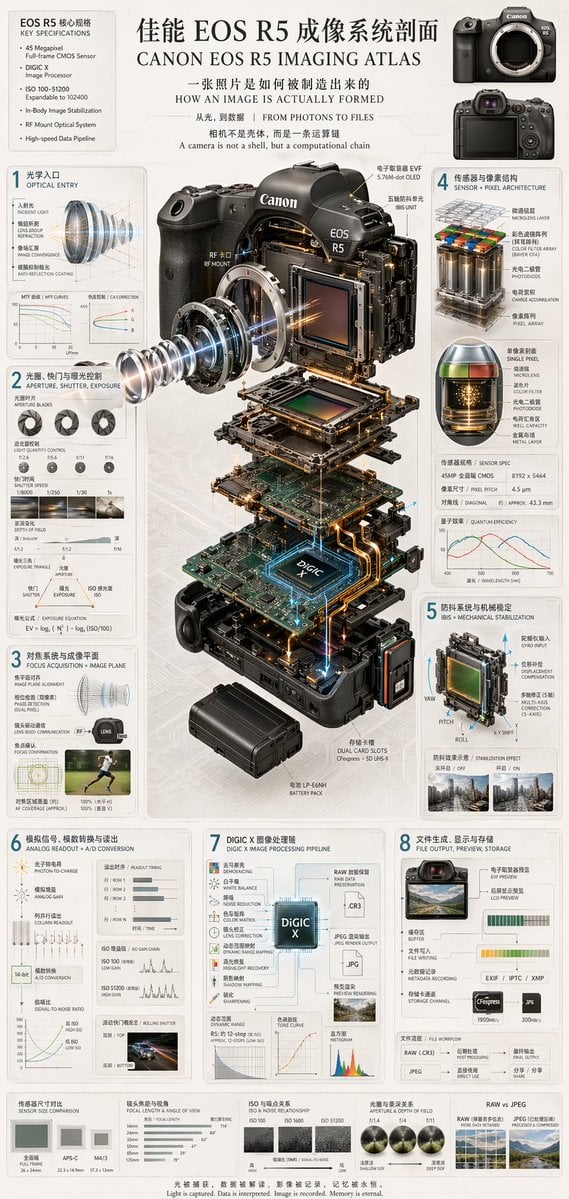
Camera Exploded View Infographic

Surreal Portrait: Woman Holding Tiny Cartoon Girl
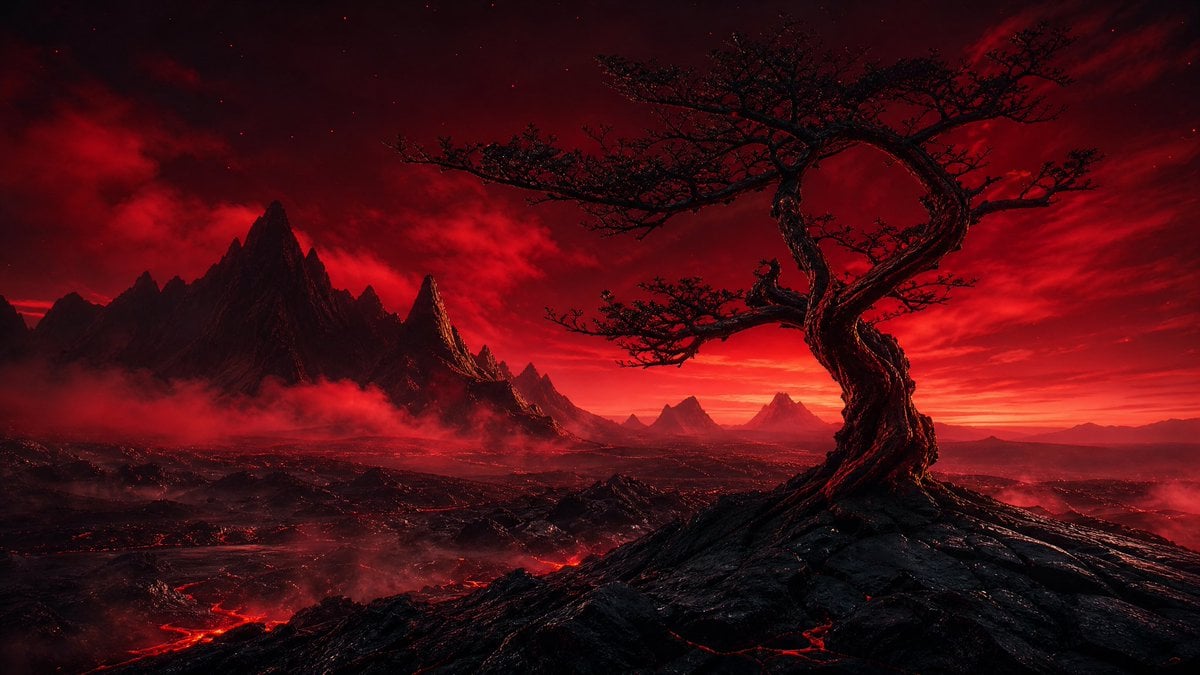
Crimson Volcanic Heart Tree
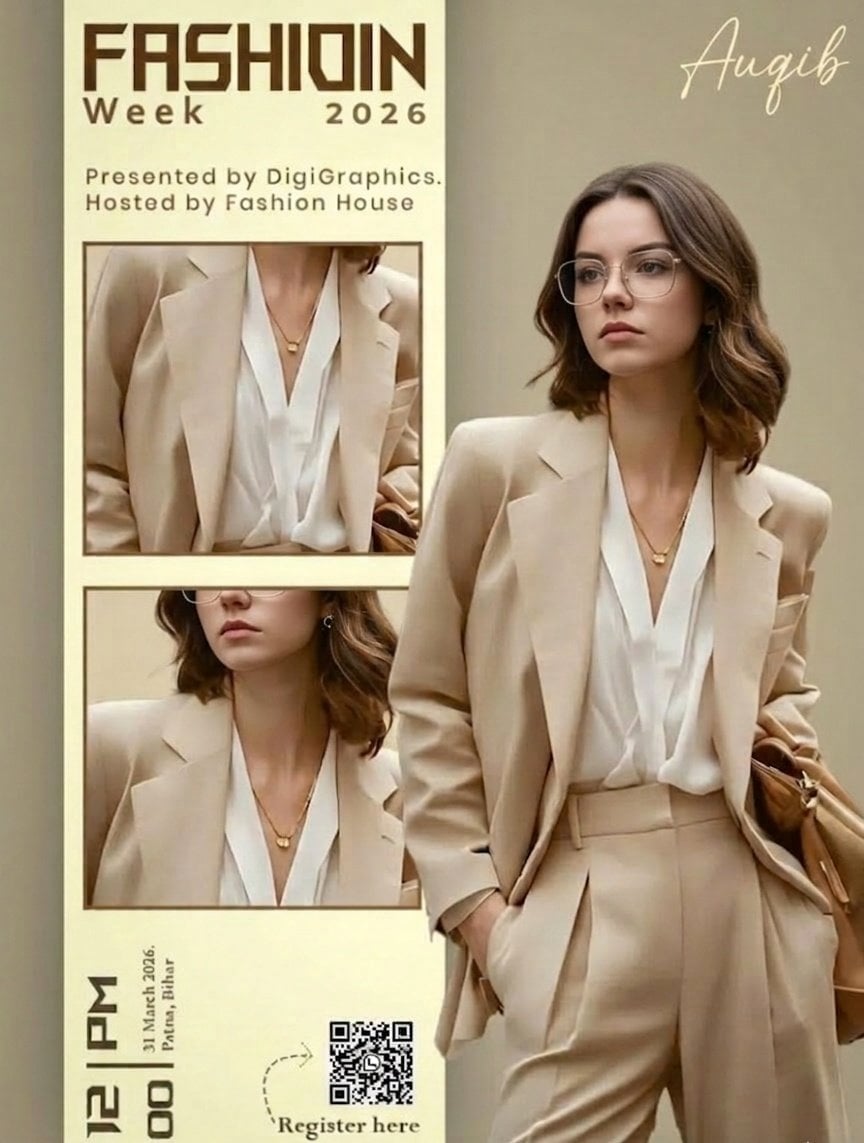
Editorial Fashion Ad Poster Prompt with Face Replacement

2025 Aesthetic Photography
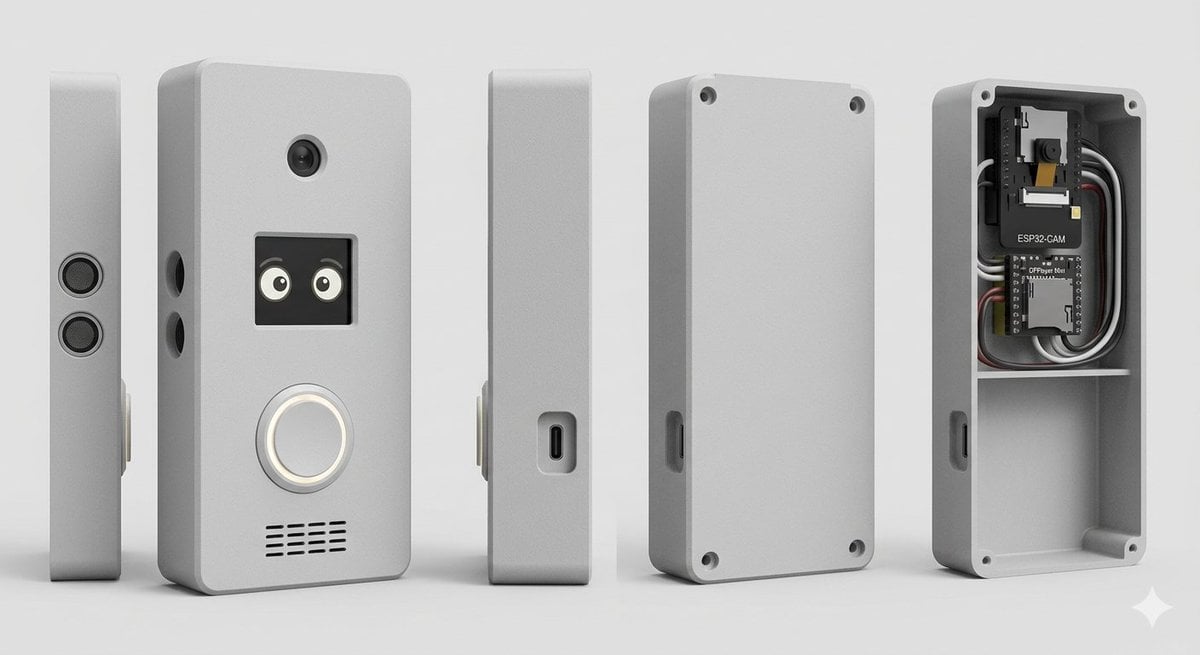
Smart Doorbell Enclosure Product Render
Browse template categories
Deformed Miniature Character World questions
How do I use the Deformed Miniature Character World template?
Add your photo if the template asks for one, edit the prompt if you like — the template's model and format are already selected — and press Generate. Your version opens in PicX Studio.
Can I customize the Deformed Miniature Character World template?
Yes. You can change the subject, setting, lighting, mood, format, and available model controls before creating your image.
Is the Deformed Miniature Character World template free?
Opening and editing this template is free. Generating uses credits, shown on the Generate button when you are signed in.
Which AI model should I use?
Start with GPT Image 2, which is the model associated with this template. You can compare another compatible model for a different finish.
Looking for something else? Browse all templates.

Your photo, any look
Thousands of ready templates for every top image and video model, from one credit balance.