
Editorial Fashion Ad Poster Prompt with Face Replacement
A highly structured prompt for Google Gemini Nano Banana 2 to generate an ultra-realistic, high-end fashion advertisement poster with a strict vertical split layout.
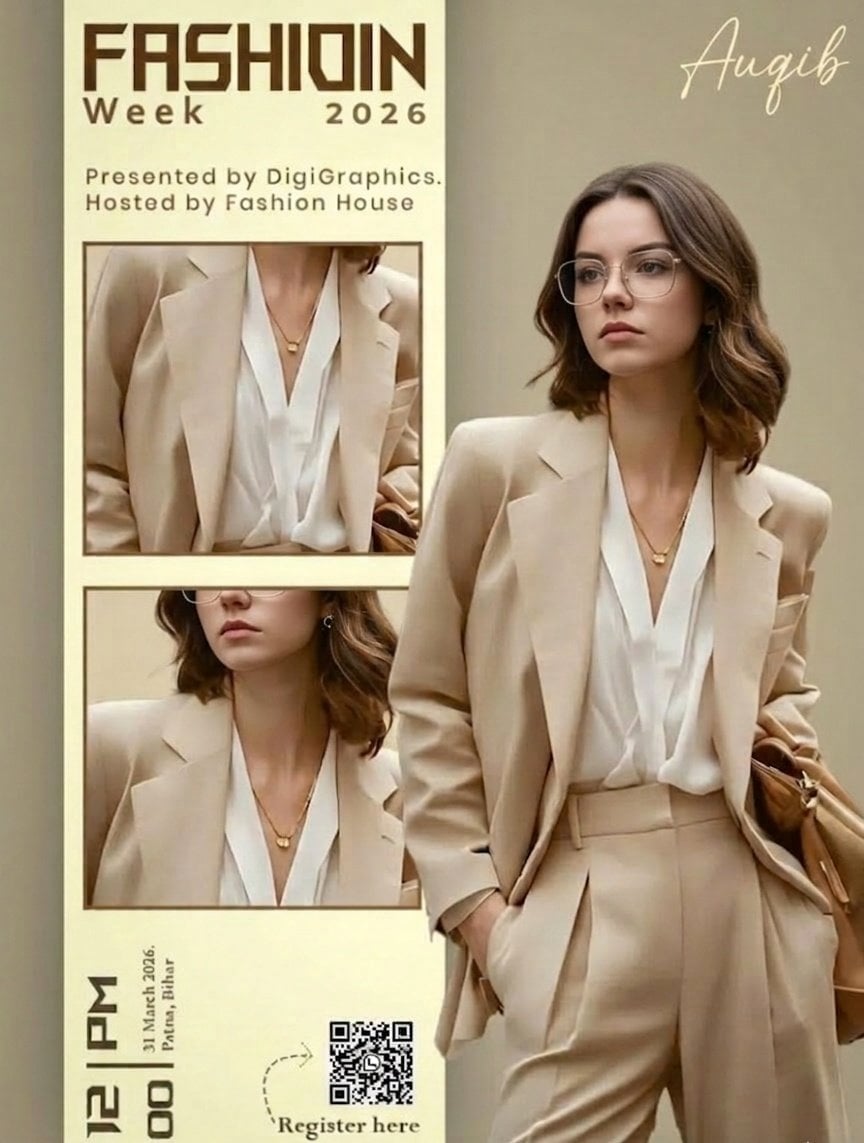
- Prompt included
- Model and format preset
- Free template
The prompt behind this image
Copy the exact prompt behind Editorial Fashion Ad Poster Prompt with Face Replacement, or open it in the studio and make it yours.
Ultra-realistic high-end fashion advertisement poster, minimalist editorial magazine style. STRICT LAYOUT (do not change anything): Vertical split composition. Right side: full-body fashion model. Left side: beige editorial panel with text + image frames. MODEL (KEEP EVERYTHING SAME, ONLY CHANGE FACE As GIVEN IN REFRANCE IMAGE): A stylish young woman standing in a relaxed confident pose, body slightly turned sideways, head turned to the right (looking away from camera). One hand inside pant pocket, other hand holding a brown leather bag. Outfit (exact): {argument name="outfit piece 1" default="Beige/tan oversized blazer"} Soft white V-neck blouse High-waisted beige tailored trousers Minimal gold necklace Small earrings FACE REPLACEMENT (VERY IMPORTANT): Use the face from the provided reference image. Seamlessly blend the reference face onto the model’s head. Match skin tone, lighting, shadows, and color grading perfectly. Keep same head angle and expression as original pose. Ensure realistic identity preservation (no distortion, no mismatch). Ultra-clean face integration, professional fashion photography quality. LIGHTING & STYLE: Soft warm studio lighting, diffused, subtle shadows, luxury editorial look. Beige neutral tones, clean premium aesthetic. LEFT PANEL (COPY EXACT): Top text: “FASHIOIN Week 2026” (same spelling, bold modern sans-serif, brown) Below: “Presented by DigiGraphics. Hosted by Fashion House” Image frames: Two stacked rectangular frames showing cropped outfit close-ups (same outfit, same lighting) Bottom: Vertical text: “12 PM” “31 March 2026, Patna, Bihar” QR code placeholder “Register here” with small arrow STYLE KEYWORDS: ultra-realistic, editorial fashion poster, luxury branding, minimal, soft shadows, high detail, magazine layout.
How to use Editorial Fashion Ad Poster Prompt with Face Replacement in 3 steps
- 1Upload ImagePNG, JPG or paste
Add your photo
Upload the photo the template builds on. The prompt, model and format are already set.
- 2…a portrait of your subject in softgolden-hour light, 85mm…
Personalize
Edit the subject and creative details for your destination.
- 3Generate
Generate
Press Generate — your image is created in PicX Studio, so you can compare it with the original and refine one variable at a time.
More like this
Templates with the same subject, style or setup. Open one to see its prompt.

Luxury Sliced Wordmark Player Poster

untitled

Google Gemini Nano Banana Pro

Conceptual Fashion Portrait in Spider We

01 Skincare Split Portrait — Nano Banana 2

24 The Getty Center — California Series

21 Glass Floor Skyscraper — California Series

19 Luxury Helicopter Travel — California Series

08 Rodeo Drive Luxury Exit — California Series

03 Beverly Hills Convertible — California Series

Gpt Image 2 Fashion Portrait

Caution Tape Fashion — Industrial Editorial
Make it yours
Editorial Fashion Ad Poster Prompt with Face Replacement works as-is. These are the safest ways to change it without losing the look.
Change one field
Copy a single group, rewrite it, and generate again so you can see what that field is doing.
Keep the frame, change the subject
Hold the composition and light of Editorial Fashion Ad Poster Prompt with Face Replacement, then swap wardrobe, props or the person for a new take.
| If the result… | Why | Fix |
|---|---|---|
| The result drifts from the preview | Too many fields changed at once. | Reuse Editorial Fashion Ad Poster Prompt with Face Replacement as-is first, then change one group — subject, light, or setting. |
| The model over-stylizes the scene | The prose prompt leaves finish and camera underspecified. | Add one camera or lighting sentence and stay on Nano Banana 2. |
More Nano Banana 2 templates
Other prompts made for Nano Banana 2.

Photorealistic Leaf Shaped Like a Dragon

K-Pop Idol Portrait Grid for Rapid Selection

Poetic Rain Forest Portrait During Golden Hour

Urban Street Portrait with Cartoon Inner Self Duo

Candid Nighttime Photo with Cat Prompt

High-Concept 3D Diorama Generation Prompt

Cinematic Futuristic Studio Portrait Template

Skincare Editorial Photography Collage Prompt

Hyper-Realistic Commercial Product Photography (Splash Effect)

Hyper-Realistic Nightclub Portrait Prompt
More image prompts
Fresh picks from across the catalog.
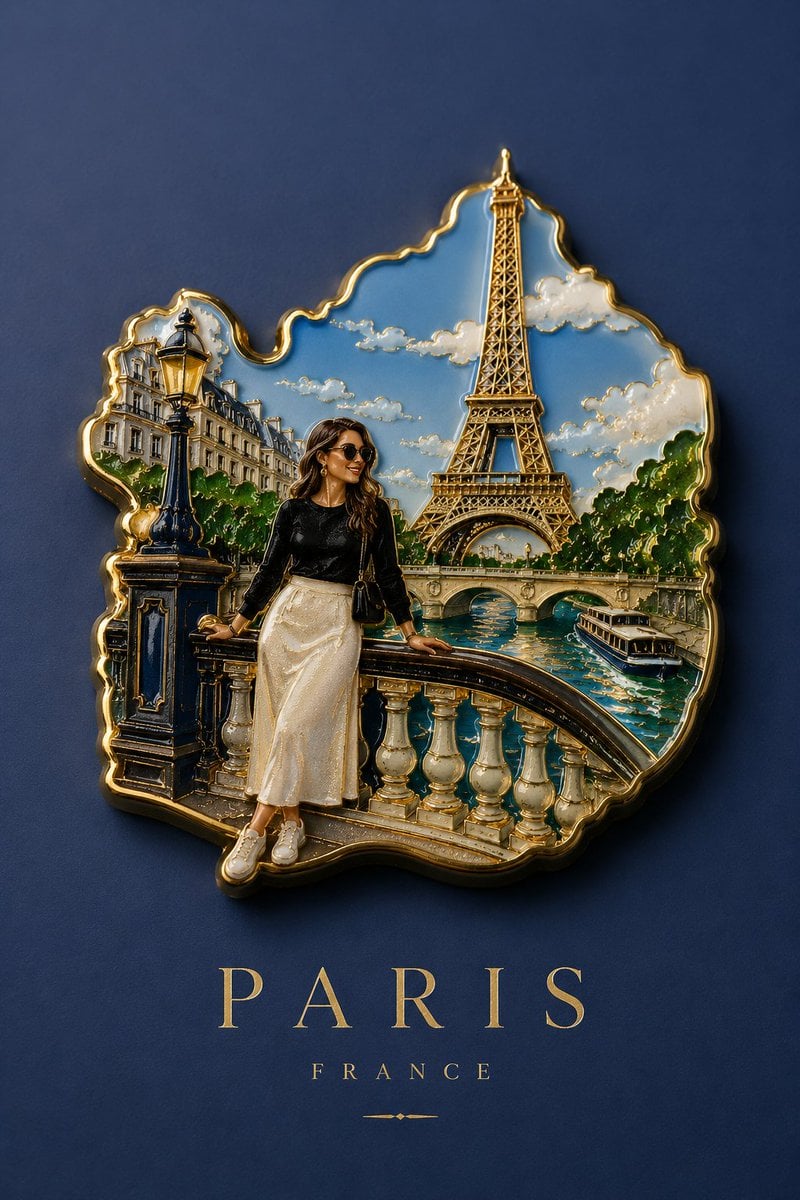
Handmade Enamel Souvenir Magnet
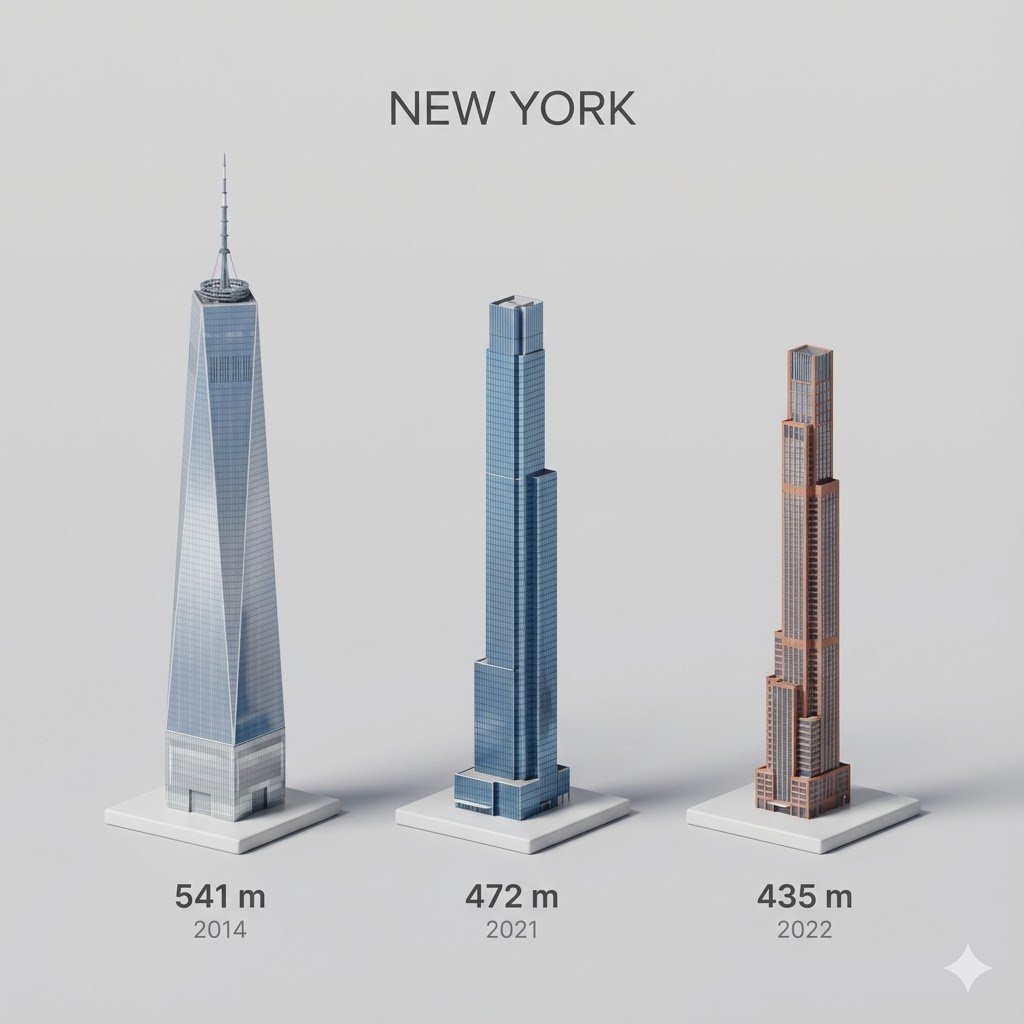
untitled
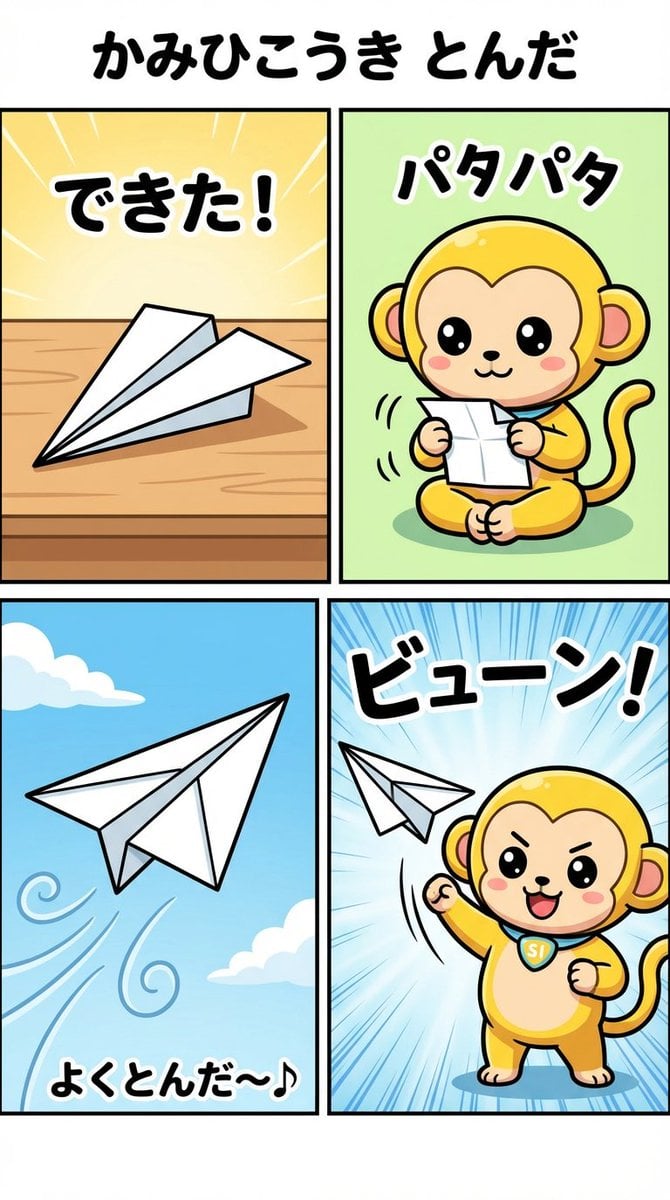
Nano-kun's Daily Life: Paper Airplane Comic Strip Prompt
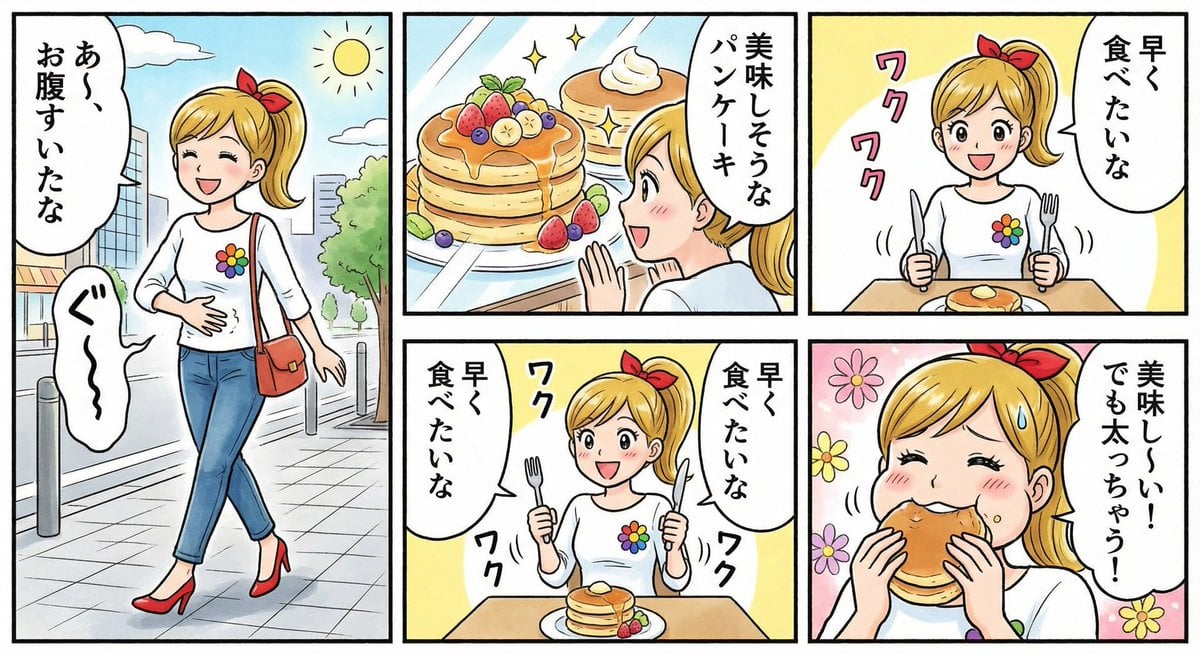
Four-panel manga about a hungry woman and pancakes
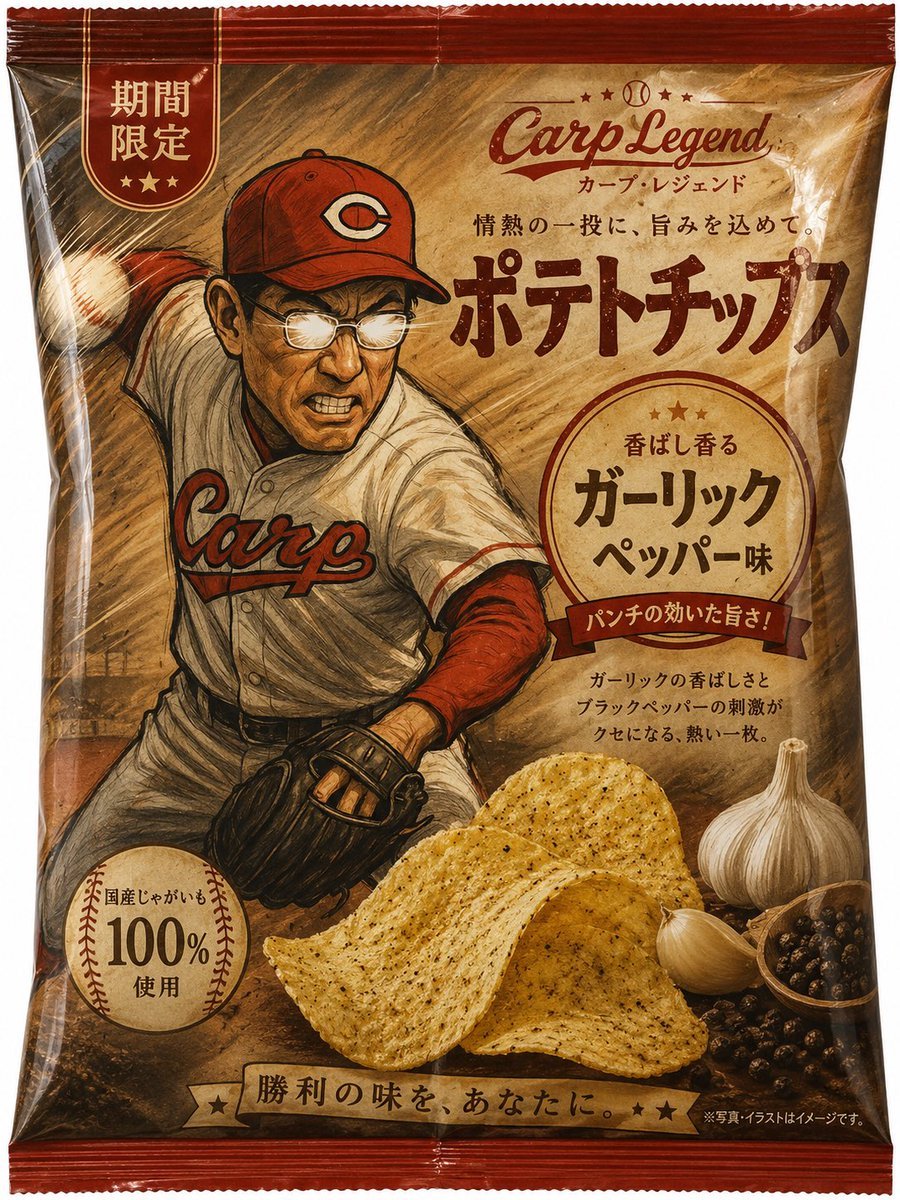
Baseball Garlic Pepper Chips Bag
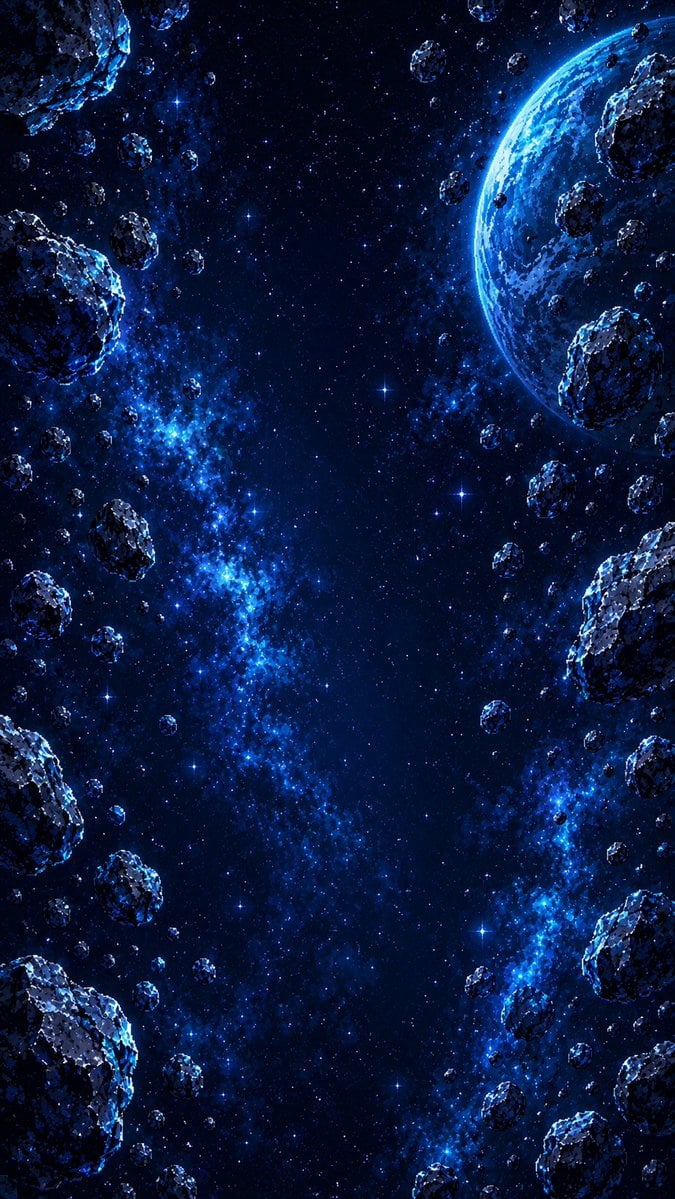
Vertical Pixel Art Asteroid Field
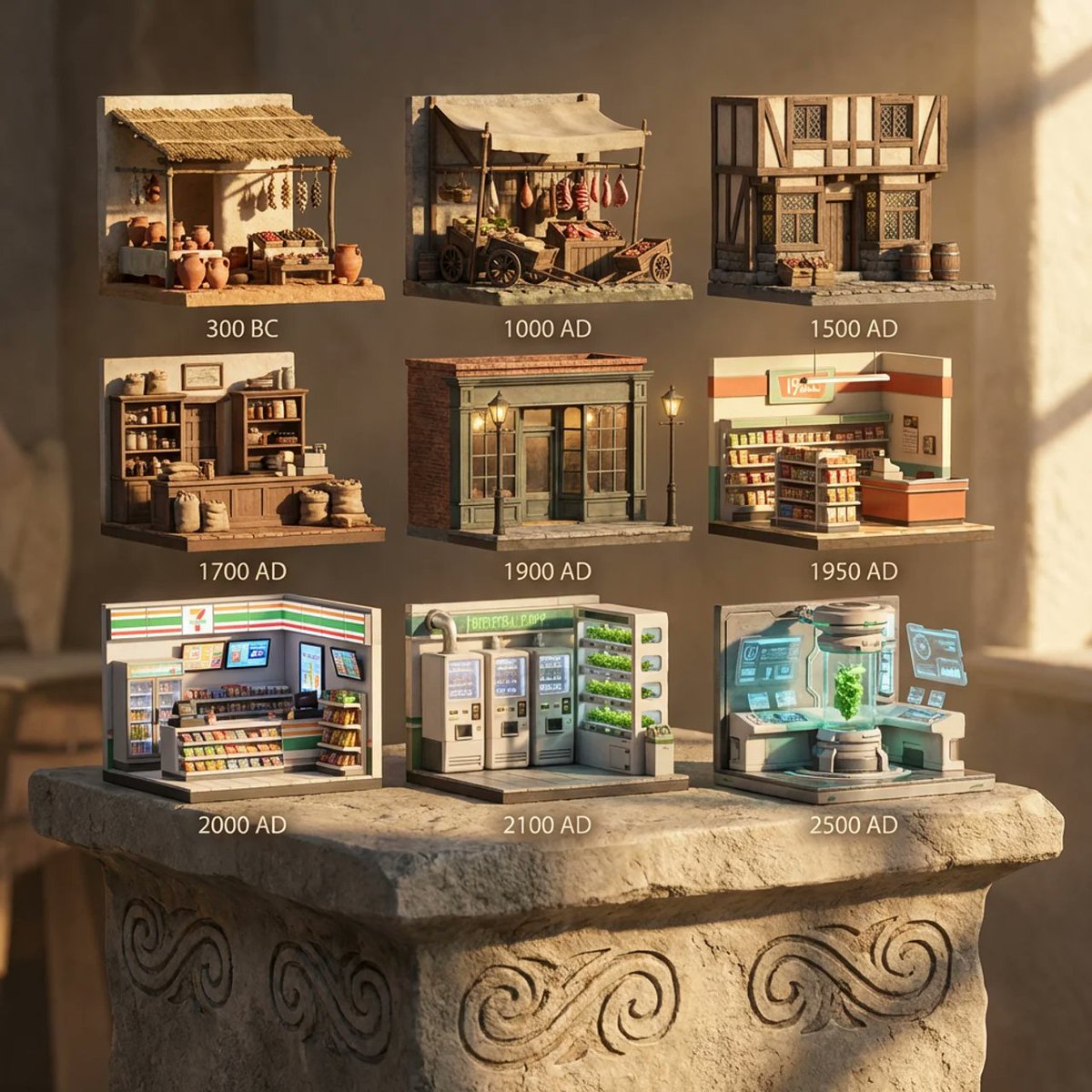
Evolution of Grocery Shops 3D Grid Prompt
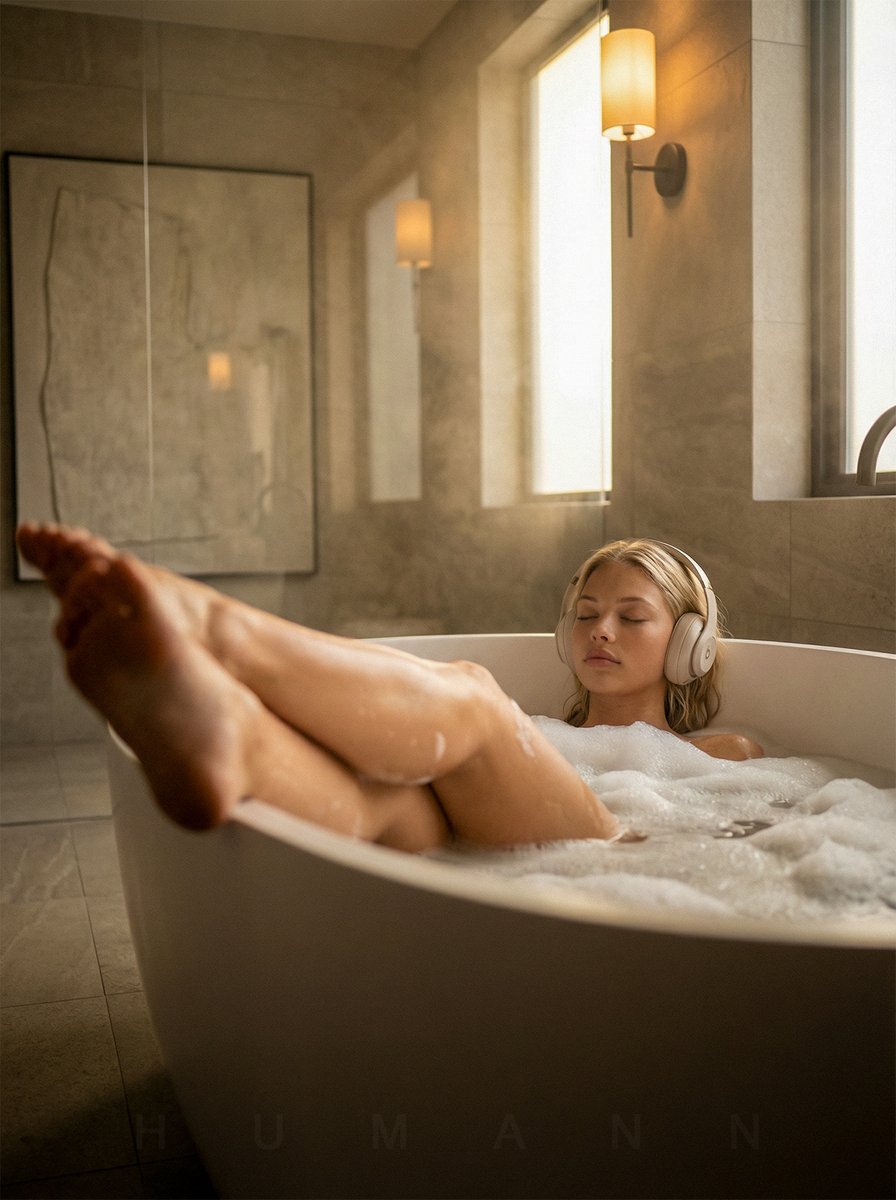
Luxurious Self-Care Moment in a Bathtub with Identity Lock
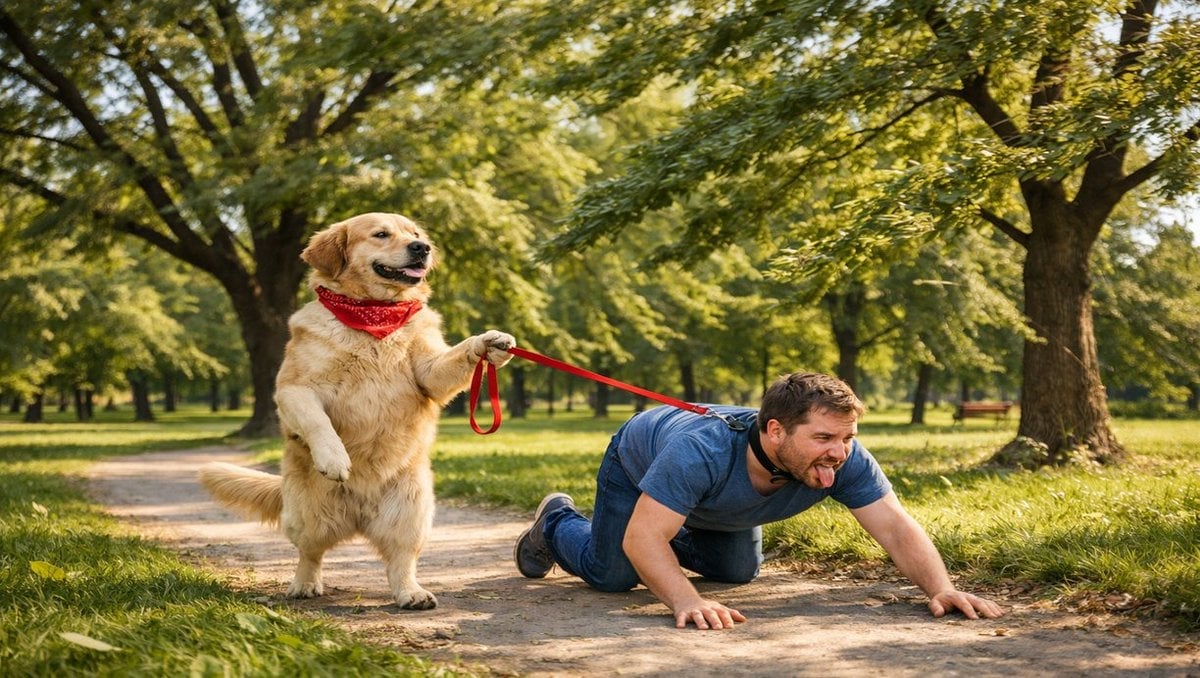
Opposite of Normal Relations: Dog Walking a Human
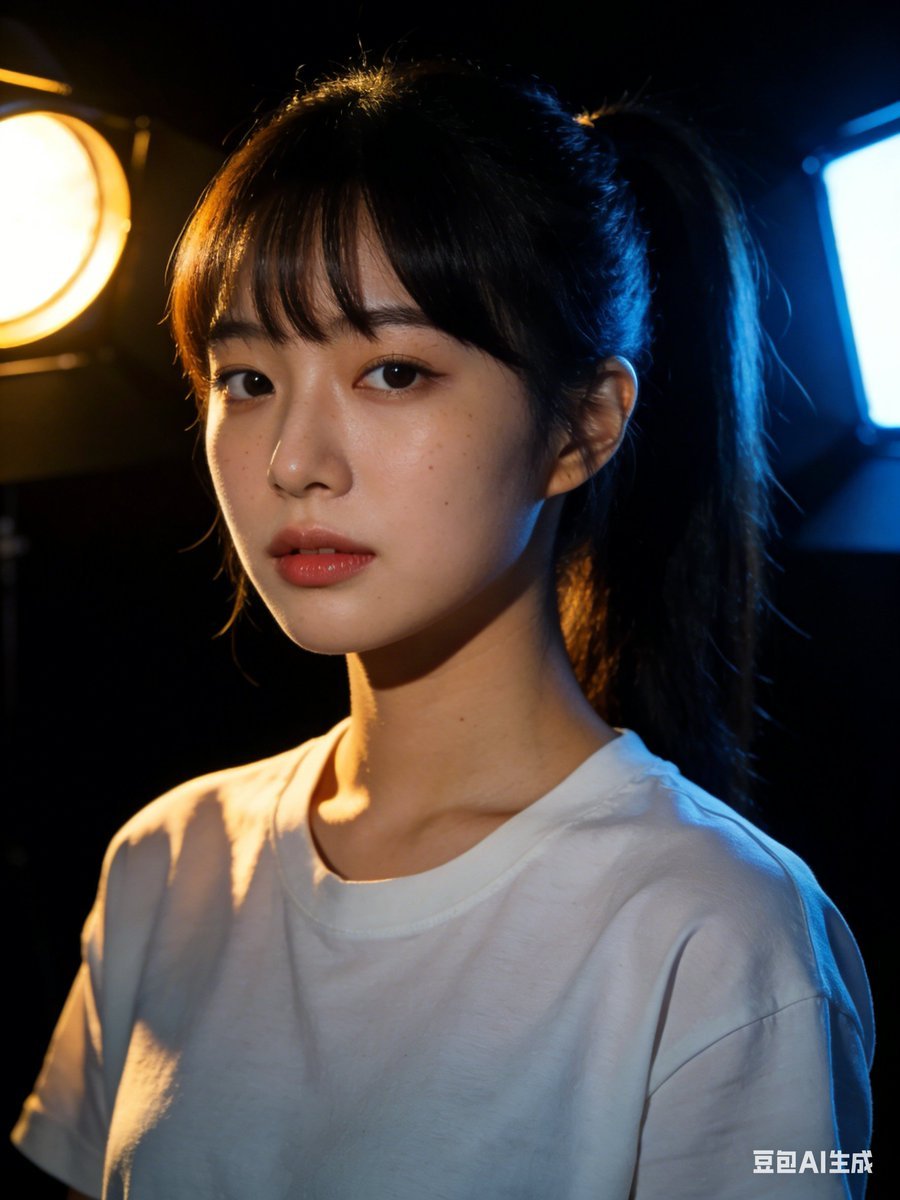
Nano Banana 2 Prompt Failure and Comparison
Browse template categories
Editorial Fashion Ad Poster Prompt with Face Replacement questions
How do I use the Editorial Fashion Ad Poster Prompt with Face Replacement template?
Add your photo if the template asks for one, edit the prompt if you like — the template's model and format are already selected — and press Generate. Your version opens in PicX Studio.
Can I customize the Editorial Fashion Ad Poster Prompt with Face Replacement template?
Yes. You can change the subject, setting, lighting, mood, format, and available model controls before creating your image.
Is the Editorial Fashion Ad Poster Prompt with Face Replacement template free?
Opening and editing this template is free. Generating uses credits, shown on the Generate button when you are signed in.
Which AI model should I use?
Start with Nano Banana 2, which is the model associated with this template. You can compare another compatible model for a different finish.
Looking for something else? Browse all templates.

Your photo, any look
Thousands of ready templates for every top image and video model, from one credit balance.