
Master Paper Cut Diorama — Hyper-Vibrant 3D Layered Pokémon World
Hyper-vibrant 3D layered paper cut-out diorama in the style of a maximalist Pokémon world.
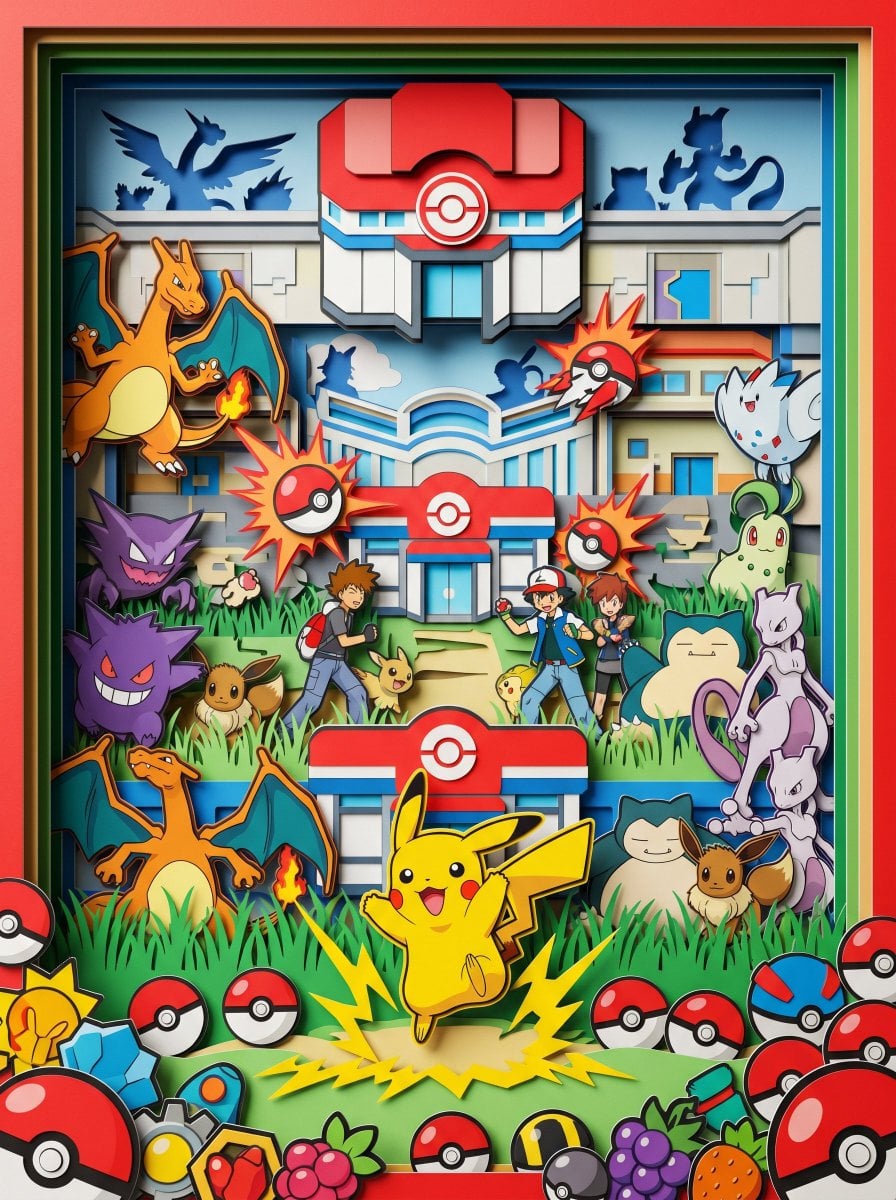
- Prompt included
- Model and format preset
- Premium template
The prompt behind this image
Copy the exact prompt behind Master Paper Cut Diorama — Hyper-Vibrant 3D Layered Pokémon World, or open it in the studio and make it yours.
Eye-level straight-on view, looking directly into a hyper-vibrant 3D layered paper cut-out diorama. Pokéball red and white, Pikachu yellow, sky blue and grass green accents, extremely high saturation, PHYSICAL PAPER LAYERS clearly visible with hard cut edges and thick paper cross-sections at every depth plane. Maximalist composition, crowded Pokémon world scene — layered Pokémon Center and gym architecture receding through all depth planes, Pikachu as central figure mid-thunderbolt on foreground layer, dozens of iconic Pokémon — Charizard, Gengar, Eevee, Snorlax, Mewtwo — each inhabiting separate depth planes, trainer Ash and rivals threading between battle layers, Pokéball burst effects frozen mid-release across all planes, tall grass and route pathways between habitat layers, legendary Pokémon silhouettes in remote background layers, scattered Pokéballs, badges and berry items crowding the vibrant foreground. Soft single-direction studio lighting creating deep drop shadows between every physical paper layer, matte paper texture throughout, NO glow, NO soft edges, NO volumetric lighting, octane render, 8k, clean details --ar 3:4
How to use Master Paper Cut Diorama — Hyper-Vibrant 3D Layered Pokémon World in 3 steps
- 1
Open
The prompt is already in the box next to the preview, with the template's model and format selected.
- 2…a portrait of your subject in softgolden-hour light, 85mm…
Personalize
Edit the subject and creative details for your destination.
- 3Generate
Generate
Press Generate — your image is created in PicX Studio, so you can compare it with the original and refine one variable at a time.
More like this
Templates with the same subject, style or setup. Open one to see its prompt.

Layered Paper Cut Forest Diorama

Master Papercraft Shadow Box — Anime Hero Emerging from Paper Waves

Paper Cut Mythological Scene
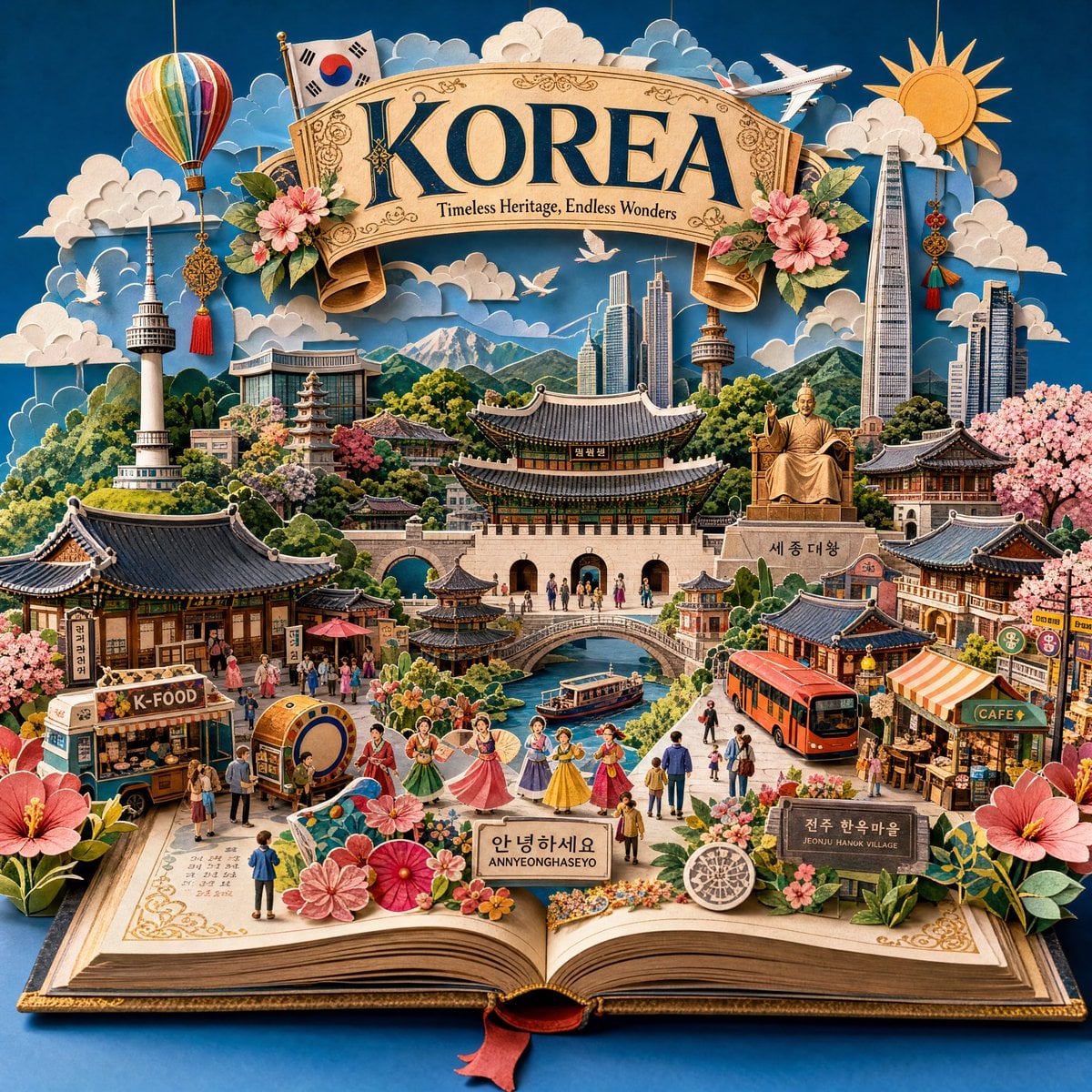
Master Pop-Up Storybook — 3D Paper Engineered Travel Diorama
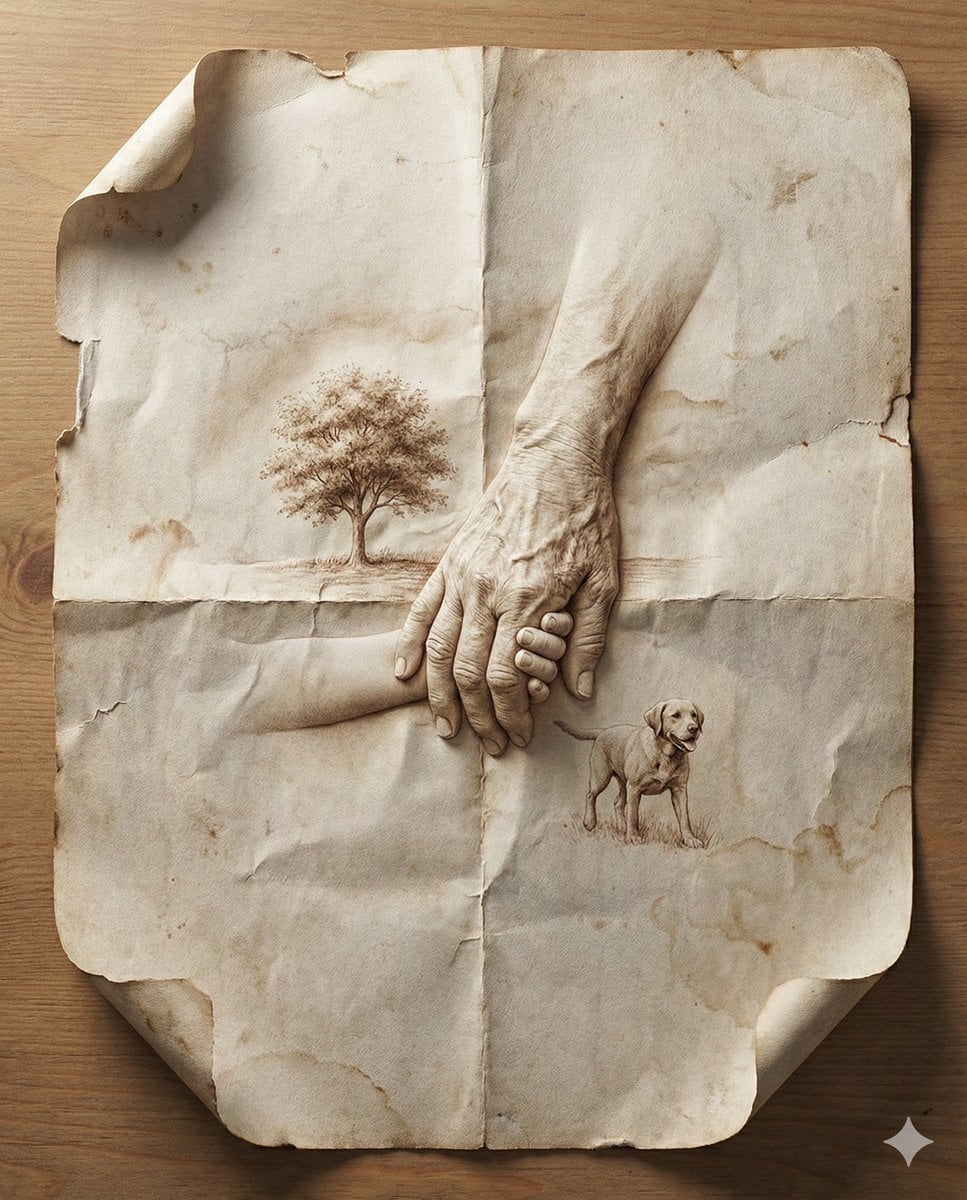
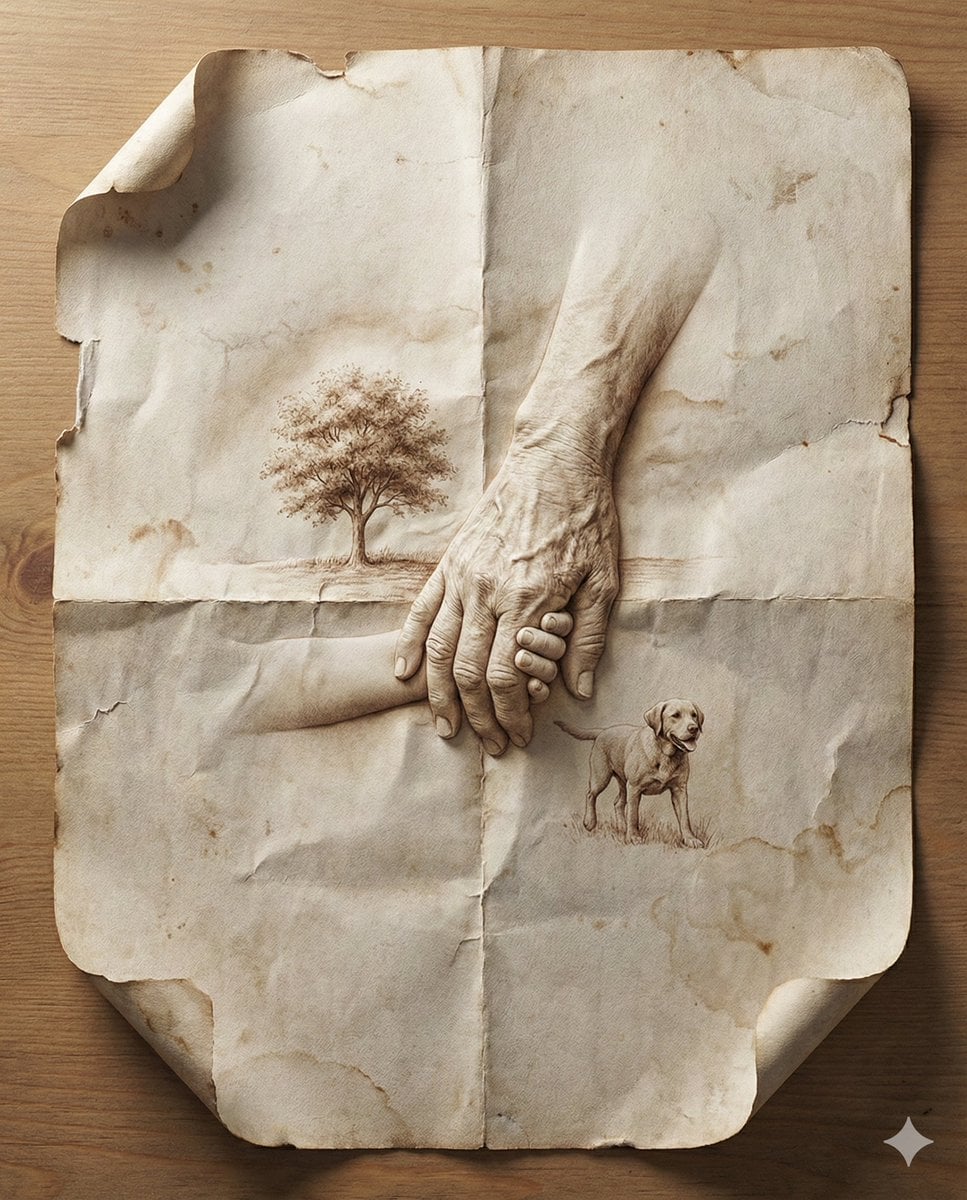
Master Aged Paper Memory — Folded Paper with Emerging Scene from Creases
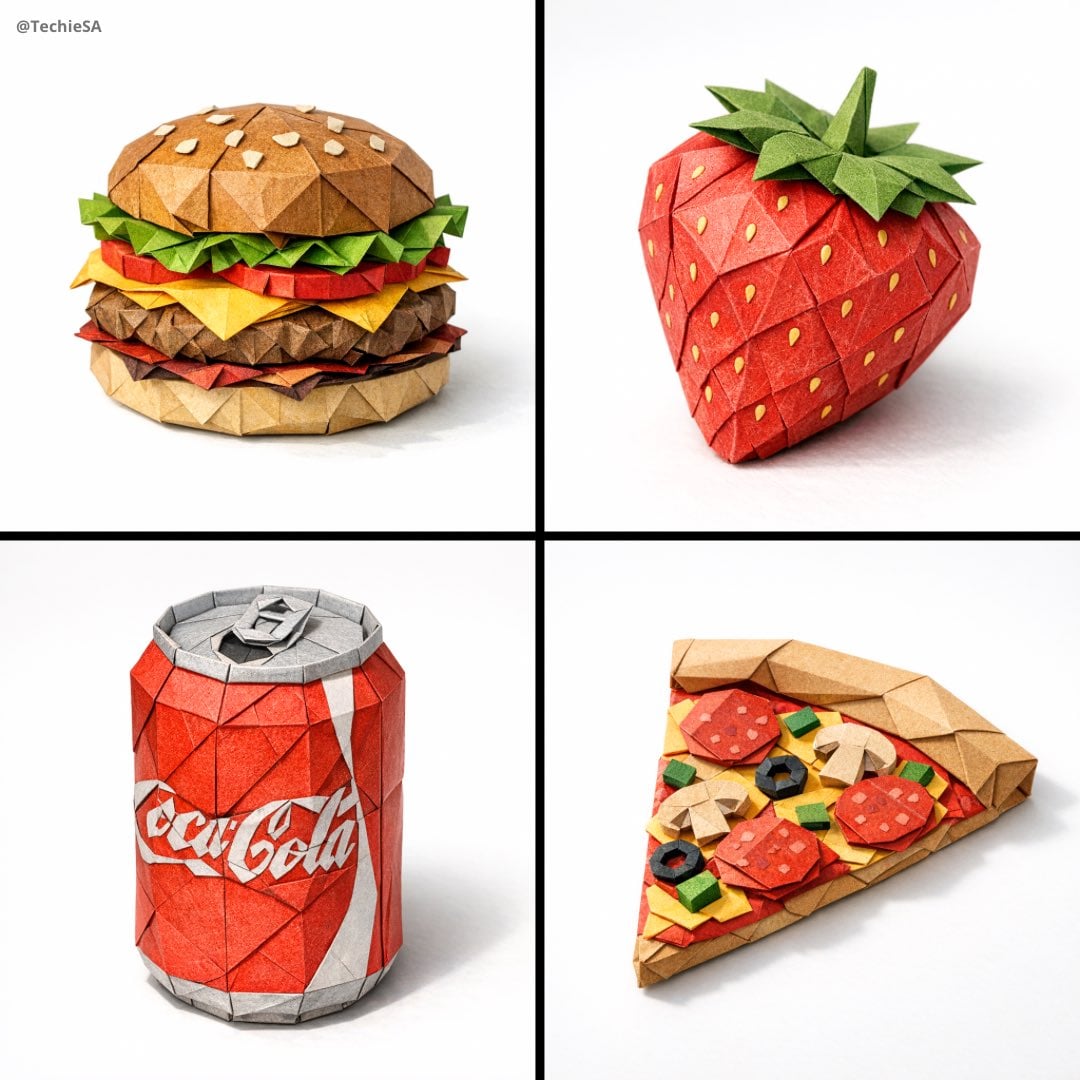
Master Origami Food Art — Hyper-Detailed Paper Folding Cuisine
Master Aged Paper Memory — Folded Paper with Emerging Scene from Creases
Master Origami Food Art — Hyper-Detailed Paper Folding Cuisine

Master Paper Cut Illustration — Saudi Arabia Travel Poster in Layered Paper Art
Paper Cut Musical Instrument
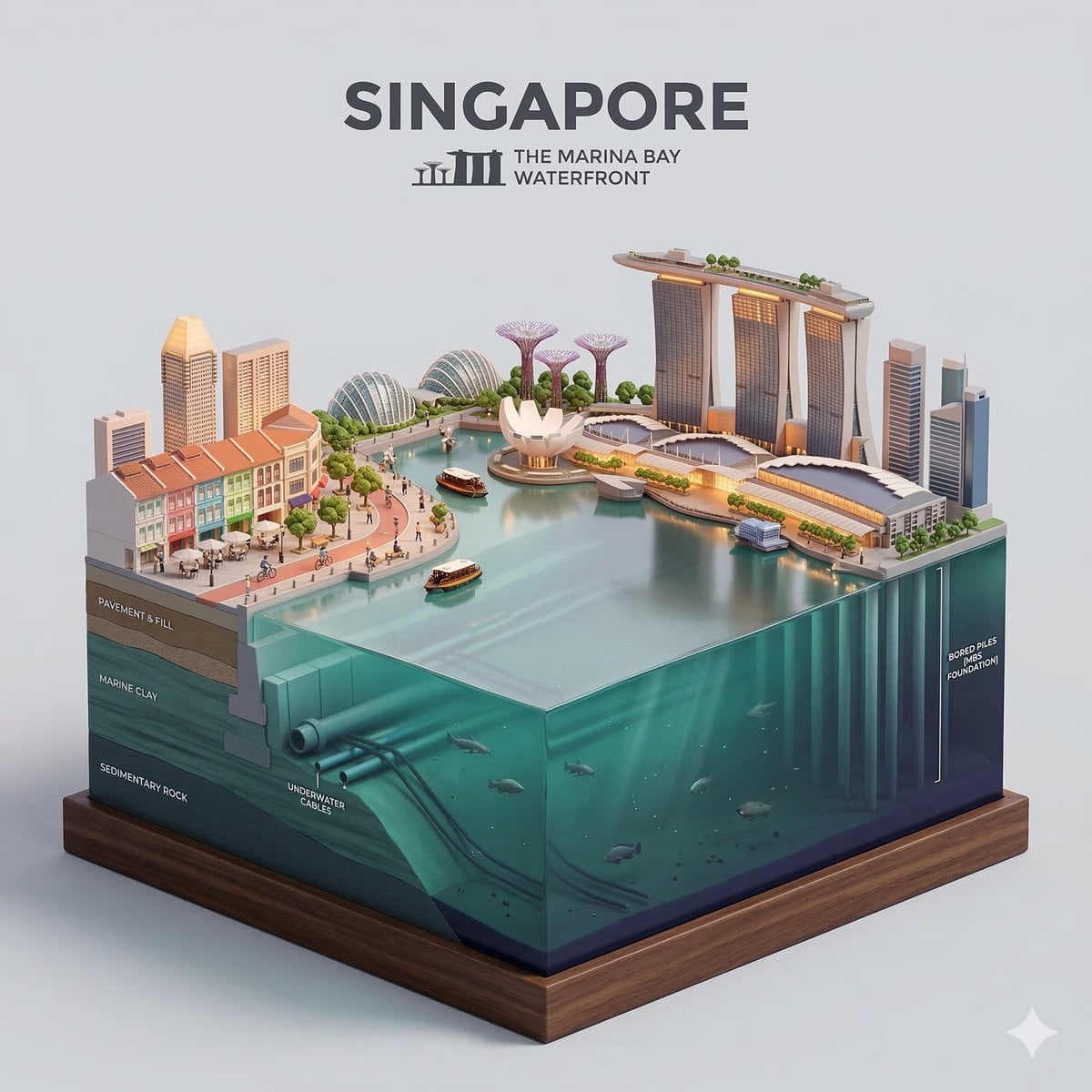
Paper Cut Cityscape Tunnel Book

Paper Tunnel Book Architecture
Make it yours
Master Paper Cut Diorama — Hyper-Vibrant 3D Layered Pokémon World works as-is. These are the safest ways to change it without losing the look.
Change one field
Copy a single group, rewrite it, and generate again so you can see what that field is doing.
Keep the frame, change the subject
Hold the composition and light of Master Paper Cut Diorama — Hyper-Vibrant 3D Layered Pokémon World, then swap wardrobe, props or the person for a new take.
| If the result… | Why | Fix |
|---|---|---|
| The result drifts from the preview | Too many fields changed at once. | Reuse Master Paper Cut Diorama — Hyper-Vibrant 3D Layered Pokémon World as-is first, then change one group — subject, light, or setting. |
| The model over-stylizes the scene | The prose prompt leaves finish and camera underspecified. | Add one camera or lighting sentence and stay on PicX Studio. |
More image prompts
Fresh picks from across the catalog.

Soft Glow Indoor Mirror Selfie Portrait

Cosmic Ink Splash Couple Silhouette
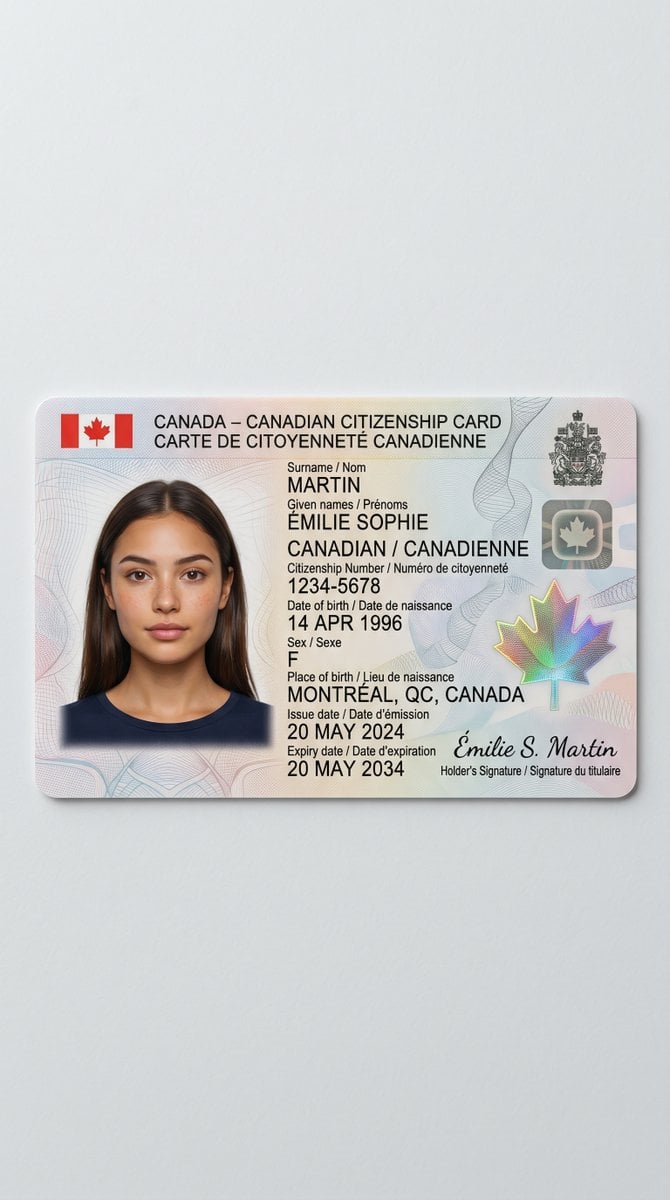
Canadian Citizenship Card Mockup Prompt

High-Fashion Multi-Exposure Portrait Prompt
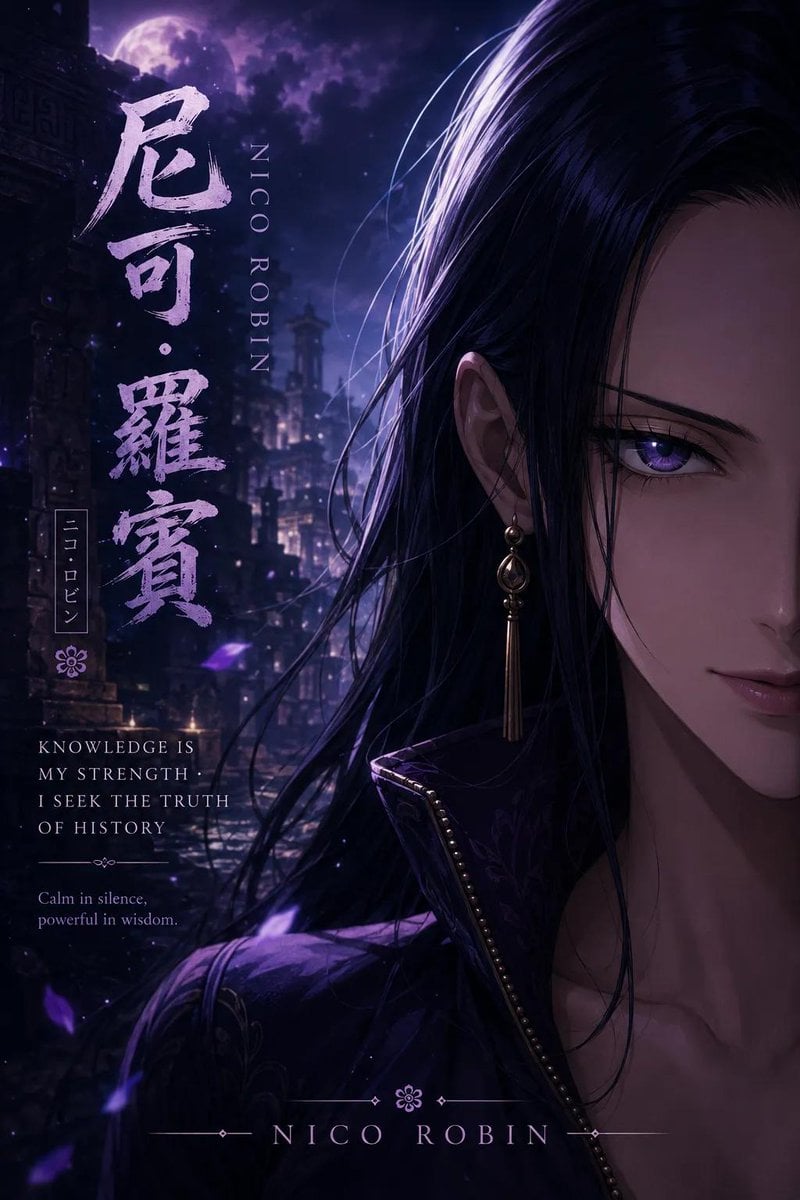
Anime Adventure Character Poster Design

Image Generation Prompt: Blurred Silhouette

Sparkling Beverage Ad Banner
Pikachu Mirror Selfie
Futuristic Holographic Dashboard
Faceless Anime Neon City Night
Browse template categories
Master Paper Cut Diorama — Hyper-Vibrant 3D Layered Pokémon World questions
How do I use the Master Paper Cut Diorama — Hyper-Vibrant 3D Layered Pokémon World template?
Add your photo if the template asks for one, edit the prompt if you like — the template's model and format are already selected — and press Generate. Your version opens in PicX Studio.
Can I customize the Master Paper Cut Diorama — Hyper-Vibrant 3D Layered Pokémon World template?
Yes. You can change the subject, setting, lighting, mood, format, and available model controls before creating your image.
Is the Master Paper Cut Diorama — Hyper-Vibrant 3D Layered Pokémon World template free?
Opening and editing this template is free. Generating uses credits, shown on the Generate button when you are signed in.
Which AI model should I use?
Choose a compatible model in PicX Studio based on the style, speed, and output controls your project needs.
Looking for something else? Browse all templates.

Your photo, any look
Thousands of ready templates for every top image and video model, from one credit balance.